Screen · Onboarding screen · Noom · Android
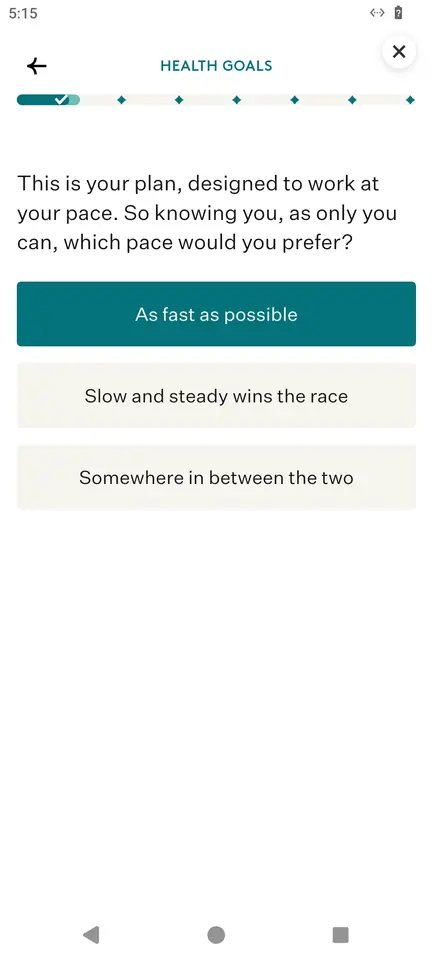
Noom onboarding screen: “You are 20% through section 2 of 7, Health Goals.”
An onboarding screen from Noom for Android, captured on a real device — step 25 of 93 in Noom's onboarding flow. It uses 1 detected UI component, outlined on the screen below.
AndroidOnboardingstep 25 of 931 componentfree & ungated
- App
- Noom · Health & fitness
- Screen type
- Onboarding
- Flow
- Noom onboarding flow — step 25 of 93
- Tap
- “As fast as possible”
UI text on this screen
Noom: Stop dieting. Get lifelong results.
Go back
You are 20% through section 2 of 7, Health Goals.
checkmark
As fast as possible
Slow and steady wins the race
Somewhere in between the two
UI components
Located from the app's Android view hierarchy and outlined on the screen.
More Noom screens
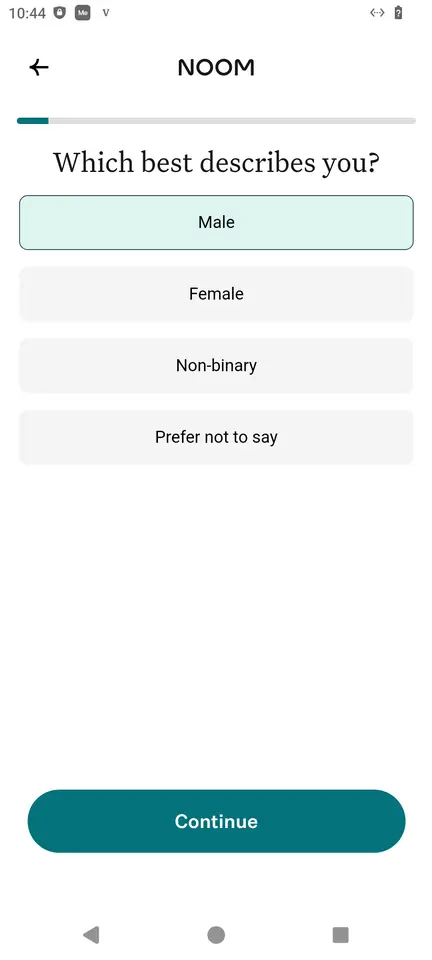
Onboarding screens from other apps
All onboarding screens →
Captured on a real Android device · last updated 2026-11-14