Travel app UI design: 16 Android apps, 102 screens
Travel, maps and local apps help people get somewhere or find a place — trips, stays, public transport and homes. Almost everything depends on location, so the UI starts from where the user is or wants to go. Below: 16 travel, maps & local apps we captured on a real Android device, 26 full flows and what their screens are built from.
Travel, maps & local apps in the library
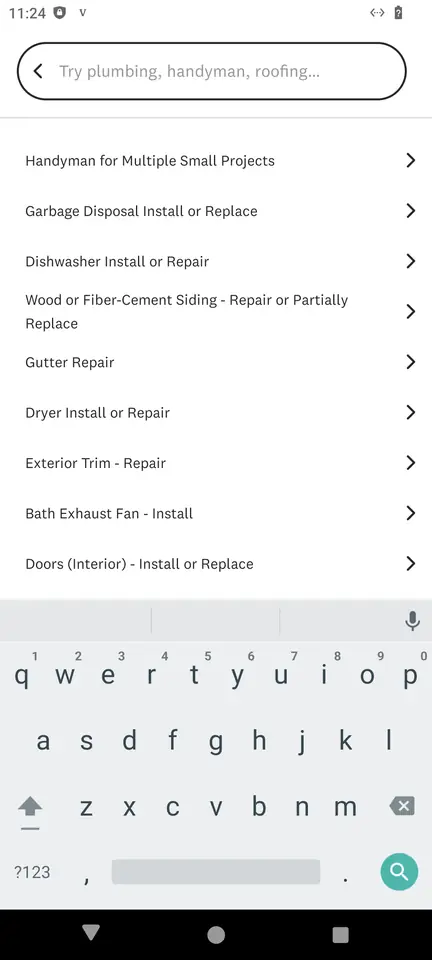
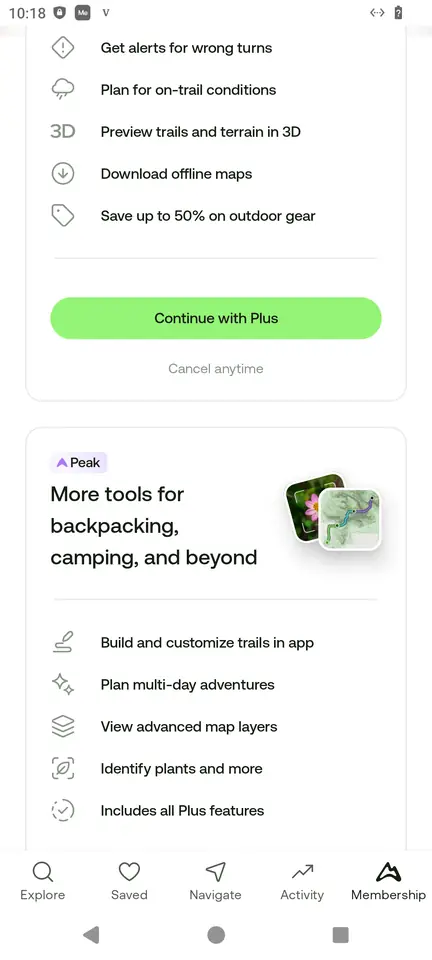
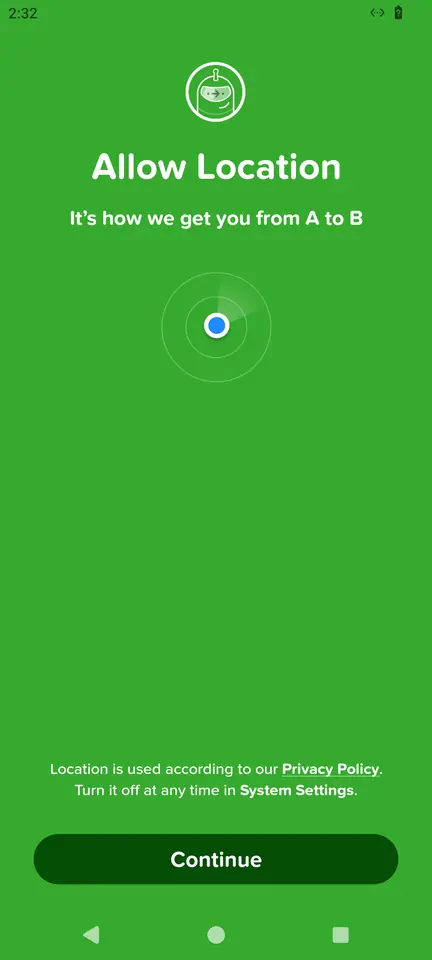
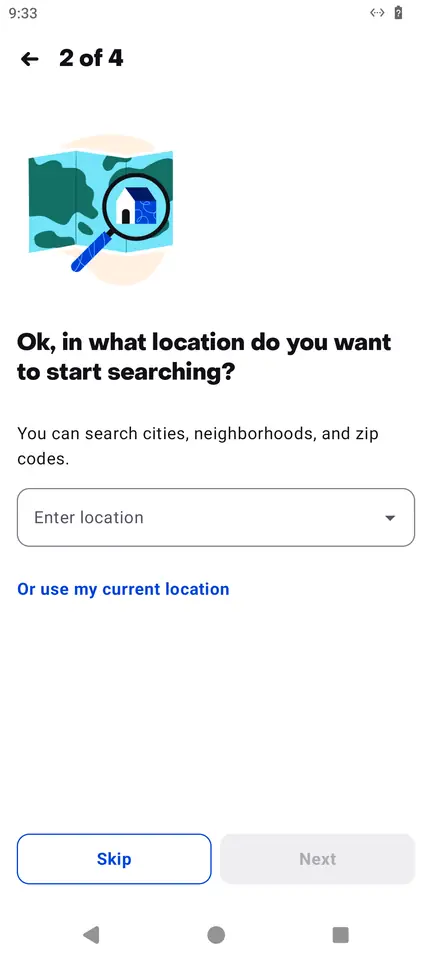
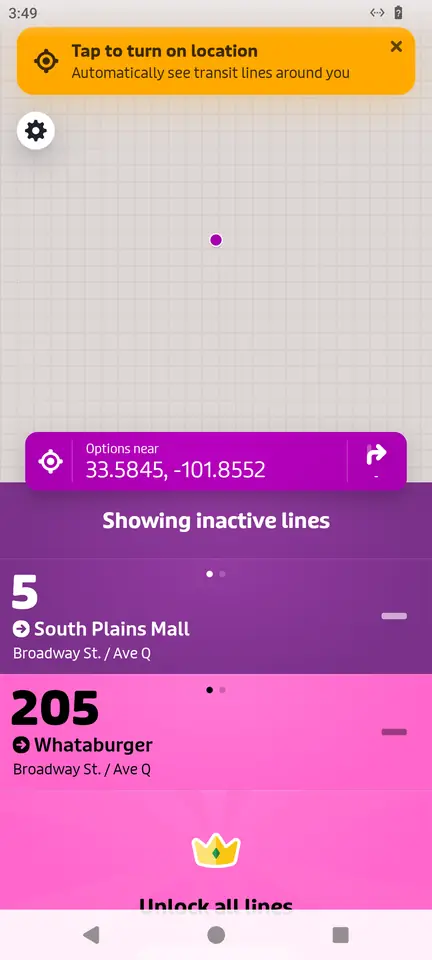
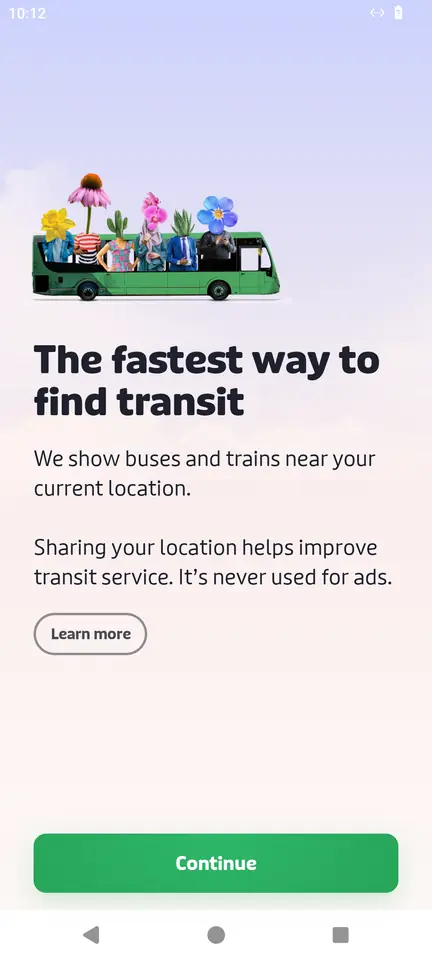
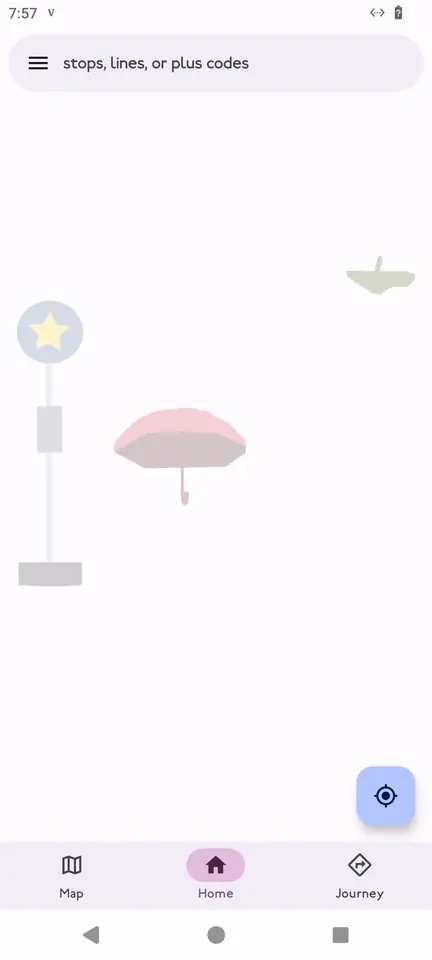
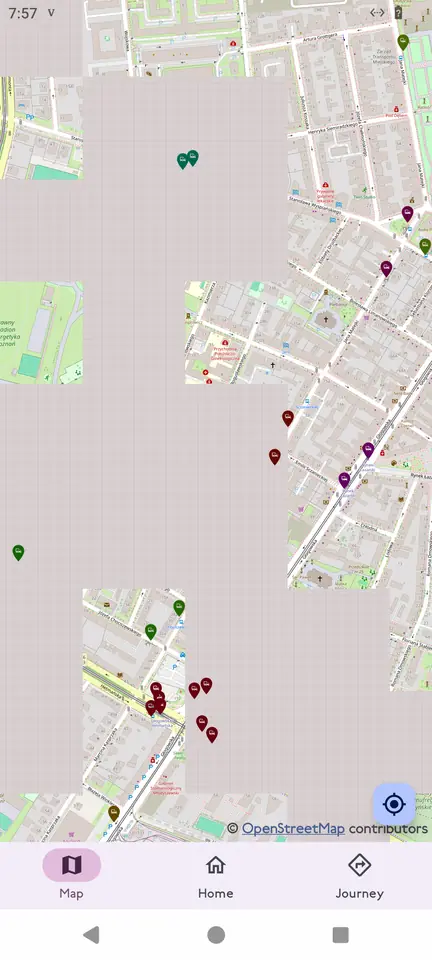
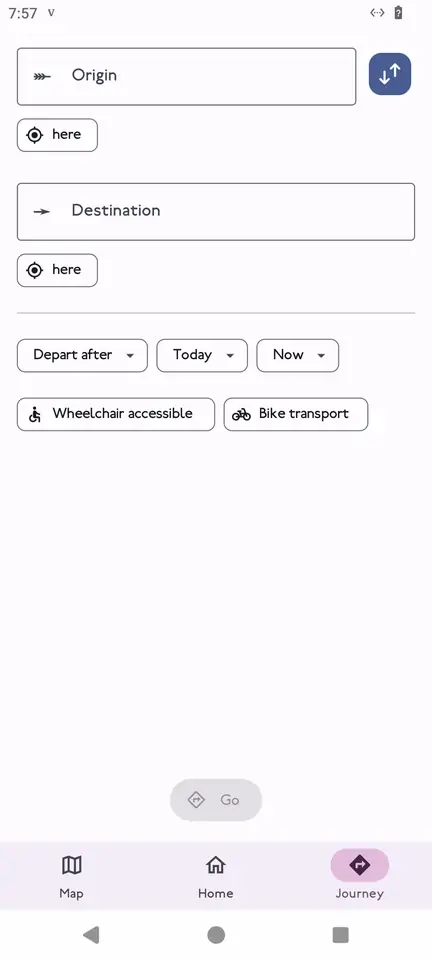
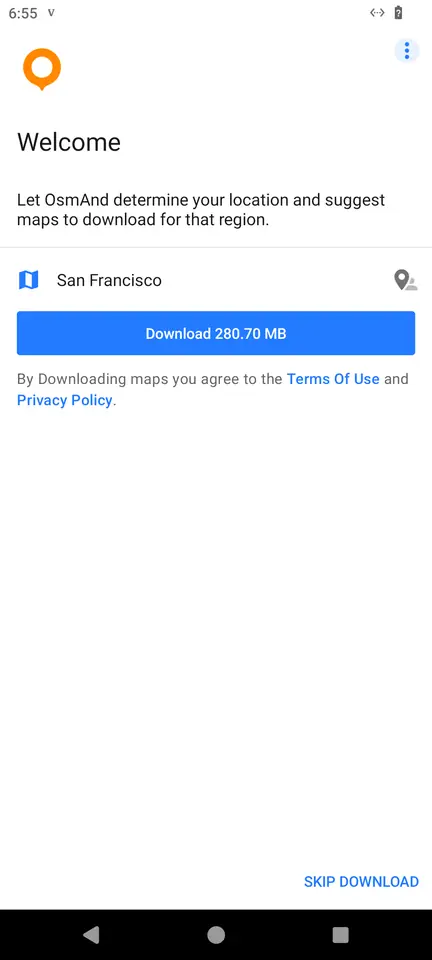
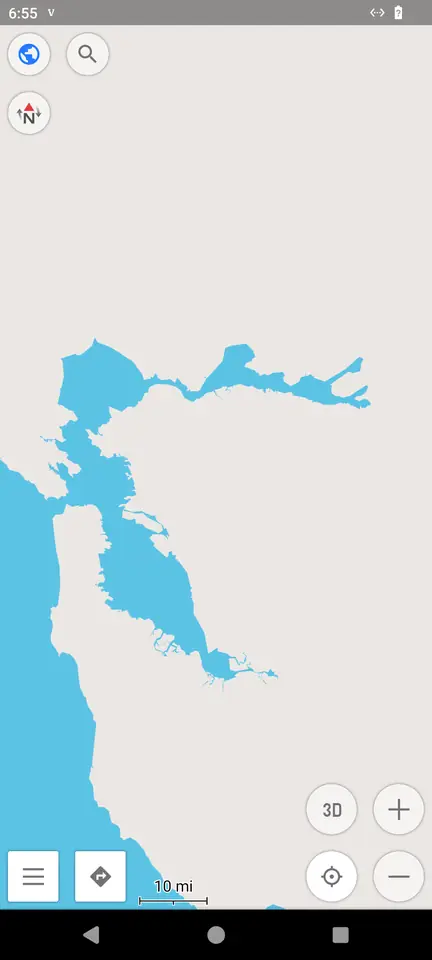
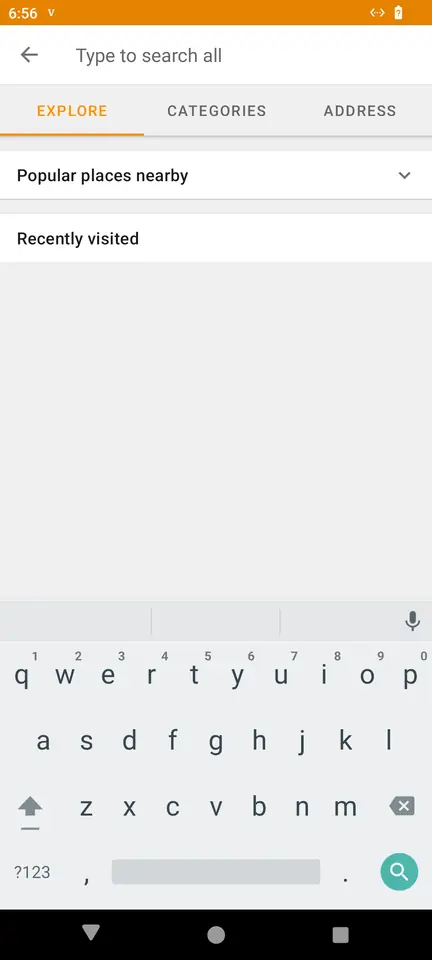
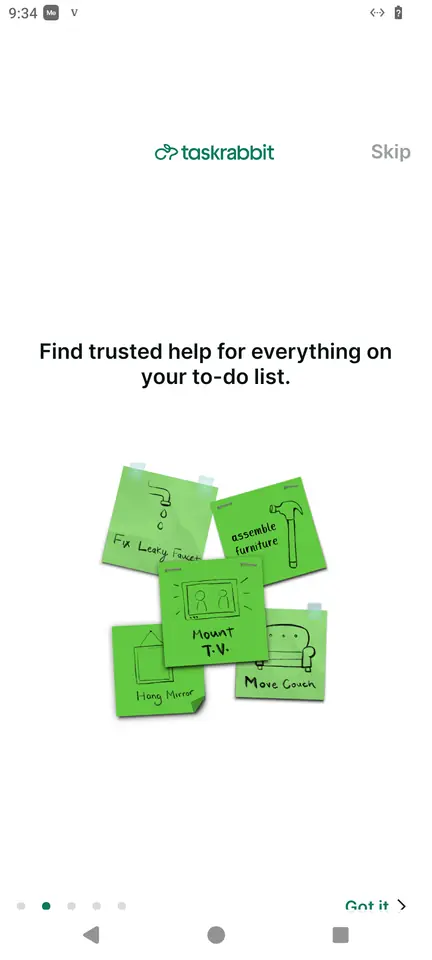
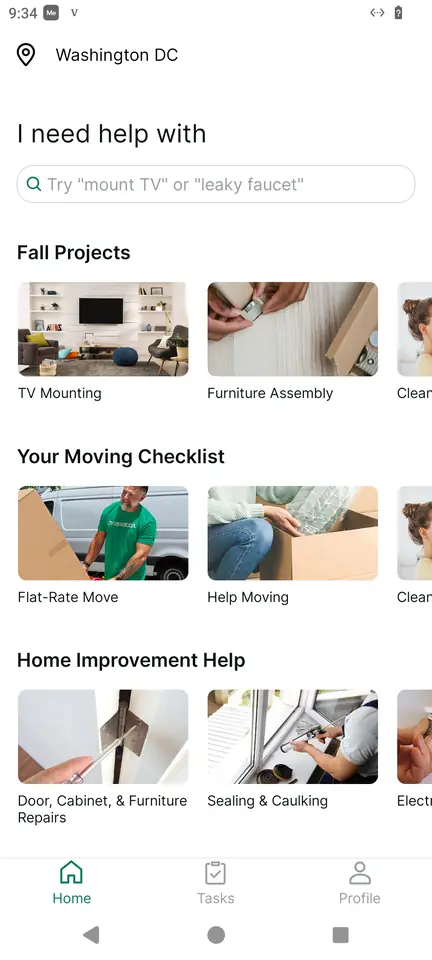
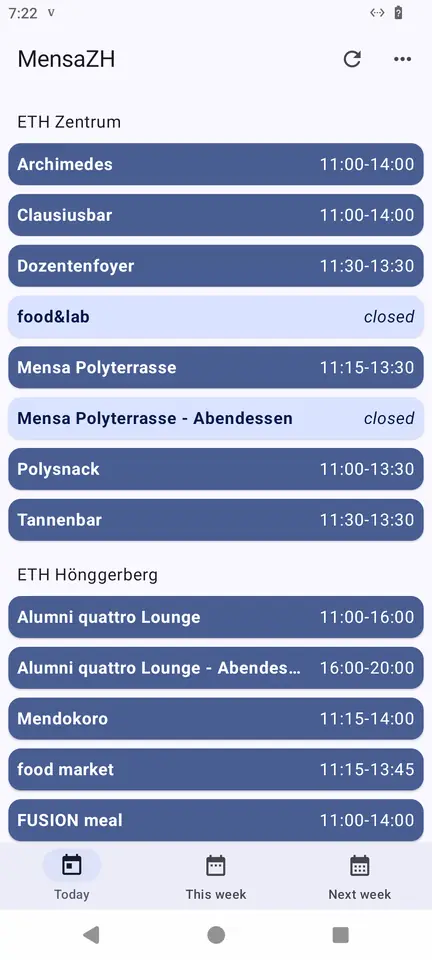
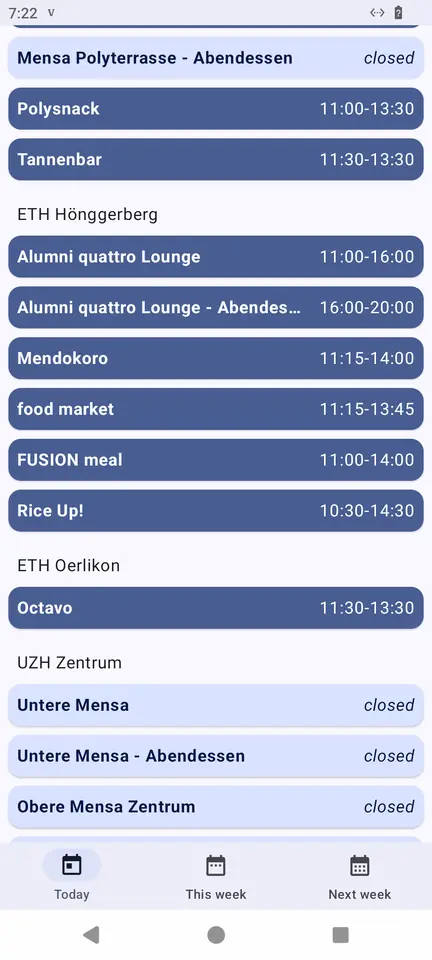
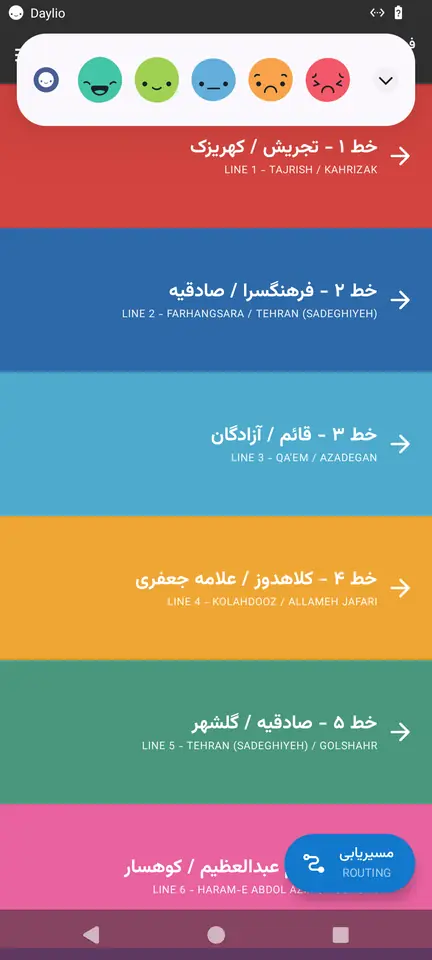
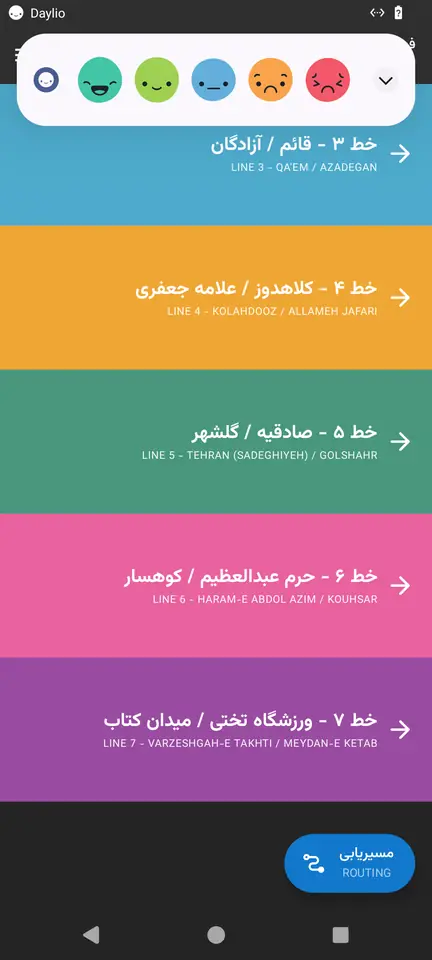
Travel, maps & local app flows, step by step
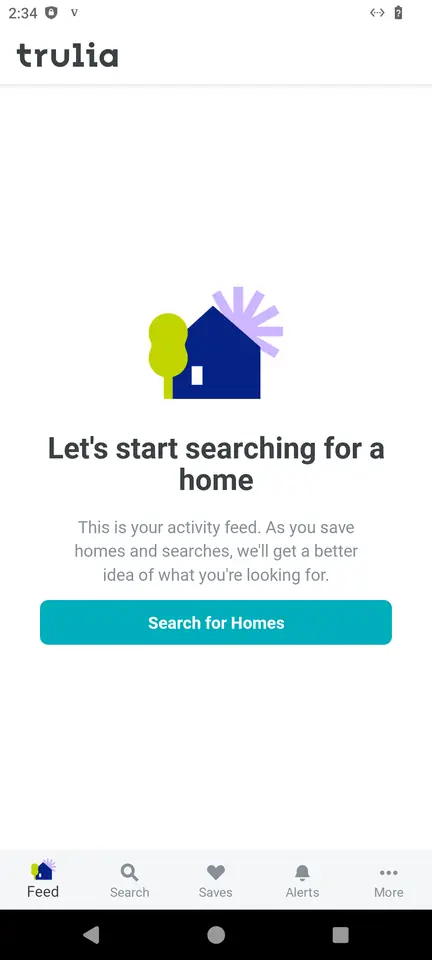
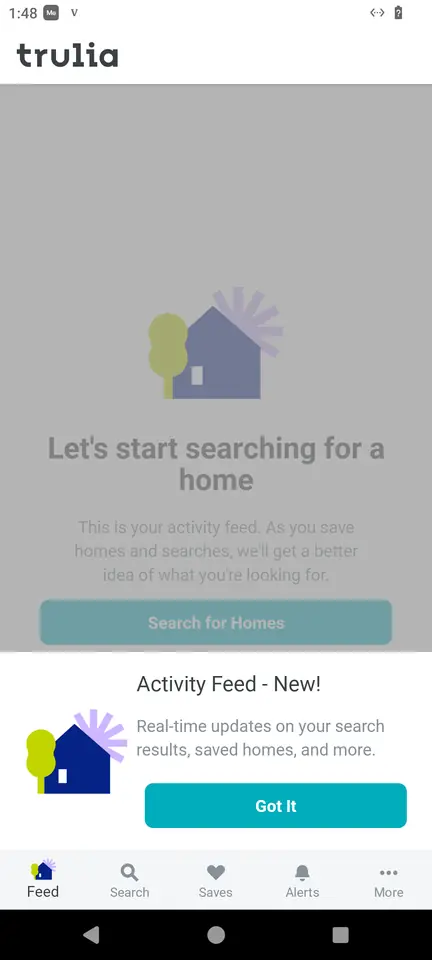
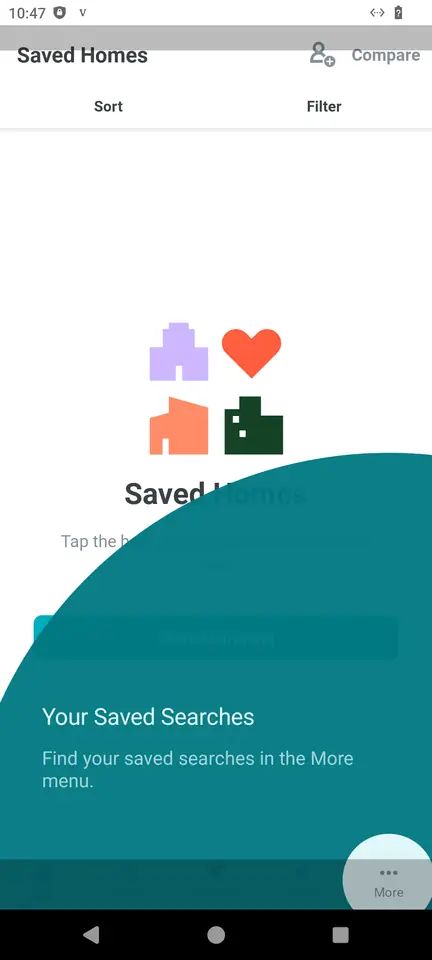
Trulia · Home & browsing
7 screens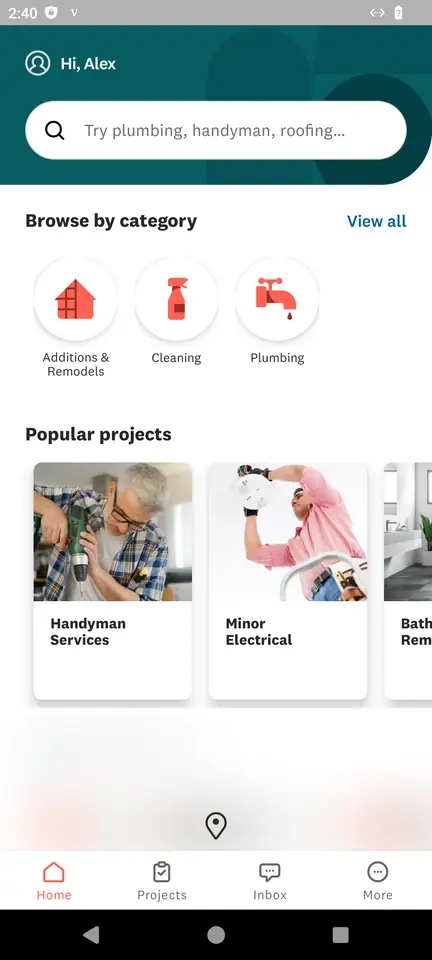
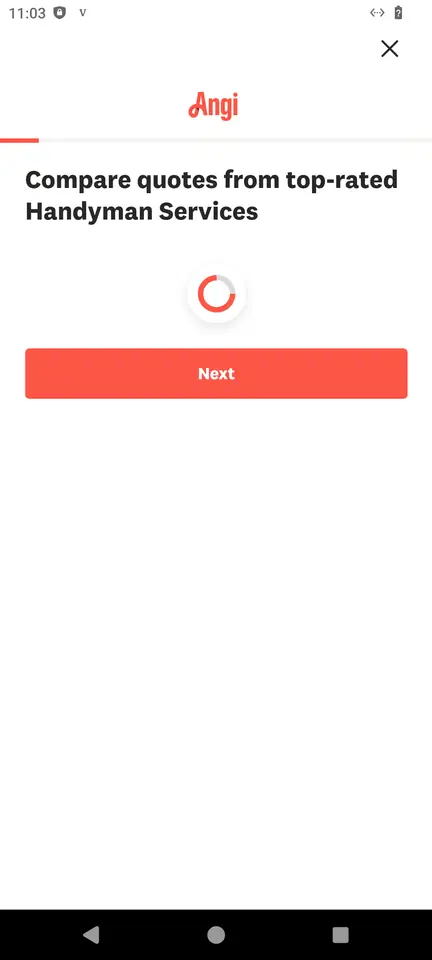
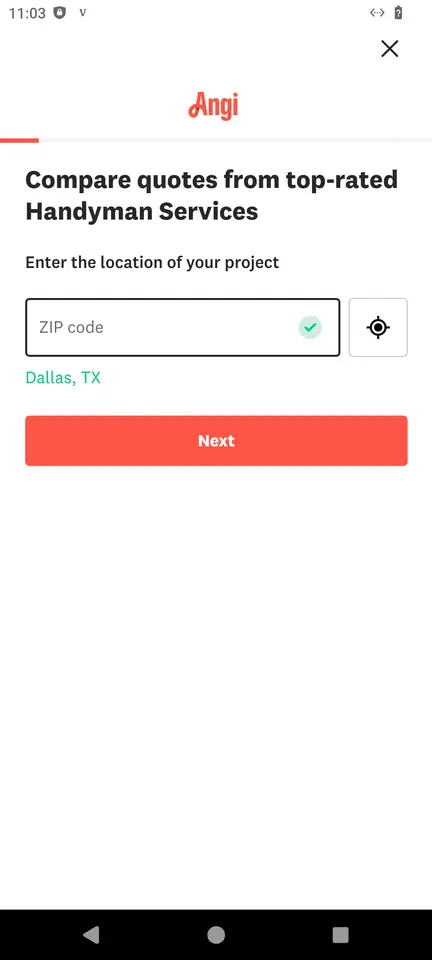
Angi · Home & browsing
6 screens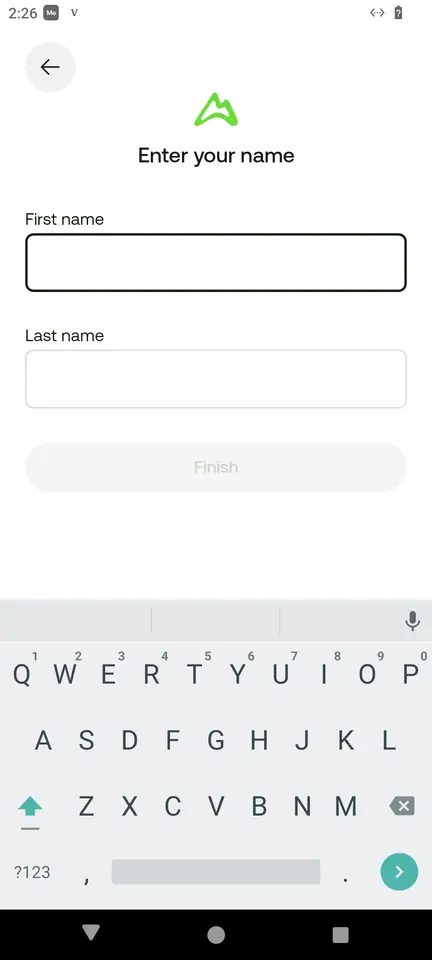
AllTrails · Onboarding
5 screens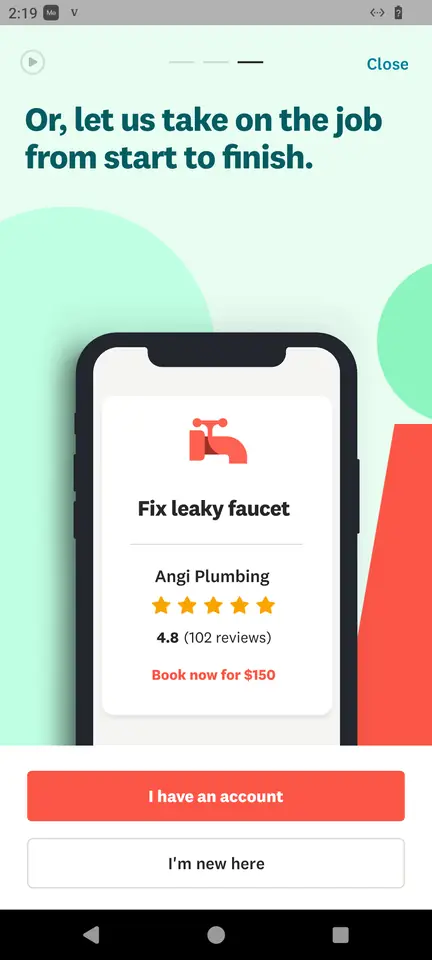
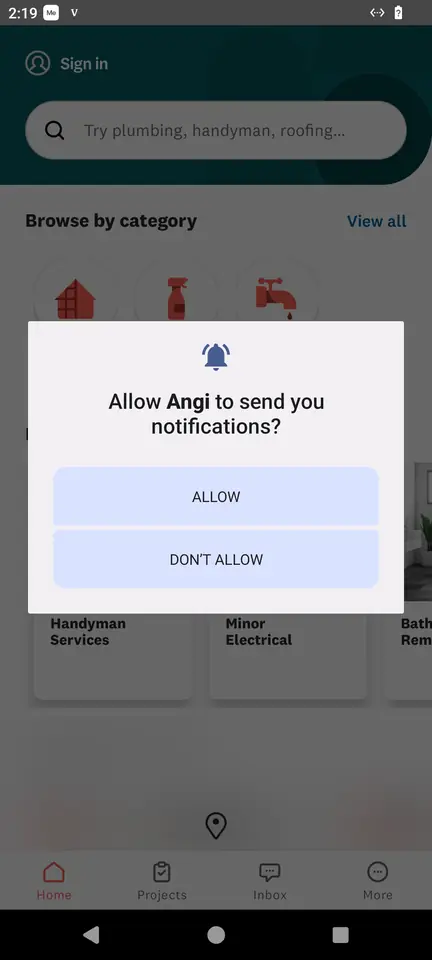
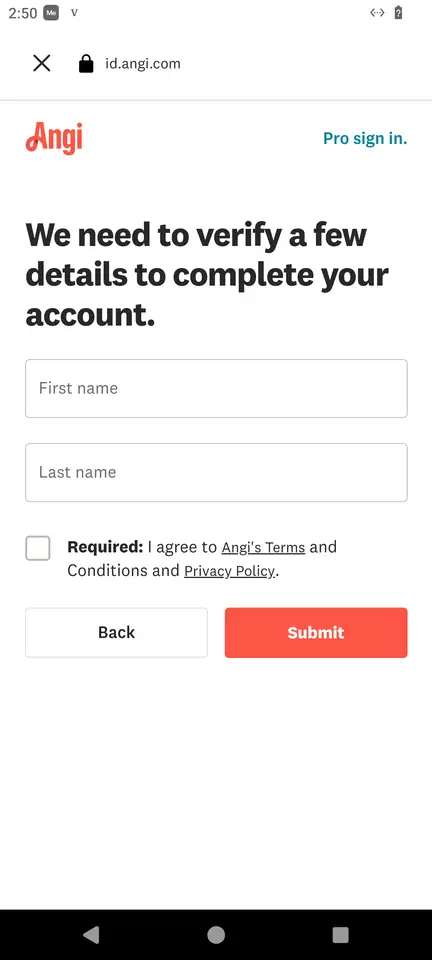
Angi · Onboarding
5 screens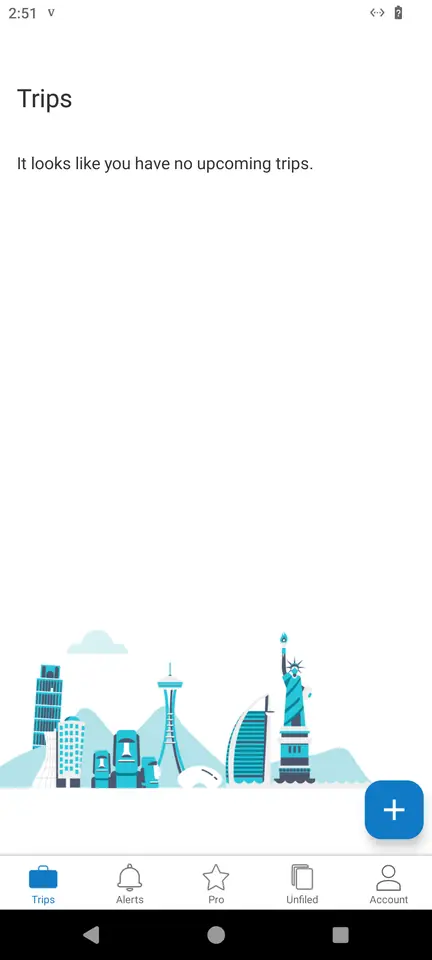
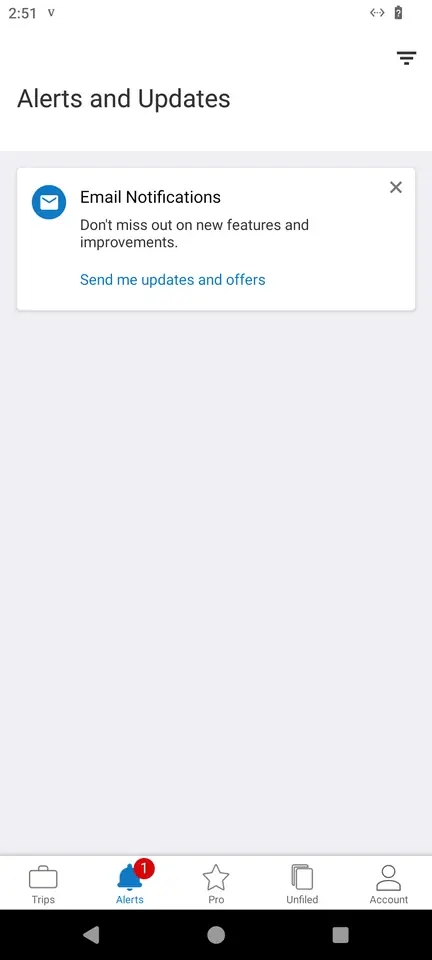
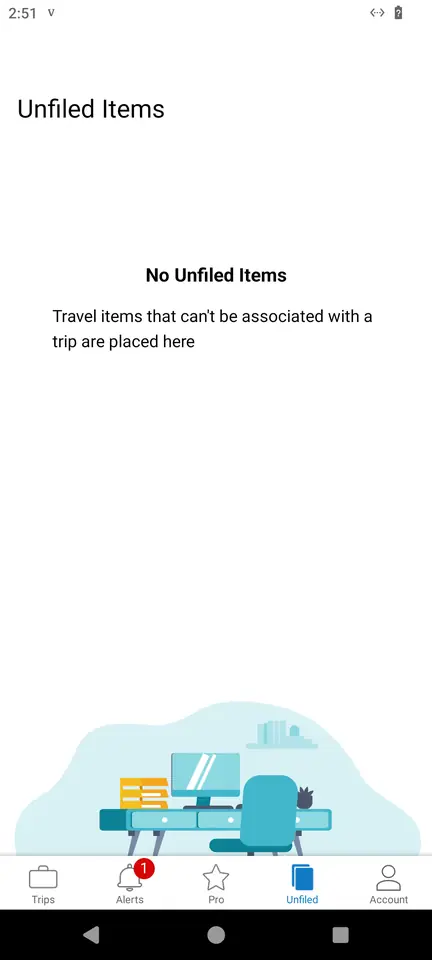
TripIt · Home & browsing
5 screens
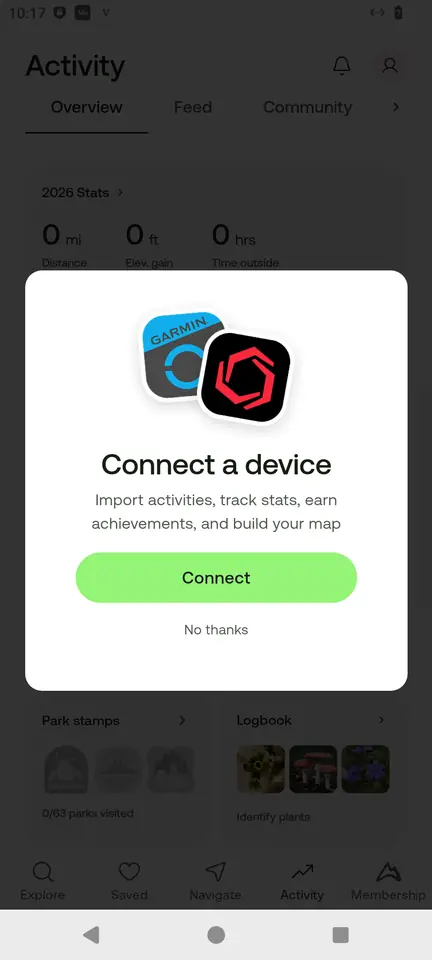
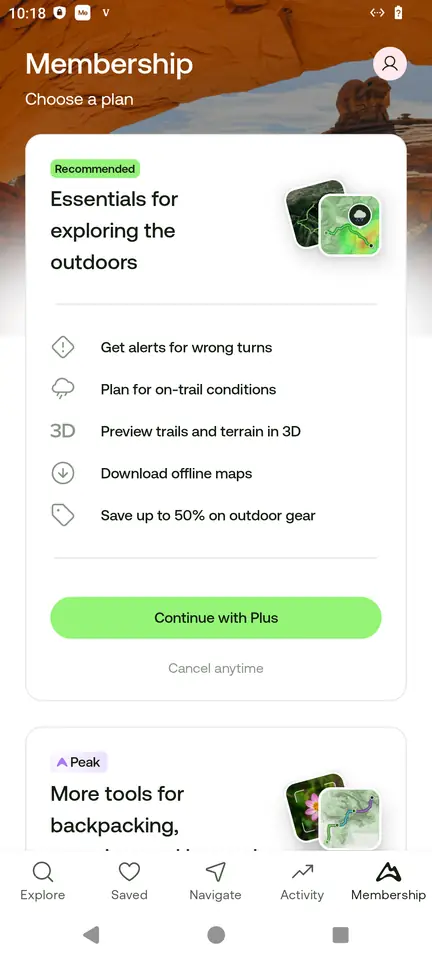
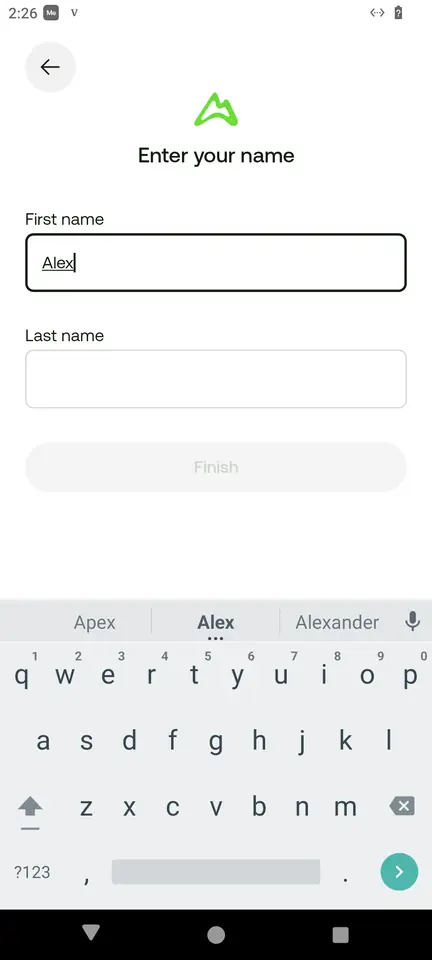
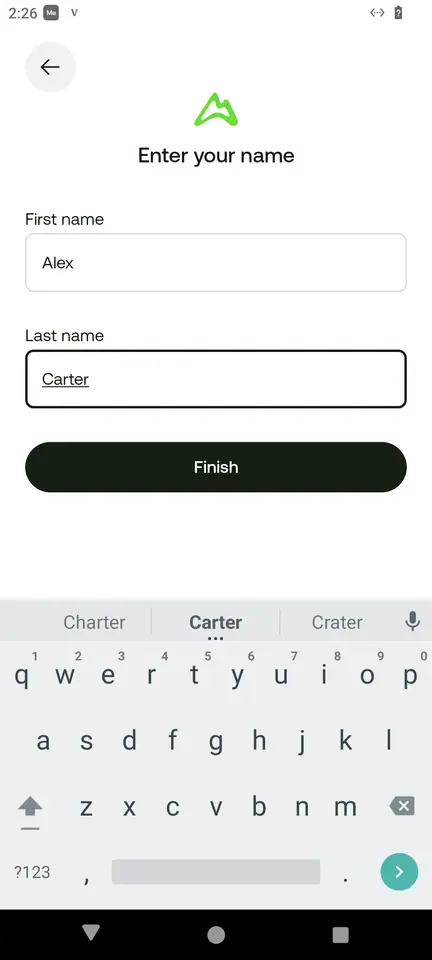
AllTrails · Home & browsing
4 screens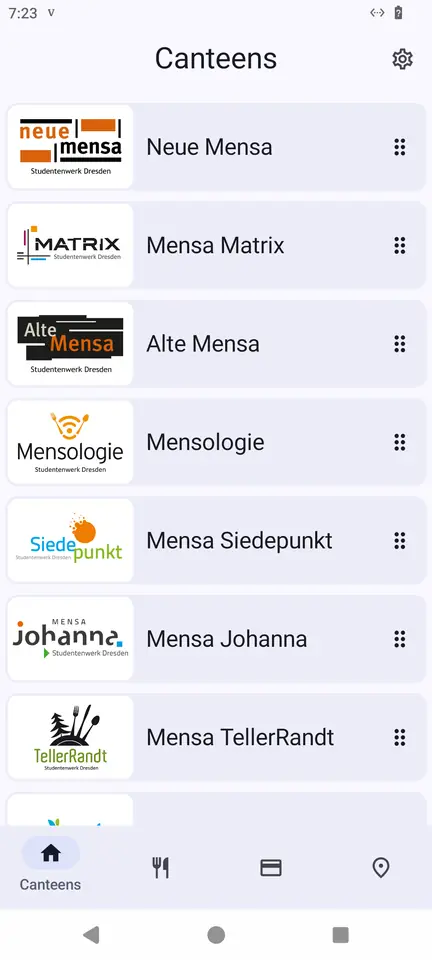
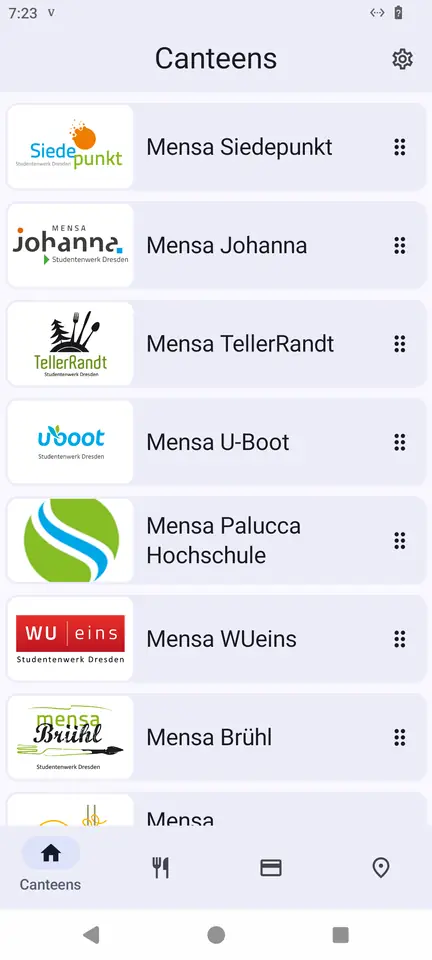
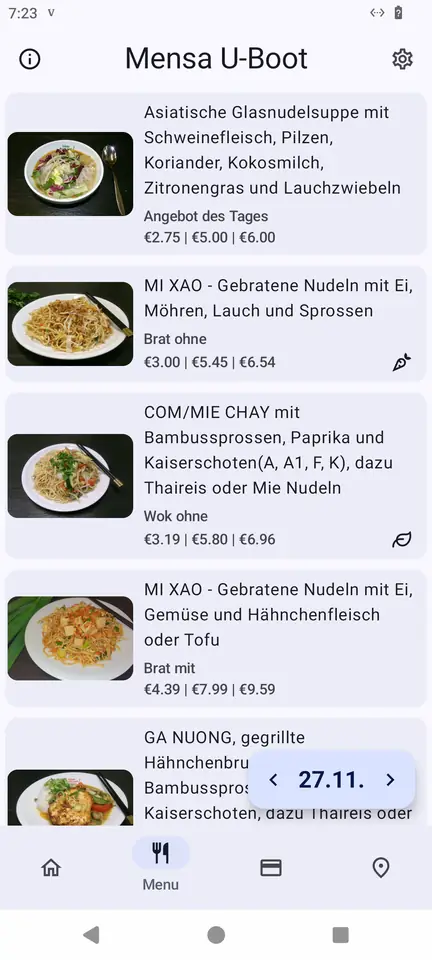
Mensen · Home & browsing
4 screens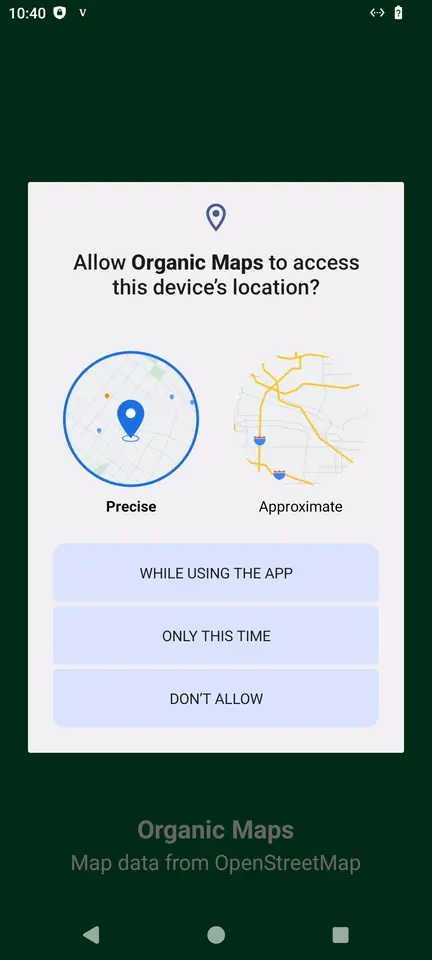
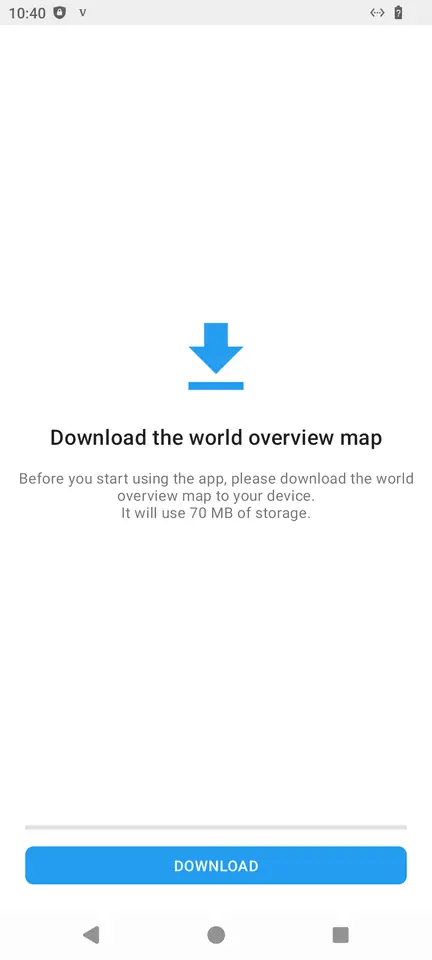
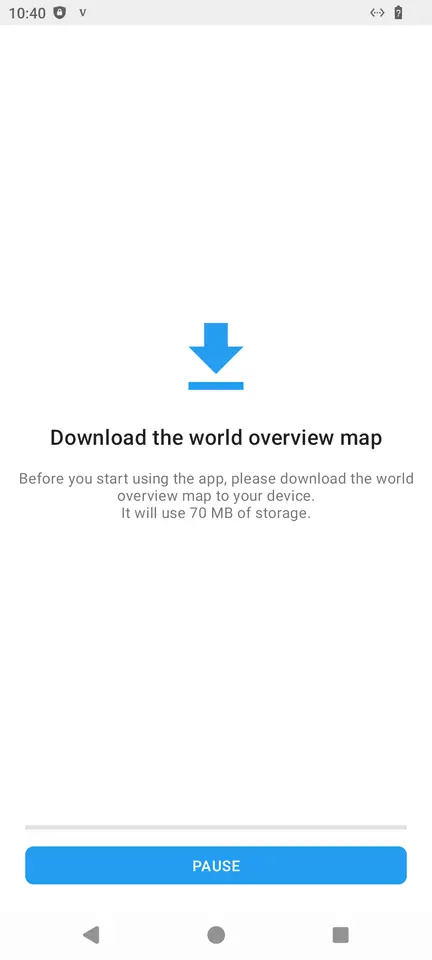
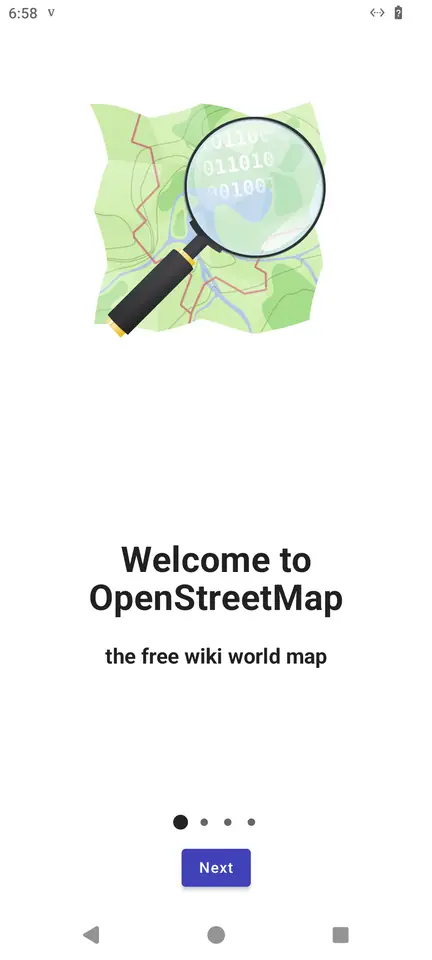
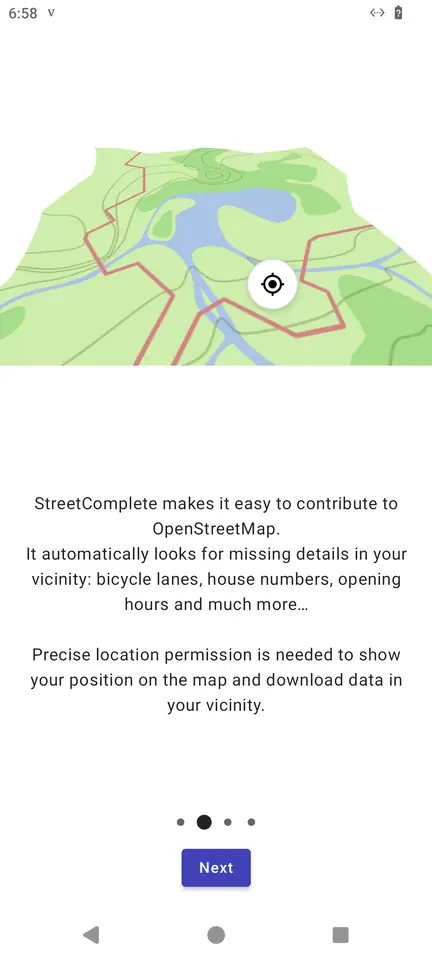
Organic Maps · Onboarding
4 screens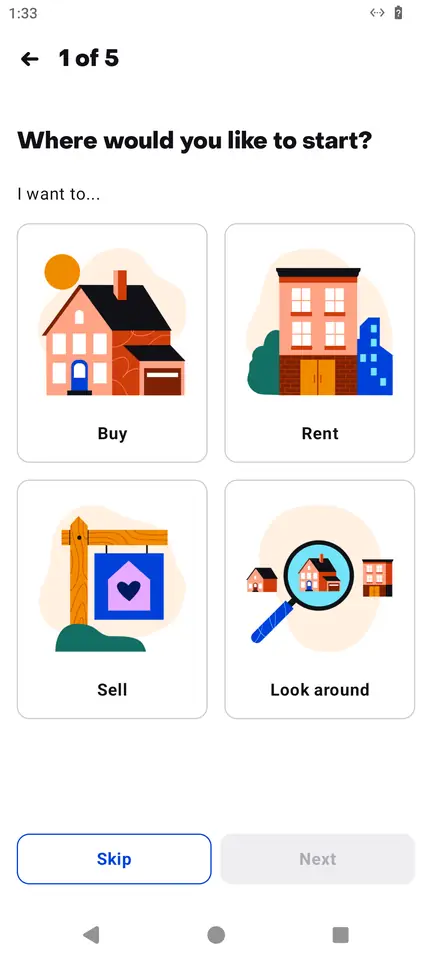
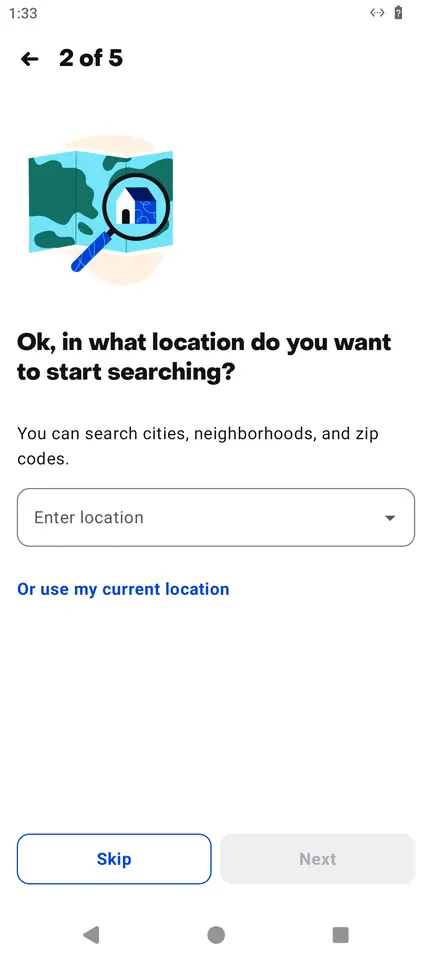
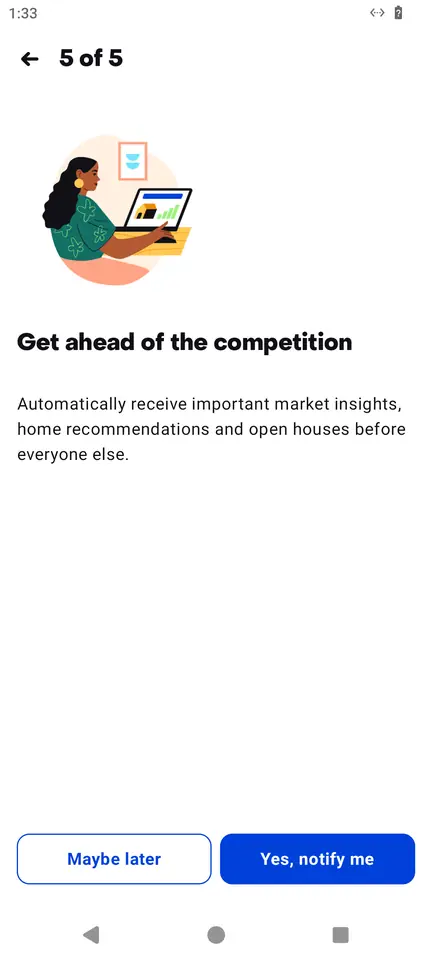
Zillow · Onboarding
4 screensTravel, maps & local onboarding screens
37 screens · 11 apps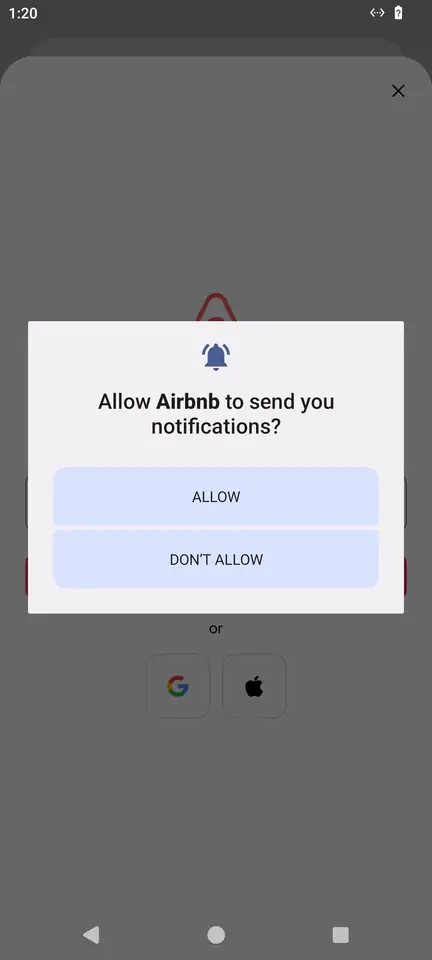
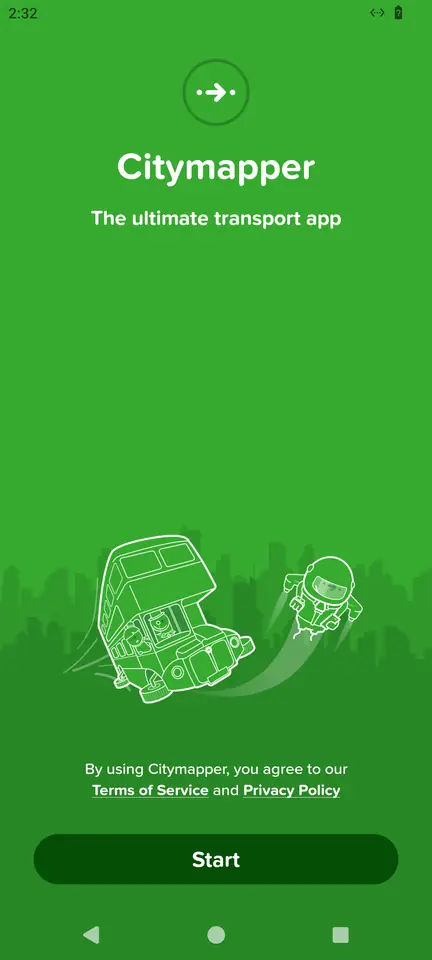
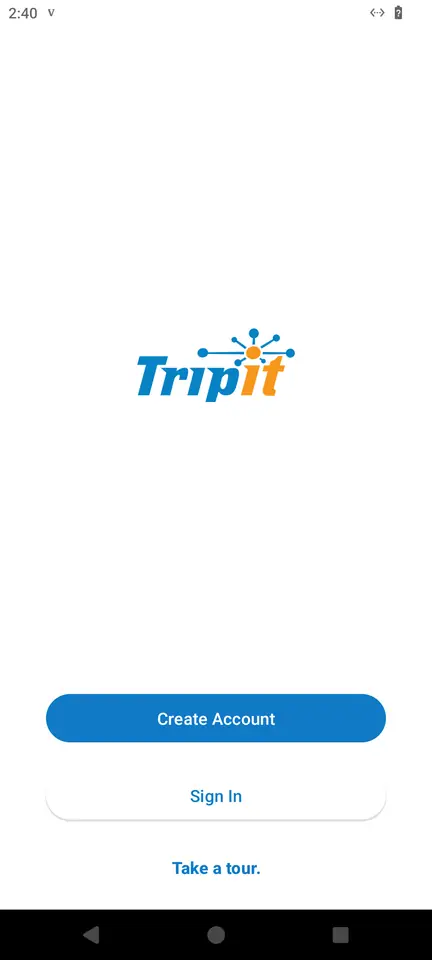
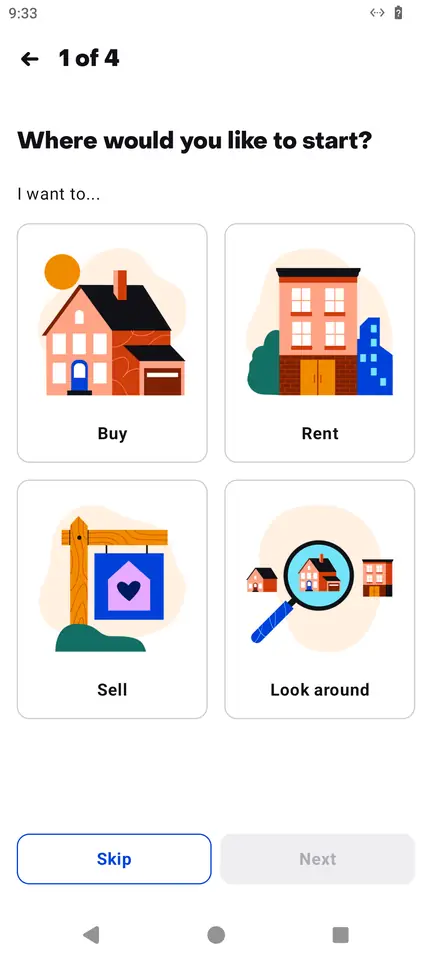
All 37 travel, maps & local onboarding screens, grouped by app → · All onboarding screens from every category →
Travel, maps & local login screens
9 screens · 5 apps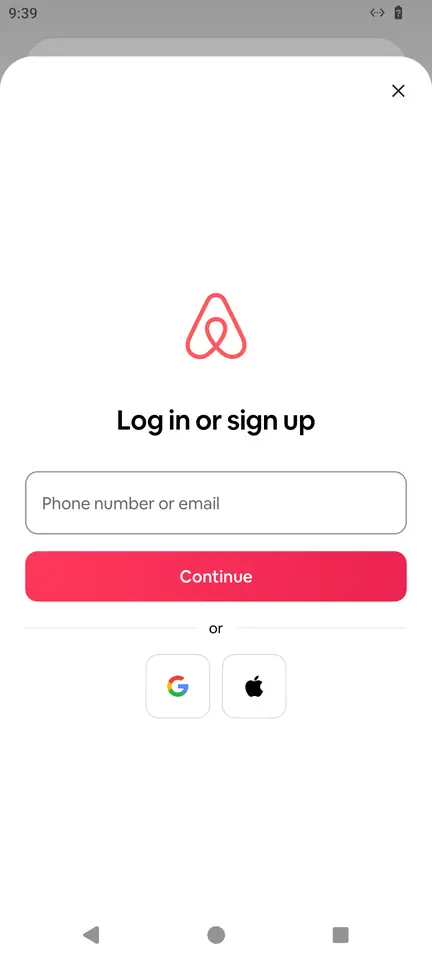
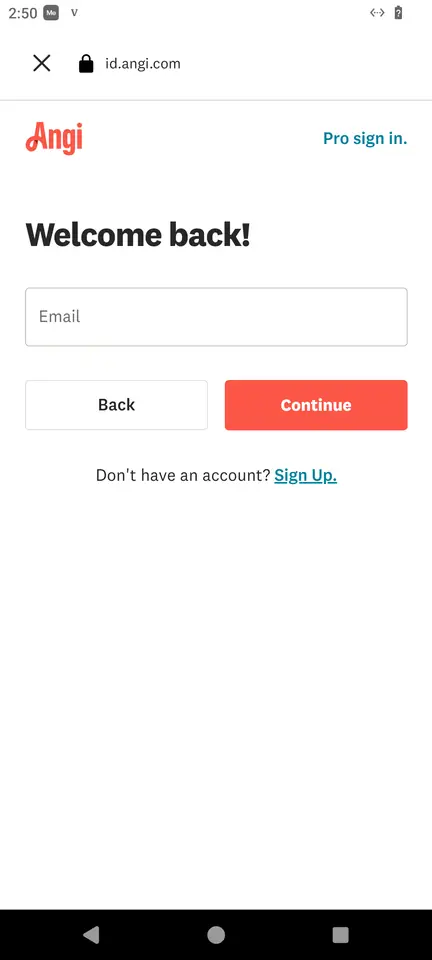
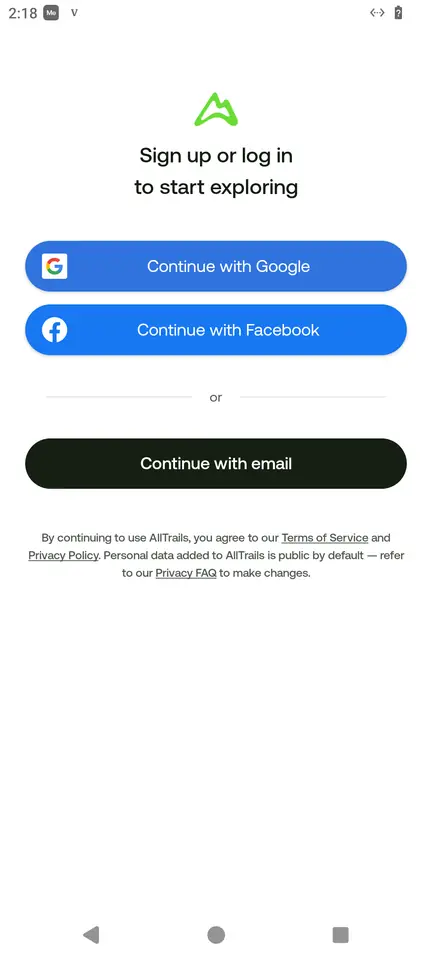
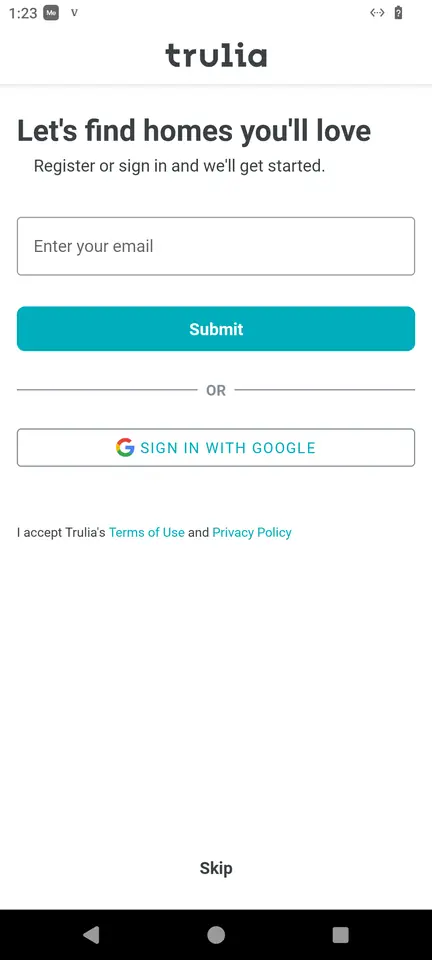
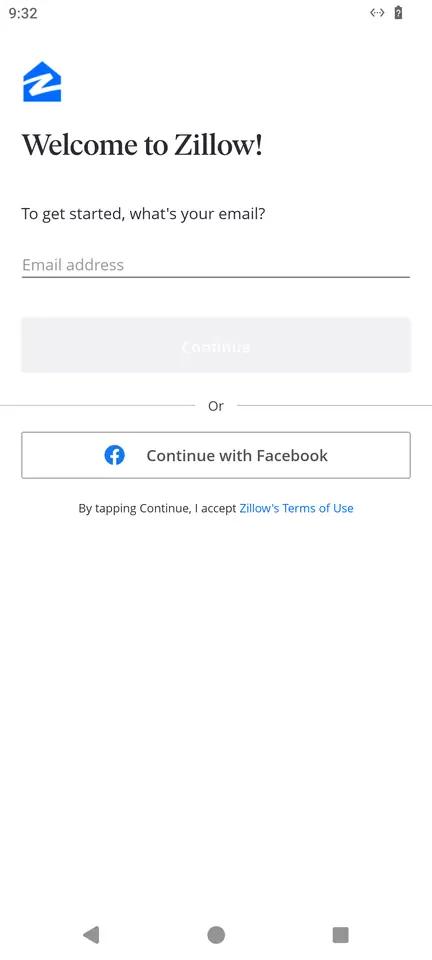
Travel, maps & local home screens
50 screens · 14 apps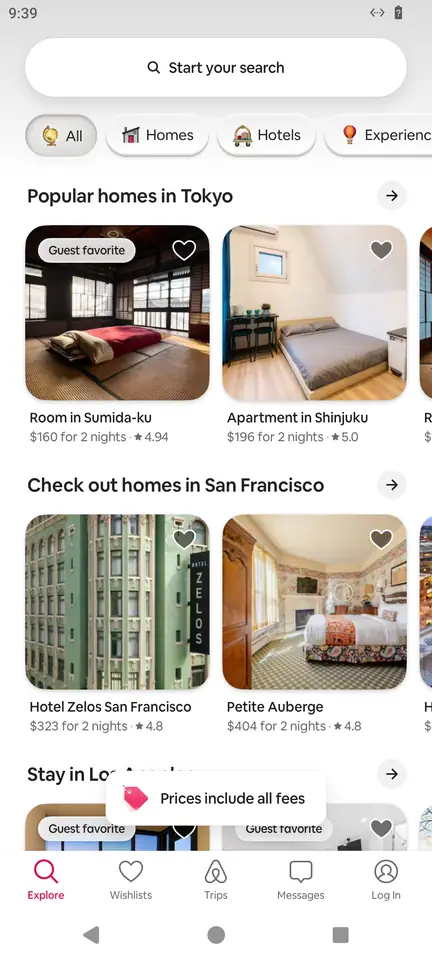
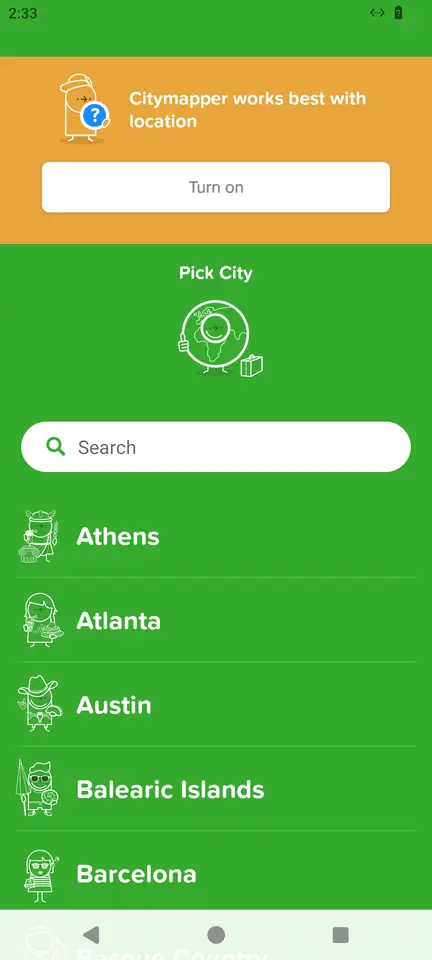
All 50 travel, maps & local home screens, grouped by app → · All home screens from every category →
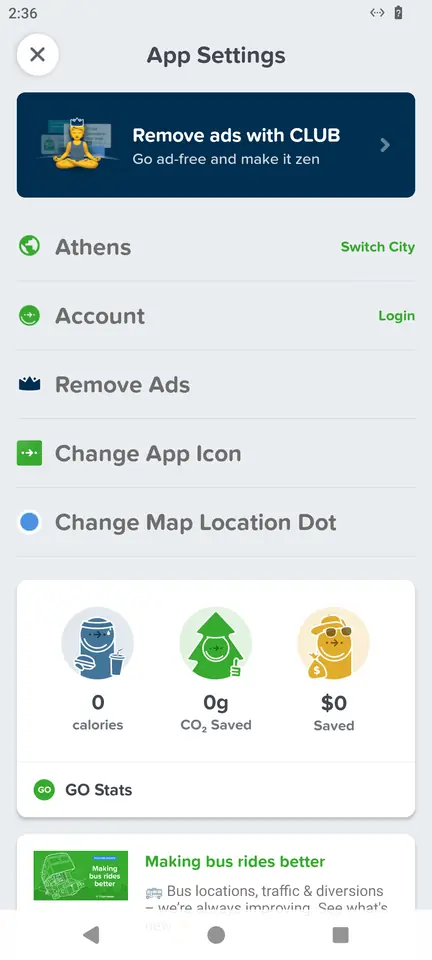
Travel, maps & local settings screens
3 screens · 2 apps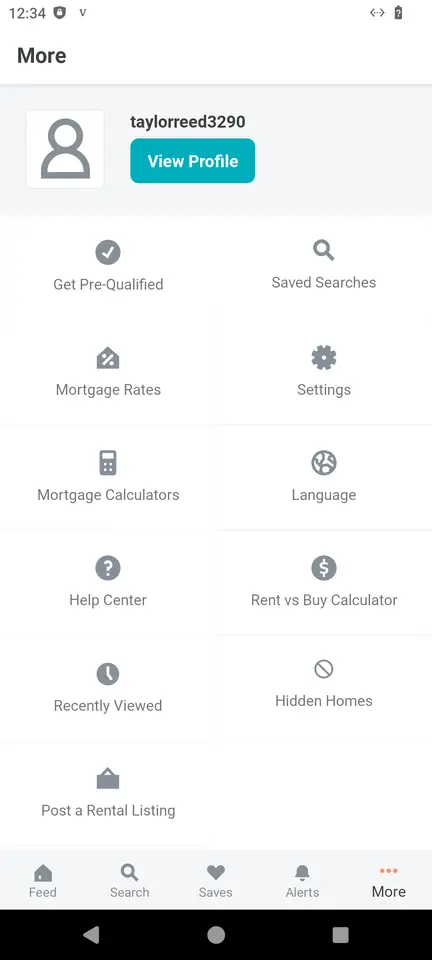
Travel, maps & local paywall screens
1 screen · 1 app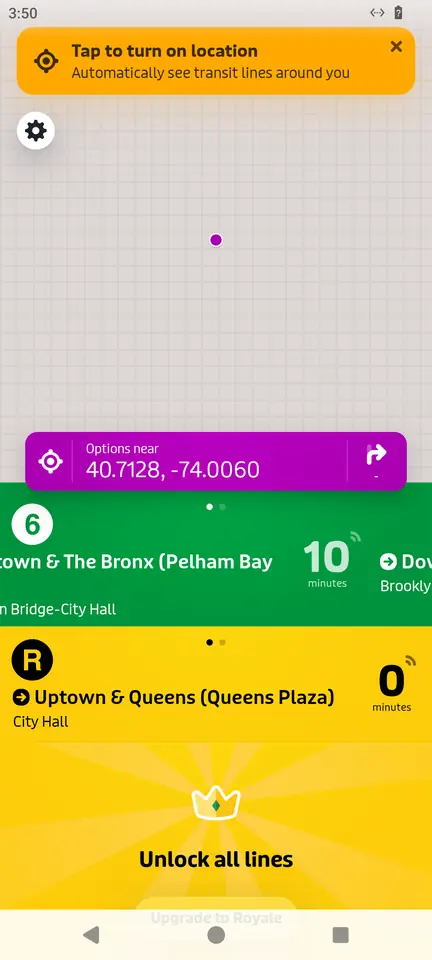
UI components in travel, maps & local apps
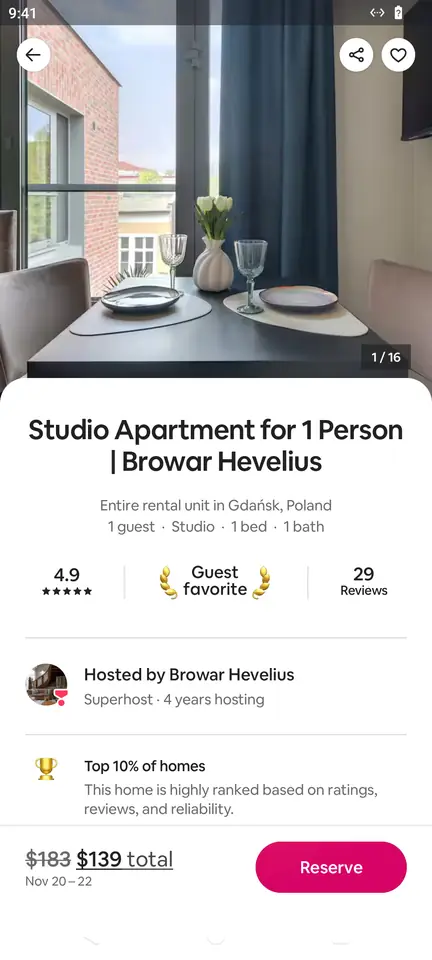
Across 102 screens from 16 travel, maps & local apps, the most common detected components are button (25% of screens), toolbar (25% of screens) and text field (18% of screens). Share of the 102 screens where each component is in the view hierarchy and drawn on screen; the example shows it outlined.
Text field
7 apps · example: Airbnb
Icon button
7 apps · example: Airbnb
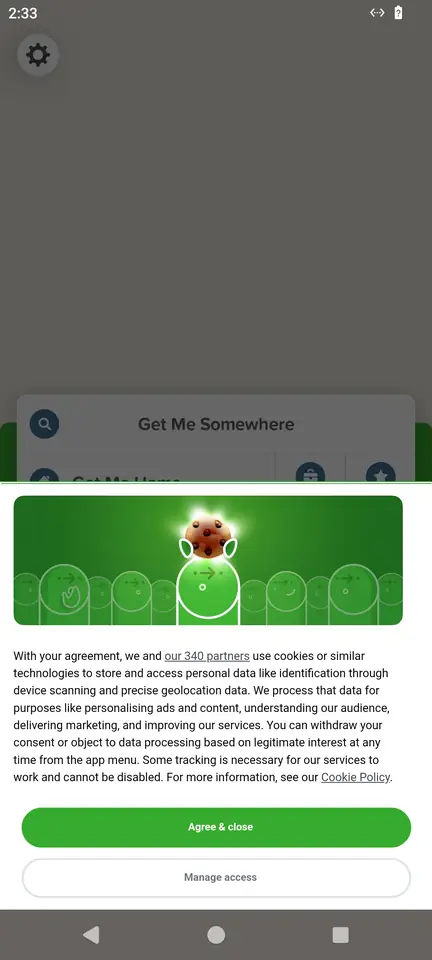
Bottom sheet
3 apps · example: Citymapper
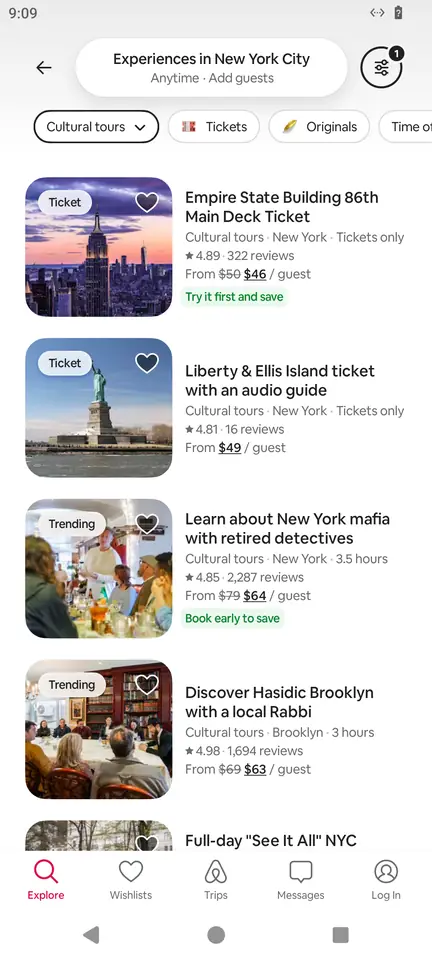
Dropdown menu
3 apps · example: Airbnb
UI patterns in travel, maps & local apps
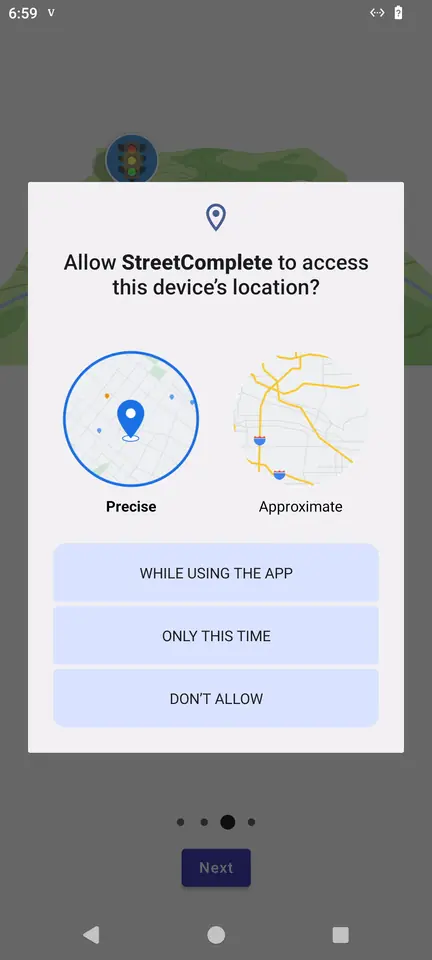
Permission priming
example: Airbnb
Skip button
example: AllTrails
Terms and conditions agreement
example: Angi
Email sign-up form
example: Angi
Social login buttons
example: Airbnb
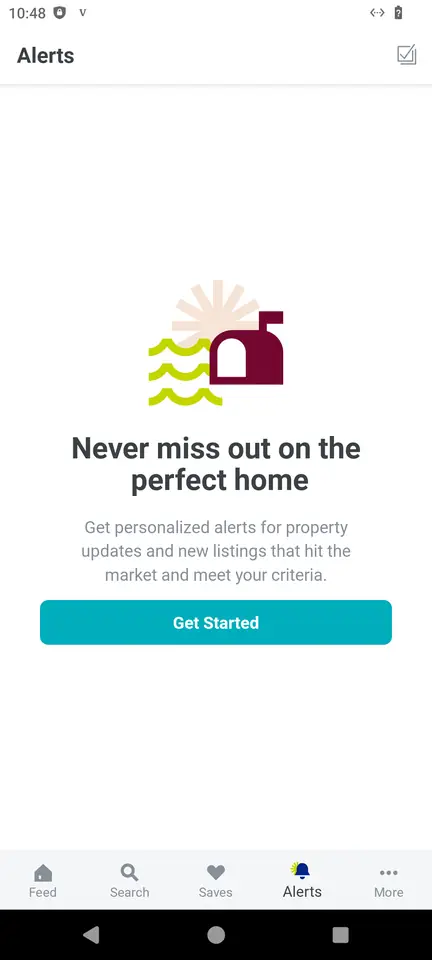
Welcome screen
example: Trulia
Location & store picker
example: Angi
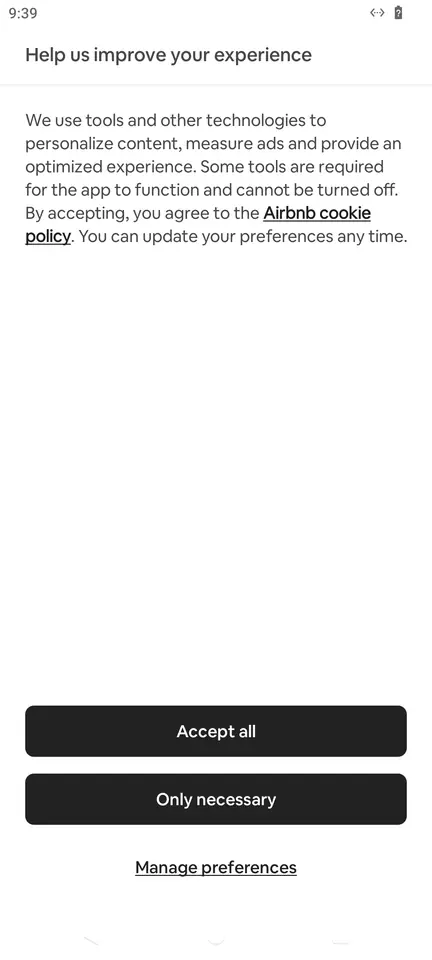
Cookie consent banner
example: Airbnb
What travel, maps & local apps say
UI copy that appears on the screens of two or more travel, maps & local apps, with the number of apps using it.
DON’T ALLOW
8 appsContinue
6 appsApproximate
5 appsONLY THIS TIME
5 appsPrecise
5 appsWHILE USING THE APP
5 appsALLOW
4 appsClose
4 appsSearch
4 appsEmail
3 appsExplore
3 appsFirst name
3 appsGot it
3 appsLast name
3 apps
Design notes for travel, maps & local apps
- Ask for location permission with a clear reason, and offer a manual search if the user says no.
- Put the search field (where to?) at the top of the first screen.
- Show results on a map and a list, and keep them in sync.
- Show total price and key conditions before the booking button.
FAQ
What makes good travel, maps & local app UI design?
Ask for location permission with a clear reason, and offer a manual search if the user says no. Put the search field (where to?) at the top of the first screen. Show results on a map and a list, and keep them in sync.
Which Android travel, maps & local apps can I study?
The Flowtape library holds 102 screens from 16 Android travel, maps & local apps: Airbnb, Angi, AllTrails, Trulia, Citymapper, TripIt, Zillow and Organic Maps and more. Every screen is free to browse.
What UI components and patterns do travel, maps & local apps use?
Across 102 screens from 16 travel, maps & local apps, the most common detected components are button (25% of screens), toolbar (25% of screens) and text field (18% of screens). The most common UI patterns are permission priming (7 of 16 apps), skip button (5 of 16 apps) and terms and conditions agreement (5 of 16 apps).
Which travel, maps & local app flows are captured step by step?
11 home & browsing flows, 10 onboarding flows, 3 sign-in flows and 2 settings flows, each recorded screen by screen on a real Android device — for example the Trulia home & browsing screens (7 screens).
Captured on real Android devices · last updated 2026-11-14