Education app UI design: 21 Android apps, 276 screens
Education apps teach a skill or a subject — courses, lessons, quizzes and reference content. Their UI has to keep a learner coming back: a clear next lesson, visible progress and short sessions that fit a busy day. Below: 21 education apps we captured on a real Android device, 40 full flows and what their screens are built from.
Education apps in the library
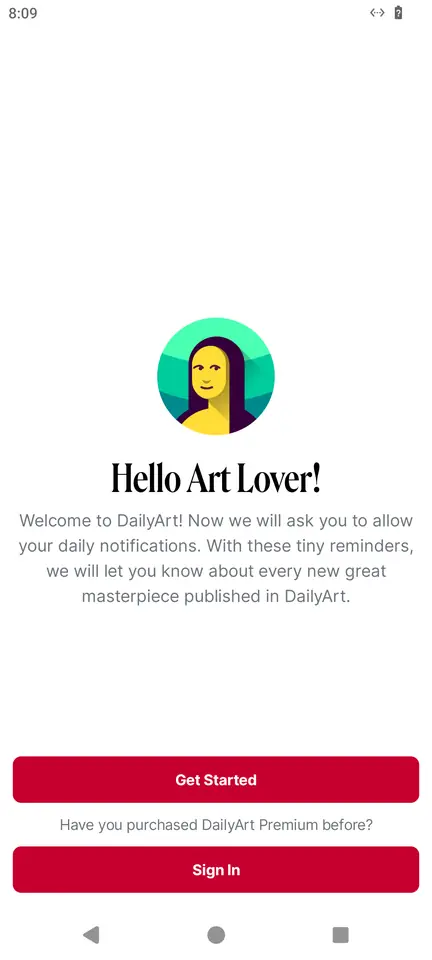
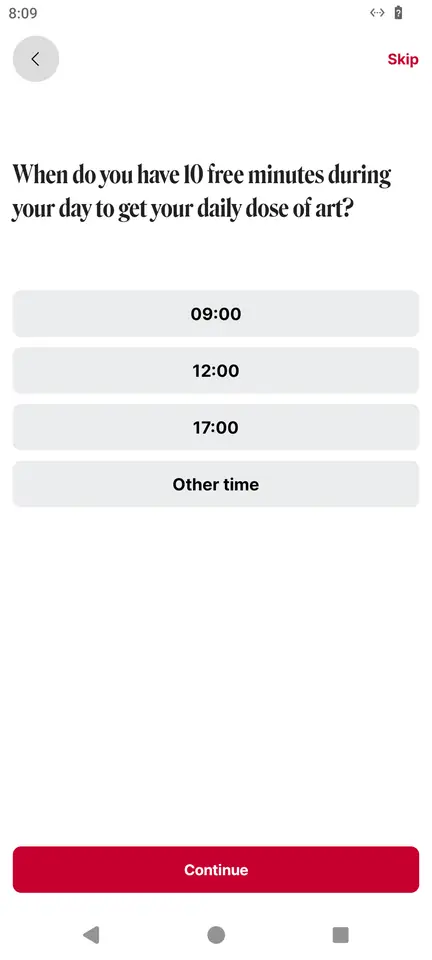
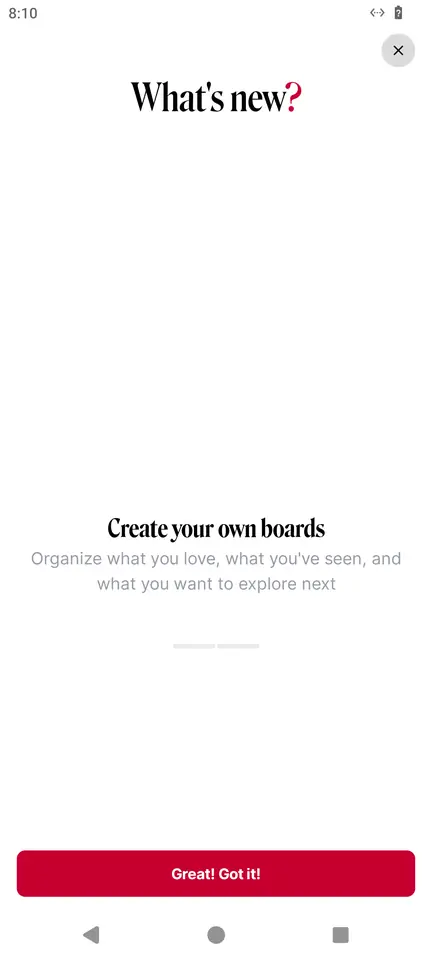
DailyArt
32 screens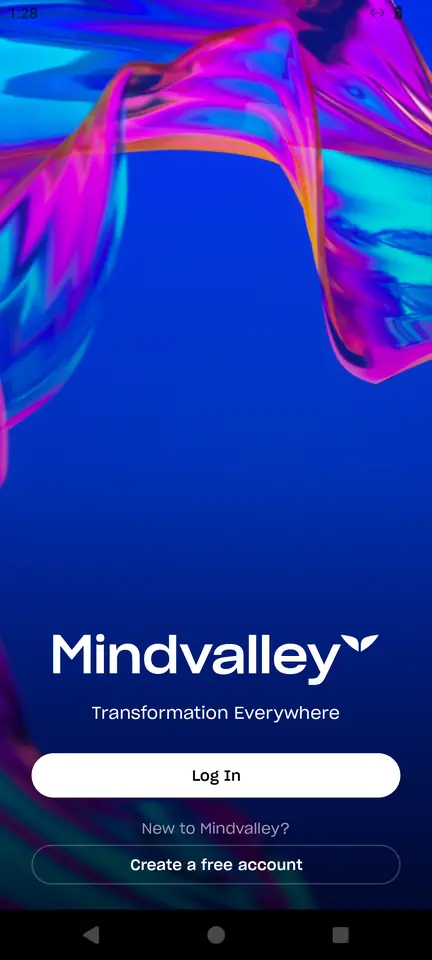


Mindvalley
26 screens
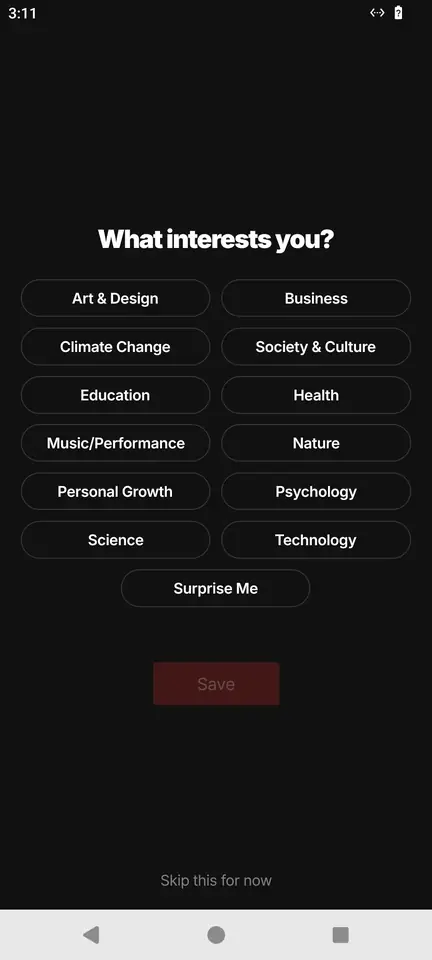
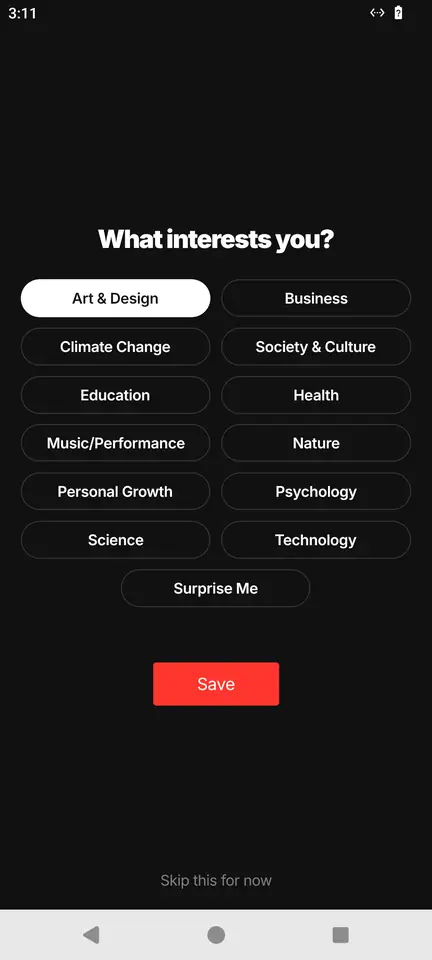
TED
26 screens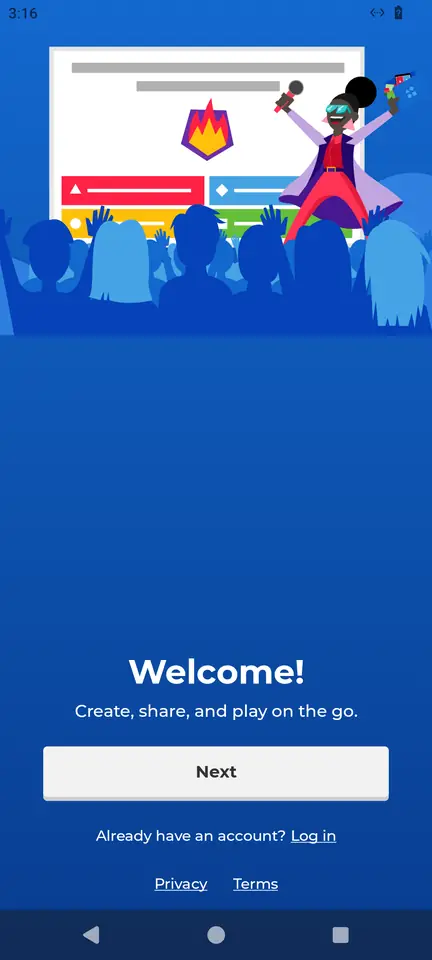
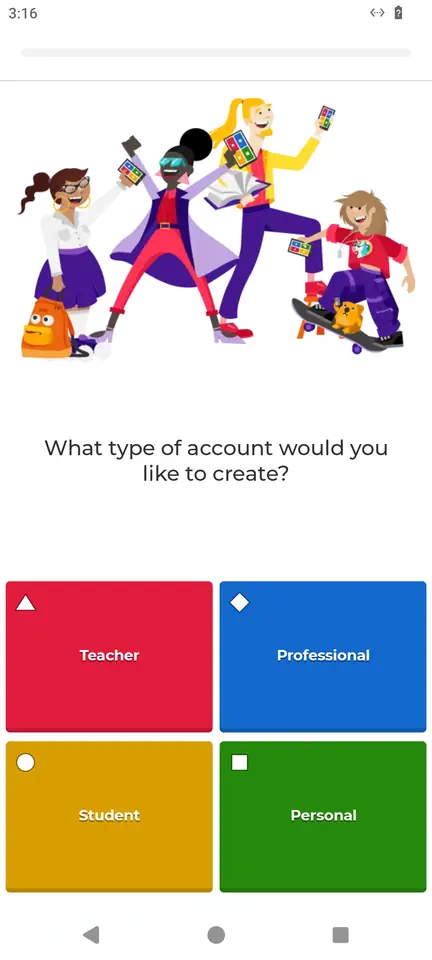
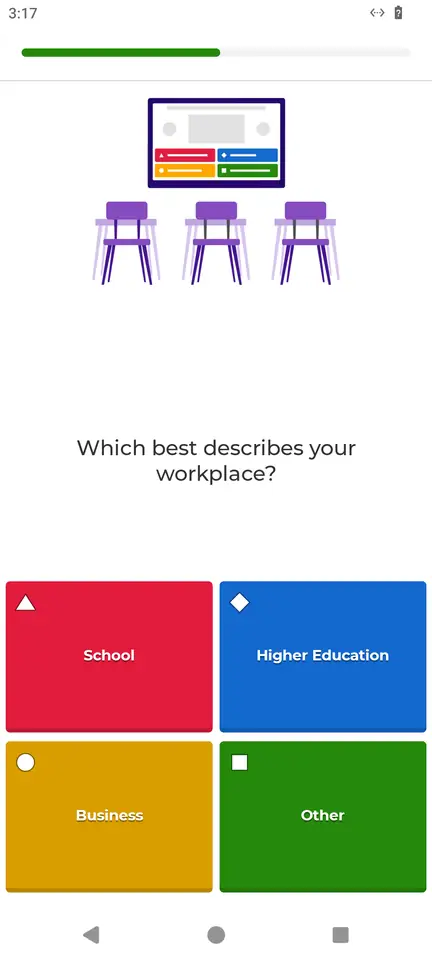
Kahoot!
24 screens

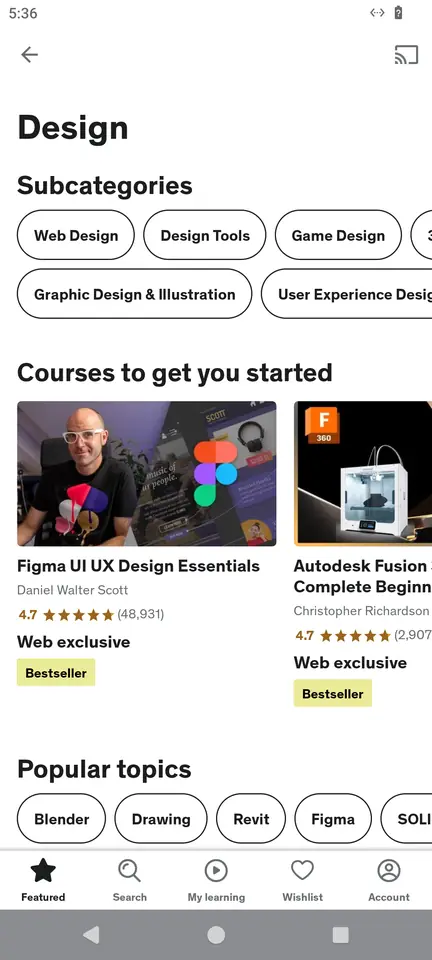
Udemy
24 screens
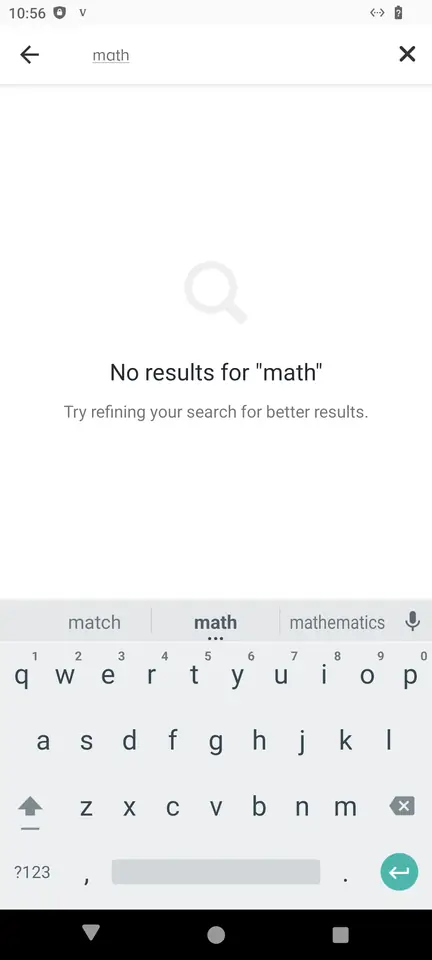
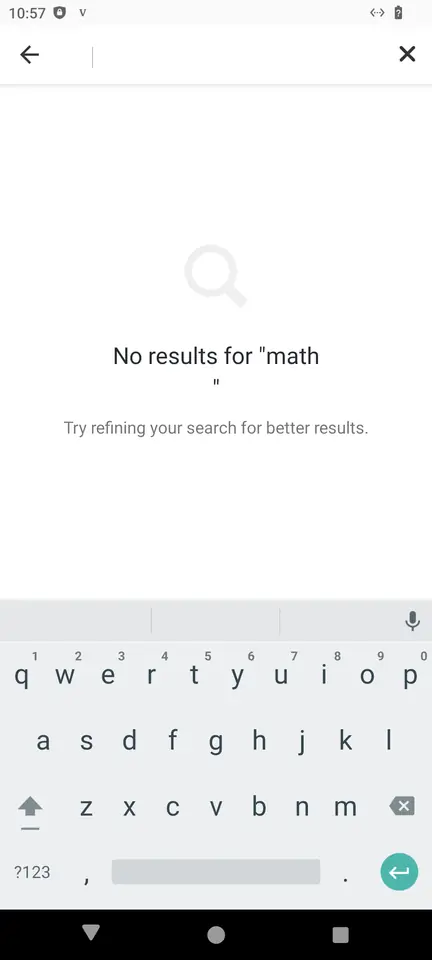
Remind
20 screens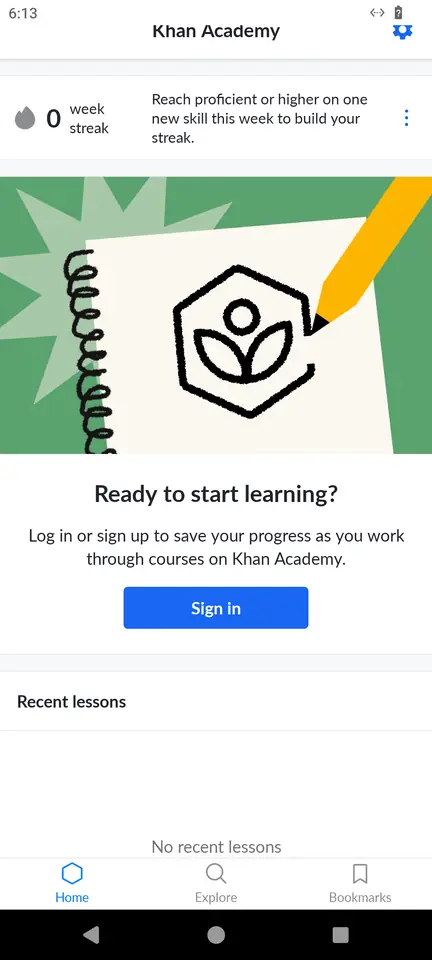
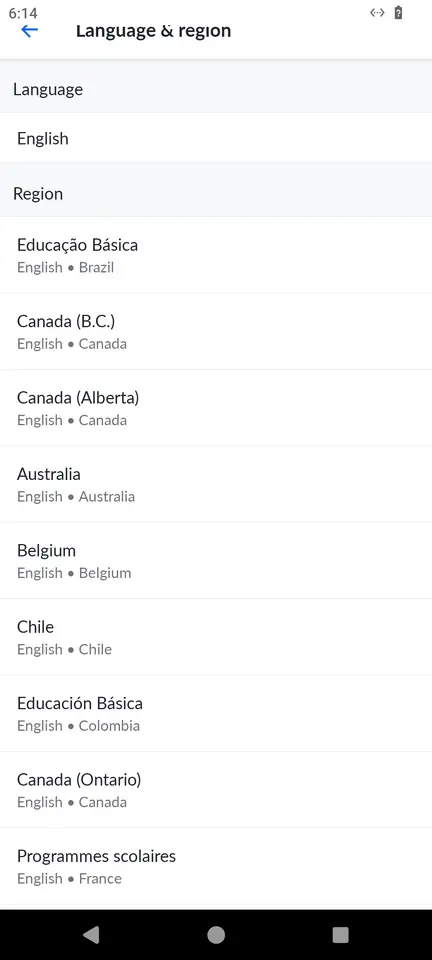
Khan Academy
18 screens

Mimo
17 screens
Wikipedia
17 screens

MasterClass
13 screens
Hydra
9 screens


edX
8 screens
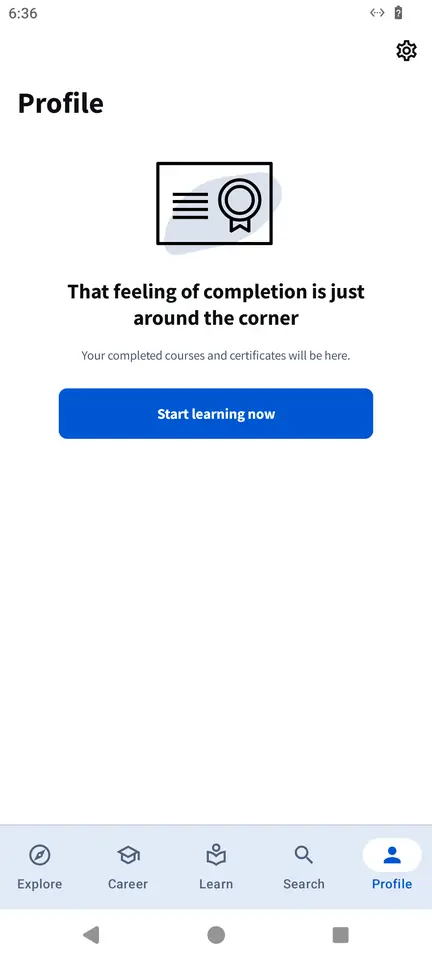
Coursera
7 screens
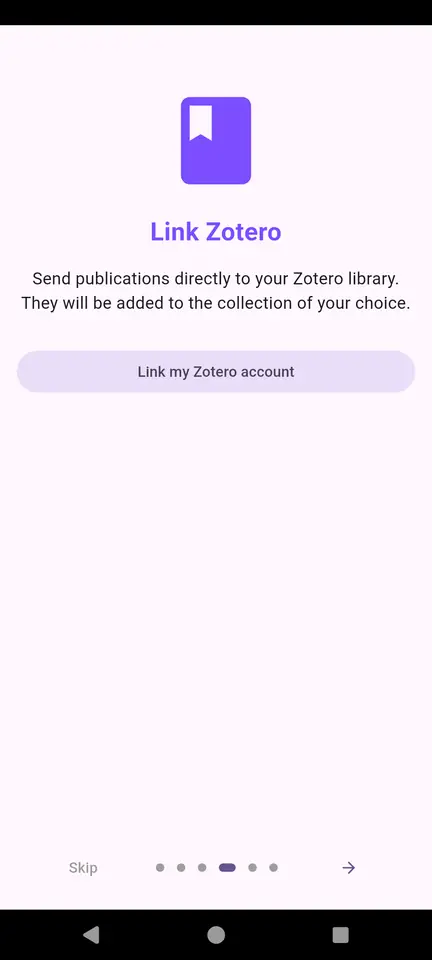
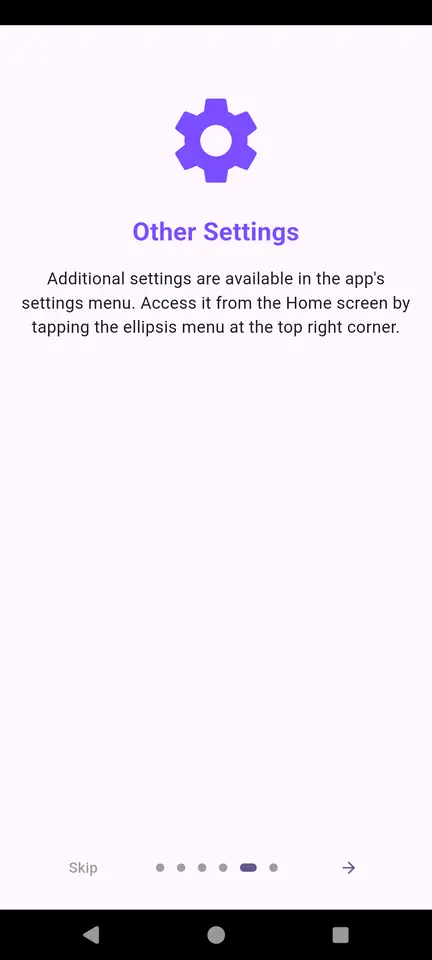
Wispar
7 screens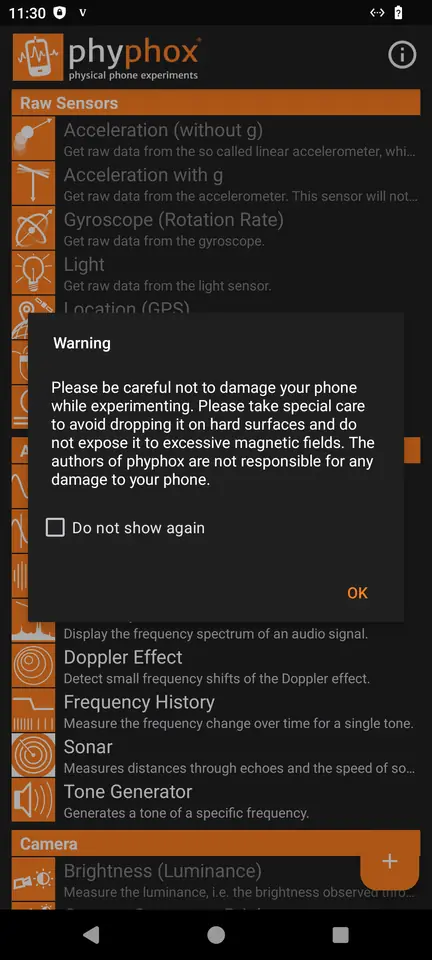
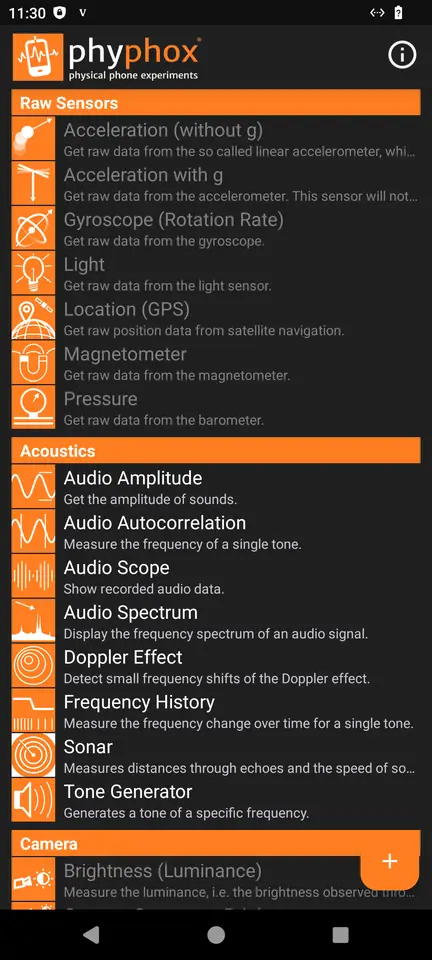
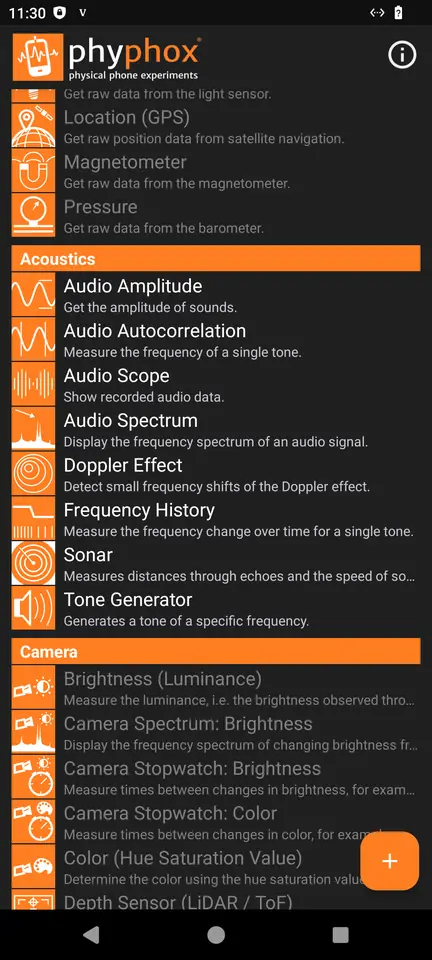
phyphox
6 screens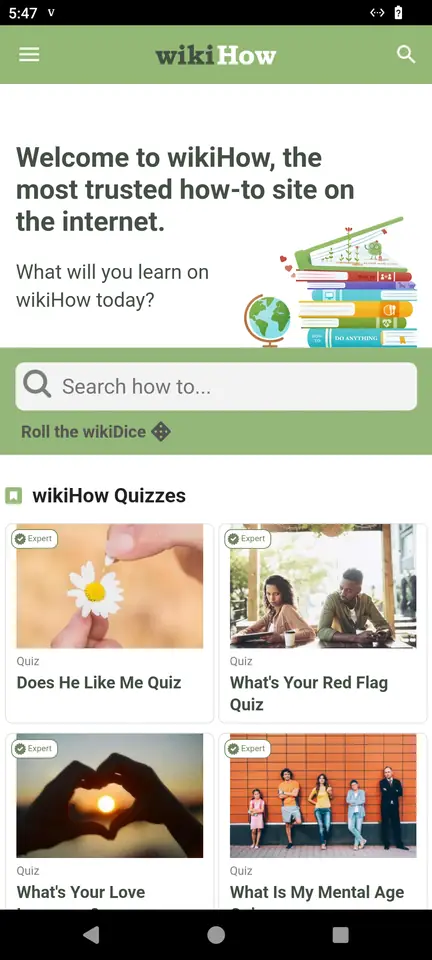
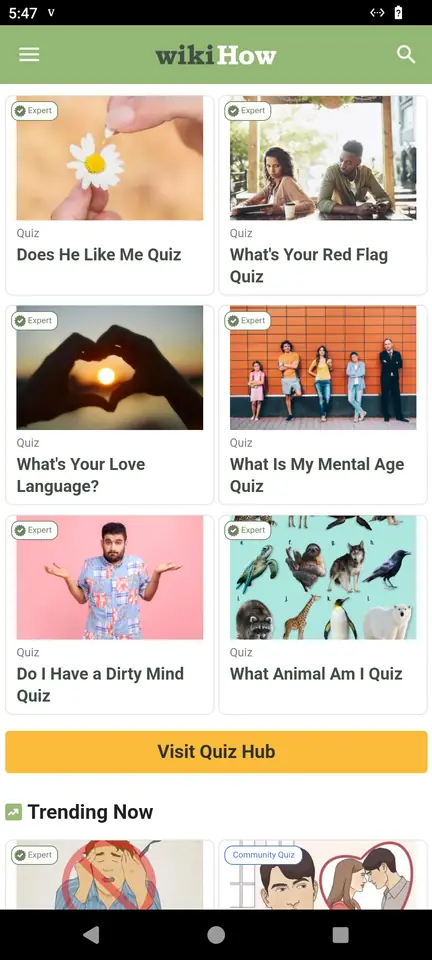
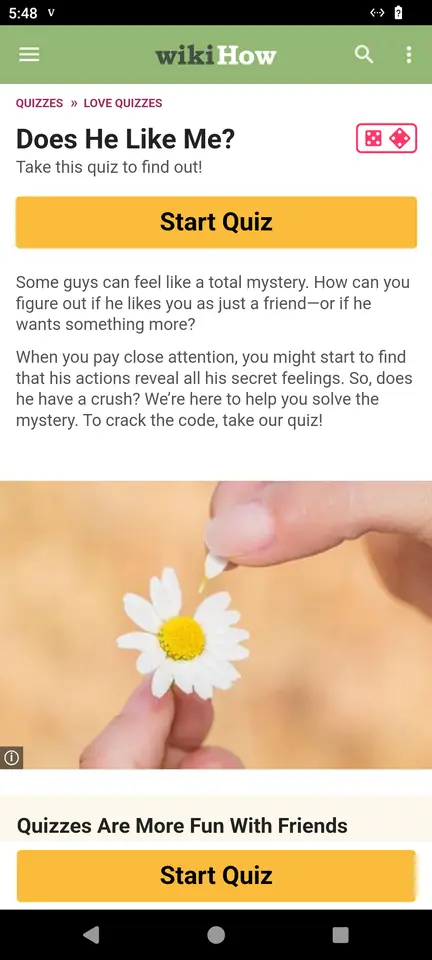
wikiHow
5 screens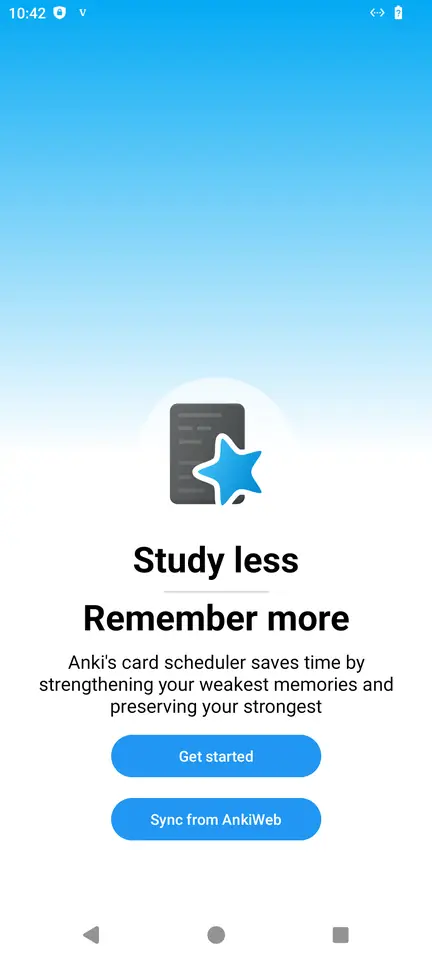
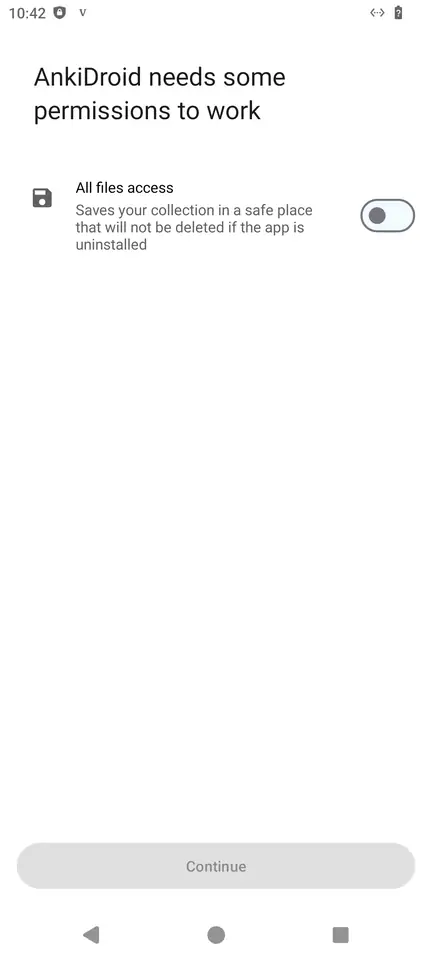
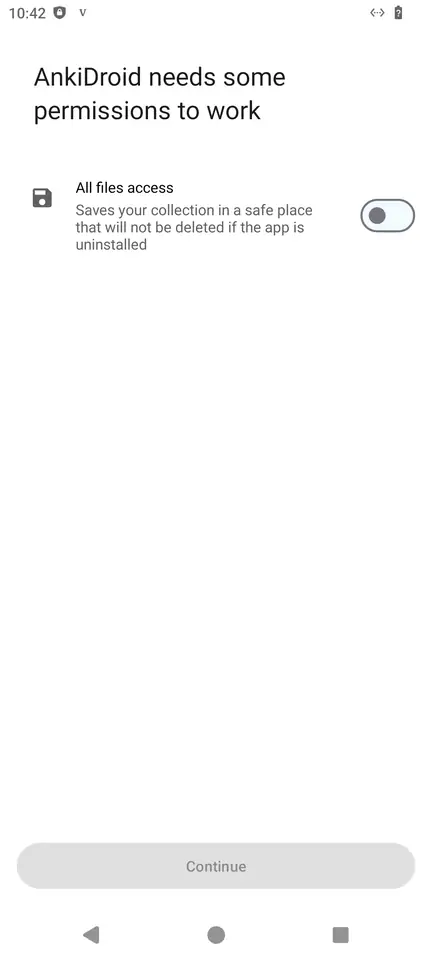
AnkiDroid
4 screens
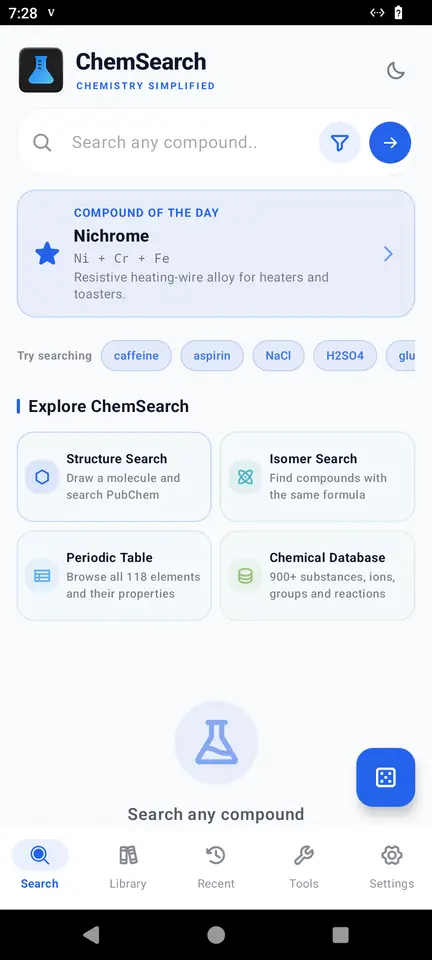
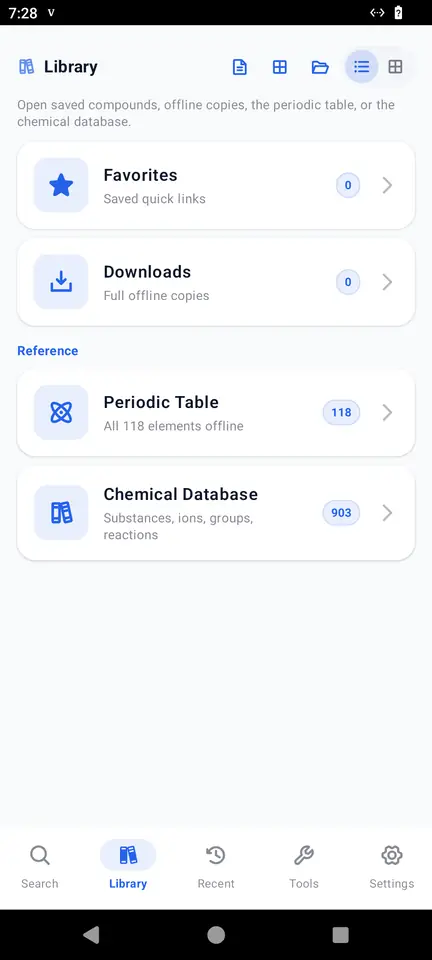
ChemSearch
4 screens
Calliope mini
3 screens
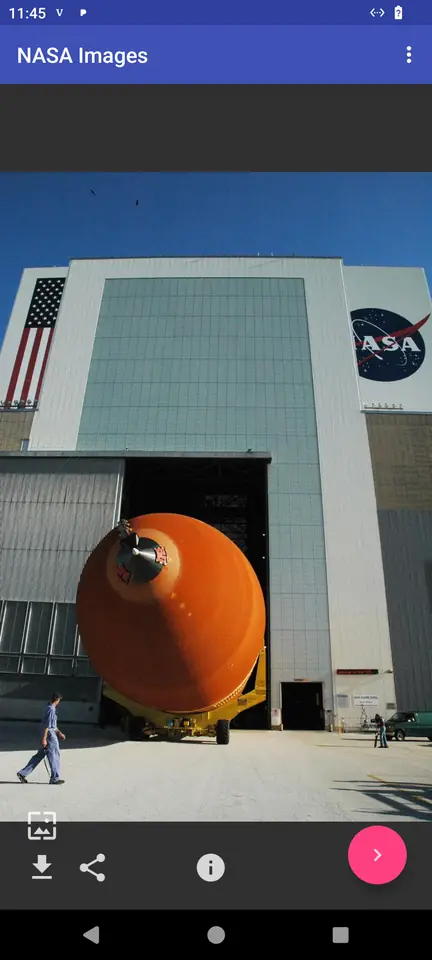

NASA Images
3 screens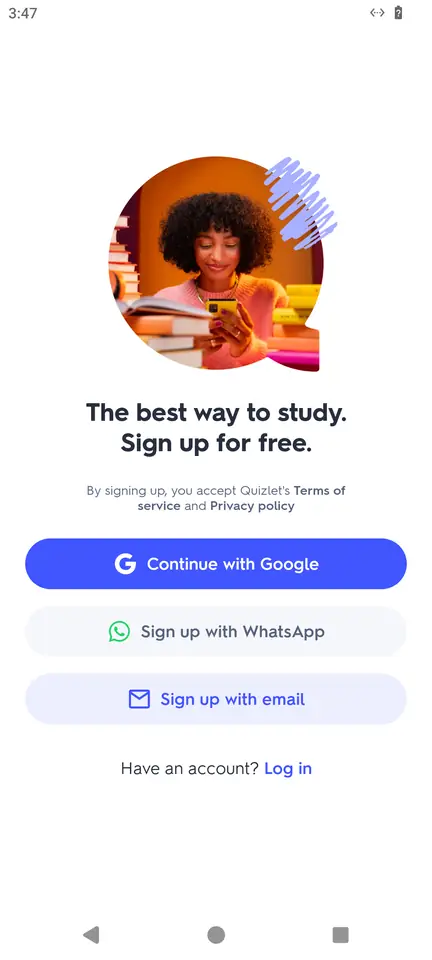
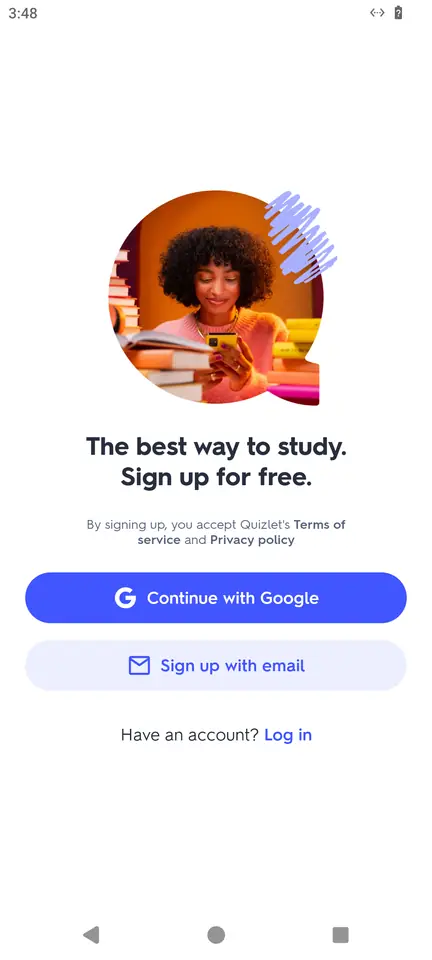
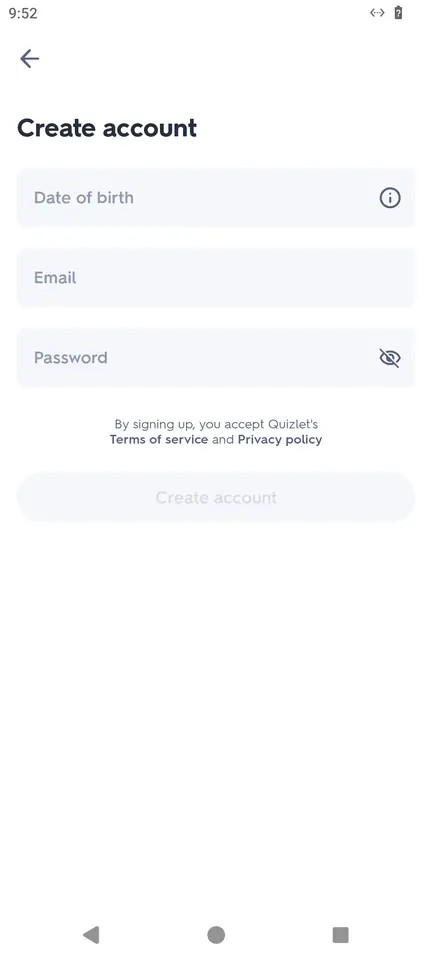
Quizlet
3 screensEducation app flows, step by step



Udemy · Home & browsing
22 screens
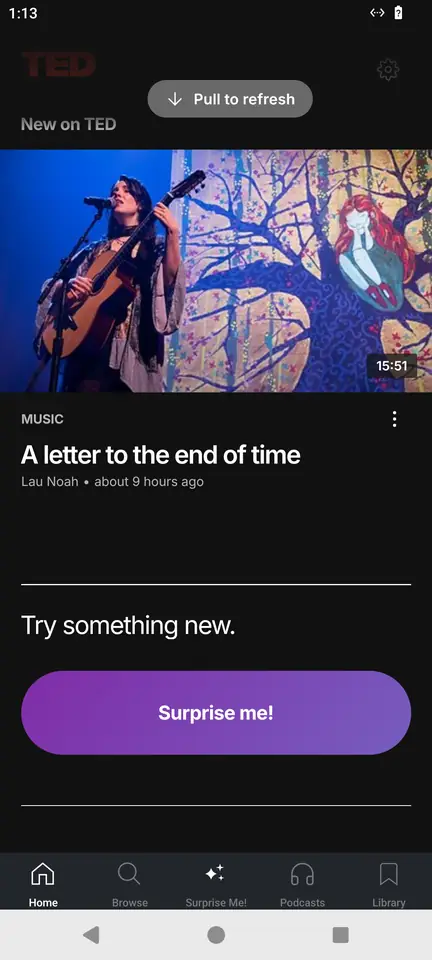
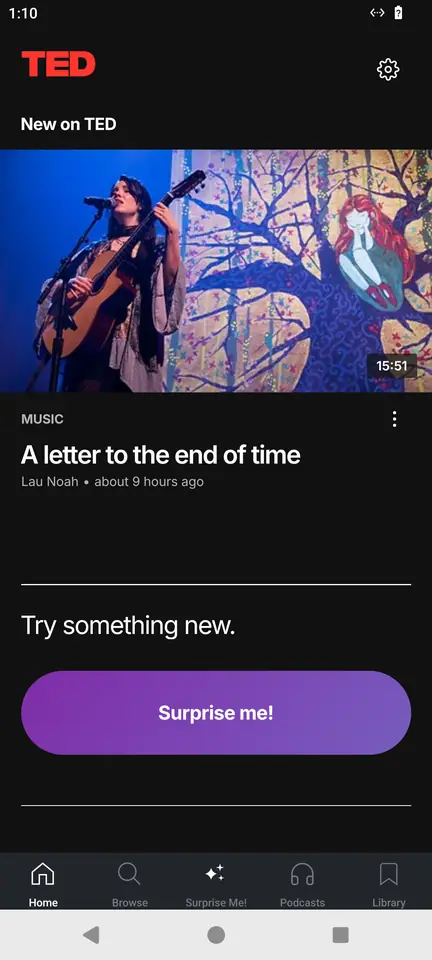
TED · Home & browsing
19 screens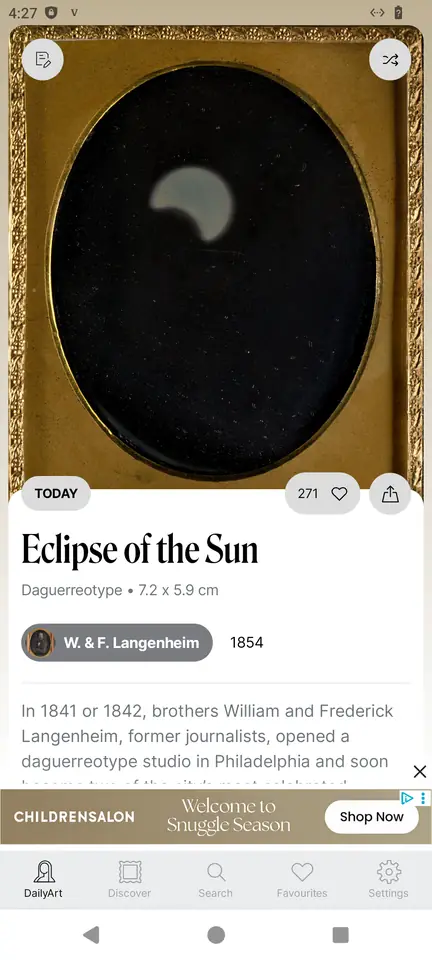
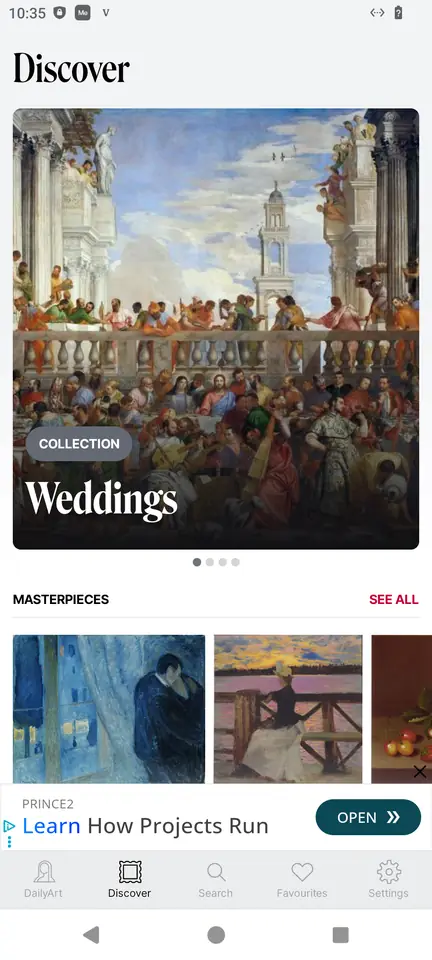
DailyArt · Home & browsing
14 screens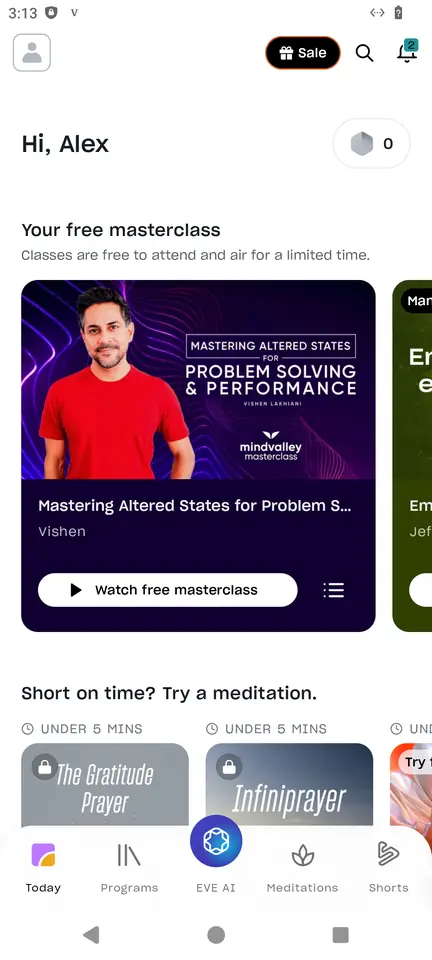
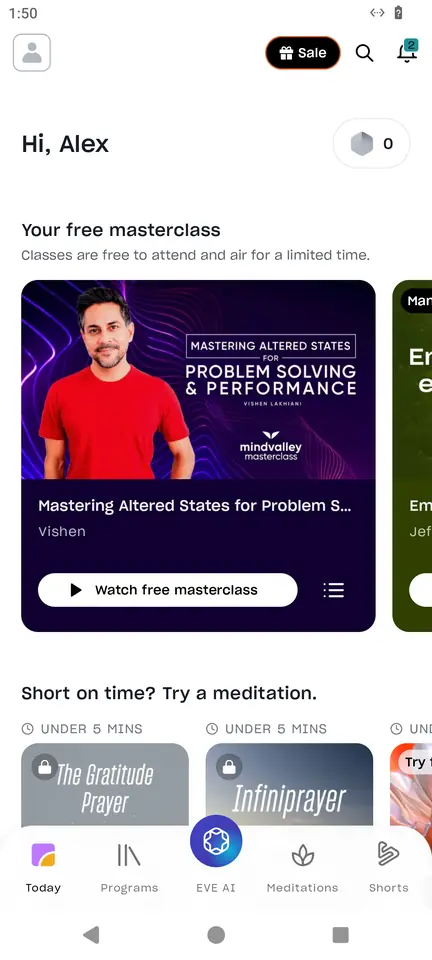
Mindvalley · Home & browsing
13 screens

Mimo · Onboarding
10 screensKahoot! · Onboarding
8 screens


Mindvalley · Onboarding
8 screensWikipedia · Home & browsing
8 screens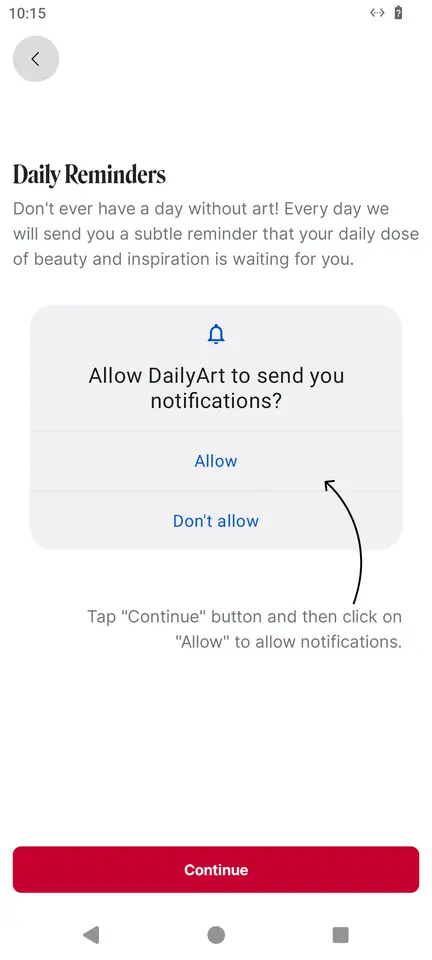
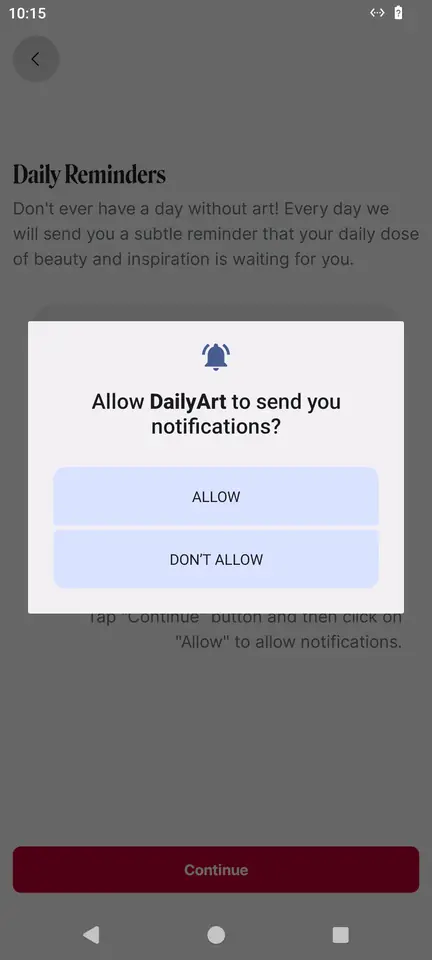
DailyArt · Onboarding
7 screensEducation onboarding screens
96 screens · 16 apps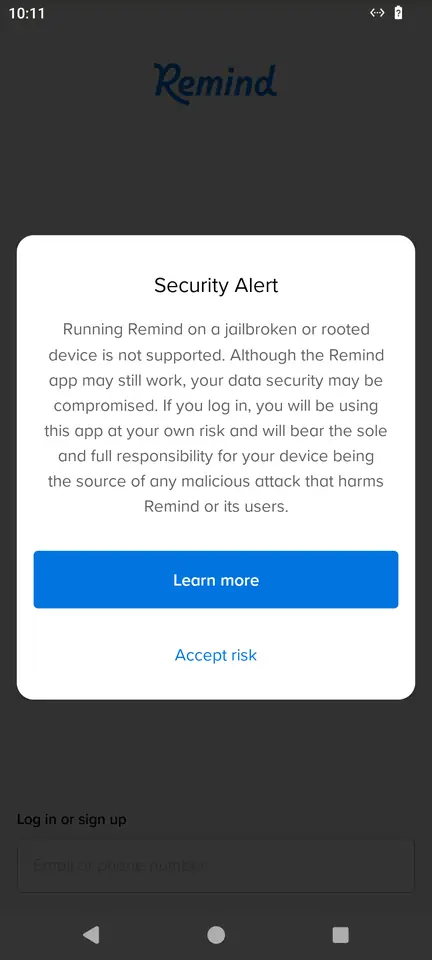
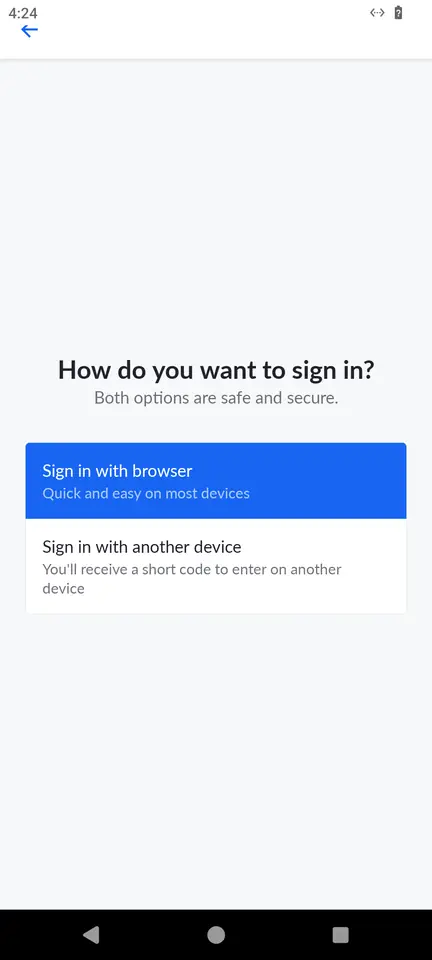
All 96 education onboarding screens, grouped by app → · All onboarding screens from every category →
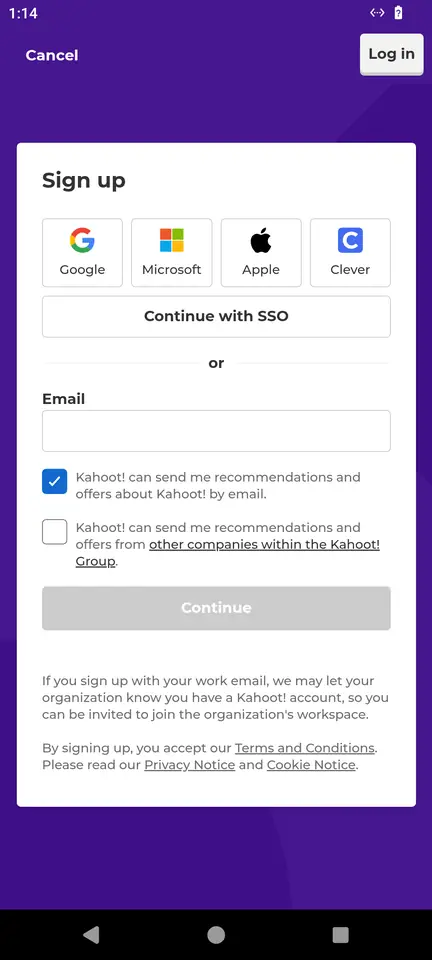
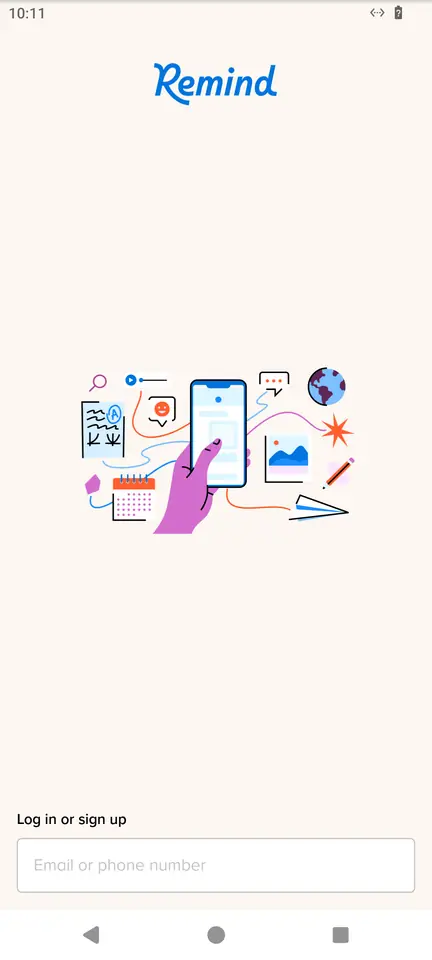
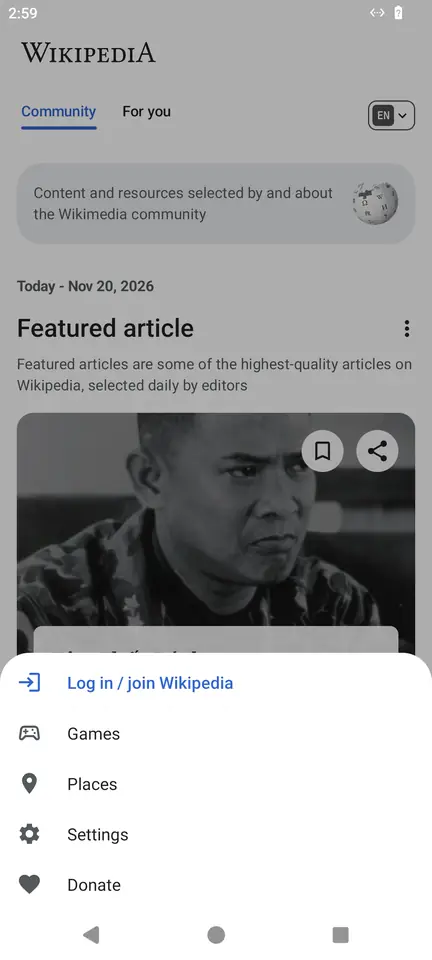
Education login screens
20 screens · 10 apps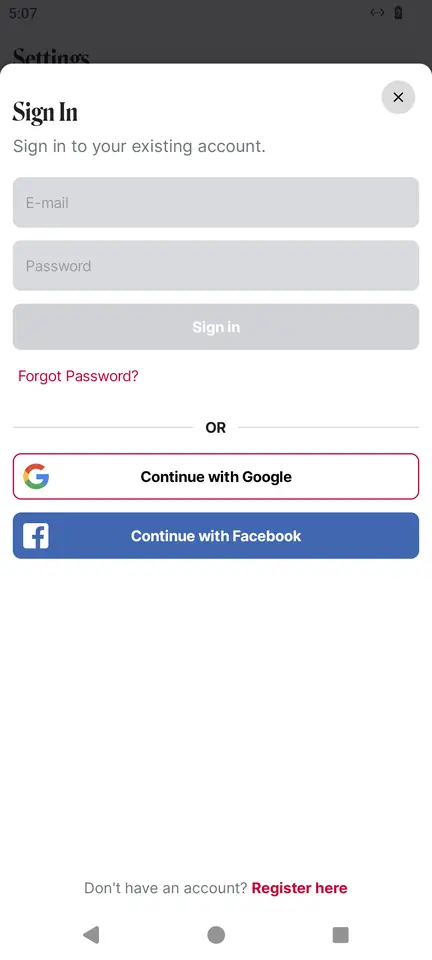
All 20 education login screens, grouped by app → · All login screens from every category →
Education home screens
135 screens · 17 apps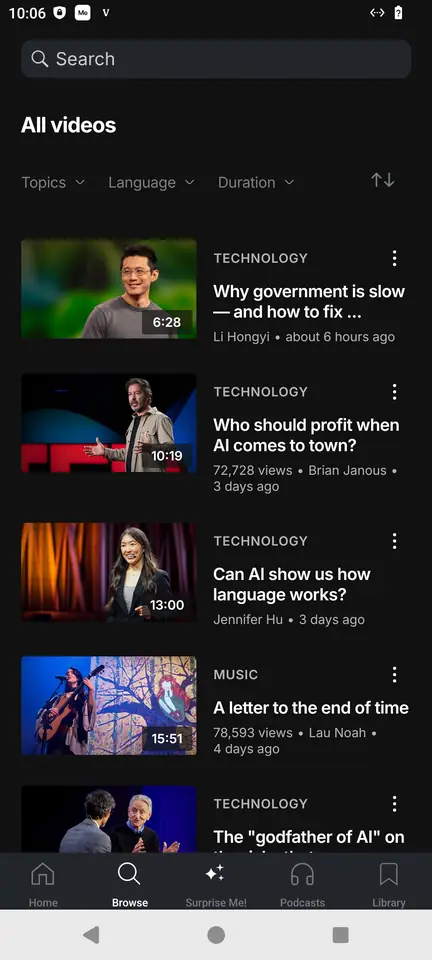
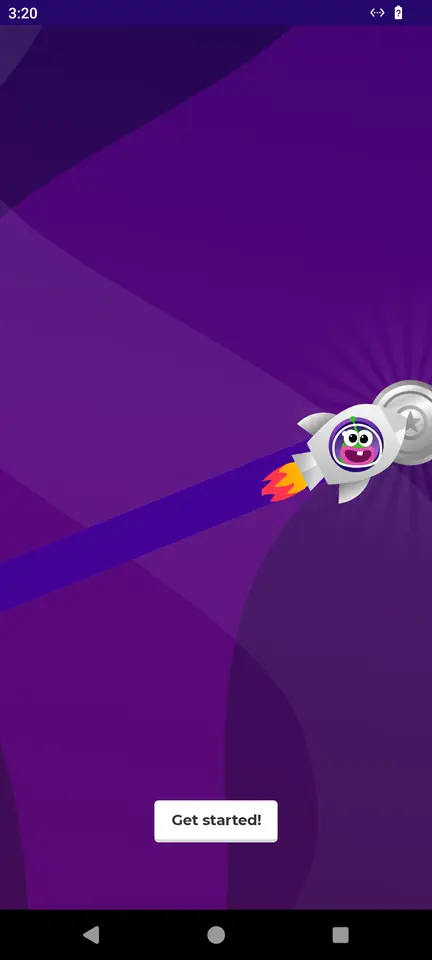
All 135 education home screens, grouped by app → · All home screens from every category →
Education settings screens
23 screens · 9 apps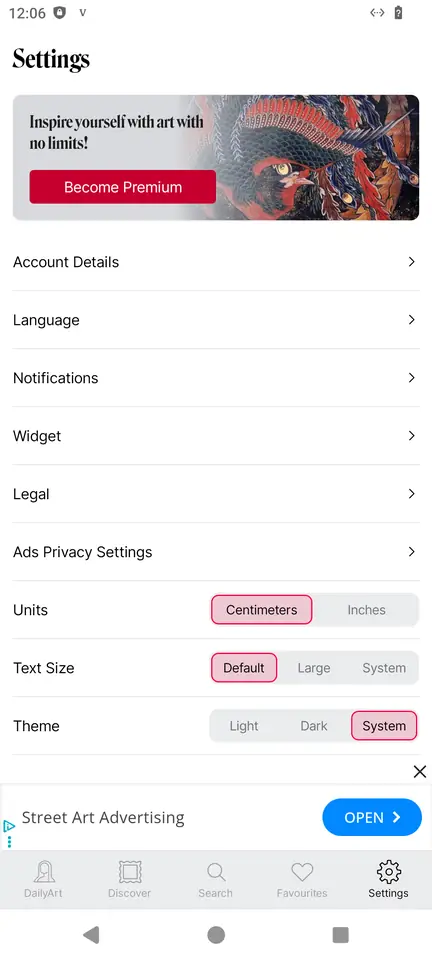
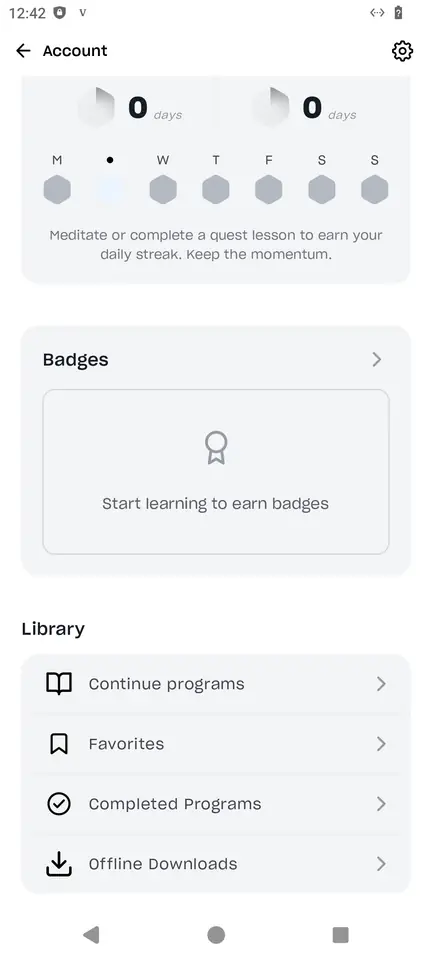
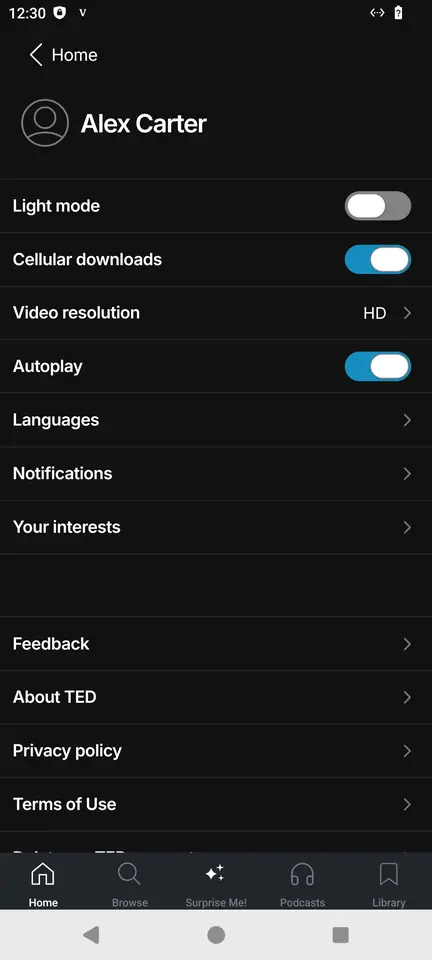
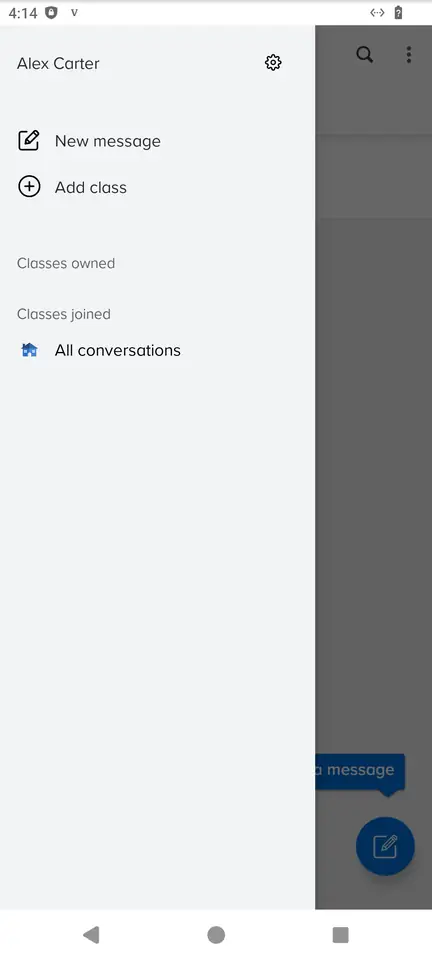
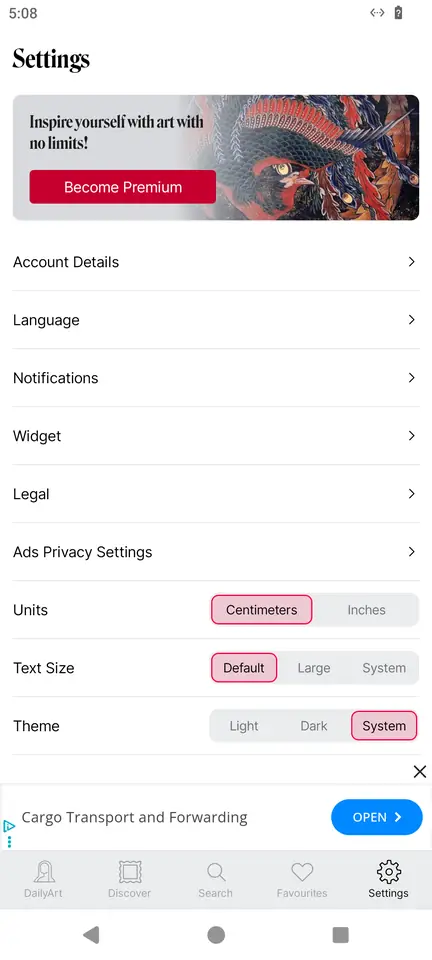
All 23 education settings screens, grouped by app → · All settings screens from every category →
UI components in education apps
Across 276 screens from 21 education apps, the most common detected components are toolbar (23% of screens), icon button (20% of screens) and button (10% of screens). Share of the 276 screens where each component is in the view hierarchy and drawn on screen; the example shows it outlined.
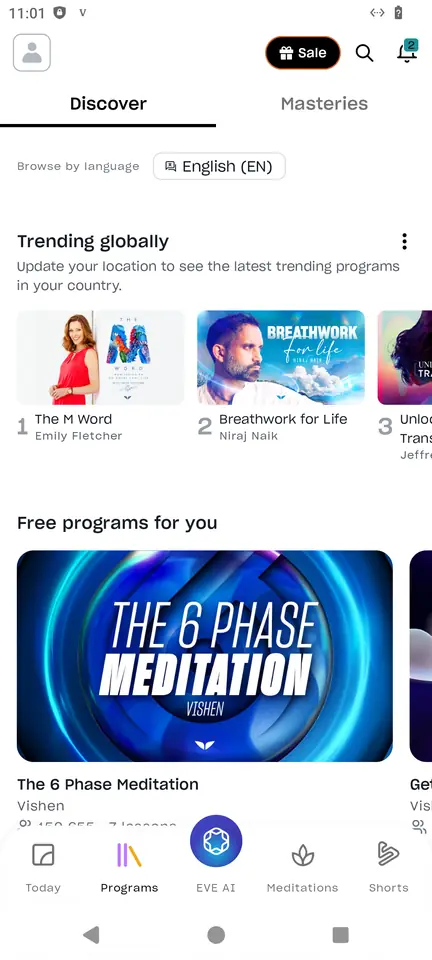
Toolbar
10 apps · example: Mindvalley
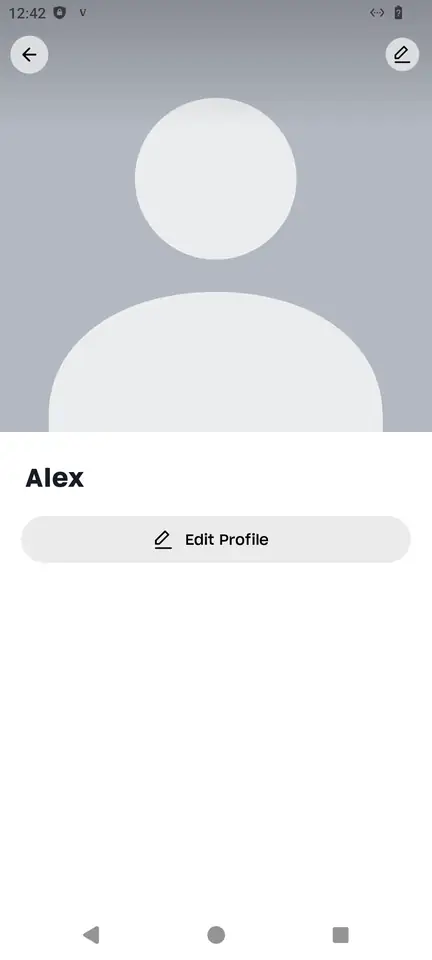
Icon button
11 apps · example: Mindvalley
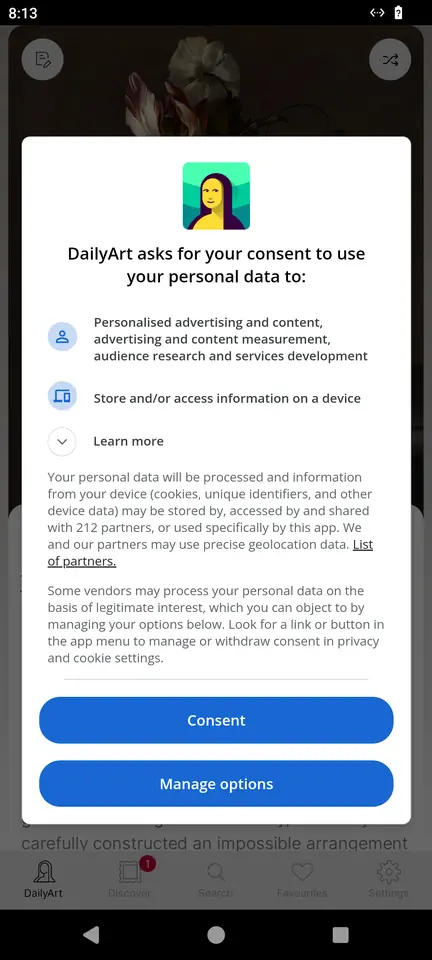
Tab bar
3 apps · example: Mindvalley
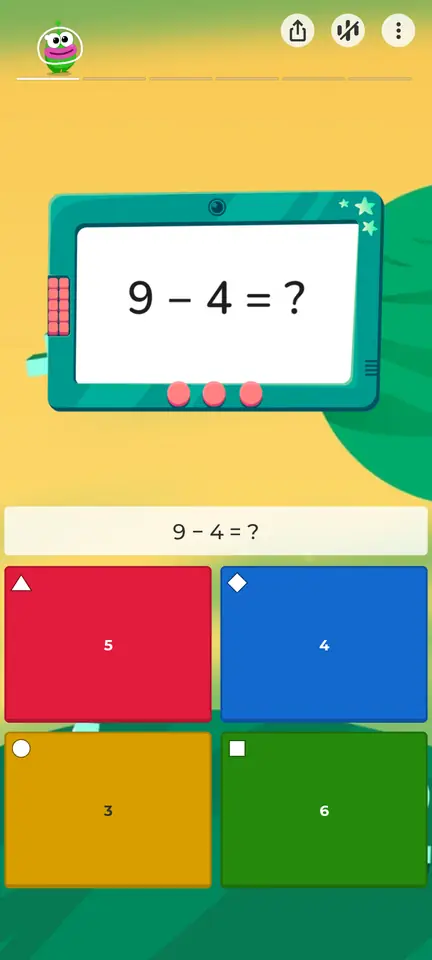
Progress bar
3 apps · example: Kahoot!
Text field
8 apps · example: DailyArt
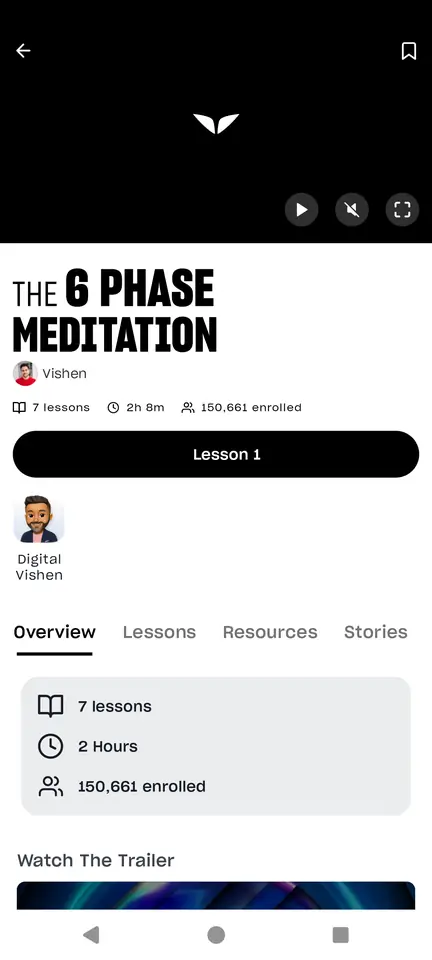
Card
6 apps · example: Mindvalley
UI patterns in education apps
Welcome screen
example: DailyArt
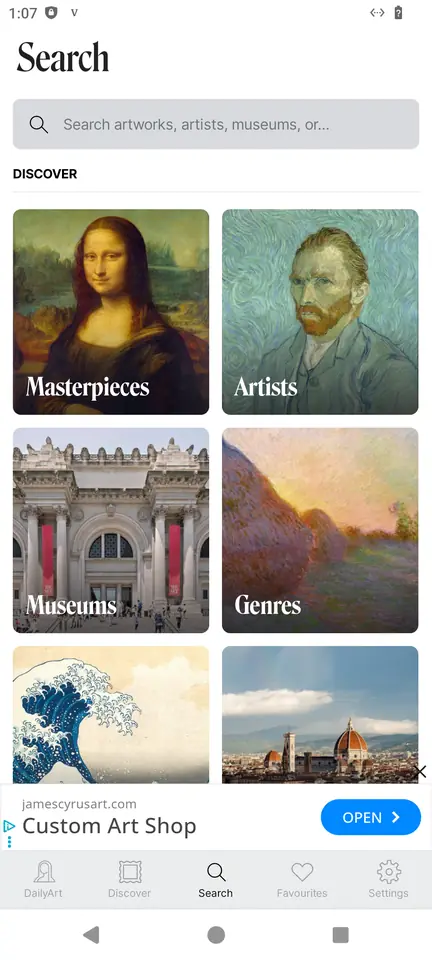
Search bar
example: DailyArt
Skip button
example: DailyArt
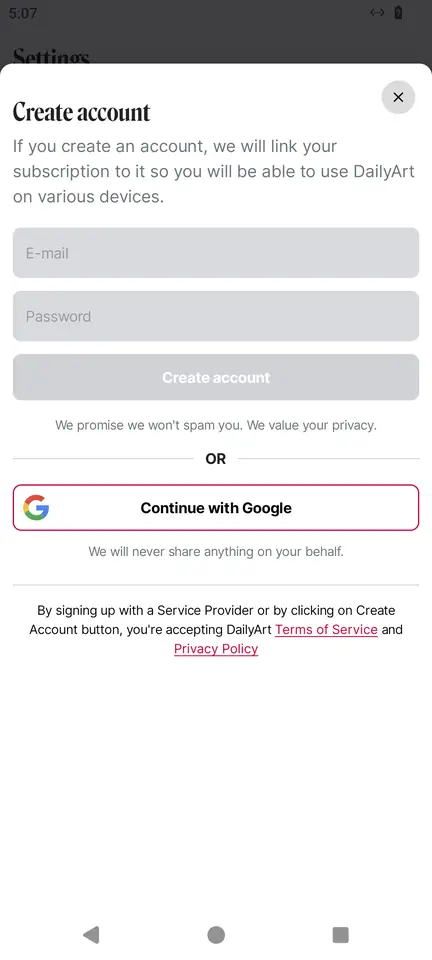
Terms and conditions agreement
example: DailyArt
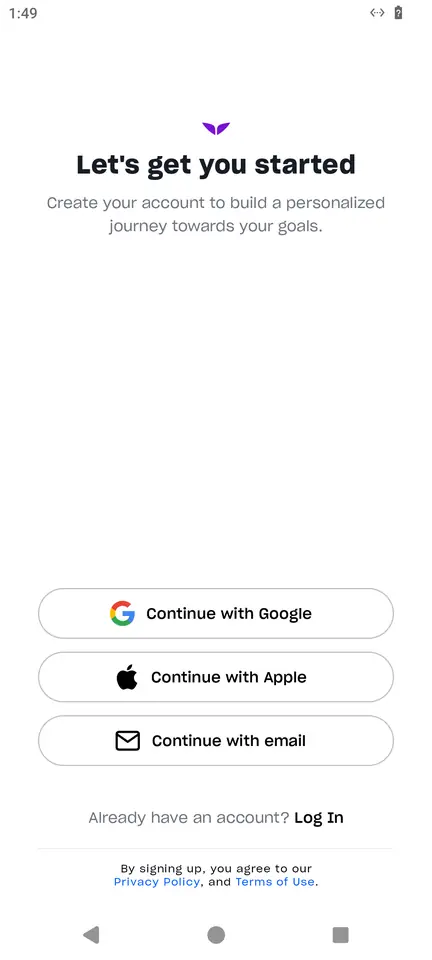
Email sign-up form
example: Mindvalley
Language selector
example: DailyArt
Permission priming
example: DailyArt
Social login buttons
example: DailyArt
What education apps say
UI copy that appears on the screens of two or more education apps, with the number of apps using it.
Search
10 appsNavigate up
7 appsBack
6 appsContinue
6 appsSettings
6 appsClose
5 appsGet Started
5 appsMore options
5 appsALLOW
4 appsContinue with Google
4 appsDON’T ALLOW
4 appsLanguage
4 appsLog in
4 appsNext
4 apps
Design notes for education apps
- Make the next lesson the biggest thing on the home screen; learners should never have to look for where they left off.
- Show progress in units the learner cares about (lessons done, streak, course %), not raw points.
- Keep lessons short and resumable; a phone session is often under five minutes.
- Ask the learner's goal and level in onboarding, and use the answer to pick the first lesson.
FAQ
What makes good education app UI design?
Make the next lesson the biggest thing on the home screen; learners should never have to look for where they left off. Show progress in units the learner cares about (lessons done, streak, course %), not raw points. Keep lessons short and resumable; a phone session is often under five minutes.
Which Android education apps can I study?
The Flowtape library holds 276 screens from 21 Android education apps: DailyArt, Mindvalley, TED, Kahoot!, Udemy, Remind, Khan Academy and Mimo and more. Every screen is free to browse.
What UI components and patterns do education apps use?
Across 276 screens from 21 education apps, the most common detected components are toolbar (23% of screens), icon button (20% of screens) and button (10% of screens). The most common UI patterns are welcome screen (10 of 21 apps), search bar (8 of 21 apps) and skip button (7 of 21 apps).
Which education app flows are captured step by step?
16 home & browsing flows, 14 onboarding flows, 6 sign-in flows and 4 settings flows, each recorded screen by screen on a real Android device — for example the Udemy home & browsing screens (22 screens).
Captured on real Android devices · last updated 2026-11-14