Sports app UI design: 6 Android apps, 145 screens
Sports apps deliver live scores, fixtures, news and video for teams and leagues. The UI is dense and live: lists of matches that update in real time, organised around the teams and competitions a fan follows. Below: 6 sports apps we captured on a real Android device, 17 full flows and what their screens are built from.
Sports apps in the library
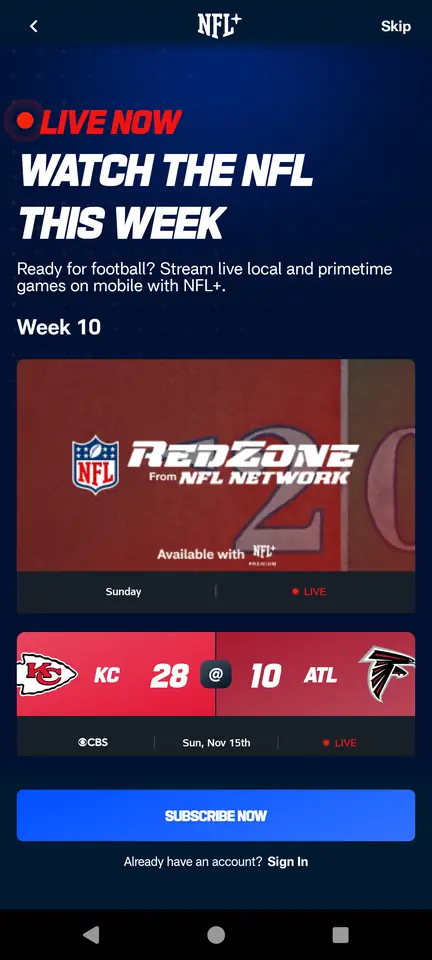
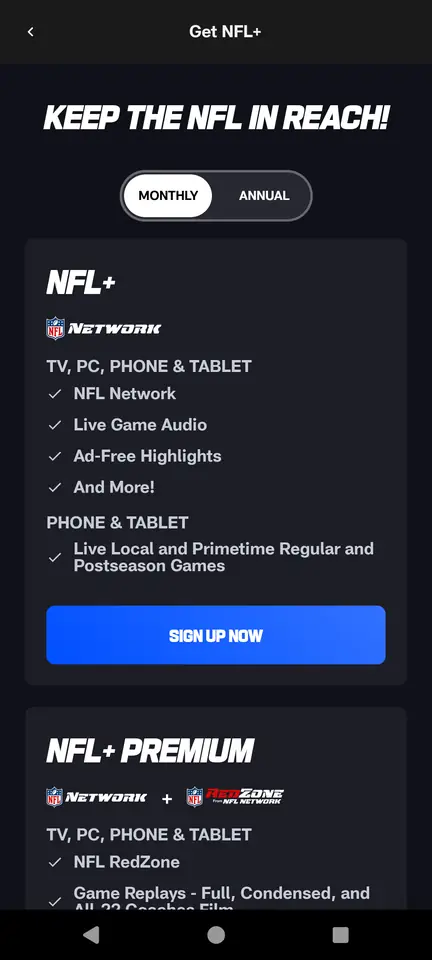
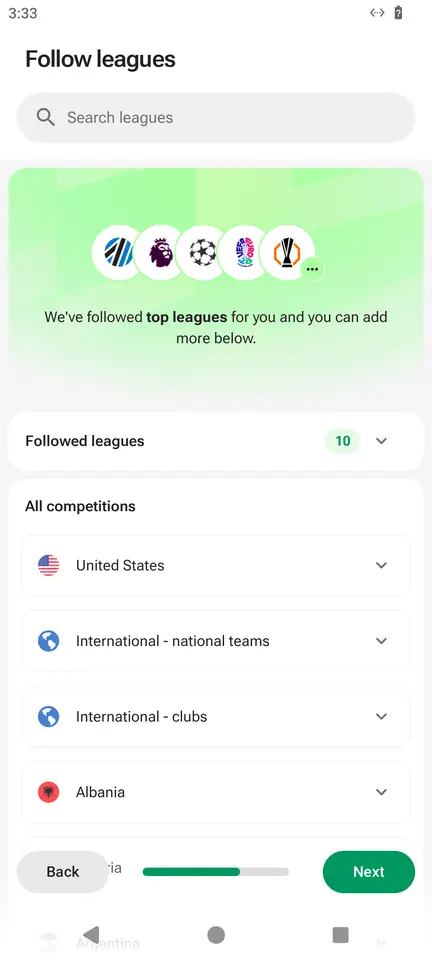
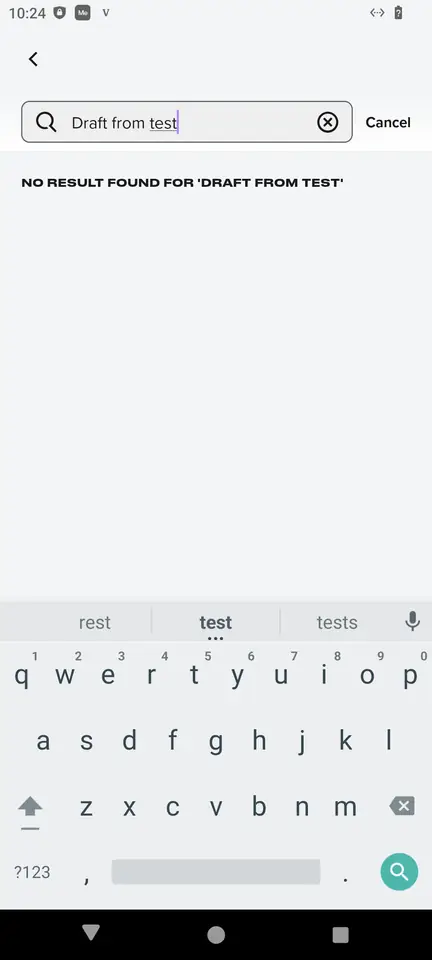
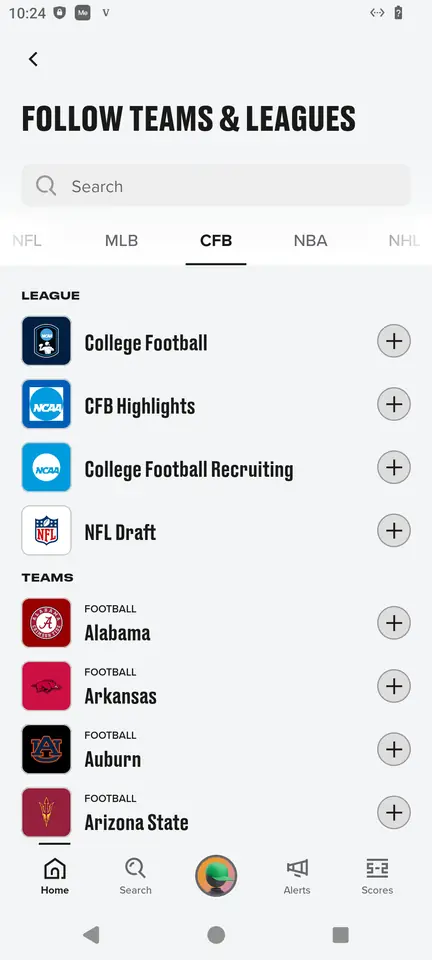
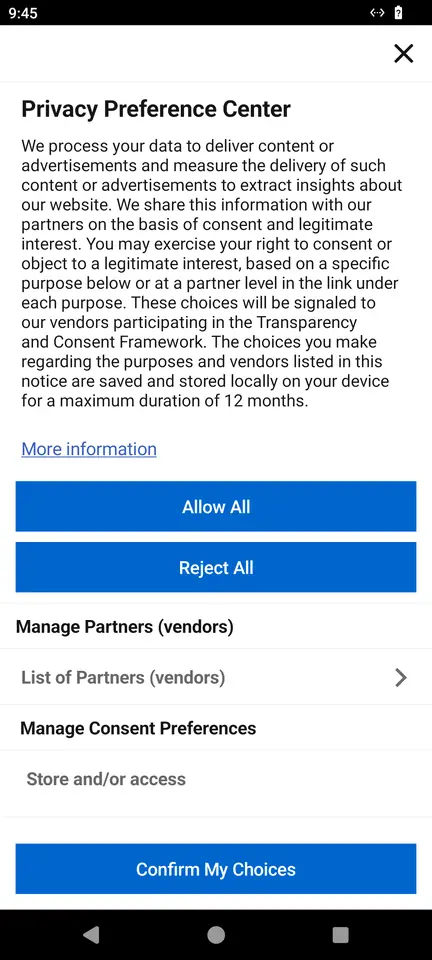
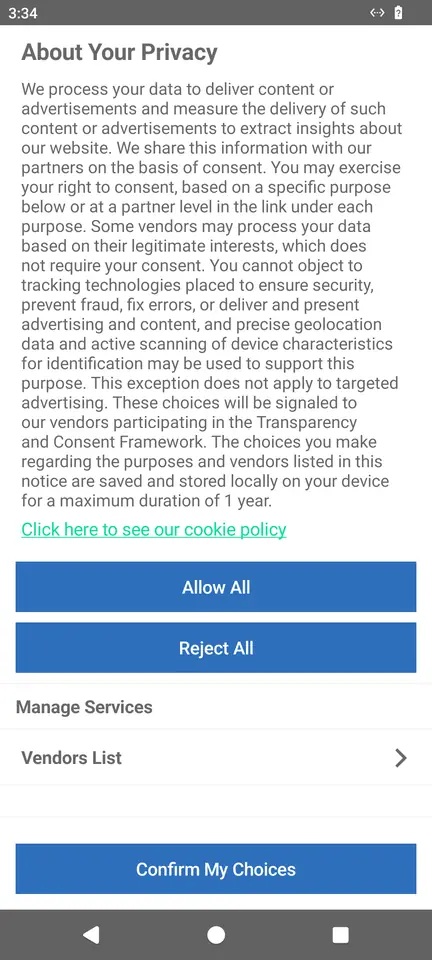
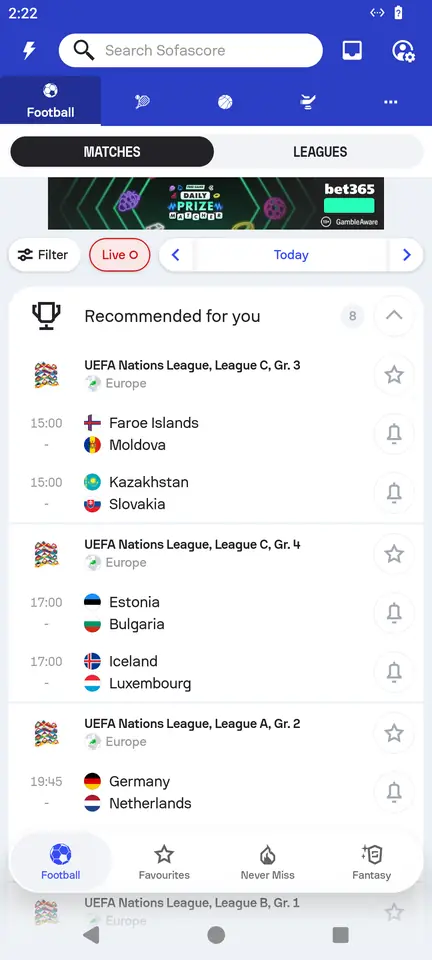
Sports app flows, step by step
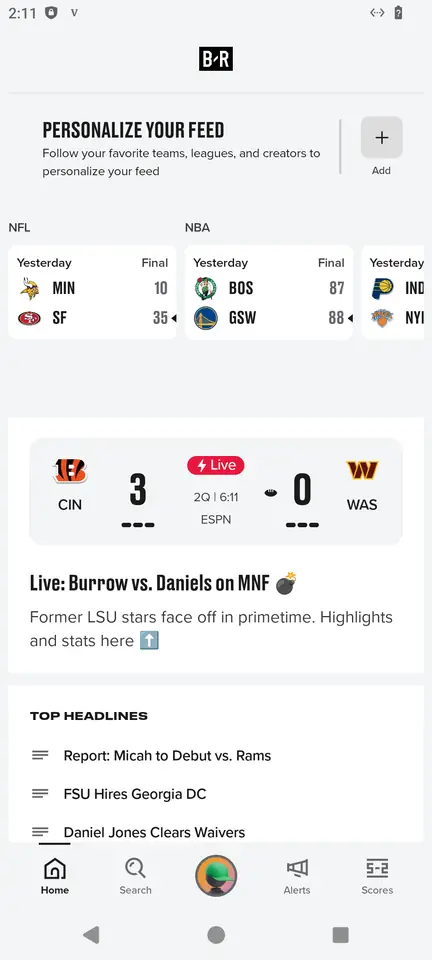
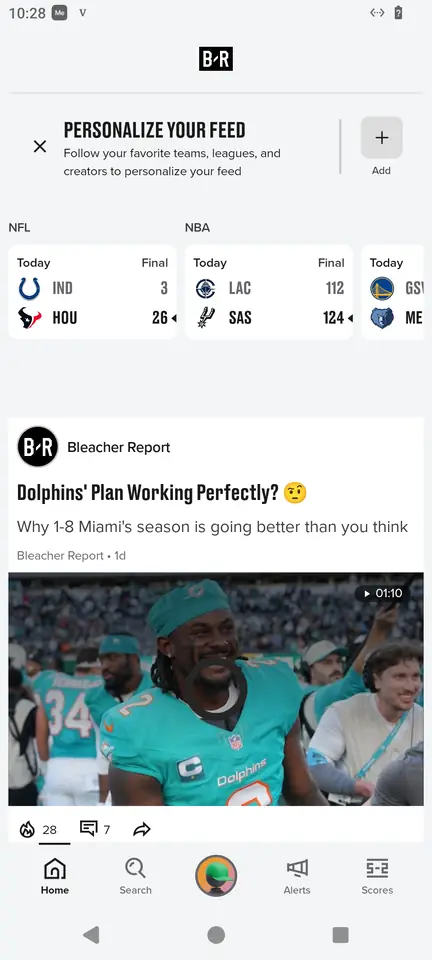
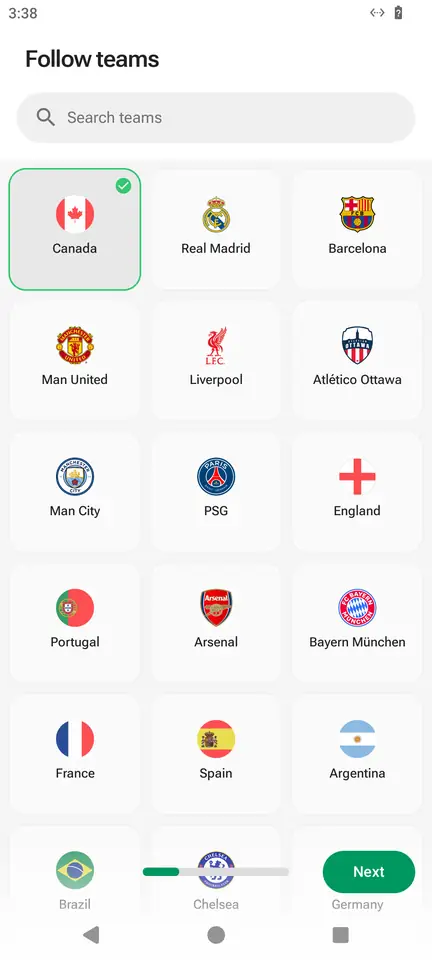
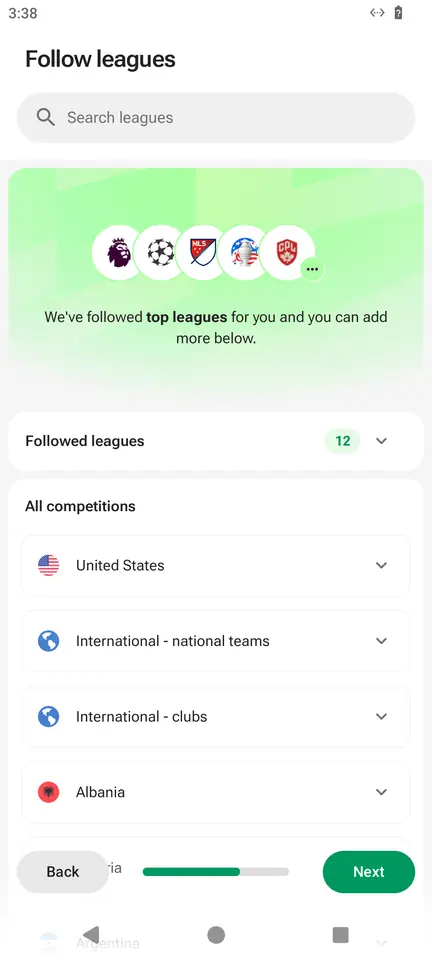
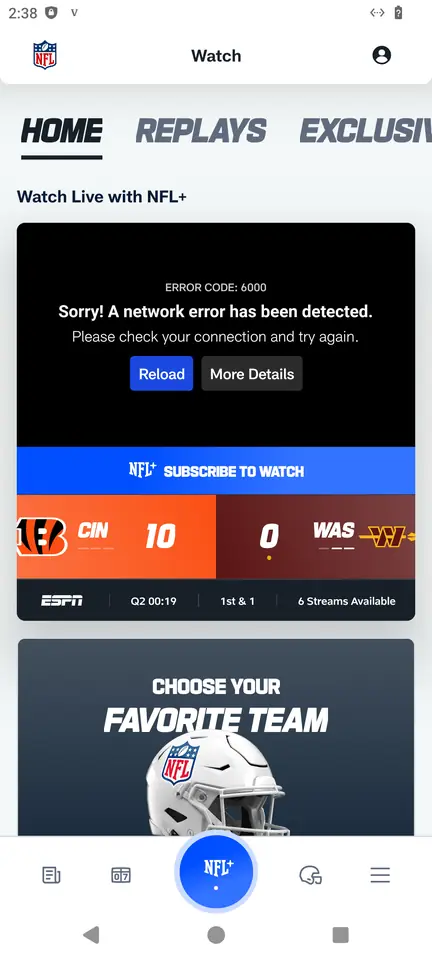
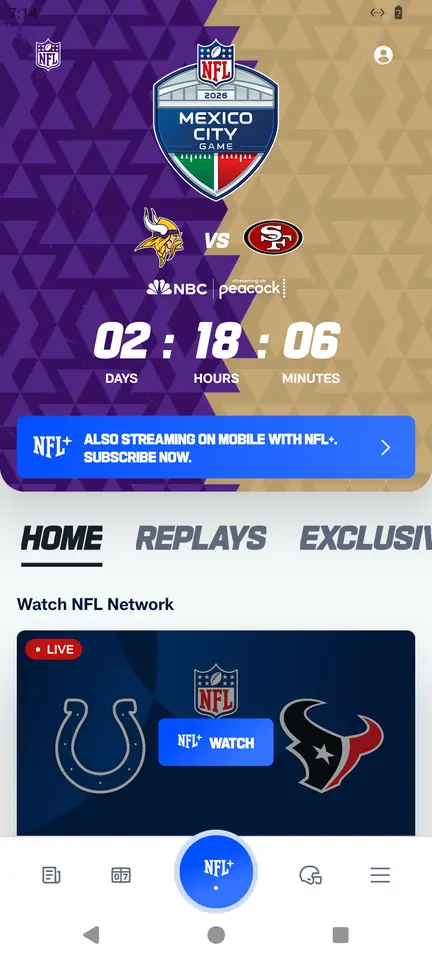
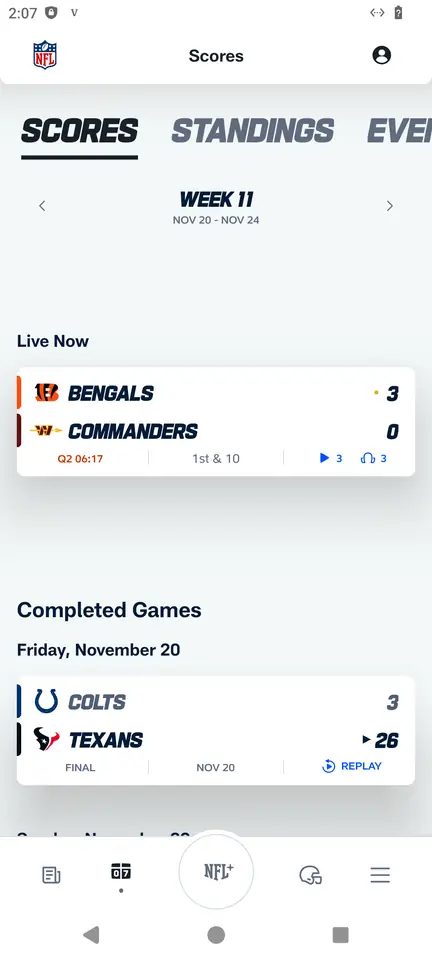
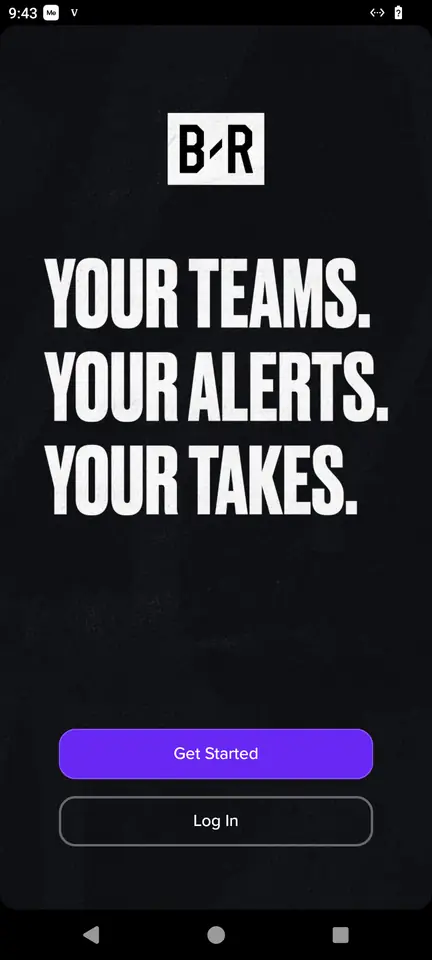
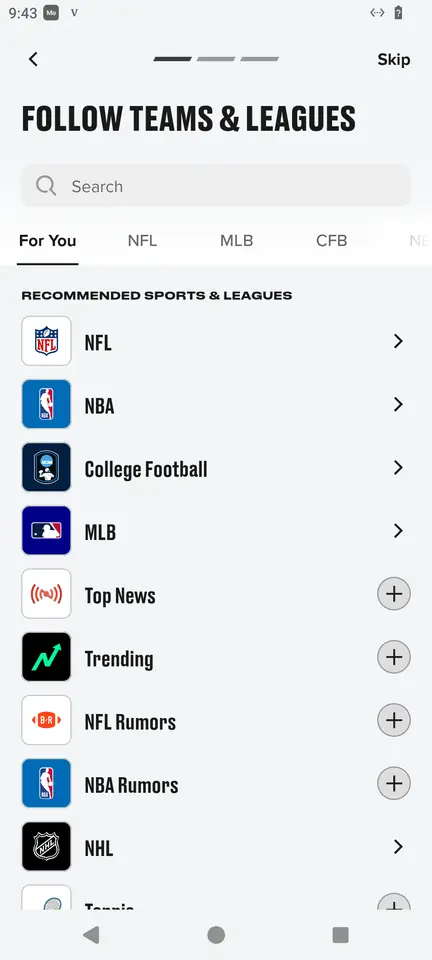
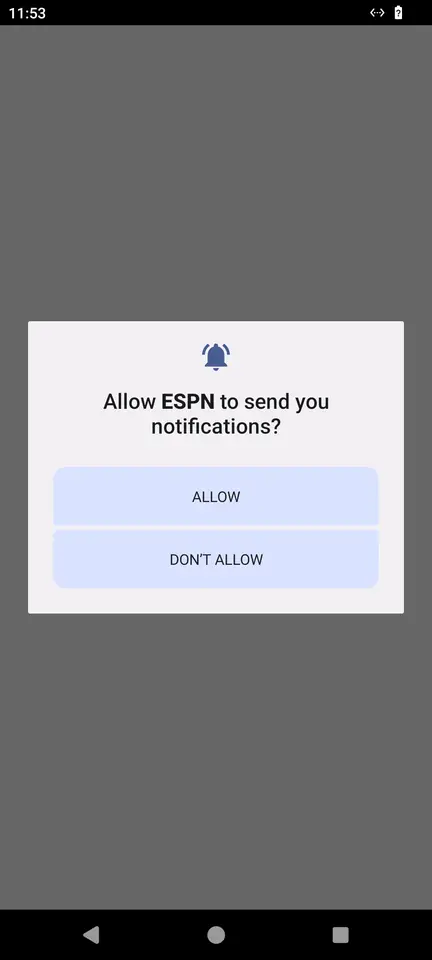
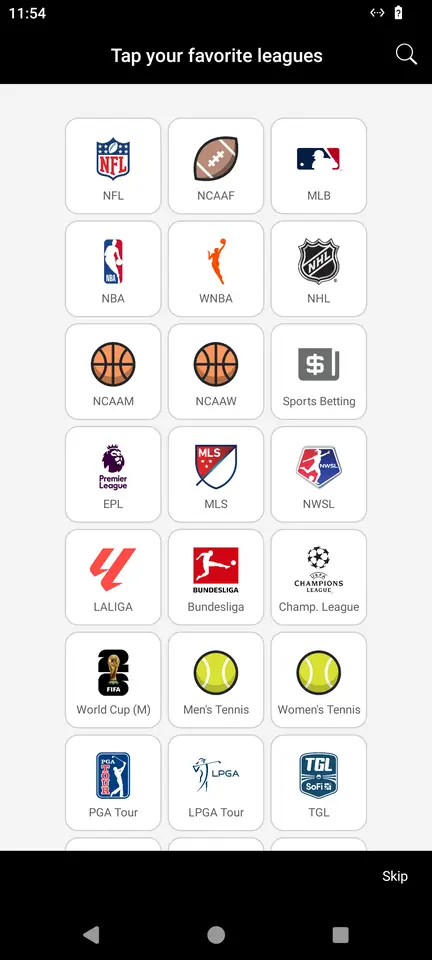
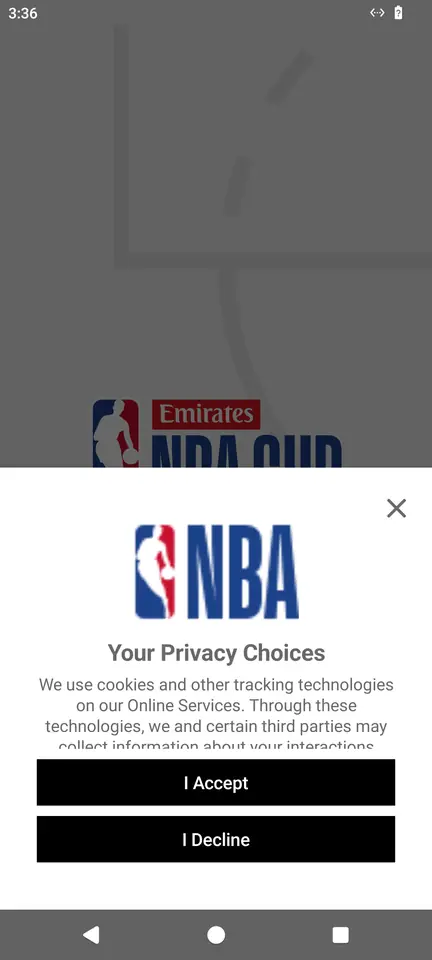
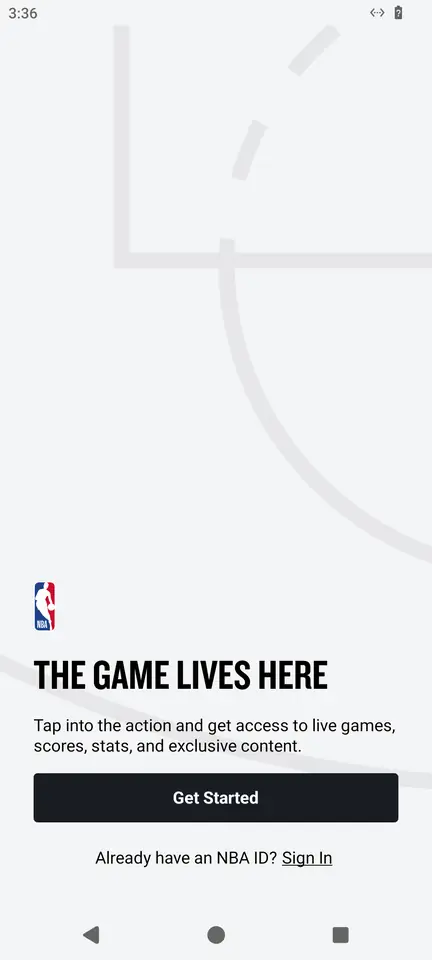
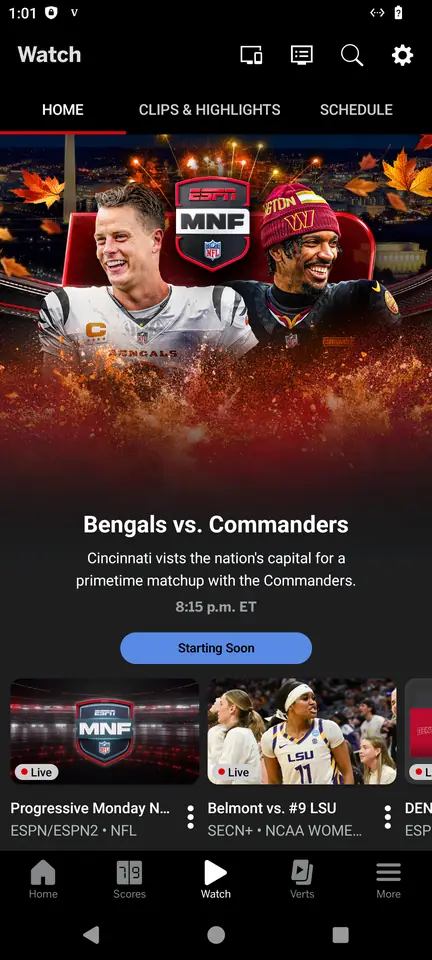
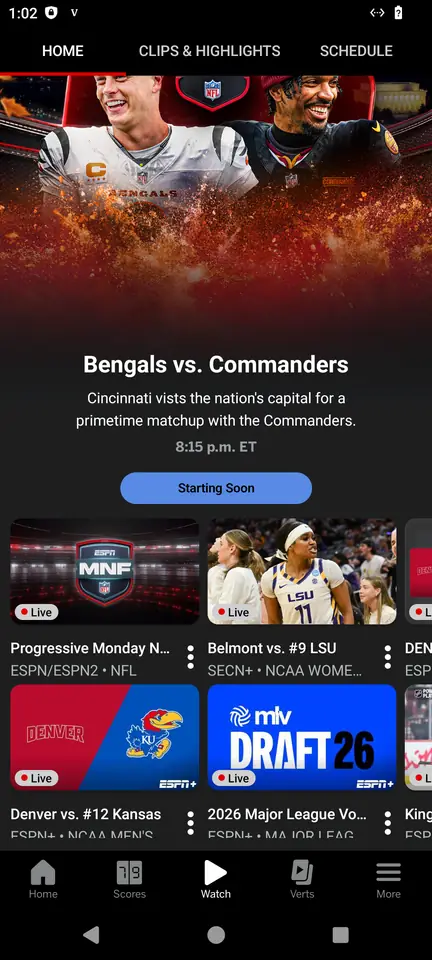
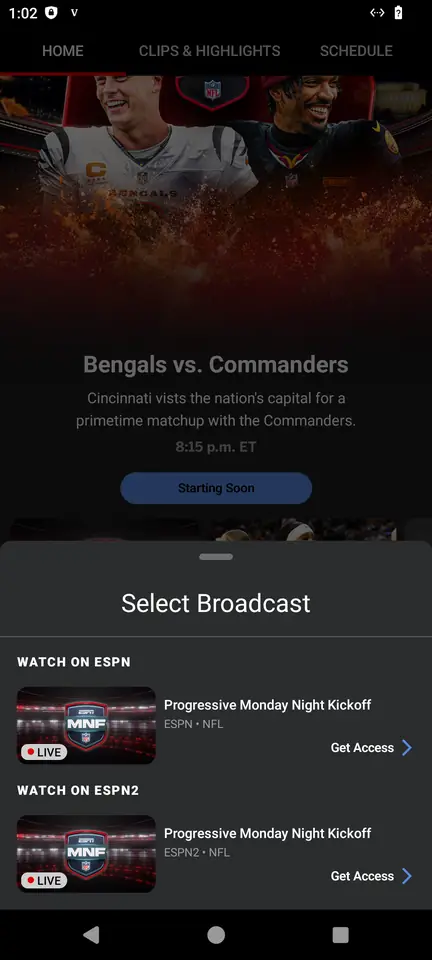
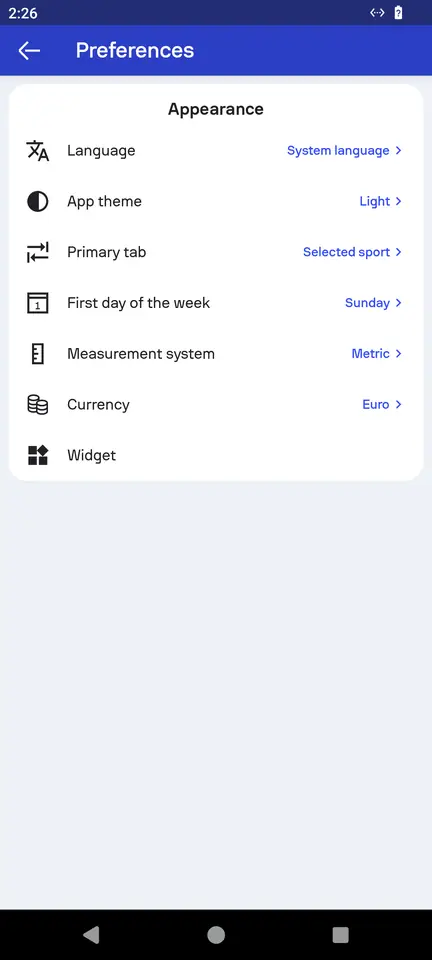
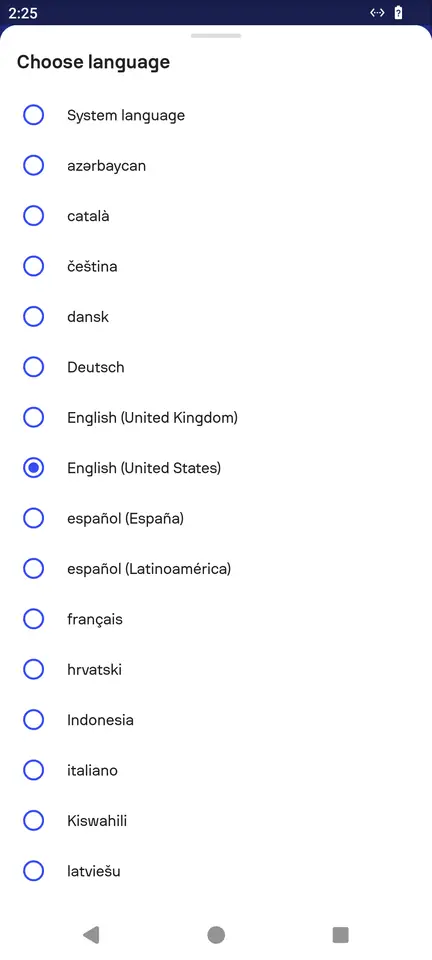
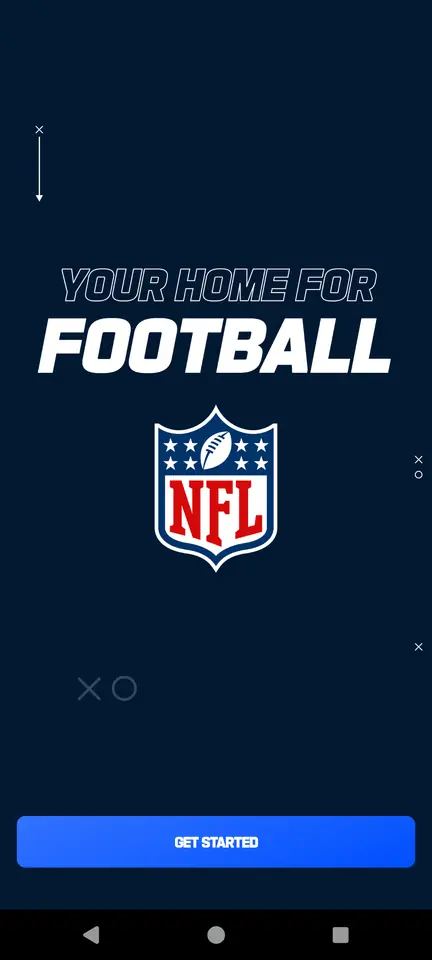
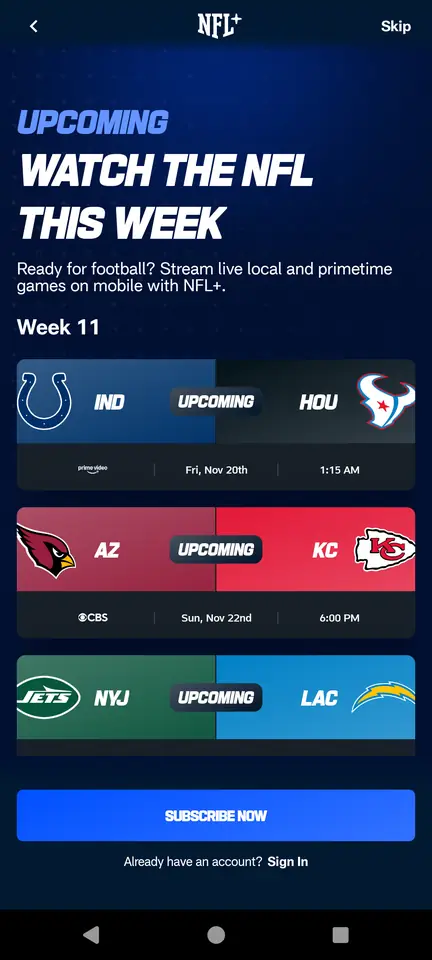
Sports onboarding screens
46 screens · 6 apps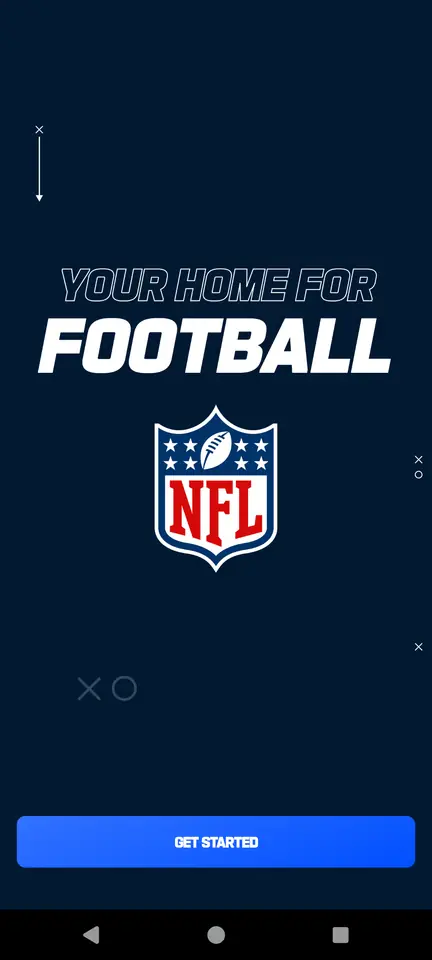
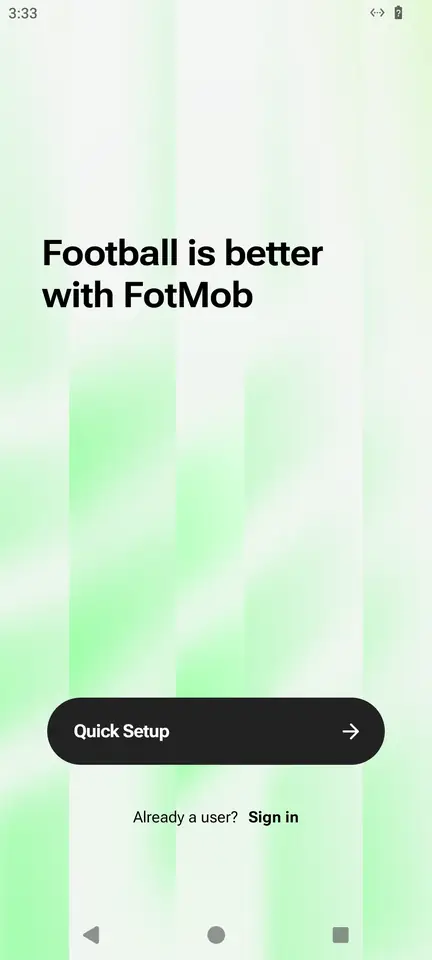
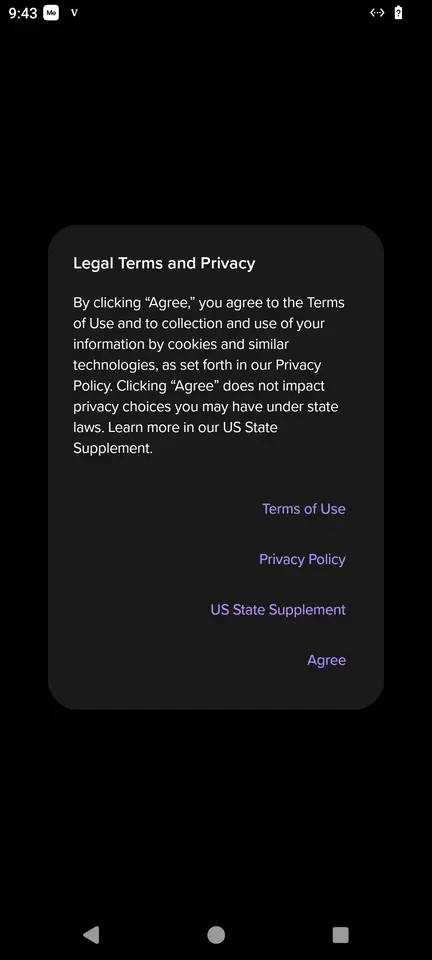
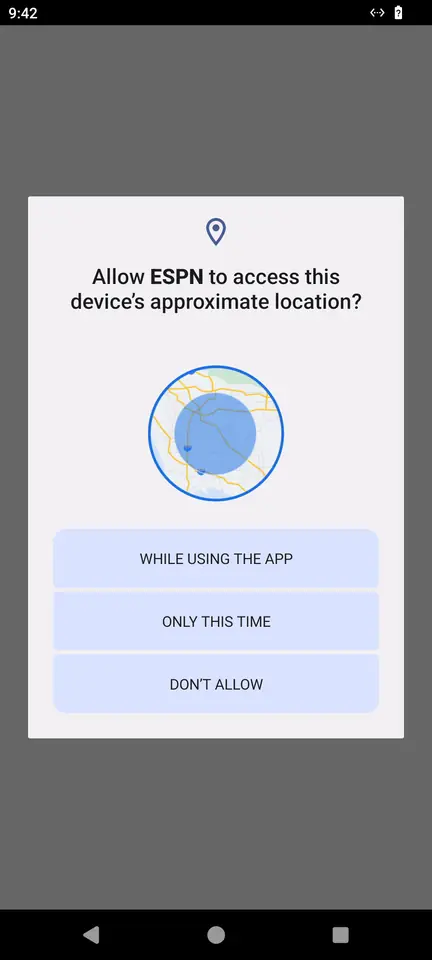
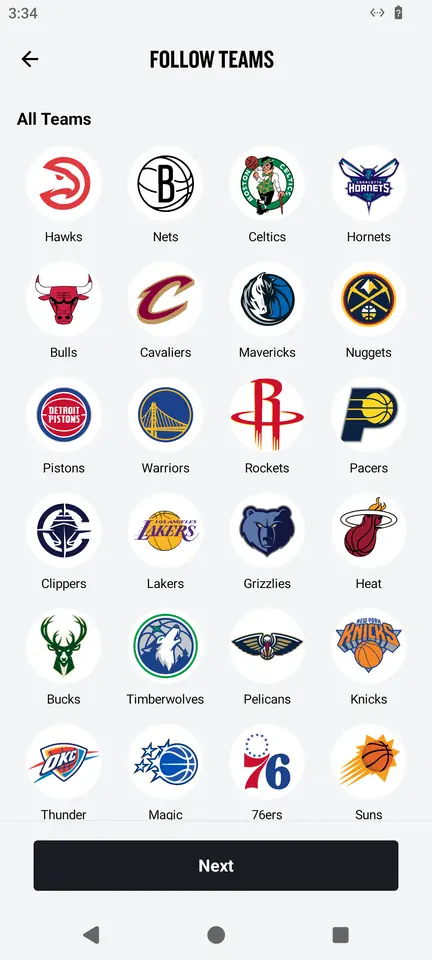
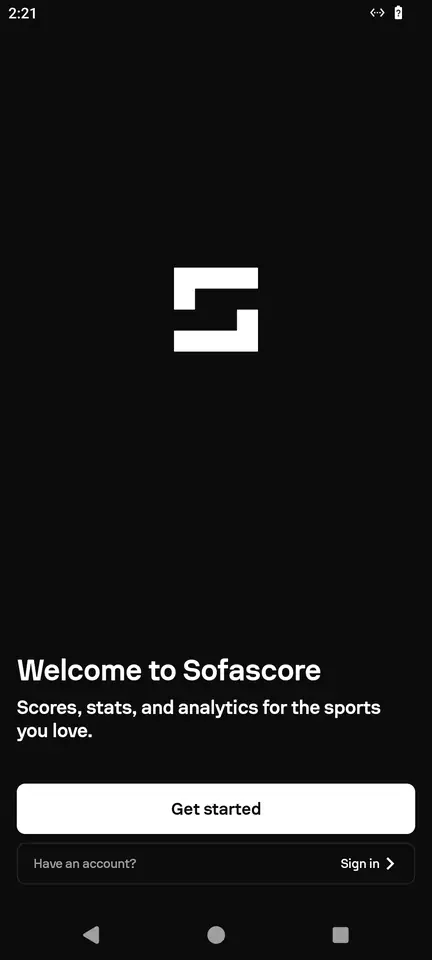
All 46 sports onboarding screens, grouped by app → · All onboarding screens from every category →
Sports login screens
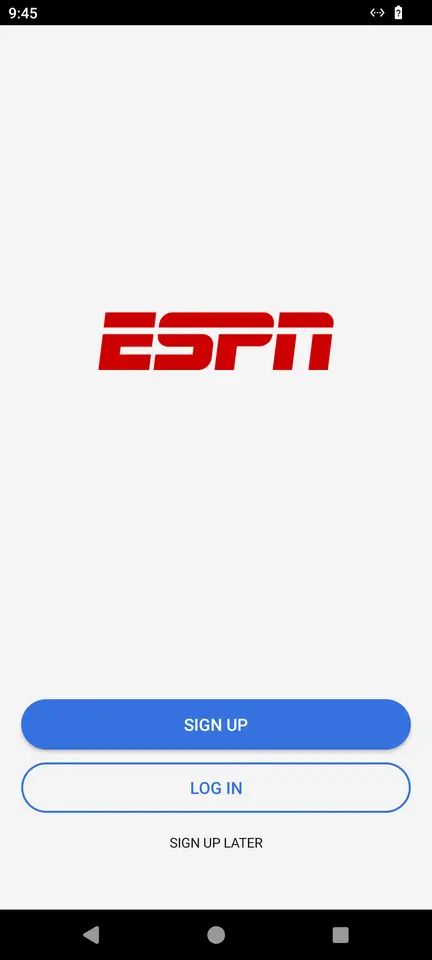
8 screens · 3 apps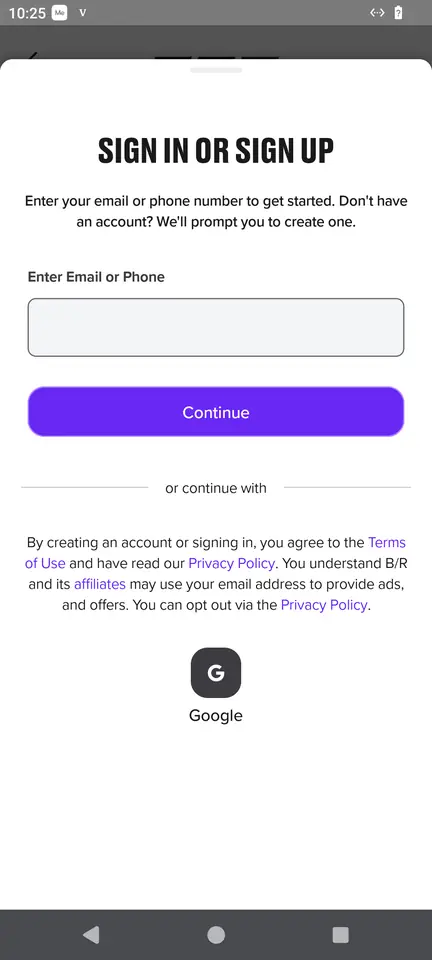
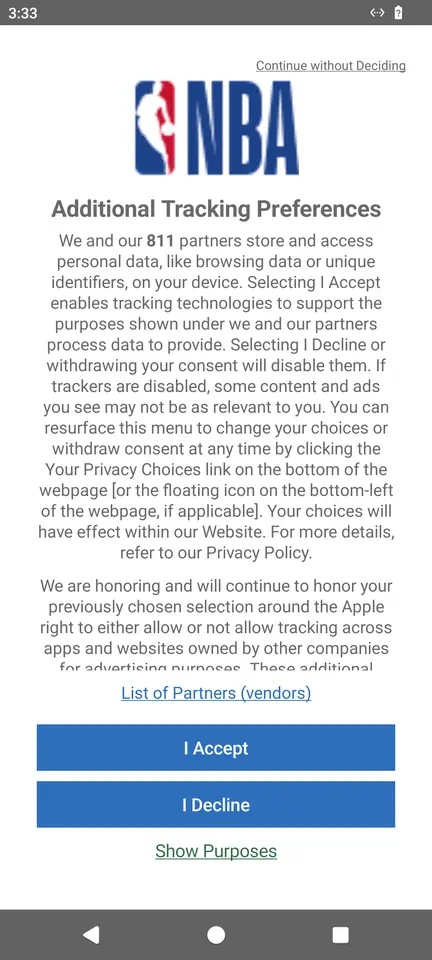
Sports home screens
63 screens · 6 apps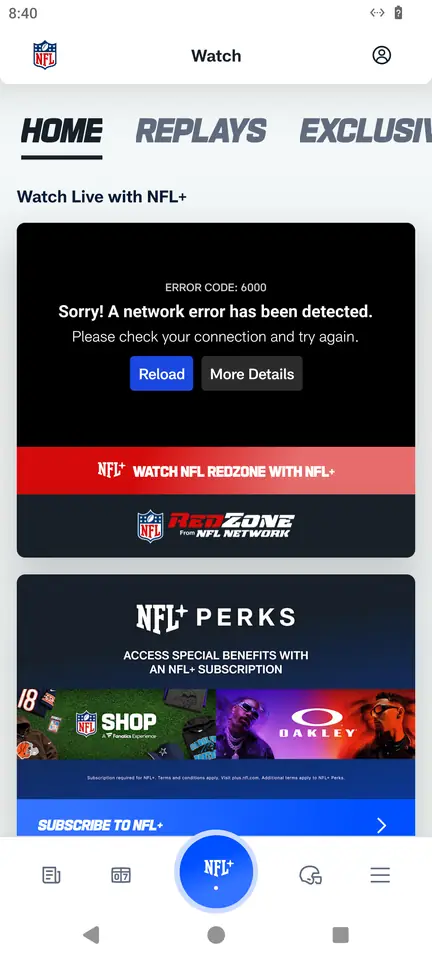
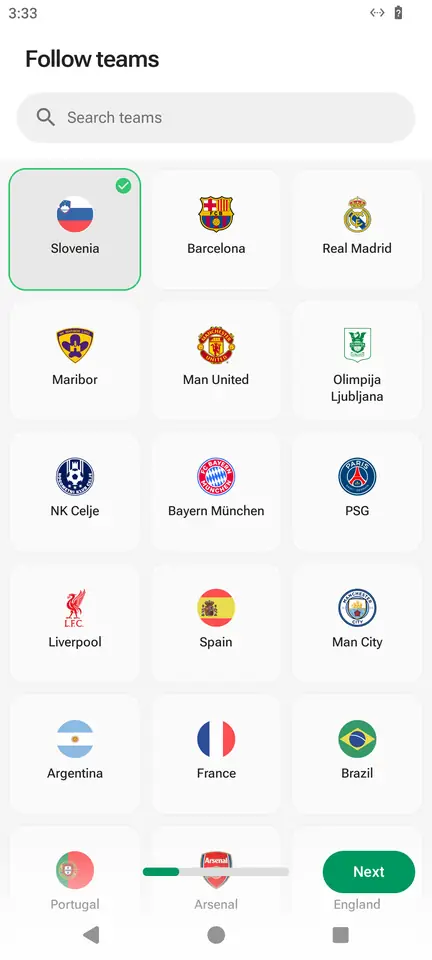
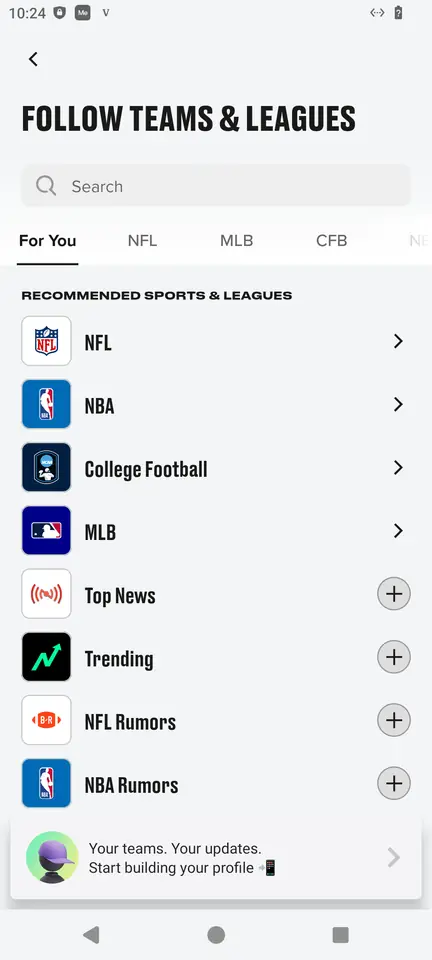
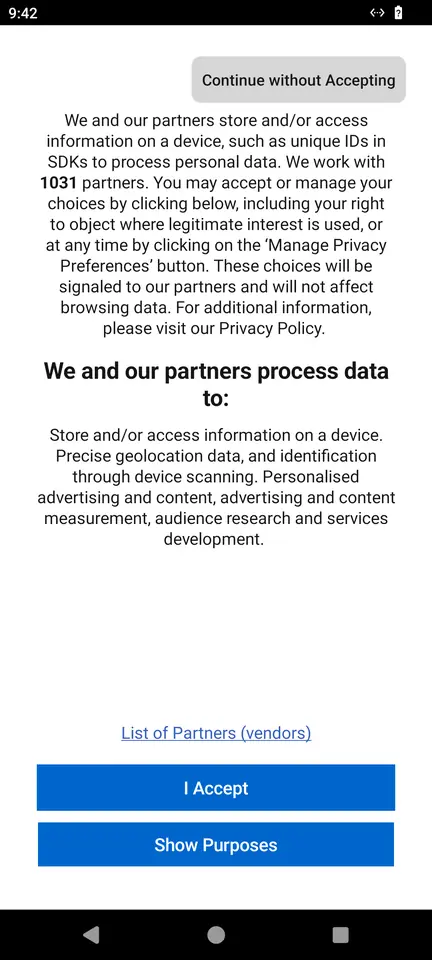
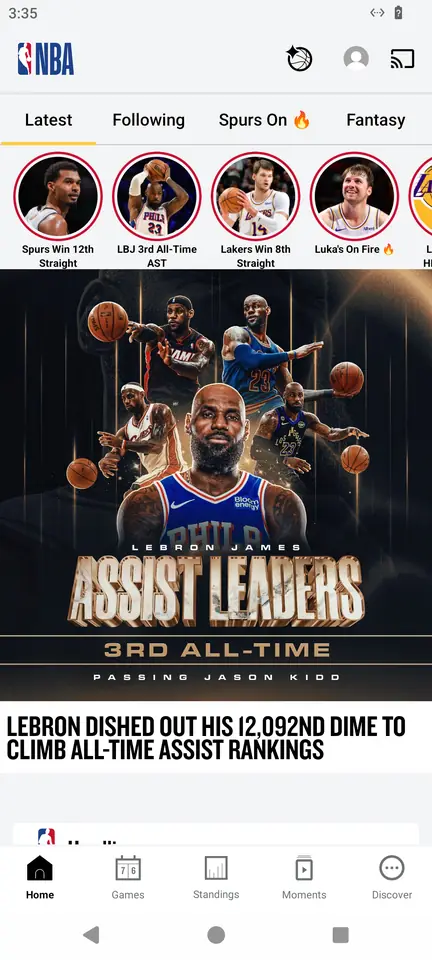
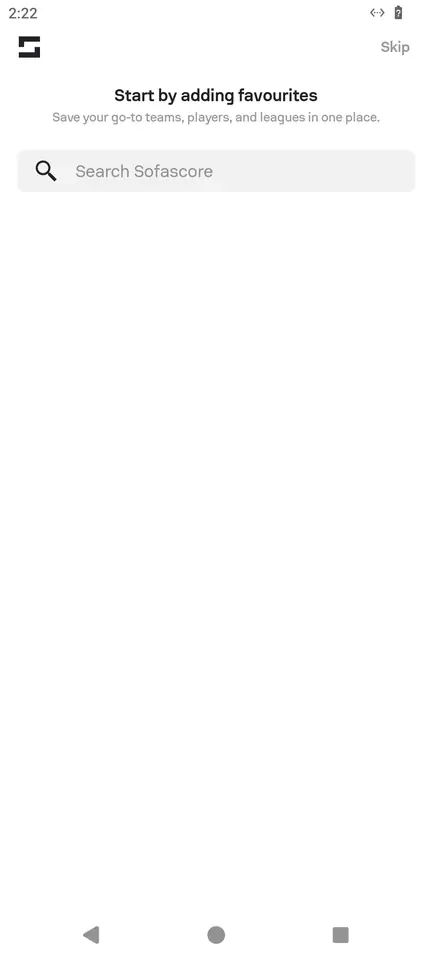
All 63 sports home screens, grouped by app → · All home screens from every category →
Sports settings screens
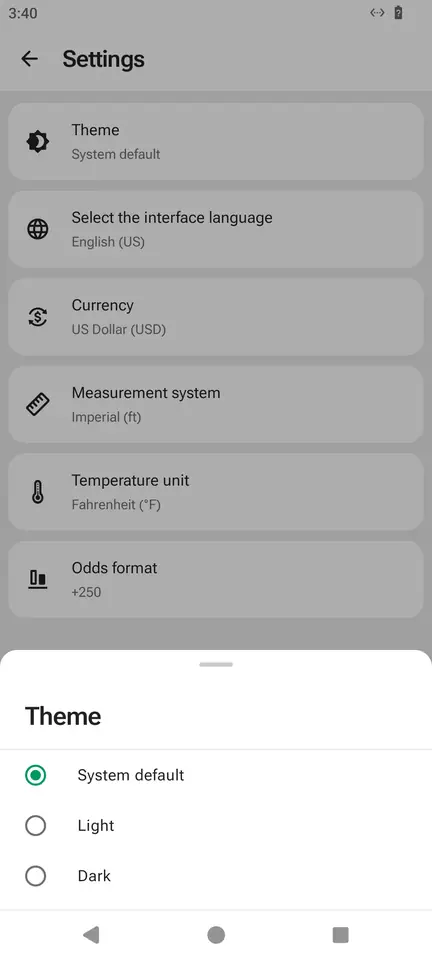
21 screens · 5 apps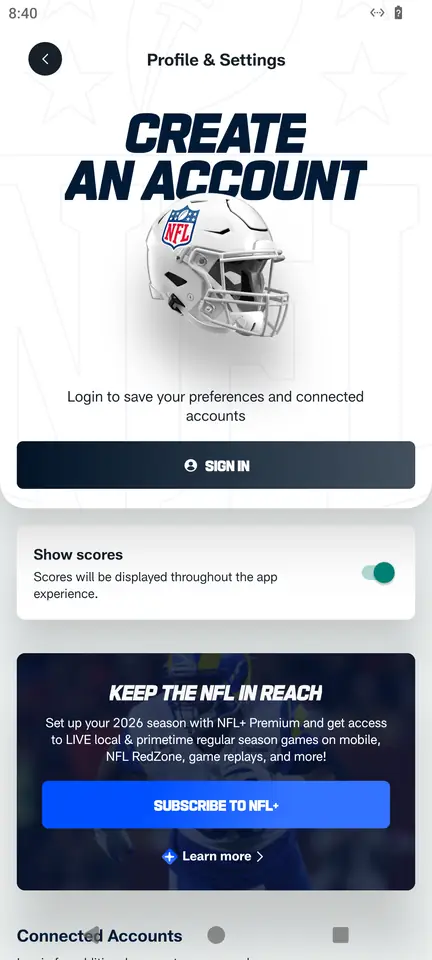
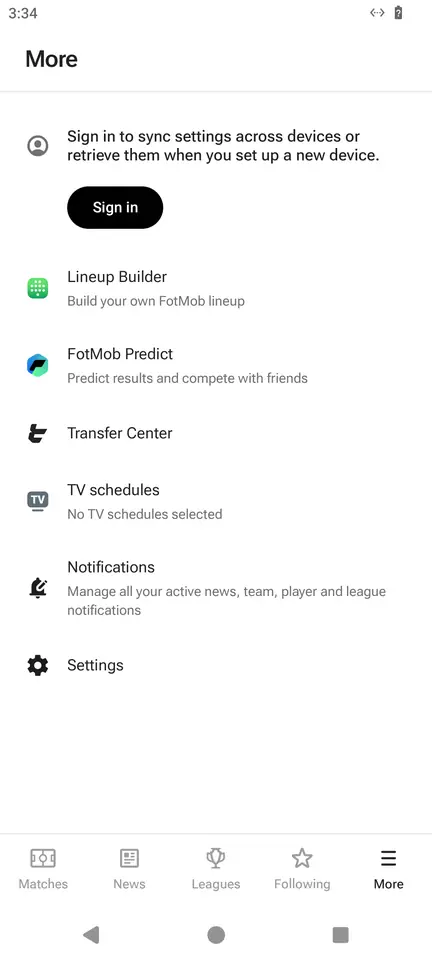
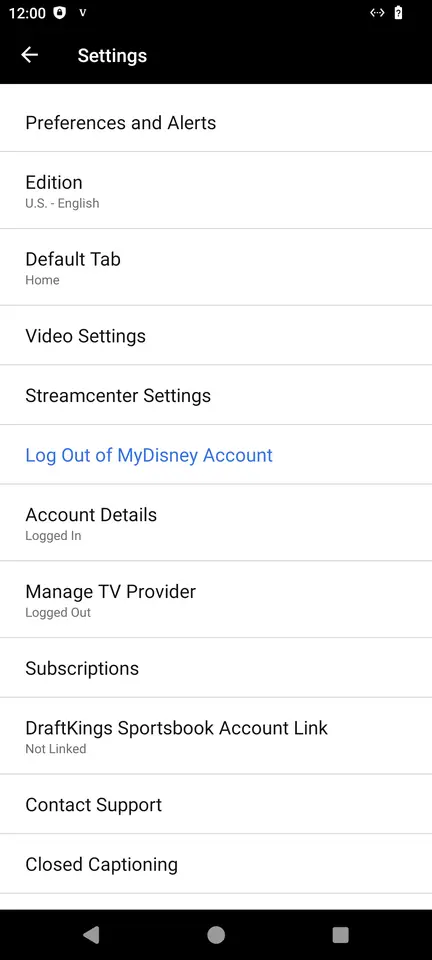
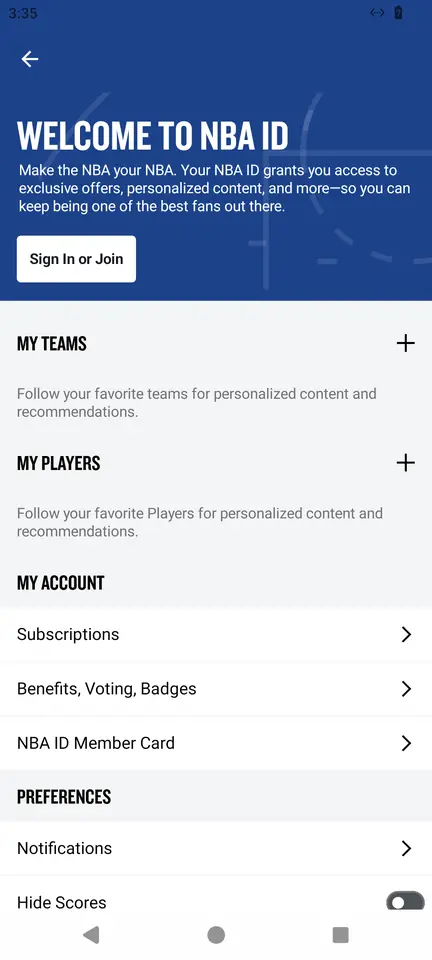
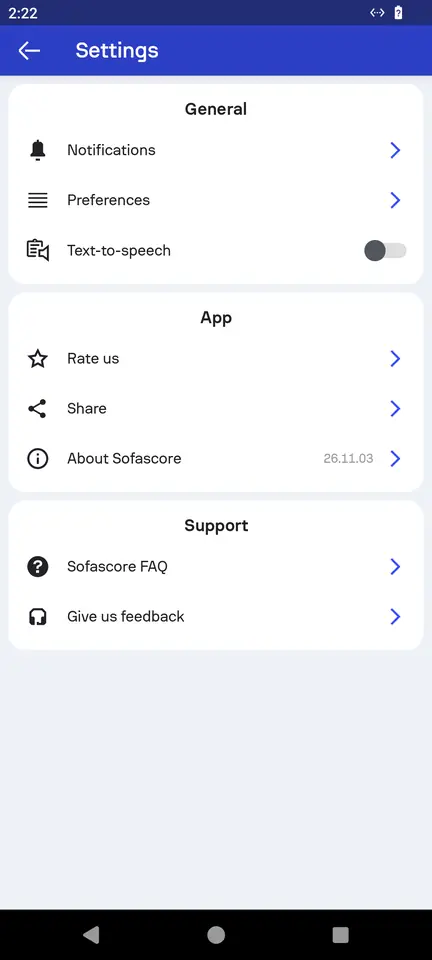
All 21 sports settings screens, grouped by app → · All settings screens from every category →
Sports paywall screens
2 screens · 1 app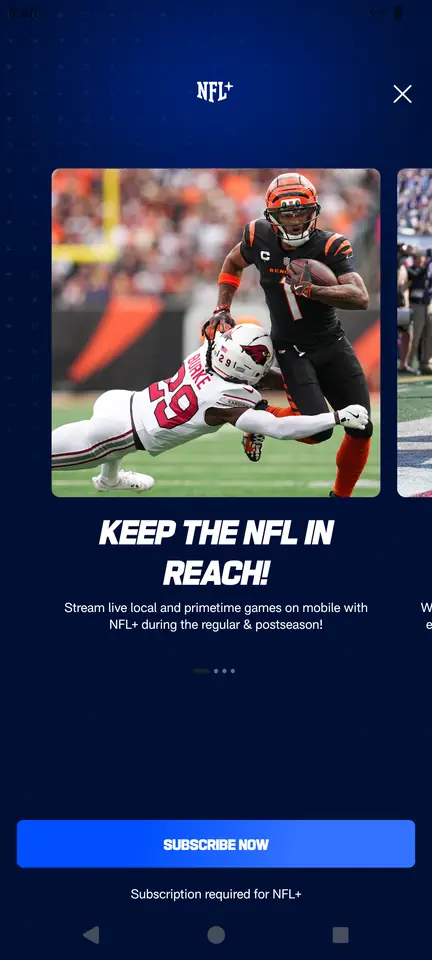
UI components in sports apps
Across 145 screens from 6 sports apps, the most common detected components are toolbar (22% of screens), bottom sheet (14% of screens) and button (10% of screens). Share of the 145 screens where each component is in the view hierarchy and drawn on screen; the example shows it outlined.
UI patterns in sports apps
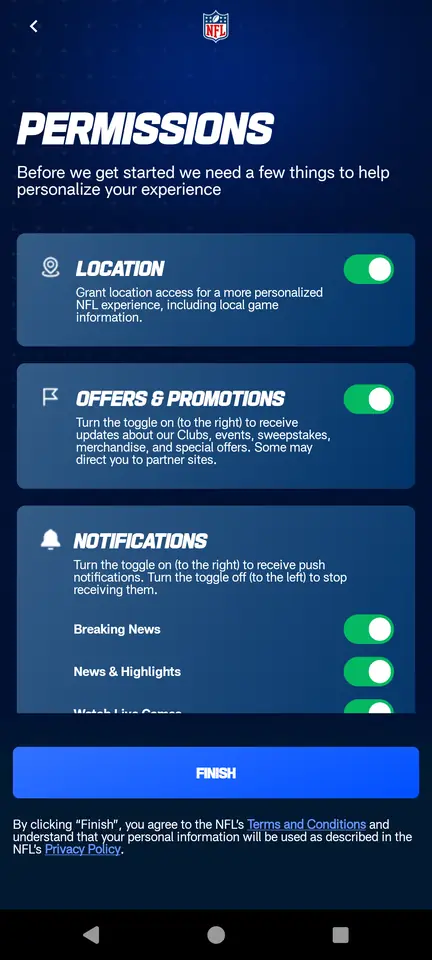
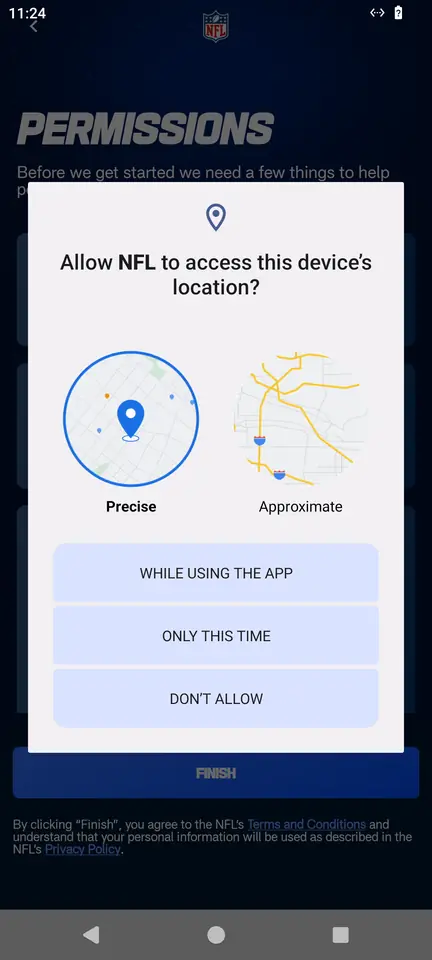
Permission priming
example: NFL
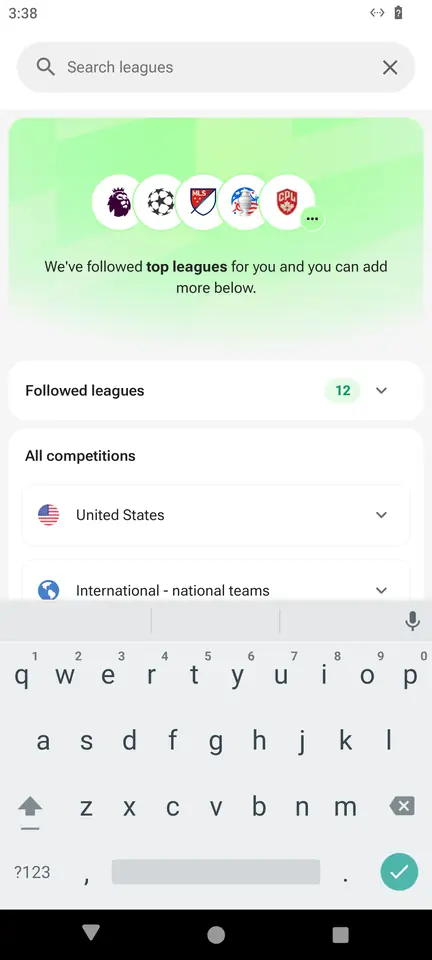
Search bar
example: FotMob
Welcome screen
example: NFL
Cookie consent banner
example: Bleacher Report
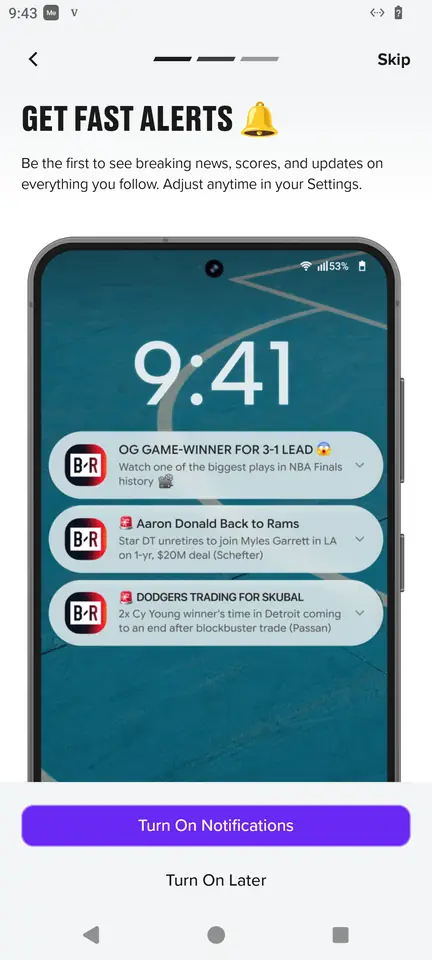
Skip button
example: Bleacher Report
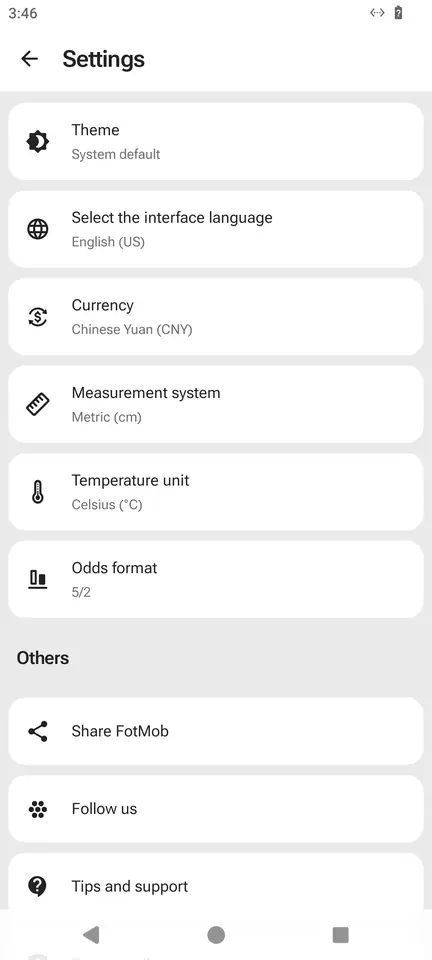
Dark mode toggle
example: FotMob
Email sign-up form
example: Bleacher Report
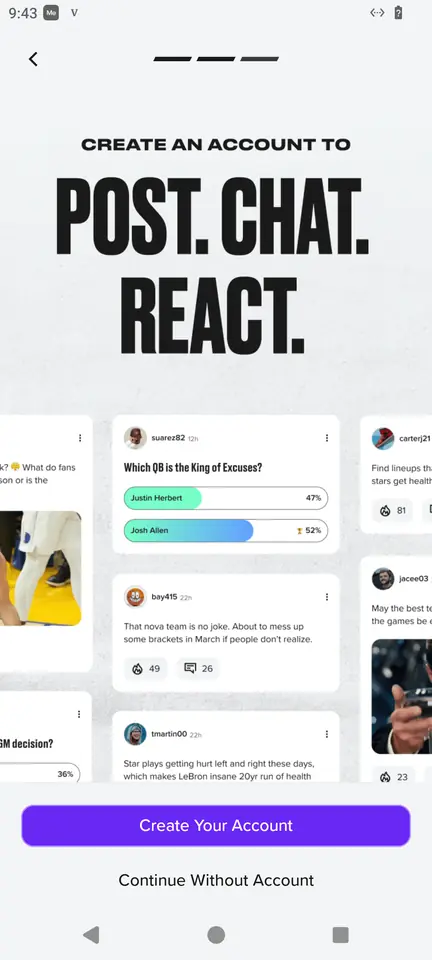
Registration wall
example: Bleacher Report
What sports apps say
UI copy that appears on the screens of two or more sports apps, with the number of apps using it.
Close sheet
4 appsSettings
4 appsALLOW
3 appsCancel
3 appsDON’T ALLOW
3 appsFollowing
3 appsGet Started
3 appsMore
3 appsNavigate up
3 appsNBA
3 appsScores
3 appsSearch
3 appsSign in
3 appsSkip
3 apps
Design notes for sports apps
- Ask which teams and leagues the user follows in onboarding, and build the home screen from them.
- Show live matches first, with the score readable at a glance.
- Ask for notification permission when a user follows a team — that is when alerts make sense.
- Keep dense tables scannable with clear alignment and sticky headers.
FAQ
What makes good sports app UI design?
Ask which teams and leagues the user follows in onboarding, and build the home screen from them. Show live matches first, with the score readable at a glance. Ask for notification permission when a user follows a team — that is when alerts make sense.
Which Android sports apps can I study?
The Flowtape library holds 145 screens from 6 Android sports apps: NFL, FotMob, Bleacher Report, ESPN, NBA and Sofascore. Every screen is free to browse.
What UI components and patterns do sports apps use?
Across 145 screens from 6 sports apps, the most common detected components are toolbar (22% of screens), bottom sheet (14% of screens) and button (10% of screens). The most common UI patterns are permission priming (5 of 6 apps), search bar (4 of 6 apps) and welcome screen (4 of 6 apps).
Which sports app flows are captured step by step?
6 onboarding flows, 5 home & browsing flows, 5 settings flows and 1 sign-in flow, each recorded screen by screen on a real Android device — for example the Bleacher Report home & browsing screens (15 screens).
Captured on real Android devices · last updated 2026-11-14