Social media app UI design: 13 Android apps, 105 screens
Social apps let people message, share and follow others — chat, short video, audio rooms and creator memberships. Their onboarding is mostly sign-up: phone or social login, profile, contacts and interests. Below: 13 social apps we captured on a real Android device, 18 full flows and what their screens are built from.
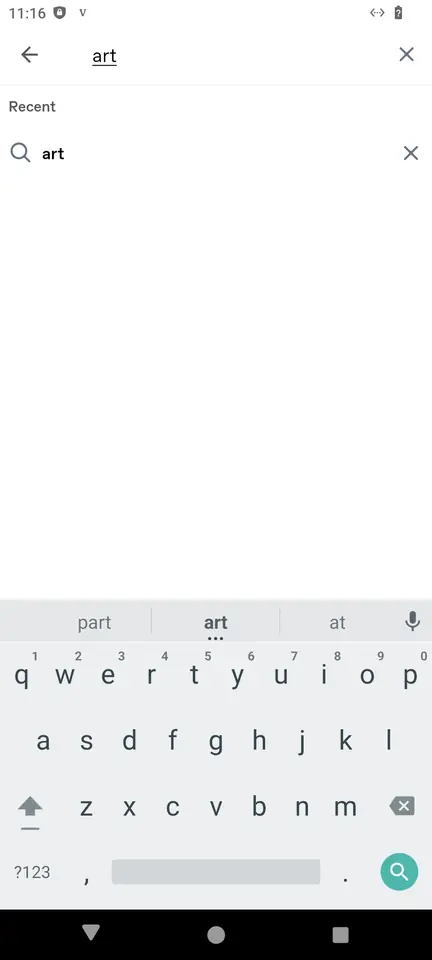
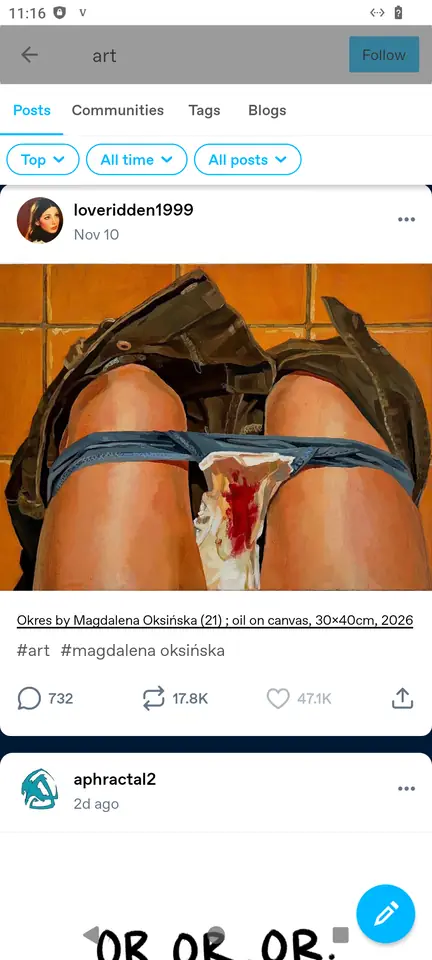
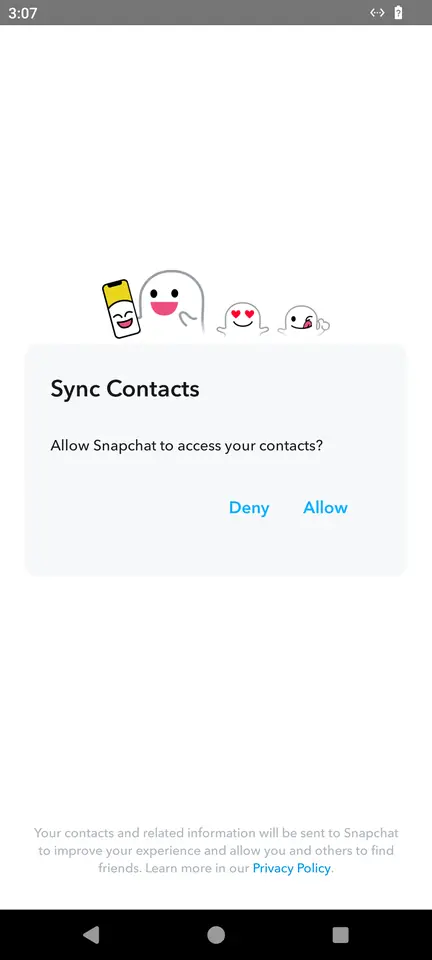
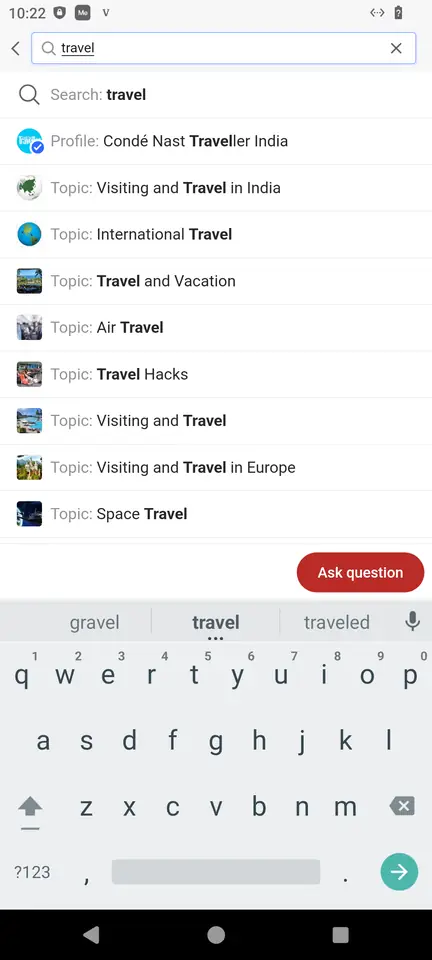
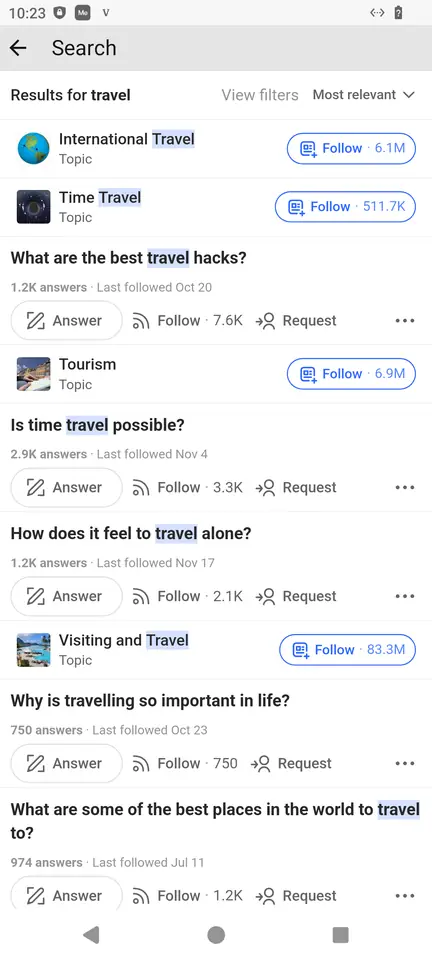
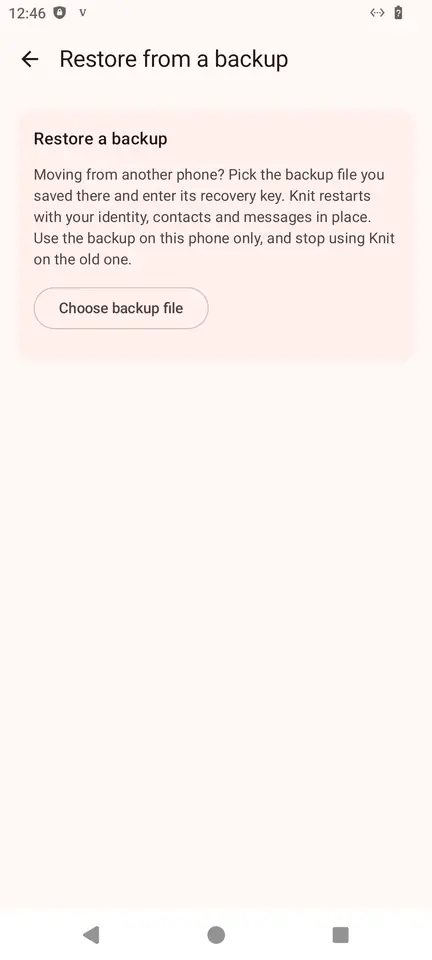
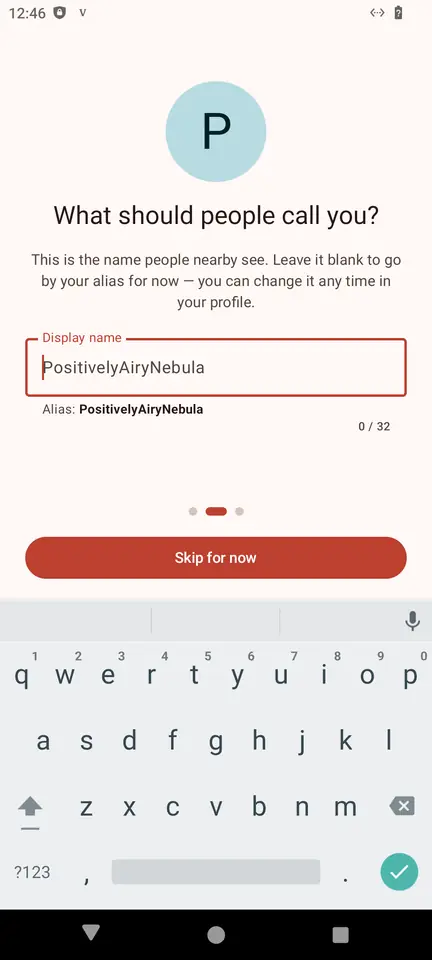
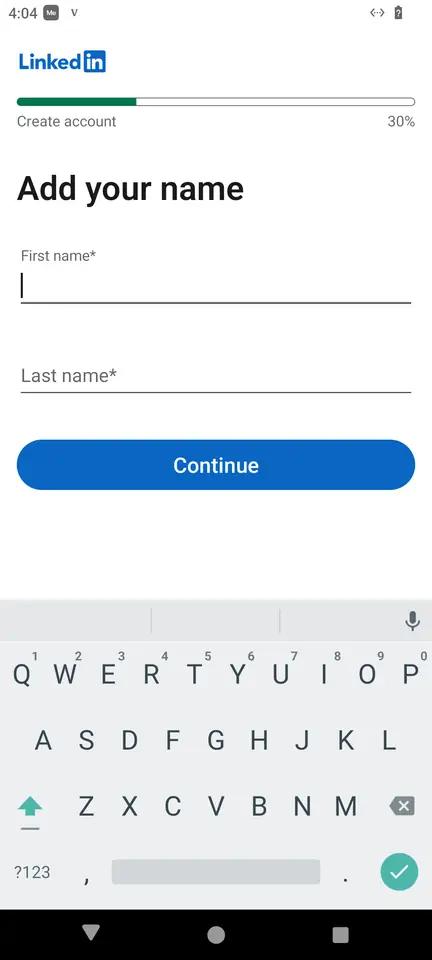
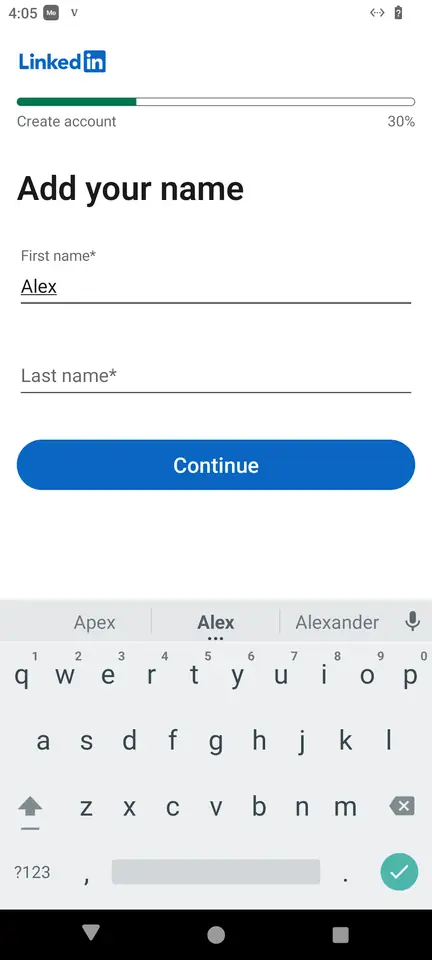
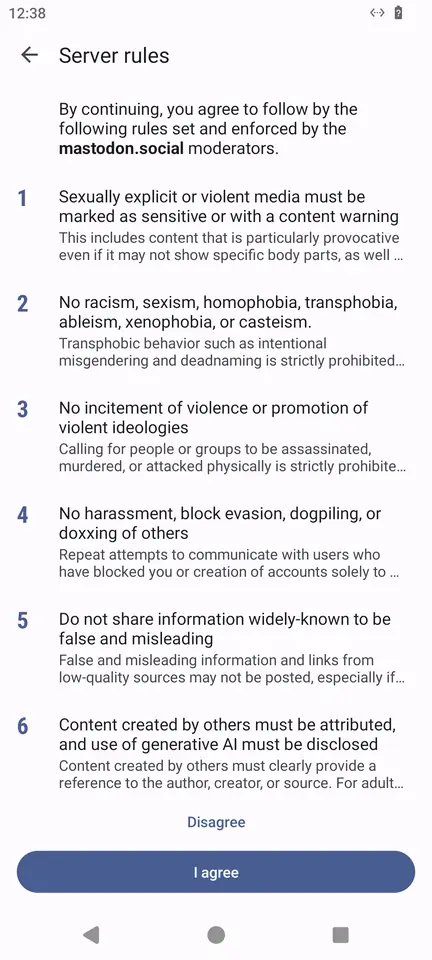
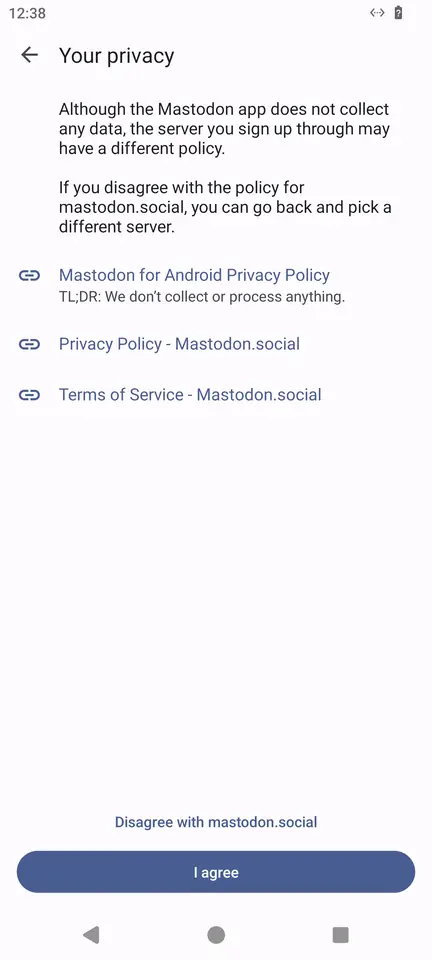
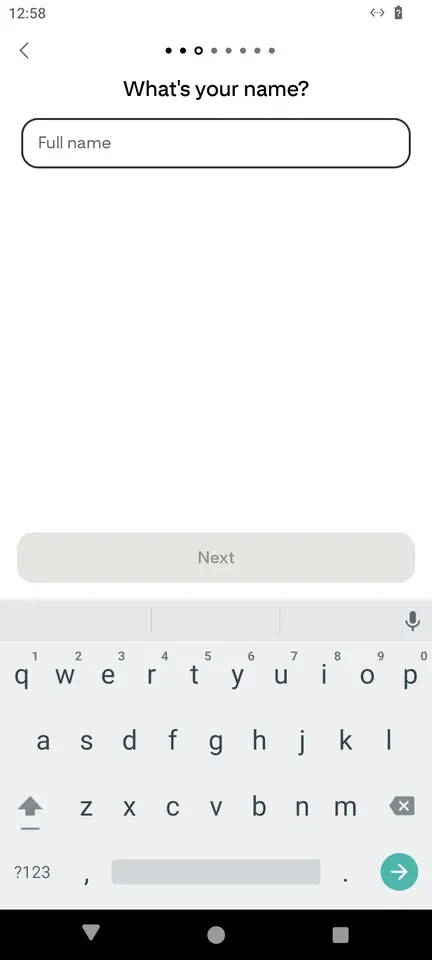
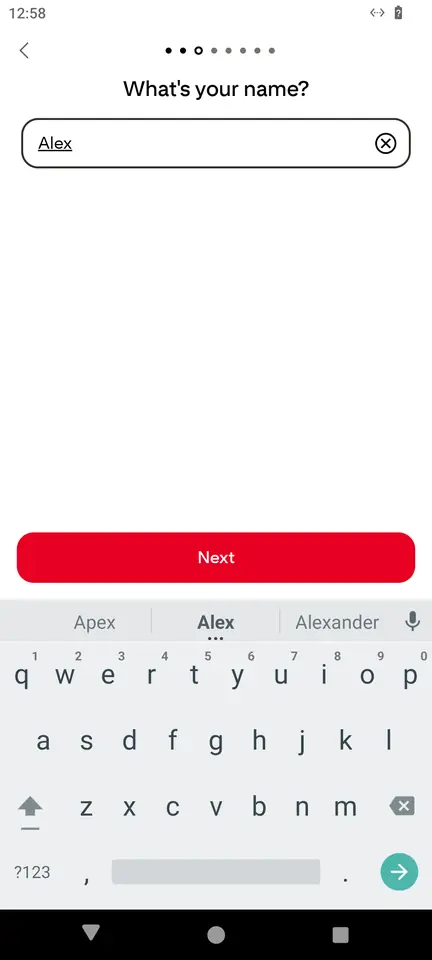
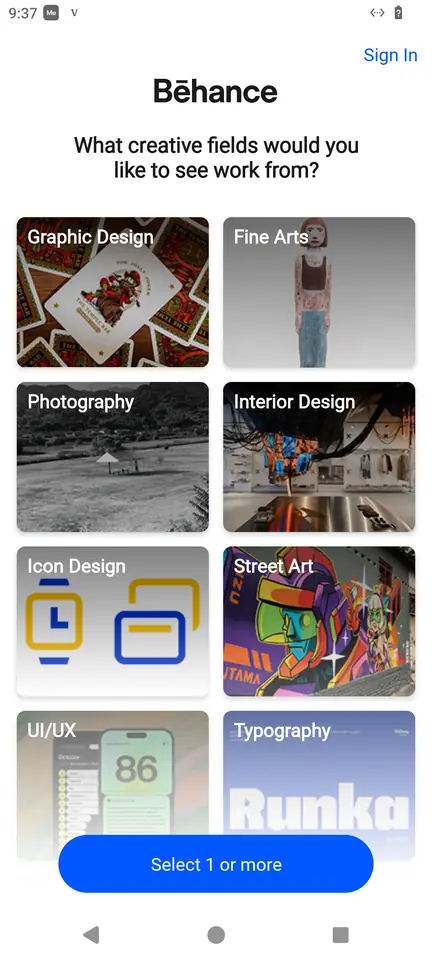
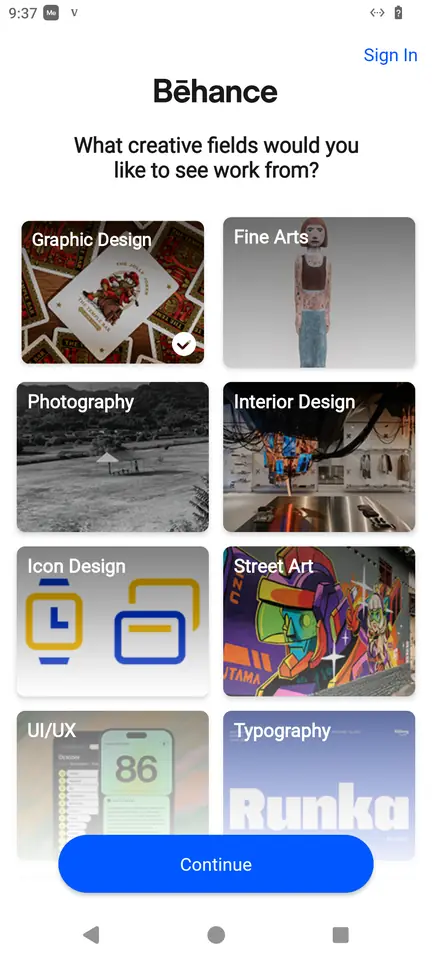
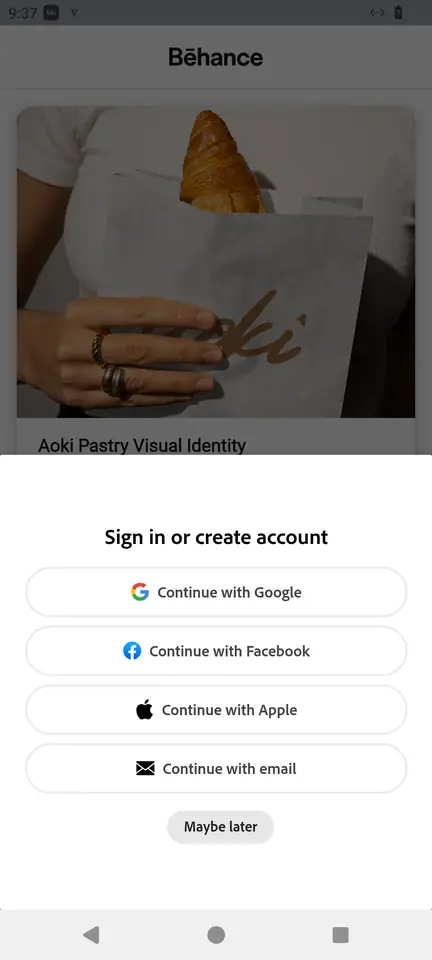
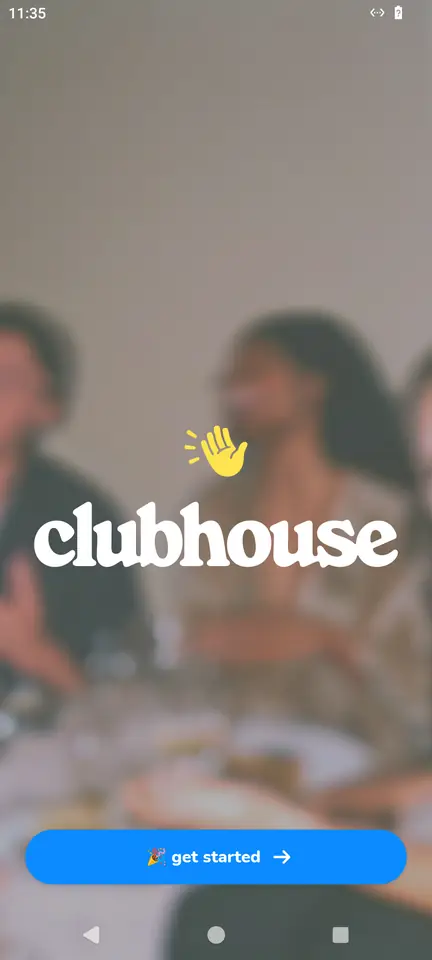
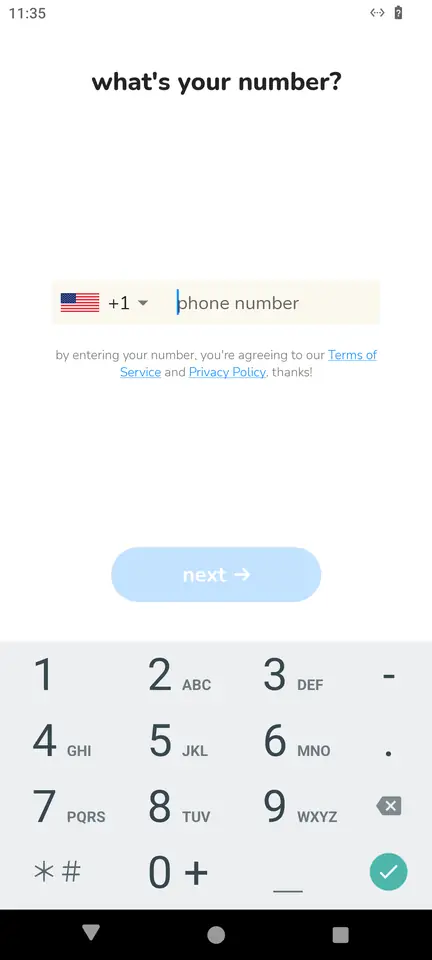
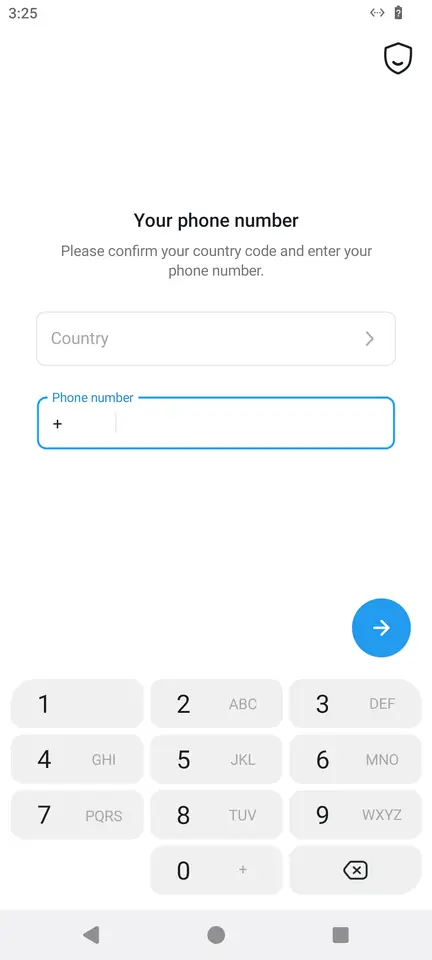
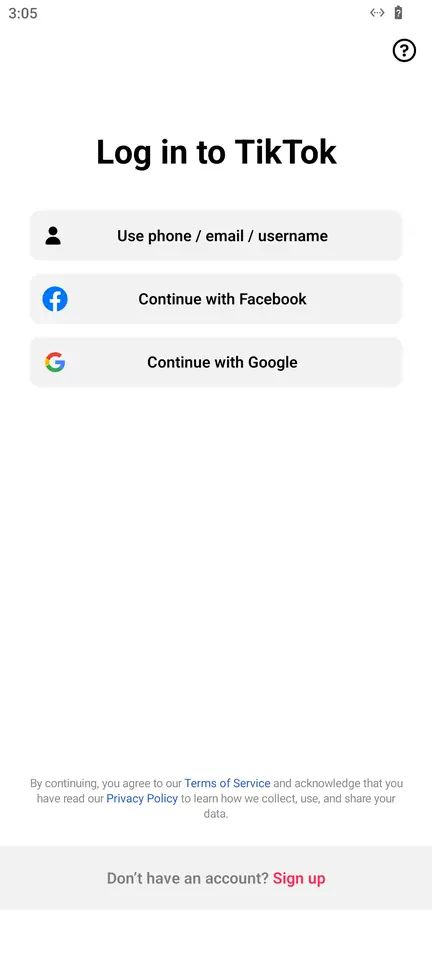
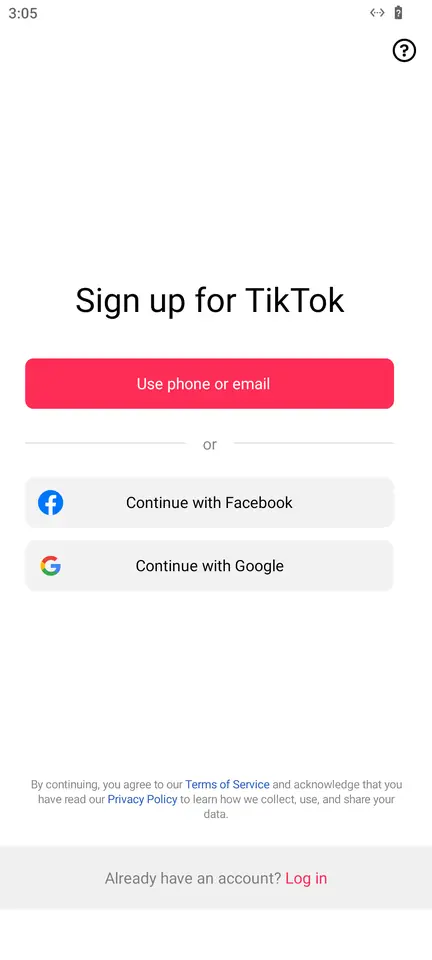
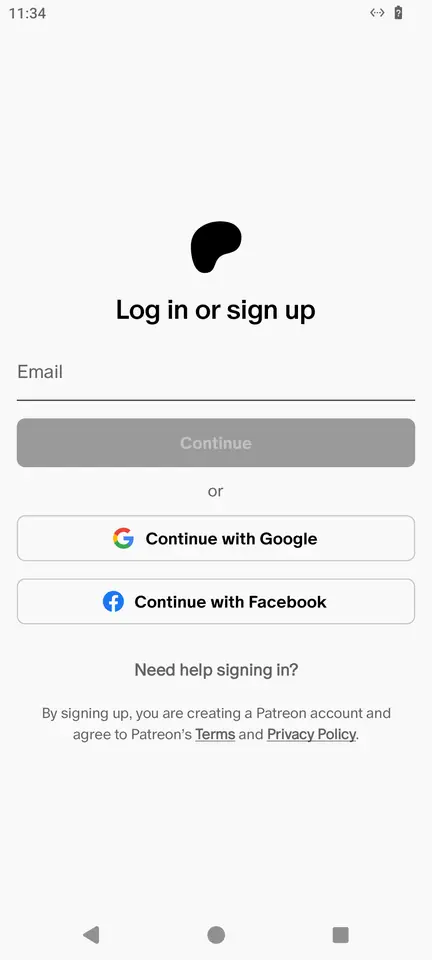
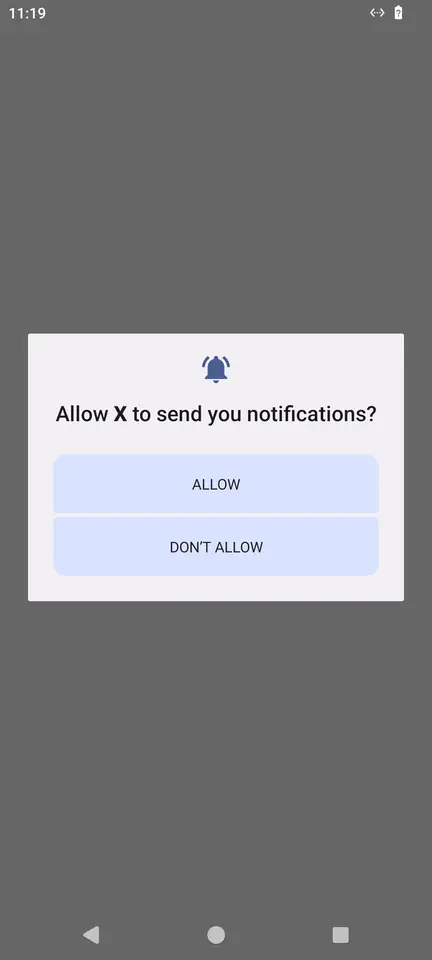
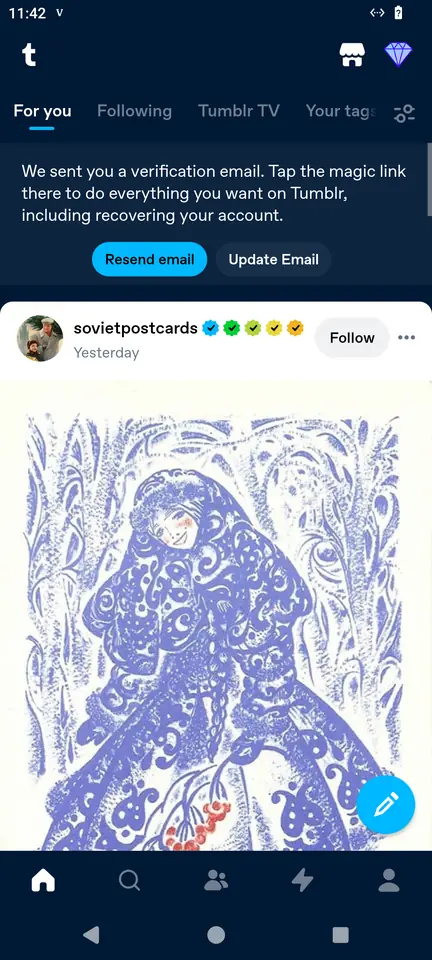
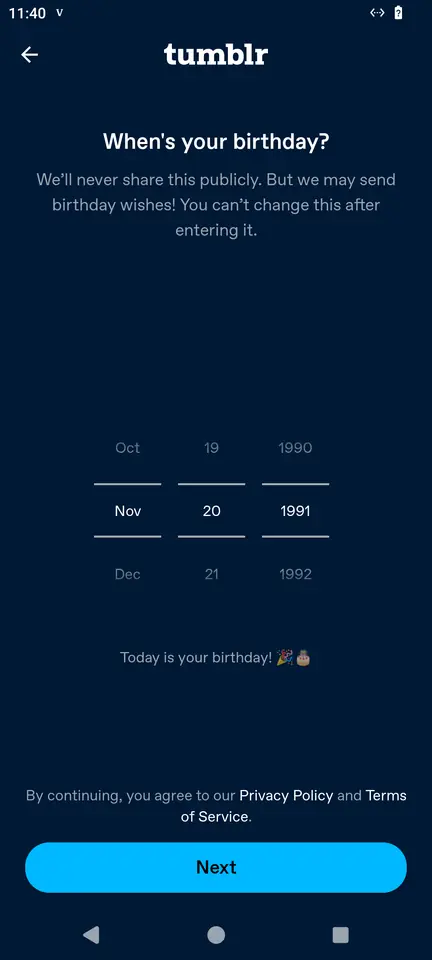
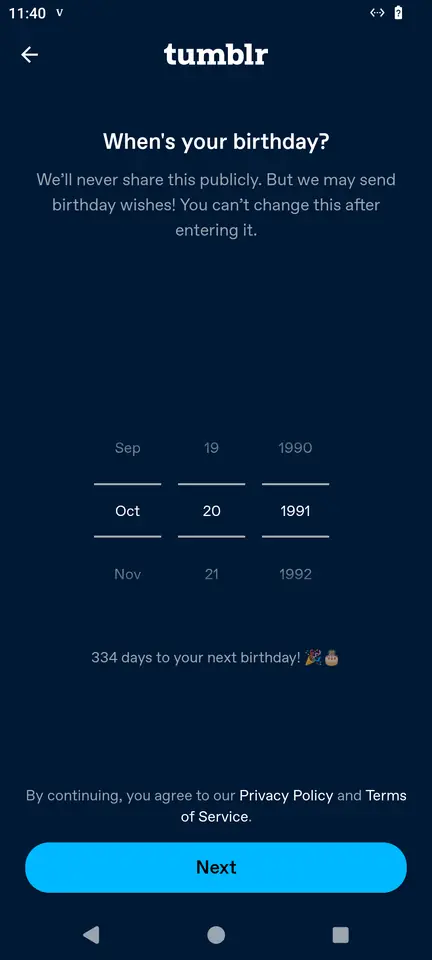
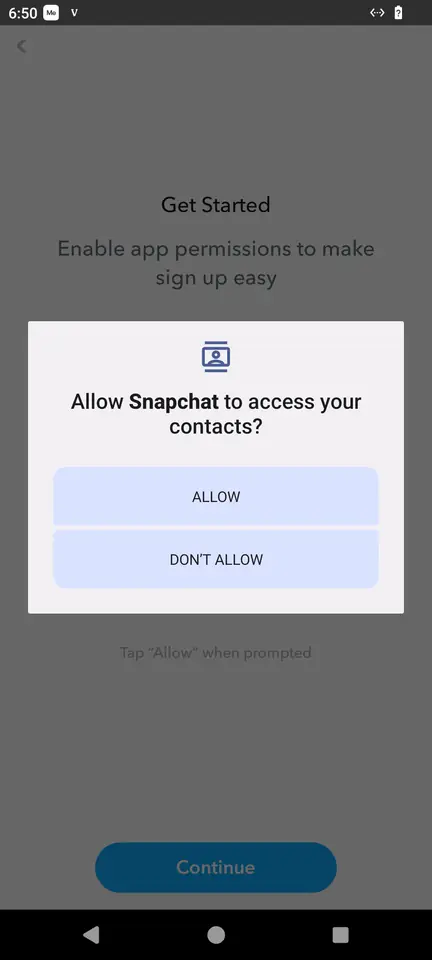
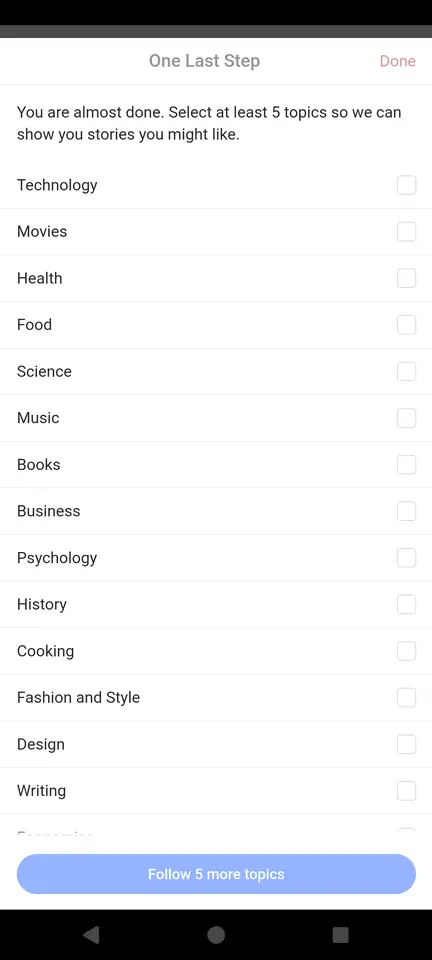
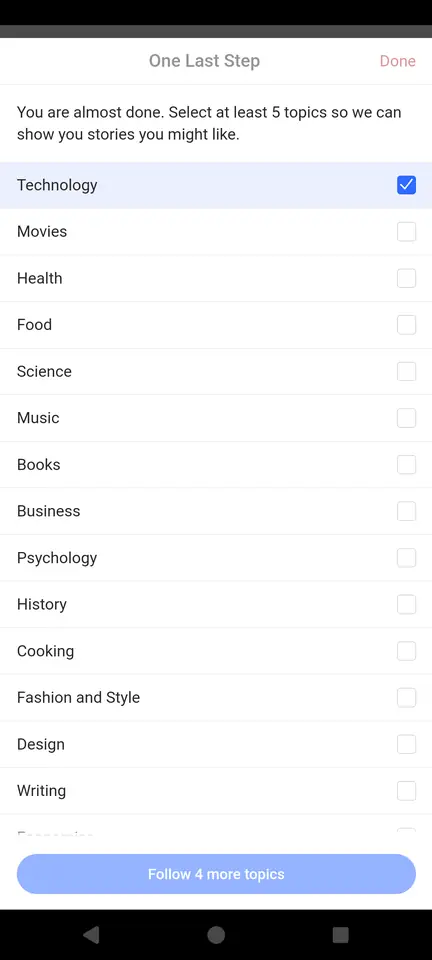
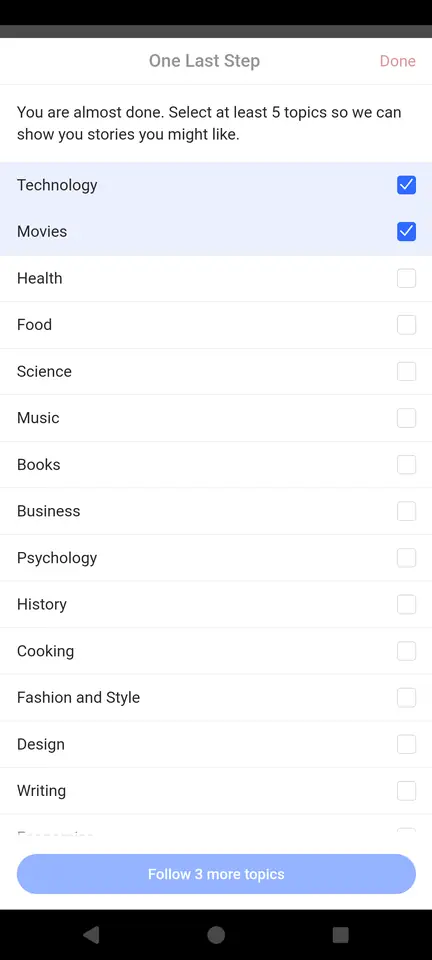
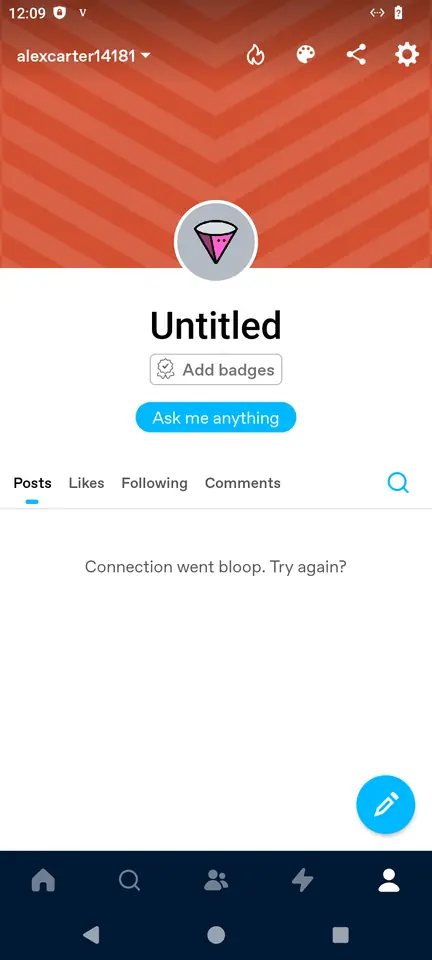
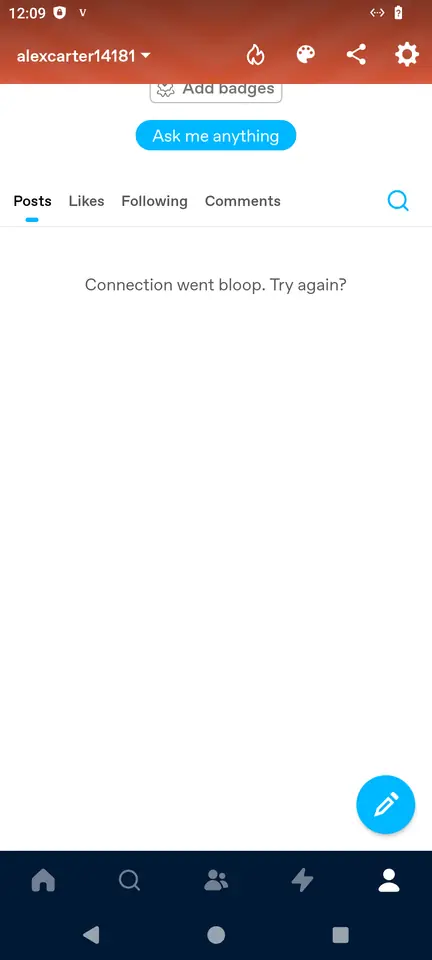
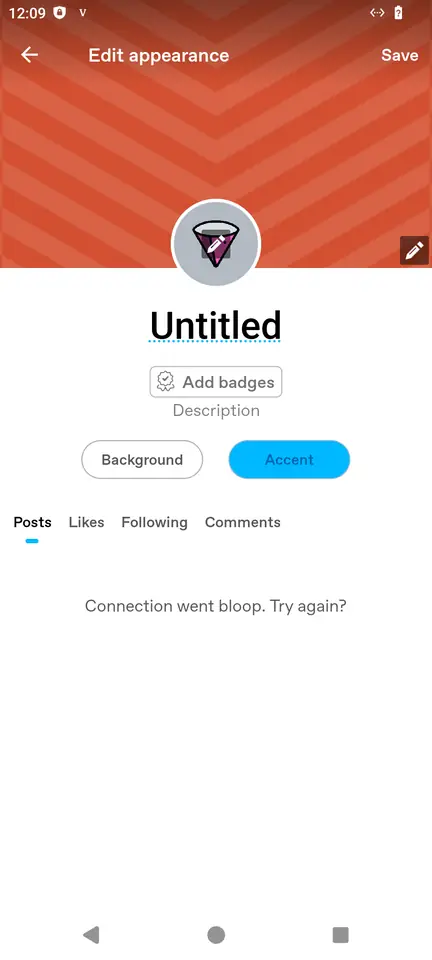
Social onboarding screens
53 screens · 10 apps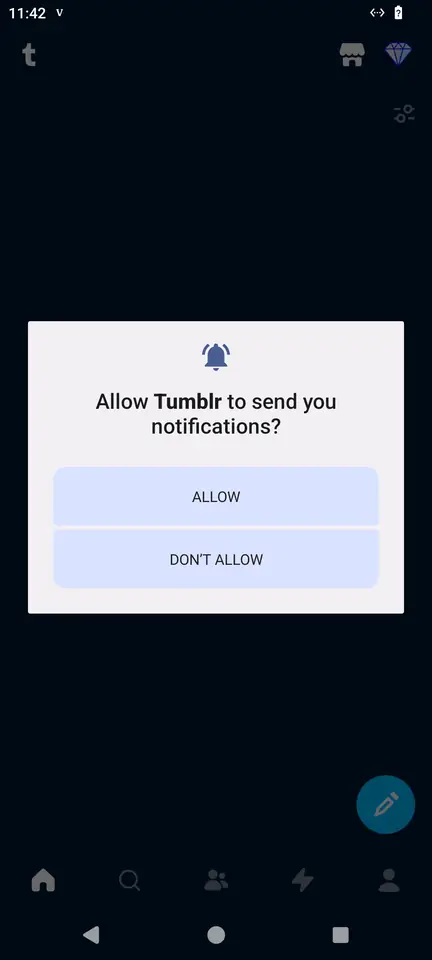
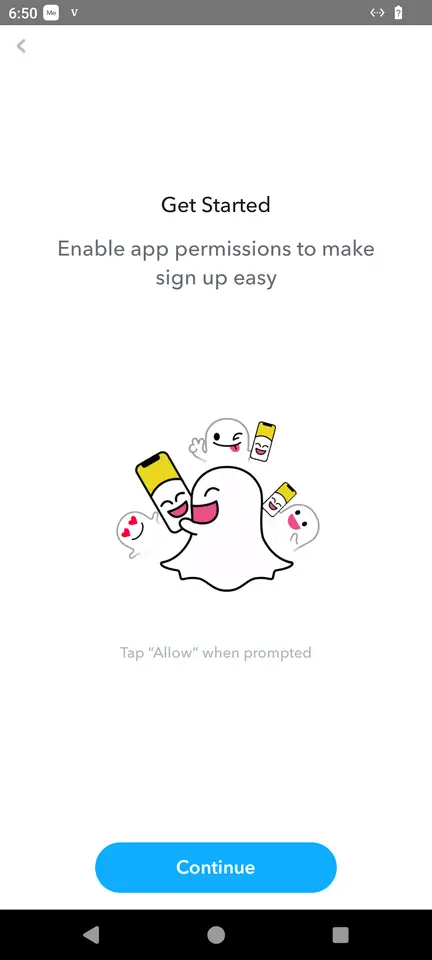
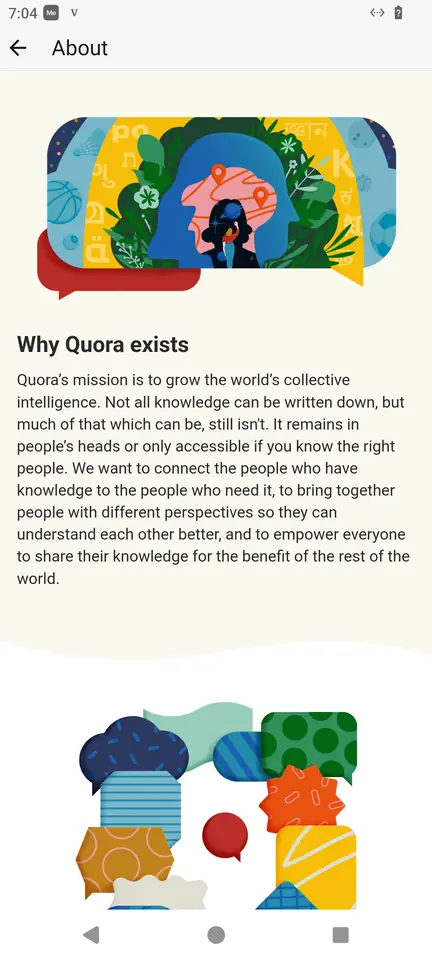
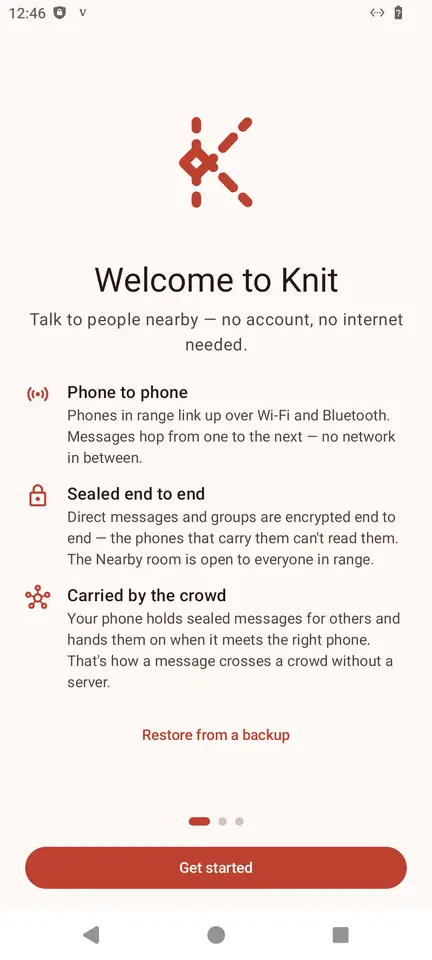
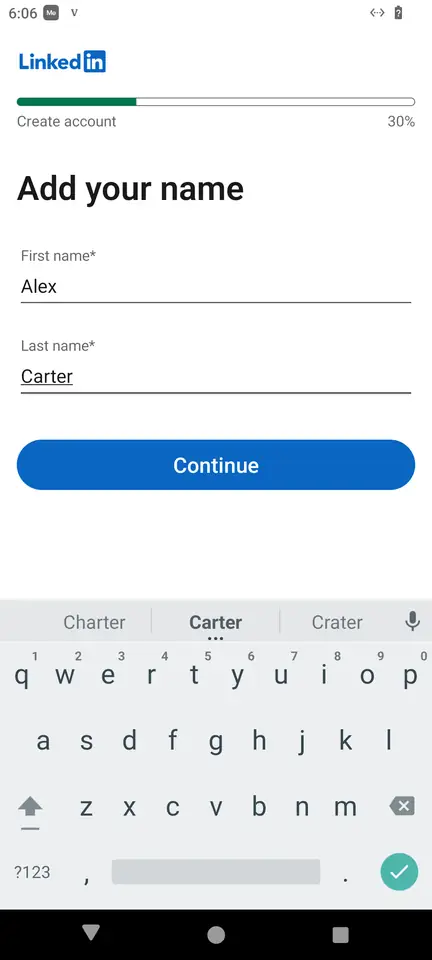
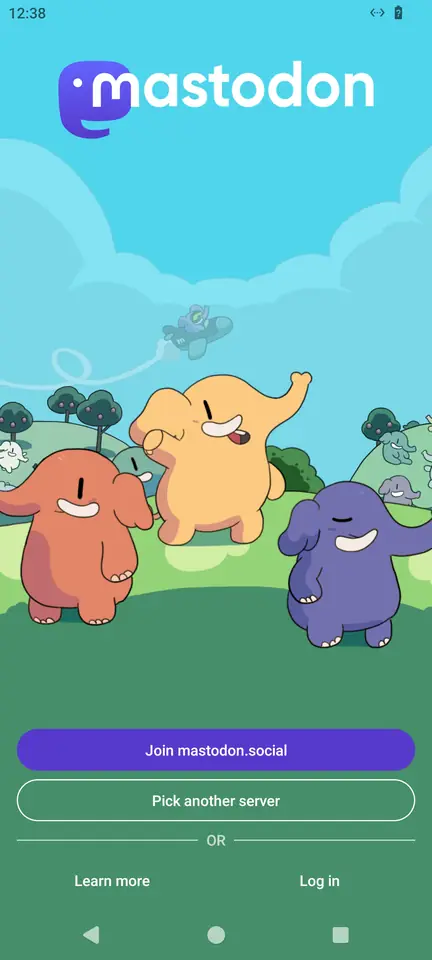
All 53 social onboarding screens, grouped by app → · All onboarding screens from every category →
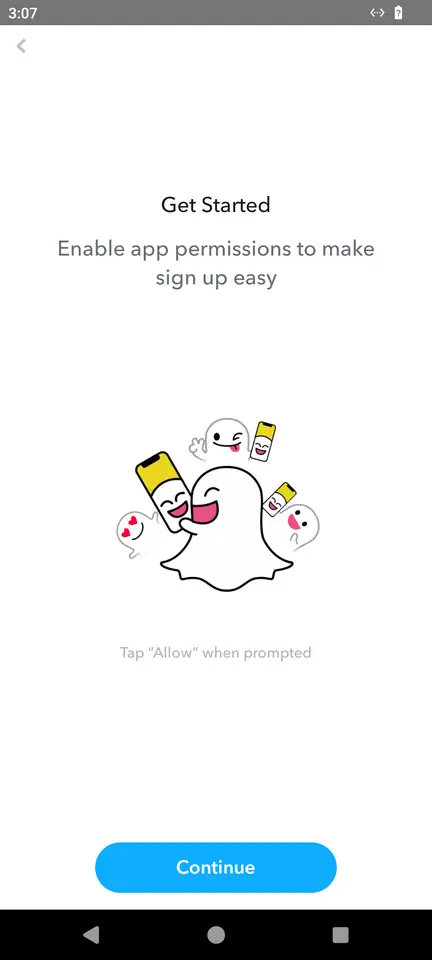
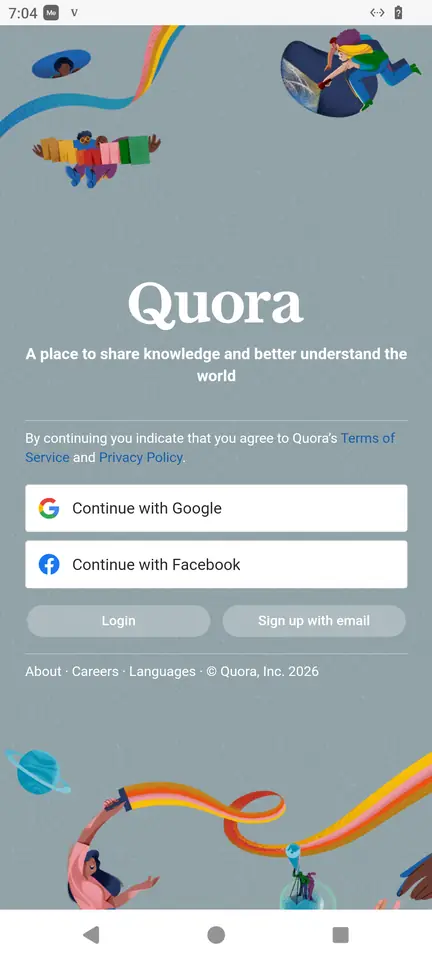
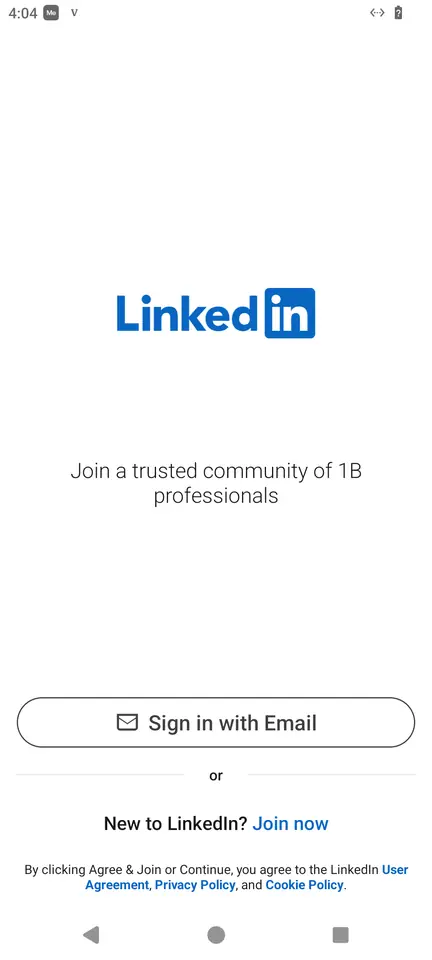
Social login screens
33 screens · 10 apps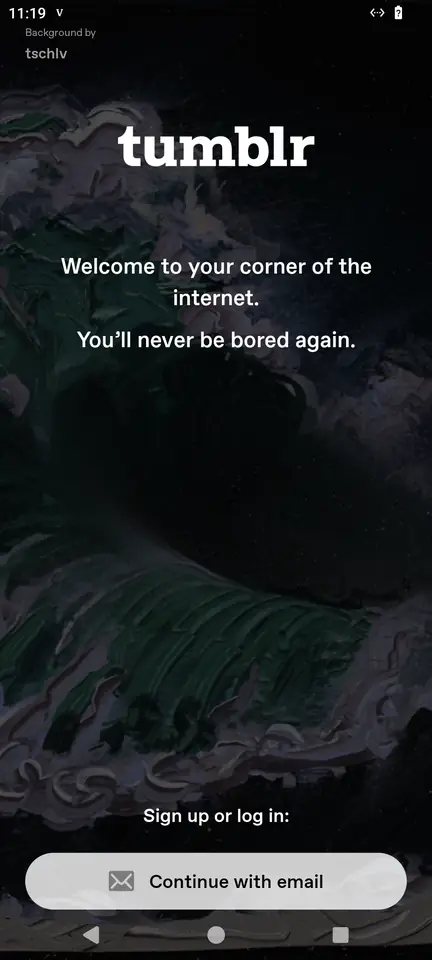
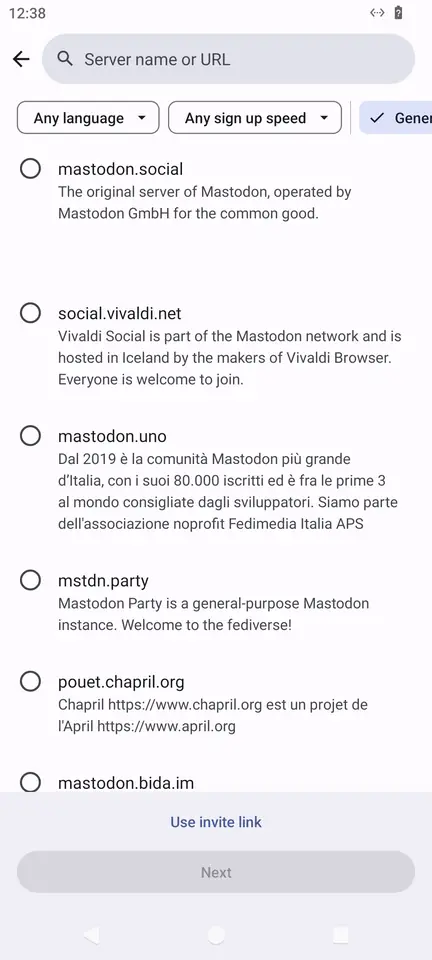
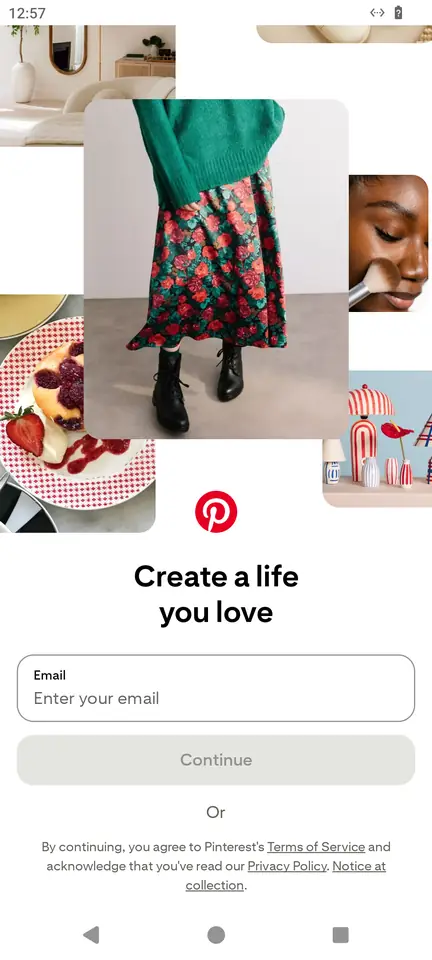
All 33 social login screens, grouped by app → · All login screens from every category →
Social home screens
15 screens · 3 apps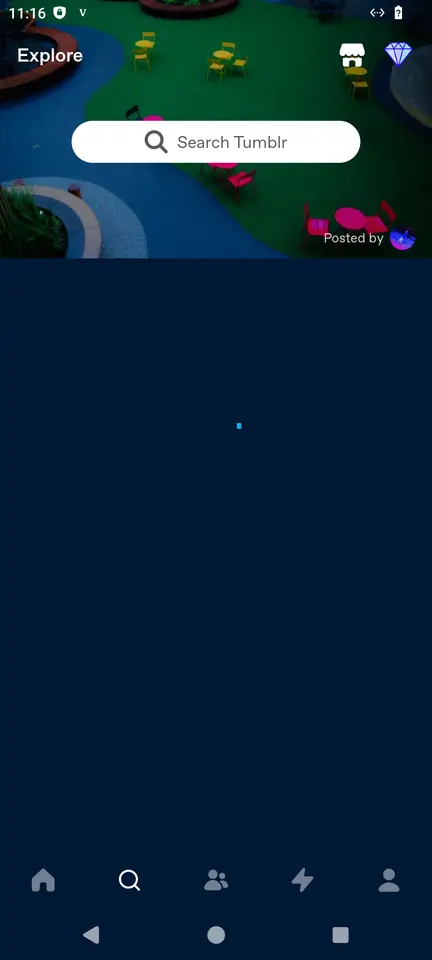
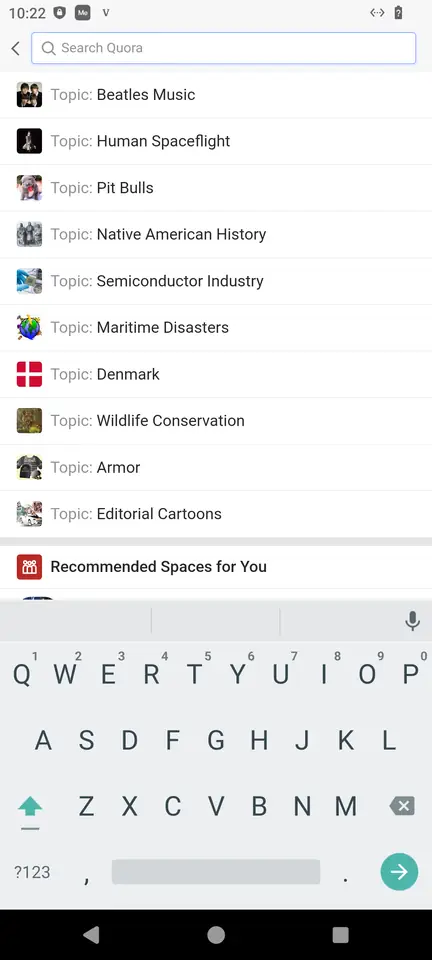
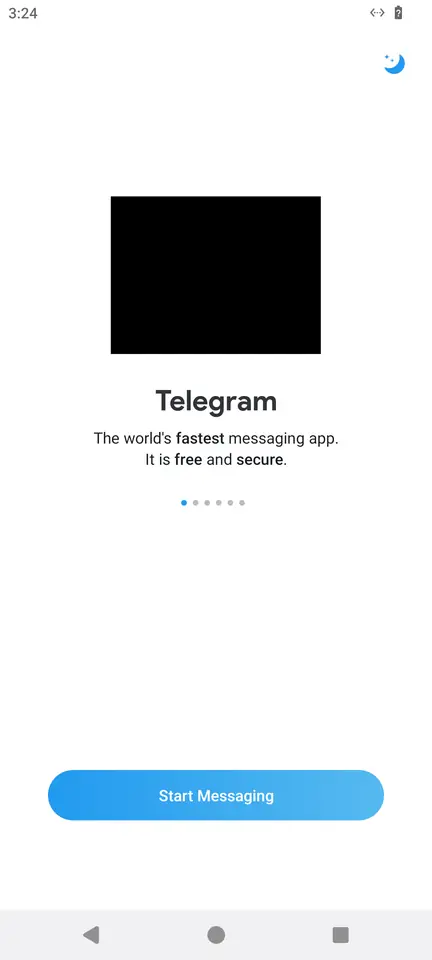
All 15 social home screens, grouped by app → · All home screens from every category →
UI components in social apps
Across 105 screens from 13 social apps, the most common detected components are button (41% of screens), text field (30% of screens) and icon button (26% of screens). Share of the 105 screens where each component is in the view hierarchy and drawn on screen; the example shows it outlined.
UI patterns in social apps
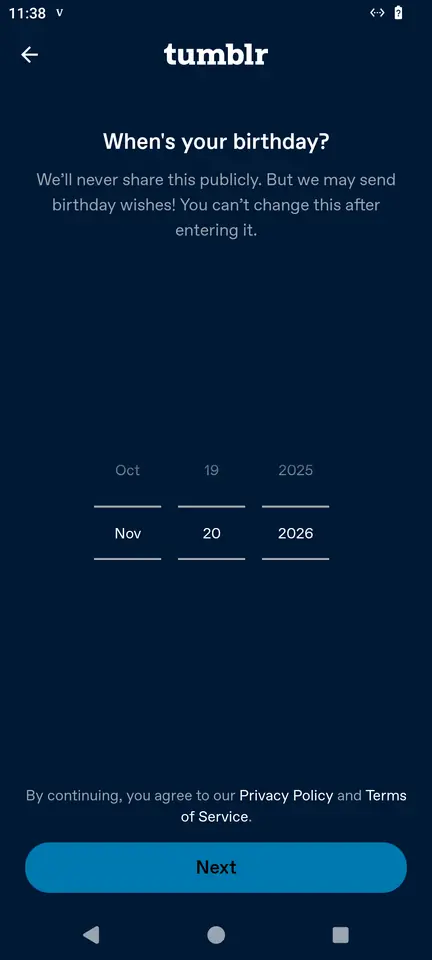
Terms and conditions agreement
example: Tumblr
Email sign-up form
example: Tumblr
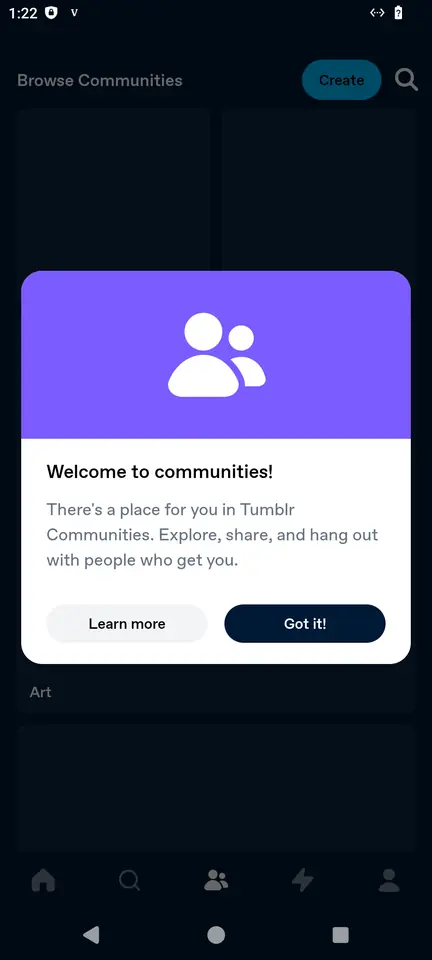
Welcome screen
example: Tumblr
Permission priming
example: Tumblr
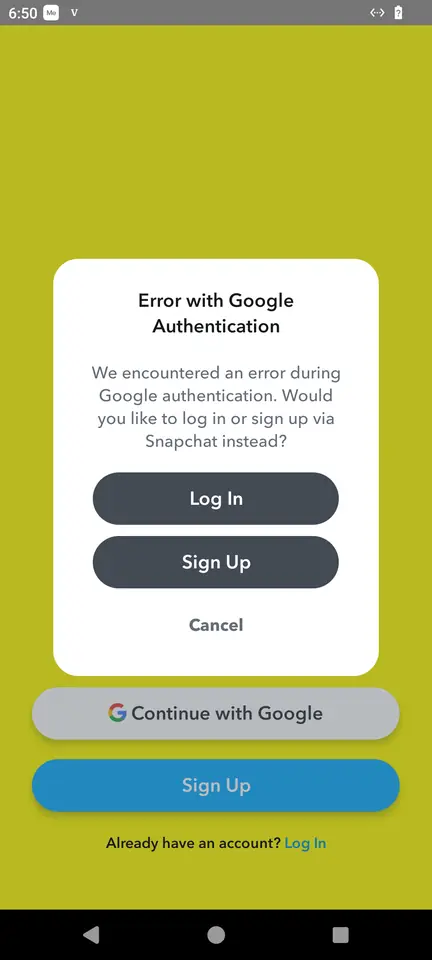
Social login buttons
example: Snapchat
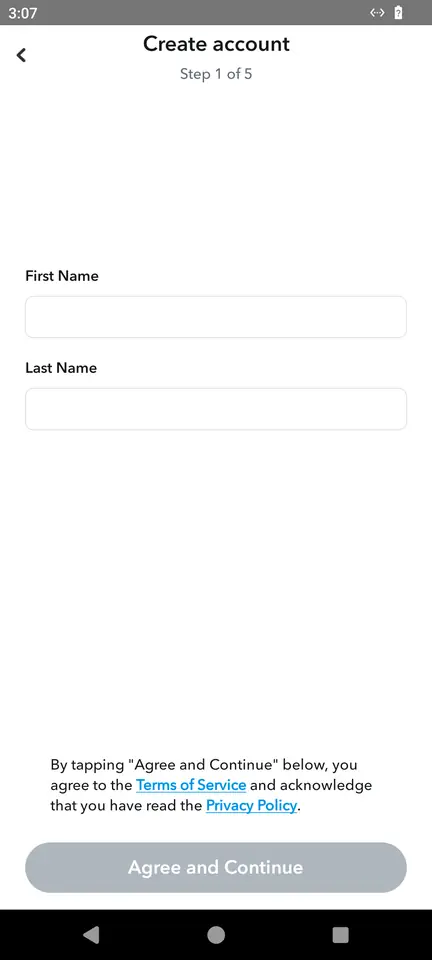
Onboarding progress indicator
example: Snapchat
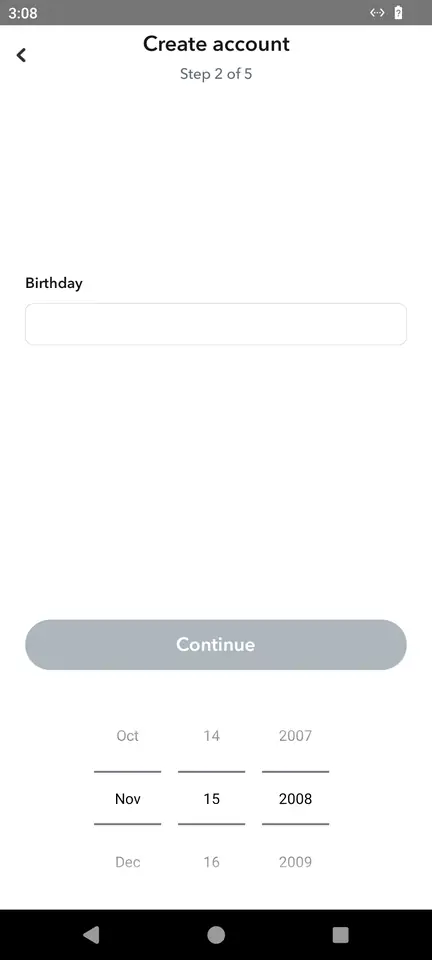
Onboarding survey
example: Snapchat
What social apps say
UI copy that appears on the screens of two or more social apps, with the number of apps using it.
Continue
6 appsALLOW
5 appsDON’T ALLOW
5 appsEmail
5 appsor
5 appsBack
4 appsNext
4 appsContinue with Facebook
3 appsContinue with Google
3 appsDone
3 appsGet Started
3 appsPhone number
3 appsAlex
2 appsClear text
2 apps
Design notes for social apps
- Make sign-up fast — phone number or one-tap social login — and defer profile details.
- Explain the contacts permission before asking for it; finding friends is the payoff.
- Show content (or a preview of it) as early as possible.
- Ask for interests so the first feed is not empty.
FAQ
What makes good social app UI design?
Make sign-up fast — phone number or one-tap social login — and defer profile details. Explain the contacts permission before asking for it; finding friends is the payoff. Show content (or a preview of it) as early as possible.
Which Android social apps can I study?
The Flowtape library holds 105 screens from 13 Android social apps: Tumblr, Snapchat, Quora, Knit, LinkedIn, Mastodon, Pinterest and Behance and more. Every screen is free to browse.
What UI components and patterns do social apps use?
Across 105 screens from 13 social apps, the most common detected components are button (41% of screens), text field (30% of screens) and icon button (26% of screens). The most common UI patterns are terms and conditions agreement (7 of 13 apps), email sign-up form (6 of 13 apps) and welcome screen (6 of 13 apps).
Which social app flows are captured step by step?
9 onboarding flows, 5 sign-in flows, 3 home & browsing flows and 1 settings flow, each recorded screen by screen on a real Android device — for example the Tumblr home & browsing screens (10 screens).
Captured on real Android devices · last updated 2026-11-14