Marketplace app UI design: 5 Android apps, 26 screens
Marketplace apps connect independent buyers and sellers — resale, handmade and second-hand goods. Unlike a single-brand store, the UI has to build trust in strangers: seller ratings, condition, authenticity and protection. Below: 5 marketplaces apps we captured on a real Android device, 6 full flows and what their screens are built from.
Marketplaces apps in the library
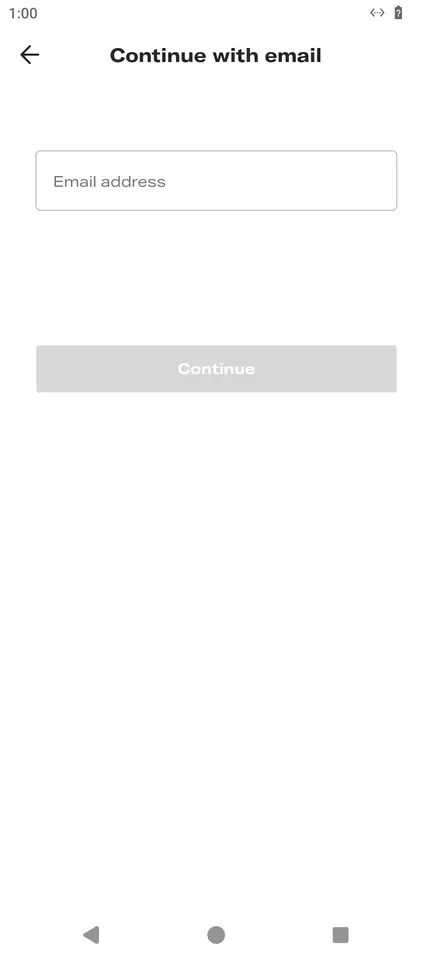
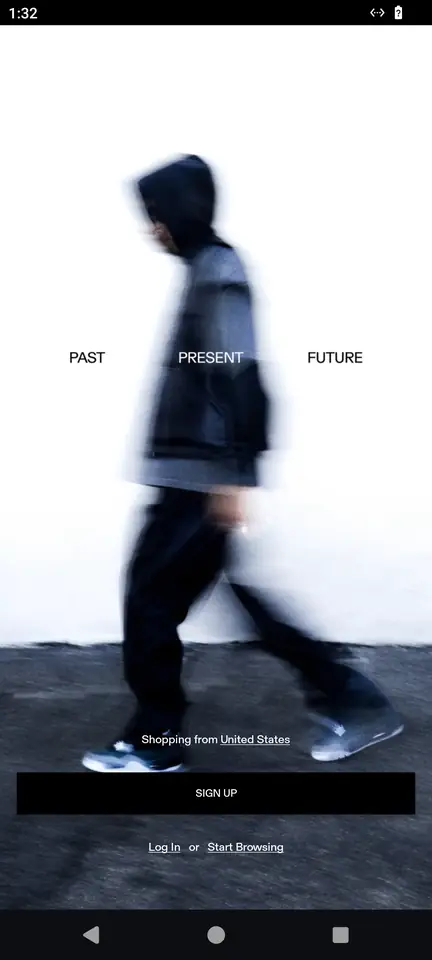
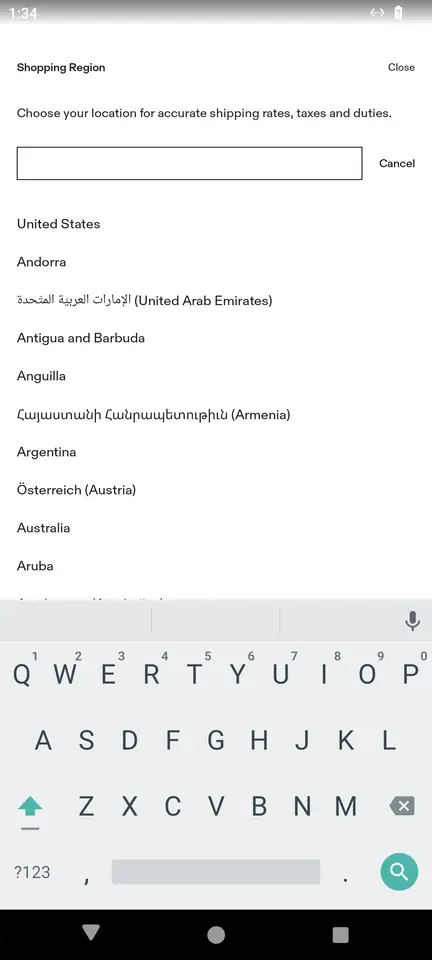
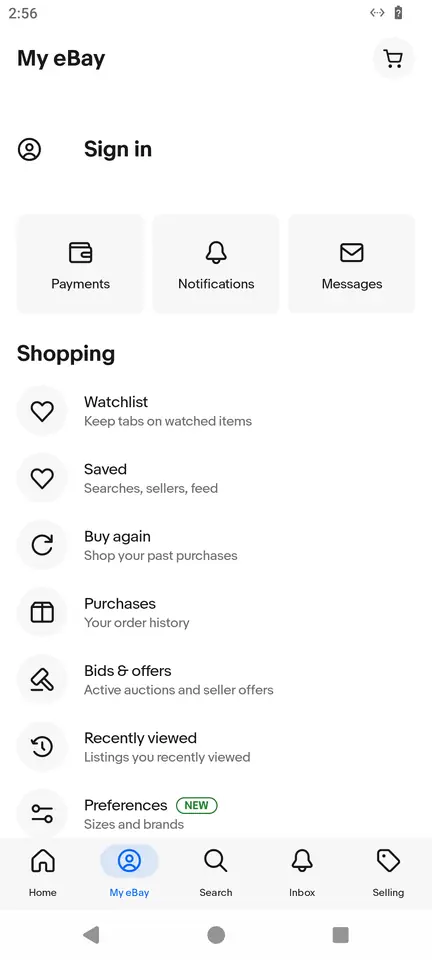
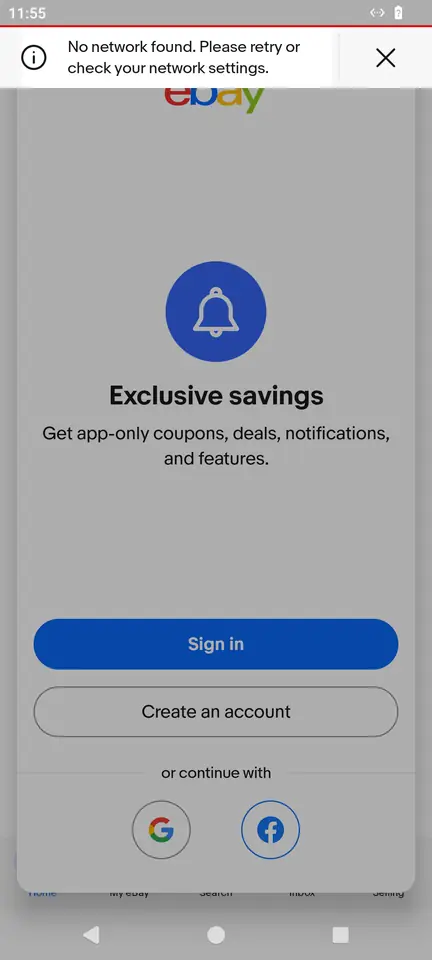
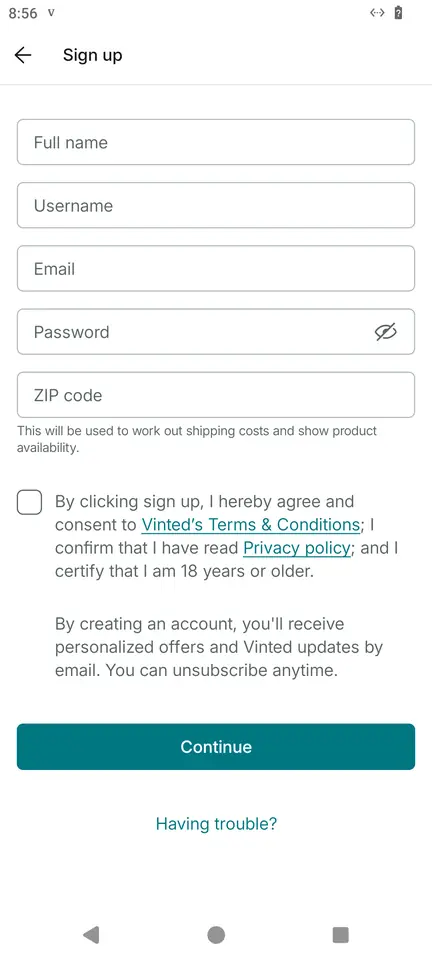
Marketplaces app flows, step by step
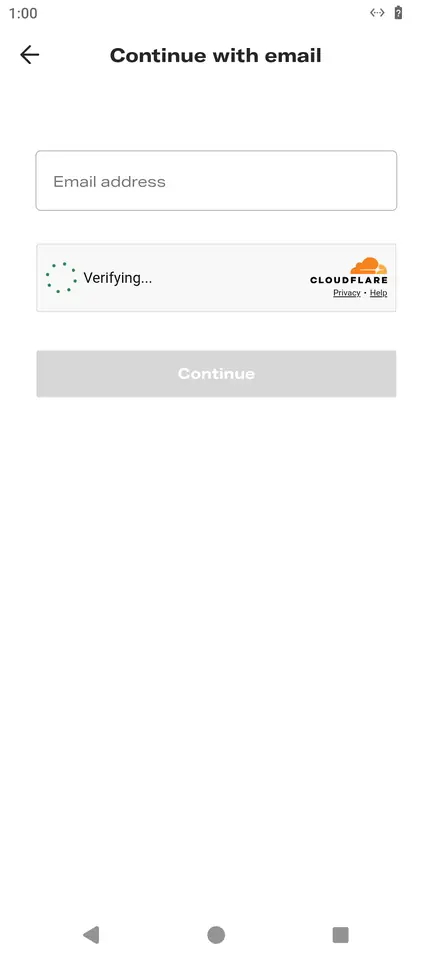
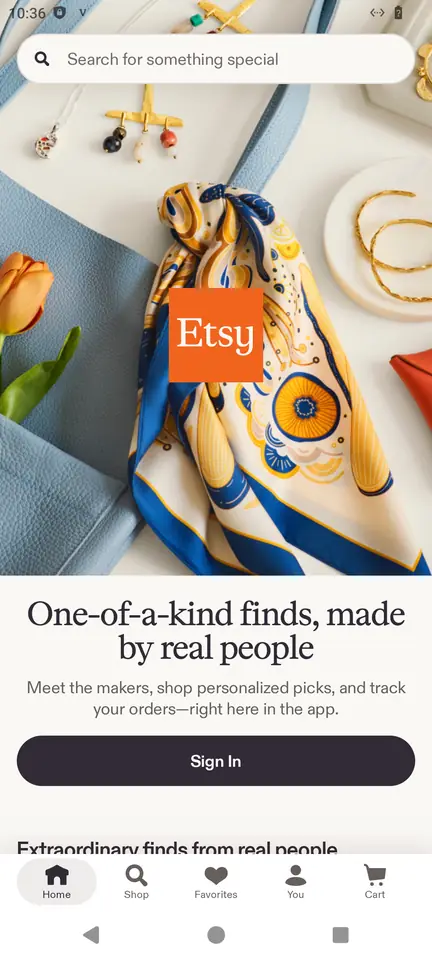
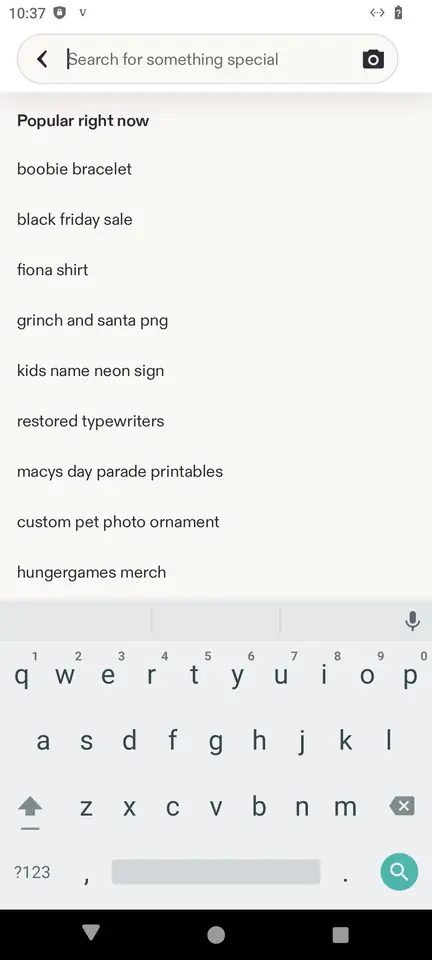
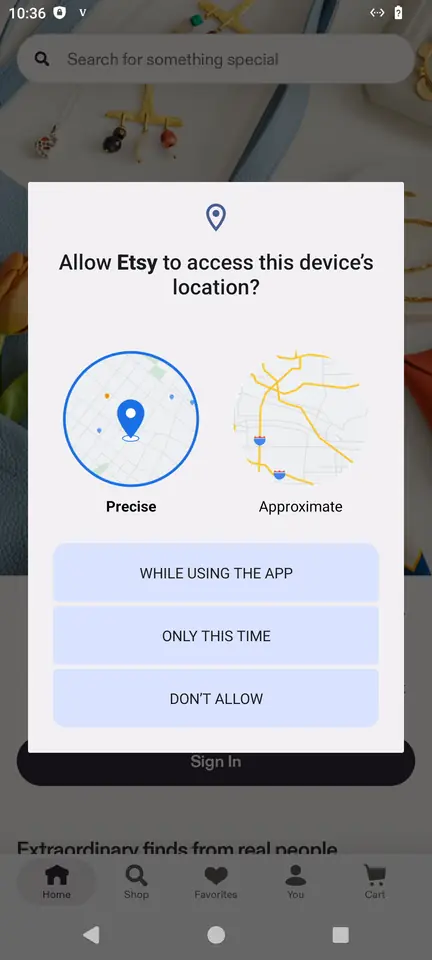
Marketplaces onboarding screens
7 screens · 5 apps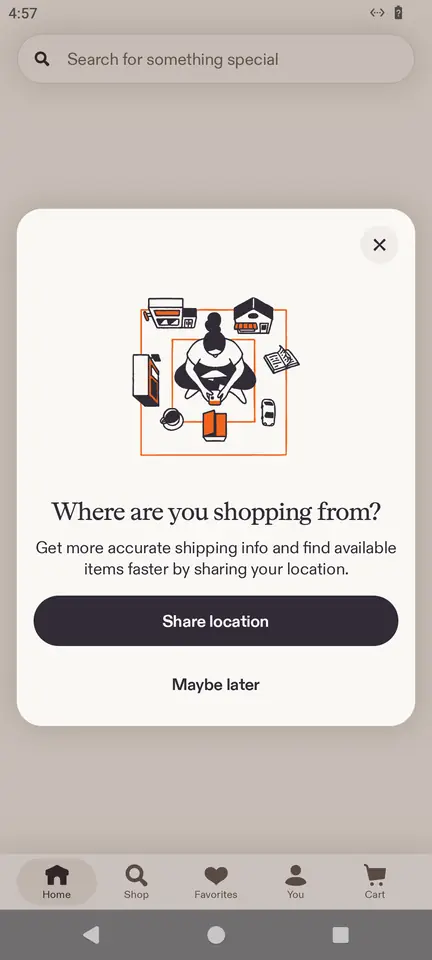
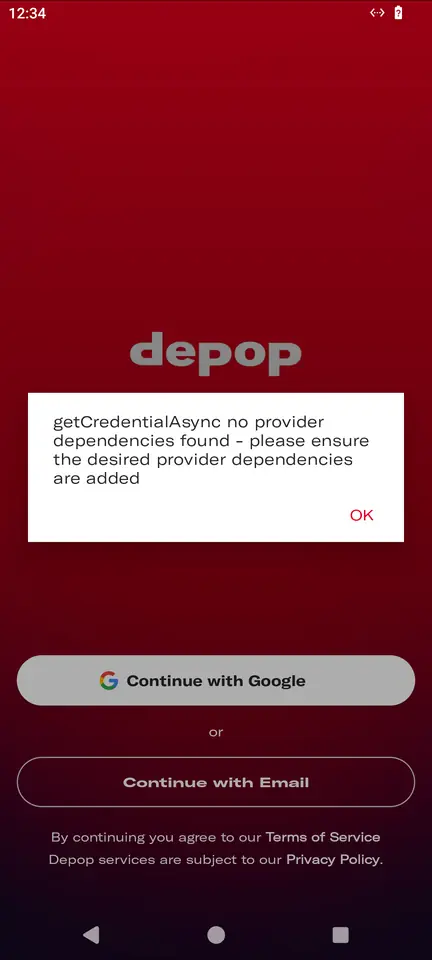
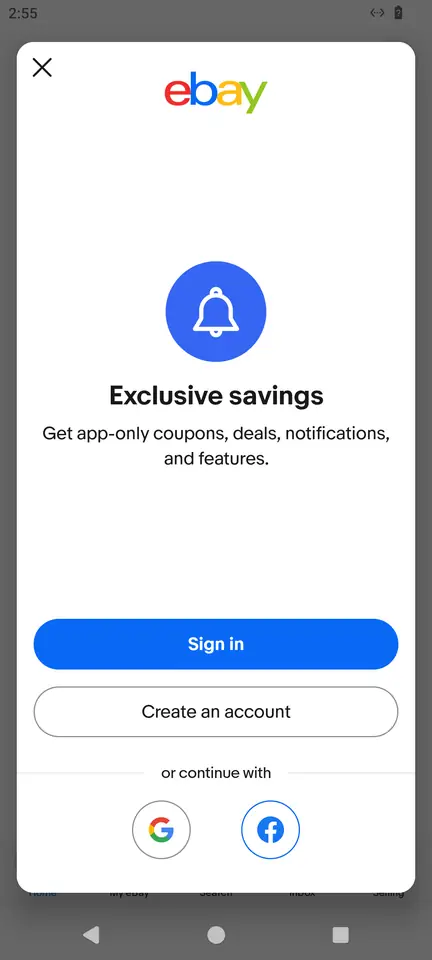
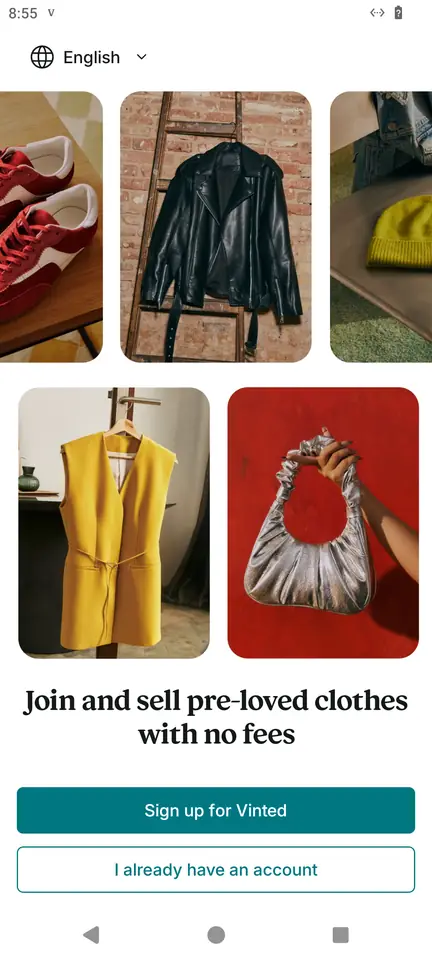
Marketplaces login screens
13 screens · 4 apps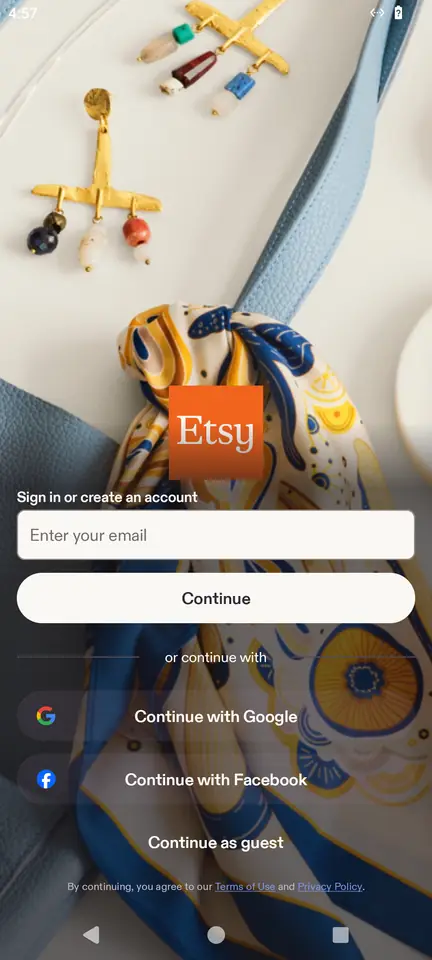
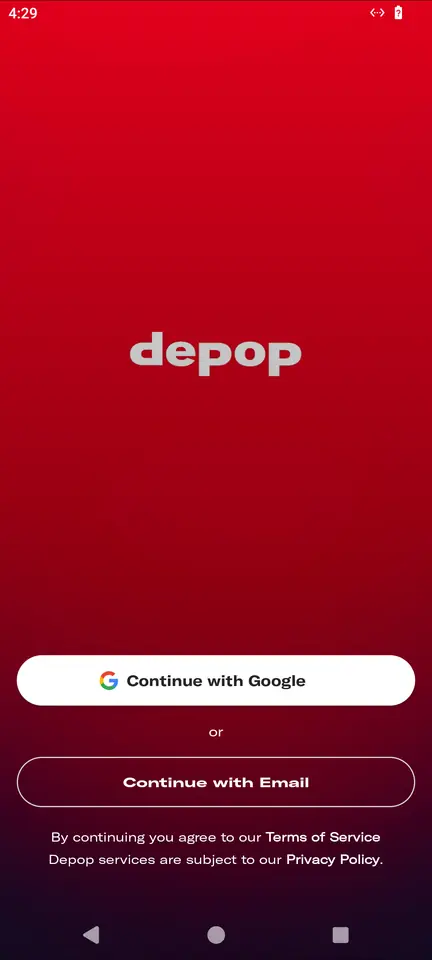
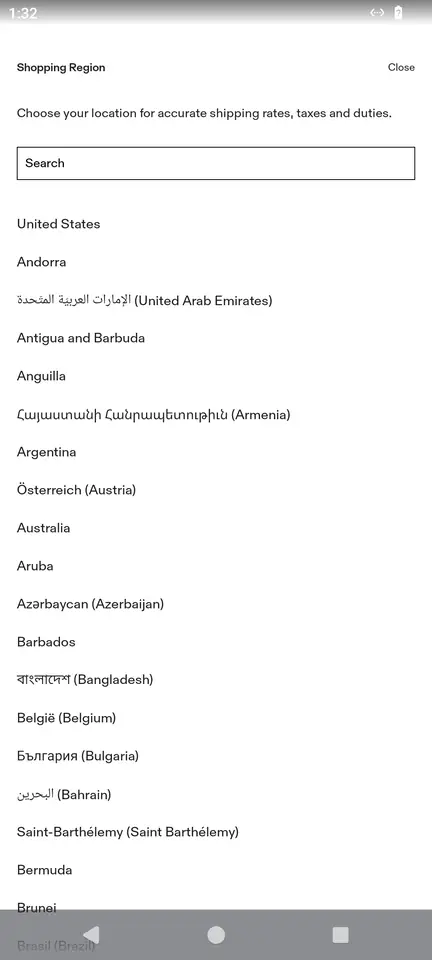
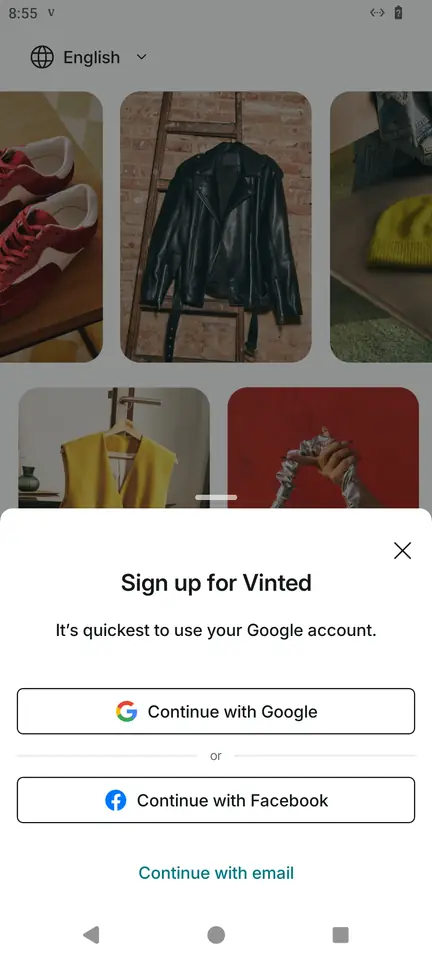
All 13 marketplaces login screens, grouped by app → · All login screens from every category →
Marketplaces home screens
5 screens · 1 app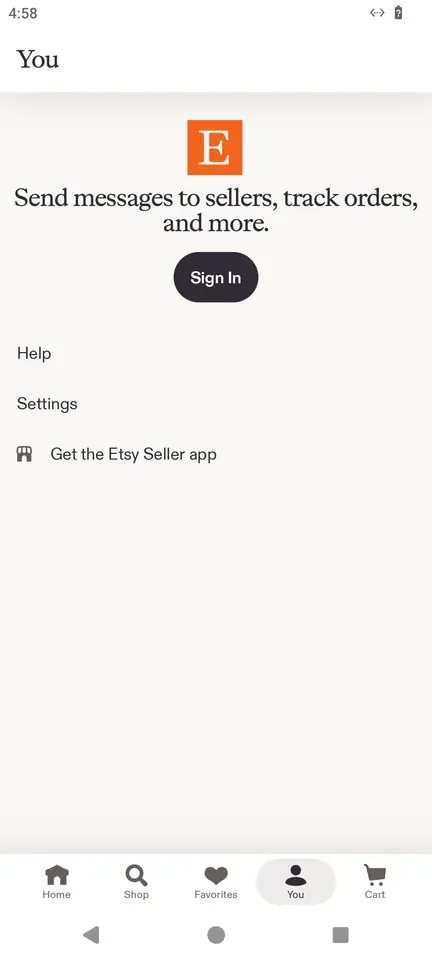
UI components in marketplaces apps
Across 26 screens from 5 marketplaces apps, the most common detected components are button (19% of screens), tab bar (19% of screens) and text field (15% of screens). Share of the 26 screens where each component is in the view hierarchy and drawn on screen; the example shows it outlined.
UI patterns in marketplaces apps
Social login buttons
example: Etsy
Email sign-up form
example: Etsy
Location & store picker
example: Etsy
Guest mode
example: Etsy
Terms and conditions agreement
example: Etsy
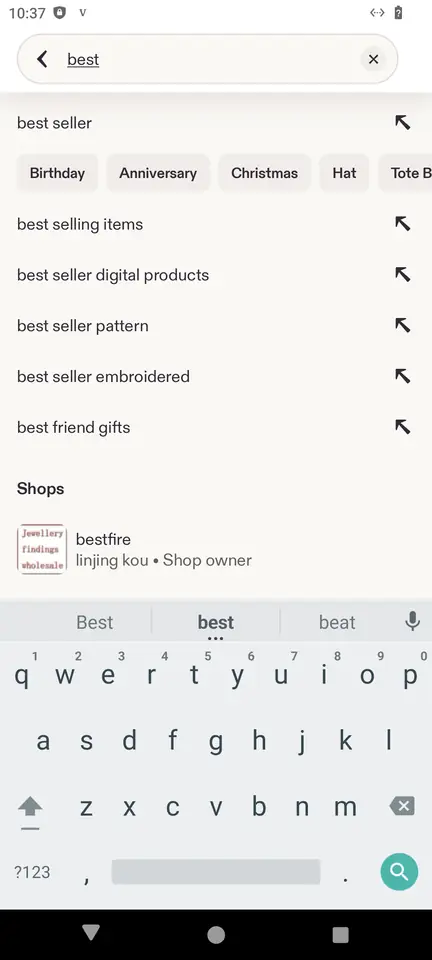
Onboarding survey
example: Etsy
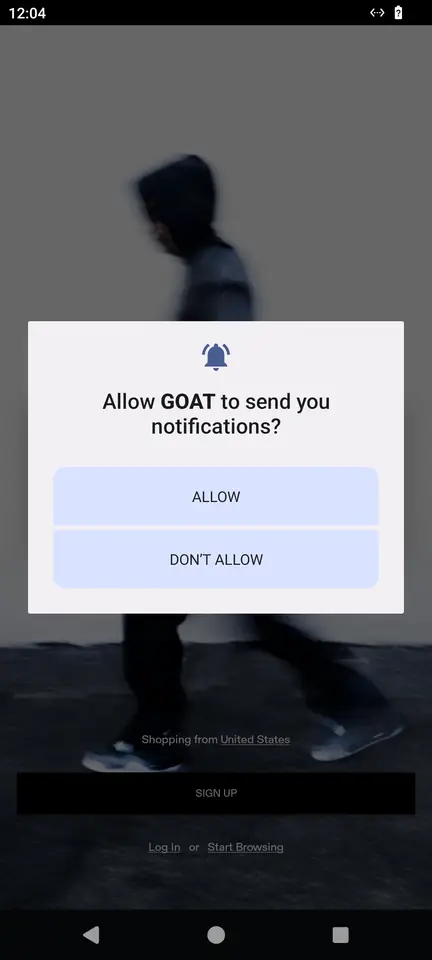
Permission priming
example: GOAT
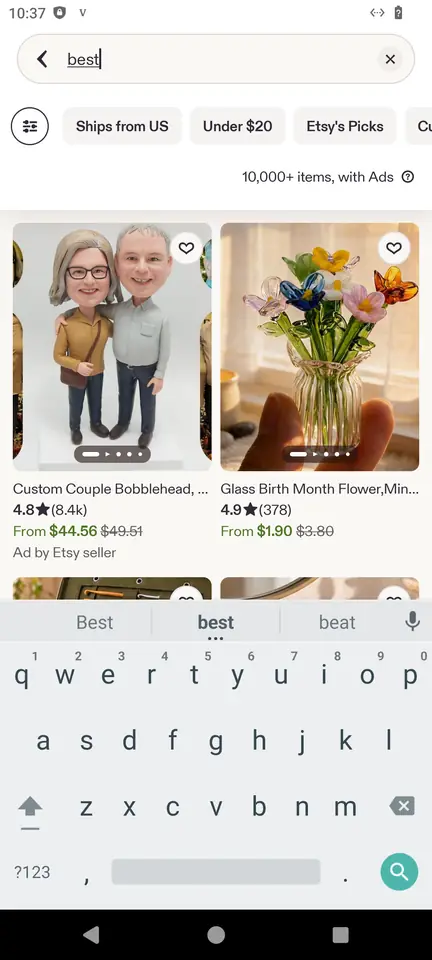
Promo banner
example: Etsy
What marketplaces apps say
UI copy that appears on the screens of two or more marketplaces apps, with the number of apps using it.
Back
3 appsContinue with Google
3 appsClose
2 appsContinue
2 appsContinue with email
2 appsContinue with Facebook
2 appsDON’T ALLOW
2 appsor
2 appsor continue with
2 appsSign In
2 appsSIGN UP
2 apps
Design notes for marketplaces apps
- Show the seller, the item's condition and buyer protection next to the price.
- Make selling as easy to start as buying; a marketplace needs supply.
- Use saved searches and alerts — inventory is one-of-a-kind and sells fast.
- Keep messaging between buyer and seller inside the app.
FAQ
What makes good marketplaces app UI design?
Show the seller, the item's condition and buyer protection next to the price. Make selling as easy to start as buying; a marketplace needs supply. Use saved searches and alerts — inventory is one-of-a-kind and sells fast.
Which Android marketplaces apps can I study?
The Flowtape library holds 26 screens from 5 Android marketplaces apps: Etsy, Depop, GOAT, eBay and Vinted. Every screen is free to browse.
What UI components and patterns do marketplaces apps use?
Across 26 screens from 5 marketplaces apps, the most common detected components are button (19% of screens), tab bar (19% of screens) and text field (15% of screens). The most common UI patterns are social login buttons (4 of 5 apps), email sign-up form (3 of 5 apps) and location & store picker (3 of 5 apps).
Which marketplaces app flows are captured step by step?
3 sign-in flows, 2 onboarding flows and 1 home & browsing flow, each recorded screen by screen on a real Android device — for example the Depop sign-in flow (6 screens).
Captured on real Android devices · last updated 2026-11-14