Reading app UI design: 33 Android apps, 297 screens
Books and reading apps cover e-books, audiobooks, book summaries, articles and reading lists. The UI centres on a library or feed of titles and a distraction-free reading or listening view. Below: 33 books & reading apps we captured on a real Android device, 52 full flows and what their screens are built from.
Books & reading apps in the library
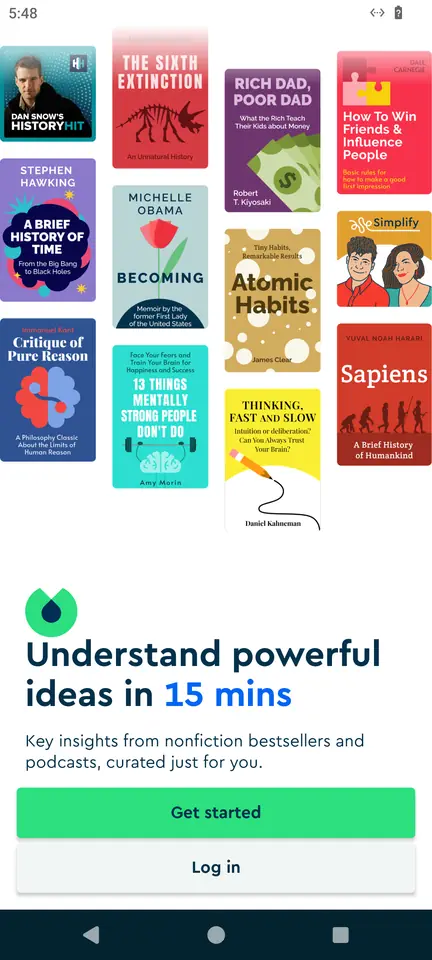
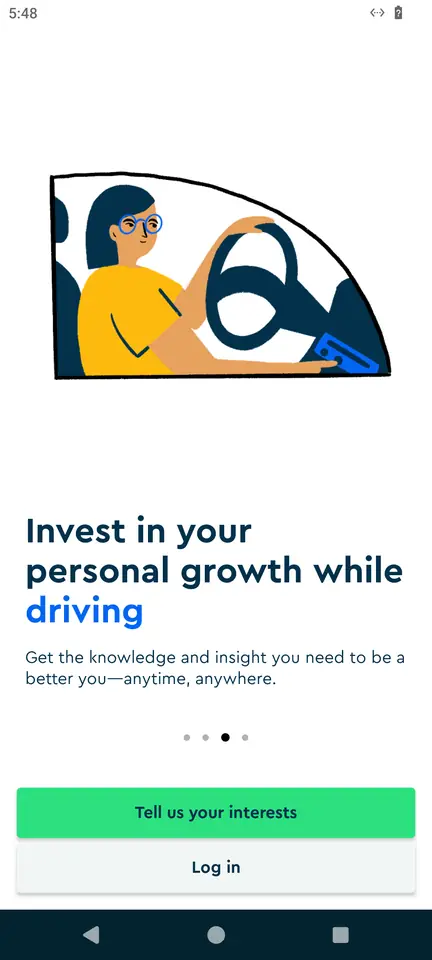

Blinkist
41 screens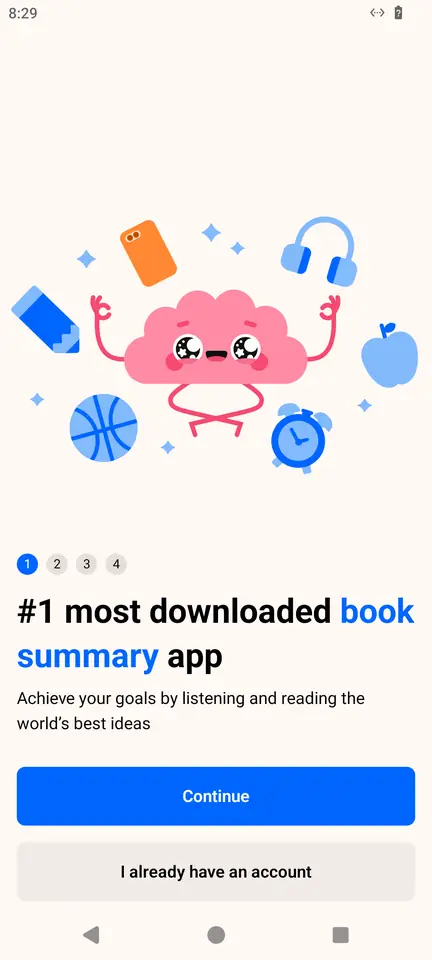
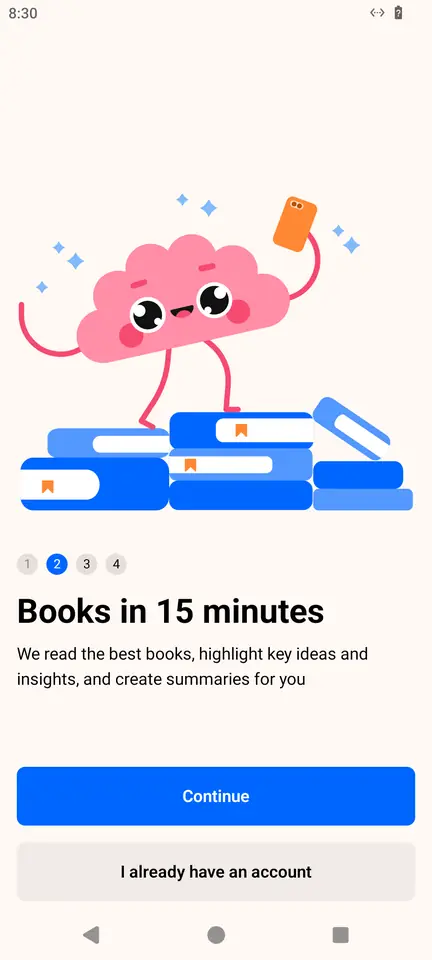
Headway
38 screens
Lucid
36 screens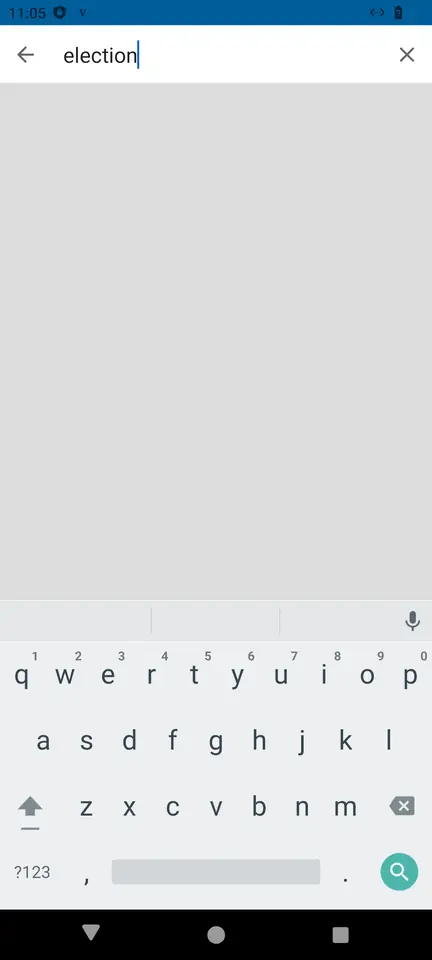
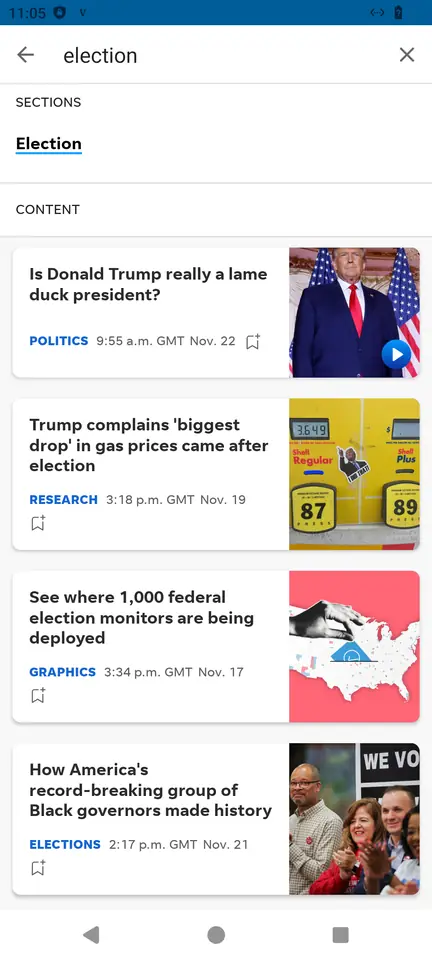
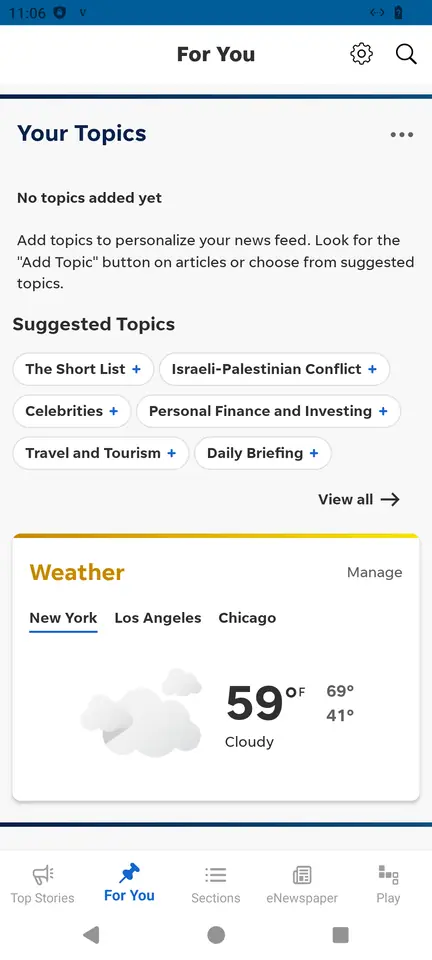
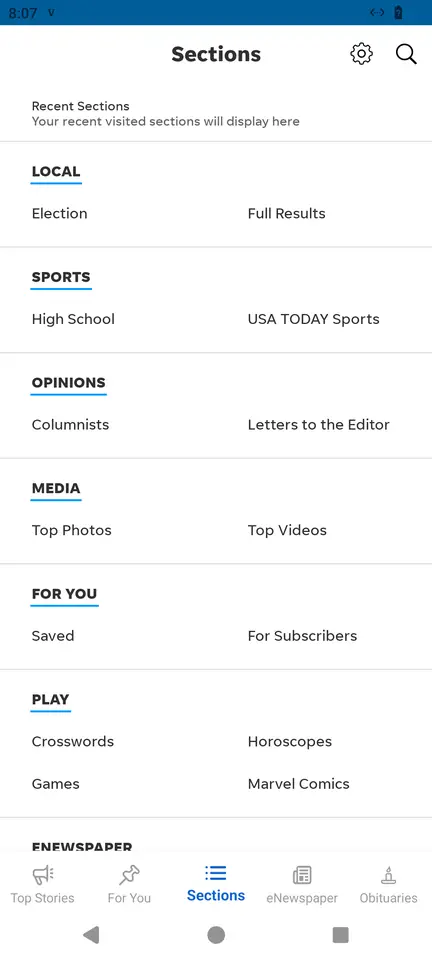
USA TODAY
25 screens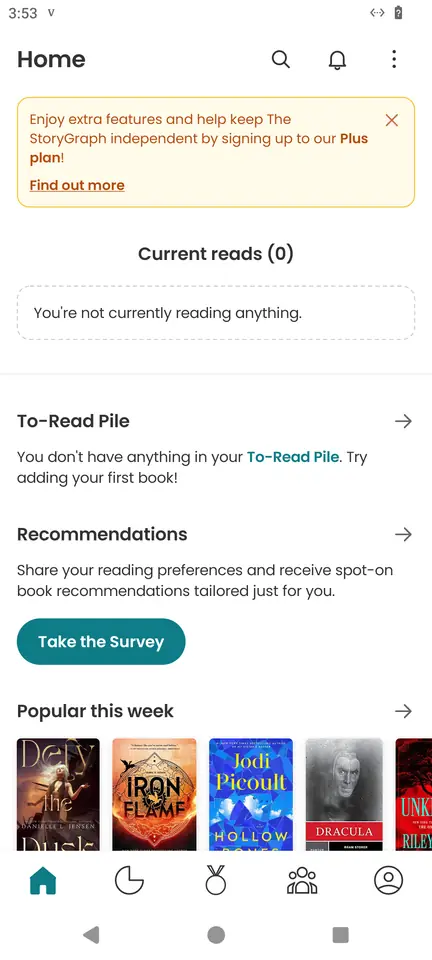
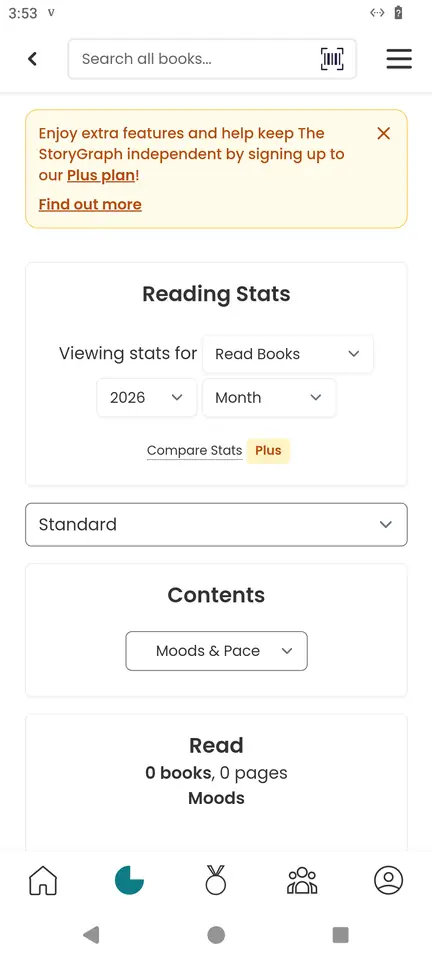
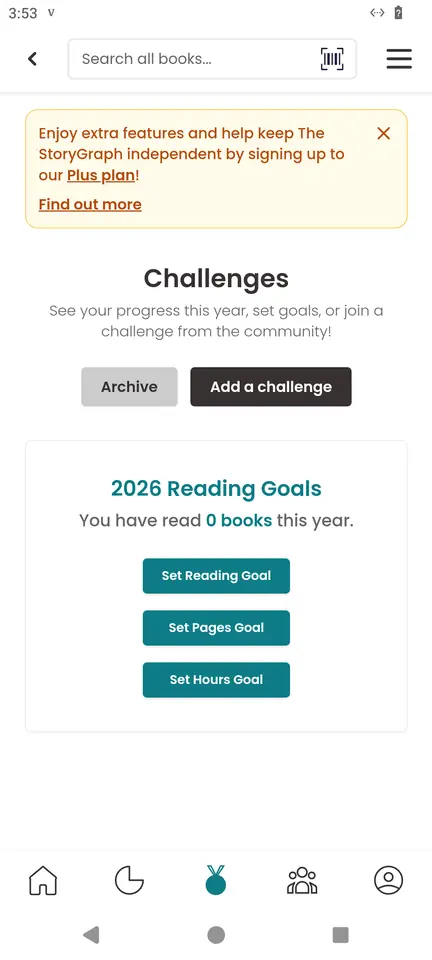
The StoryGraph
11 screens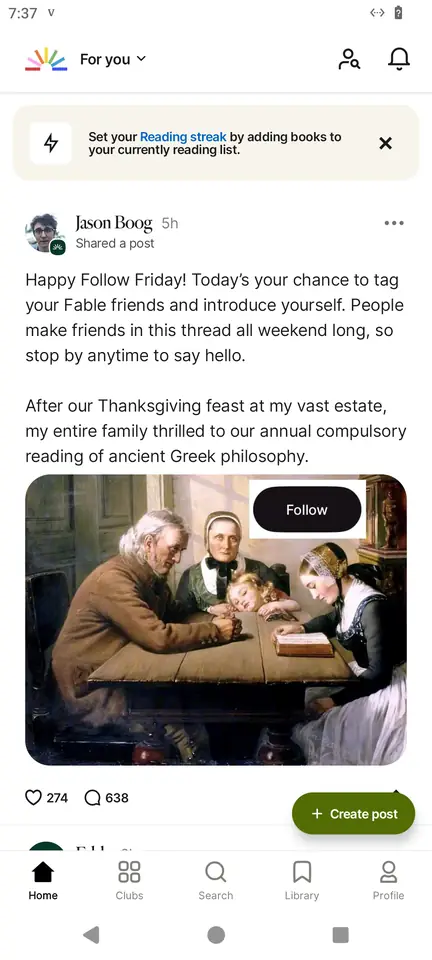

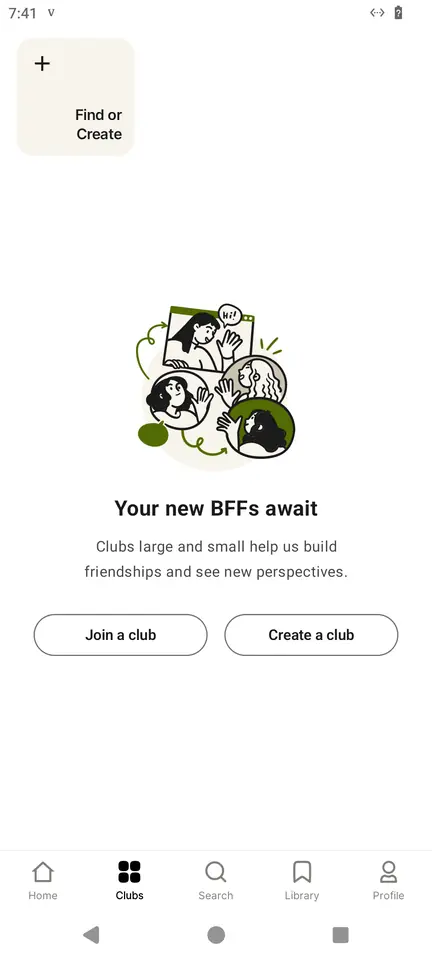
Fable
10 screens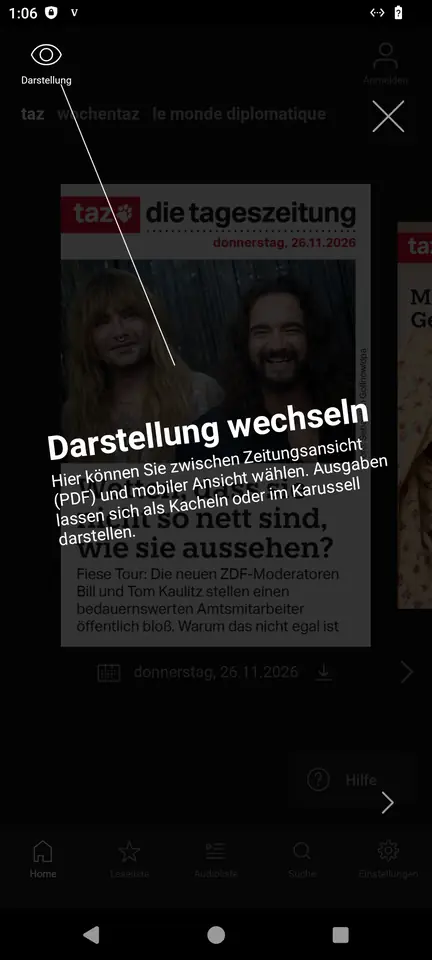
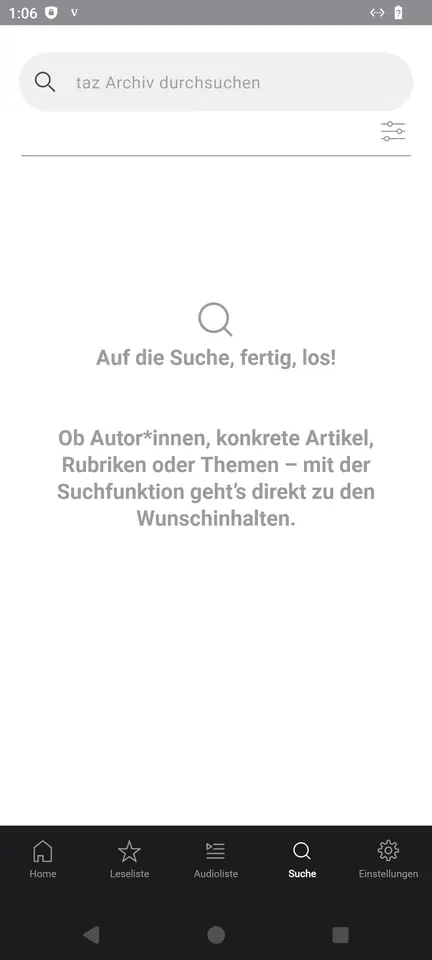
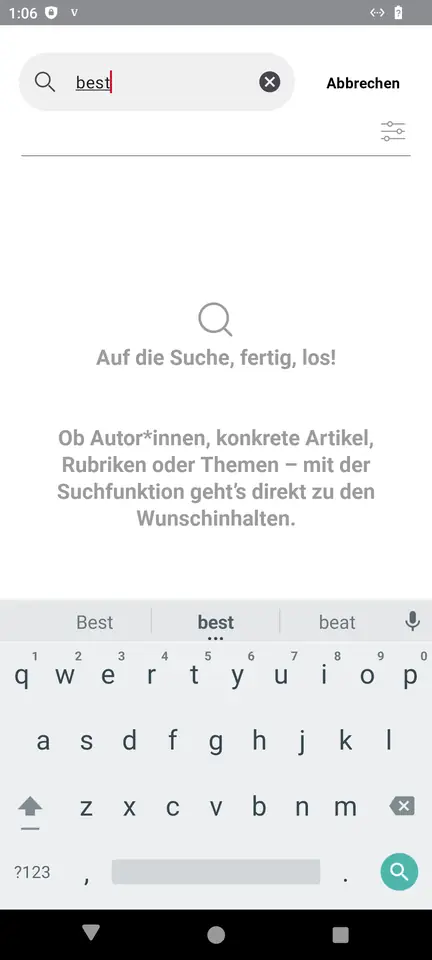
taz
9 screens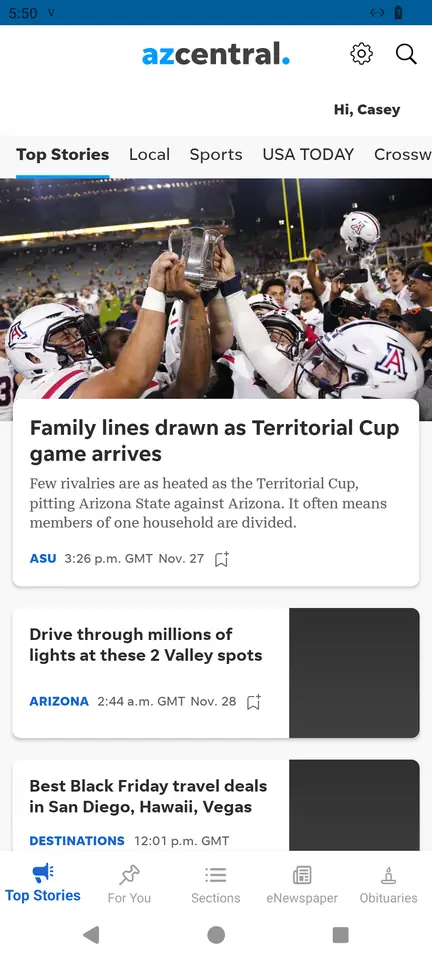
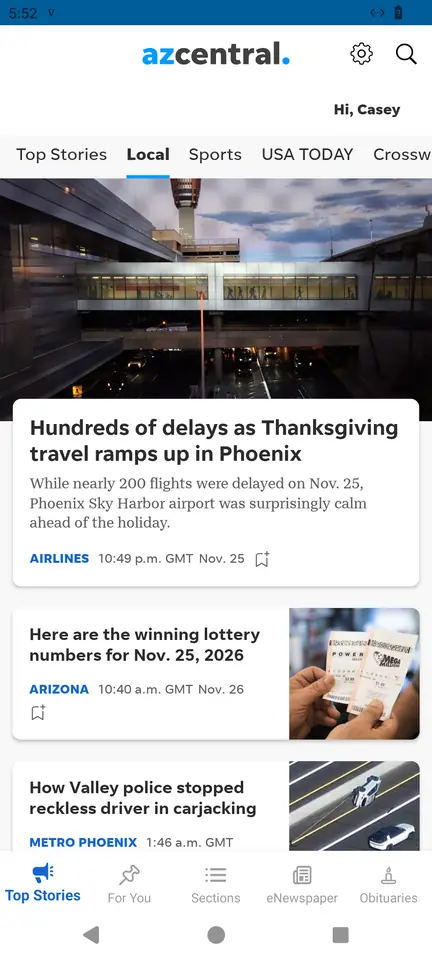
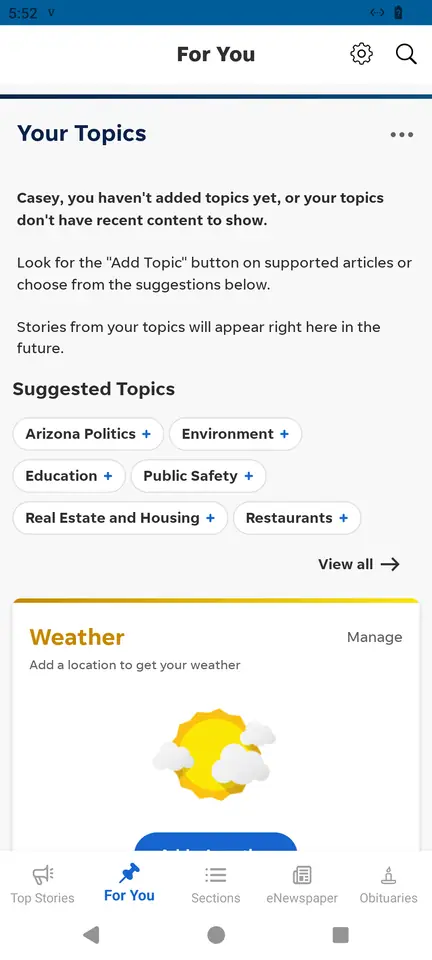
azcentral
8 screens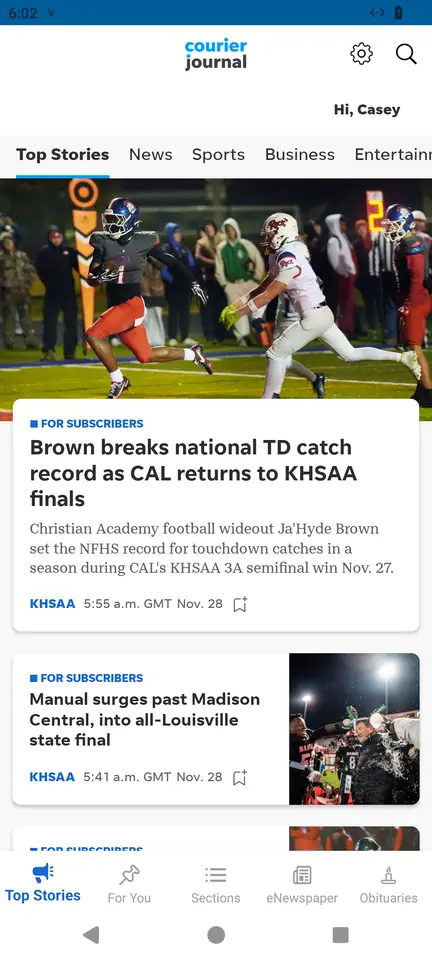
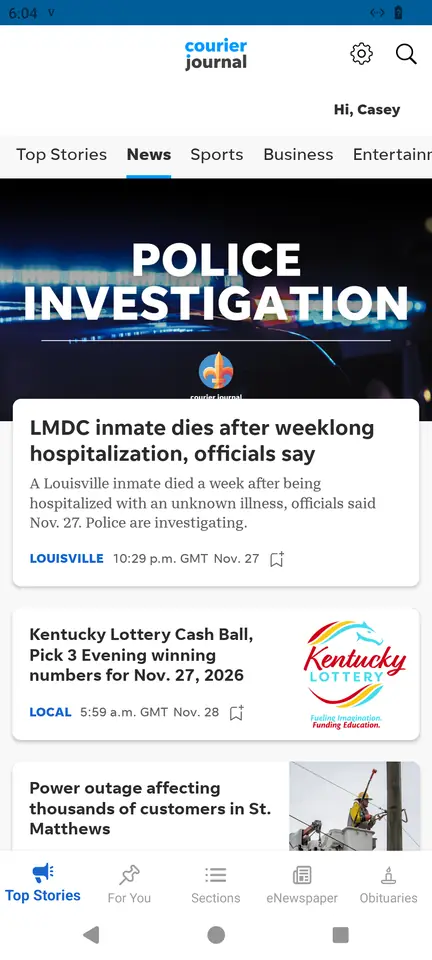
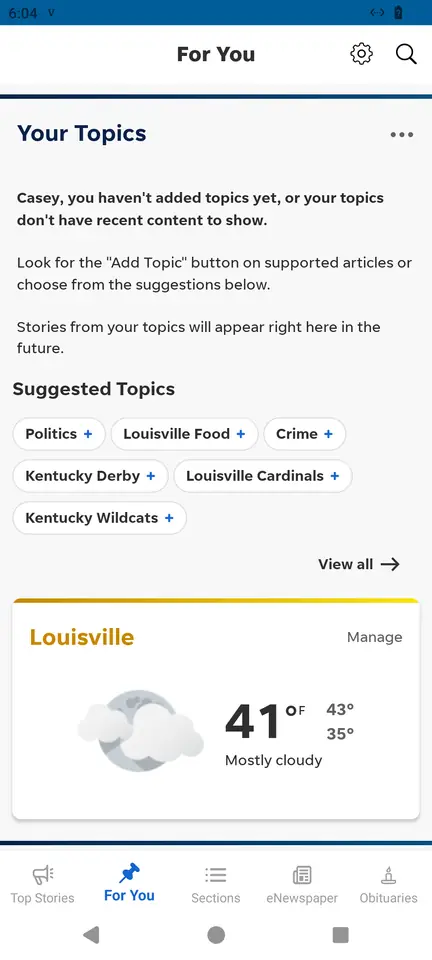
Courier Journal
8 screens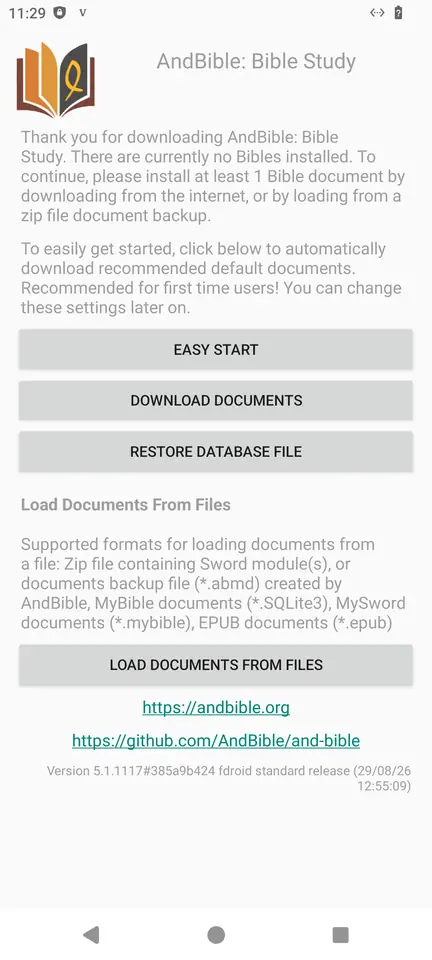
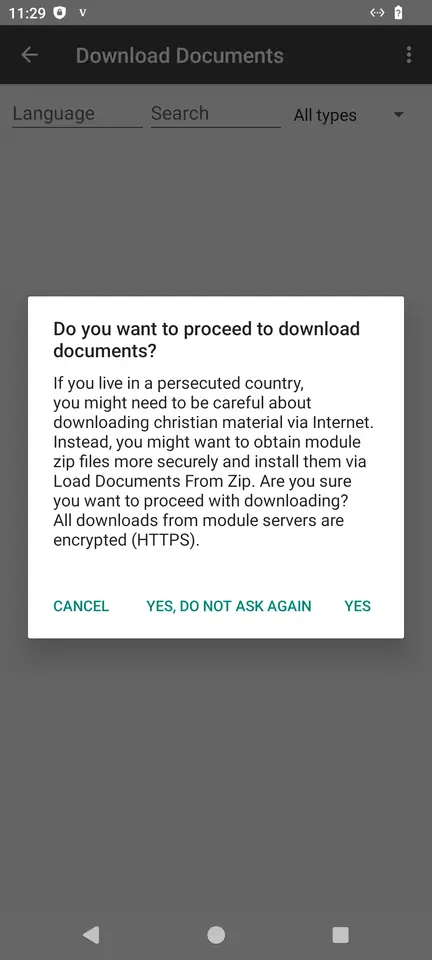
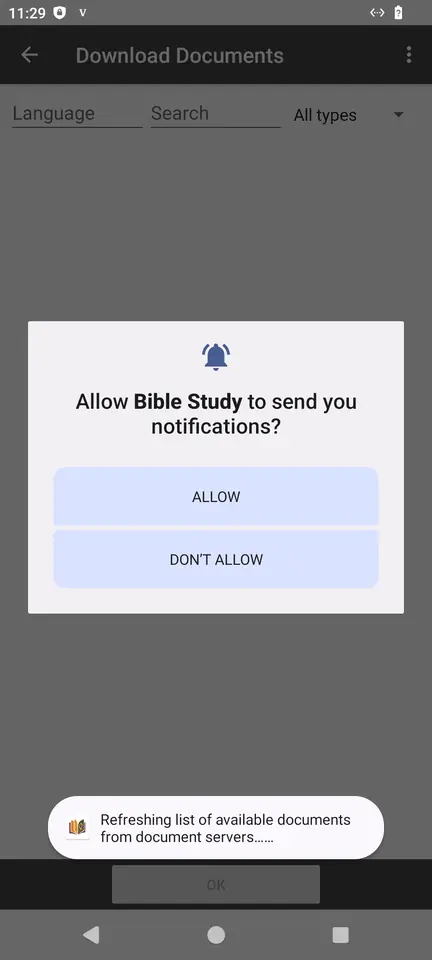
AndBible
7 screens
NewsBlur
7 screens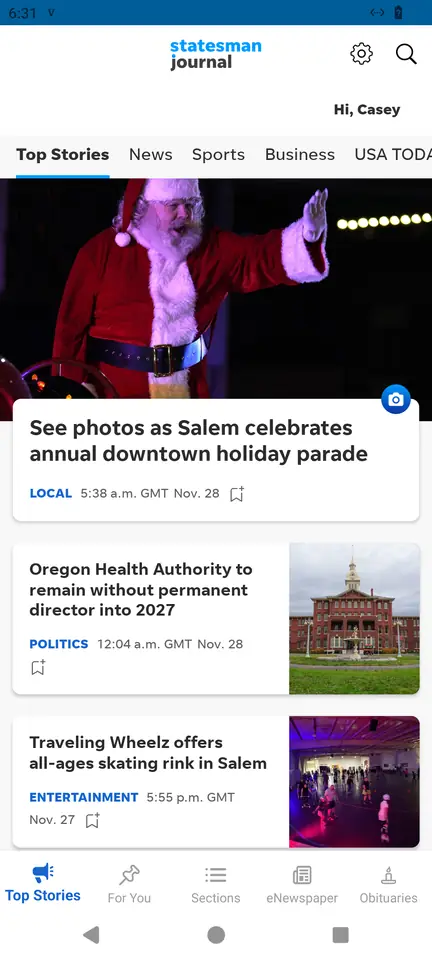
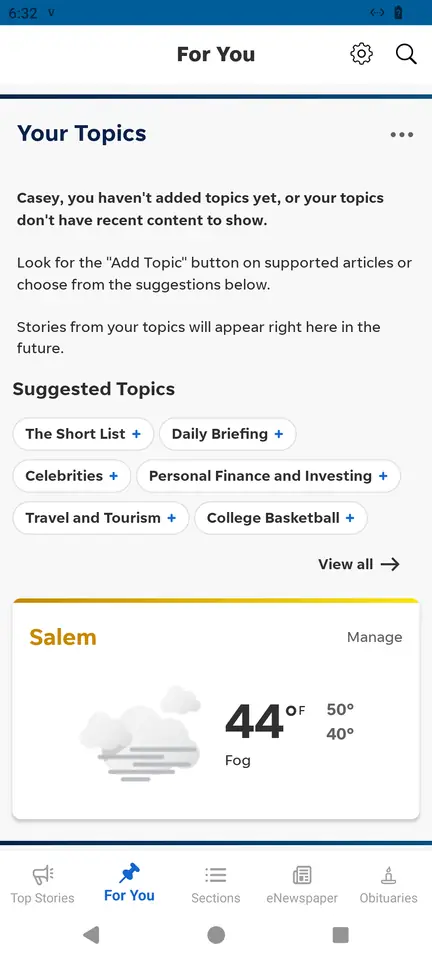
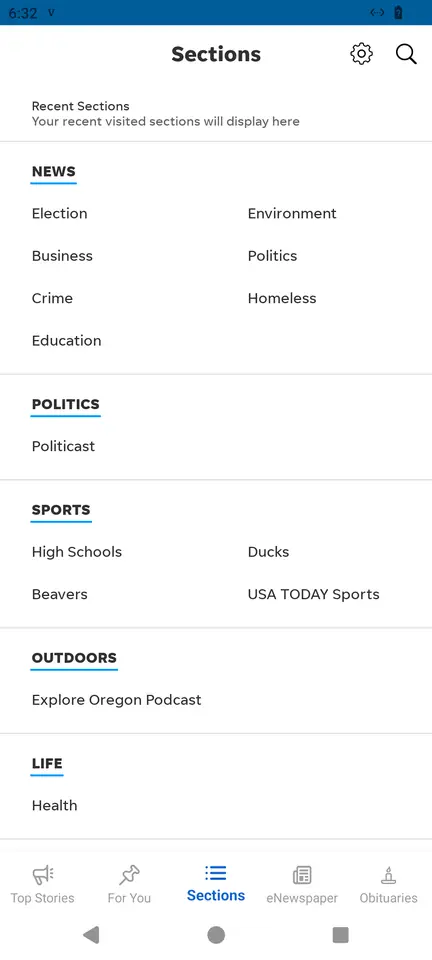
Statesman Journal
7 screens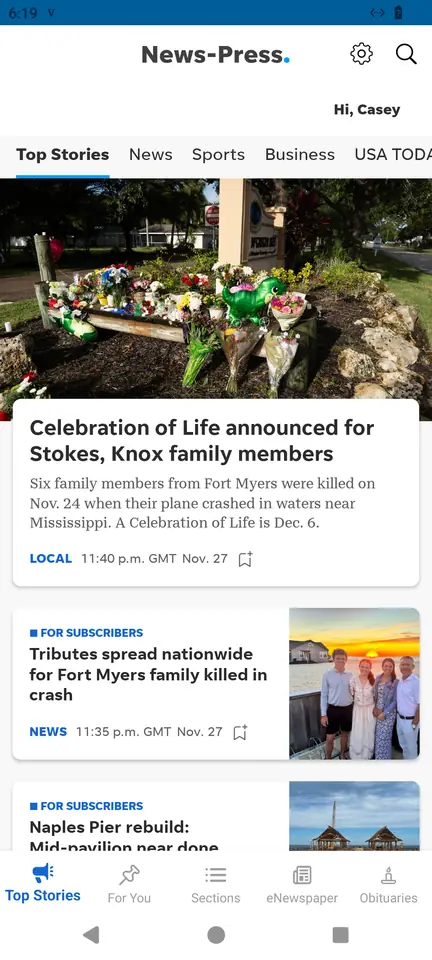
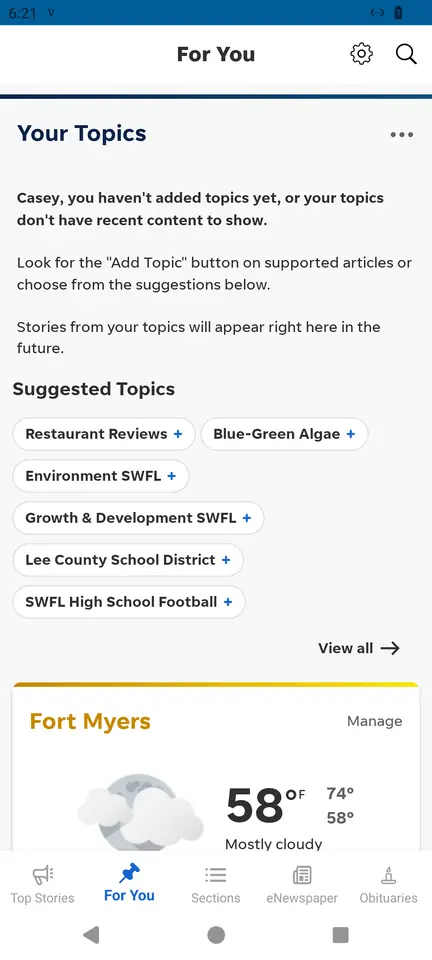
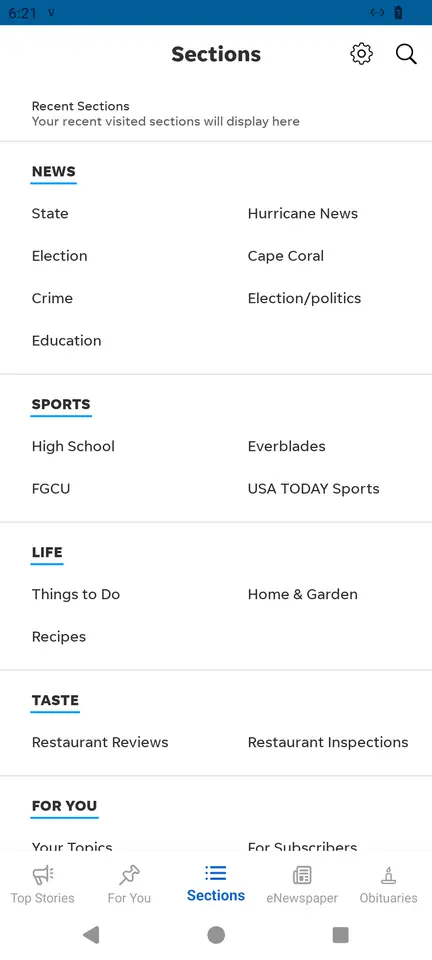
The News-Press
7 screens
Instapaper
6 screens
Reno Gazette-Journal
6 screens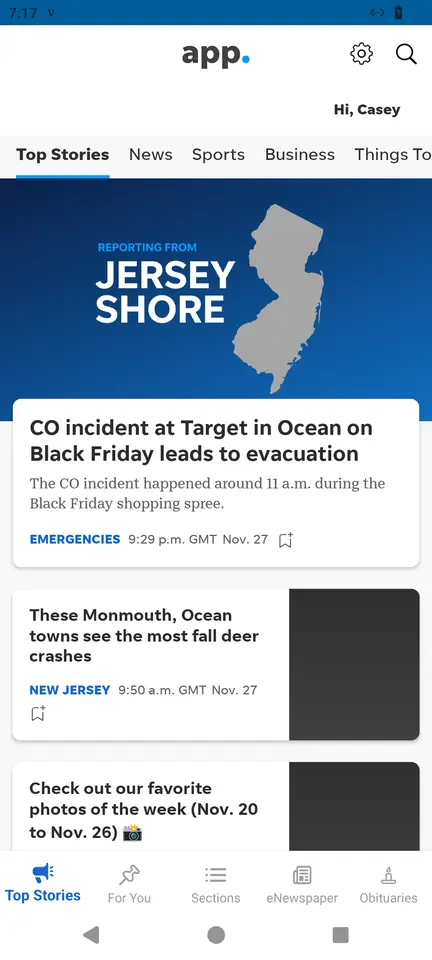
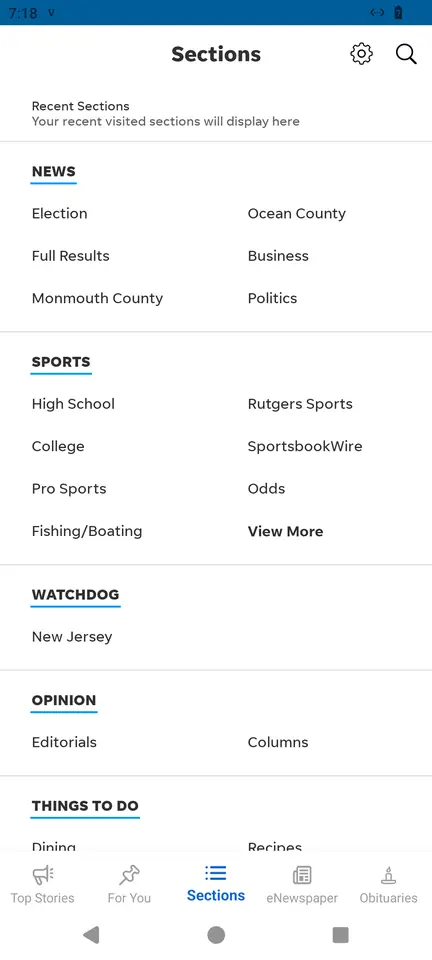
Asbury Park Press
5 screens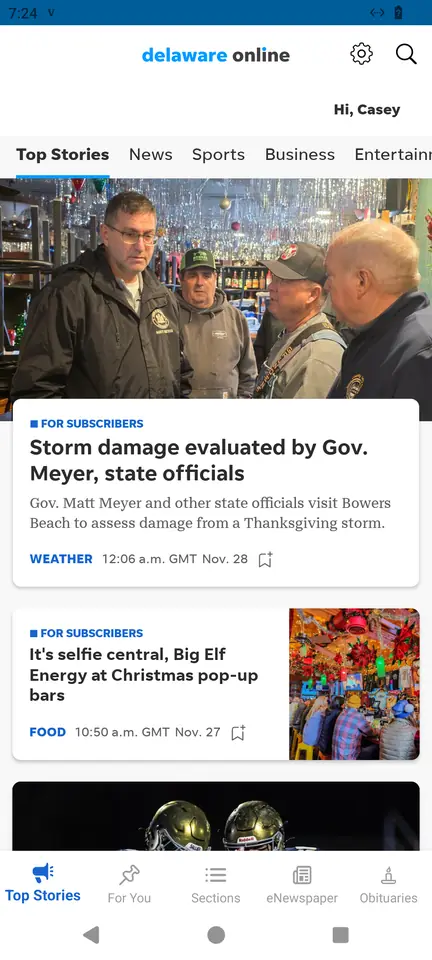
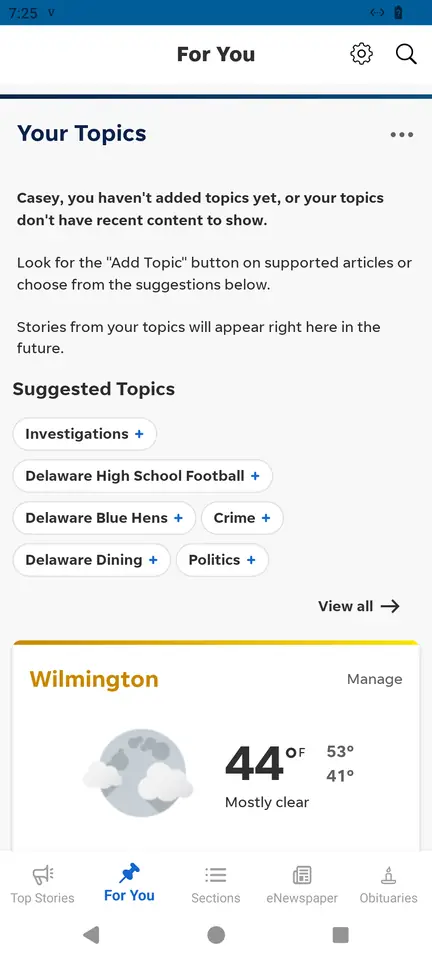
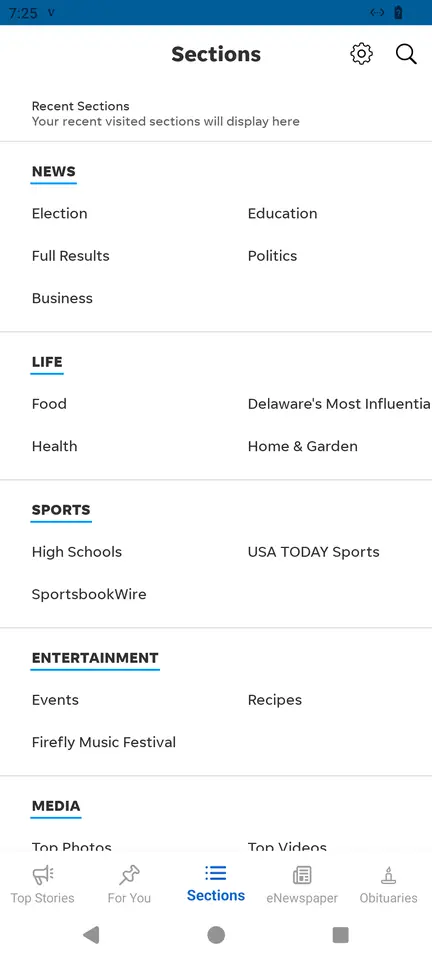
Delaware Online
5 screens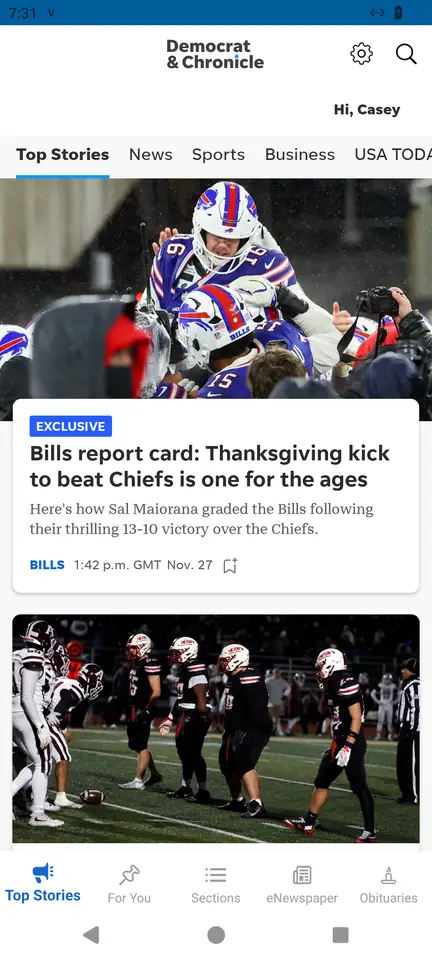
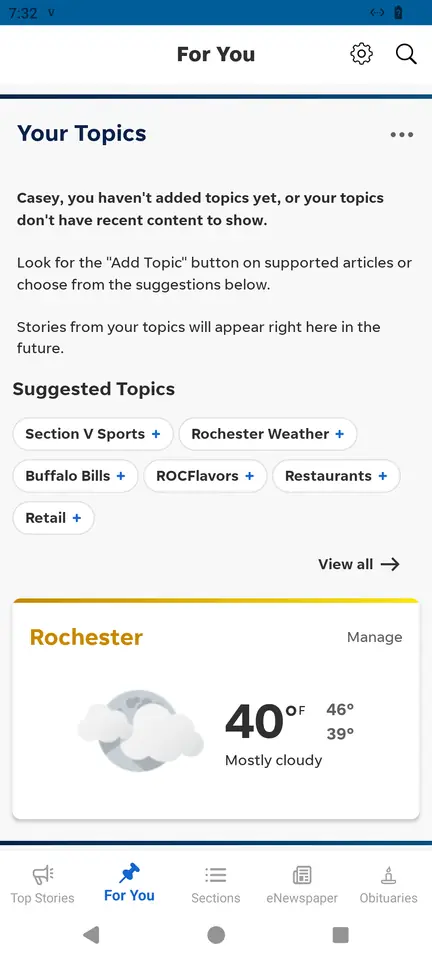
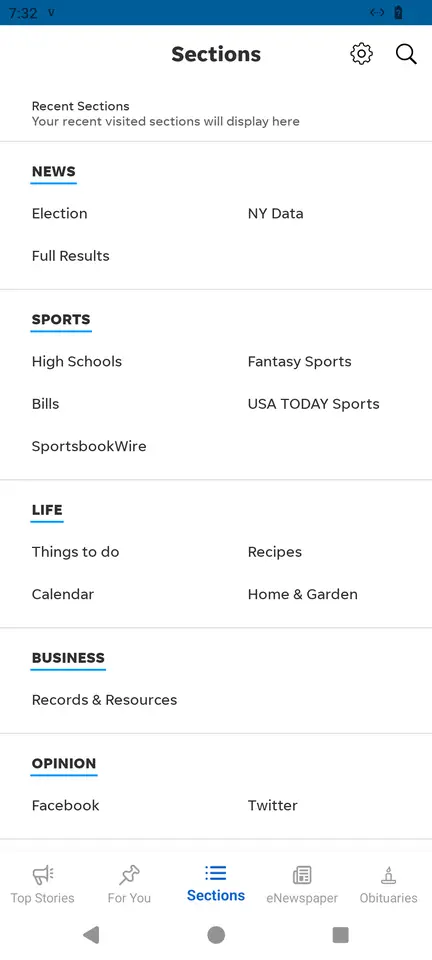
Democrat & Chronicle
5 screens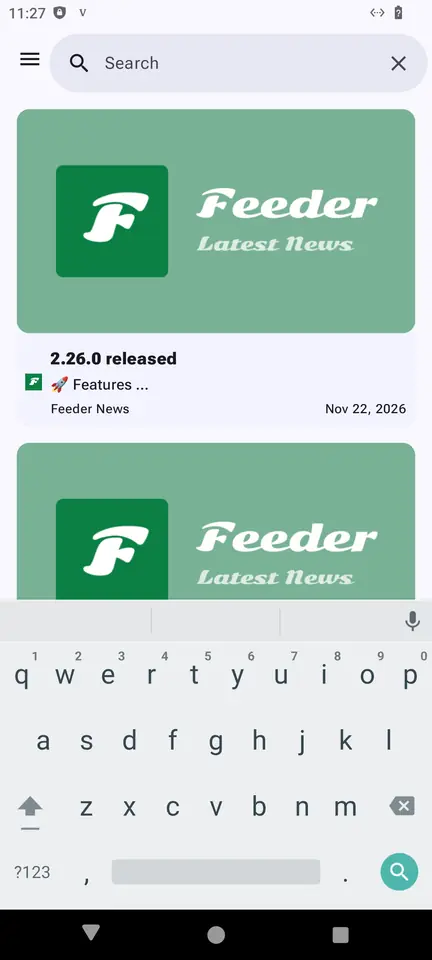
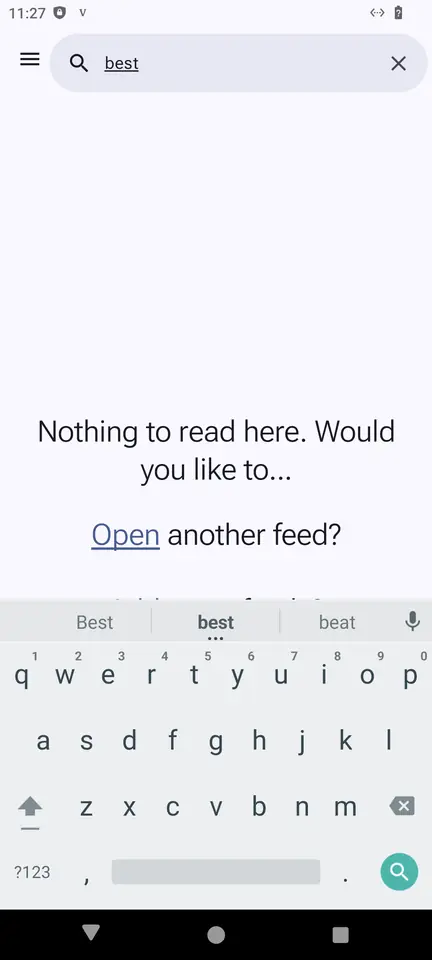
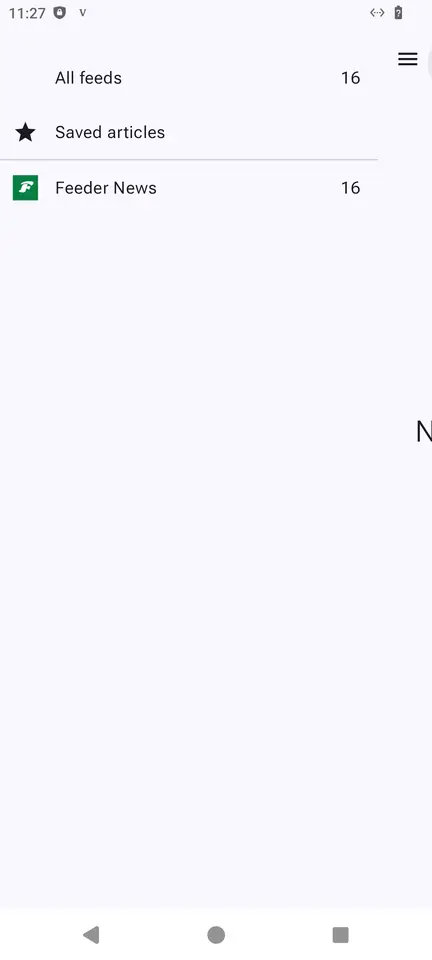
Feeder
5 screens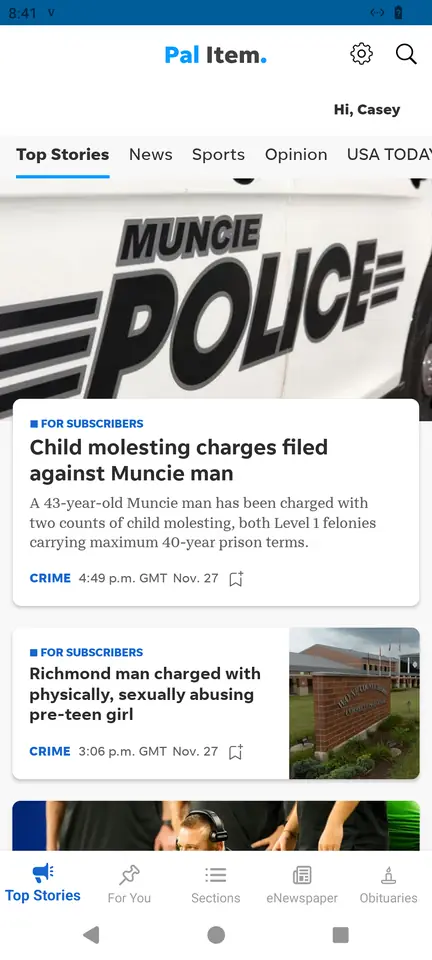
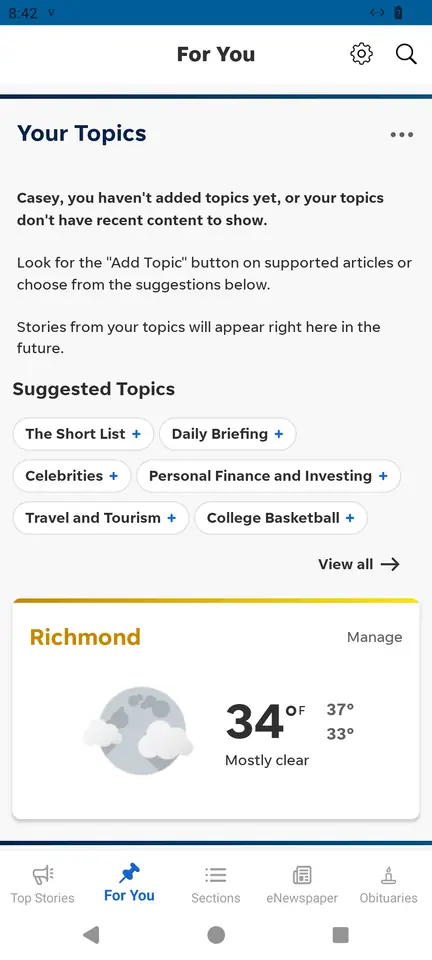
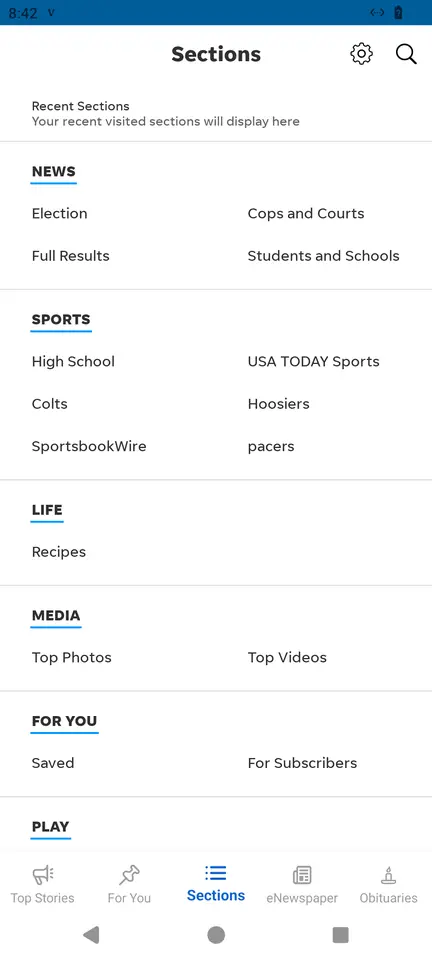
Pal-Item
5 screens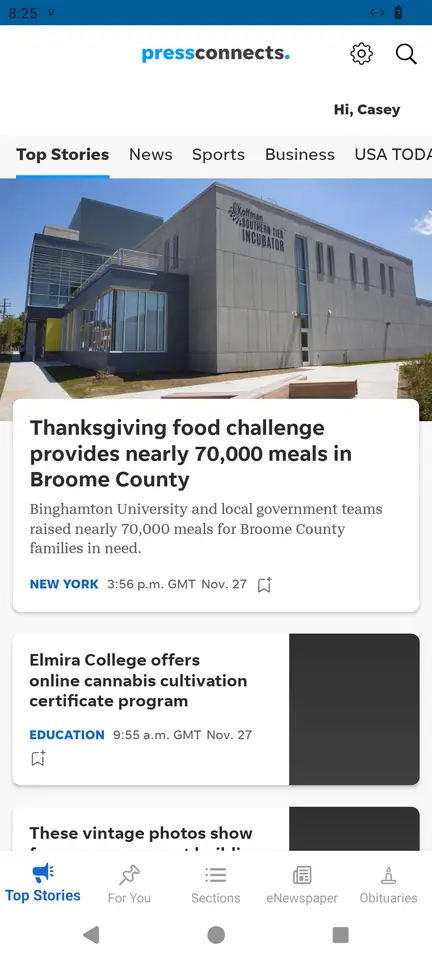
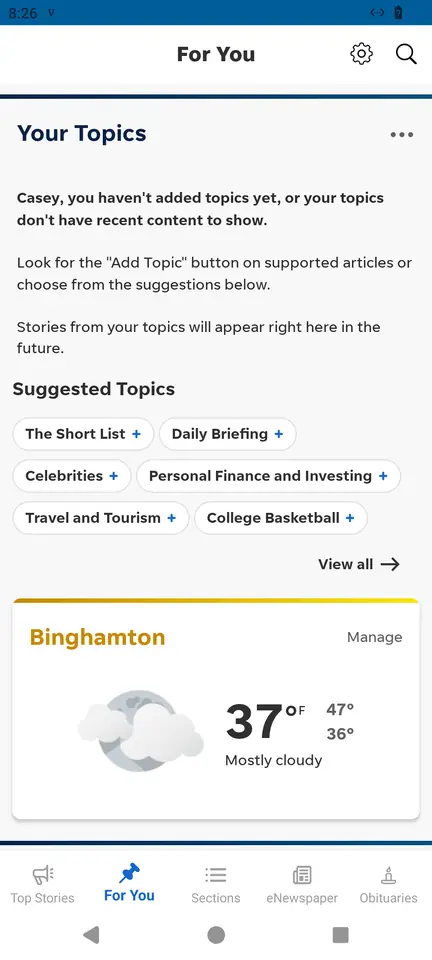
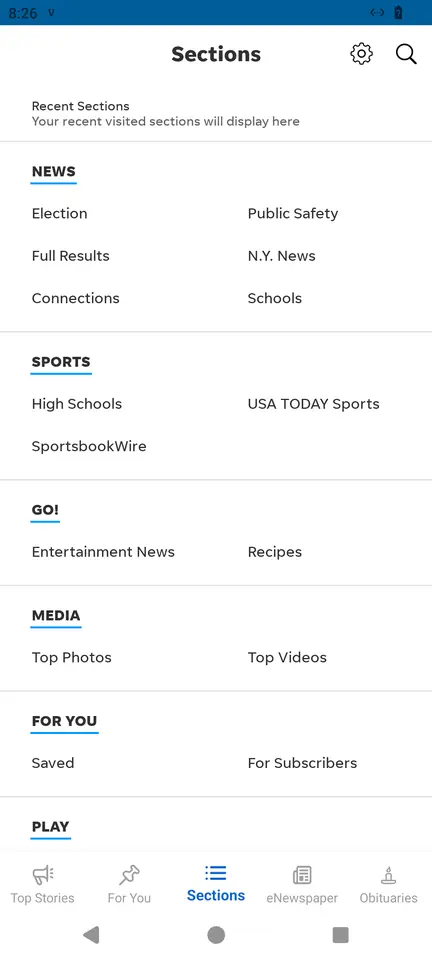
Pressconnects
5 screens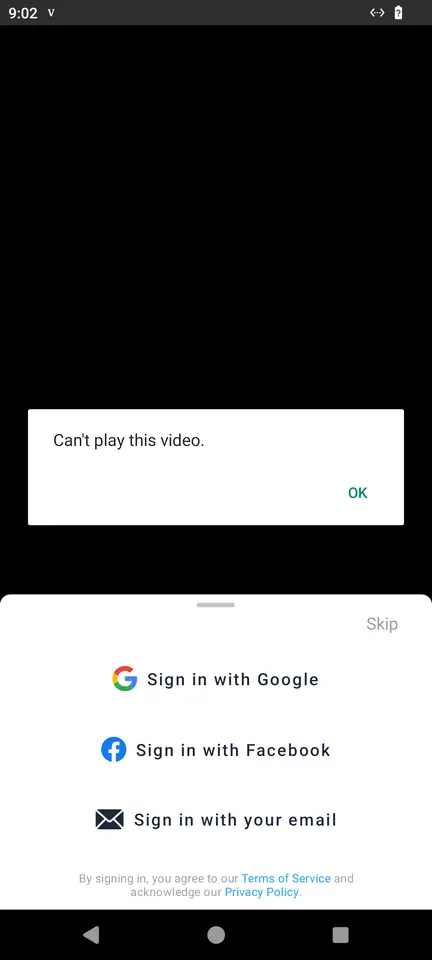
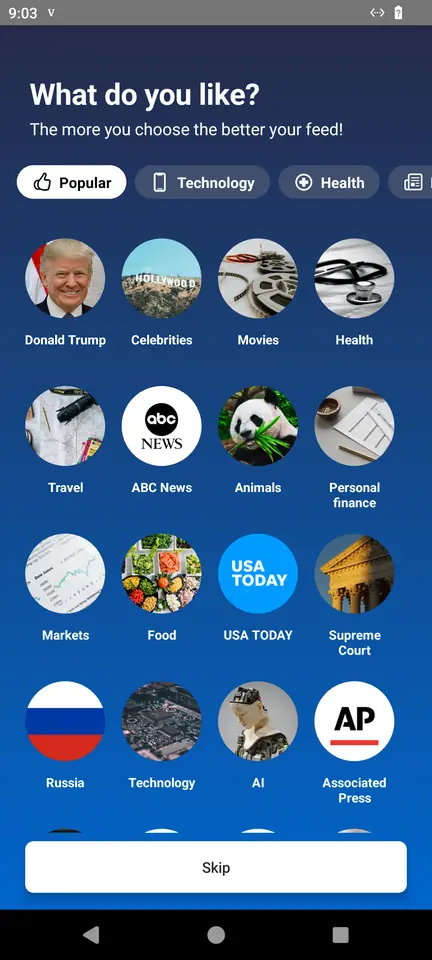
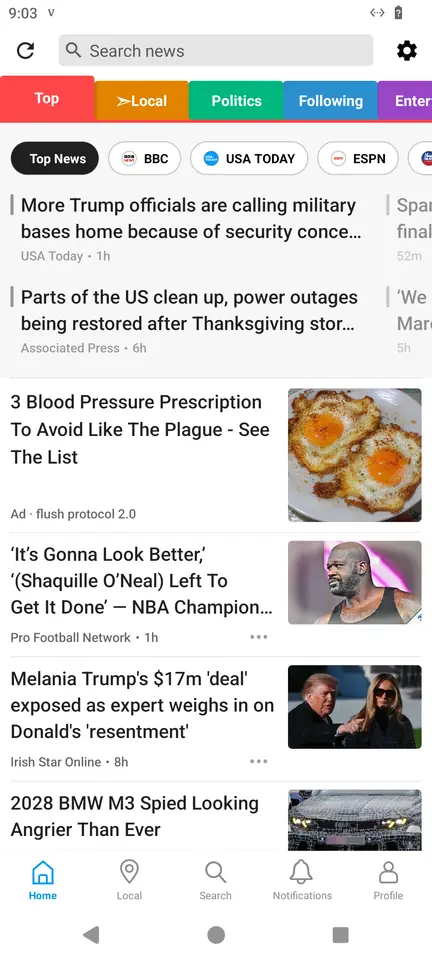
SmartNews
5 screens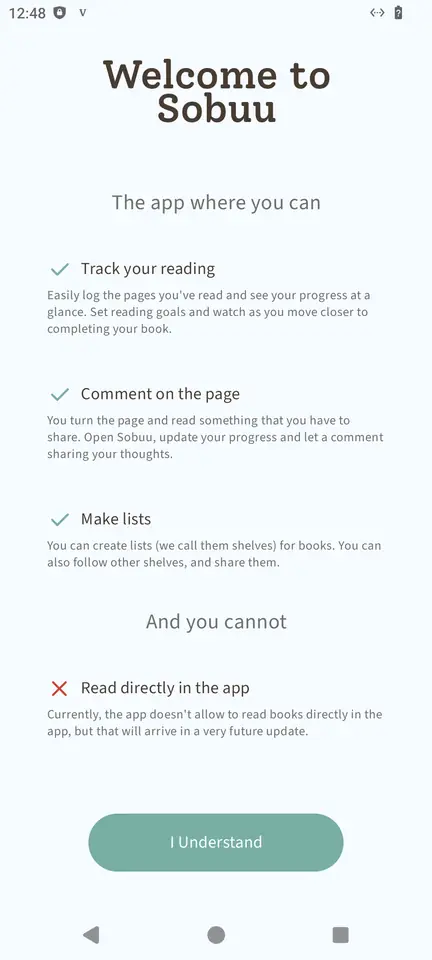
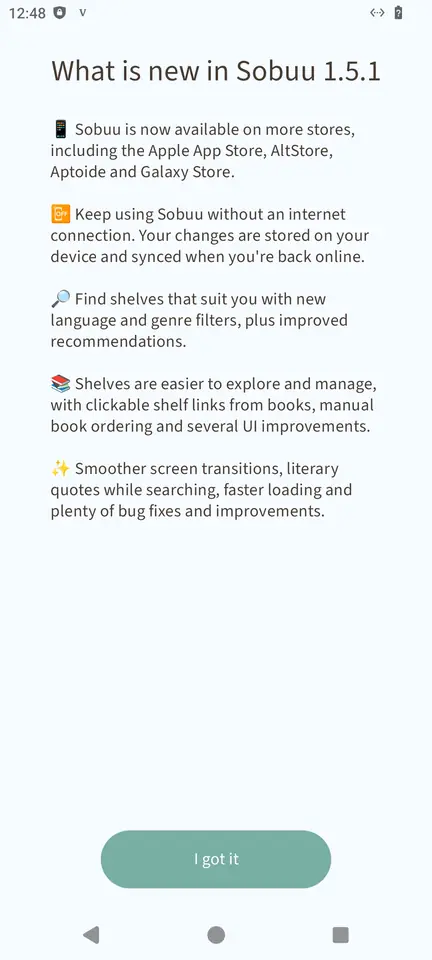
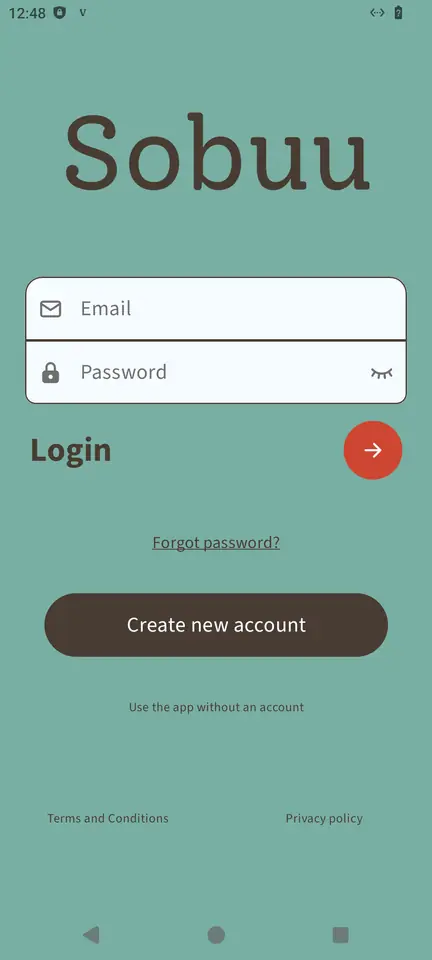
Sobuu
5 screens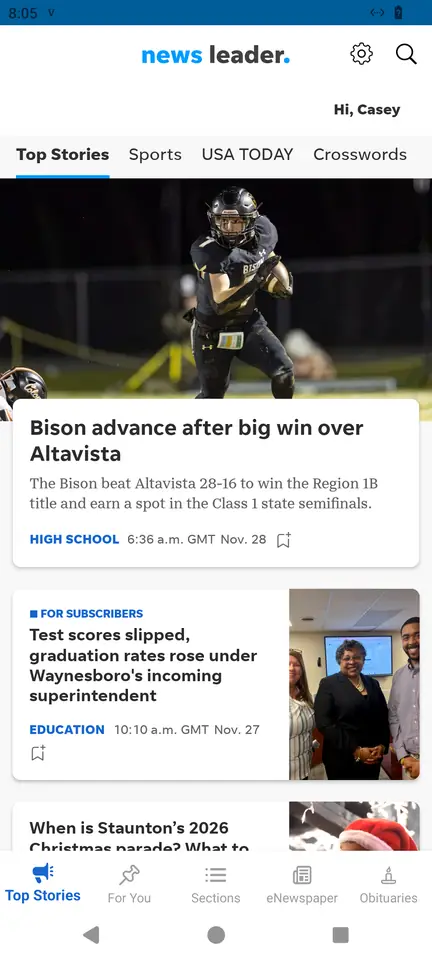
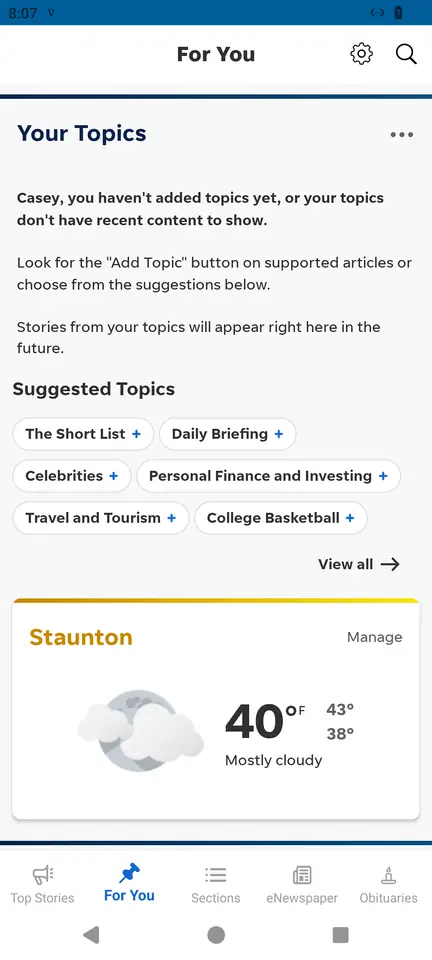
The News Leader
5 screens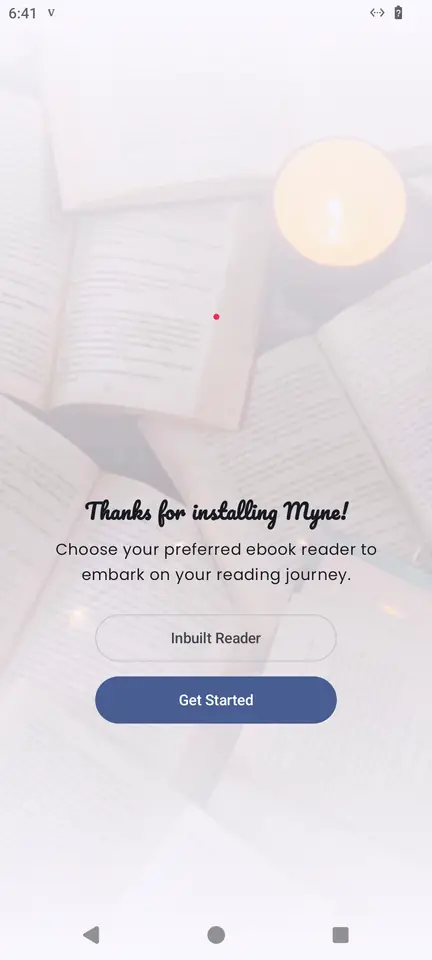
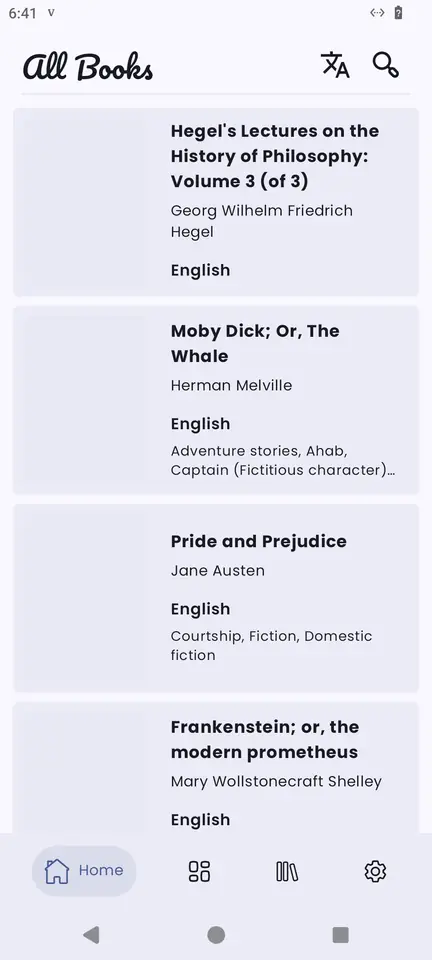
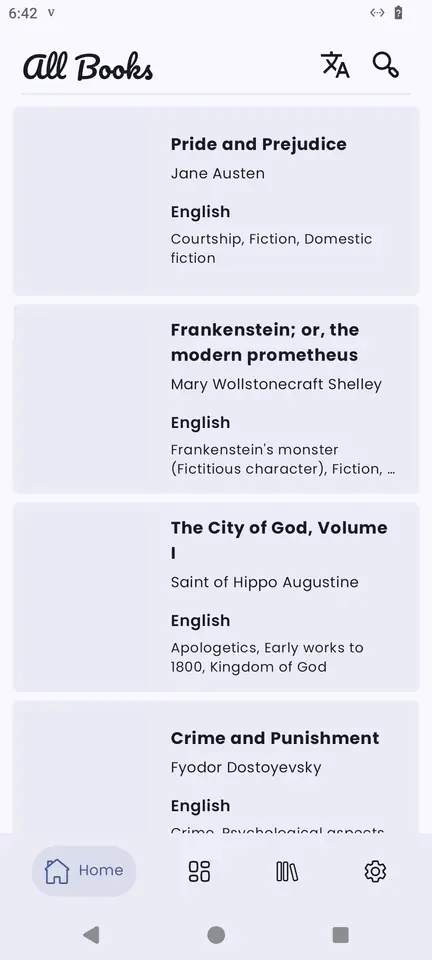
Myne
4 screens
News (appreactor)
4 screens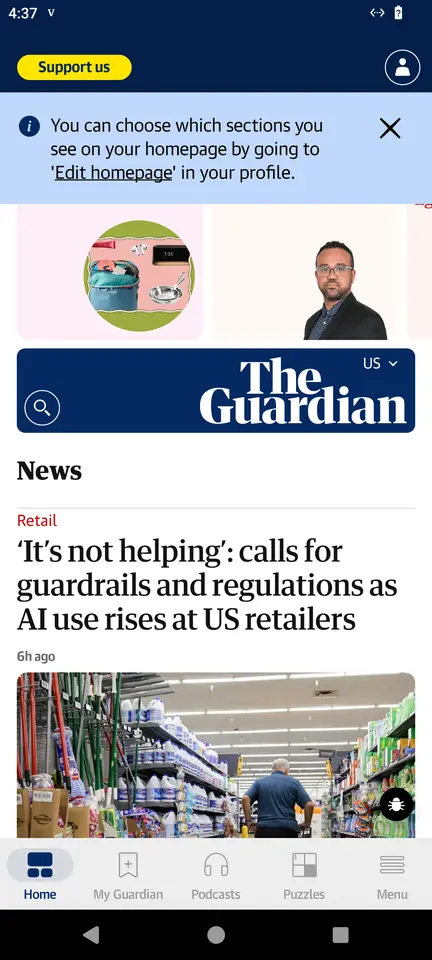
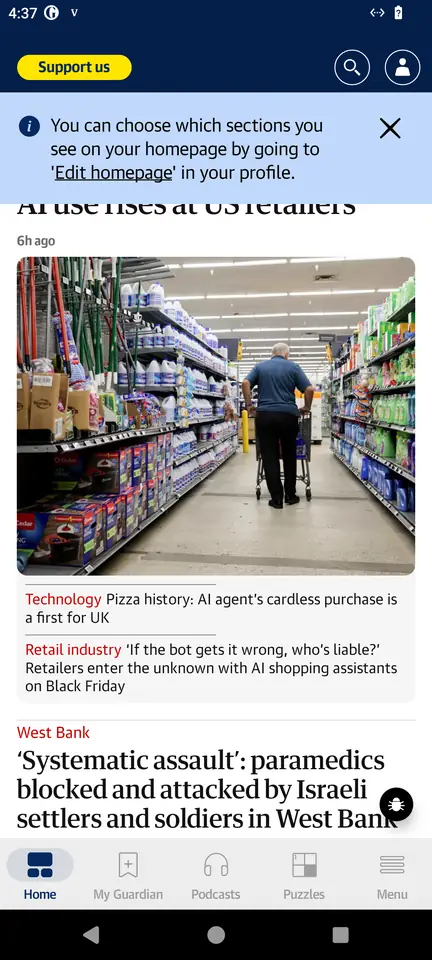
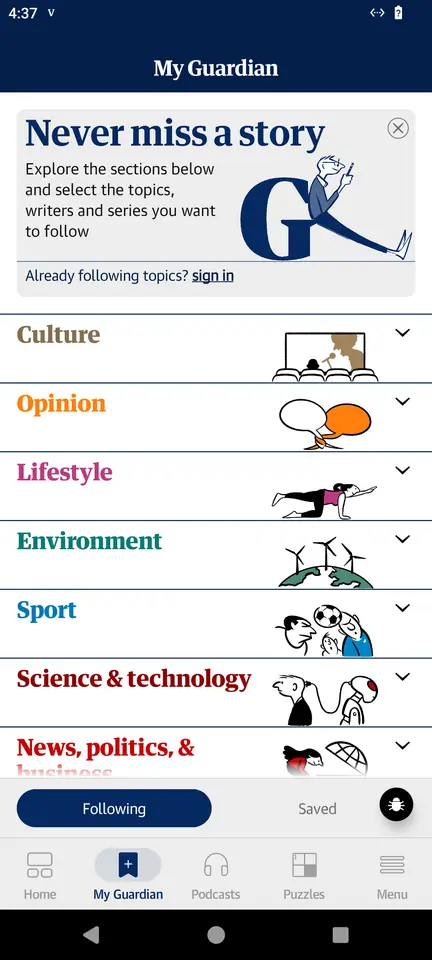
The Guardian
4 screens
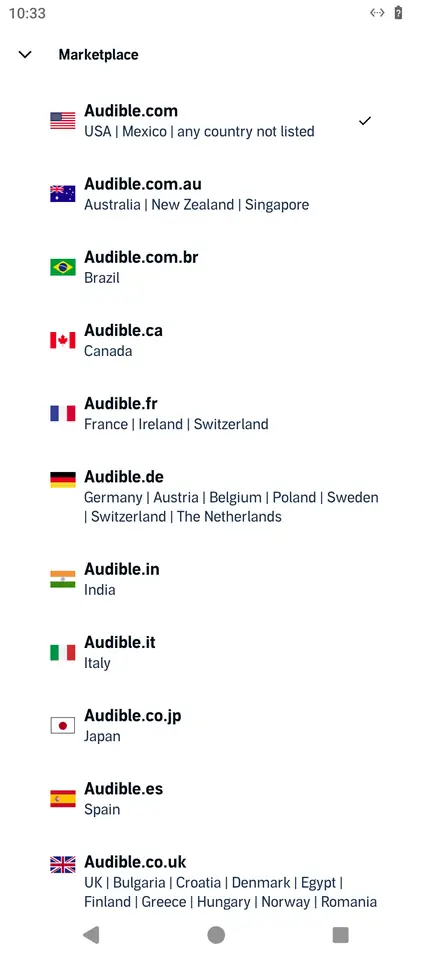
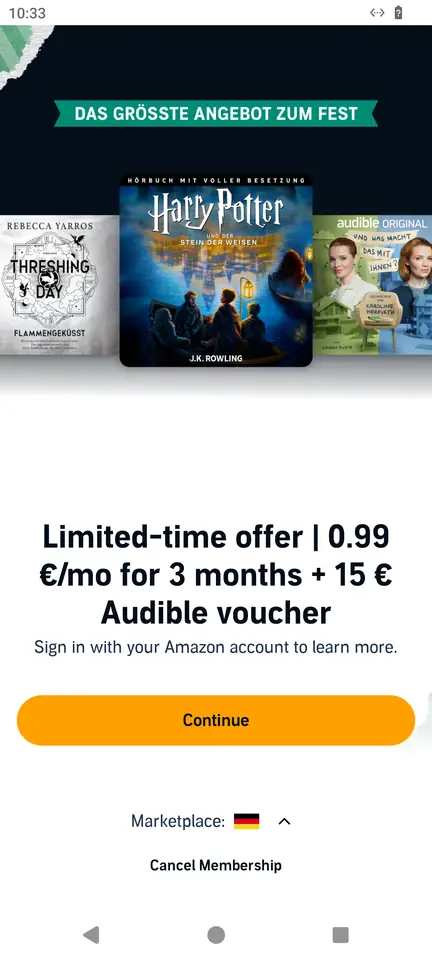
Audible
3 screens
Medium
3 screens

NewsBreak
3 screens
eQuran
2 screens
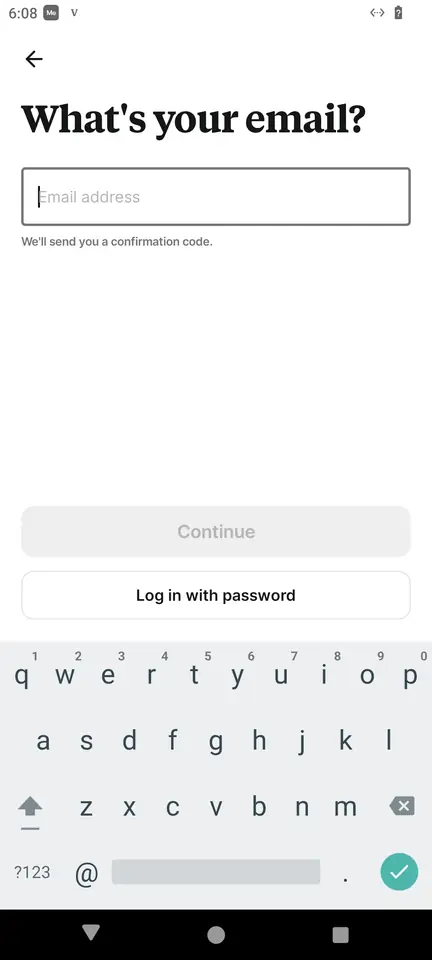
Substack
2 screens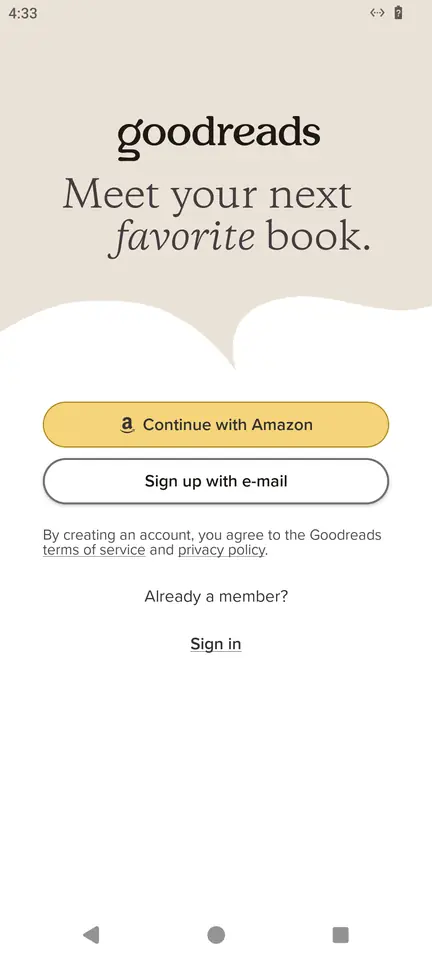
Goodreads
1 screenBooks & reading app flows, step by step
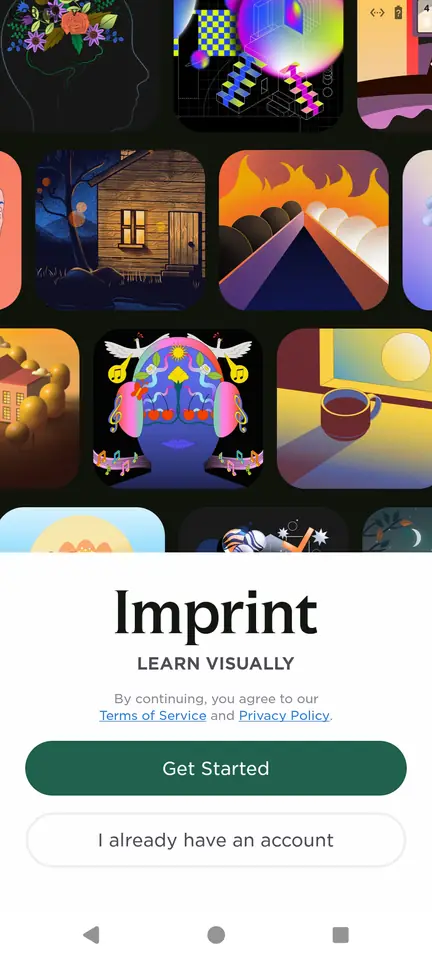
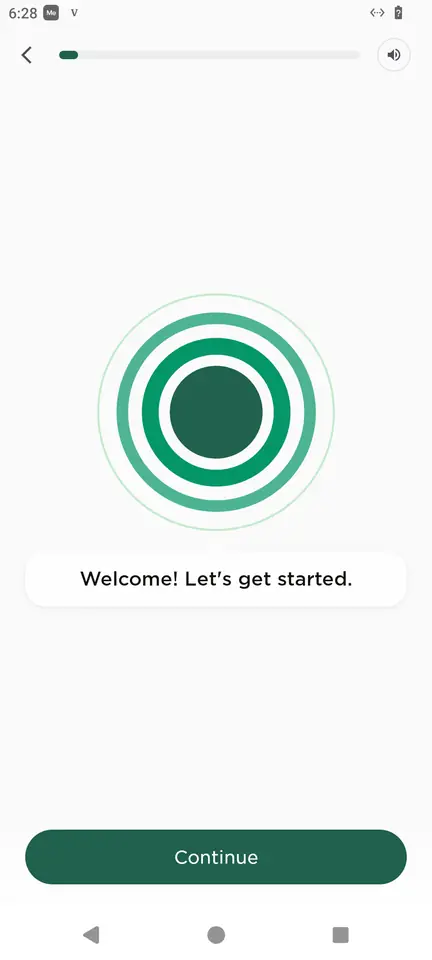
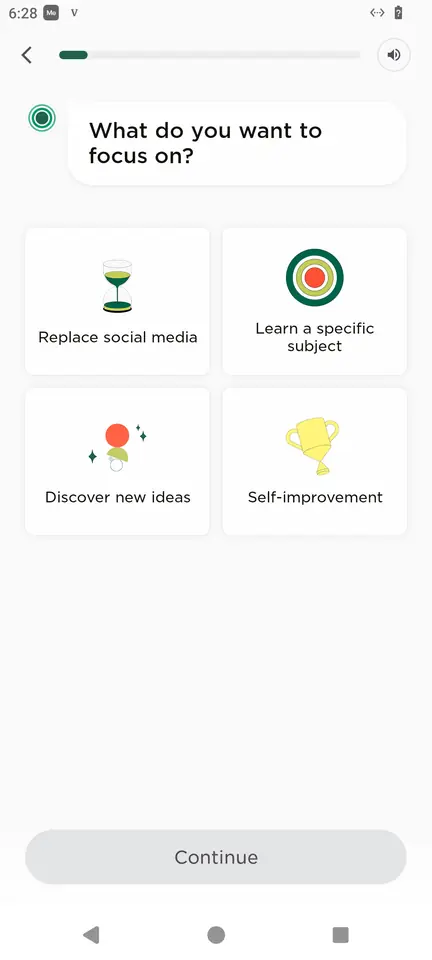
Lucid · Onboarding
27 screensHeadway · Onboarding
22 screens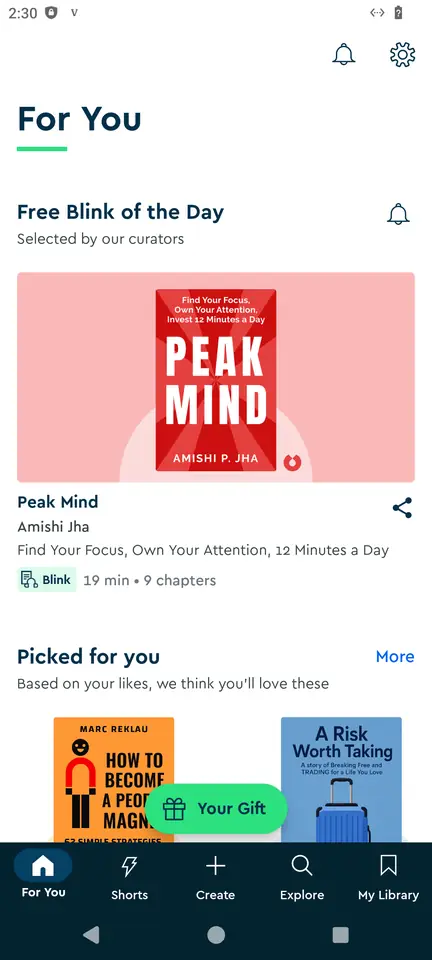
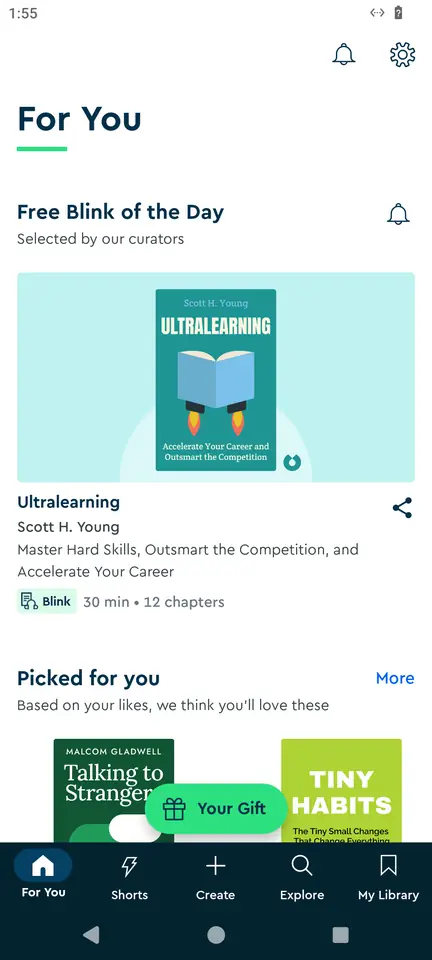
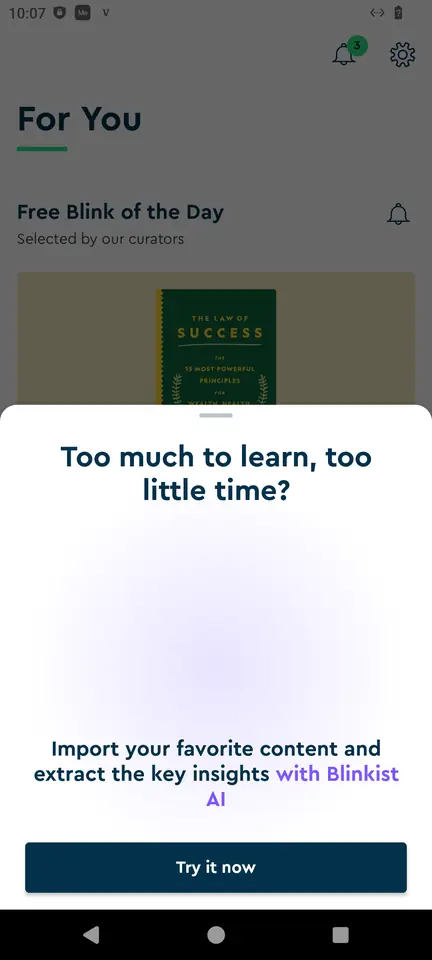
Blinkist · Home & browsing
16 screens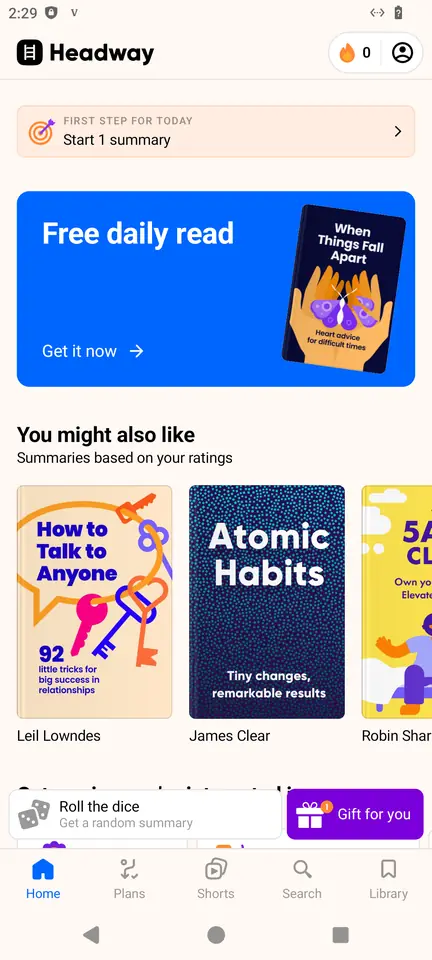
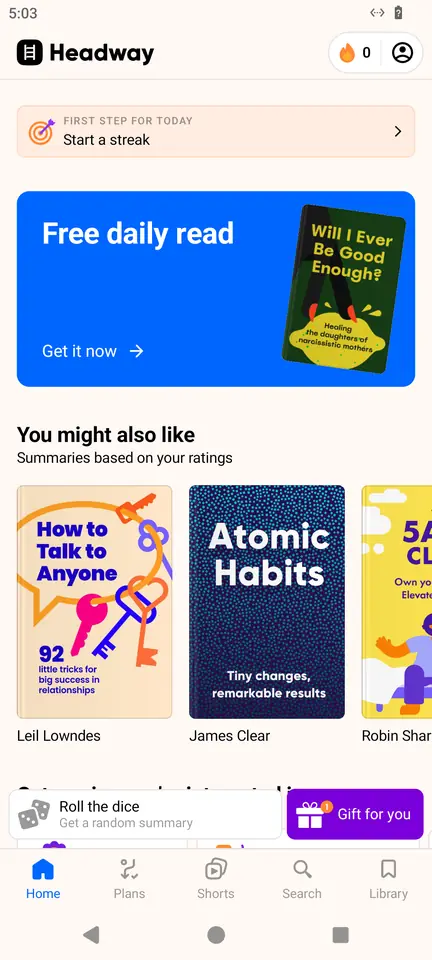
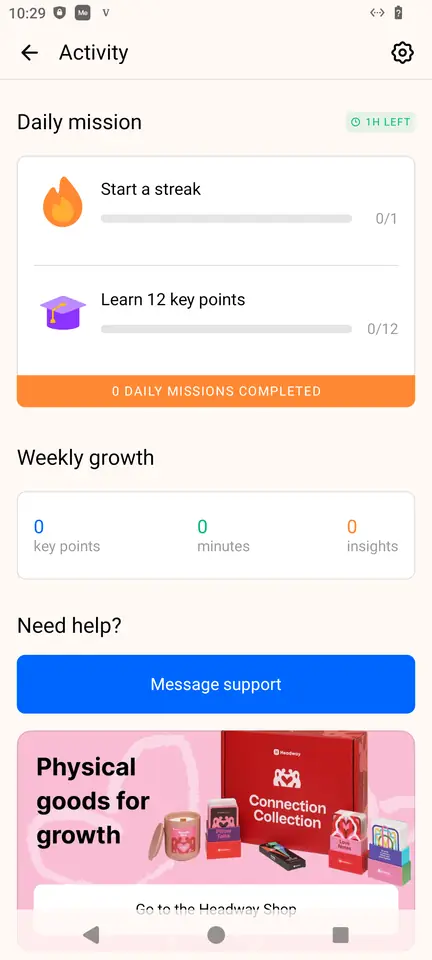
Headway · Home & browsing
13 screens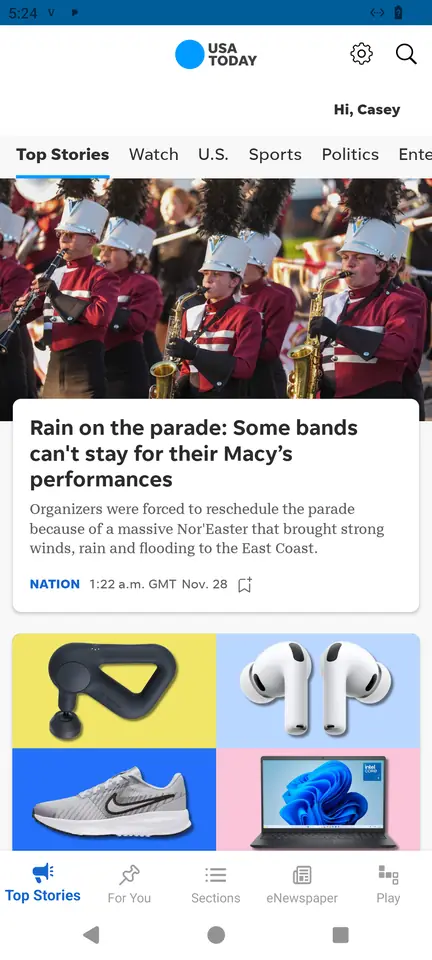
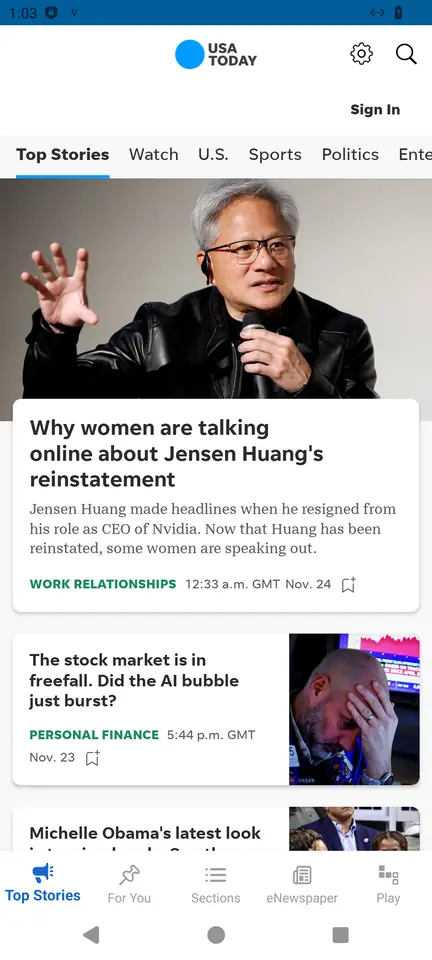
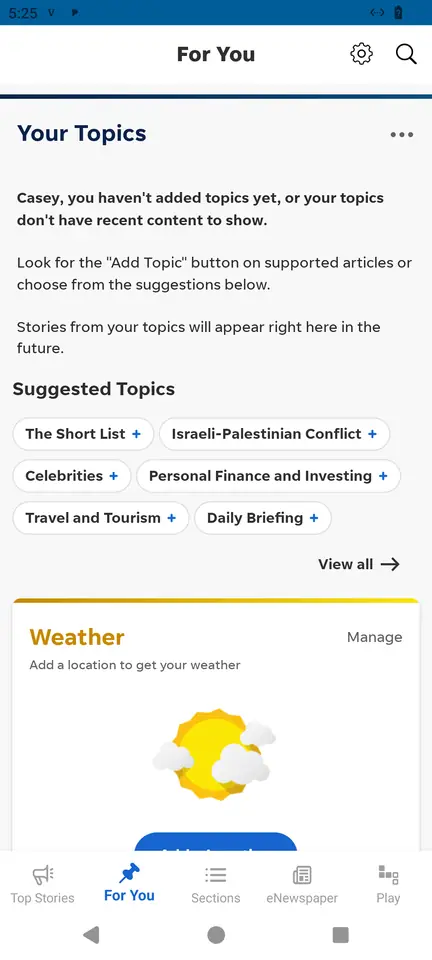
USA TODAY · Home & browsing
13 screens
Blinkist · Onboarding
12 screensAndBible · Onboarding
7 screens
taz · Home & browsing
7 screens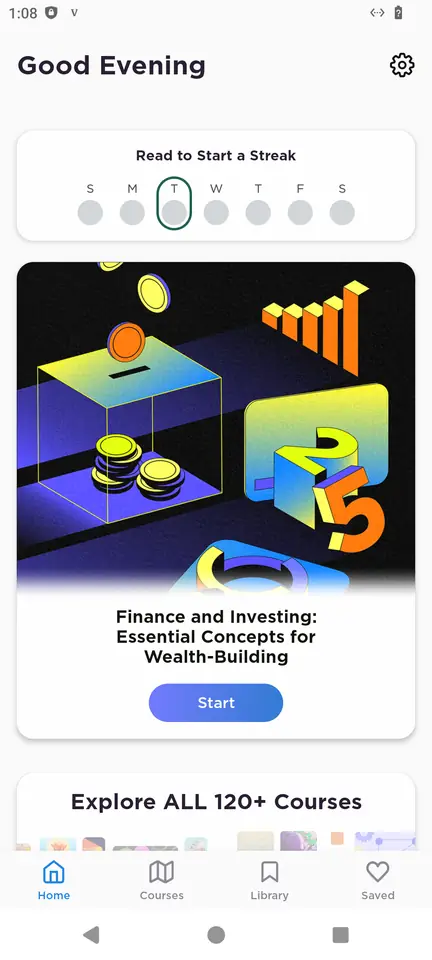
Lucid · Home & browsing
6 screensBooks & reading onboarding screens
117 screens · 24 apps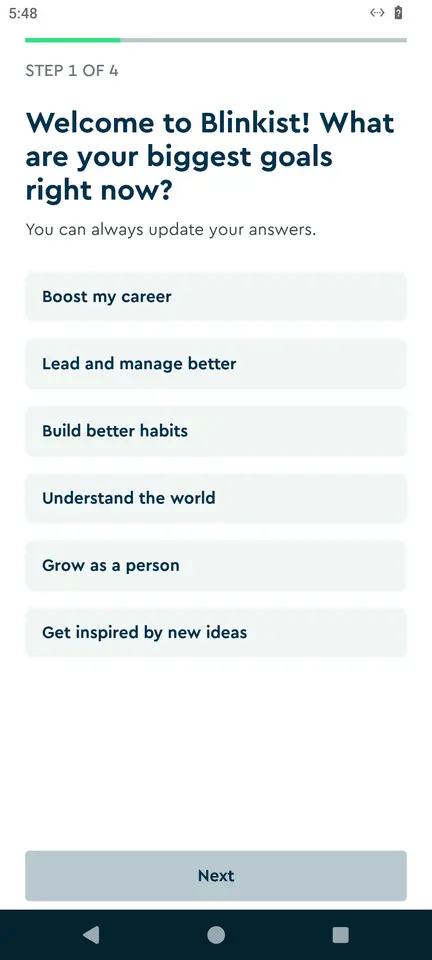
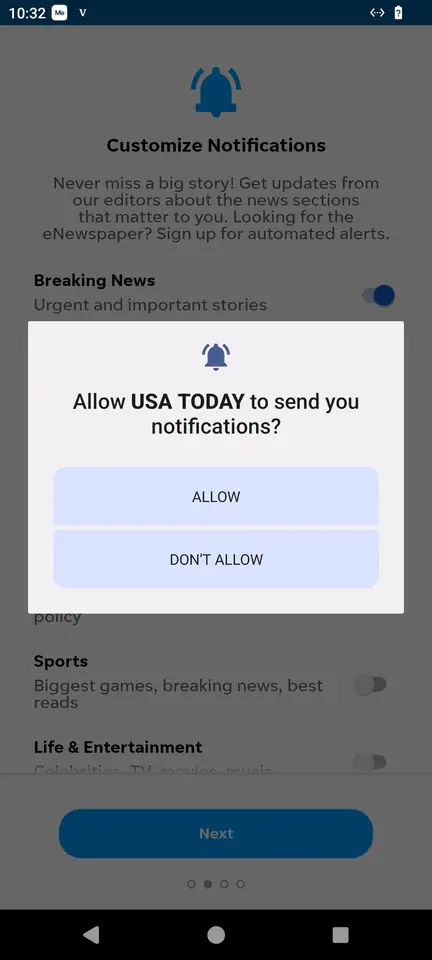
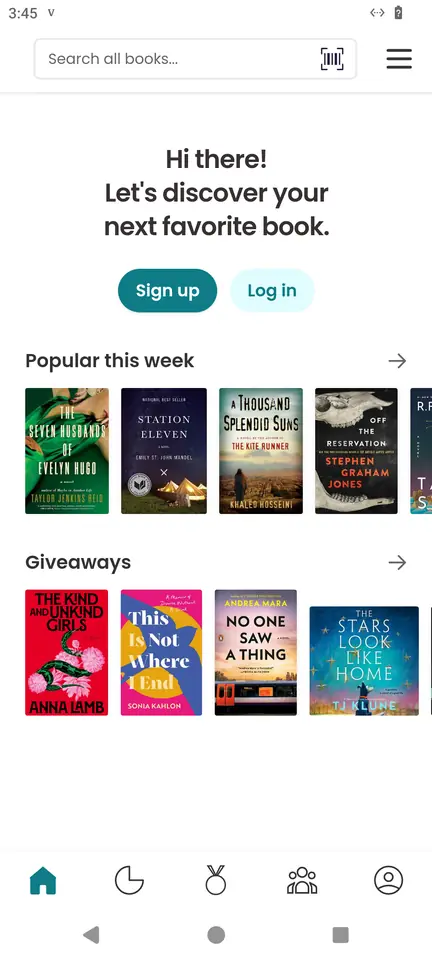
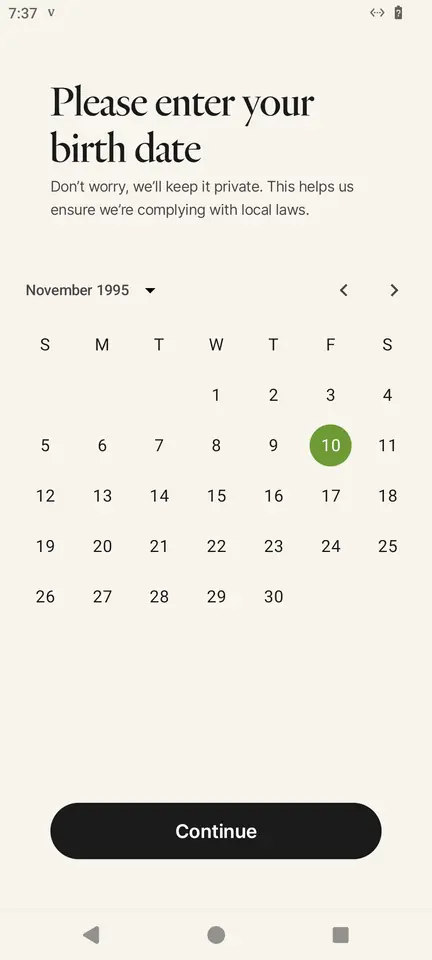
All 117 books & reading onboarding screens, grouped by app → · All onboarding screens from every category →
Books & reading login screens
33 screens · 22 apps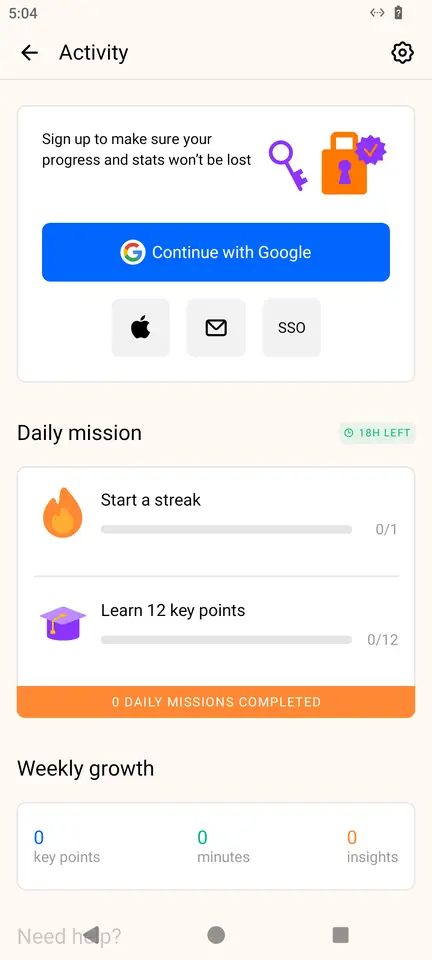
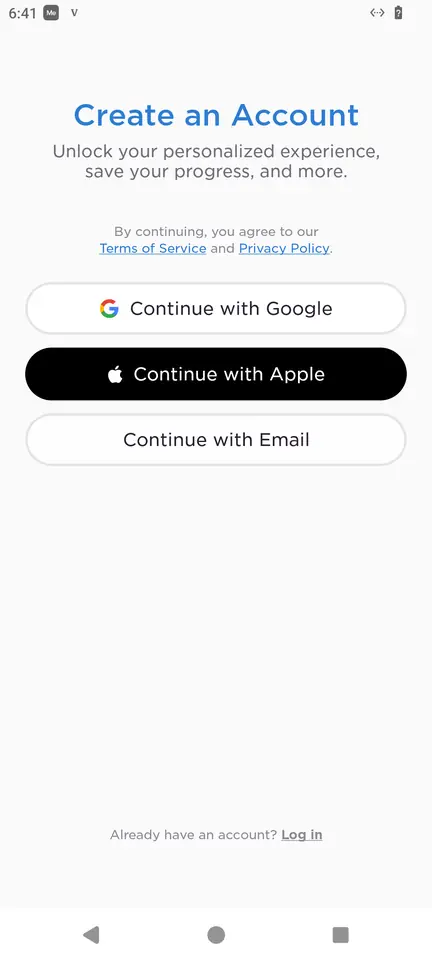
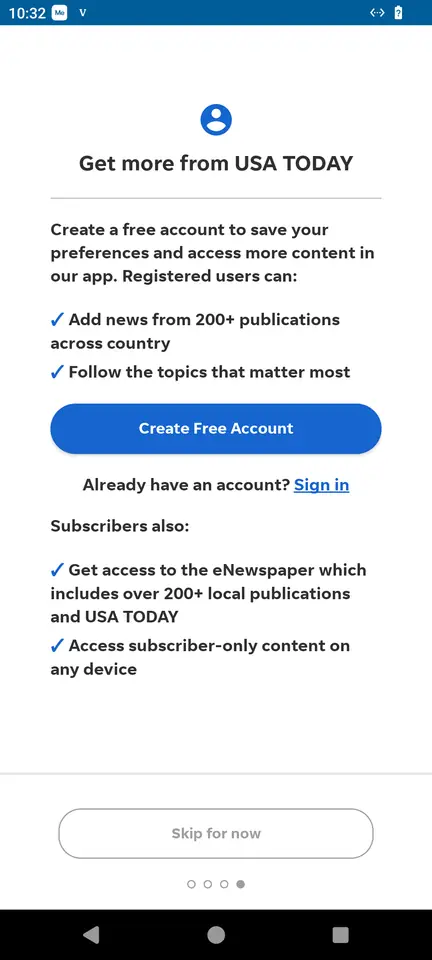
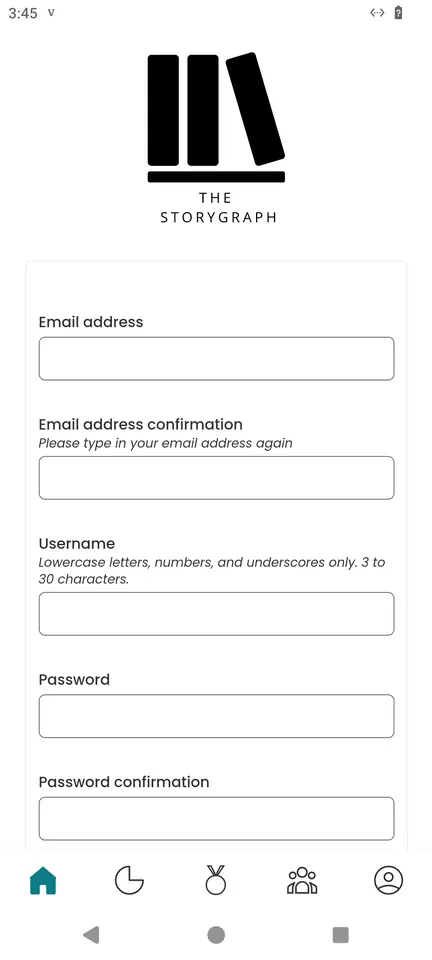
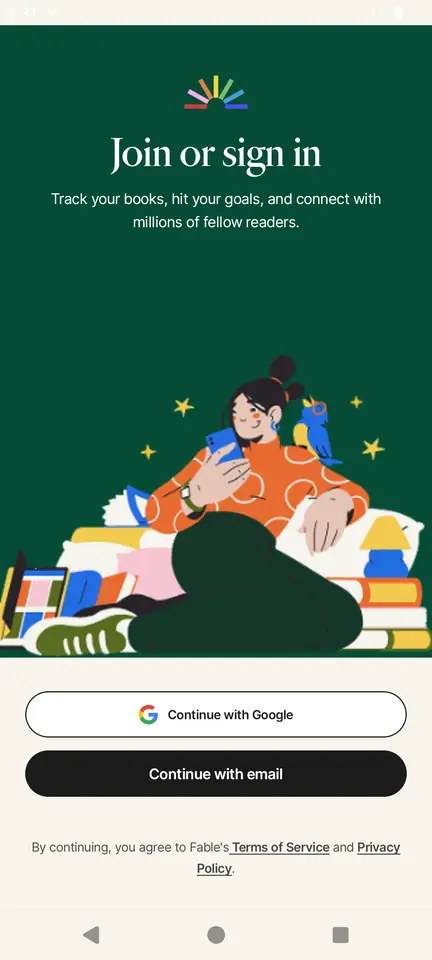
All 33 books & reading login screens, grouped by app → · All login screens from every category →
Books & reading home screens
131 screens · 27 apps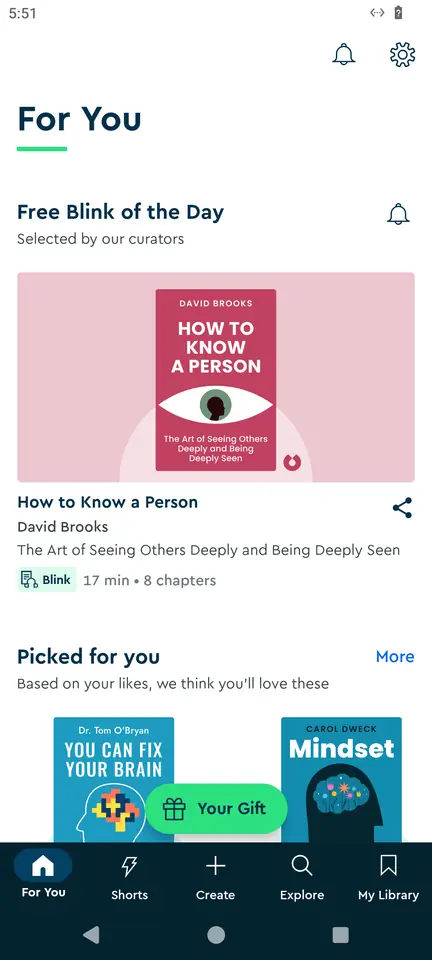
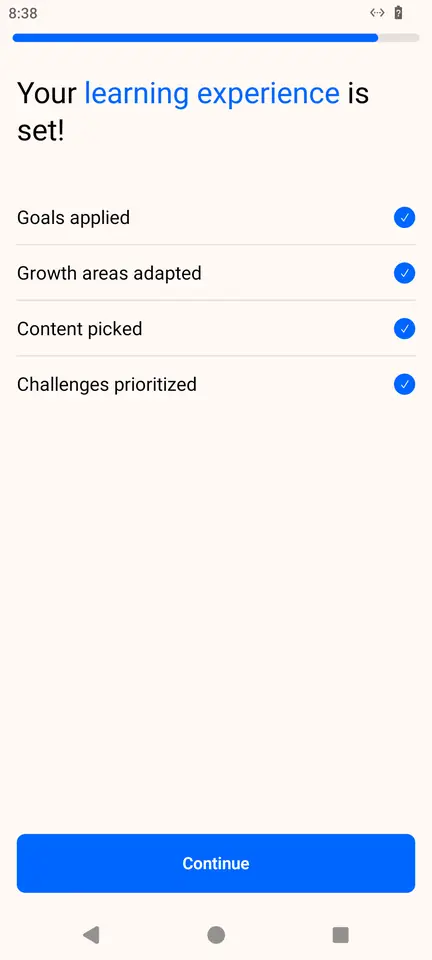
All 131 books & reading home screens, grouped by app → · All home screens from every category →
Books & reading settings screens
13 screens · 7 apps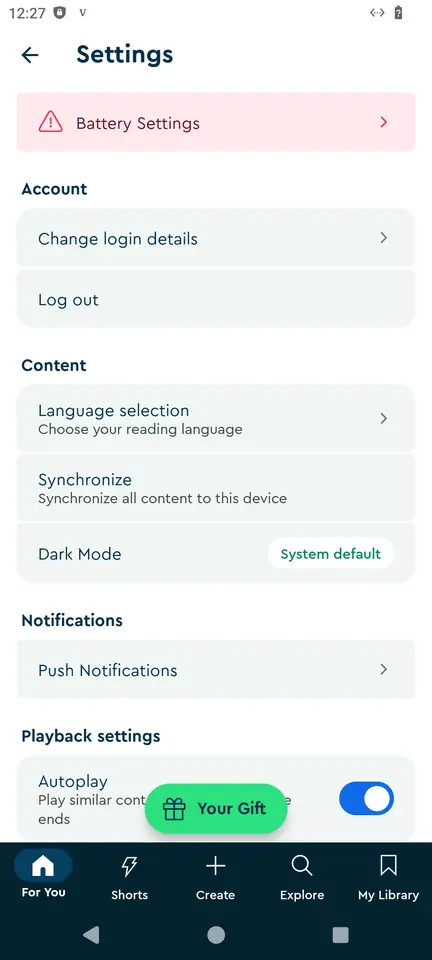
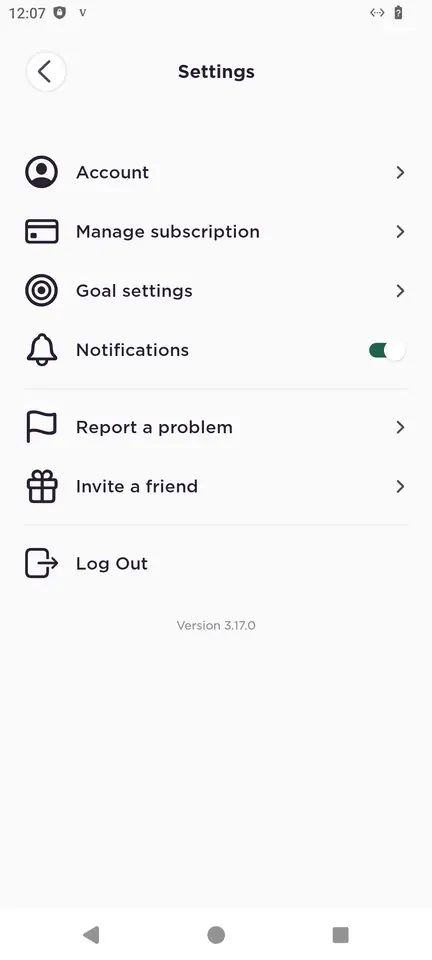
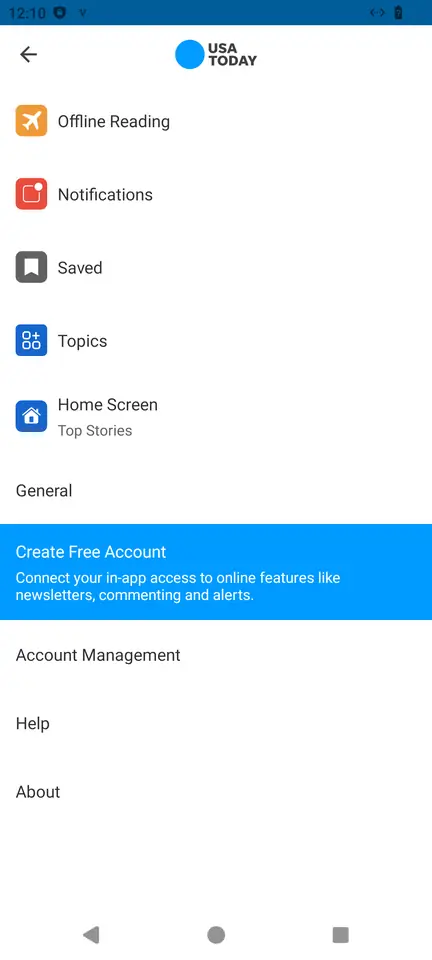
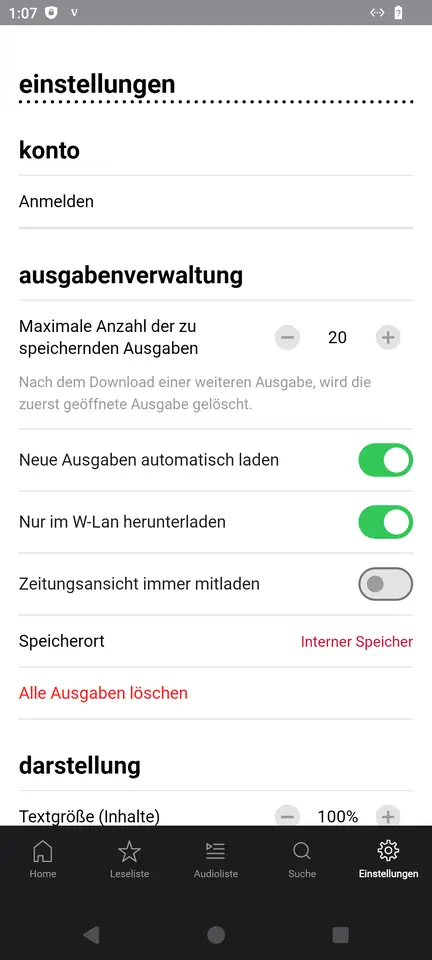
All 13 books & reading settings screens, grouped by app → · All settings screens from every category →
Books & reading paywall screens
3 screens · 2 apps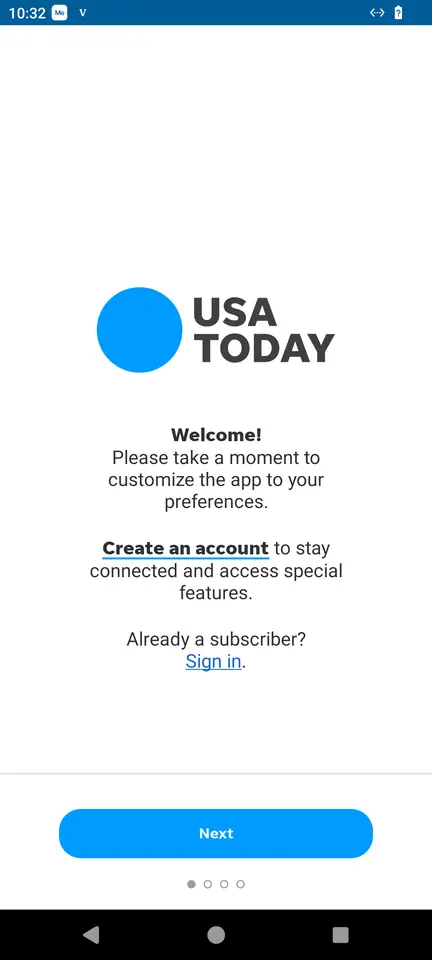
UI components in books & reading apps
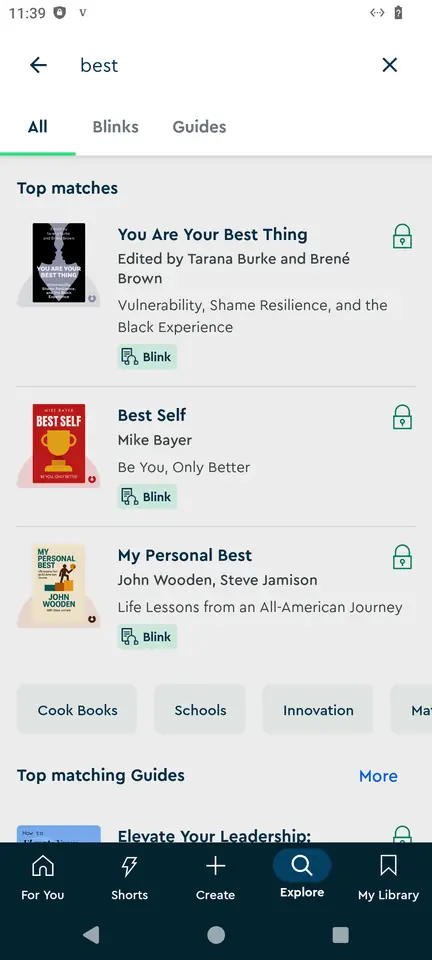
Across 297 screens from 33 books & reading apps, the most common detected components are toolbar (27% of screens), divider (24% of screens) and button (21% of screens). Share of the 297 screens where each component is in the view hierarchy and drawn on screen; the example shows it outlined.
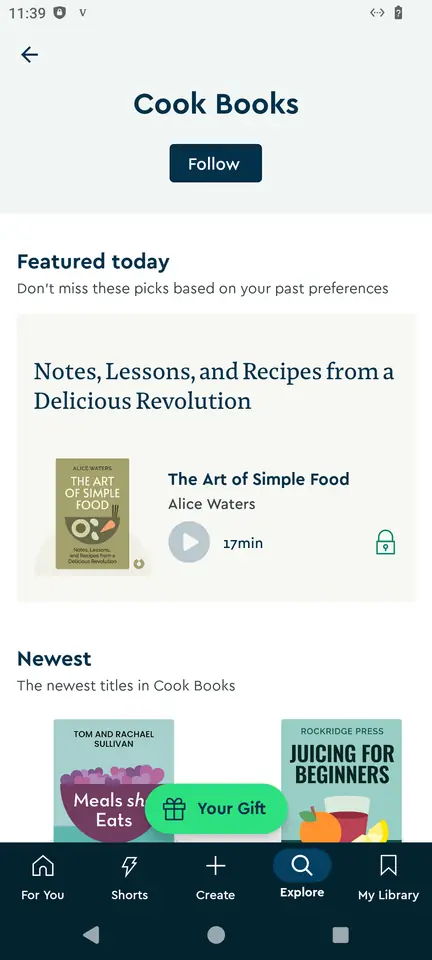
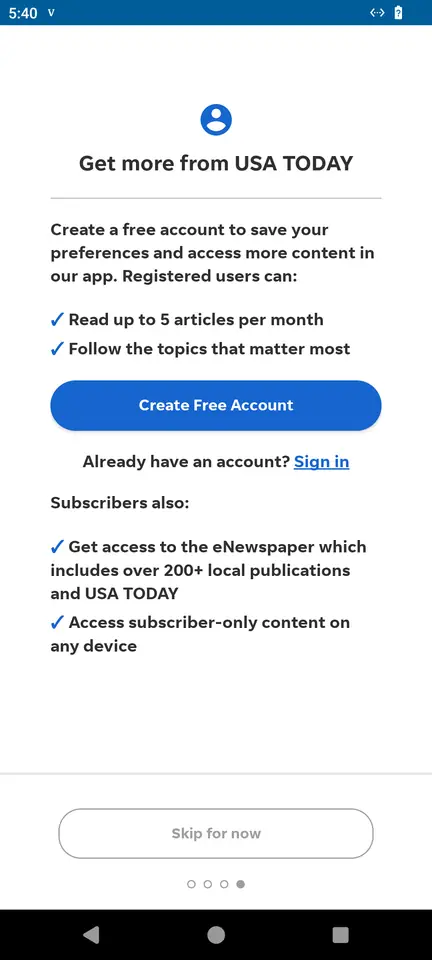
Page indicator dots
13 apps · example: USA TODAY
Icon button
9 apps · example: Blinkist
Floating action button
2 apps · example: Blinkist
UI patterns in books & reading apps
Search bar
example: USA TODAY
Empty state
example: USA TODAY
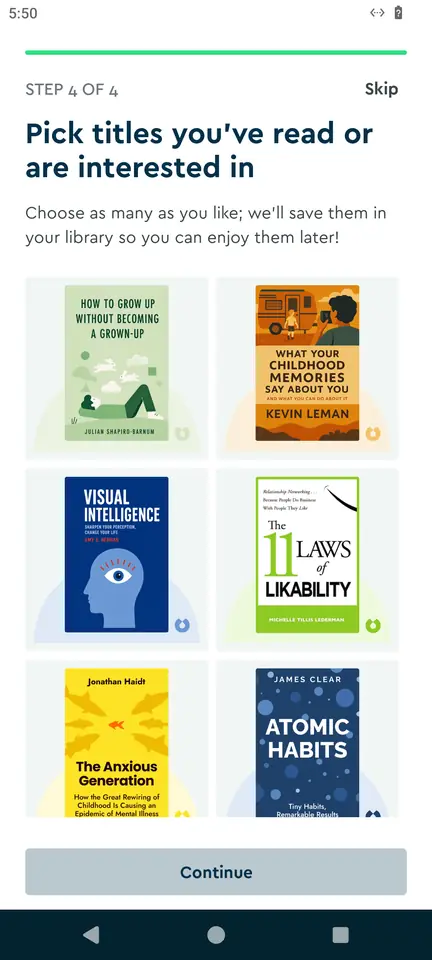
Skip button
example: Blinkist
Pricing plans
example: azcentral
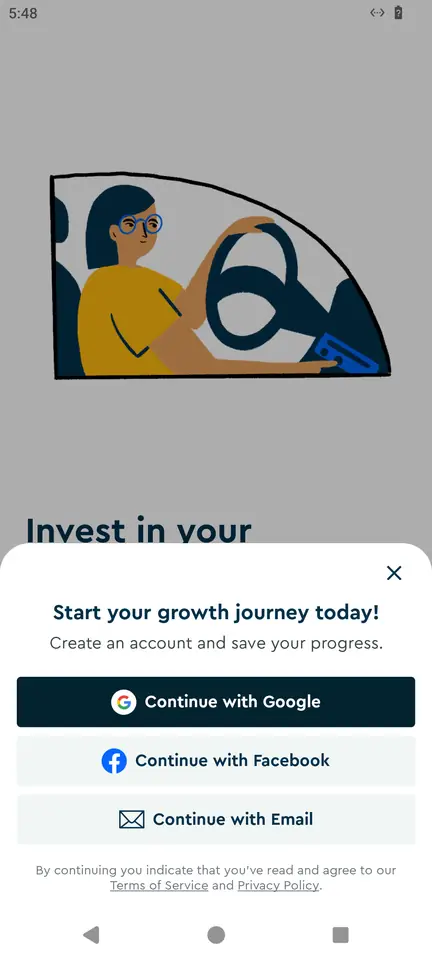
Email sign-up form
example: Blinkist
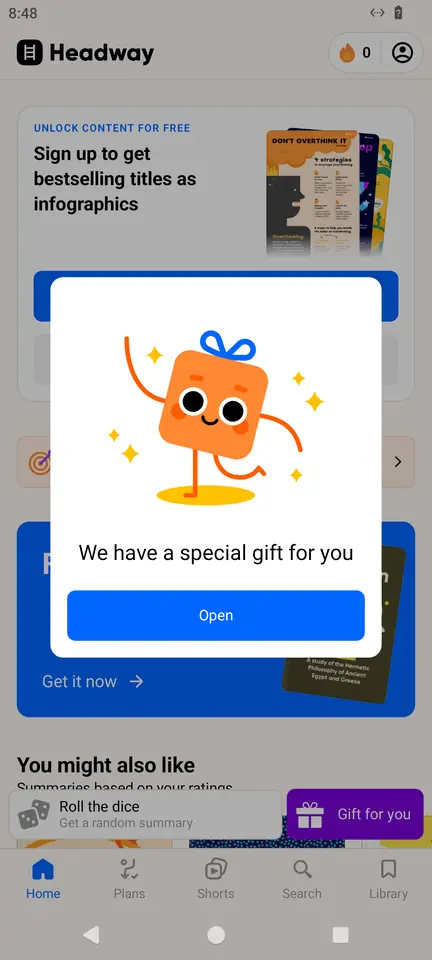
Registration wall
example: Headway
Social login buttons
example: Blinkist
Welcome screen
example: Blinkist
What books & reading apps say
UI copy that appears on the screens of two or more books & reading apps, with the number of apps using it.
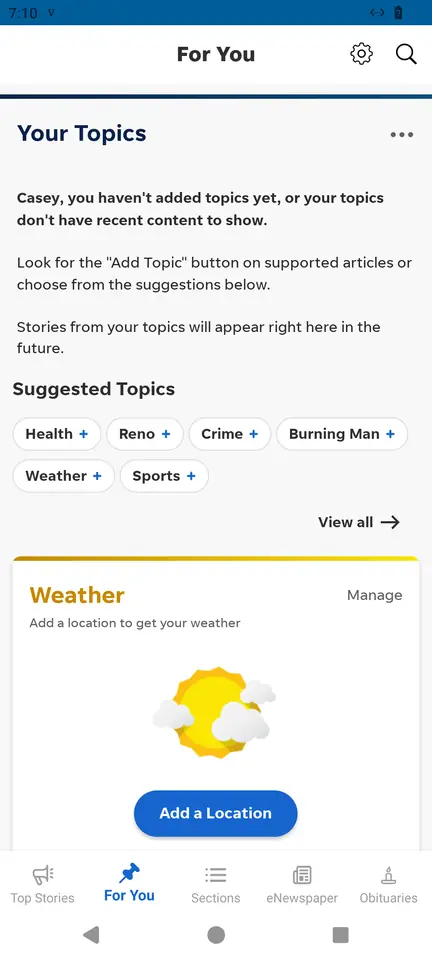
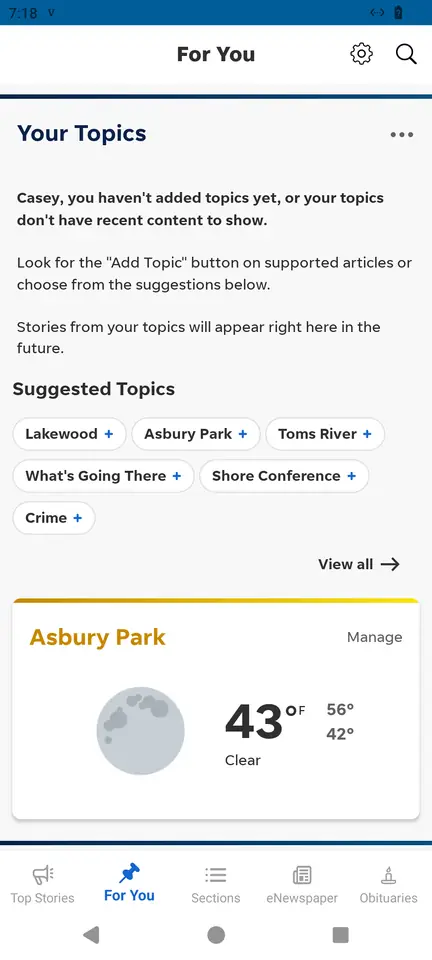
For You
15 appssettings
14 appsmenu
13 appsAdd Topic
12 appsCreate Free Account
12 appsFollow Topic Checkbox
12 appsGet more from USA TODAY
12 appsHi, Casey
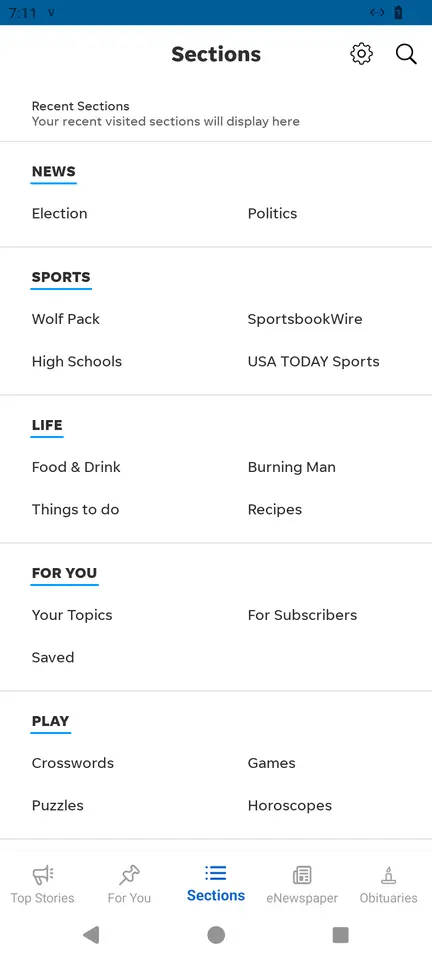
12 appsRecent Sections
12 appsSearch for news and sections
12 appsSections
12 appsSkip for now
12 appsSubscribers also:
12 appsSuggested Topics
12 apps
Design notes for books & reading apps
- Ask for favourite topics or genres in onboarding to fill the first feed.
- Show reading time or listening length on every title.
- Make “continue reading” the first thing on the home screen.
- Keep the reader view free of chrome; controls appear on tap.
FAQ
What makes good books & reading app UI design?
Ask for favourite topics or genres in onboarding to fill the first feed. Show reading time or listening length on every title. Make “continue reading” the first thing on the home screen.
Which Android books & reading apps can I study?
The Flowtape library holds 297 screens from 33 Android books & reading apps: Blinkist, Headway, Lucid, USA TODAY, The StoryGraph, Fable, taz and azcentral and more. Every screen is free to browse.
What UI components and patterns do books & reading apps use?
Across 297 screens from 33 books & reading apps, the most common detected components are toolbar (27% of screens), divider (24% of screens) and button (21% of screens). The most common UI patterns are search bar (16 of 33 apps), empty state (15 of 33 apps) and skip button (15 of 33 apps).
Which books & reading app flows are captured step by step?
27 home & browsing flows, 14 onboarding flows, 6 sign-in flows, 4 settings flows and 1 paywall flow, each recorded screen by screen on a real Android device — for example the Lucid onboarding flow (27 screens).
Captured on real Android devices · last updated 2026-11-14