Food delivery app UI design: 3 Android apps, 15 screens
Food and grocery delivery apps let people order from restaurants and stores for delivery or pickup. The UI starts from an address, then moves fast from browsing to a basket to a tracked order. Below: 3 food & grocery delivery apps we captured on a real Android device, 3 full flows and what their screens are built from.
Food & grocery delivery apps in the library
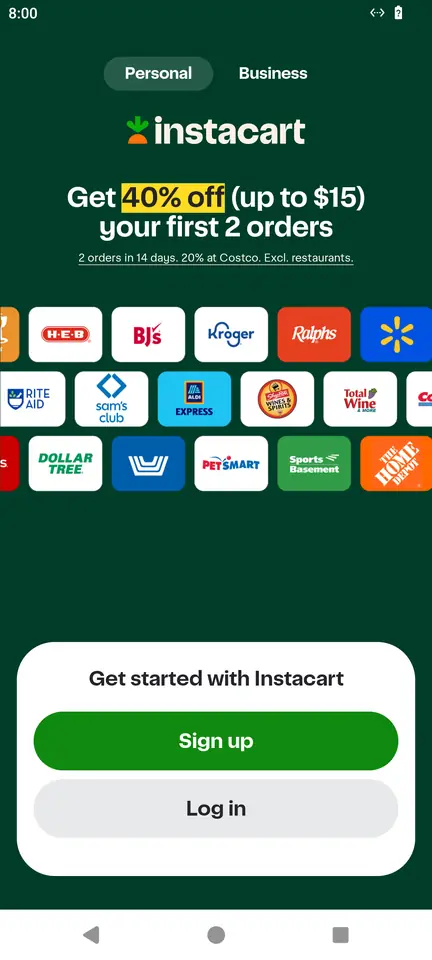
Food & grocery delivery app flows, step by step
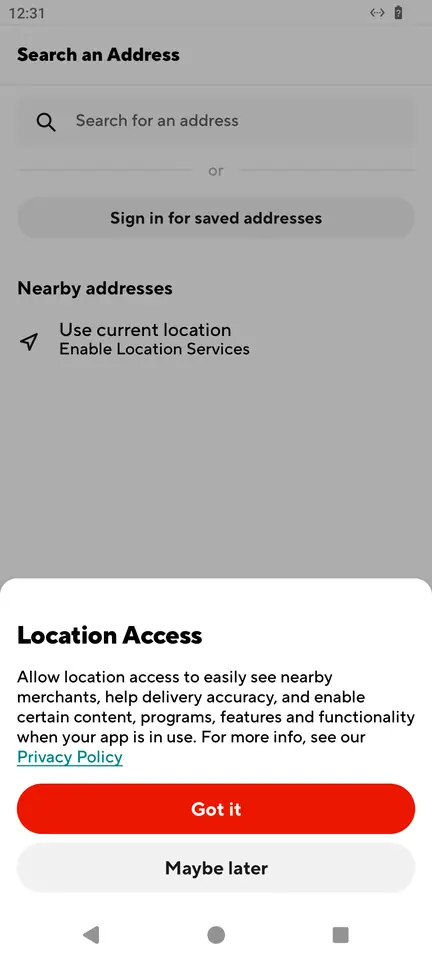
Food & grocery delivery onboarding screens
8 screens · 1 app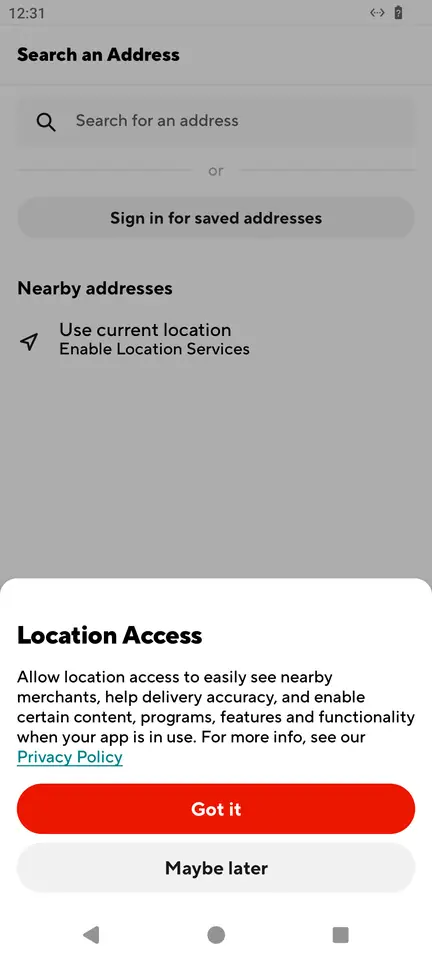
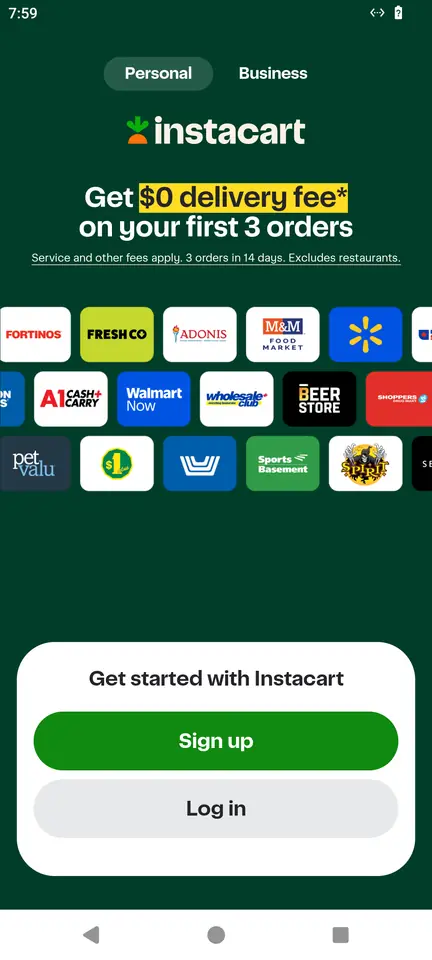
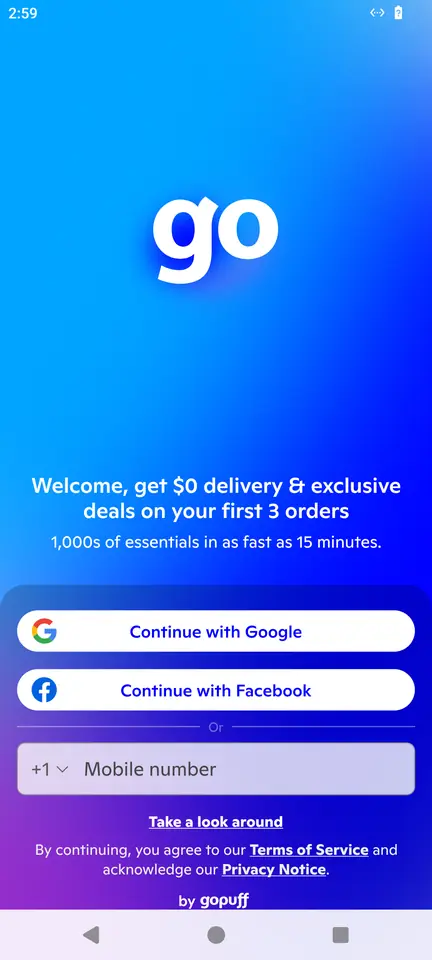
Food & grocery delivery login screens
6 screens · 3 apps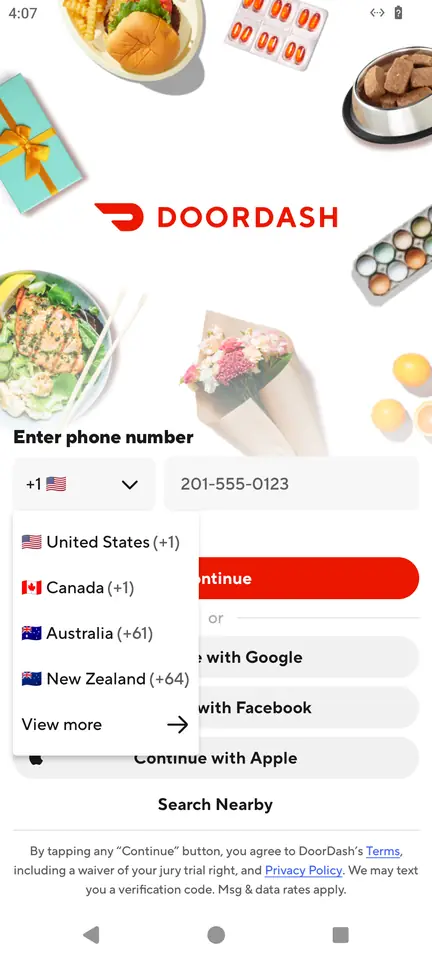
Food & grocery delivery paywall screens
1 screen · 1 app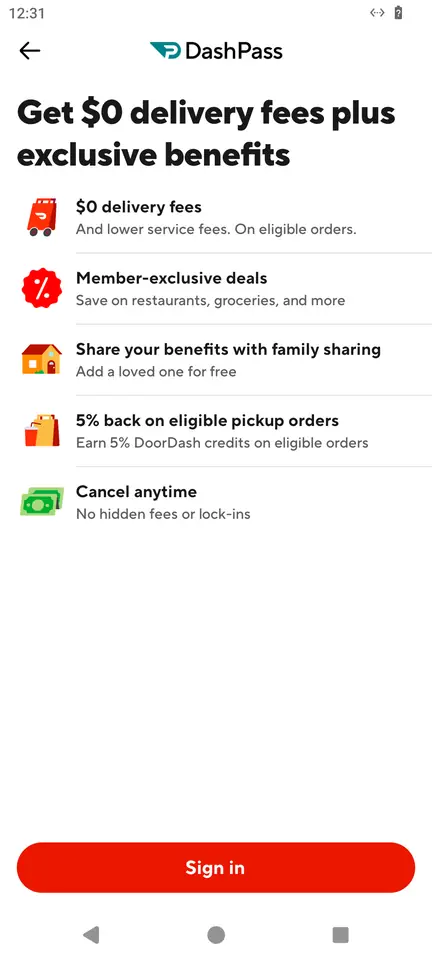
UI components in food & grocery delivery apps
Across 15 screens from 3 food & grocery delivery apps, the most common detected components are bottom sheet (27% of screens), text field (20% of screens) and divider (13% of screens). Share of the 15 screens where each component is in the view hierarchy and drawn on screen; the example shows it outlined.
Bottom sheet
1 app · example: DoorDash
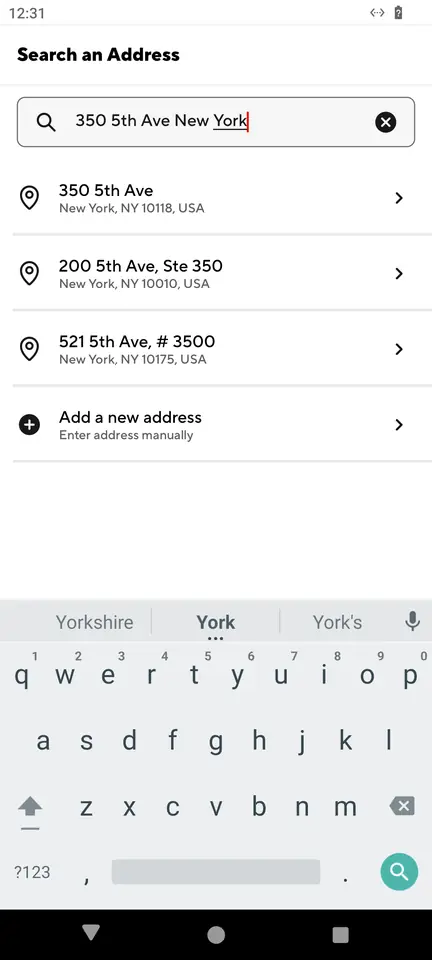
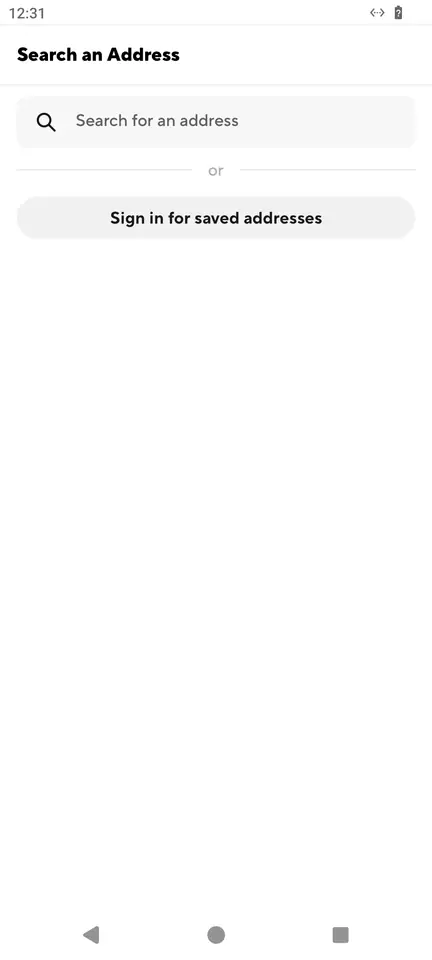
Text field
3 apps · example: DoorDash
Radio button
1 app · example: DoorDash
Icon button
1 app · example: DoorDash
UI patterns in food & grocery delivery apps
Social login buttons
example: DoorDash
Promo banner
example: Instacart
Terms and conditions agreement
example: DoorDash
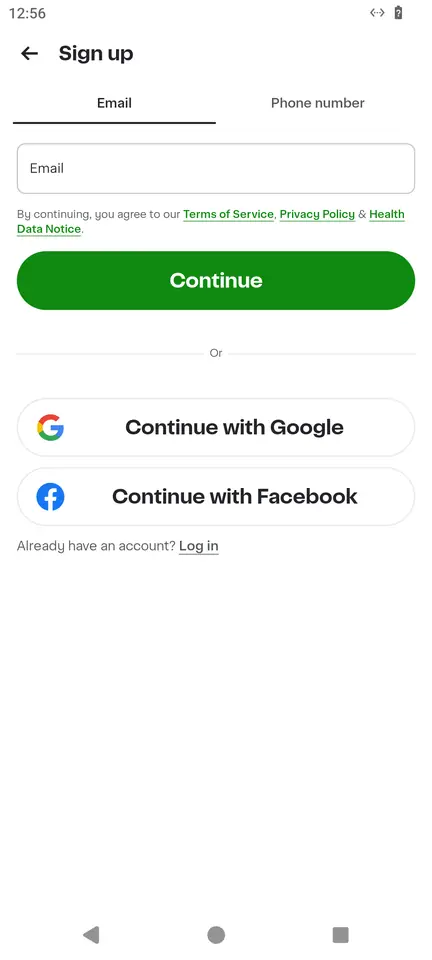
Email sign-up form
example: Instacart
Location & store picker
example: DoorDash
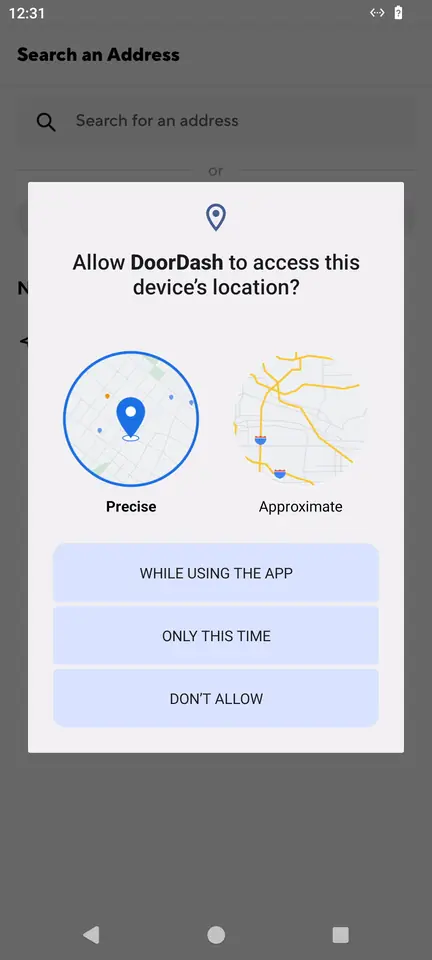
Permission priming
example: DoorDash
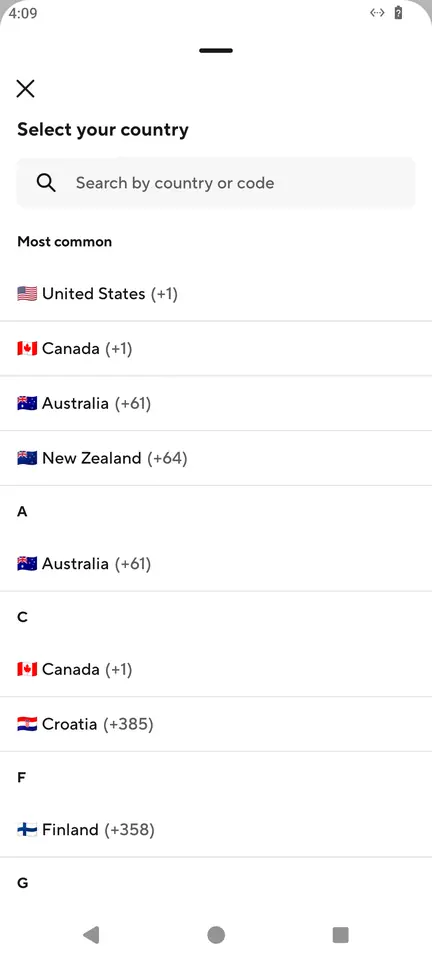
Phone number verification
example: DoorDash
Search bar
example: DoorDash
What food & grocery delivery apps say
UI copy that appears on the screens of two or more food & grocery delivery apps, with the number of apps using it.
Or
3 appsBack
2 appsContinue with Facebook
2 appsContinue with Google
2 apps
Design notes for food & grocery delivery apps
- Ask for the delivery address (or location permission) first; every price and store depends on it.
- Show delivery time and fees on the store list, before the user opens a store.
- Make re-ordering a previous basket one tap.
- Track the order live after checkout, with clear status steps.
FAQ
What makes good food & grocery delivery app UI design?
Ask for the delivery address (or location permission) first; every price and store depends on it. Show delivery time and fees on the store list, before the user opens a store. Make re-ordering a previous basket one tap.
Which Android food & grocery delivery apps can I study?
The Flowtape library holds 15 screens from 3 Android food & grocery delivery apps: DoorDash, Instacart and Gopuff. Every screen is free to browse.
What UI components and patterns do food & grocery delivery apps use?
Across 15 screens from 3 food & grocery delivery apps, the most common detected components are bottom sheet (27% of screens), text field (20% of screens) and divider (13% of screens). The most common UI patterns are social login buttons (3 of 3 apps), promo banner (2 of 3 apps) and terms and conditions agreement (2 of 3 apps).
Which food & grocery delivery app flows are captured step by step?
2 sign-in flows and 1 onboarding flow, each recorded screen by screen on a real Android device — for example the DoorDash onboarding flow (8 screens).
Captured on real Android devices · last updated 2026-11-14