Gaming app UI: 2 Android apps, 8 screens
Gaming companion apps connect a player to a console or game account — friends, messages, store, achievements and remote play. Most of the experience is behind sign-in to the platform account. Below: 2 gaming apps we captured on a real Android device, 2 full flows and what their screens are built from.
Gaming apps in the library
Gaming app flows, step by step
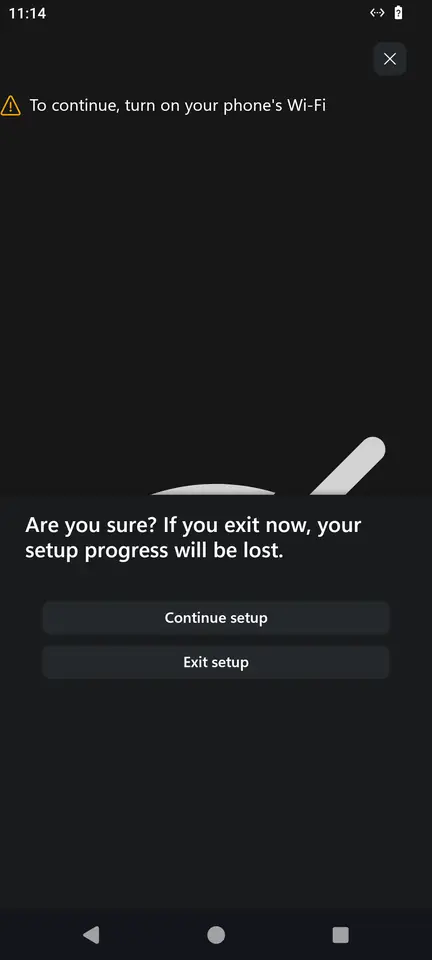
Gaming onboarding screens
5 screens · 1 app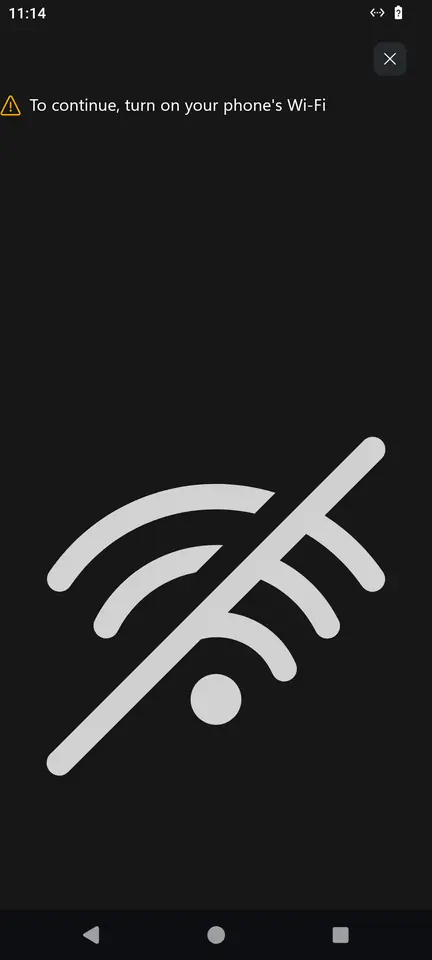
Gaming login screens
3 screens · 2 apps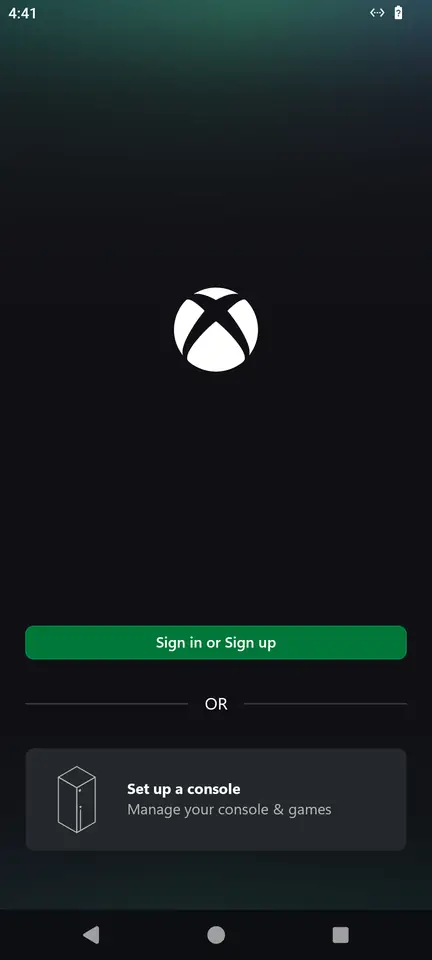
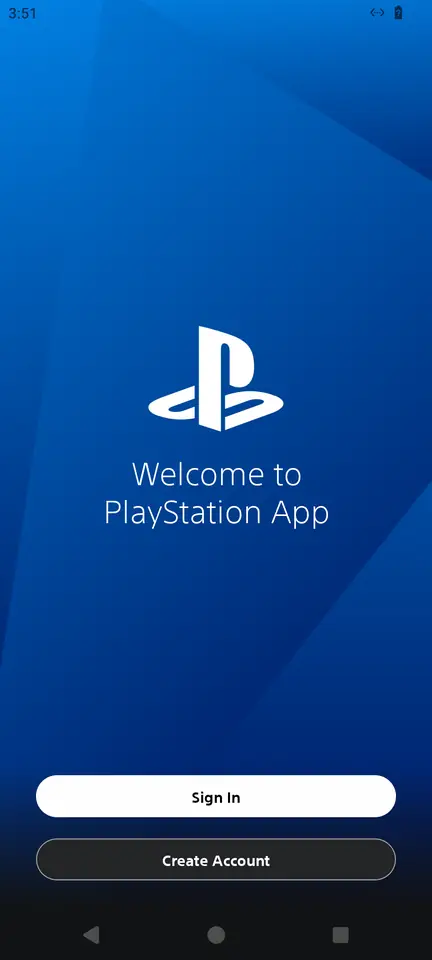
UI components in gaming apps
Across 8 screens from 2 gaming apps, the most common detected components are button (12% of screens) and text field (12% of screens). Share of the 8 screens where each component is in the view hierarchy and drawn on screen; the example shows it outlined.
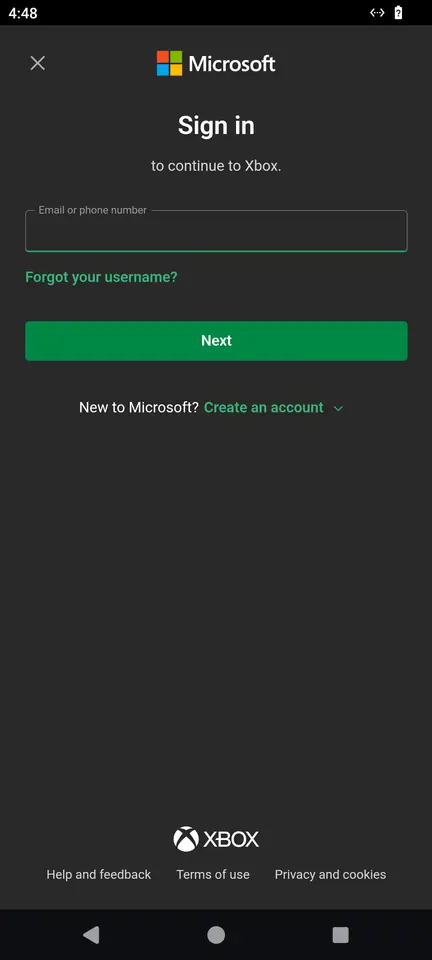
Text field
1 app · example: Xbox
UI patterns in gaming apps
Cookie consent banner
example: Xbox
Registration wall
example: Xbox
Welcome screen
example: PlayStation App
What gaming apps say
UI copy that appears on the screens of two or more gaming apps, with the number of apps using it.
Sign In
2 apps
Design notes for gaming apps
- Sign-in is the first real screen; make the platform account option the primary button.
- Surface friends' activity and messages on the home screen.
- Keep store and library separate so owned games are easy to find.
- Respect dark themes; most players use these apps alongside a screen in a dark room.
FAQ
What makes good gaming app UI design?
Sign-in is the first real screen; make the platform account option the primary button. Surface friends' activity and messages on the home screen. Keep store and library separate so owned games are easy to find.
Which Android gaming apps can I study?
The Flowtape library holds 8 screens from 2 Android gaming apps: Xbox and PlayStation App. Every screen is free to browse.
What UI components and patterns do gaming apps use?
Across 8 screens from 2 gaming apps, the most common detected components are button (12% of screens) and text field (12% of screens). The most common UI patterns are cookie consent banner (1 of 2 apps), registration wall (1 of 2 apps) and welcome screen (1 of 2 apps).
Which gaming app flows are captured step by step?
1 onboarding flow and 1 sign-in flow, each recorded screen by screen on a real Android device — for example the Xbox onboarding flow (6 screens).
Captured on real Android devices · last updated 2026-11-14