Fitness app UI design: 29 Android apps, 759 screens
Health and fitness apps track workouts, food, sleep, cycles or mood, and coach users toward a goal. Most onboard with a long personal questionnaire — goal, body data, habits — and turn the answers into a plan. Below: 29 health & fitness apps we captured on a real Android device, 61 full flows and what their screens are built from.
Health & fitness apps in the library
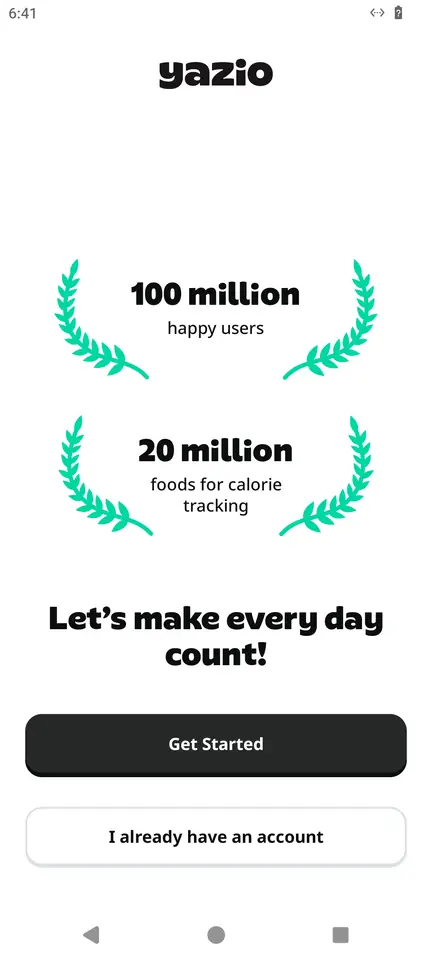
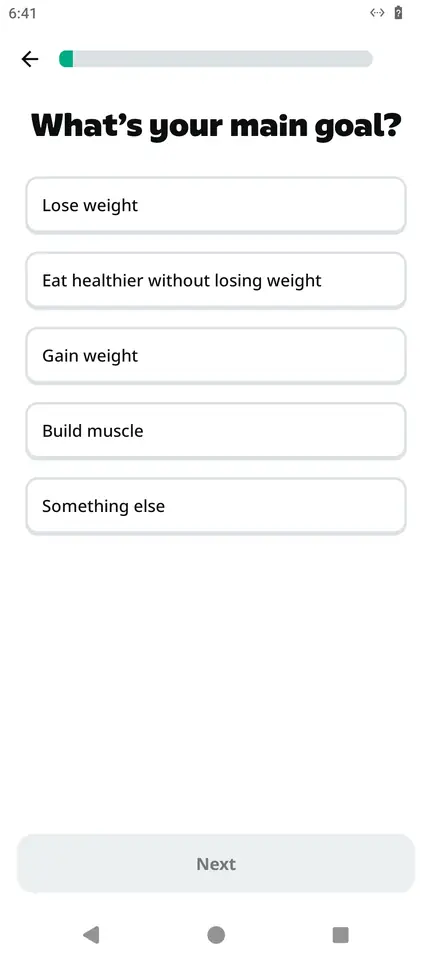
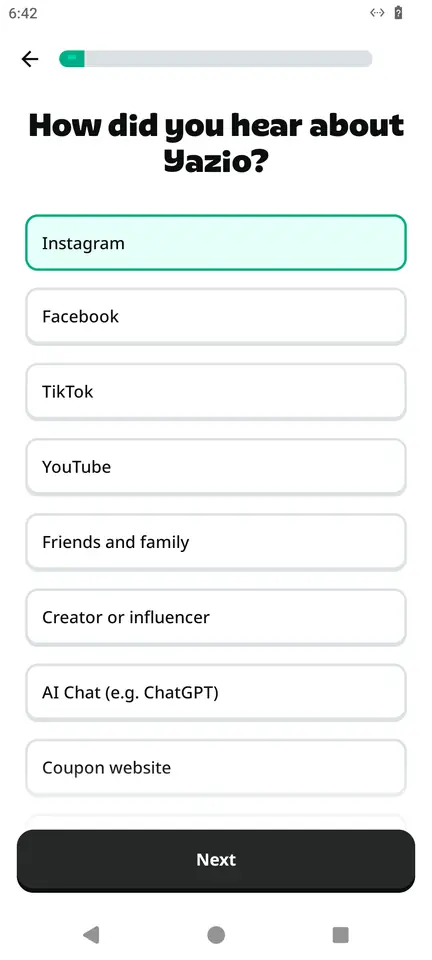
Yazio
112 screens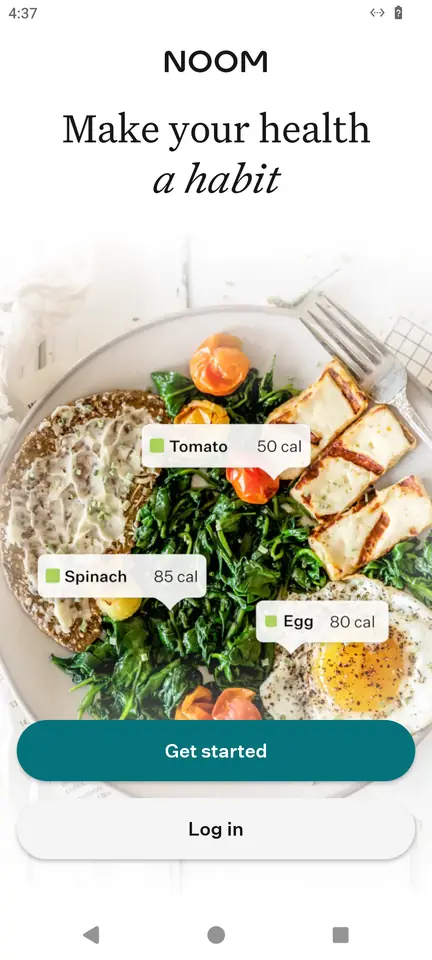
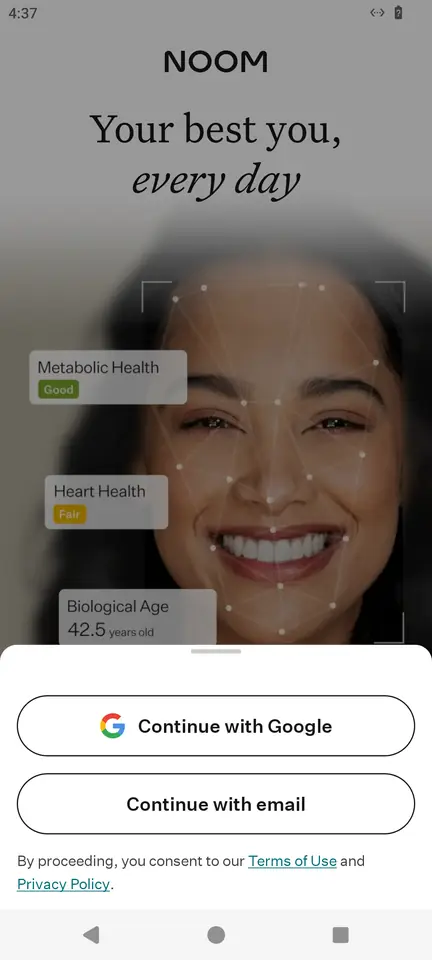
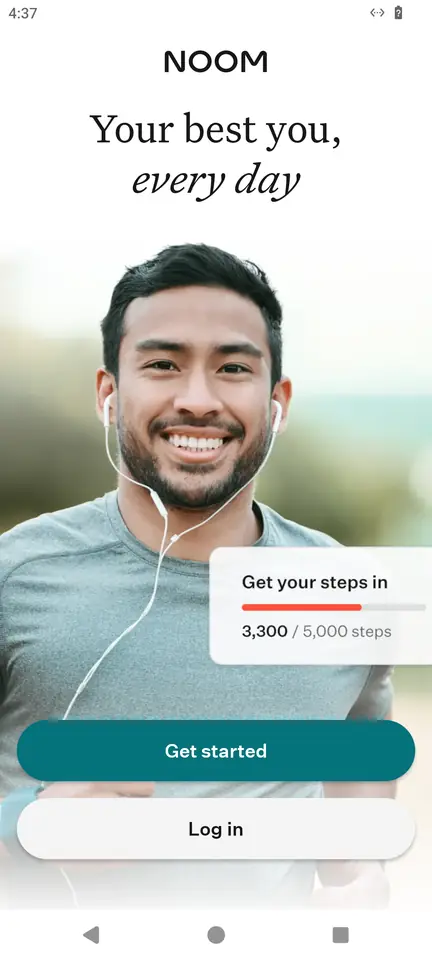
Noom
110 screens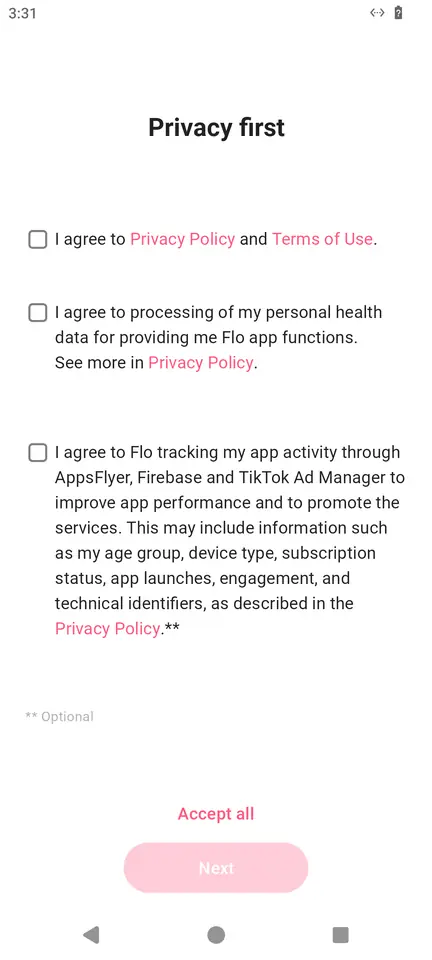
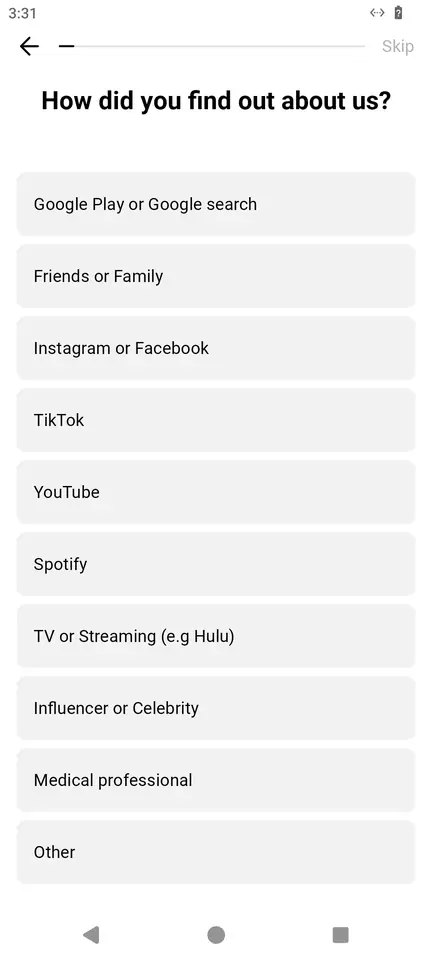
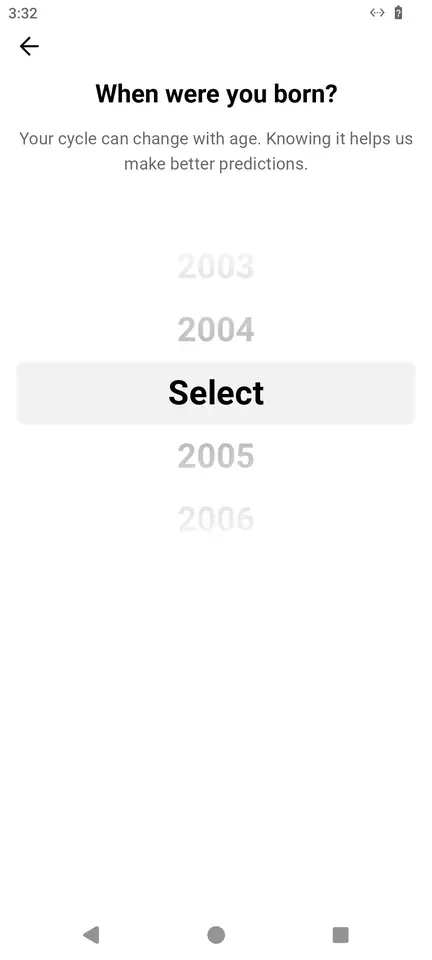
Flo
107 screens
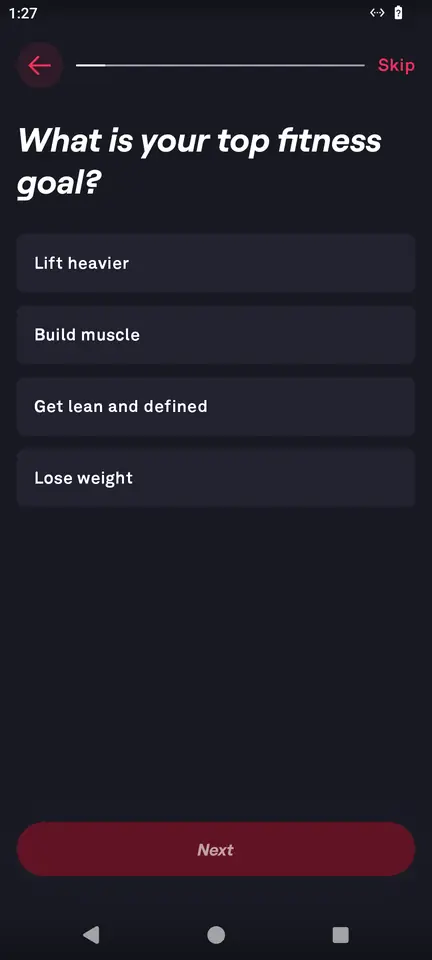
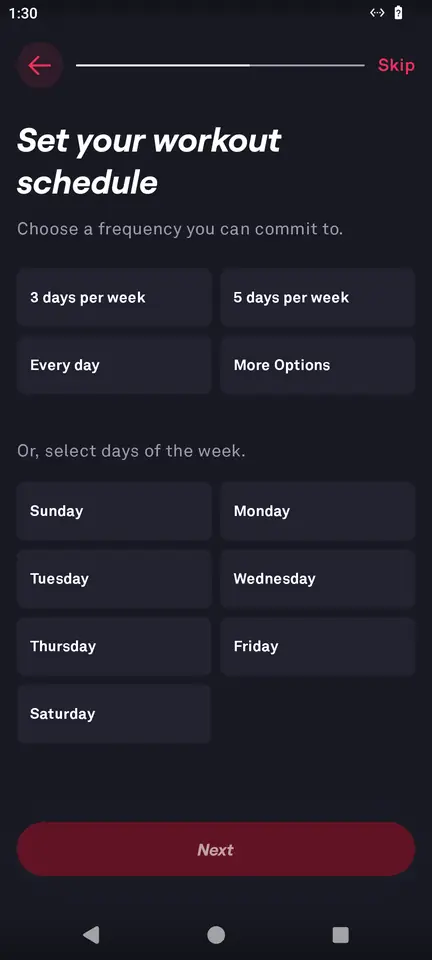
Fitbod
66 screens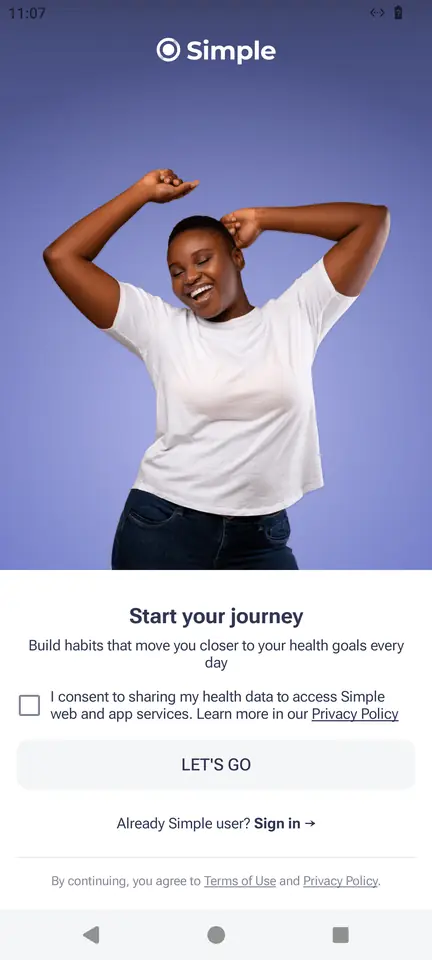
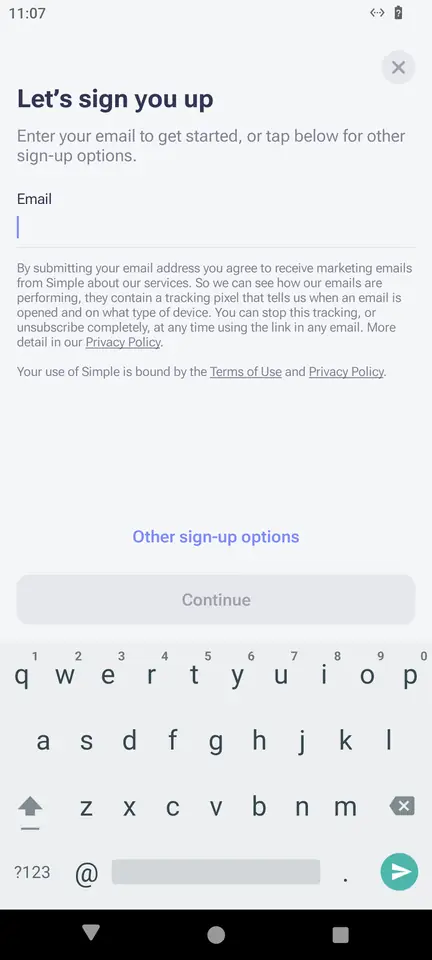
Simple
63 screens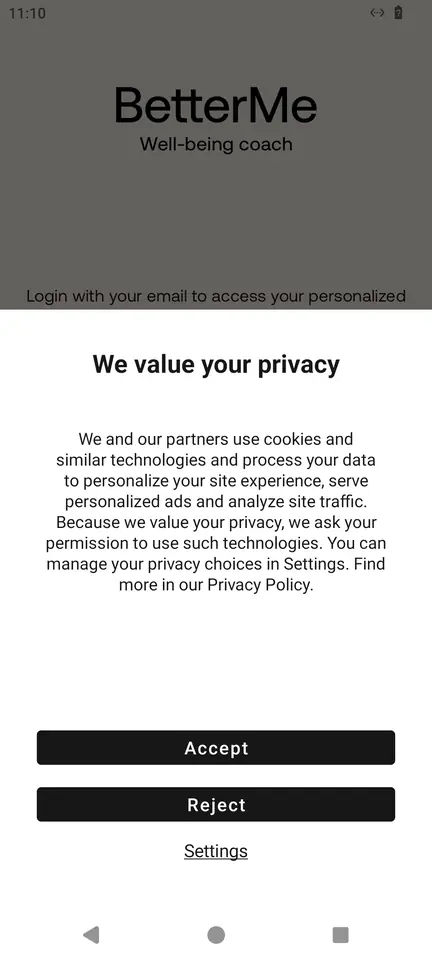
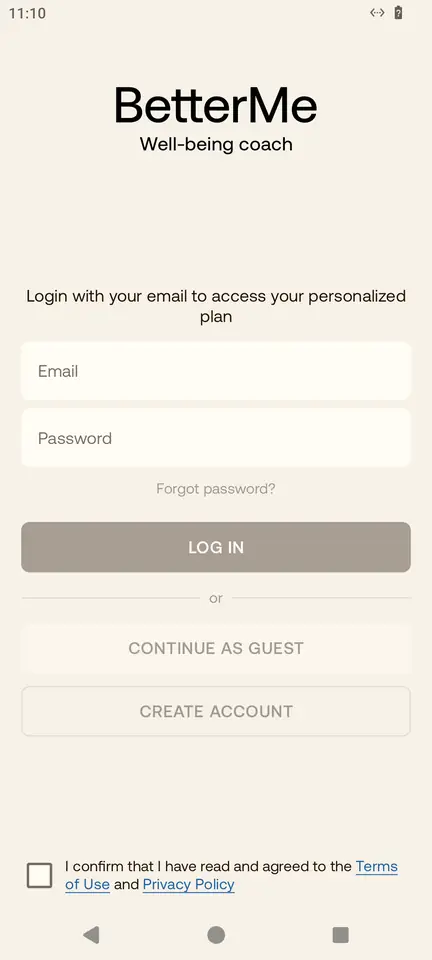
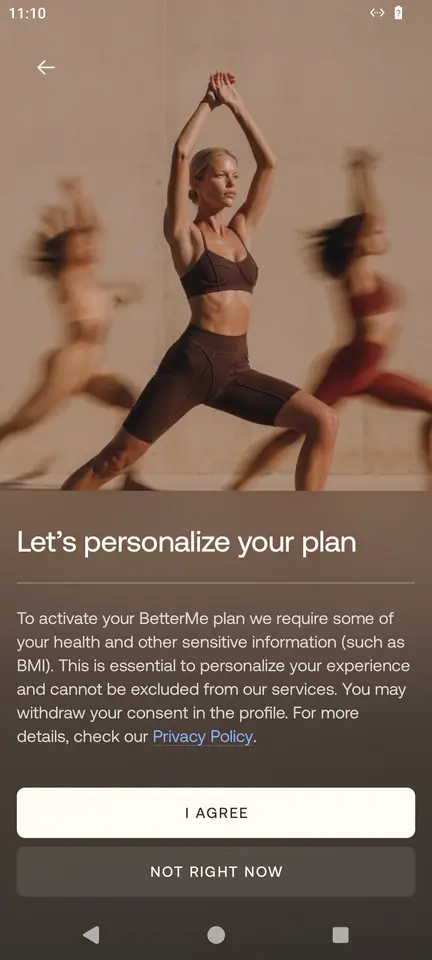
BetterMe
58 screens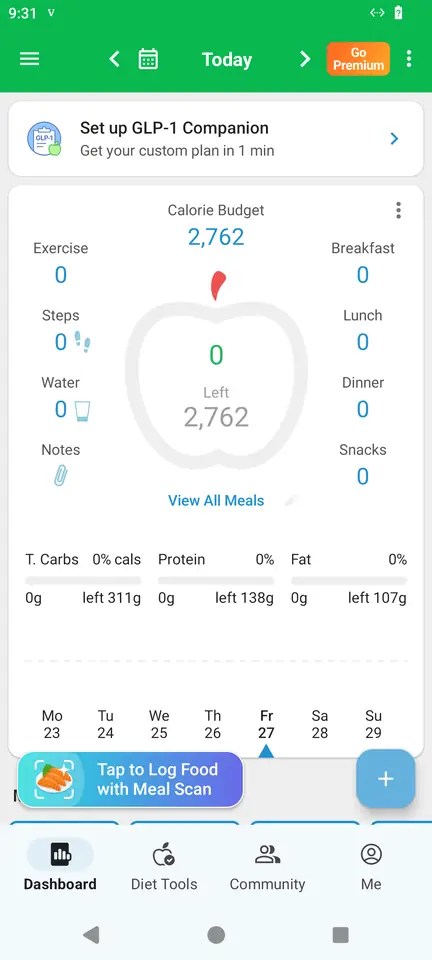
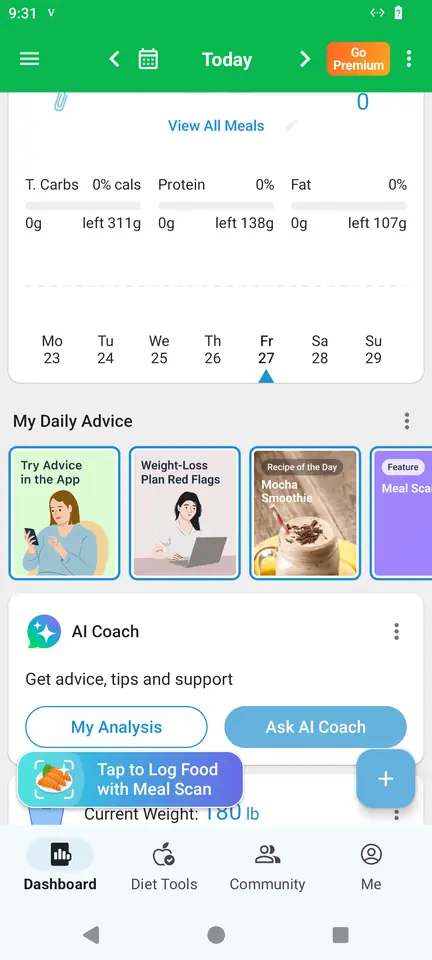
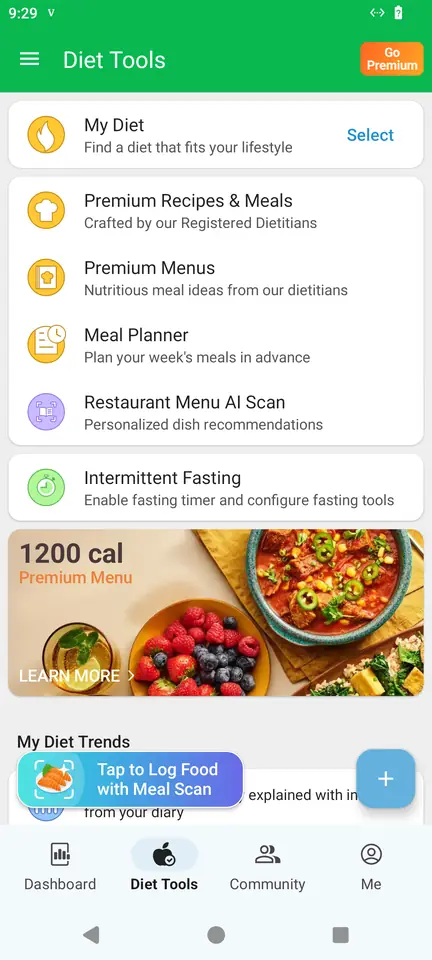
MyNetDiary
28 screens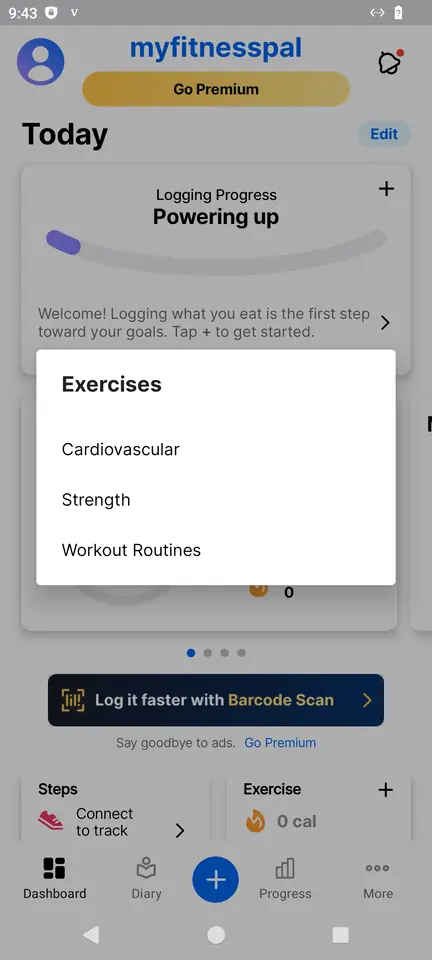
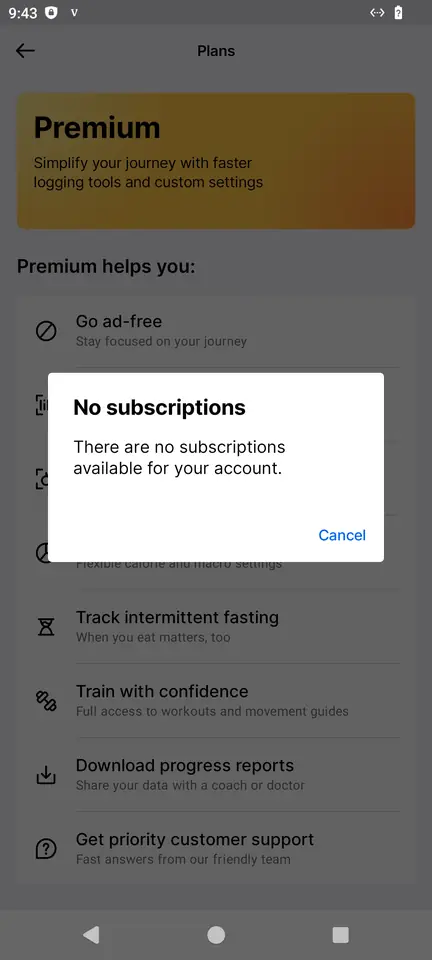
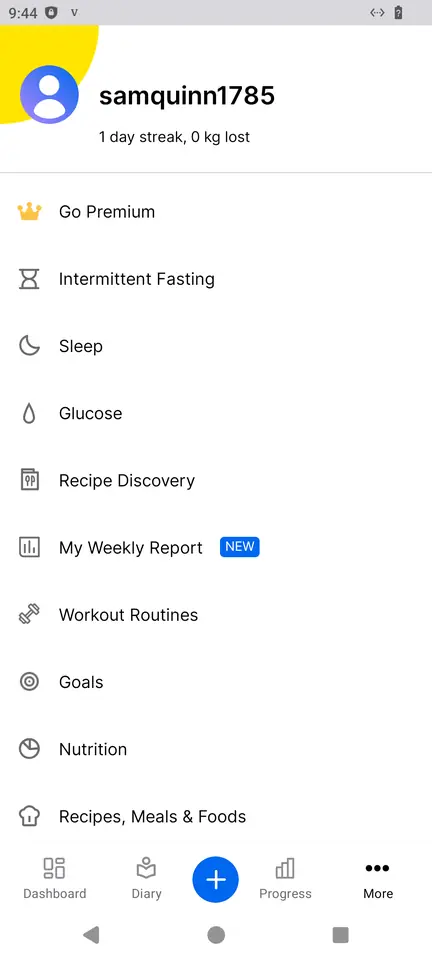
MyFitnessPal
26 screens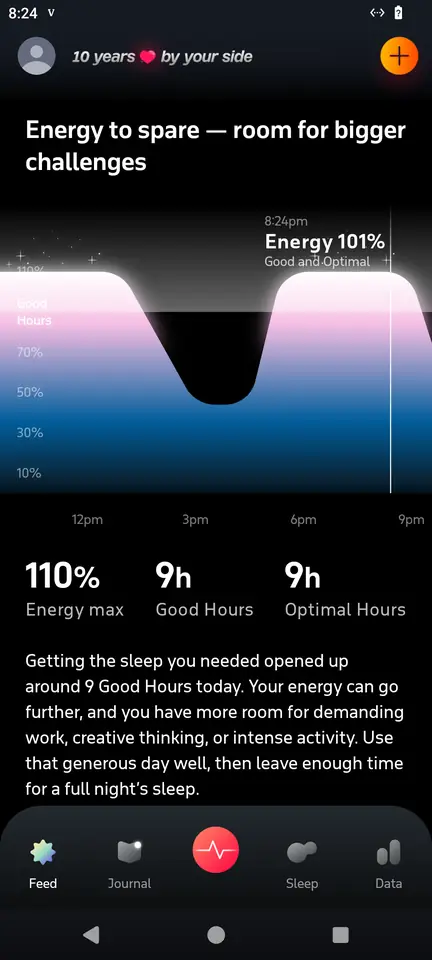
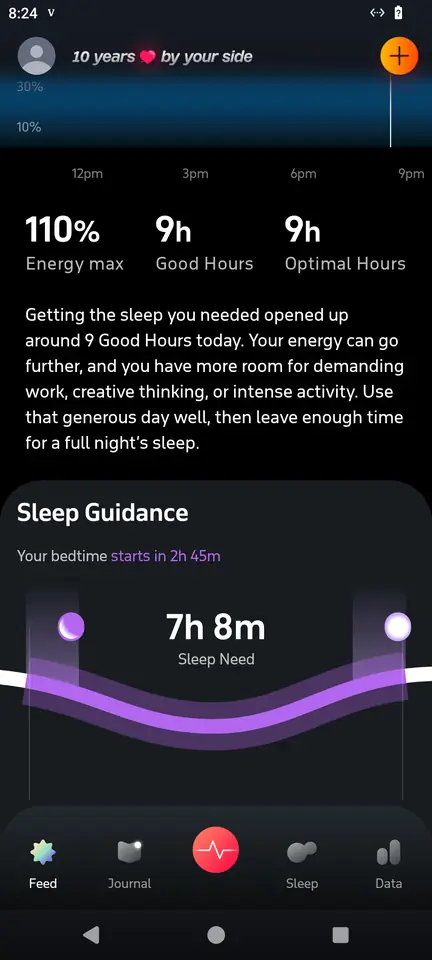
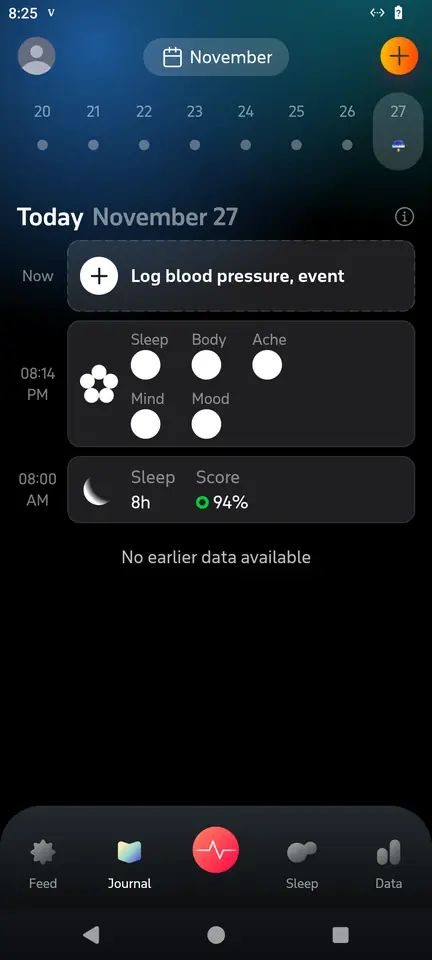
Welltory
26 screens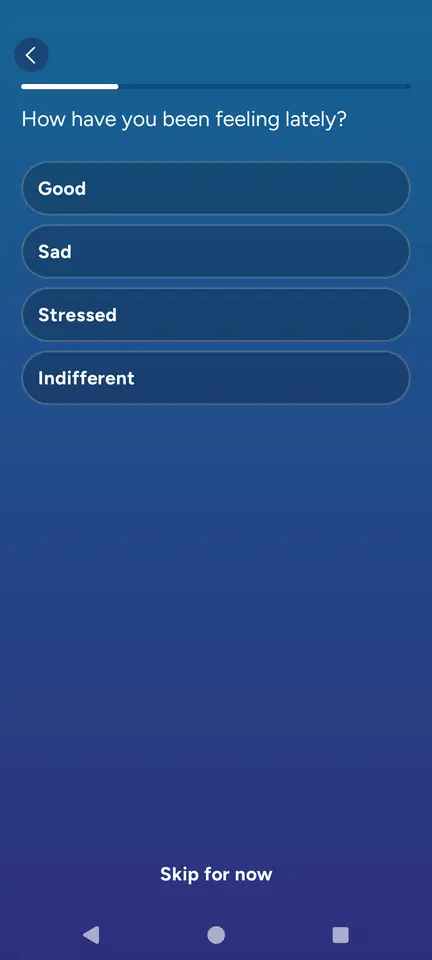
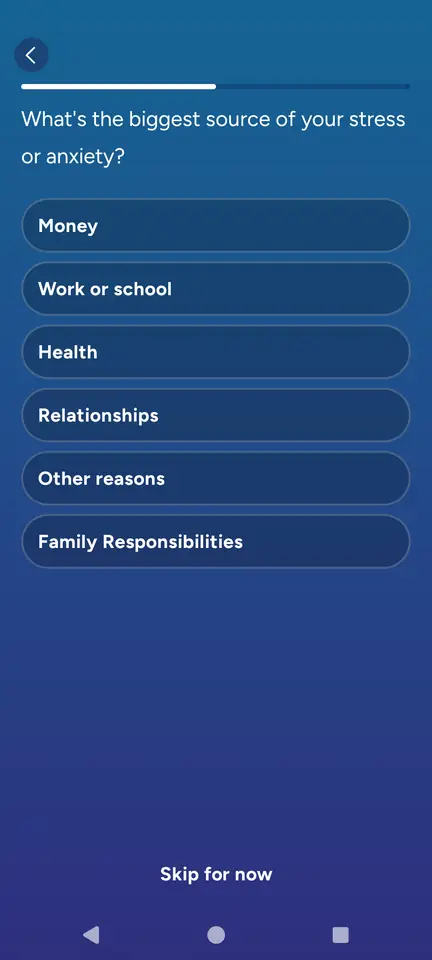
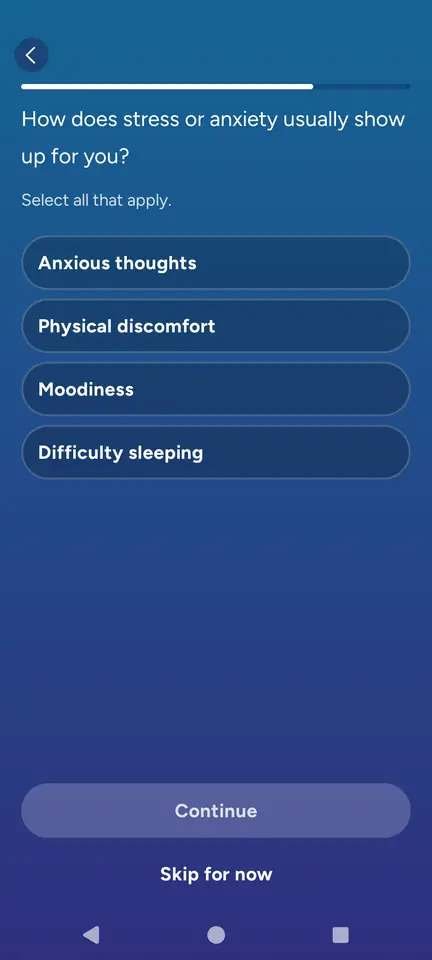
Calm
24 screens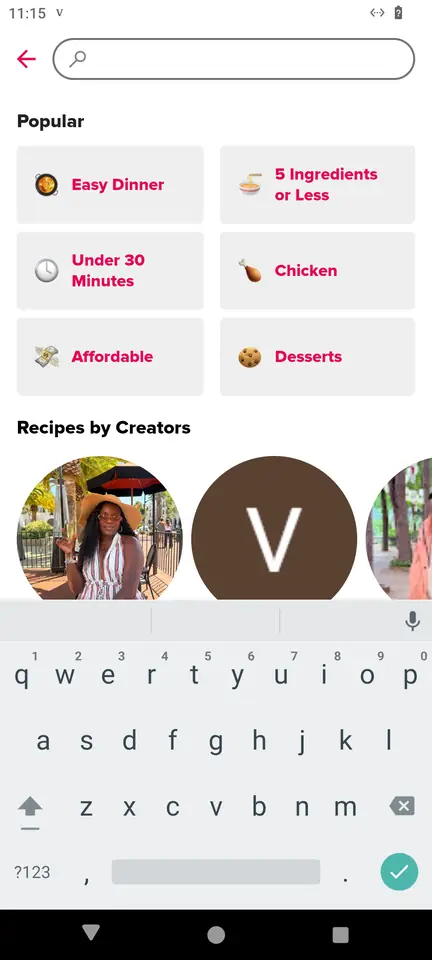
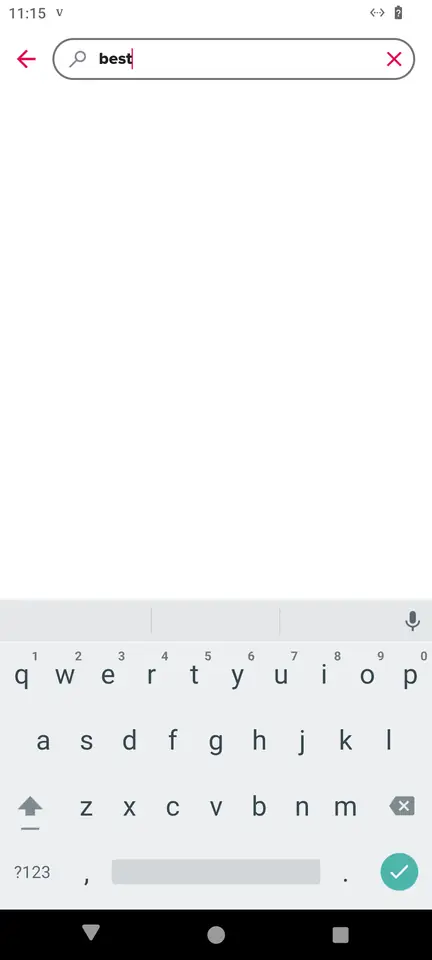
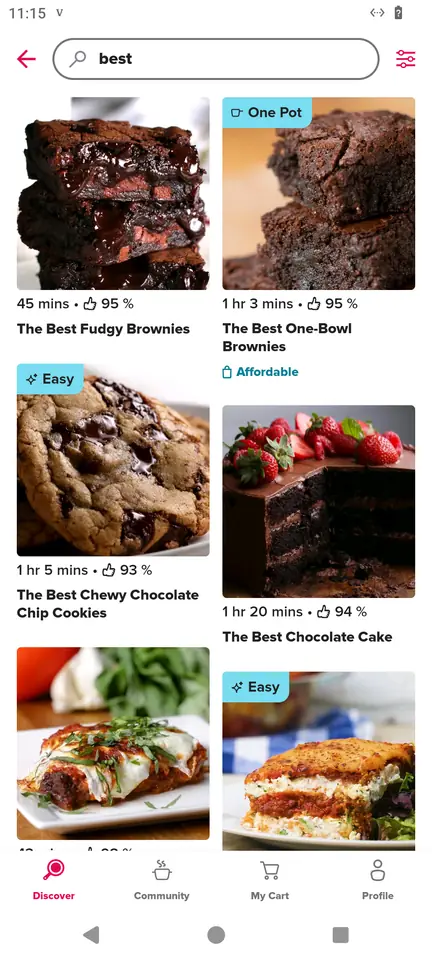
Tasty
18 screens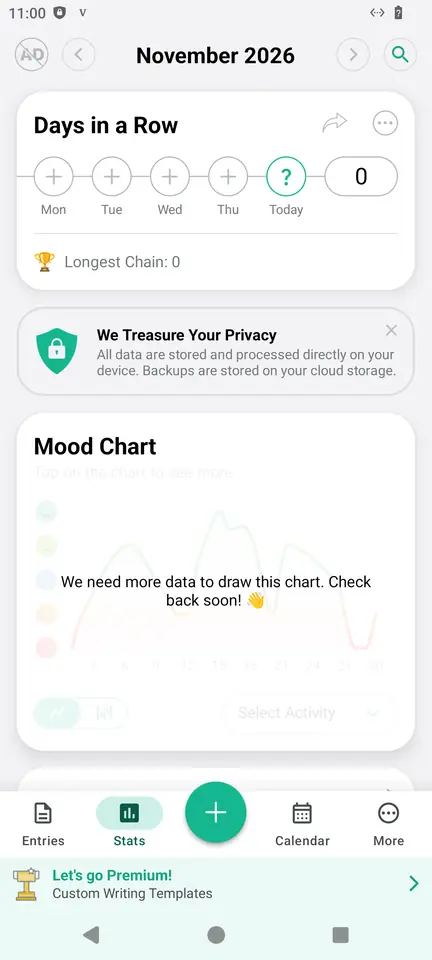
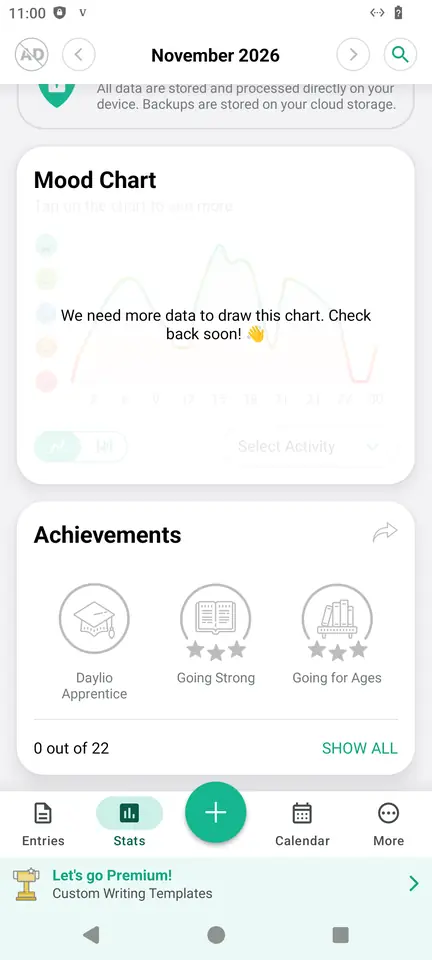
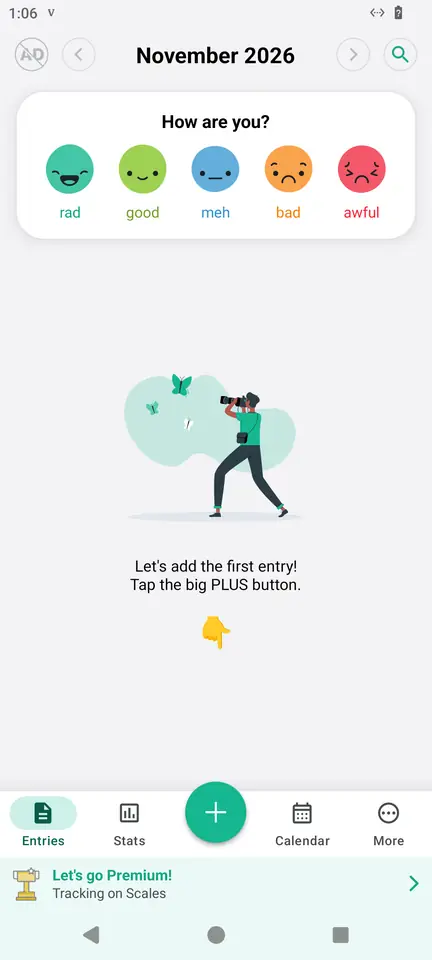
Daylio
14 screens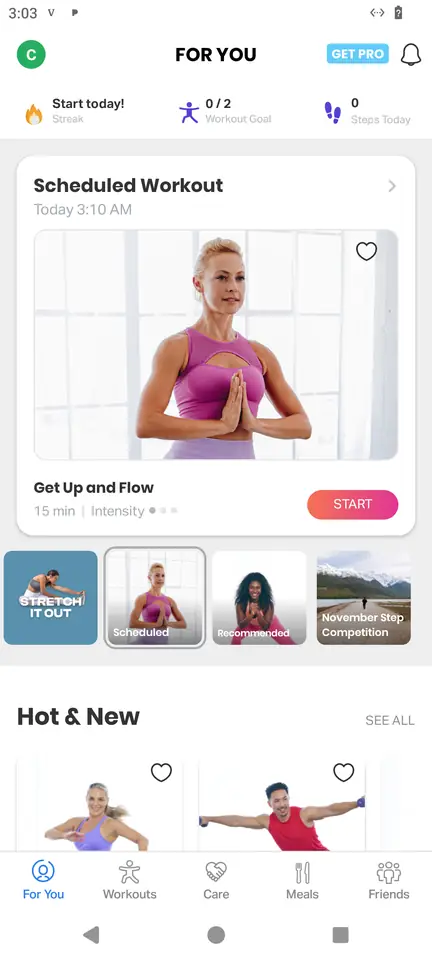
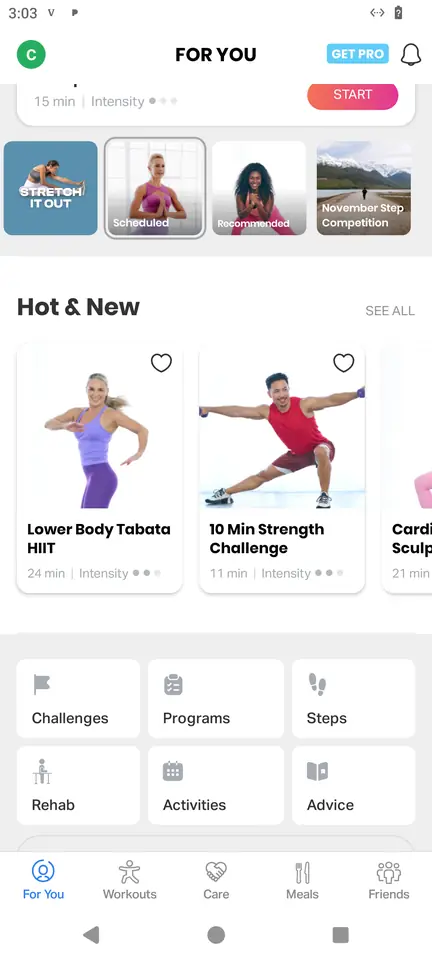
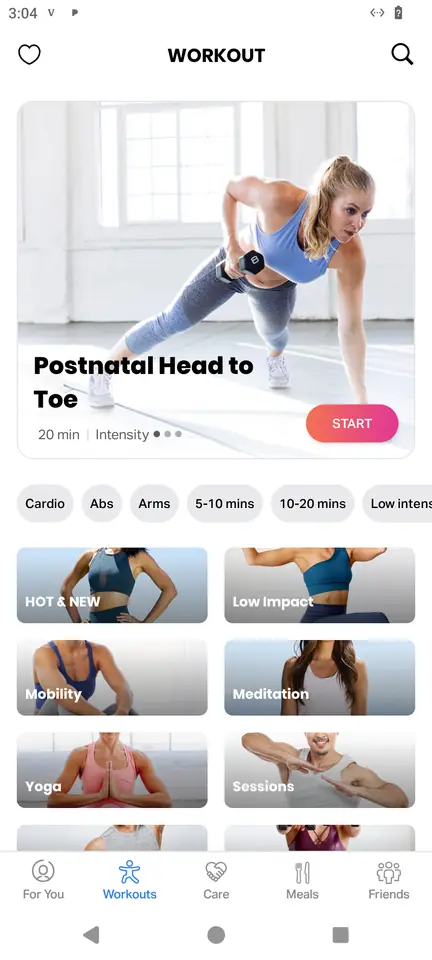
FitOn
13 screens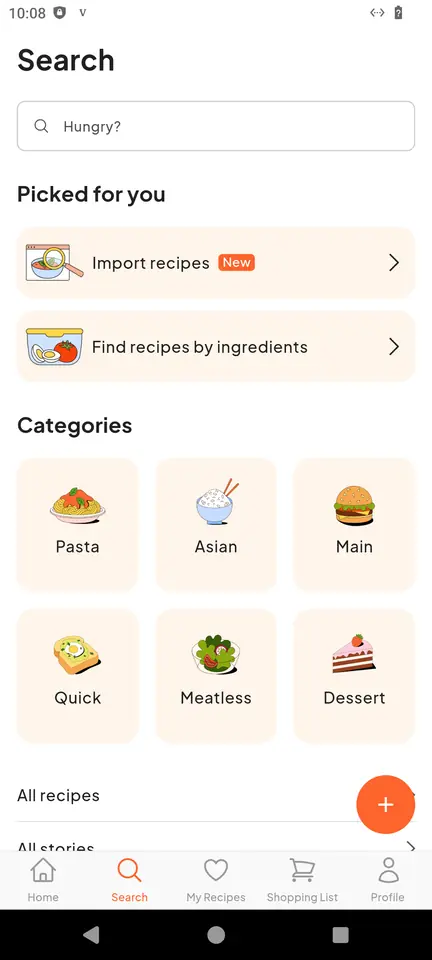
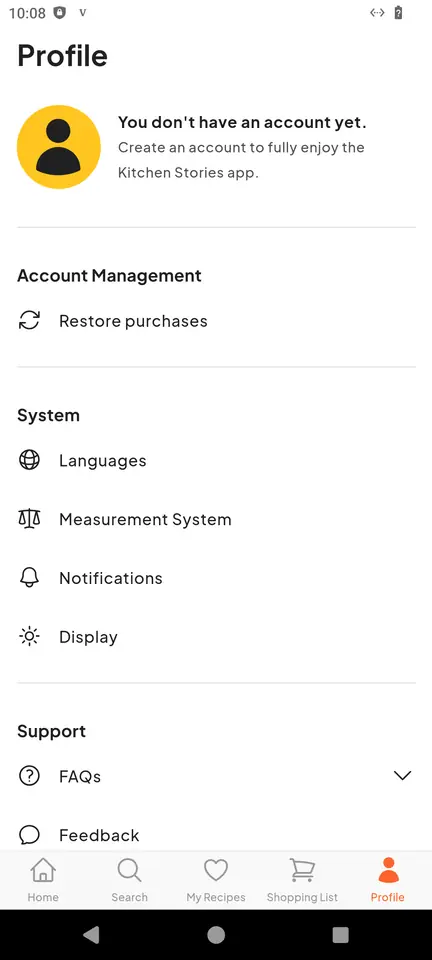
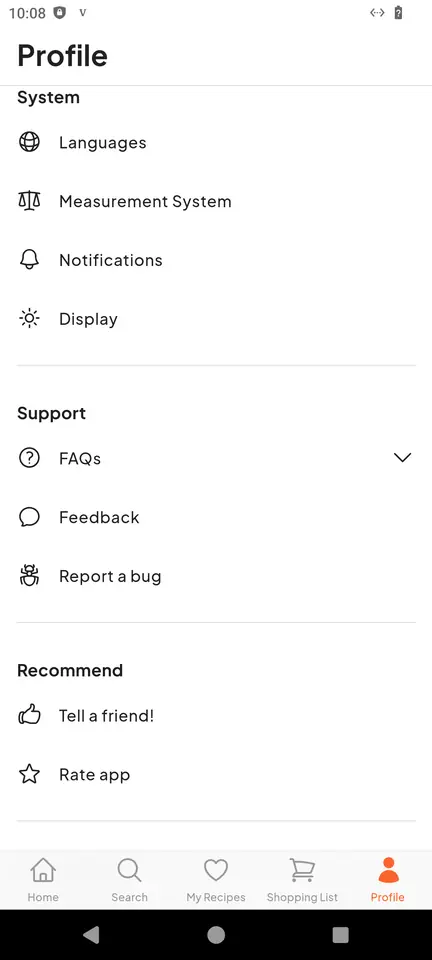
Kitchen Stories
12 screens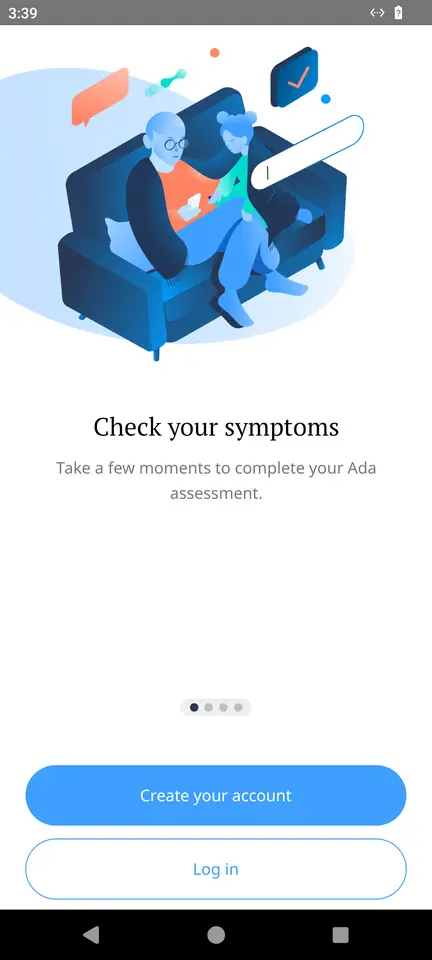
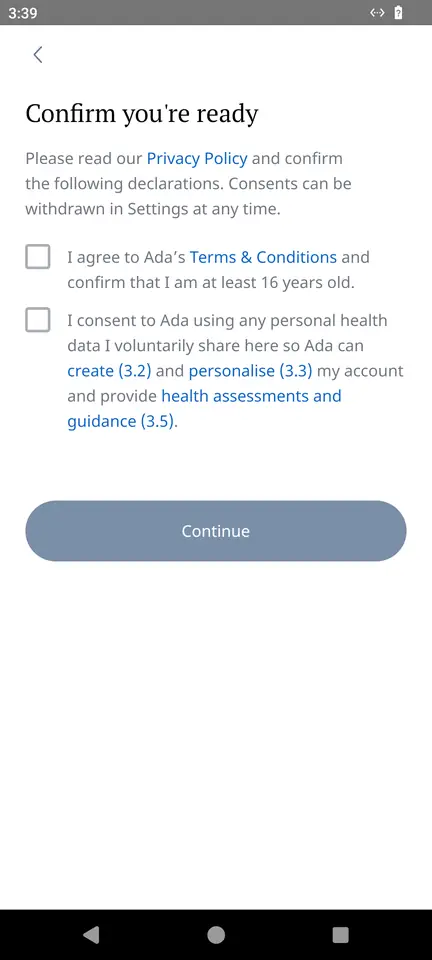
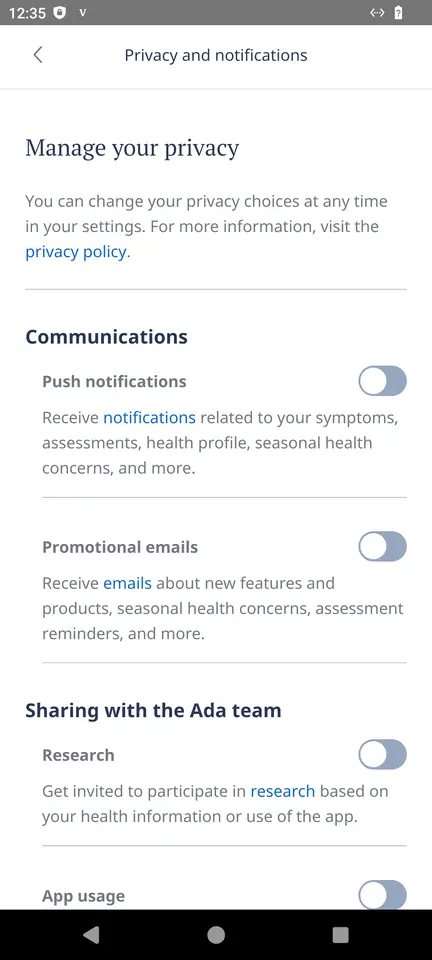
Ada Health
11 screens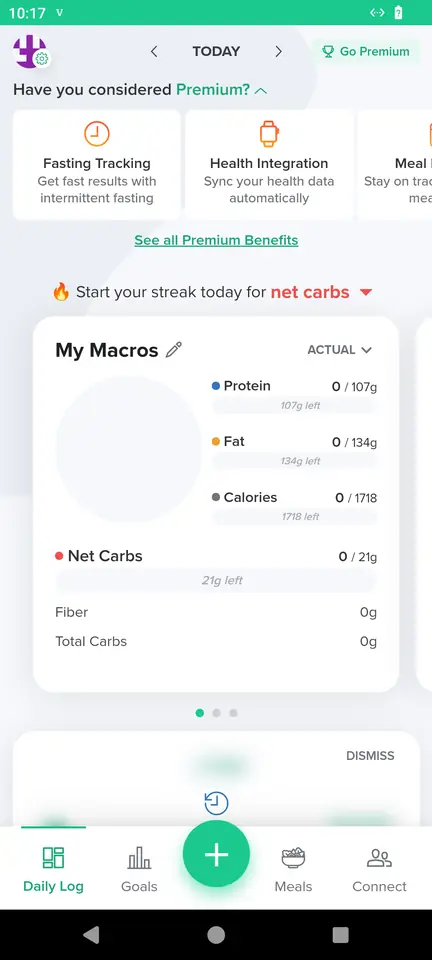
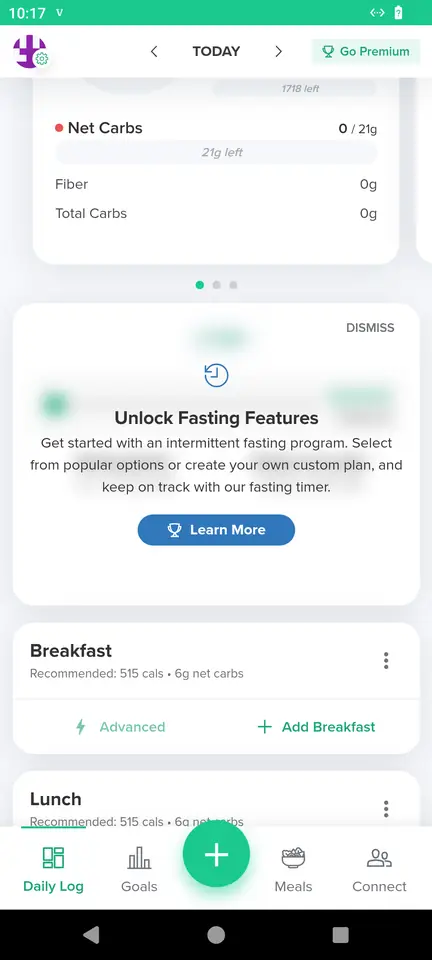
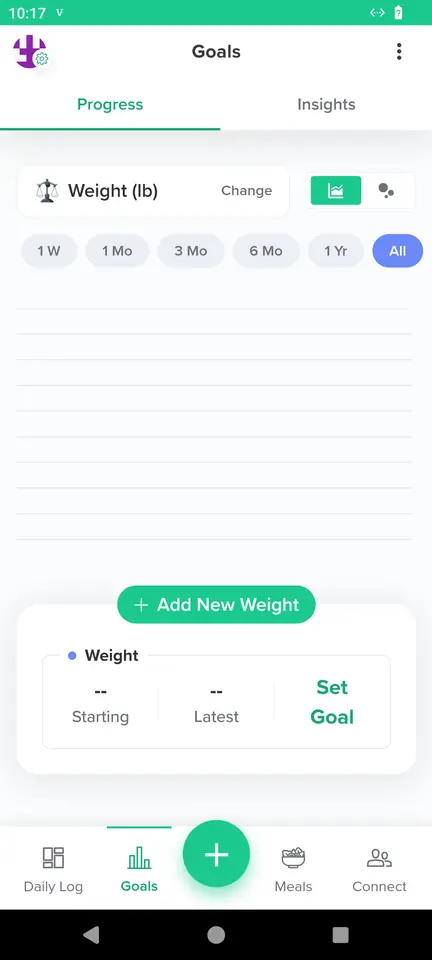
Carb Manager
11 screens
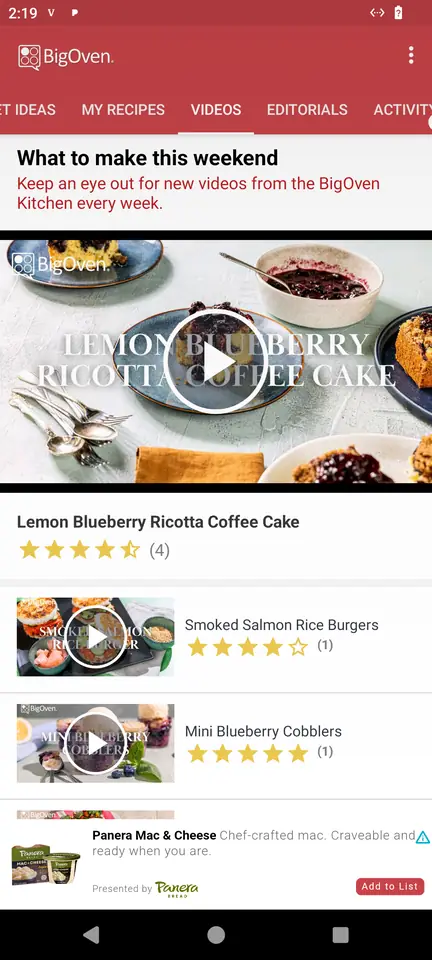

BigOven
8 screens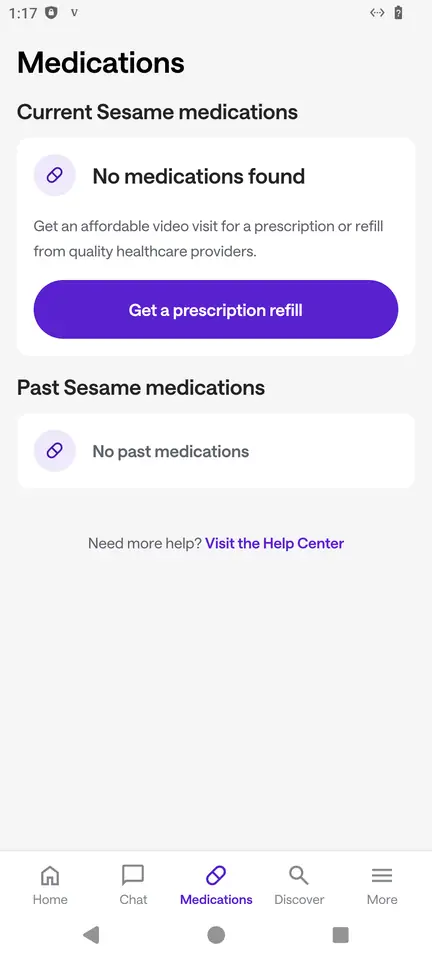
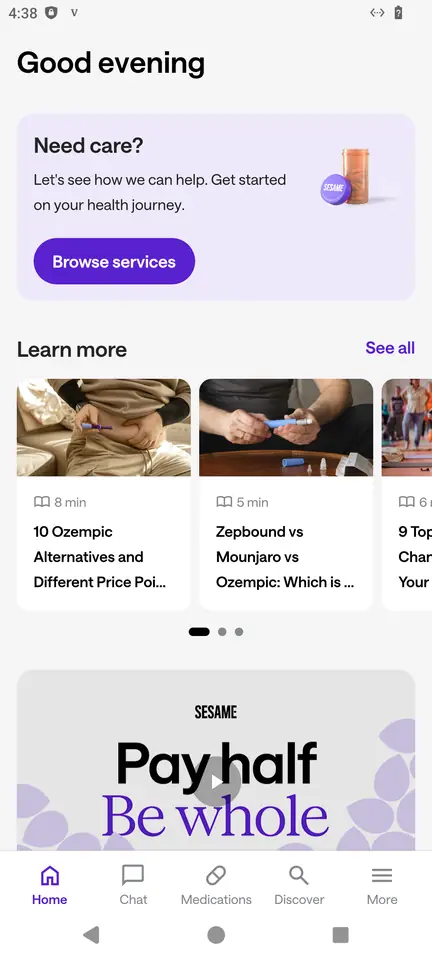
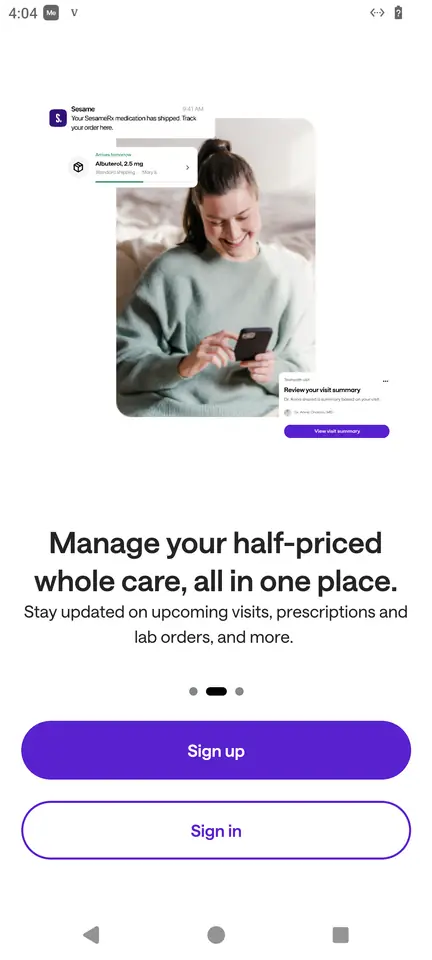
Sesame
8 screens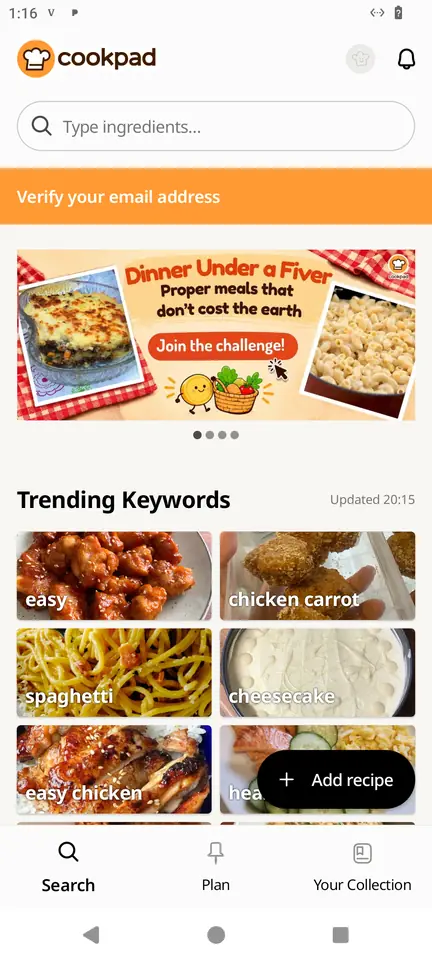
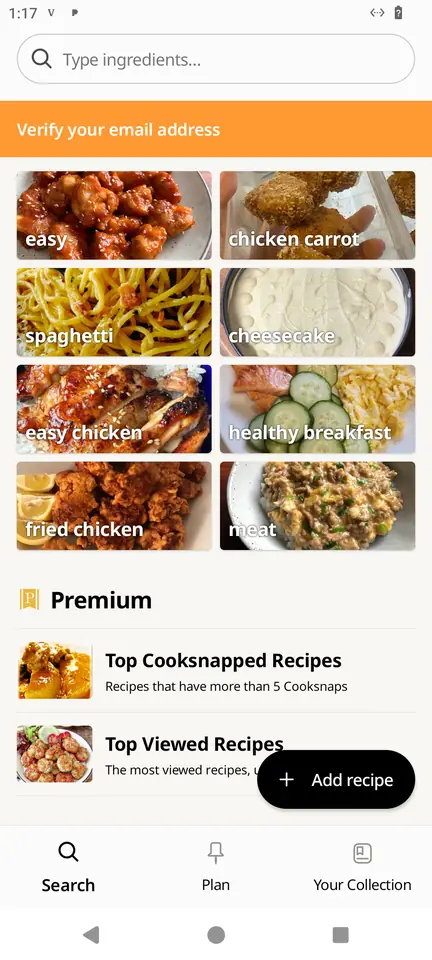
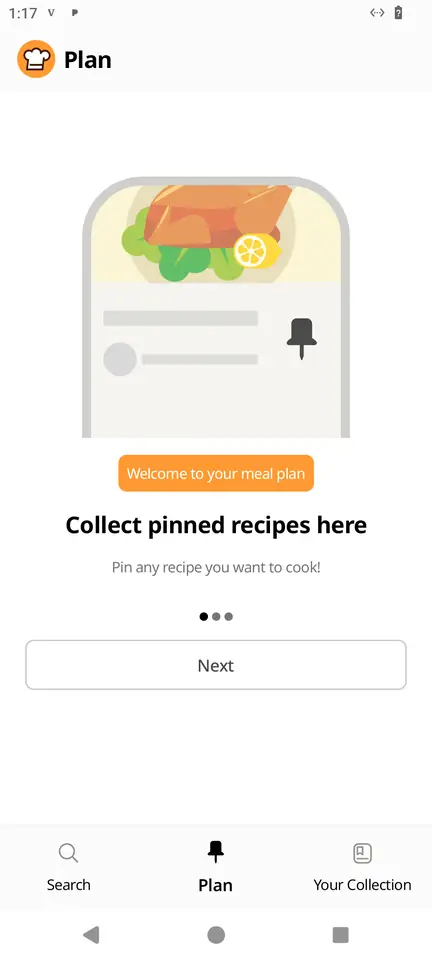
Cookpad
7 screens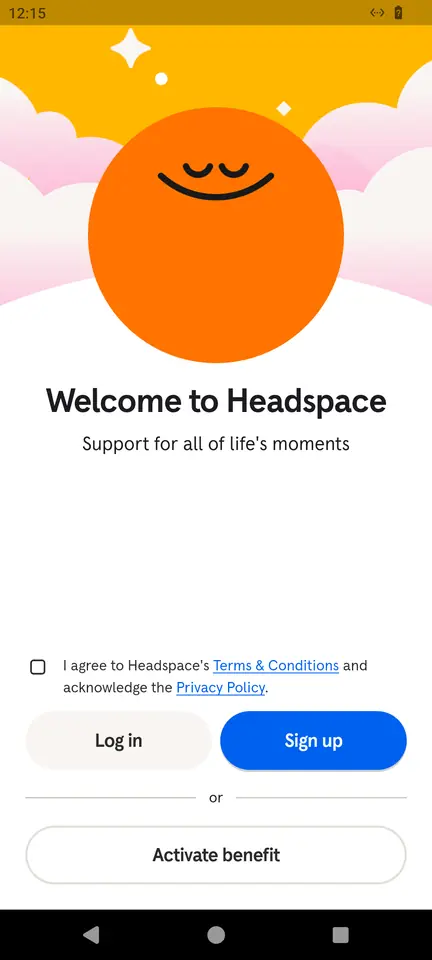
Headspace
7 screens
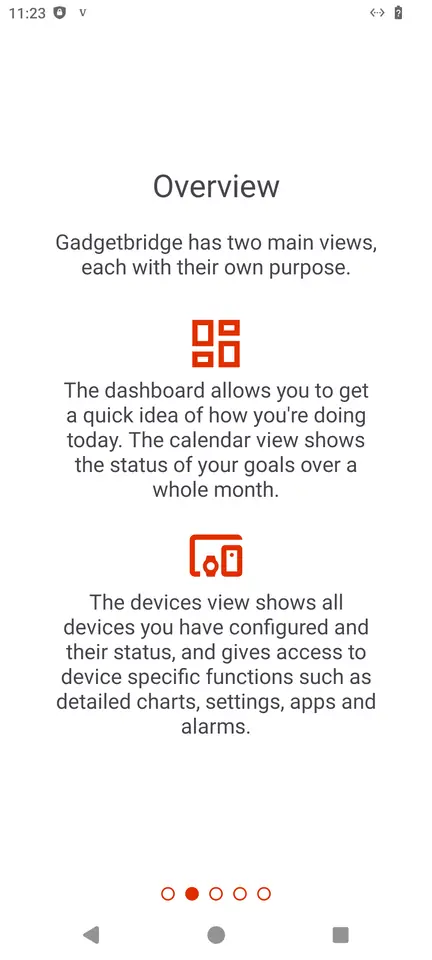
Gadgetbridge
5 screens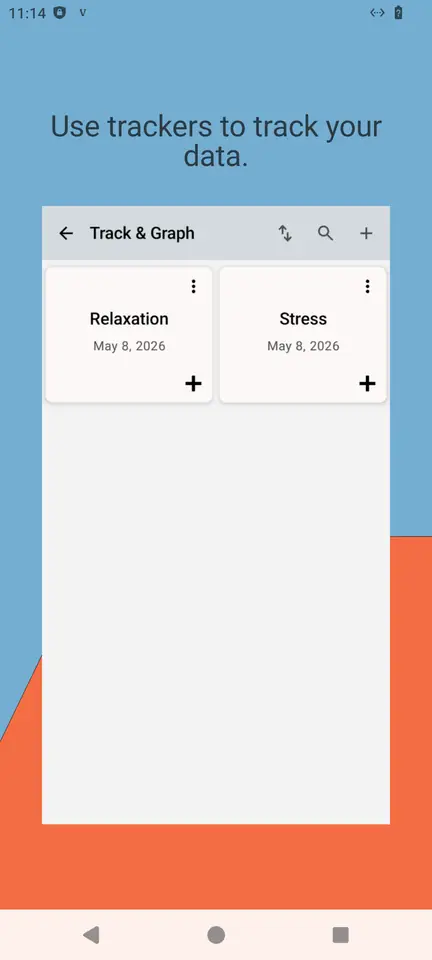
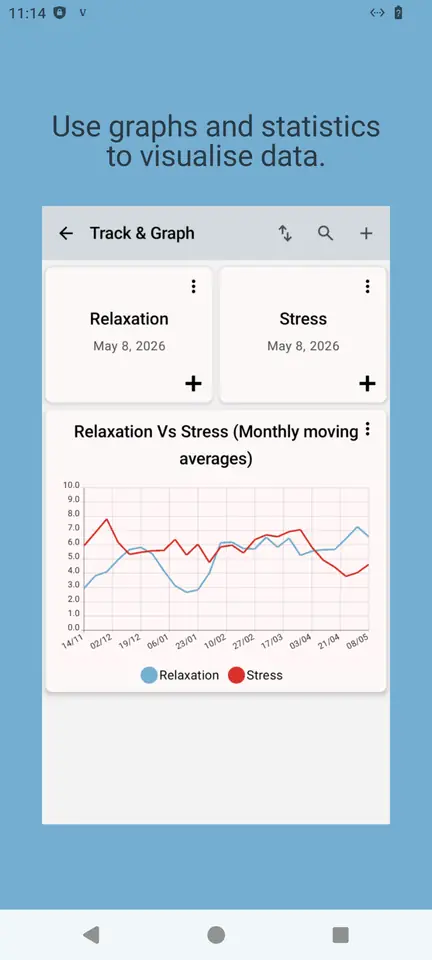
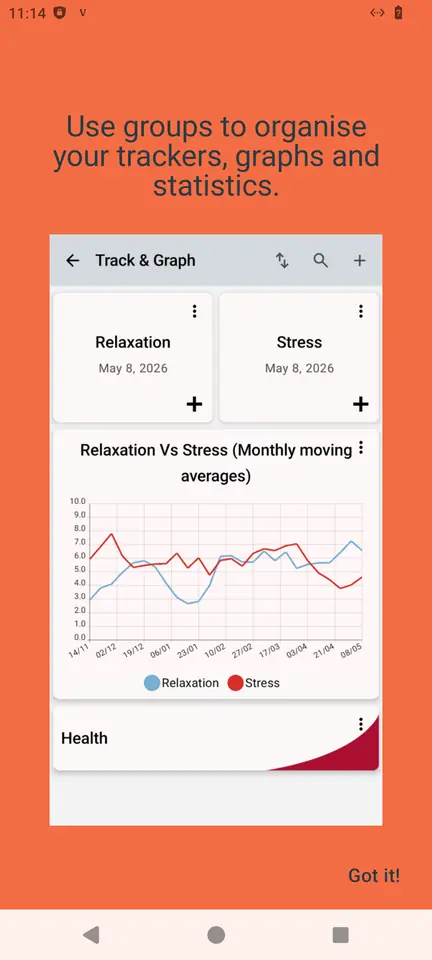
Track & Graph
5 screens
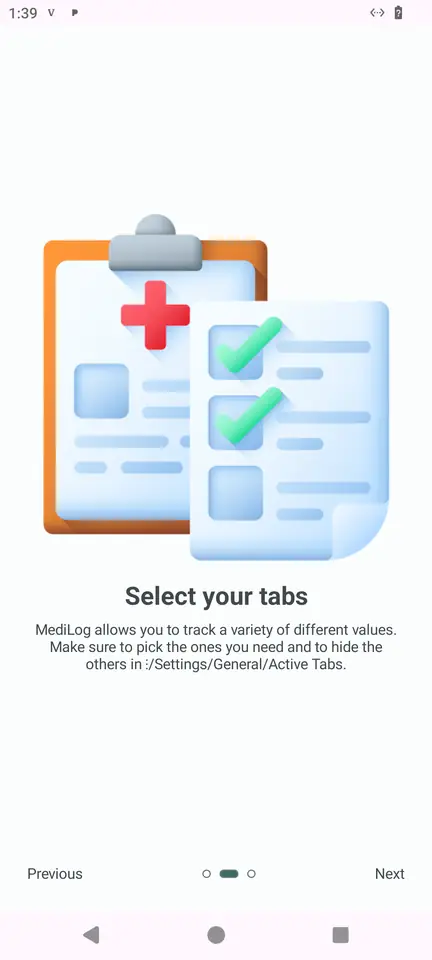
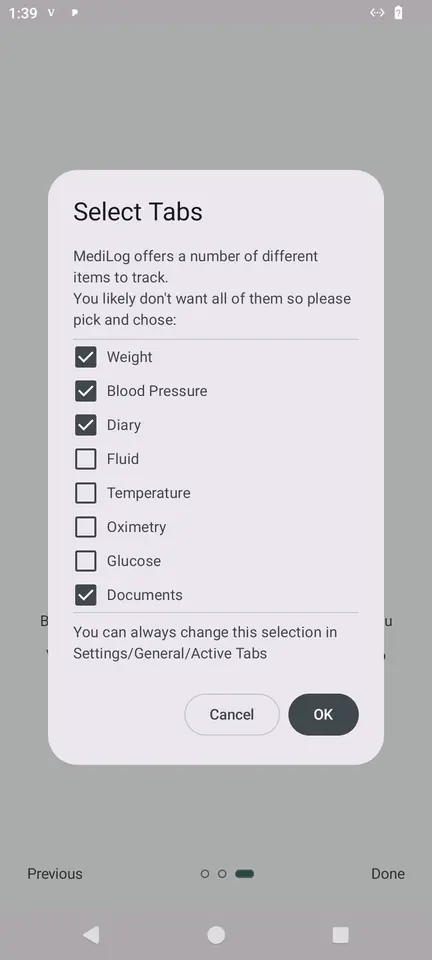
MediLog
4 screens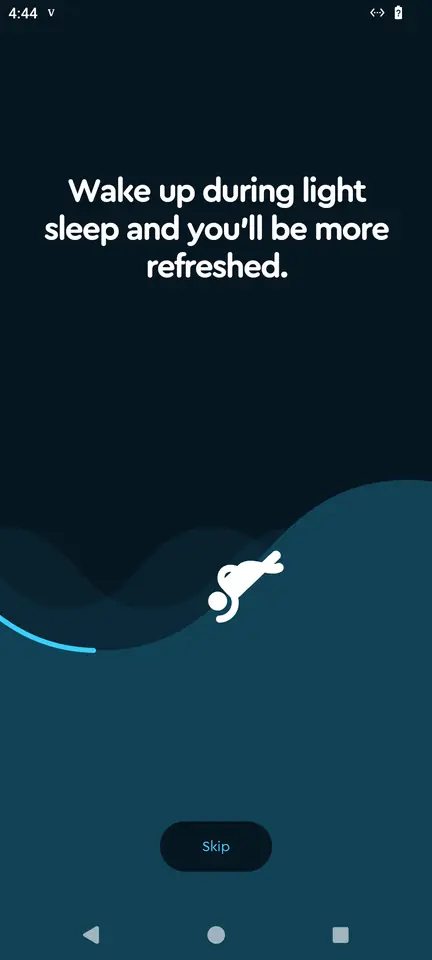
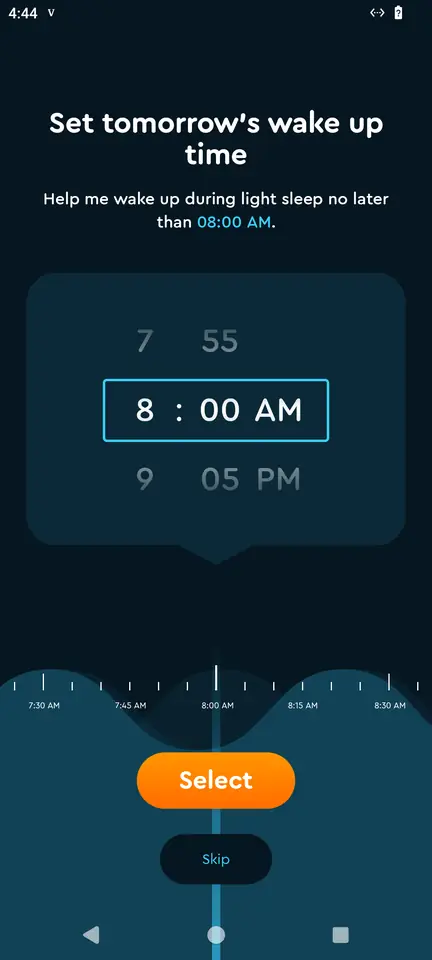
Sleep Cycle
4 screens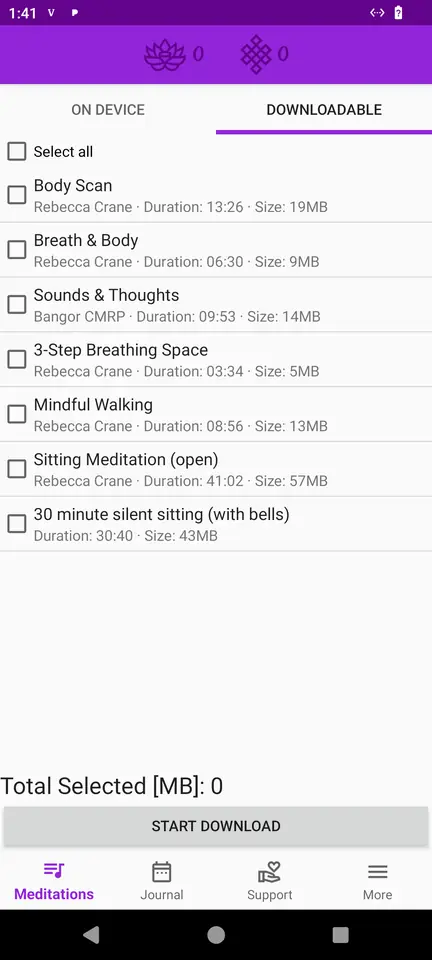
Mindfulness Meditation
3 screens
OpenTracks
3 screens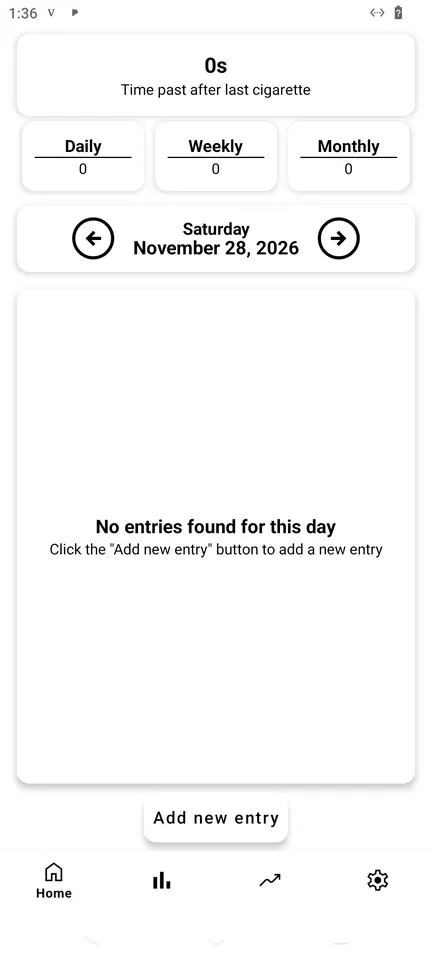
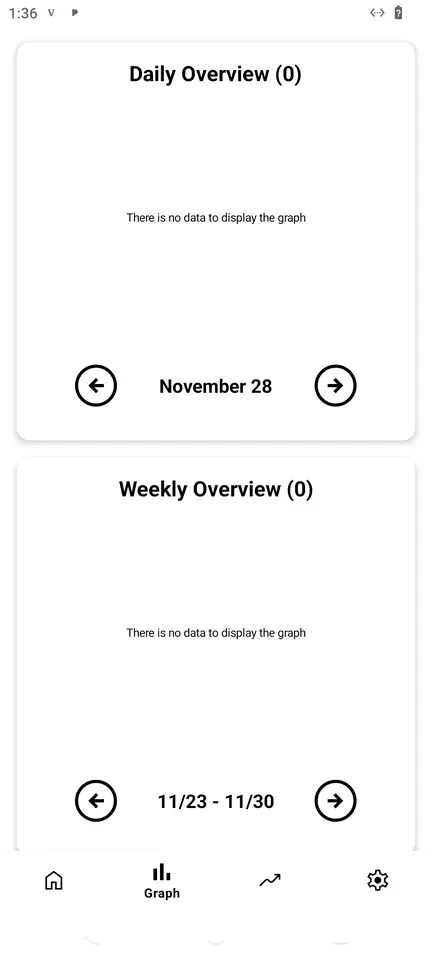
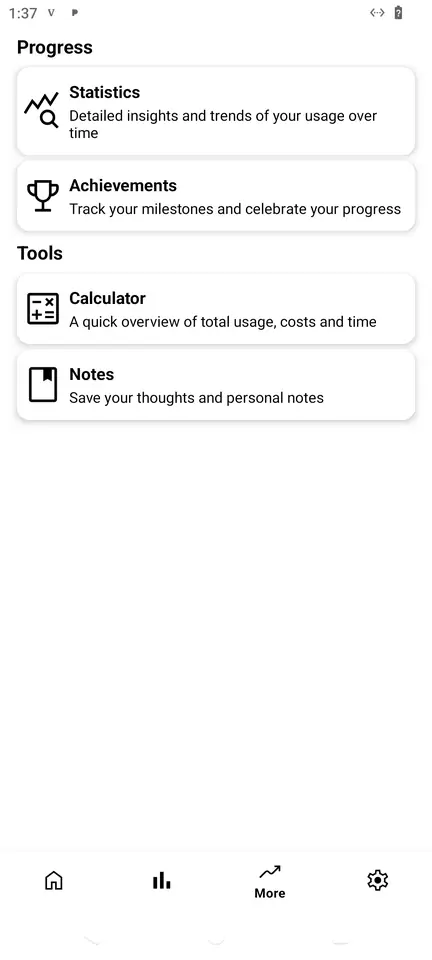
Smoking Tracker
3 screens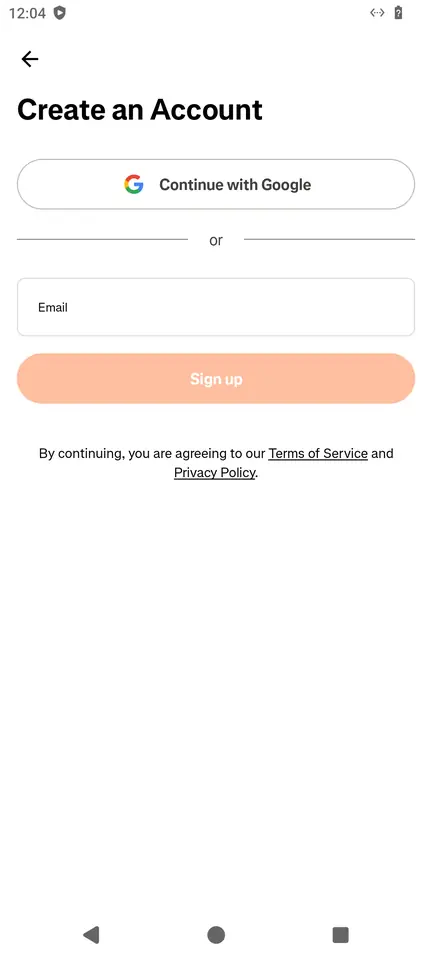
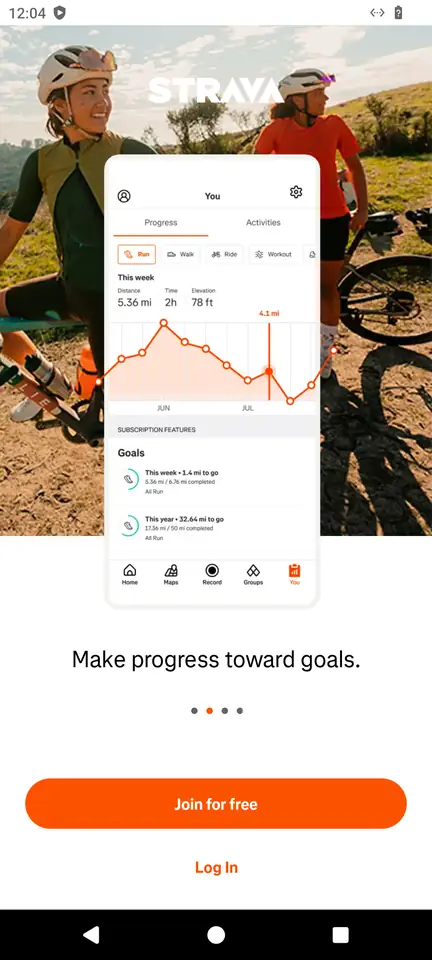
Strava
2 screens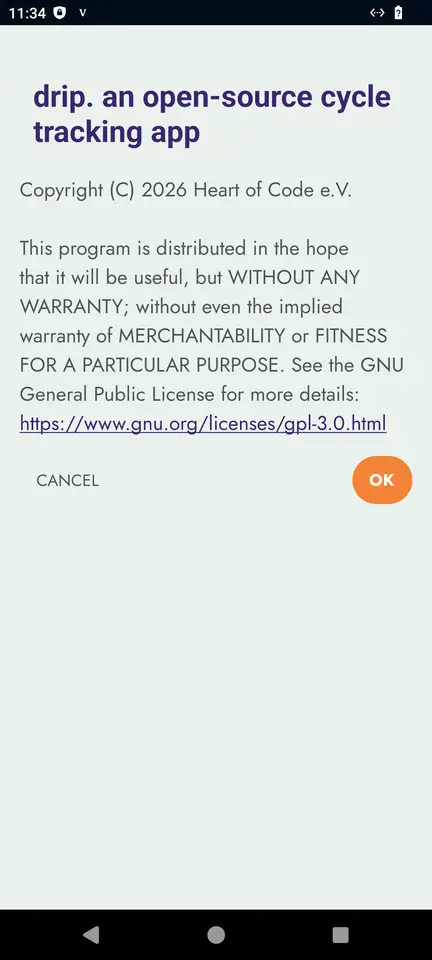
drip
1 screenHealth & fitness app flows, step by step
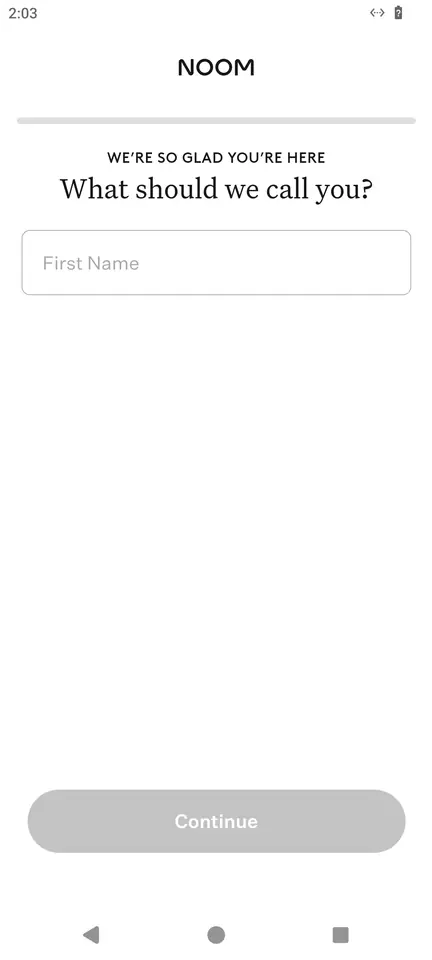
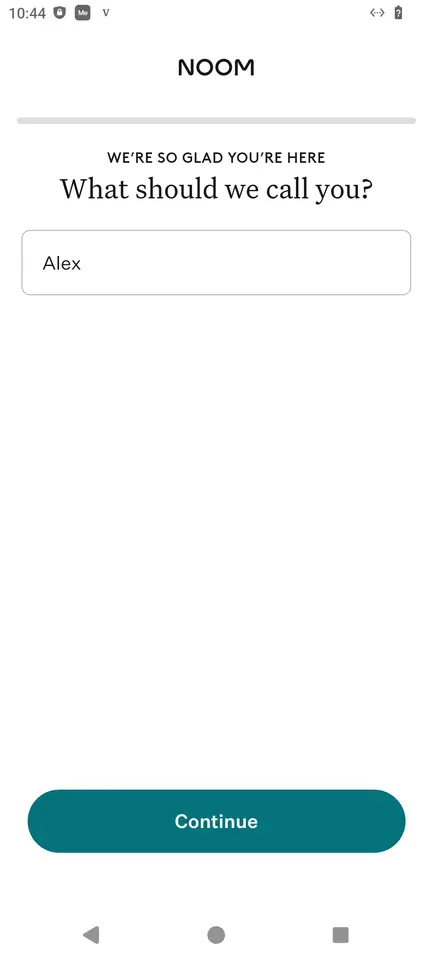
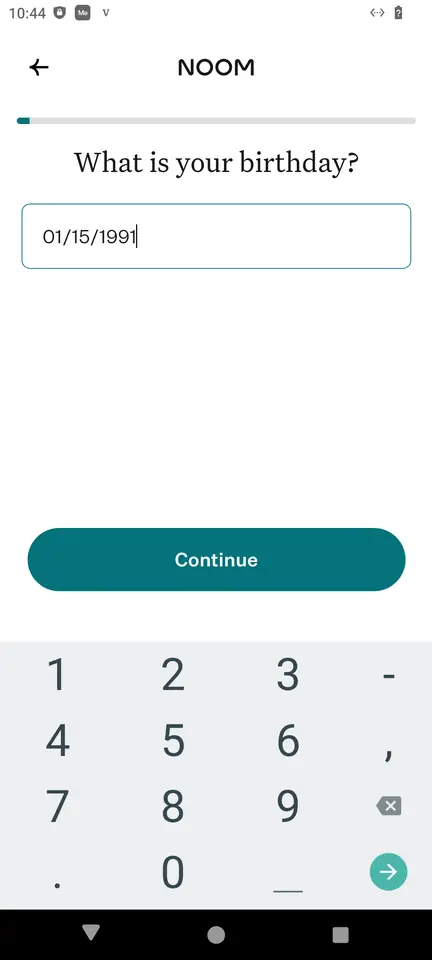
Noom · Onboarding
93 screens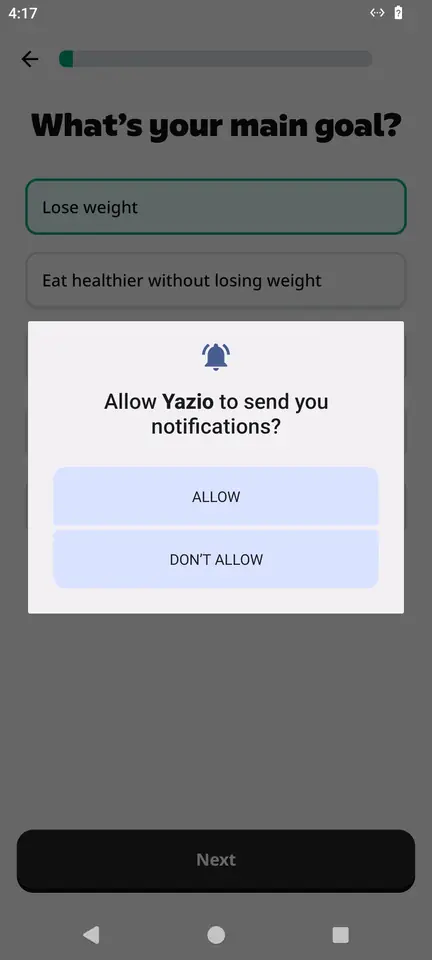
Yazio · Onboarding
93 screens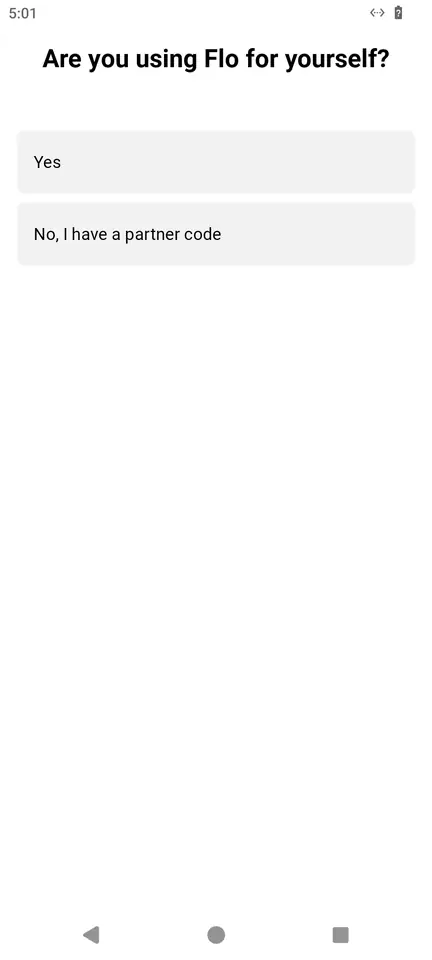
Flo · Onboarding
69 screens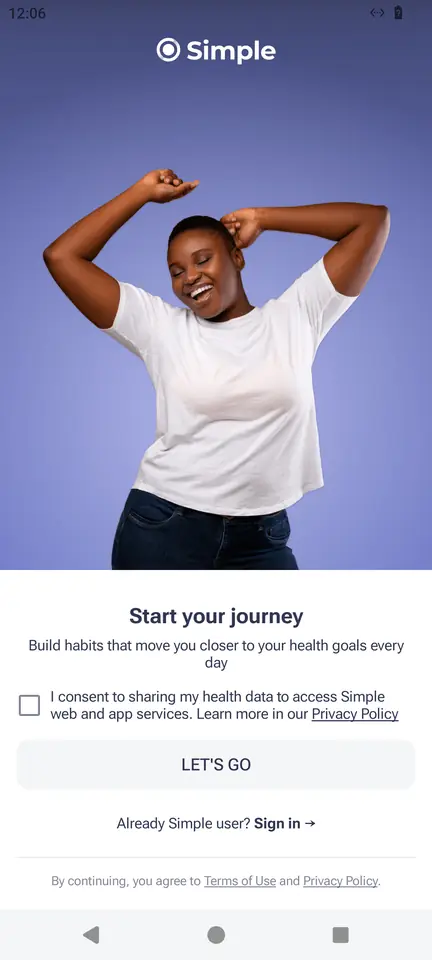
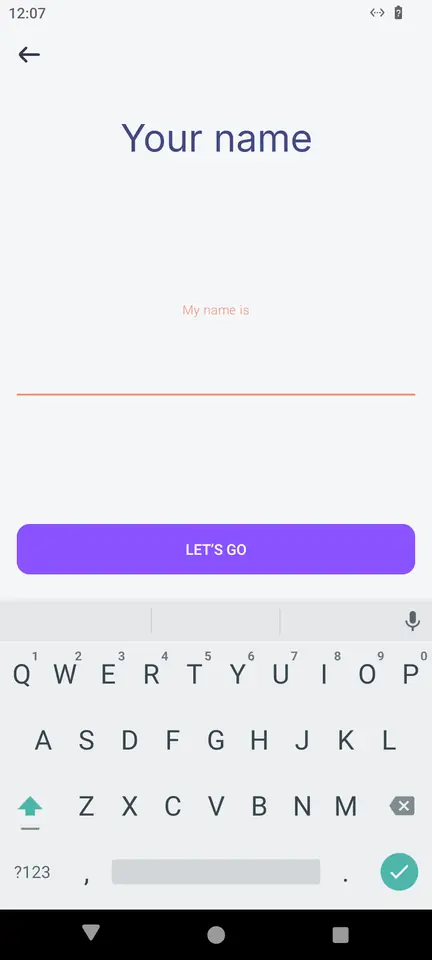
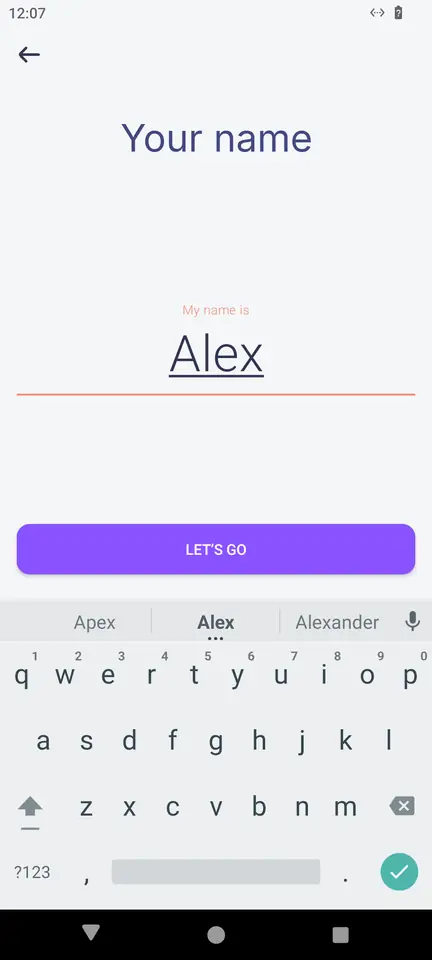
Simple · Onboarding
51 screens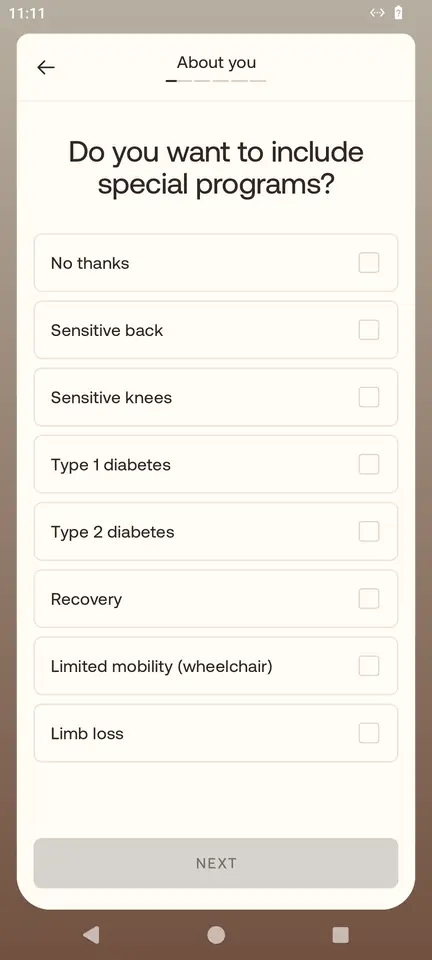
BetterMe · Onboarding
38 screens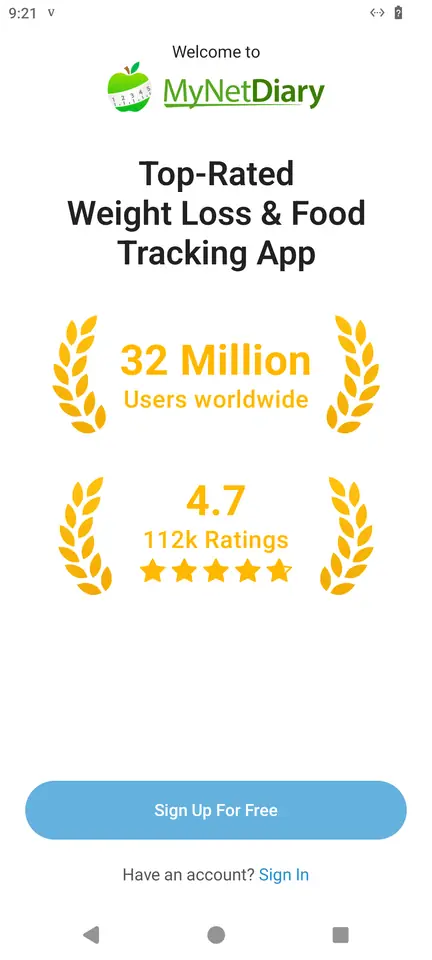
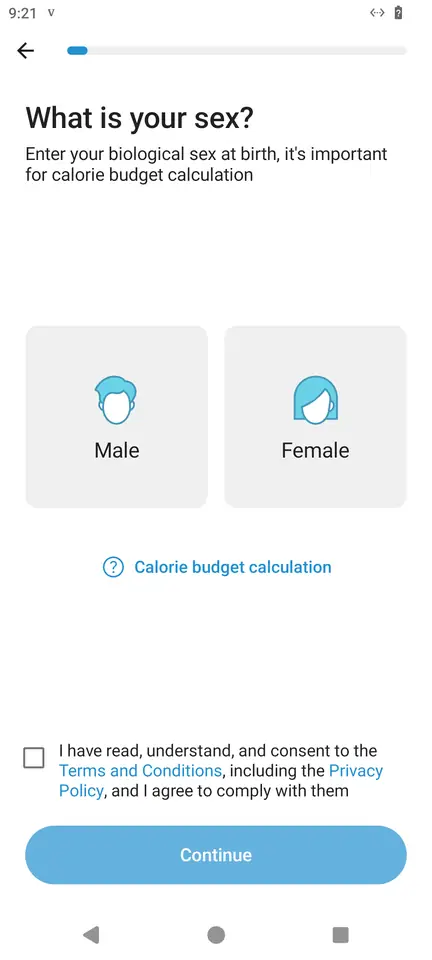
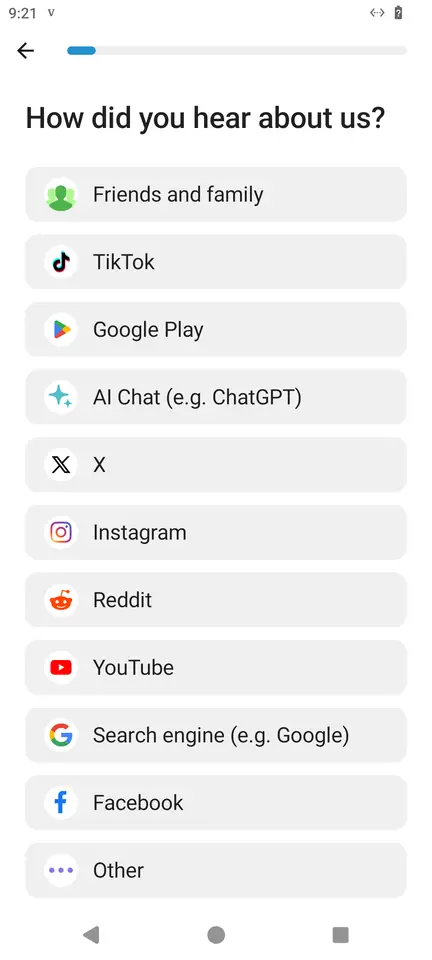
MyNetDiary · Onboarding
20 screens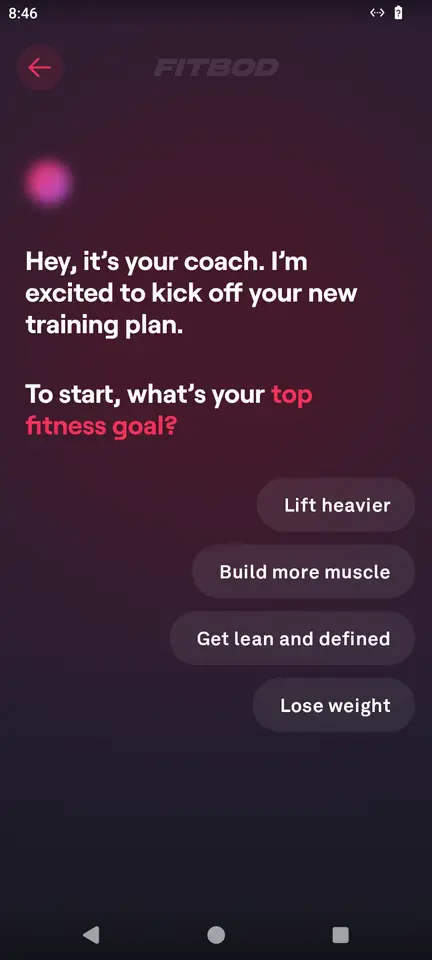
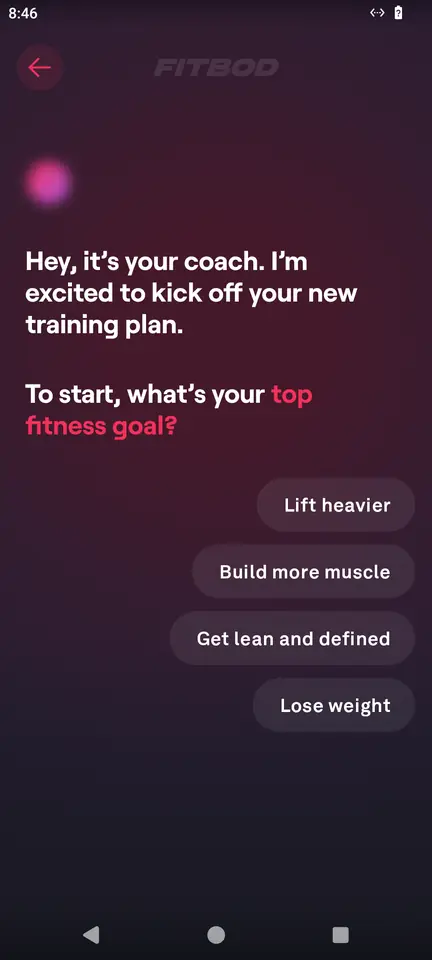
Fitbod · Onboarding
19 screens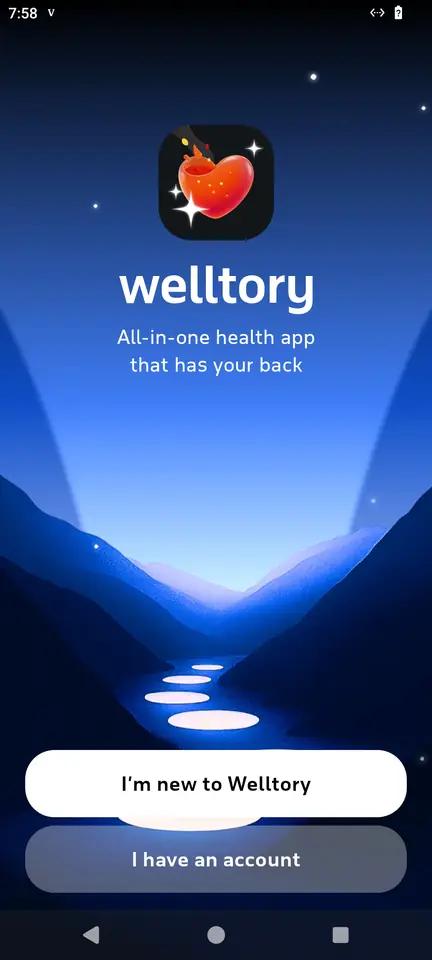
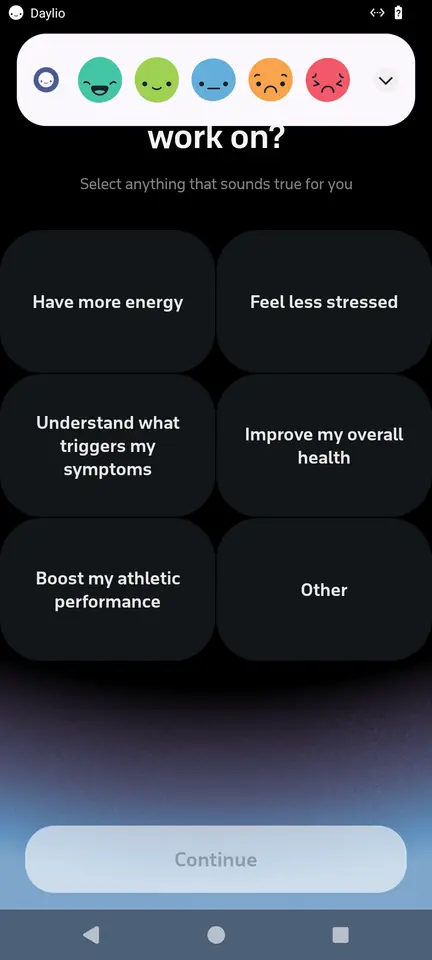
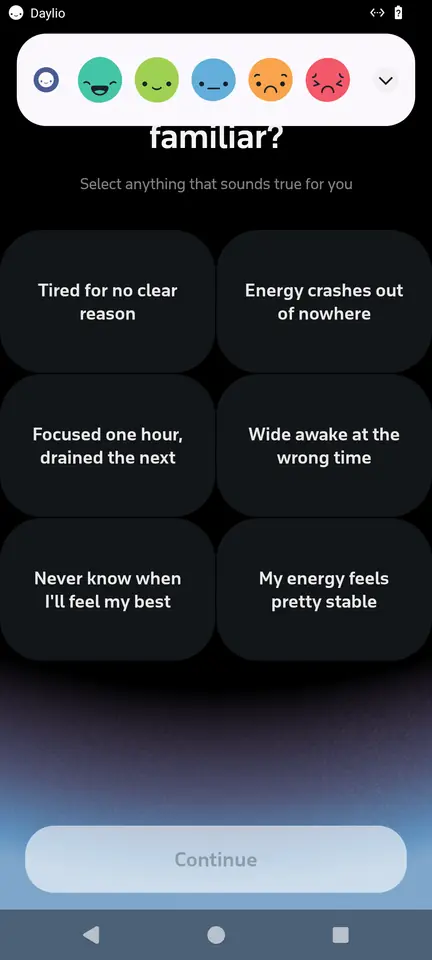
Welltory · Onboarding
19 screens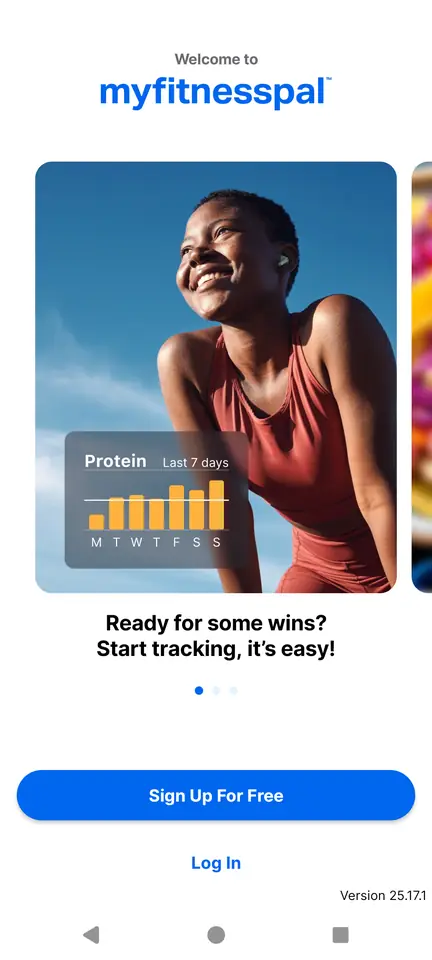
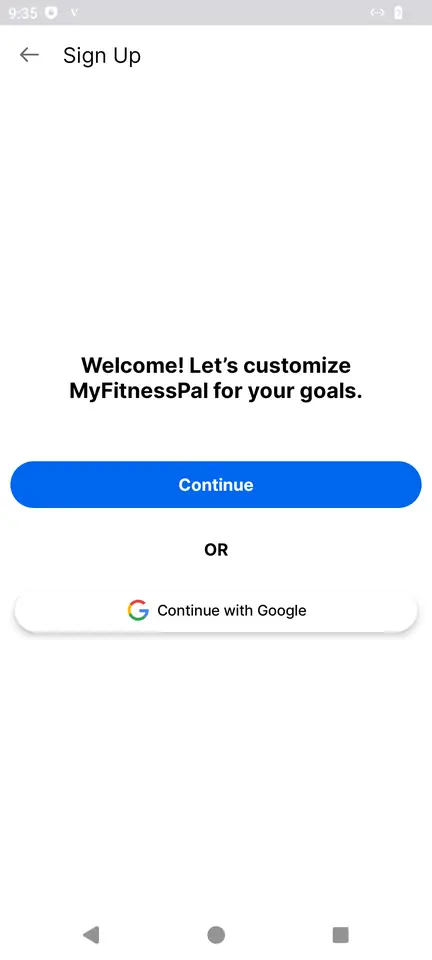
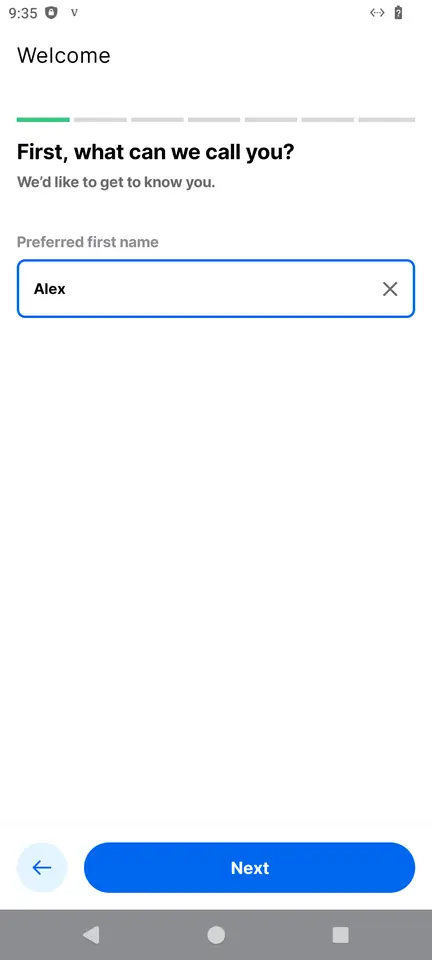
MyFitnessPal · Onboarding
15 screensHealth & fitness onboarding screens
561 screens · 26 apps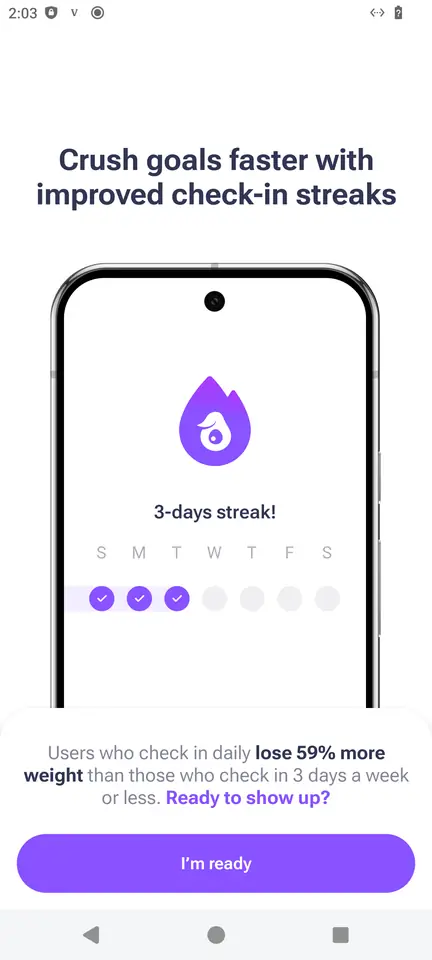
All 561 health & fitness onboarding screens, grouped by app → · All onboarding screens from every category →
Health & fitness login screens
33 screens · 18 apps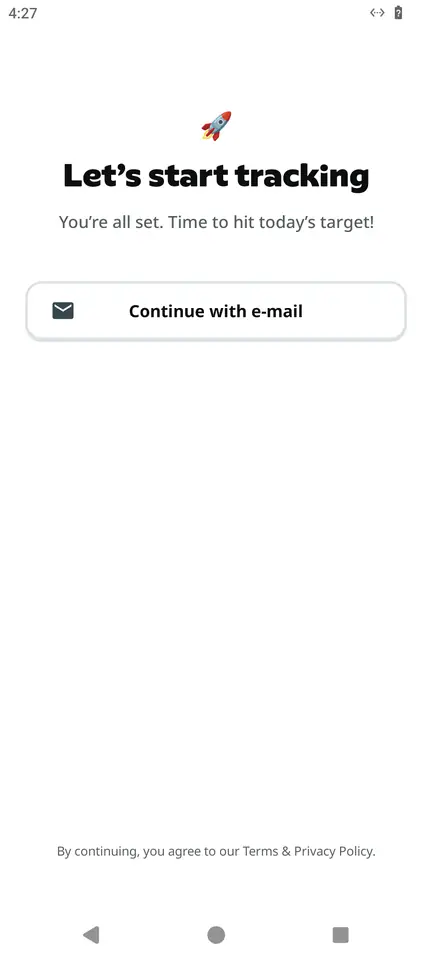
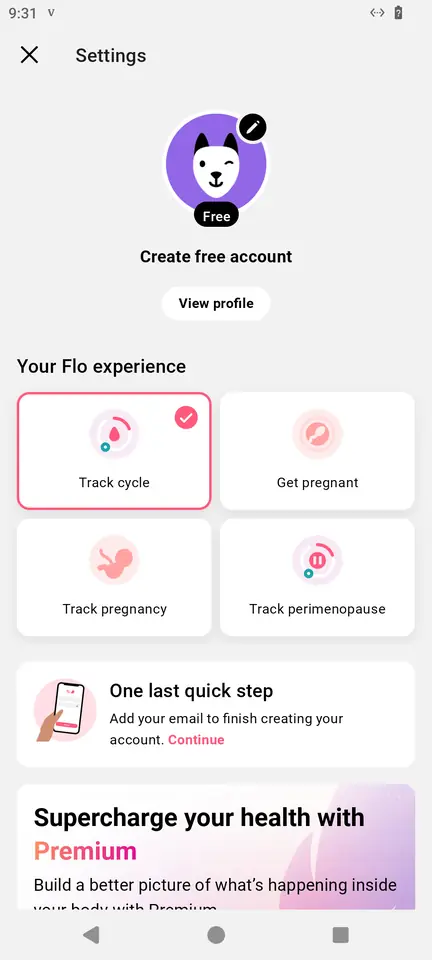
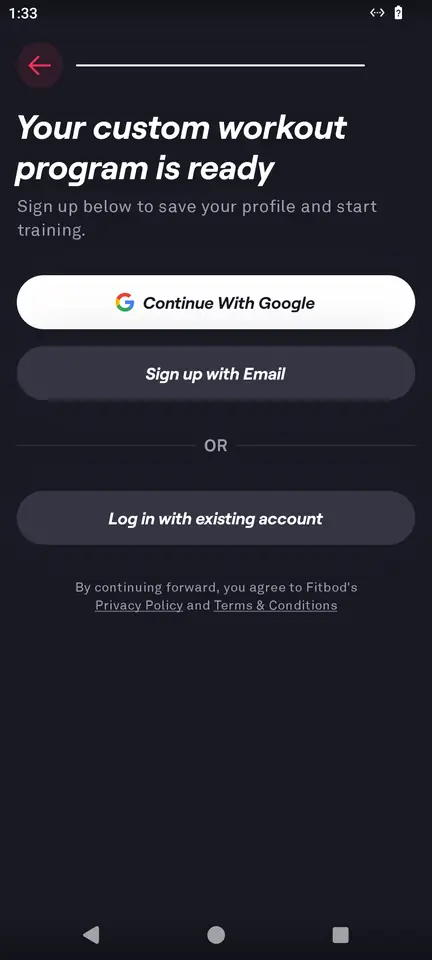
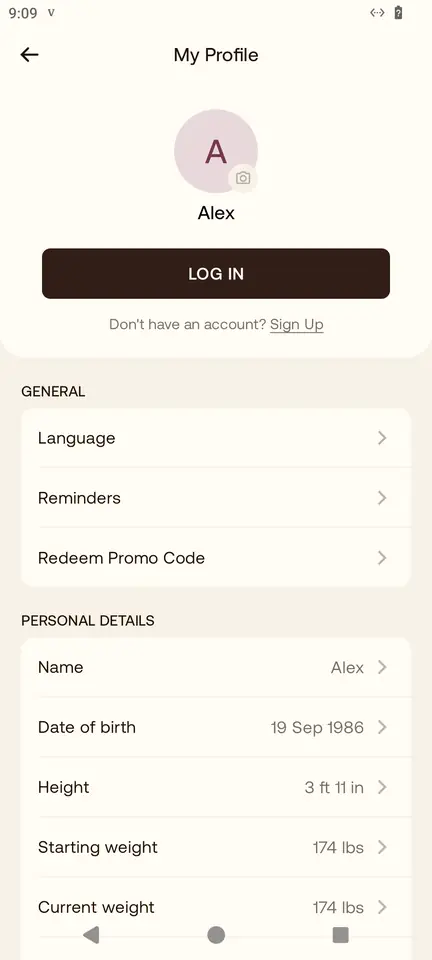
All 33 health & fitness login screens, grouped by app → · All login screens from every category →
Health & fitness home screens
129 screens · 22 apps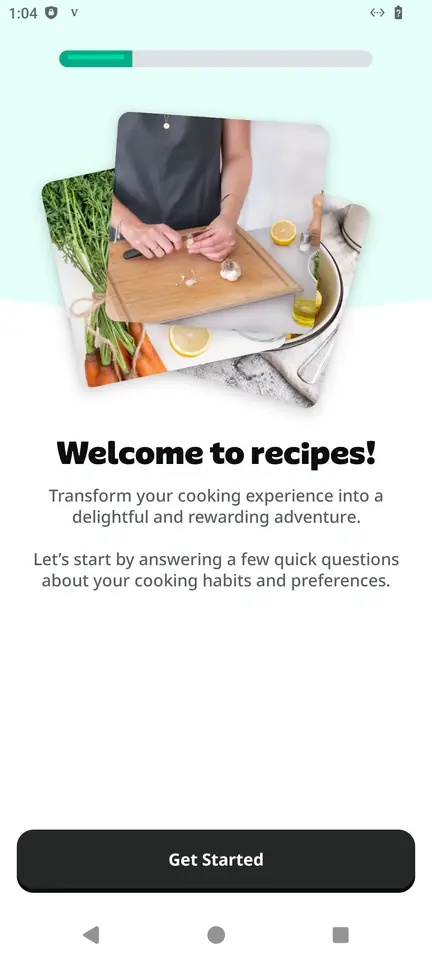
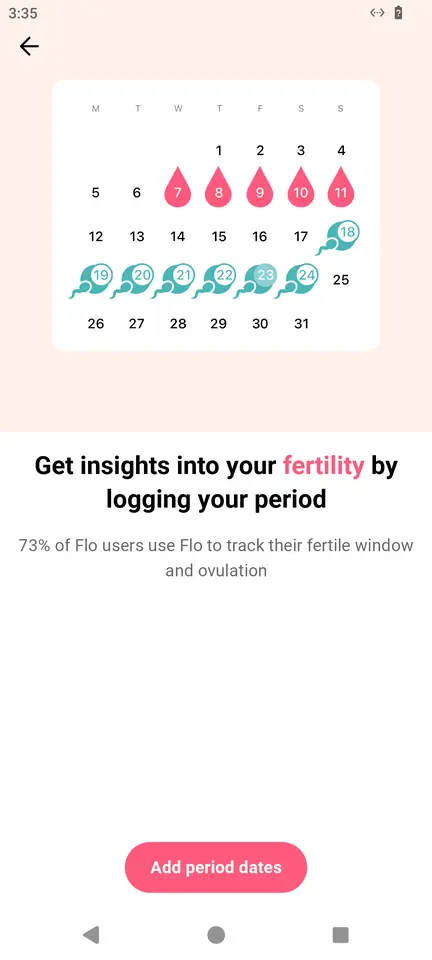
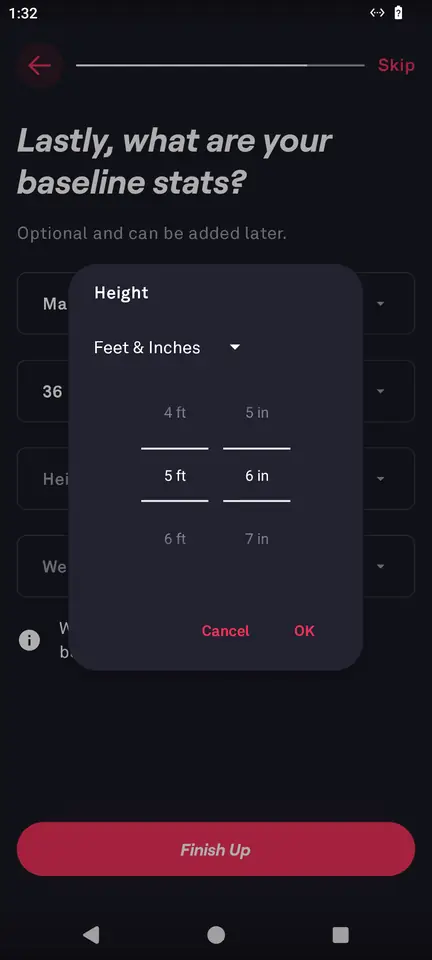
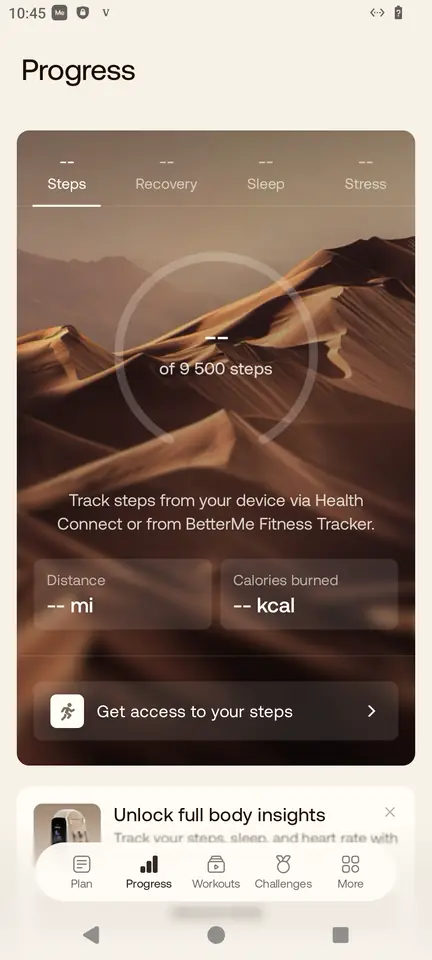
All 129 health & fitness home screens, grouped by app → · All home screens from every category →
Health & fitness settings screens
21 screens · 9 apps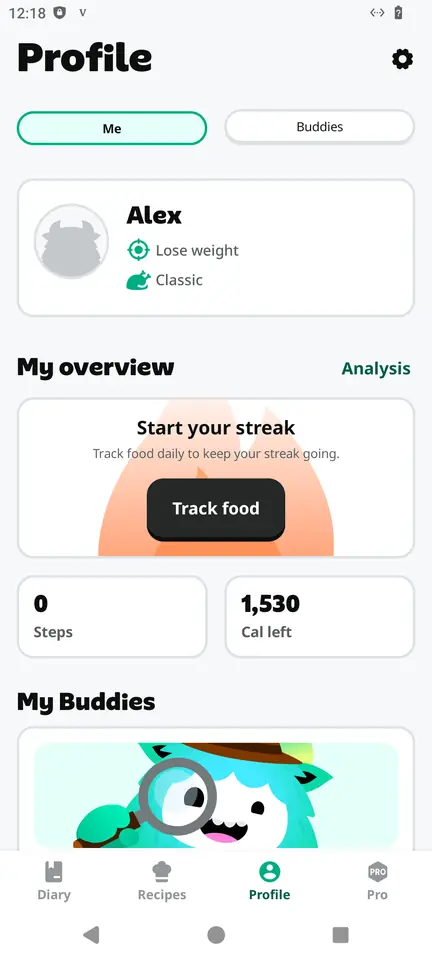
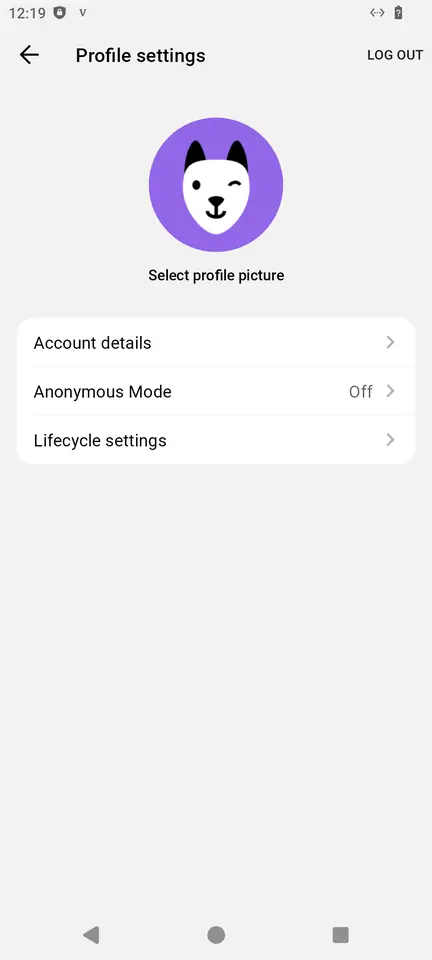
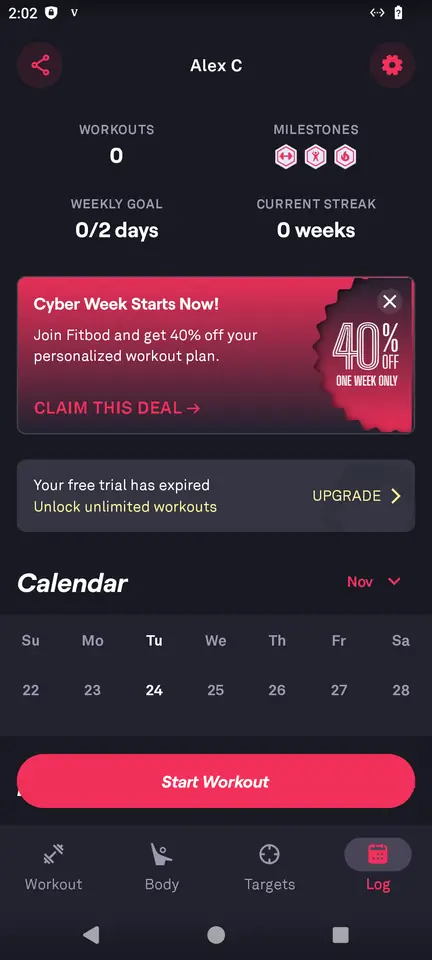
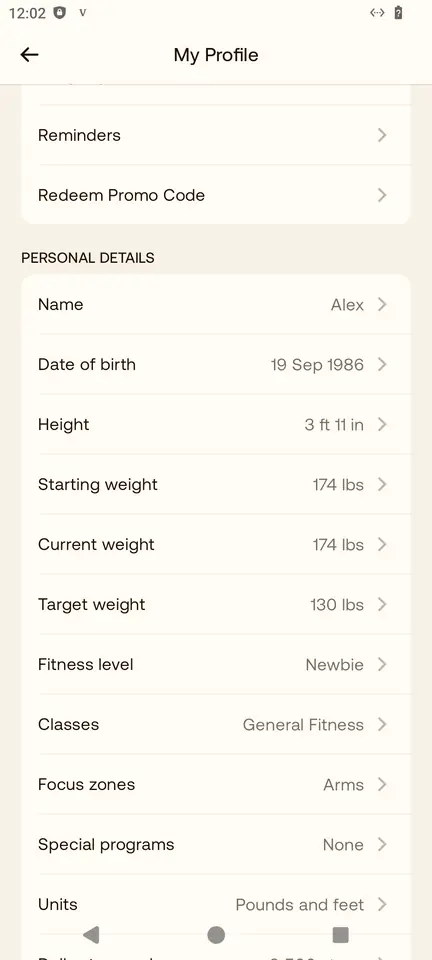
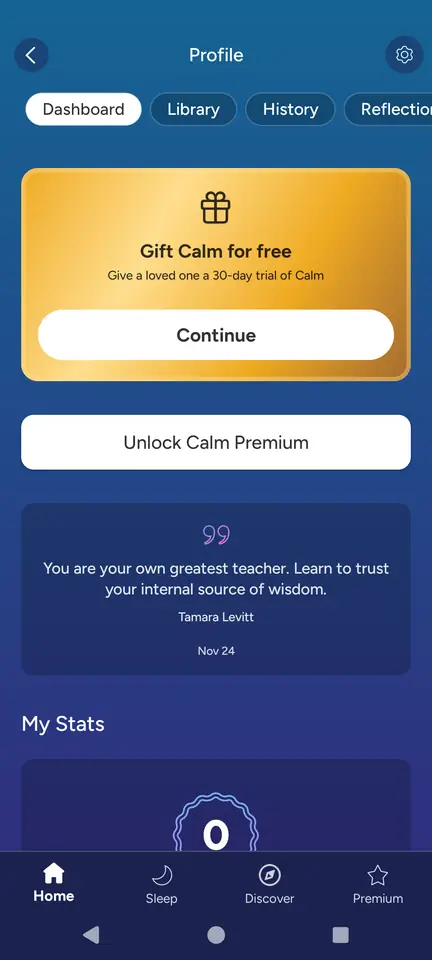
All 21 health & fitness settings screens, grouped by app → · All settings screens from every category →
Health & fitness paywall screens
14 screens · 7 apps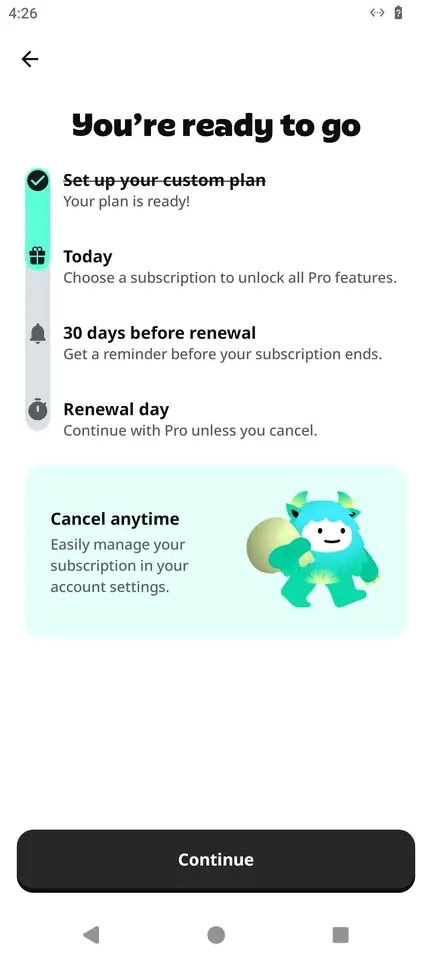
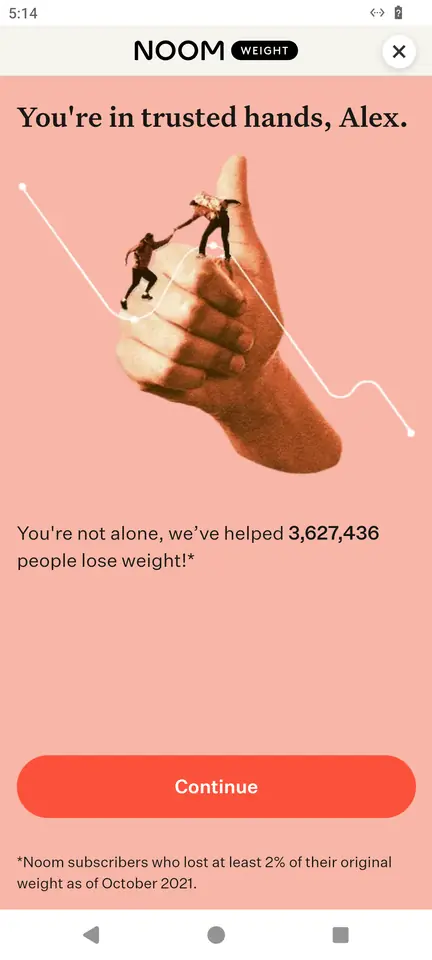
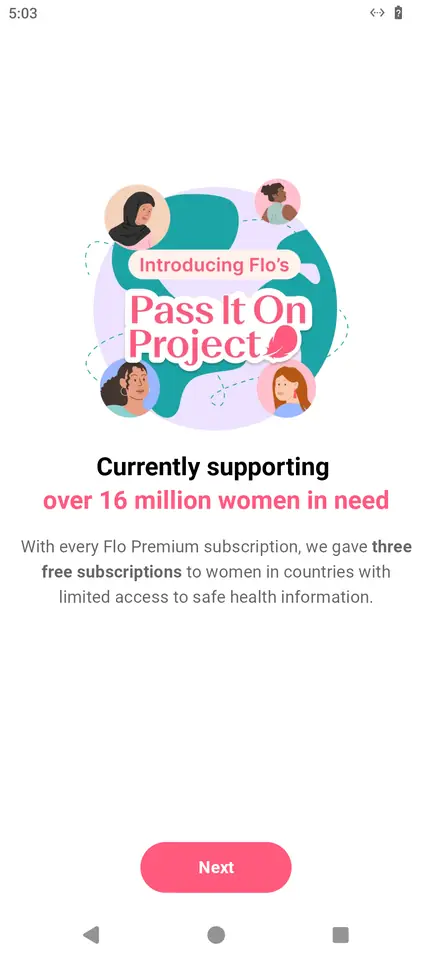
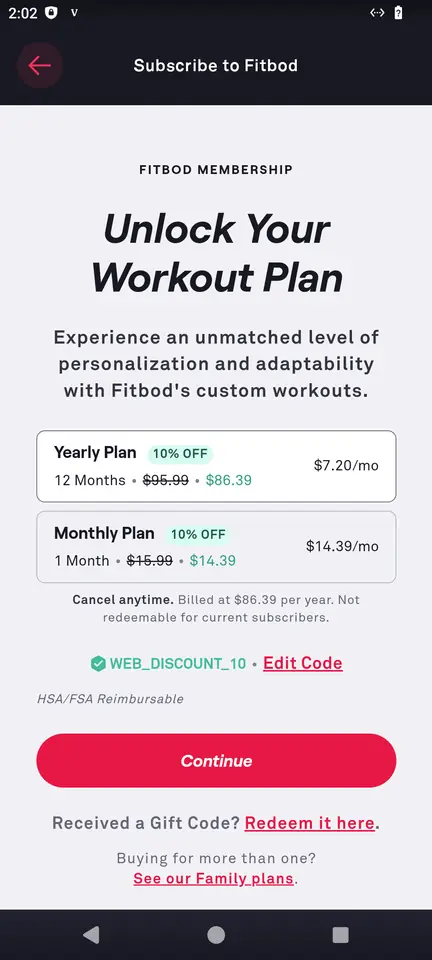

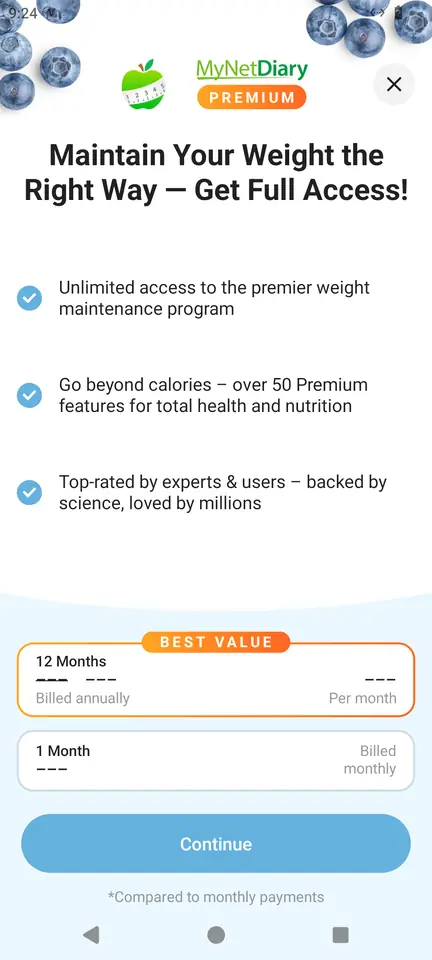
All 14 health & fitness paywall screens, grouped by app → · All paywall screens from every category →
UI components in health & fitness apps
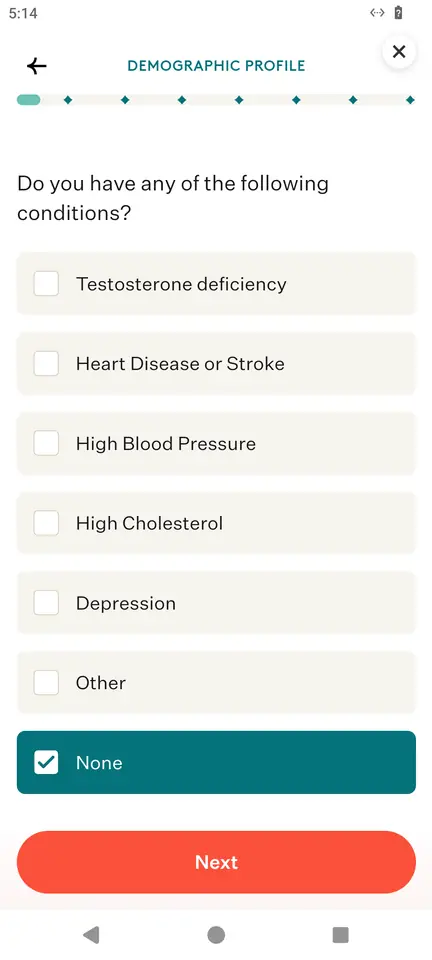
Across 759 screens from 29 health & fitness apps, the most common detected components are button (18% of screens), progress bar (17% of screens) and toolbar (13% of screens). Share of the 759 screens where each component is in the view hierarchy and drawn on screen; the example shows it outlined.
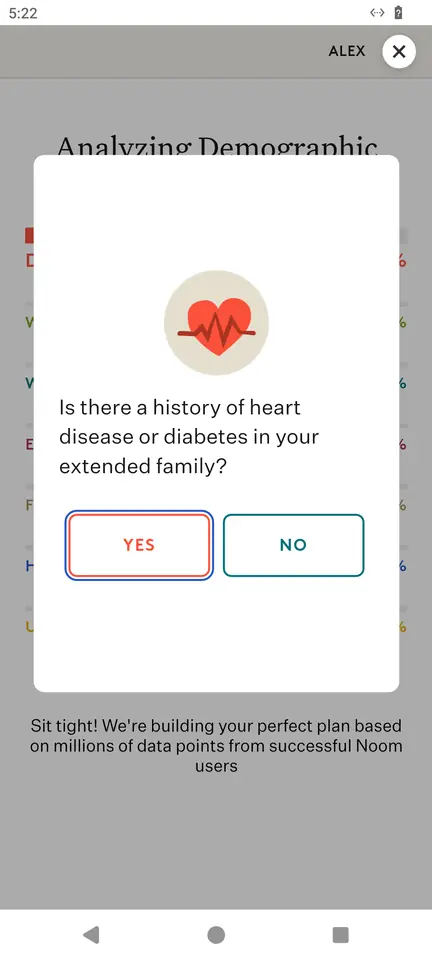
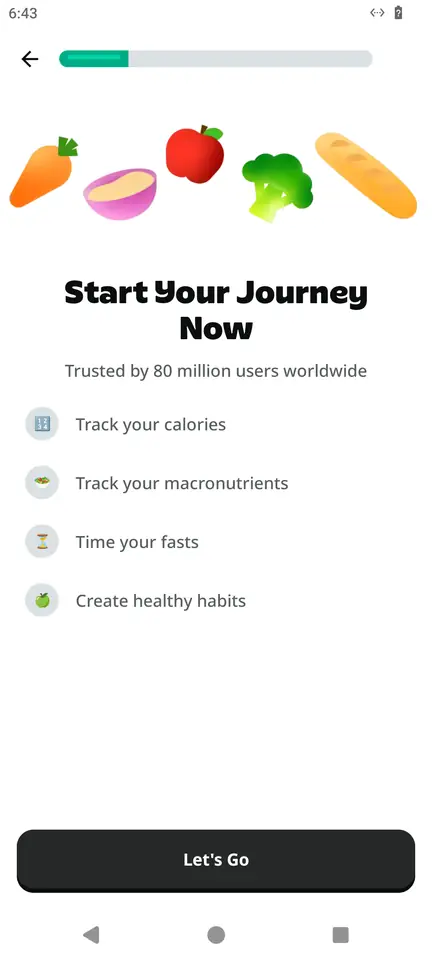
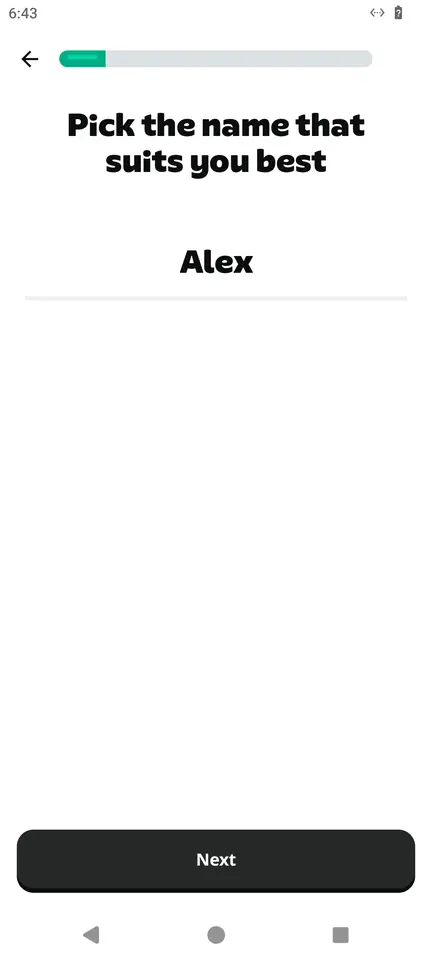
UI patterns in health & fitness apps
Welcome screen
example: Yazio
Terms and conditions agreement
example: Yazio
Email sign-up form
example: Noom
Social login buttons
example: Noom
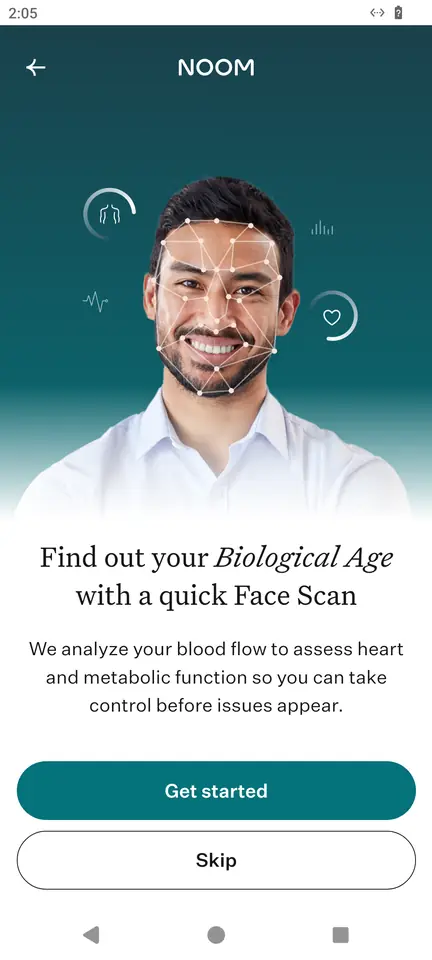
Skip button
example: Noom
Permission priming
example: Yazio
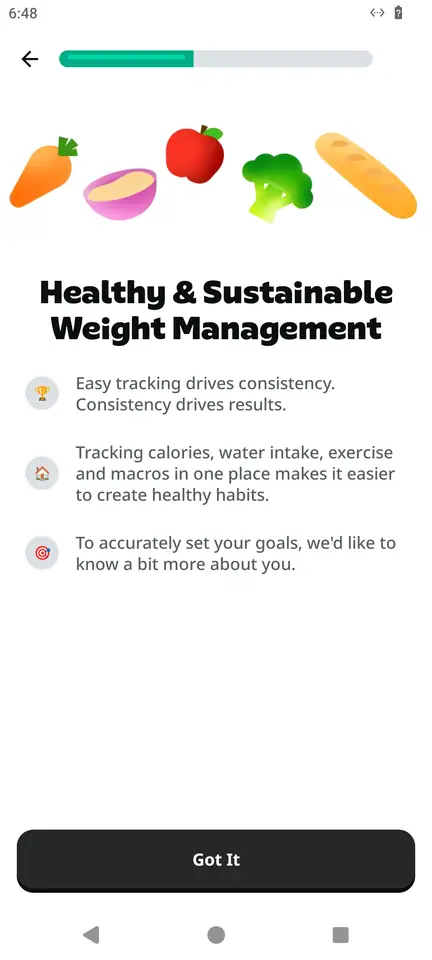
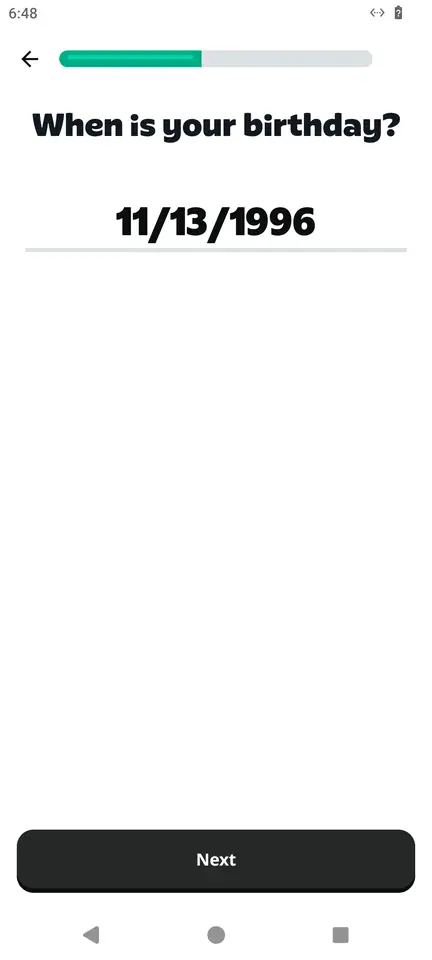
Onboarding survey
example: Yazio
What health & fitness apps say
UI copy that appears on the screens of two or more health & fitness apps, with the number of apps using it.
Continue
14 appsBack
10 appsContinue with Google
10 appsNext
10 appsSkip
10 appsDON’T ALLOW
9 appsSign up
9 appsALLOW
8 appsLog in
8 appsLose weight
8 appsToday
8 appsNo
7 appsYes
7 appsClose
6 apps
Design notes for health & fitness apps
- Explain why each personal question is asked; health data feels sensitive.
- Show the user's plan or first result right after the questionnaire, before the paywall.
- Use progress bars on long onboarding questionnaires so users know how many questions remain.
- Make logging the daily action (a workout, a meal) the fastest path in the app.
FAQ
What makes good health & fitness app UI design?
Explain why each personal question is asked; health data feels sensitive. Show the user's plan or first result right after the questionnaire, before the paywall. Use progress bars on long onboarding questionnaires so users know how many questions remain.
Which Android health & fitness apps can I study?
The Flowtape library holds 759 screens from 29 Android health & fitness apps: Yazio, Noom, Flo, Fitbod, Simple, BetterMe, MyNetDiary and MyFitnessPal and more. Every screen is free to browse.
What UI components and patterns do health & fitness apps use?
Across 759 screens from 29 health & fitness apps, the most common detected components are button (18% of screens), progress bar (17% of screens) and toolbar (13% of screens). The most common UI patterns are welcome screen (17 of 29 apps), terms and conditions agreement (16 of 29 apps) and email sign-up form (15 of 29 apps).
Which health & fitness app flows are captured step by step?
23 onboarding flows, 20 home & browsing flows, 7 settings flows, 7 sign-in flows and 4 paywall flows, each recorded screen by screen on a real Android device — for example the Noom onboarding flow (93 screens).
Captured on real Android devices · last updated 2026-11-14