E-commerce app UI design: 18 Android apps, 179 screens
Shopping and e-commerce apps let people browse a catalogue, search, save items and check out. Their UI is built around product discovery (search, categories, recommendations) and a short path from product page to payment. Below: 18 shopping & e-commerce apps we captured on a real Android device, 30 full flows and what their screens are built from.
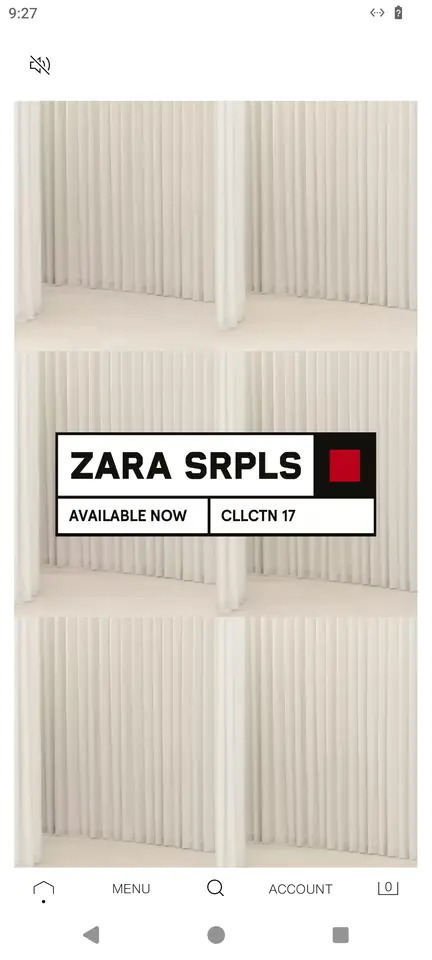
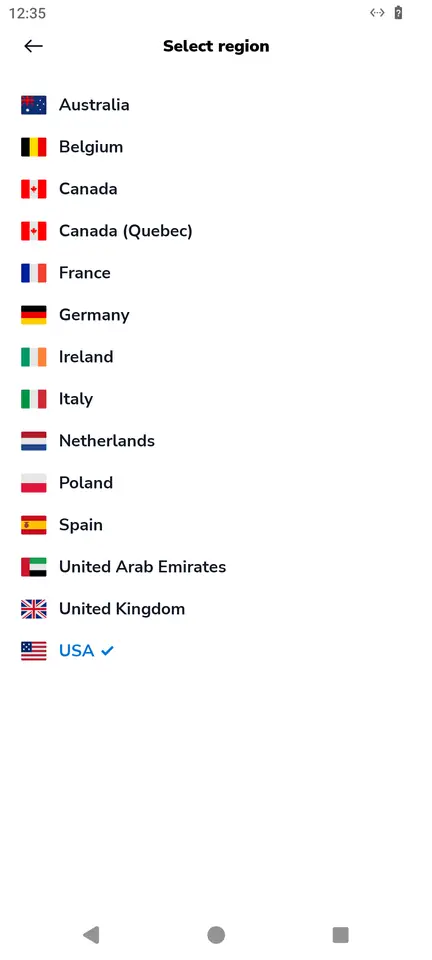
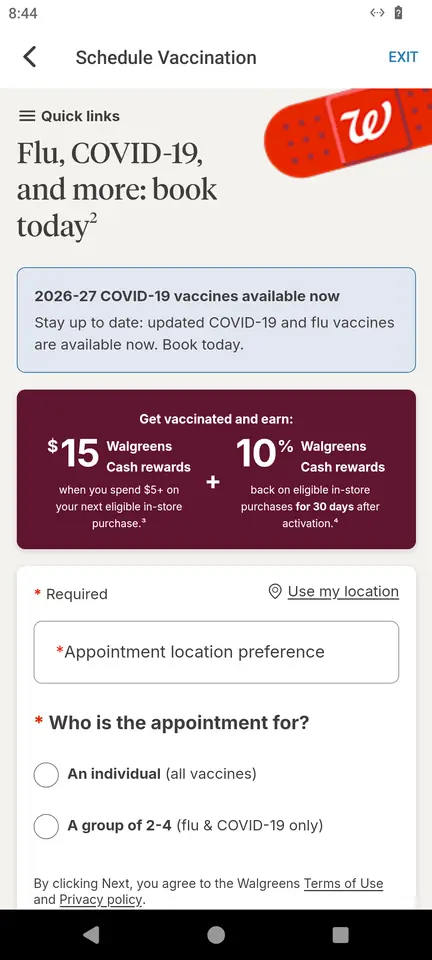
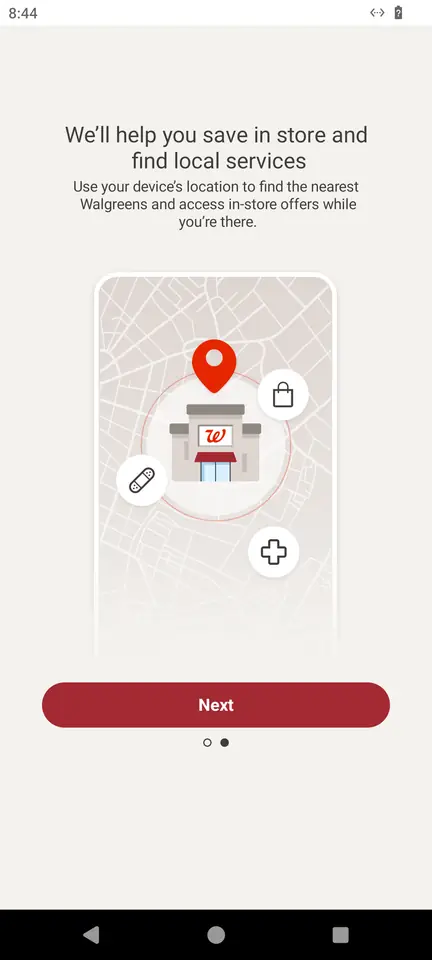
Shopping & e-commerce apps in the library

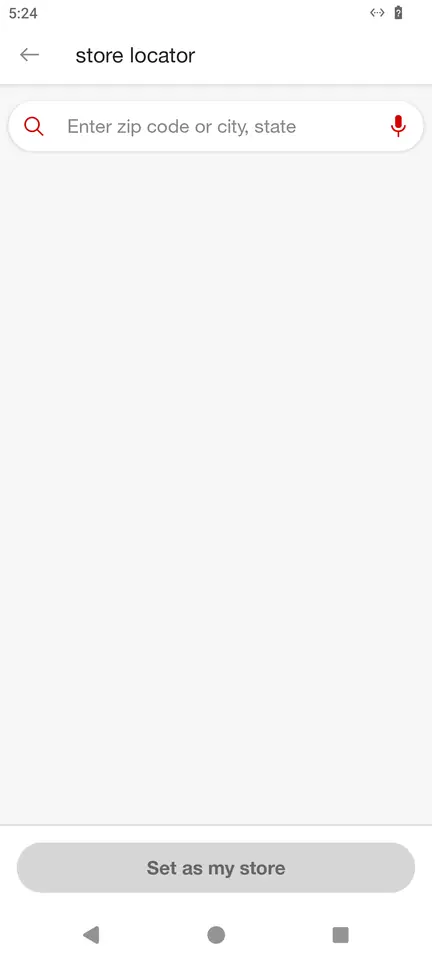
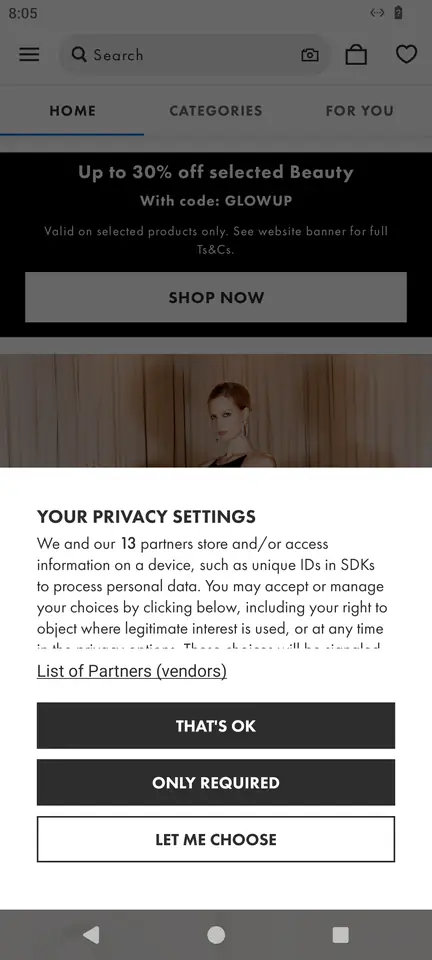
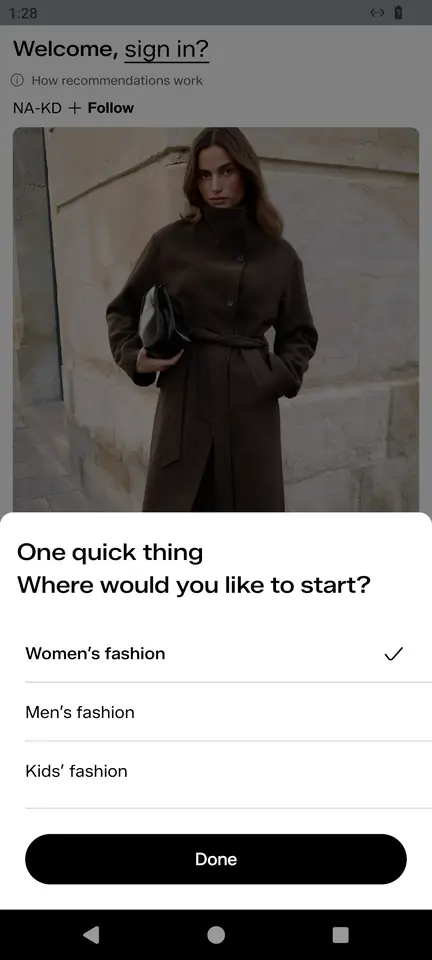
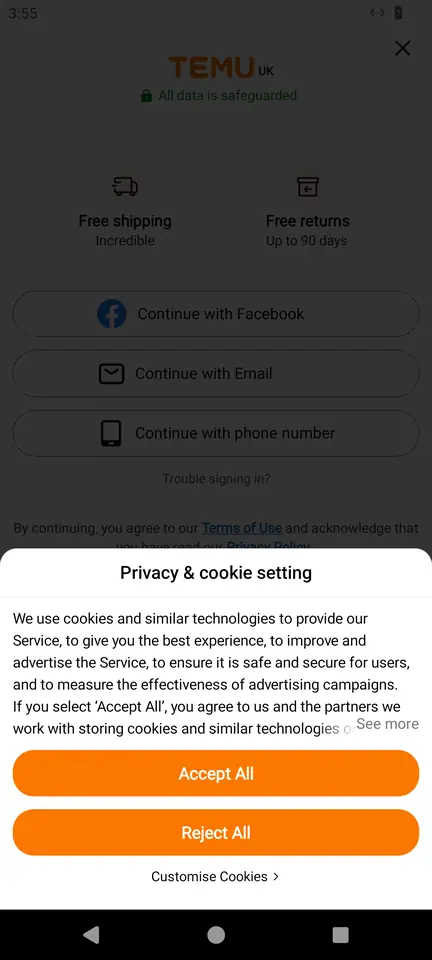
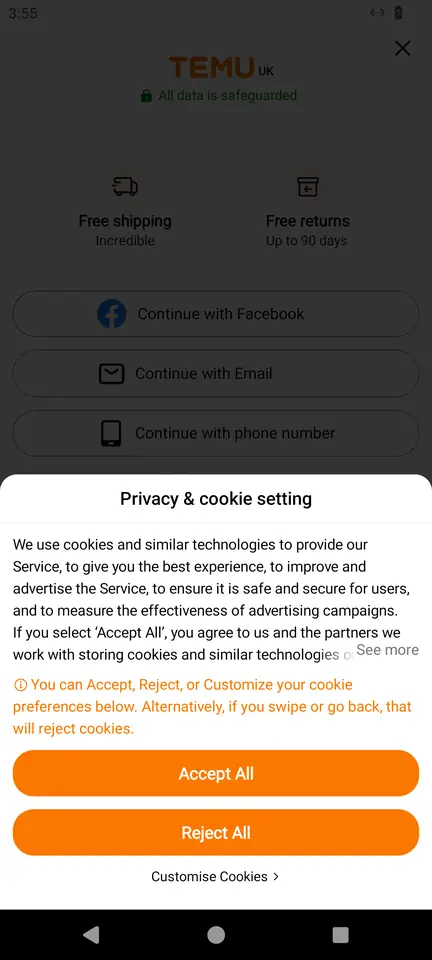
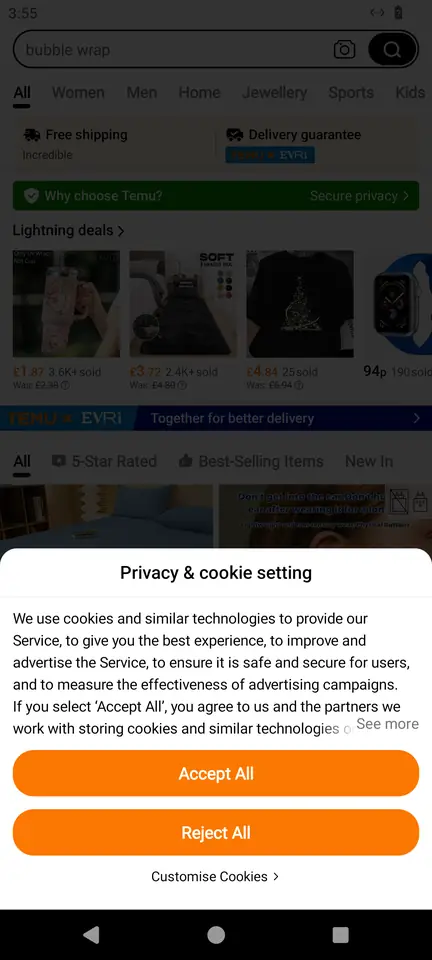
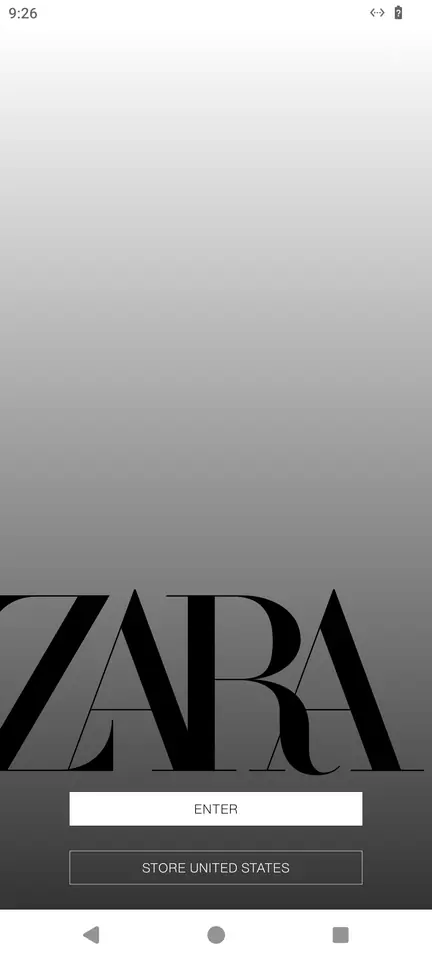
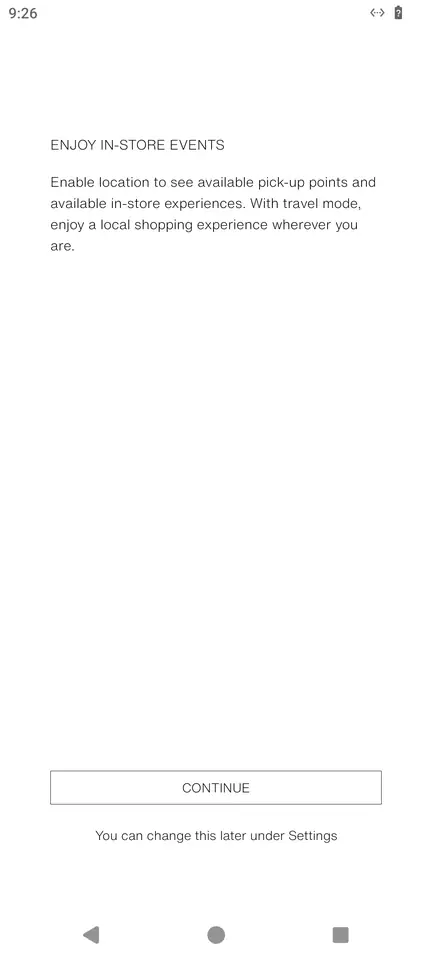

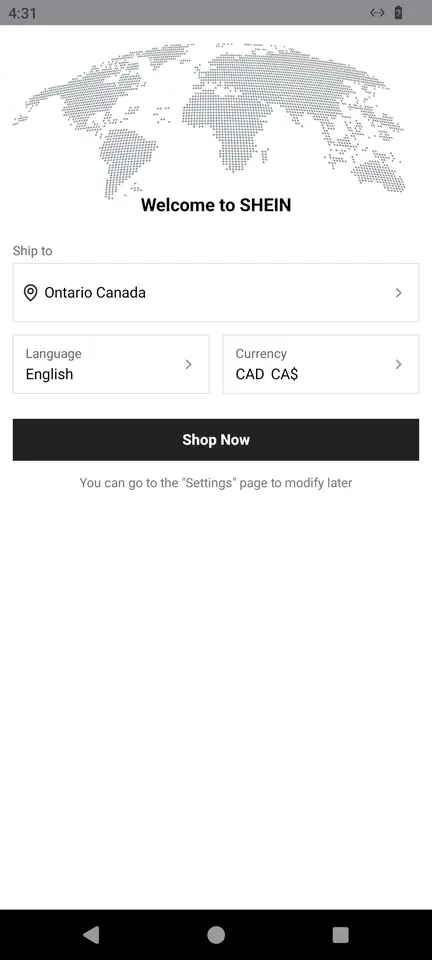
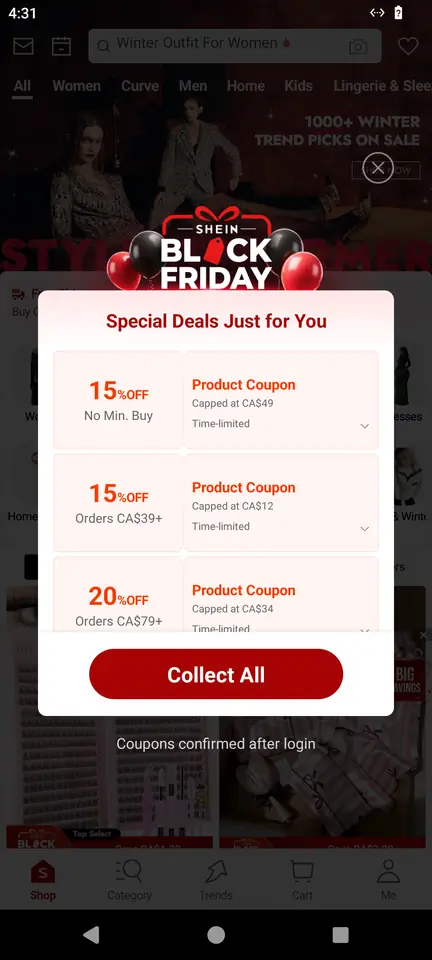
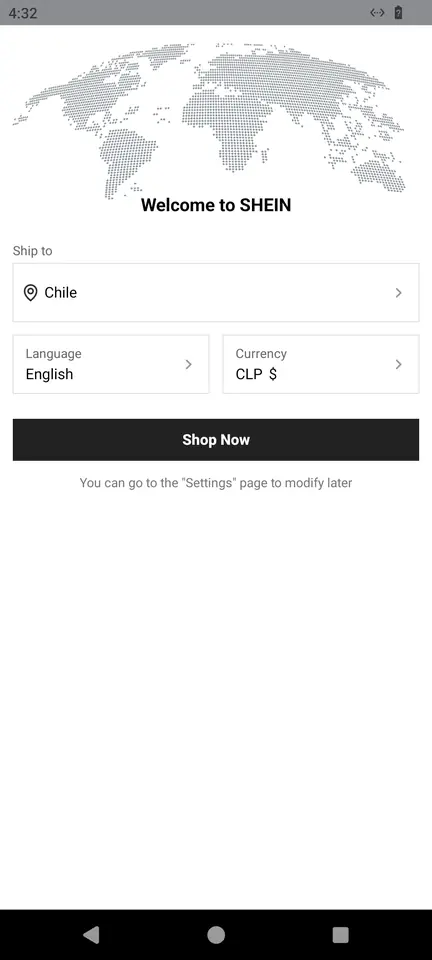
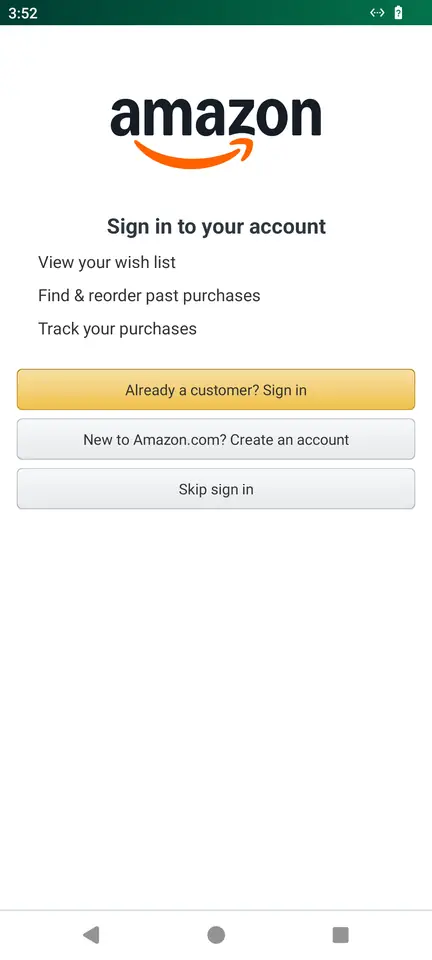
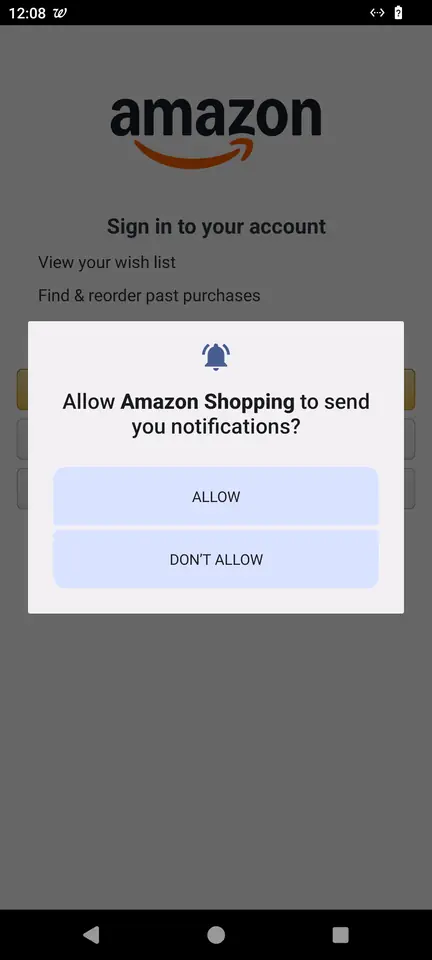
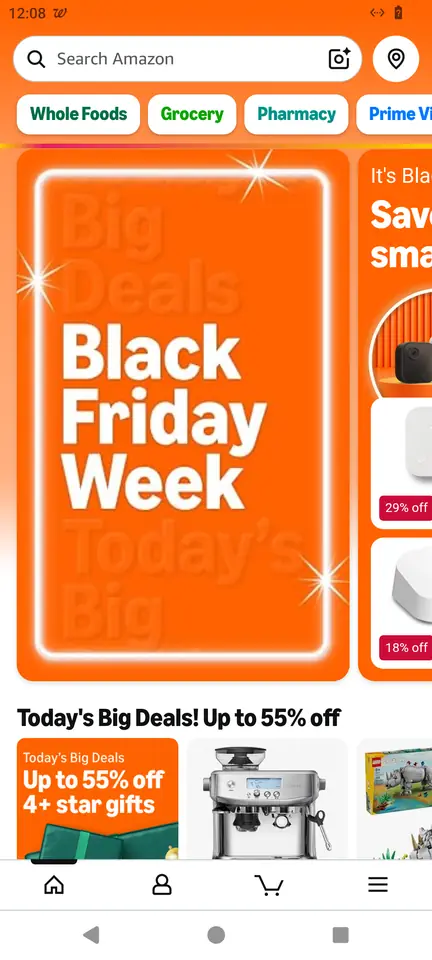
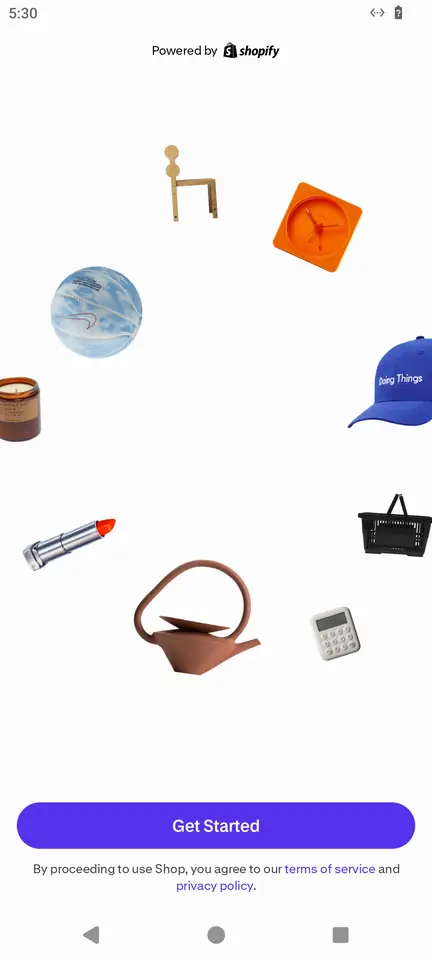
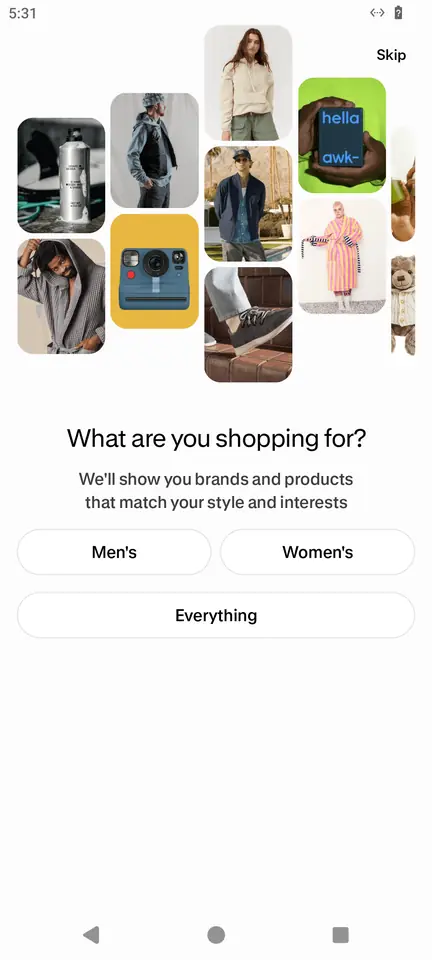
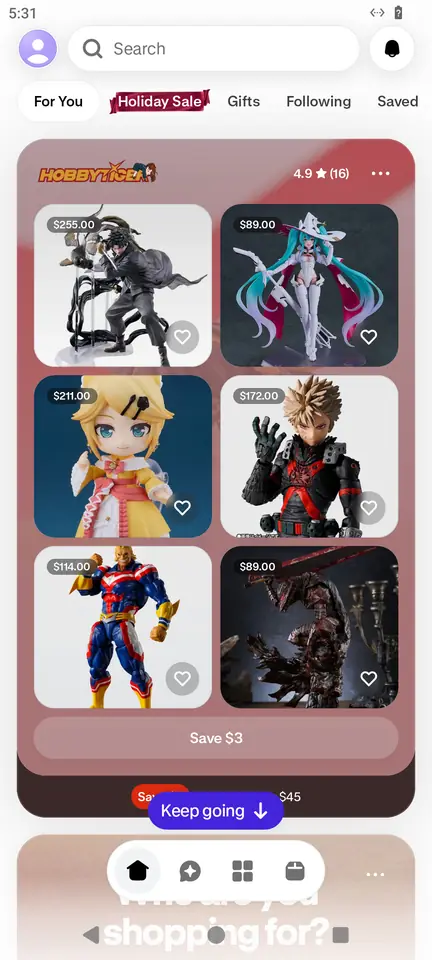
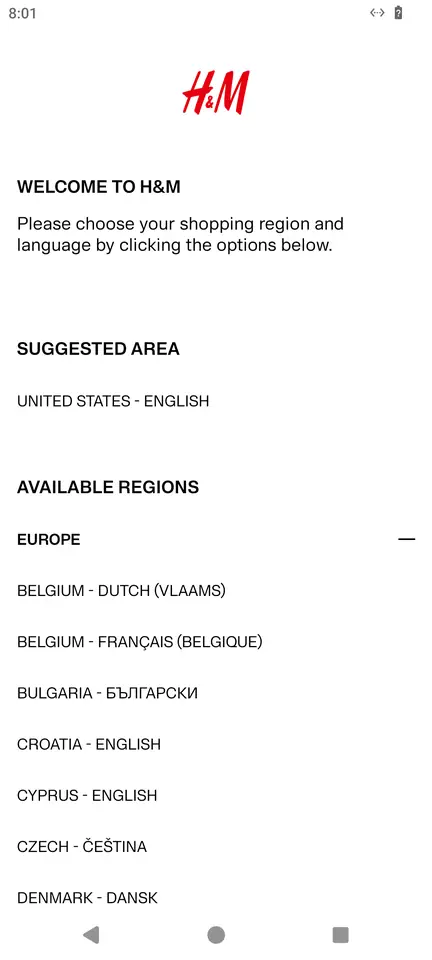
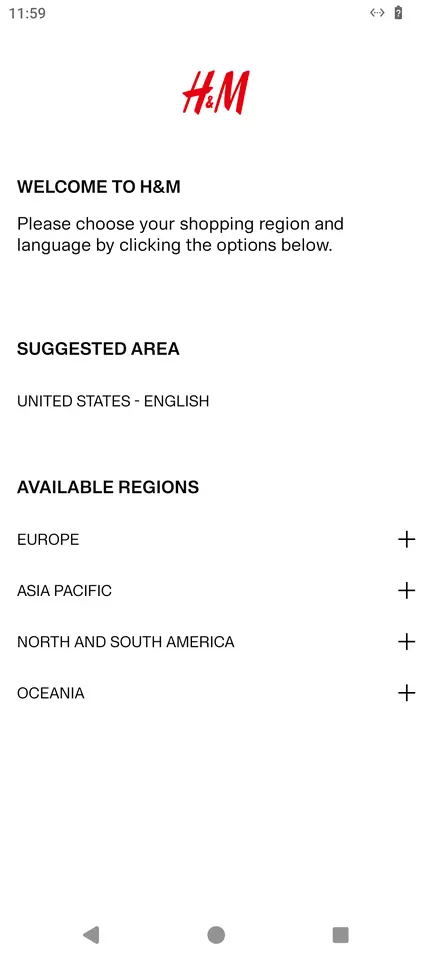
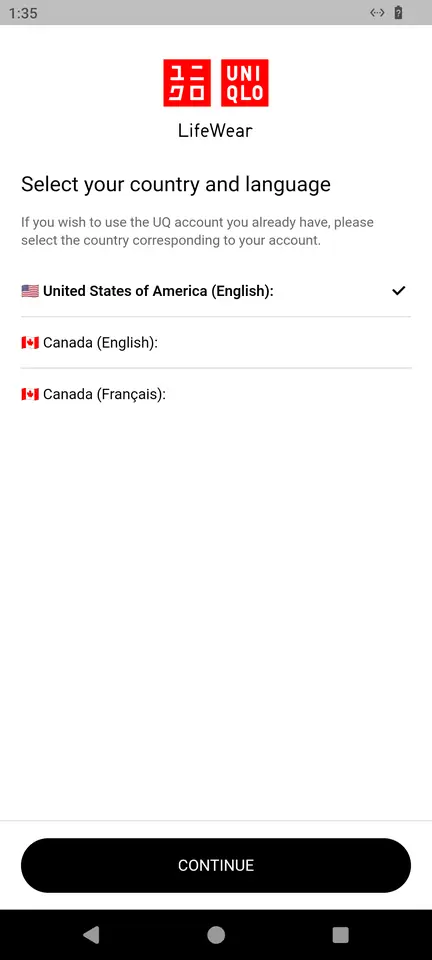
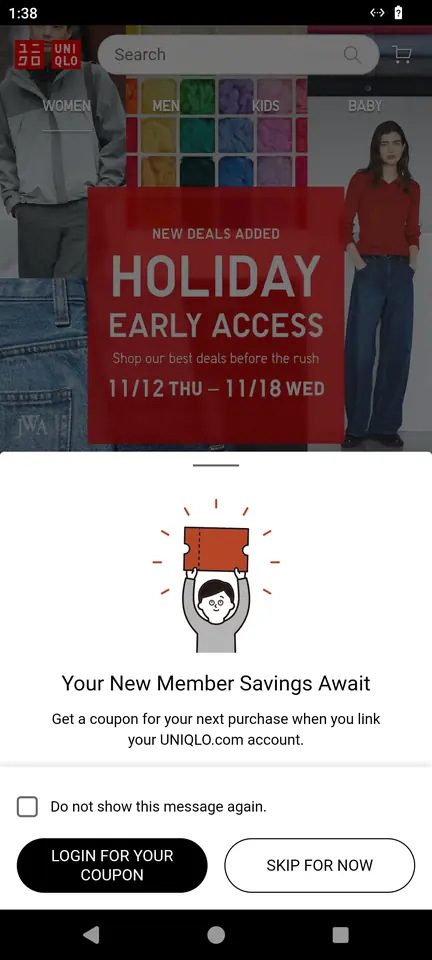
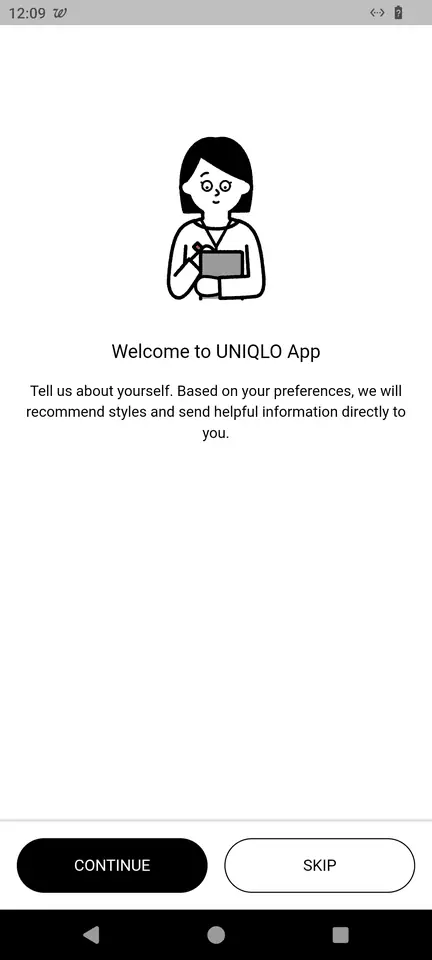
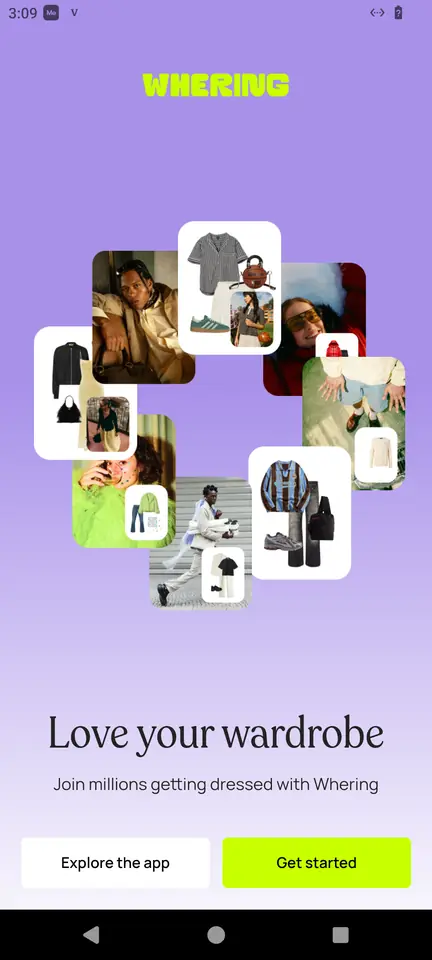
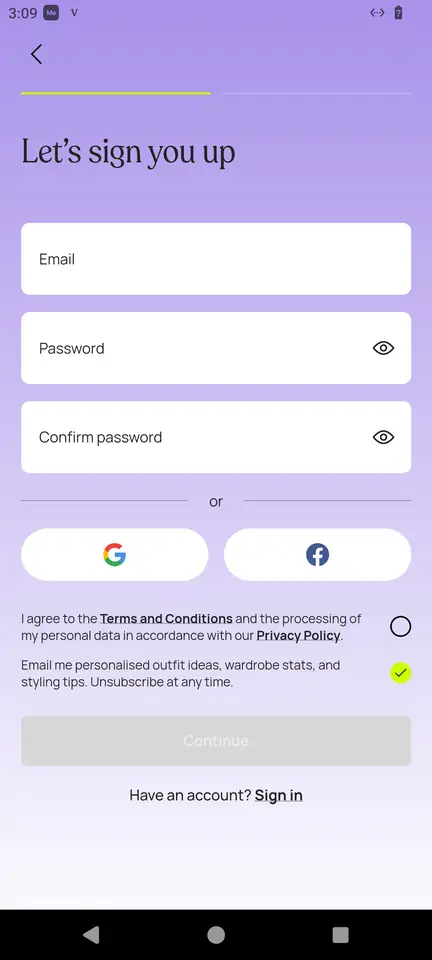

Shopping & e-commerce app flows, step by step
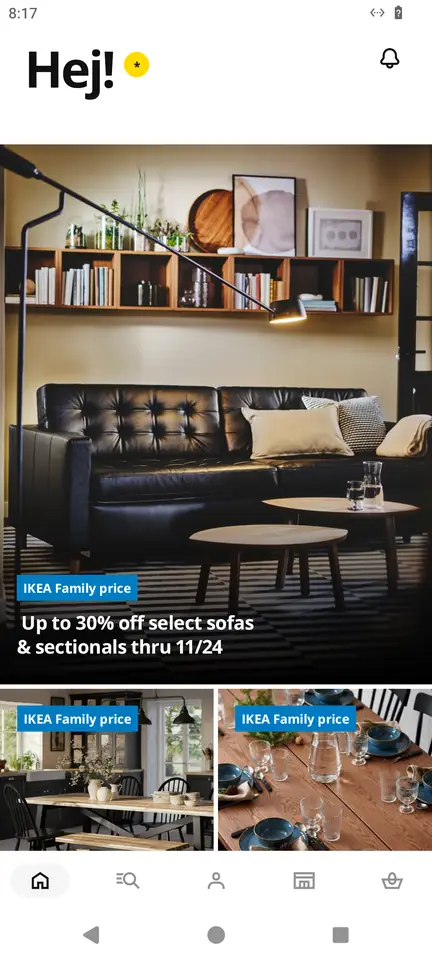
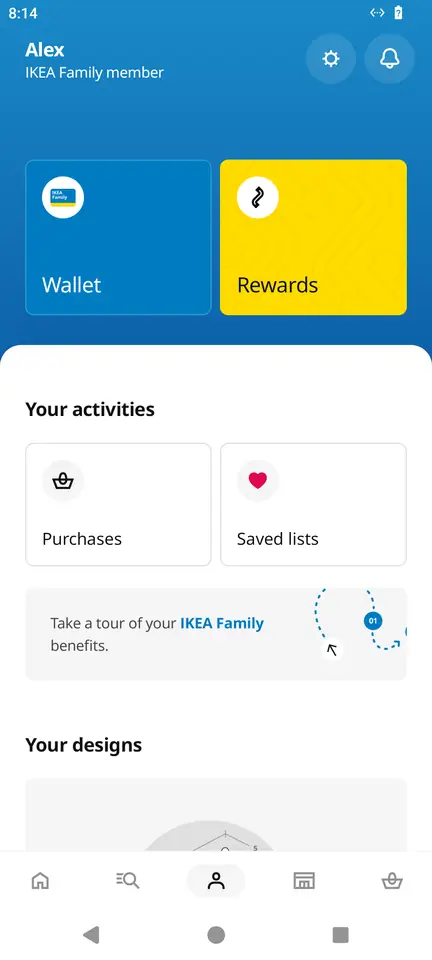
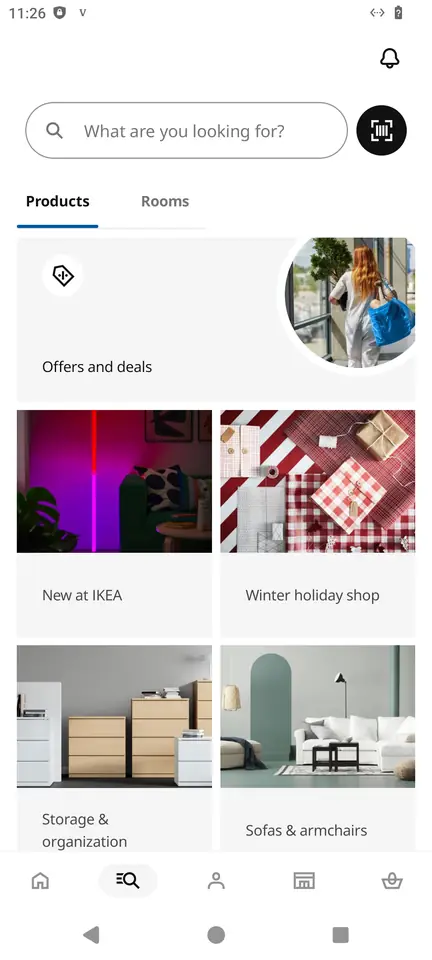
IKEA · Home & browsing
17 screens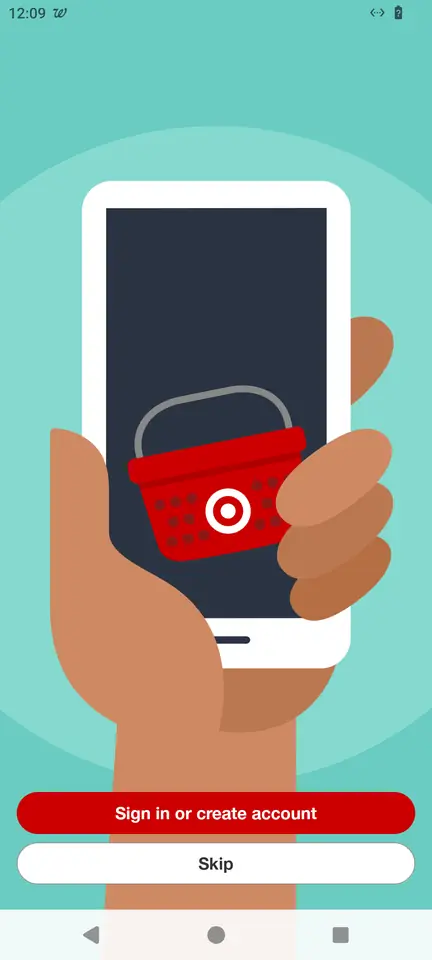
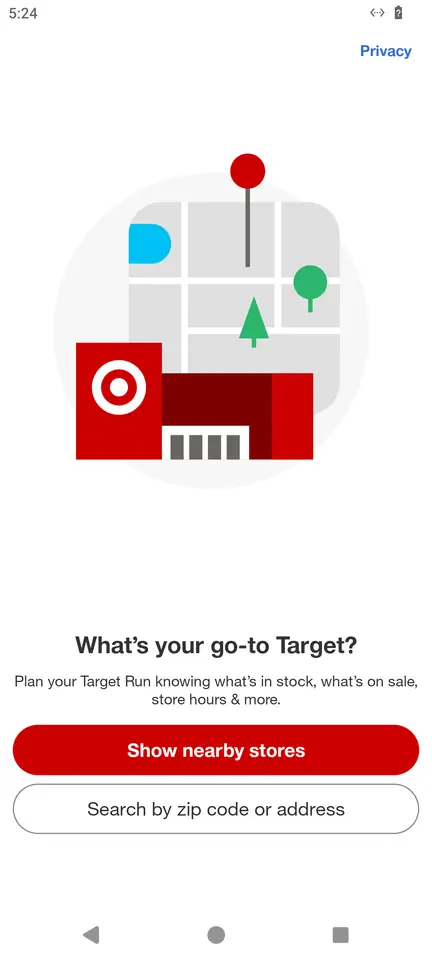
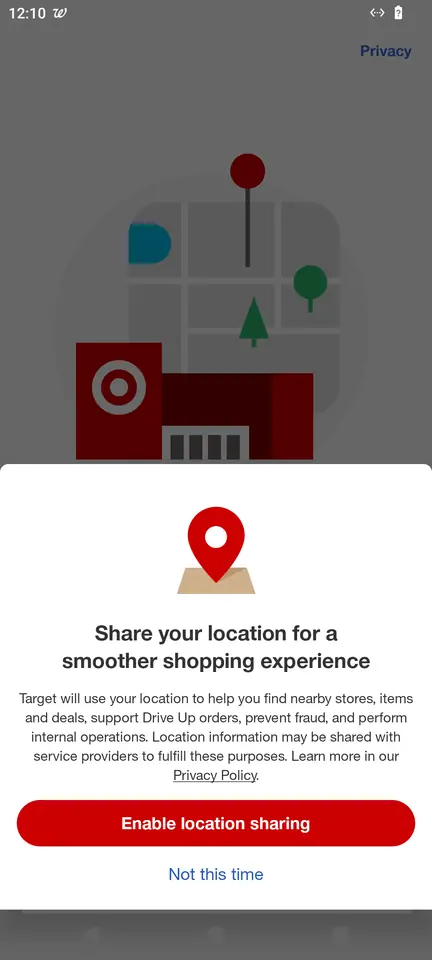
Target · Onboarding
13 screens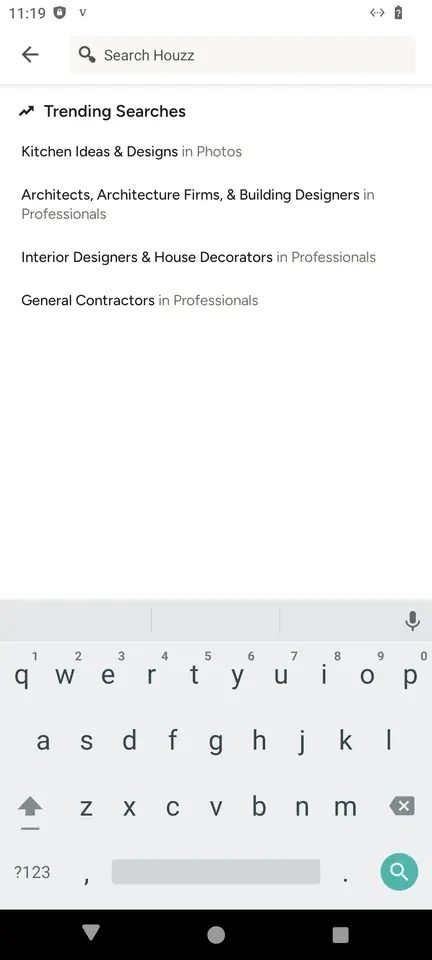
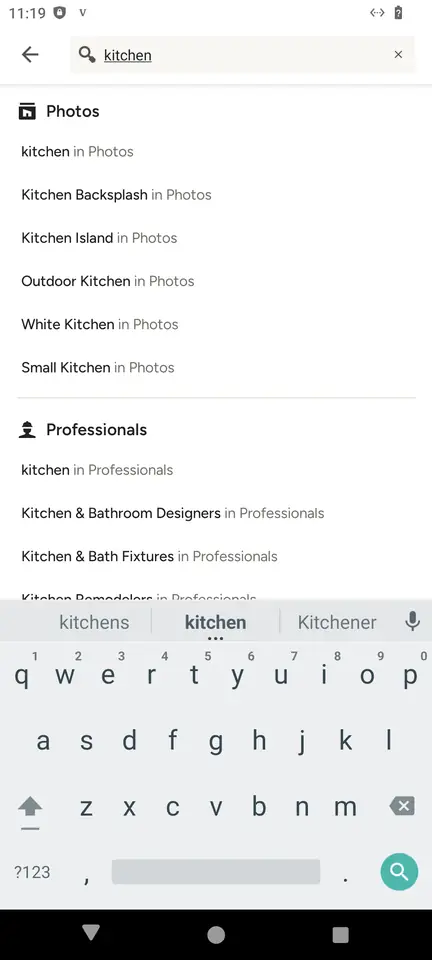
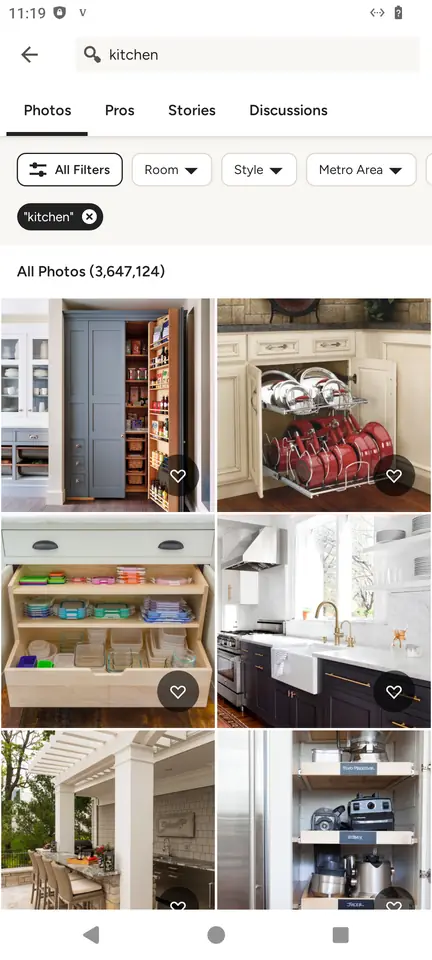
Houzz · Home & browsing
9 screens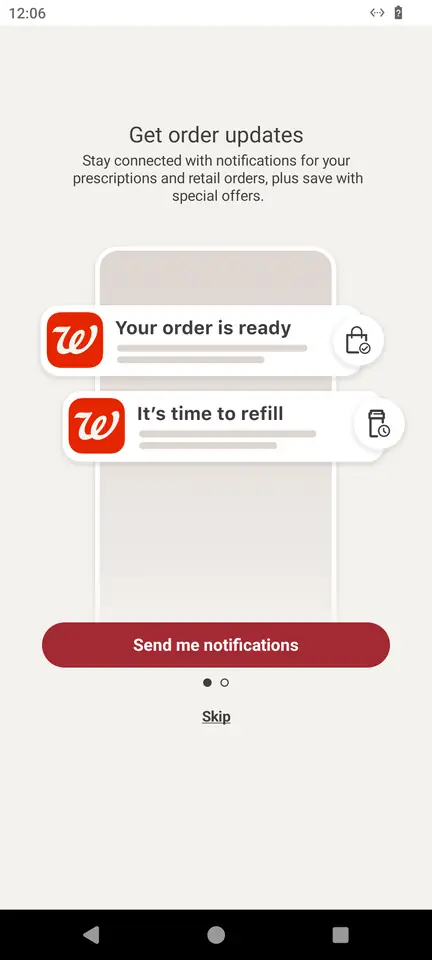
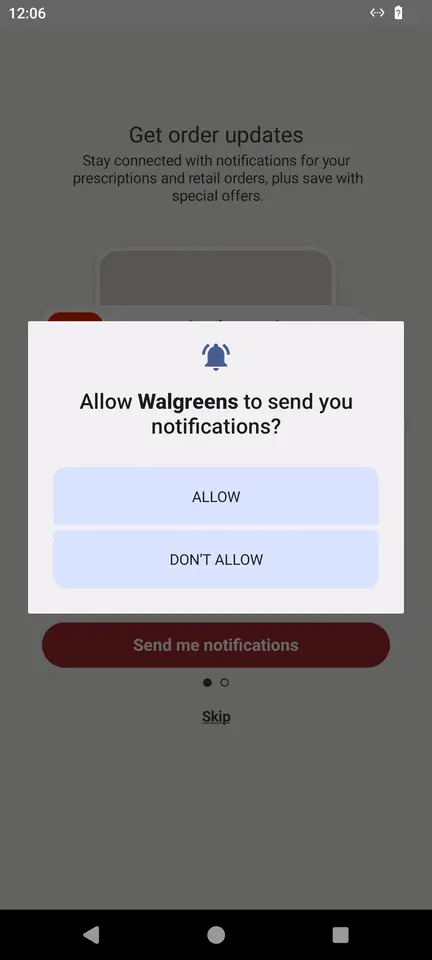
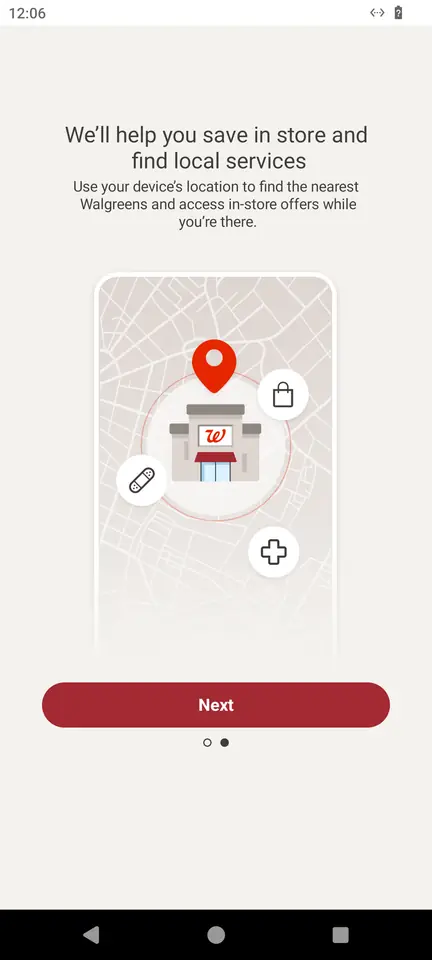
Walgreens · Onboarding
8 screens
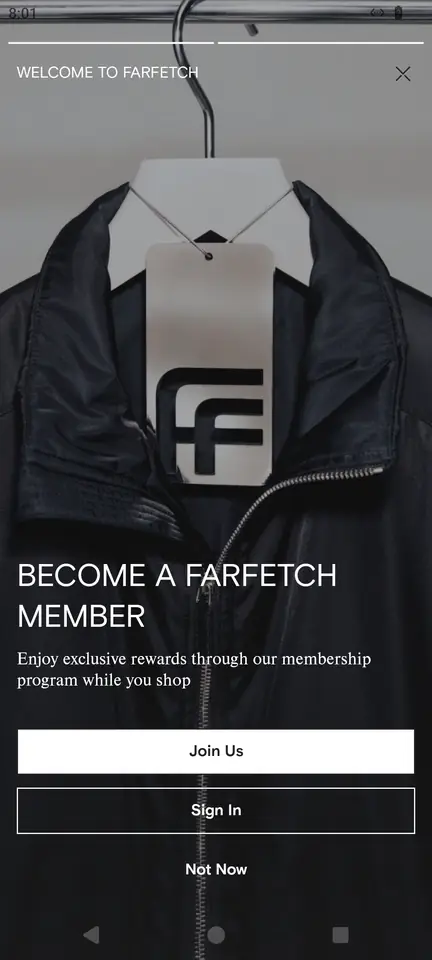
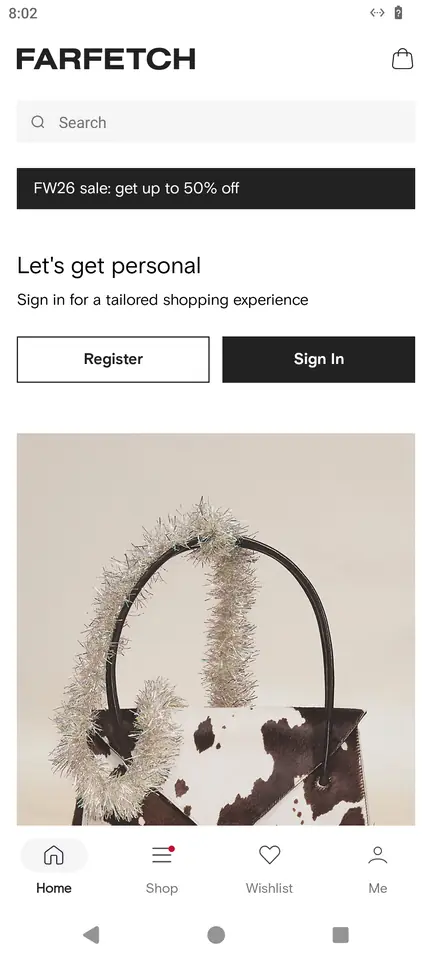
FARFETCH · Sign-in
7 screens
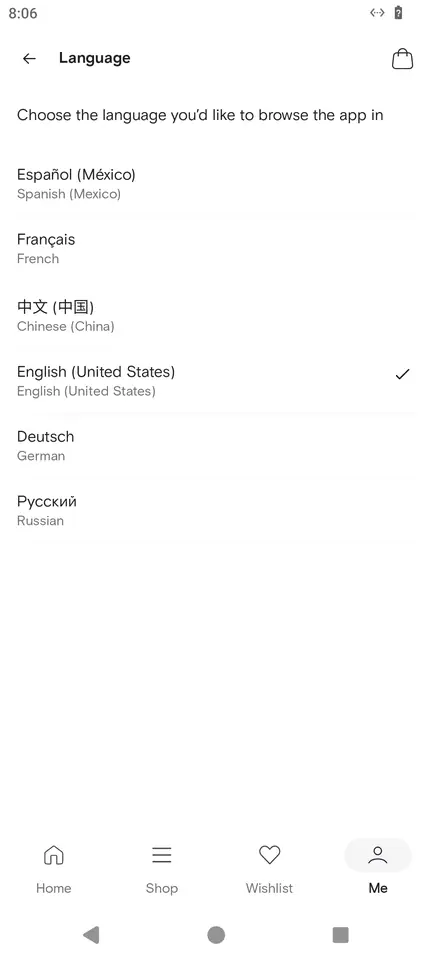
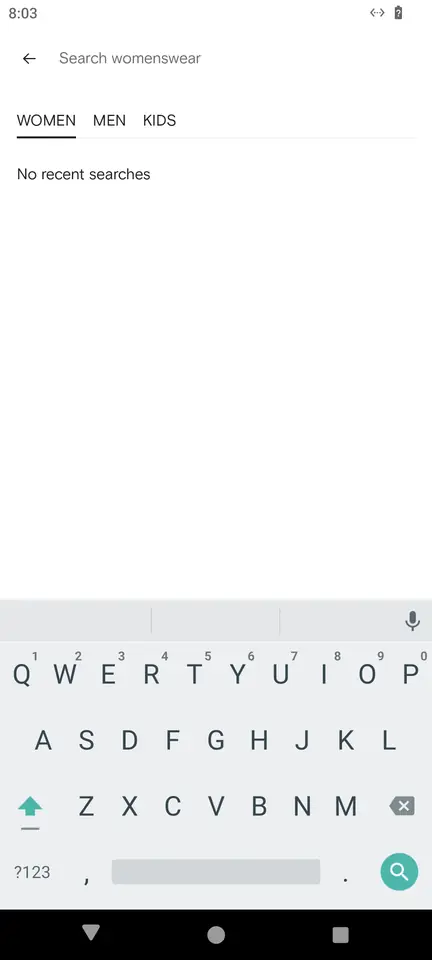
FARFETCH · Home & browsing
6 screens

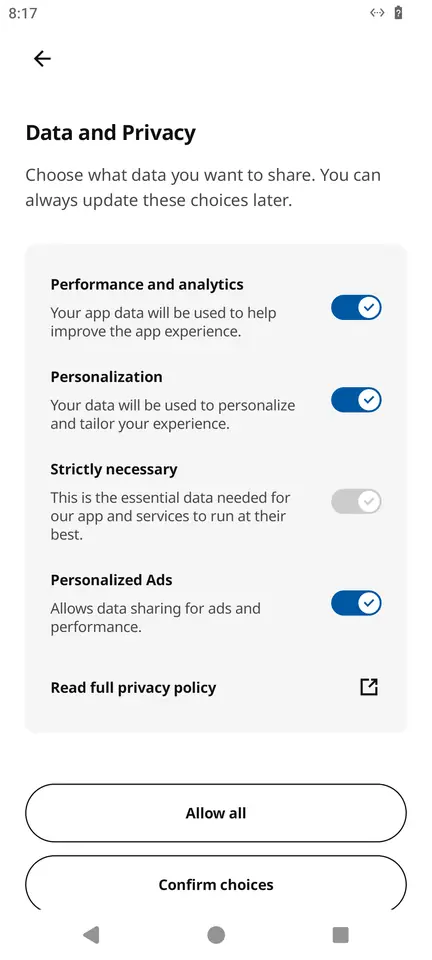
IKEA · Onboarding
6 screens
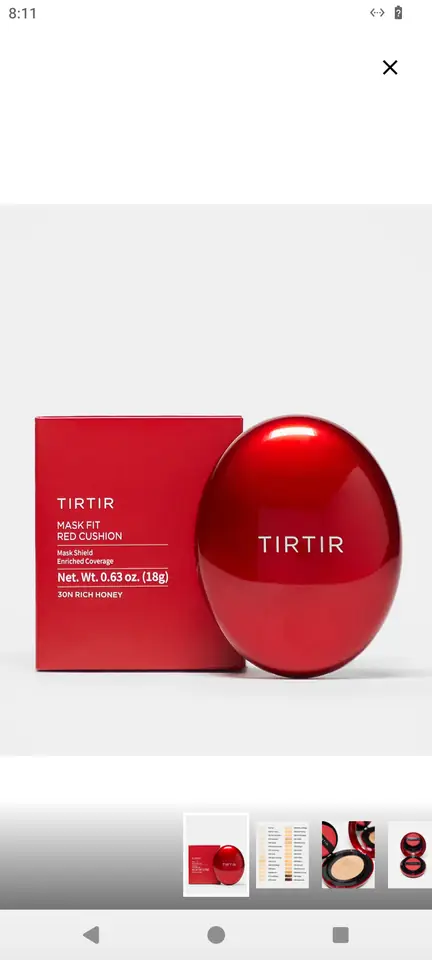
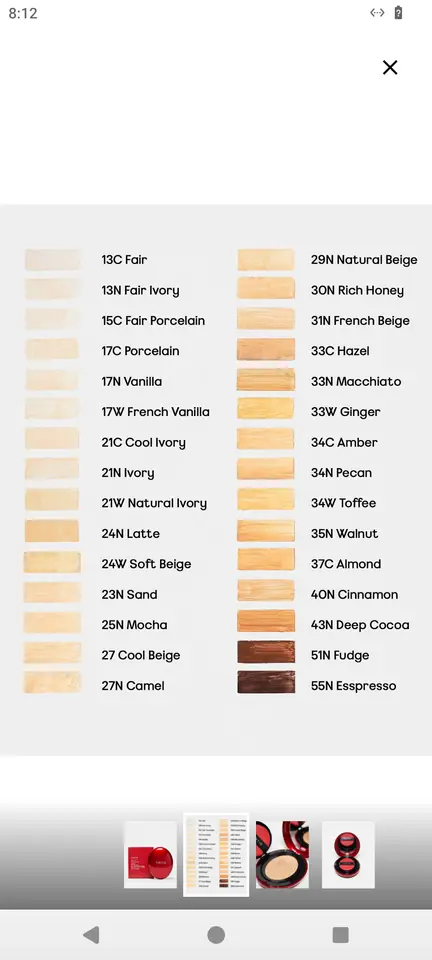
ASOS · Home & browsing
5 screens
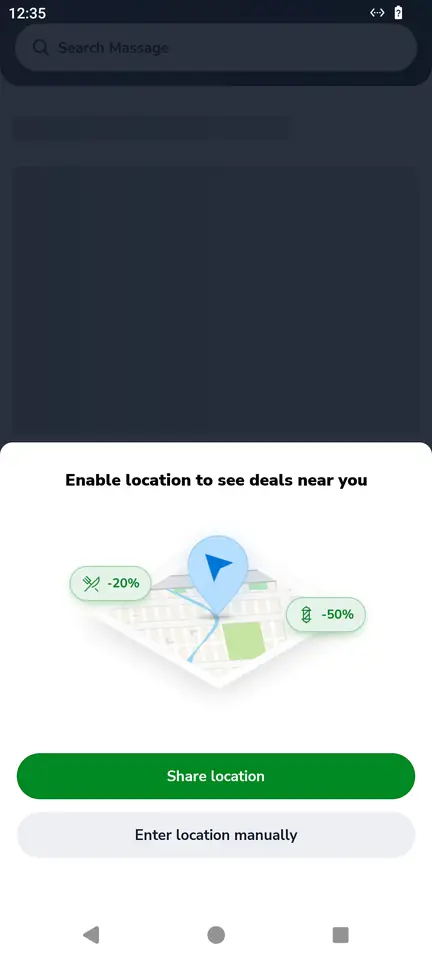
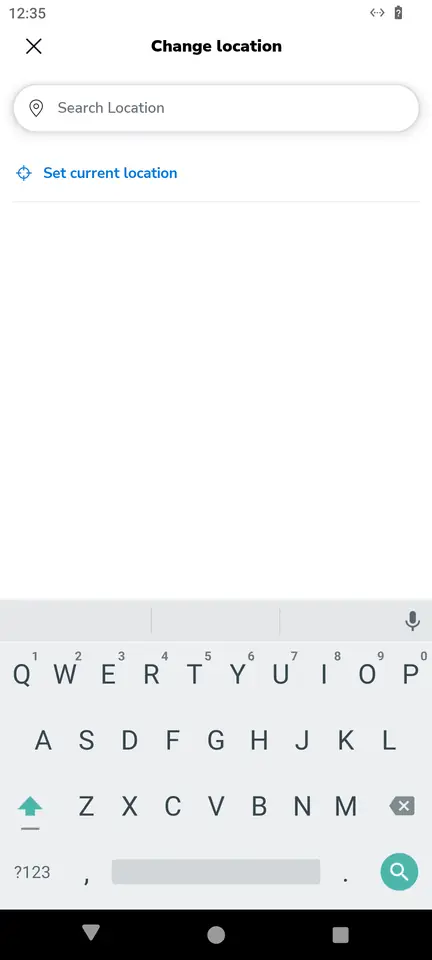
Groupon · Onboarding
5 screensShopping & e-commerce onboarding screens
71 screens · 17 apps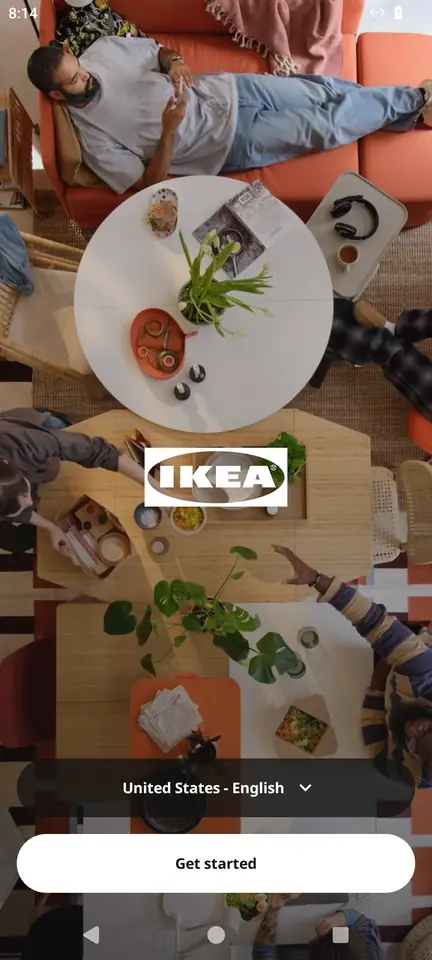
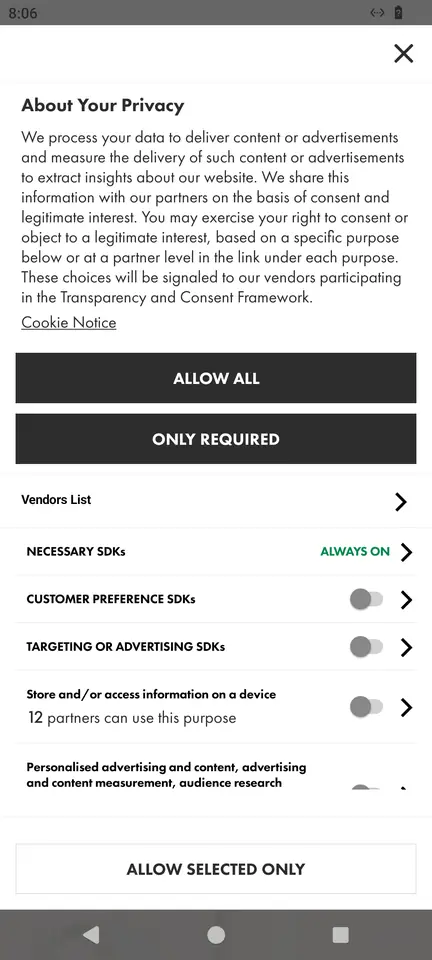
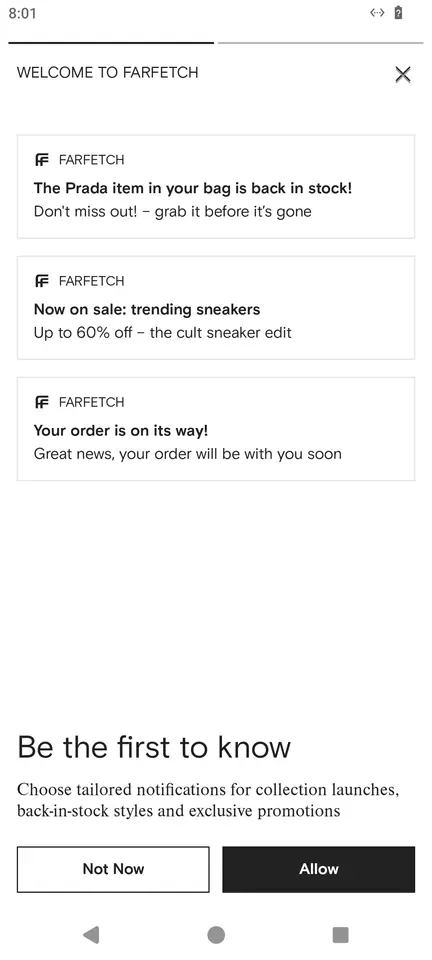
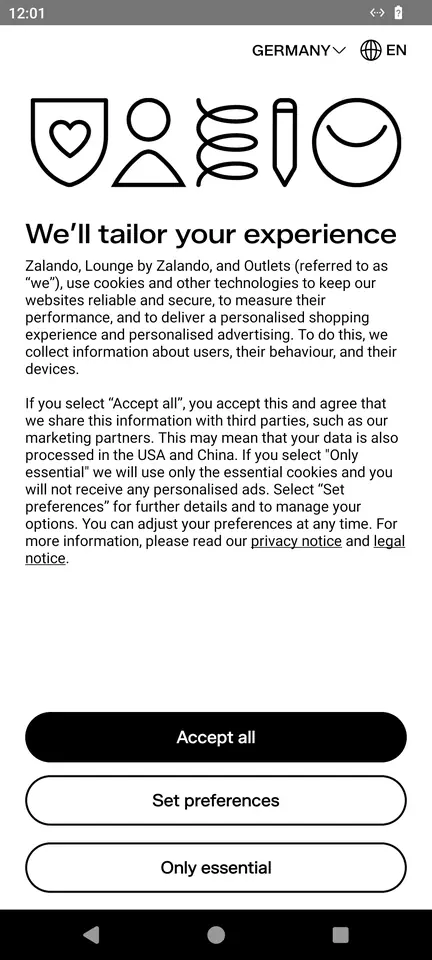
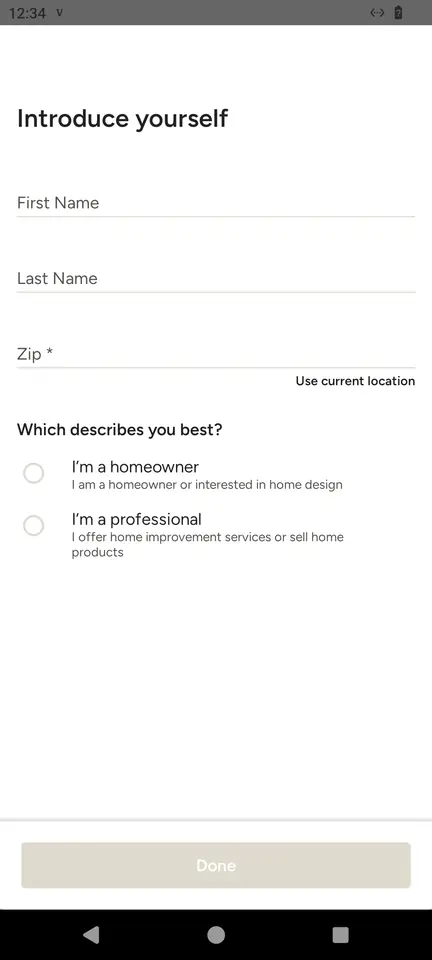
All 71 shopping & e-commerce onboarding screens, grouped by app → · All onboarding screens from every category →
Shopping & e-commerce login screens
22 screens · 8 apps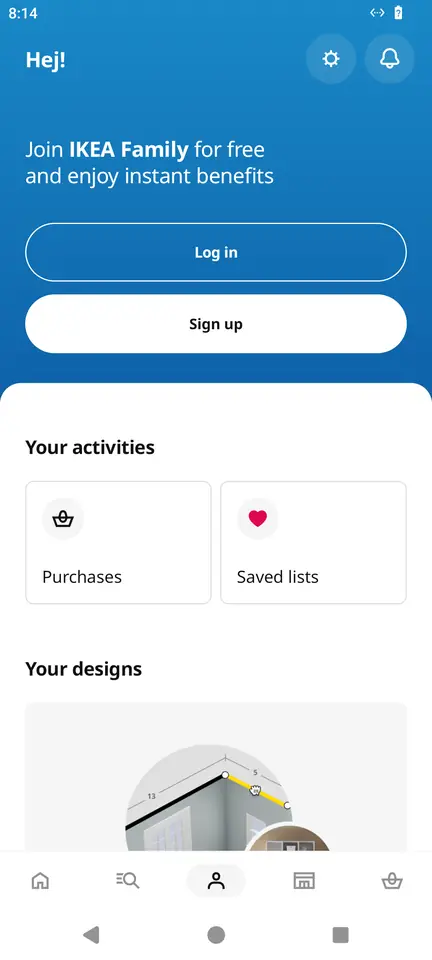
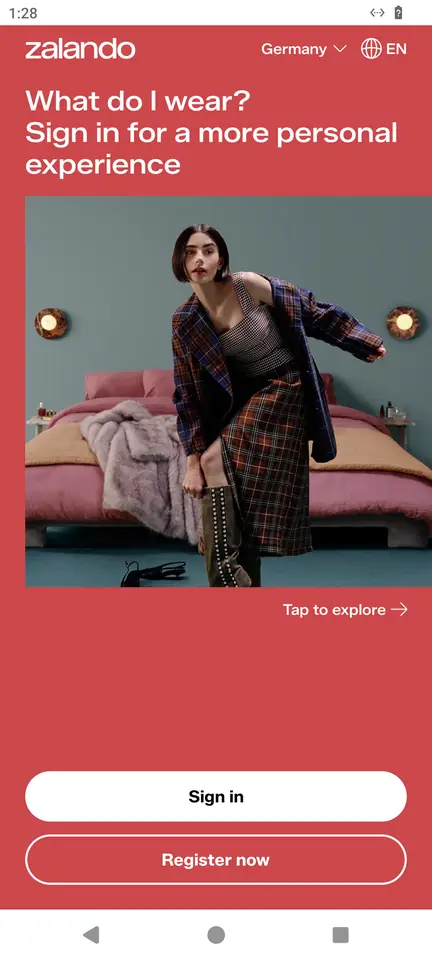
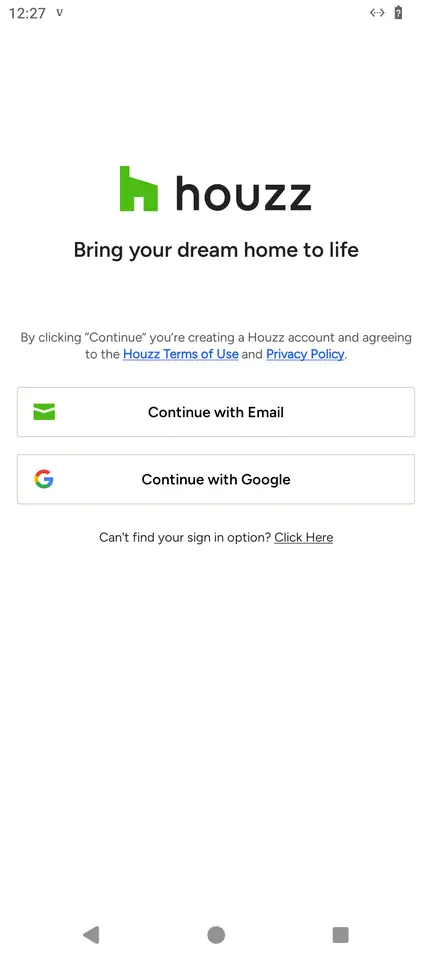
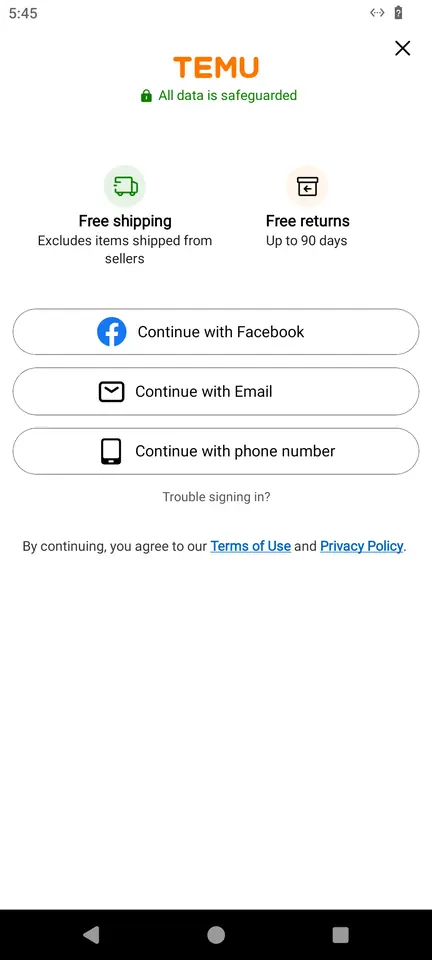
All 22 shopping & e-commerce login screens, grouped by app → · All login screens from every category →
Shopping & e-commerce home screens
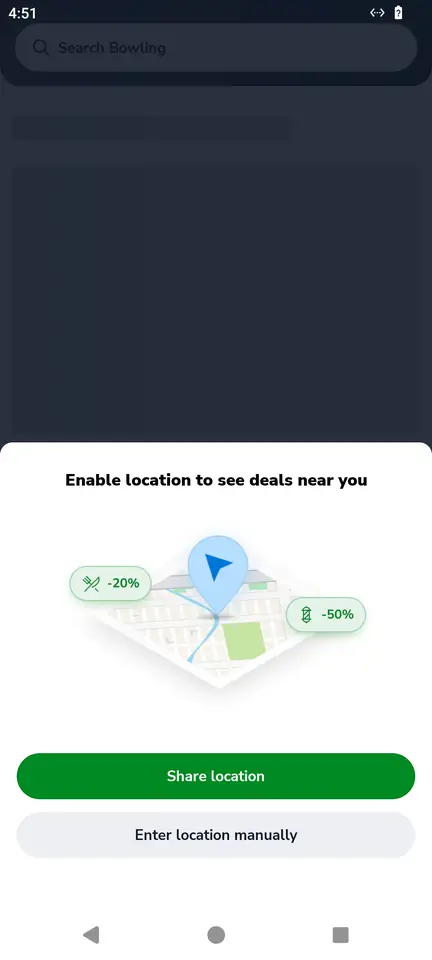
64 screens · 12 apps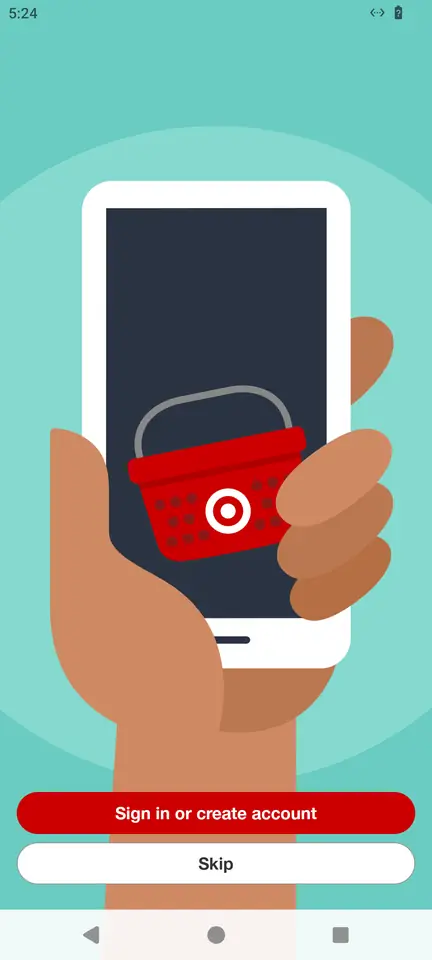

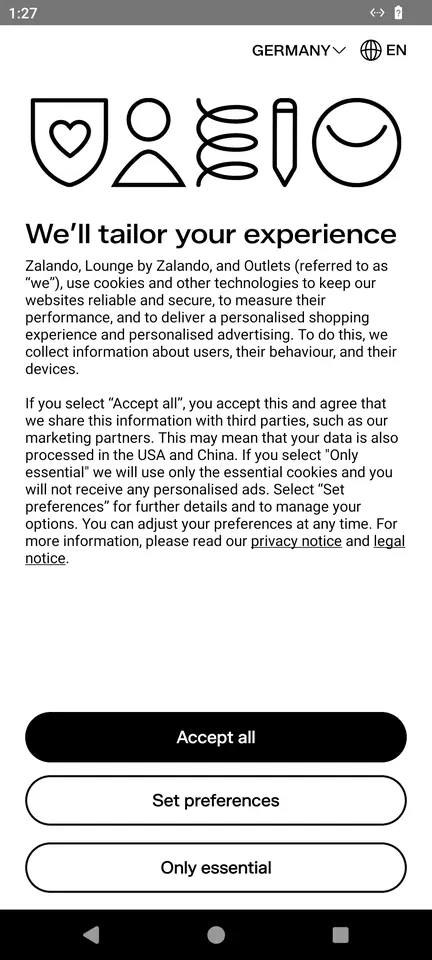
All 64 shopping & e-commerce home screens, grouped by app → · All home screens from every category →
Shopping & e-commerce settings screens
10 screens · 4 apps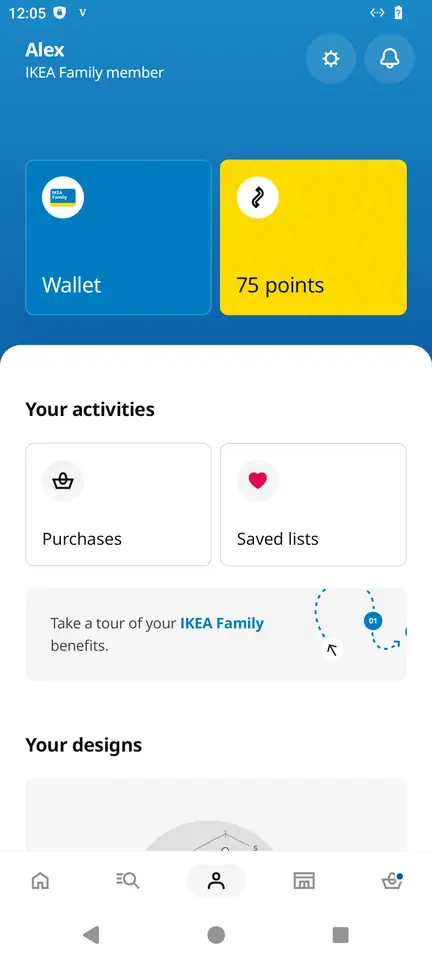
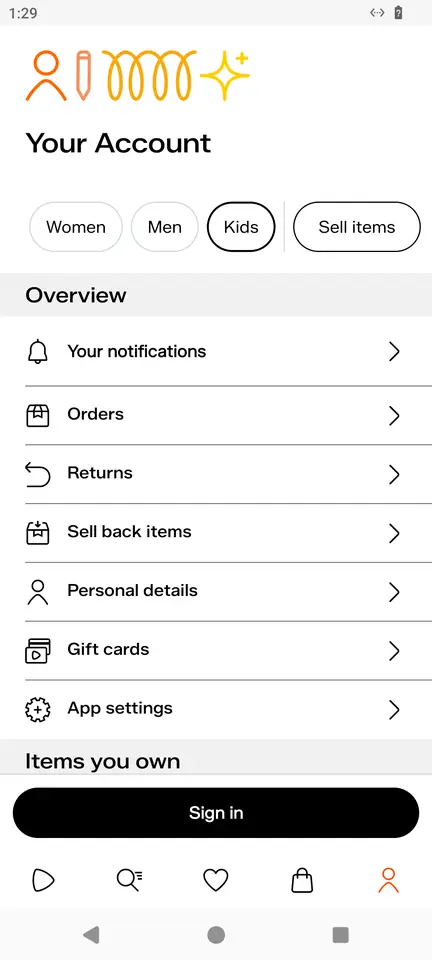
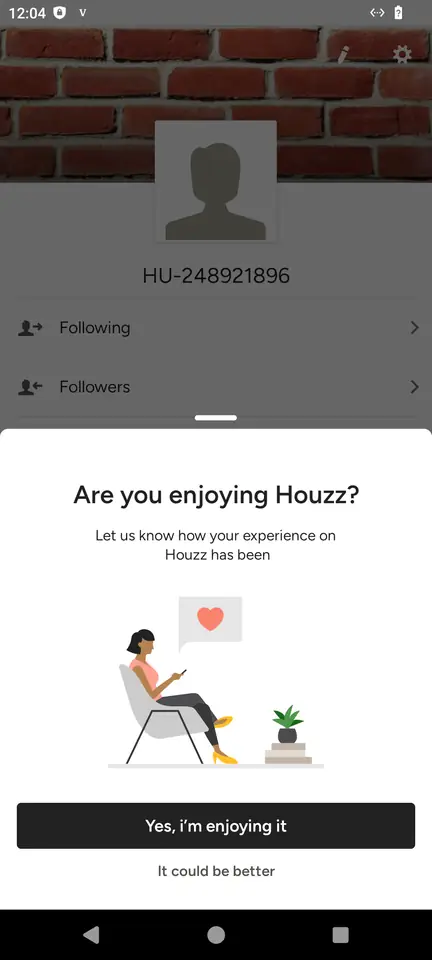
All 10 shopping & e-commerce settings screens, grouped by app → · All settings screens from every category →
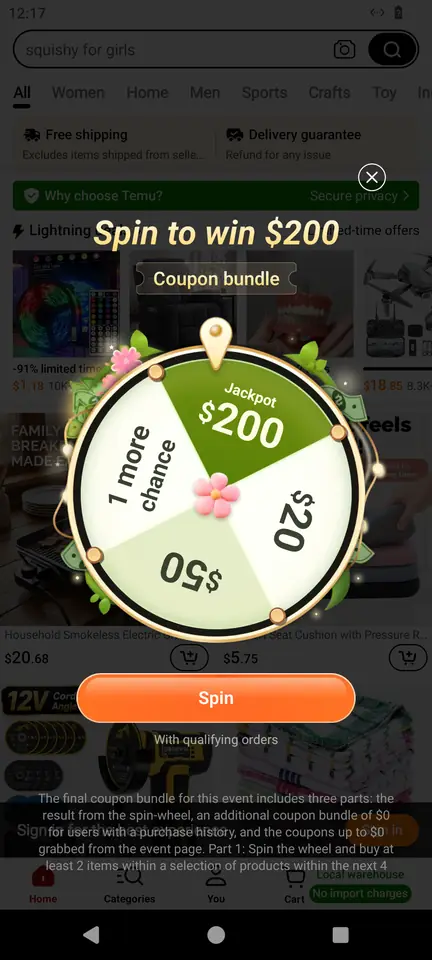
Shopping & e-commerce paywall screens
4 screens · 3 apps
UI components in shopping & e-commerce apps
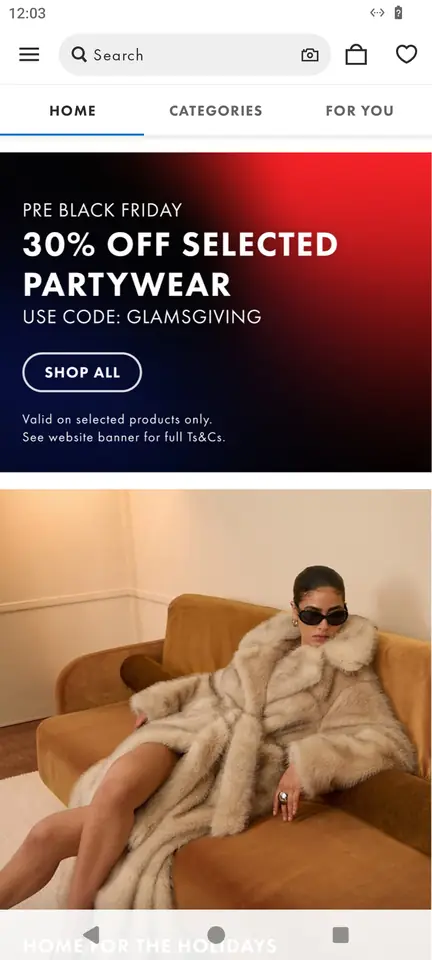
Across 179 screens from 18 shopping & e-commerce apps, the most common detected components are tab bar (21% of screens), button (17% of screens) and toolbar (16% of screens). Share of the 179 screens where each component is in the view hierarchy and drawn on screen; the example shows it outlined.
UI patterns in shopping & e-commerce apps
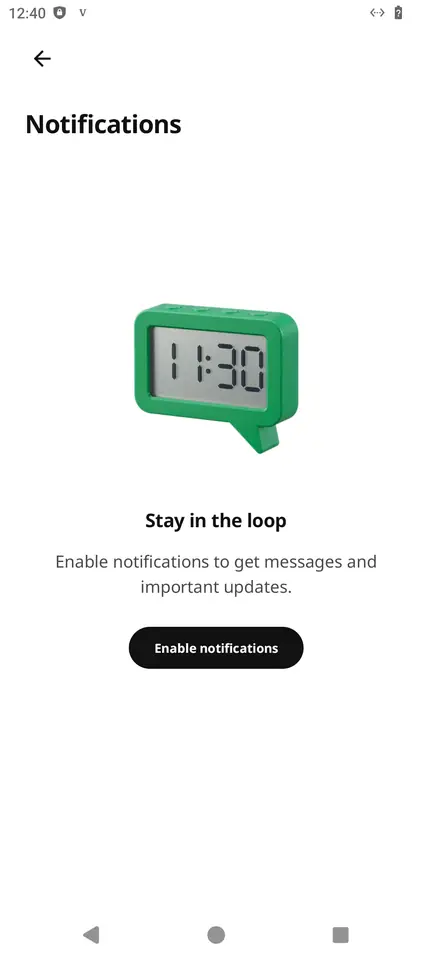
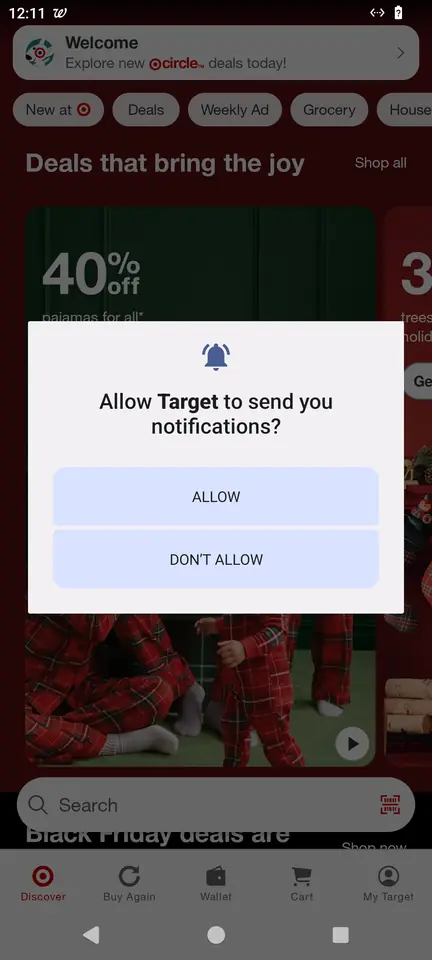
Permission priming
example: IKEA
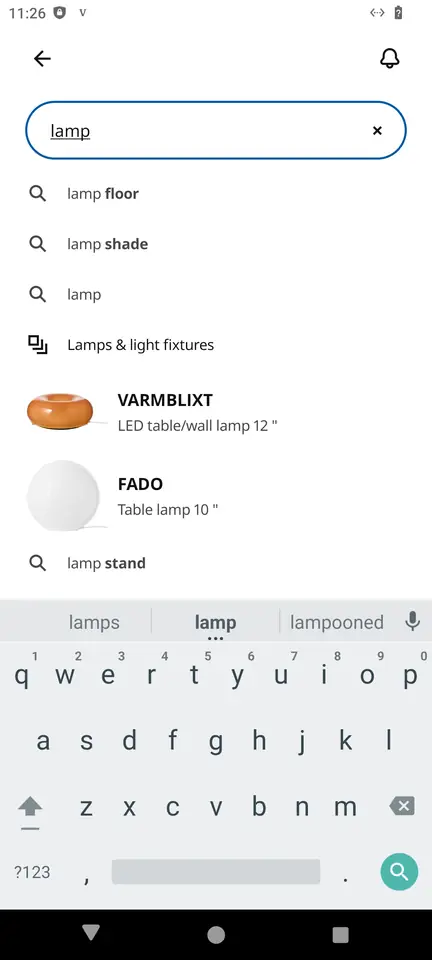
Search bar
example: IKEA
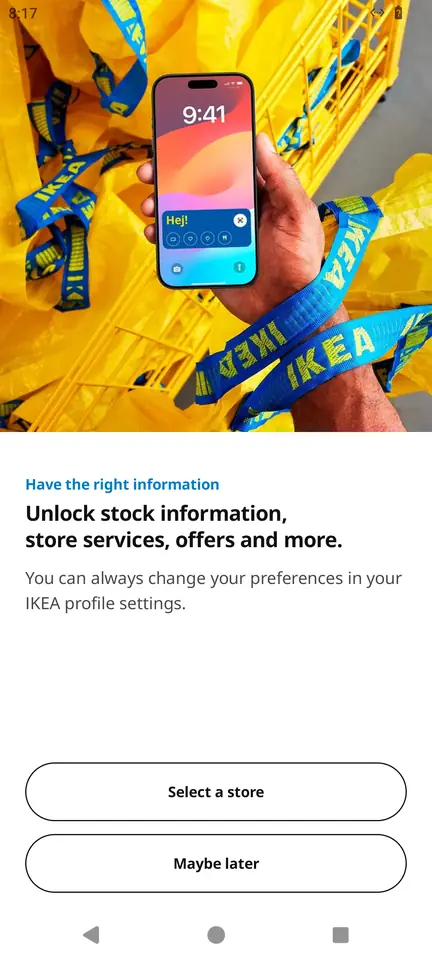
Skip button
example: IKEA
Welcome screen
example: IKEA
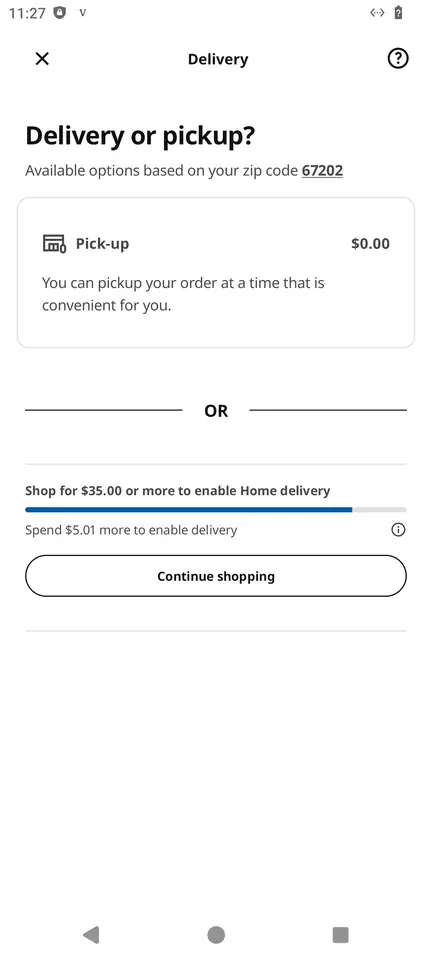
Promo banner
example: IKEA
Cookie consent banner
example: ASOS
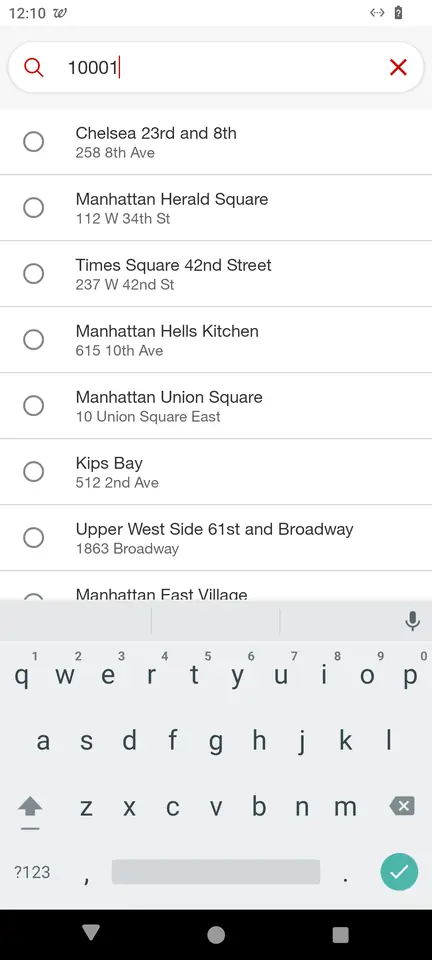
Location & store picker
example: IKEA
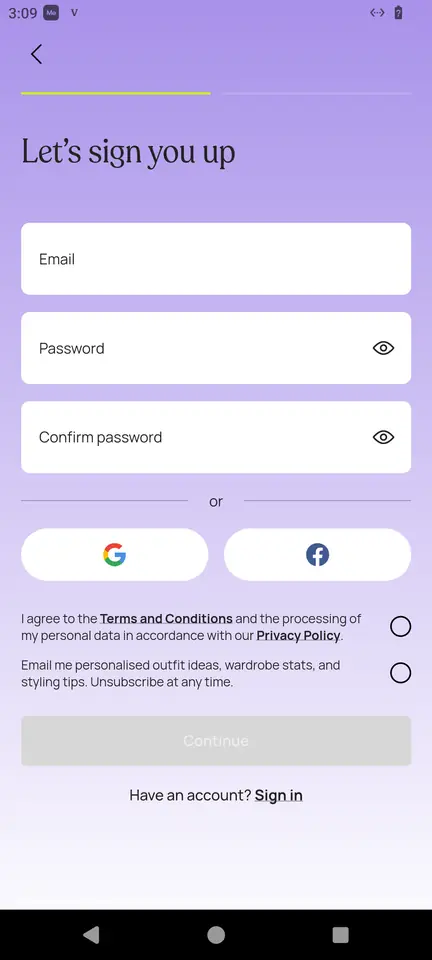
Terms and conditions agreement
example: Temu
What shopping & e-commerce apps say
UI copy that appears on the screens of two or more shopping & e-commerce apps, with the number of apps using it.
ALLOW
8 appsDON’T ALLOW
8 appsClose
7 appsBack
5 appsContinue
5 appsGet Started
4 appsHome
4 appsMEN
4 appsSign In
4 appsSkip
4 appsWOMEN
4 appsCategories
3 appsContinue with Email
3 appsSave
3 apps
Design notes for shopping & e-commerce apps
- Put search at the top of the home screen; most shoppers arrive knowing roughly what they want.
- Let users browse before forcing sign-in; ask for an account at checkout or when they save an item.
- Keep the cart and wishlist one tap away from every screen.
- Show price, delivery and returns information before the checkout button, not after.
FAQ
What makes good shopping & e-commerce app UI design?
Put search at the top of the home screen; most shoppers arrive knowing roughly what they want. Let users browse before forcing sign-in; ask for an account at checkout or when they save an item. Keep the cart and wishlist one tap away from every screen.
Which Android shopping & e-commerce apps can I study?
The Flowtape library holds 179 screens from 18 Android shopping & e-commerce apps: IKEA, Target, ASOS, FARFETCH, Zalando, Houzz, Temu and Zara and more. Every screen is free to browse.
What UI components and patterns do shopping & e-commerce apps use?
Across 179 screens from 18 shopping & e-commerce apps, the most common detected components are tab bar (21% of screens), button (17% of screens) and toolbar (16% of screens). The most common UI patterns are permission priming (9 of 18 apps), search bar (7 of 18 apps) and skip button (7 of 18 apps).
Which shopping & e-commerce app flows are captured step by step?
13 onboarding flows, 6 home & browsing flows, 5 sign-in flows, 4 settings flows and 2 paywall flows, each recorded screen by screen on a real Android device — for example the IKEA home & browsing screens (17 screens).
Captured on real Android devices · last updated 2026-11-14