Language learning app UI design: 7 Android apps, 178 screens
Language learning apps teach vocabulary, grammar and speaking through bite-size exercises. Most open with a placement question (which language, what level, why) and then drop the user straight into a first lesson. Below: 7 language learning apps we captured on a real Android device, 12 full flows and what their screens are built from.
Language learning apps in the library
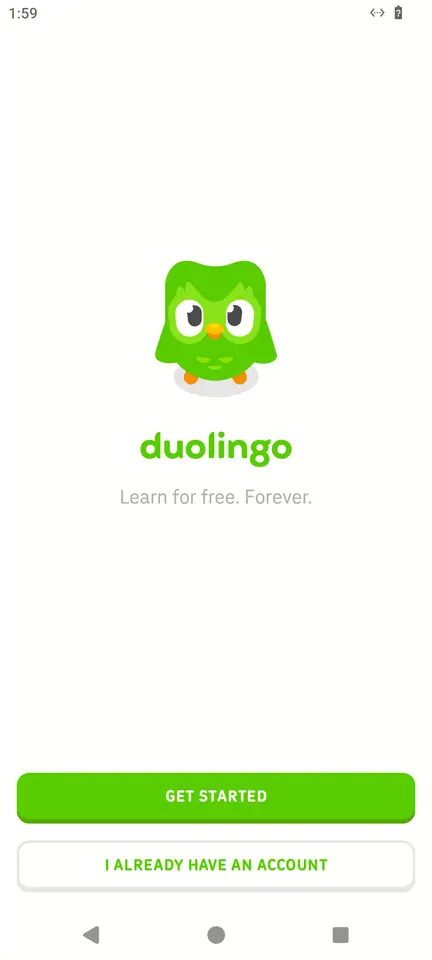
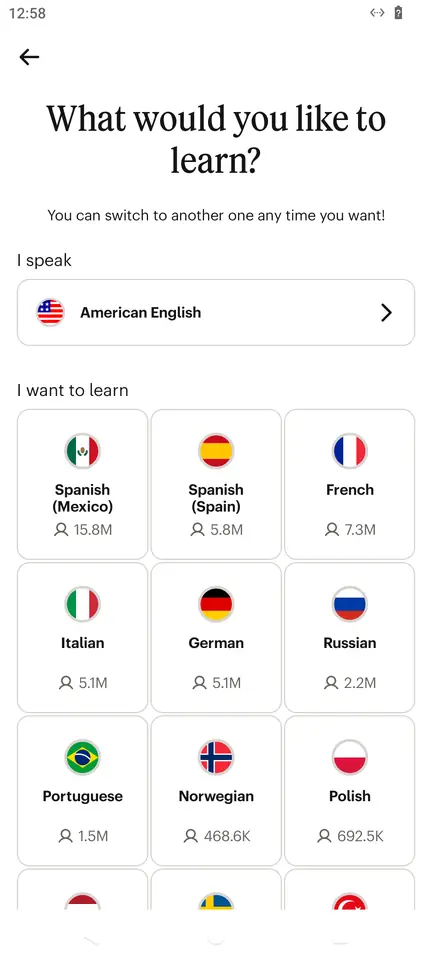
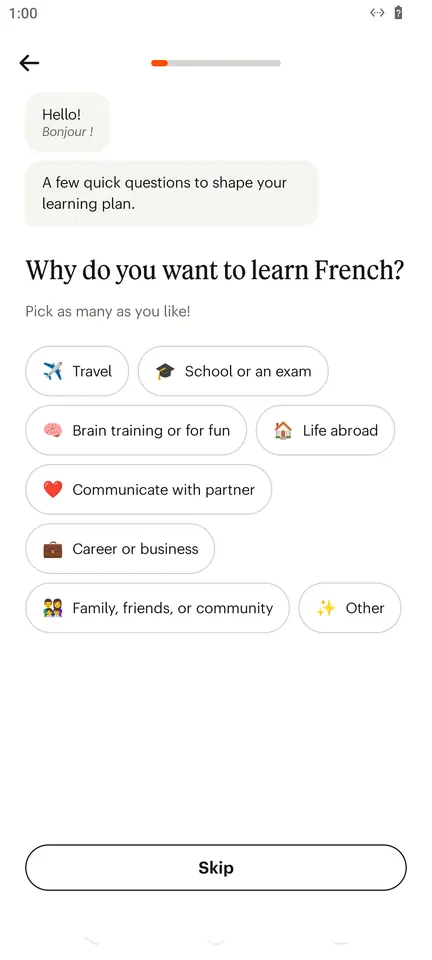
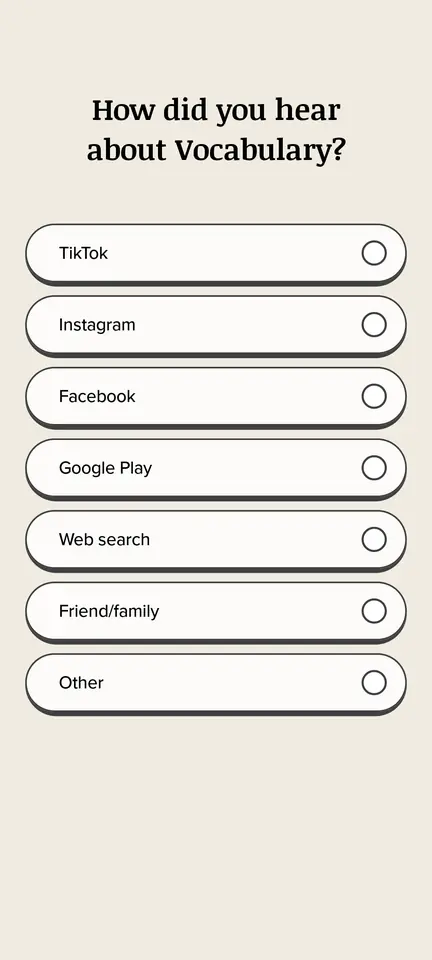
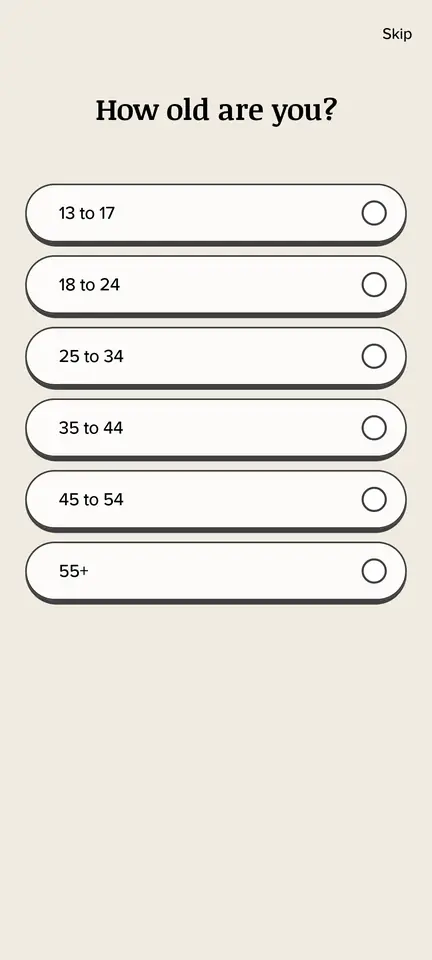
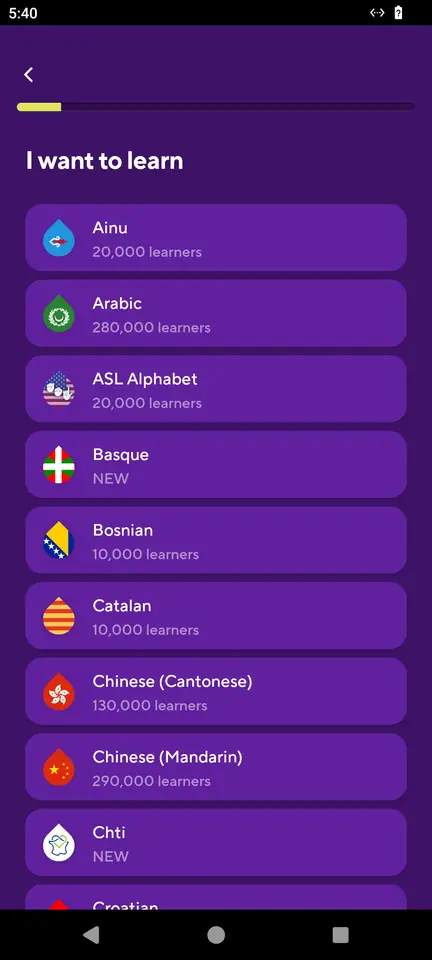
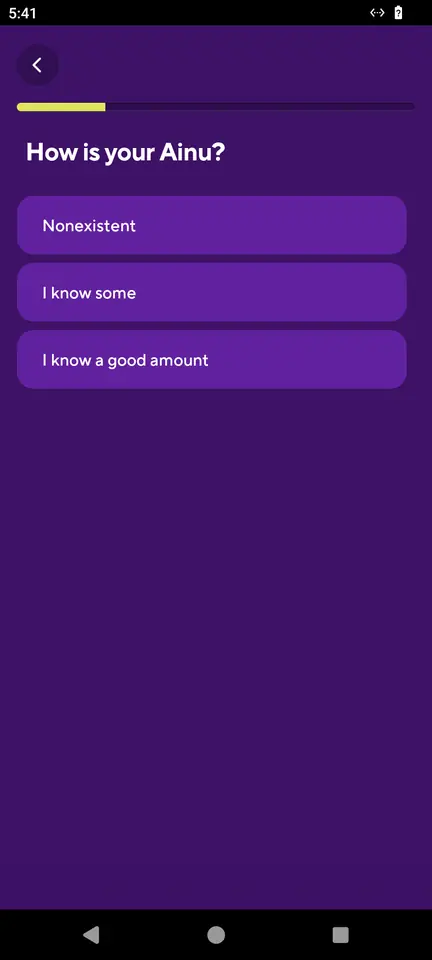
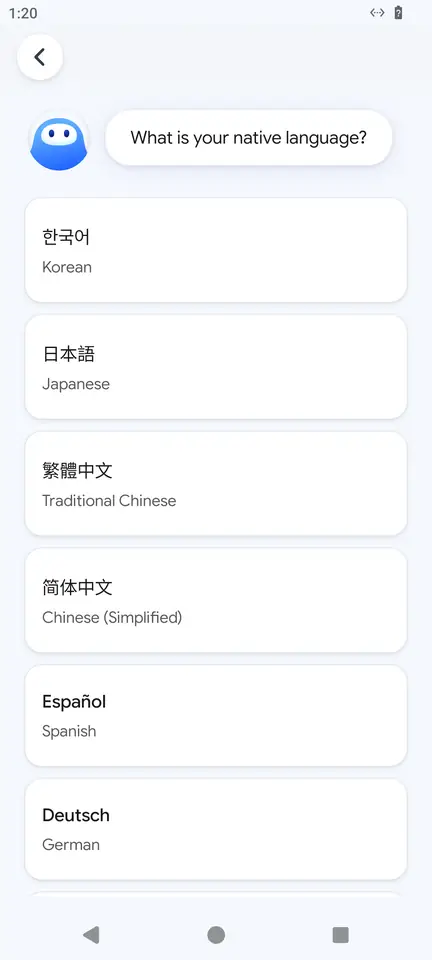
Language learning app flows, step by step
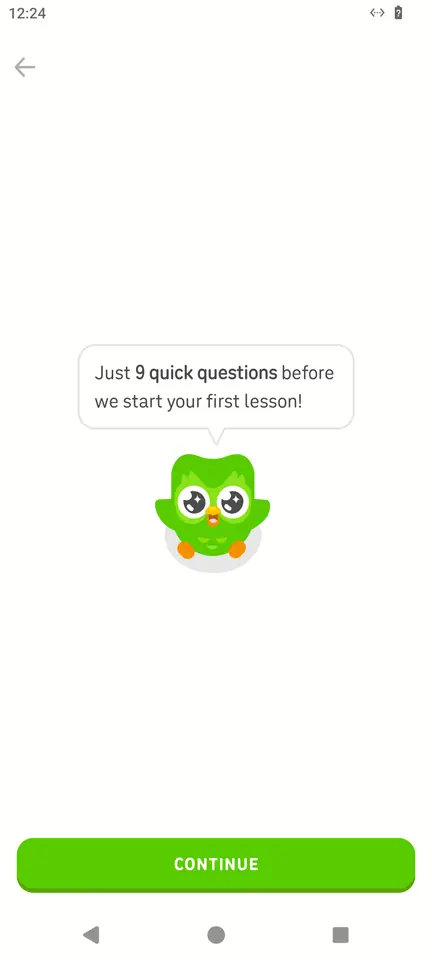
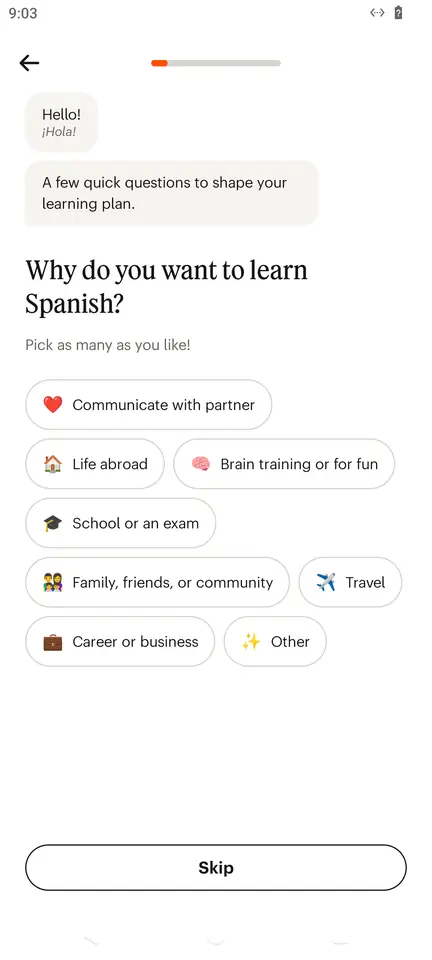
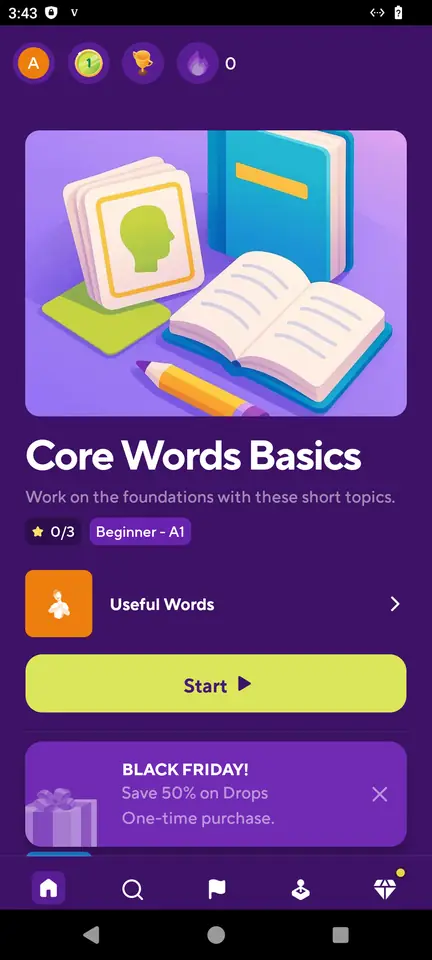
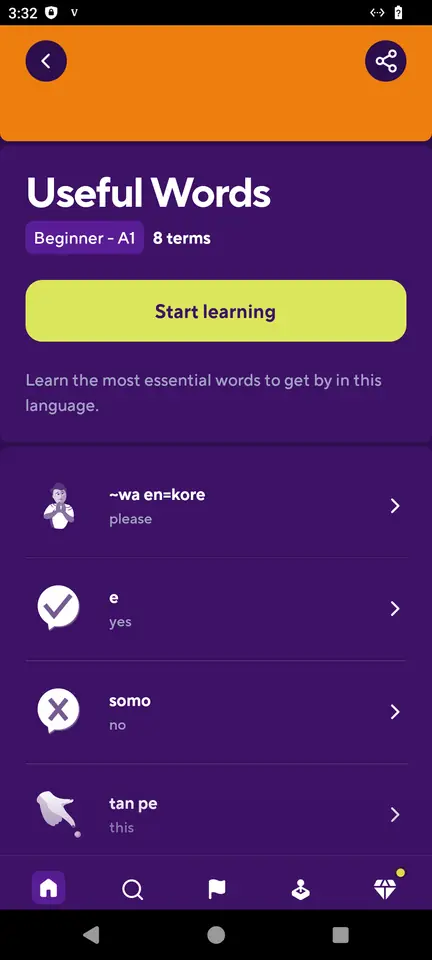
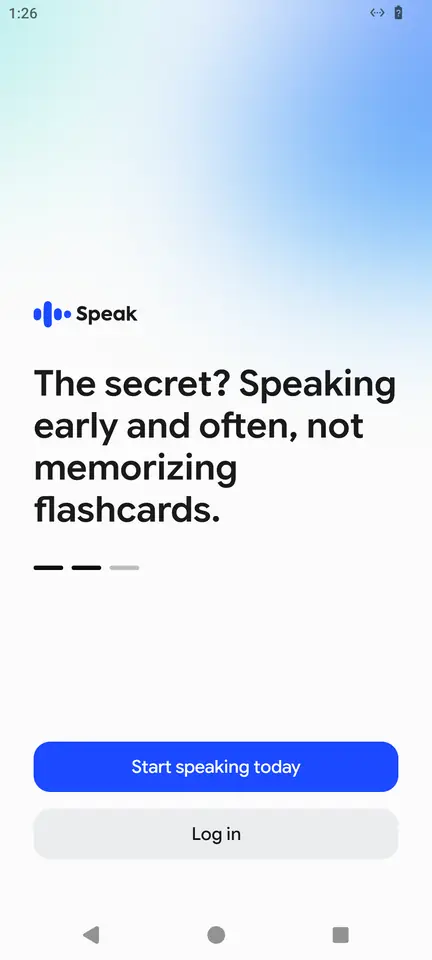
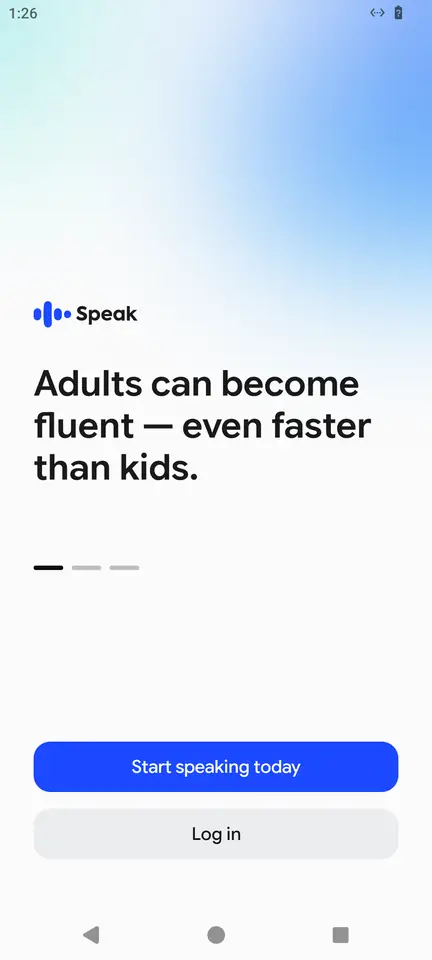
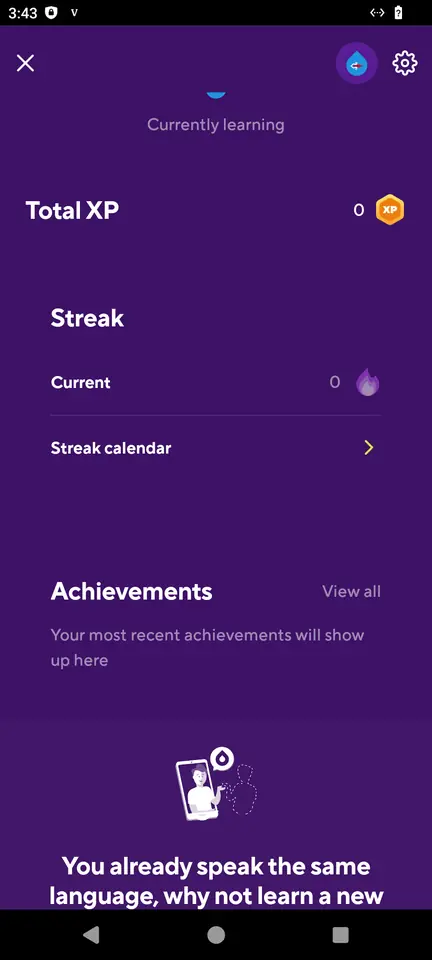
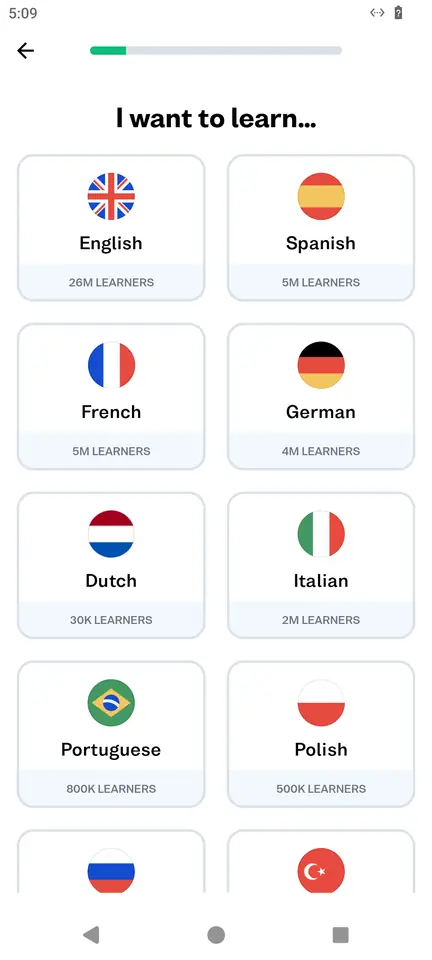
Language learning onboarding screens
144 screens · 7 apps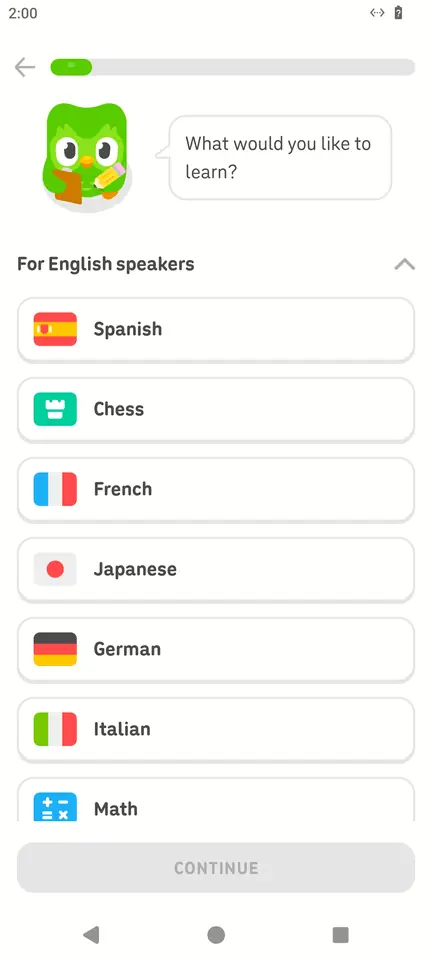
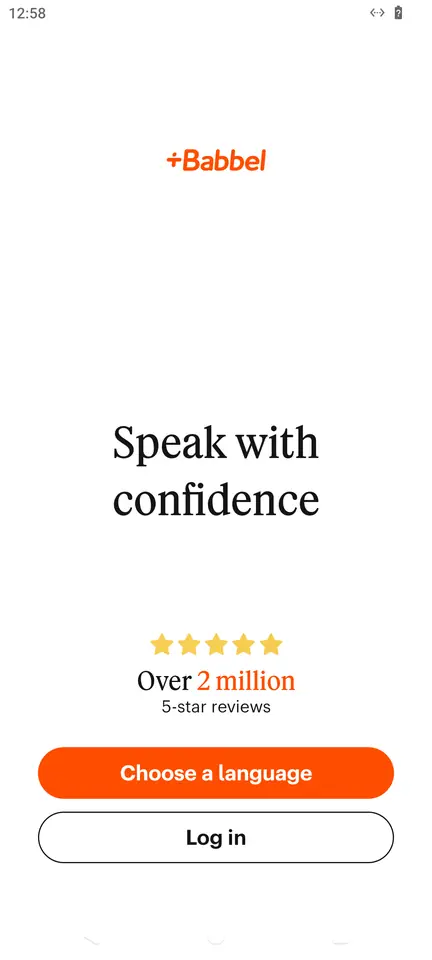
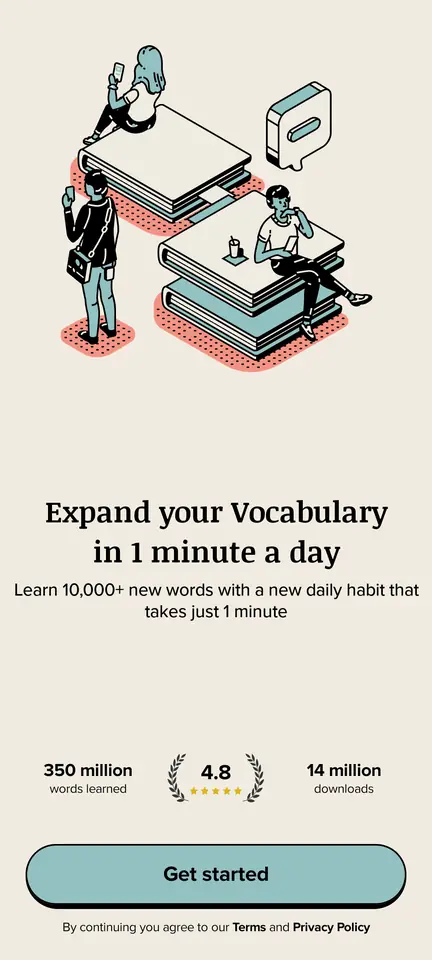
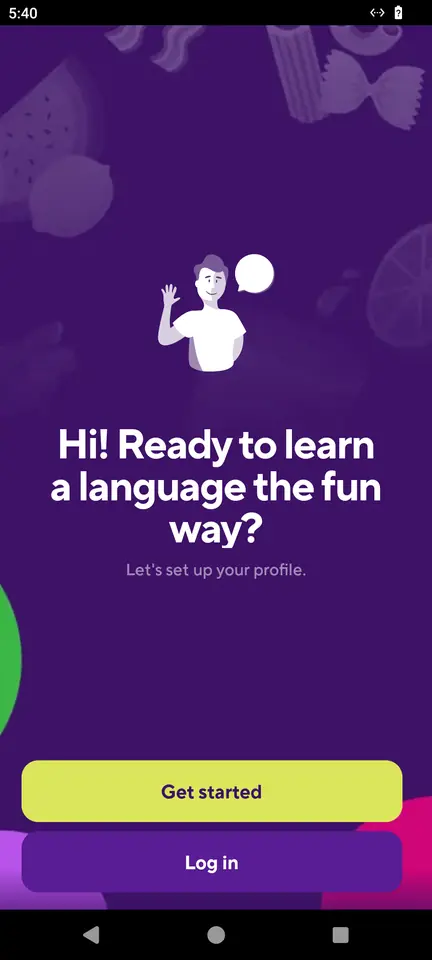
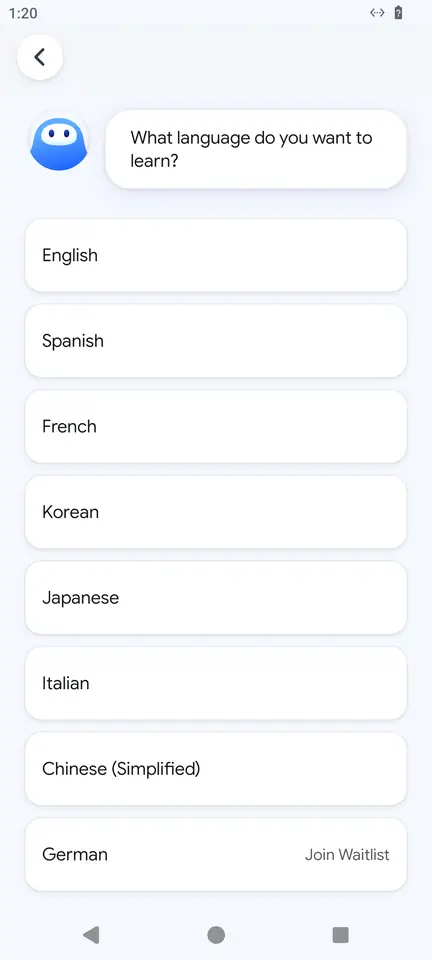
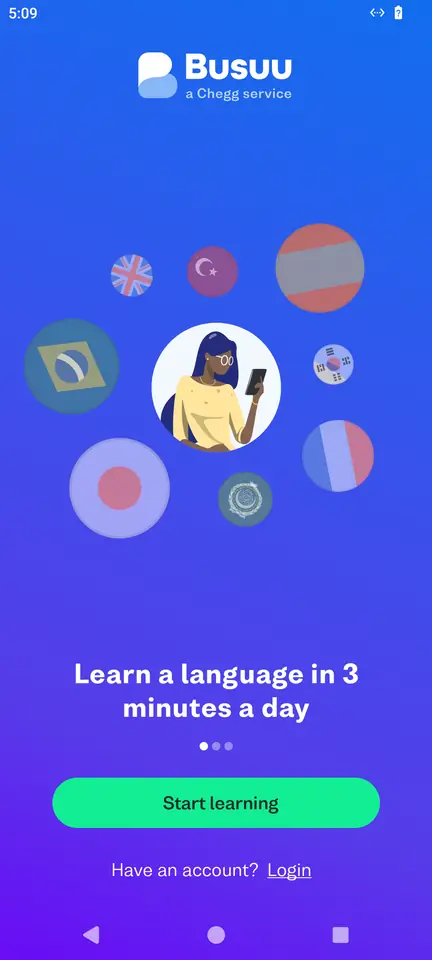
All 144 language learning onboarding screens, grouped by app → · All onboarding screens from every category →
Language learning login screens
14 screens · 5 apps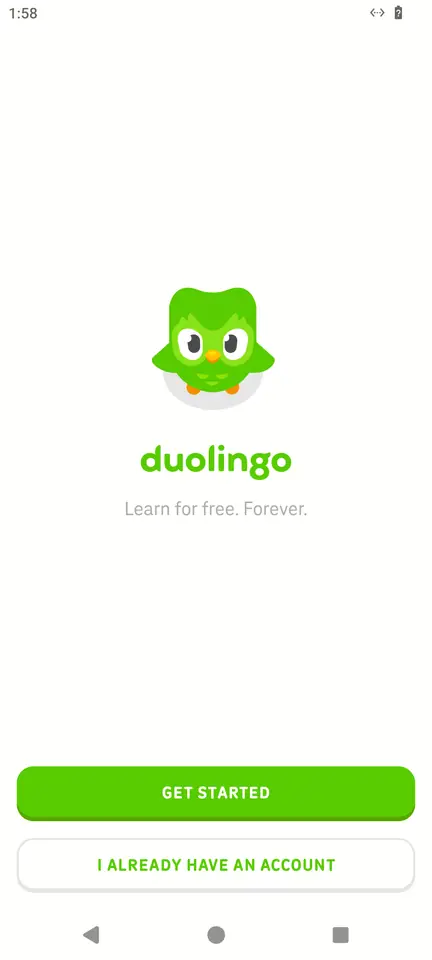
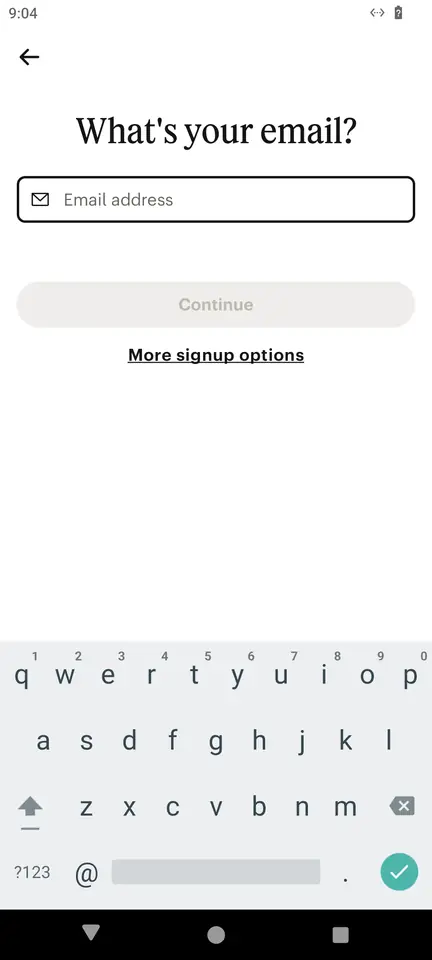
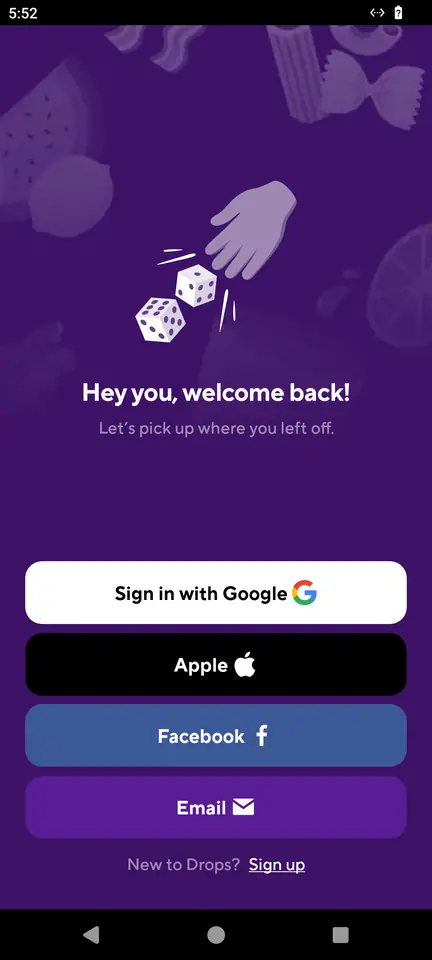
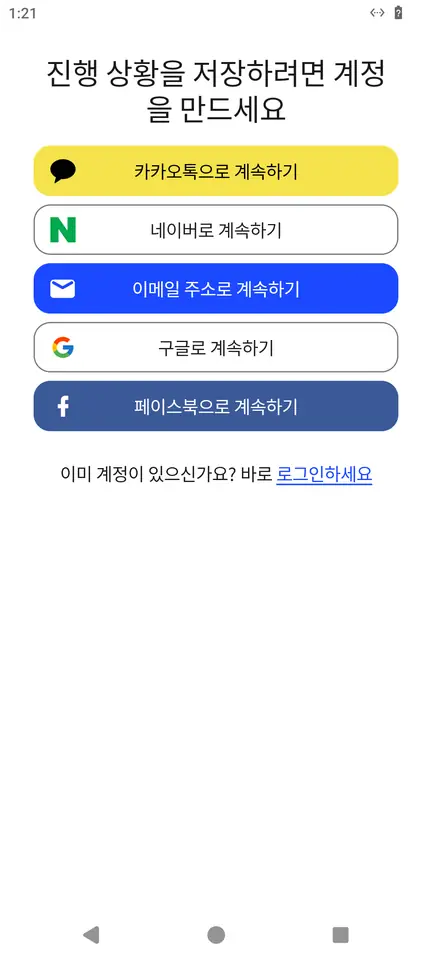
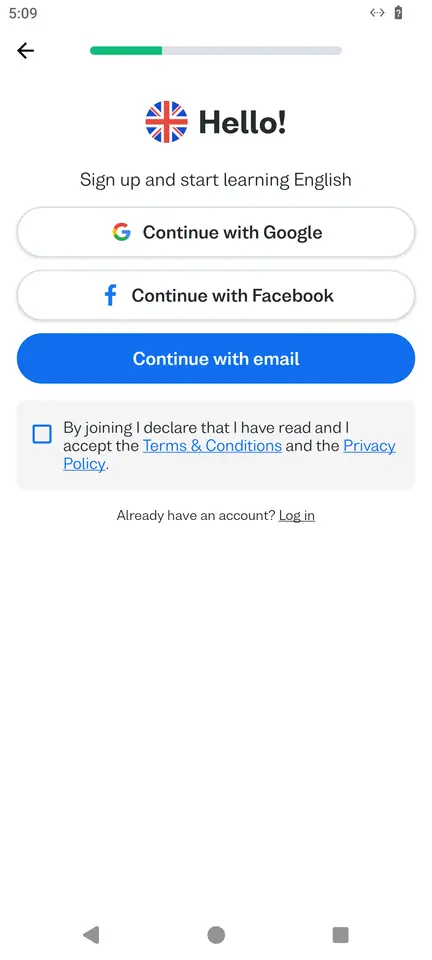
All 14 language learning login screens, grouped by app → · All login screens from every category →
Language learning home screens
15 screens · 3 apps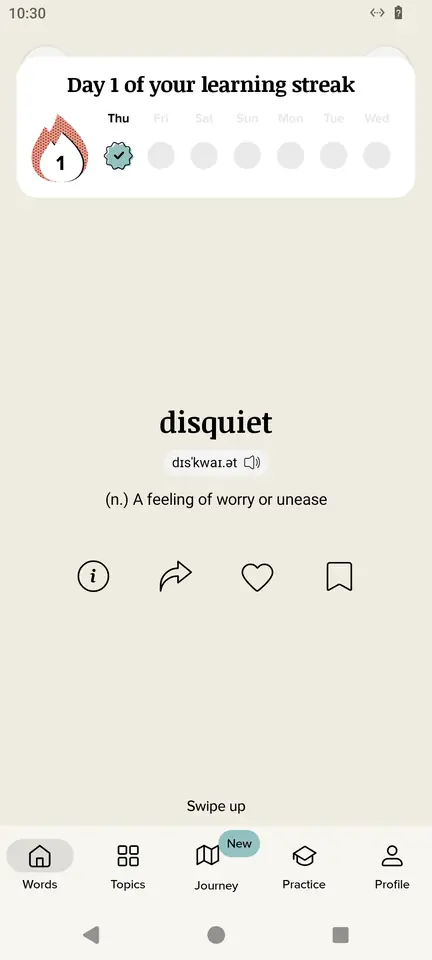
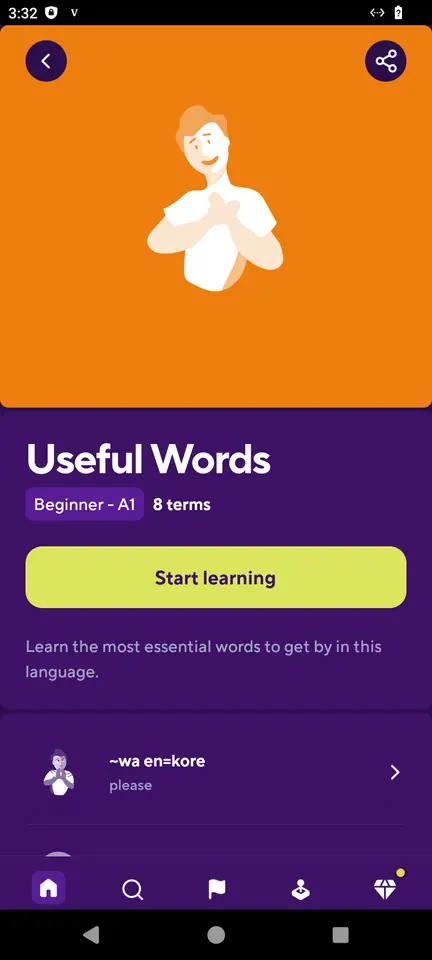
All 15 language learning home screens, grouped by app → · All home screens from every category →
Language learning settings screens
2 screens · 1 app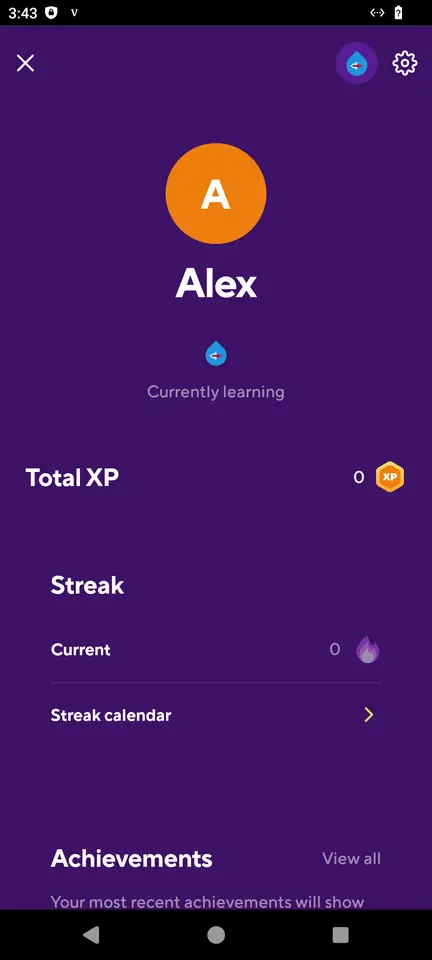
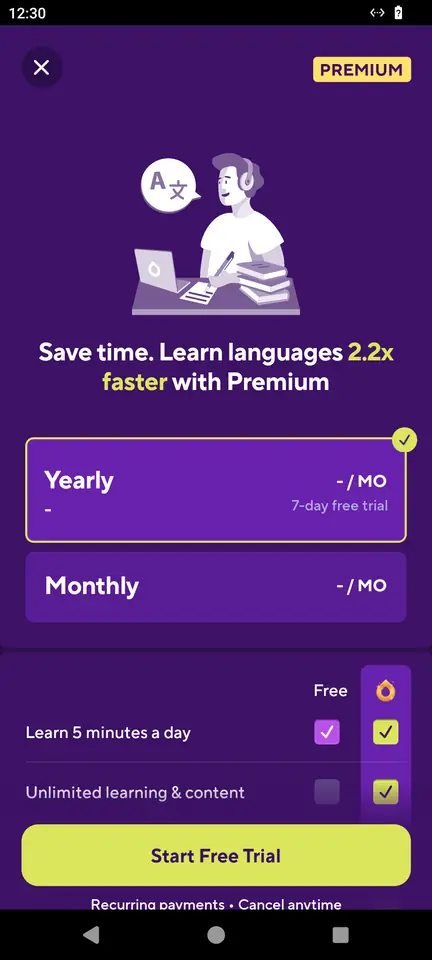
Language learning paywall screens
2 screens · 2 apps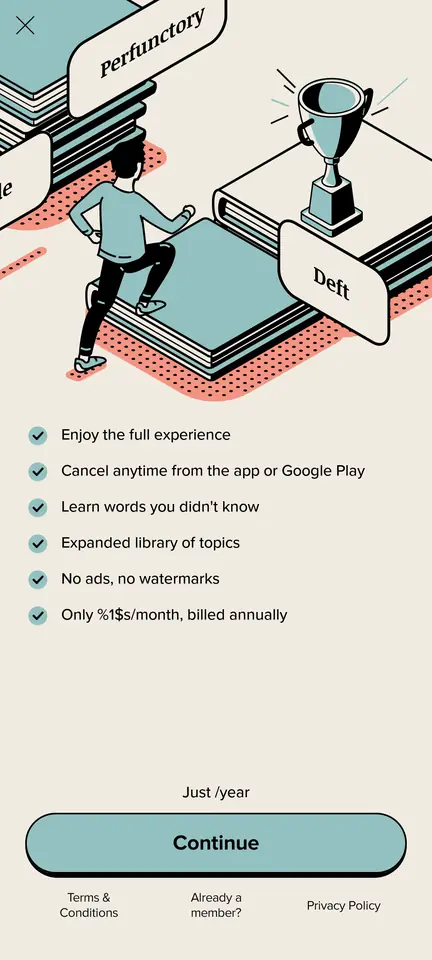
UI components in language learning apps
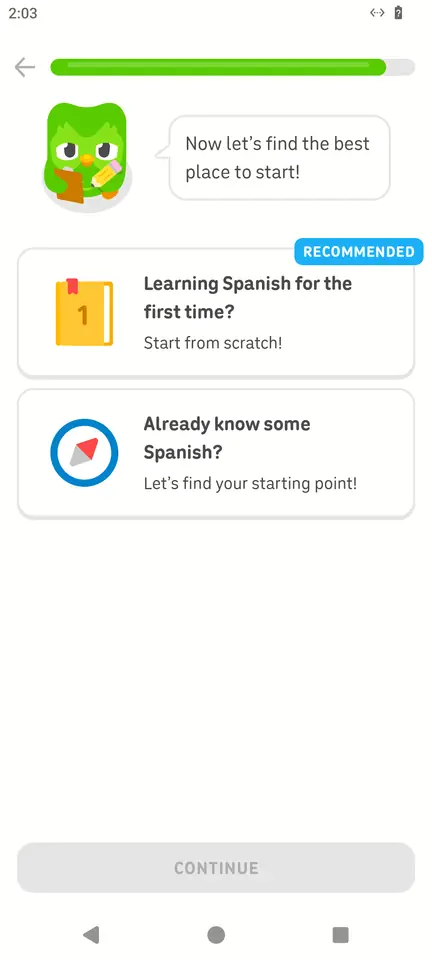
Across 178 screens from 7 language learning apps, the most common detected components are progress bar (28% of screens), toolbar (23% of screens) and badge (11% of screens). Share of the 178 screens where each component is in the view hierarchy and drawn on screen; the example shows it outlined.
UI patterns in language learning apps
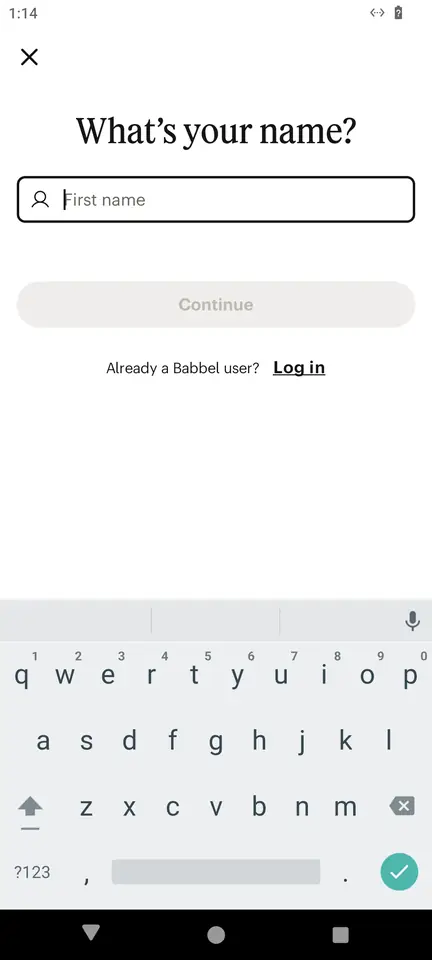
Email sign-up form
example: Babbel
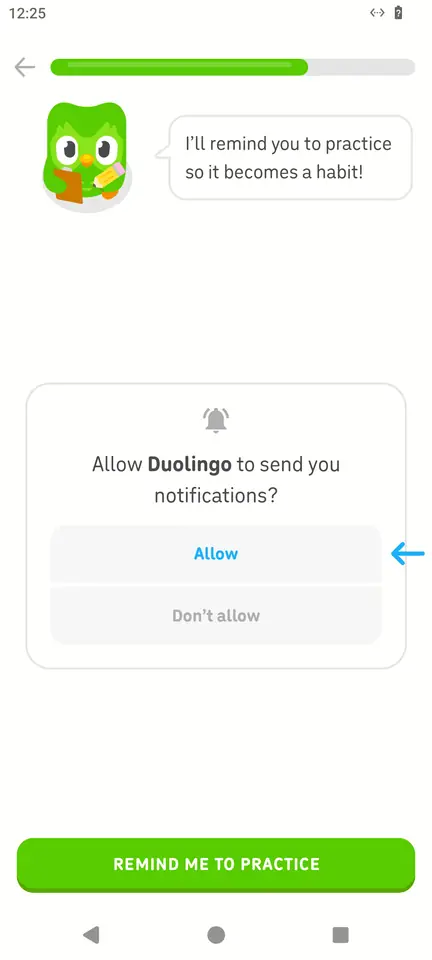
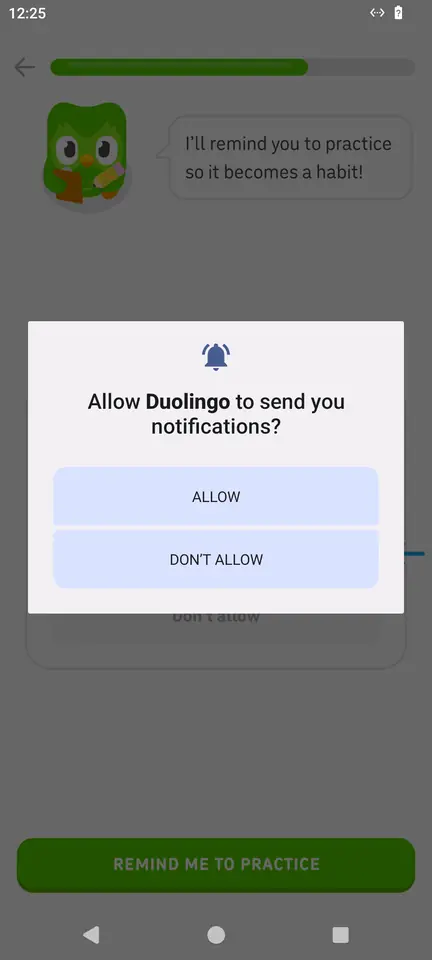
Permission priming
example: Duolingo
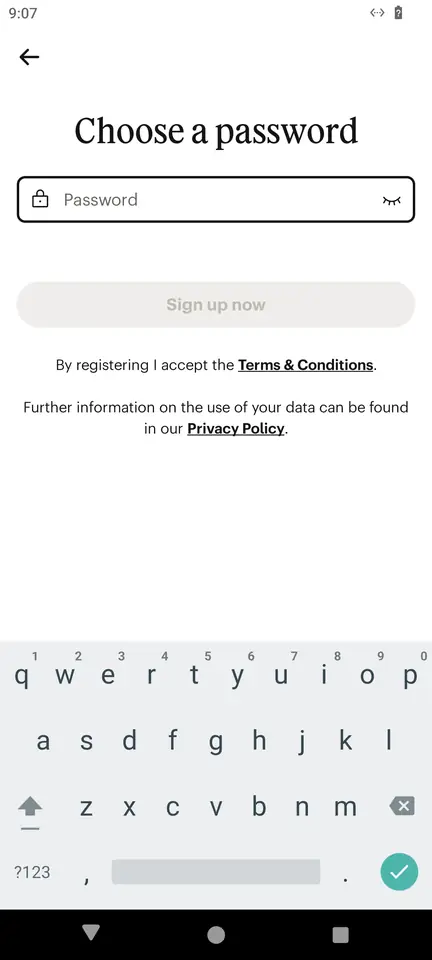
Terms and conditions agreement
example: Babbel
Welcome screen
example: Duolingo
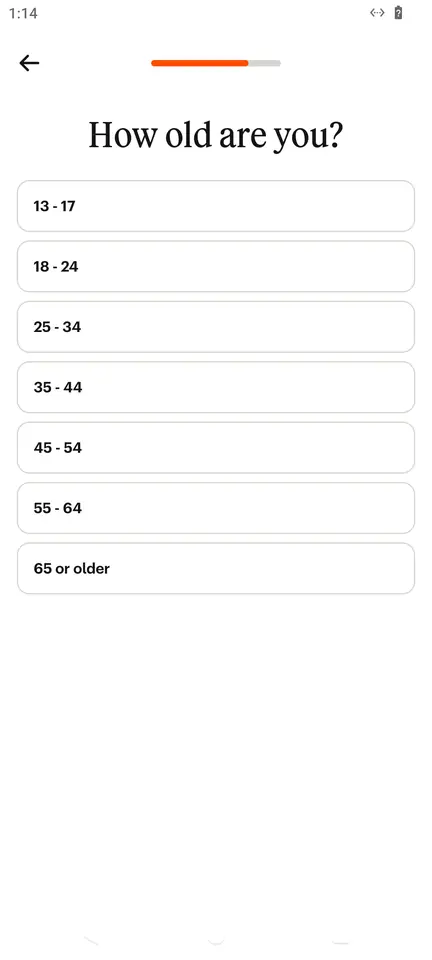
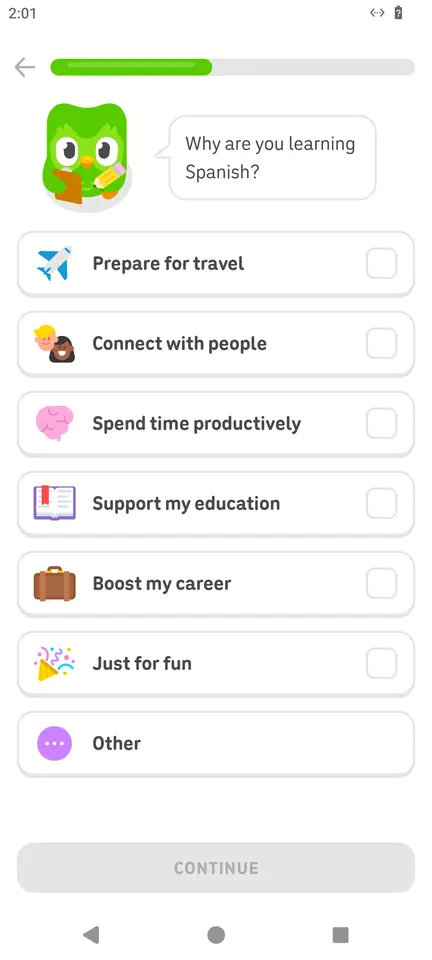
Onboarding survey
example: Babbel
Social login buttons
example: Drops
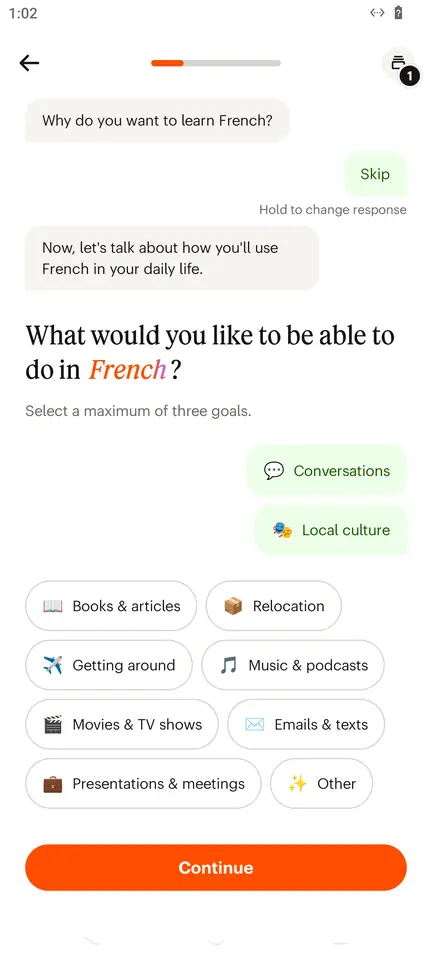
Skip button
example: Babbel
What language learning apps say
UI copy that appears on the screens of two or more language learning apps, with the number of apps using it.
ALLOW
4 appsContinue
4 appsDON’T ALLOW
4 appsFrench
4 appsGet started
4 appsSpanish
4 appsAlex
3 appsGerman
3 appsHow old are you?
3 appsItalian
3 appsLog in
3 appsBack
2 appsBeginner
2 appsClose sheet
2 apps
Design notes for language learning apps
- Ask which language and why in the first screens, then let the user try a lesson before asking for an account.
- Offer a placement test for users who are not beginners.
- Set a daily goal the user picks, and show the streak once they have one.
- Ask for microphone and notification permissions only when the lesson needs them.
FAQ
What makes good language learning app UI design?
Ask which language and why in the first screens, then let the user try a lesson before asking for an account. Offer a placement test for users who are not beginners. Set a daily goal the user picks, and show the streak once they have one.
Which Android language learning apps can I study?
The Flowtape library holds 178 screens from 7 Android language learning apps: Duolingo, Babbel, Vocabulary, Drops, Speak, Busuu and Memrise. Every screen is free to browse.
What UI components and patterns do language learning apps use?
Across 178 screens from 7 language learning apps, the most common detected components are progress bar (28% of screens), toolbar (23% of screens) and badge (11% of screens). The most common UI patterns are email sign-up form (4 of 7 apps), permission priming (4 of 7 apps) and terms and conditions agreement (4 of 7 apps).
Which language learning app flows are captured step by step?
5 onboarding flows, 3 home & browsing flows, 3 sign-in flows and 1 settings flow, each recorded screen by screen on a real Android device — for example the Vocabulary onboarding flow (29 screens).
Captured on real Android devices · last updated 2026-11-14