Screen · Settings screen · taz · Android
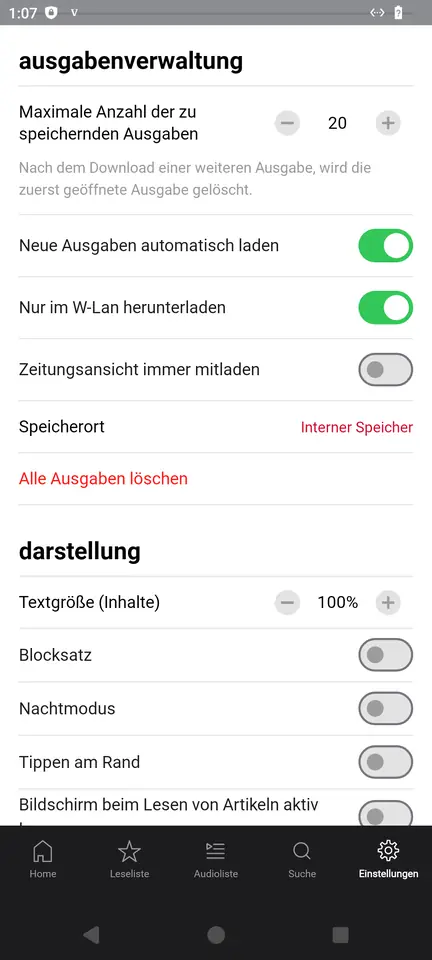
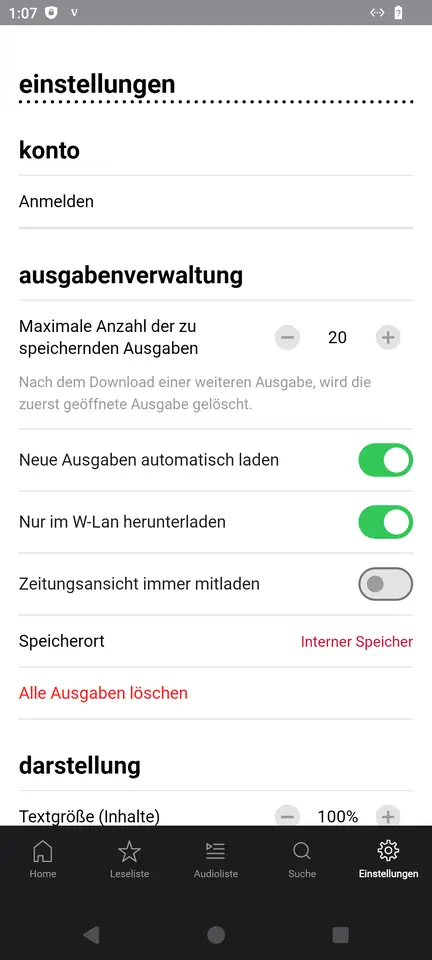
taz settings screen: “Neue Ausgaben automatisch laden”
A settings screen from taz for Android, captured on a real device — step 2 of 2 in taz's settings screens. It uses 1 detected UI component, outlined on the screen below.
AndroidSettingsstep 2 of 21 componentfree & ungated
- App
- taz · Books & reading
- Screen type
- Settings
- Flow
- taz settings screens — step 2 of 2
UI text on this screen
Anmelden
ausgabenverwaltung
Maximale Anzahl der zu speichernden Ausgaben
Weniger Ausgaben speichern
20
Mehr Ausgaben speichern
Neue Ausgaben automatisch laden
Nur im W-Lan herunterladen
UI components
Located from the app's Android view hierarchy and outlined on the screen.
More taz screens




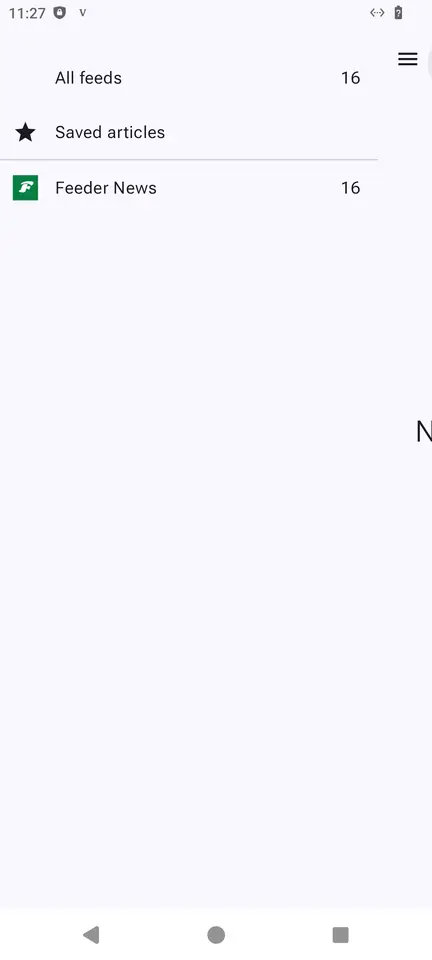
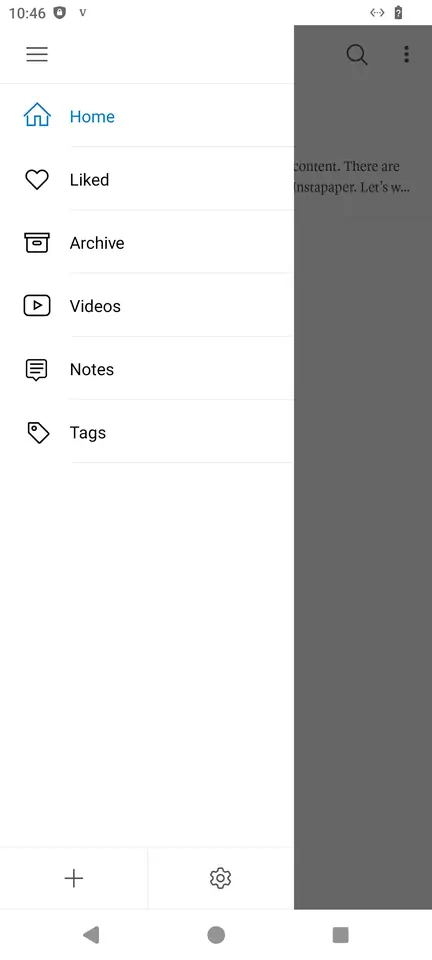
Settings screens from other apps
All settings screens →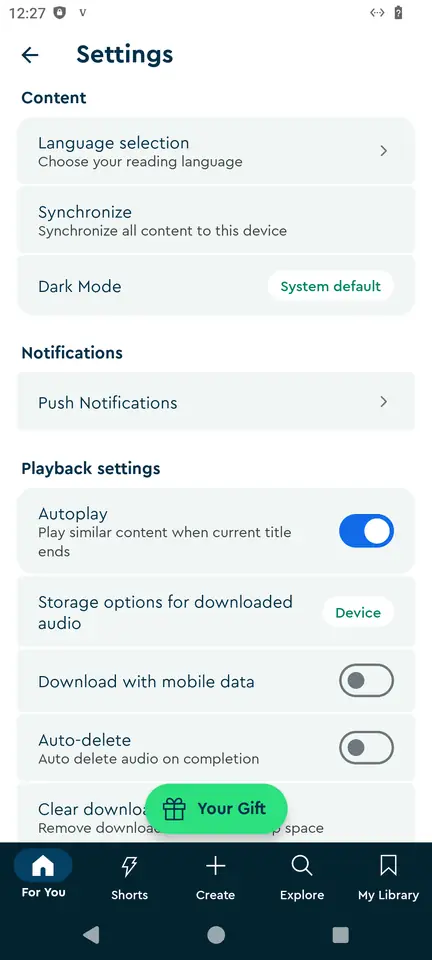
Captured on a real Android device · last updated 2026-11-14