Home/Apps/Coursera/Enroll in a course to view…
Screen · Home screen · Coursera · Android

Coursera home screen: “Enroll in a course to view your progress”

A home screen from Coursera for Android, captured on a real device — step 1 of 2 in Coursera's home & browsing screens.

AndroidHome & browsingstep 1 of 2free & ungated

Coursera Android screen 1 — home & browsing: Enroll in a course to view your progress
App
Coursera · Education
Screen type
Home & browsing
Flow
Coursera home & browsing screens — step 1 of 2

UI text on this screen

  • Enroll in a course to view your progress
  • Start by enrolling in a course and learn something new.
  • Explore courses
  • Settings
  • Explore
  • Career
  • Learn
  • Search

More Coursera screens

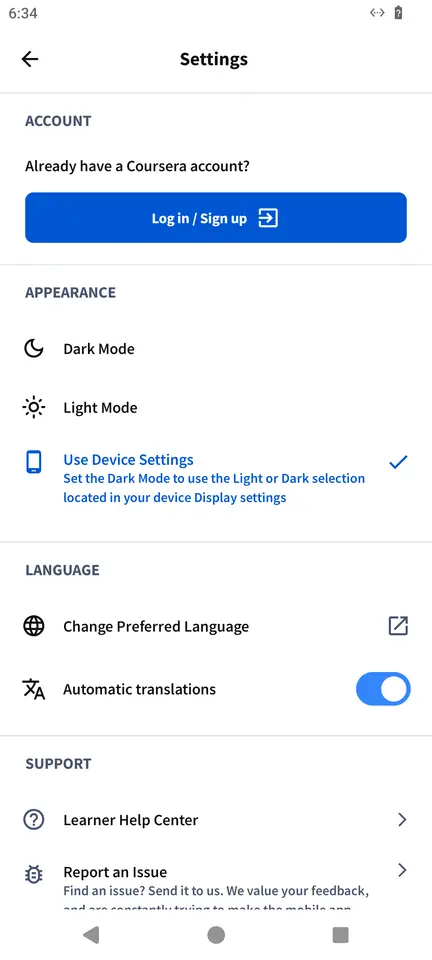
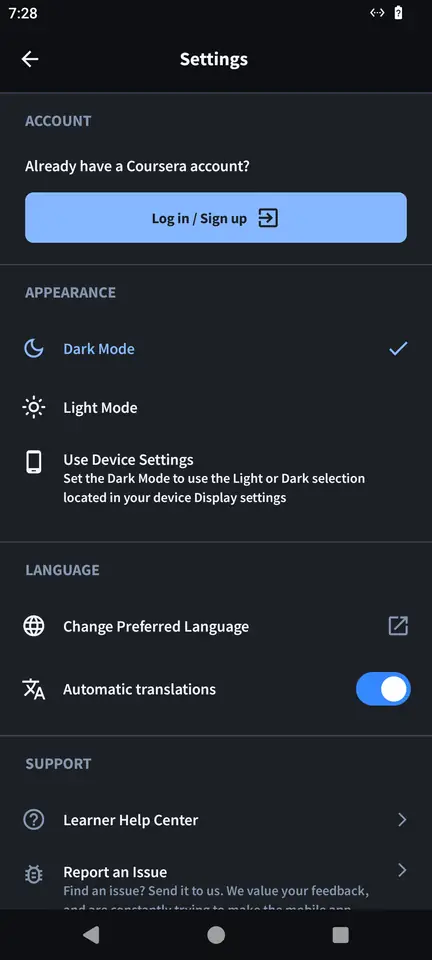
Coursera Android screen 2 — settings: ACCOUNT
Settings · ACCOUNT
Coursera Android screen 3 — home & browsing: That feeling of completion is just around the corner
Home & browsing · That feeling of completion is just…
Coursera Android screen 4 — home & browsing: That feeling of completion is just around the corner
Home & browsing · That feeling of completion is just…
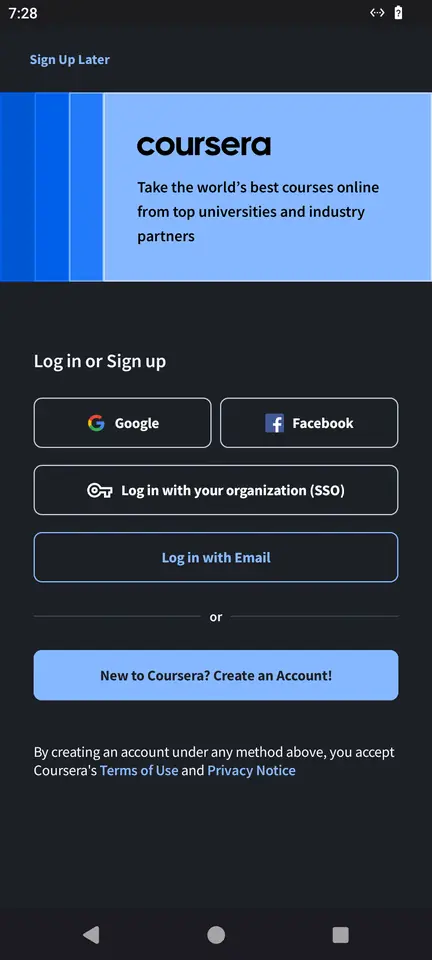
Coursera Android screen 5 — sign-in: ACCOUNT
Sign-in · ACCOUNT
Coursera Android screen 6 — sign-in: Coursera logo
Sign-in · Coursera logo
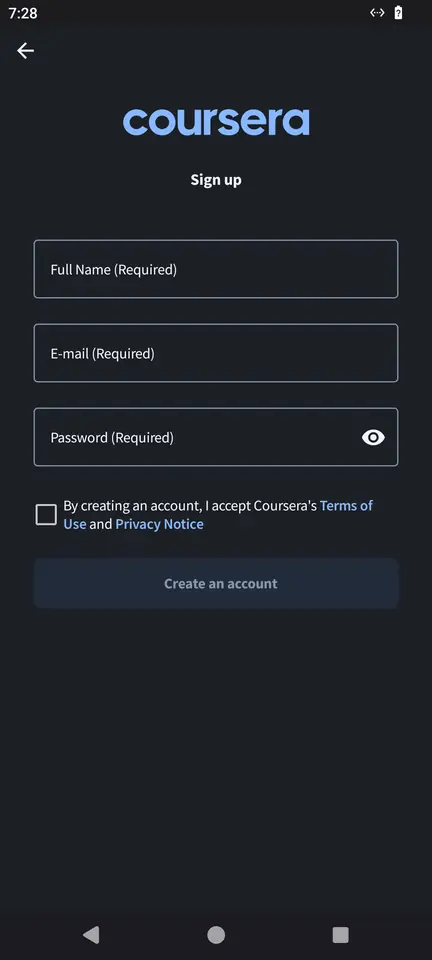
Coursera Android screen 7 — sign-in: Coursera
Sign-in · Coursera

Home screens from other apps

All home screens →
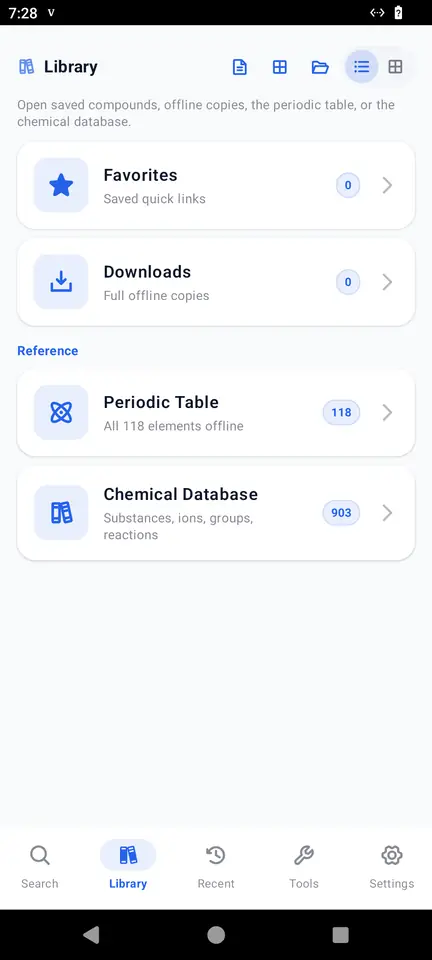

ChemSearch Android screen 3 — home & browsing: Library
ChemSearch · Library
DailyArt Android screen 14 — home & browsing: Search
DailyArt · Search
edX Android screen 4 — home & browsing: Explore the catalog
edX · Explore the catalog
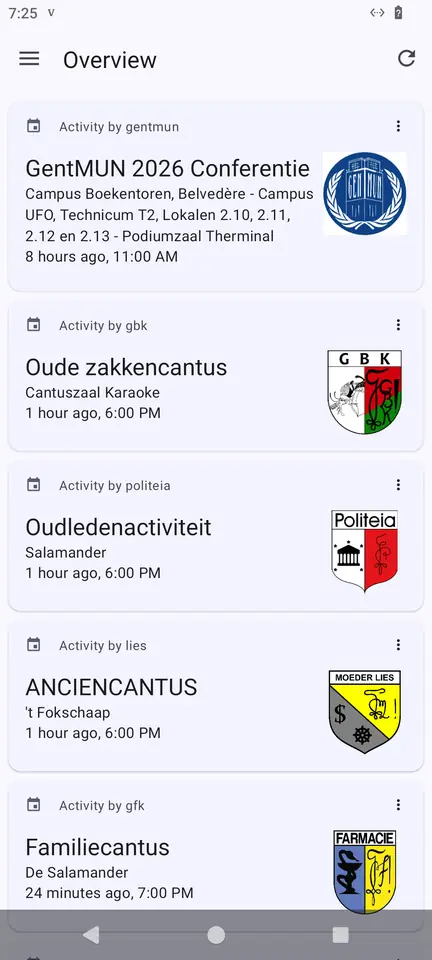
Hydra Android screen 3 — home & browsing: Overview
Hydra · Overview
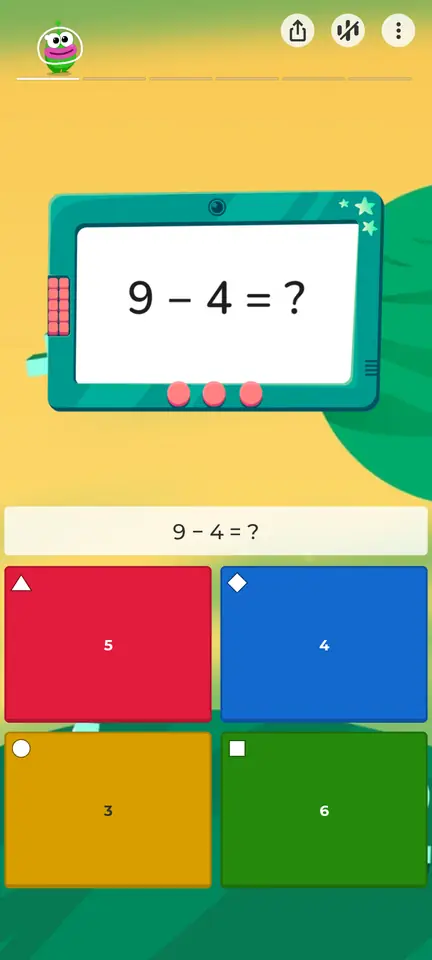
Kahoot! Android screen 11 — home & browsing: 9 − 4 = ?
Kahoot! · 9 − 4 = ?
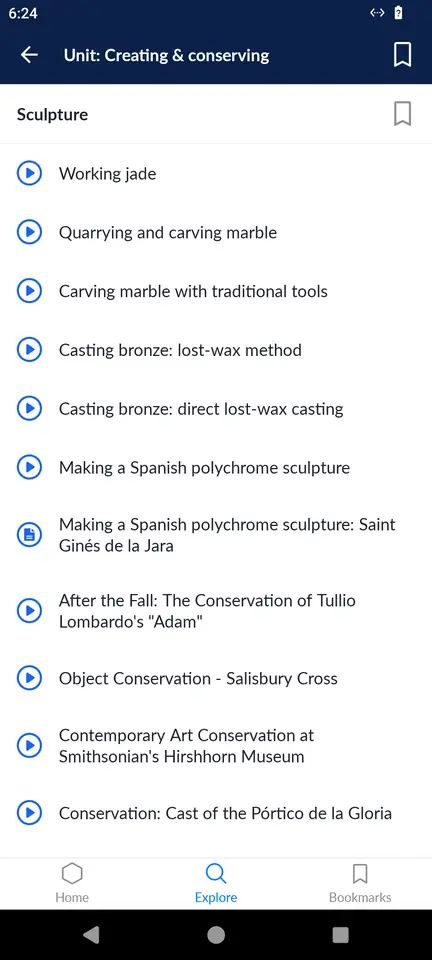
Khan Academy Android screen 8 — home & browsing: Art Terms in Action: Viscosity
Khan Academy · Art Terms in Action: Viscosity

Captured on a real Android device · last updated 2026-11-14