Home & browsing flow · Coursera · Android
Coursera home & browsing screens
Every screen of Coursera's home & browsing screens on Android, in order: 2 steps, recorded on a real device. Coursera's home & browsing flow walks through 2 screens, including “Enroll in a course to view your progress” and “That feeling of completion is just…”.
 01 Home & browsing
Enroll in a course to view your progress — Start by enrolling in a course and learn something new.
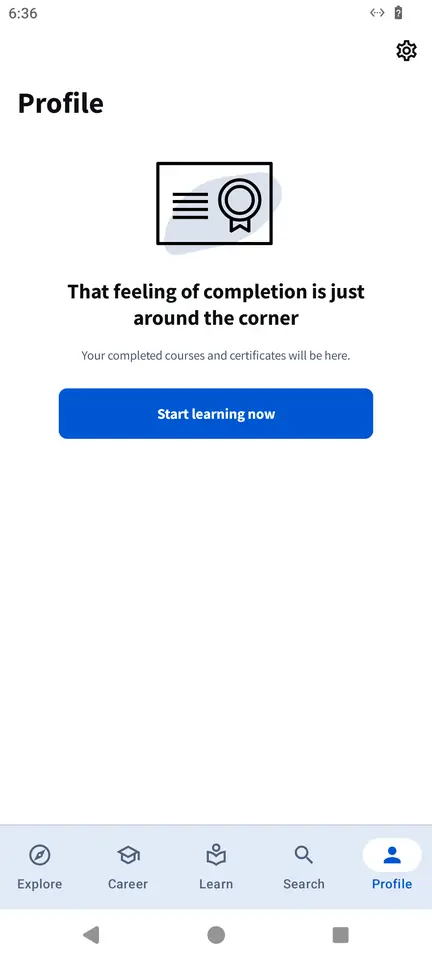 02 Home & browsing
That feeling of completion is just around the corner — Your completed courses and certificates will be here.
What Coursera's home & browsing screens does
- 2 screens in order, opening on “Enroll in a course to view your progress” and ending at “That feeling of completion is just around the corner”.
Captured on a real Android device · last updated 2026-11-14