Home/Apps/Forest/Please select the server…
Screen · Login screen · Forest · Android

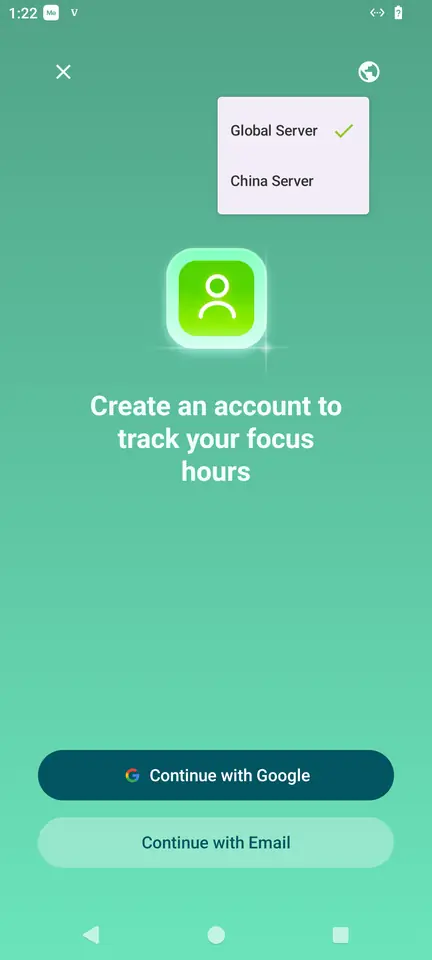
Forest login screen: “Please select the server according to your account's location”

A login screen from Forest for Android, captured on a real device — screen 7 of 13 we captured.

AndroidSign-infree & ungated
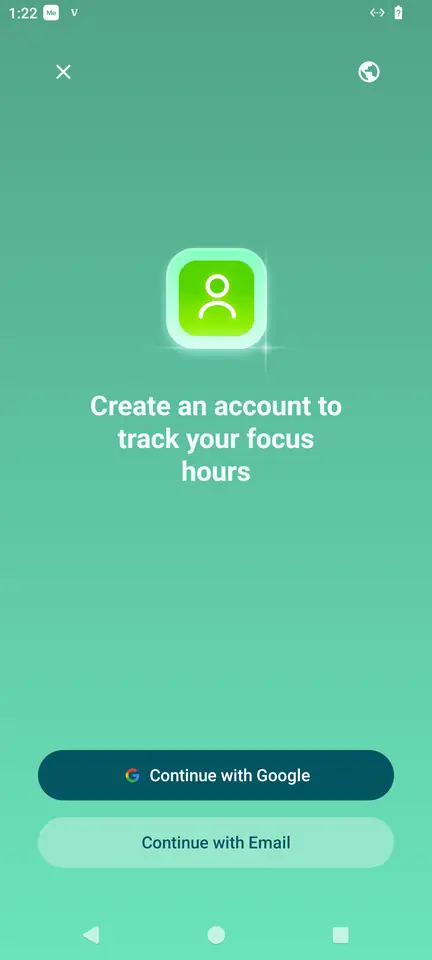
Forest Android screen 7 — sign-in: Cancel
App
Forest · Productivity & tools
Screen type
Sign-in
Tap
“Picker server”

UI text on this screen

  • Cancel
  • Please select the server according to your account's location
  • Create an account to track your focus hours
  • Continue with Google
  • Continue with Email

UI patterns

More Forest screens
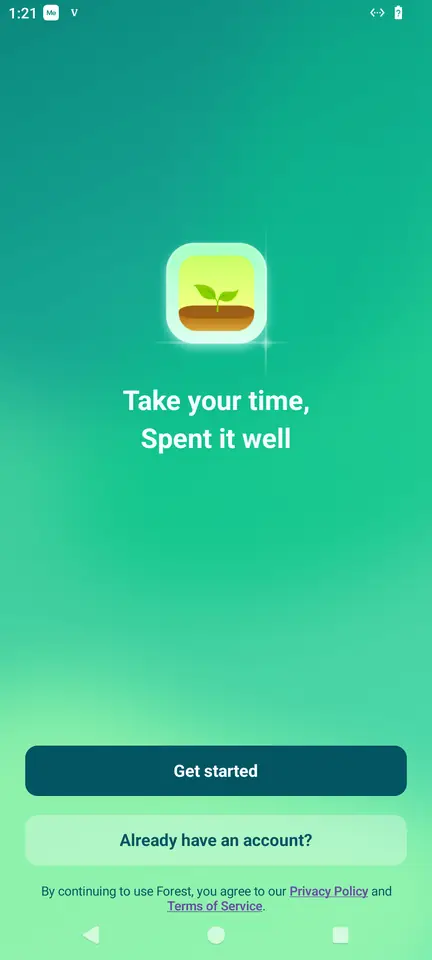
Forest Android screen 1 — onboarding: Take your time, Spent it well
Onboarding · Take your time, Spent it well
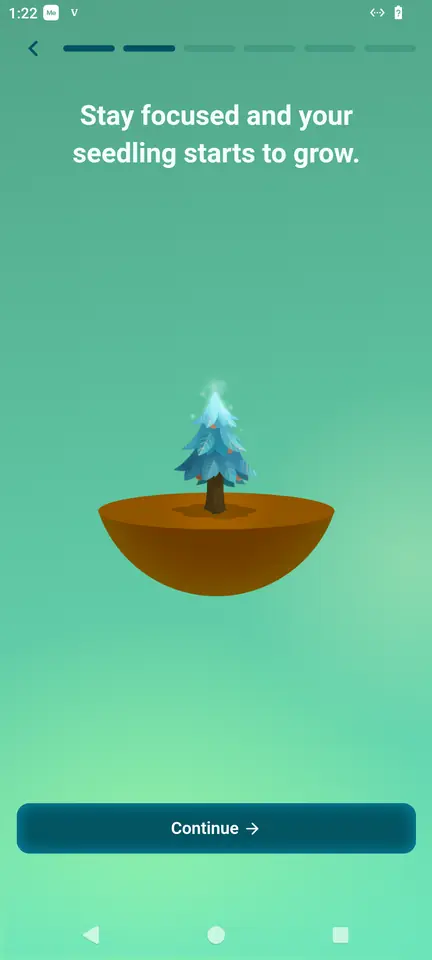
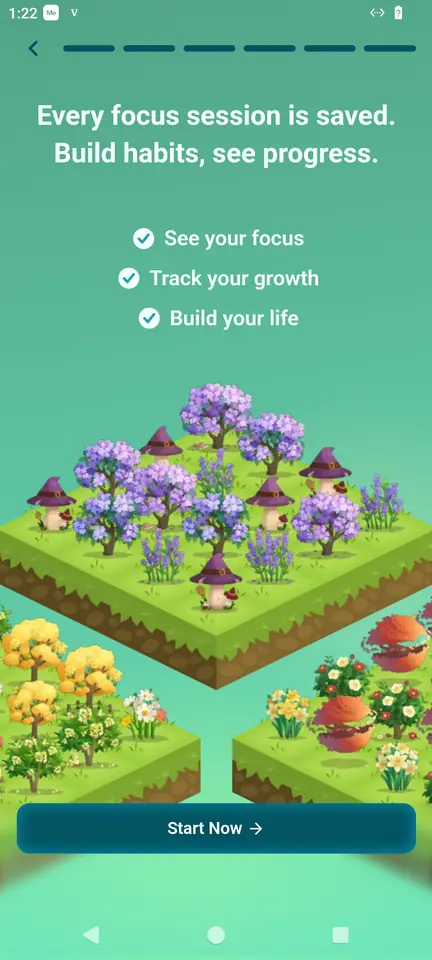
Forest Android screen 2 — onboarding: Forest Walkthrough
Onboarding · Forest Walkthrough
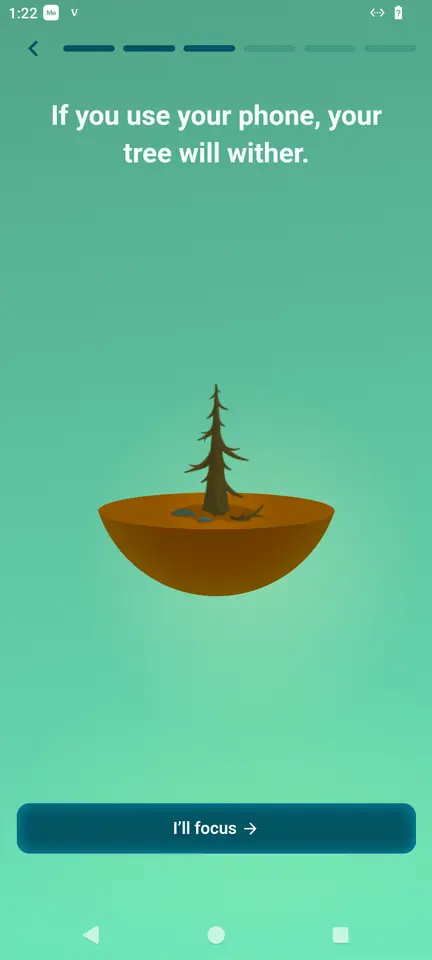
Forest Android screen 3 — onboarding: Forest Walkthrough
Onboarding · Forest Walkthrough
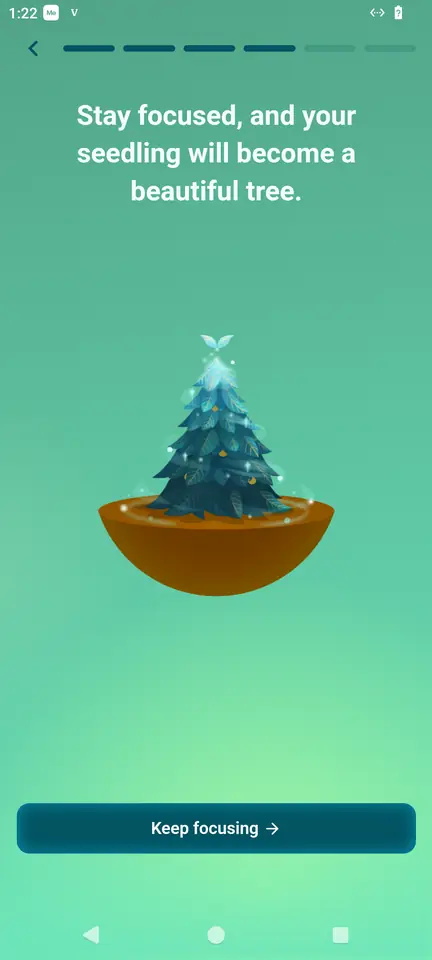
Forest Android screen 4 — onboarding: Forest Walkthrough
Onboarding · Forest Walkthrough
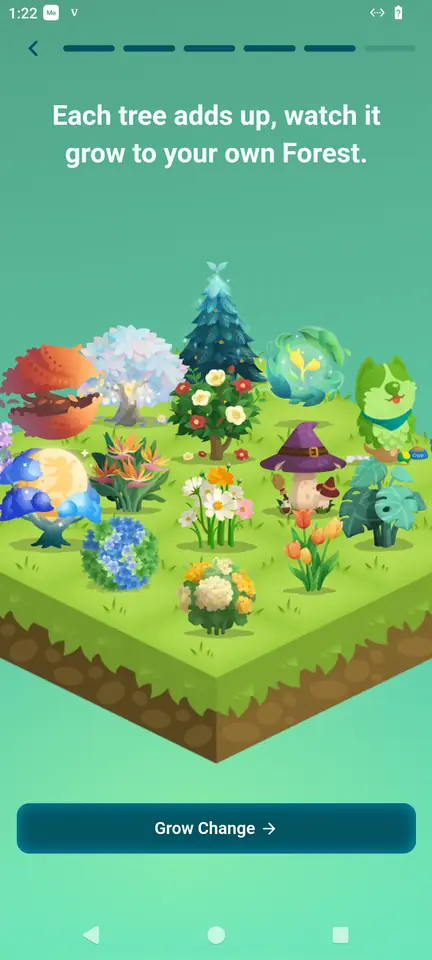
Forest Android screen 5 — onboarding: Forest Walkthrough
Onboarding · Forest Walkthrough
Forest Android screen 6 — onboarding: Forest Walkthrough
Onboarding · Forest Walkthrough
Forest Android screen 8 — onboarding: Global Server
Onboarding · Global Server
Forest Android screen 9 — onboarding: Forest Walkthrough
Onboarding · Forest Walkthrough

Login screens from other apps

All login screens →
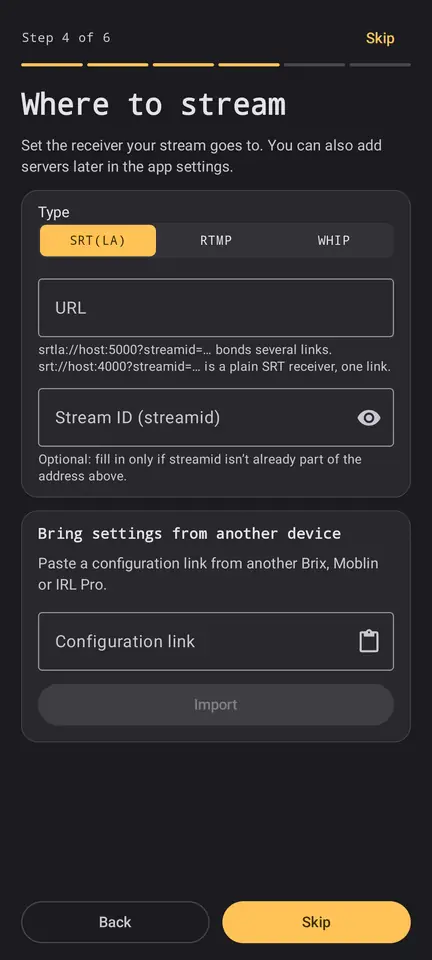
Brix Android screen 8 — sign-in: Where to stream
Brix · Where to stream
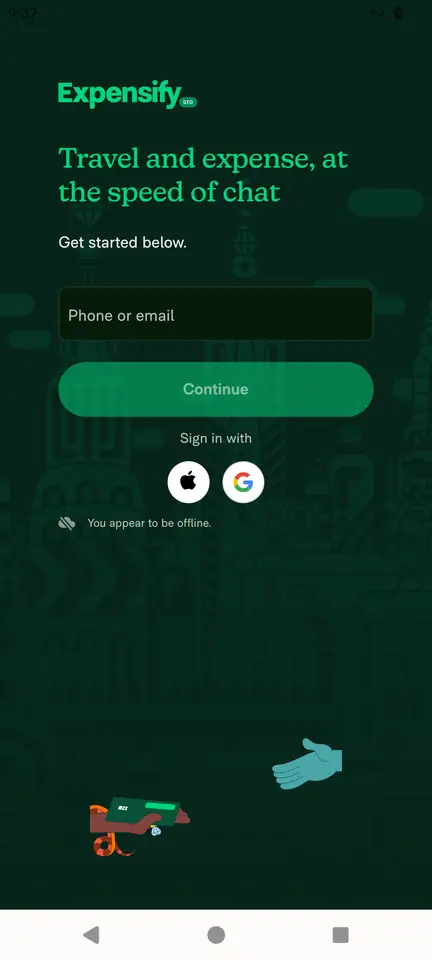
Expensify Android screen 1 — sign-in: Expensify logo
Expensify · Expensify logo
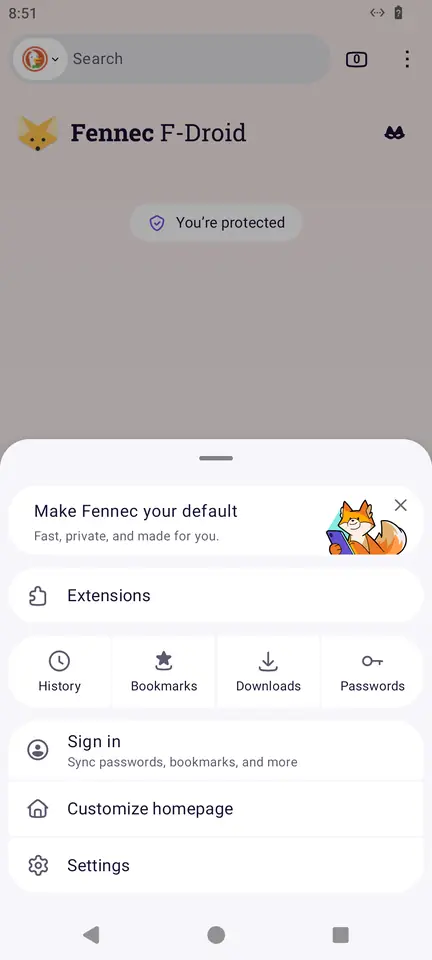
Fennec F-Droid Android screen 7 — sign-in: Close menu
Fennec F-Droid · Close menu
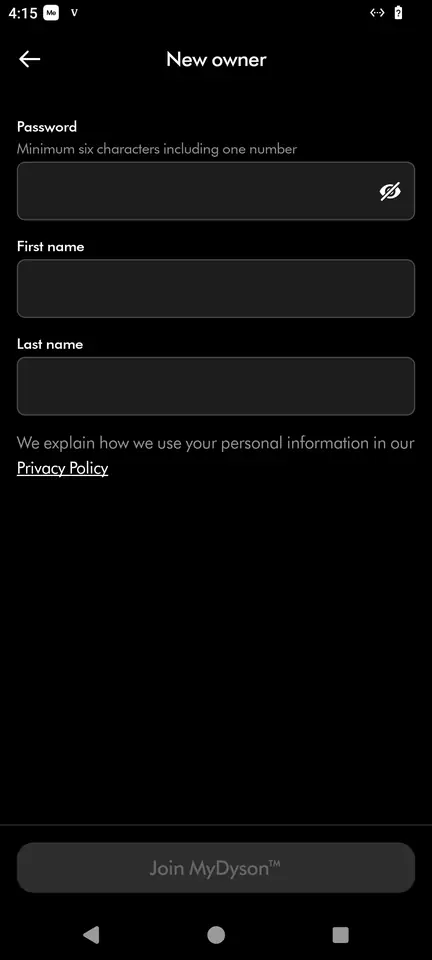
MyDyson Android screen 12 — sign-in: Password
MyDyson · Password
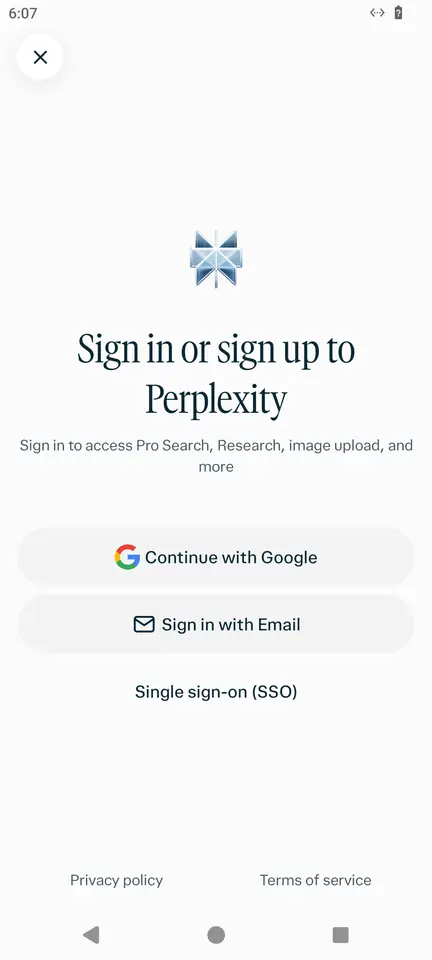
Perplexity Android screen 1 — sign-in: Sign in or sign up to Perplexity
Perplexity · Sign in or sign up to Perplexity
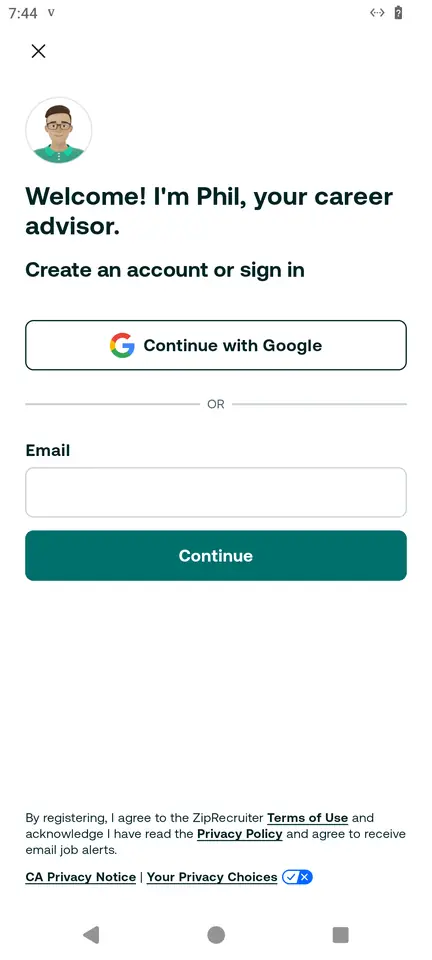
ZipRecruiter Android screen 5 — sign-in: Phil logo
ZipRecruiter · Phil logo

Captured on a real Android device · last updated 2026-11-14