Social login buttons: 68 real Android examples
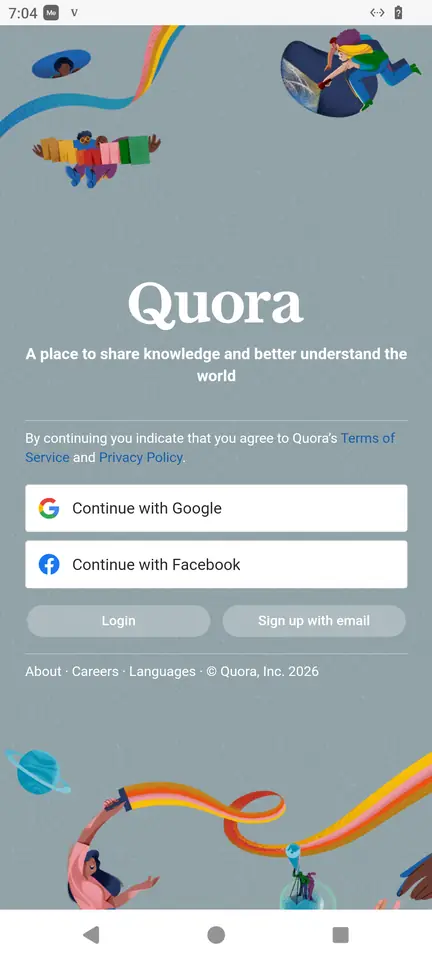
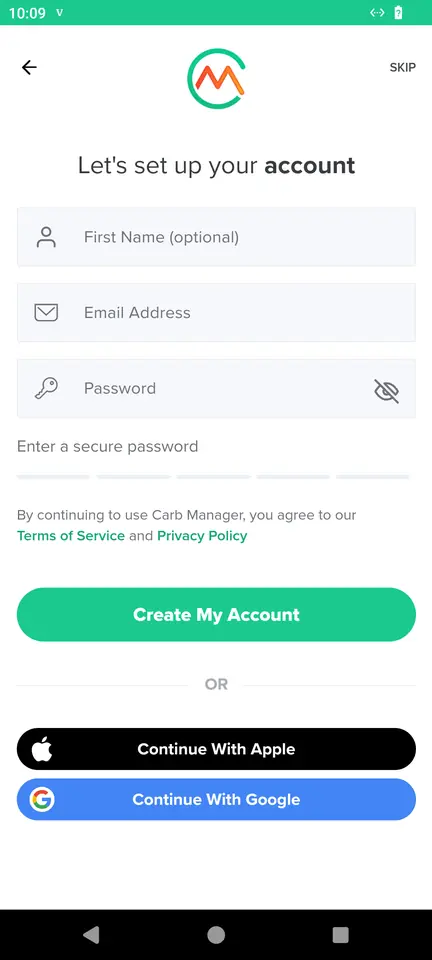
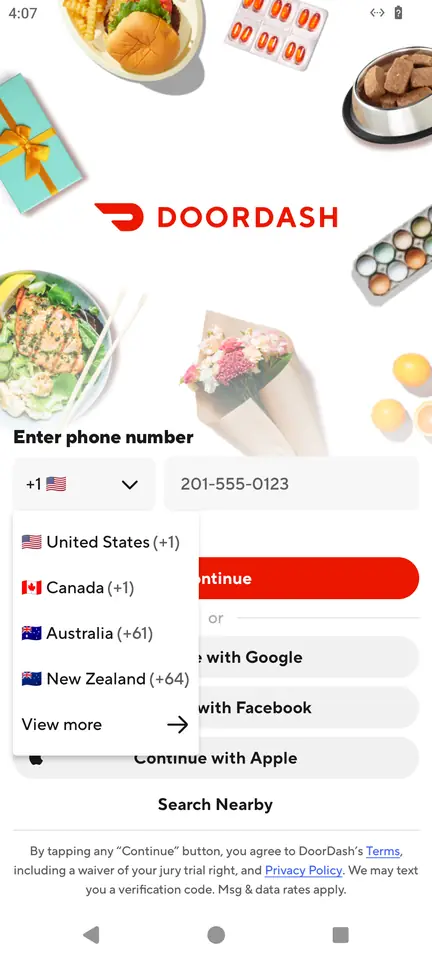
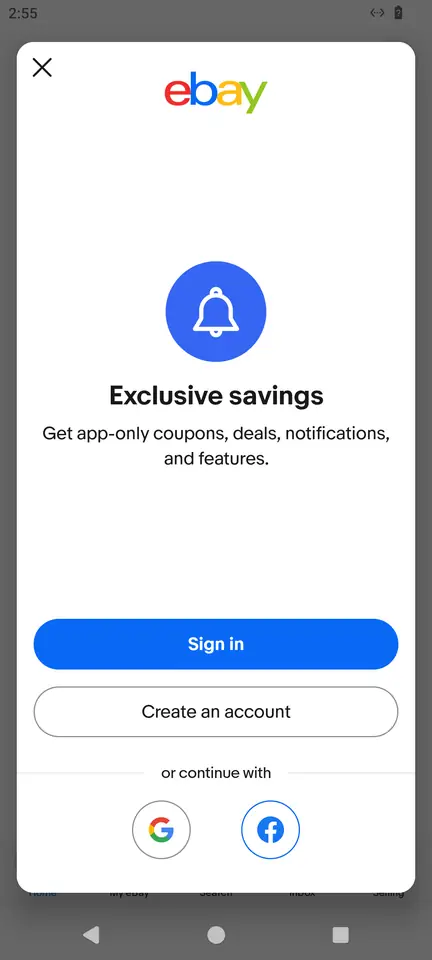
Social sign-in buttons let users create an account or log in with an existing identity — “Continue with Google”, “Continue with Facebook”, “Continue with Apple” — instead of a new password.
Social login buttons examples from 68 Android apps
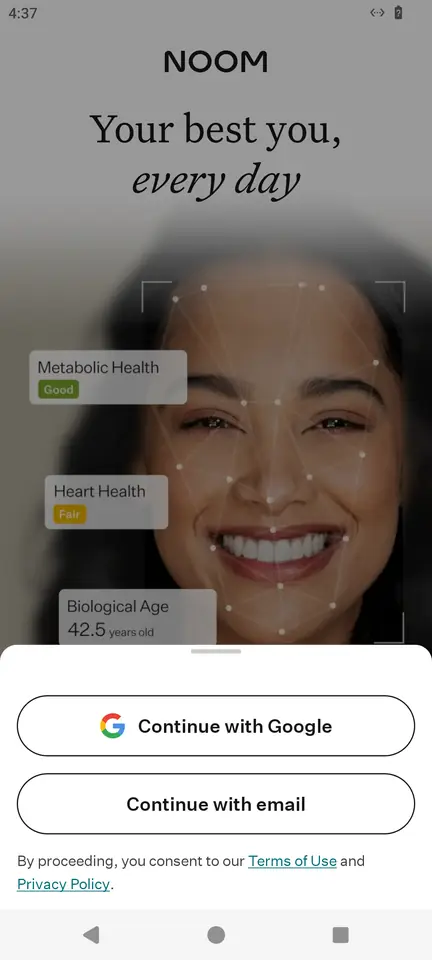
Continue with Google
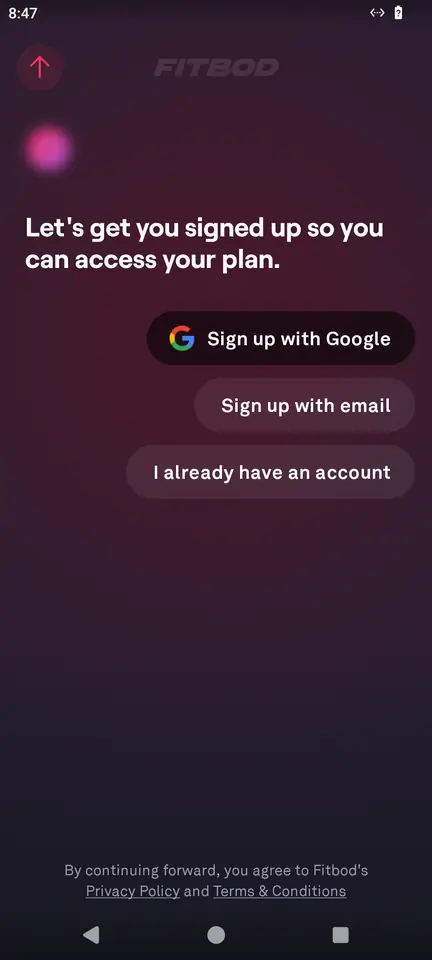
Sign up with Google
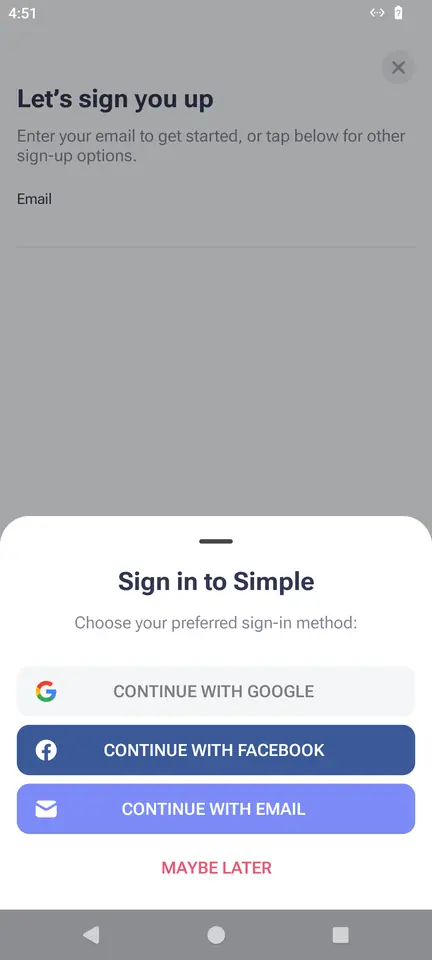
CONTINUE WITH GOOGLE
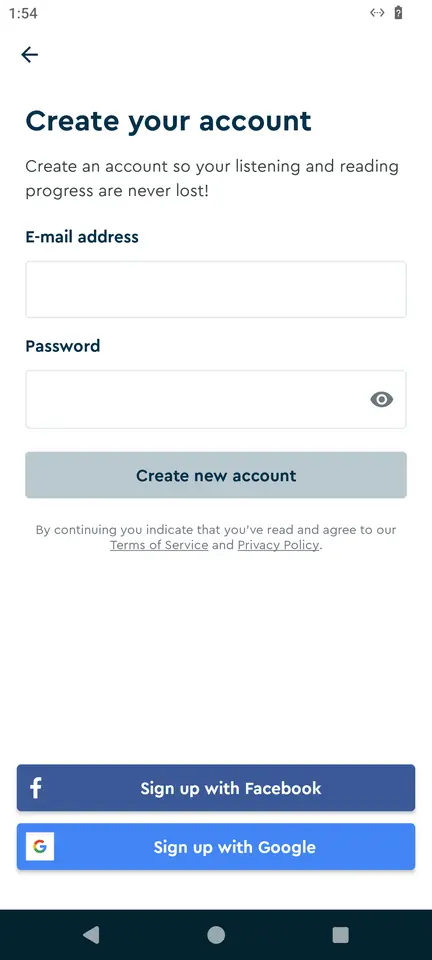
Sign up with Facebook
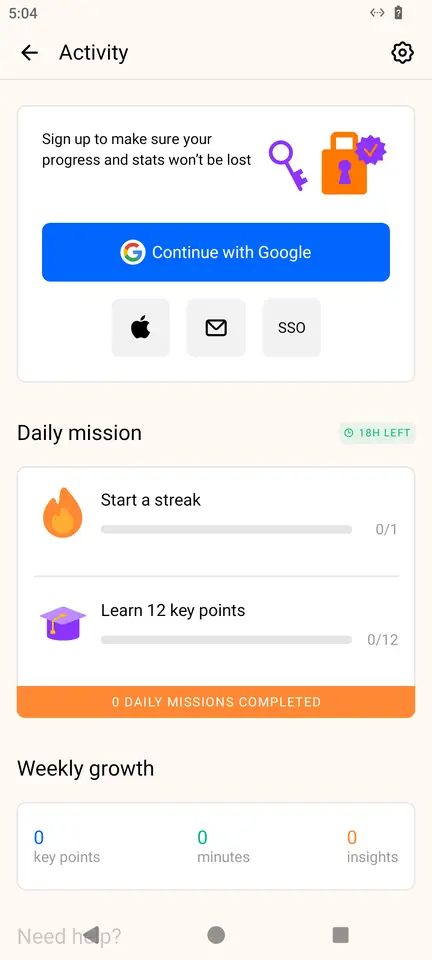
Continue with Google
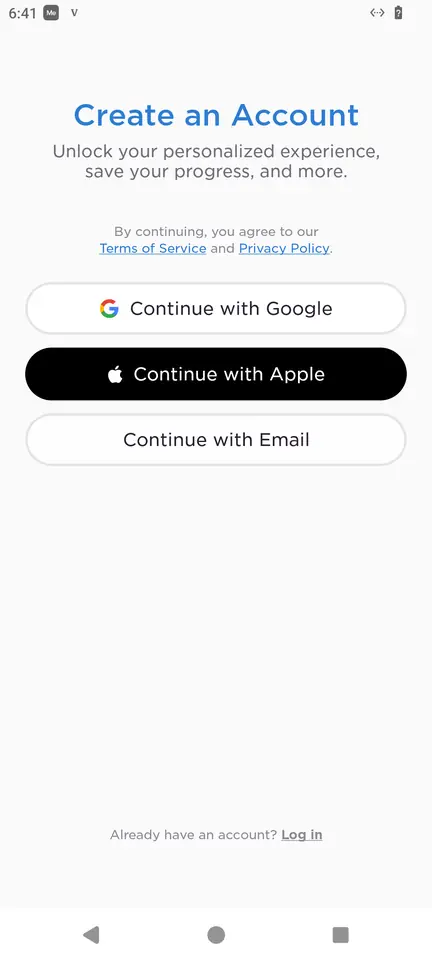
Continue with Google
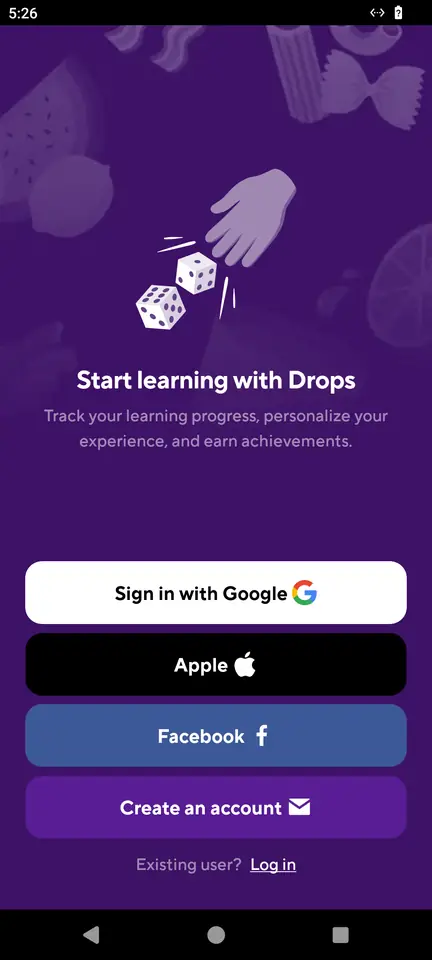
Sign in with Google
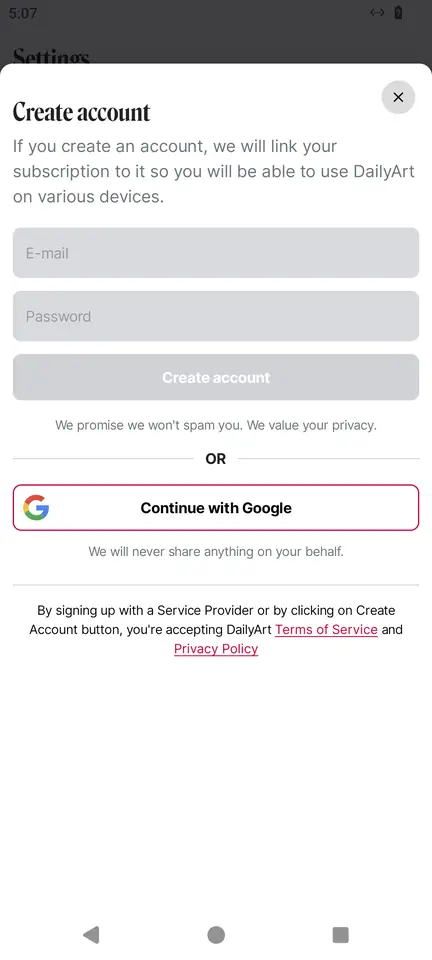
Continue with Google
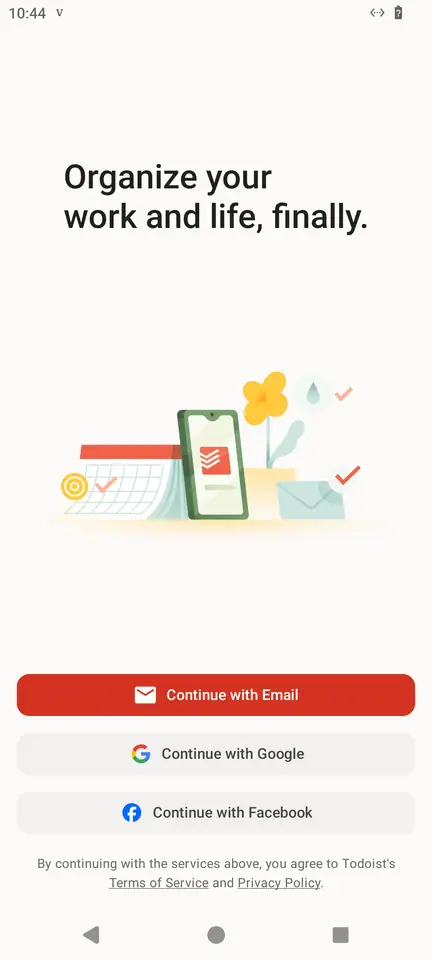
Continue with Google
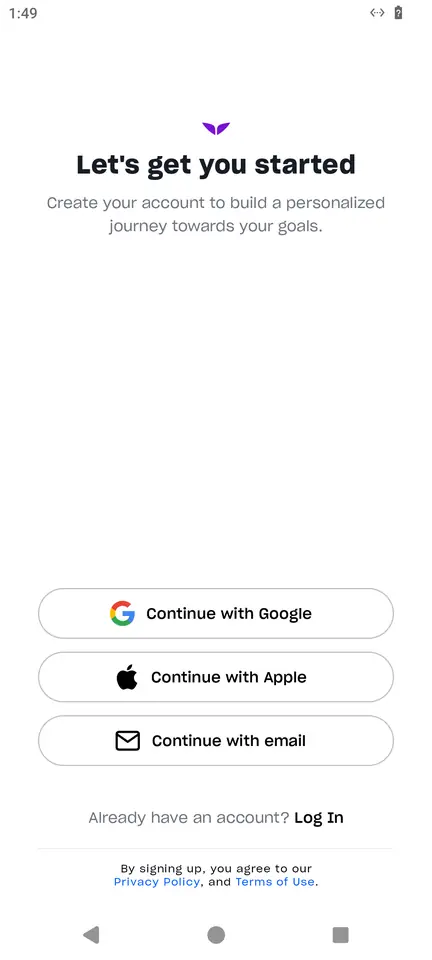
Continue with Google
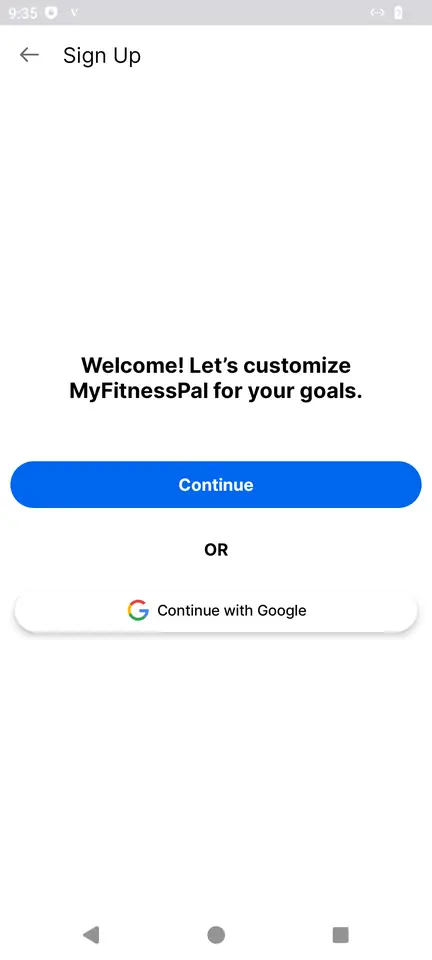
Continue with Google
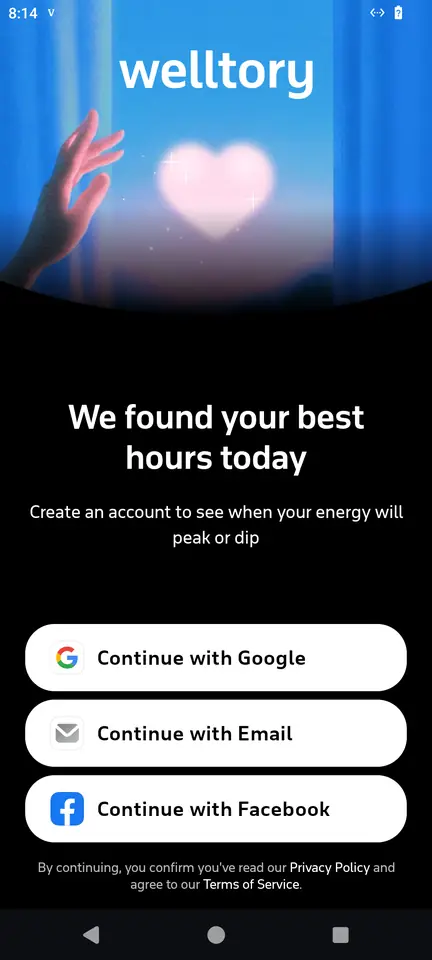
Continue with Google
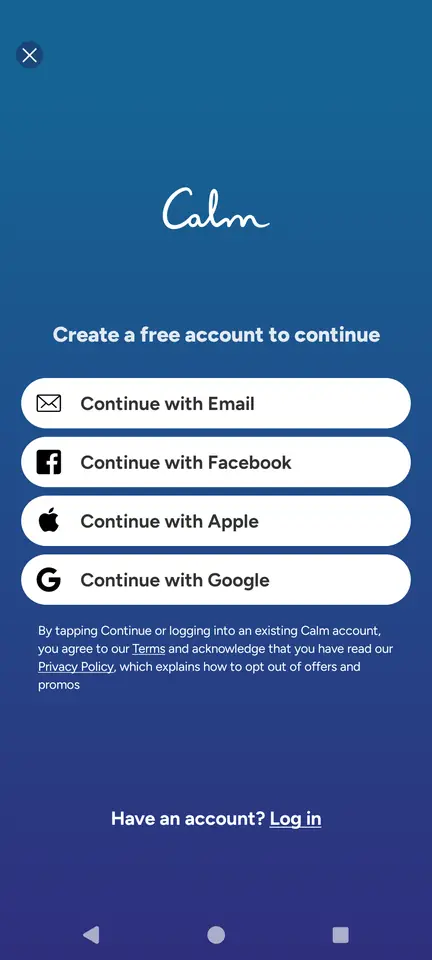
Continue with Facebook
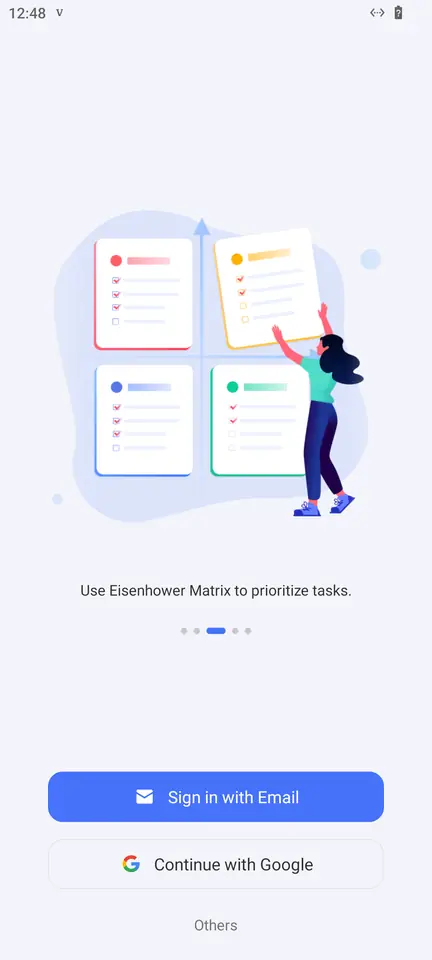
Continue with Google
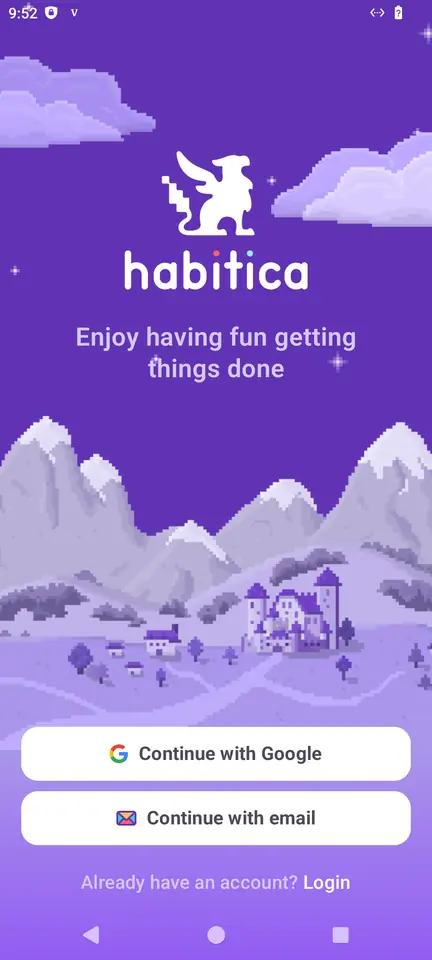
Continue with Google
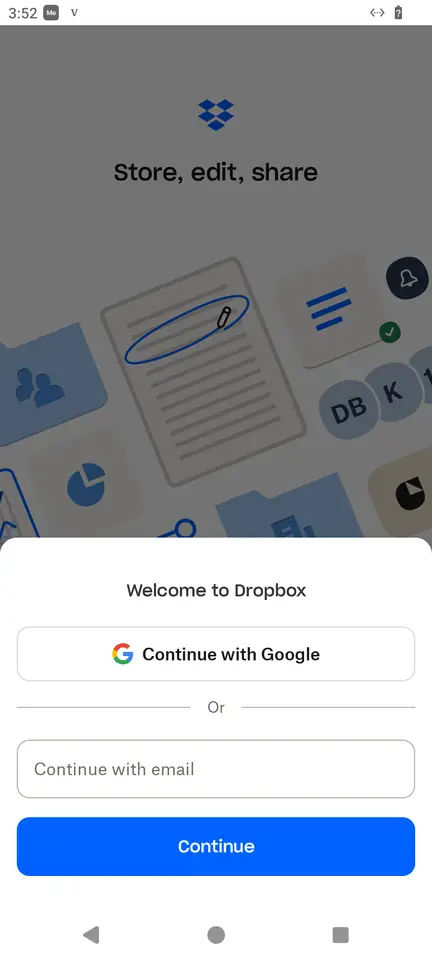
Continue with Google
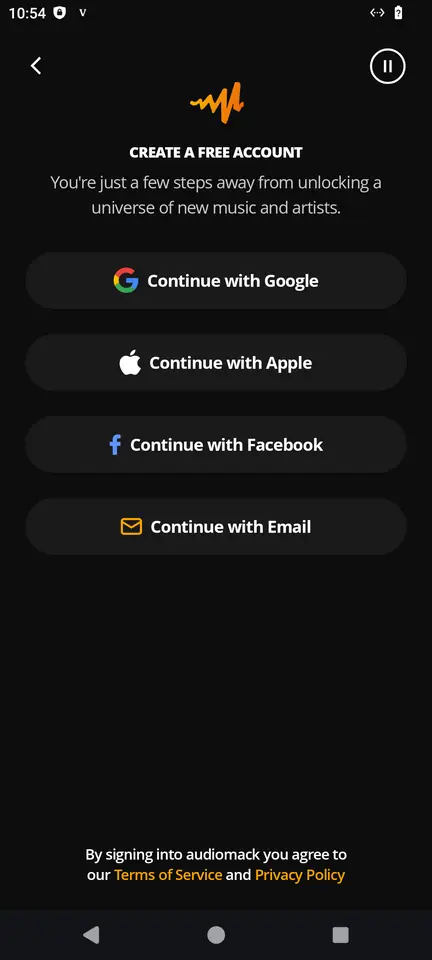
Continue with Google
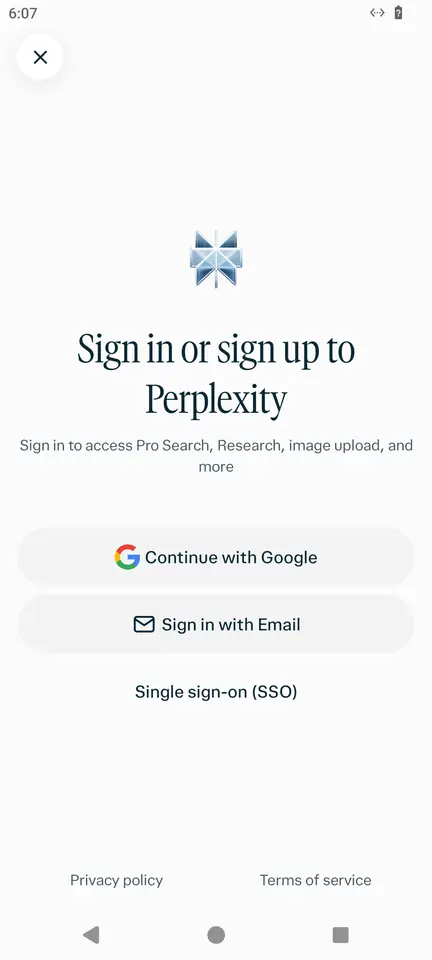
Continue with Google
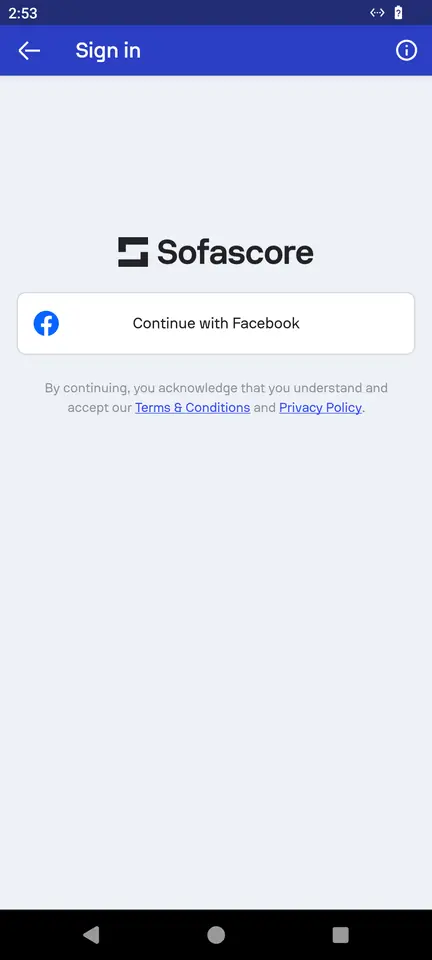
Continue with Facebook
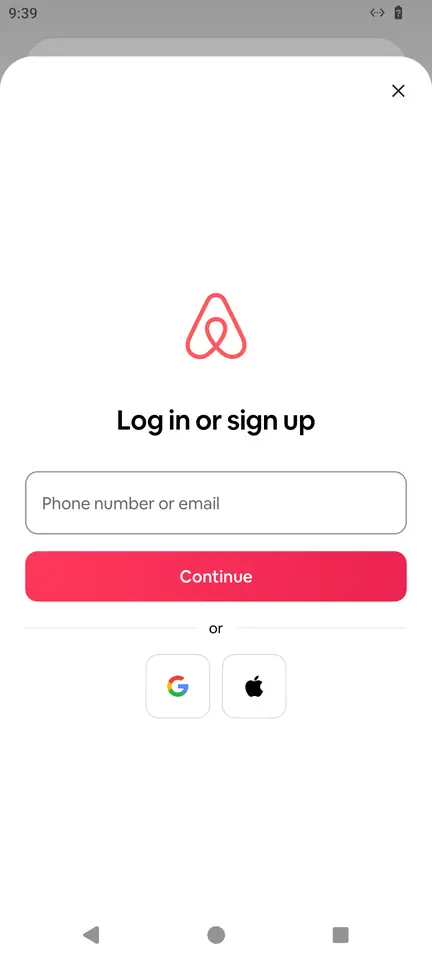
Continue with Google
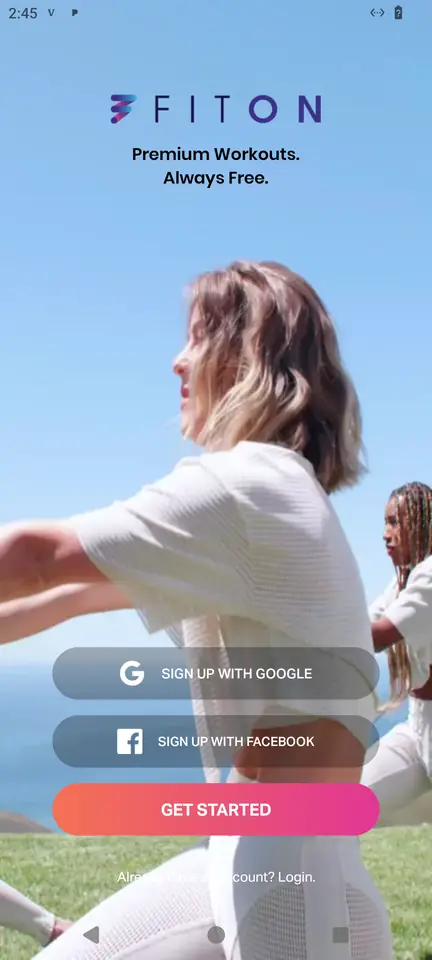
SIGN UP WITH GOOGLE
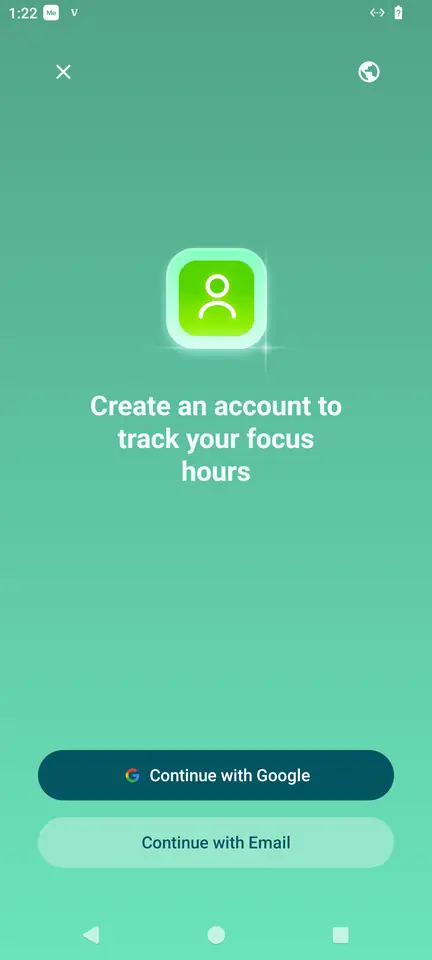
Continue with Google
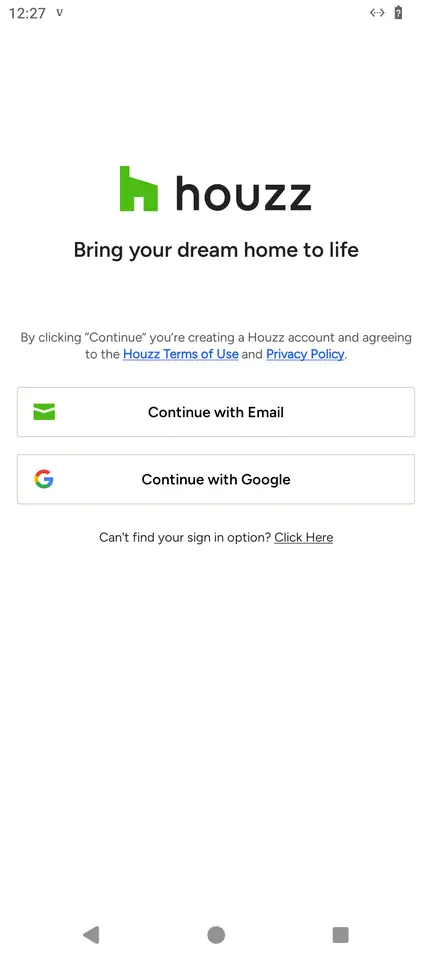
Continue with Google
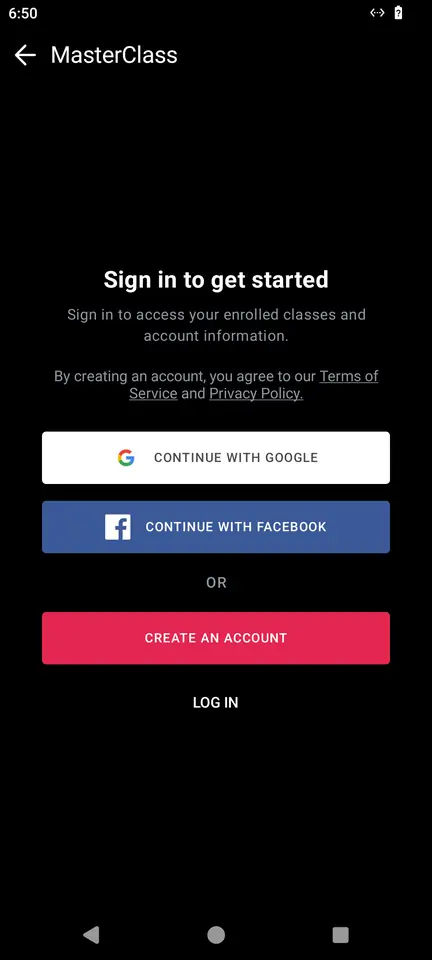
CONTINUE WITH GOOGLE
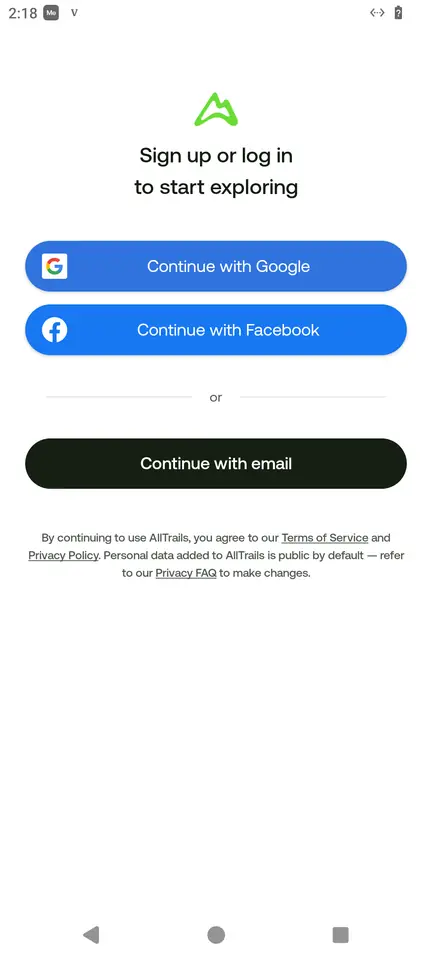
Continue with Google
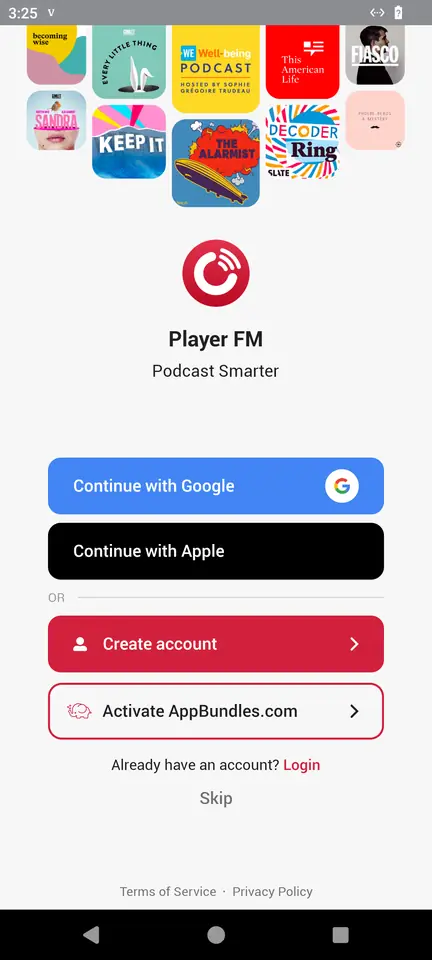
Continue with Google
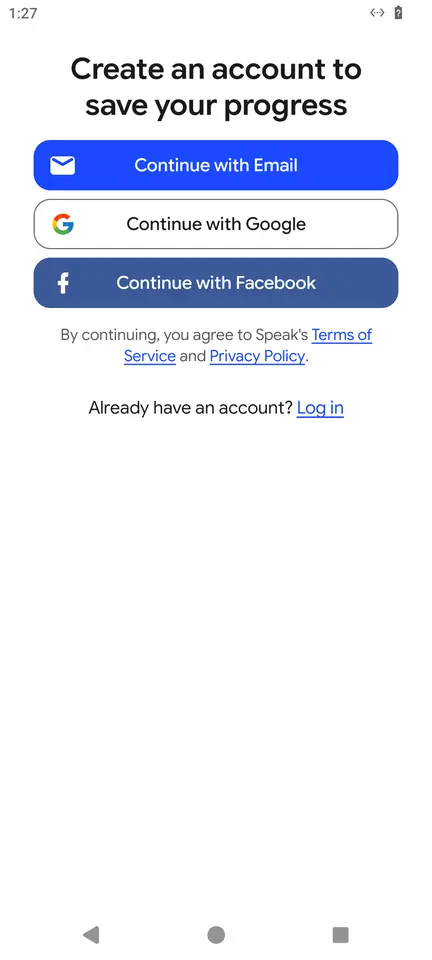
Continue with Google
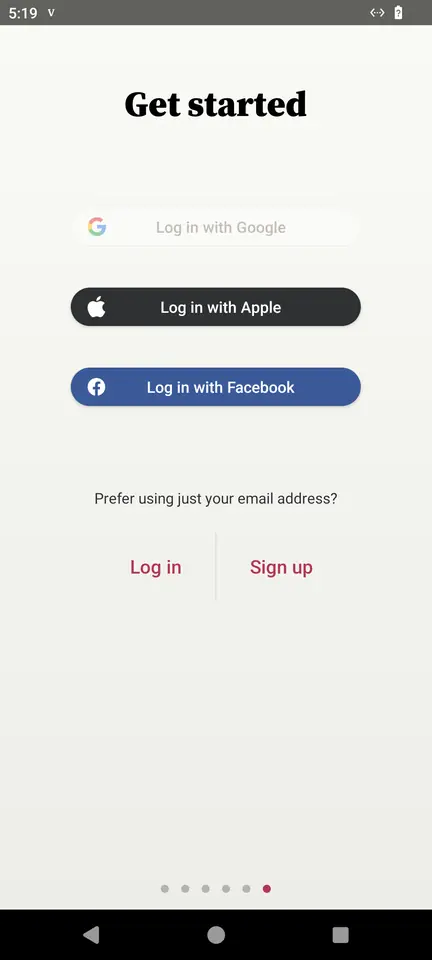
Log in with Google
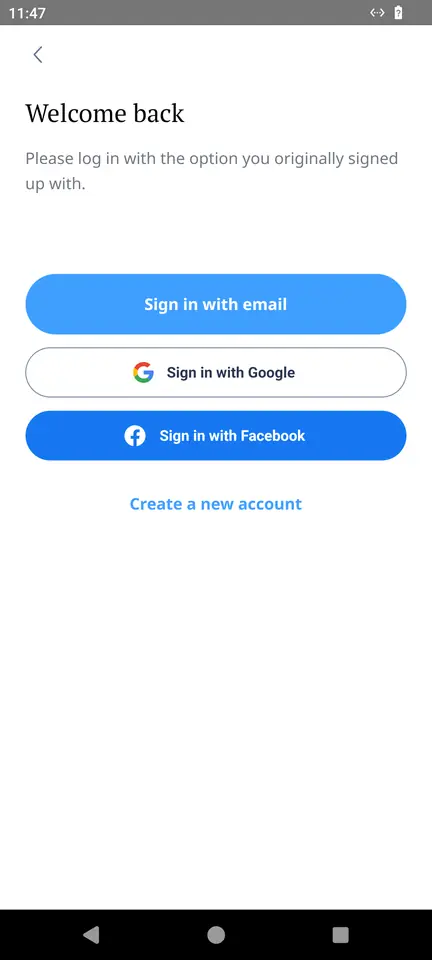
Sign in with Google
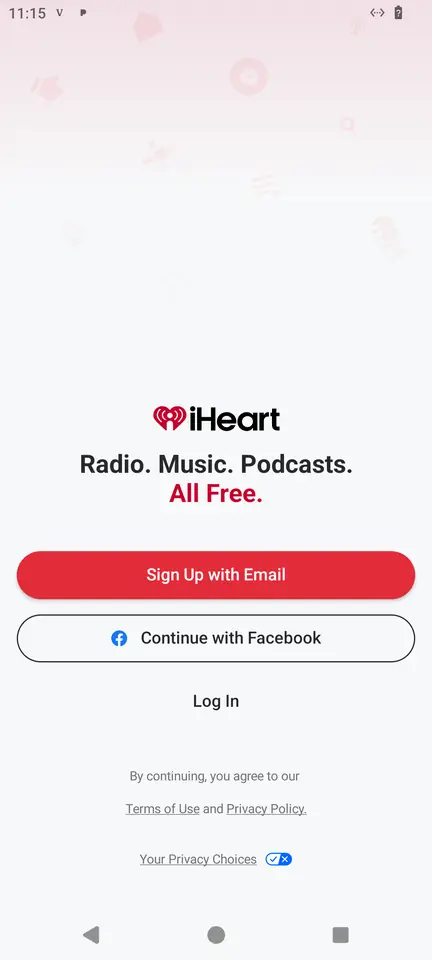
Continue with Facebook
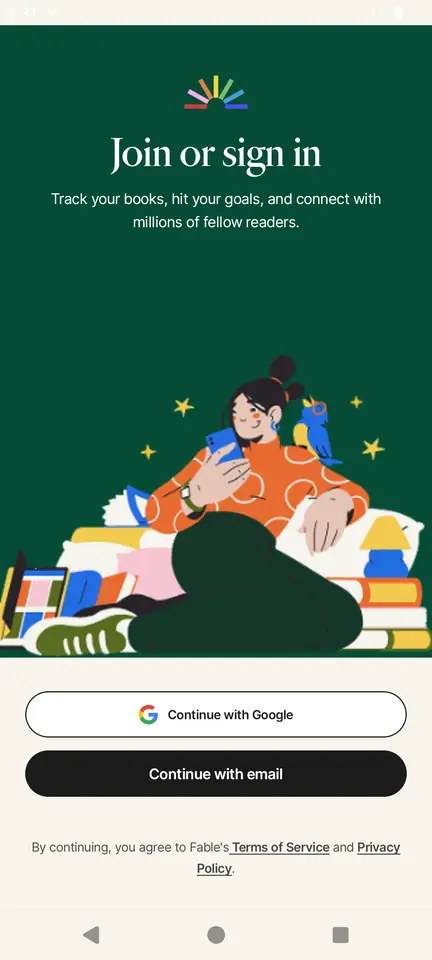
Continue with Google
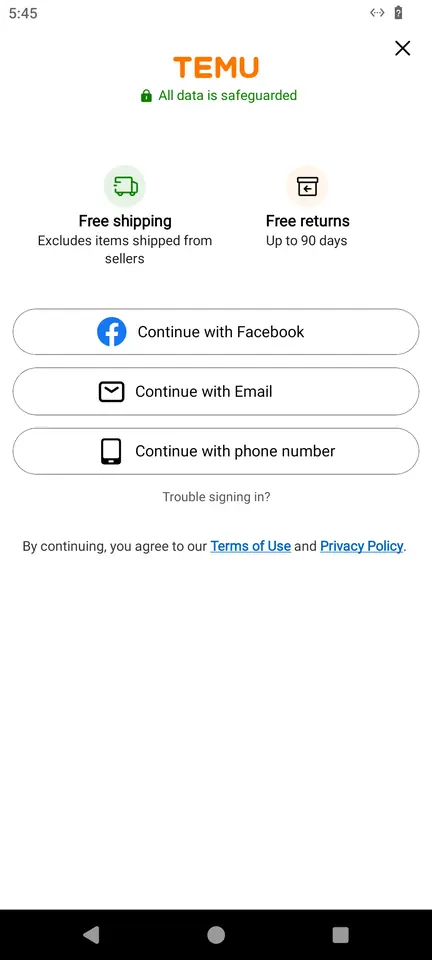
Continue with Facebook
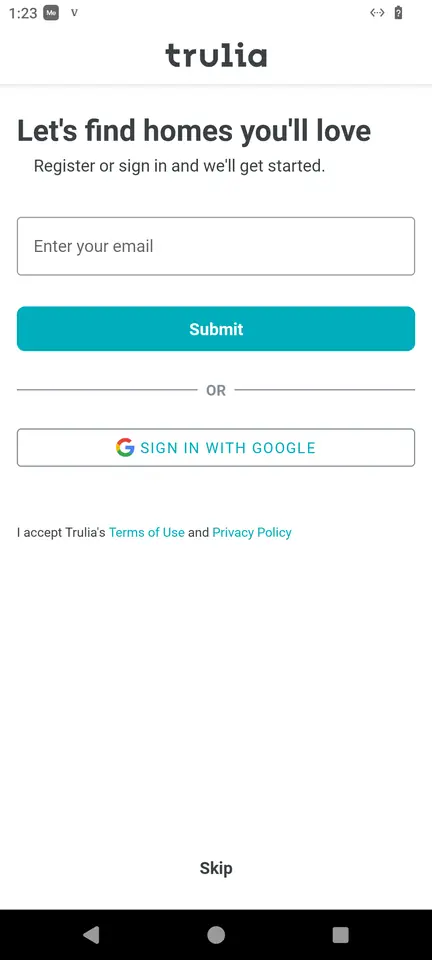
SIGN IN WITH GOOGLE
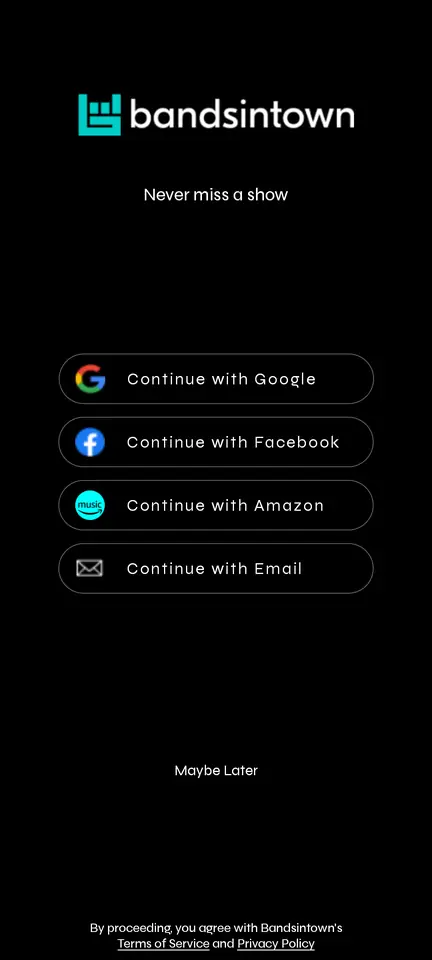
Continue with Google
Continue with Facebook
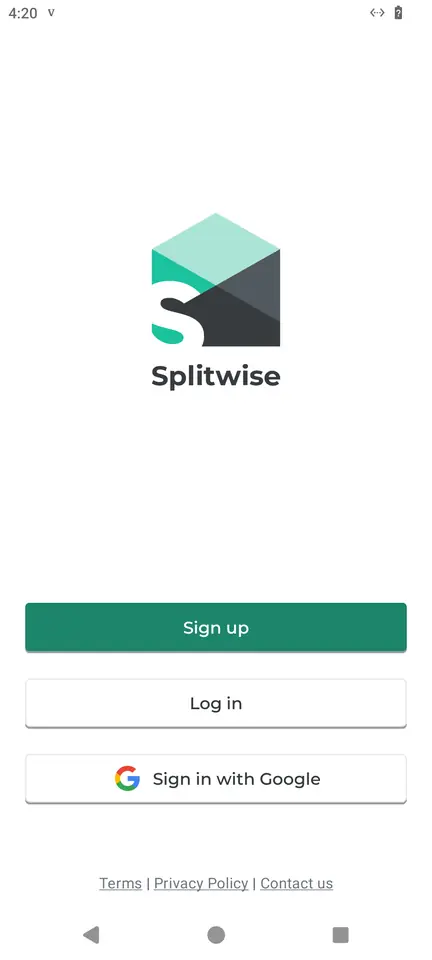
Sign in with Google
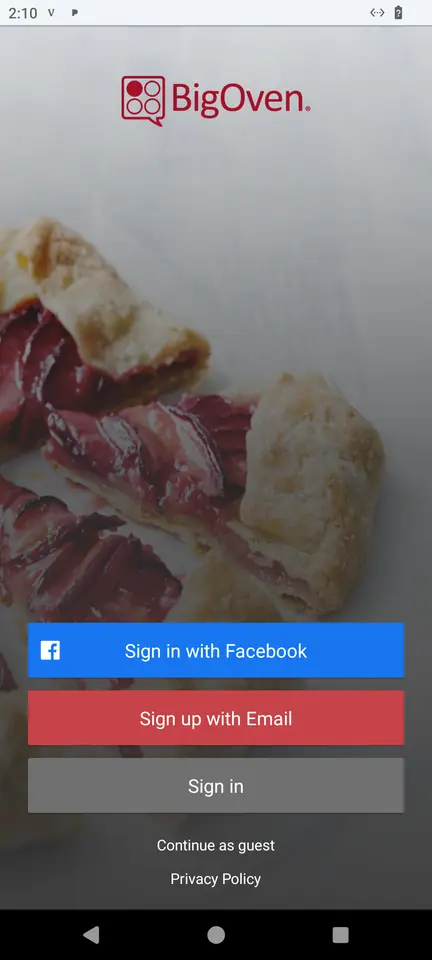
Sign in with Facebook
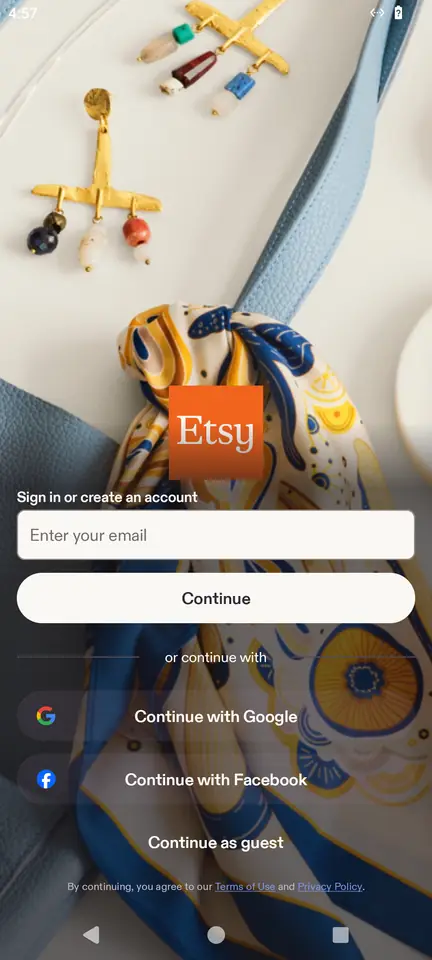
Continue with Google
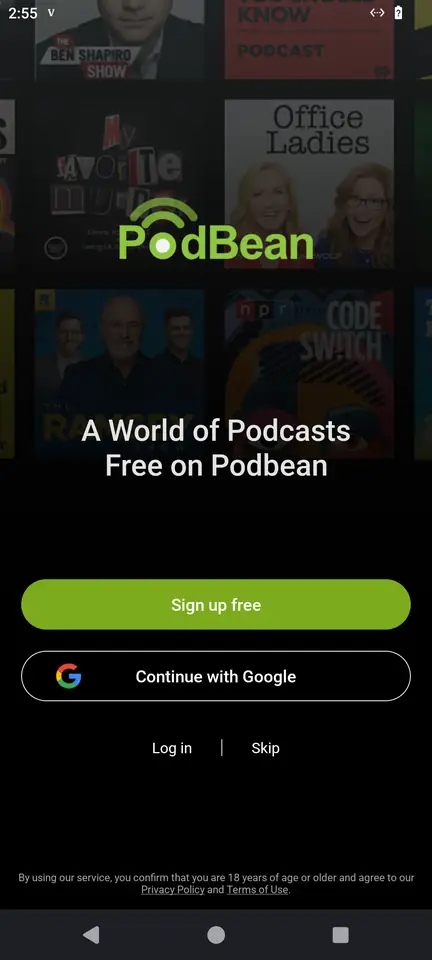
Continue with Google
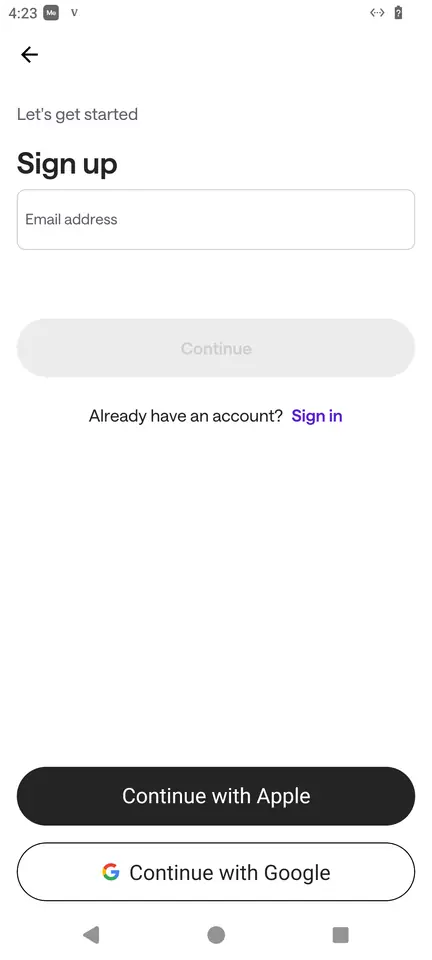
Continue with Apple
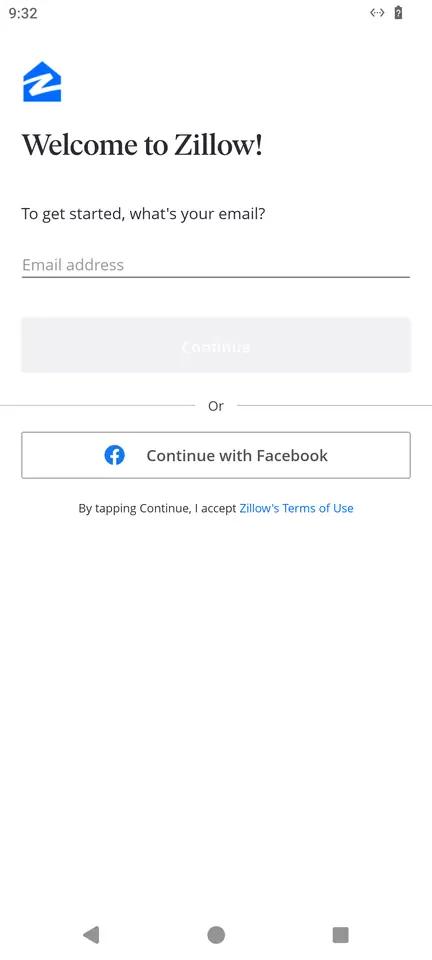
login with facebook
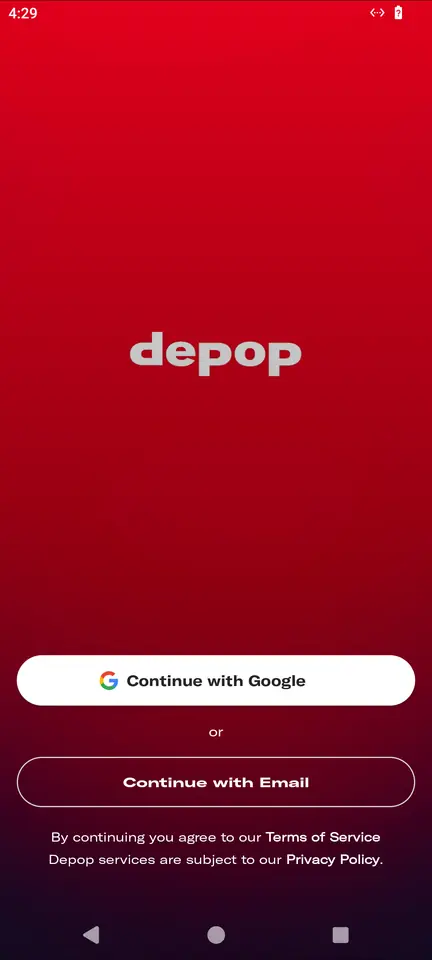
Continue with Google button
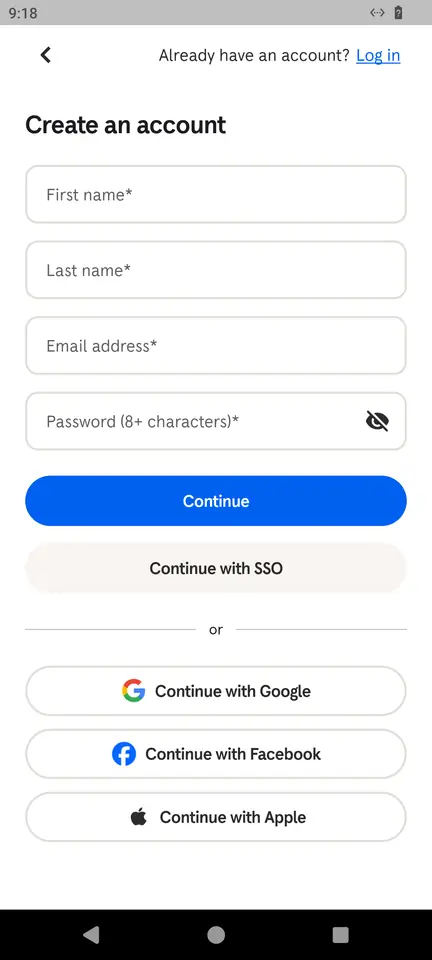
Continue with Google
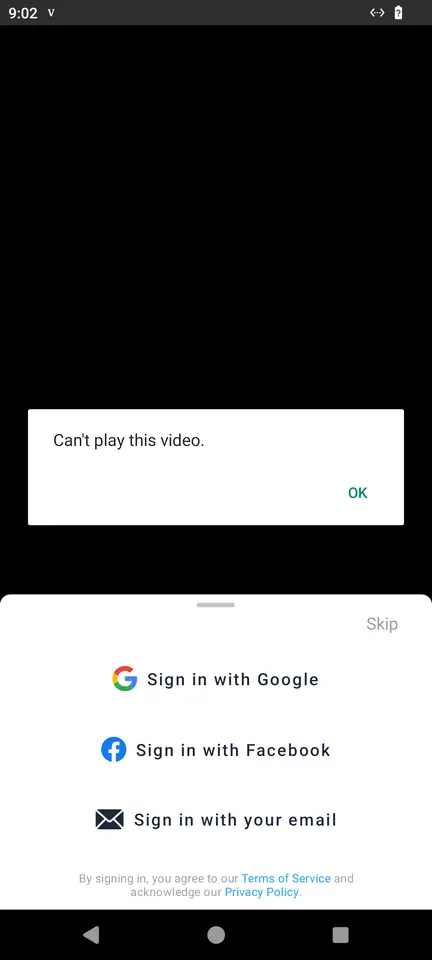
Sign in with Google
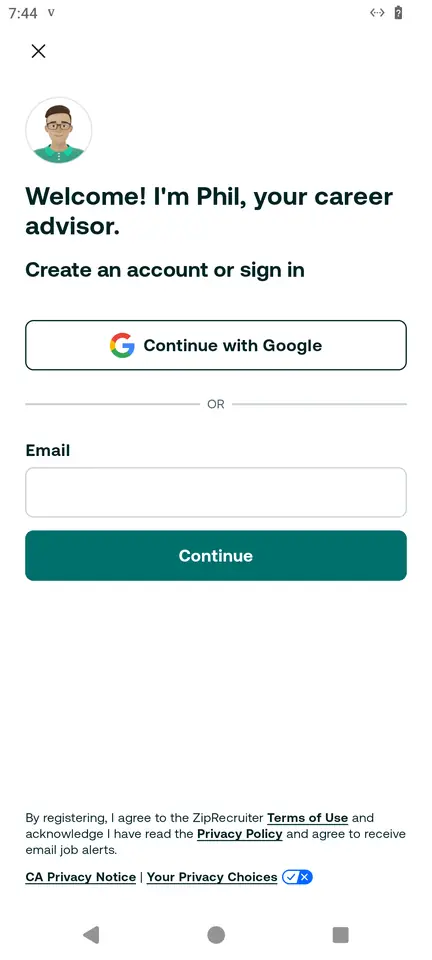
Continue with Google
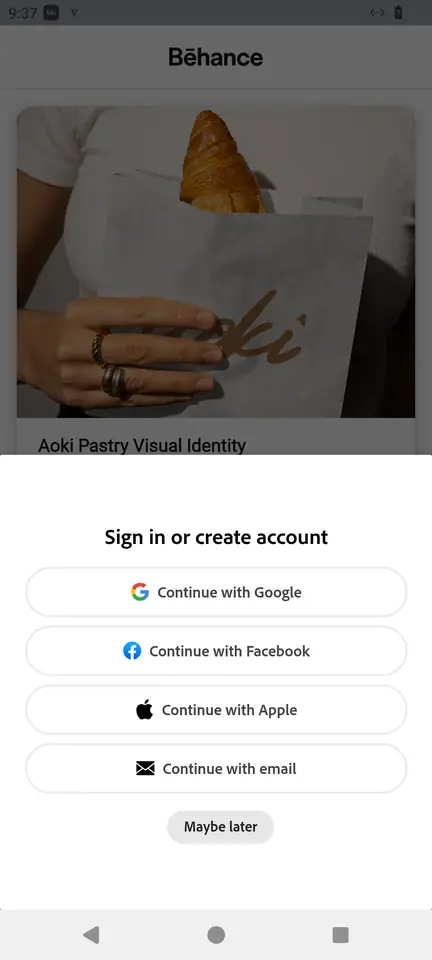
Continue with Google
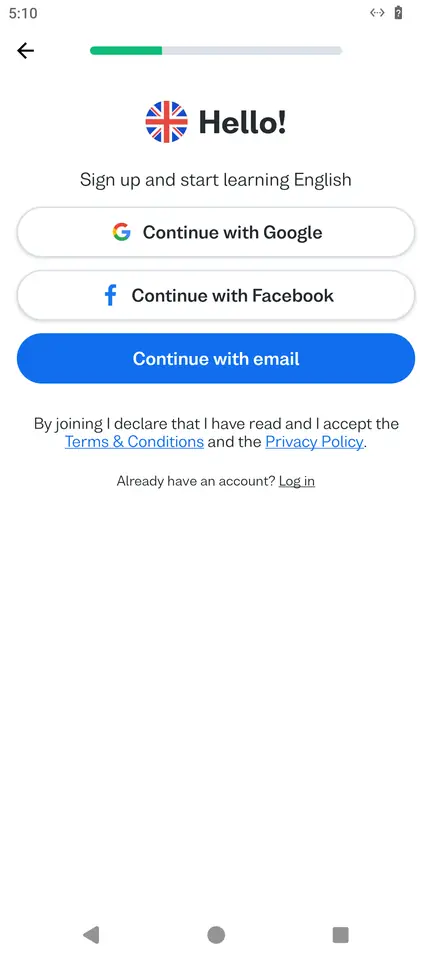
Continue with Google
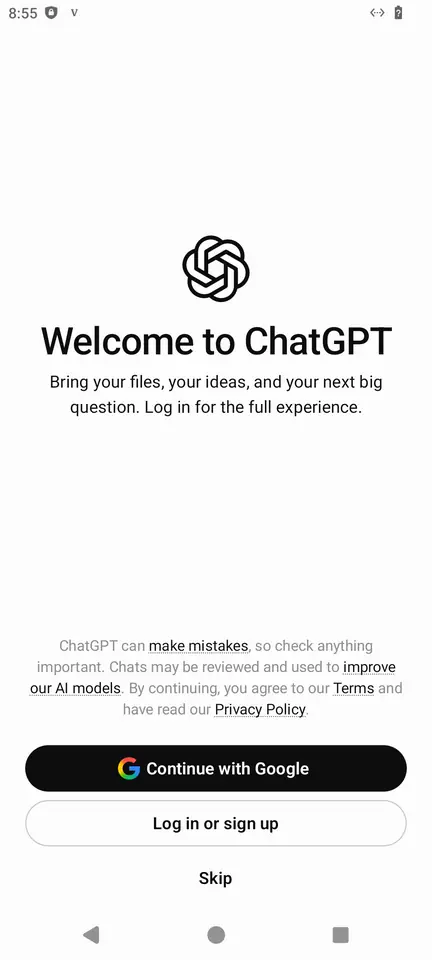
Continue with Google
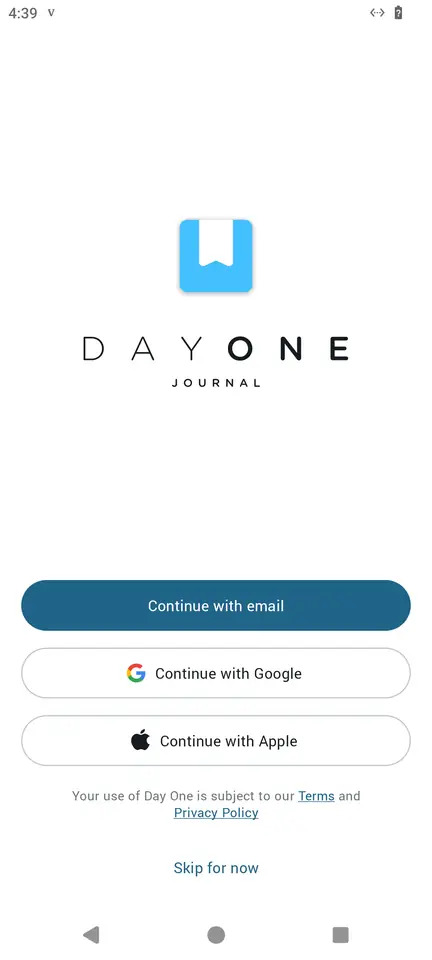
Continue with Google
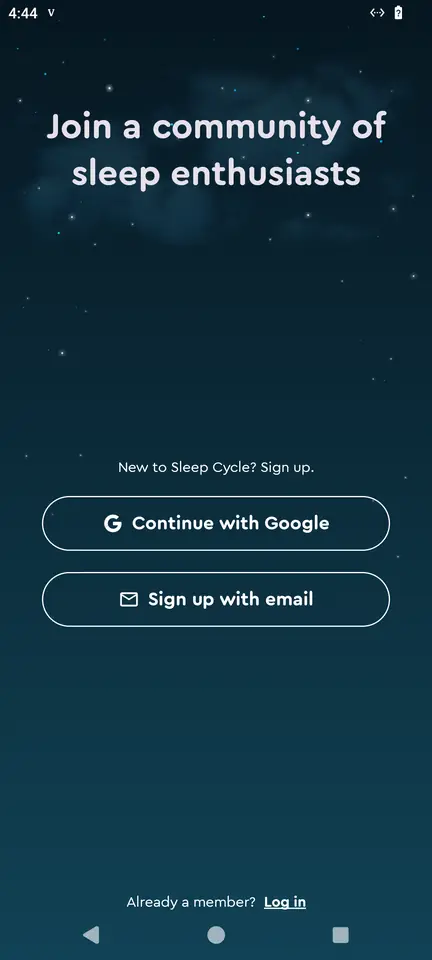
Continue with Google
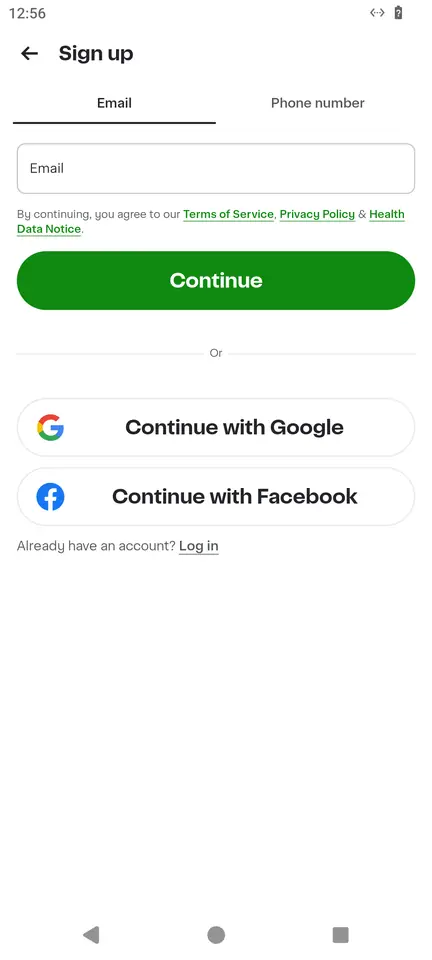
Continue with Google
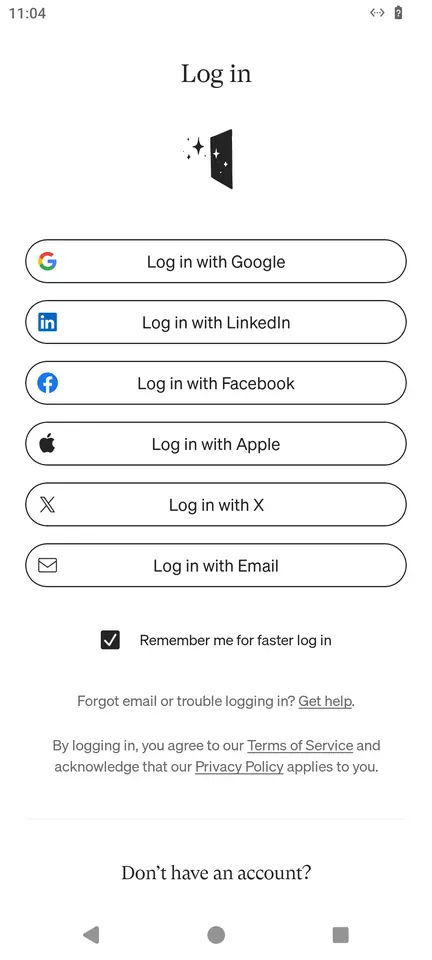
Log in with Google
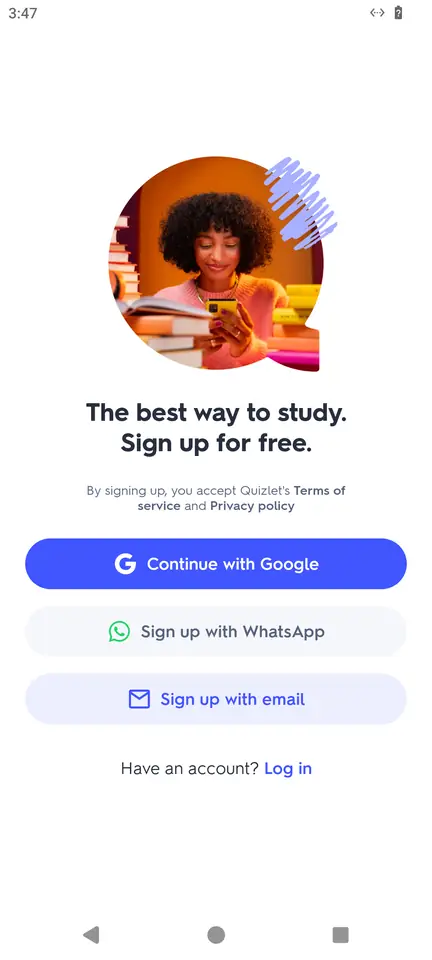
Continue with Google
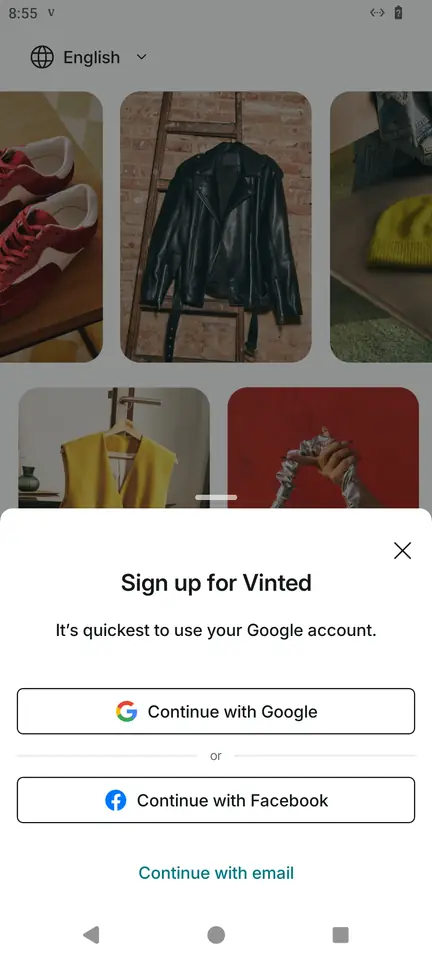
Continue with Google
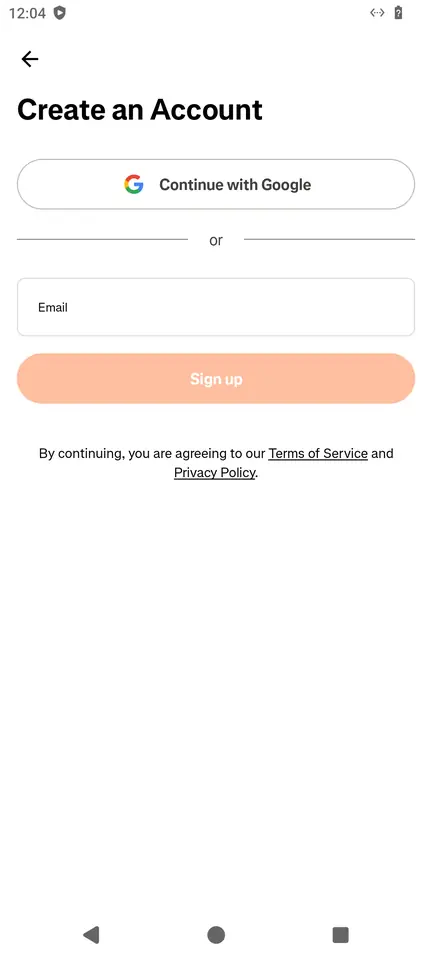
Continue with Google
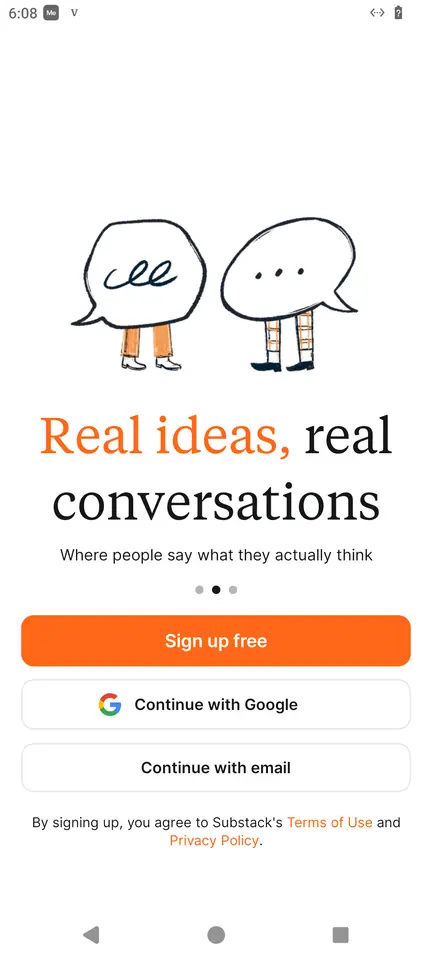
Continue with Google
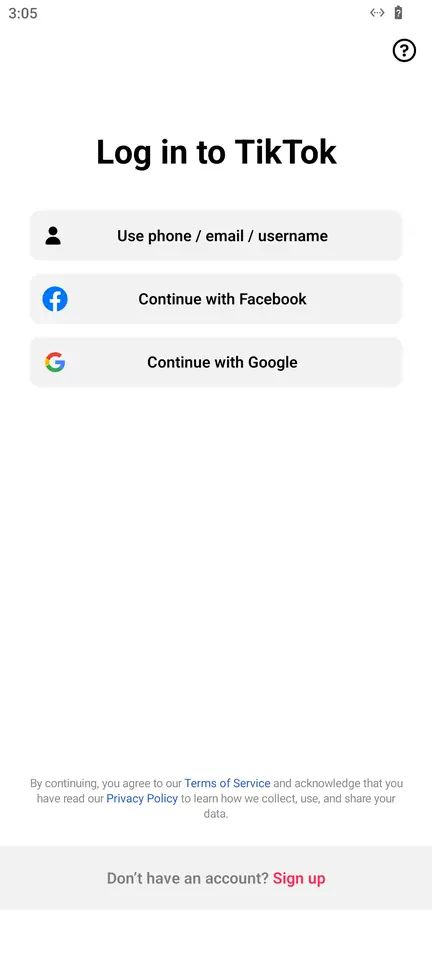
Continue with Facebook
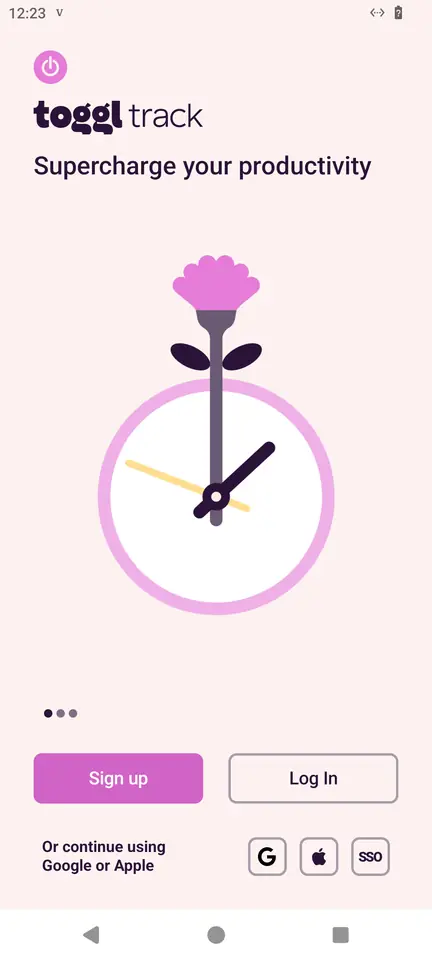
Continue with Google button
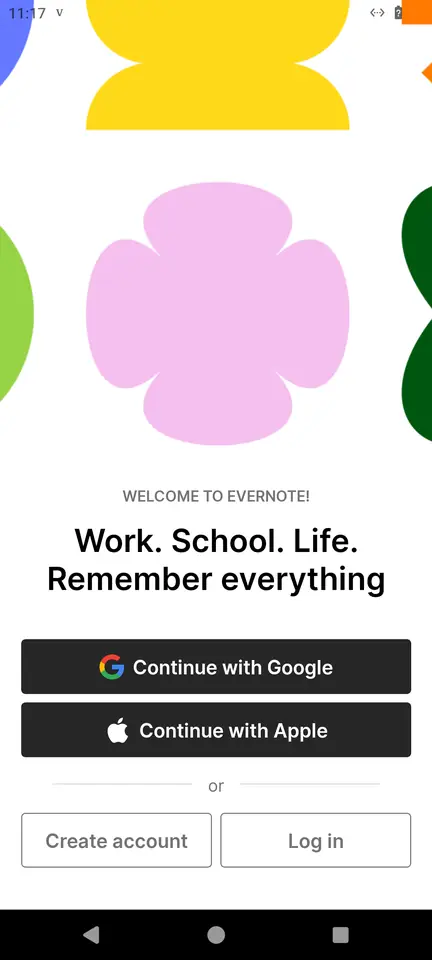
Sign in with Google
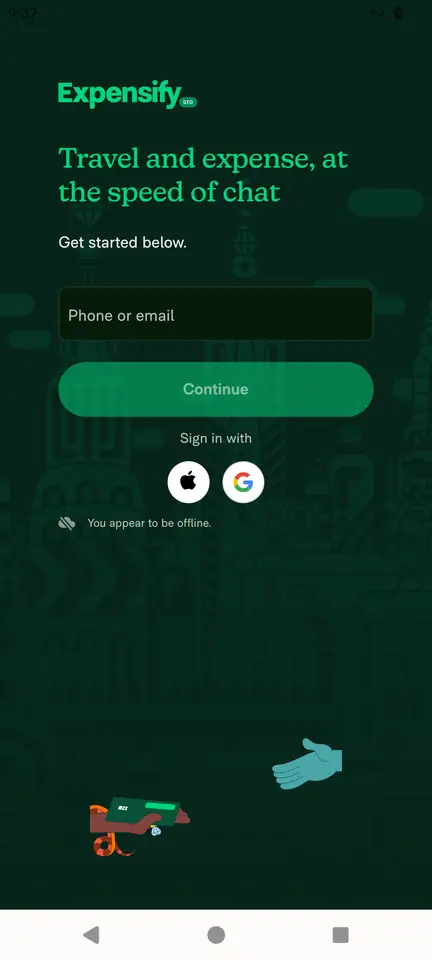
Sign in with Apple
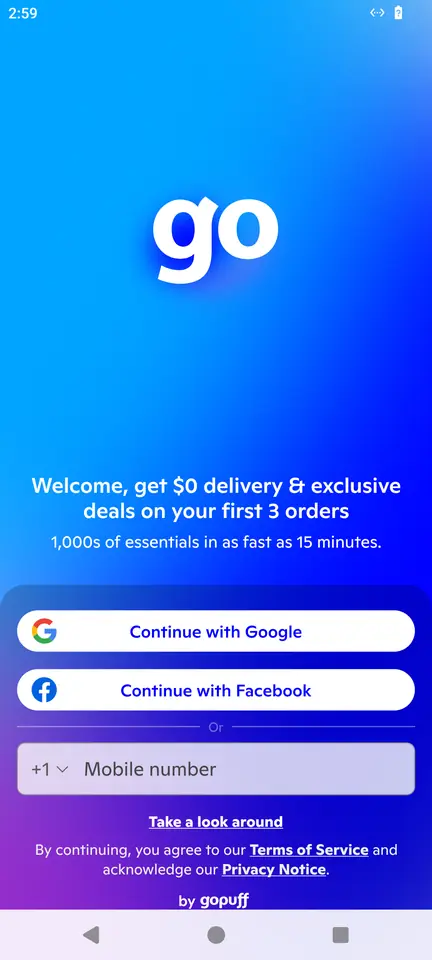
Continue with Google
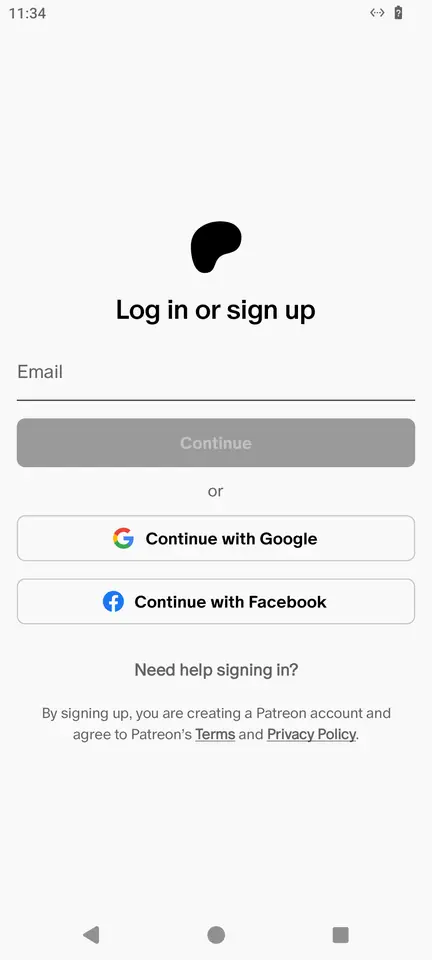
Continue with Google
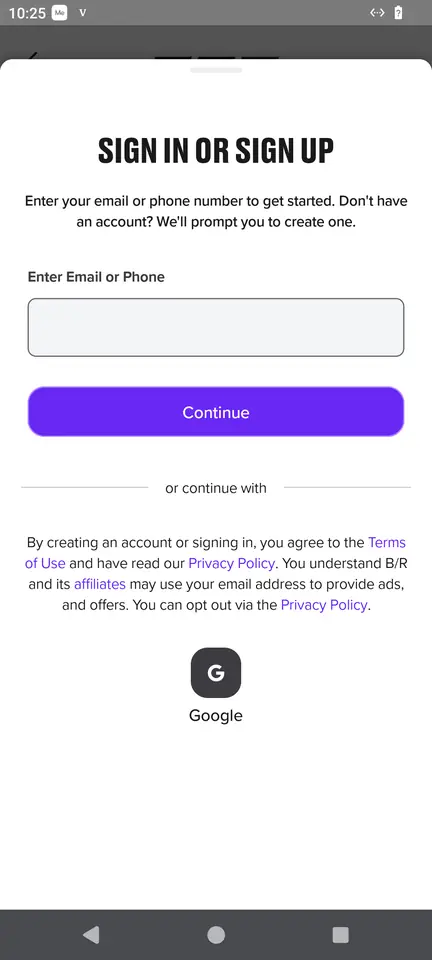
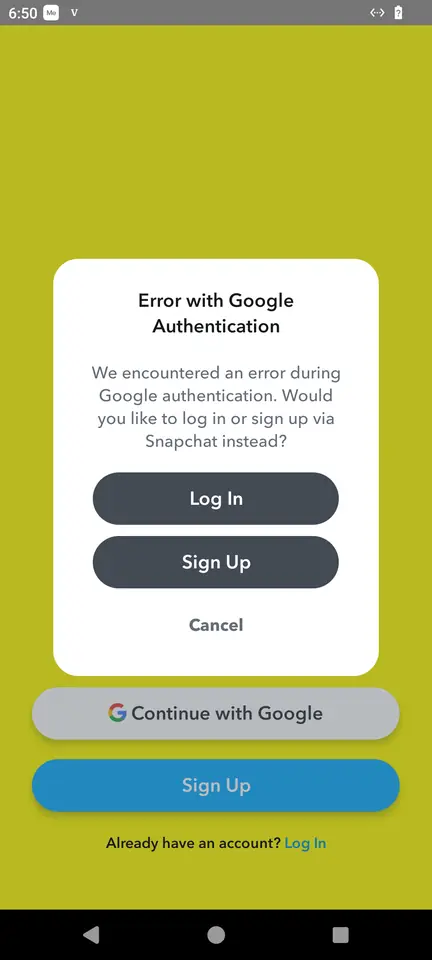
Why it works
- One tap replaces typing an email and inventing a password.
- It reduces forgotten-password support and fake sign-ups.
- On Android, Google sign-in is usually the highest-converting option.
Best practices
- Order buttons by how your users actually sign in (usually Google first on Android).
- Use the providers' official button styles and wording.
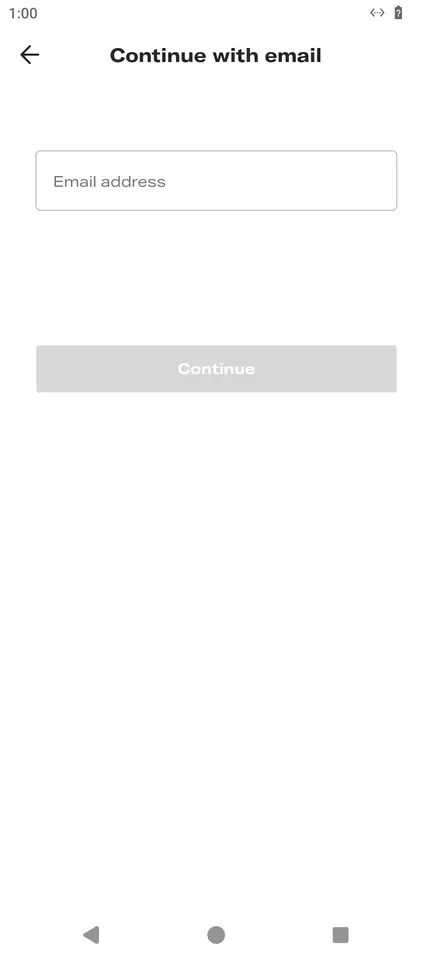
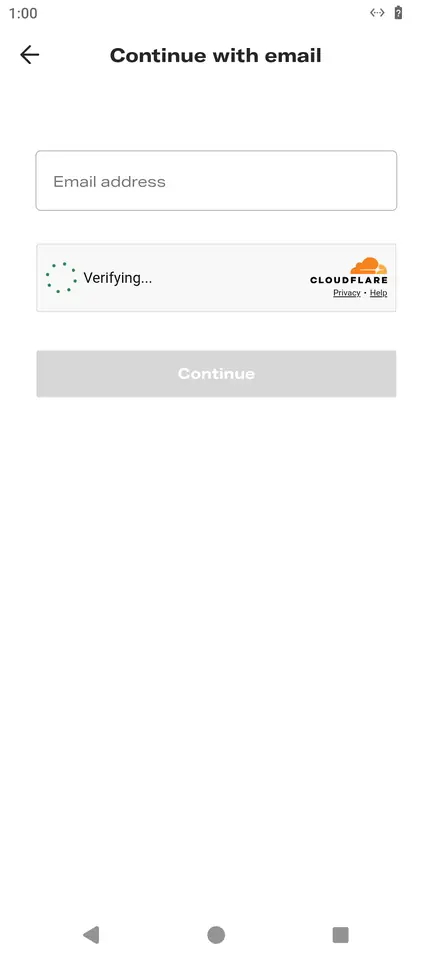
- Keep an email option for people who will not link a social account.
- Say what you will and will not post or access.
How real apps word it
The exact UI copy, as it appears on screen in each app.
Where it shows up
Screens showing the pattern, by flow step type.
By app category
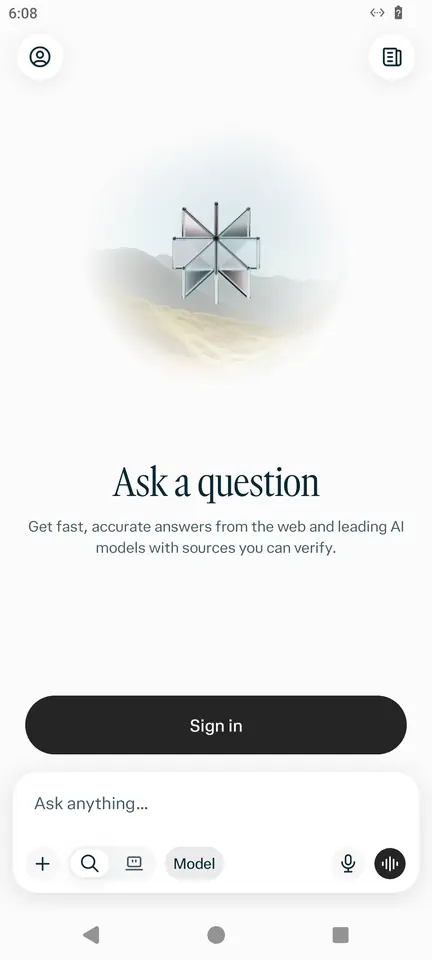
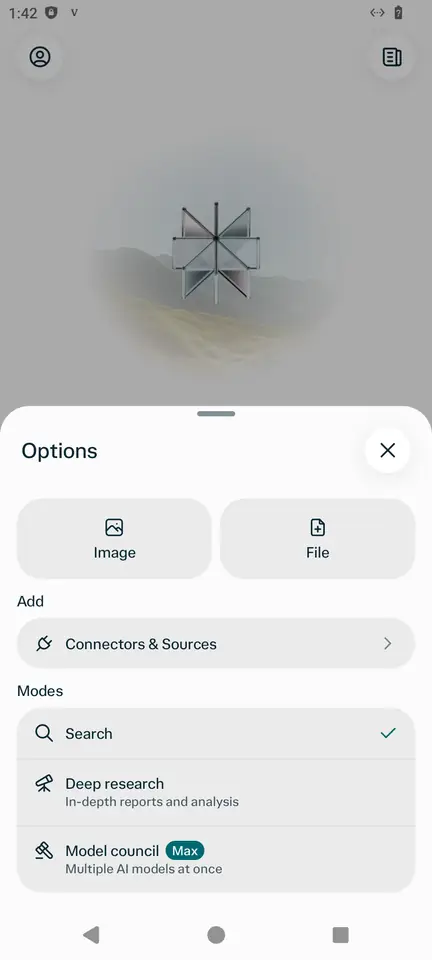
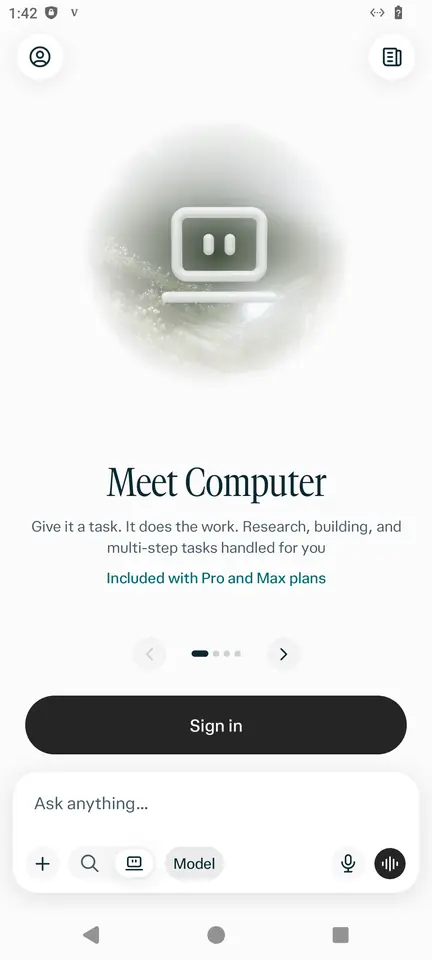
Apps showing the pattern, by category · 68 of 246 apps in the library.
Full flows that include a social login button
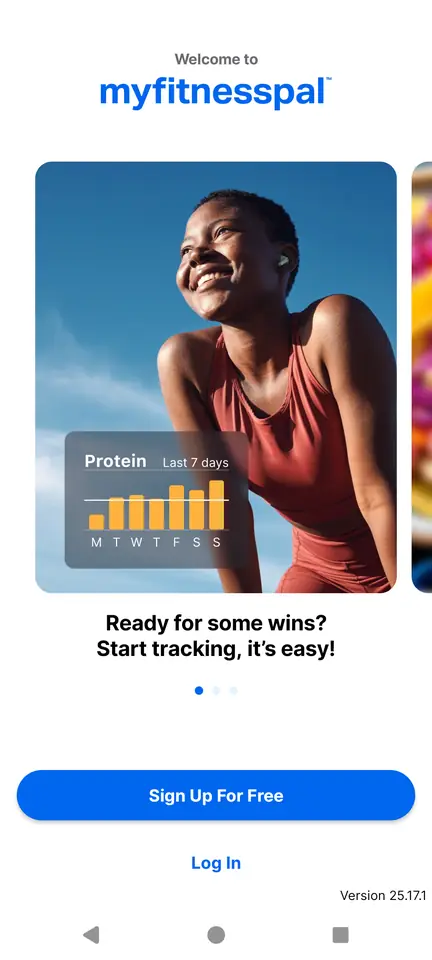
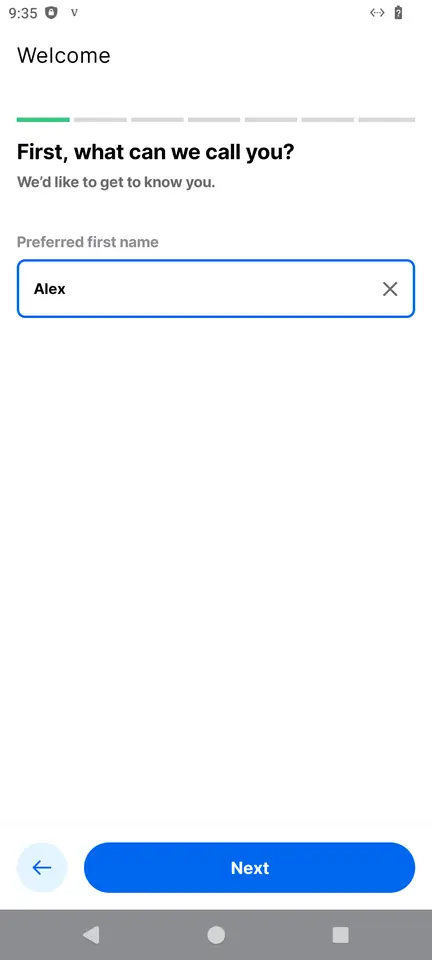
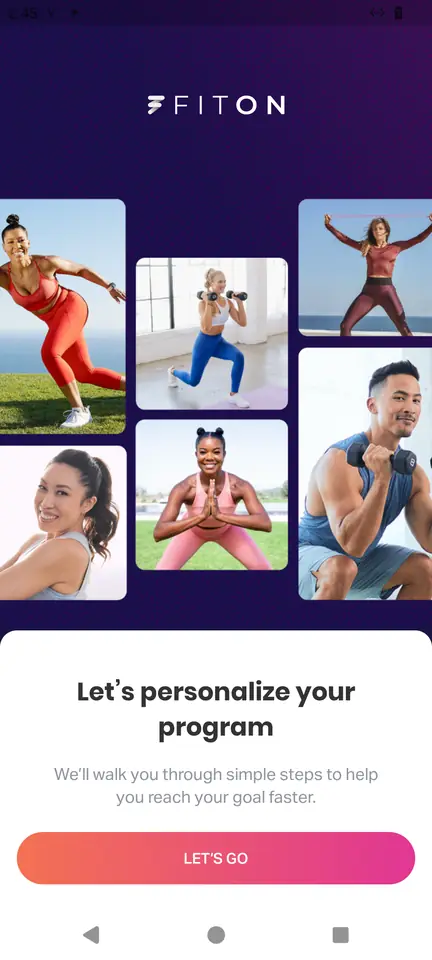
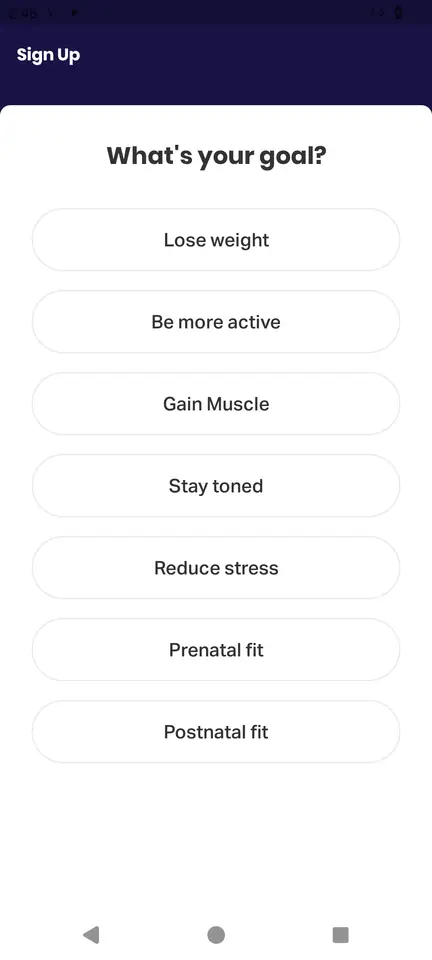
FAQ
What is a social login button?
Social sign-in buttons let users create an account or log in with an existing identity — “Continue with Google”, “Continue with Facebook”, “Continue with Apple” — instead of a new password.
Which Android apps use a social login button?
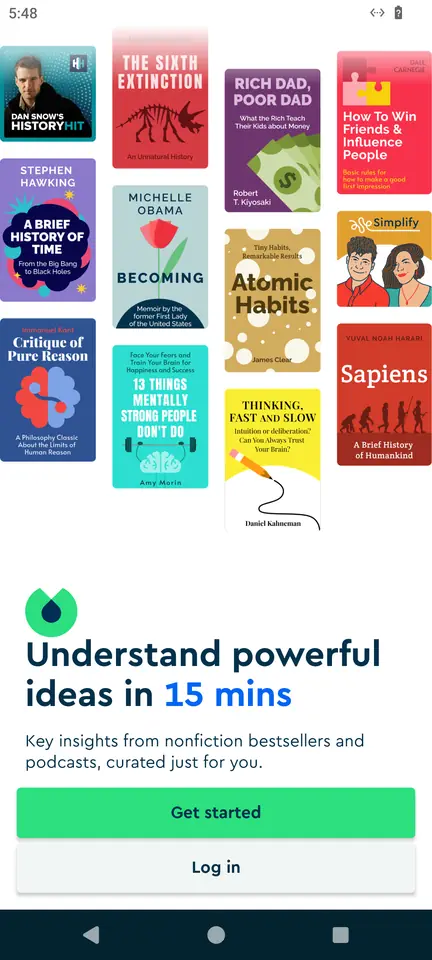
In the Flowtape library, 68 of 246 Android apps show this pattern, including Noom, Fitbod, Simple, Blinkist, Headway and Lucid. It is most common in health & fitness apps.
How do I design a good social login button?
Order buttons by how your users actually sign in (usually Google first on Android). Use the providers' official button styles and wording. Keep an email option for people who will not link a social account.
Detected on screens captured on real Android devices · last updated 2026-11-14