Home/Apps/Lucid/Allow Imprint to send you…
Screen · Onboarding screen · Lucid · Android

Lucid onboarding screen: “Allow Imprint to send you notifications?”

An onboarding screen from Lucid for Android, captured on a real device — step 23 of 27 in Lucid's onboarding flow. It uses 2 detected UI components, outlined on the screen below.

AndroidPermissionsstep 23 of 272 componentsfree & ungated
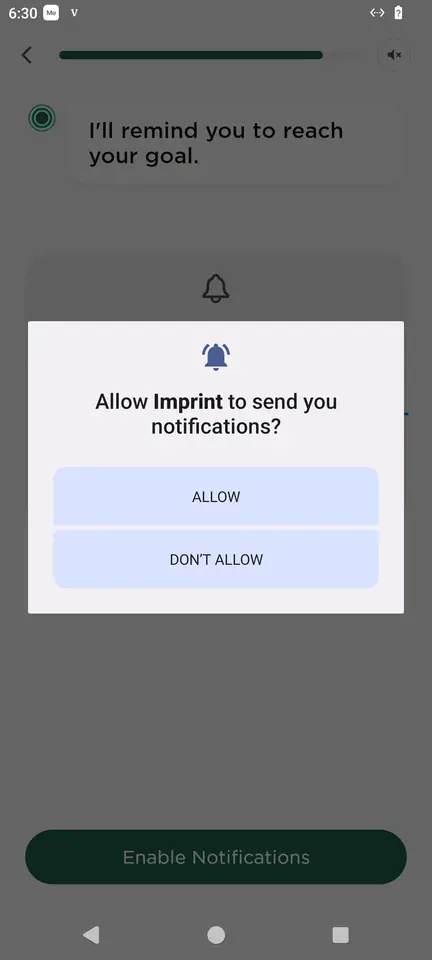
Lucid Android screen 29 — permissions: Allow Imprint to send you notifications?
ButtonDialog
App
Lucid · Books & reading
Screen type
Permissions
Flow
Lucid onboarding flow — step 23 of 27
Tap
“Allow”

UI text on this screen

  • Allow Imprint to send you notifications?
  • ALLOW
  • DON’T ALLOW

UI components

Located from the app's Android view hierarchy and outlined on the screen.

UI patterns

More Lucid screens
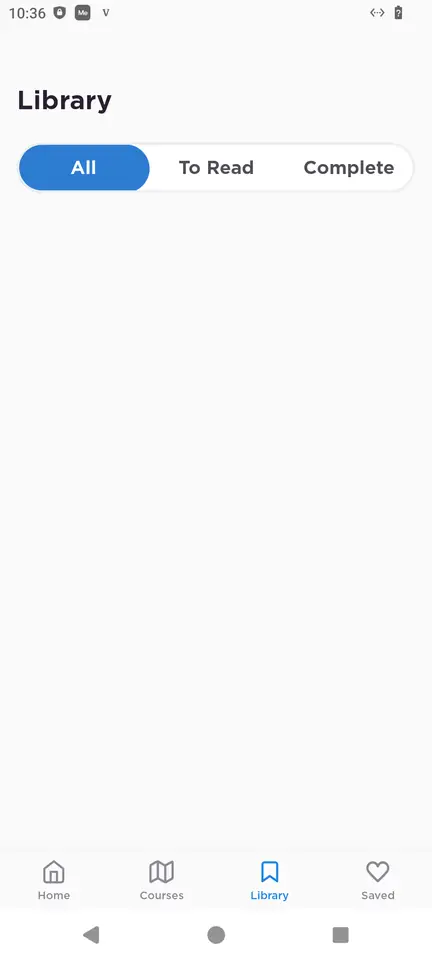
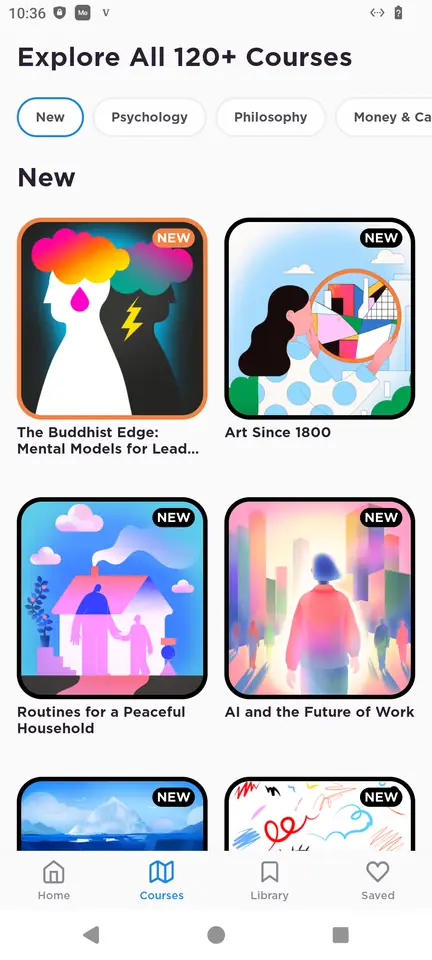
Lucid Android screen 1 — home & browsing: Library
Home & browsing · Library
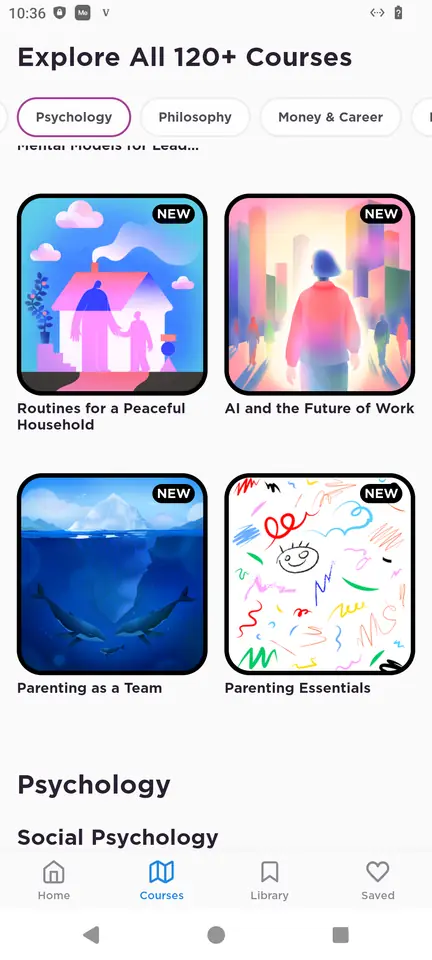
Lucid Android screen 2 — home & browsing: Explore All 120+ Courses
Home & browsing · Explore All 120+ Courses
Lucid Android screen 3 — home & browsing: Explore All 120+ Courses
Home & browsing · Explore All 120+ Courses
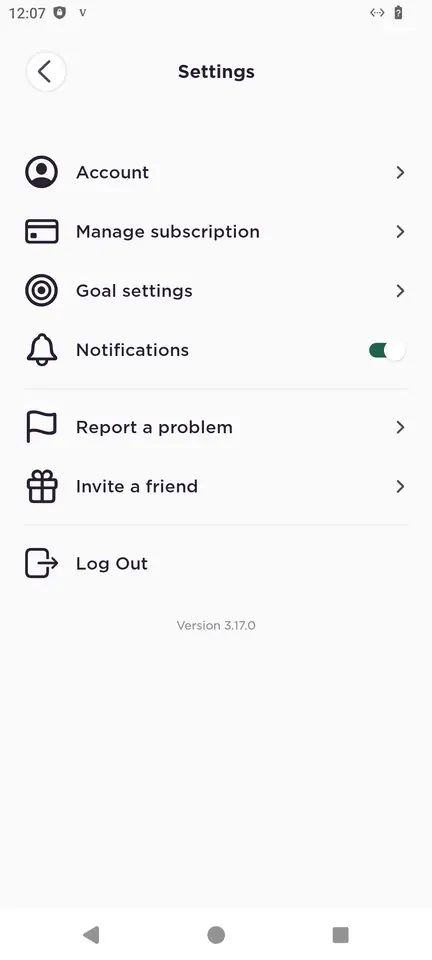
Lucid Android screen 4 — settings: Back button
Settings · Back button
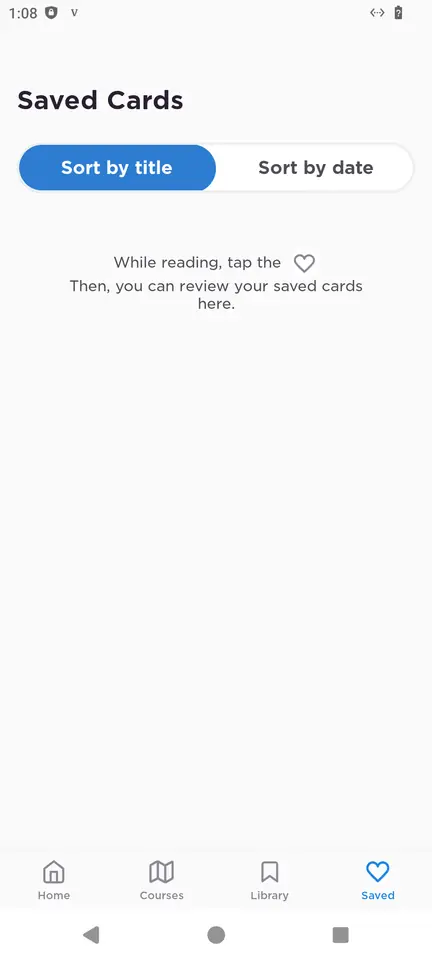
Lucid Android screen 5 — home & browsing: Saved Cards
Home & browsing · Saved Cards
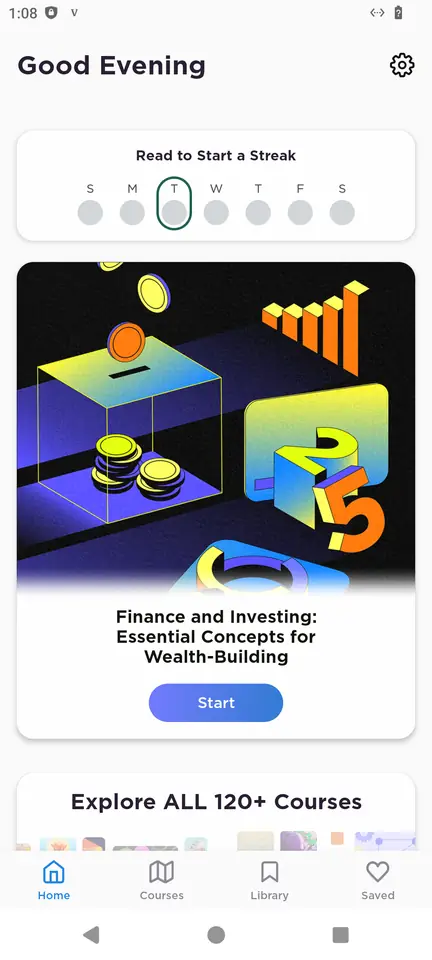
Lucid Android screen 6 — home & browsing: Good Evening
Home & browsing · Good Evening
Lucid Android screen 7 — onboarding: Imprint Logo
Onboarding · Imprint Logo
Lucid Android screen 8 — onboarding: Turn voice off
Onboarding · Turn voice off

Onboarding screens from other apps

All onboarding screens →
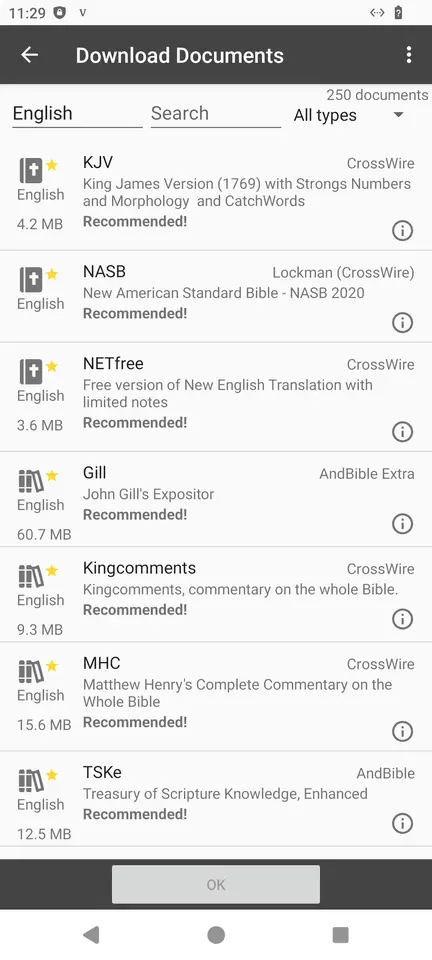
AndBible Android screen 6 — onboarding: Download Documents
AndBible · Download Documents
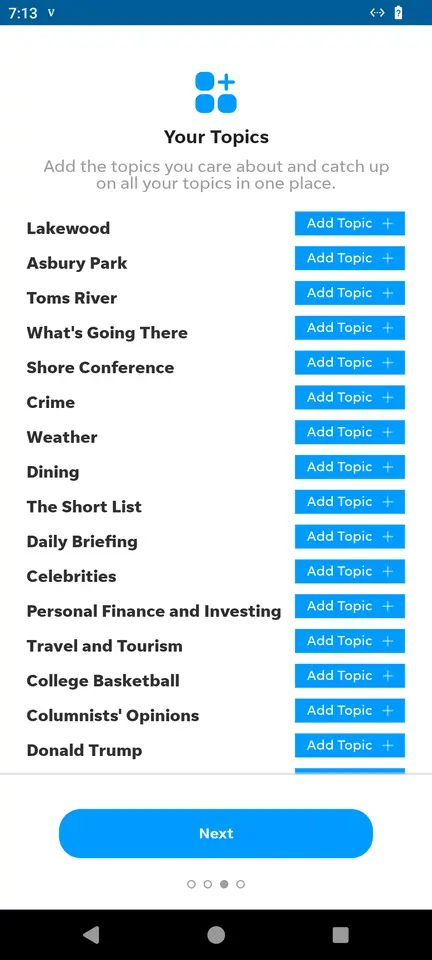
Asbury Park Press Android screen 4 — onboarding: Welcome screen, use buttons at the bottom of the screen to…
Asbury Park Press · Welcome screen, use buttons at the…
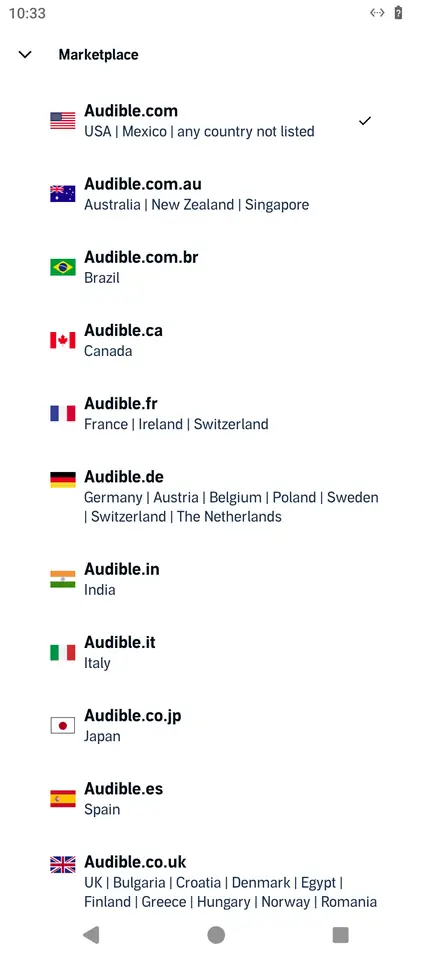
Audible Android screen 2 — onboarding: Audible.comUSA | Mexico | any country not listed is selected
Audible · Audible.comUSA | Mexico | any country…
azcentral Android screen 6 — onboarding: Welcome screen, use buttons at the bottom of the screen to…
azcentral · Welcome screen, use buttons at the…
Blinkist Android screen 34 — onboarding: Follow categories you're interested in to get…
Blinkist · Follow categories you're interested in…
Courier Journal Android screen 6 — onboarding: Welcome screen, use buttons at the bottom of the screen to…
Courier Journal · Welcome screen, use buttons at the…

Captured on a real Android device · last updated 2026-11-14