Alert dialog: definition and 93 real Android examples
A dialog is a small window that interrupts the current screen to ask for a decision or show critical information — confirm a deletion, grant a permission, accept privacy choices. The content behind it is dimmed until the user responds.
Also called: alert dialog, modal dialog, popup, confirmation dialog
Dialog examples, highlighted on 93 Android apps
The orange outline marks the dialog on each real screen, located from the app's own Android view hierarchy.
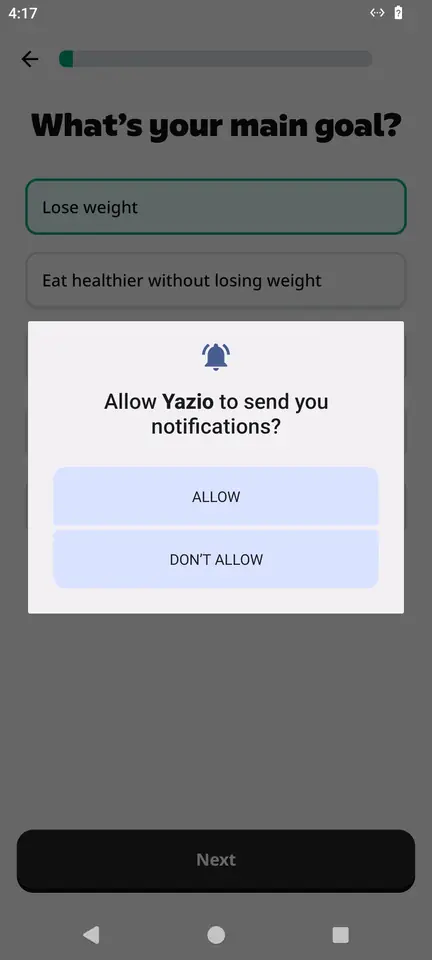
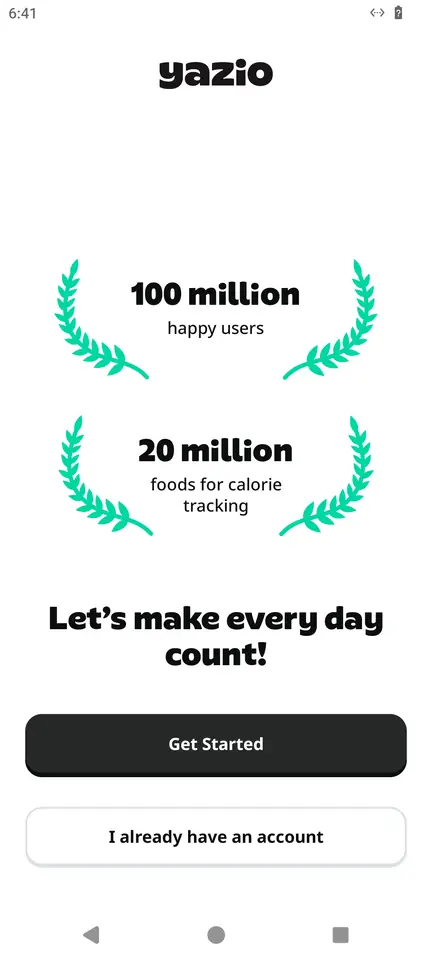
Allow Yazio to send you notifications?
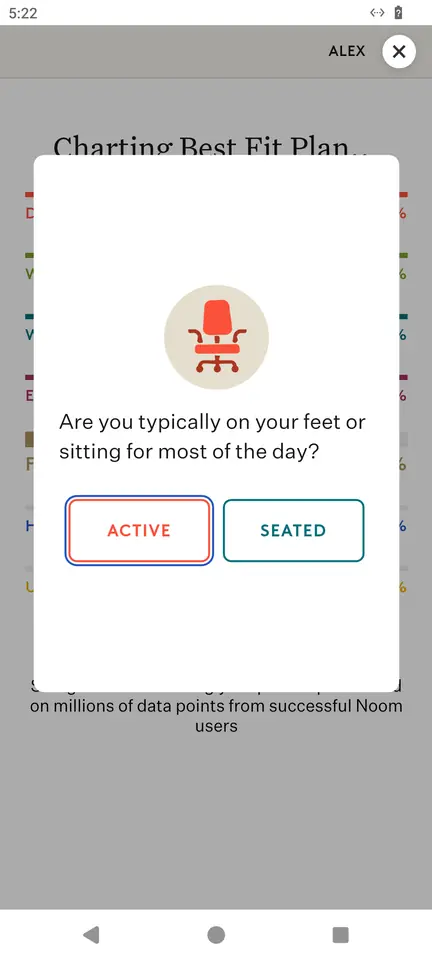
ACTIVE
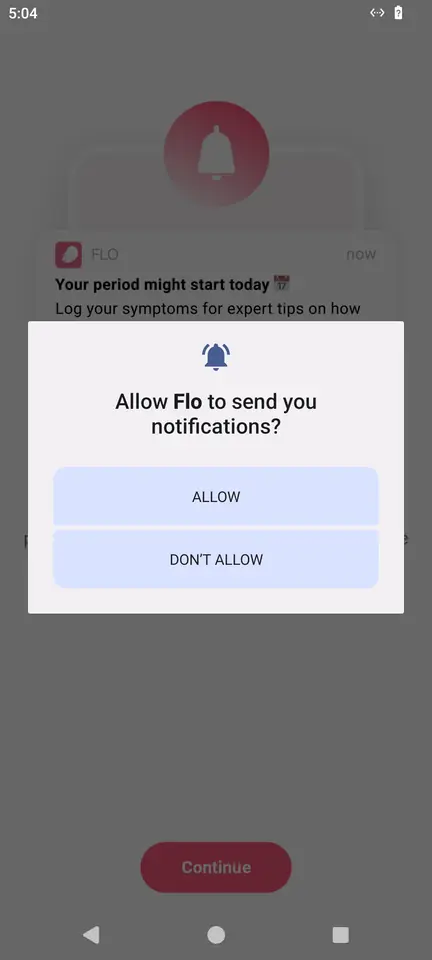
Allow Flo to send you notifications?
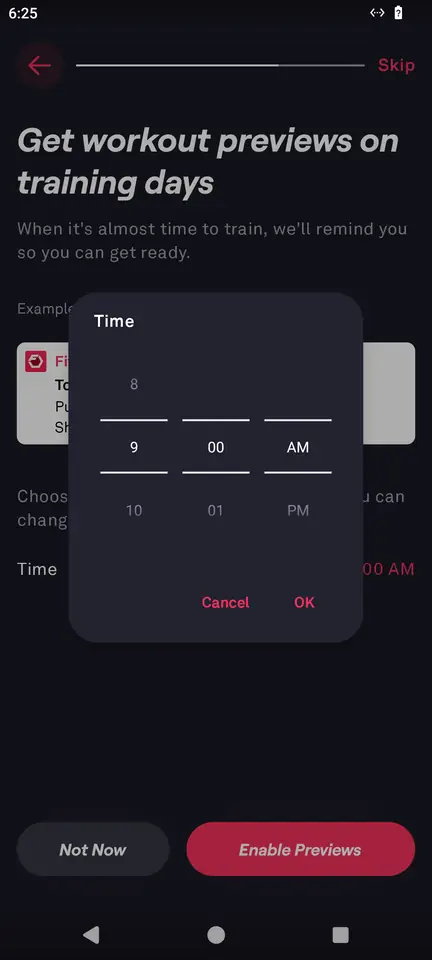
Time
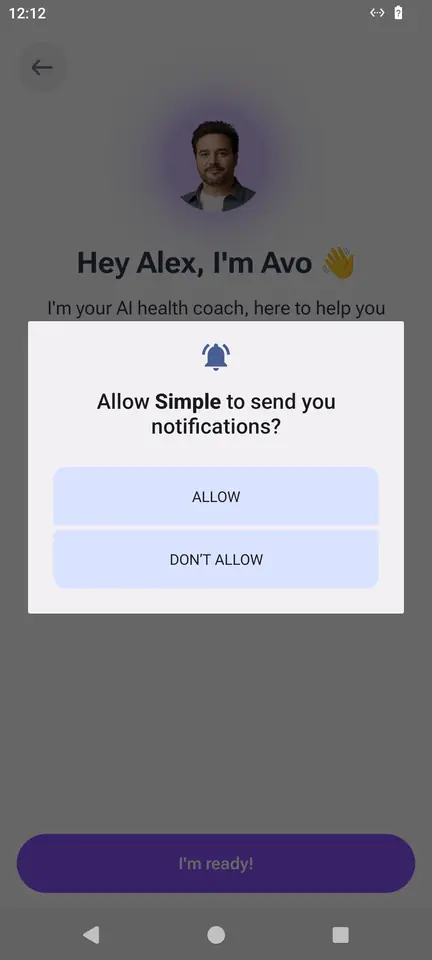
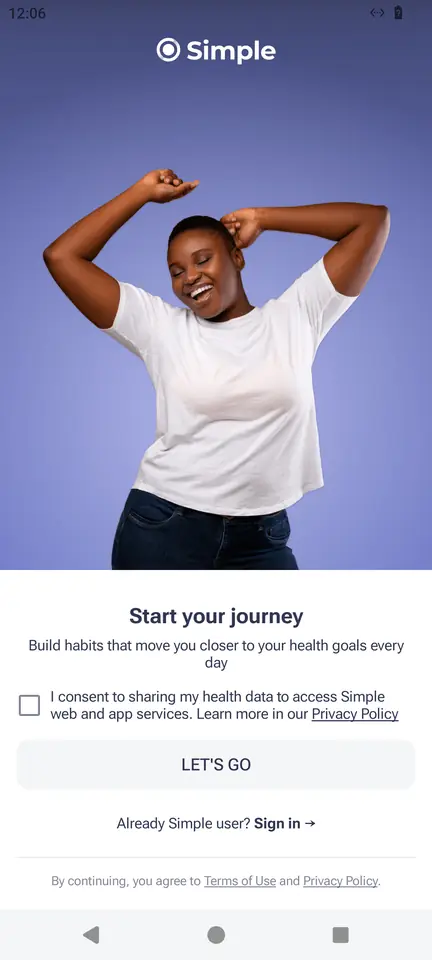
Allow Simple to send you notifications?
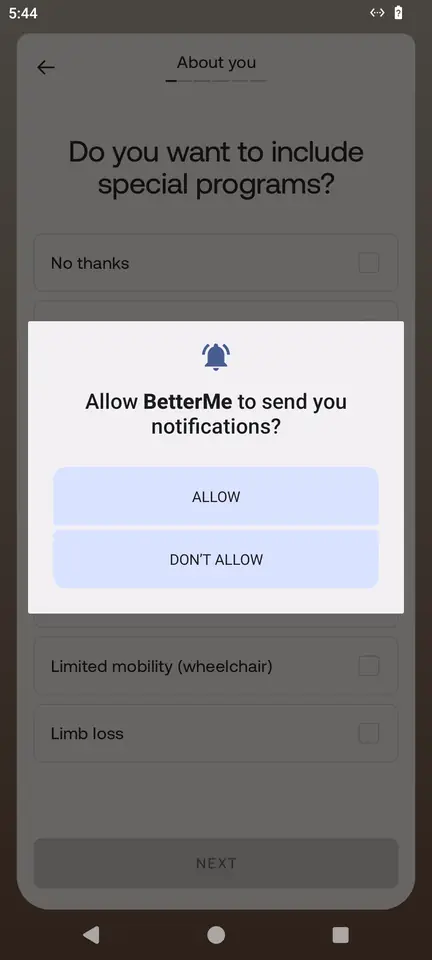
Allow BetterMe to send you notifications?
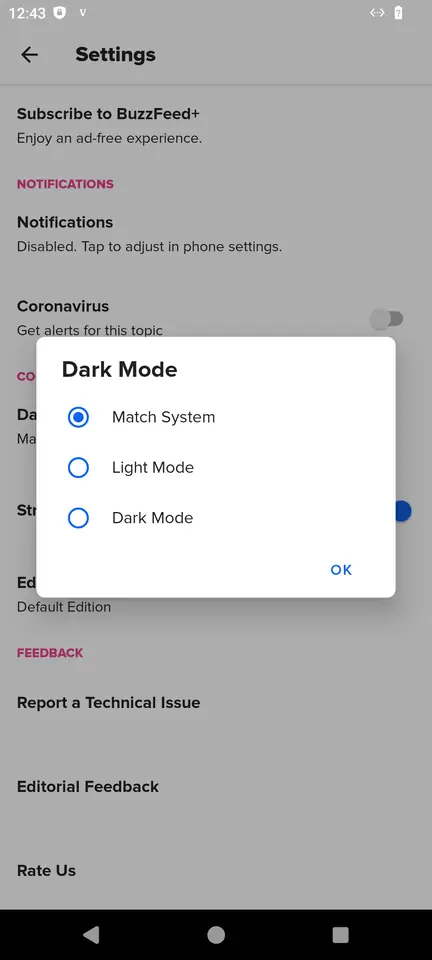
Dark Mode
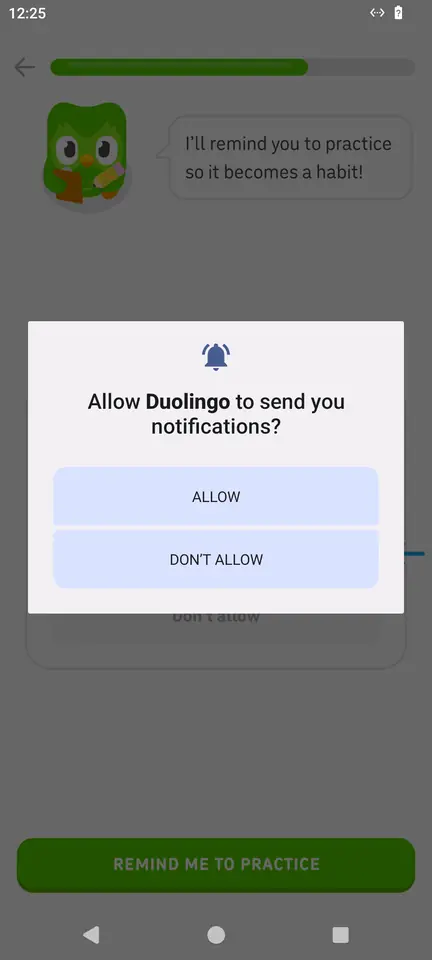
Allow Duolingo to send you notifications?
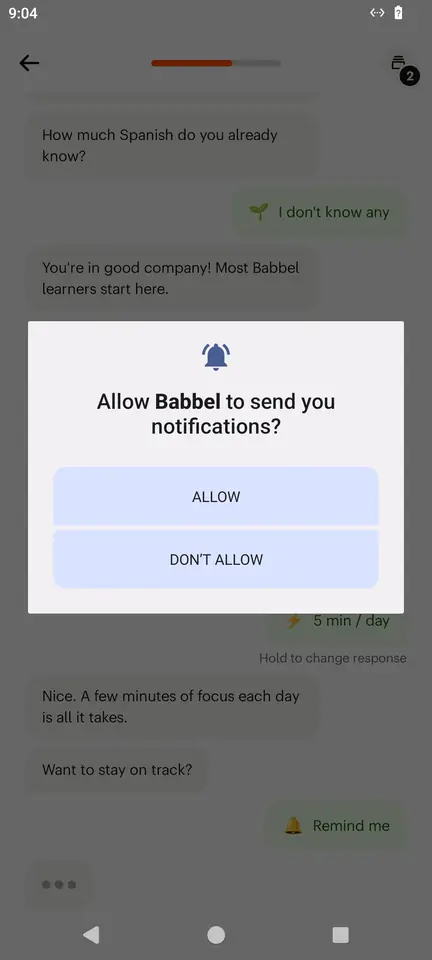
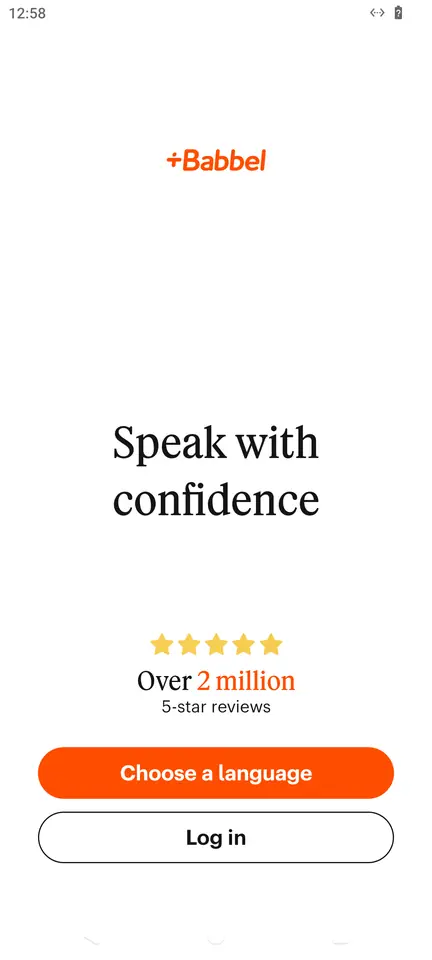
Allow Babbel to send you notifications?
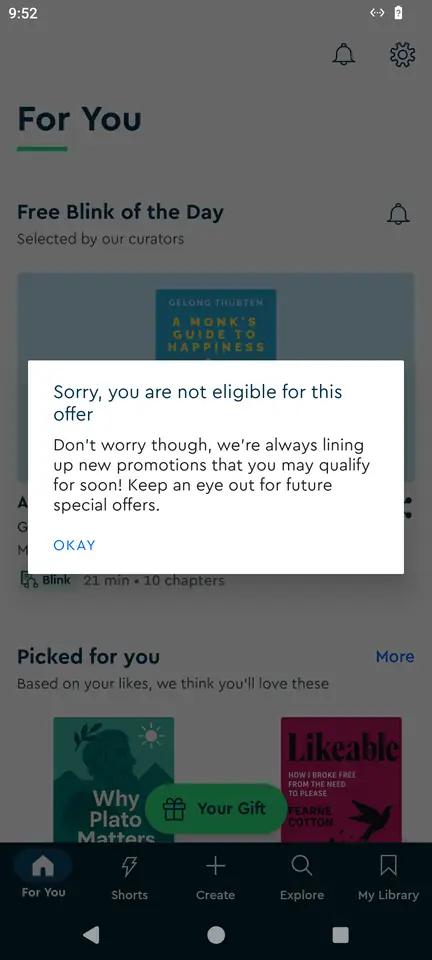
Sorry, you are not eligible for this offer
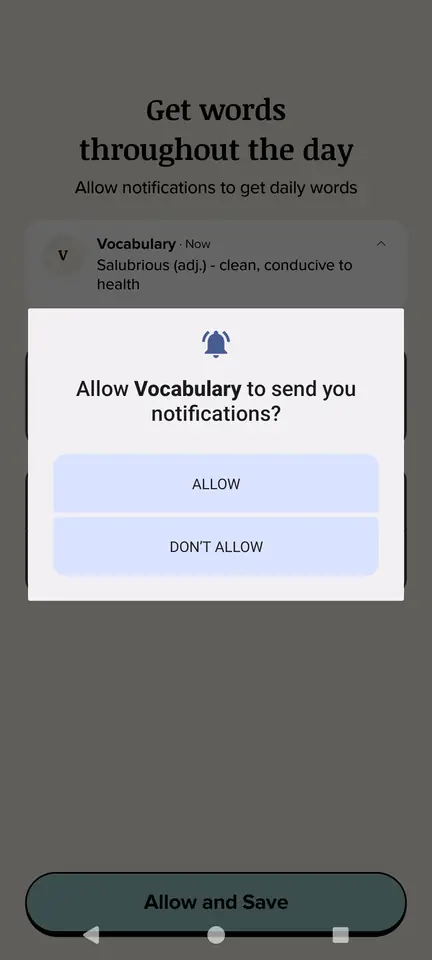
Allow Vocabulary to send you notifications?
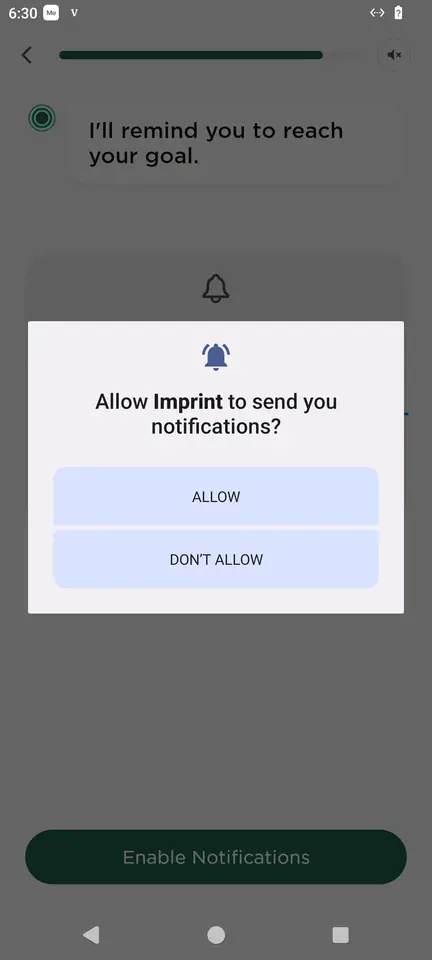
Allow Imprint to send you notifications?
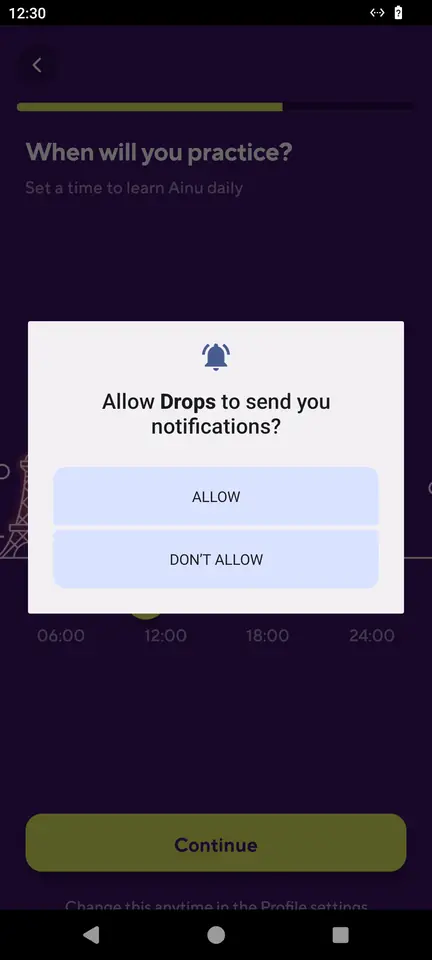
Allow Drops to send you notifications?
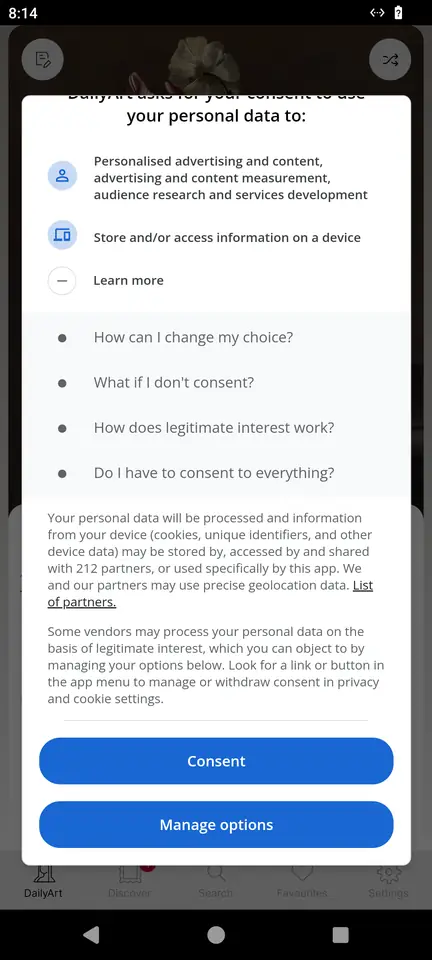
DailyArt asks for your consent to use your personal data to:
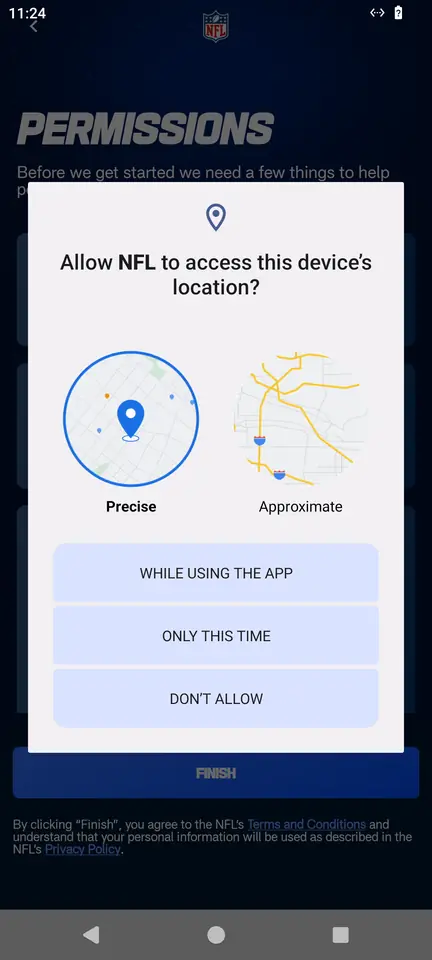
Allow NFL to access this device’s location?
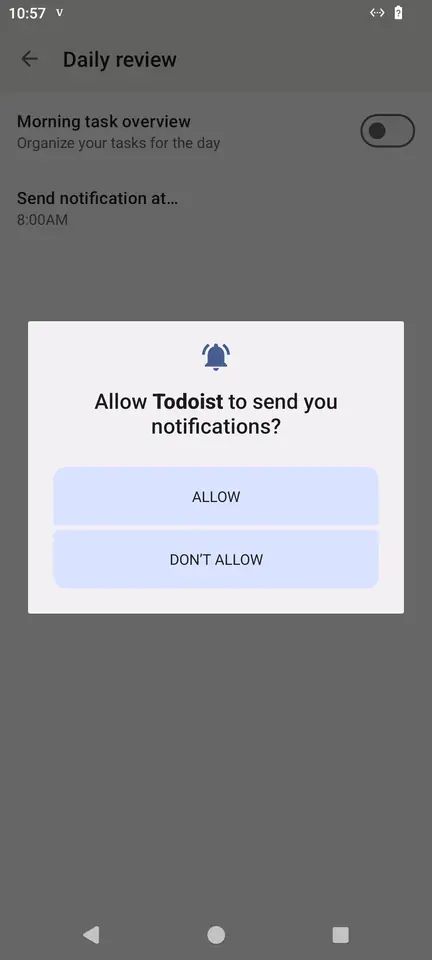
Allow Todoist to send you notifications?
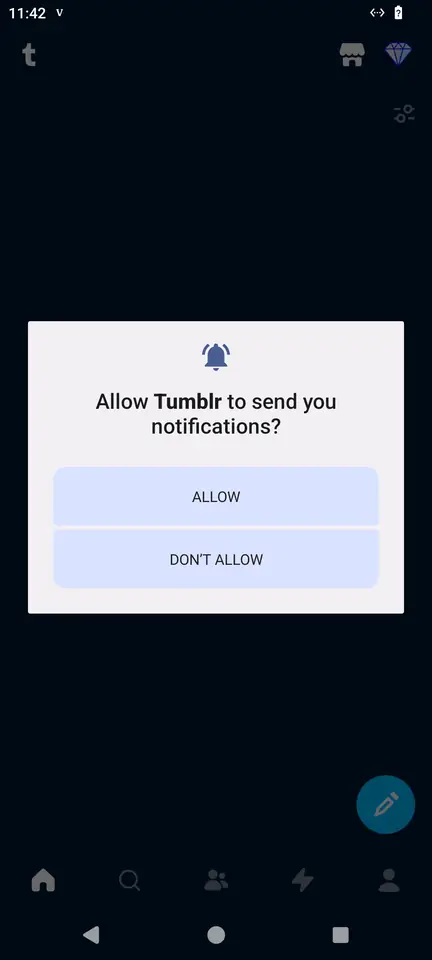
Allow Tumblr to send you notifications?
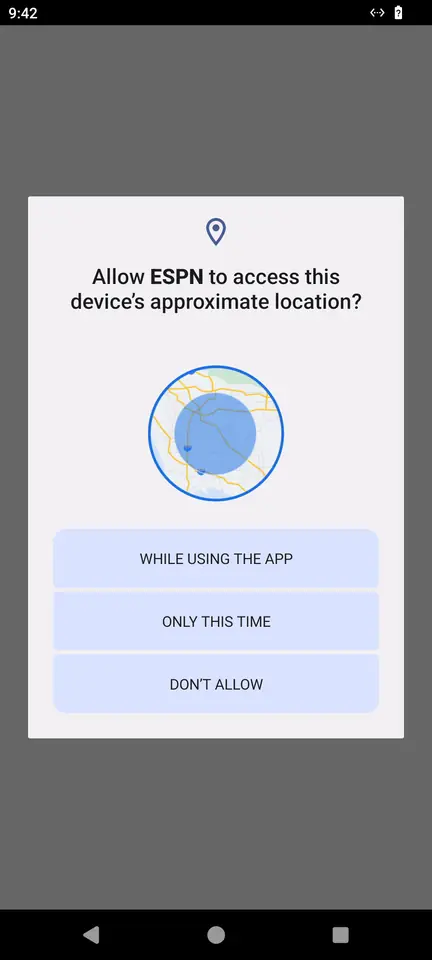
Allow ESPN to access this device’s approximate location?
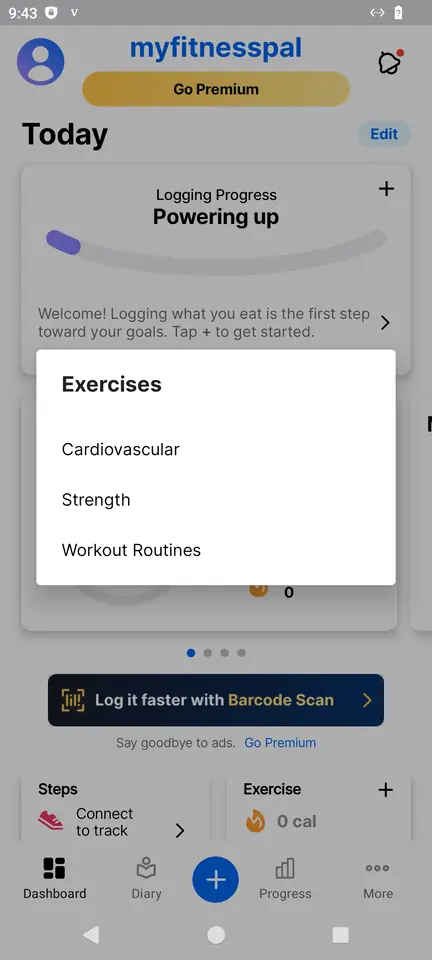
Exercises
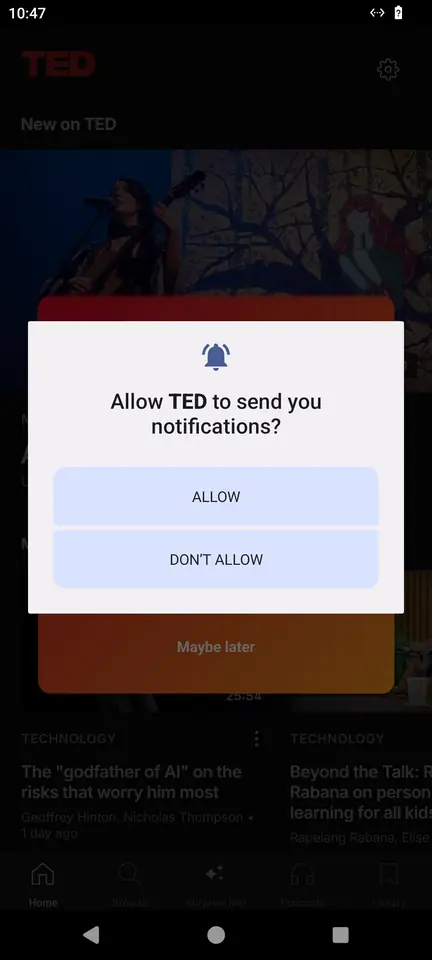
Allow TED to send you notifications?
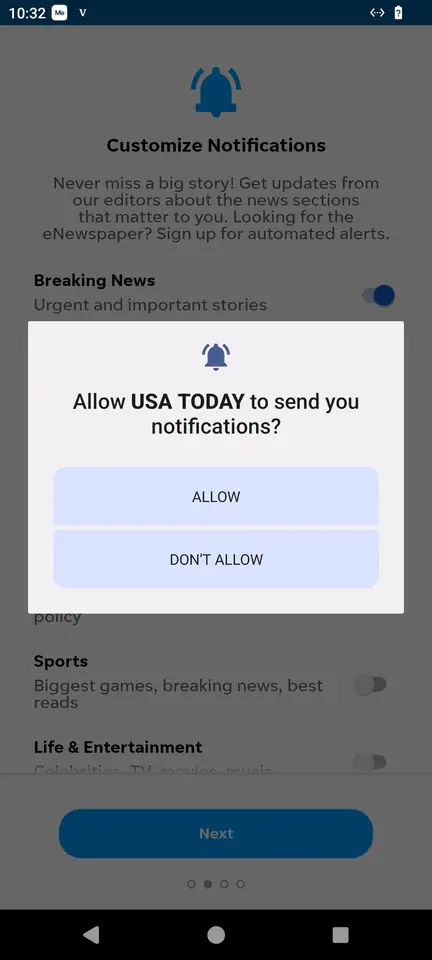
Allow USA TODAY to send you notifications?
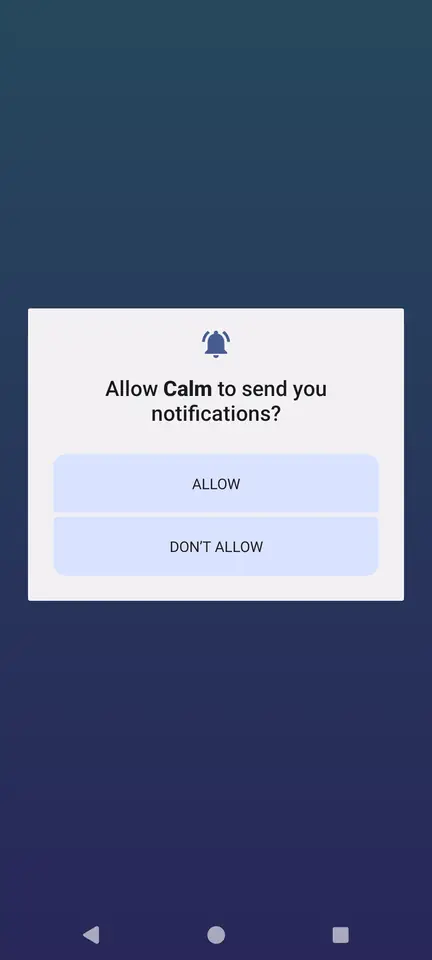
Allow Calm to send you notifications?
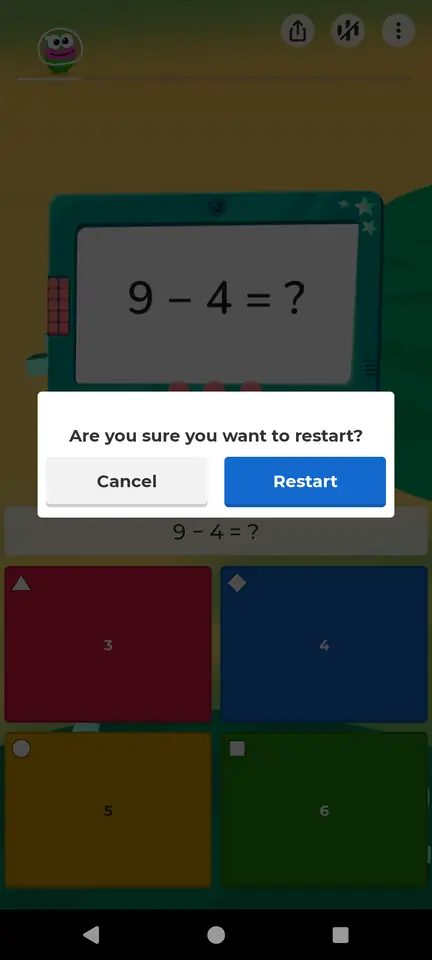
Are you sure you want to restart?
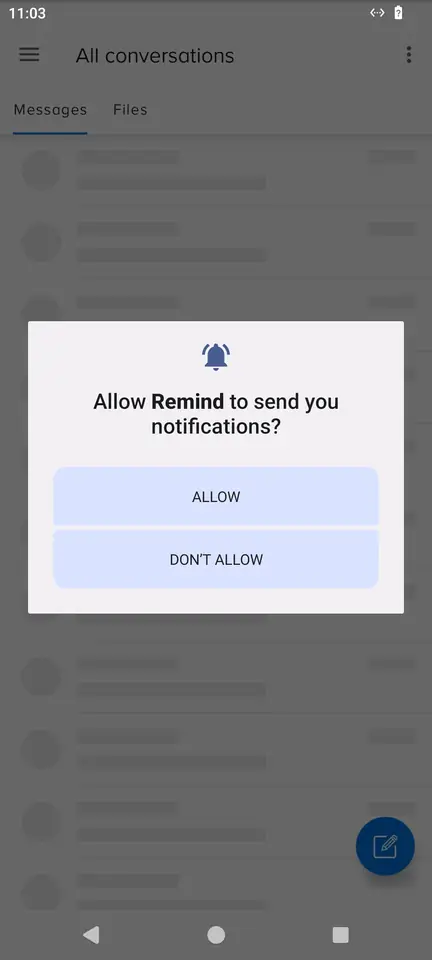
Allow Remind to send you notifications?
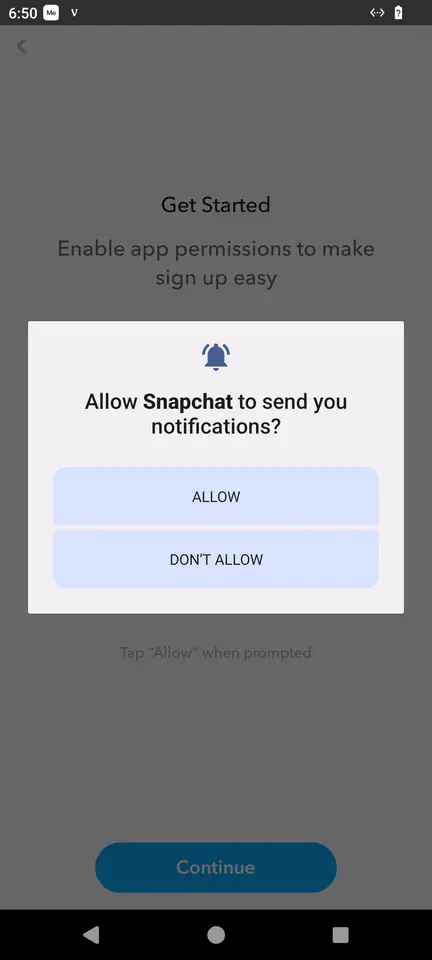
Allow Snapchat to send you notifications?
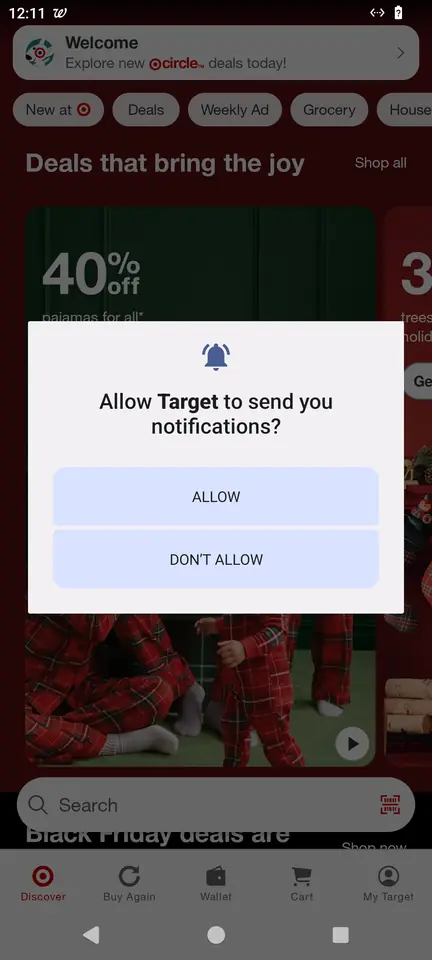
Allow Target to send you notifications?
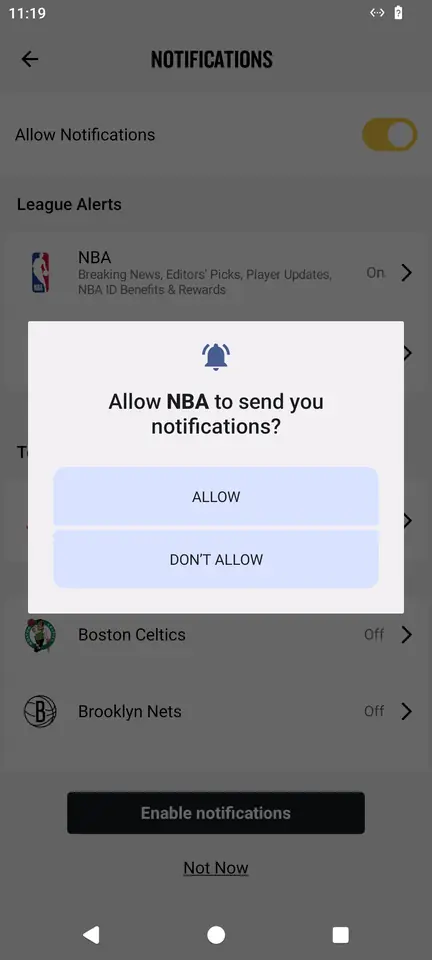
Allow NBA to send you notifications?
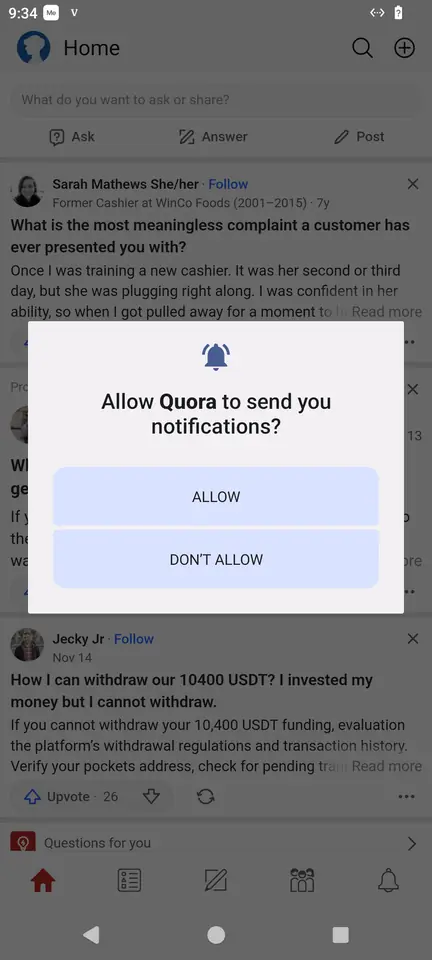
Allow Quora to send you notifications?
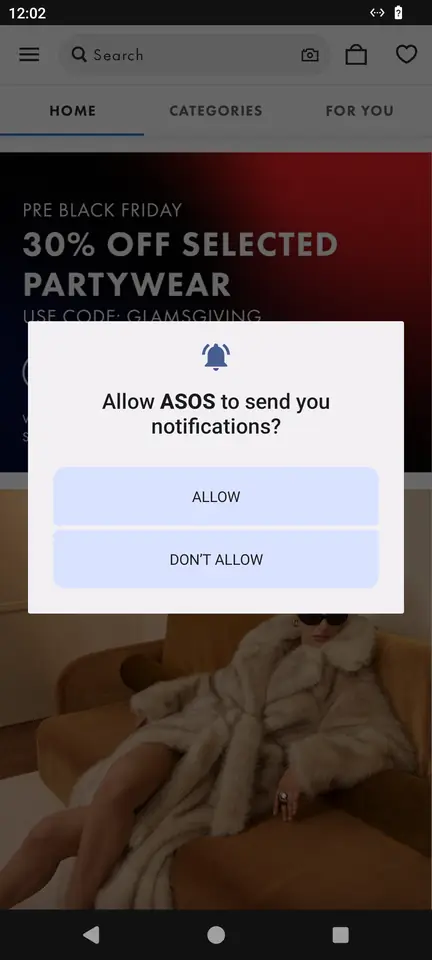
Allow ASOS to send you notifications?
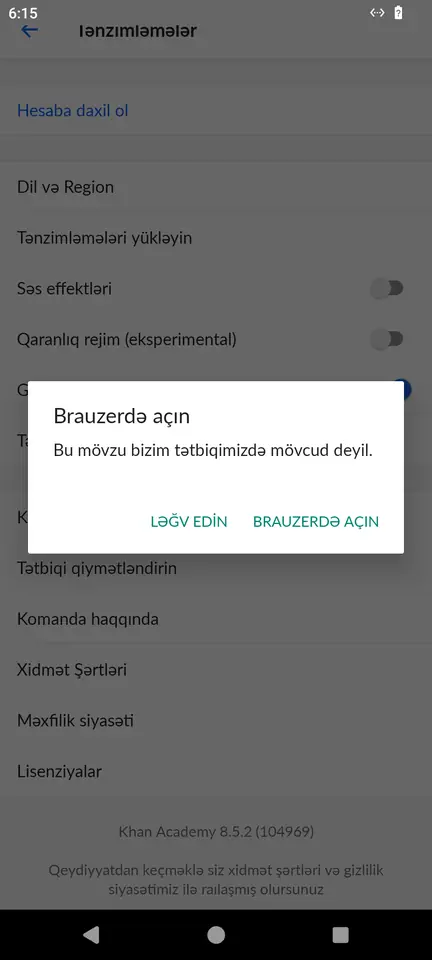
Brauzerdə açın
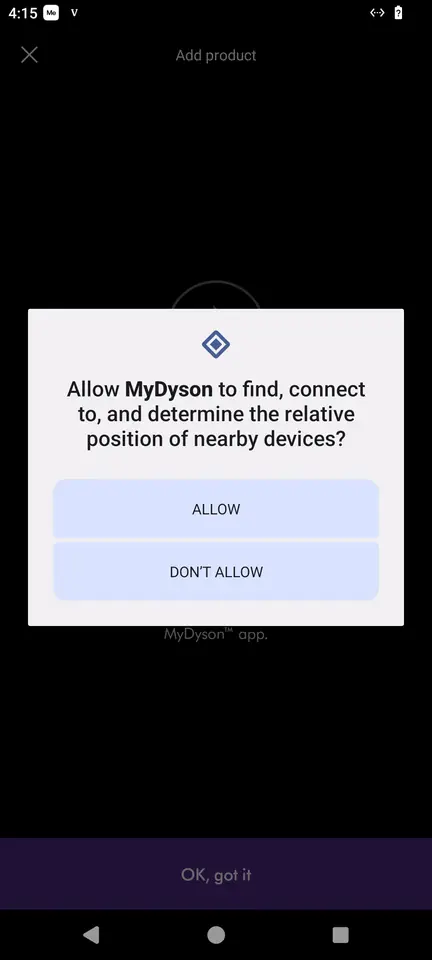
ALLOW
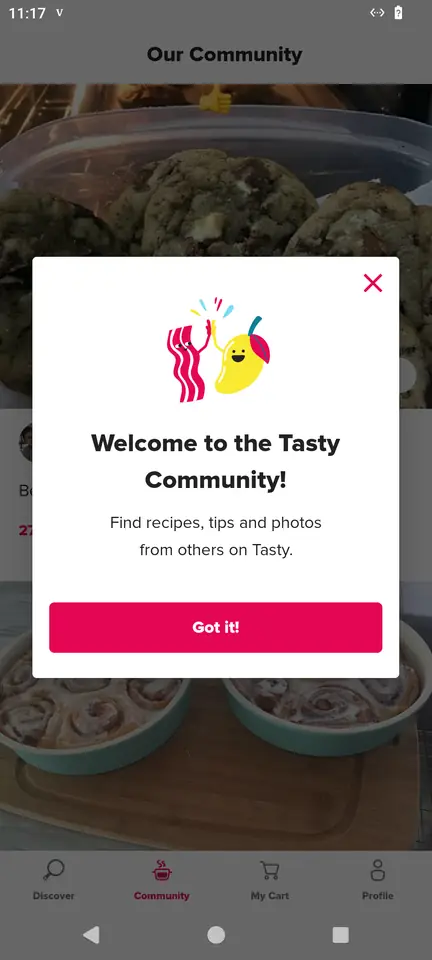
Welcome to the Tasty Community!
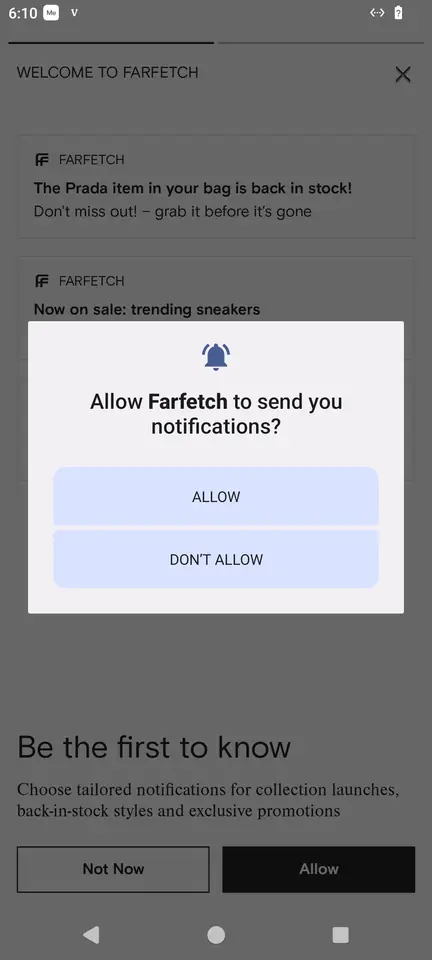
Allow Farfetch to send you notifications?
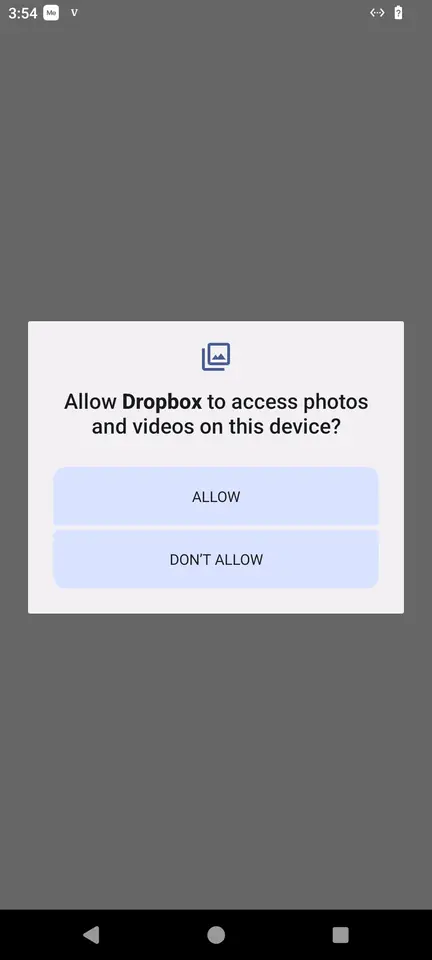
Allow Dropbox to access photos and videos on this device?
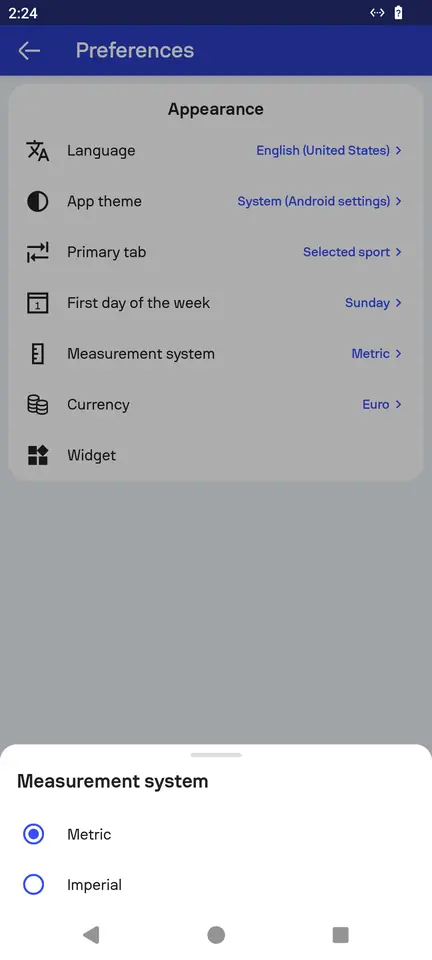
Metric
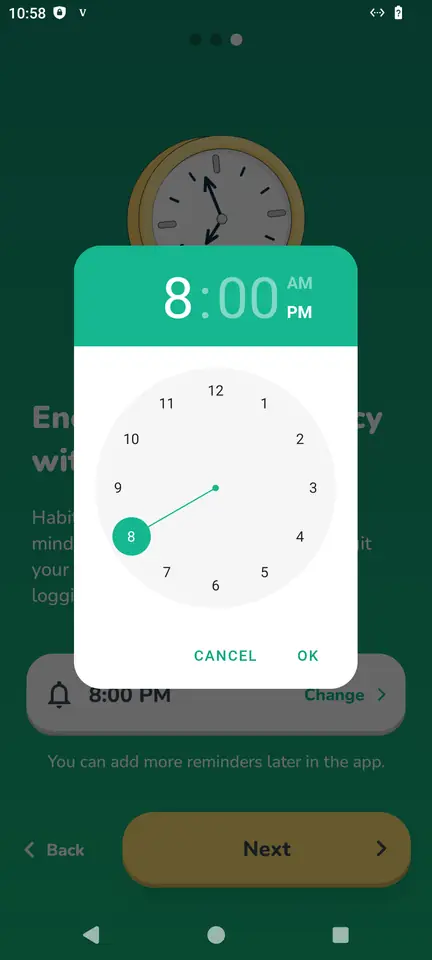
AM
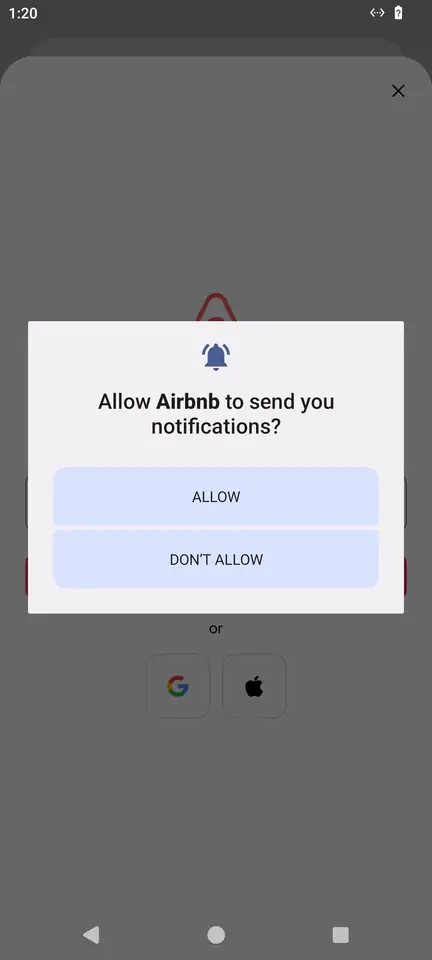
Allow Airbnb to send you notifications?
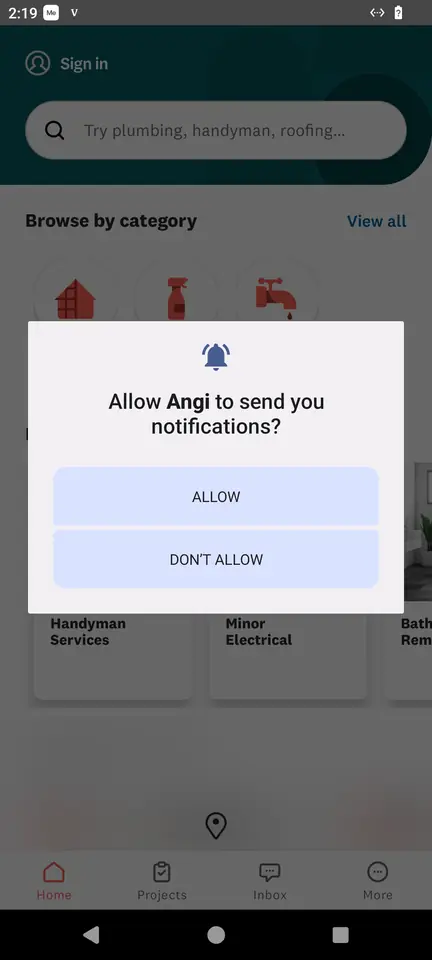
Allow Angi to send you notifications?
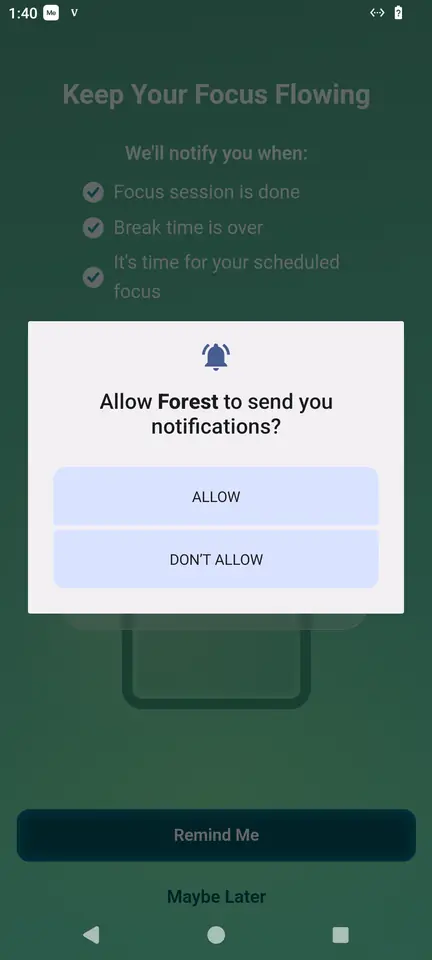
Allow Forest to send you notifications?
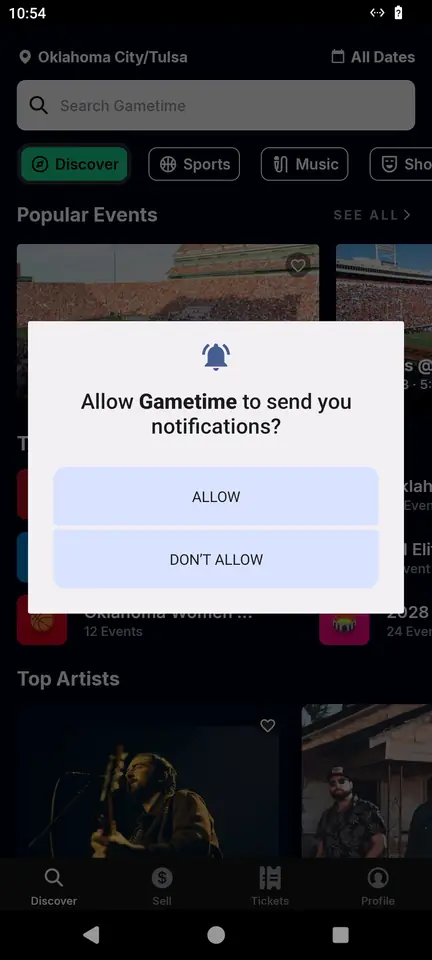
Allow Gametime to send you notifications?
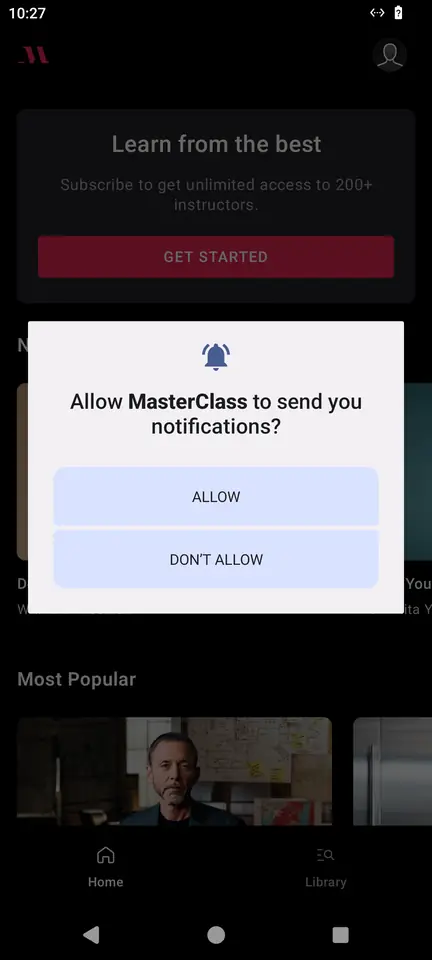
Allow MasterClass to send you notifications?
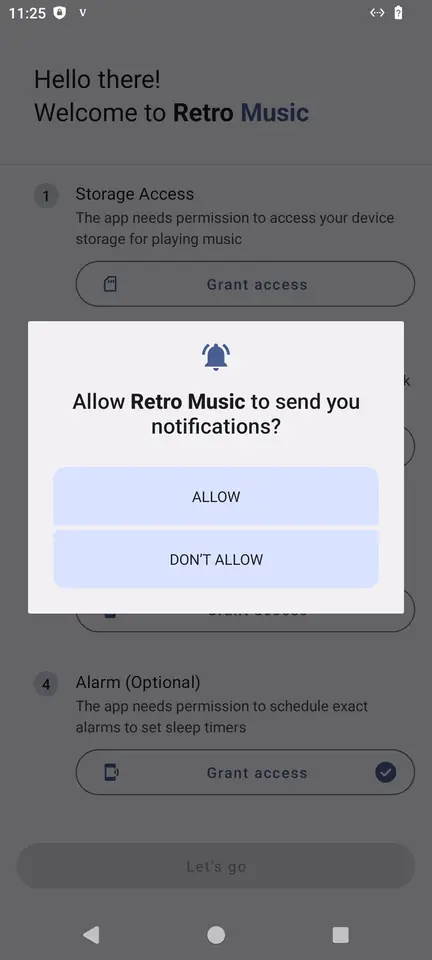
Allow Retro Music to send you notifications?
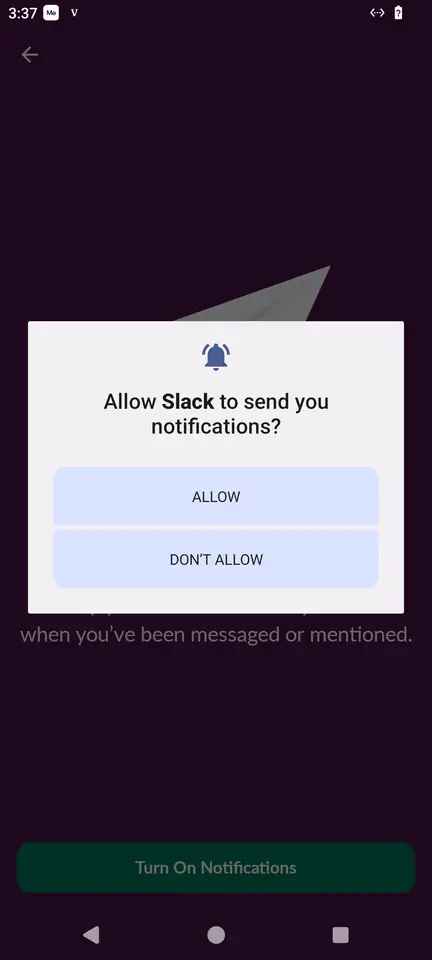
Allow Slack to send you notifications?
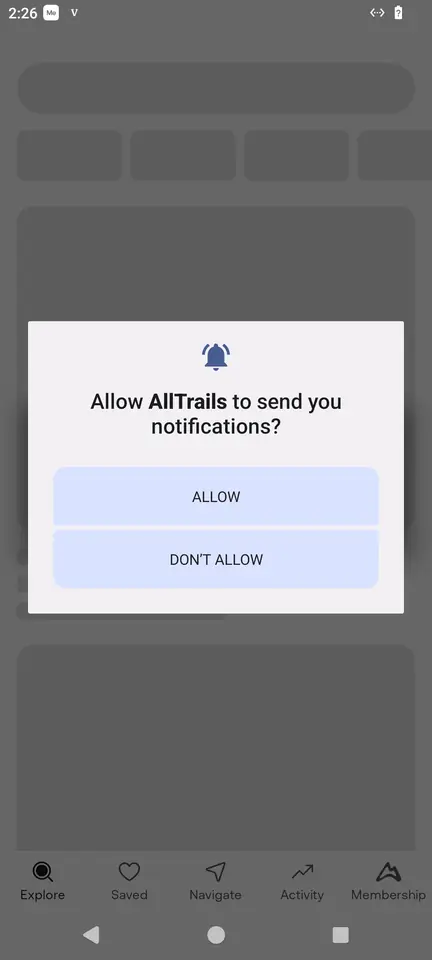
Allow AllTrails to send you notifications?
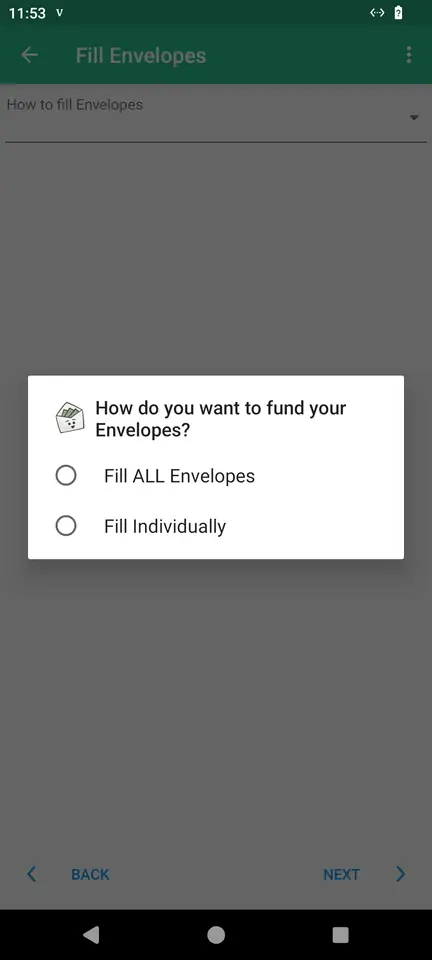
How do you want to fund your Envelopes?
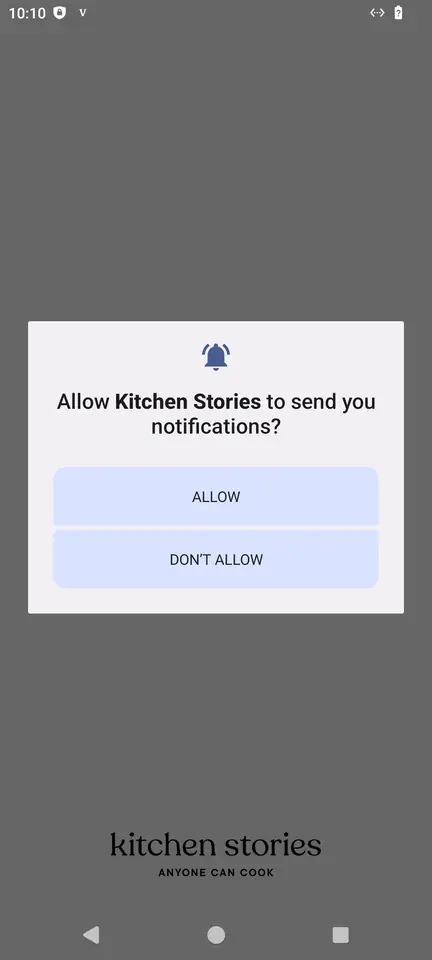
Allow Kitchen Stories to send you notifications?
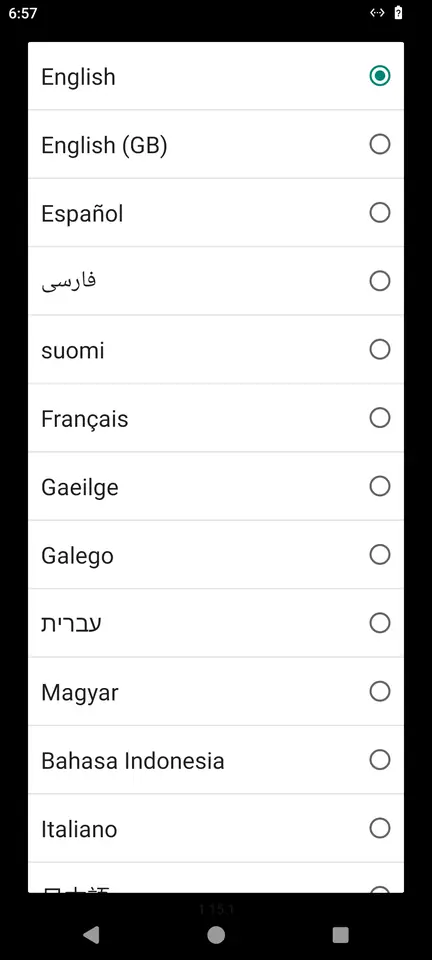
English
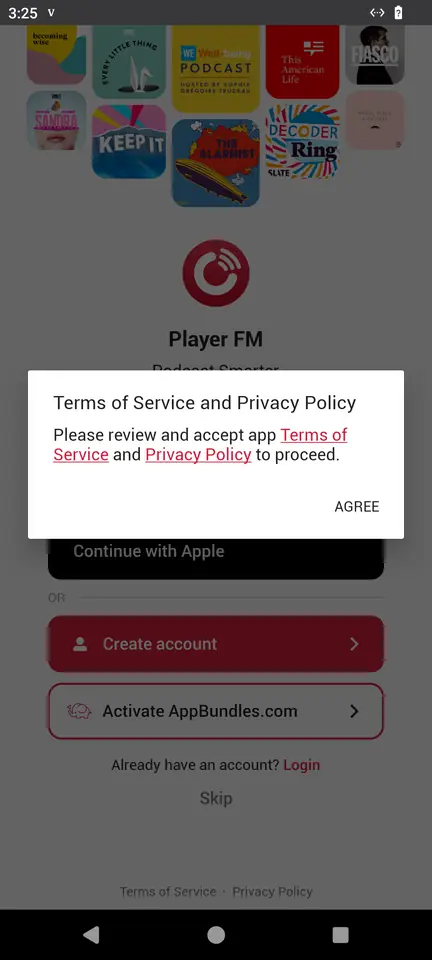
Terms of Service and Privacy Policy
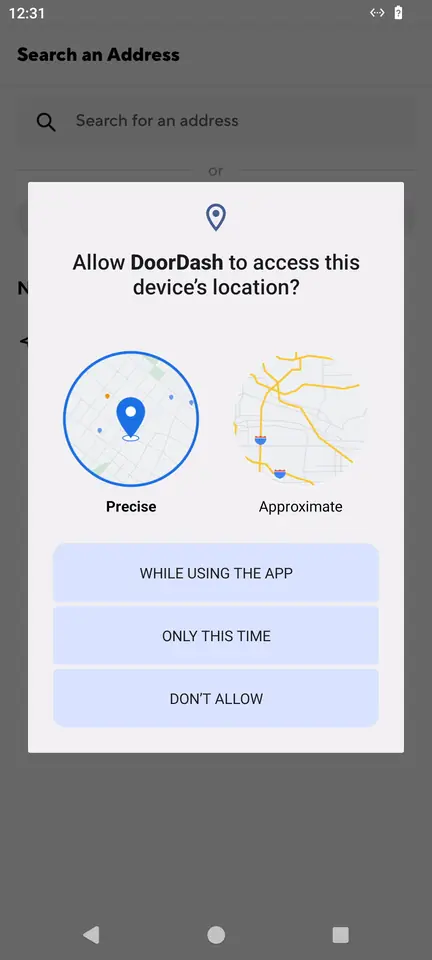
Allow DoorDash to access this device’s location?
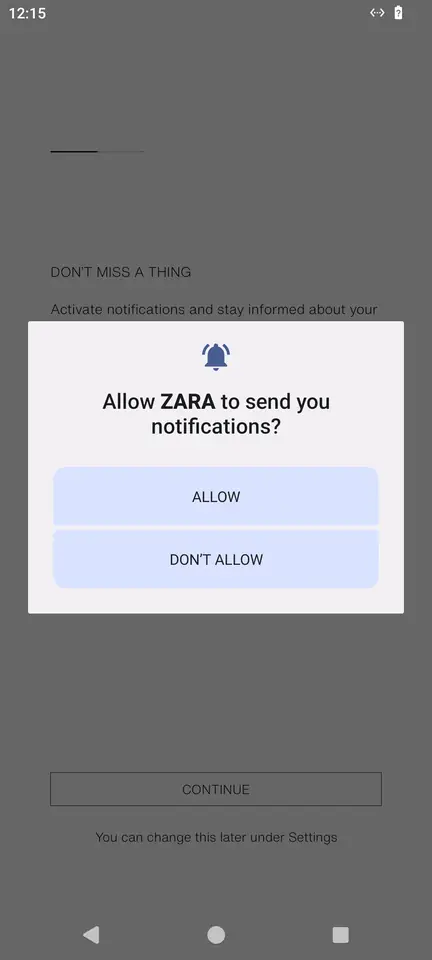
Allow ZARA to send you notifications?
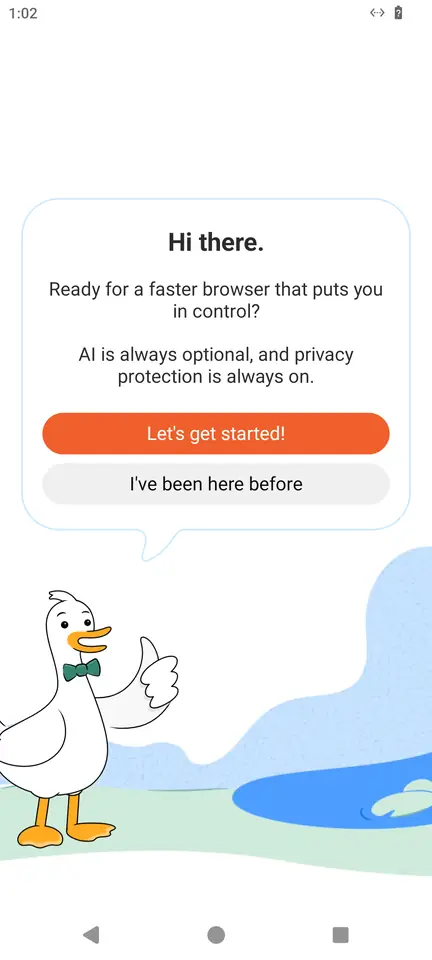
Hi there.
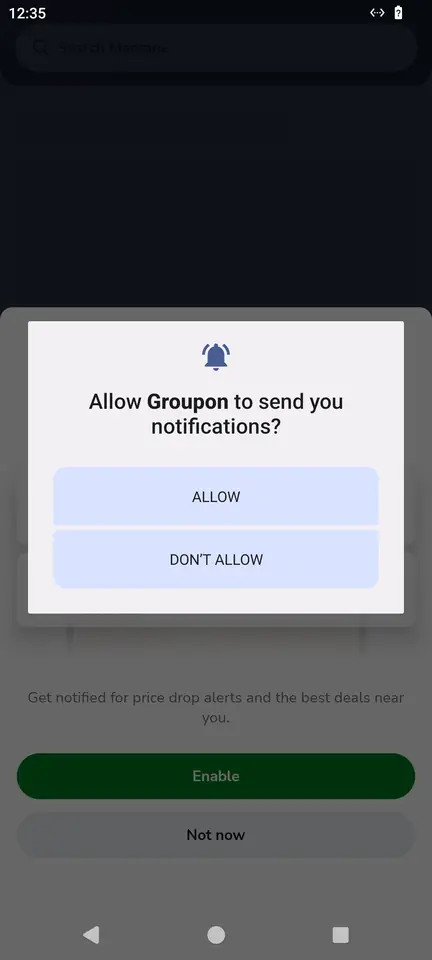
Allow Groupon to send you notifications?
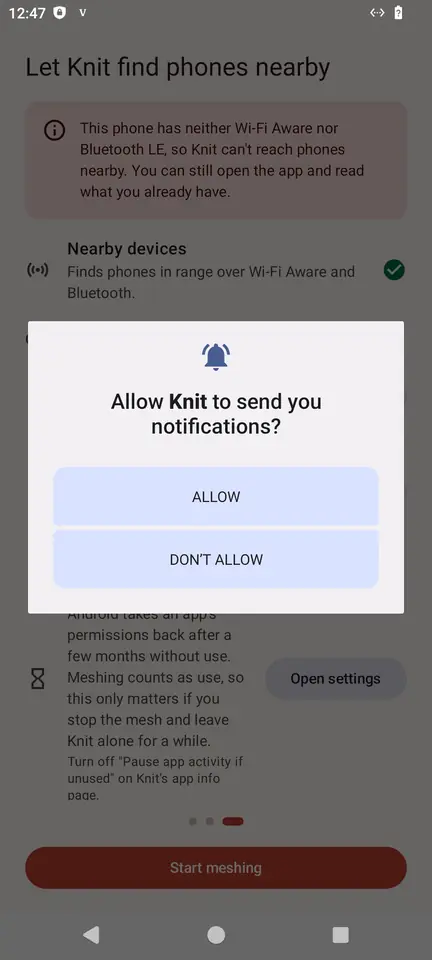
Allow Knit to send you notifications?
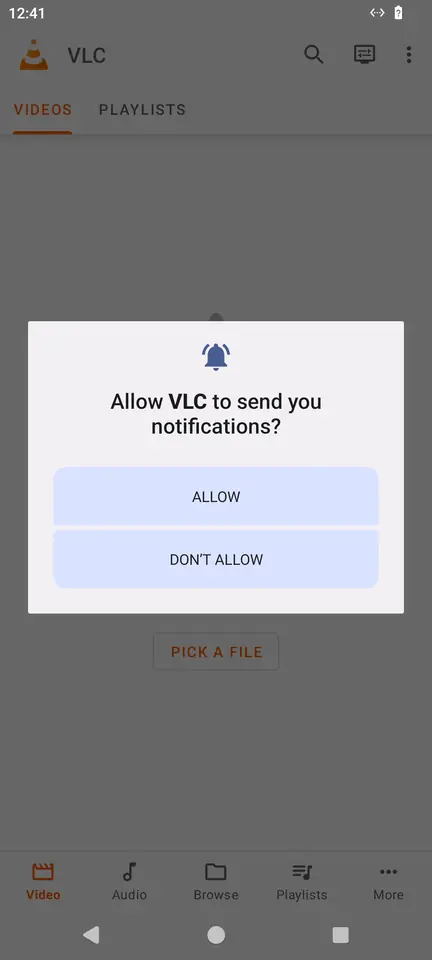
Allow VLC to send you notifications?
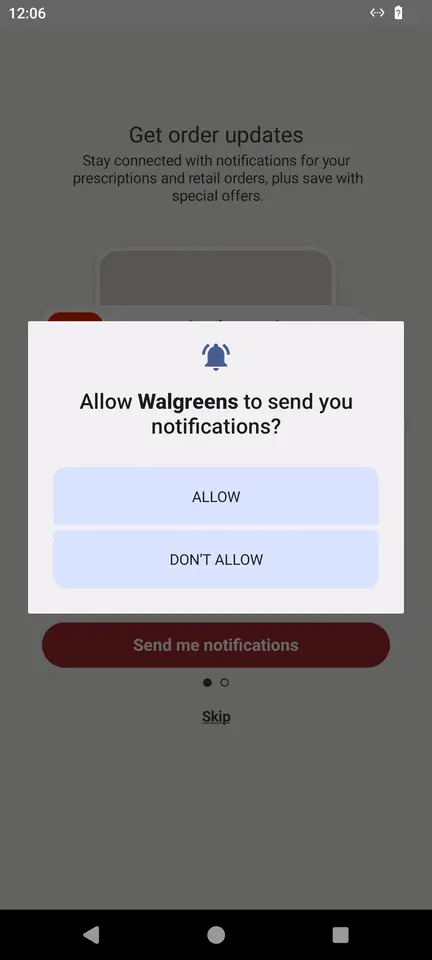
Allow Walgreens to send you notifications?
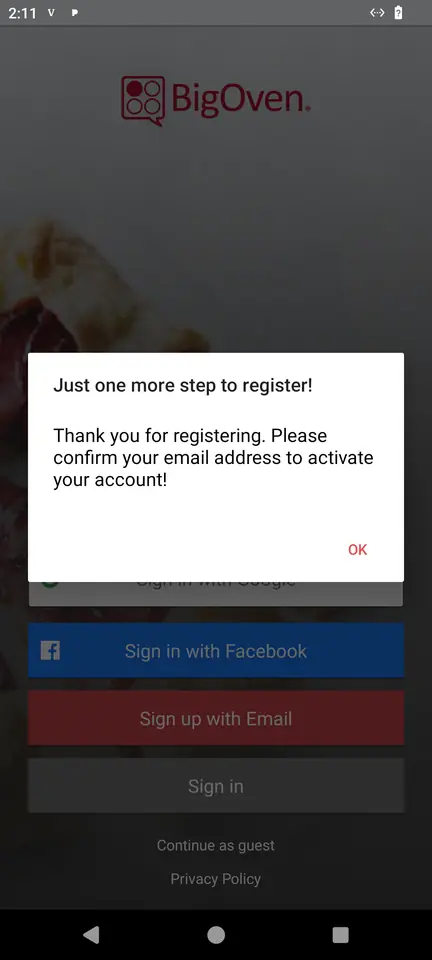
Just one more step to register!
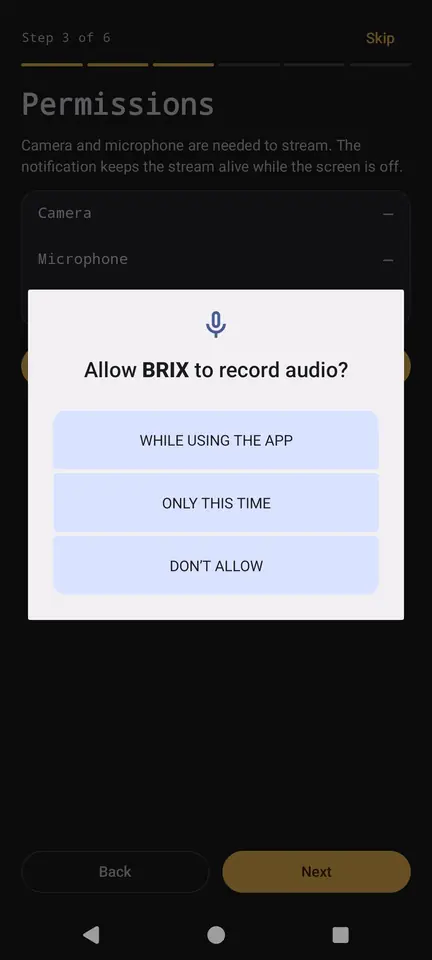
Allow BRIX to record audio?
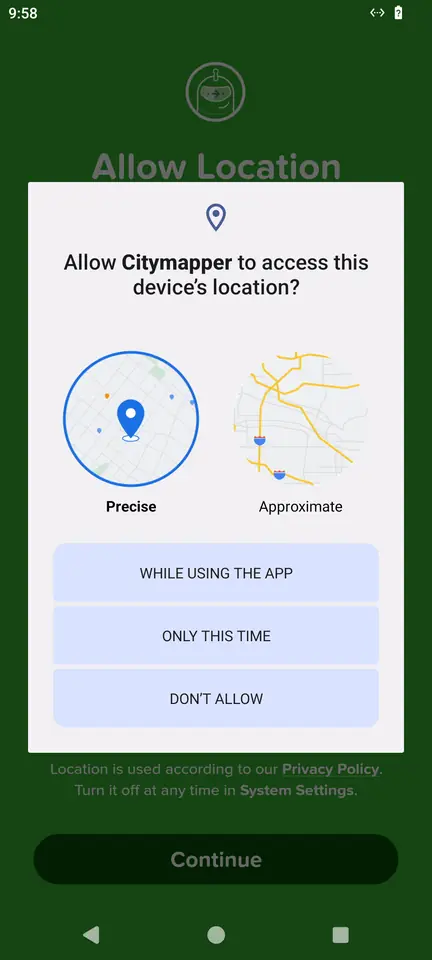
Allow Citymapper to access this device’s location?
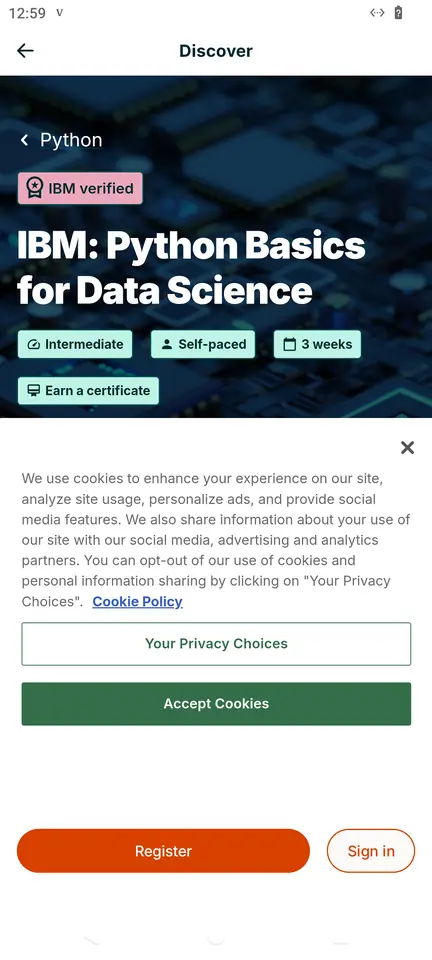
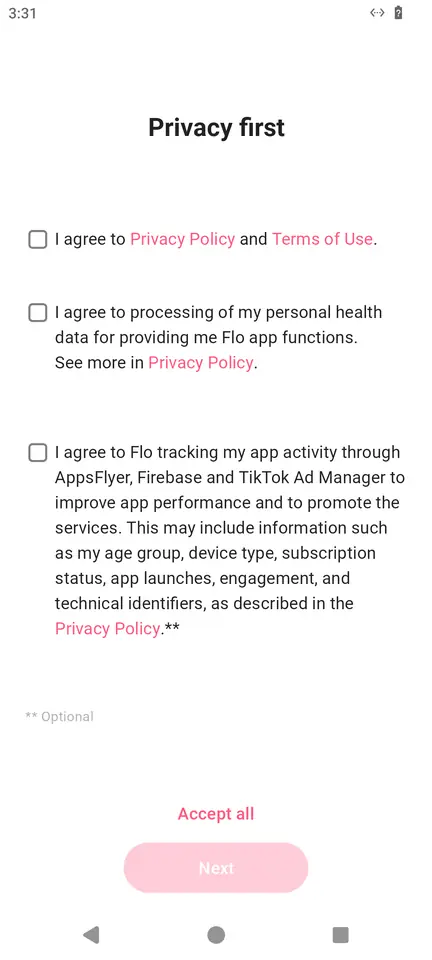
Privacy
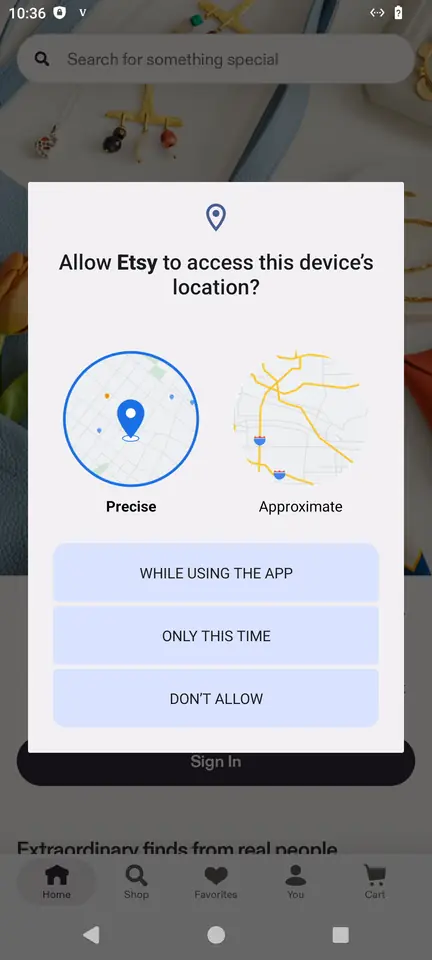
Allow Etsy to access this device’s location?
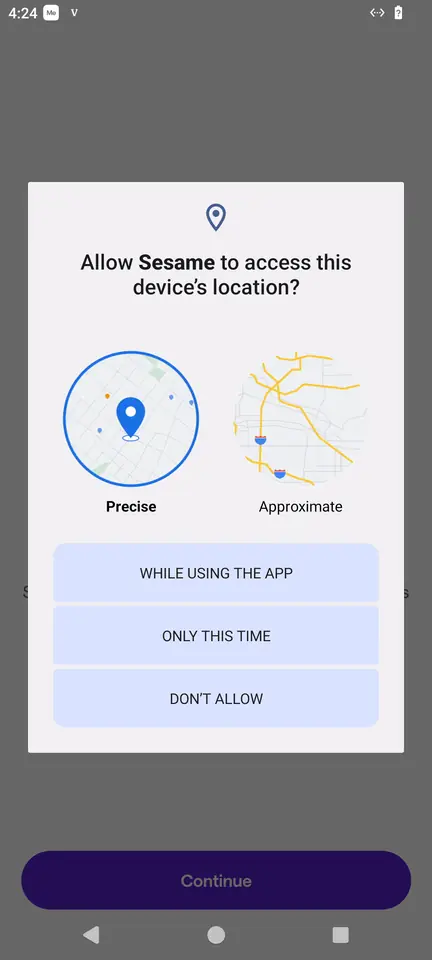
Allow Sesame to access this device’s location?
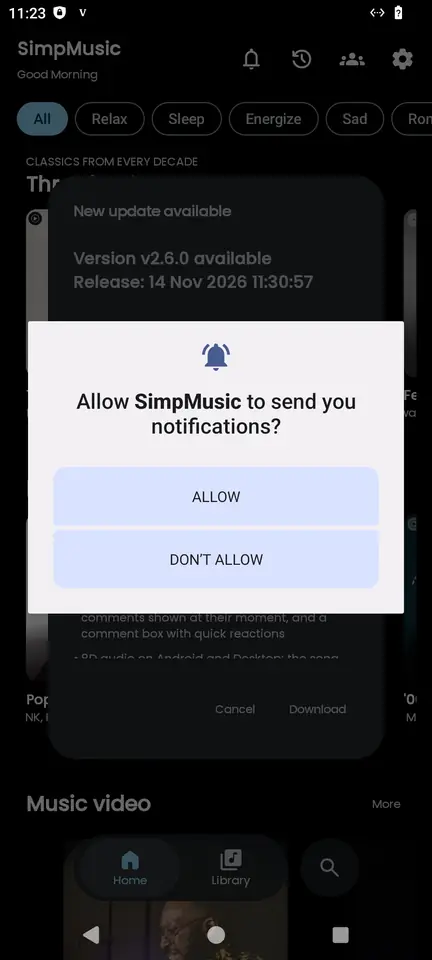
Allow SimpMusic to send you notifications?
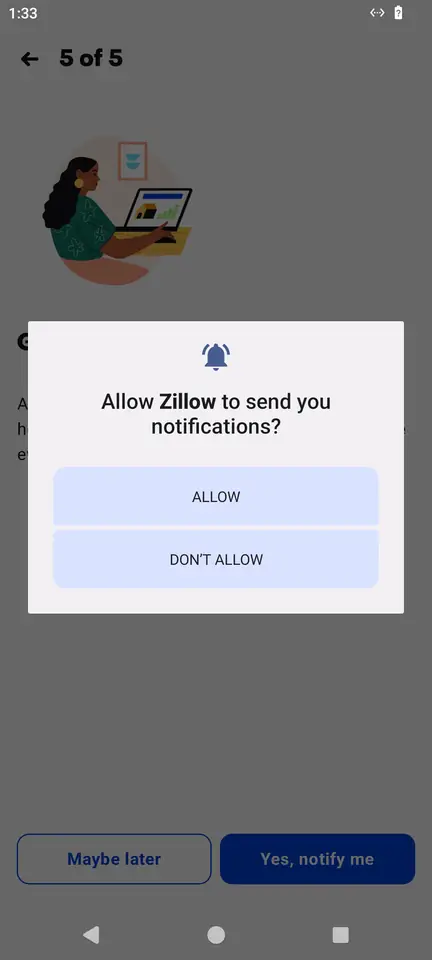
Allow Zillow to send you notifications?
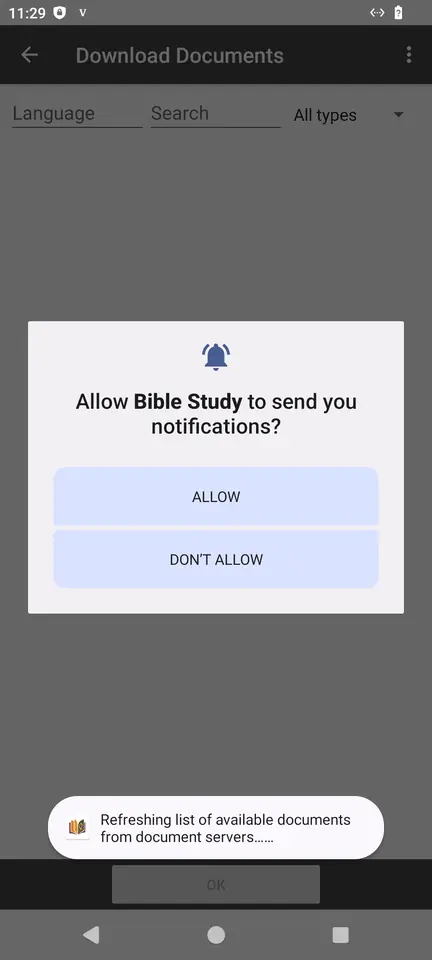
Allow Bible Study to send you notifications?
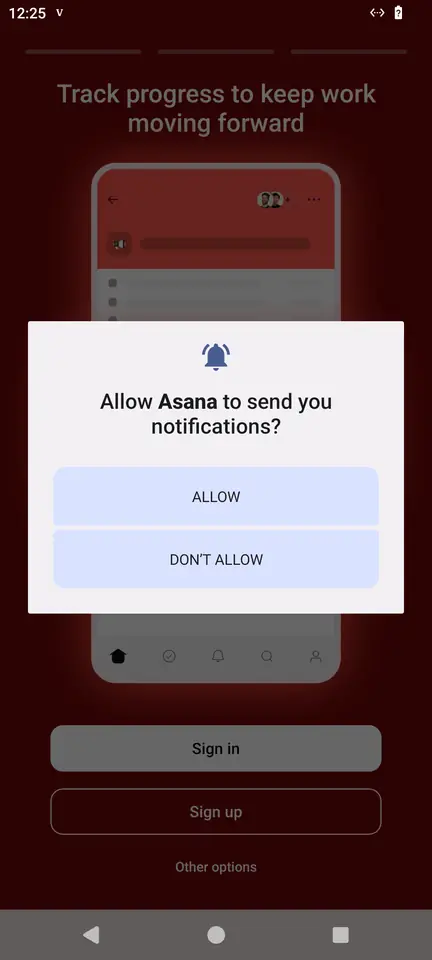
Allow Asana to send you notifications?
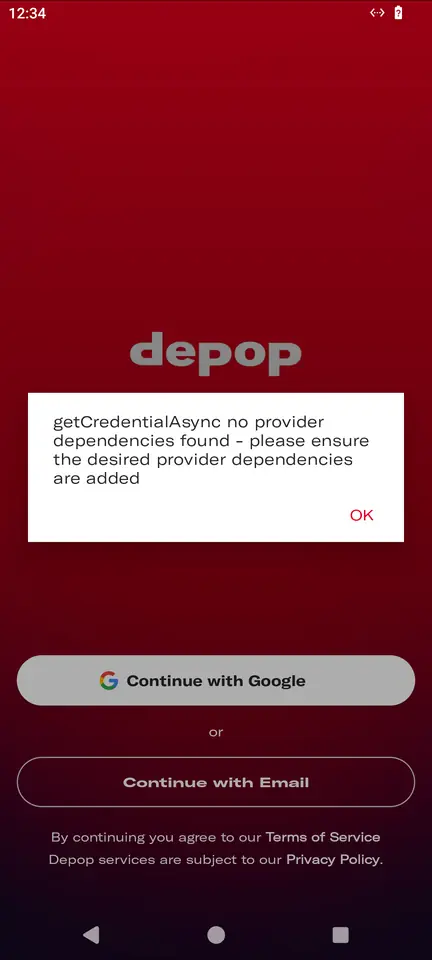
OK
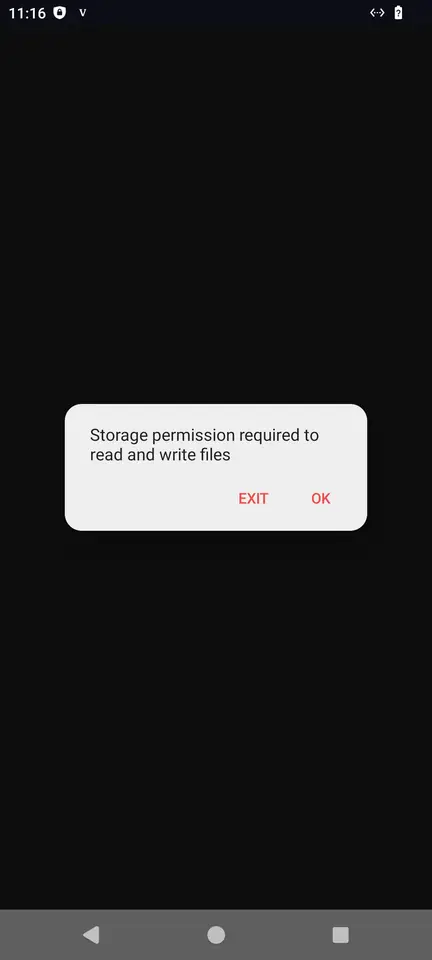
Storage permission required to read and write files
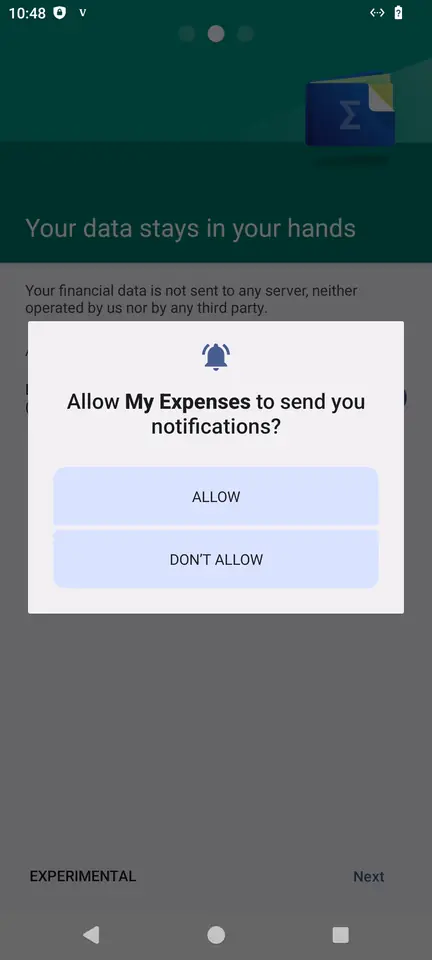
Allow My Expenses to send you notifications?
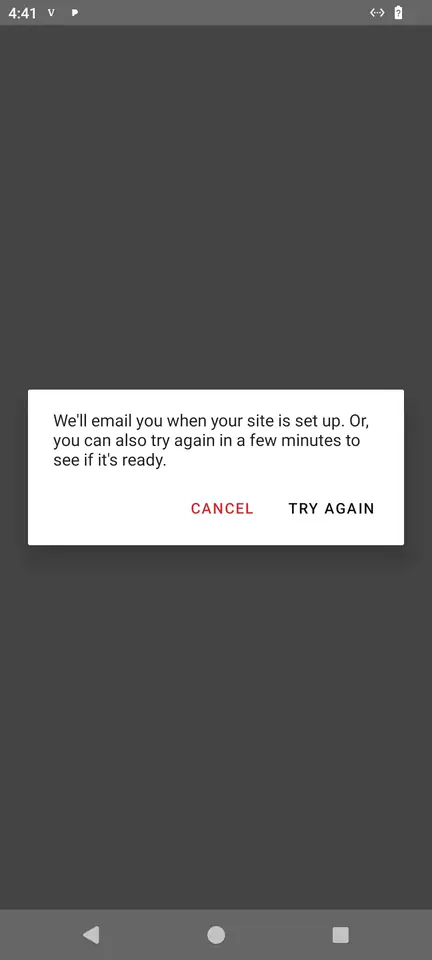
CANCEL
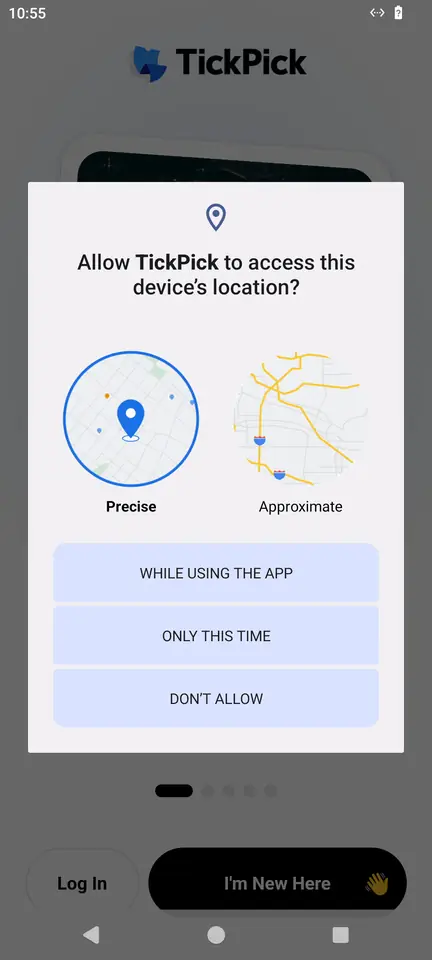
Allow TickPick to access this device’s location?
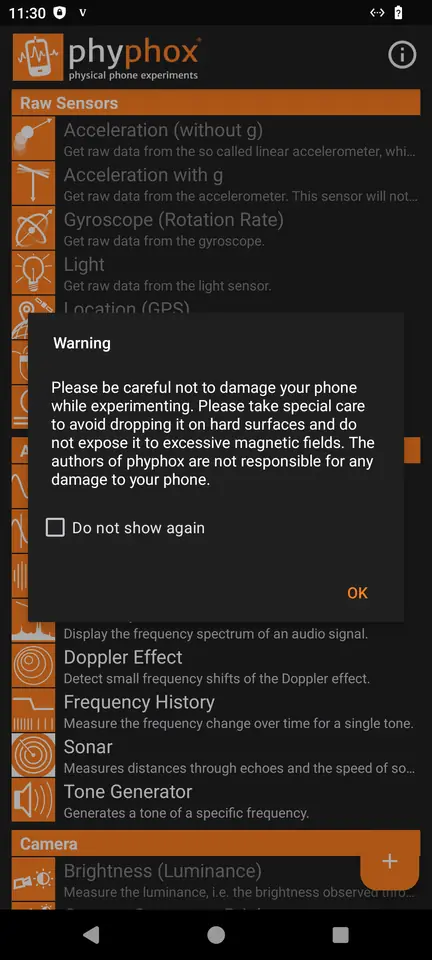
Warning
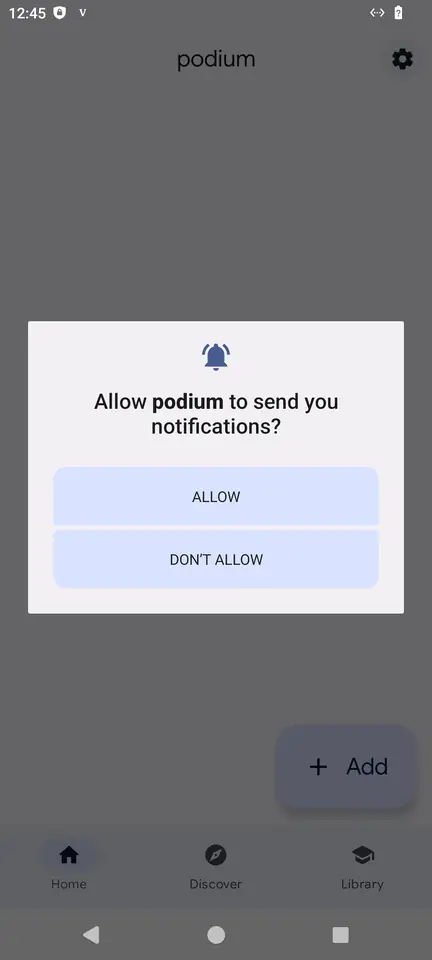
Allow podium to send you notifications?
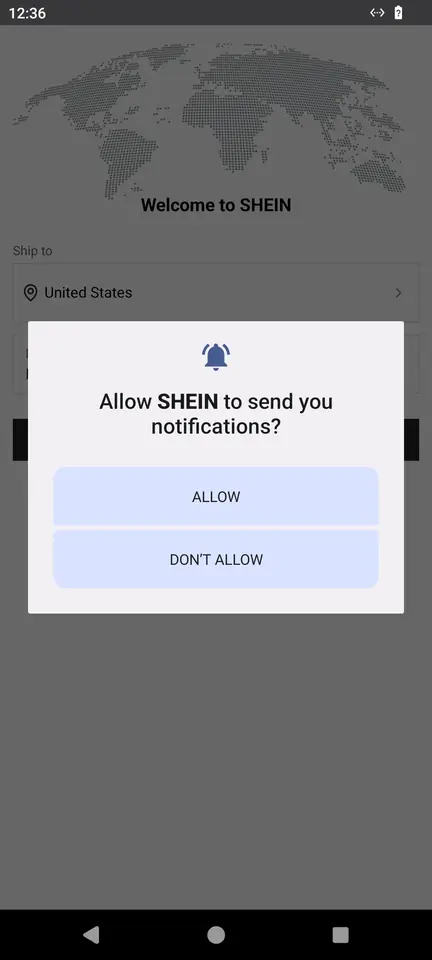
Allow SHEIN to send you notifications?
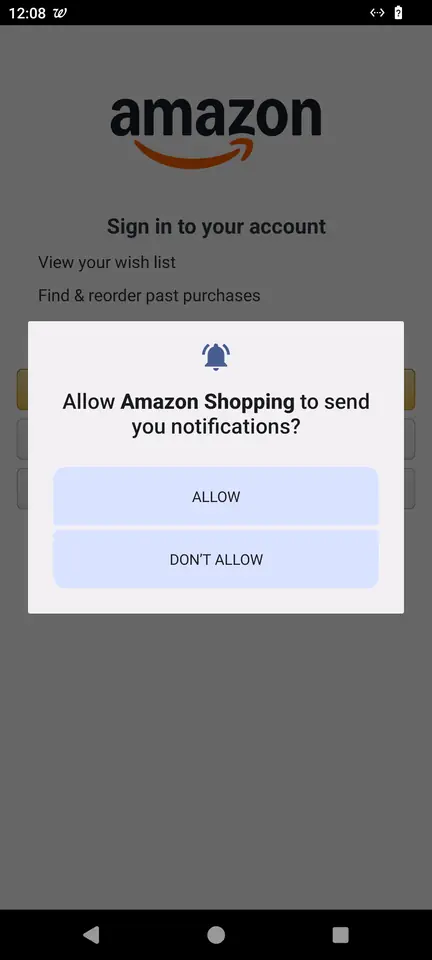
Allow Amazon Shopping to send you notifications?
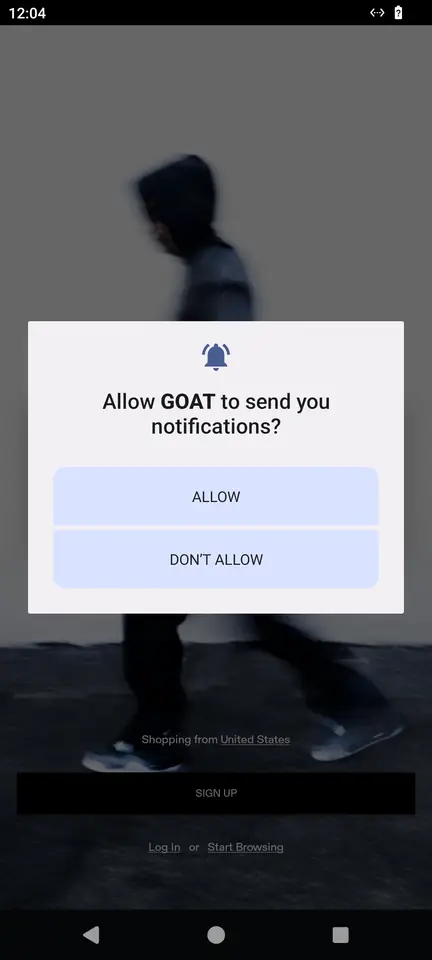
Allow GOAT to send you notifications?
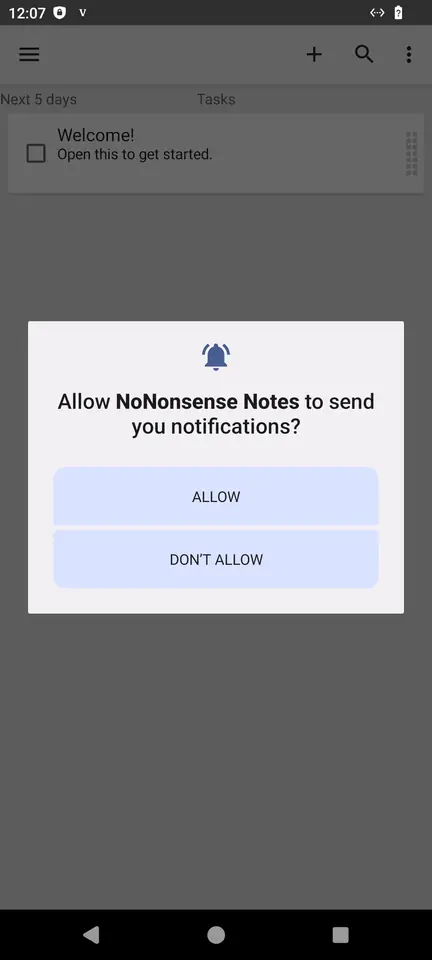
Allow NoNonsense Notes to send you notifications?
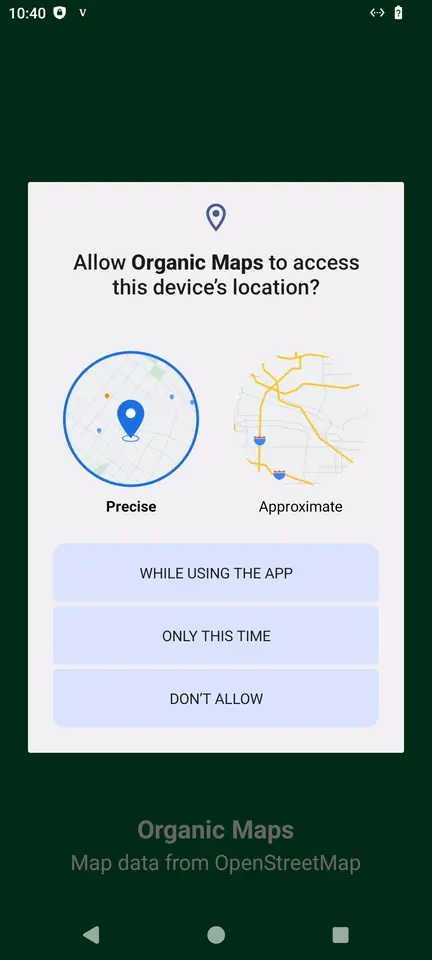
Allow Organic Maps to access this device’s location?
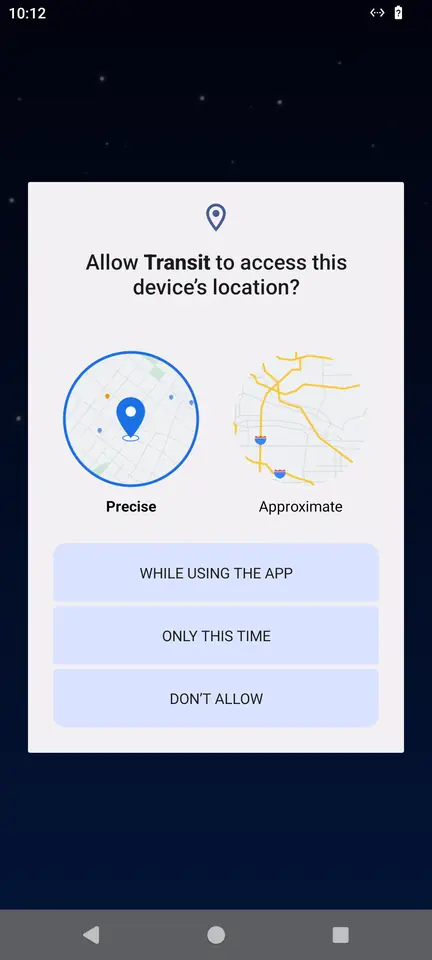
Allow Transit to access this device’s location?
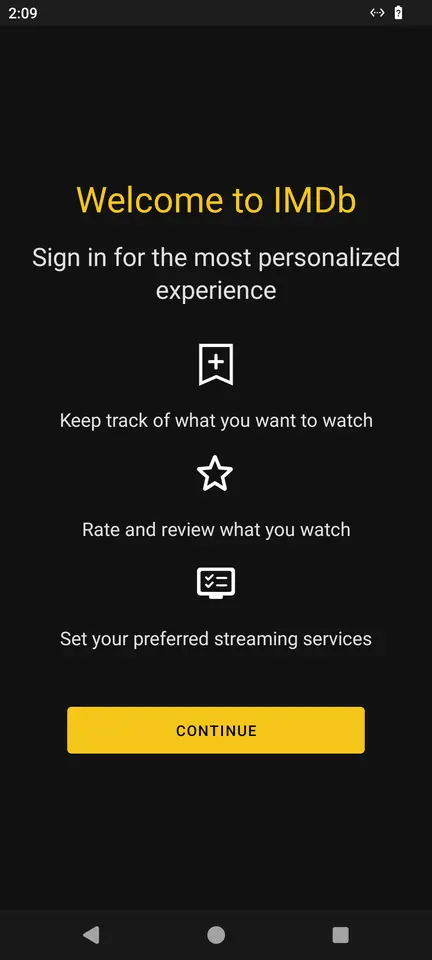
Welcome to IMDb
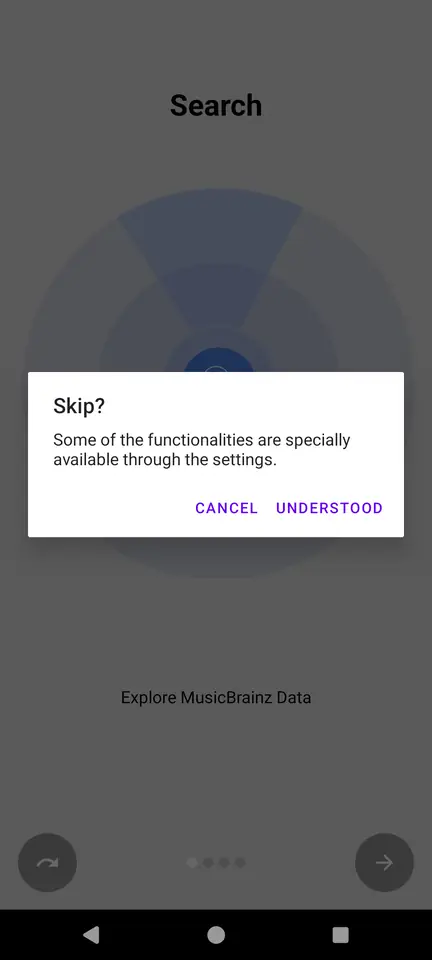
Skip?
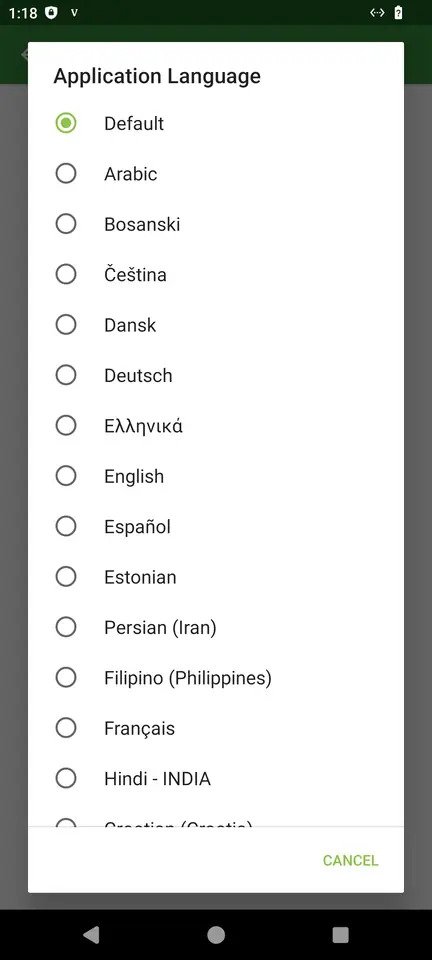
Application Language
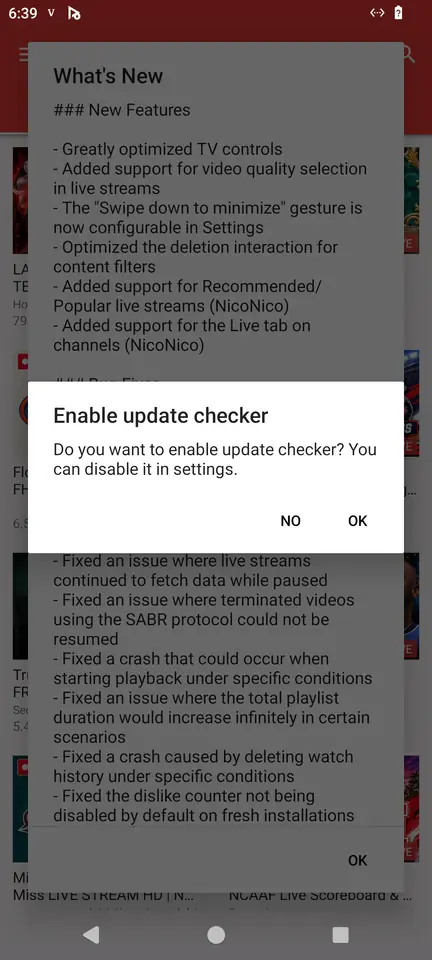
Enable update checker
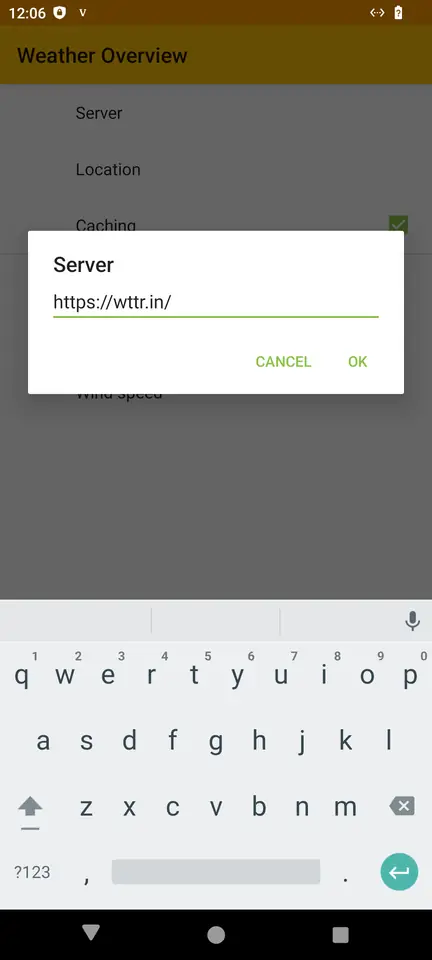
Server
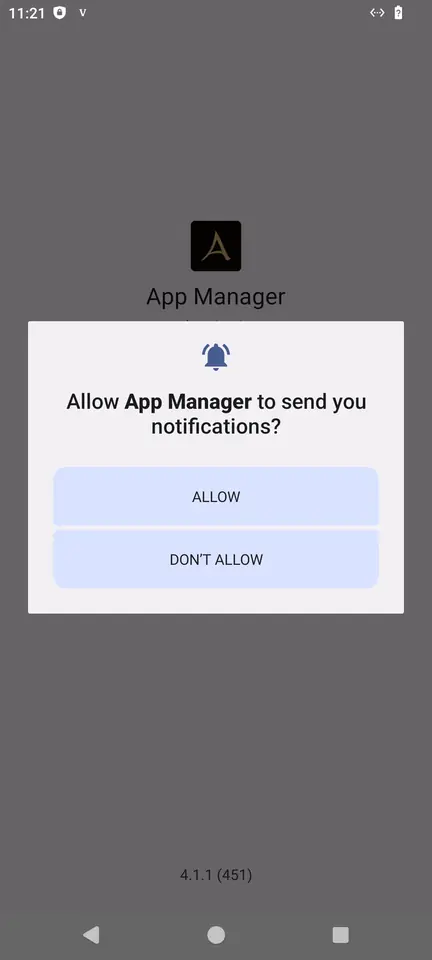
Allow App Manager to send you notifications?
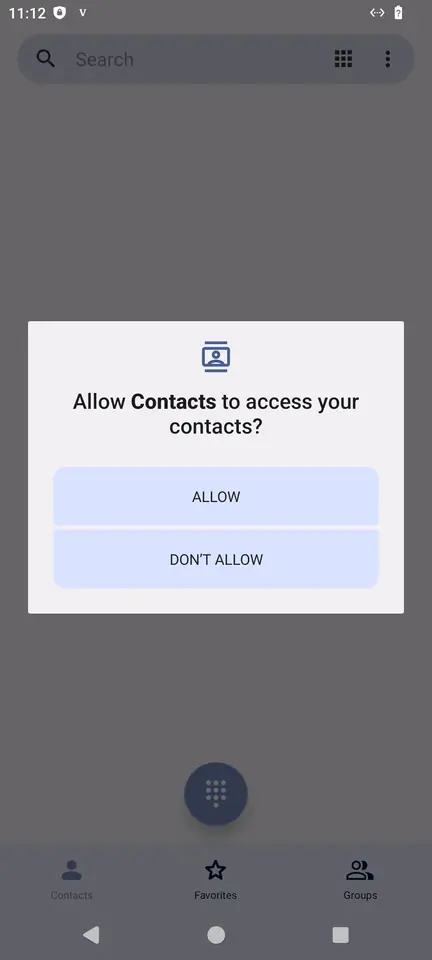
Allow Contacts to access your contacts?
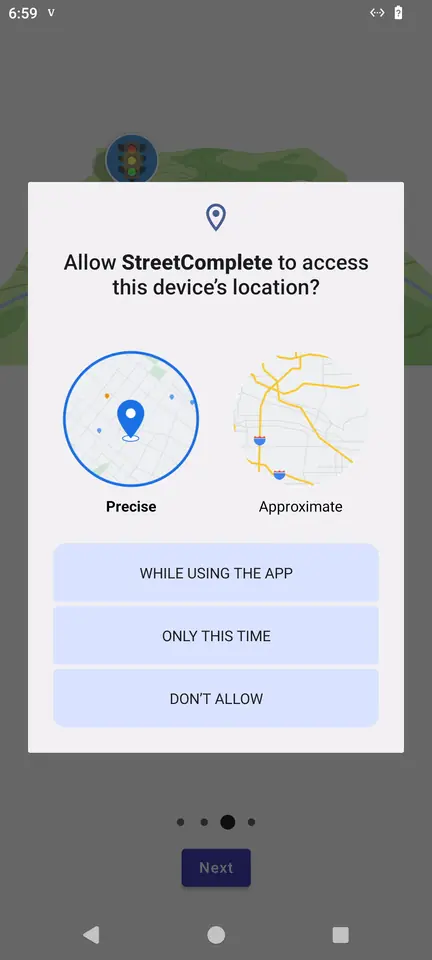
Allow StreetComplete to access this device’s location?
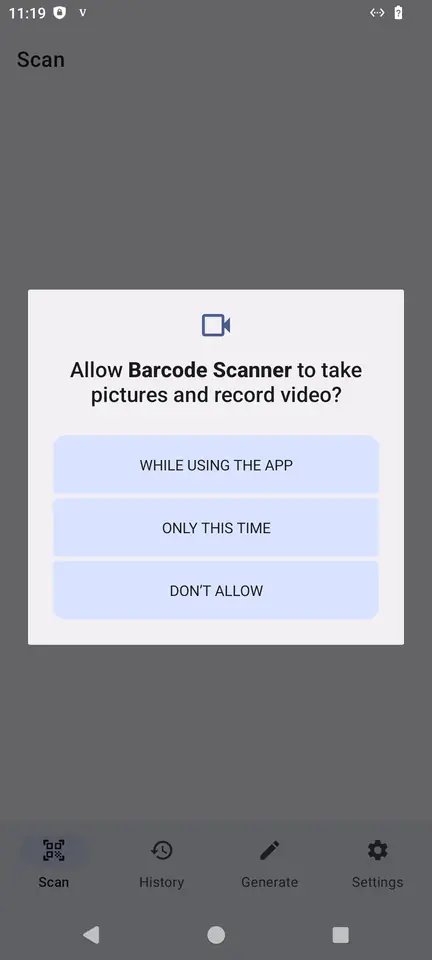
Allow Barcode Scanner to take pictures and record video?
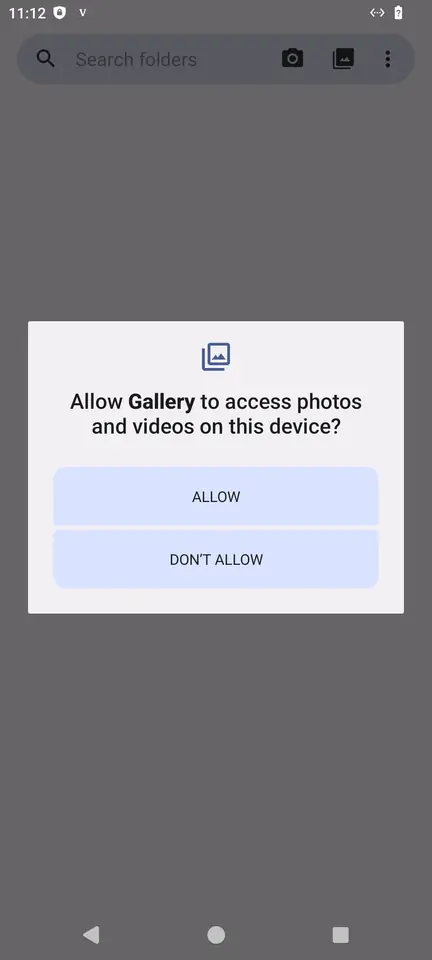
Allow Gallery to access photos and videos on this device?
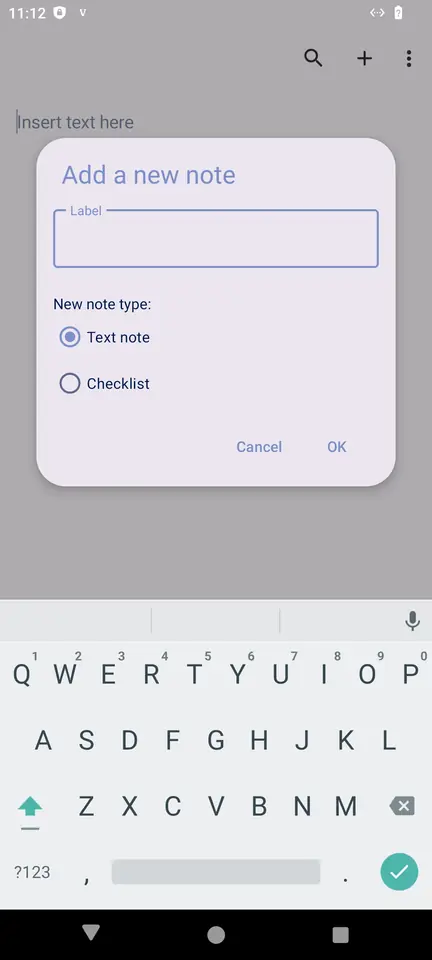
Add a new note
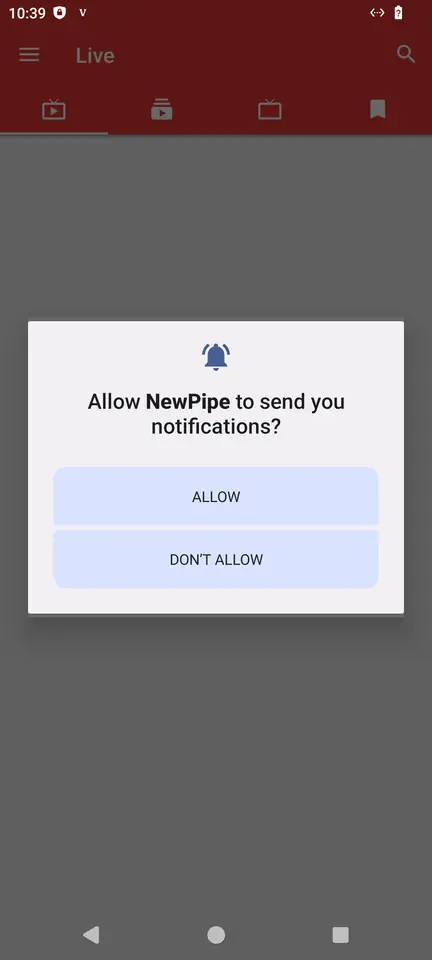
Allow NewPipe to send you notifications?
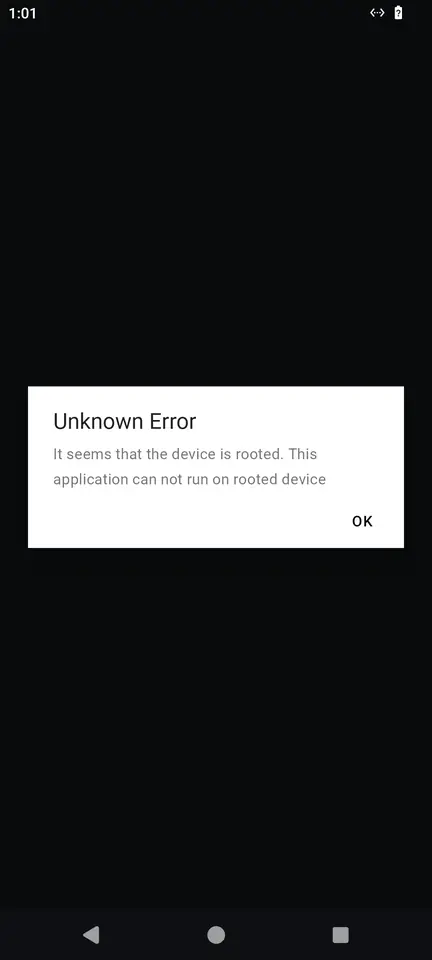
Unknown Error
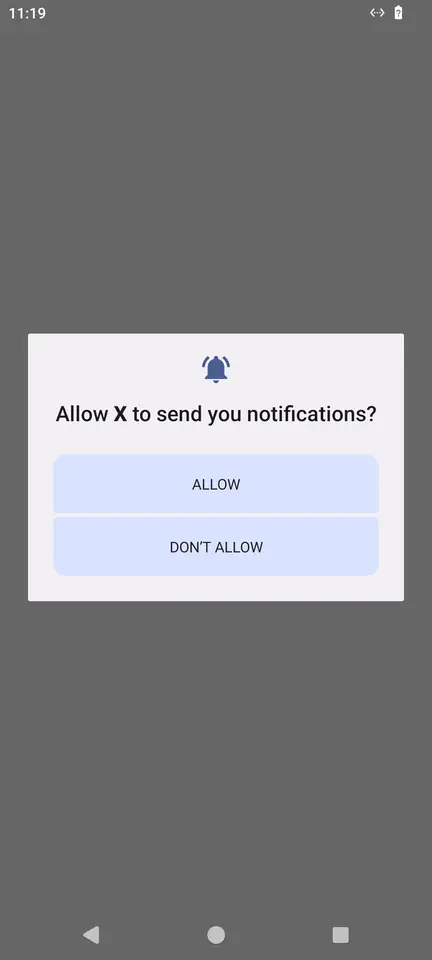
Allow X to send you notifications?
On Android
AlertDialog / MaterialAlertDialogBuilder in Views, AlertDialog in Compose; runtime permission prompts are system dialogs.
Best practices
- Interrupt only for decisions that cannot wait.
- Write the title as the question and the buttons as verbs (“Delete”, “Keep”).
- Put the safe option where users will not hit it by habit.
- Never stack one dialog on another.
Where it shows up
Screens showing the component, by flow step type.
By app category
Apps showing the component, by category · 93 of 246 apps in the library.
FAQ
What is an alert dialog?
A dialog is a small window that interrupts the current screen to ask for a decision or show critical information — confirm a deletion, grant a permission, accept privacy choices. The content behind it is dimmed until the user responds.
What is a dialog called on Android?
AlertDialog / MaterialAlertDialogBuilder in Views, AlertDialog in Compose; runtime permission prompts are system dialogs. It is also known as alert dialog, modal dialog and popup.
Which Android apps use a dialog?
In the Flowtape library, 93 of 246 Android apps show a dialog on the screens we captured, including Yazio, Noom, Flo, Fitbod, Simple and BetterMe.
How do I design a good dialog?
Interrupt only for decisions that cannot wait. Write the title as the question and the buttons as verbs (“Delete”, “Keep”). Put the safe option where users will not hit it by habit.
Detected in the view hierarchy of screens captured on real Android devices · last updated 2026-11-14