Home/Apps/Remind/Confirm birthdate
Screen · Onboarding screen · Remind · Android

Remind onboarding screen: “Confirm birthdate”

An onboarding screen from Remind for Android, captured on a real device — step 3 of 6 in Remind's onboarding flow. It uses 1 detected UI component, outlined on the screen below.

AndroidOnboardingstep 3 of 61 componentfree & ungated
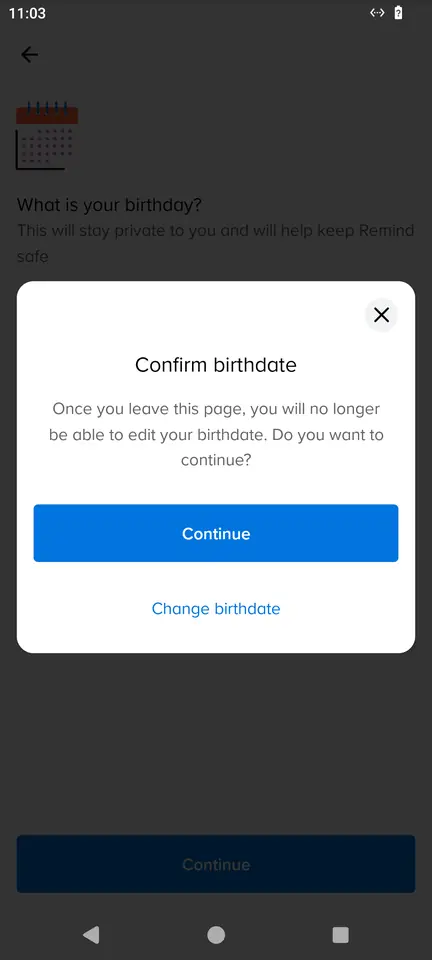
Remind Android screen 18 — onboarding: Close button
Button
App
Remind · Education
Screen type
Onboarding
Flow
Remind onboarding flow — step 3 of 6
Tap
“Change birthdate”

UI text on this screen

  • Close button
  • Confirm birthdate
  • Continue
  • Change birthdate

UI components

Located from the app's Android view hierarchy and outlined on the screen.

UI patterns

More Remind screens
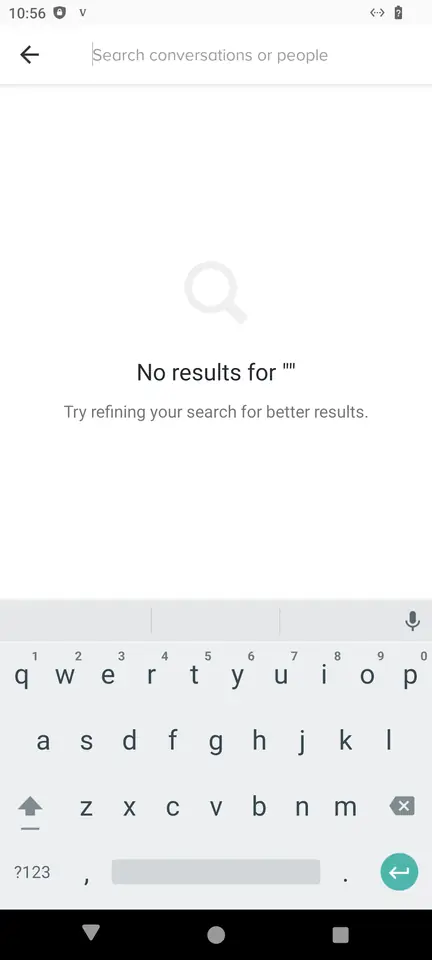
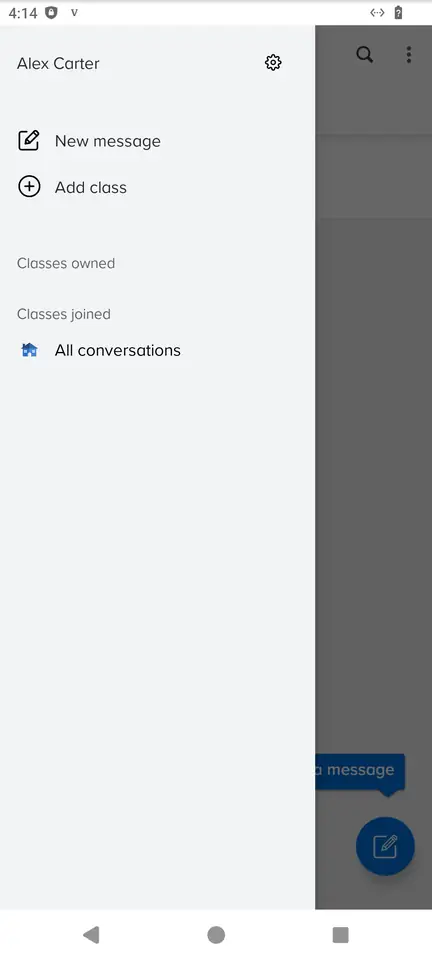
Remind Android screen 1 — home & browsing: Search conversations or people
Home & browsing · Search conversations or people
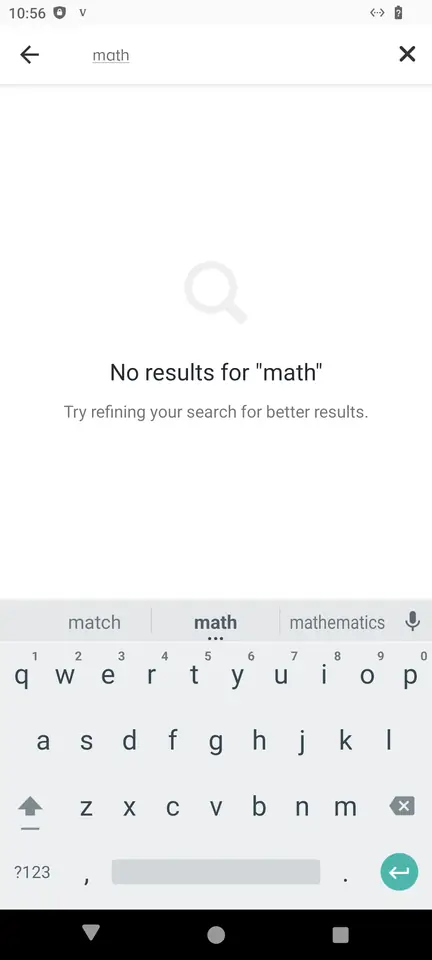
Remind Android screen 2 — home & browsing: No results for "math"
Home & browsing · No results for "math"
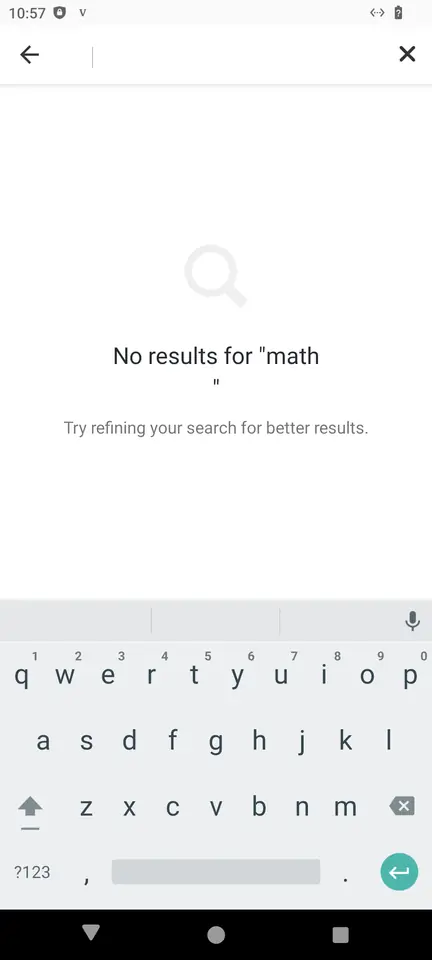
Remind Android screen 3 — home & browsing: No results for "math "
Home & browsing · No results for "math "
Remind Android screen 4 — home & browsing: Filter Drawer
Home & browsing · Filter Drawer
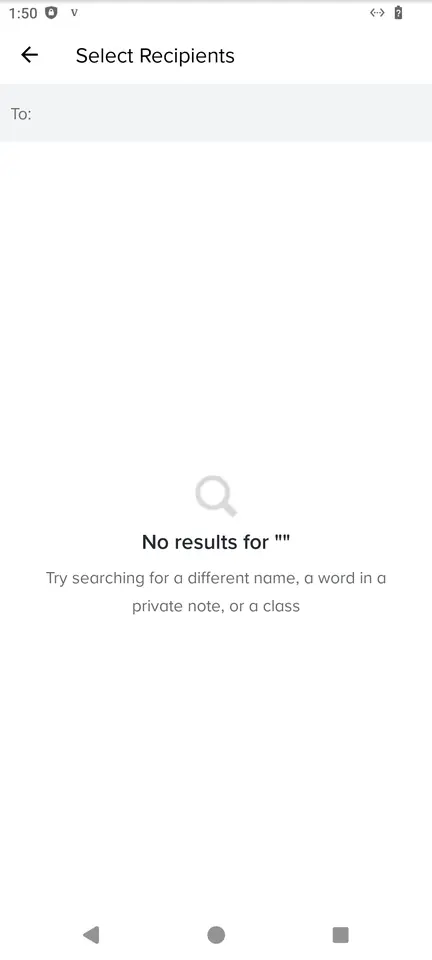
Remind Android screen 5 — home & browsing: Select Recipients
Home & browsing · Select Recipients
Remind Android screen 6 — settings: Filter Drawer
Settings · Filter Drawer
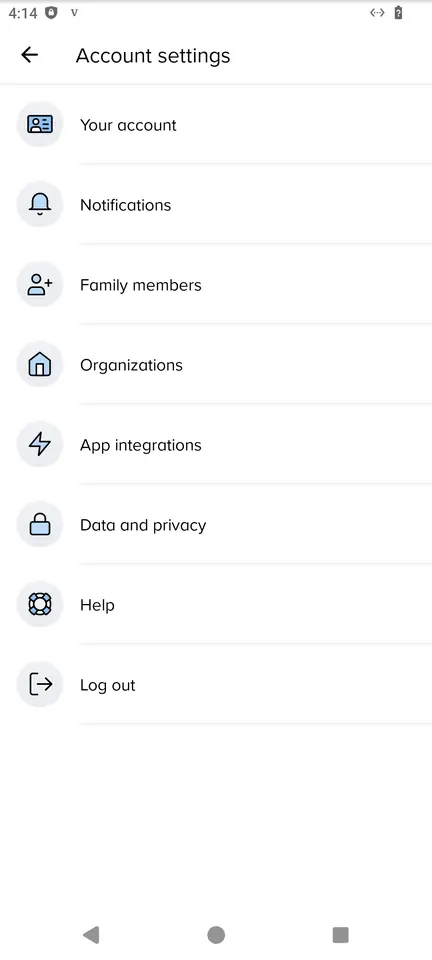
Remind Android screen 7 — settings: Account settings
Settings · Account settings
Remind Android screen 8 — home & browsing: Filter Drawer
Home & browsing · Filter Drawer

Onboarding screens from other apps

All onboarding screens →
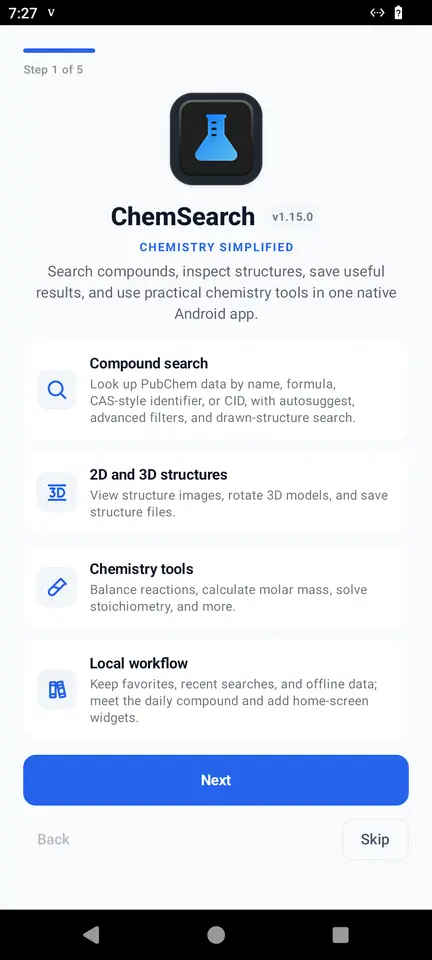
ChemSearch Android screen 1 — onboarding: ChemSearch
ChemSearch · ChemSearch
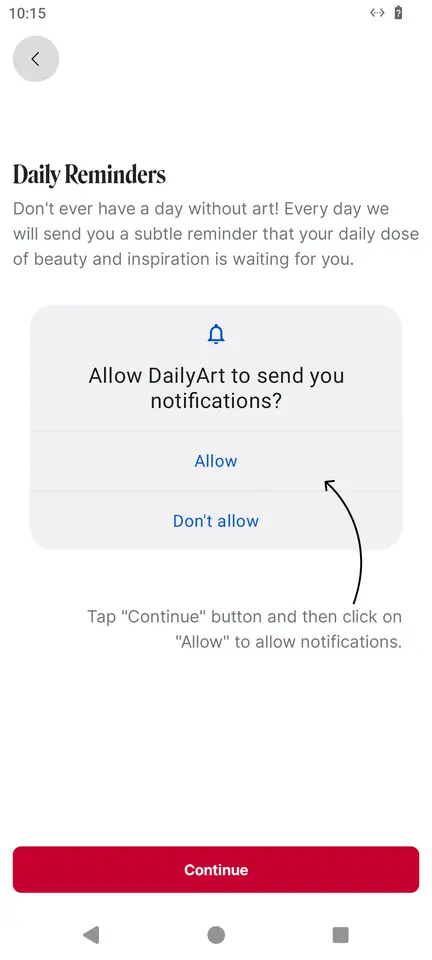
DailyArt Android screen 22 — onboarding: Daily Reminders
DailyArt · Daily Reminders
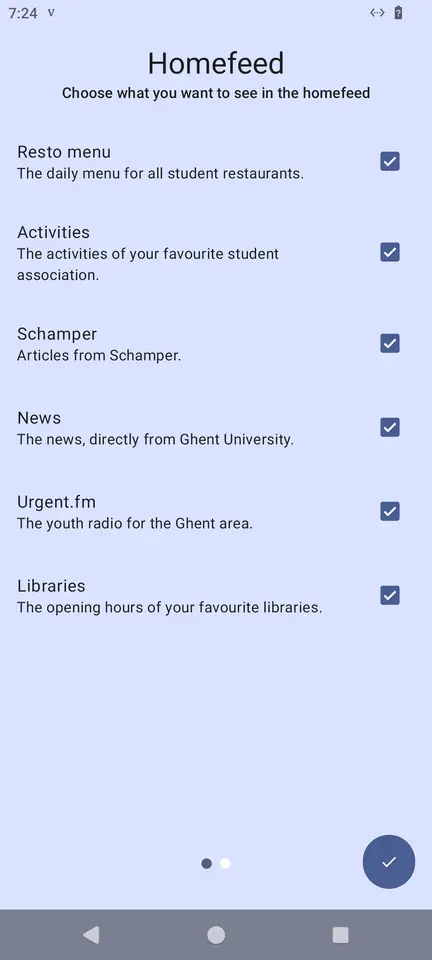
Hydra Android screen 2 — onboarding: Homefeed
Hydra · Homefeed
Kahoot! Android screen 8 — onboarding: Early access
Kahoot! · Early access
Khan Academy Android screen 18 — onboarding: How do you want to sign in?
Khan Academy · How do you want to sign in?
Mimo Android screen 9 — onboarding: Python Developer is the best choice for you
Mimo · Python Developer is the best choice…

Captured on a real Android device · last updated 2026-11-14