Screen · Onboarding screen · Toshl Finance · Android
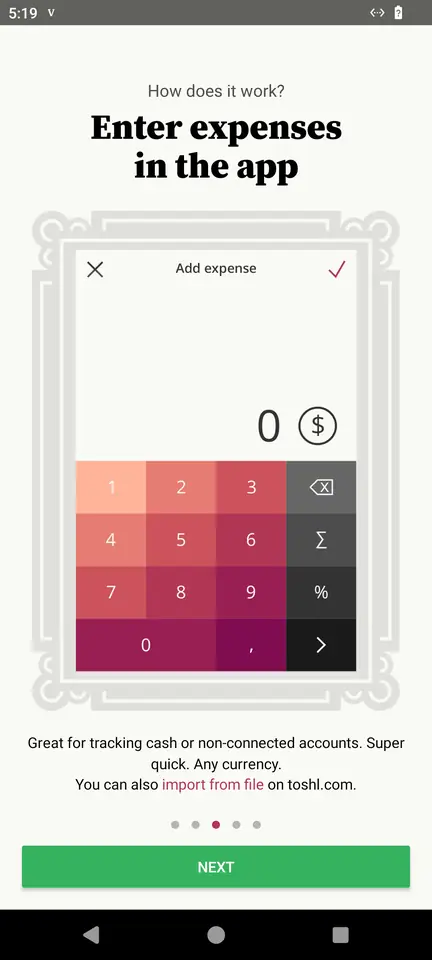
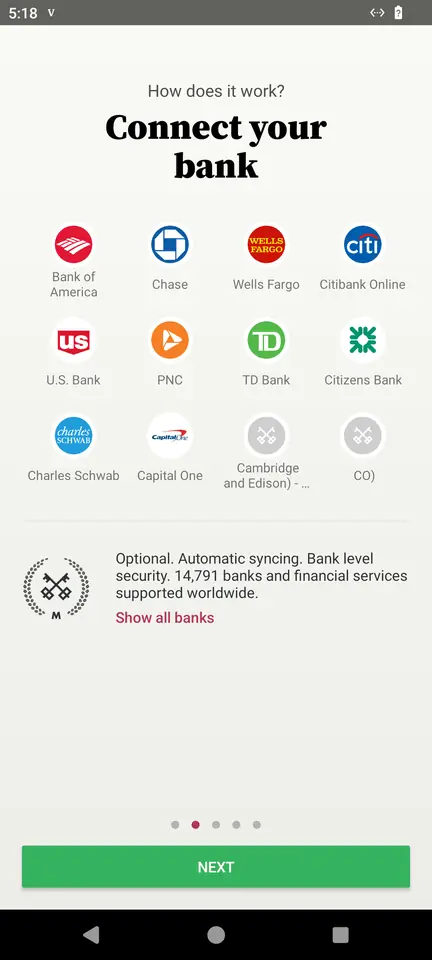
Toshl Finance onboarding screen: “Enter expenses in the app”
An onboarding screen from Toshl Finance for Android, captured on a real device — step 3 of 5 in Toshl Finance's onboarding flow. It uses 1 detected UI component, outlined on the screen below.
AndroidOnboardingstep 3 of 51 componentfree & ungated
- App
- Toshl Finance · Productivity & tools
- Screen type
- Onboarding
- Flow
- Toshl Finance onboarding flow — step 3 of 5
UI text on this screen
How does it work?
Enter expenses in the app
Great for tracking cash or non-connected accounts. Super quick. Any currency.
You can also import from file on toshl.com.
NEXT
UI components
Located from the app's Android view hierarchy and outlined on the screen.
More Toshl Finance screens
Onboarding screens from other apps
All onboarding screens →
Captured on a real Android device · last updated 2026-11-14