Screen · Onboarding screen · Dropbox · Android
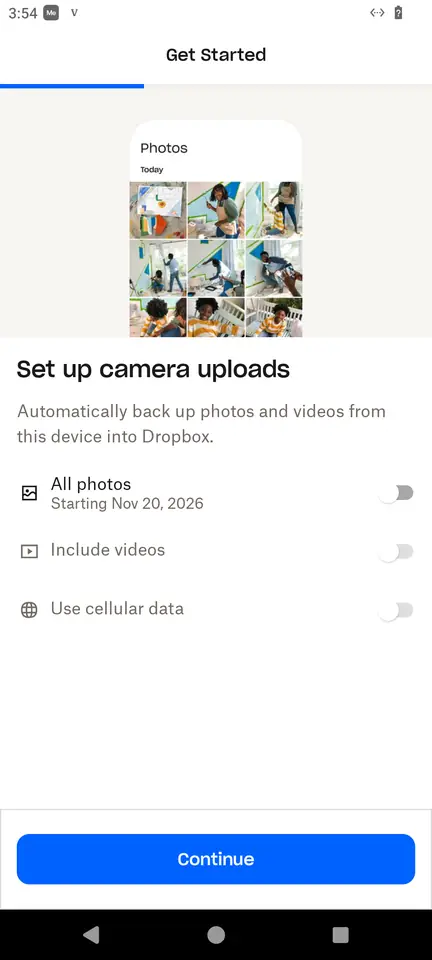
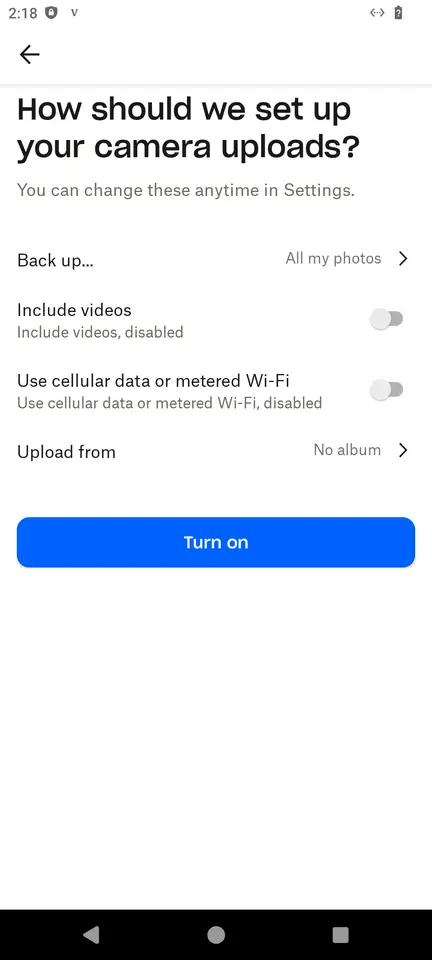
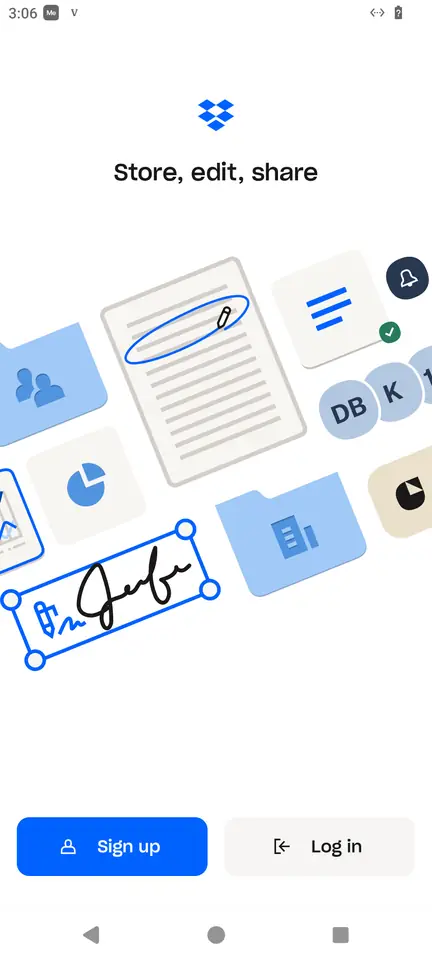
Dropbox onboarding screen: “Set up camera uploads”
An onboarding screen from Dropbox for Android, captured on a real device — step 1 of 5 in Dropbox's onboarding flow. It uses 1 detected UI component, outlined on the screen below.
AndroidOnboardingstep 1 of 51 componentfree & ungated
- App
- Dropbox · Productivity & tools
- Screen type
- Onboarding
- Flow
- Dropbox onboarding flow — step 1 of 5
- Tap
- “Continue”
UI text on this screen
Photos tab with image uploaded
Set up camera uploads
Automatically back up photos and videos from this device into Dropbox.
All photos
Starting Nov 20, 2026
Include videos
Use cellular data
Continue
UI components
Located from the app's Android view hierarchy and outlined on the screen.
UI patterns
More Dropbox screens
Onboarding screens from other apps
All onboarding screens →


Captured on a real Android device · last updated 2026-11-14