Home/Apps/USA TODAY/Welcome! Please take a…
Screen · Onboarding screen · USA TODAY · Android

USA TODAY onboarding screen: “Welcome! Please take a moment to customize the app to your…”

An onboarding screen from USA TODAY for Android, captured on a real device — screen 23 of 25 we captured. It uses 3 detected UI components, outlined on the screen below.

AndroidOnboarding3 componentsfree & ungated
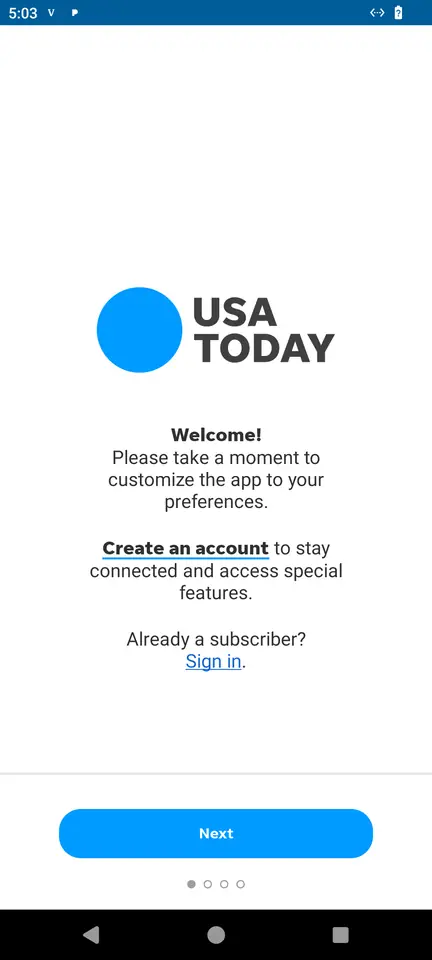
USA TODAY Android screen 23 — onboarding: Welcome screen, use buttons at the bottom of the screen to…
Page indicator dotsButtonDivider
App
USA TODAY · Books & reading
Screen type
Onboarding

UI text on this screen

  • Welcome screen, use buttons at the bottom of the screen to change pages
  • Welcome! Please take a moment to customize the app to your preferences.
  • Create an account to stay connected and access special features.
  • Already a subscriber? Sign in.
  • Next
  • Buttons for going to all pages
  • Page1of4
  • Page2of4

UI components

Located from the app's Android view hierarchy and outlined on the screen.

UI patterns

More USA TODAY screens
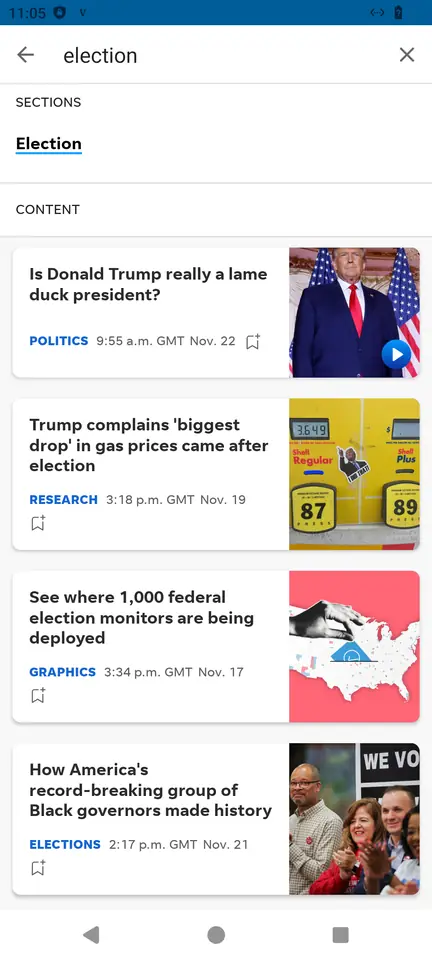
USA TODAY Android screen 1 — home & browsing: Up navigation
Home & browsing · Up navigation
USA TODAY Android screen 2 — home & browsing: Up navigation
Home & browsing · Up navigation
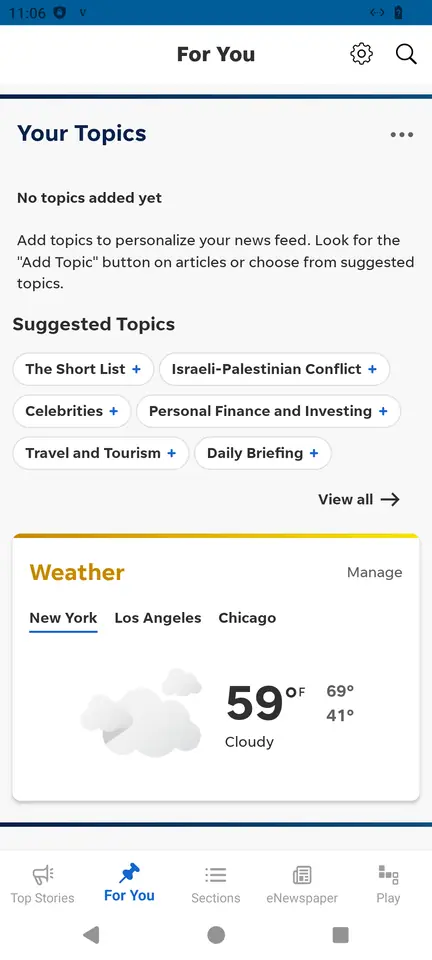
USA TODAY Android screen 3 — home & browsing: For You
Home & browsing · For You
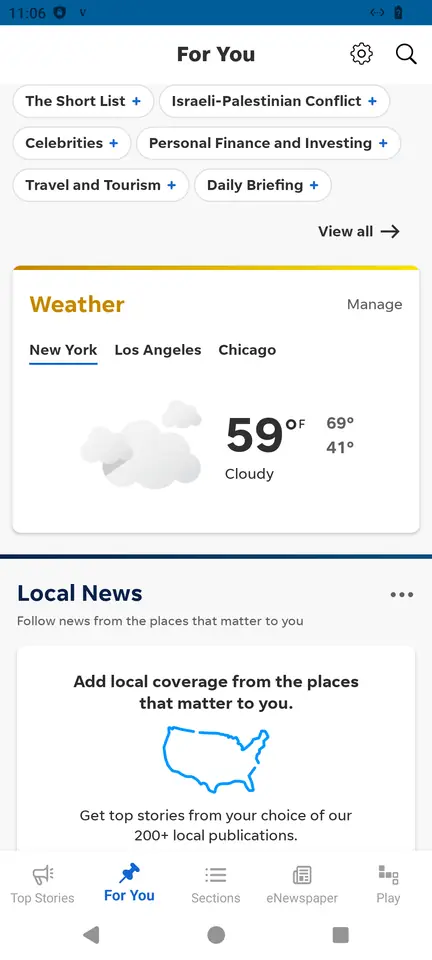
USA TODAY Android screen 4 — home & browsing: For You
Home & browsing · For You
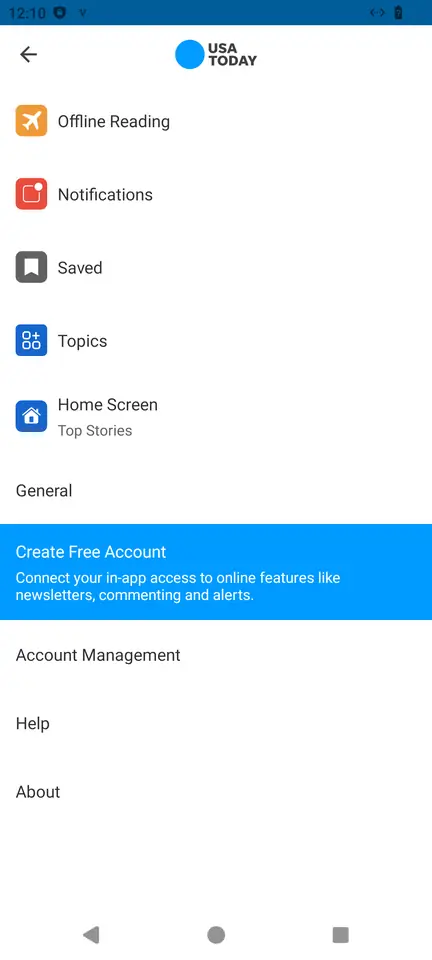
USA TODAY Android screen 5 — settings: Offline Reading
Settings · Offline Reading
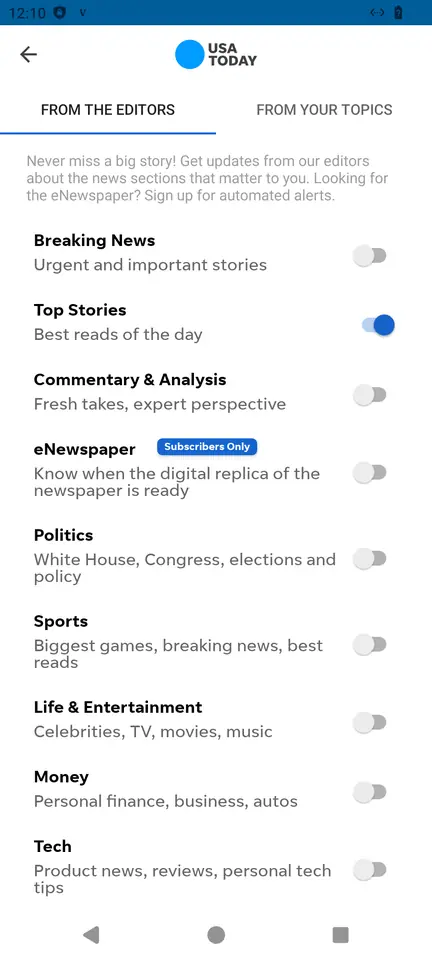
USA TODAY Android screen 6 — settings: From The Editors
Settings · From The Editors
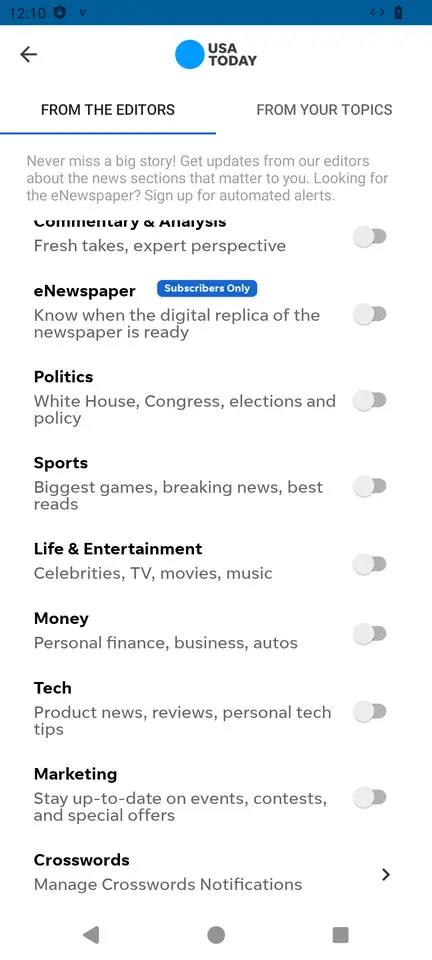
USA TODAY Android screen 7 — settings: From The Editors
Settings · From The Editors
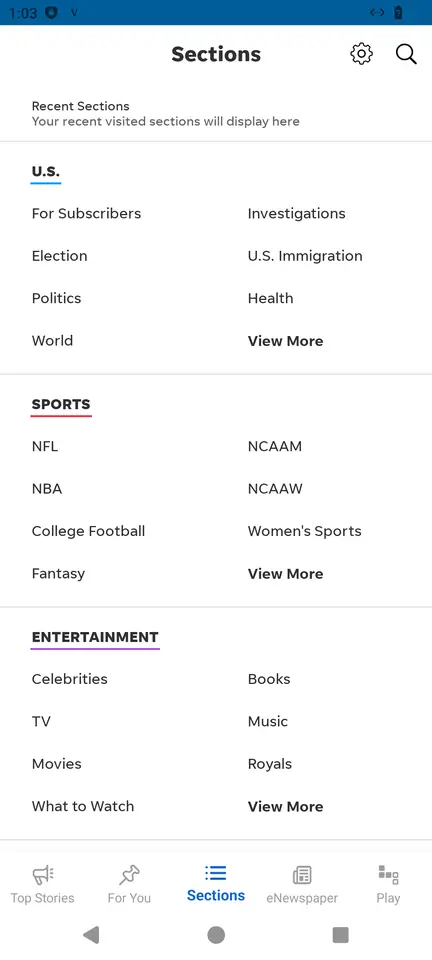
USA TODAY Android screen 8 — home & browsing: Sections
Home & browsing · Sections

Onboarding screens from other apps

All onboarding screens →
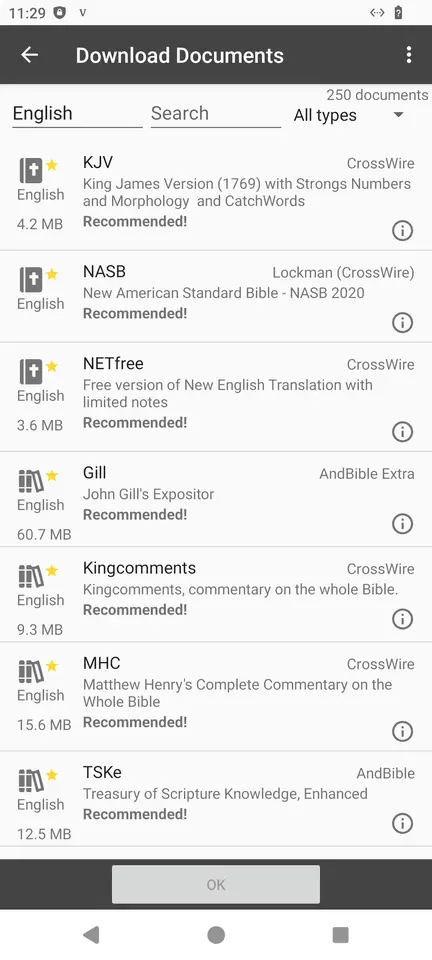
AndBible Android screen 6 — onboarding: Download Documents
AndBible · Download Documents
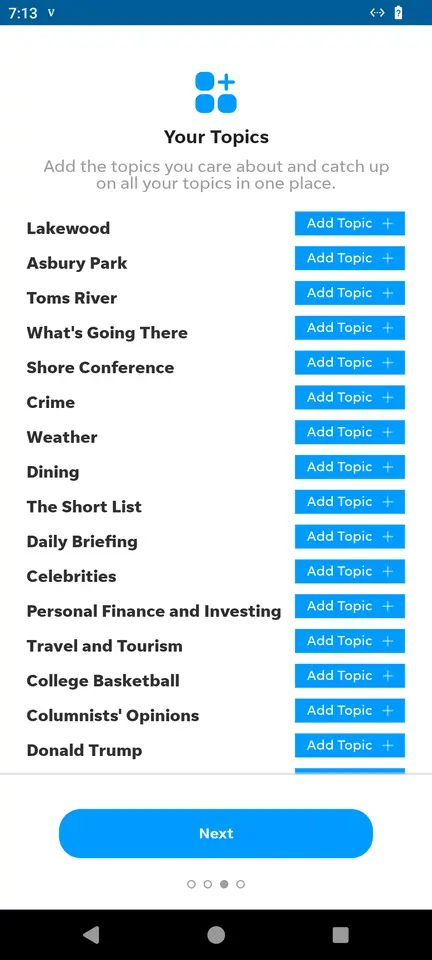
Asbury Park Press Android screen 4 — onboarding: Welcome screen, use buttons at the bottom of the screen to…
Asbury Park Press · Welcome screen, use buttons at the…
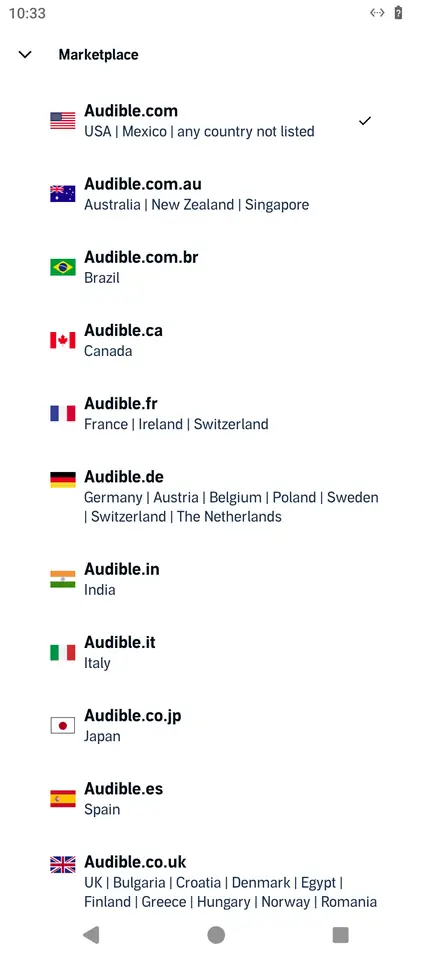
Audible Android screen 2 — onboarding: Audible.comUSA | Mexico | any country not listed is selected
Audible · Audible.comUSA | Mexico | any country…
azcentral Android screen 6 — onboarding: Welcome screen, use buttons at the bottom of the screen to…
azcentral · Welcome screen, use buttons at the…
Blinkist Android screen 34 — onboarding: Follow categories you're interested in to get…
Blinkist · Follow categories you're interested in…
Courier Journal Android screen 6 — onboarding: Welcome screen, use buttons at the bottom of the screen to…
Courier Journal · Welcome screen, use buttons at the…

Captured on a real Android device · last updated 2026-11-14