Page indicator dots: definition and 28 real Android examples
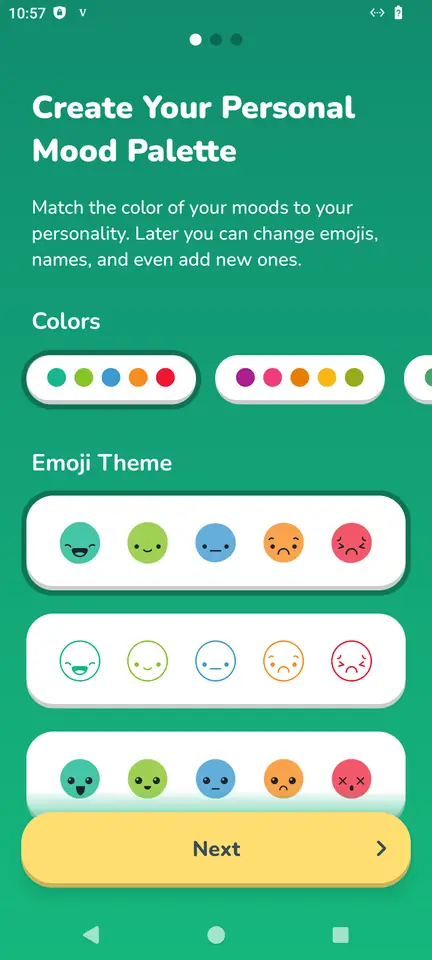
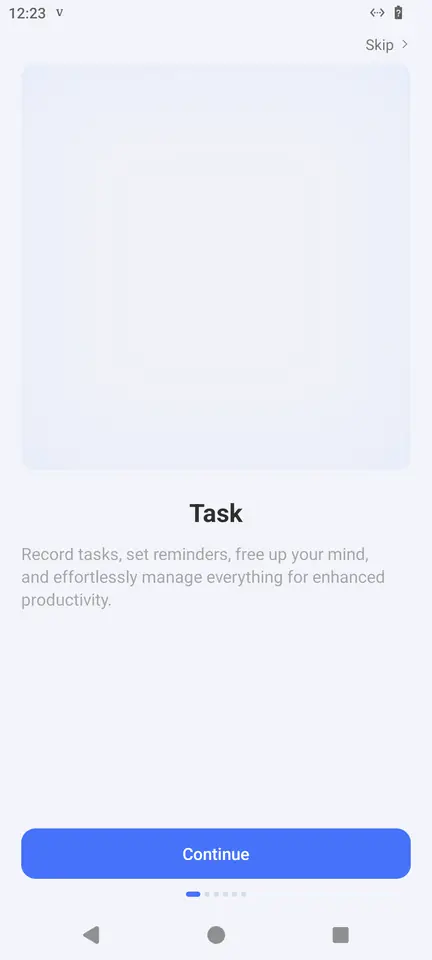
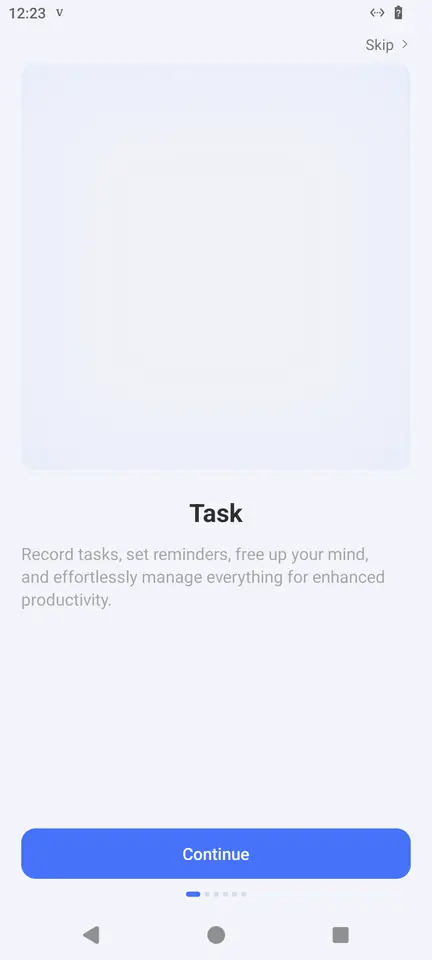
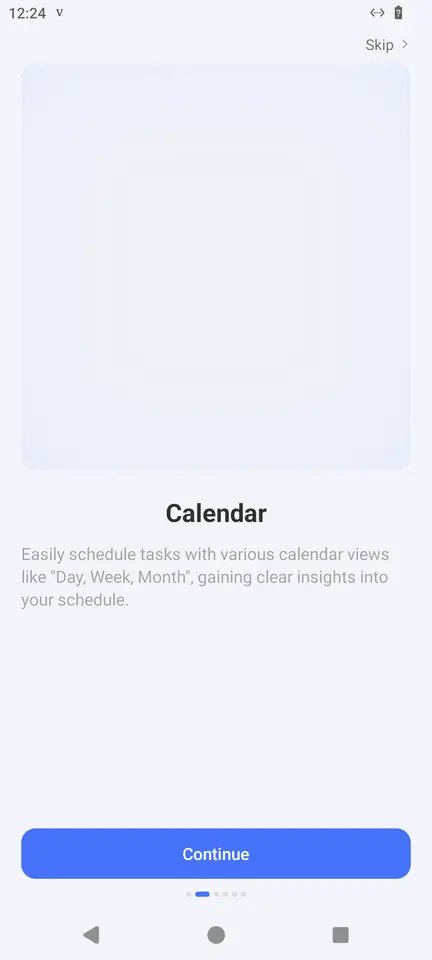
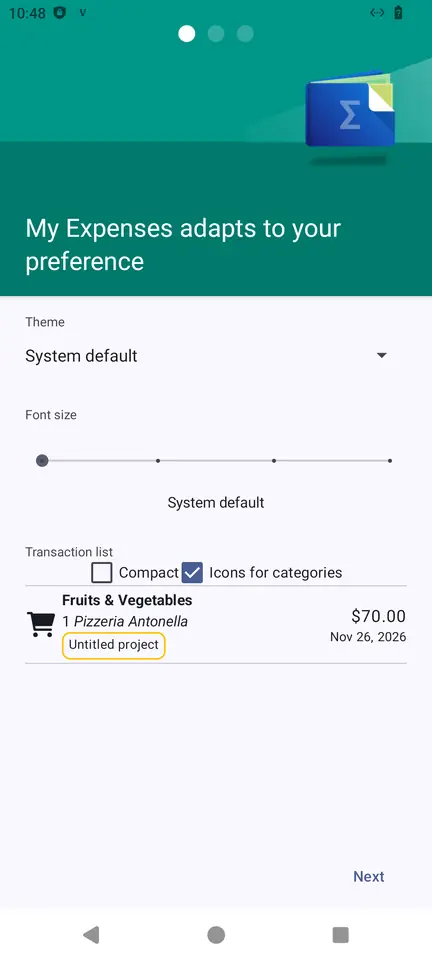
Page indicator dots are the small row of dots under a carousel or onboarding pager that show how many pages there are and which one you are on. The active dot is filled or wider.
Also called: page control, carousel dots, pagination dots, dot indicator
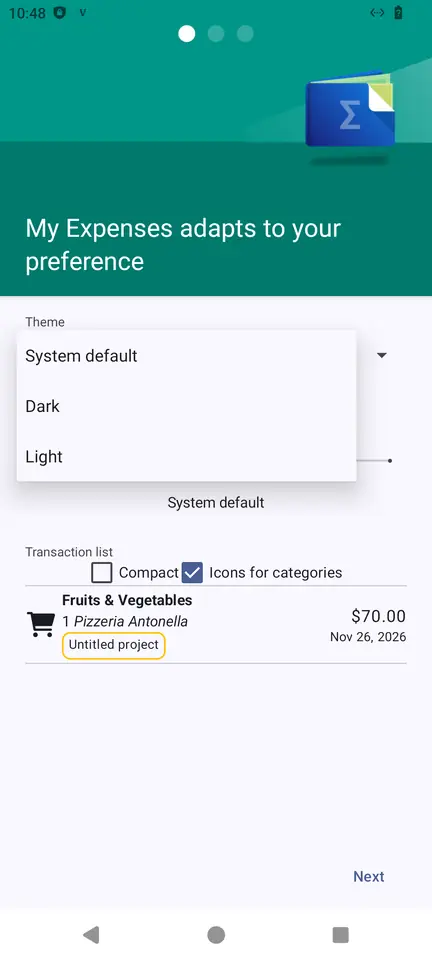
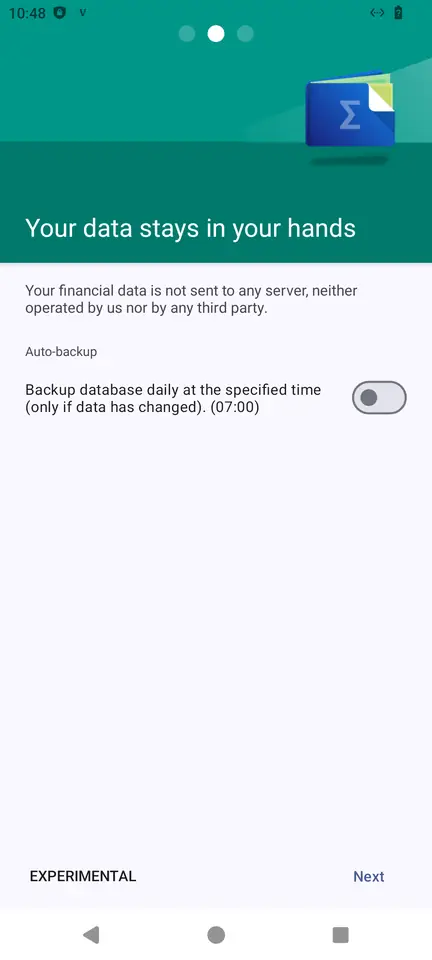
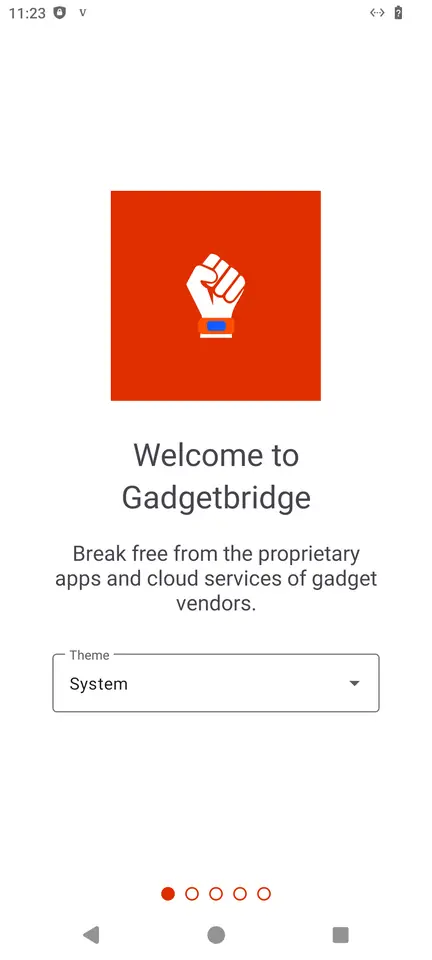
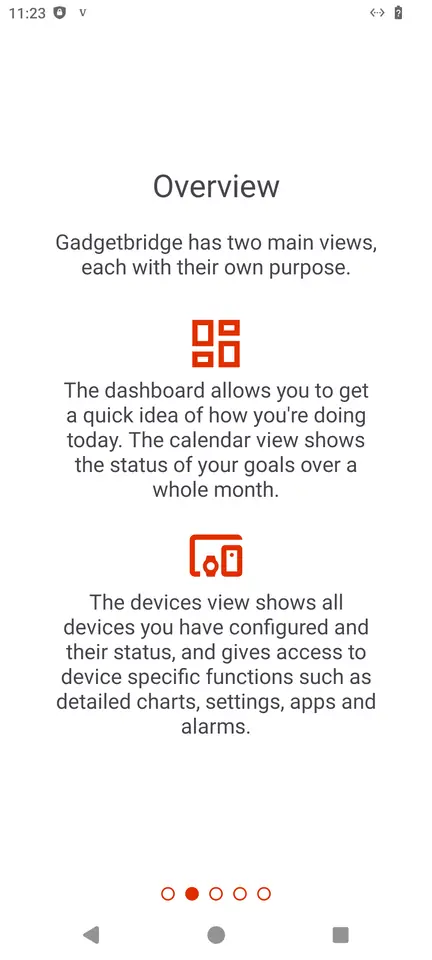
Page indicator dots examples, highlighted on 28 Android apps
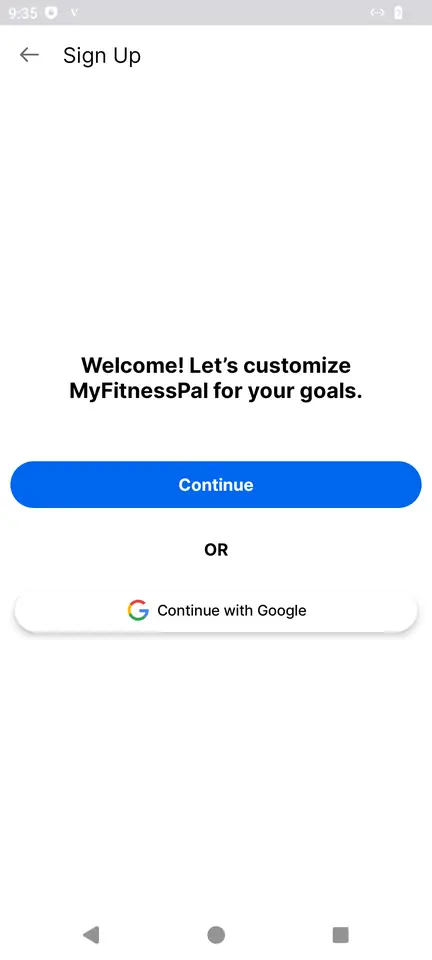
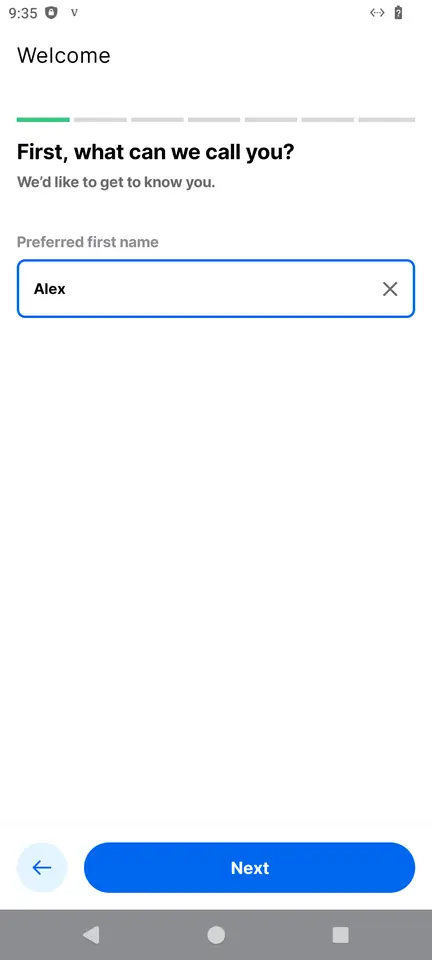
The orange outline marks the page indicator dots on each real screen, located from the app's own Android view hierarchy.
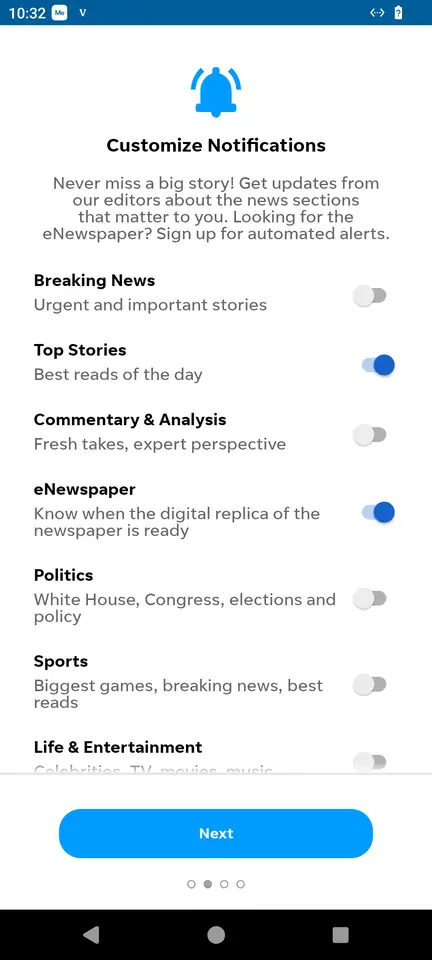
Buttons for going to all pages

Buttons for going to all pages

Buttons for going to all pages

Buttons for going to all pages

Buttons for going to all pages

• 1 min

Buttons for going to all pages

Buttons for going to all pages

Buttons for going to all pages

Buttons for going to all pages

Buttons for going to all pages

Buttons for going to all pages

Buttons for going to all pages

Buttons for going to all pages





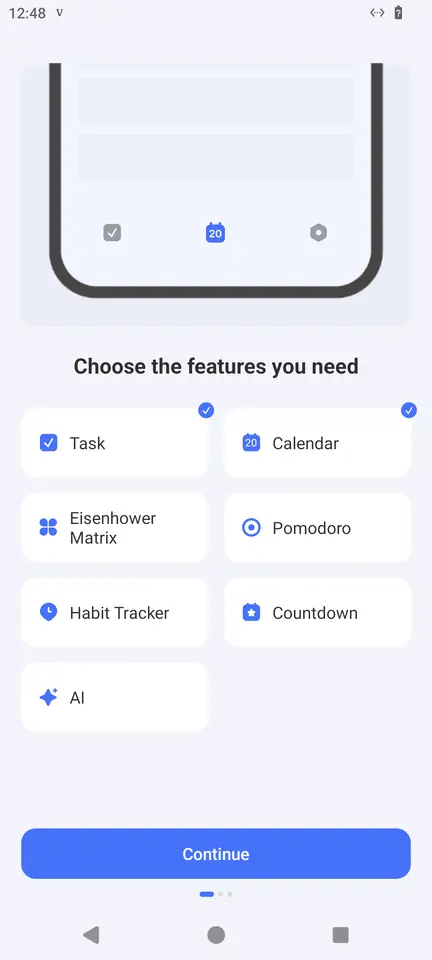

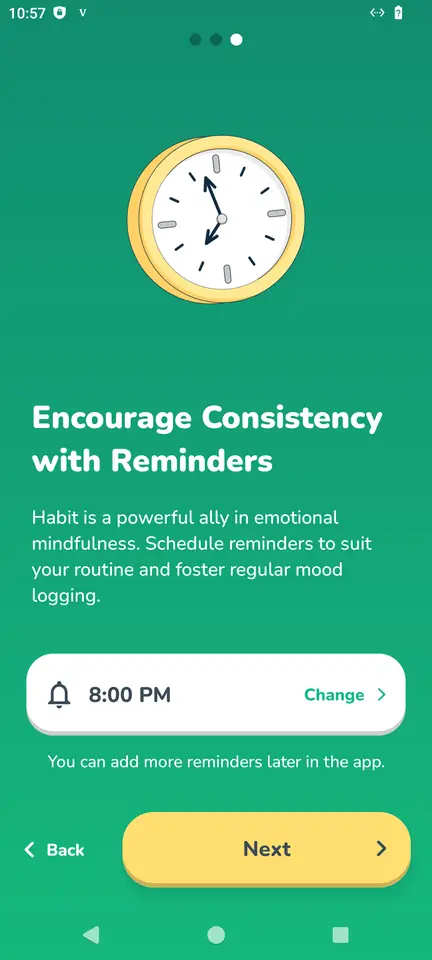




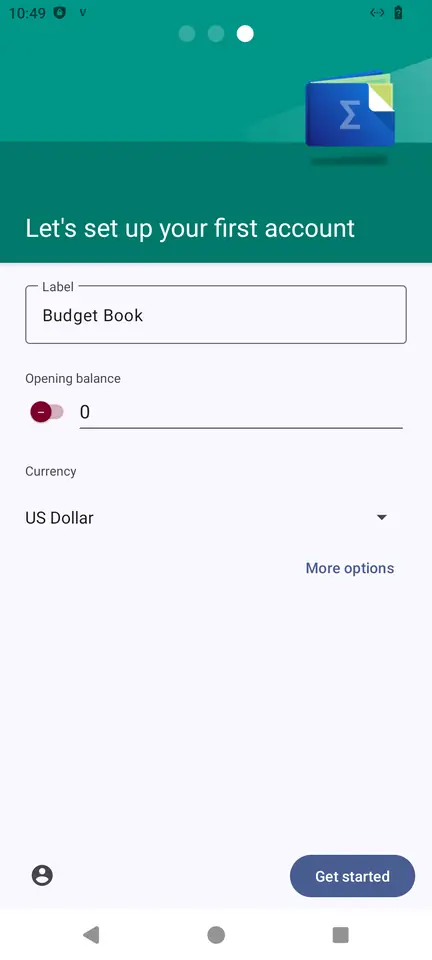
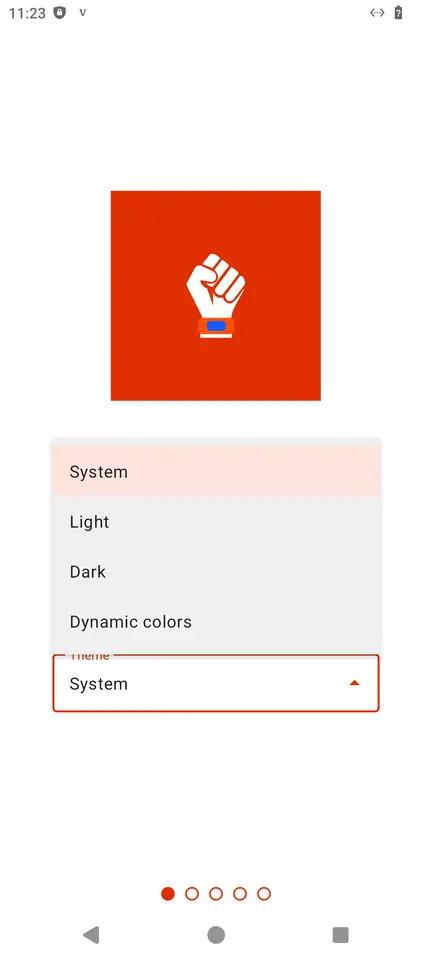
On Android
There is no stock widget; apps use a TabLayout styled as dots, a ViewPager indicator library, or a Compose HorizontalPagerIndicator.
Best practices
- Use dots only for a handful of pages (roughly 2–7); beyond that, show “3 of 12”.
- Make the active dot clearly different — filled, coloured or elongated.
- Let users swipe; dots are an indicator, too small to be the only control.
- Place them close to the content they describe, not at the screen edge.
Where it shows up
Screens showing the component, by flow step type.
By app category
Apps showing the component, by category · 28 of 256 apps in the library.
Full flows with page indicator dots













FAQ
What are page indicator dots?
Page indicator dots are the small row of dots under a carousel or onboarding pager that show how many pages there are and which one you are on. The active dot is filled or wider.
What are page indicator dots called on Android?
There is no stock widget; apps use a TabLayout styled as dots, a ViewPager indicator library, or a Compose HorizontalPagerIndicator. They are also known as page control, carousel dots and pagination dots.
Which Android apps use page indicator dots?
In the UI Lane library, 28 of 256 Android apps show page indicator dots on the screens we captured, including USA TODAY, azcentral, Courier Journal, Statesman Journal, The News-Press and Instapaper.
How do I design good page indicator dots?
Use dots only for a handful of pages (roughly 2–7); beyond that, show “3 of 12”. Make the active dot clearly different — filled, coloured or elongated. Let users swipe; dots are an indicator, too small to be the only control.
Detected in the view hierarchy of screens captured on real Android devices · last updated 2026-11-14