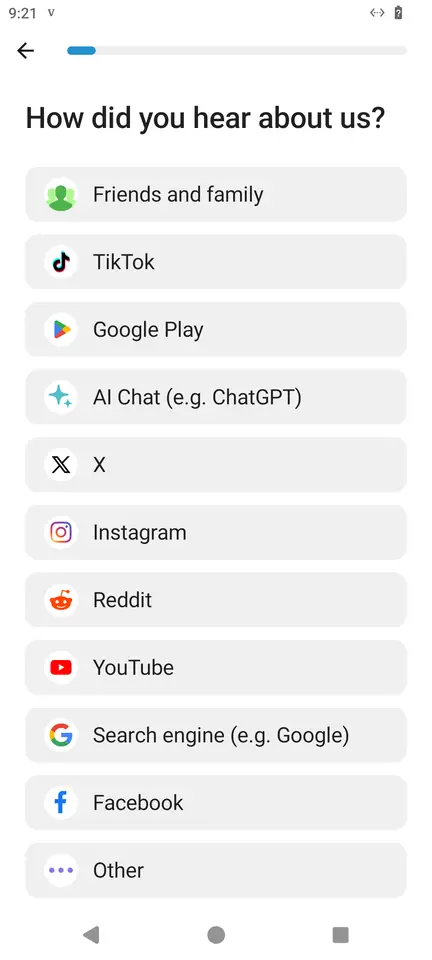
Onboarding flow · Ada Health · Android
Ada Health onboarding flow
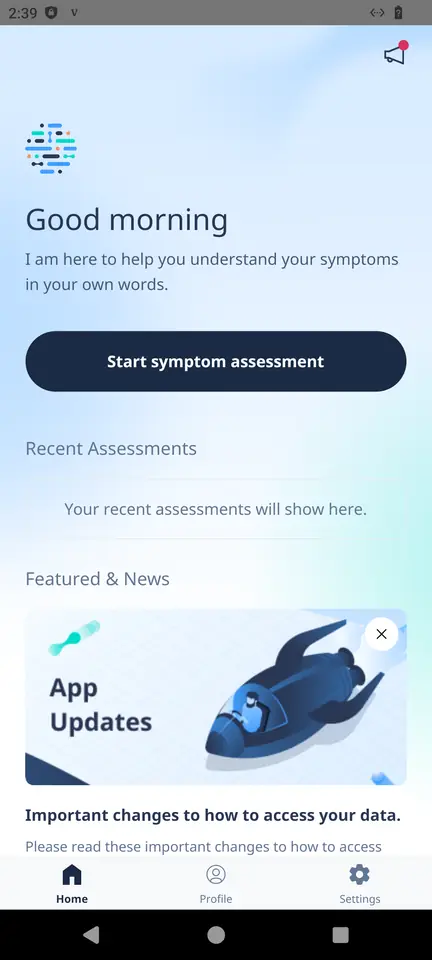
Every screen of Ada Health's onboarding flow on Android, in order: 3 steps, recorded on a real device. Ada Health's onboarding reaches the account ask at step 1 of 3. At 3 screens it is shorter than the library's median onboarding flow (4 screens across 153 apps).
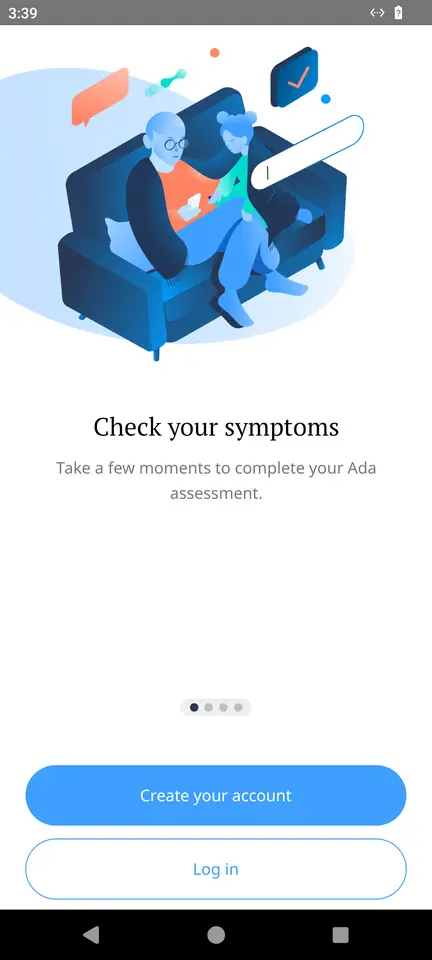 01 Onboarding · tap “Create your account”
Check your symptoms — Take a few moments to complete your Ada assessment.
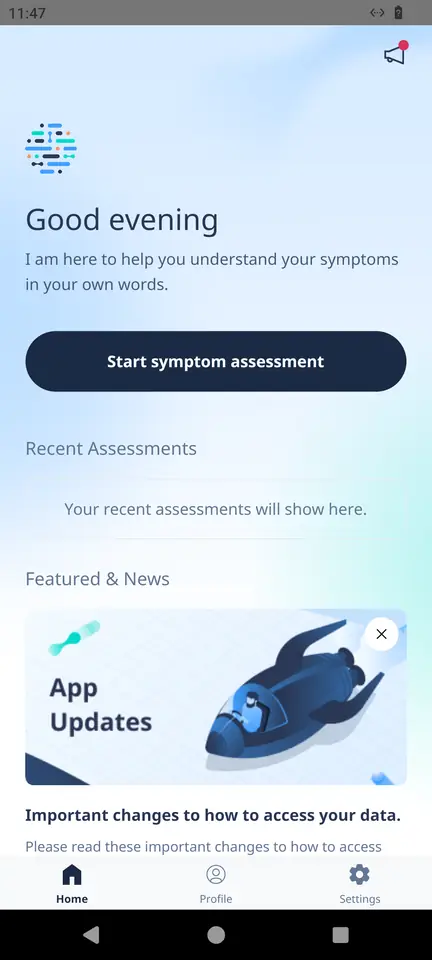
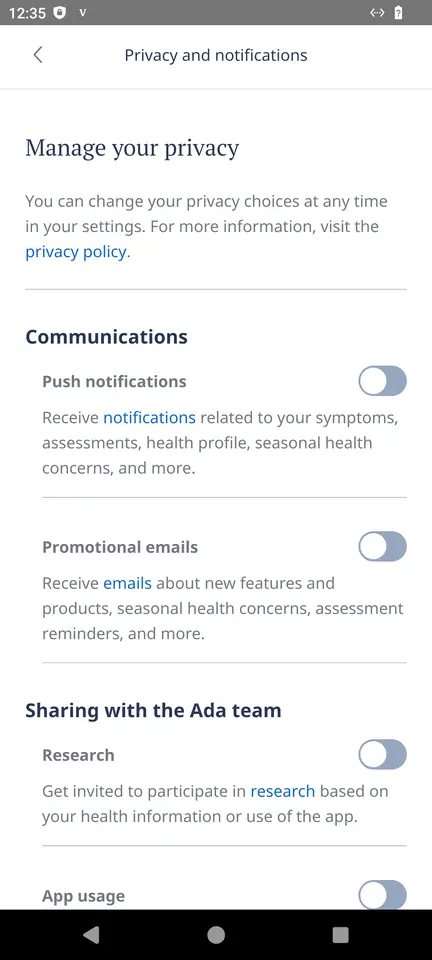
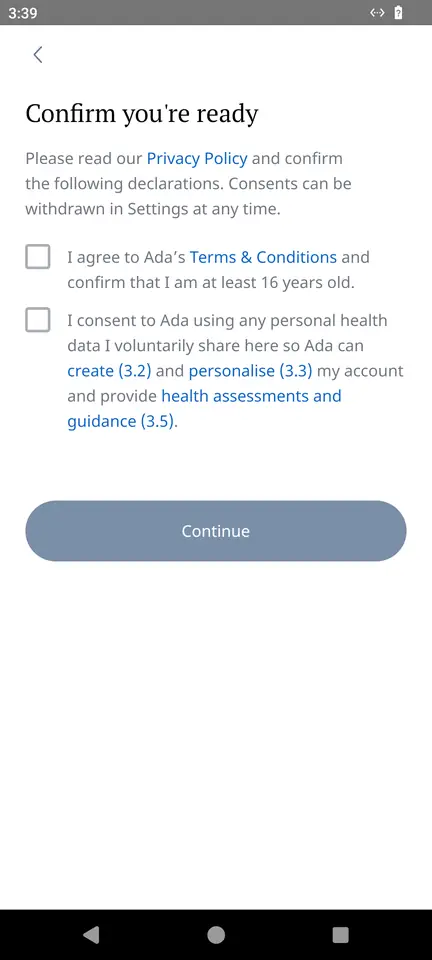 02 Onboarding · tap “Checkbox: I agree to Ada’s Terms & Conditions and confirm th”
Go back — Confirm you're ready
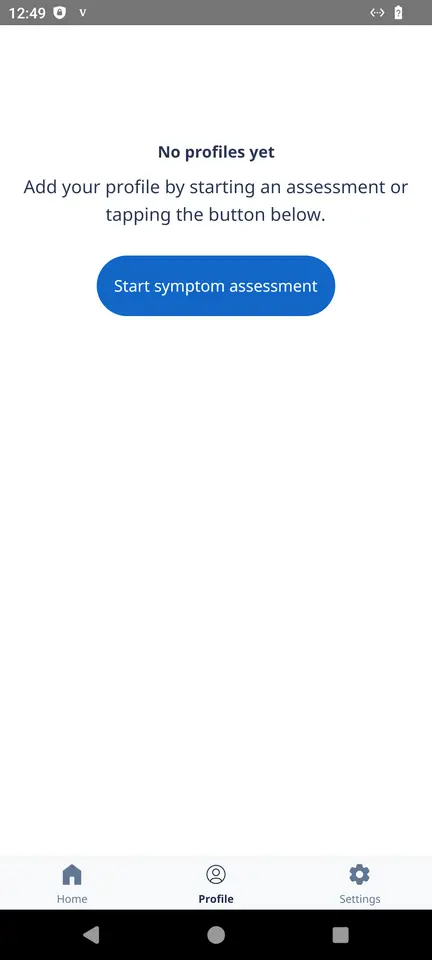
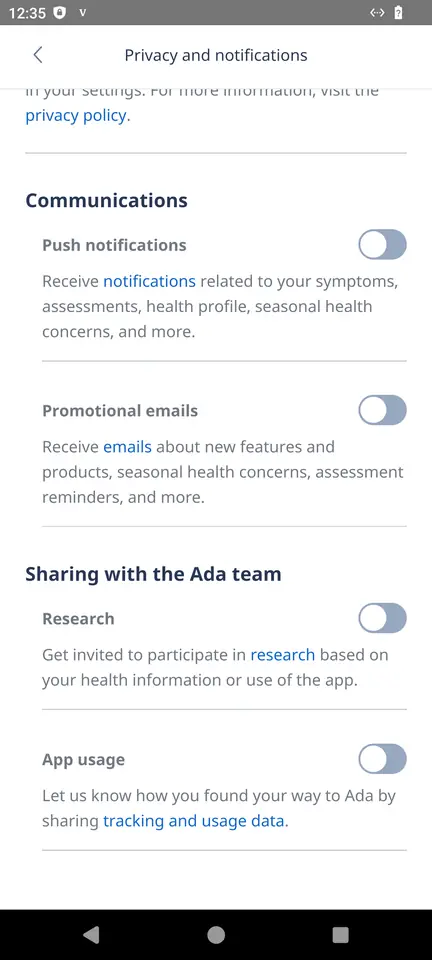
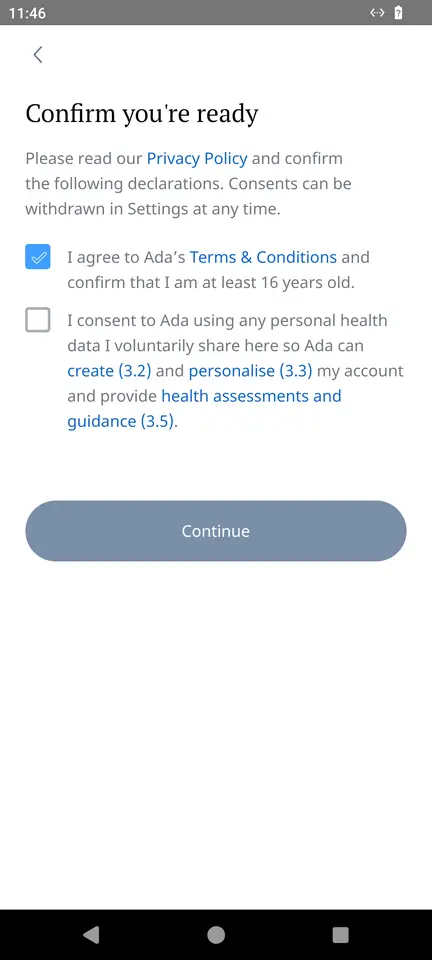 03 Onboarding
Go back — Confirm you're ready
What Ada Health's onboarding flow does
- 3 screens in order, opening on “Check your symptoms” and ending at “Go back”.
- Taps along the way: “Create your account” → “Checkbox: I agree to Ada’s…”.
Captured on a real Android device · last updated 2026-11-14