Terms and conditions agreement: 75 real Android examples
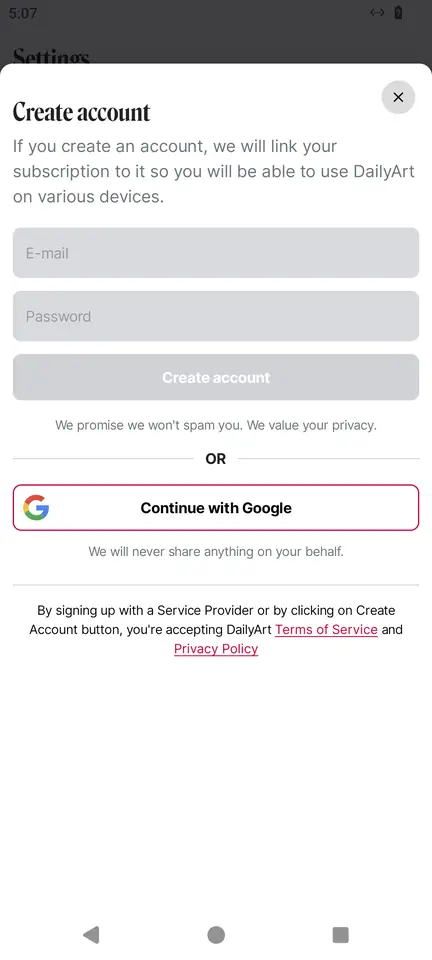
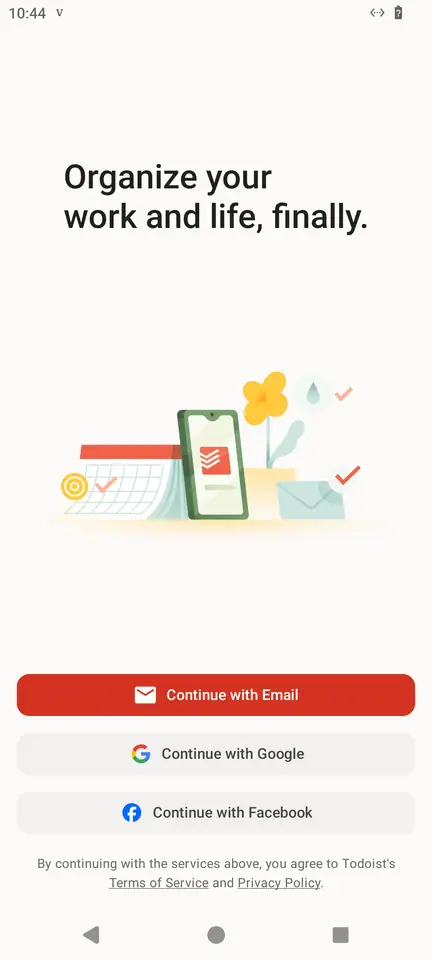
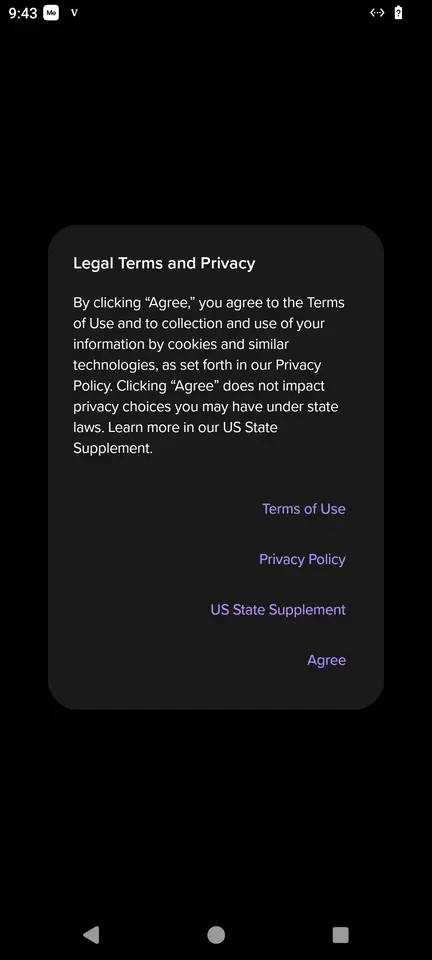
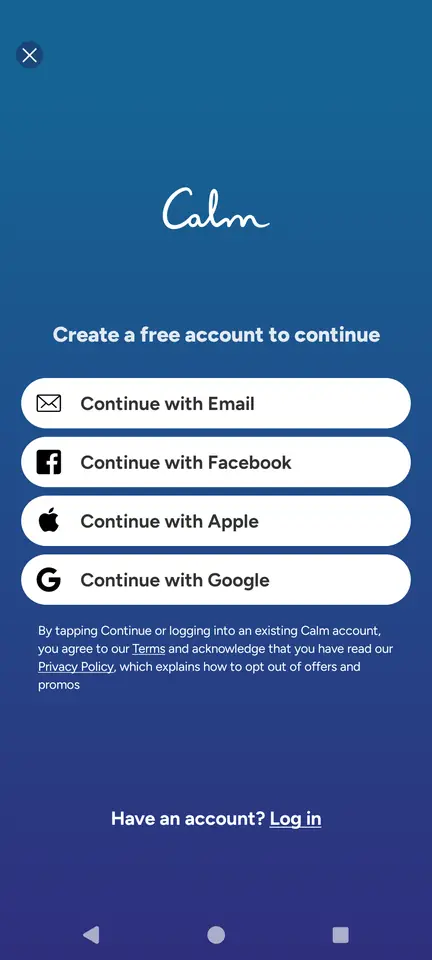
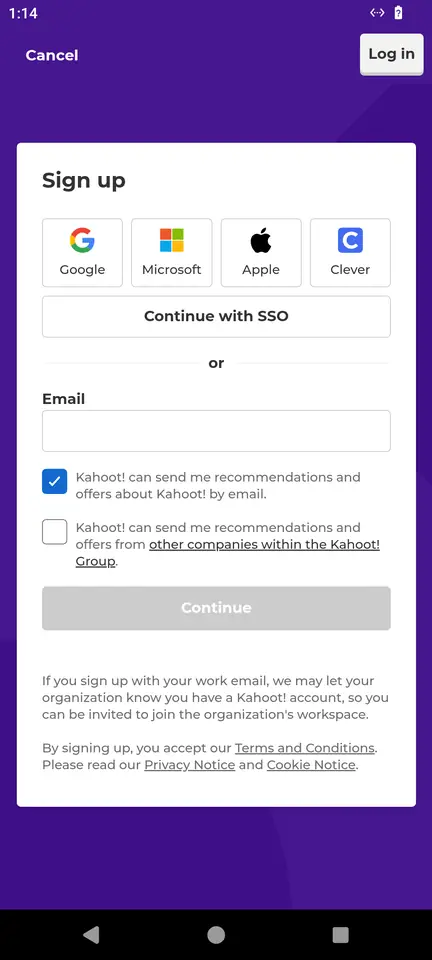
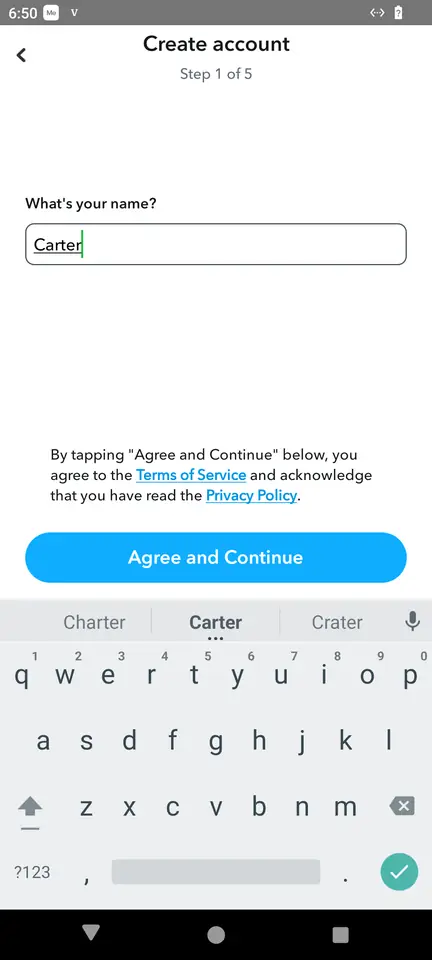
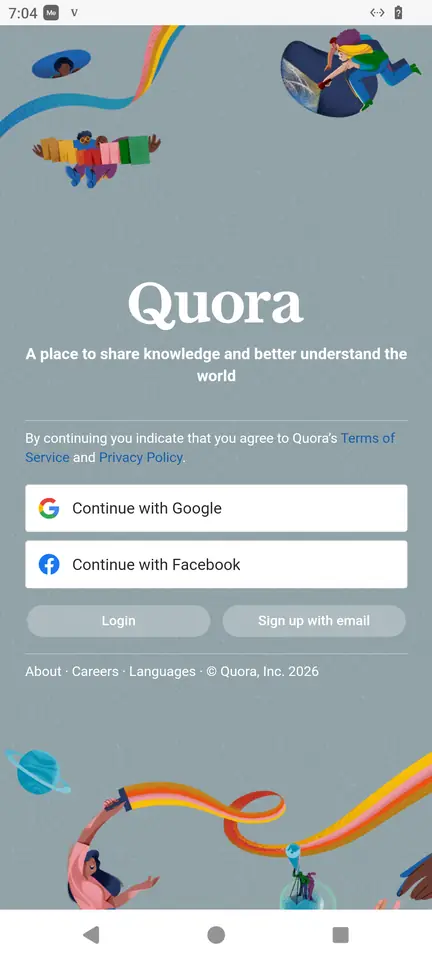
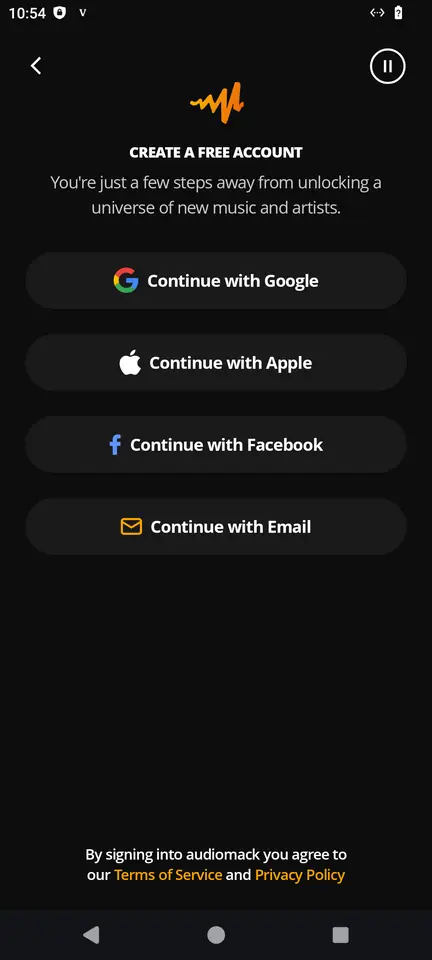
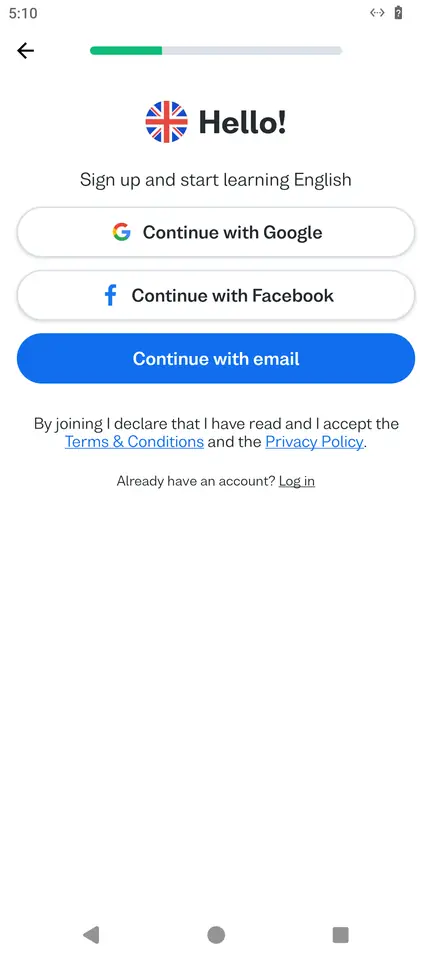
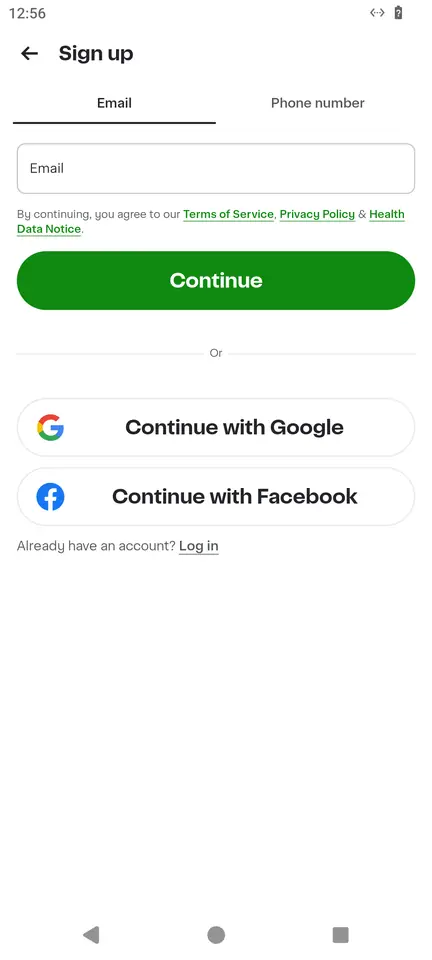
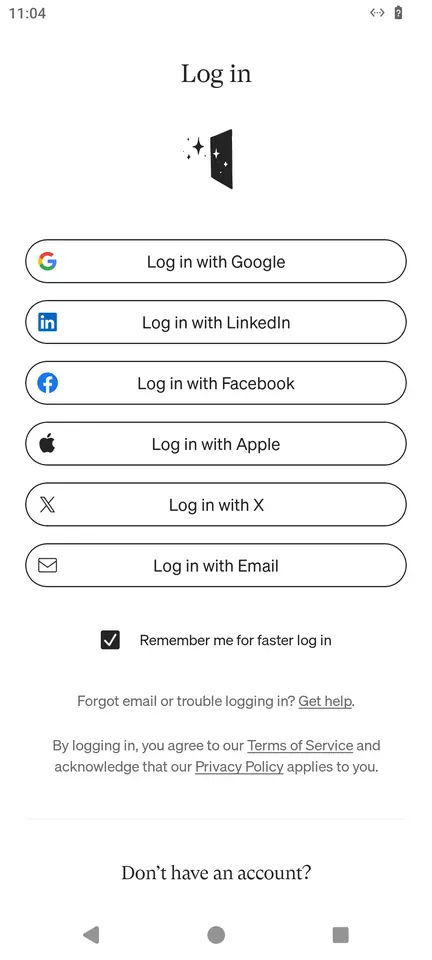
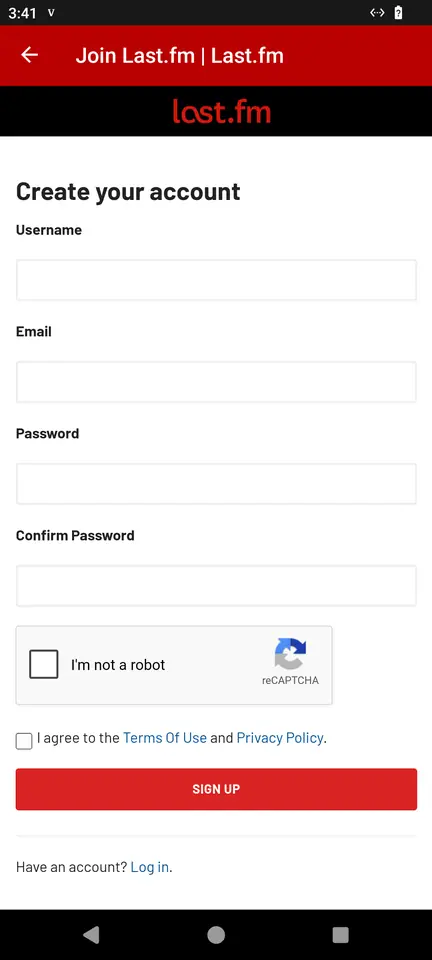
A terms and privacy agreement captures the user's acceptance of the terms of service and privacy policy — as a checkbox (“I agree…”) or as implied consent (“By continuing, you agree…”).
Terms and conditions agreement examples from 75 Android apps
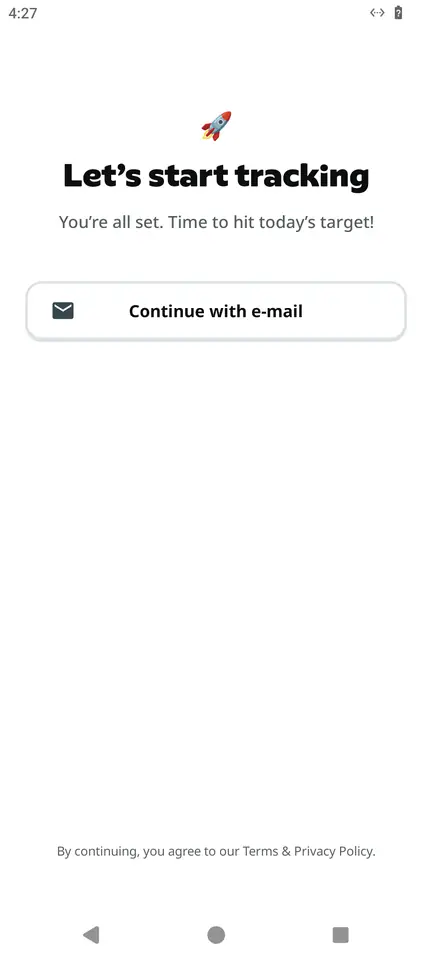
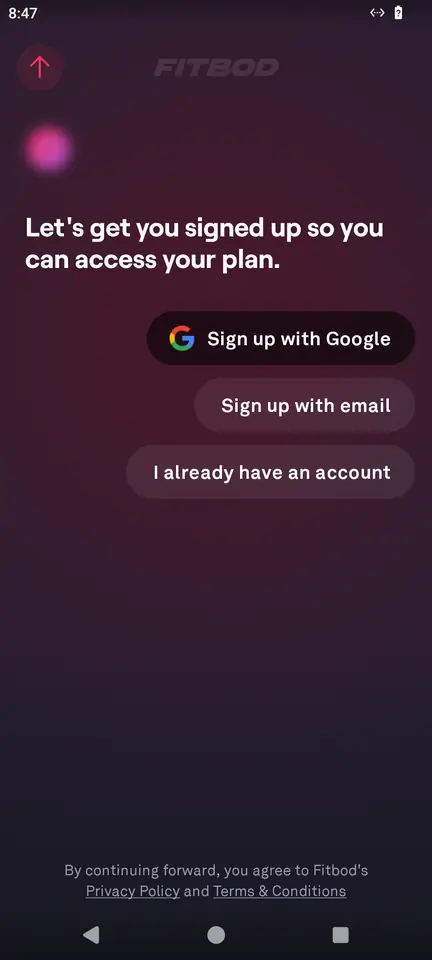
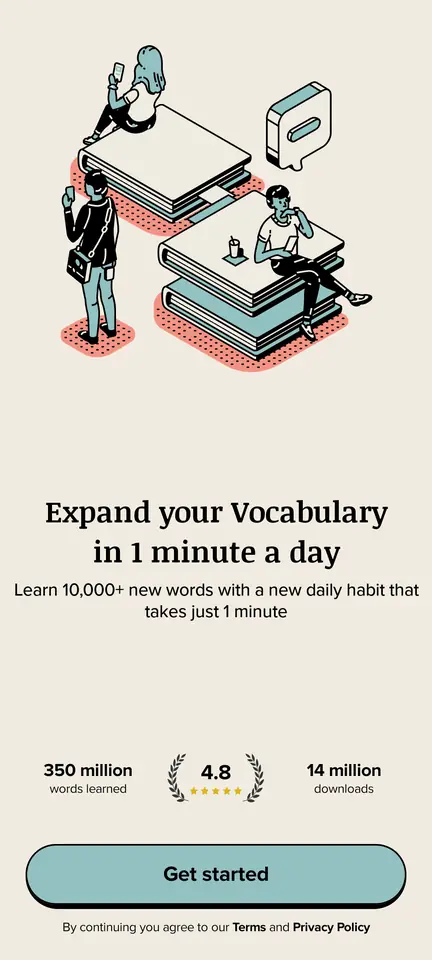
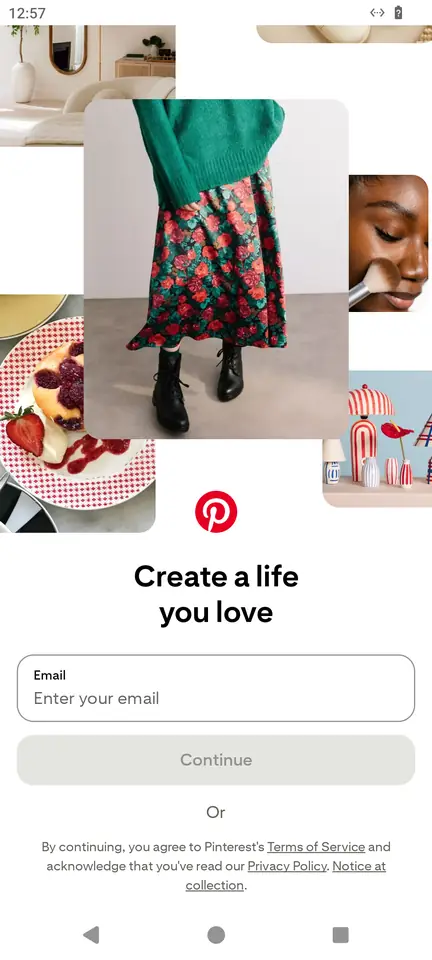
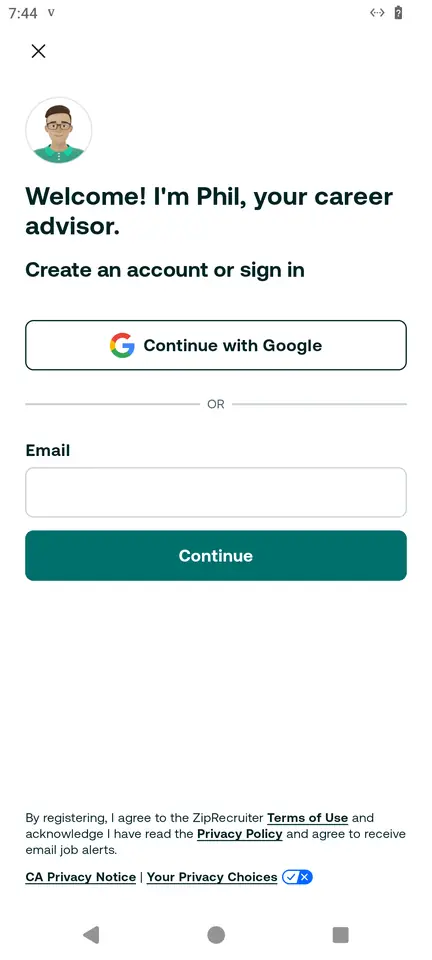
By continuing, you agree to our Terms & Privacy Policy.
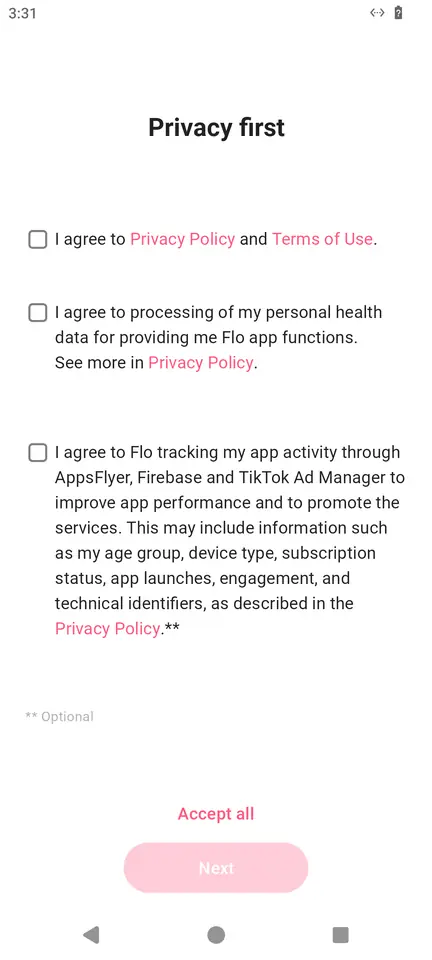
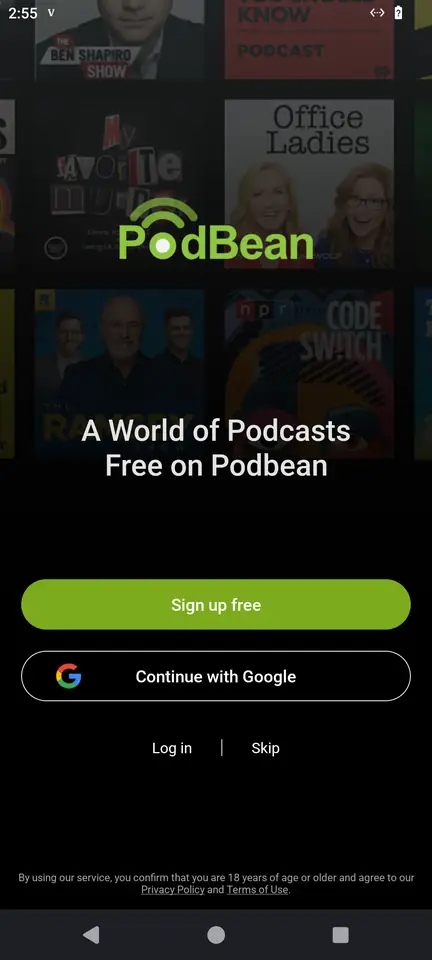
I agree to Privacy Policy and Terms of Use.
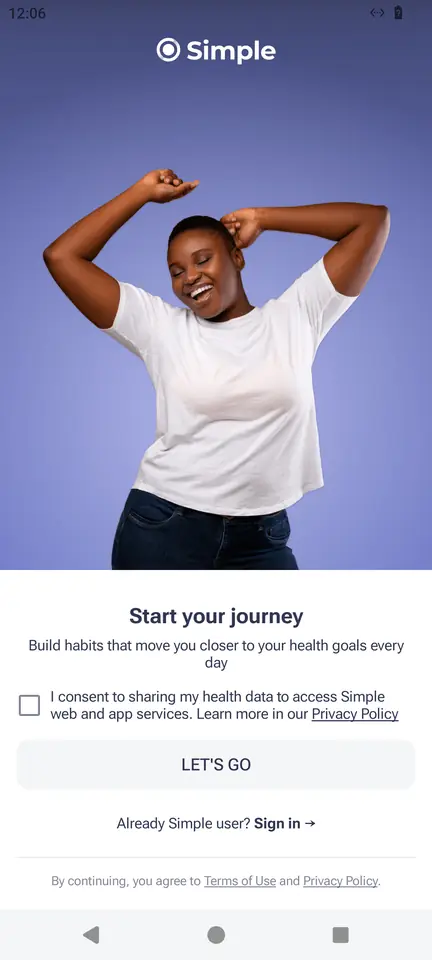
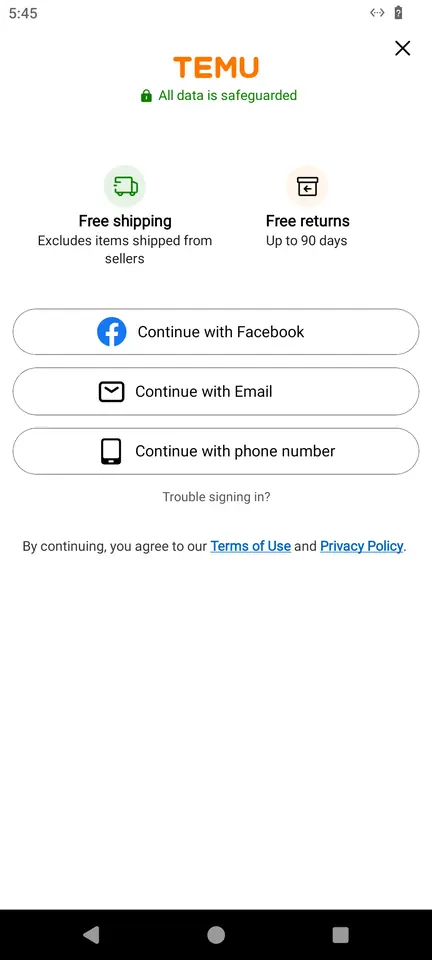
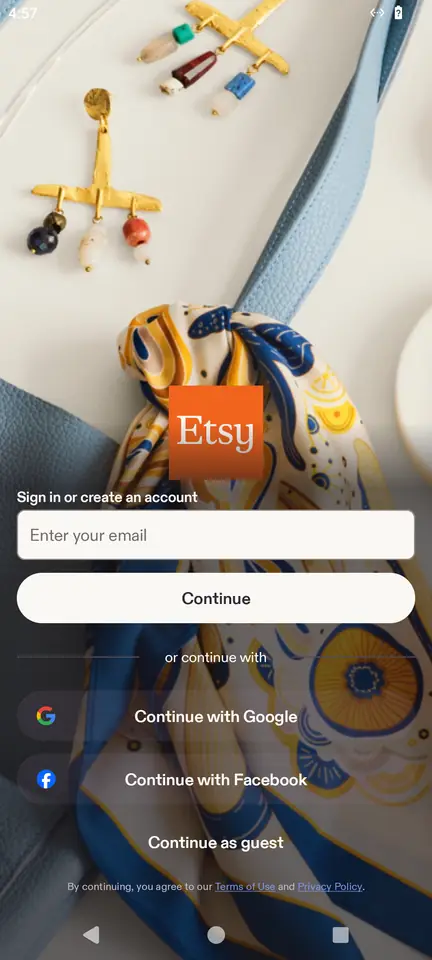
By continuing, you agree to Terms of Use and Privacy Policy.
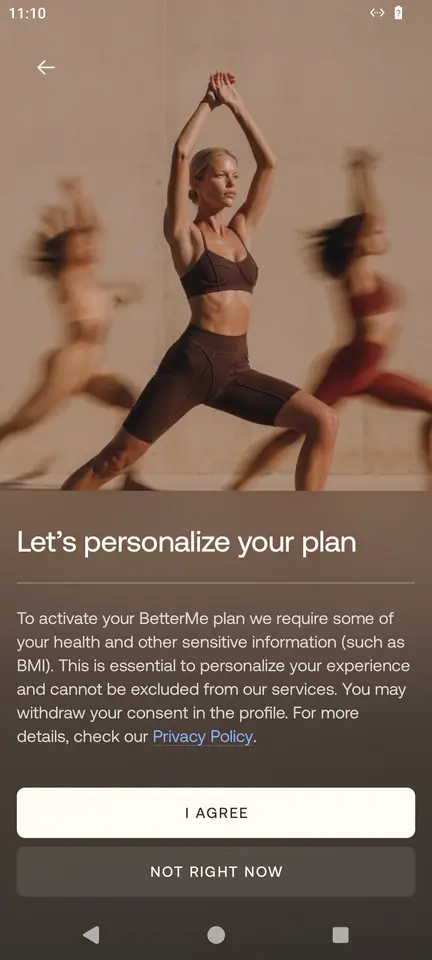
I agree
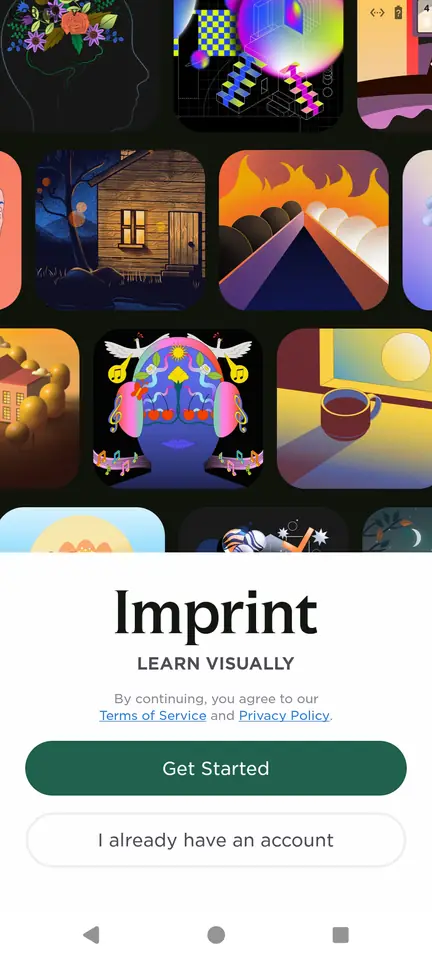
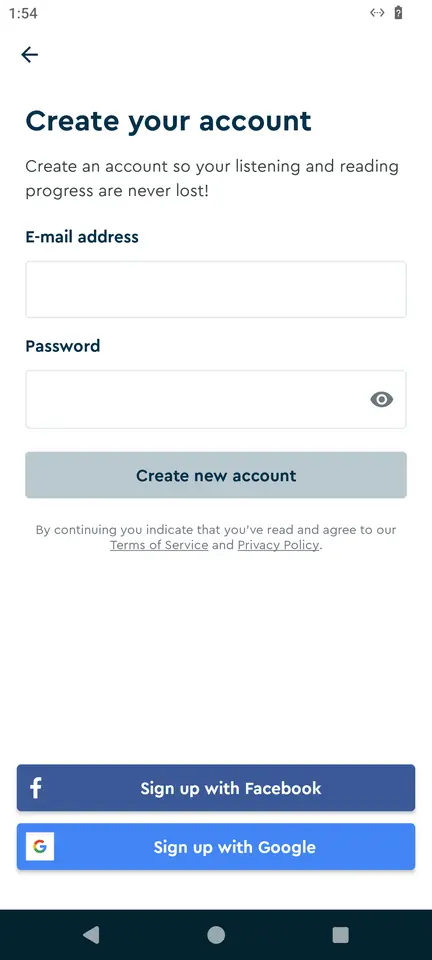
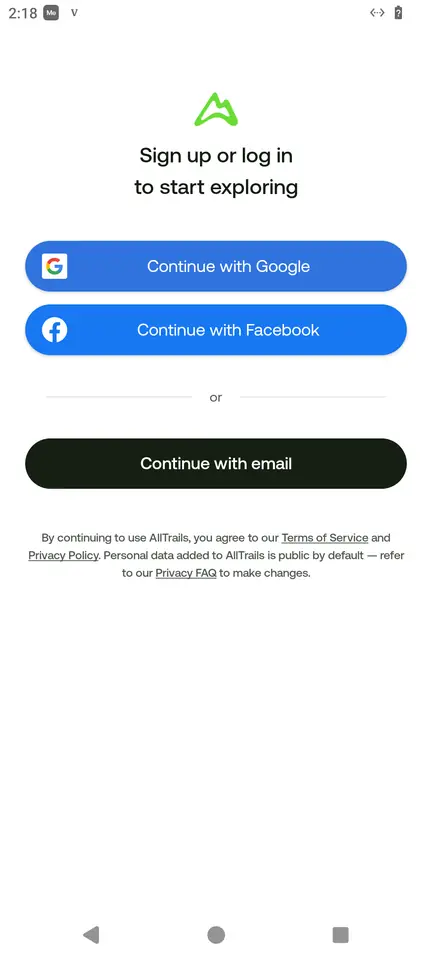
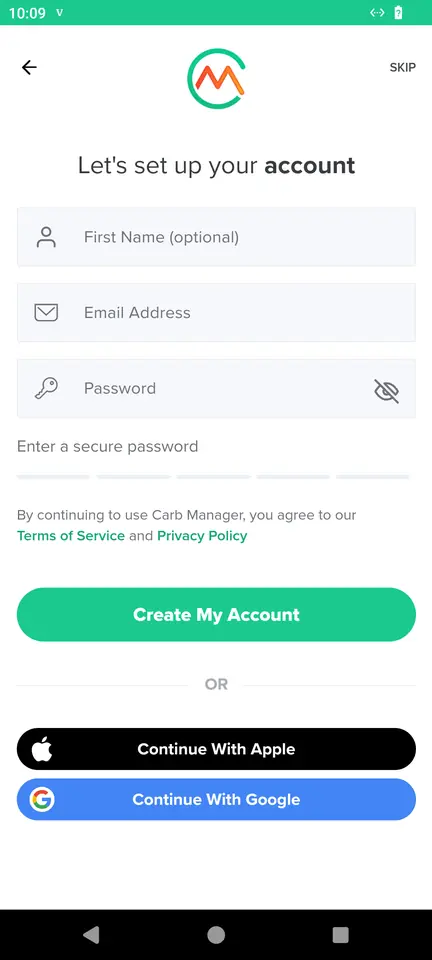
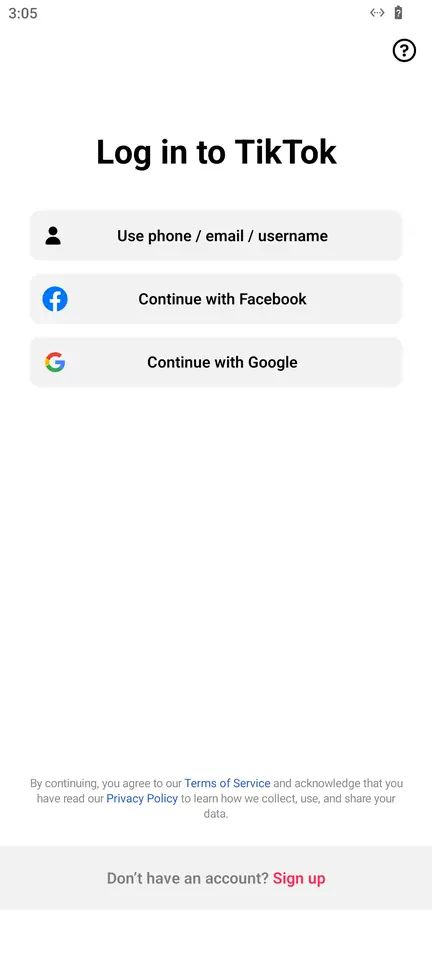
By continuing, you agree to our Terms of Service and Privacy Policy.
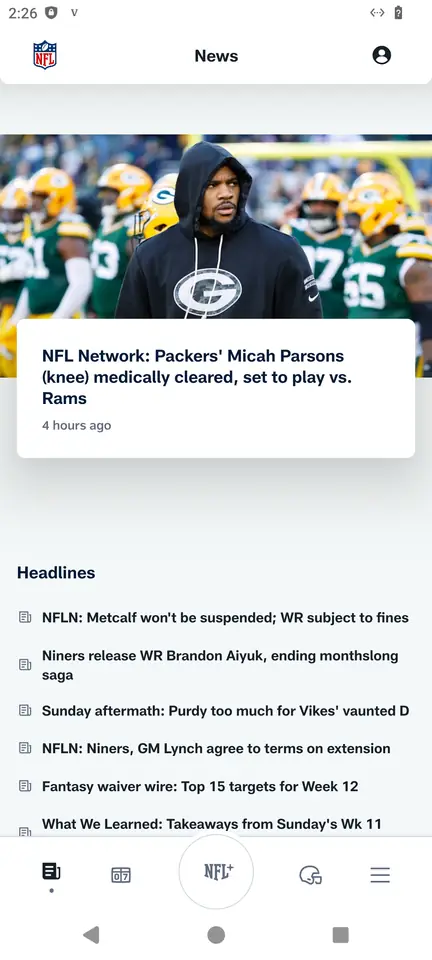
NFLN: Niners, GM Lynch agree to terms on extension
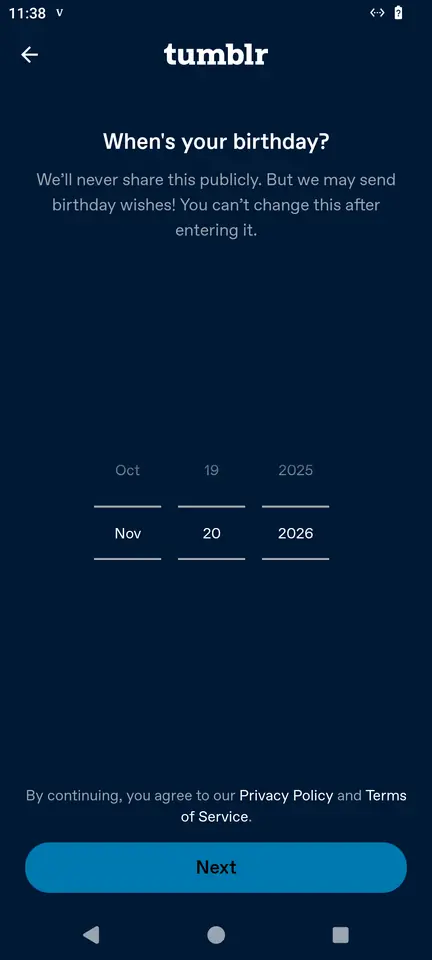
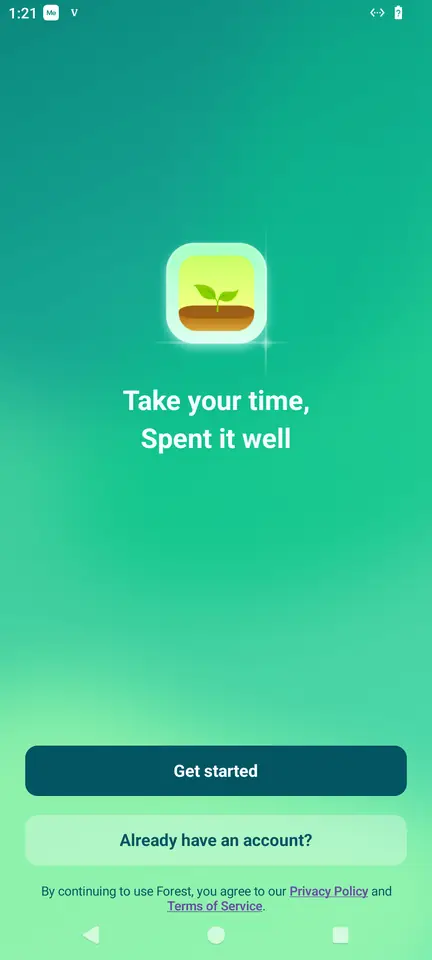
By continuing, you agree to our Privacy Policy and Terms of Service.
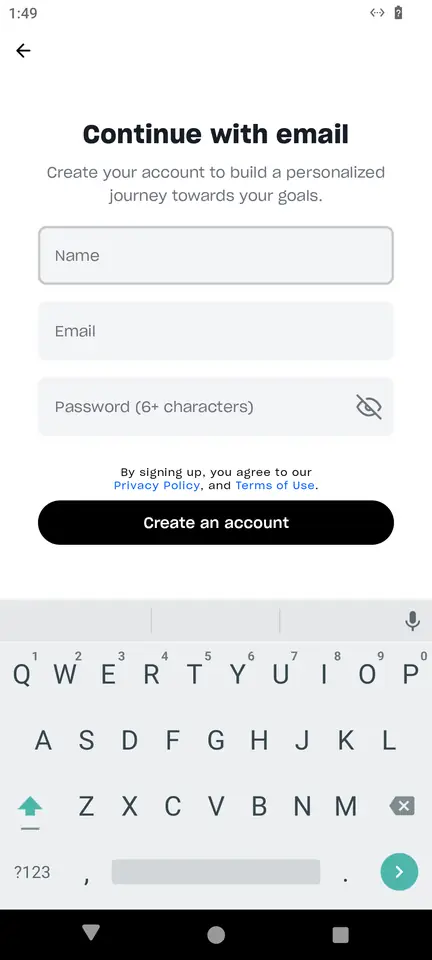
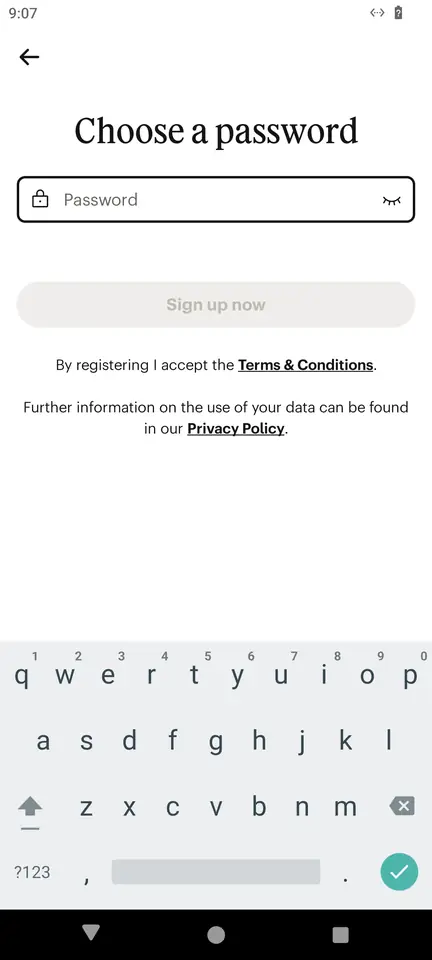
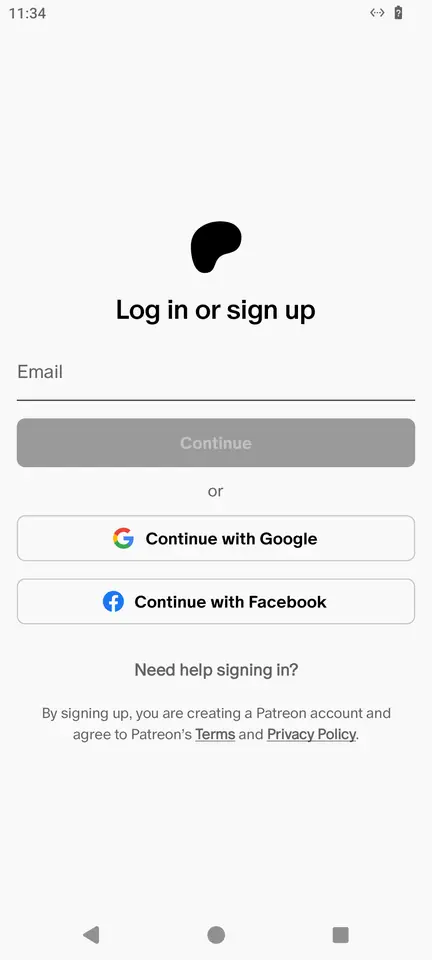
By signing up, you agree to our Privacy Policy, and Terms of Use.
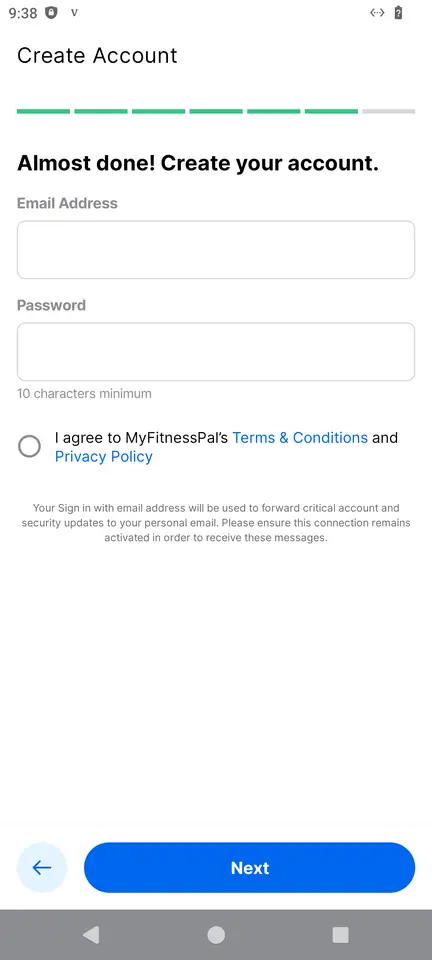
I agree to MyFitnessPal’s Terms & Conditions and Privacy Policy
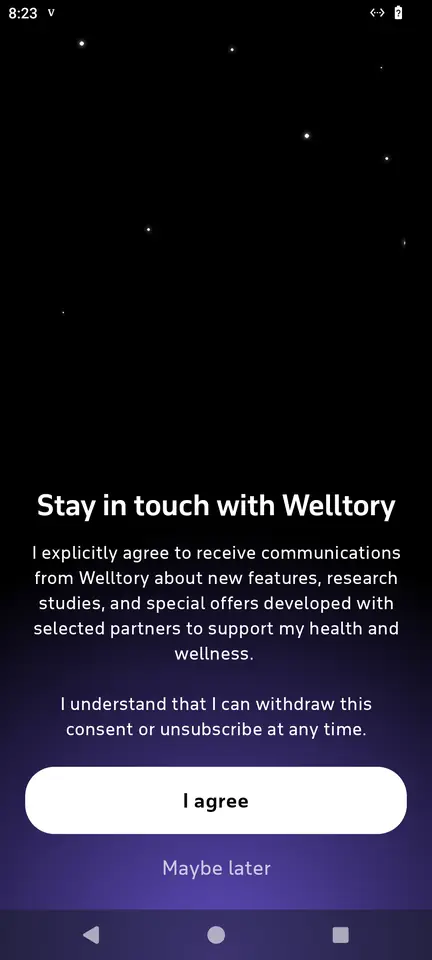
I agree
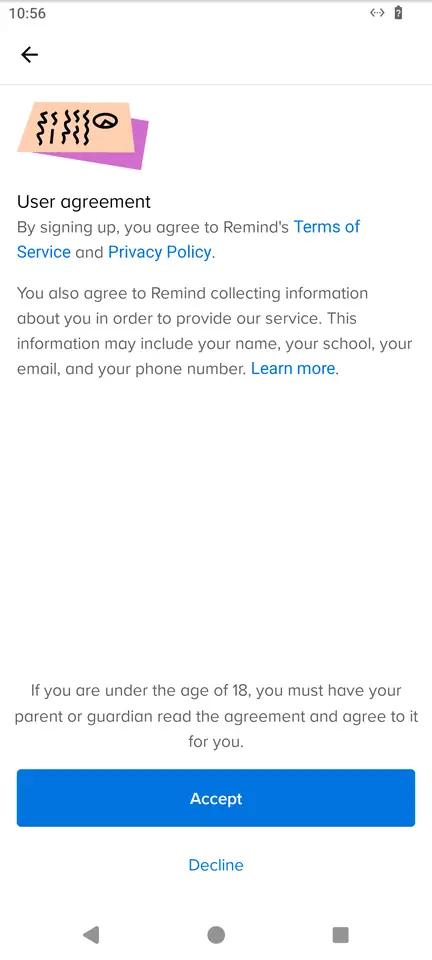
By signing up, you agree to Remind's Terms of Service and Privacy Policy.
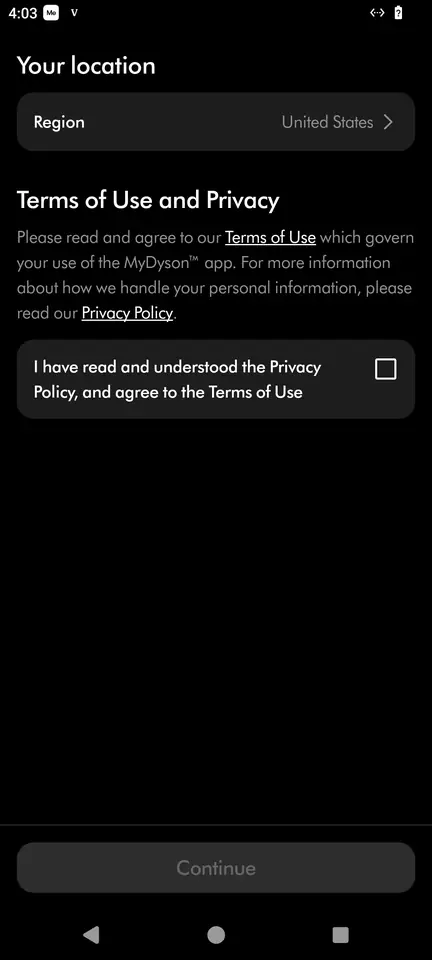
I have read and understood the Privacy Policy, and agree to the Terms of Use
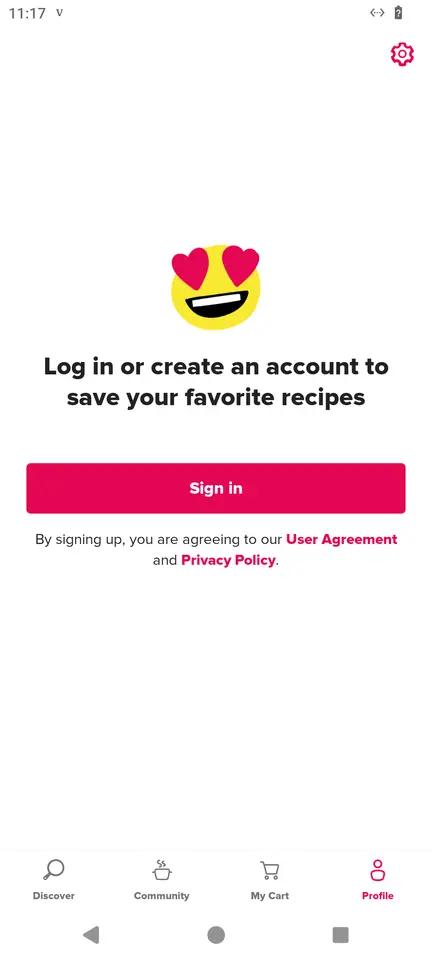
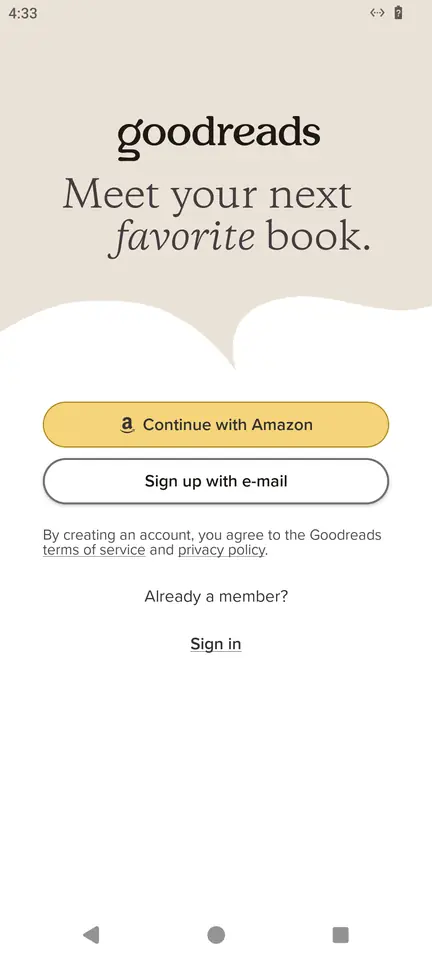
By signing up, you are agreeing to our User Agreement and Privacy Policy.
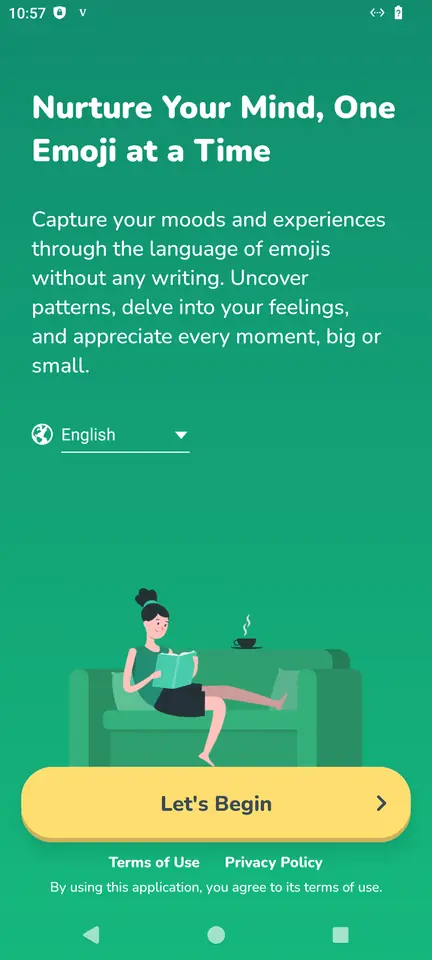
By using this application, you agree to its terms of use.
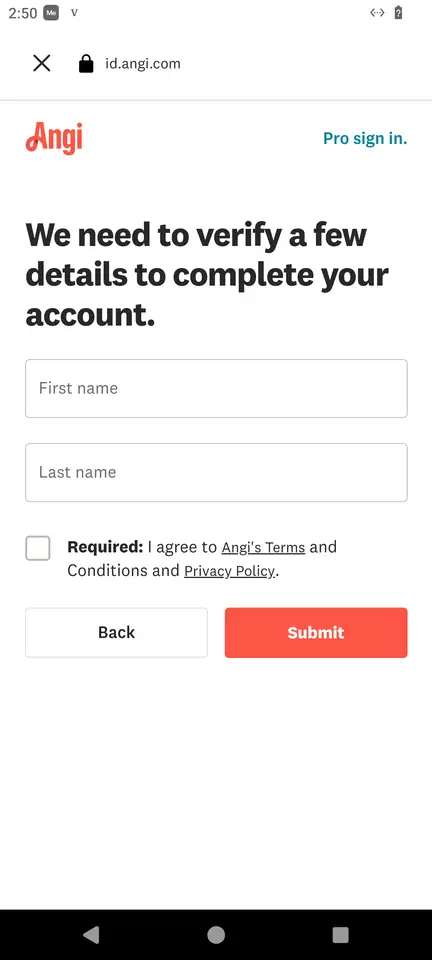
Required: I agree to Angi's Terms and Conditions and Privacy Policy.
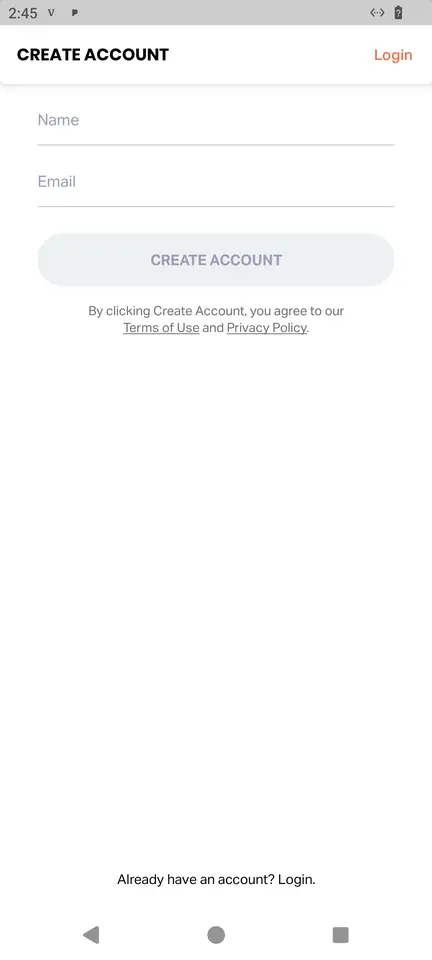
By clicking Create Account, you agree to our Terms of Use and Privacy Policy.
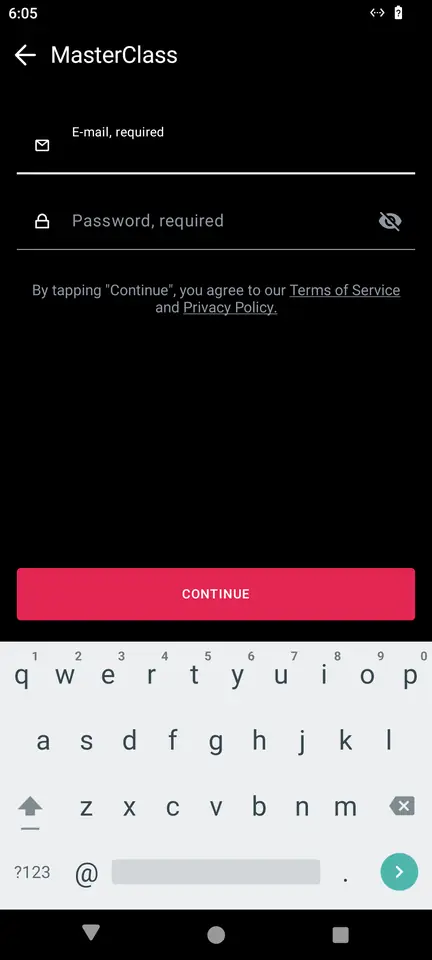
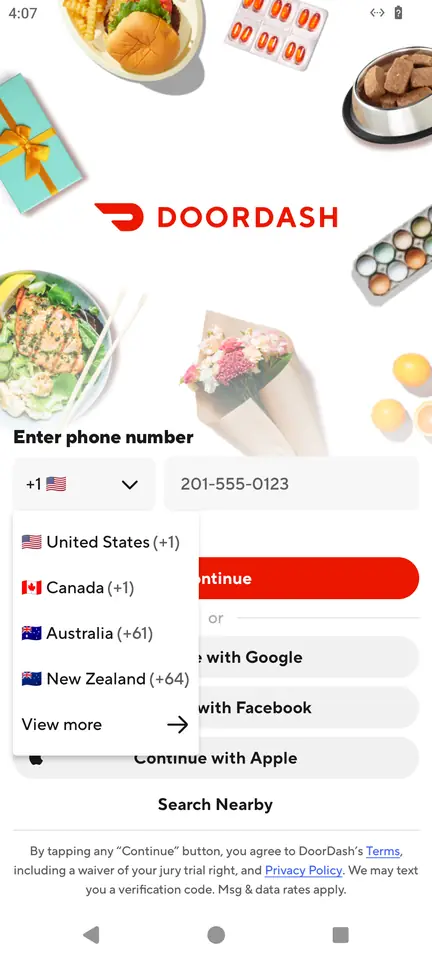
By tapping "Continue", you agree to our Terms of Service and Privacy Policy.
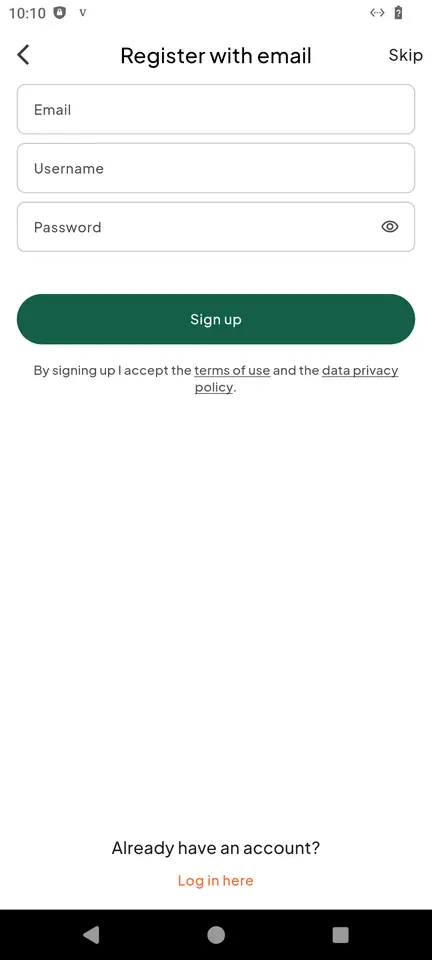
By signing up I accept the
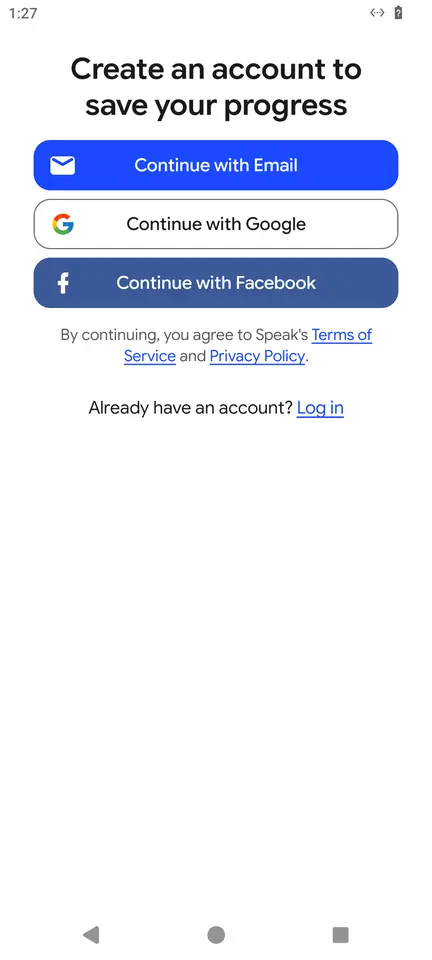
By continuing, you agree to Speak's Terms of Service and Privacy Policy.
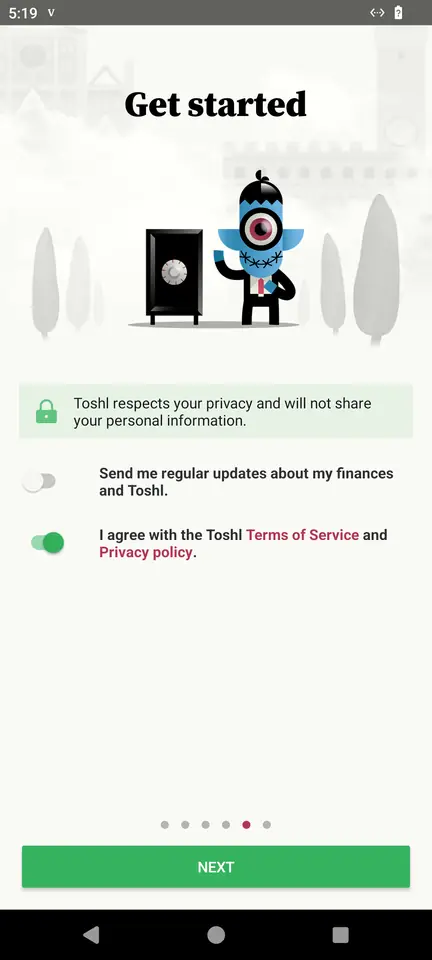
I agree with the Toshl Terms of Service and Privacy policy.
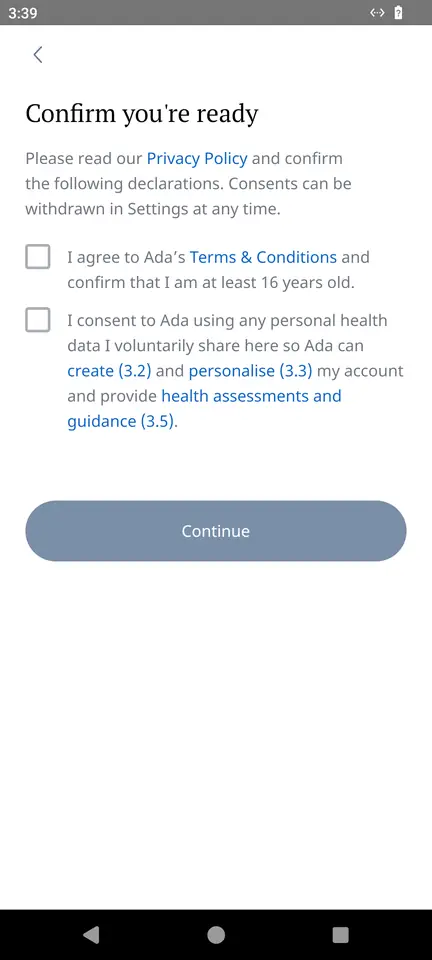
I agree to Ada’s Terms & Conditions and confirm that I am at least 16 years old.
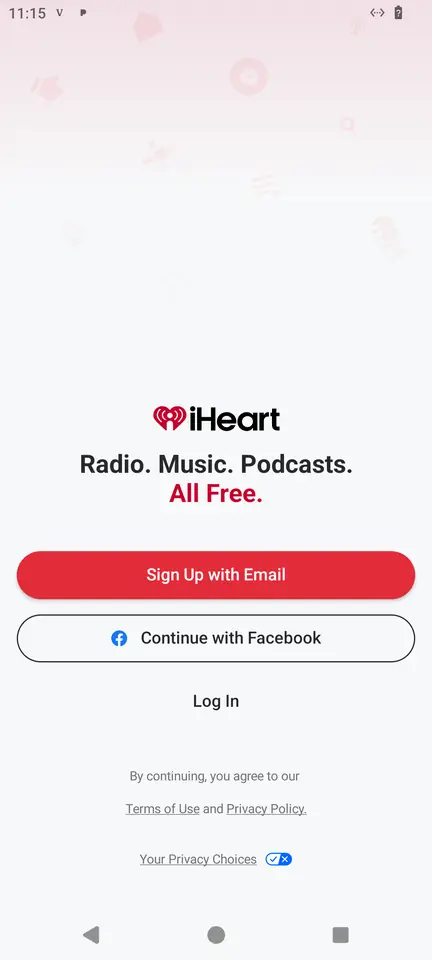
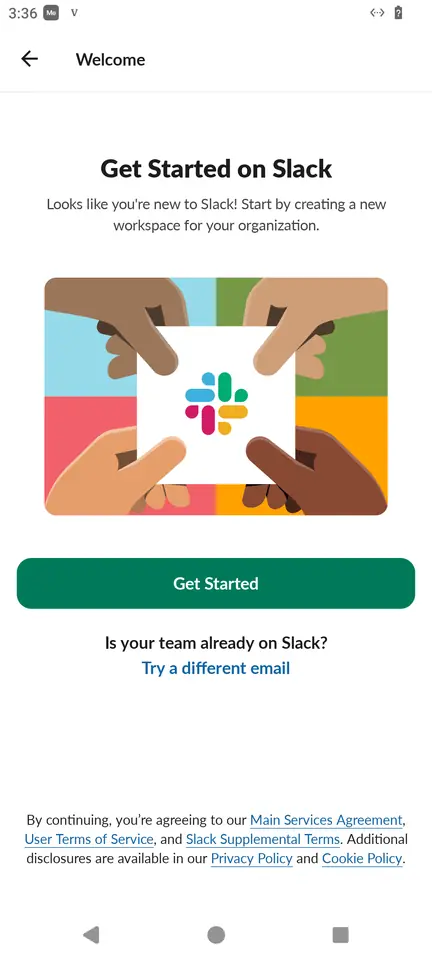
By continuing, you agree to our
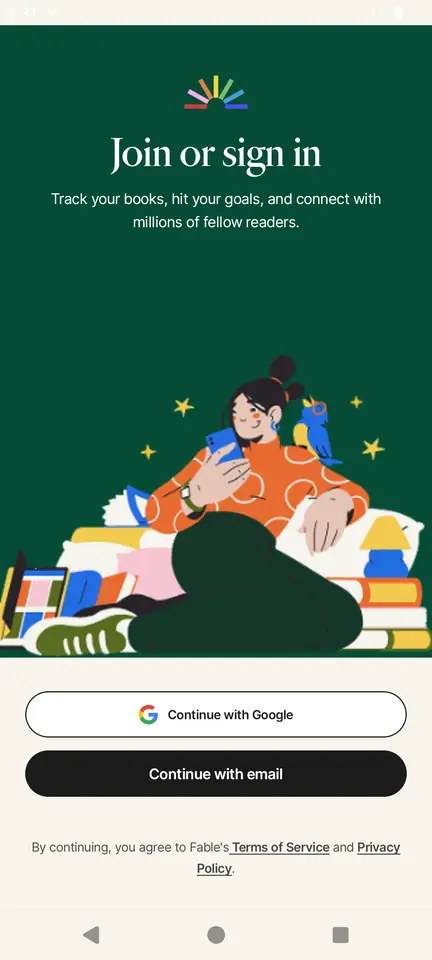
By continuing, you agree to Fable's Terms of Service and Privacy Policy.
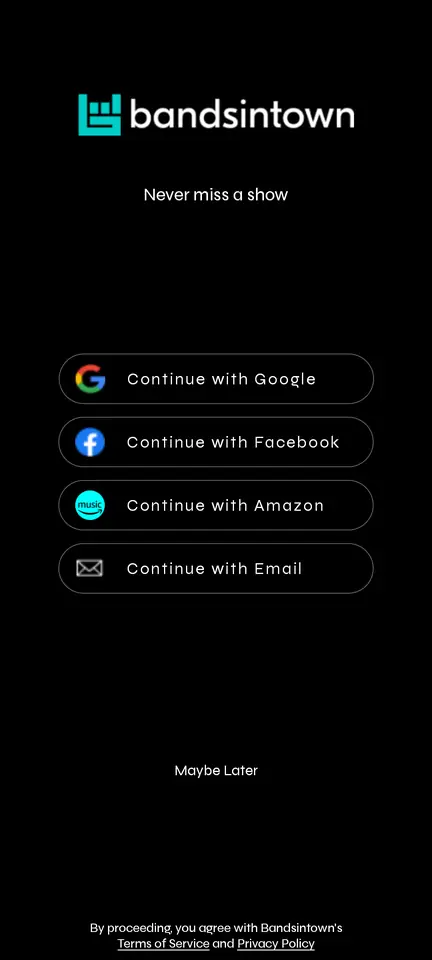
By proceeding, you agree with Bandsintown's Terms of Service and Privacy Policy
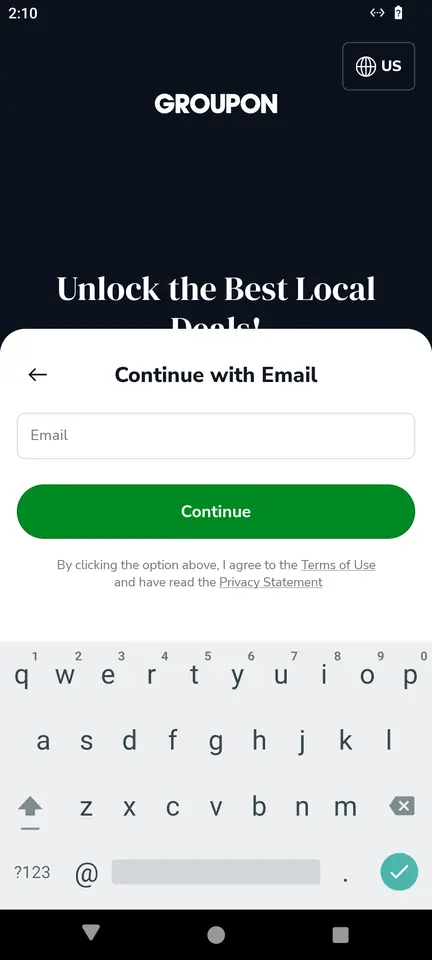
By clicking the option above, I agree to the
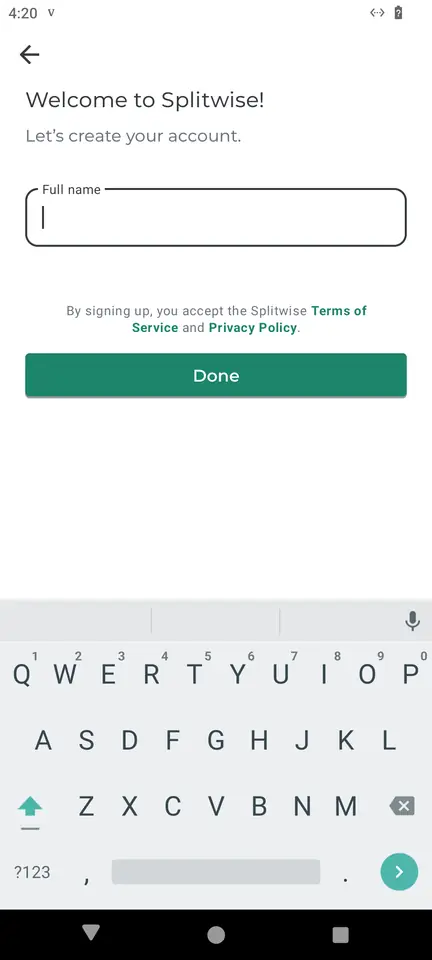
By signing up, you accept the Splitwise Terms of Service and Privacy Policy.
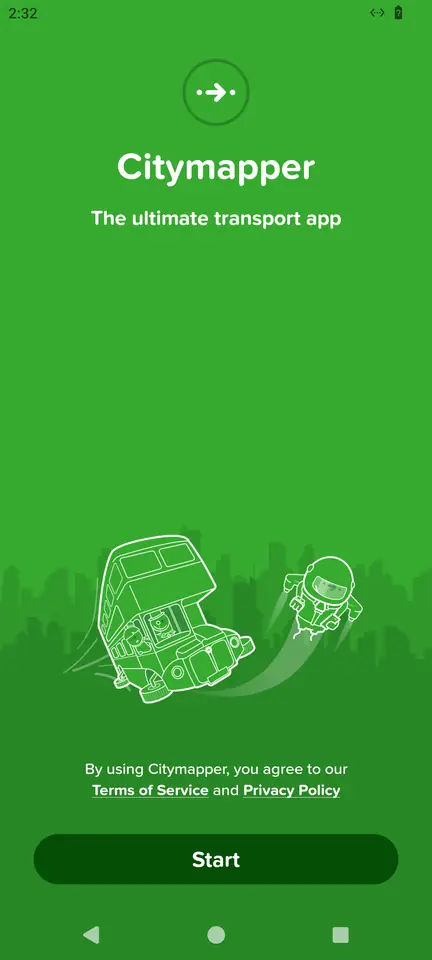
By using Citymapper, you agree to our Terms of Service and Privacy Policy
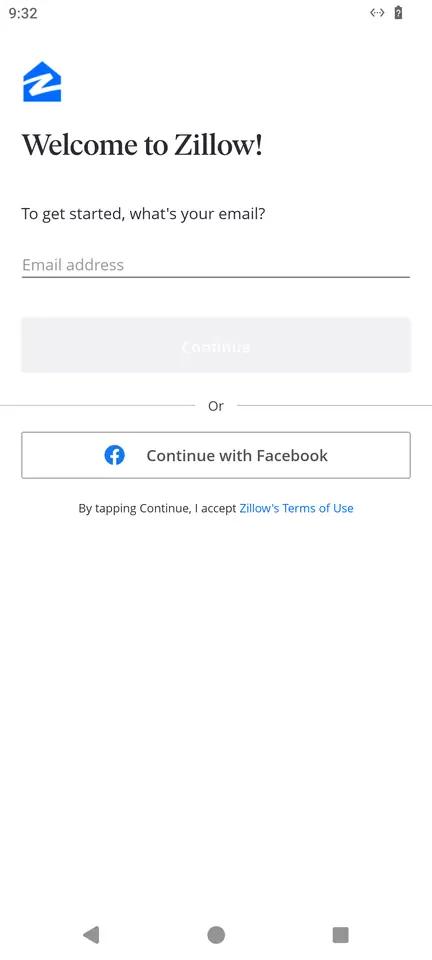
By tapping Continue, I accept Zillow's Terms of Use
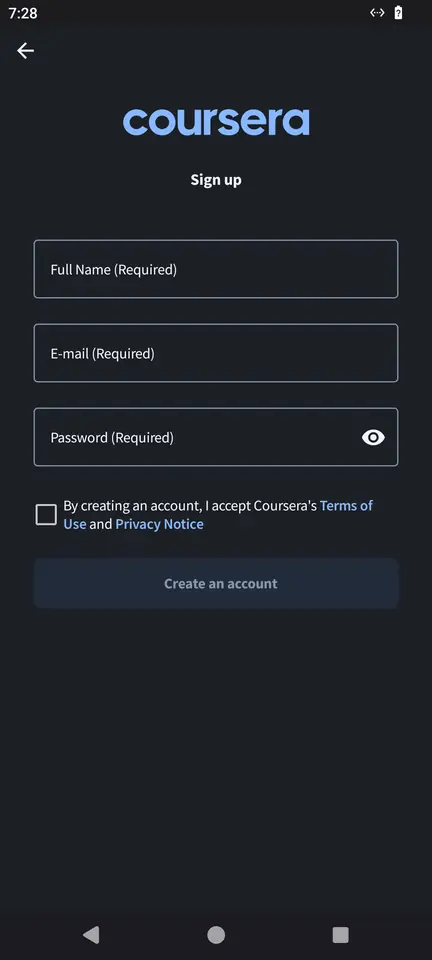
By creating an account, I accept Coursera's Terms of Use and Privacy Notice
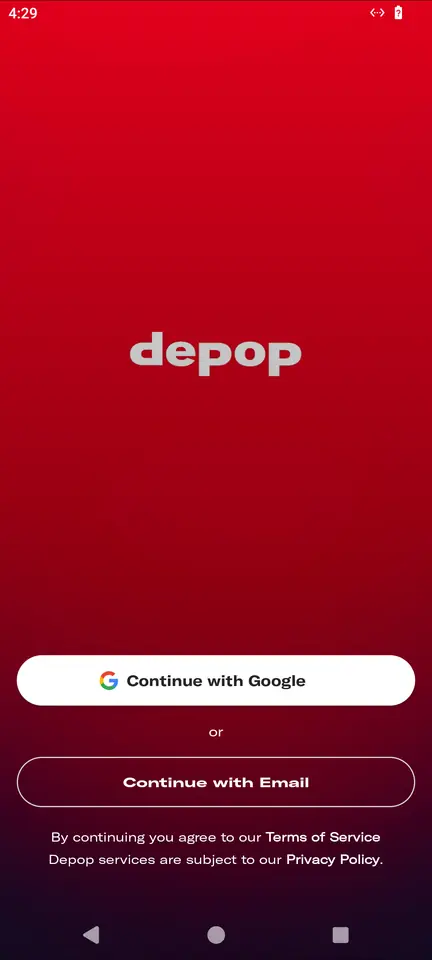
By continuing you agree to our Terms of Service
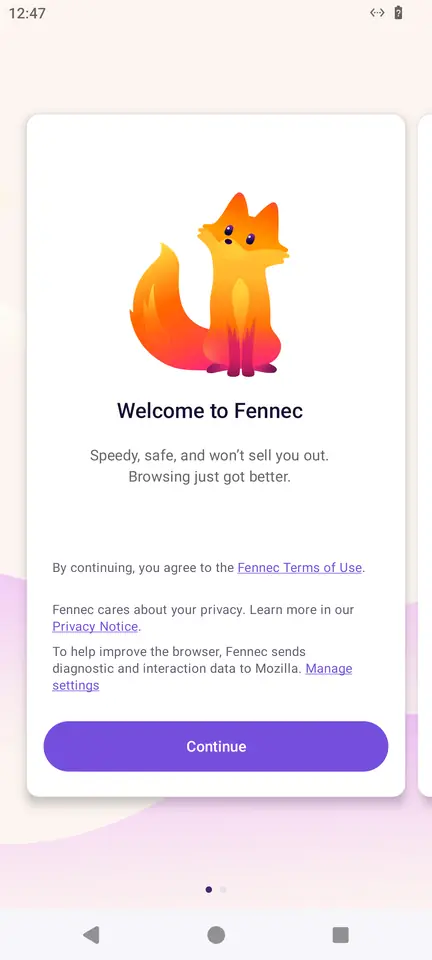
By continuing, you agree to the Fennec Terms of Use. Links available
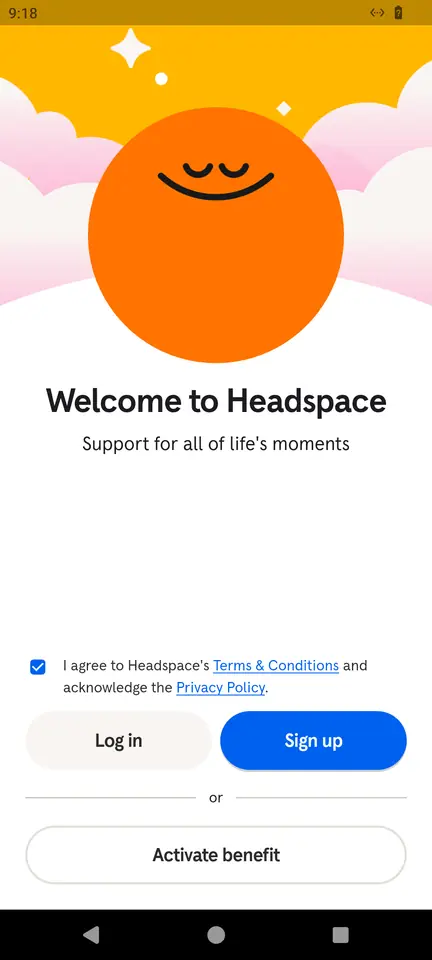
I agree to Headspace's
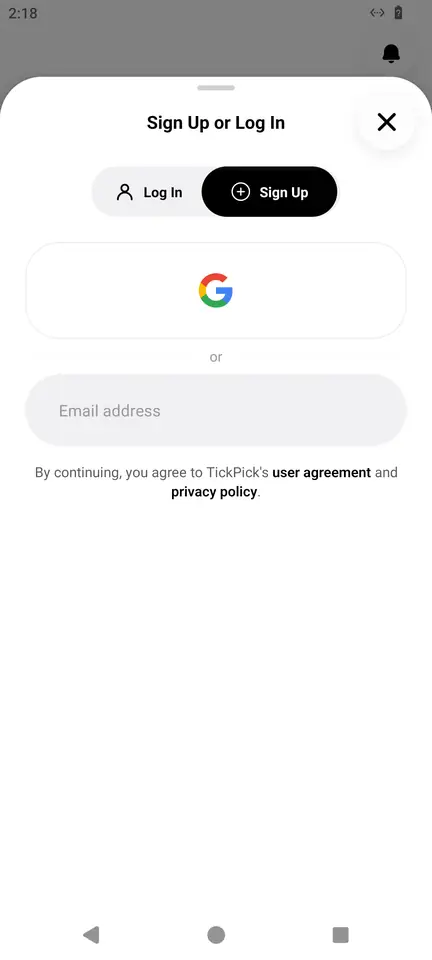
By continuing, you agree to TickPick's user agreement and privacy policy.
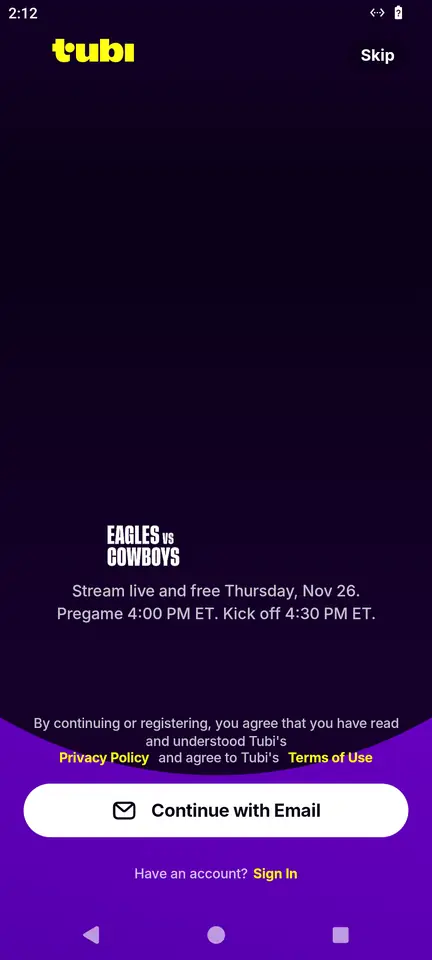
By continuing or registering, you agree that you have read and understood Tubi's
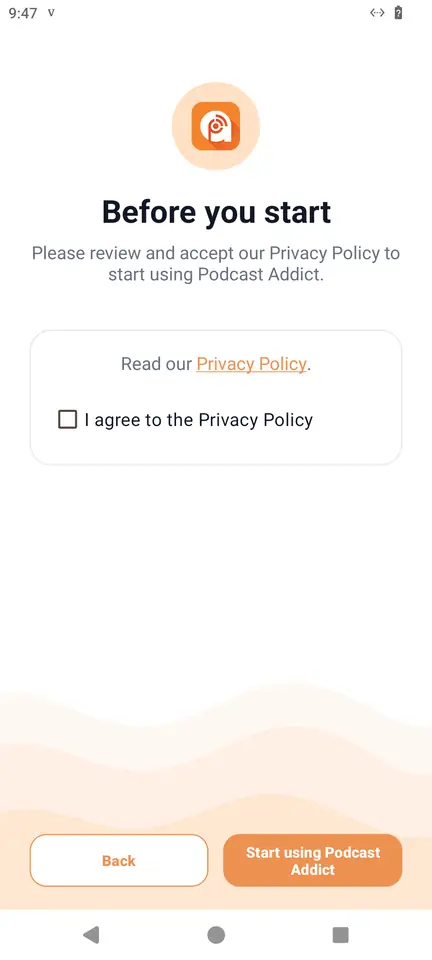
I agree to the Privacy Policy
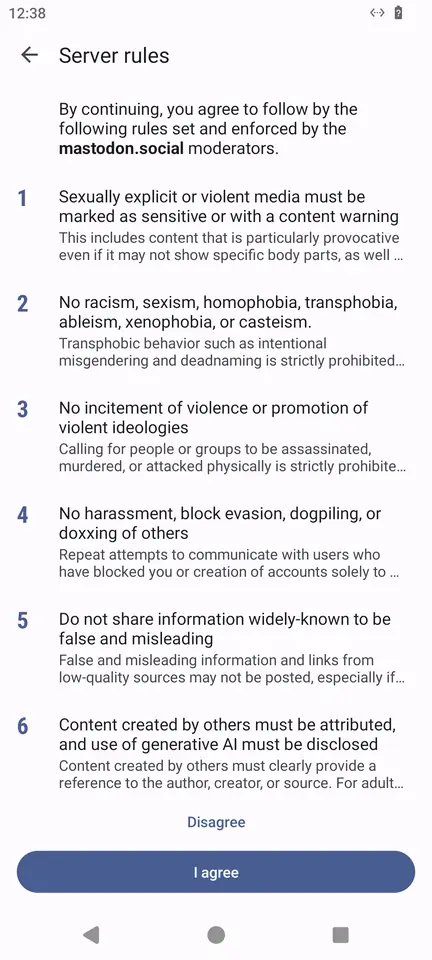
I agree
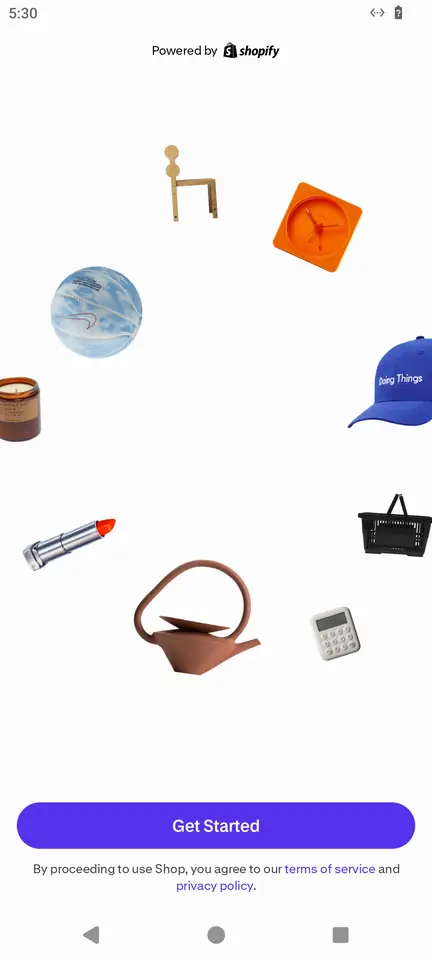
By proceeding to use Shop, you agree to our terms of service and privacy policy.
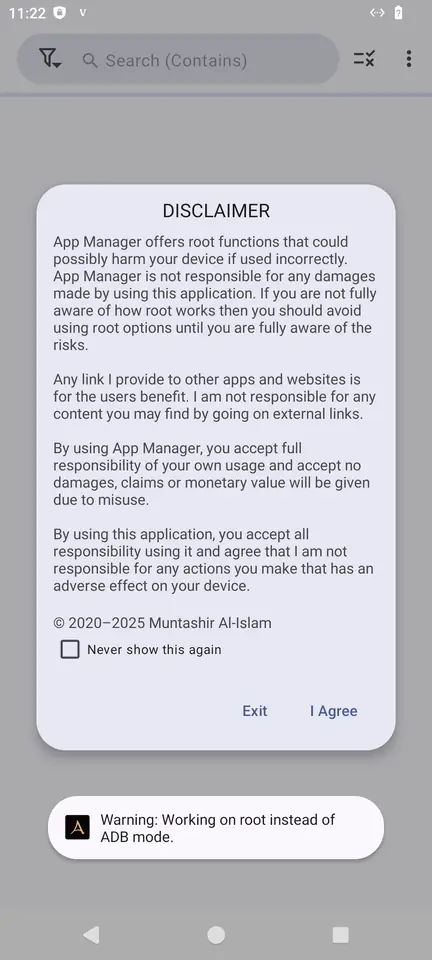
I Agree
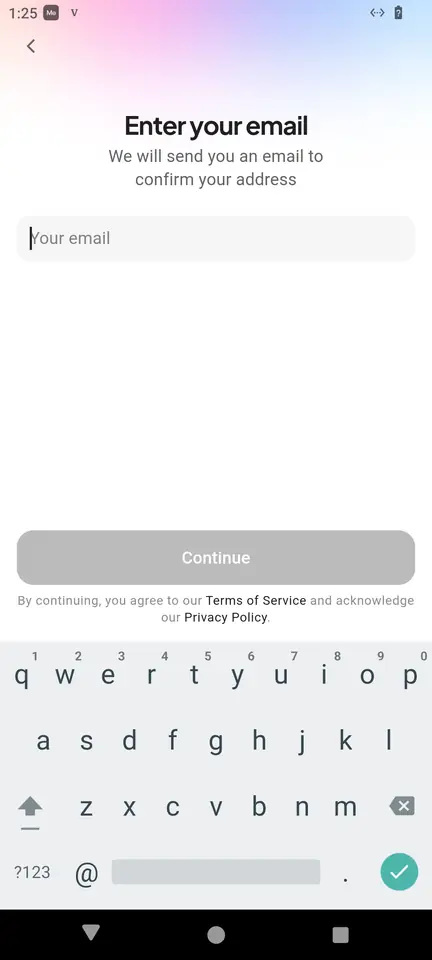
By continuing, you agree to our
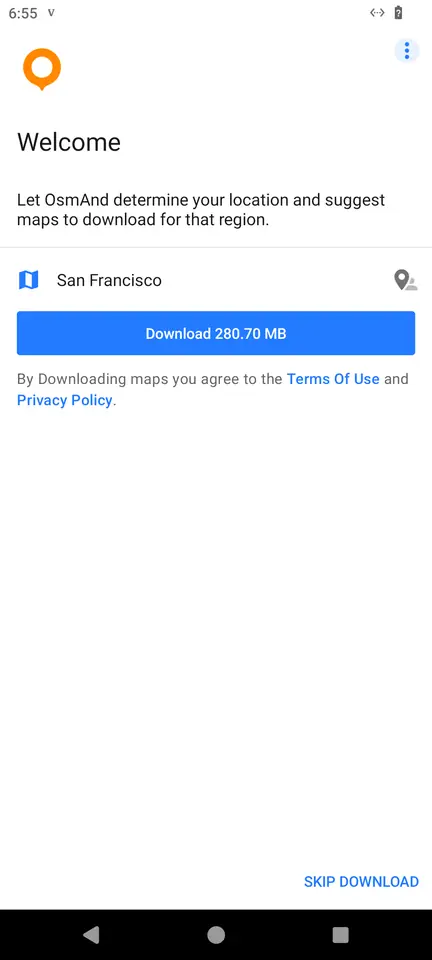
By Downloading maps you agree to the Terms Of Use and Privacy Policy.
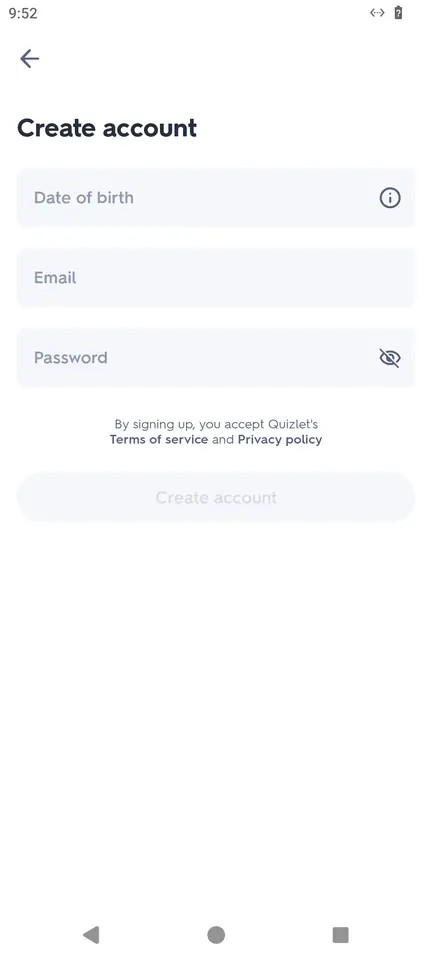
By signing up, you accept Quizlet's Terms of service and Privacy policy
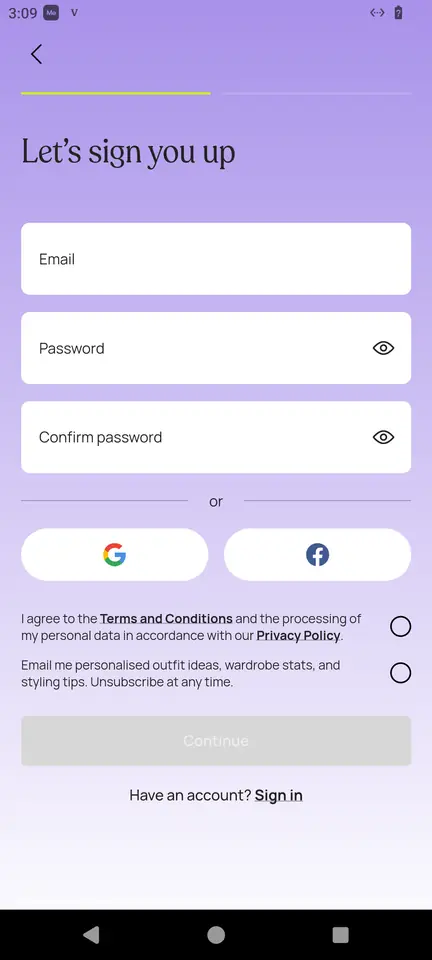
I agree to the
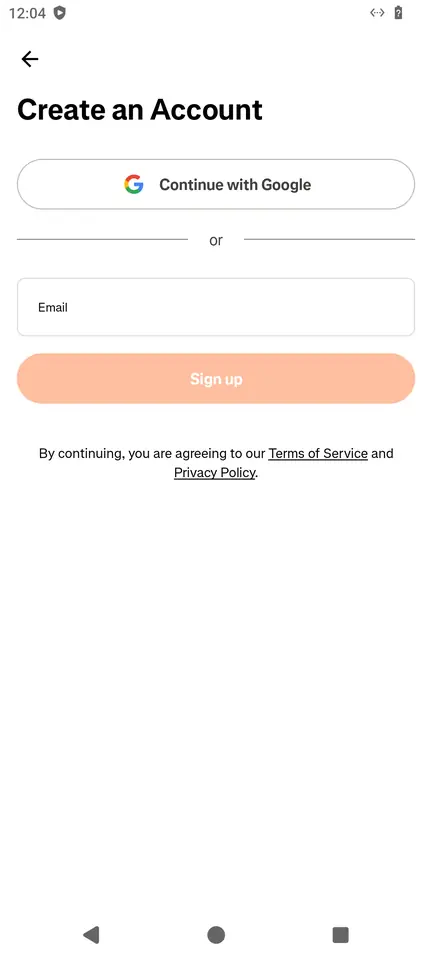
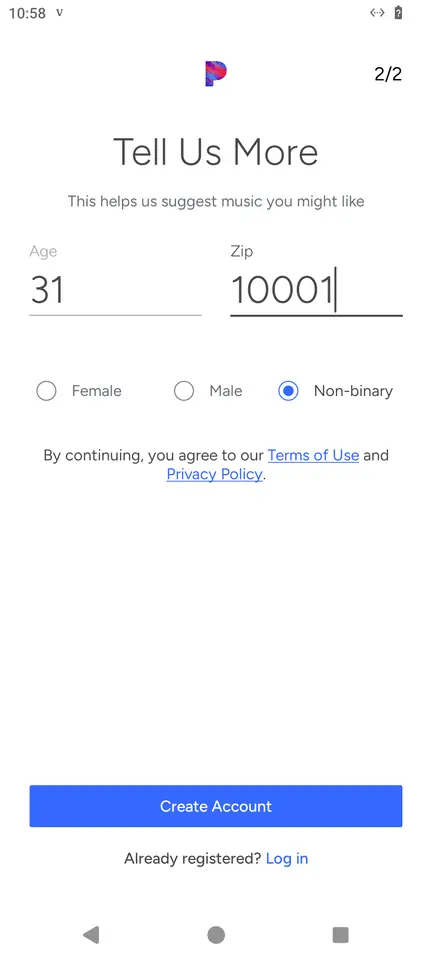
By continuing, you are agreeing to our Terms of Service and Privacy Policy.
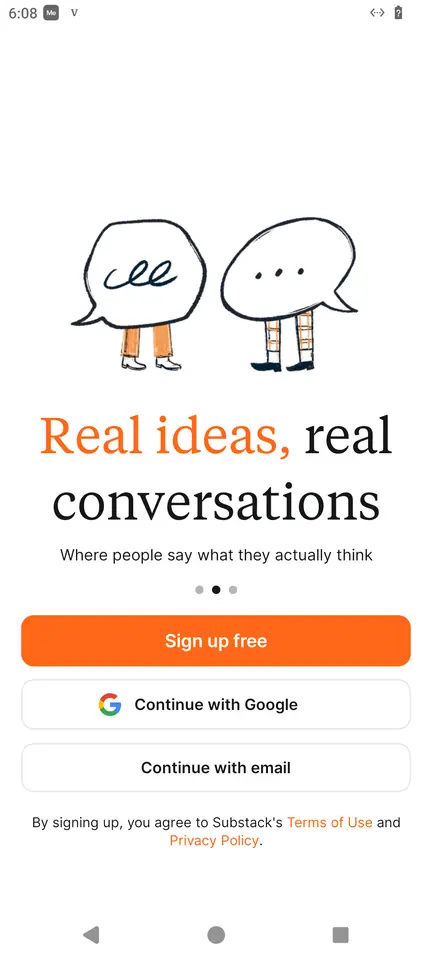
By signing up, you agree to Substack's Terms of Use and Privacy Policy.
Why it works
- Account creation usually requires accepting terms.
- Some data uses (health data, marketing) need separate, explicit consent.
- A clear agreement step reduces disputes later.
Best practices
- Link to the actual documents; do not paste them inline.
- Use separate checkboxes for optional consents such as marketing.
- Keep implied-consent text close to the button it applies to.
- Make required vs optional consents visually distinct.
How real apps word it
The exact UI copy, as it appears on screen in each app.
I agree to Ada’s Terms & Conditions and confirm that I am at least 16 years old.
Ada HealthRequired: I agree to Angi's Terms and Conditions and Privacy Policy.
AngiI Agree
App ManagerBy proceeding, you agree with Bandsintown's Terms of Service and Privacy Policy
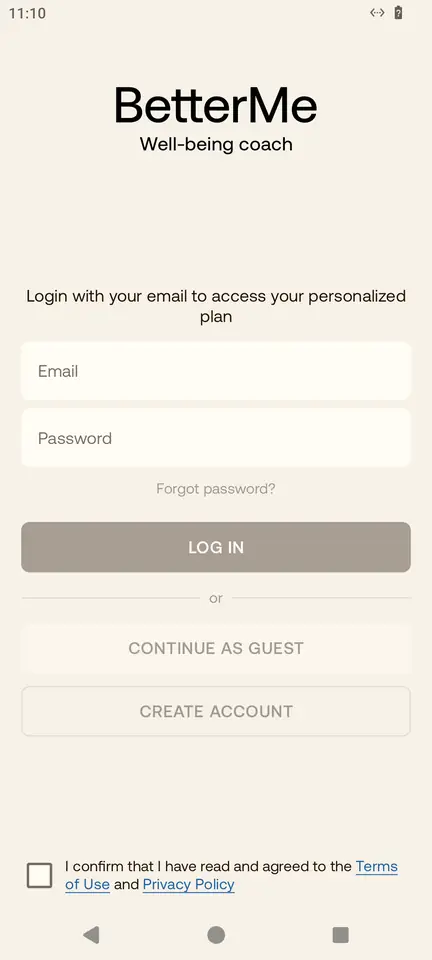
BandsintownBy continuing you accept our Privacy Policy, Terms of Use and Subscription Terms
BetterMeBy using Citymapper, you agree to our Terms of Service and Privacy Policy
CitymapperBy continuing, you agree to our
ClickUpBy creating an account, I accept Coursera's Terms of Use and Privacy Notice
CourseraBy using this application, you agree to its terms of use.
DaylioBy continuing you agree to our Terms of Service
DepopBy continuing, you agree to Fable's Terms of Service and Privacy Policy.
FableBy continuing, you agree to the Fennec Terms of Use. Links available
Fennec F-DroidBy clicking Create Account, you agree to our Terms of Use and Privacy Policy.
FitOnI agree to Privacy Policy and Terms of Use.
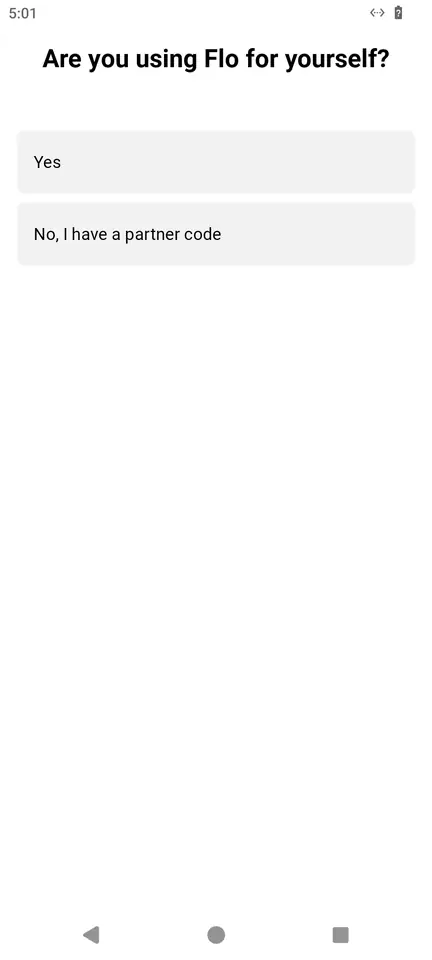
Flo
Where it shows up
Screens showing the pattern, by flow step type.
By app category
Apps showing the pattern, by category · 75 of 246 apps in the library.
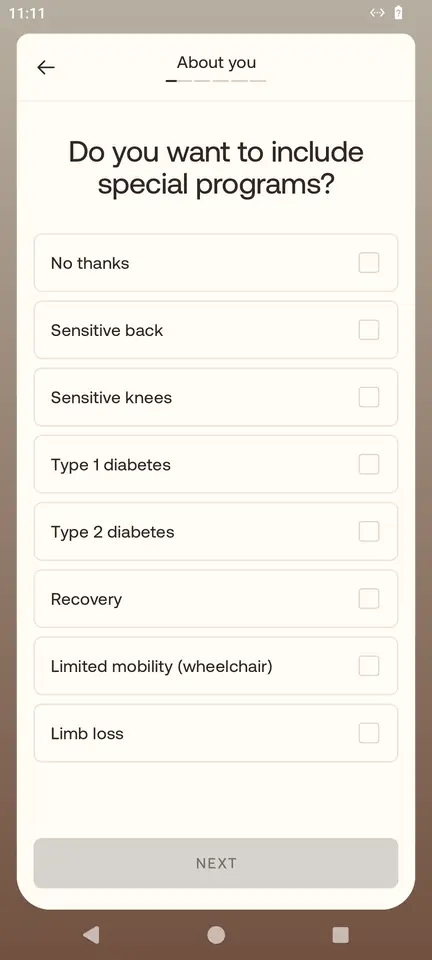
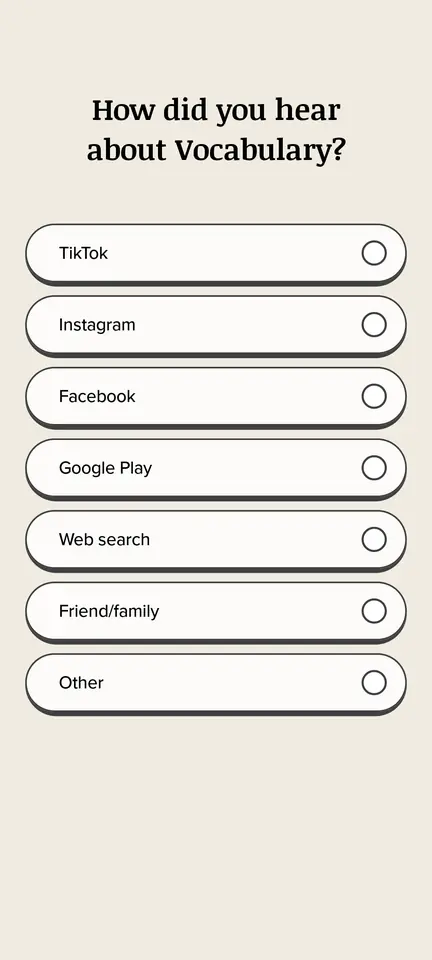
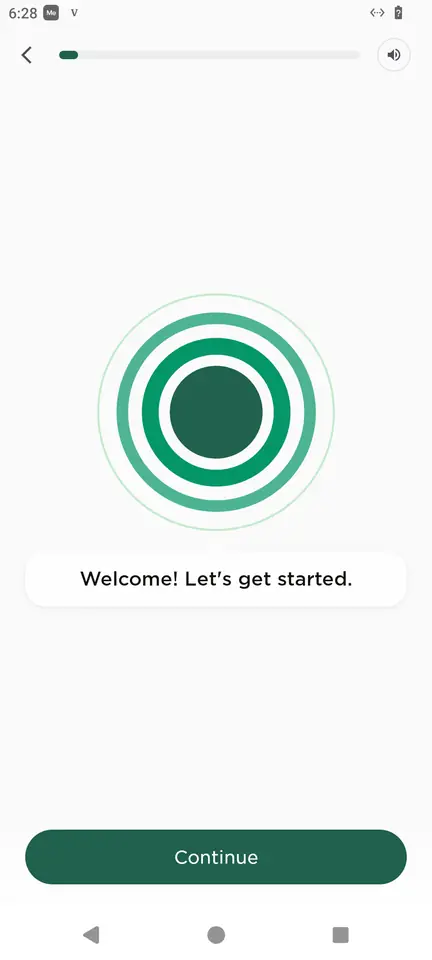
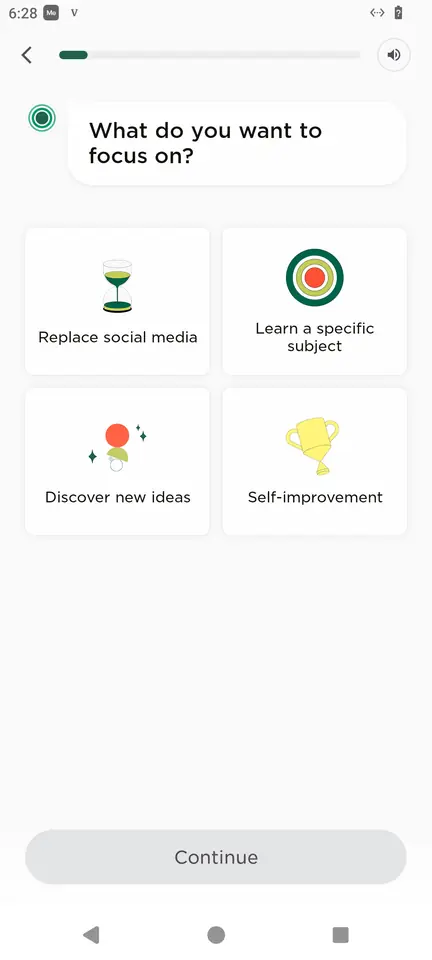
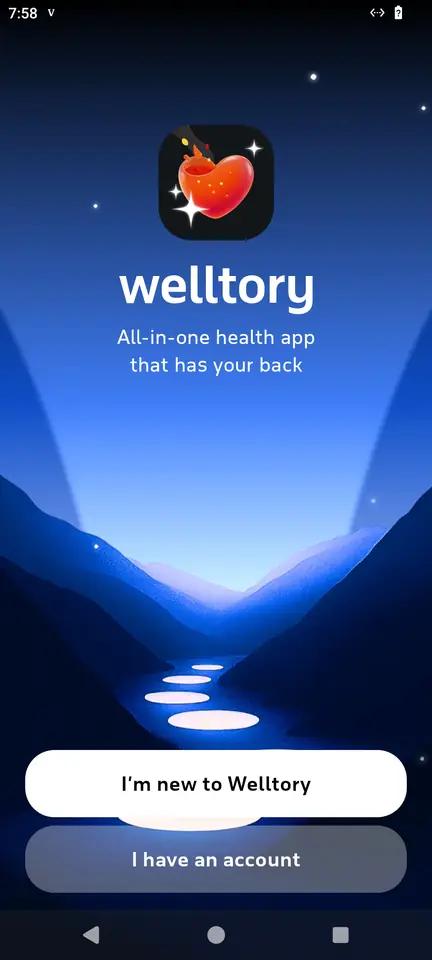
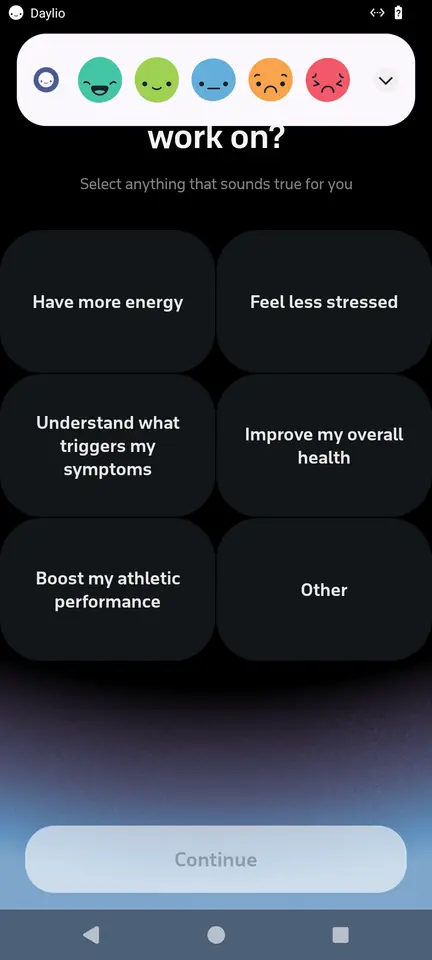
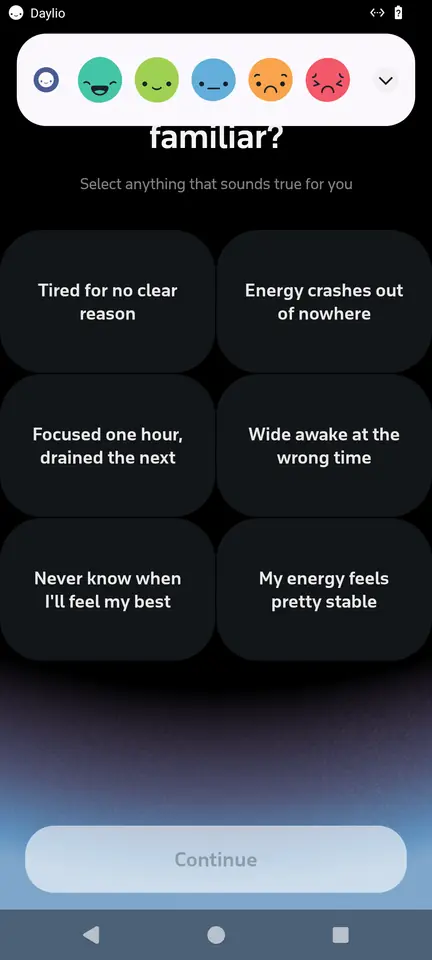
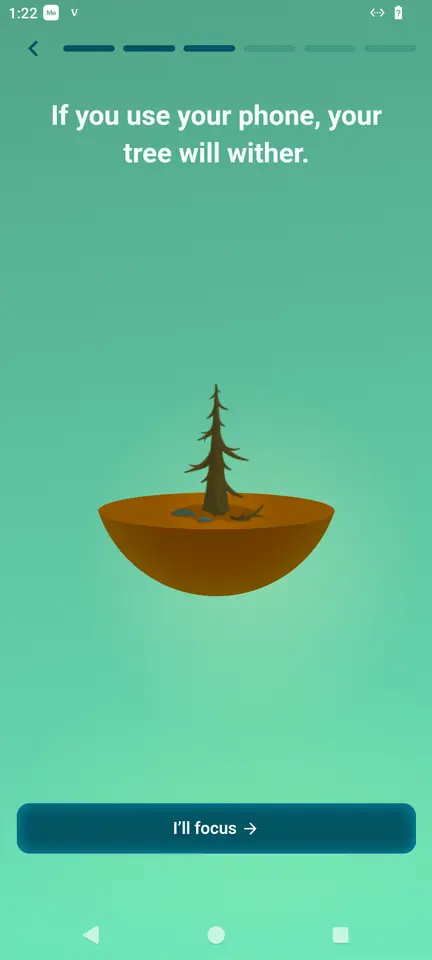
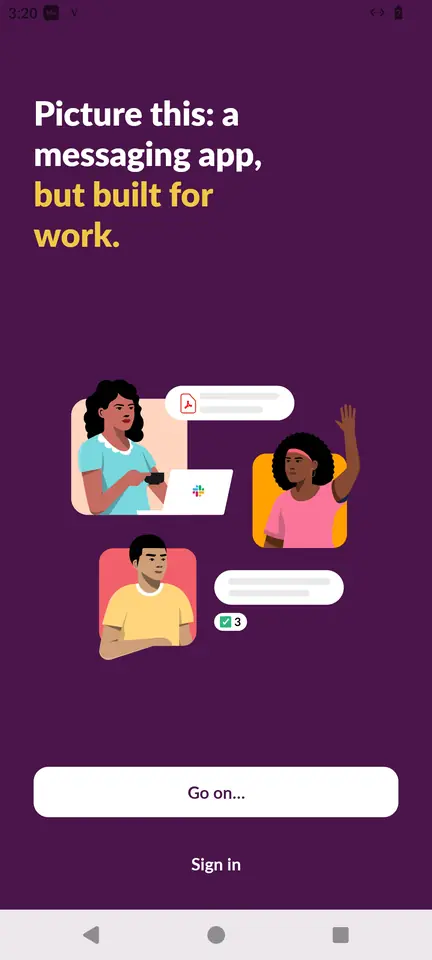
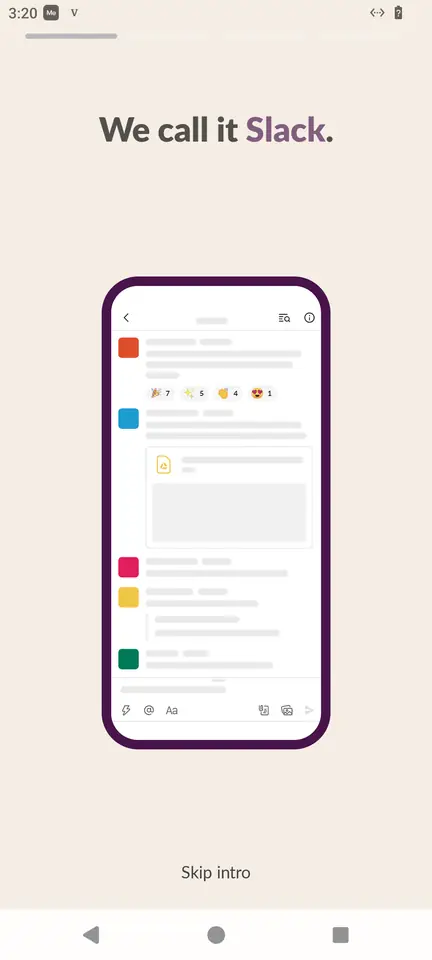
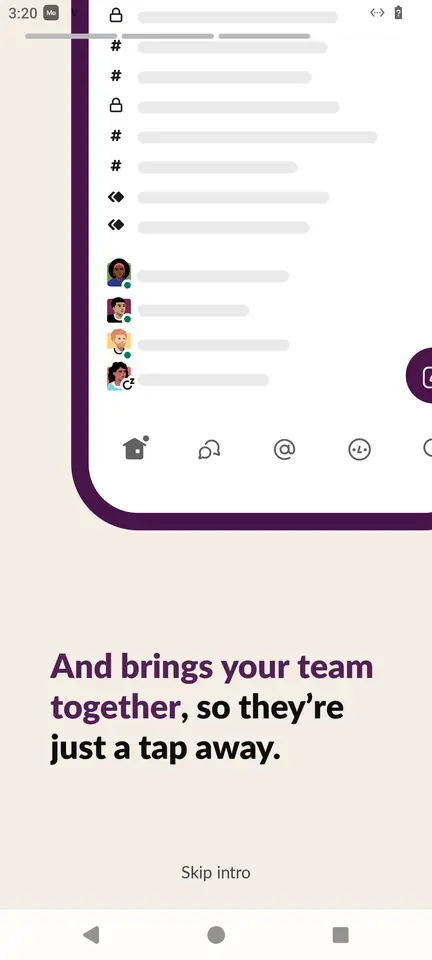
Full flows that include a terms and conditions screen
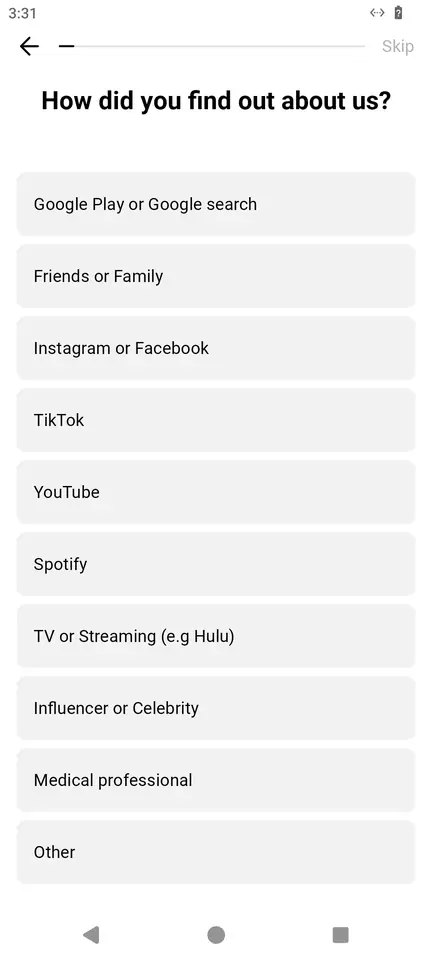
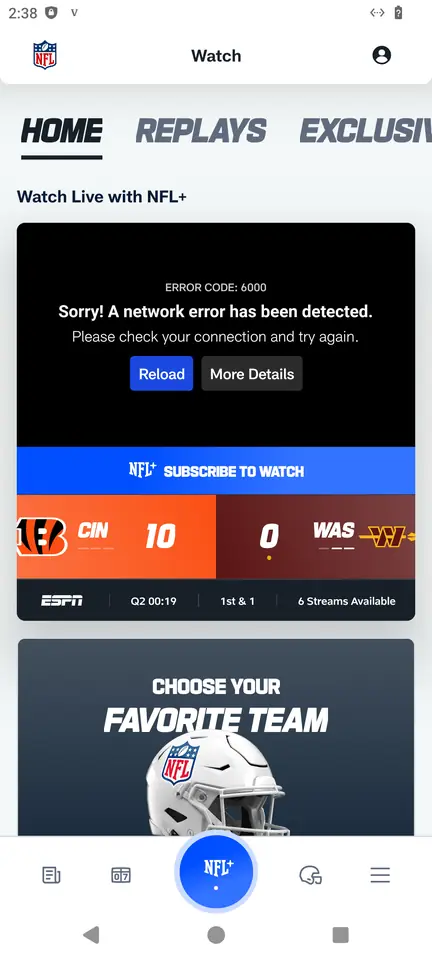
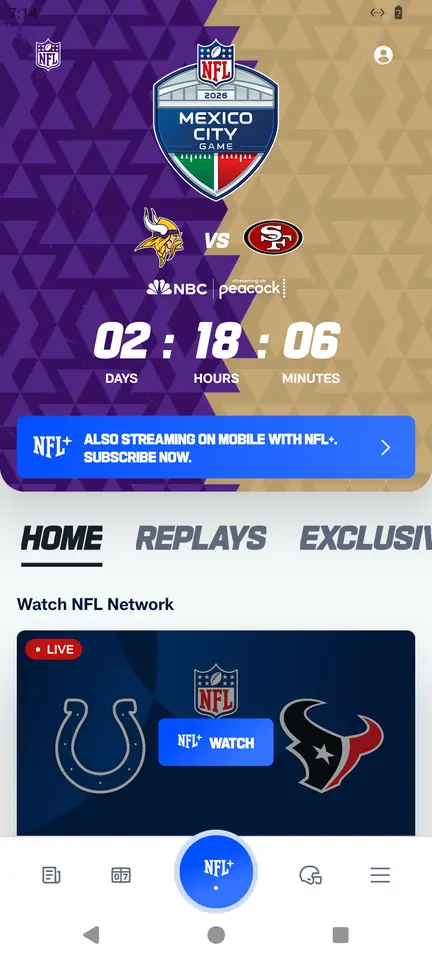
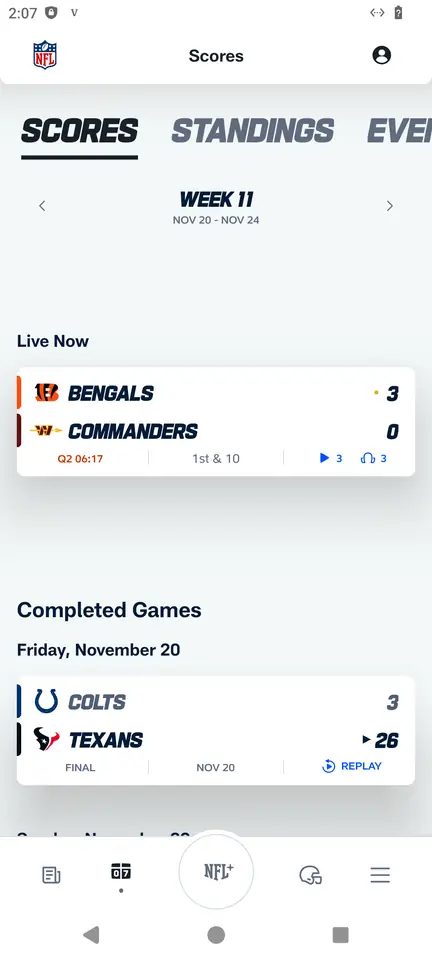
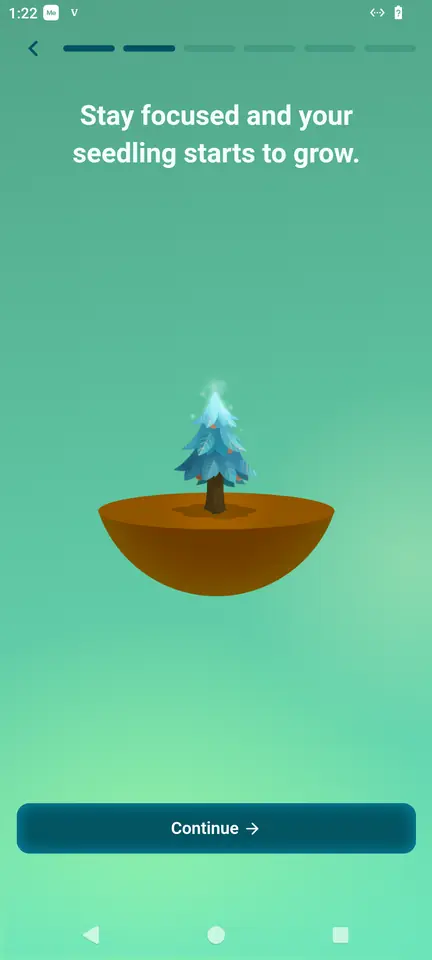
FAQ
What is a terms and conditions screen?
A terms and privacy agreement captures the user's acceptance of the terms of service and privacy policy — as a checkbox (“I agree…”) or as implied consent (“By continuing, you agree…”).
Which Android apps use a terms and conditions screen?
In the Flowtape library, 75 of 246 Android apps show this pattern, including Yazio, Flo, Simple, BetterMe, Lucid and NFL. It is most common in health & fitness apps.
How do I design a good terms and conditions screen?
Link to the actual documents; do not paste them inline. Use separate checkboxes for optional consents such as marketing. Keep implied-consent text close to the button it applies to.
Detected on screens captured on real Android devices · last updated 2026-11-14