Home/Apps/BetterMe/Onboarding
Onboarding flow · BetterMe · Android

BetterMe onboarding flow

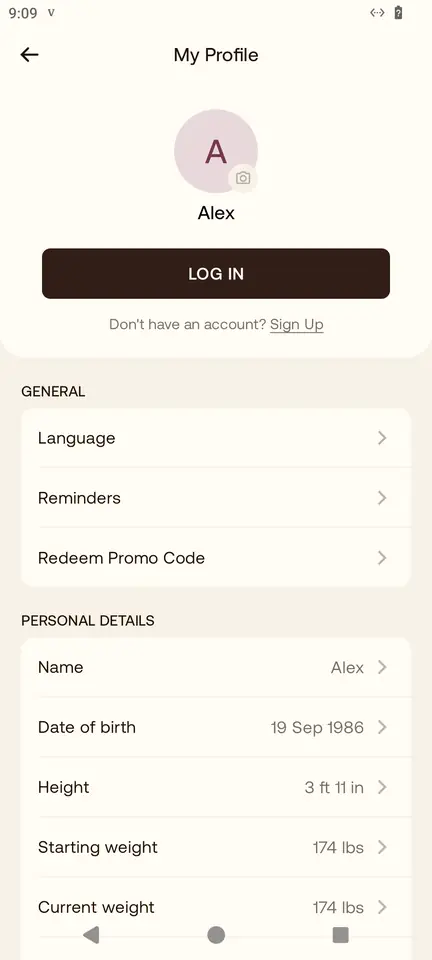
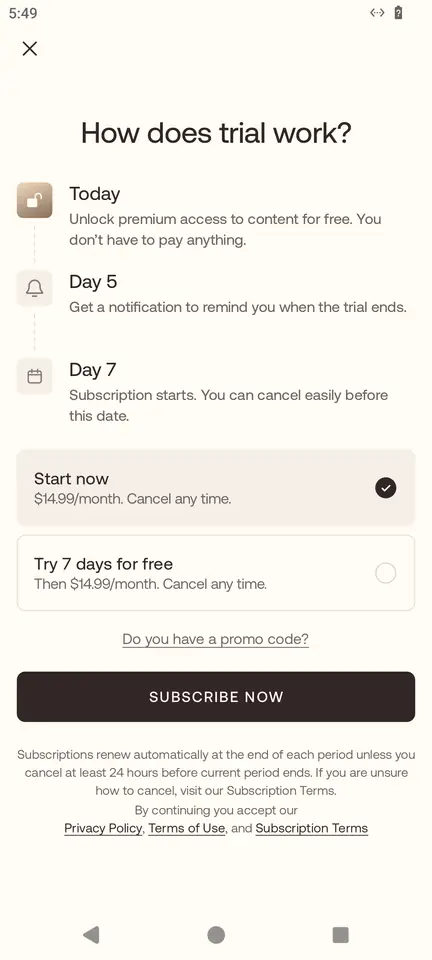
Every screen of BetterMe's onboarding flow on Android, in order: 38 steps, recorded on a real device. BetterMe's onboarding asks 30 questions about the user, reaches the account ask at step 1 of 38 and requests a system permission at step 6. At 38 screens it is the 5th-longest of the 152 onboarding flows in the library (median 4). A progress indicator shows on 35 of 38 screens and a skip option on 3.
Android38 screensfree & ungatedMCP-ready
BETTERME · ONBOARDING● 38 SCREENS
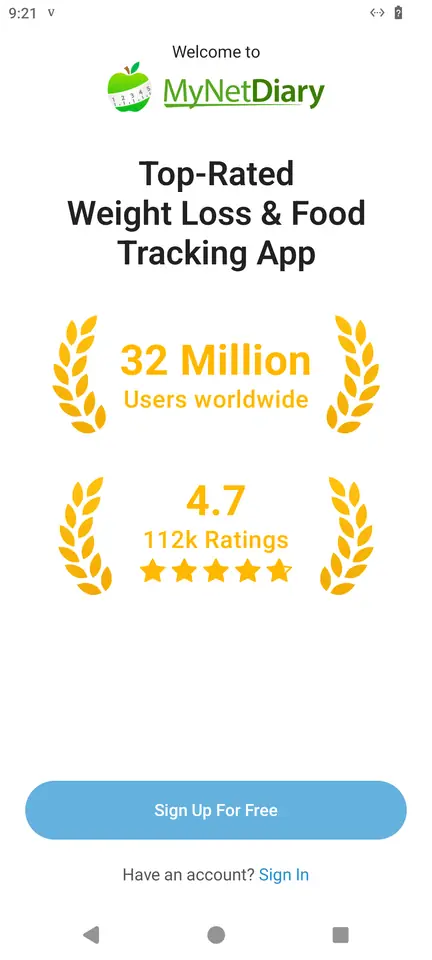
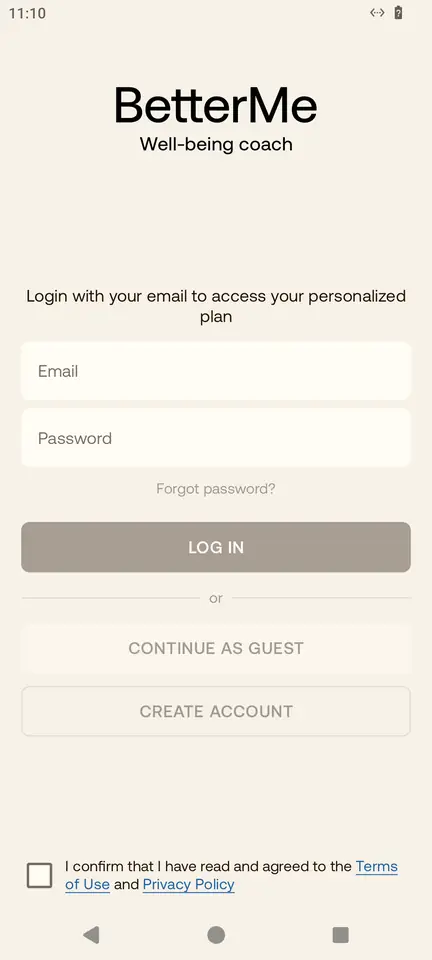
  1. BetterMe onboarding step 1 of 38 — BetterMe
    01 Onboarding · tap “Consent checkbox”BetterMe — Well-being coach
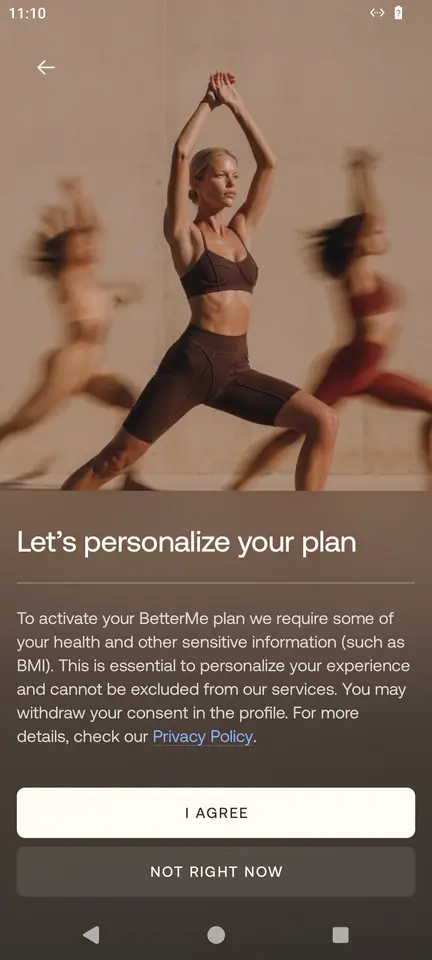
  2. BetterMe onboarding step 2 of 38 — Let’s personalize your plan
    02 Onboarding · tap “Agree”Back — Let’s personalize your plan
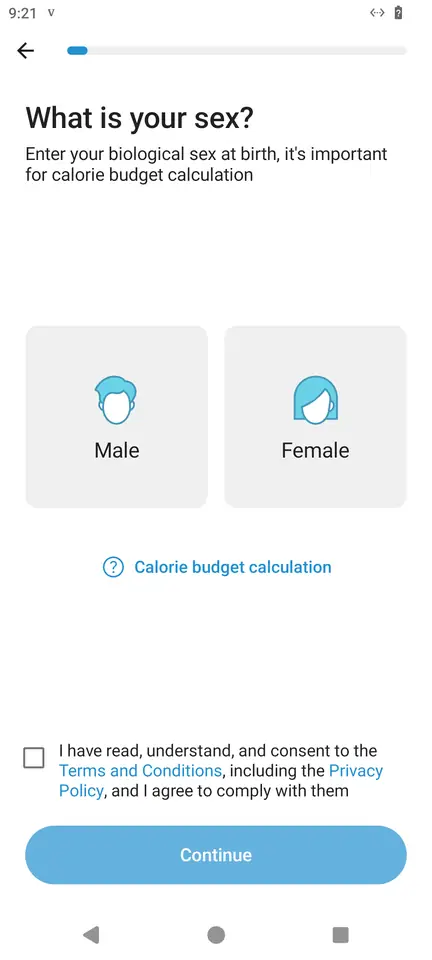
  3. BetterMe onboarding step 3 of 38 — What is your sex?
    03 OnboardingBack — About you
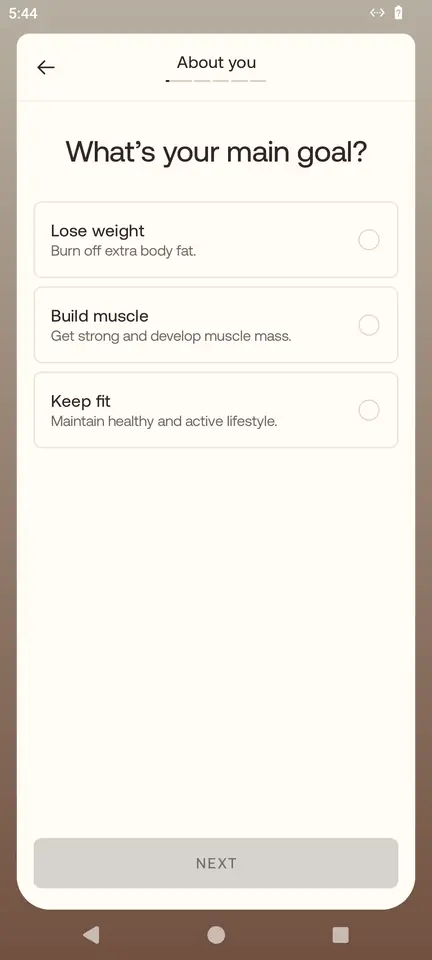
  4. BetterMe onboarding step 4 of 38 — What’s your main goal?
    04 OnboardingBack — About you
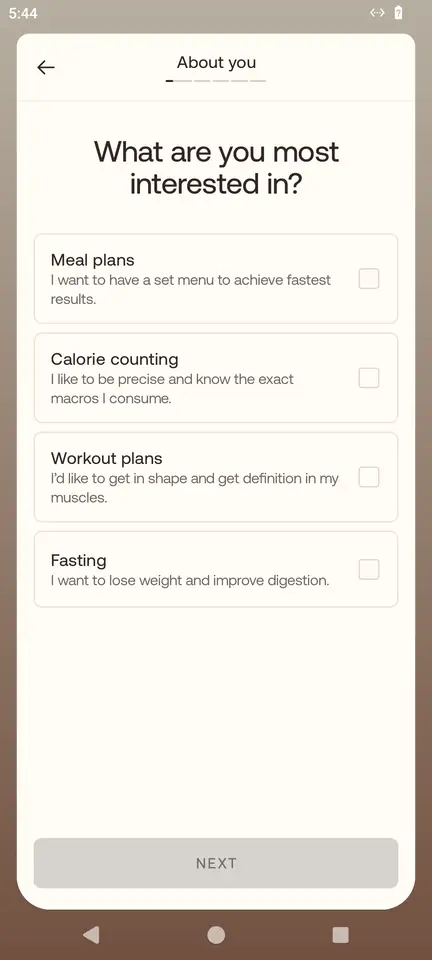
  5. BetterMe onboarding step 5 of 38 — What are you most interested in?
    05 OnboardingBack — About you
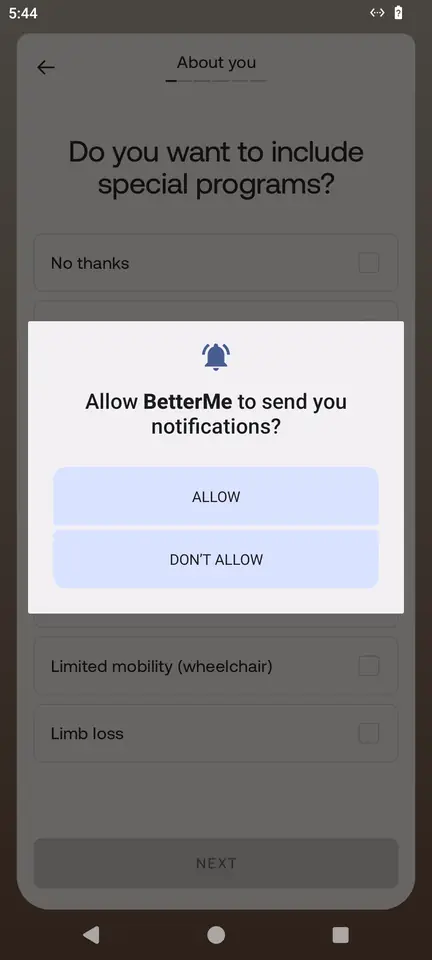
  6. BetterMe onboarding step 6 of 38 — Allow BetterMe to send you notifications?
    06 Permissions · tap “Allow”Allow BetterMe to send you notifications? — ALLOW
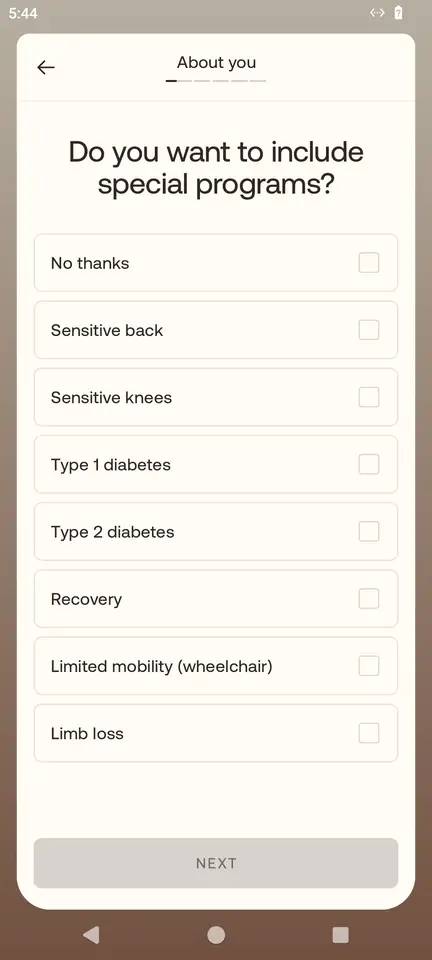
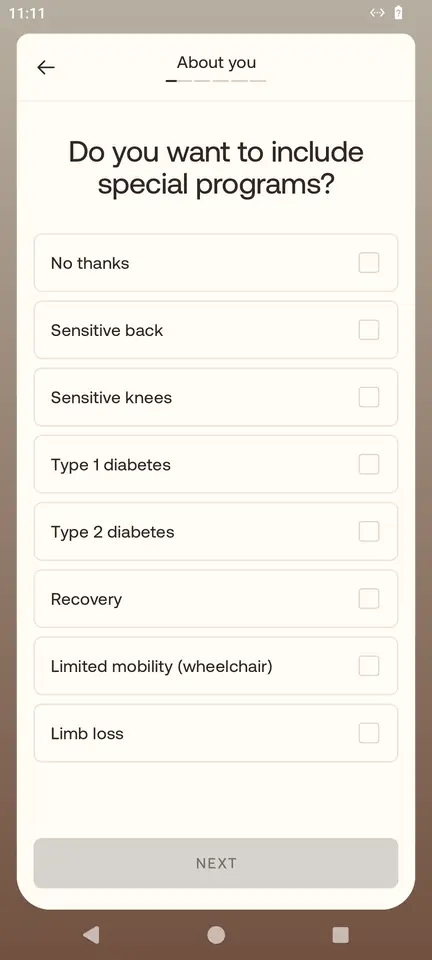
  7. BetterMe onboarding step 7 of 38 — Do you want to include special programs?
    07 OnboardingBack — About you
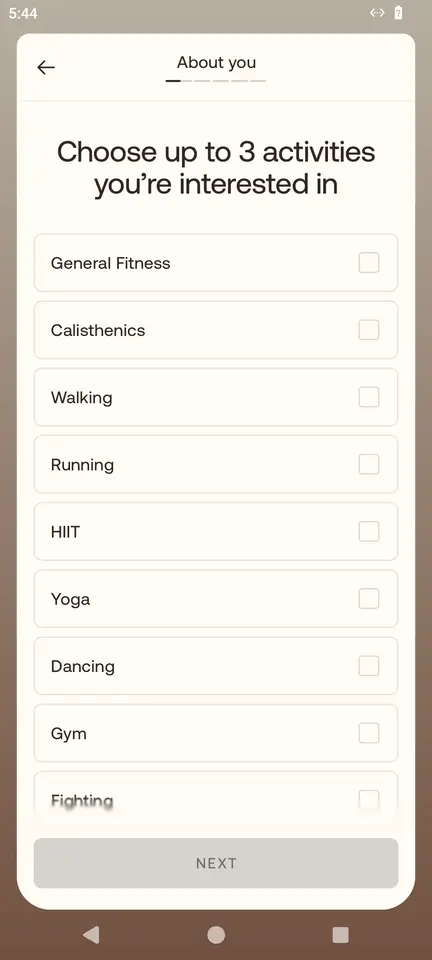
  8. BetterMe onboarding step 8 of 38 — Choose up to 3 activities you’re interested in
    08 OnboardingBack — About you
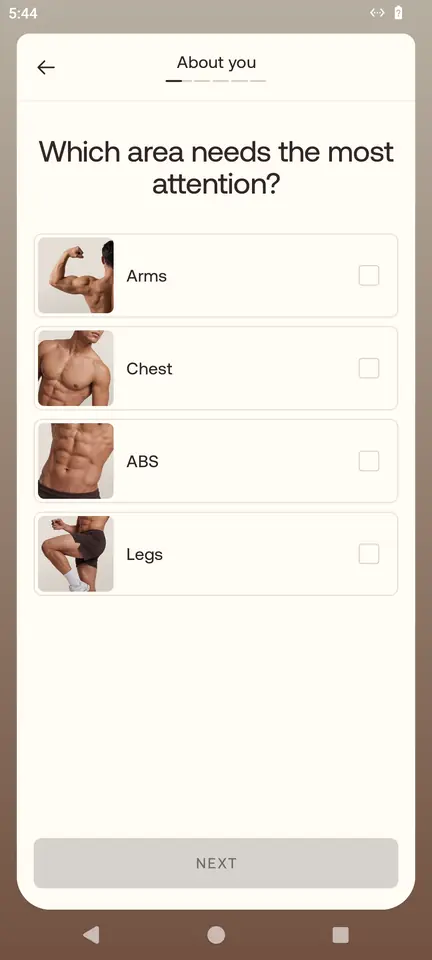
  9. BetterMe onboarding step 9 of 38 — Which area needs the most attention?
    09 OnboardingBack — About you
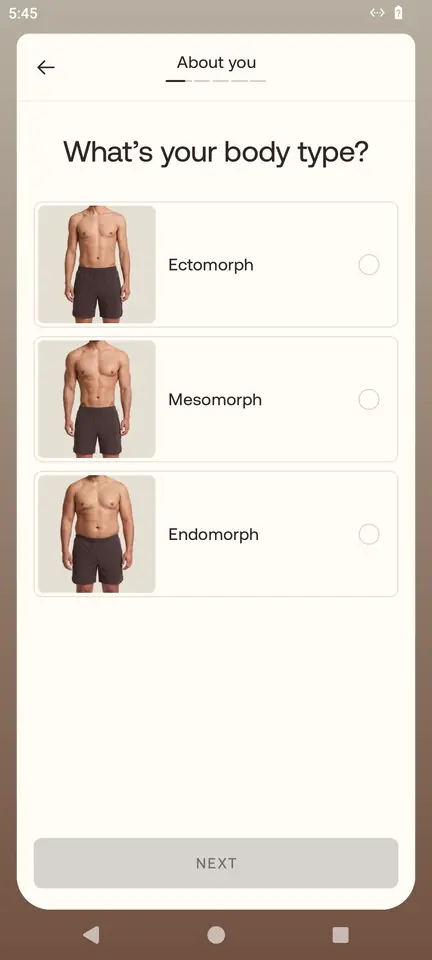
  10. BetterMe onboarding step 10 of 38 — What’s your body type?
    10 OnboardingBack — About you
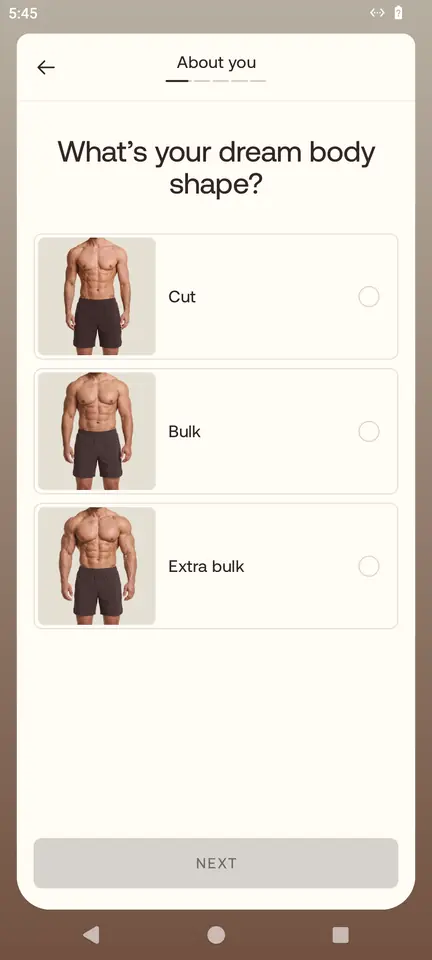
  11. BetterMe onboarding step 11 of 38 — What’s your dream body shape?
    11 OnboardingBack — About you
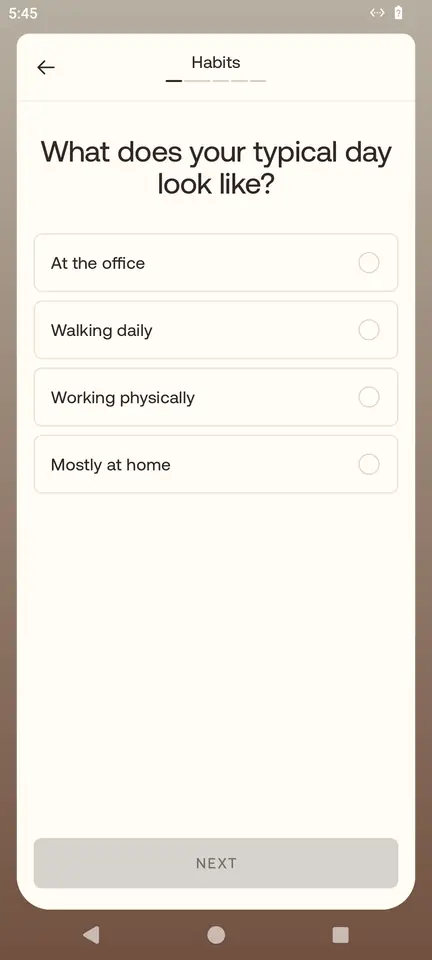
  12. BetterMe onboarding step 12 of 38 — What does your typical day look like?
    12 OnboardingBack — Habits
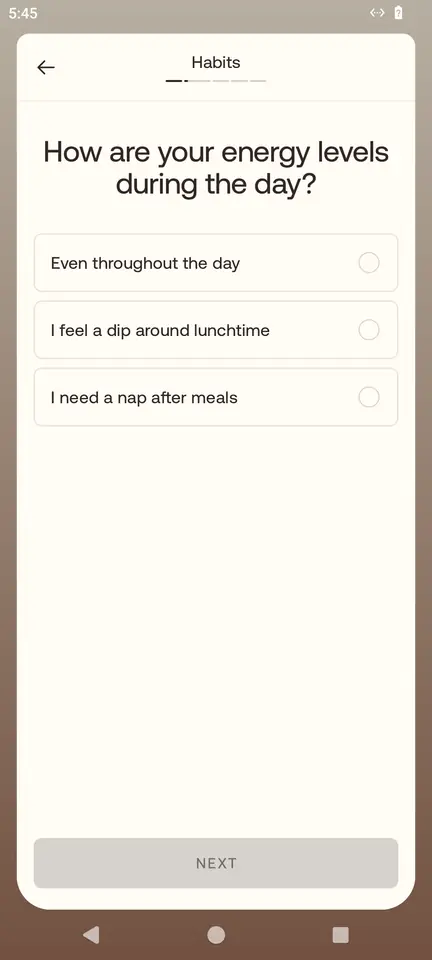
  13. BetterMe onboarding step 13 of 38 — How are your energy levels during the day?
    13 OnboardingBack — Habits
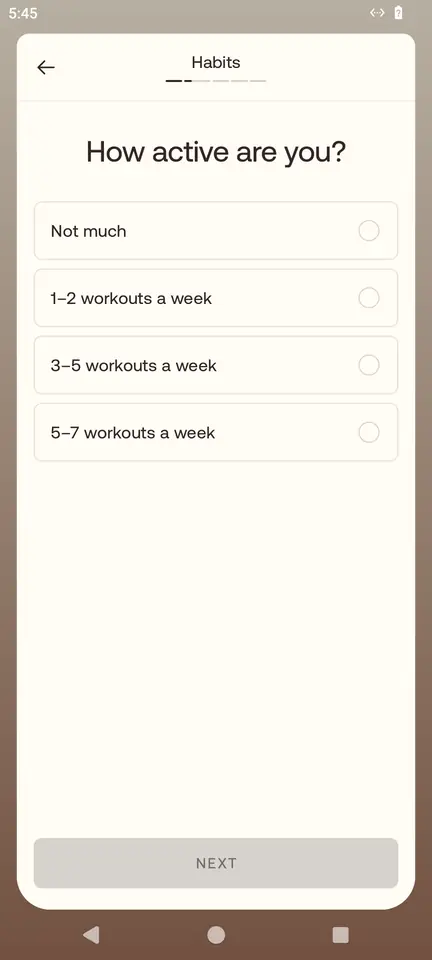
  14. BetterMe onboarding step 14 of 38 — How active are you?
    14 OnboardingBack — Habits
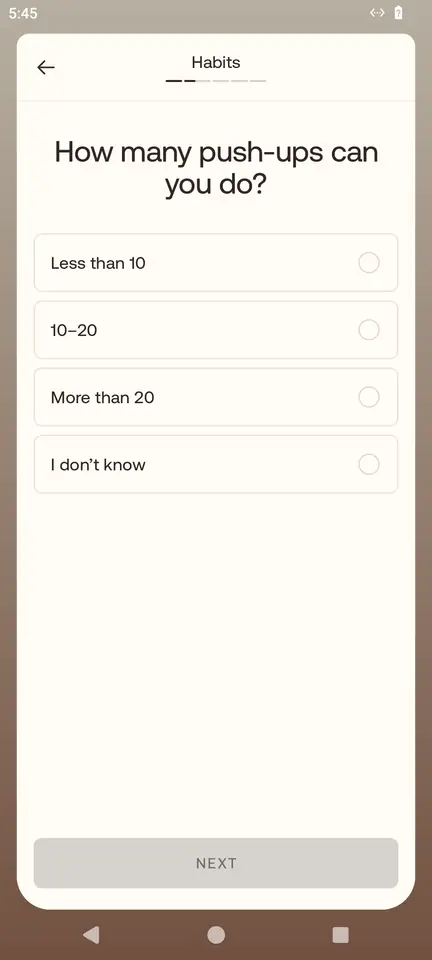
  15. BetterMe onboarding step 15 of 38 — How many push-ups can you do?
    15 OnboardingBack — Habits
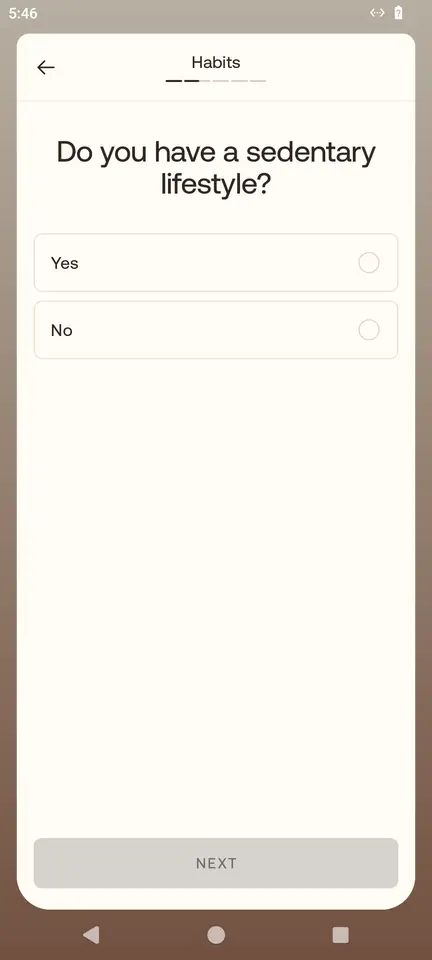
  16. BetterMe onboarding step 16 of 38 — Do you have a sedentary lifestyle?
    16 OnboardingBack — Habits
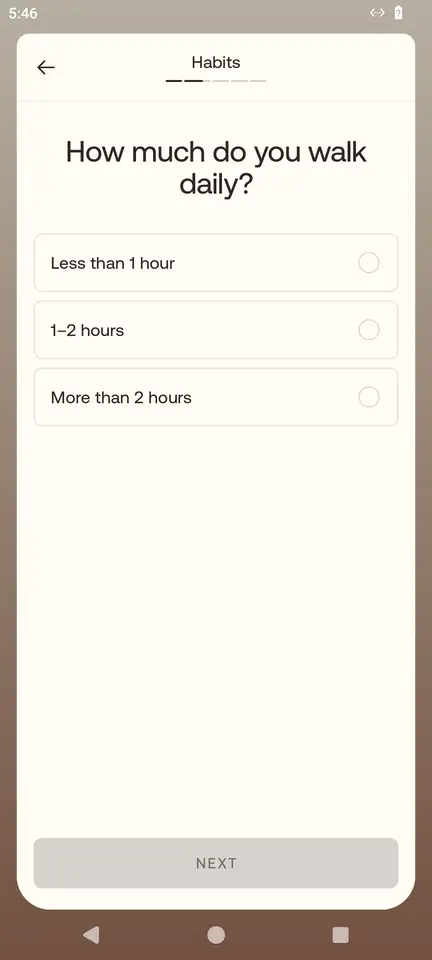
  17. BetterMe onboarding step 17 of 38 — How much do you walk daily?
    17 OnboardingBack — Habits
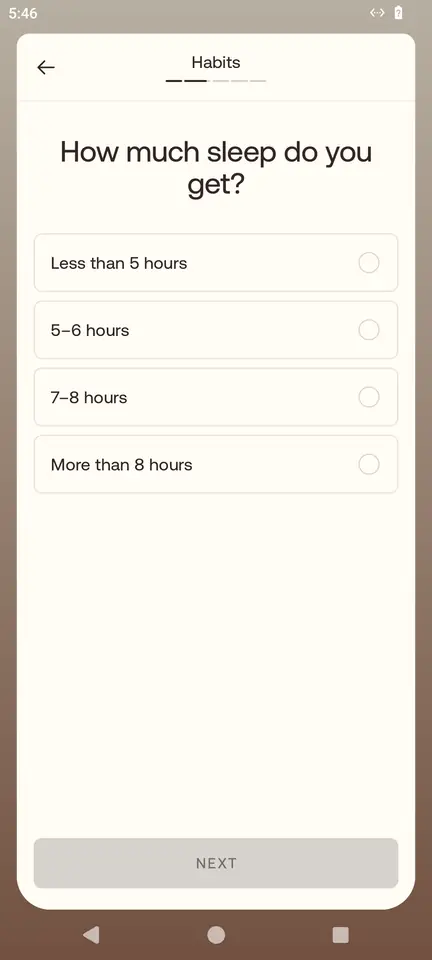
  18. BetterMe onboarding step 18 of 38 — How much sleep do you get?
    18 OnboardingBack — Habits
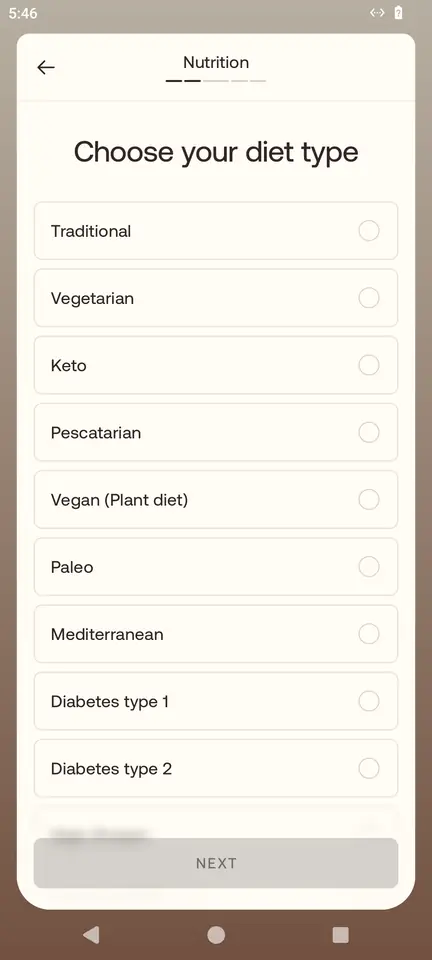
  19. BetterMe onboarding step 19 of 38 — Nutrition
    19 OnboardingBack — Nutrition
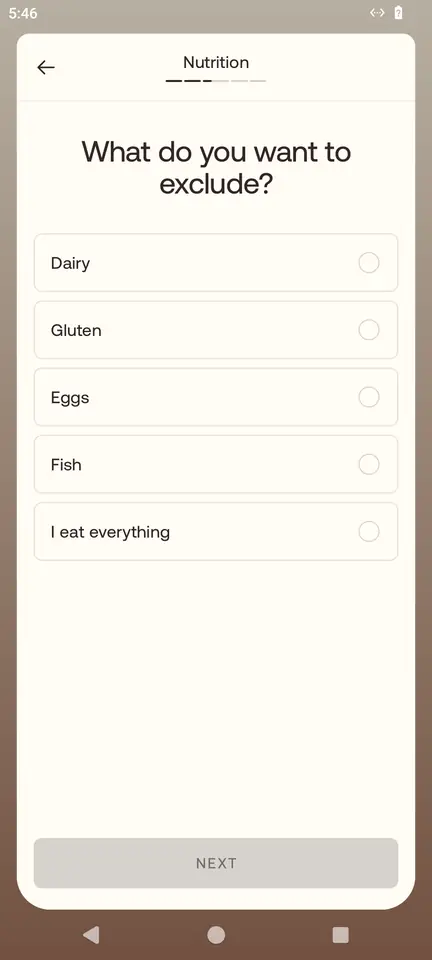
  20. BetterMe onboarding step 20 of 38 — What do you want to exclude?
    20 OnboardingBack — Nutrition
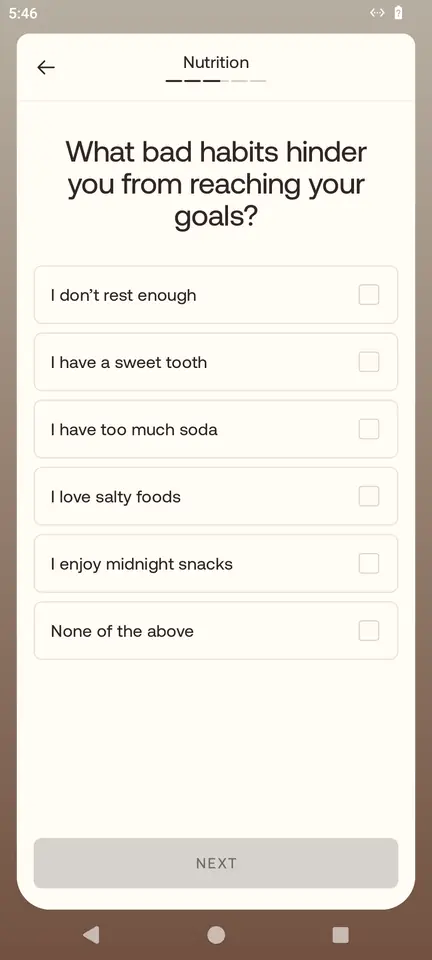
  21. BetterMe onboarding step 21 of 38 — What bad habits hinder you from reaching your goals?
    21 OnboardingBack — Nutrition
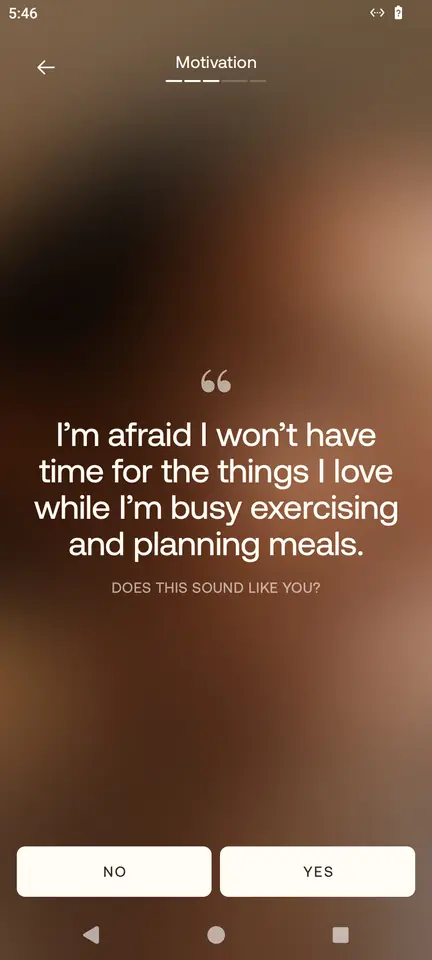
  22. BetterMe onboarding step 22 of 38 — Motivation
    22 OnboardingBack — Motivation
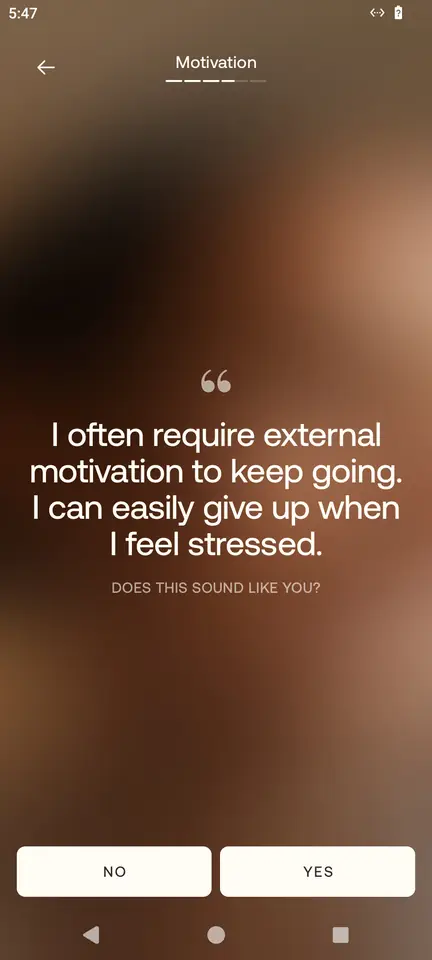
  23. BetterMe onboarding step 23 of 38 — Motivation
    23 OnboardingBack — Motivation
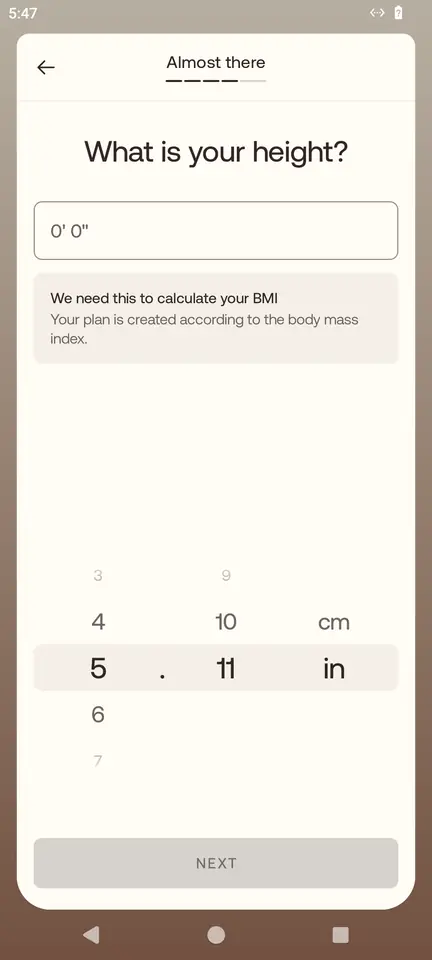
  24. BetterMe onboarding step 24 of 38 — What is your height?
    24 Onboarding · tap “Next”Back — Almost there
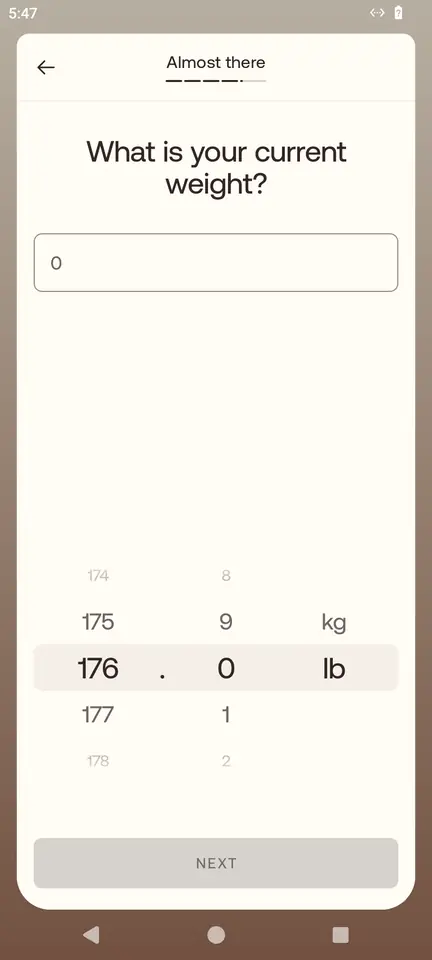
  25. BetterMe onboarding step 25 of 38 — What is your current weight?
    25 Onboarding · tap “Next”Back — Almost there
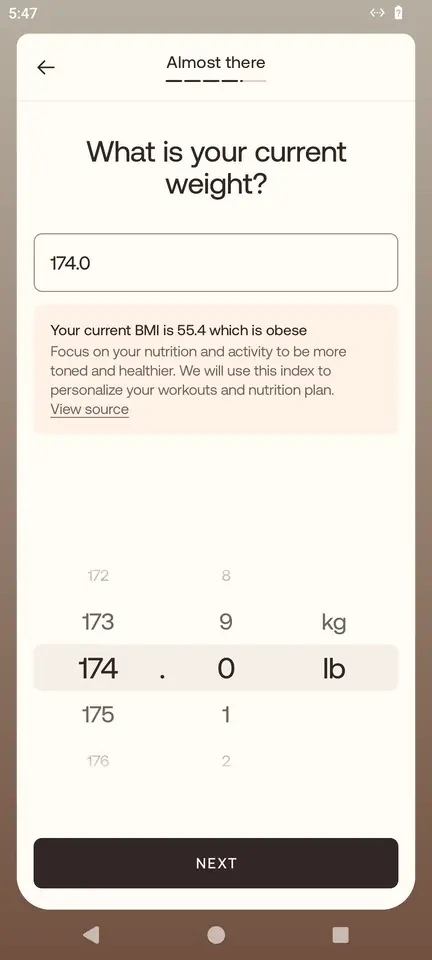
  26. BetterMe onboarding step 26 of 38 — Your current BMI is 55.4 which is obese
    26 Onboarding · tap “Next”Back — Almost there
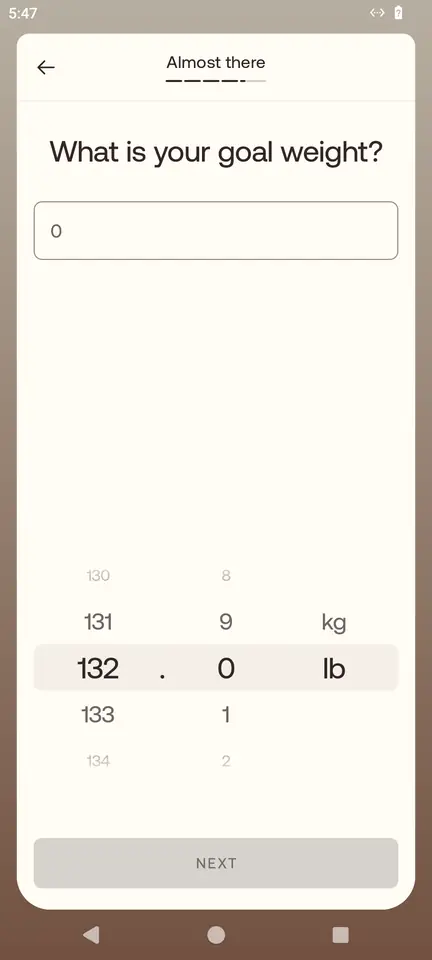
  27. BetterMe onboarding step 27 of 38 — What is your goal weight?
    27 Onboarding · tap “Next”Back — Almost there
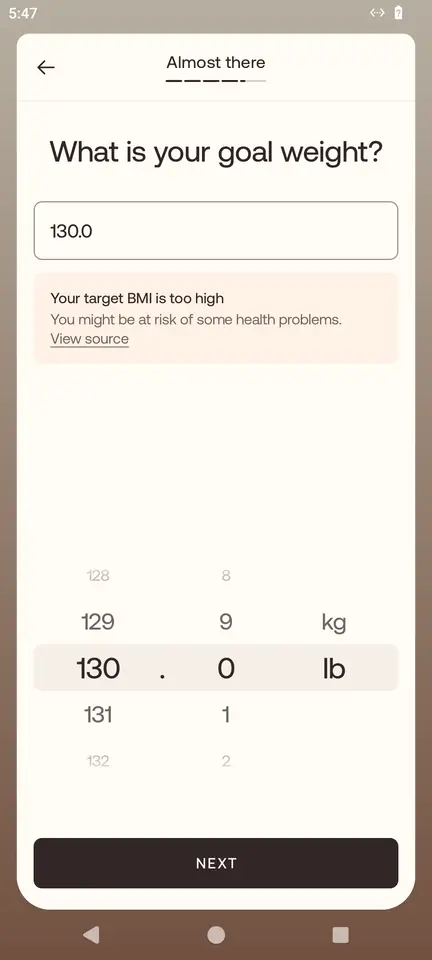
  28. BetterMe onboarding step 28 of 38 — Your target BMI is too high
    28 Onboarding · tap “Next”Back — Almost there
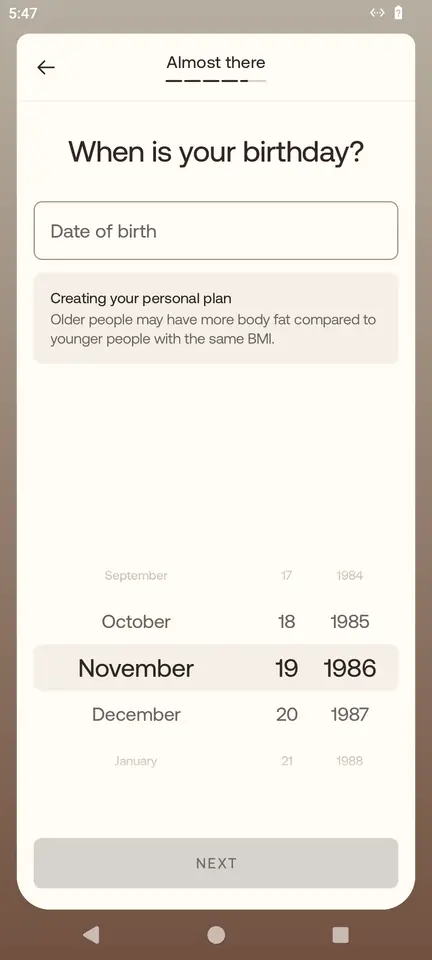
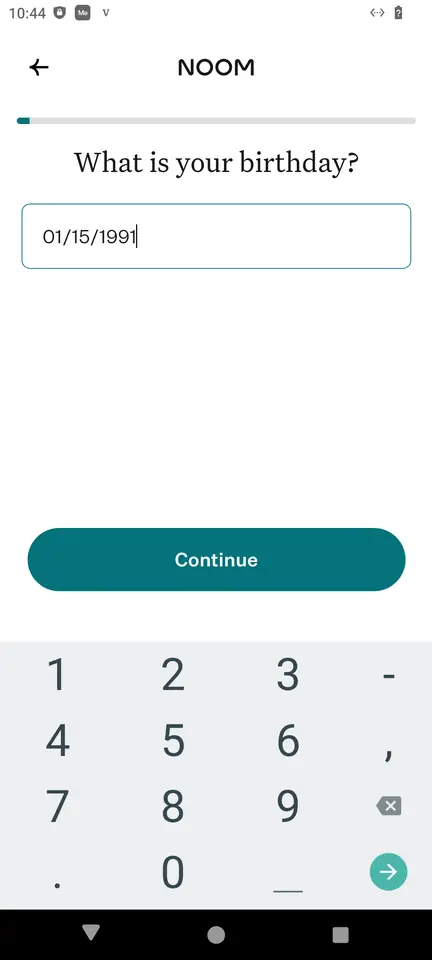
  29. BetterMe onboarding step 29 of 38 — When is your birthday?
    29 Onboarding · tap “Next”Back — Almost there
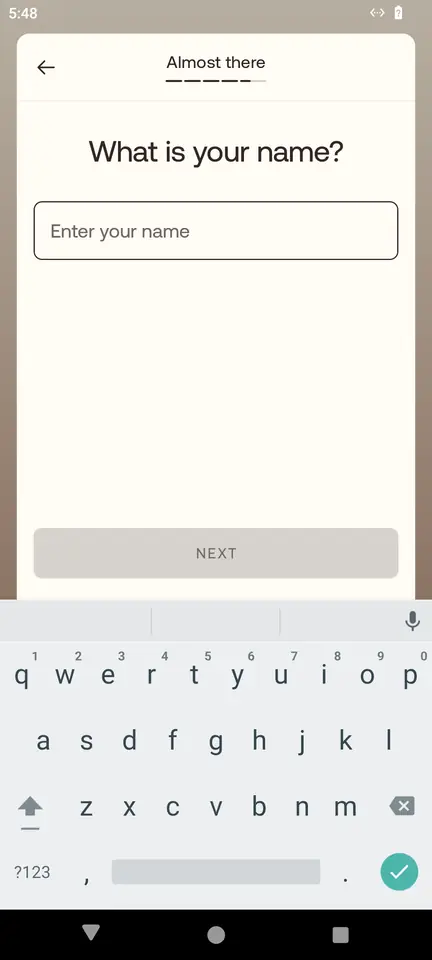
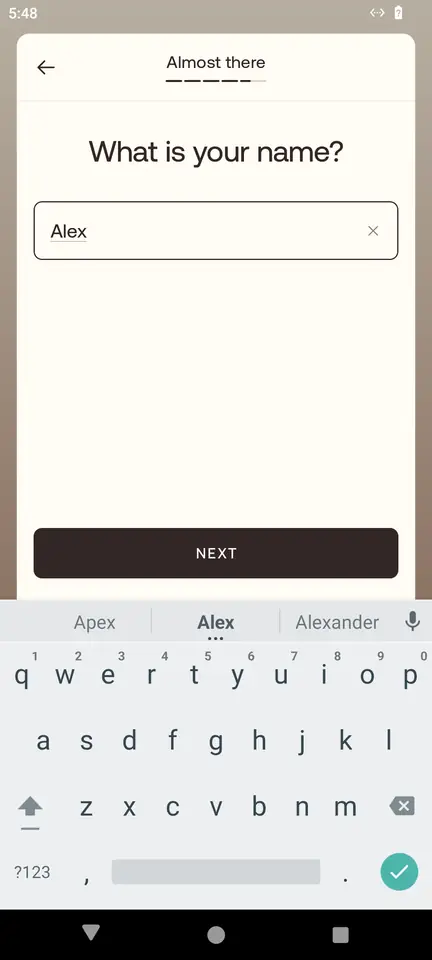
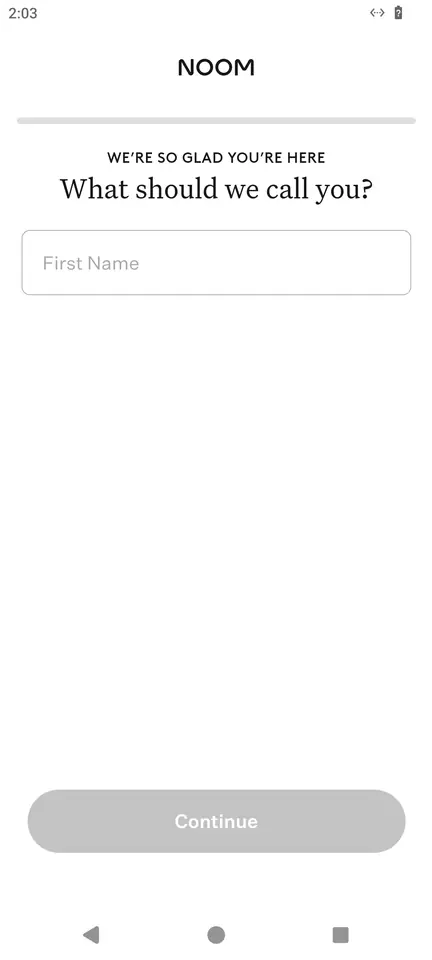
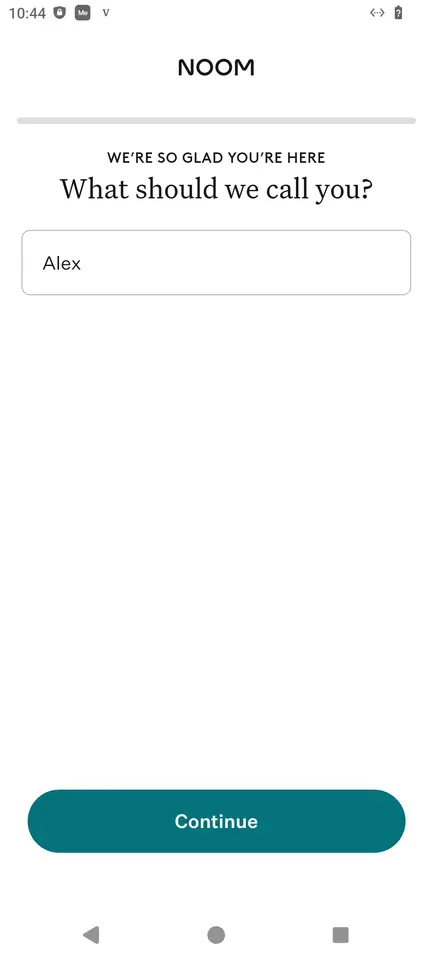
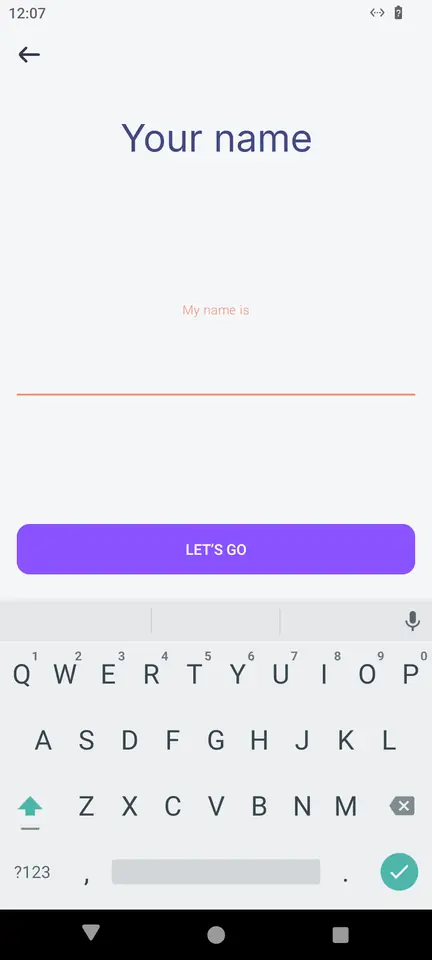
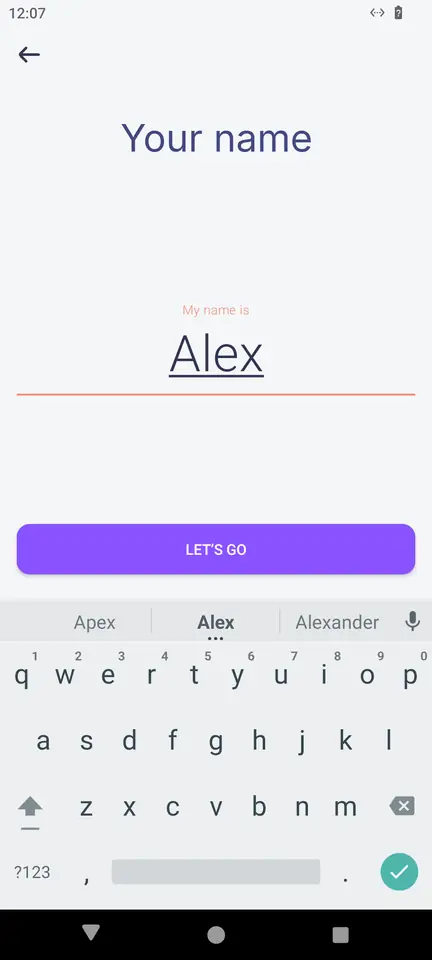
  30. BetterMe onboarding step 30 of 38 — What is your name?
    30 Onboarding · tap “What is your name?=Alex”Back — Almost there
  31. BetterMe onboarding step 31 of 38 — Clear text
    31 Onboarding · tap “Next”Back — Almost there
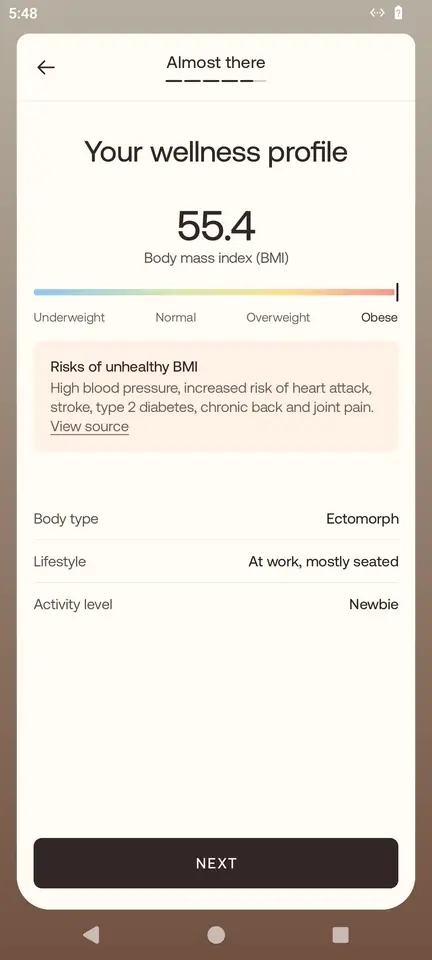
  32. BetterMe onboarding step 32 of 38 — Your wellness profile
    32 Onboarding · tap “Next”Back — Almost there
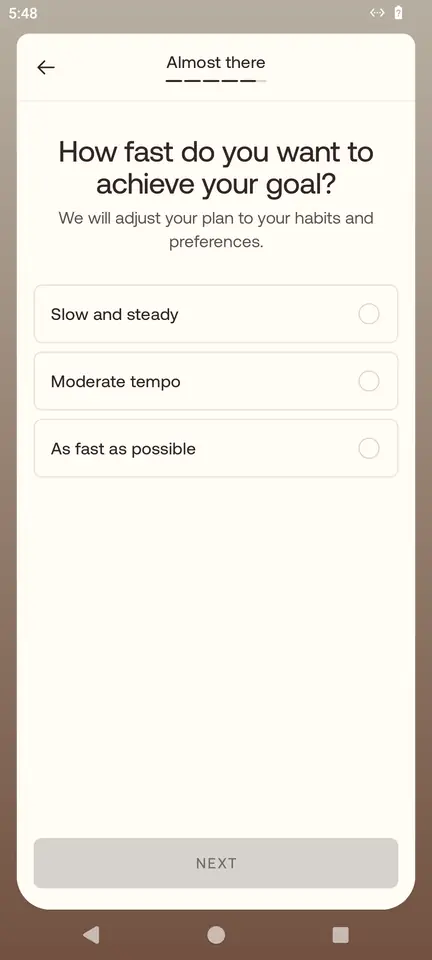
  33. BetterMe onboarding step 33 of 38 — How fast do you want to achieve your goal?
    33 OnboardingBack — Almost there
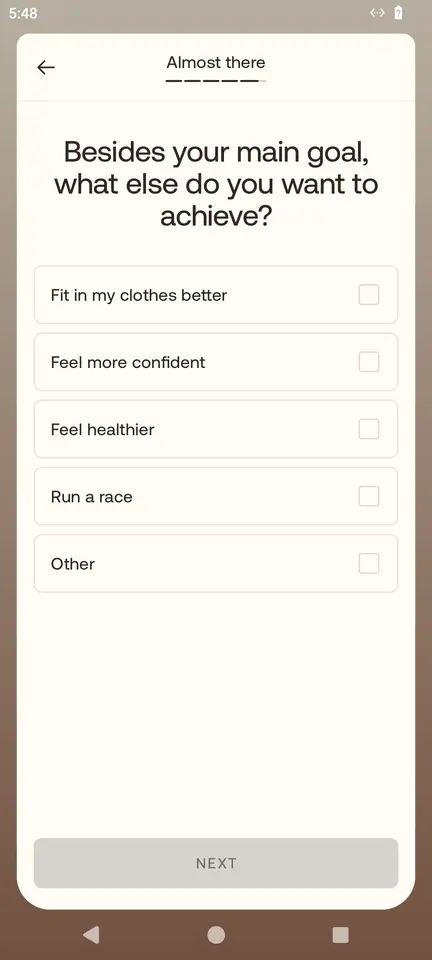
  34. BetterMe onboarding step 34 of 38 — Besides your main goal, what else do you want to achieve?
    34 OnboardingBack — Almost there
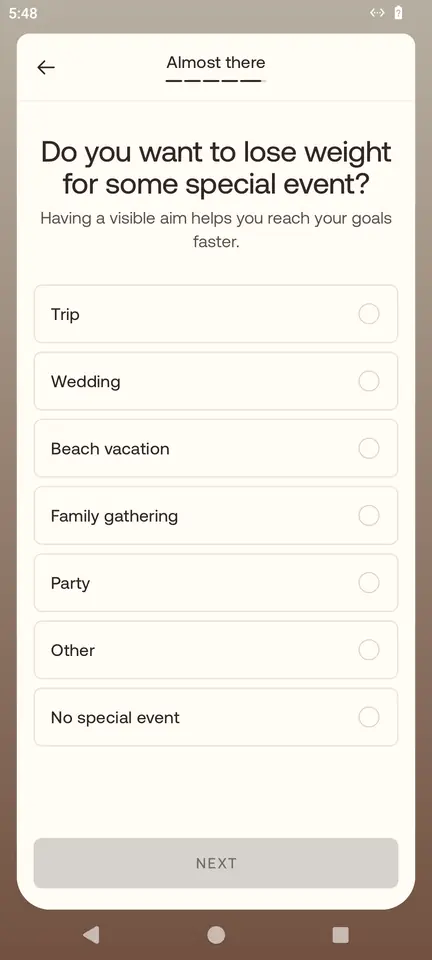
  35. BetterMe onboarding step 35 of 38 — Do you want to lose weight for some special event?
    35 OnboardingBack — Almost there
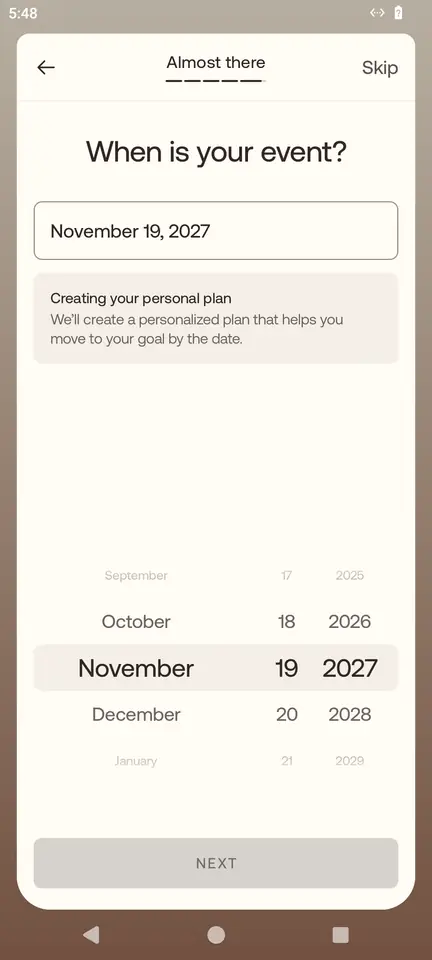
  36. BetterMe onboarding step 36 of 38 — When is your event?
    36 Onboarding · tap “Next”Back — Skip
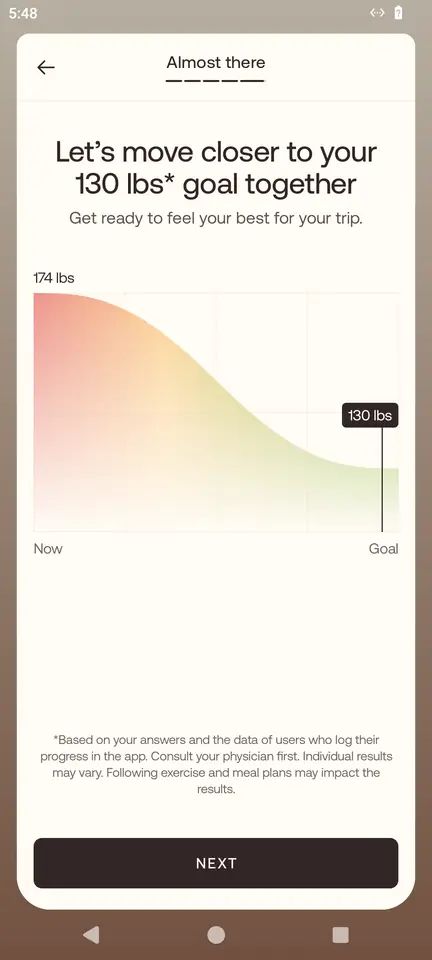
  37. BetterMe onboarding step 37 of 38 — Let’s move closer to your 130 lbs* goal together
    37 Onboarding · tap “Next”Back — Almost there
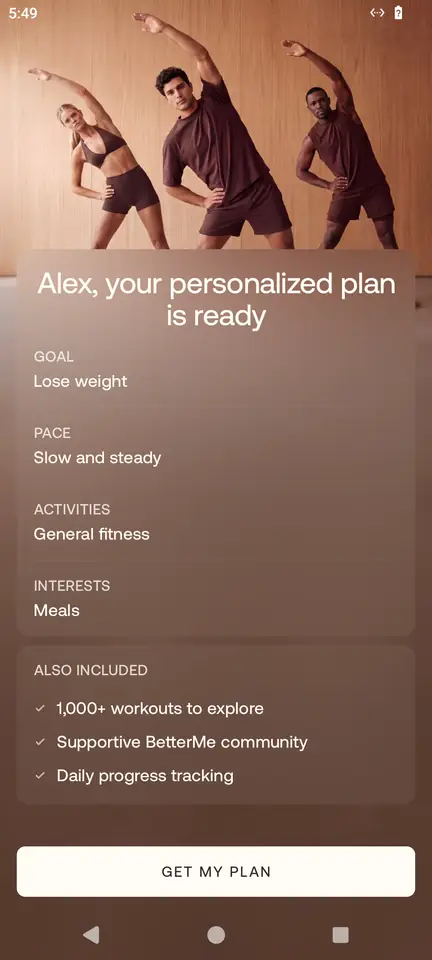
  38. BetterMe onboarding step 38 of 38 — Alex, your personalized plan is ready
    38 OnboardingAlex, your personalized plan is ready — GOAL

What BetterMe's onboarding flow does

  • 38 screens in order, opening on “BetterMe” and ending at “Alex, your personalized plan is ready”.
  • Taps along the way: “Consent checkbox” → “Agree” → “Allow” → “Next” → “Next” → “Next”….
  • Includes a system permission prompt inside the flow.
  • Gives users an exit: a “No thanks” option.

Read the step-by-step UX teardown of this flow →

Captured on a real Android device · last updated 2026-11-14