Home/Apps/Blinkist/Portuguese
Screen · Settings screen · Blinkist · Android

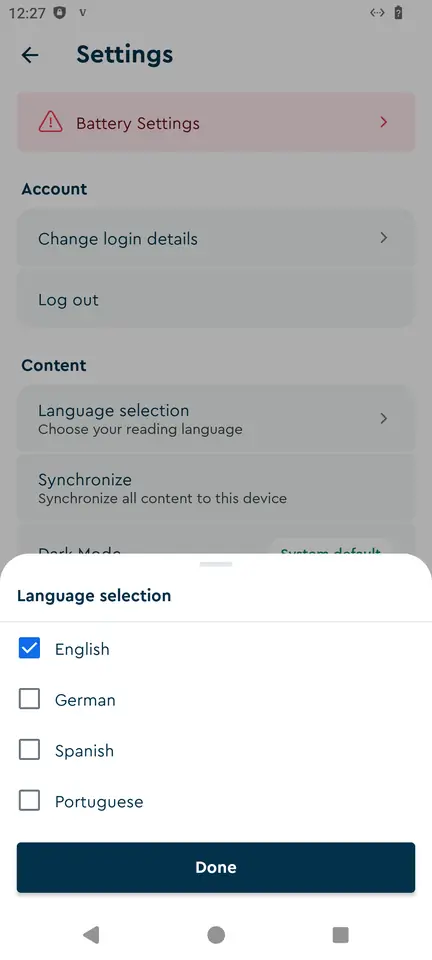
Blinkist settings screen: “Portuguese”

A settings screen from Blinkist for Android, captured on a real device — step 3 of 3 in Blinkist's settings screens. It uses 1 detected UI component, outlined on the screen below.

AndroidSettingsstep 3 of 31 componentfree & ungated
Blinkist Android screen 22 — settings: Close sheet
Checkbox
App
Blinkist · Books & reading
Screen type
Settings
Flow
Blinkist settings screens — step 3 of 3

UI text on this screen

  • Close sheet
  • Language selection
  • English
  • German
  • Spanish
  • Portuguese
  • Done

UI components

Located from the app's Android view hierarchy and outlined on the screen.

More Blinkist screens
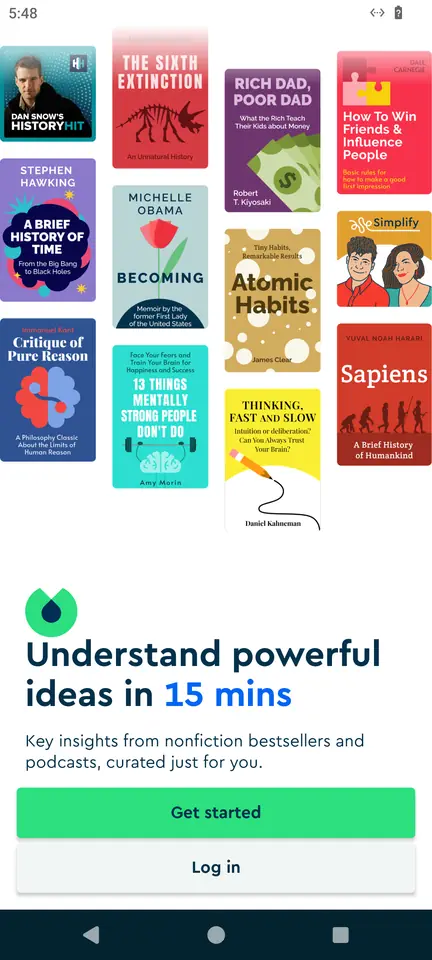
Blinkist Android screen 1 — sign-in: Understand powerful ideas in 15 mins
Sign-in · Understand powerful ideas in 15 mins
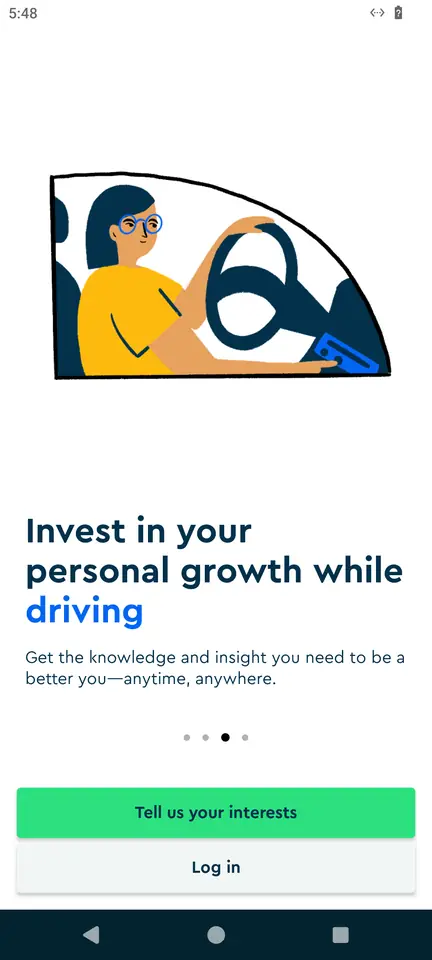
Blinkist Android screen 2 — sign-in: Invest in your personal growth while driving
Sign-in · Invest in your personal growth while…
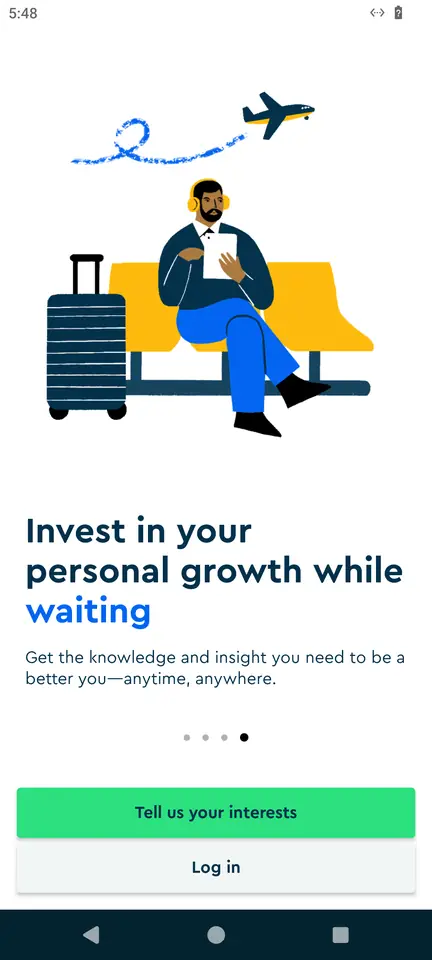
Blinkist Android screen 3 — sign-in: Invest in your personal growth while waiting
Sign-in · Invest in your personal growth while…
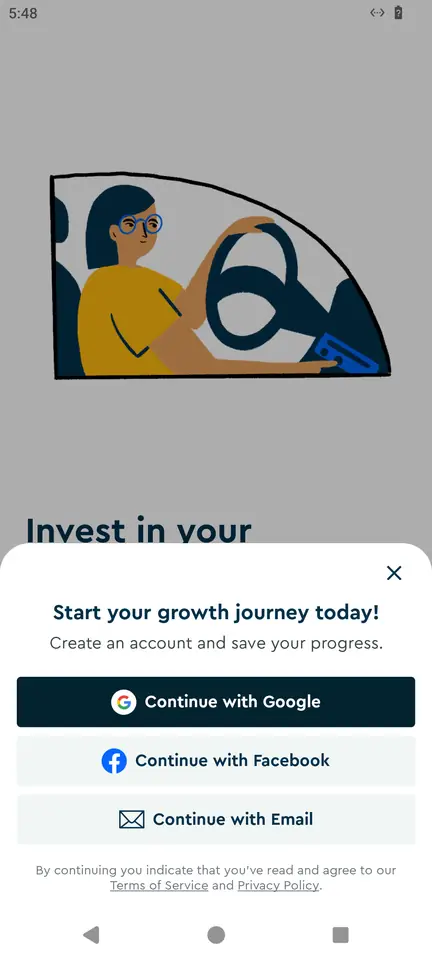
Blinkist Android screen 4 — sign-in: Close sheet
Sign-in · Close sheet
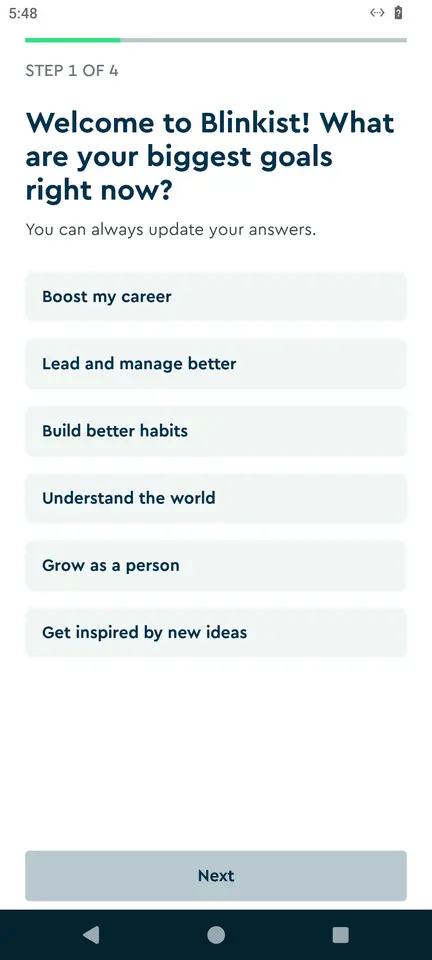
Blinkist Android screen 5 — onboarding: Welcome to Blinkist! What are your biggest goals right now?
Onboarding · Welcome to Blinkist! What are your…
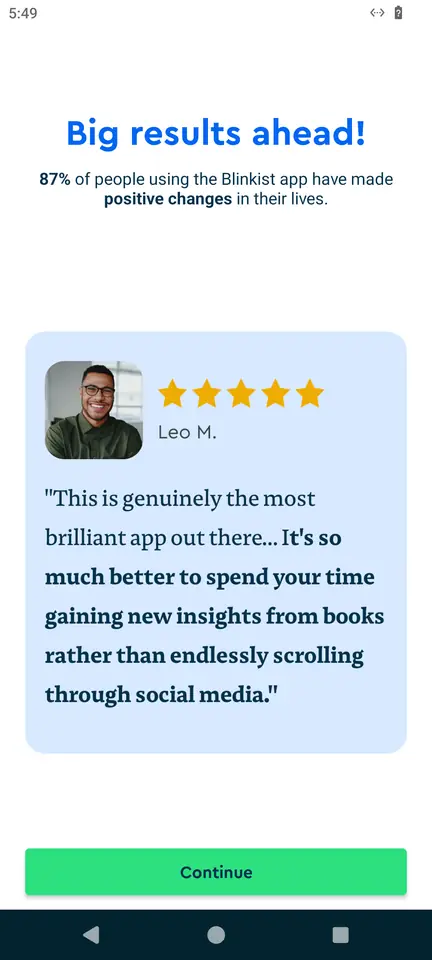
Blinkist Android screen 6 — onboarding: Big results ahead!
Onboarding · Big results ahead!
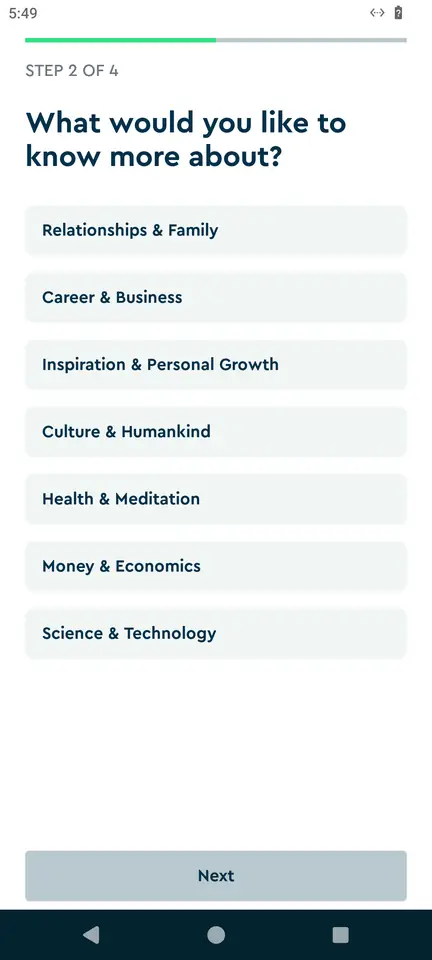
Blinkist Android screen 7 — onboarding: What would you like to know more about?
Onboarding · What would you like to know more about?
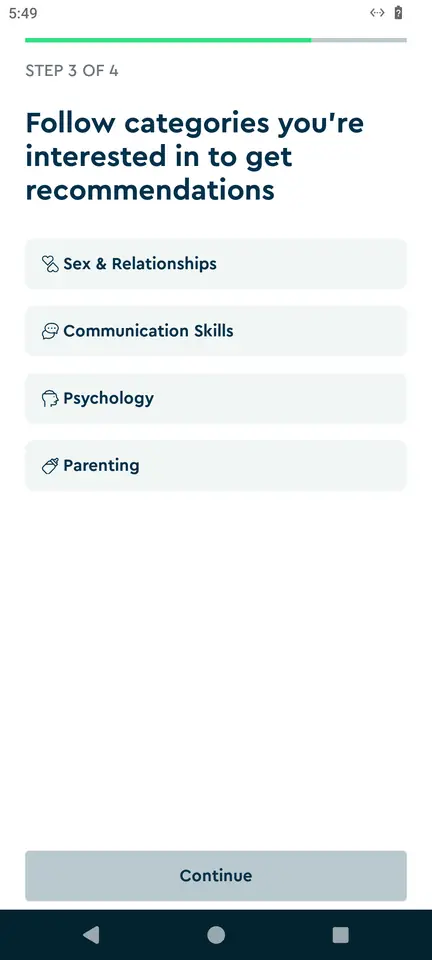
Blinkist Android screen 8 — onboarding: Follow categories you're interested in to get…
Onboarding · Follow categories you're interested in…

Settings screens from other apps

All settings screens →
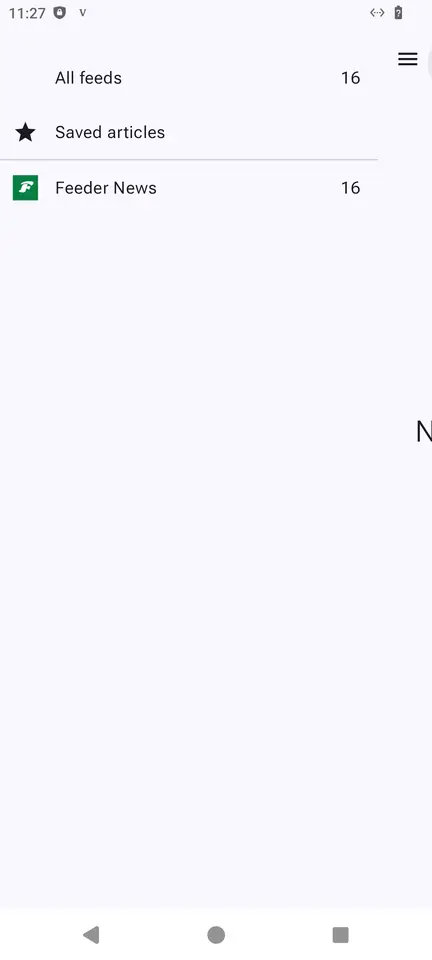
Feeder Android screen 3 — settings: Nothing to read here. Would you like to…
Feeder · Nothing to read here. Would you like to…
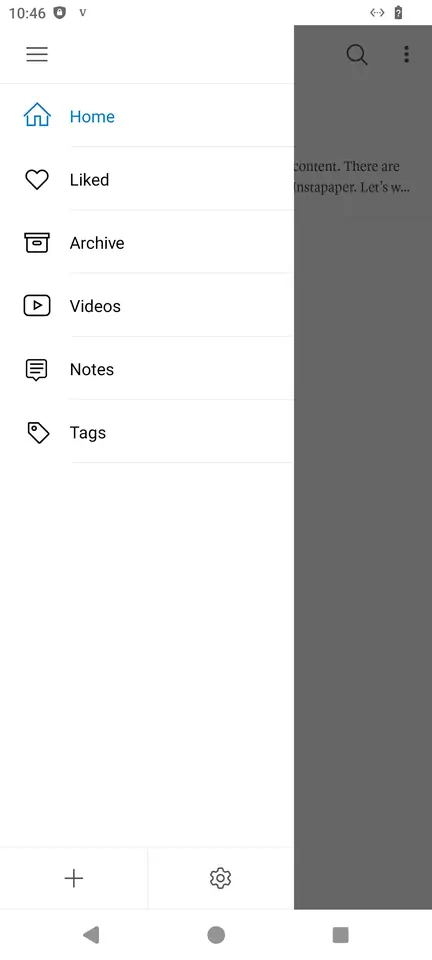
Instapaper Android screen 3 — settings: Search
Instapaper · Search
Lucid Android screen 4 — settings: Back button
Lucid · Back button
NewsBlur Android screen 1 — settings: Preferences
NewsBlur · Preferences
taz Android screen 7 — settings: Einstellungen
taz · Einstellungen
USA TODAY Android screen 7 — settings: From The Editors
USA TODAY · From The Editors

Captured on a real Android device · last updated 2026-11-14