Home/Apps/Blinkist
App · Books & reading · Android

Blinkist app UI

Blinkist for Android, captured on a real device: 41 screens across its onboarding, sign-in, home & browsing and settings flows. A books & reading app, shown step by step — free, no sign-up.

Android41 screens4 flowsfree & ungated

Every Blinkist screen we captured
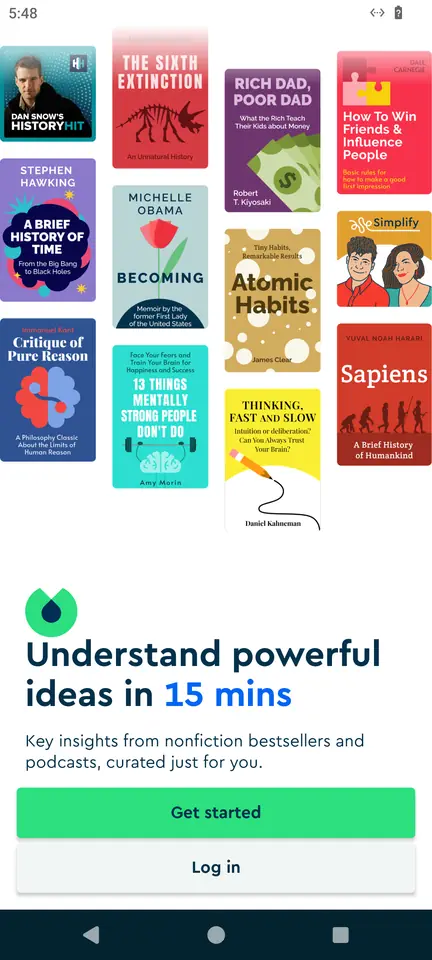
Blinkist Android screen 1 — sign-in: Understand powerful ideas in 15 mins
Sign-in · Understand powerful ideas in 15 mins
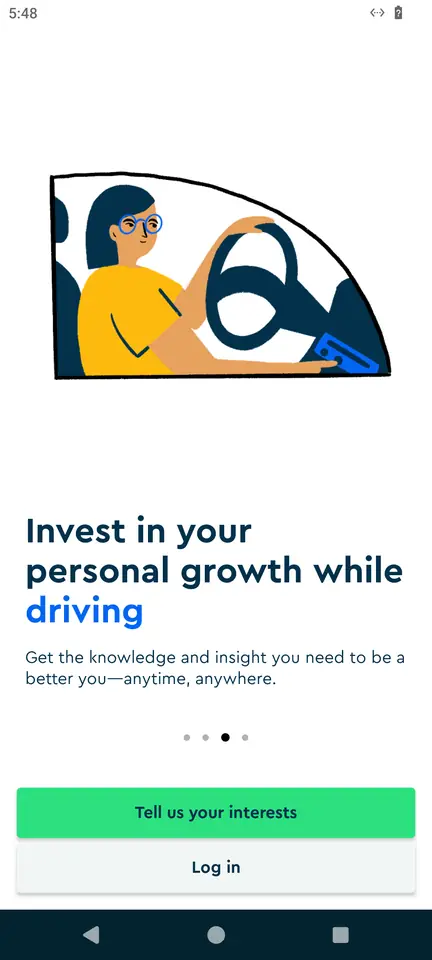
Blinkist Android screen 2 — sign-in: Invest in your personal growth while driving
Sign-in · Invest in your personal growth while driving
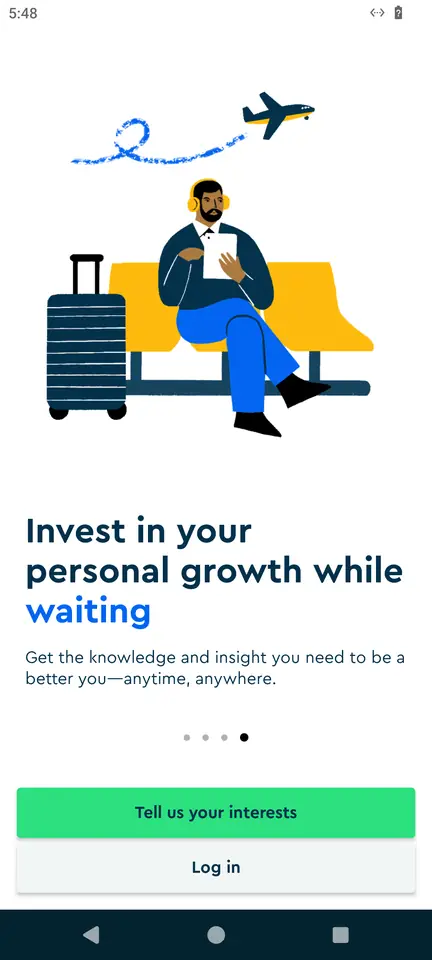
Blinkist Android screen 3 — sign-in: Invest in your personal growth while waiting
Sign-in · Invest in your personal growth while waiting
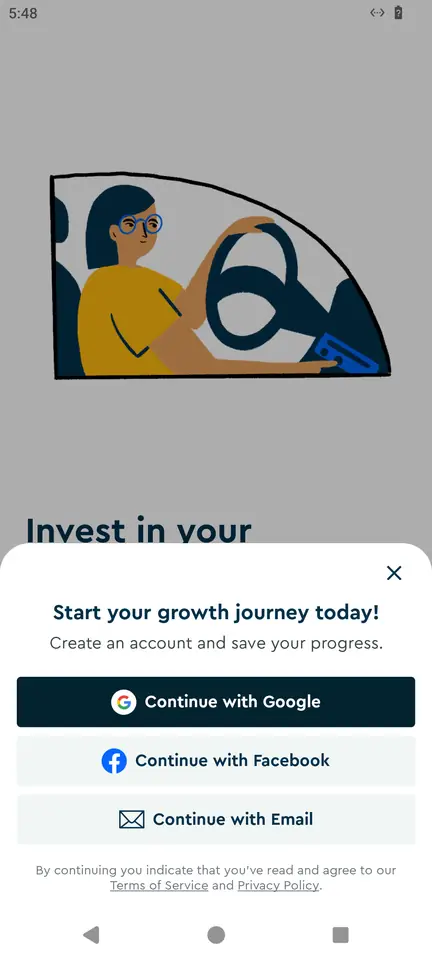
Blinkist Android screen 4 — sign-in: Close sheet
Sign-in · Close sheet
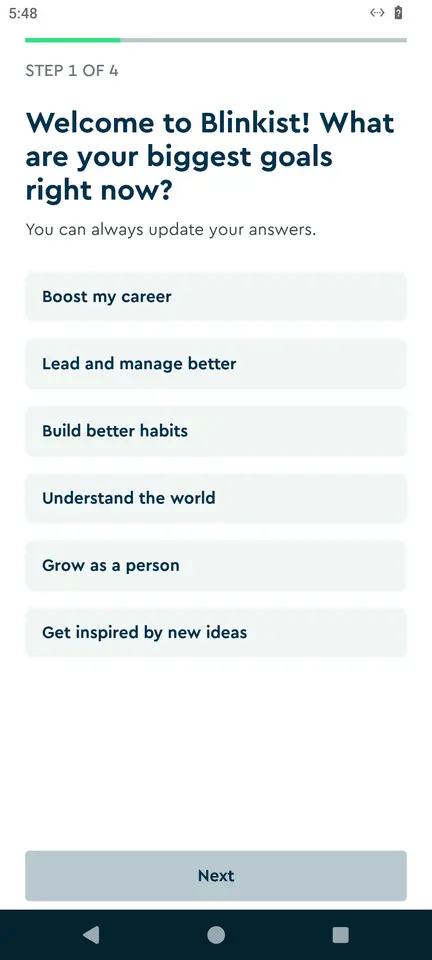
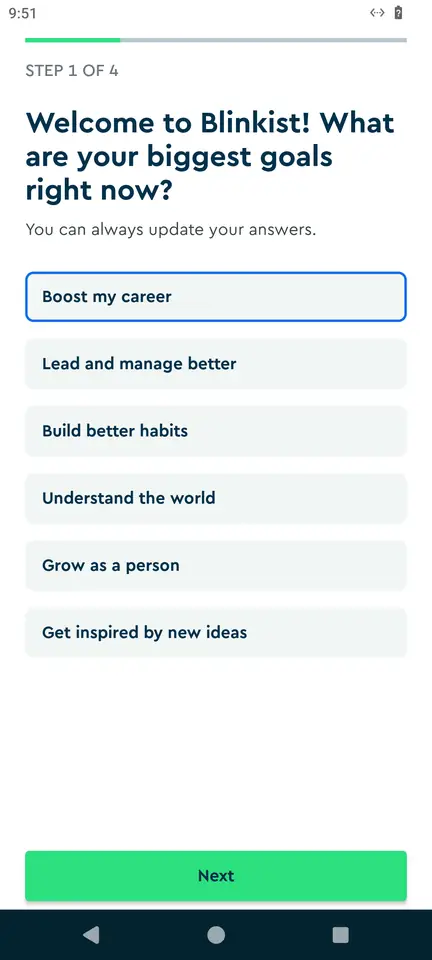
Blinkist Android screen 5 — onboarding: Welcome to Blinkist! What are your biggest goals right now?
Onboarding · Welcome to Blinkist! What are your biggest goals right now?
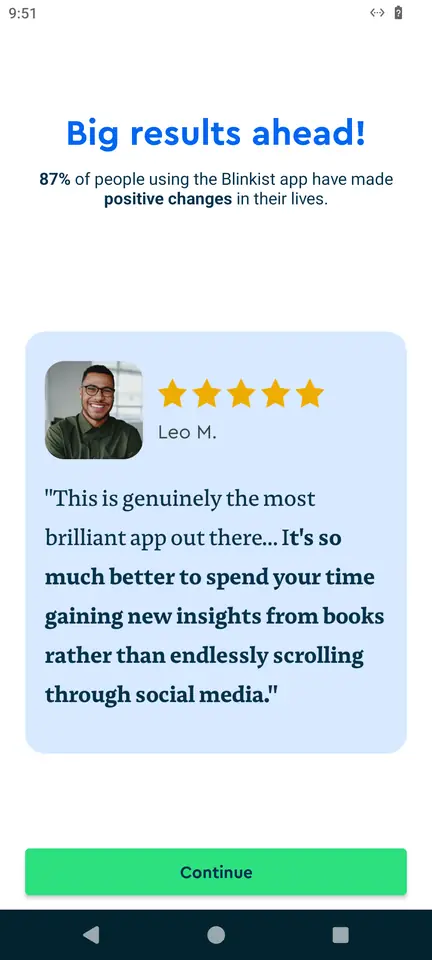
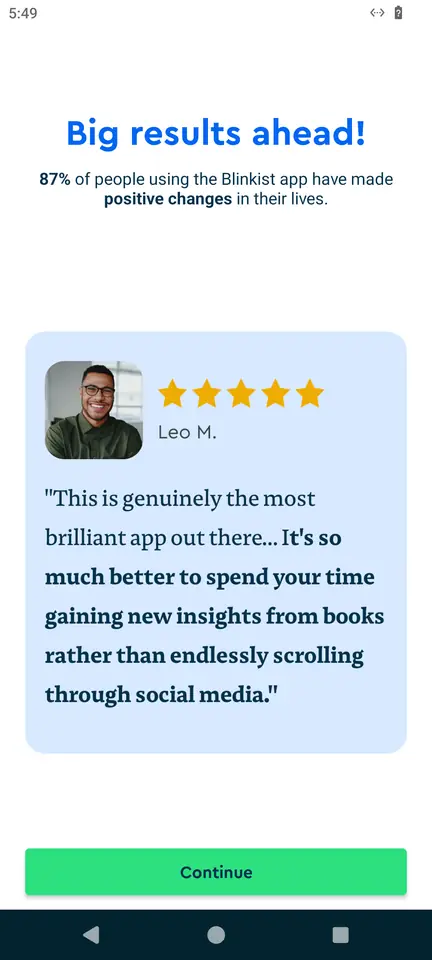
Blinkist Android screen 6 — onboarding: Big results ahead!
Onboarding · Big results ahead!
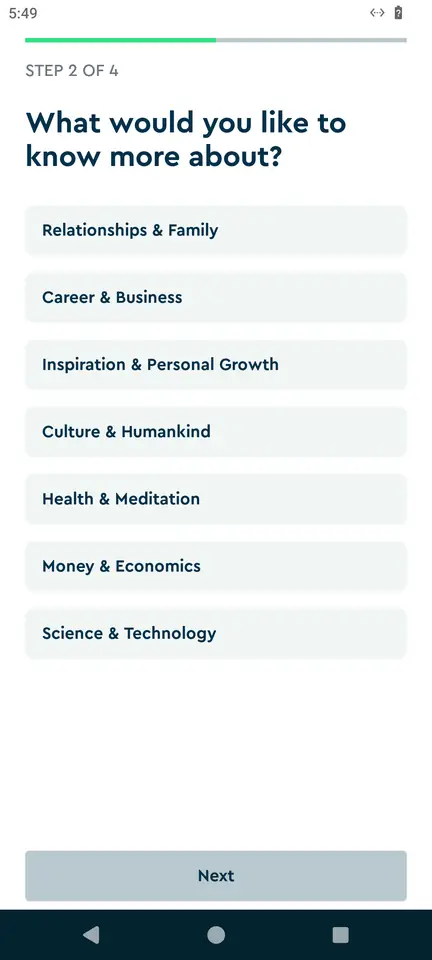
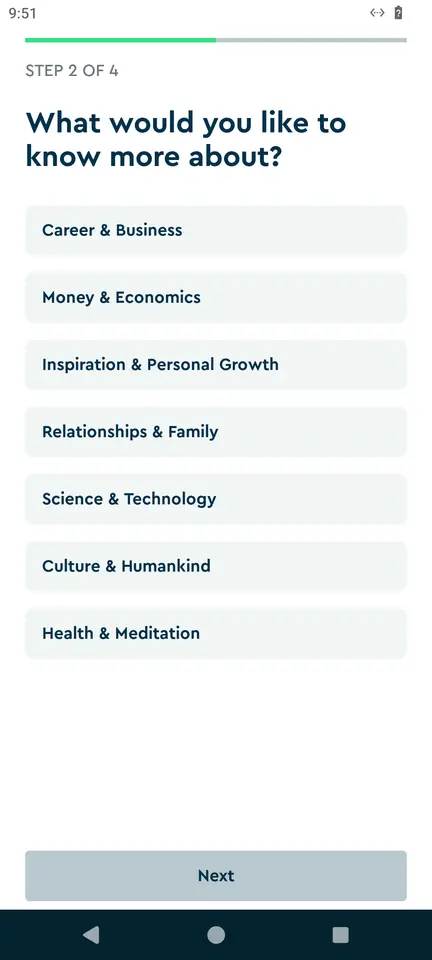
Blinkist Android screen 7 — onboarding: What would you like to know more about?
Onboarding · What would you like to know more about?
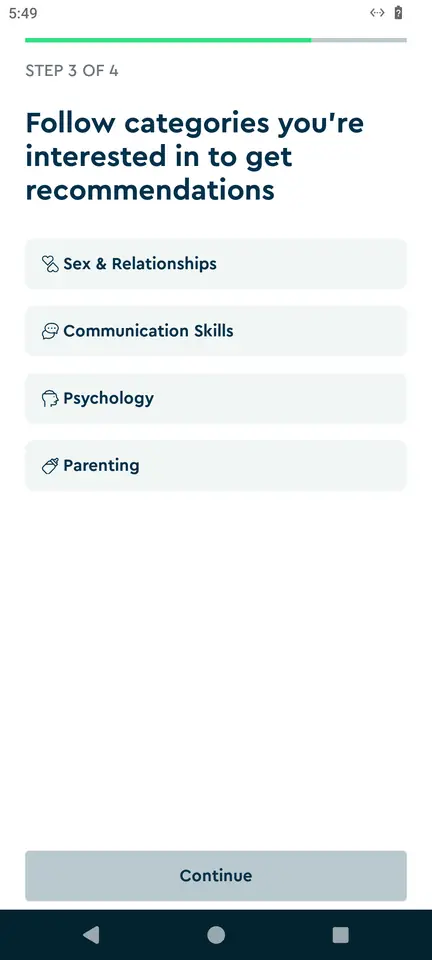
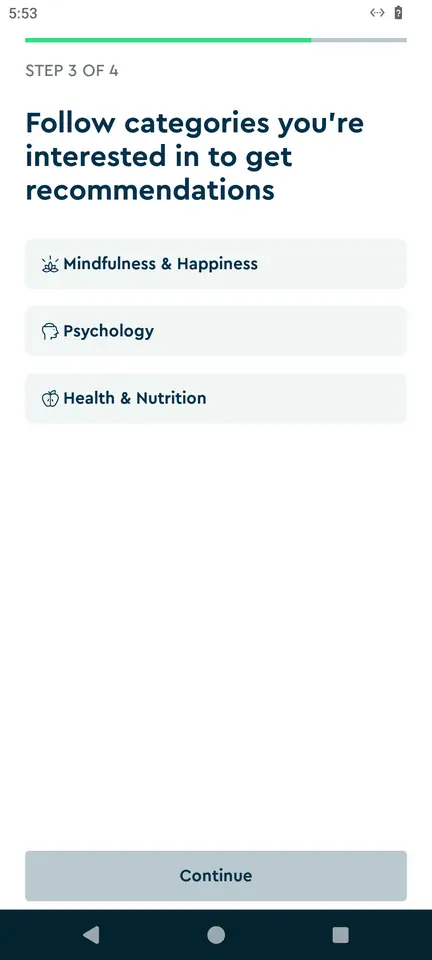
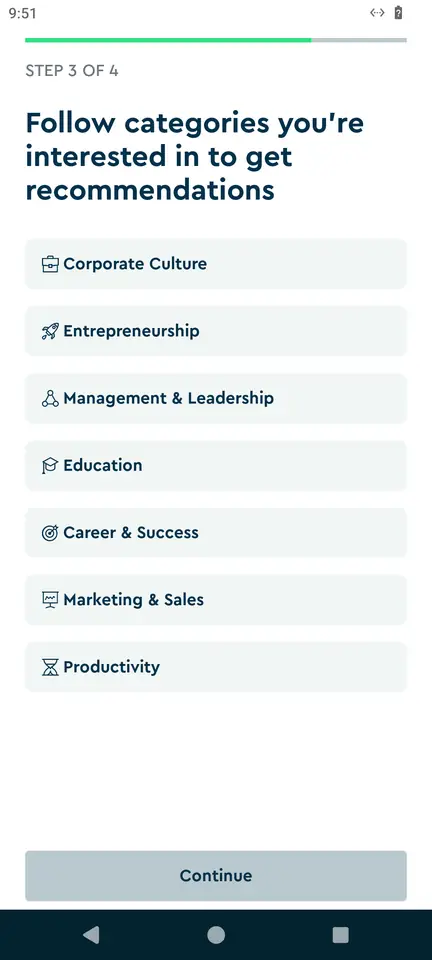
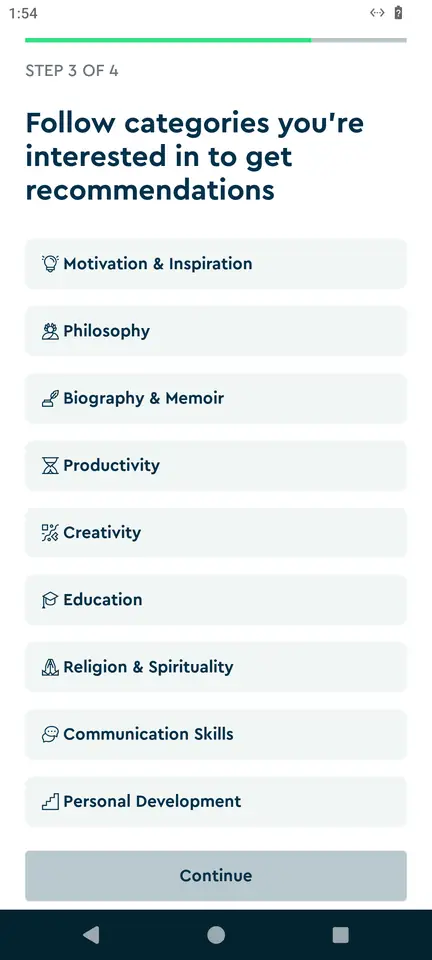
Blinkist Android screen 8 — onboarding: Follow categories you're interested in to get…
Onboarding · Follow categories you're interested in to get recommendations
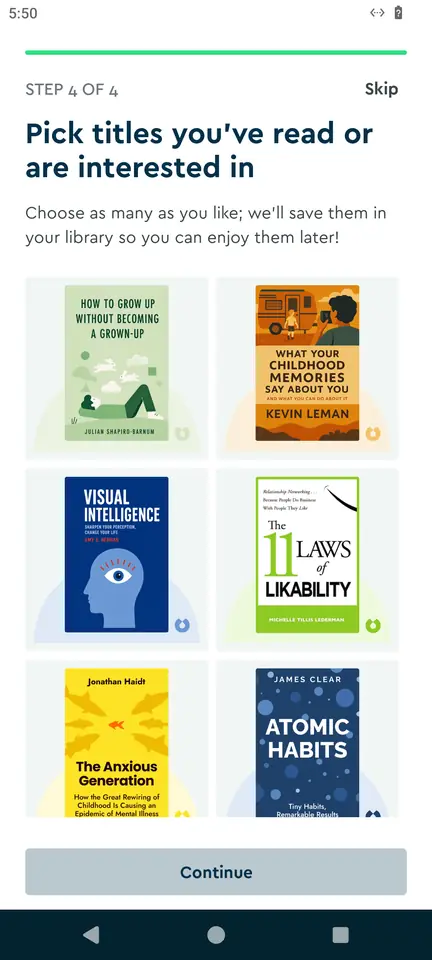
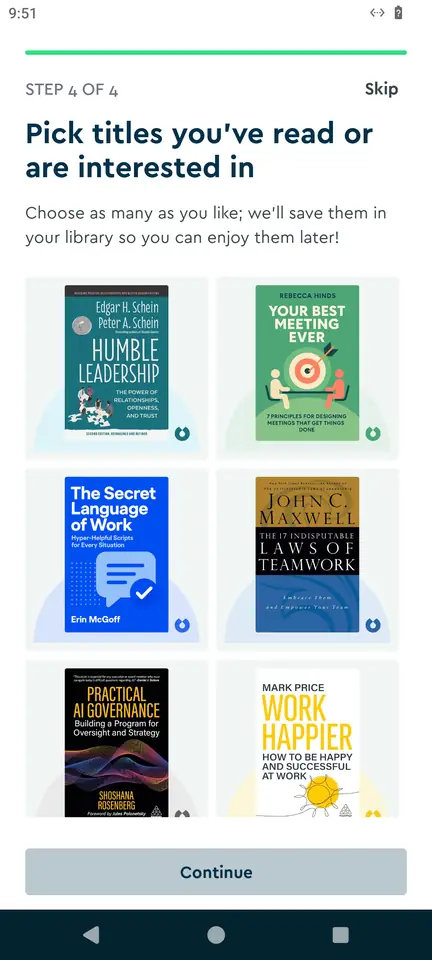
Blinkist Android screen 9 — onboarding: Pick titles you've read or are interested in
Onboarding · Pick titles you've read or are interested in
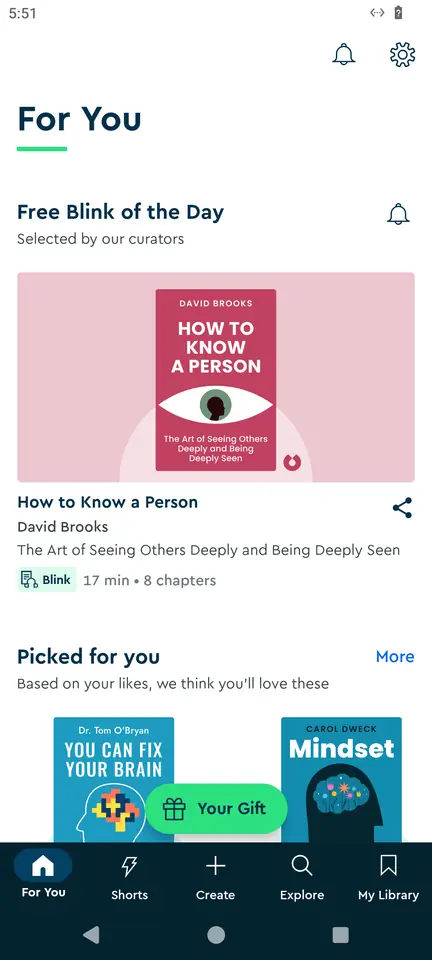
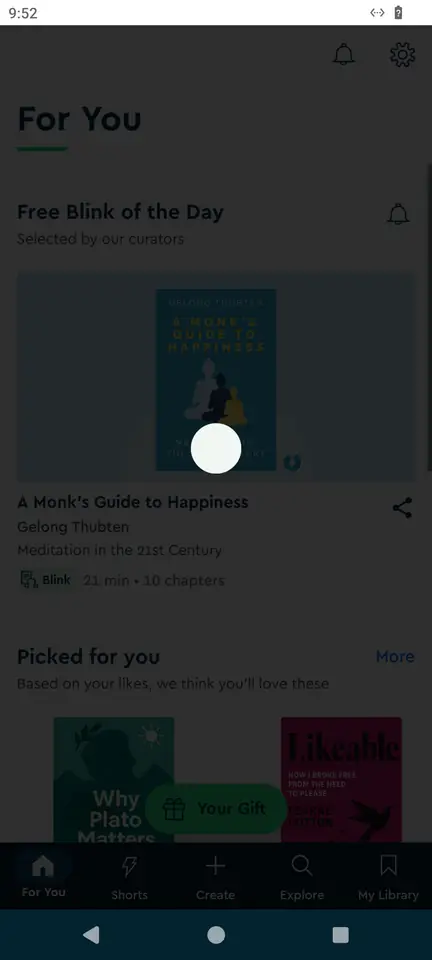
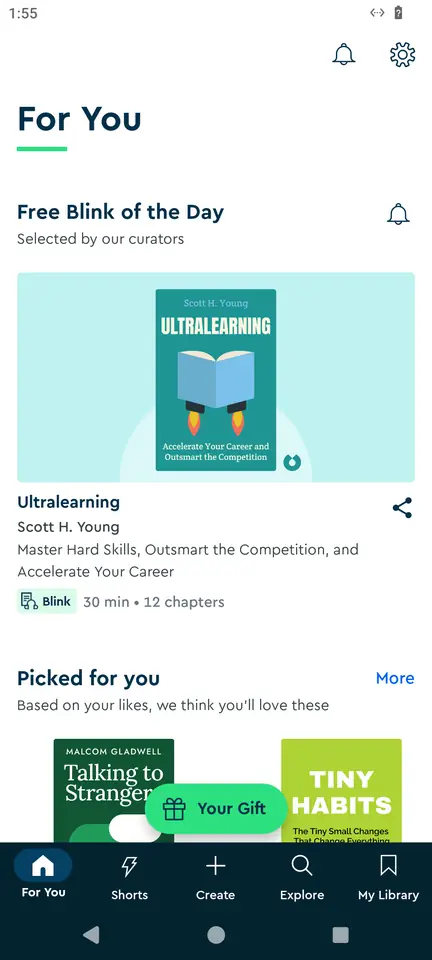
Blinkist Android screen 10 — home & browsing: For You
Home & browsing · For You
Blinkist Android screen 11 — onboarding: Follow categories you're interested in to get…
Onboarding · Follow categories you're interested in to get recommendations
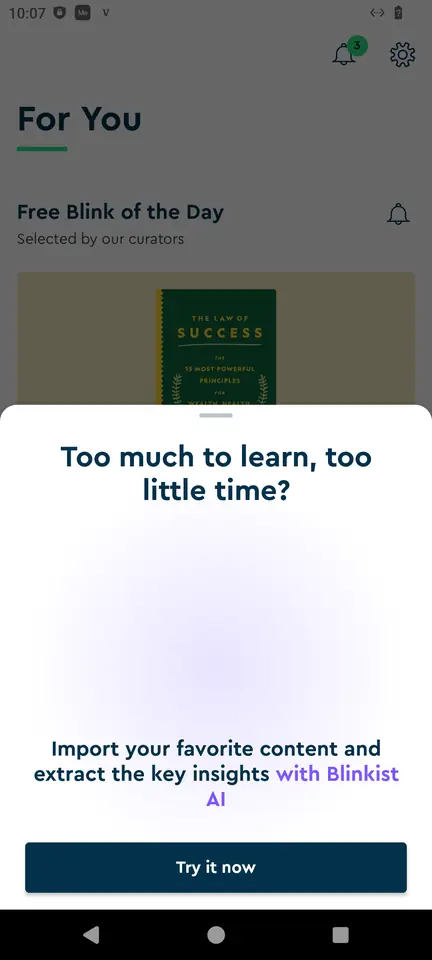
Blinkist Android screen 12 — home & browsing: Too much to learn, too little time?
Home & browsing · Too much to learn, too little time?
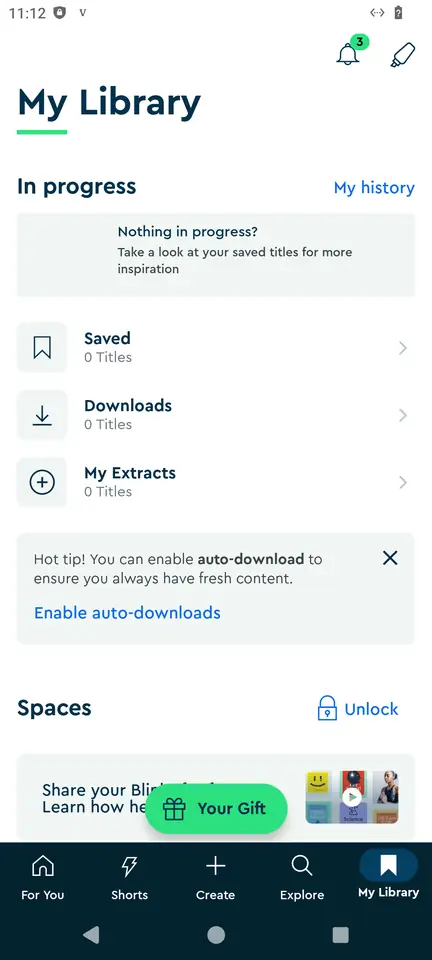
Blinkist Android screen 13 — home & browsing: In progress
Home & browsing · In progress
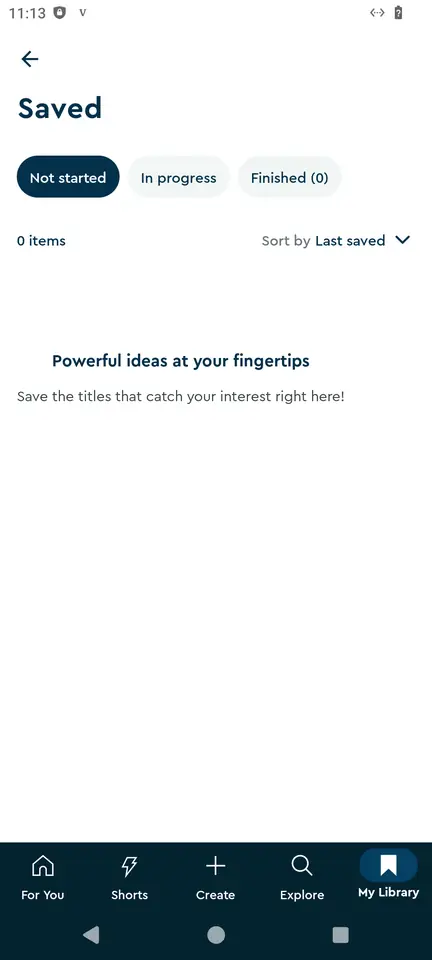
Blinkist Android screen 14 — home & browsing: Powerful ideas at your fingertips
Home & browsing · Powerful ideas at your fingertips
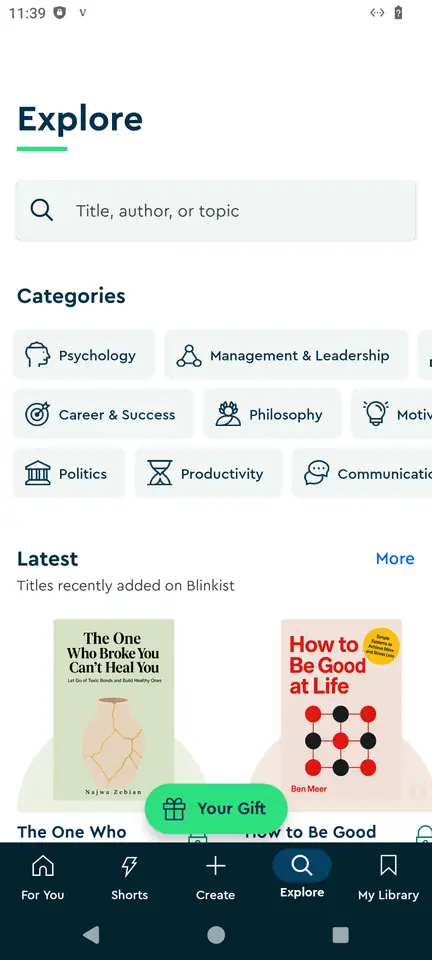
Blinkist Android screen 15 — home & browsing: Explore
Home & browsing · Explore
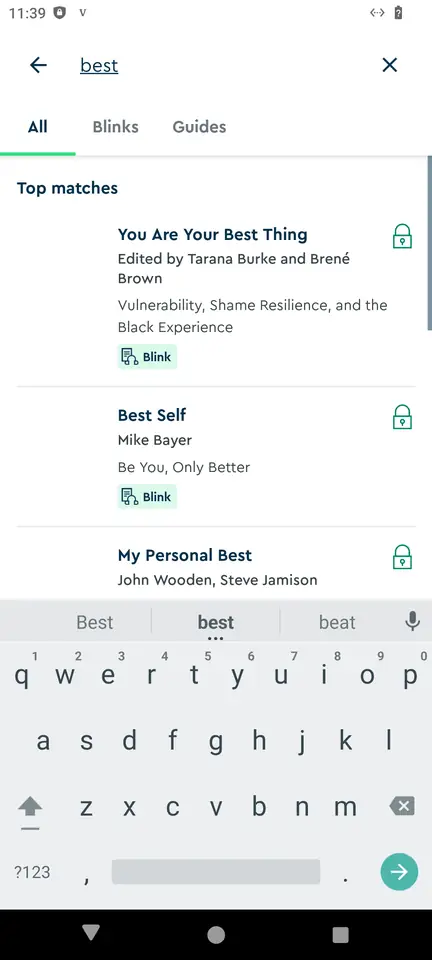
Blinkist Android screen 16 — home & browsing: Search
Home & browsing · Search
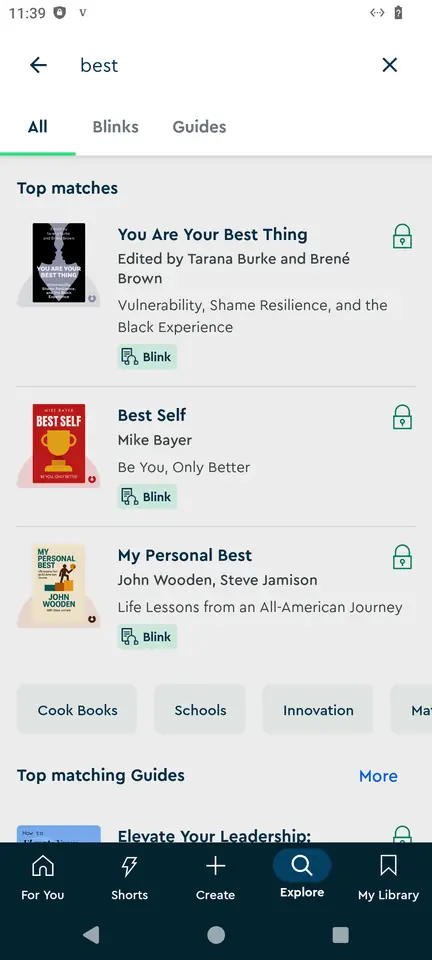
Blinkist Android screen 17 — home & browsing: Search
Home & browsing · Search
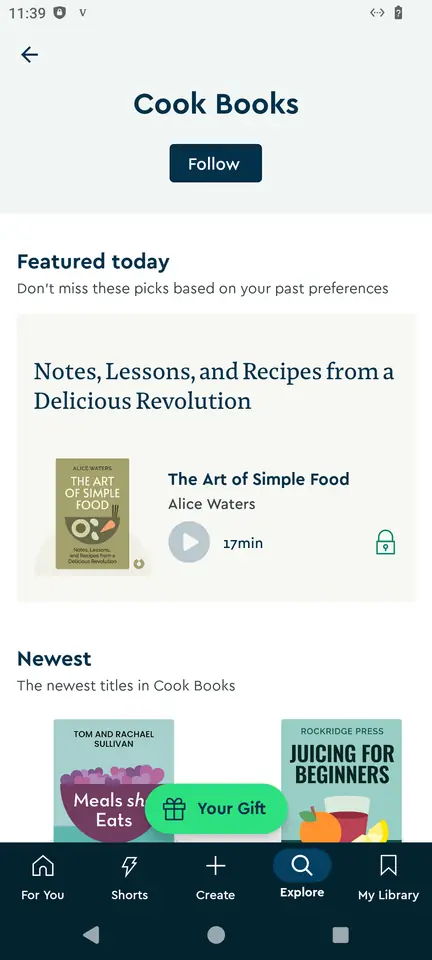
Blinkist Android screen 18 — home & browsing: Cook Books
Home & browsing · Cook Books
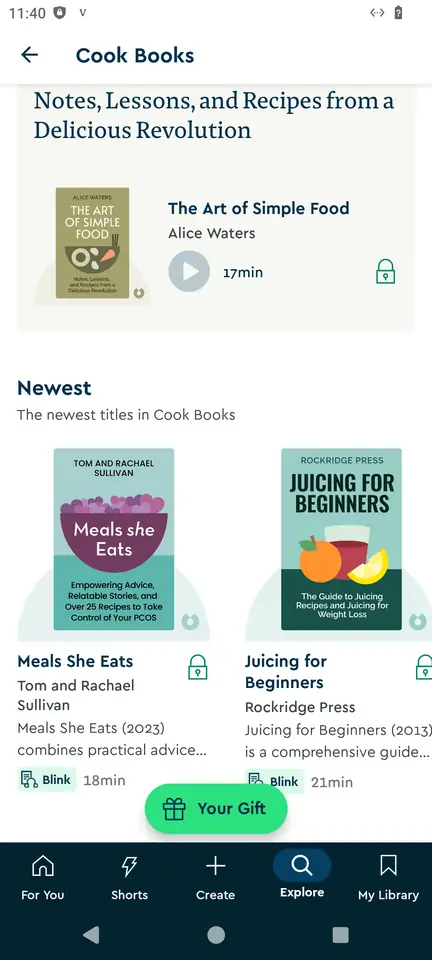
Blinkist Android screen 19 — home & browsing: Cook Books
Home & browsing · Cook Books
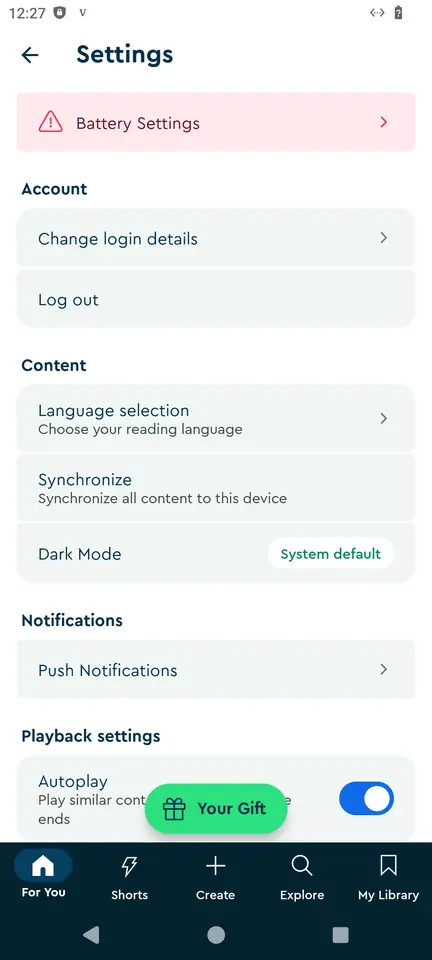
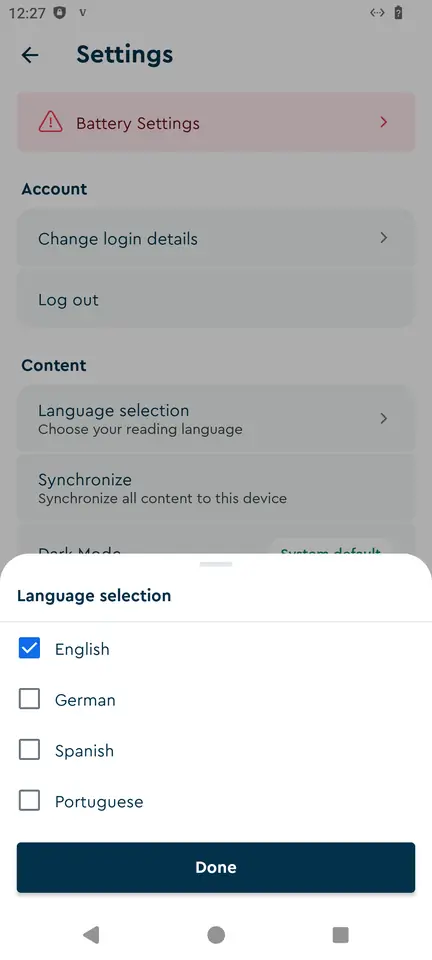
Blinkist Android screen 20 — settings: Battery Settings
Settings · Battery Settings
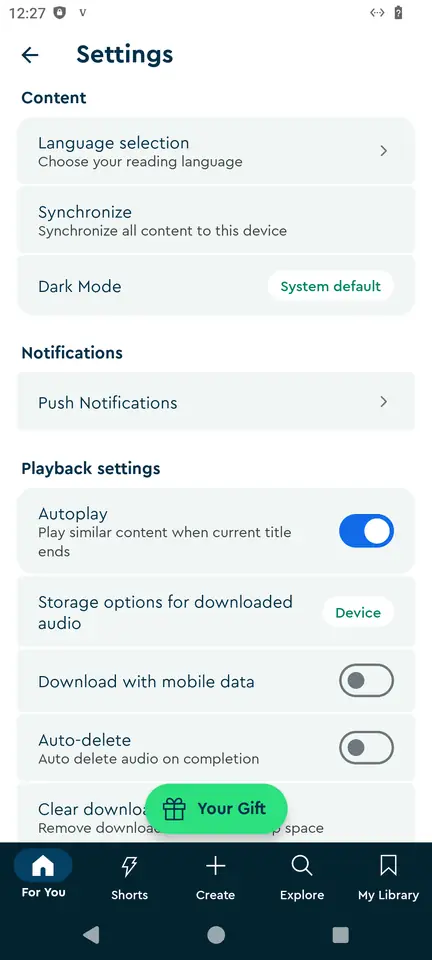
Blinkist Android screen 21 — settings: Content
Settings · Content
Blinkist Android screen 22 — settings: Close sheet
Settings · Close sheet
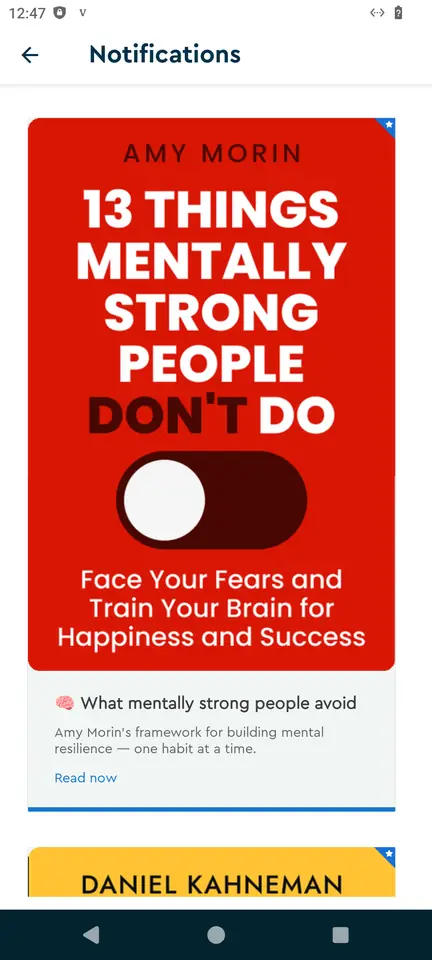
Blinkist Android screen 23 — home & browsing: 🧠 What mentally strong people avoid
Home & browsing · 🧠 What mentally strong people avoid
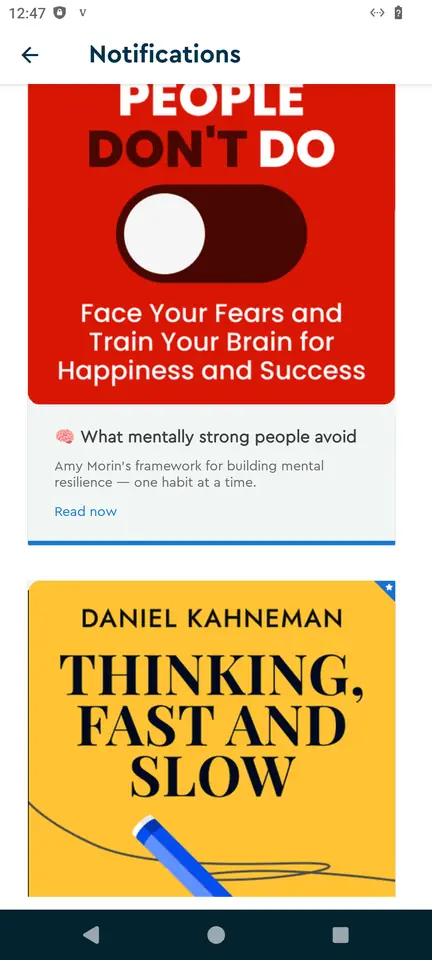
Blinkist Android screen 24 — home & browsing: 🧠 What mentally strong people avoid
Home & browsing · 🧠 What mentally strong people avoid
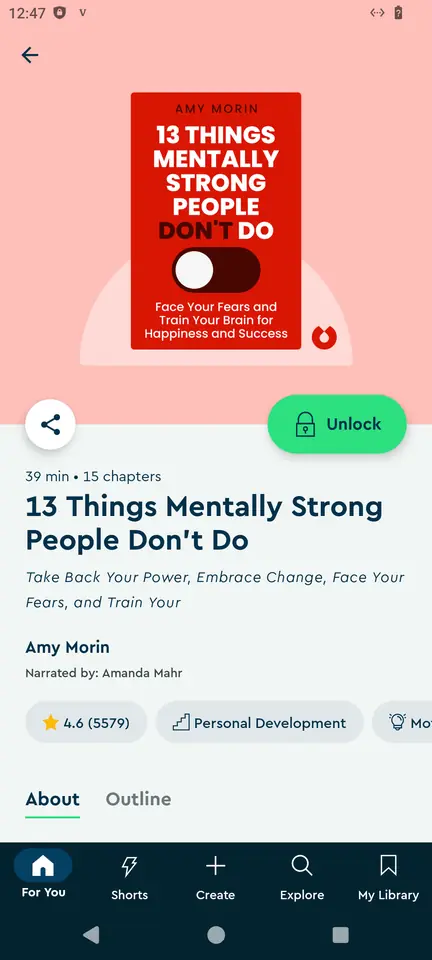
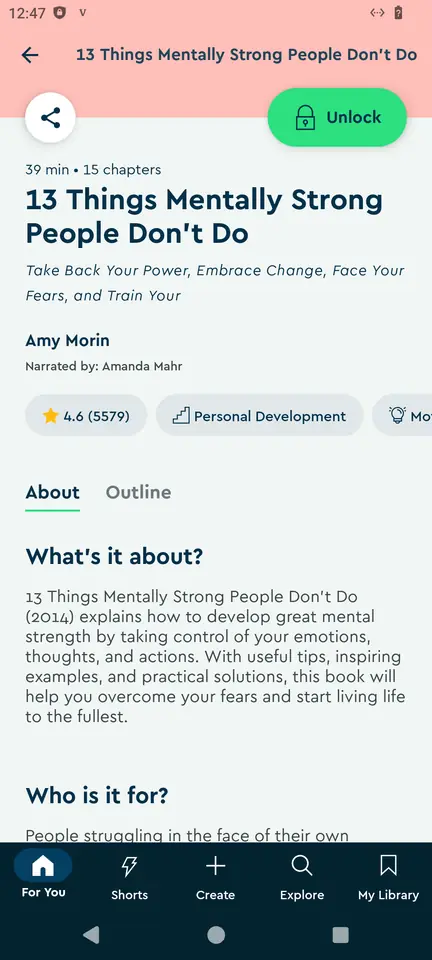
Blinkist Android screen 25 — home & browsing: 39 min • 15 chapters
Home & browsing · 39 min • 15 chapters
Blinkist Android screen 26 — home & browsing: 39 min • 15 chapters
Home & browsing · 39 min • 15 chapters
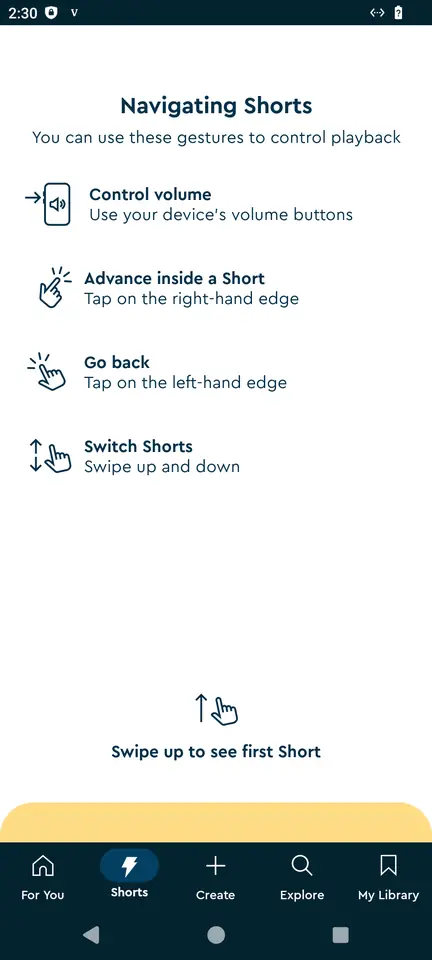
Blinkist Android screen 27 — home & browsing: Navigating Shorts
Home & browsing · Navigating Shorts
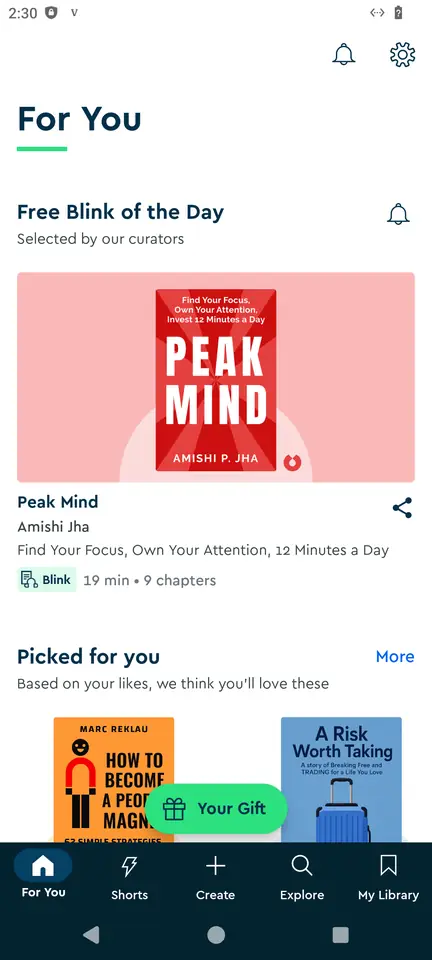
Blinkist Android screen 28 — home & browsing: For You
Home & browsing · For You
Blinkist Android screen 29 — onboarding: Gathering ideas...
Onboarding · Gathering ideas...
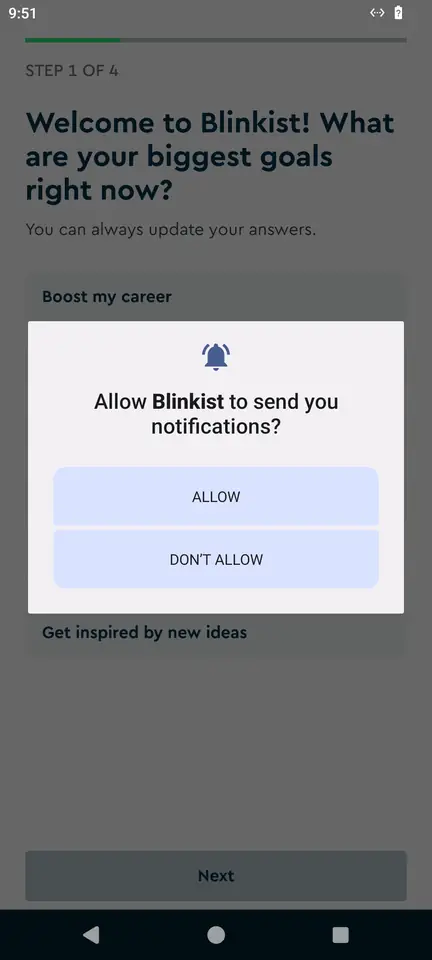
Blinkist Android screen 30 — permissions: Allow Blinkist to send you notifications?
Permissions · Allow Blinkist to send you notifications?
Blinkist Android screen 31 — onboarding: Welcome to Blinkist! What are your biggest goals right now?
Onboarding · Welcome to Blinkist! What are your biggest goals right now?
Blinkist Android screen 32 — onboarding: Continue
Onboarding · Continue
Blinkist Android screen 33 — onboarding: What would you like to know more about?
Onboarding · What would you like to know more about?
Blinkist Android screen 34 — onboarding: Follow categories you're interested in to get…
Onboarding · Follow categories you're interested in to get recommendations
Blinkist Android screen 35 — onboarding: Pick titles you've read or are interested in
Onboarding · Pick titles you've read or are interested in
Blinkist Android screen 36 — onboarding: Onboarding
Onboarding
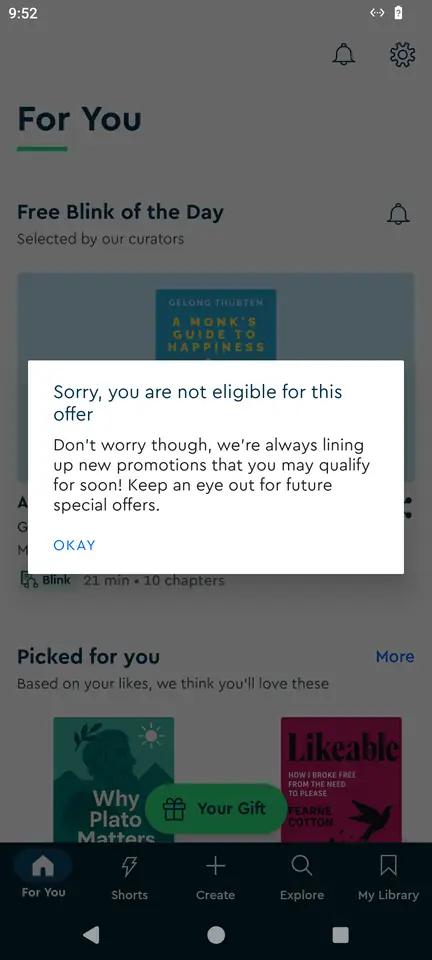
Blinkist Android screen 37 — onboarding: Sorry, you are not eligible for this offer
Onboarding · Sorry, you are not eligible for this offer
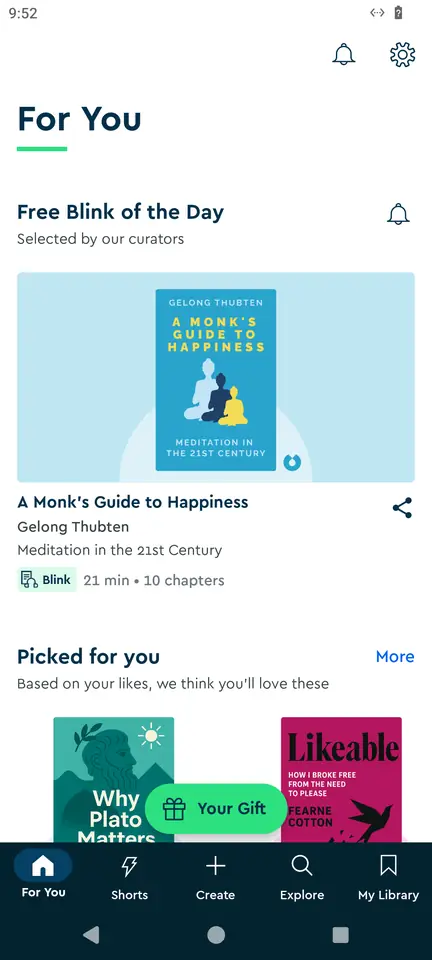
Blinkist Android screen 38 — home & browsing: For You
Home & browsing · For You
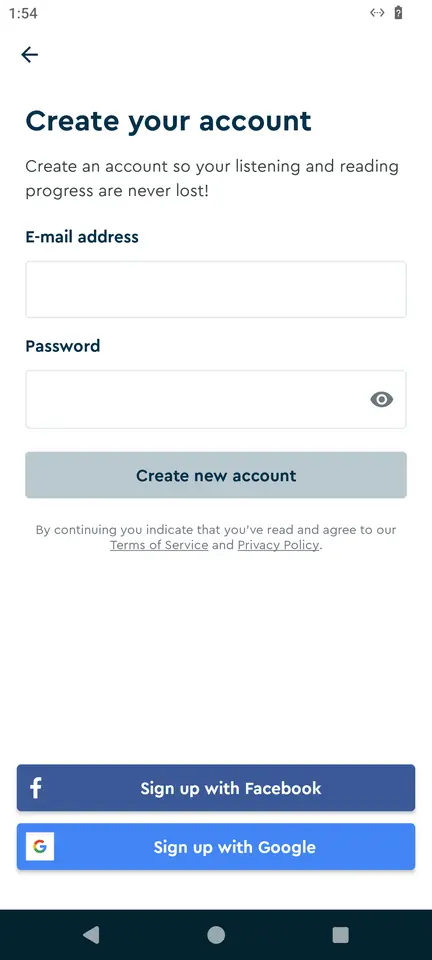
Blinkist Android screen 39 — sign-in: Create your account
Sign-in · Create your account
Blinkist Android screen 40 — onboarding: Follow categories you're interested in to get…
Onboarding · Follow categories you're interested in to get recommendations
Blinkist Android screen 41 — home & browsing: For You
Home & browsing · For You

Captured on a real Android device · last updated 2026-11-14

Blinkist app design: questions

What screens of the Blinkist Android app can I see?

41 screens of Blinkist for Android, captured on a real device: 17 home & browsing, 15 onboarding, 5 sign-in, 3 settings and 1 permissions. Every screen has its own page with the UI text it shows.
Which Blinkist user flows are recorded step by step?
Onboarding (12 screens), sign-in (4 screens), home & browsing (16 screens) and settings (3 screens). Each flow page shows the screens in order and the tap that leads to the next one.
Which UX patterns appear in Blinkist?

By number of screens: onboarding progress indicator (10 screens), welcome screen (3 screens), dark mode toggle (2 screens), skip button (2 screens) and social login buttons (2 screens).

What Android UI components does Blinkist use?

Read from the screens' layout data, by number of screens: tab bar (16), floating action button (10), card (9), icon button (8) and button (5).

What apps are similar to Blinkist?

Other books & reading apps in the library: Headway, Lucid, USA TODAY, The StoryGraph, Fable and more.