Checkbox: definition and 45 real Android examples
A checkbox lets users select one or more independent options, or confirm a single statement such as “I agree to the Terms”. Unlike a switch, a checked box usually takes effect when the form is submitted.
Also called: check box, tick box
Checkbox examples, highlighted on 45 Android apps
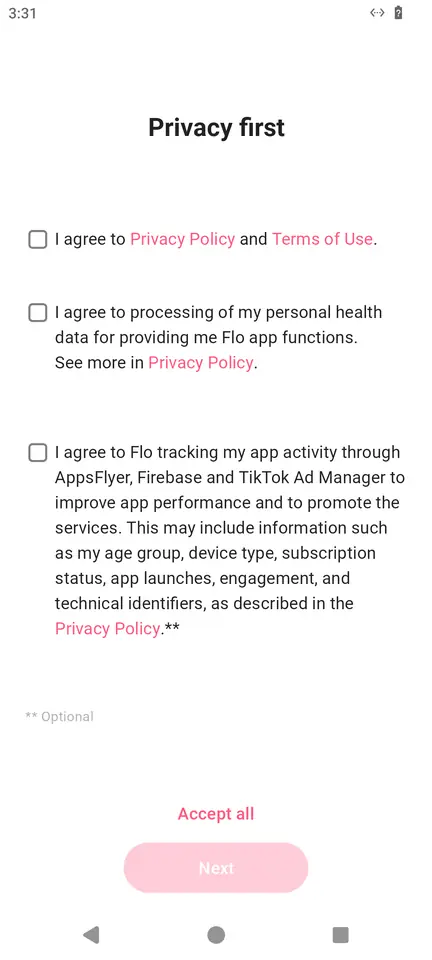
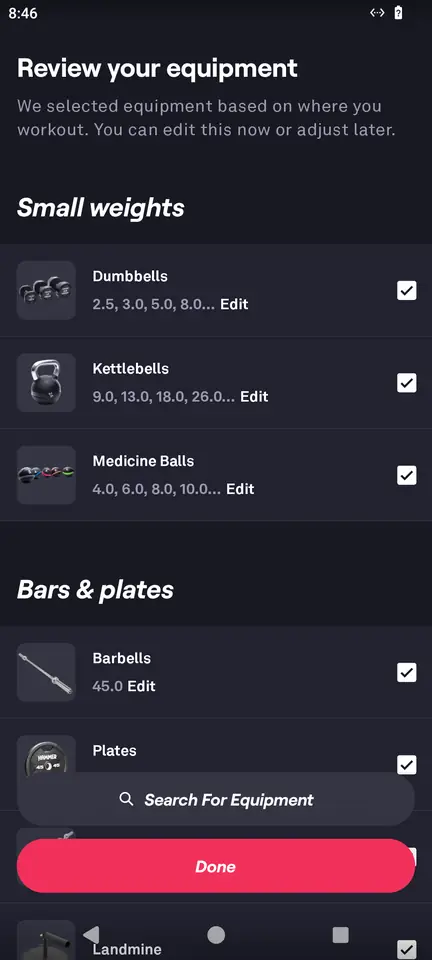
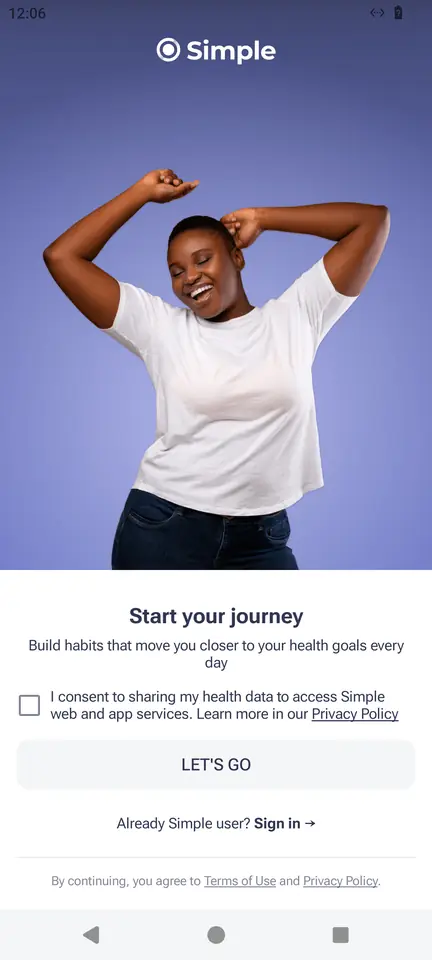
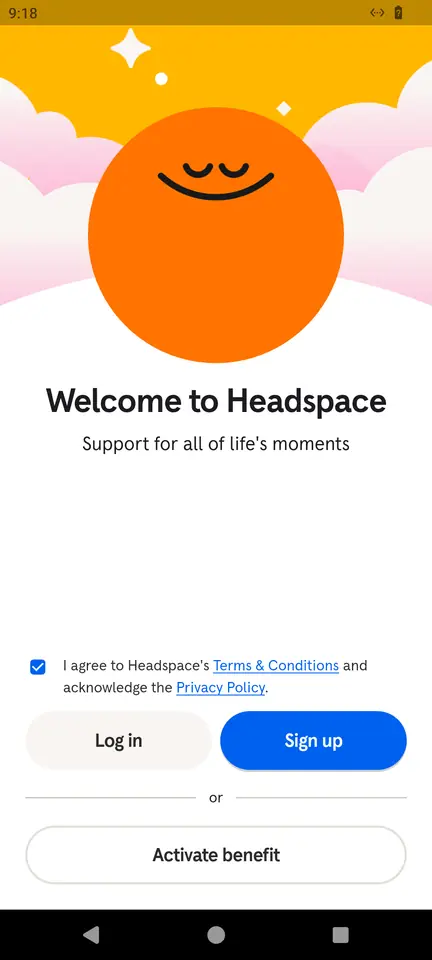
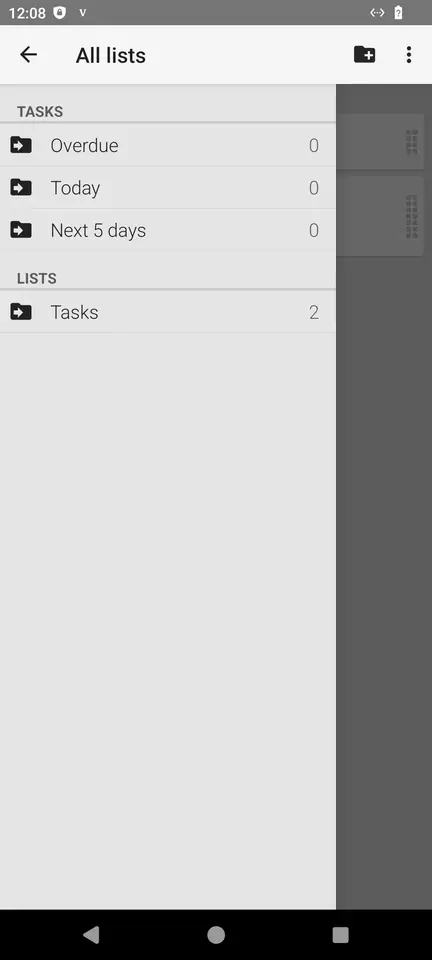
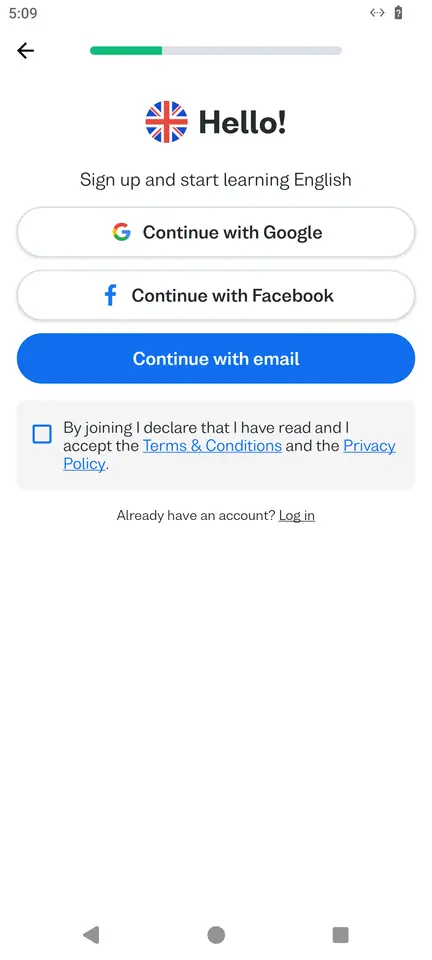
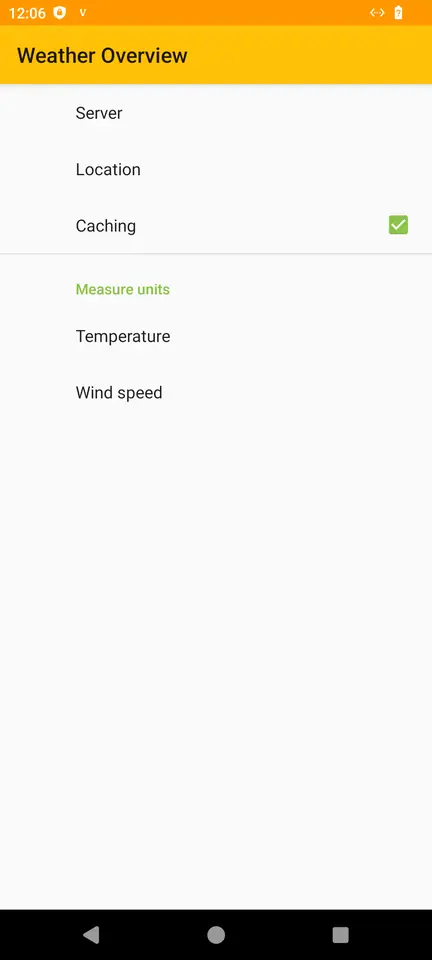
The orange outline marks the checkbox on each real screen, located from the app's own Android view hierarchy.
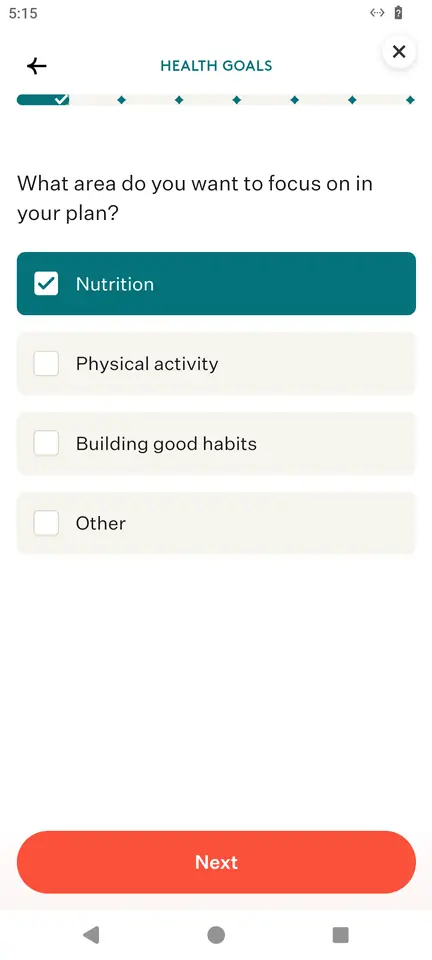
Nutrition
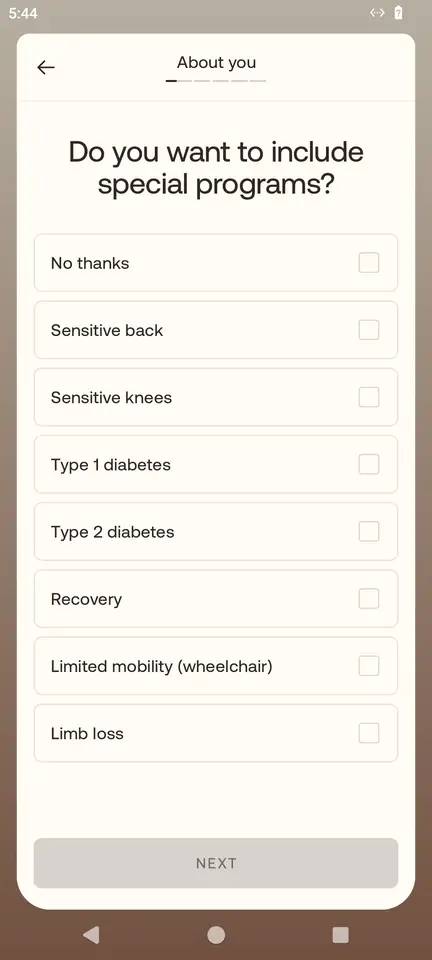
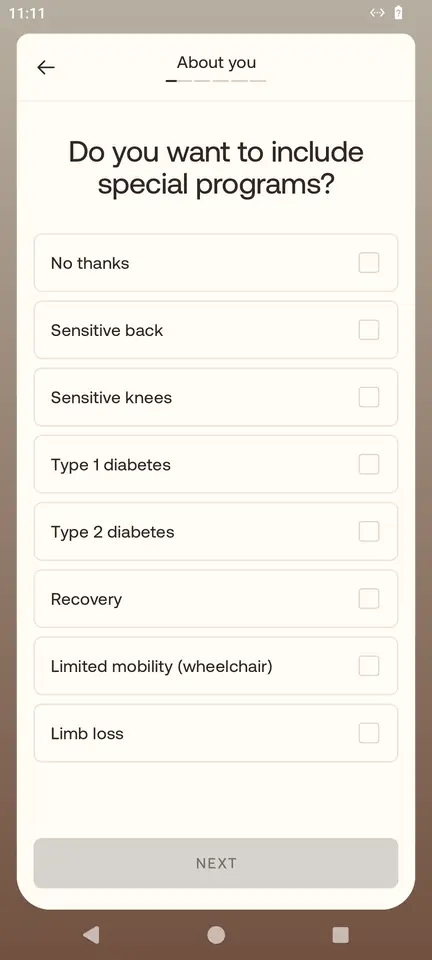
No thanks
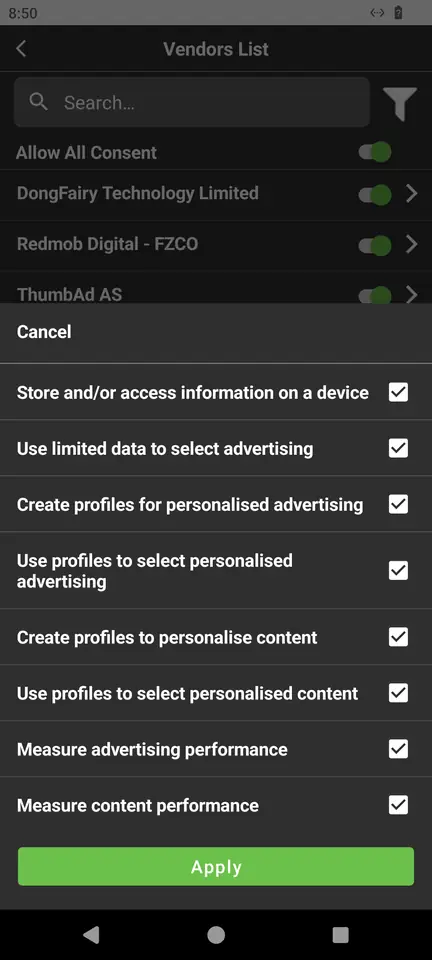
Filter
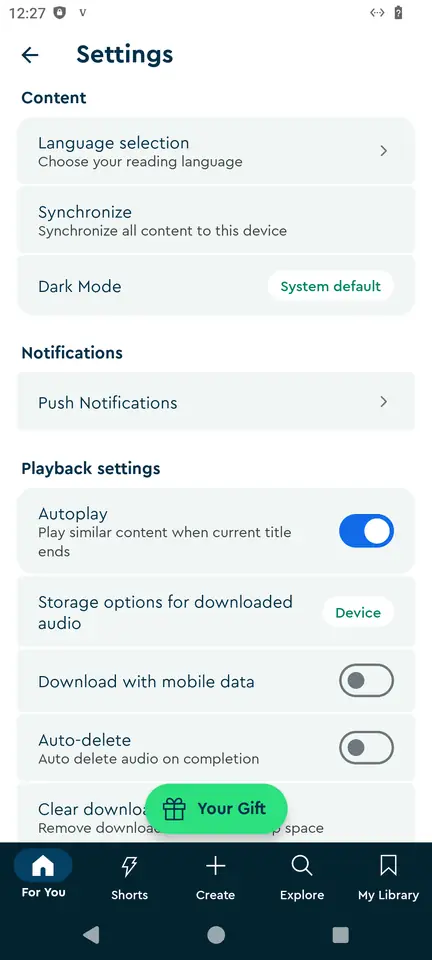
Autoplay
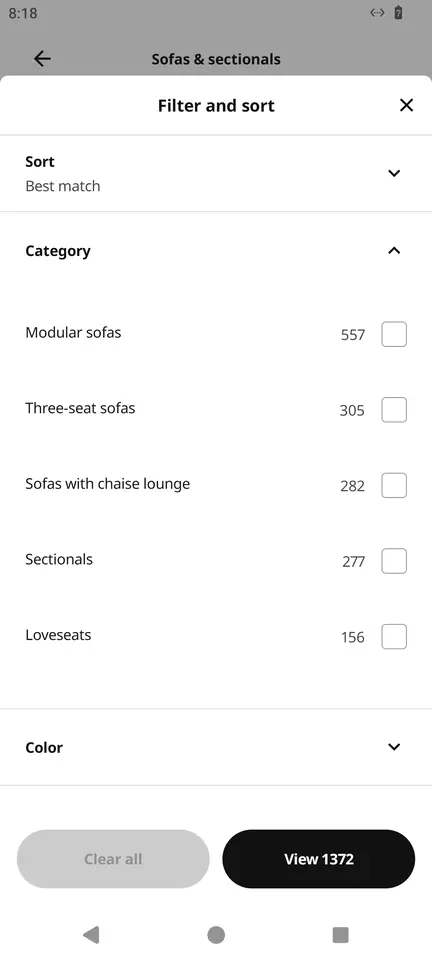
Modular sofas
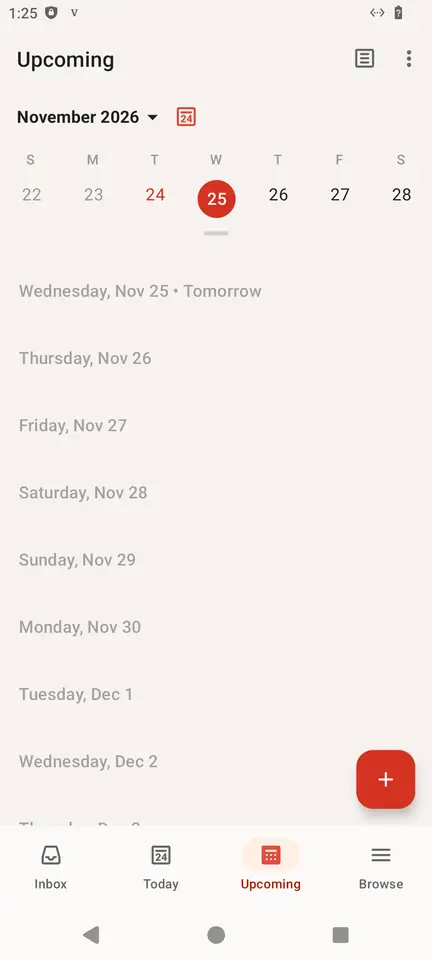
Complete
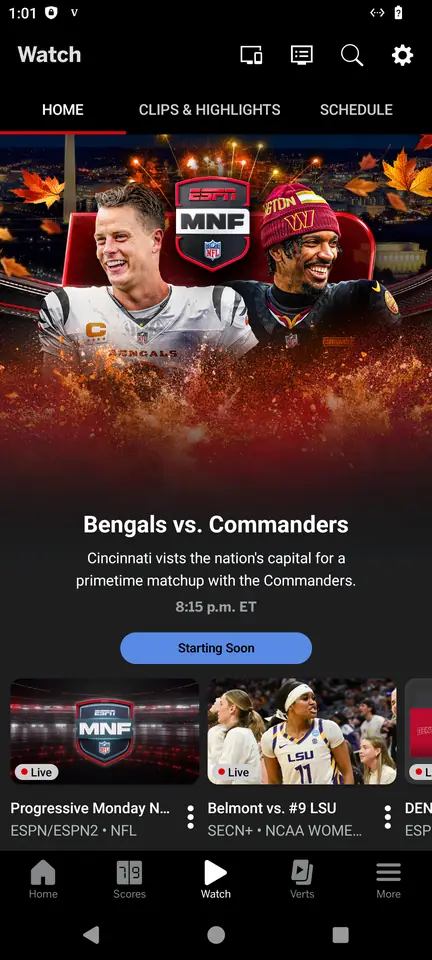
Streamcenter
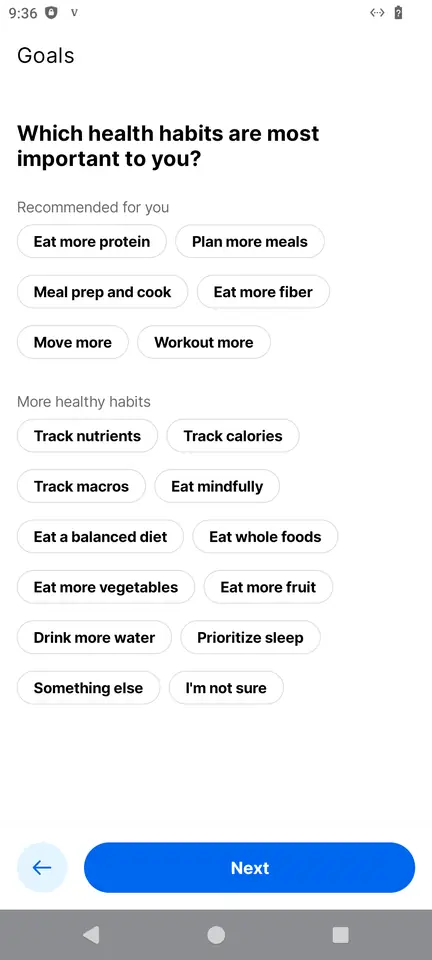
Eat more protein
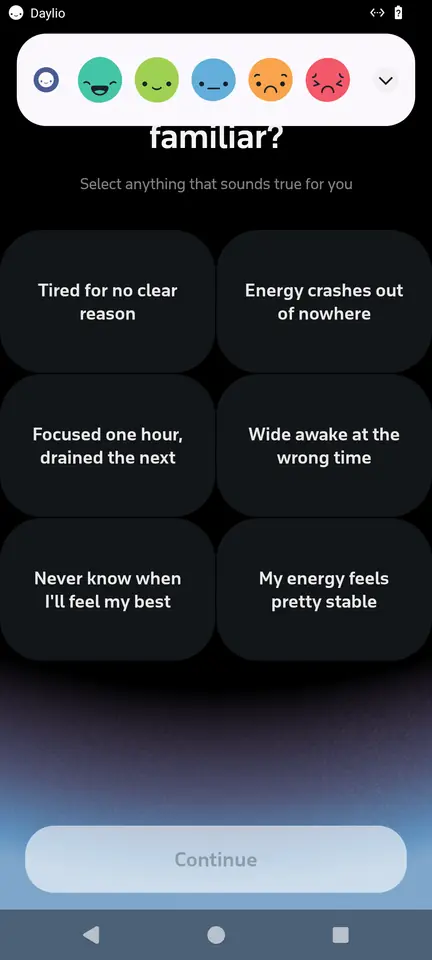
Tired for no clear reason
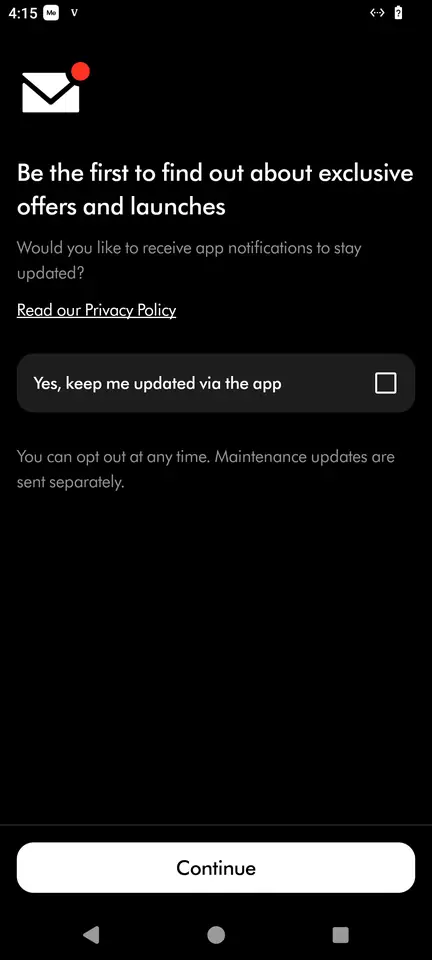
Yes, keep me updated via the app
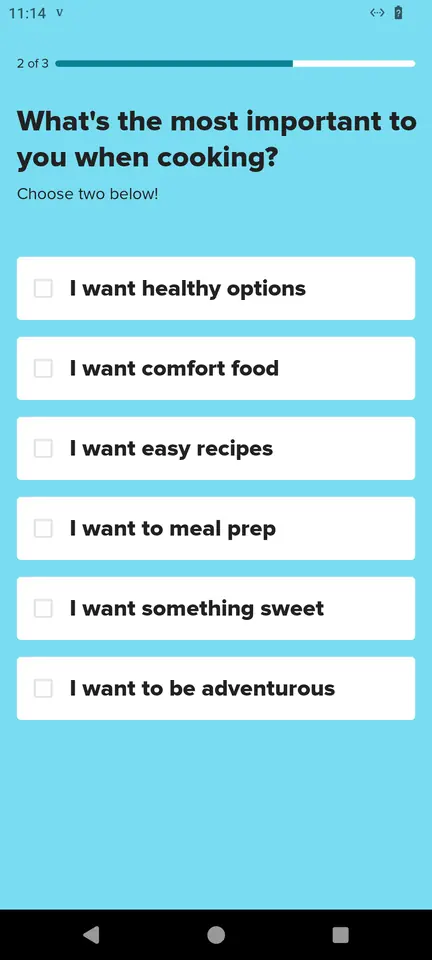
I want healthy options
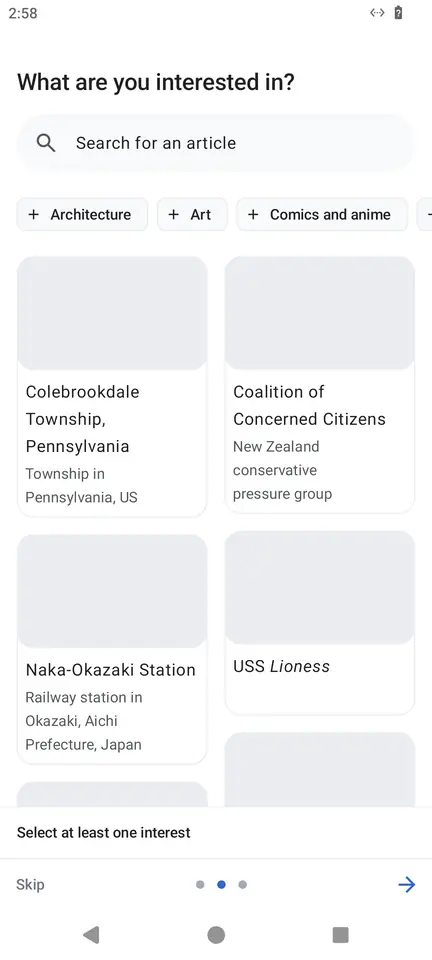
Architecture
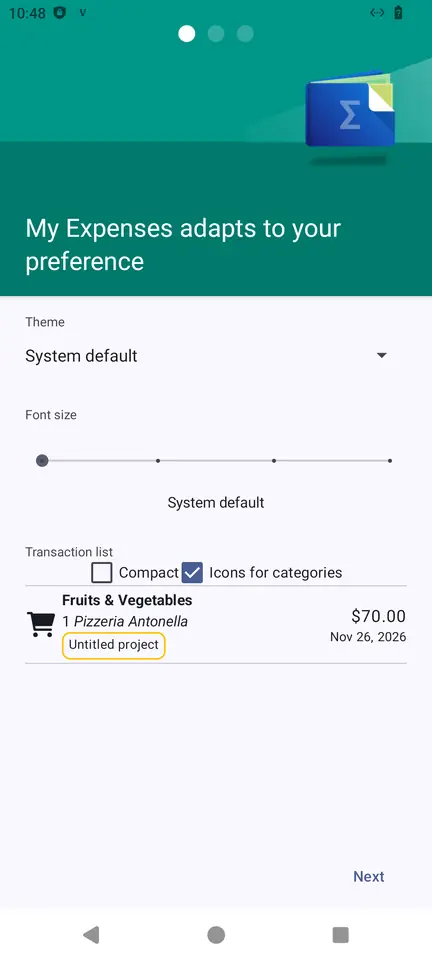
Compact
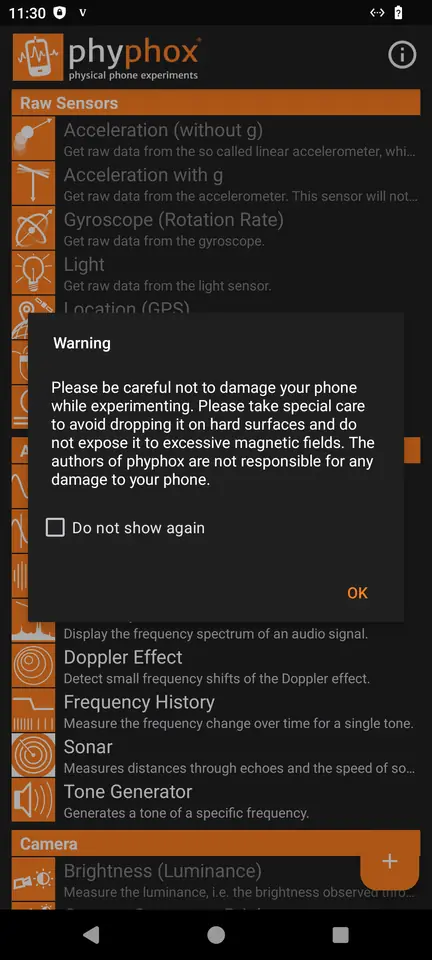
Do not show again
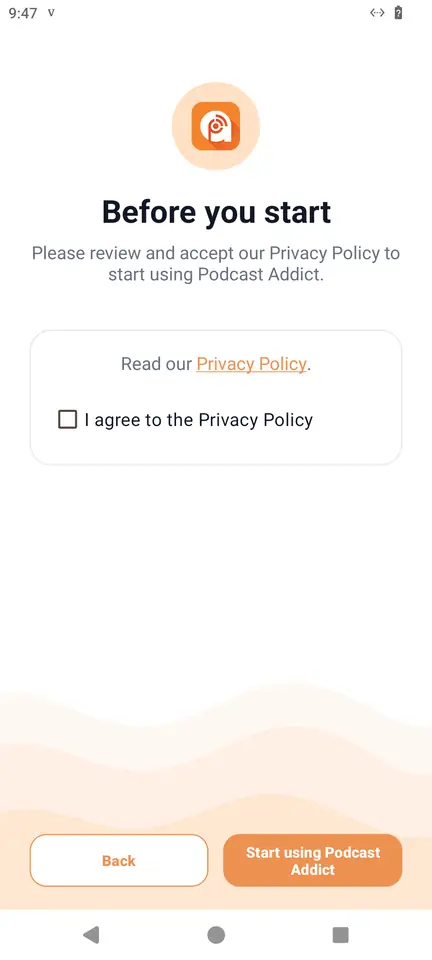
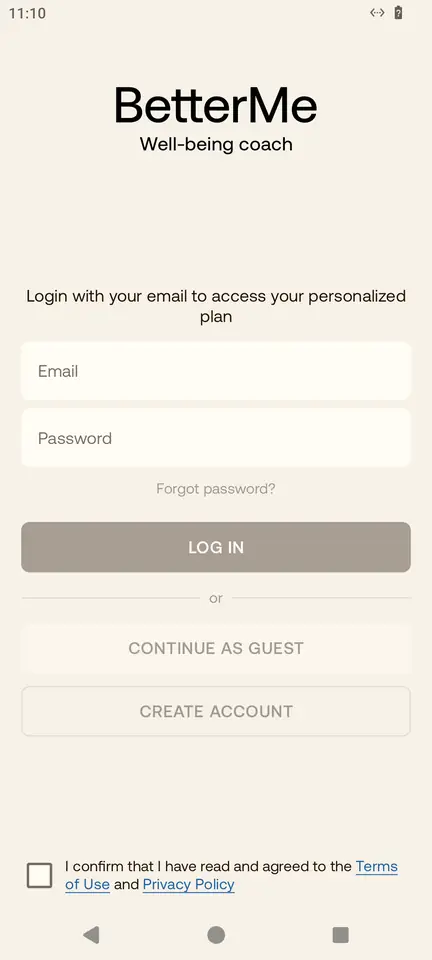
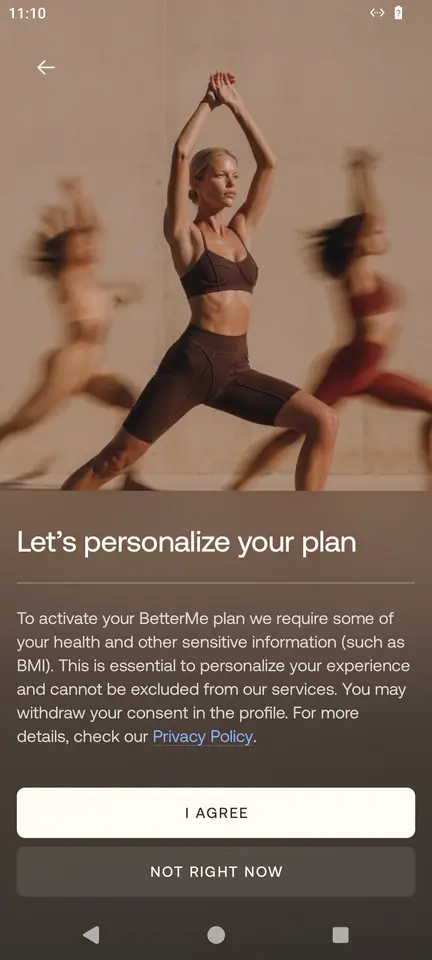
I agree to the Privacy Policy
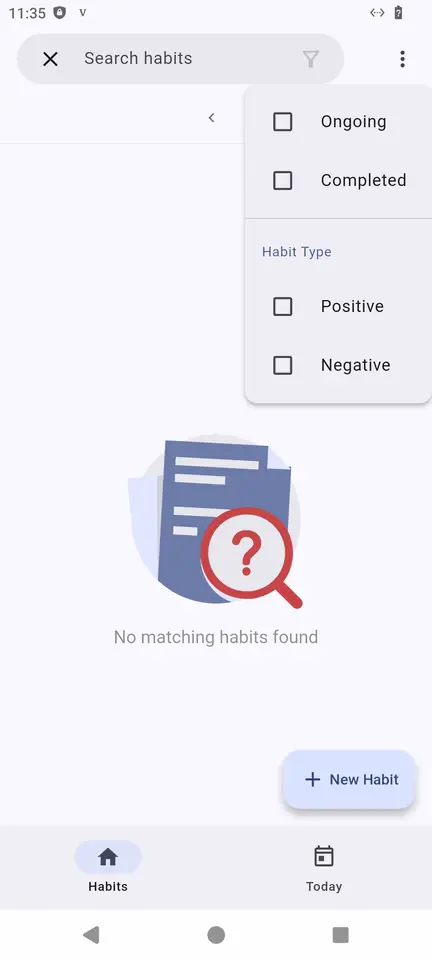
Ongoing
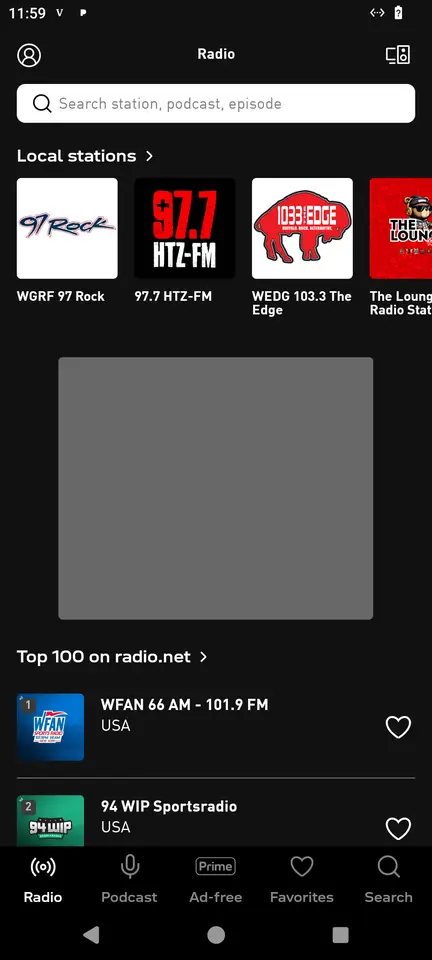
Download podcast episode
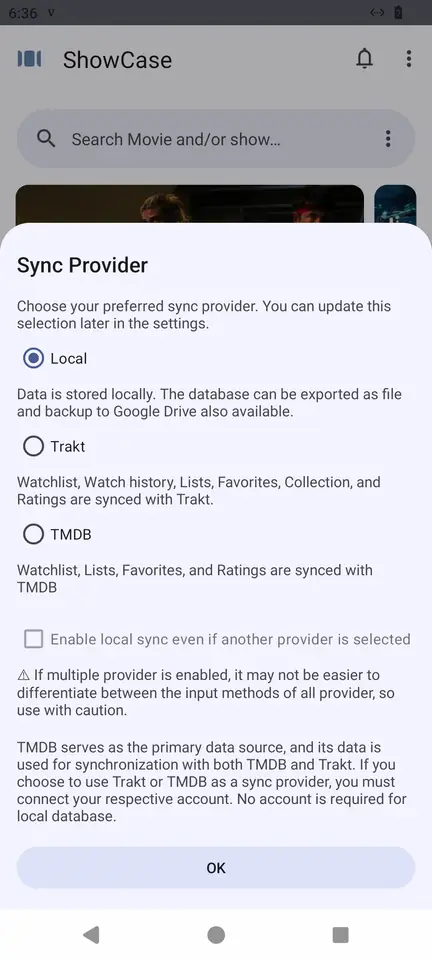
Enable local sync even if another provider is selected
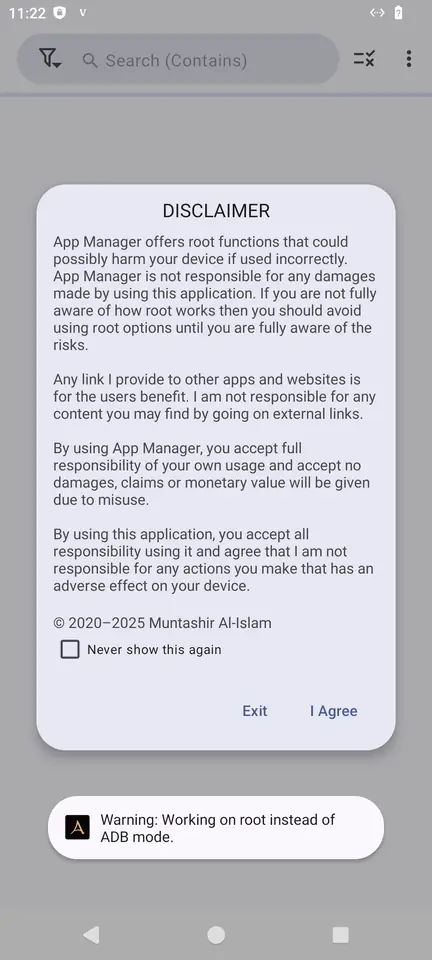
Never show this again
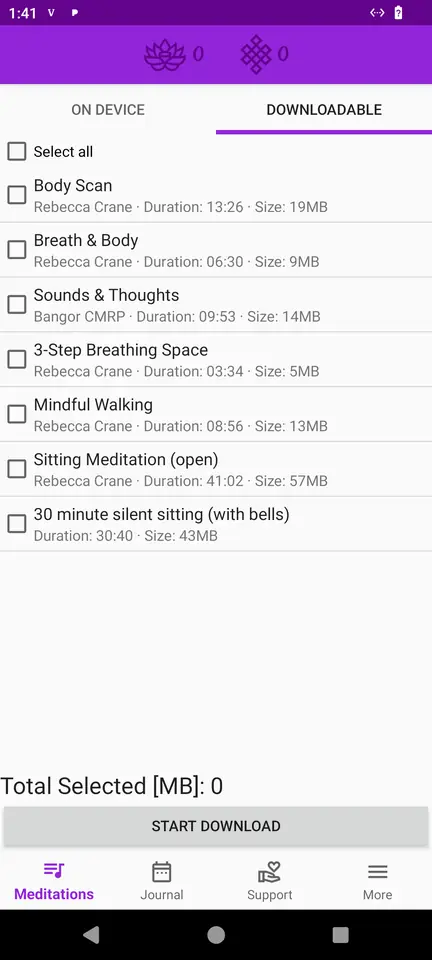
Select all
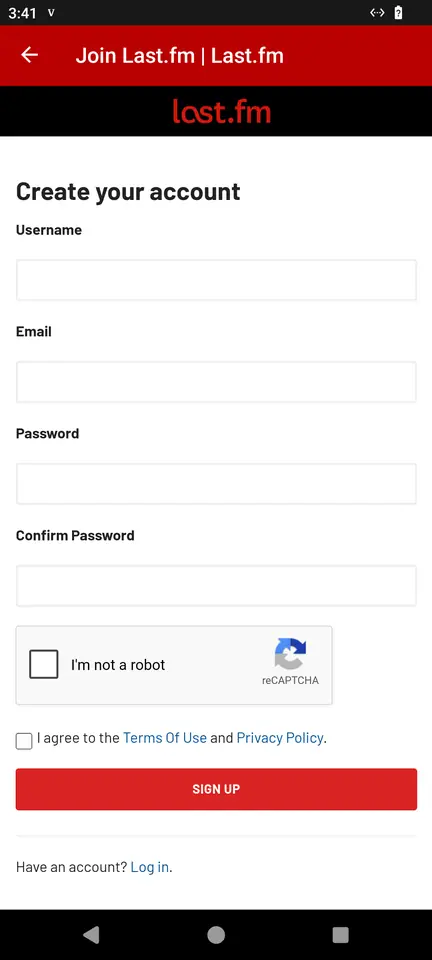
I'm not a robot
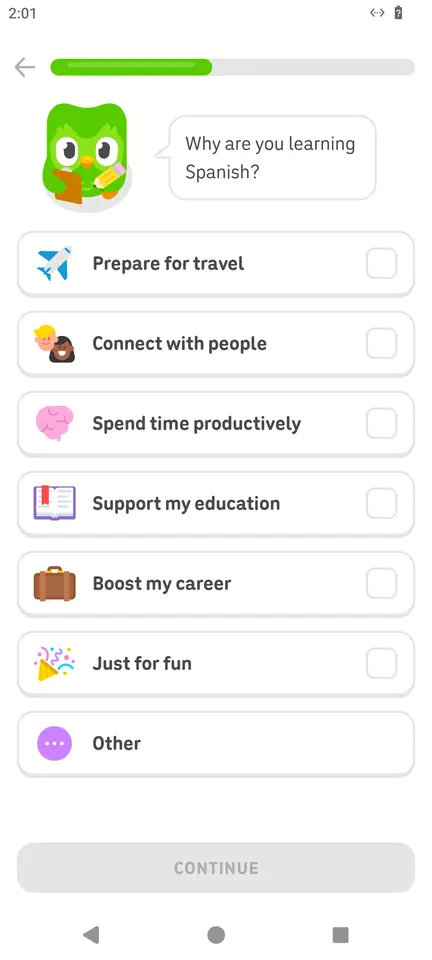
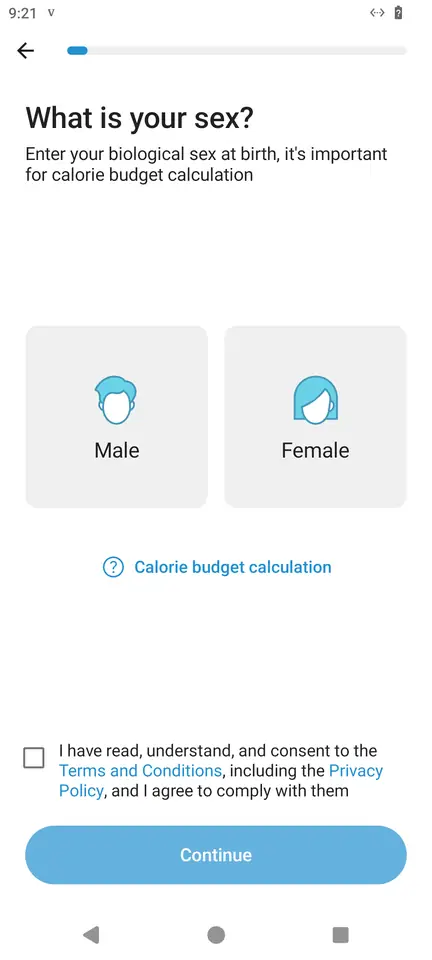
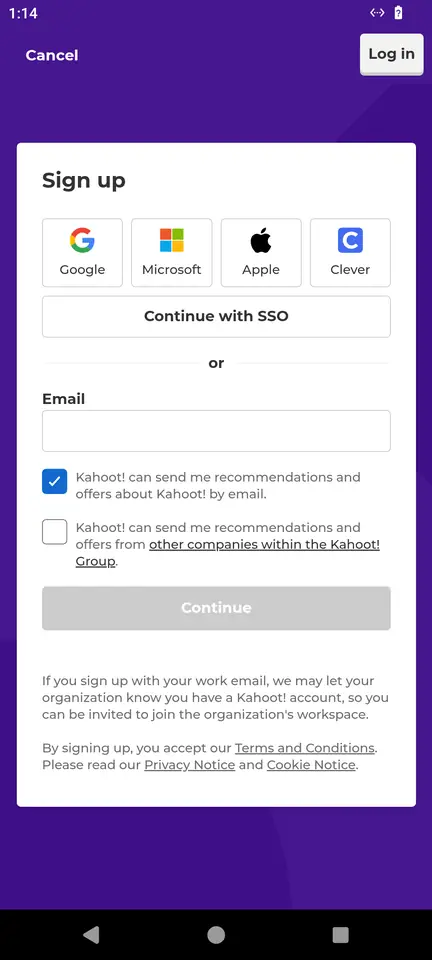
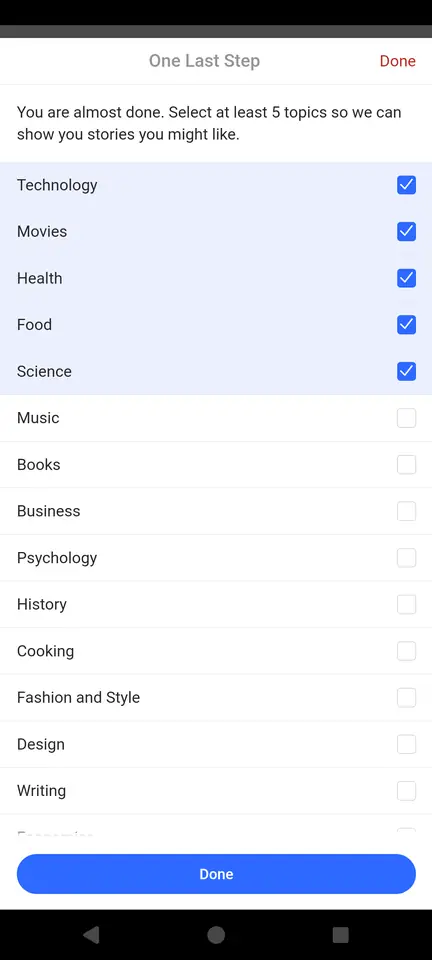
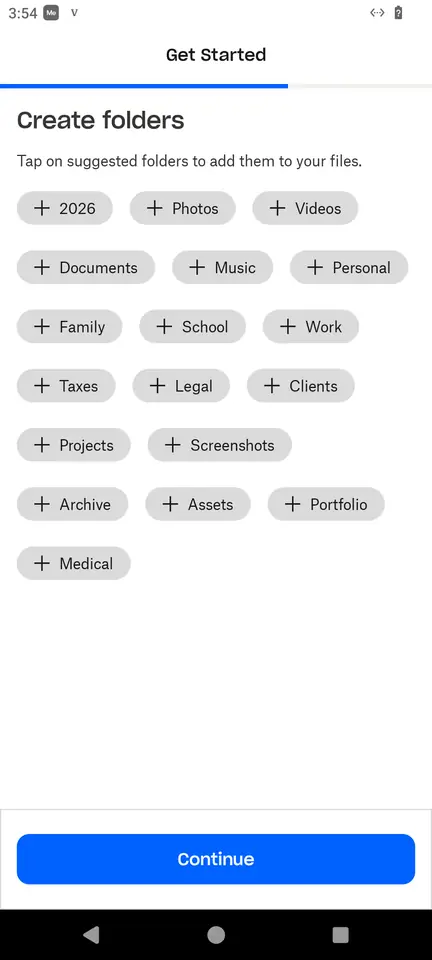
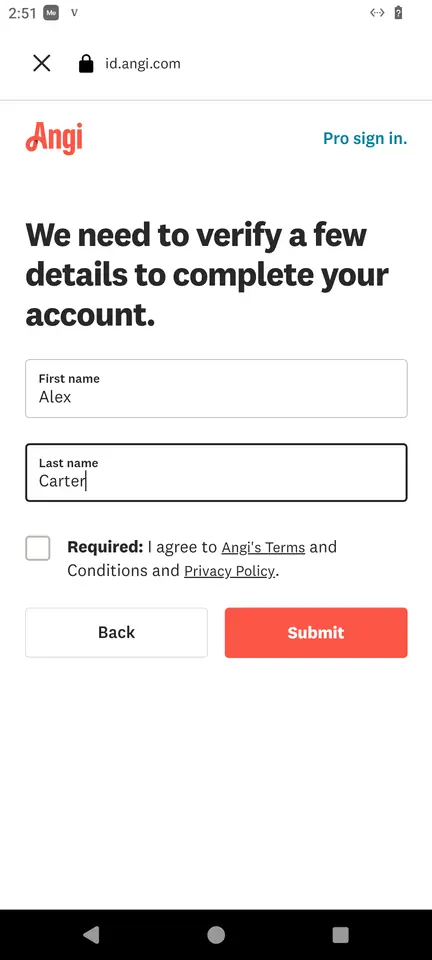
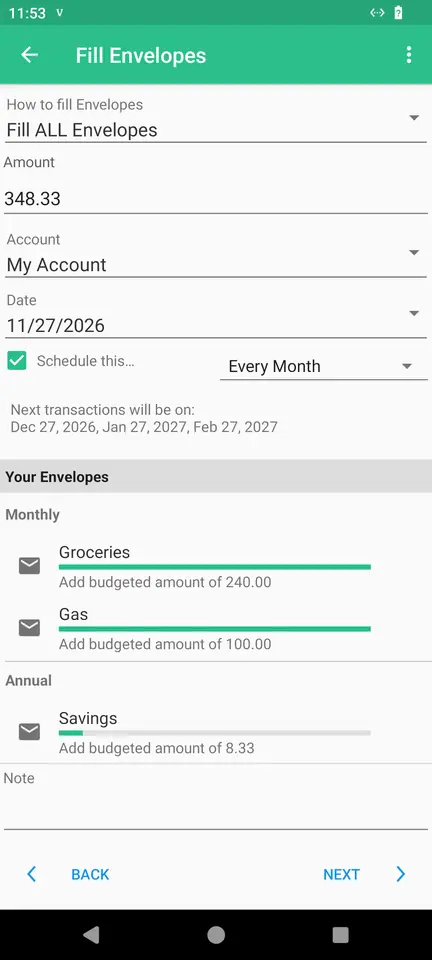
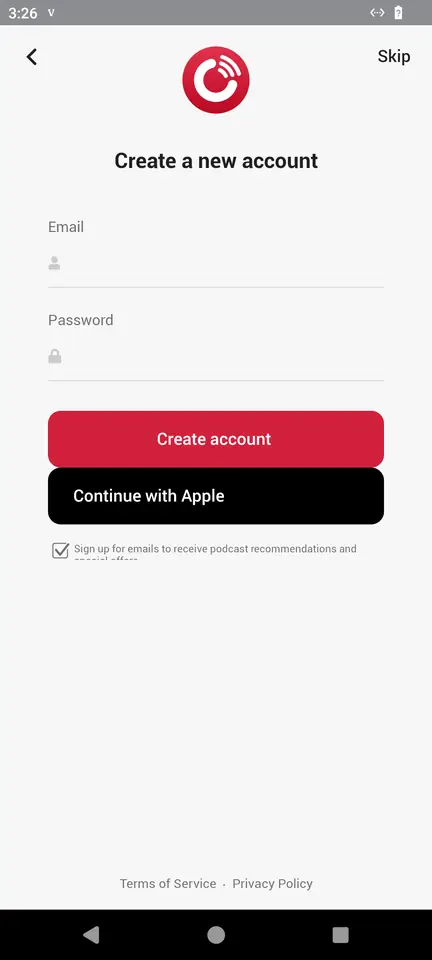
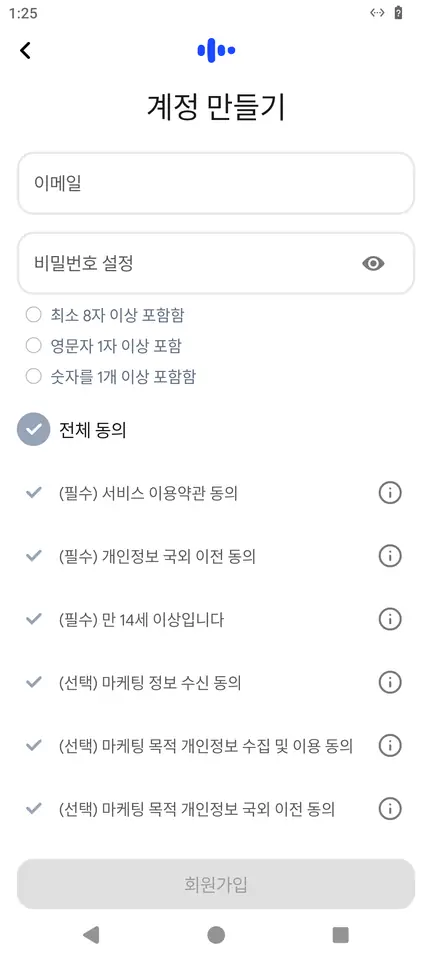
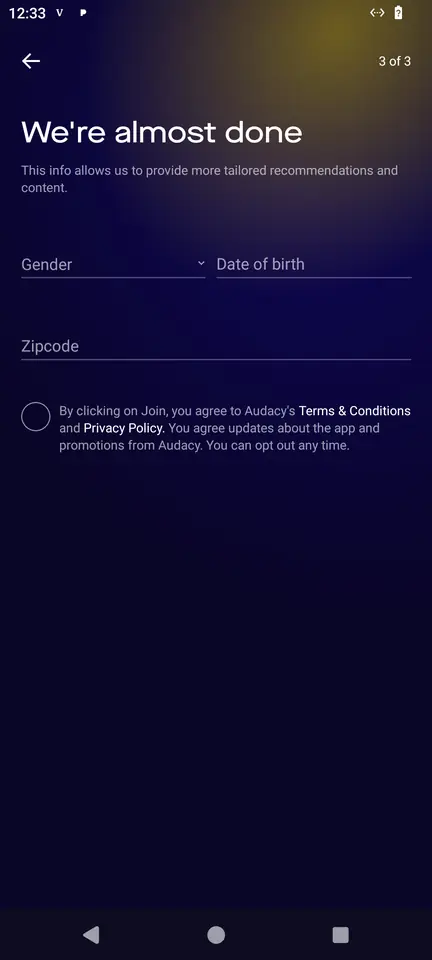
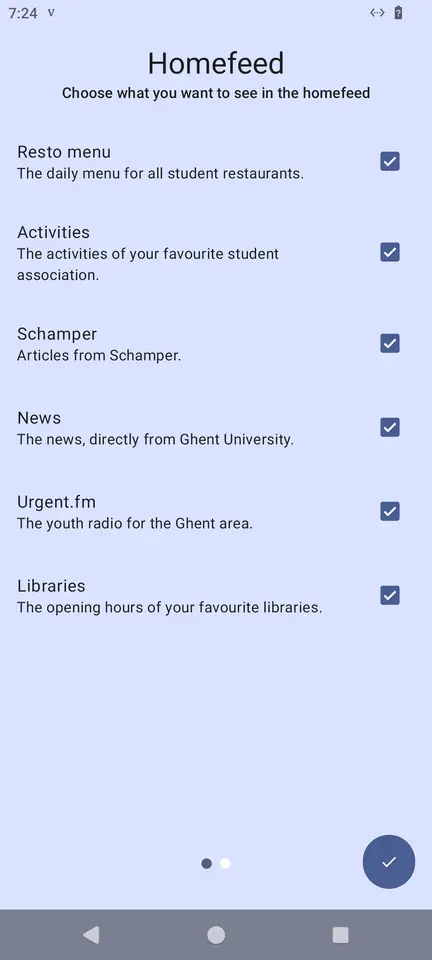
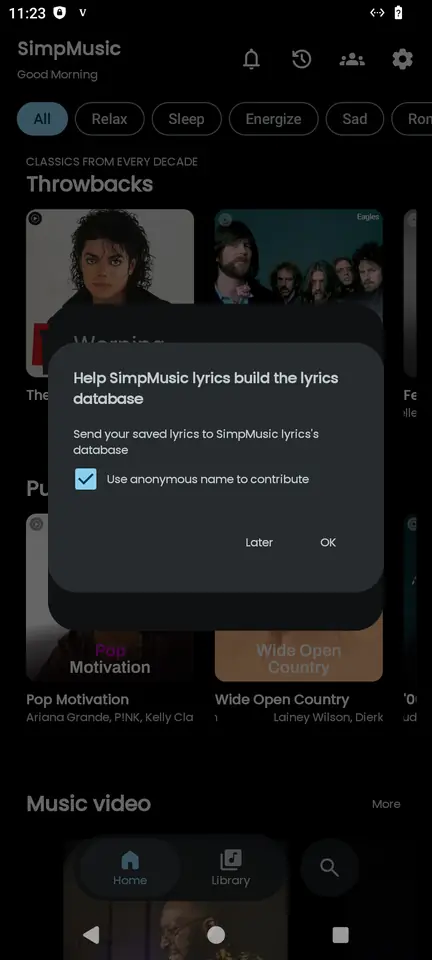

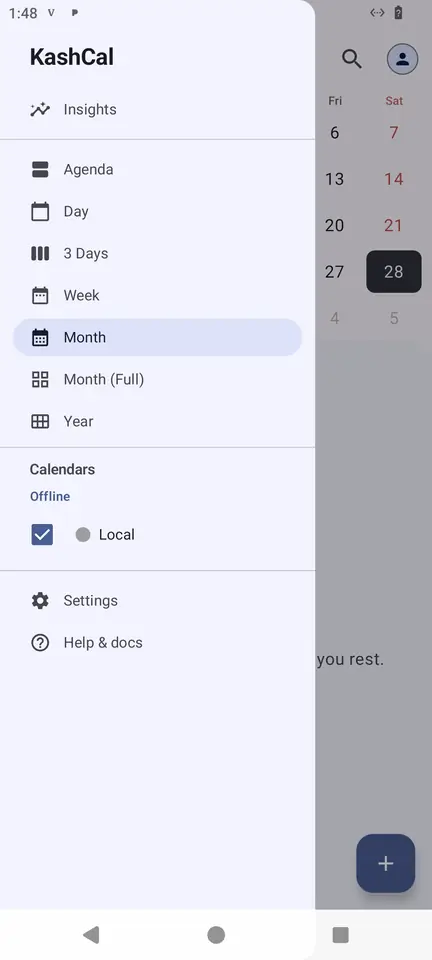
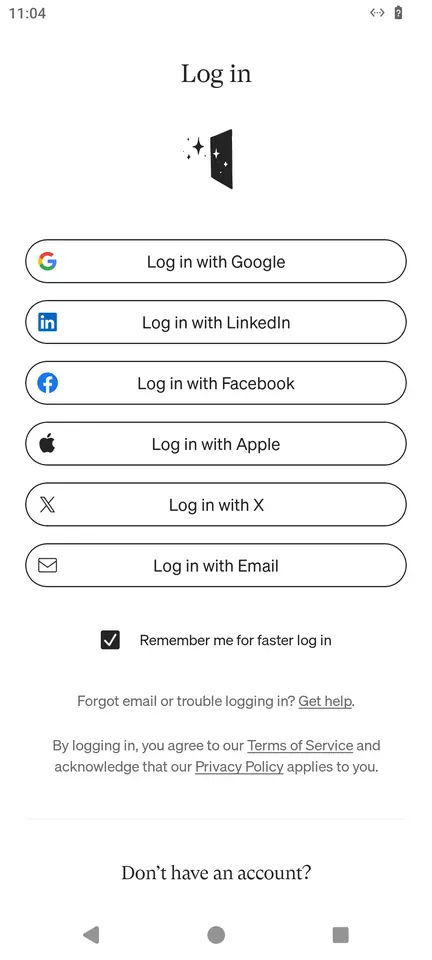
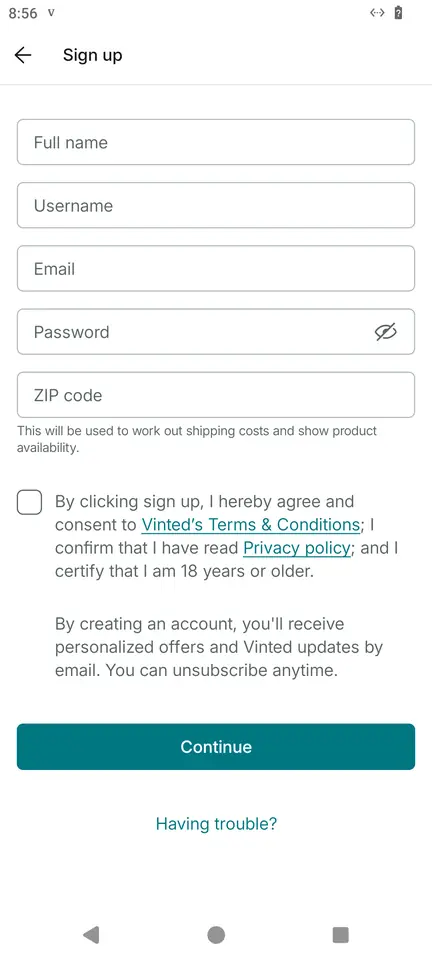
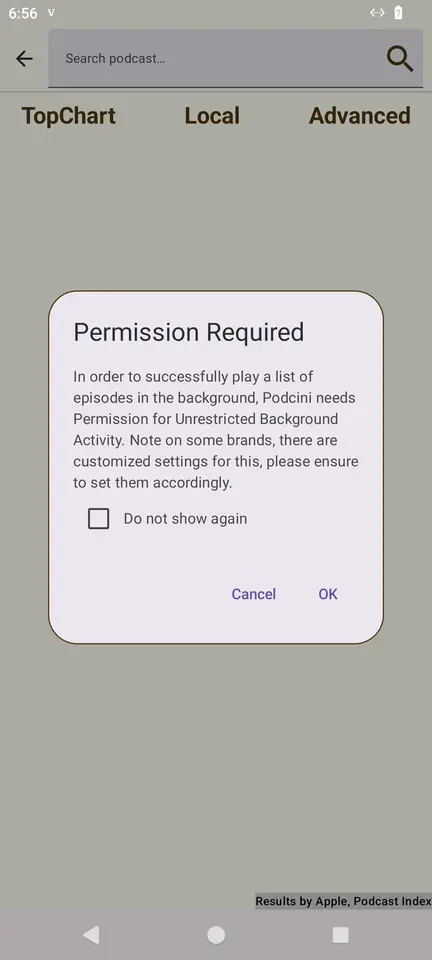
On Android
CheckBox / MaterialCheckBox in Views, Checkbox or TriStateCheckbox in Compose.
Best practices
- Use checkboxes for multi-select; use radio buttons when only one choice is allowed.
- Write labels as positive statements so “checked” means yes.
- Never pre-tick consent boxes for marketing or legal agreements.
- Make the label tappable as well as the box.
Where it shows up
Screens showing the component, by flow step type.
By app category
Apps showing the component, by category · 45 of 246 apps in the library.
Full flows with checkboxs
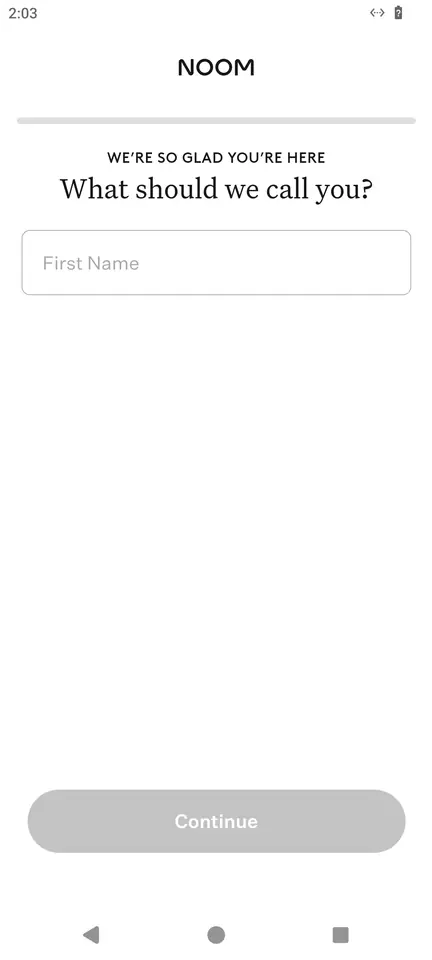
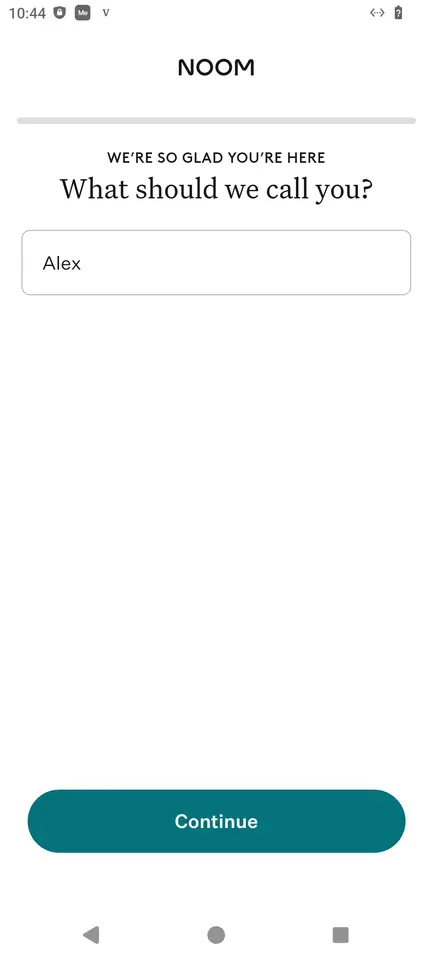
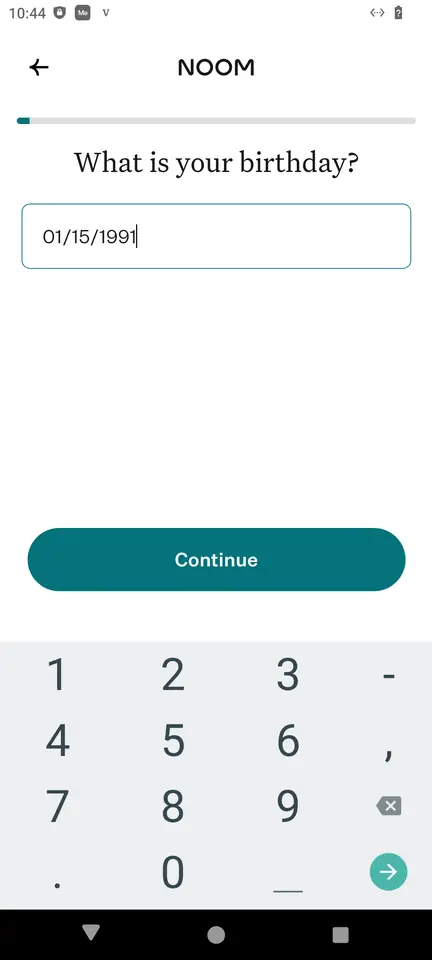
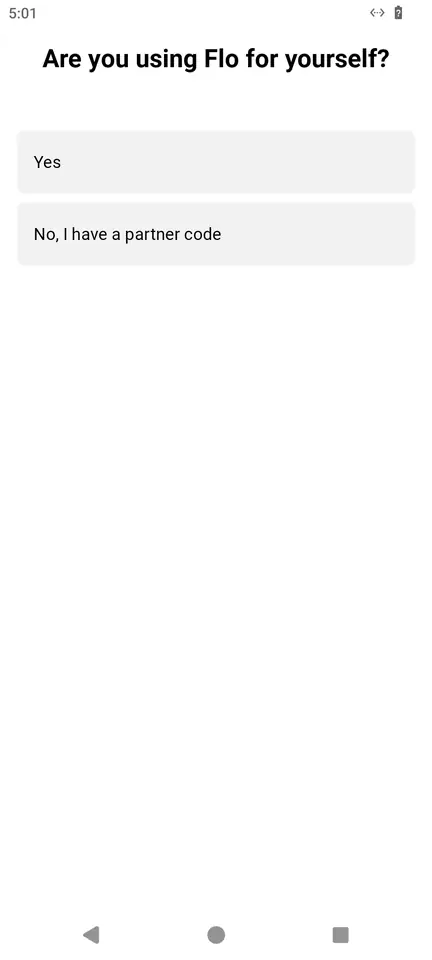
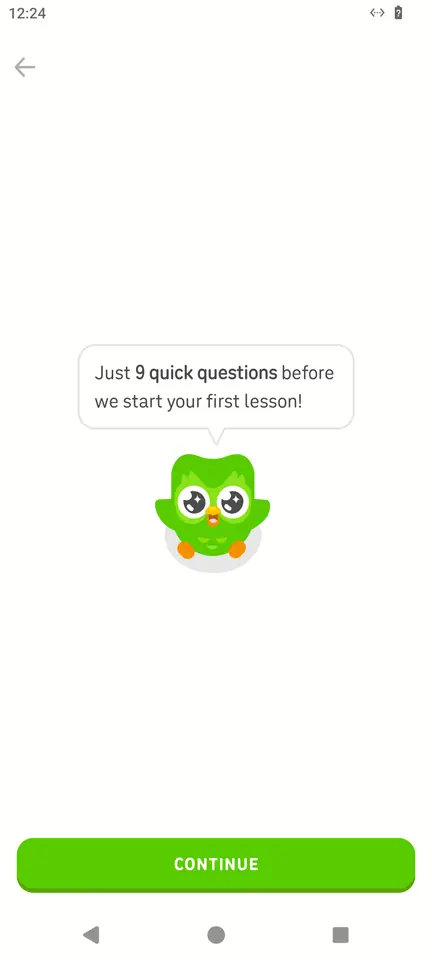
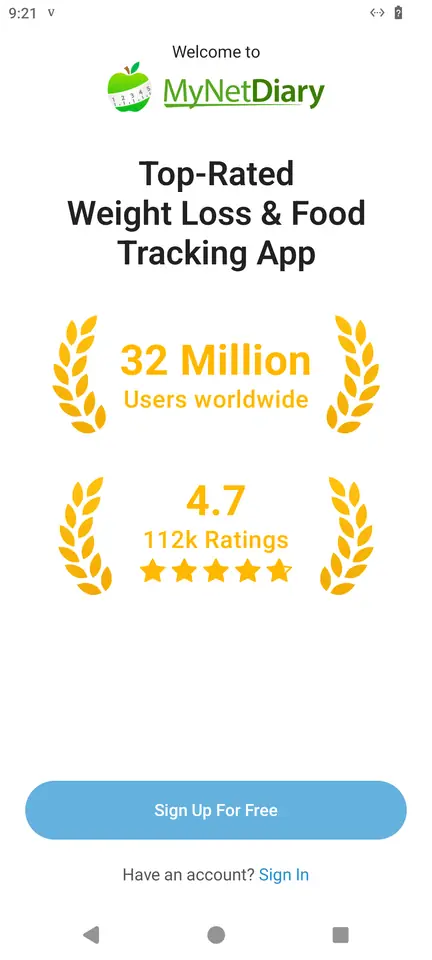
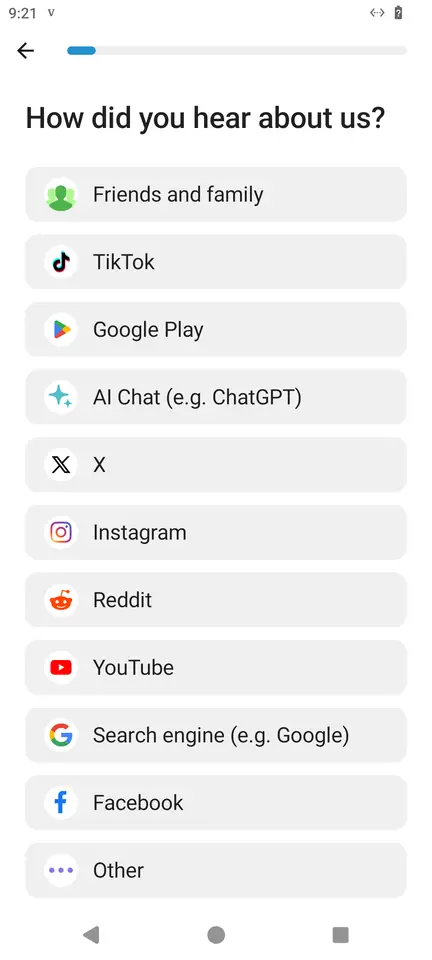




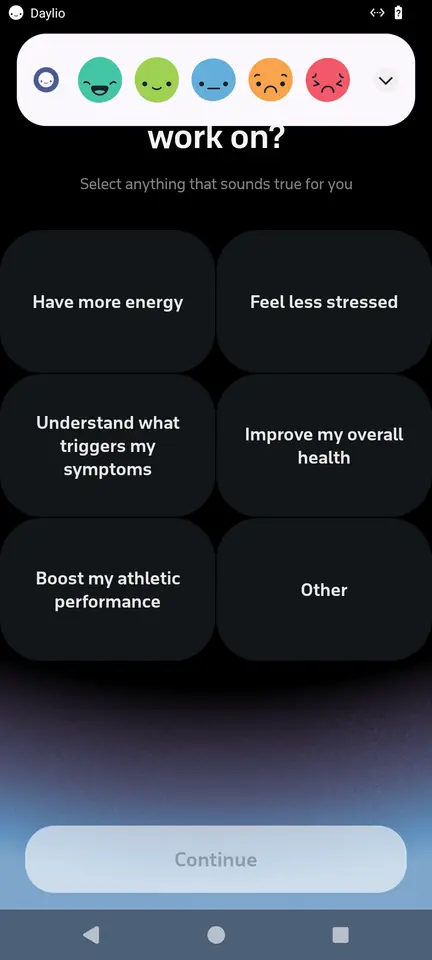

FAQ
What is a checkbox?
A checkbox lets users select one or more independent options, or confirm a single statement such as “I agree to the Terms”. Unlike a switch, a checked box usually takes effect when the form is submitted.
What is a checkbox called on Android?
CheckBox / MaterialCheckBox in Views, Checkbox or TriStateCheckbox in Compose. It is also known as check box and tick box.
Which Android apps use a checkbox?
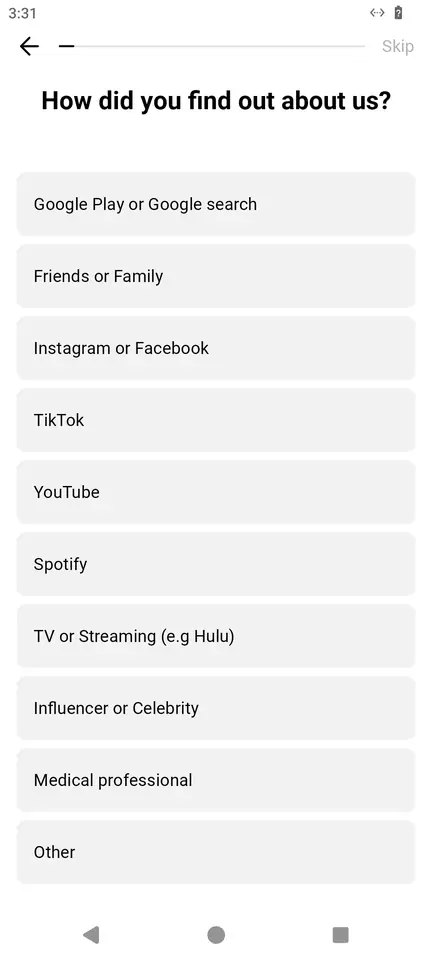
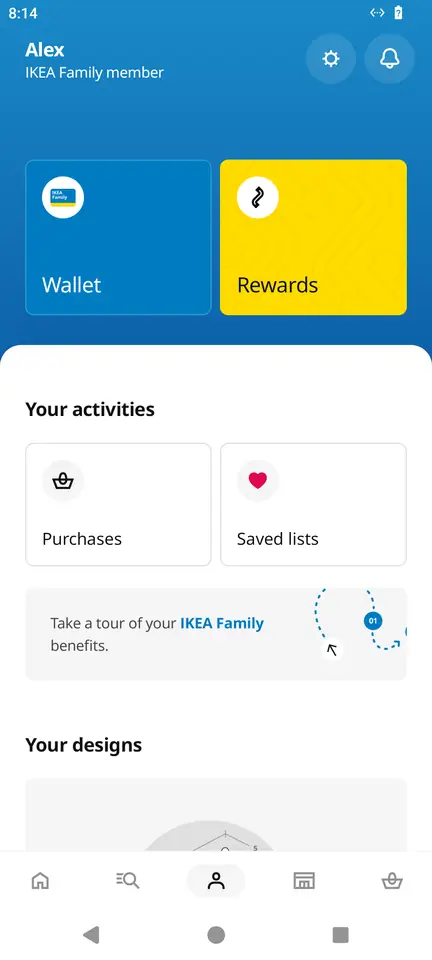
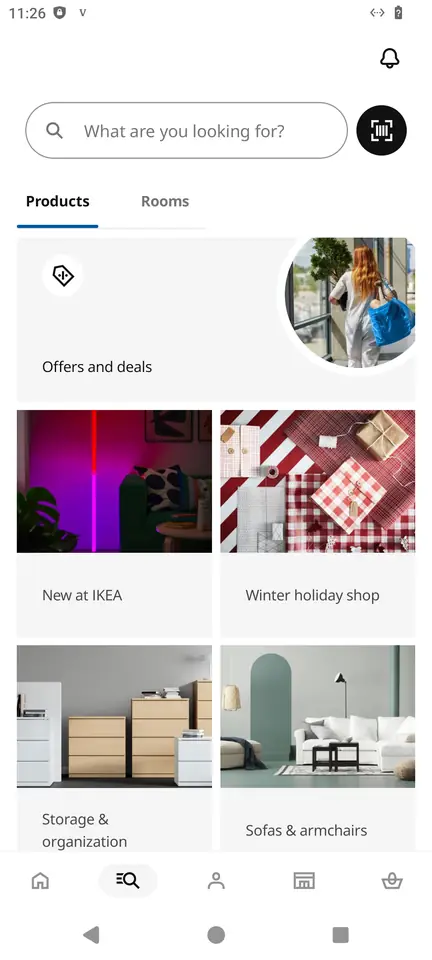
In the Flowtape library, 45 of 246 Android apps show a checkbox on the screens we captured, including Noom, BetterMe, BuzzFeed, Blinkist, IKEA and Todoist.
How do I design a good checkbox?
Use checkboxes for multi-select; use radio buttons when only one choice is allowed. Write labels as positive statements so “checked” means yes. Never pre-tick consent boxes for marketing or legal agreements.
Detected in the view hierarchy of screens captured on real Android devices · last updated 2026-11-14