Home & browsing flow · Udemy · Android
Udemy home & browsing screens
Every screen of Udemy's home & browsing screens on Android, in order: 22 steps, recorded on a real device. Udemy's home & browsing flow walks through 22 screens, including “Shopping Cart”, “Future-ready skills on your schedule”, “Top searches” and “"python"”. The screens are built around tab bars (18 screens), cards (2 screens) and a search bar.
 01 Home & browsing
Shopping Cart — Welcome
 02 Home & browsing
Shopping Cart — Welcome
 03 Home & browsing
Search — Top searches
 04 Home & browsing
python — Clear Icon
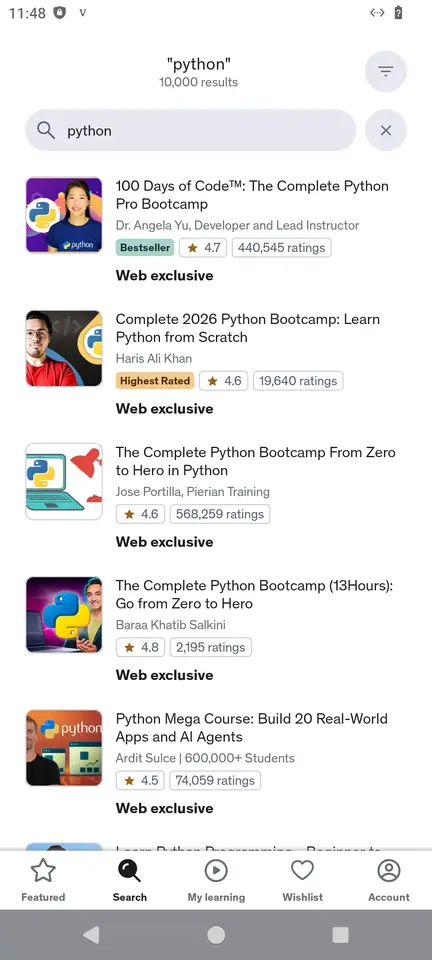 05 Home & browsing
"python" — 10,000 results
 06 Home & browsing
Navigate up — Share this Course
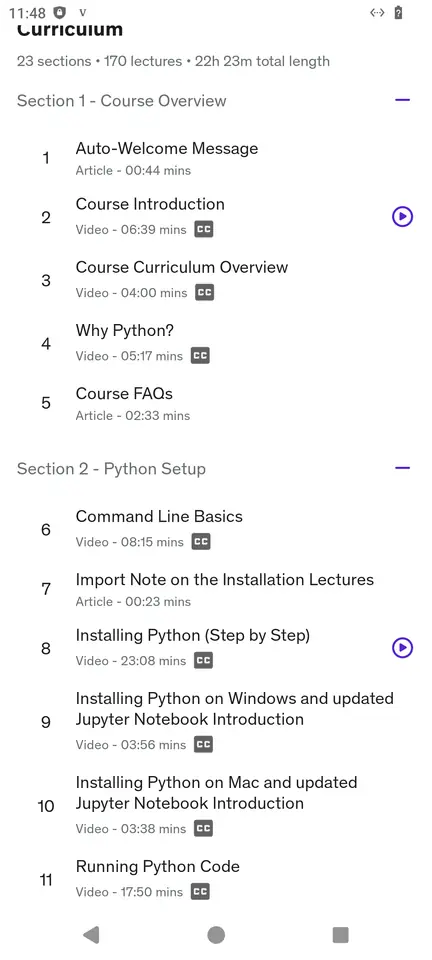 07 Home & browsing
Curriculum — 23 sections • 170 lectures • 22h 23m total length
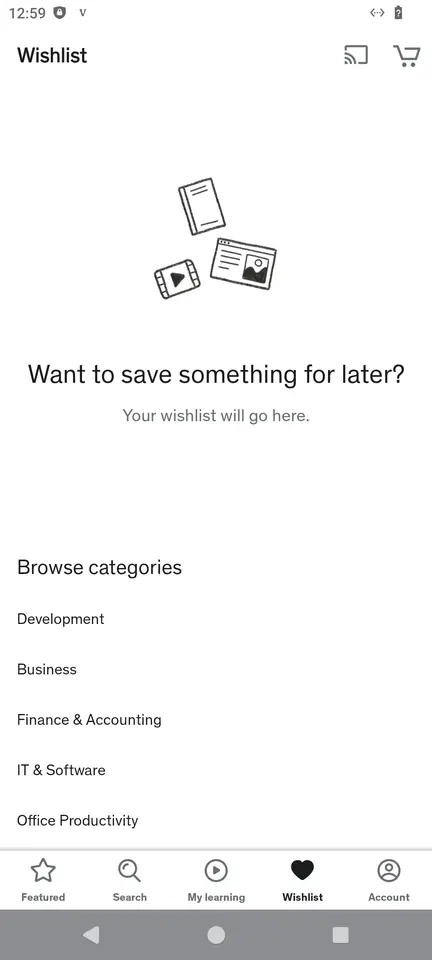 08 Home & browsing
Wishlist — Shopping Cart
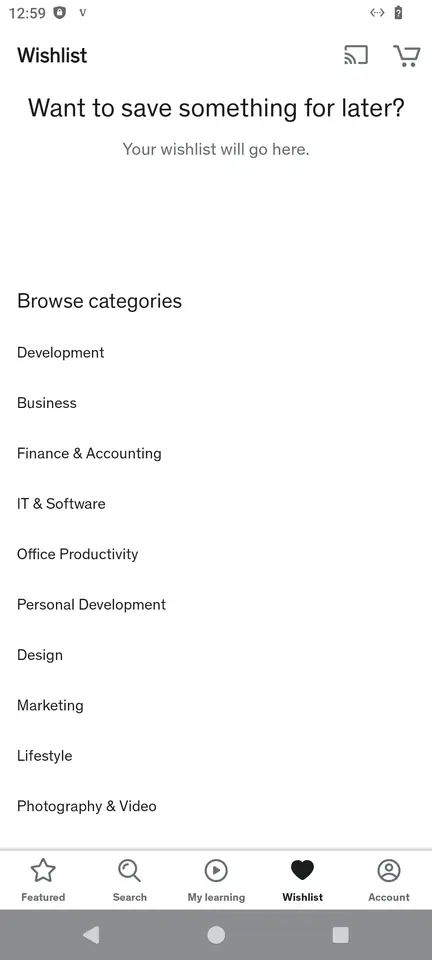 09 Home & browsing
Wishlist — Shopping Cart
 10 Home & browsing
Navigate up — Shopping Cart
 11 Home & browsing
Navigate up — Shopping Cart
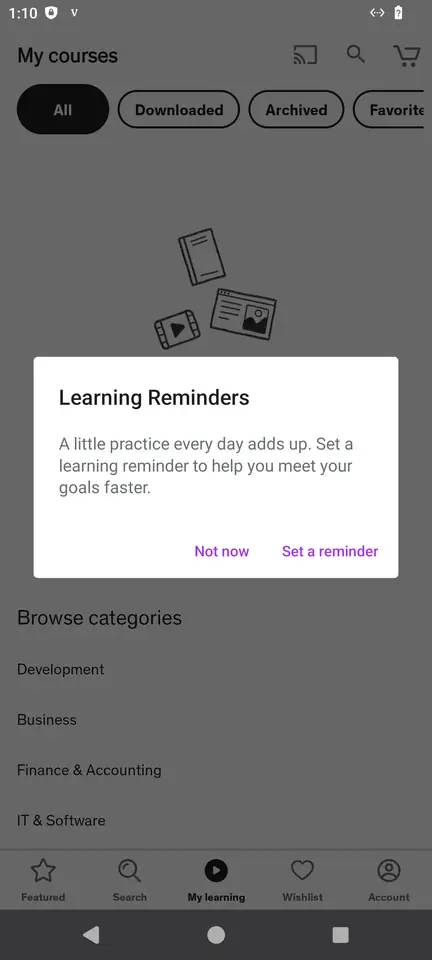 12 Home & browsing
Learning Reminders — Not now
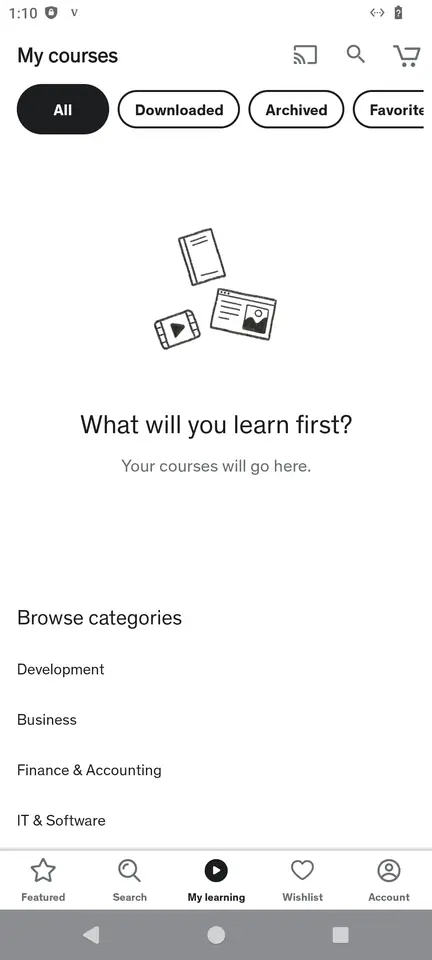 13 Home & browsing
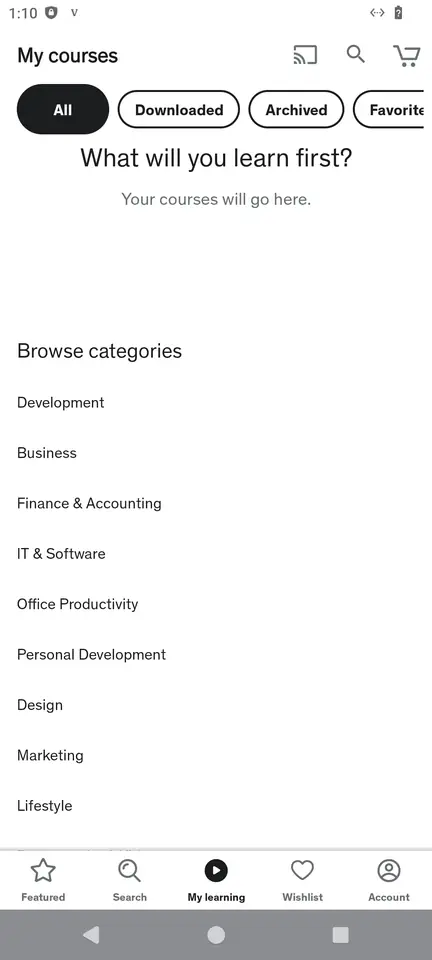
My courses — Search
 14 Home & browsing
My courses — Search
 15 Home & browsing
Navigate up — Shopping Cart
 16 Home & browsing
Navigate up — Shopping Cart
 17 Home & browsing
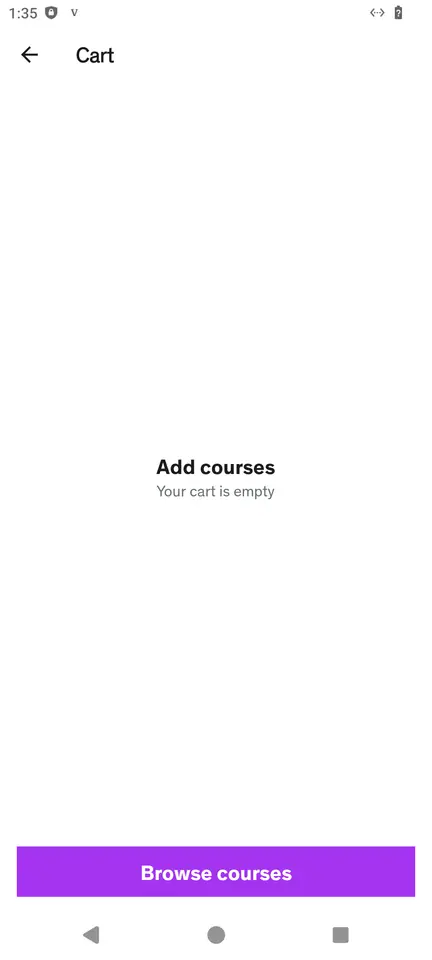
Navigate up — Cart
 18 Home & browsing
SIGN IN — Future-ready skills on your schedule
 19 Home & browsing · tap “Close”
SIGN IN — Courses from . Sale Ends Nov 18.
 20 Home & browsing · tap “Top courses in Design”
SIGN IN — Our Big Sale: courses from
 21 Home & browsing · tap “Navigate up”
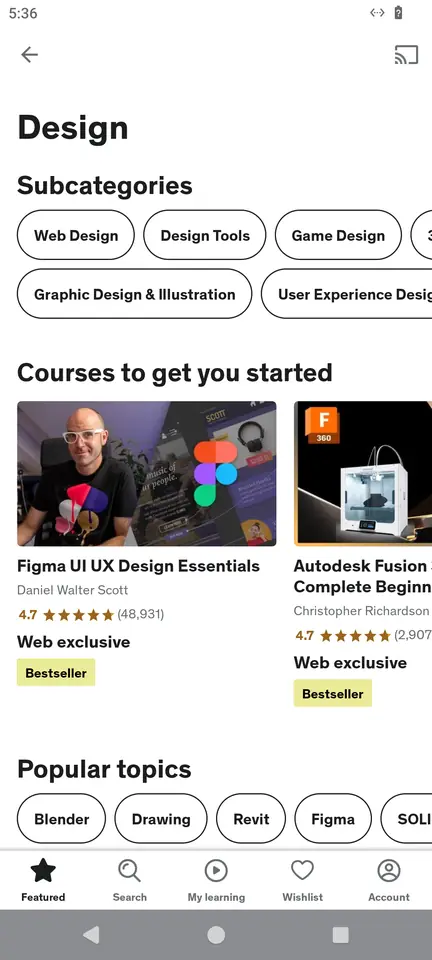
Navigate up — Design
 22 Home & browsing · tap “Cast. Disconnected”
SIGN IN — Our Big Sale: courses from
What Udemy's home & browsing screens does
- 22 screens in order, opening on “Shopping Cart” and ending at “SIGN IN”.
- Taps along the way: “Close” → “Top courses in Design” → “Navigate up” → “Cast. Disconnected”.
- Gives users an exit: a “Not now” option.
Read the step-by-step UX teardown of this flow →
Captured on a real Android device · last updated 2026-11-14