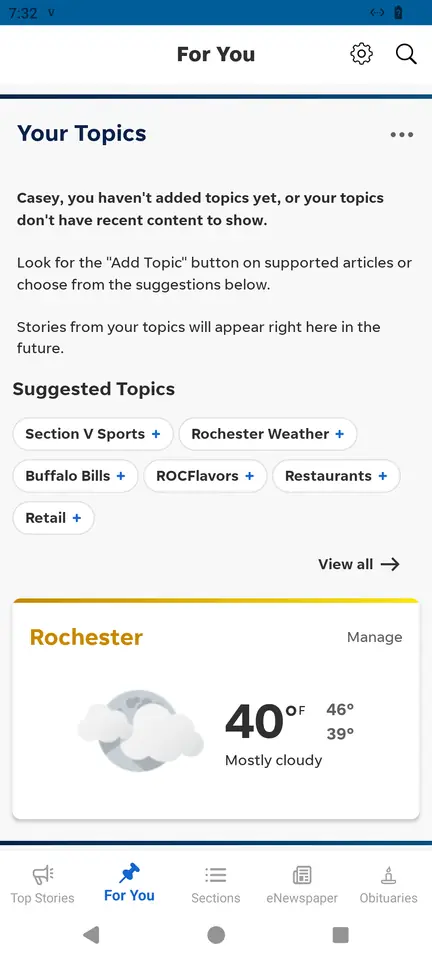
Home/Apps/NewsBlur/Story settings
Screen · Home screen · NewsBlur · Android

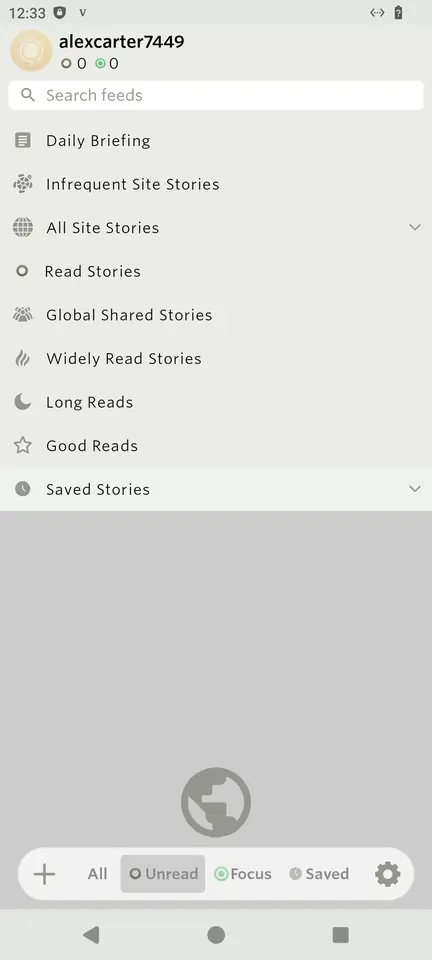
NewsBlur home screen: “Story settings”

A home screen from NewsBlur for Android, captured on a real device — step 2 of 3 in NewsBlur's home & browsing screens. It uses 2 detected UI components, outlined on the screen below.

AndroidHome & browsingstep 2 of 32 componentsfree & ungated
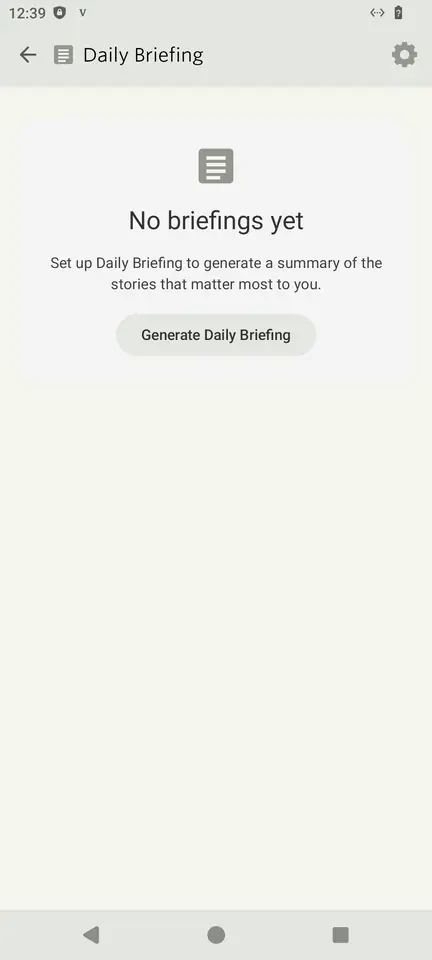
NewsBlur Android screen 2 — home & browsing: Go back to previous list
ToolbarIcon button
App
NewsBlur · Books & reading
Screen type
Home & browsing
Flow
NewsBlur home & browsing screens — step 2 of 3
Tap
“Daily Briefing”

UI text on this screen

  • Go back to previous list
  • Daily Briefing
  • Story settings
  • No briefings yet
  • Generate Daily Briefing

UI components

Located from the app's Android view hierarchy and outlined on the screen.

UI patterns

More NewsBlur screens
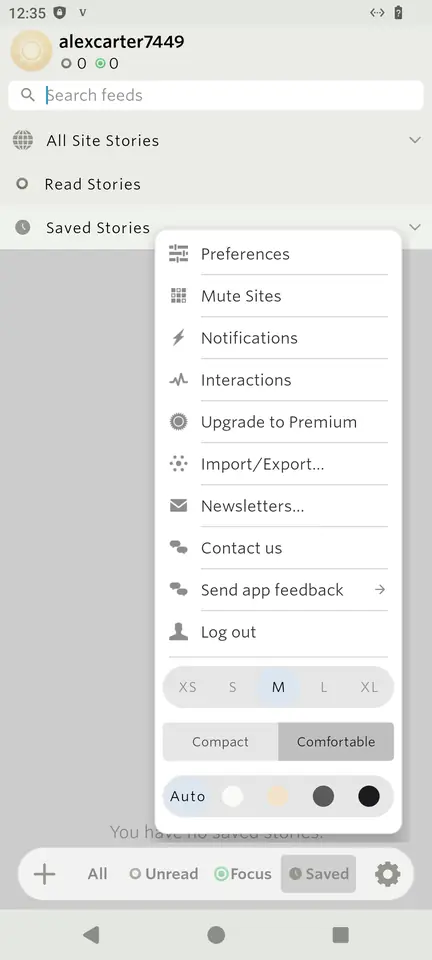
NewsBlur Android screen 1 — settings: Preferences
Settings · Preferences
NewsBlur Android screen 3 — settings: Go back to previous list
Settings · Go back to previous list
NewsBlur Android screen 4 — home & browsing: Add site
Home & browsing · Add site
NewsBlur Android screen 5 — sign-in: NewsBlur Logo
Sign-in · NewsBlur Logo
NewsBlur Android screen 6 — sign-in: NewsBlur Logo
Sign-in · NewsBlur Logo
NewsBlur Android screen 7 — home & browsing: Profile
Home & browsing · Profile

Home screens from other apps

All home screens →
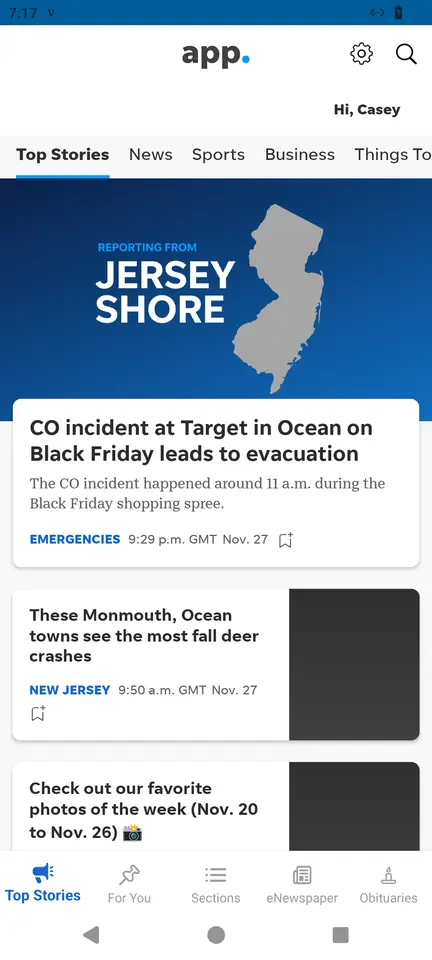
Asbury Park Press Android screen 1 — home & browsing: settings
Asbury Park Press · settings
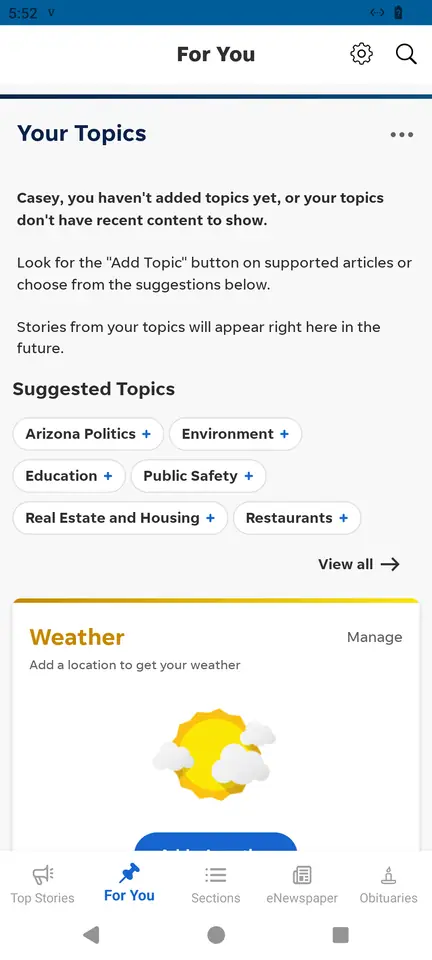
azcentral Android screen 3 — home & browsing: For You
azcentral · For You
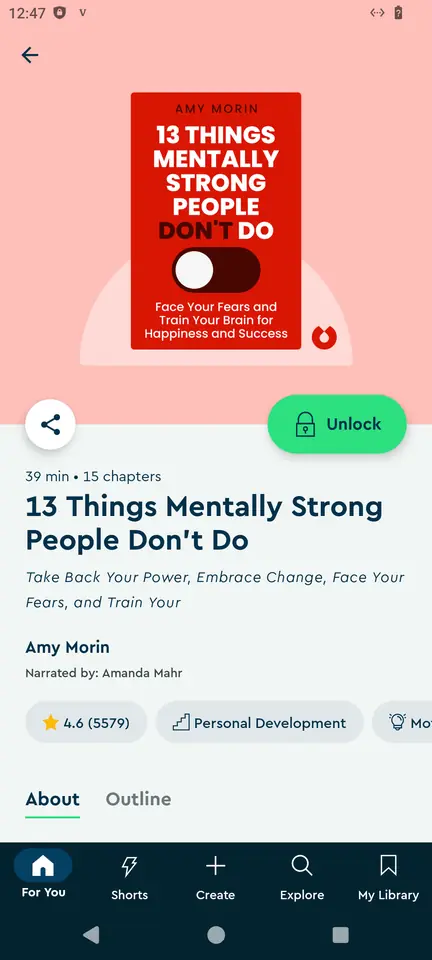
Blinkist Android screen 25 — home & browsing: 39 min • 15 chapters
Blinkist · 39 min • 15 chapters
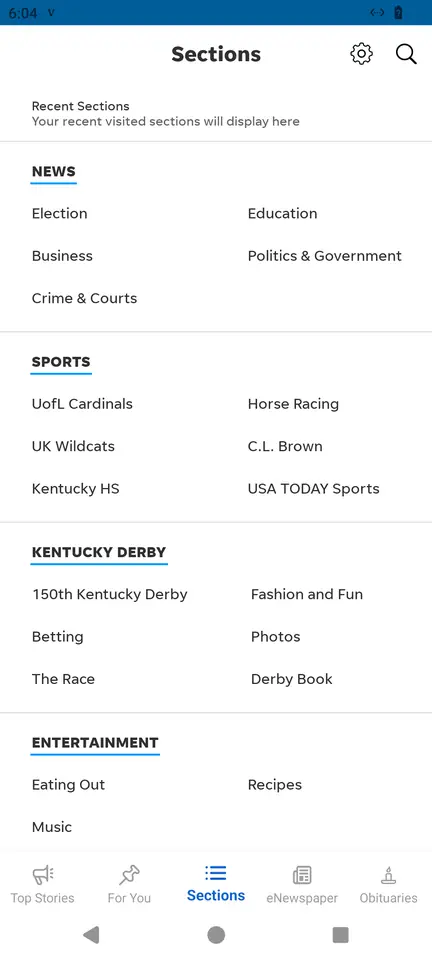
Courier Journal Android screen 4 — home & browsing: Sections
Courier Journal · Sections
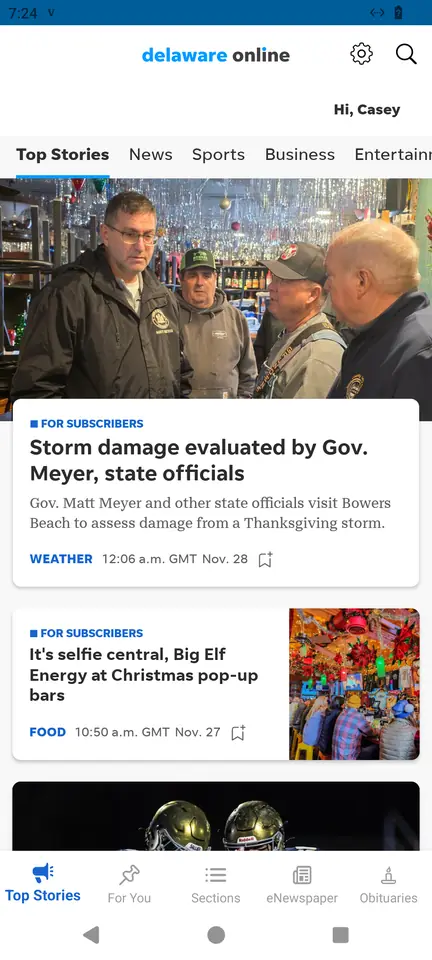
Delaware Online Android screen 1 — home & browsing: settings
Delaware Online · settings
Democrat & Chronicle Android screen 2 — home & browsing: For You
Democrat & Chronicle · For You

Captured on a real Android device · last updated 2026-11-14