Home/Glossary/Icon button
UI glossary · Navigation · Android

Icon button: definition and 82 real Android examples

An icon button is a button that shows only an icon — back arrow, close ×, share, settings gear, bookmark heart — with no visible text label. It saves space for frequent, well-known actions, usually in a toolbar or over an image.

Also called: image button, toolbar icon, action icon

Android82 apps344 screens108 flowsfree & ungated

Icon button examples, highlighted on 82 Android apps

The orange outline marks the icon button on each real screen, located from the app's own Android view hierarchy.
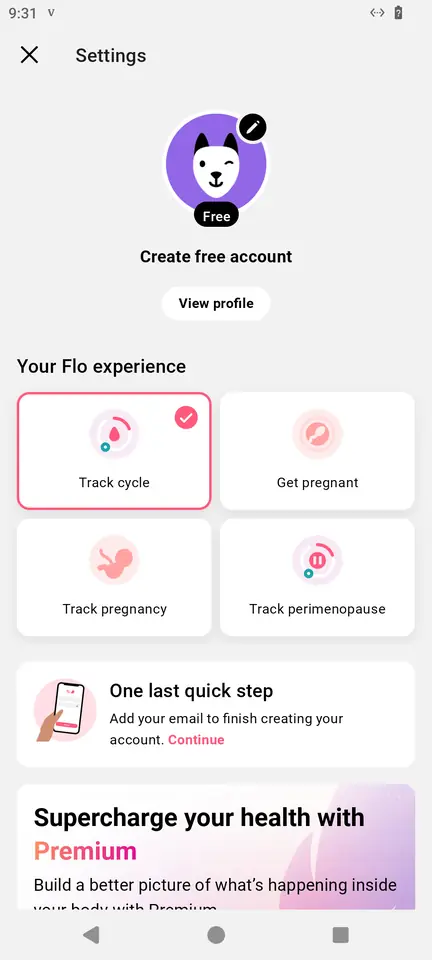
Flo icon button on Android — Navigate up (highlighted)
Flo · label Navigate up
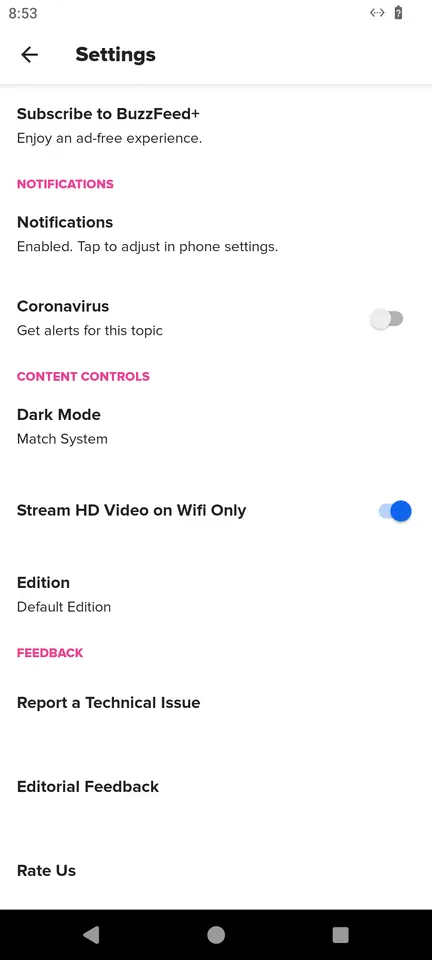
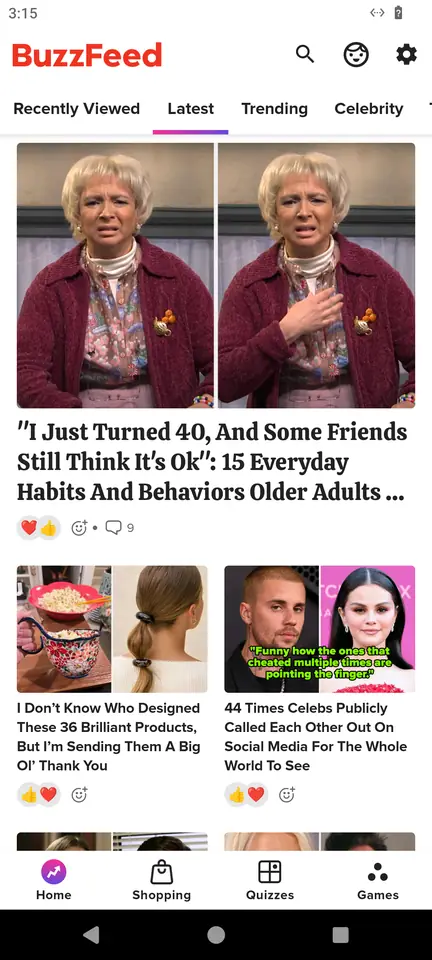
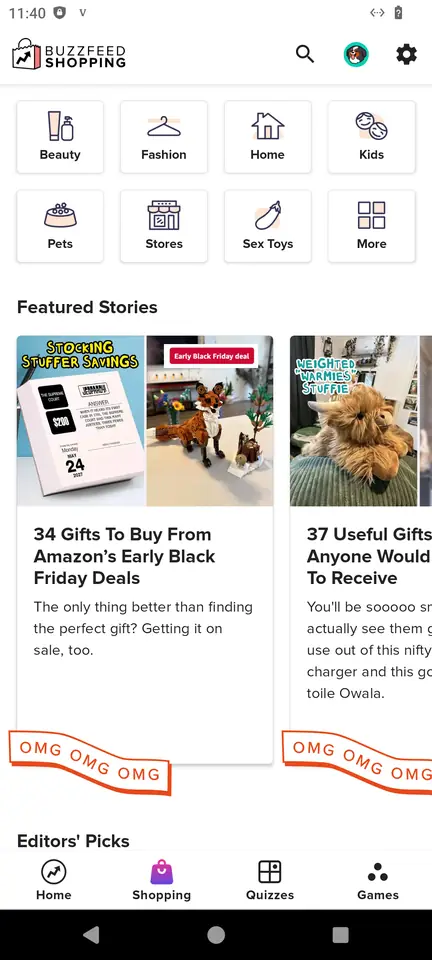
BuzzFeed icon button on Android — Navigate up (highlighted)
BuzzFeed · label Navigate up
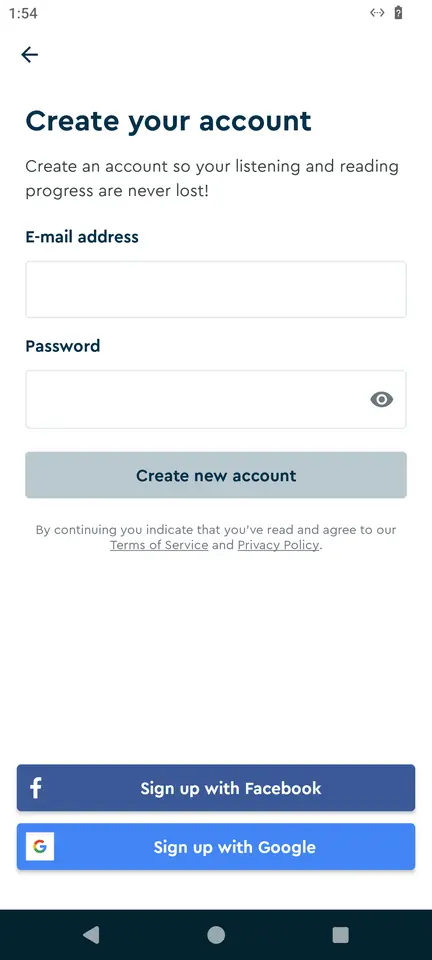
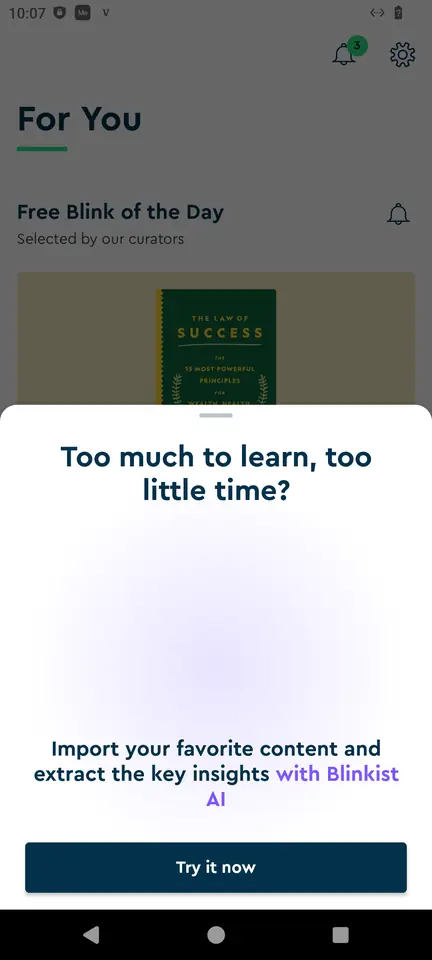
Blinkist icon button on Android — Show password (highlighted)
Blinkist · label Show password
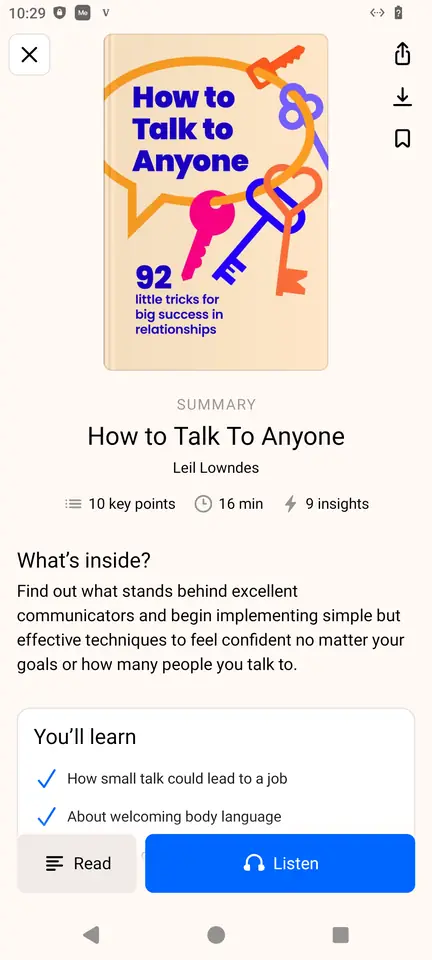
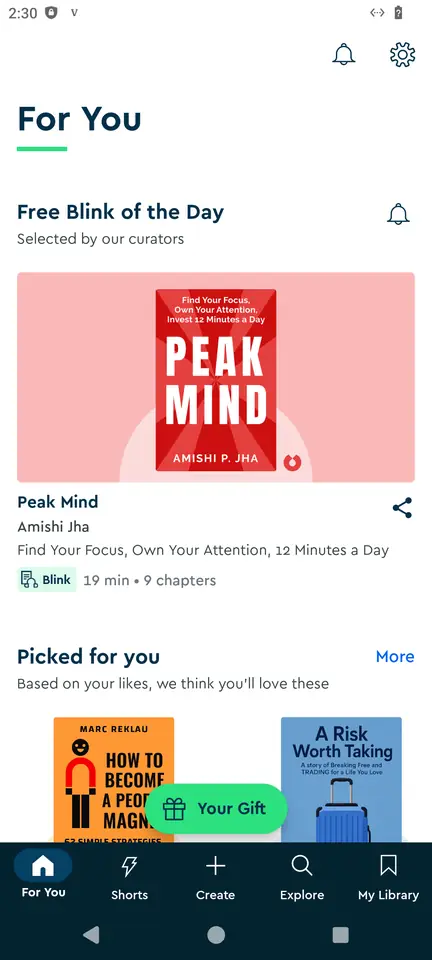
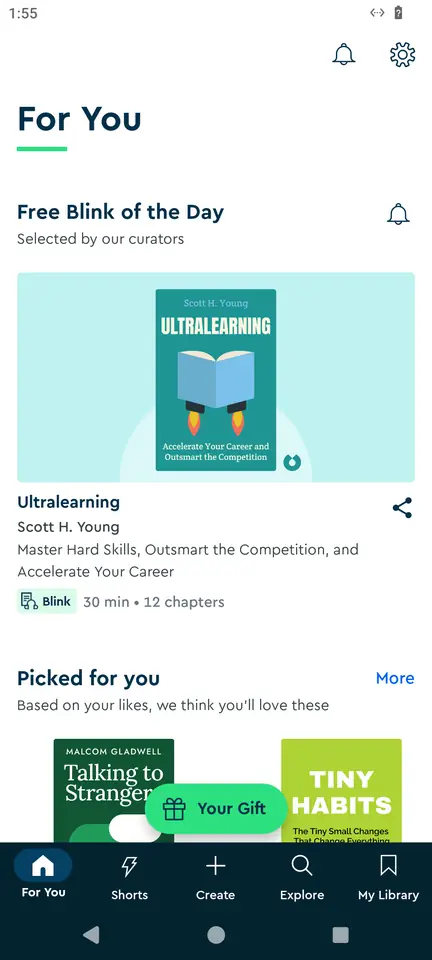
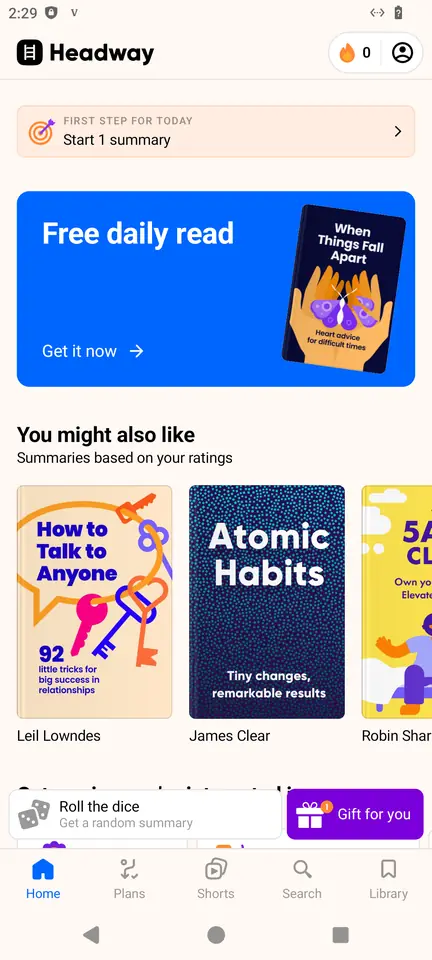
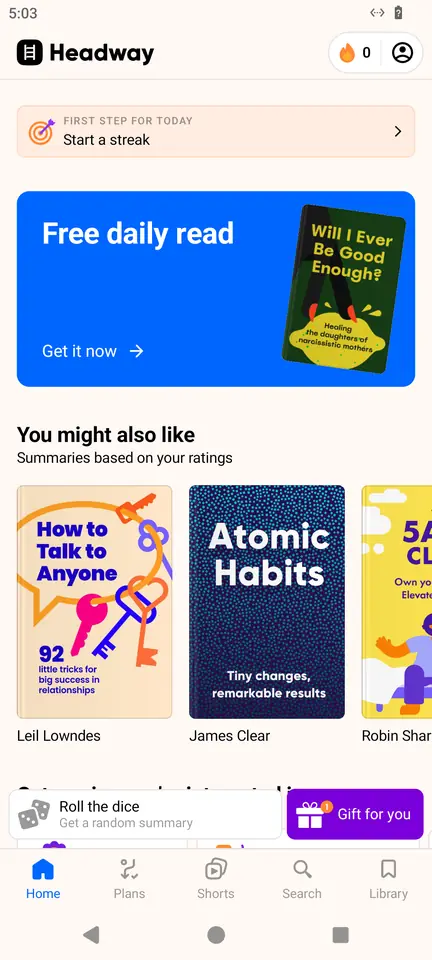
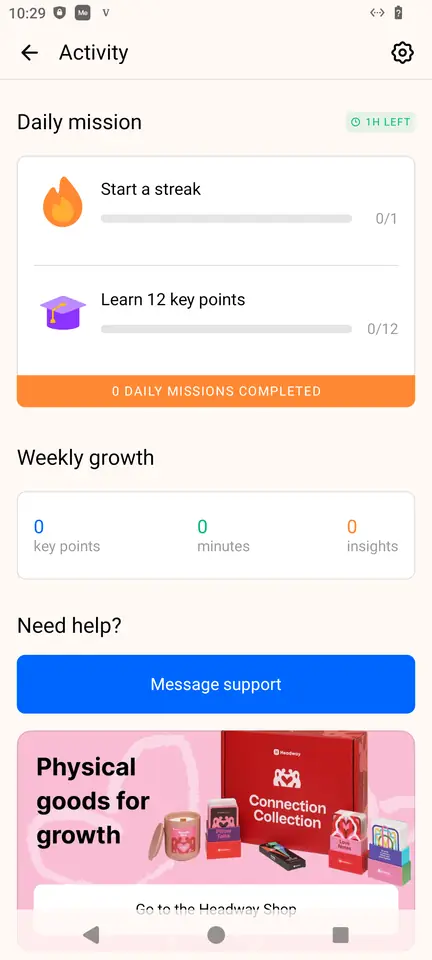
Headway icon button on Android — Share (highlighted)
Headway · home & browsing · label Share
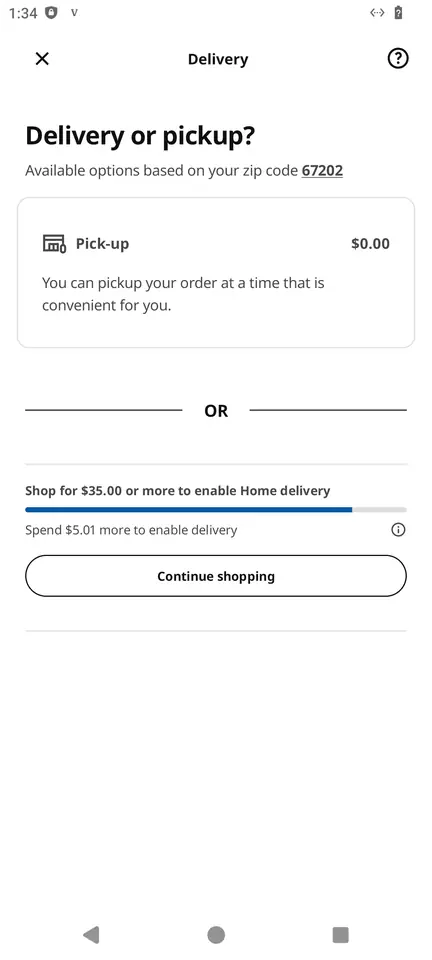
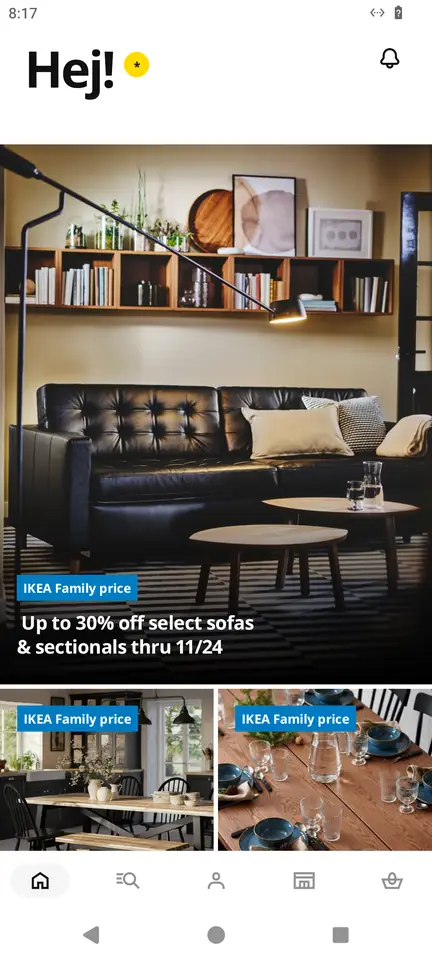
IKEA icon button on Android — Close (highlighted)
IKEA · home & browsing · label Close
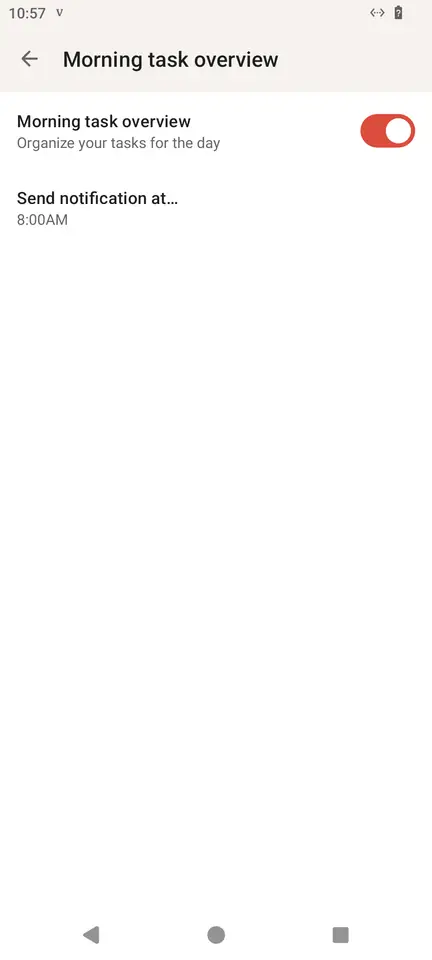
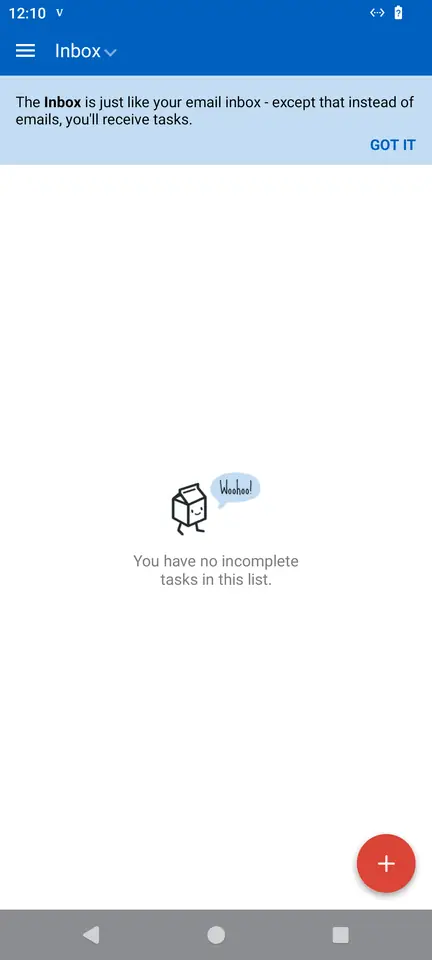
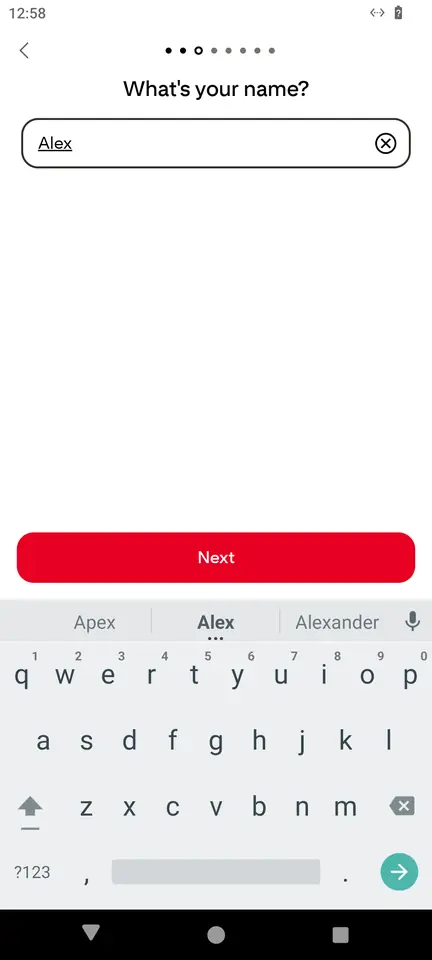
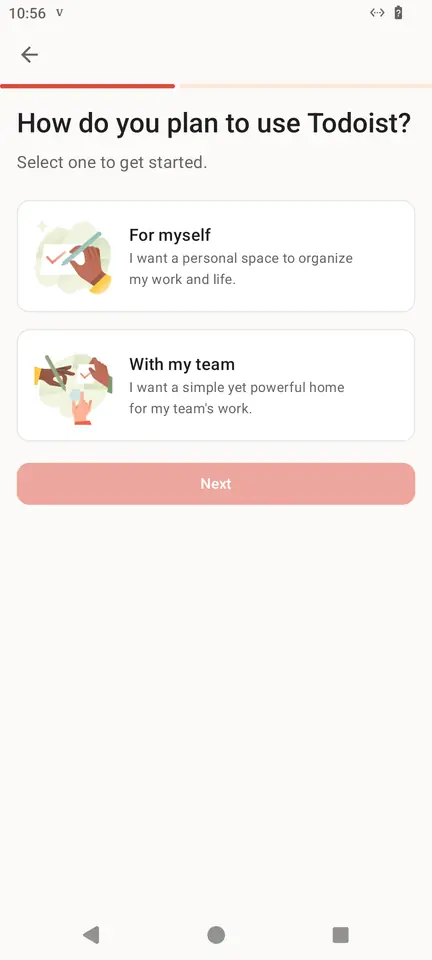
Todoist icon button on Android — Navigate up (highlighted)
Todoist · onboarding · label Navigate up
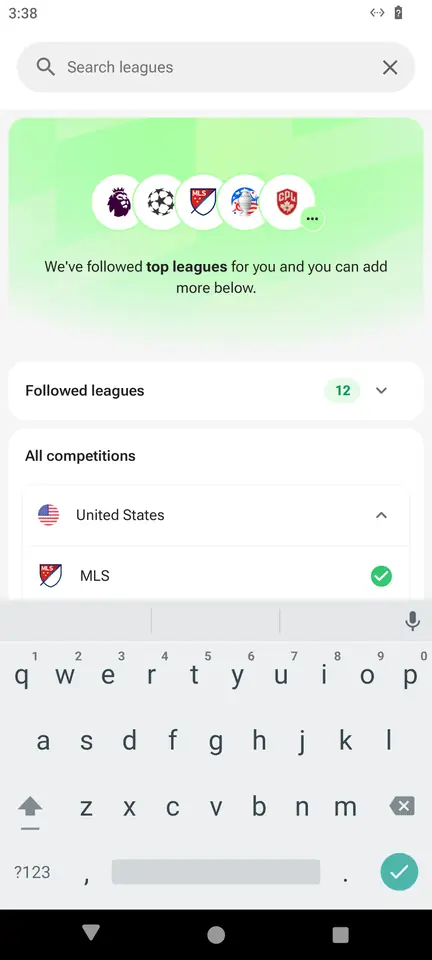
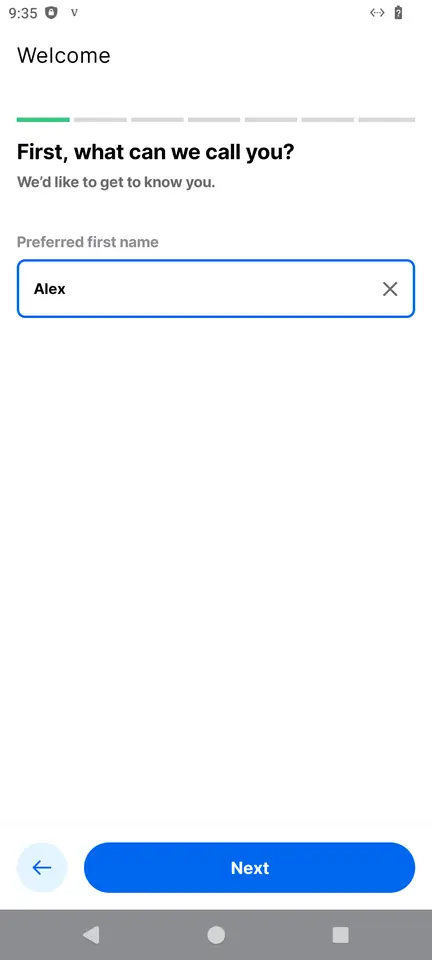
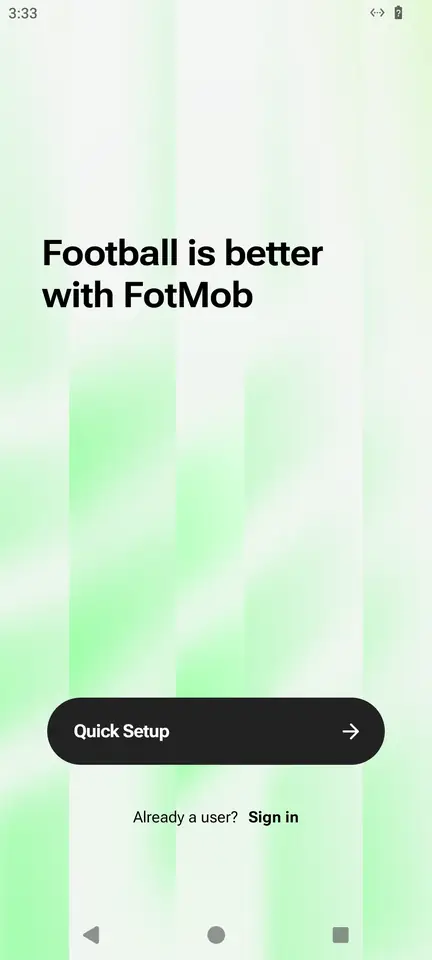
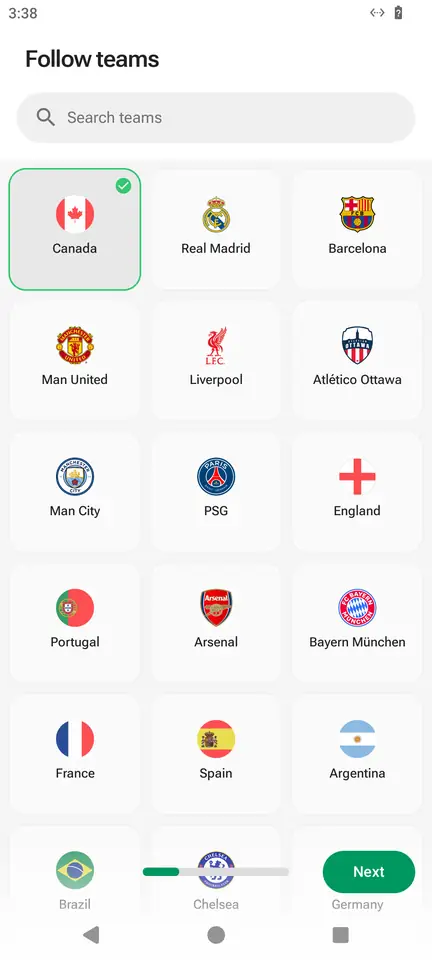
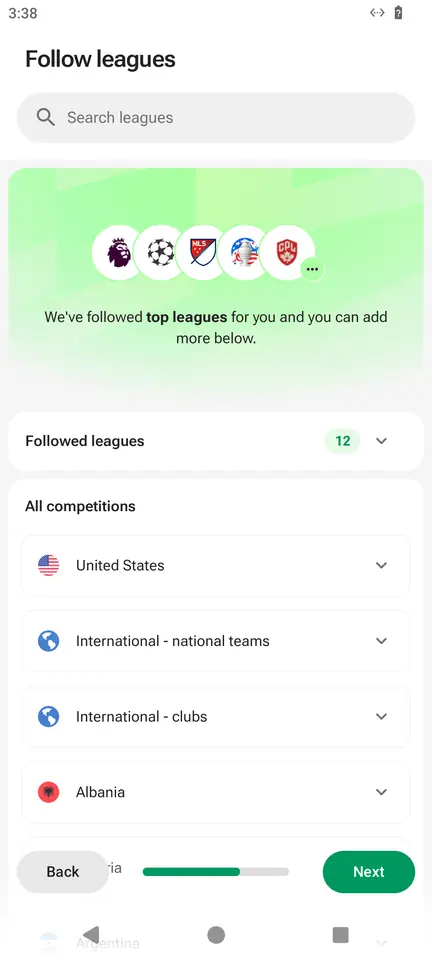
FotMob icon button on Android — Clear (highlighted)
FotMob · onboarding · label Clear
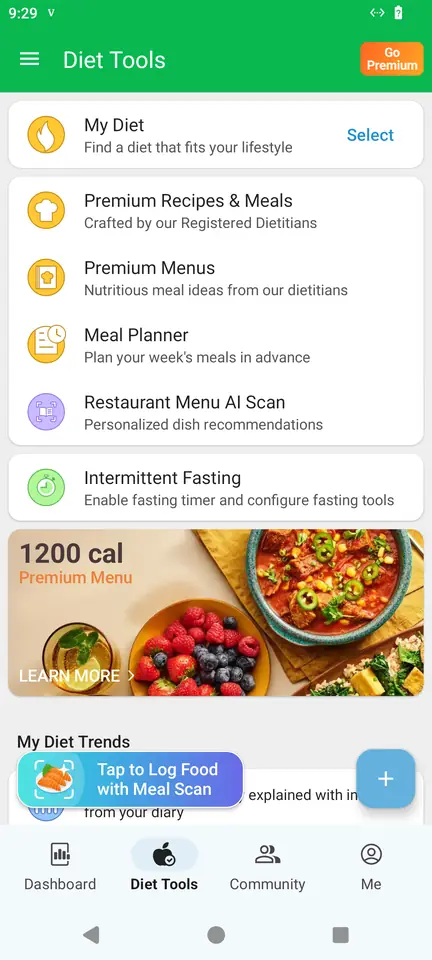
MyNetDiary icon button on Android — Navigate up (highlighted)
MyNetDiary · home & browsing · label Navigate up
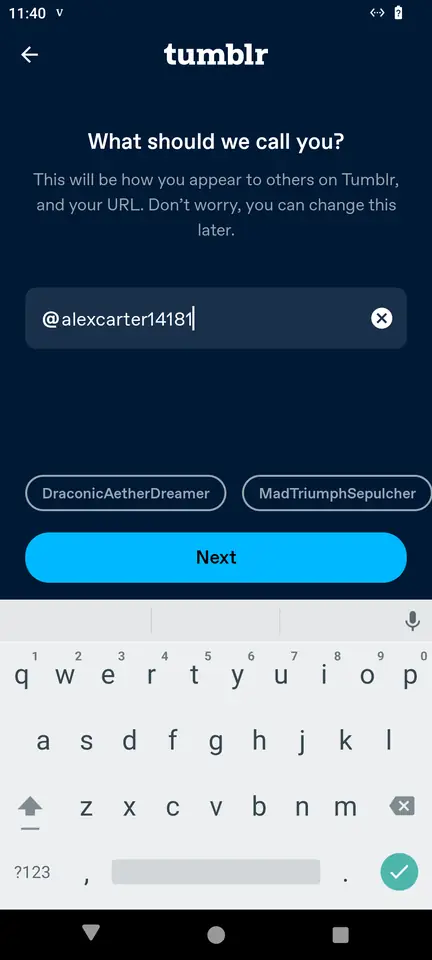
Tumblr icon button on Android — Clear text (highlighted)
Tumblr · onboarding · label Clear text
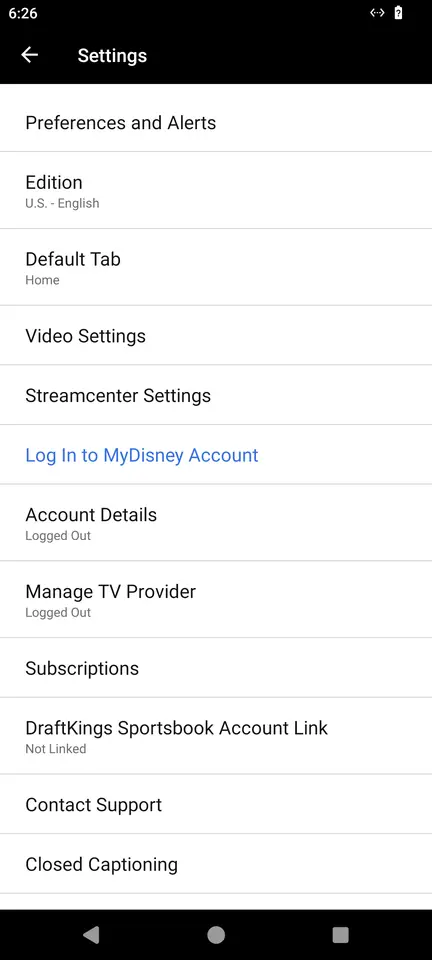
ESPN icon button on Android — Navigate up (highlighted)
ESPN · label Navigate up
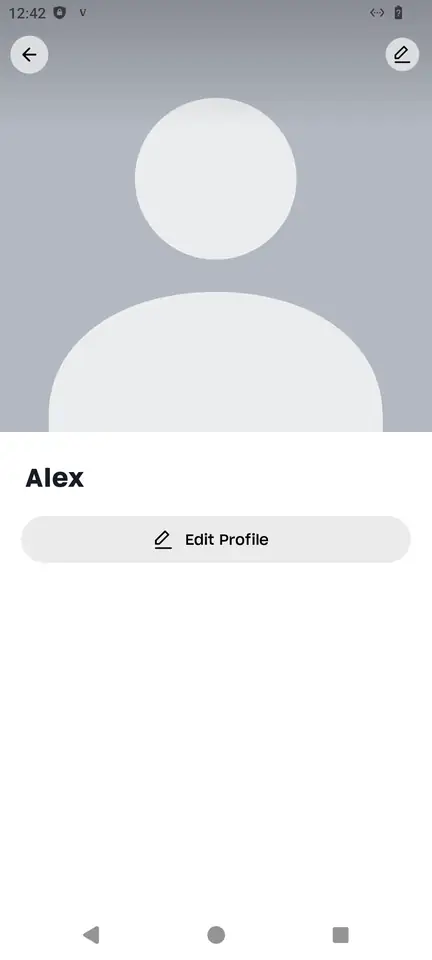
Mindvalley icon button on Android — Navigate up (highlighted)
Mindvalley · settings · label Navigate up
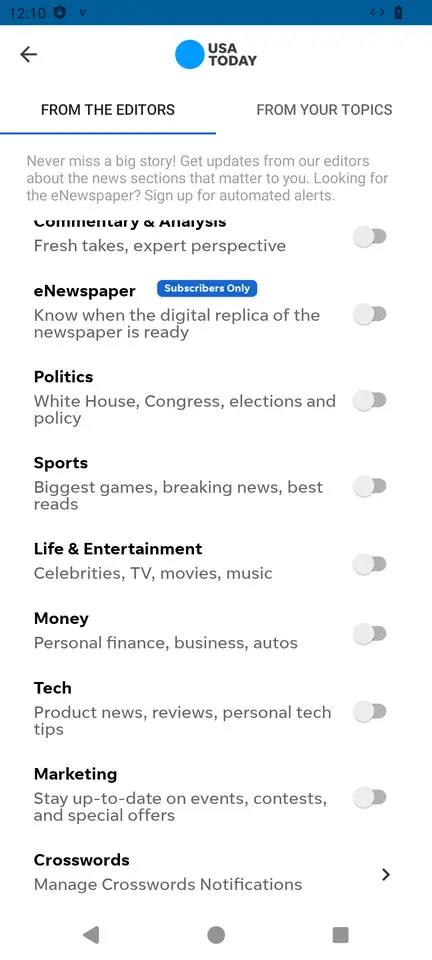
USA TODAY icon button on Android — Navigate up (highlighted)
USA TODAY · settings · label Navigate up
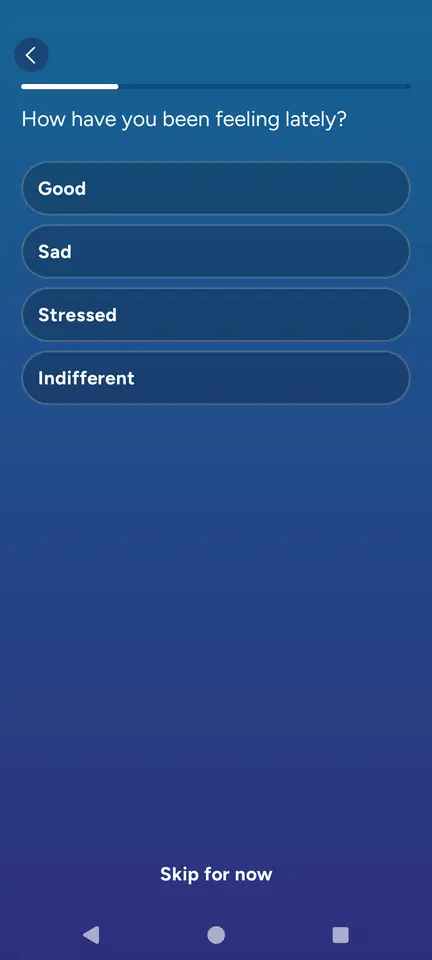
Calm icon button on Android — Back (highlighted)
Calm · onboarding · label Back
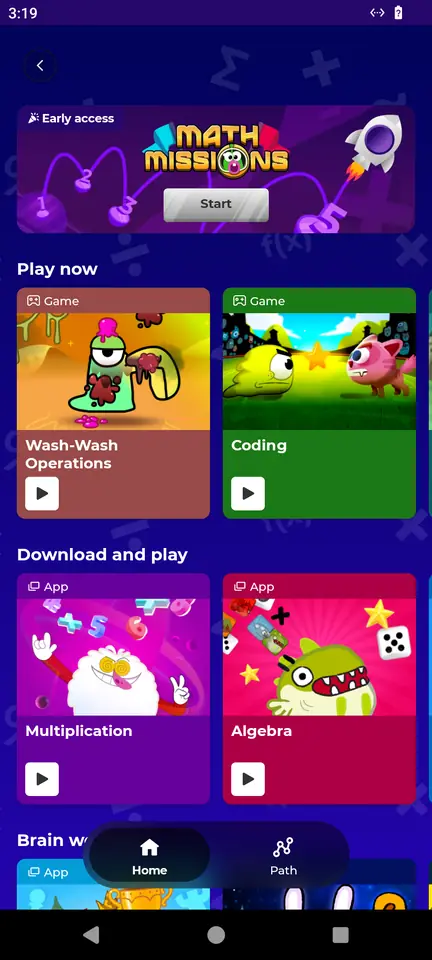
Kahoot! icon button on Android — Play (highlighted)
Kahoot! · label Play
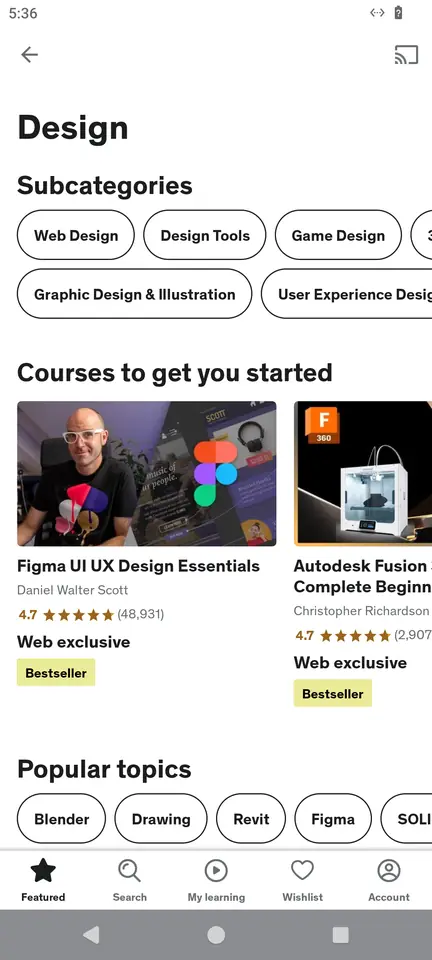
Udemy icon button on Android — Navigate up (highlighted)
Udemy · home & browsing · label Navigate up
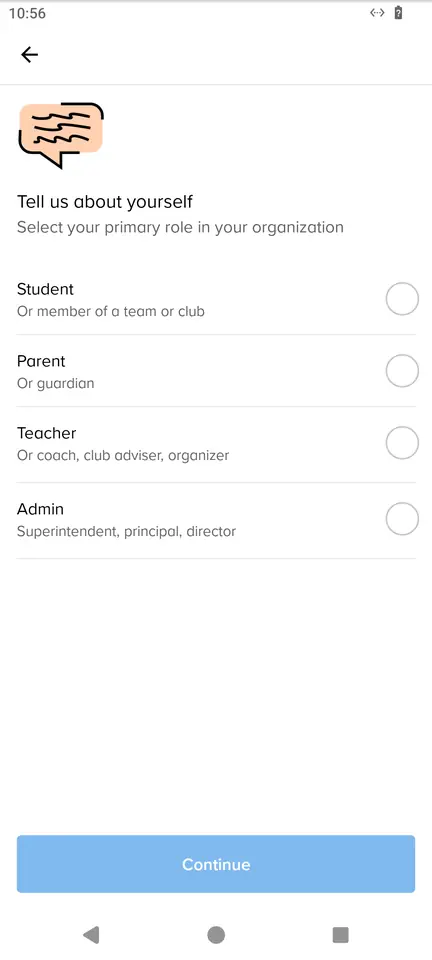
Remind icon button on Android — Navigate up (highlighted)
Remind · label Navigate up
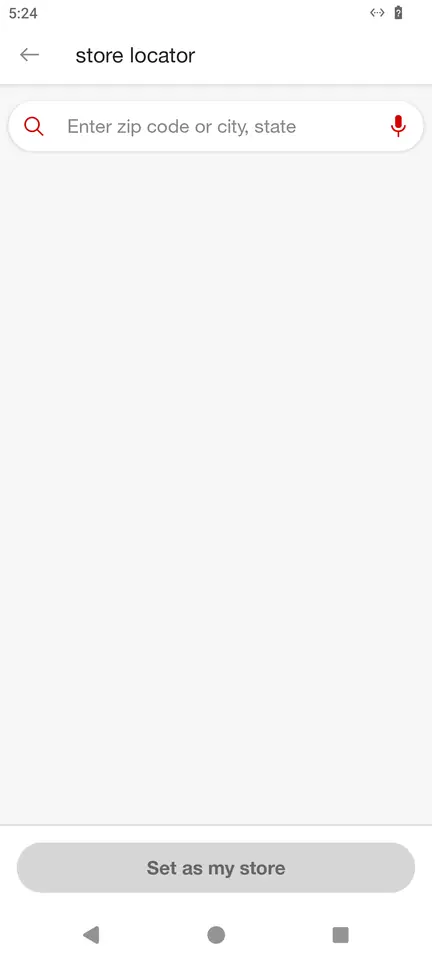
Target icon button on Android — Navigate up (highlighted)
Target · label Navigate up
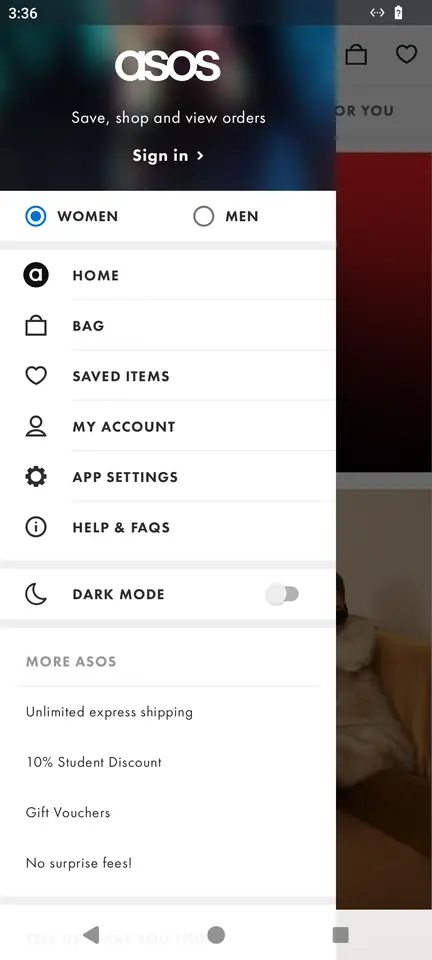
ASOS icon button on Android — ASOS (highlighted)
ASOS · label ASOS
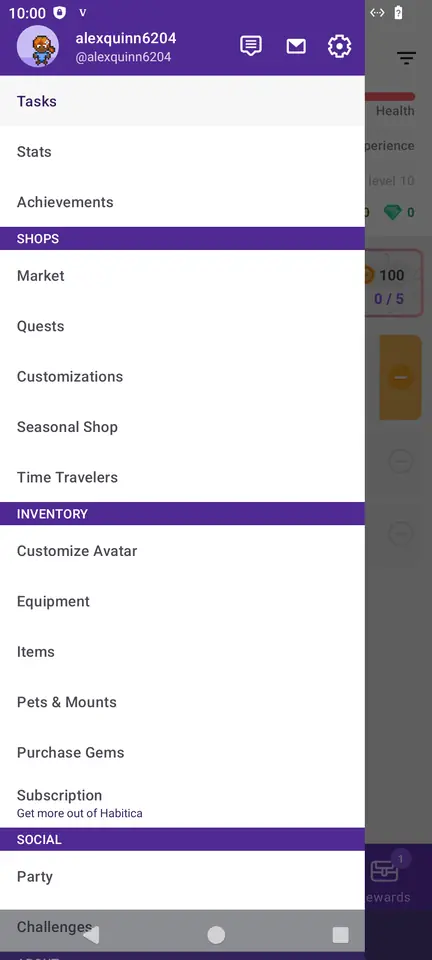
Habitica icon button on Android — Close navigation drawer (highlighted)
Habitica · settings · label Close navigation drawer
Khan Academy icon button on Android — Navigate up (highlighted)
Khan Academy · label Navigate up
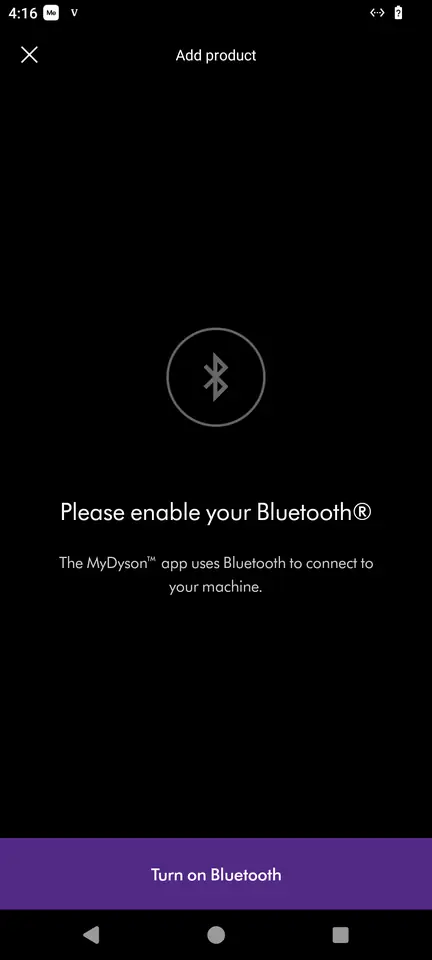
MyDyson icon button on Android — Navigate up (highlighted)
MyDyson · onboarding · label Navigate up
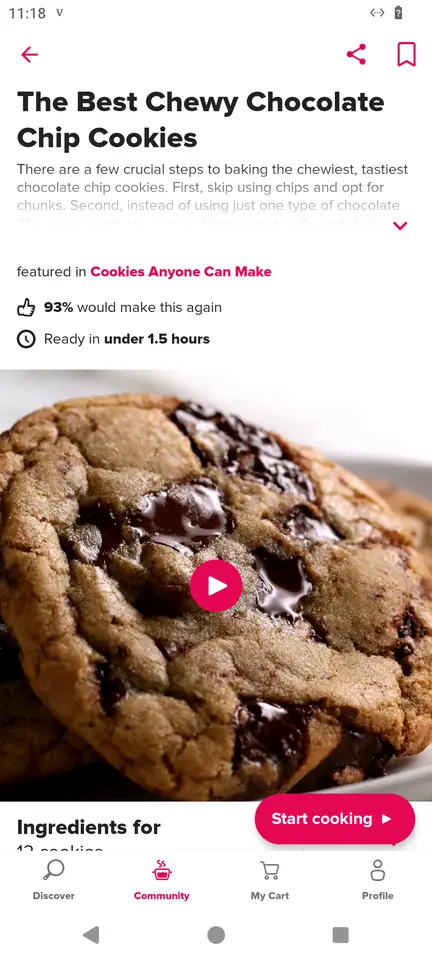
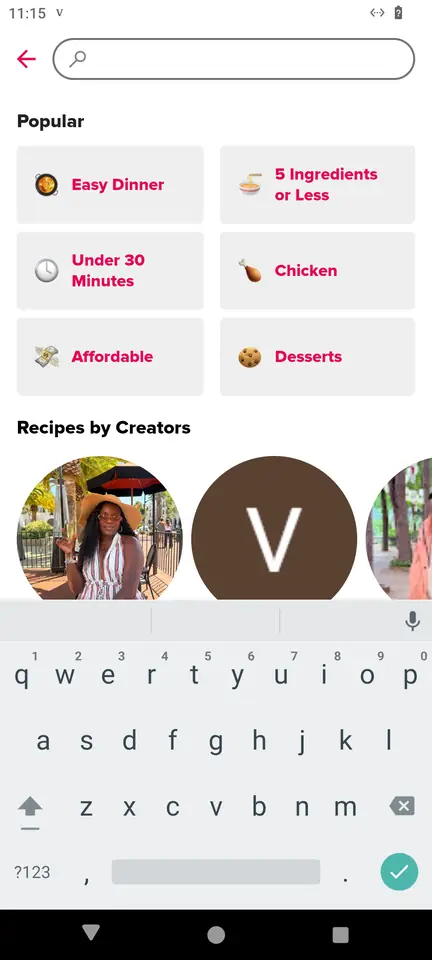
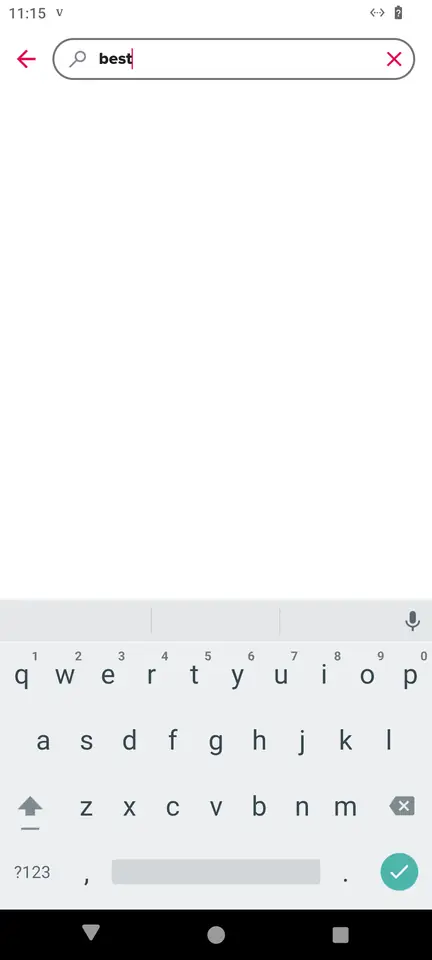
Tasty icon button on Android — Navigate up (highlighted)
Tasty · home & browsing · label Navigate up
Wikipedia icon button on Android — Navigate up (highlighted)
Wikipedia · home & browsing · label Navigate up
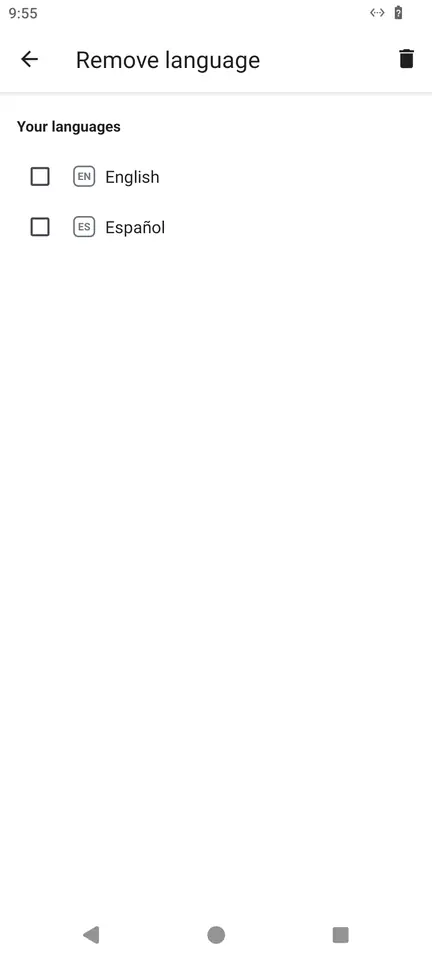
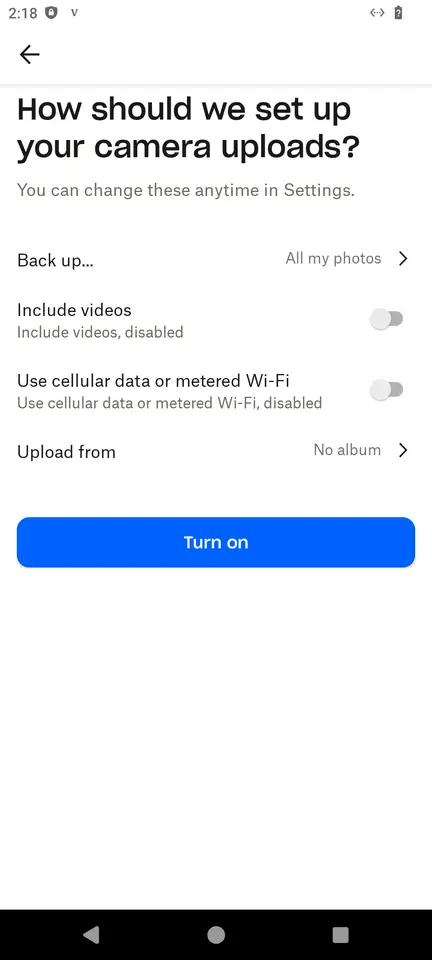
Dropbox icon button on Android — Back (highlighted)
Dropbox · settings · label Back
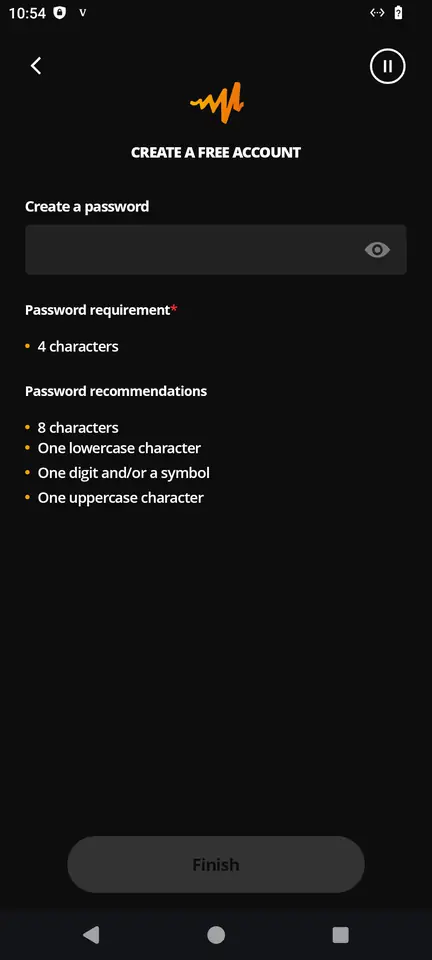
Audiomack icon button on Android — Show/Hide password (highlighted)
Audiomack · sign-in · label Show/Hide password
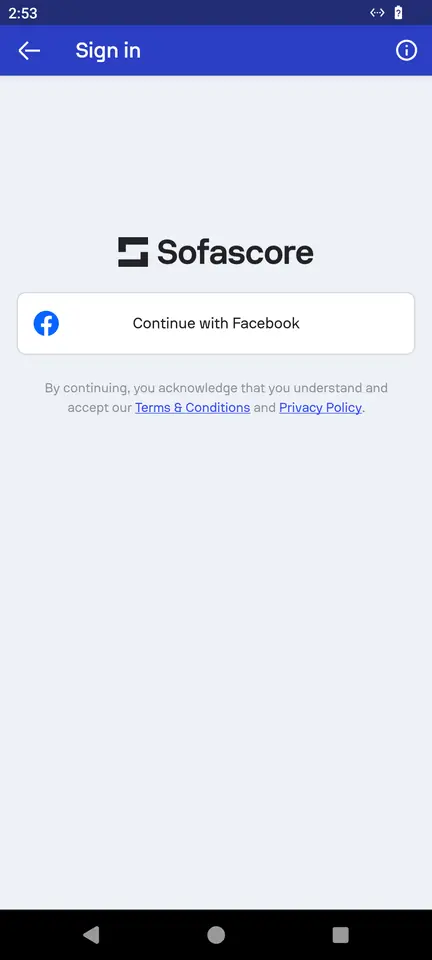
Sofascore icon button on Android — Navigate up (highlighted)
Sofascore · onboarding · label Navigate up
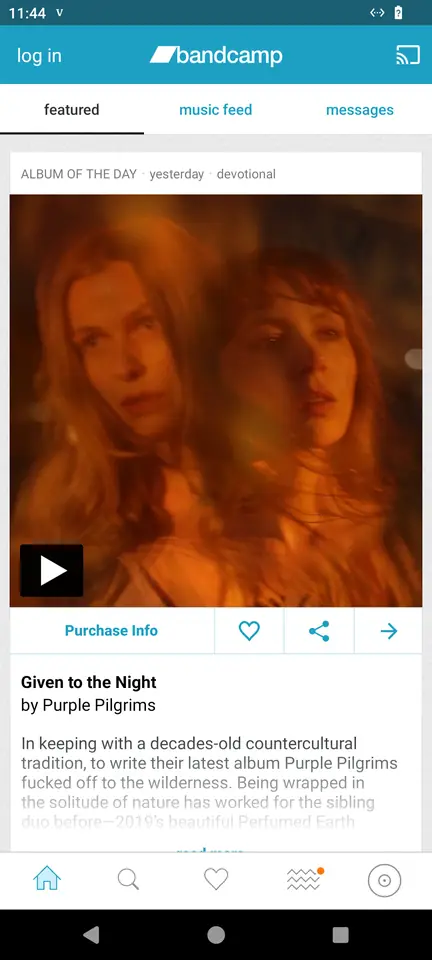
Bandcamp icon button on Android — Share (highlighted)
Bandcamp · label Share
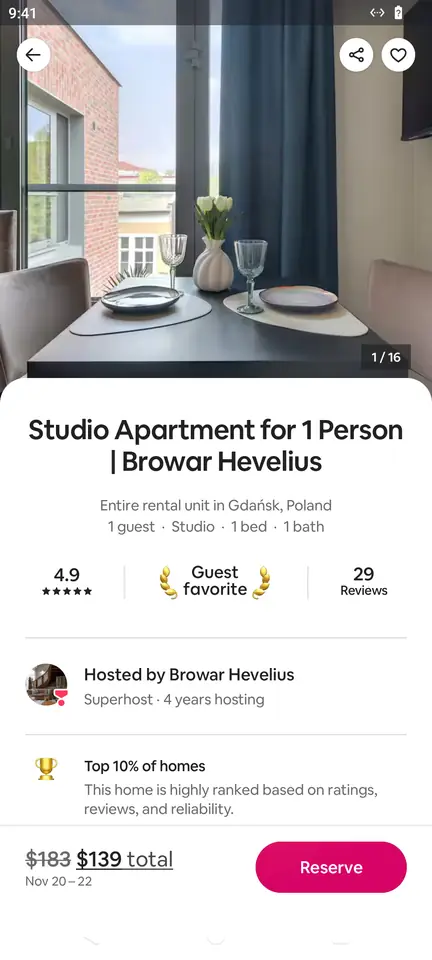
Airbnb icon button on Android — Share (highlighted)
Airbnb · label Share
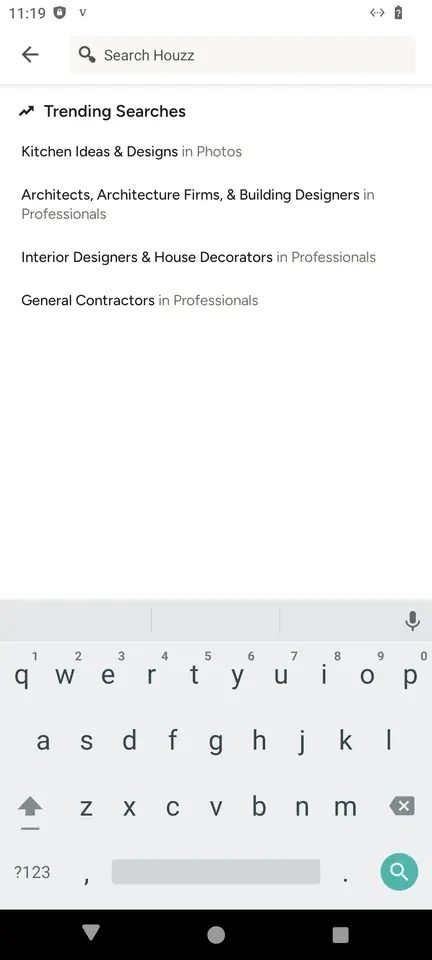
Houzz icon button on Android — Go Back (highlighted)
Houzz · home & browsing · label Go Back
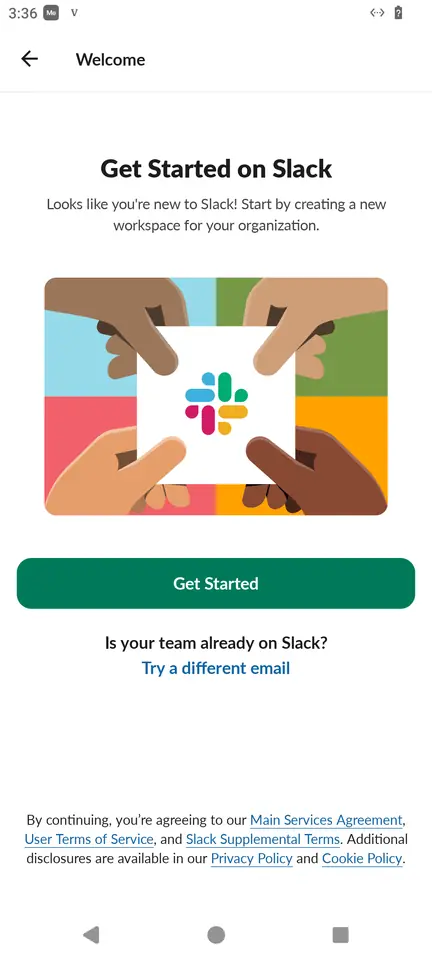
Slack icon button on Android — Back (highlighted)
Slack · onboarding · label Back
Goodbudget icon button on Android — More options (highlighted)
Goodbudget · onboarding · label More options
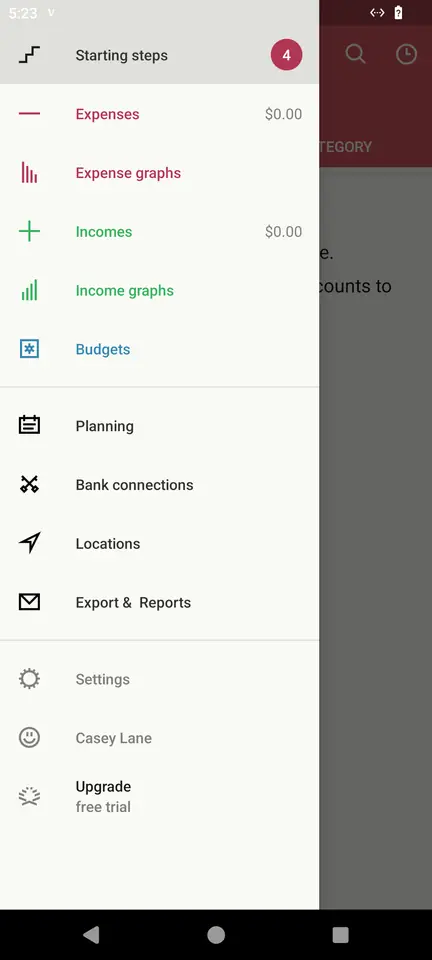
Toshl Finance icon button on Android — Menu (highlighted)
Toshl Finance · home & browsing · label Menu
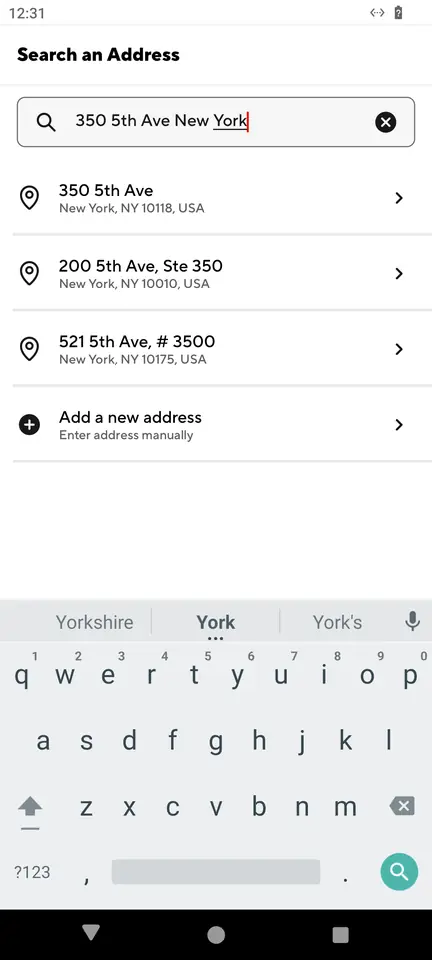
DoorDash icon button on Android — Clear Text (highlighted)
DoorDash · onboarding · label Clear Text
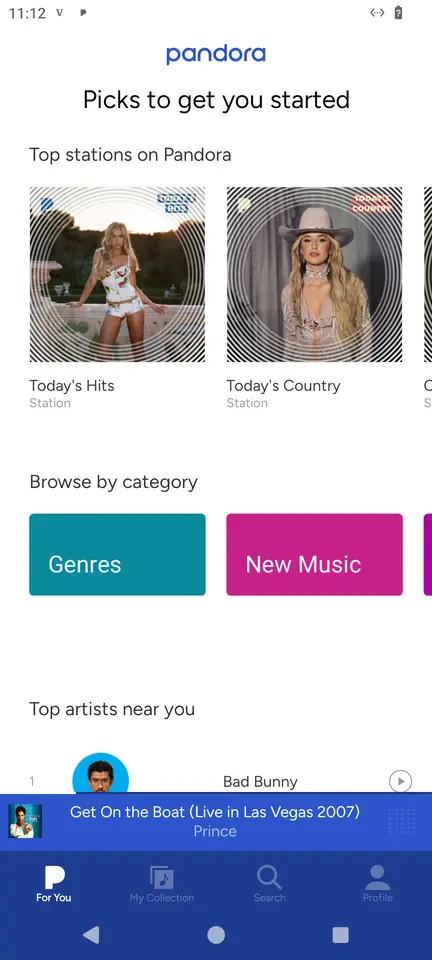
Pandora icon button on Android — Play (highlighted)
Pandora · home & browsing · label Play
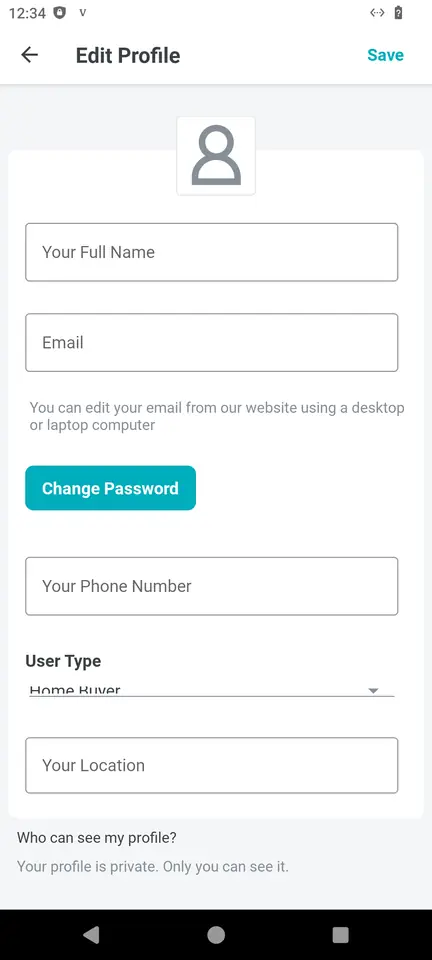
Trulia icon button on Android — Navigate up (highlighted)
Trulia · settings · label Navigate up
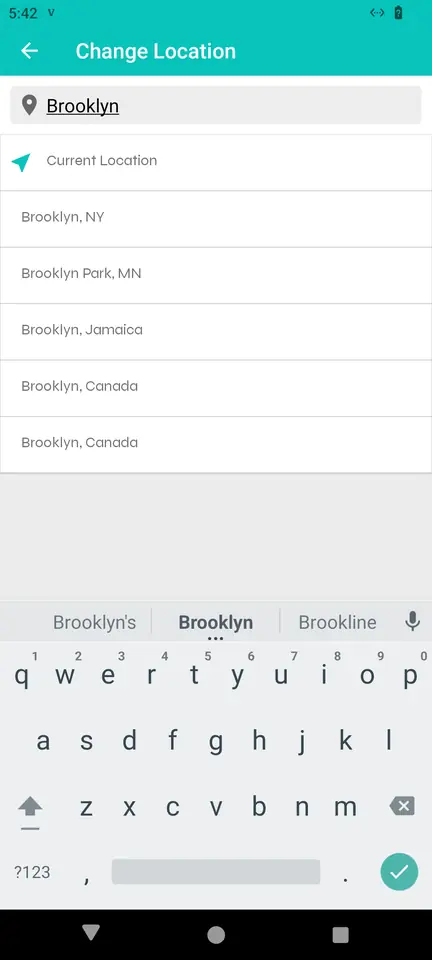
Bandsintown icon button on Android — Navigate up (highlighted)
Bandsintown · onboarding · label Navigate up
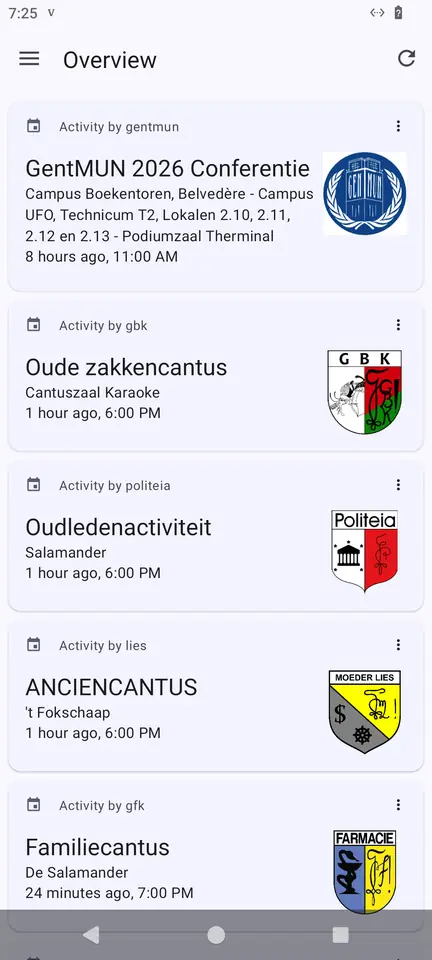
Hydra icon button on Android — Open (highlighted)
Hydra · label Open
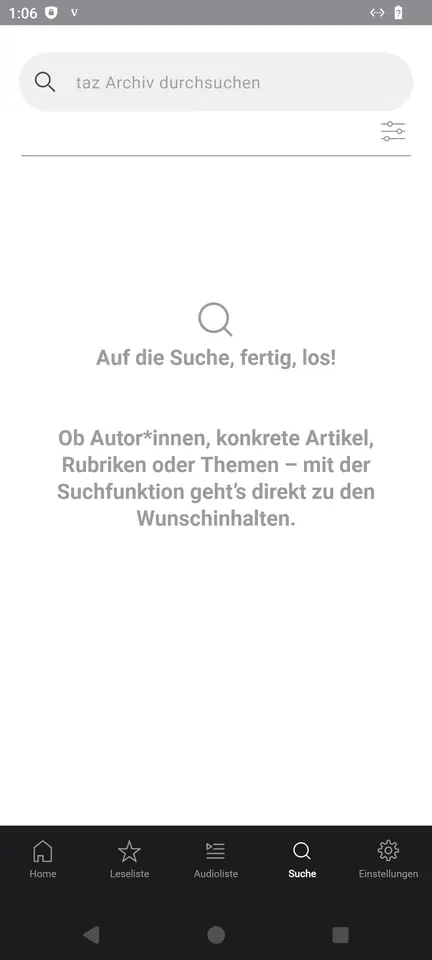
taz icon button on Android — Suche (highlighted)
taz · home & browsing · label Suche
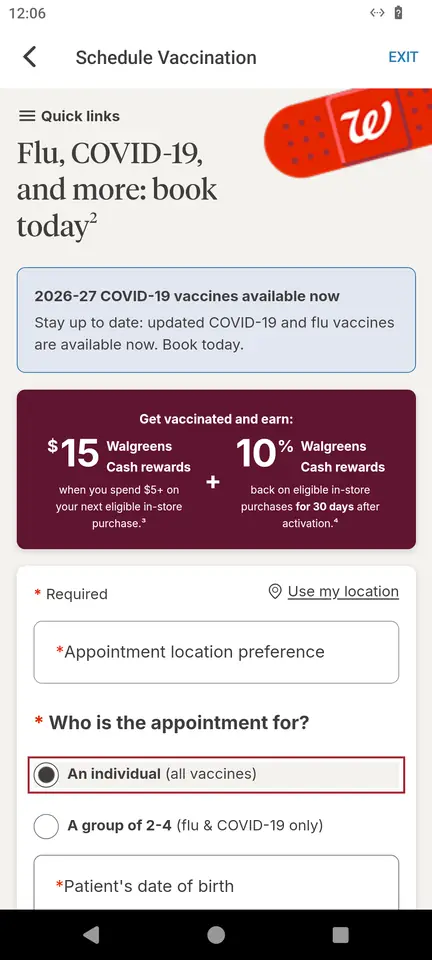
Walgreens icon button on Android — Back (highlighted)
Walgreens · onboarding · label Back
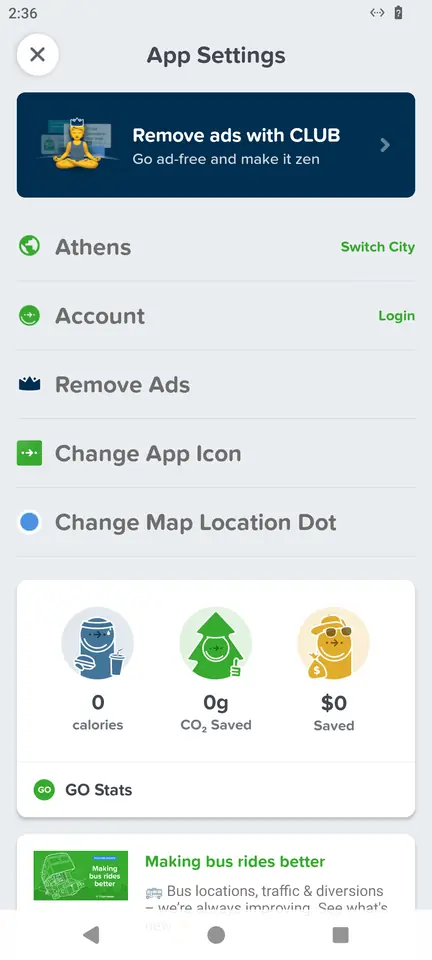
Citymapper icon button on Android — Back (highlighted)
Citymapper · settings · label Back
edX icon button on Android — Back (highlighted)
edX · home & browsing · label Back
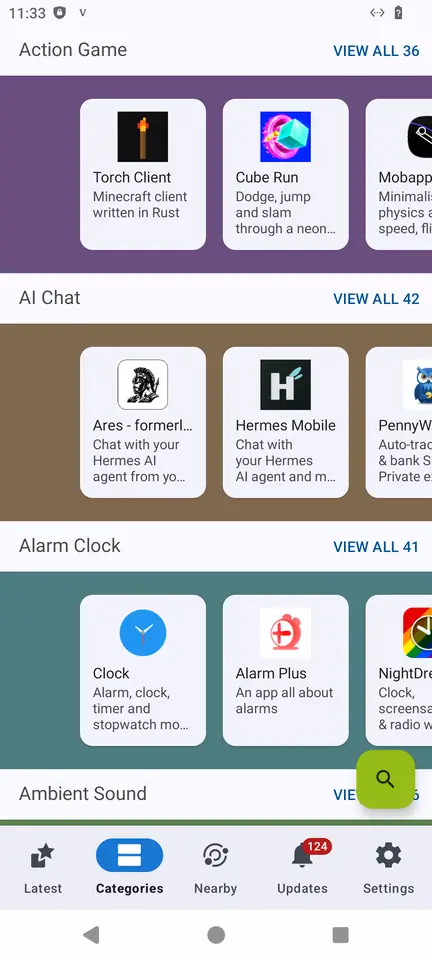
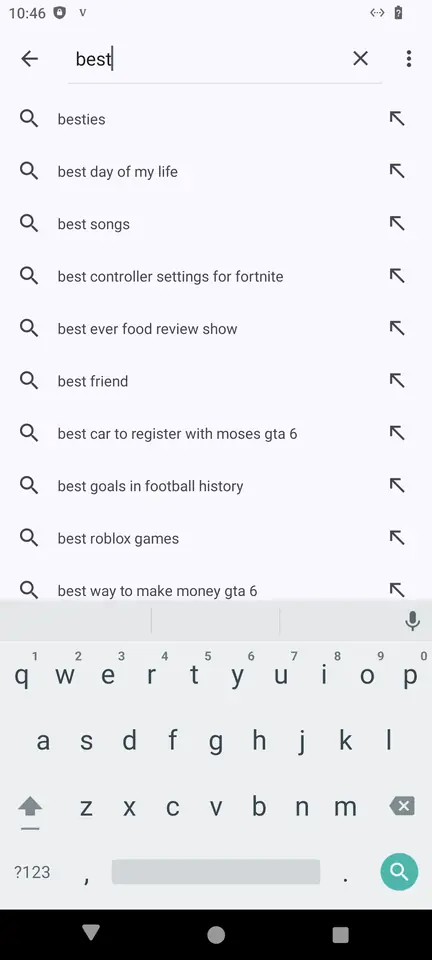
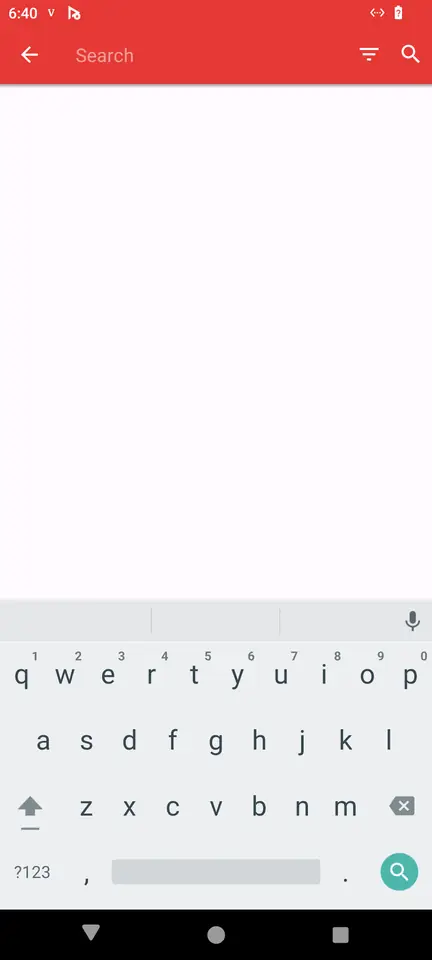
F-Droid icon button on Android — Search (highlighted)
F-Droid · home & browsing · label Search
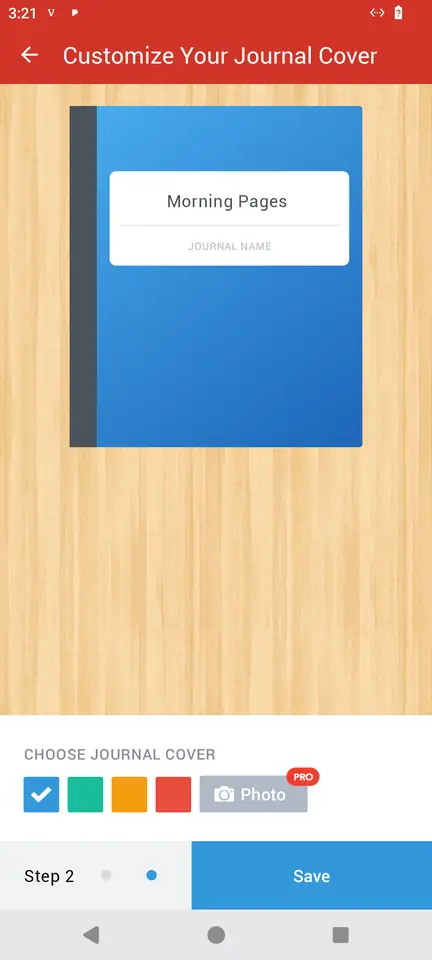
Penzu icon button on Android — Blue Journal Cover (highlighted)
Penzu · onboarding · label Blue Journal Cover
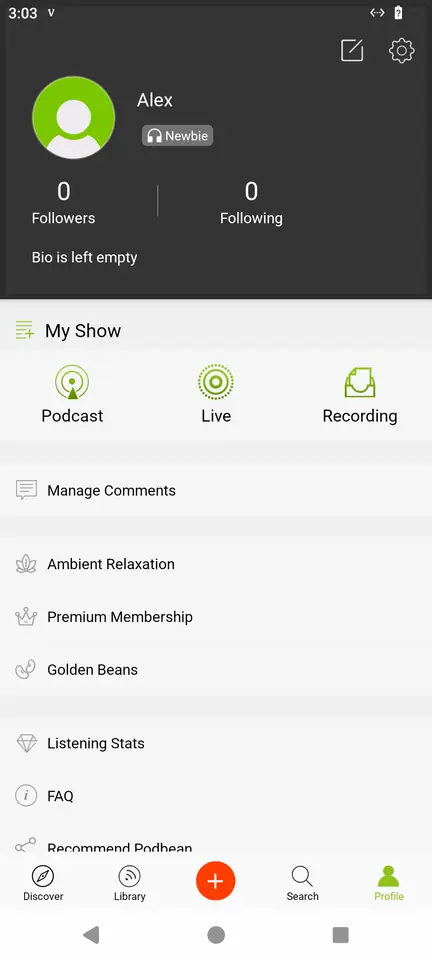
Podbean icon button on Android — Settings (highlighted)
Podbean · home & browsing · label Settings
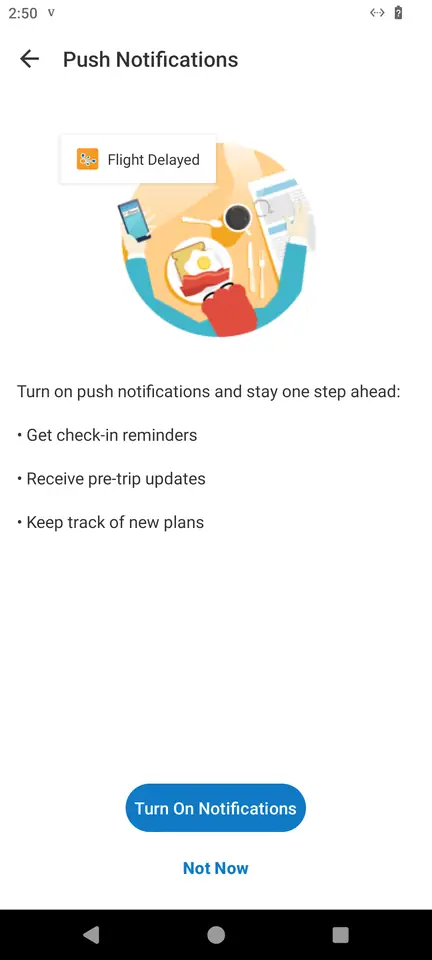
TripIt icon button on Android — Navigate up (highlighted)
TripIt · onboarding · label Navigate up
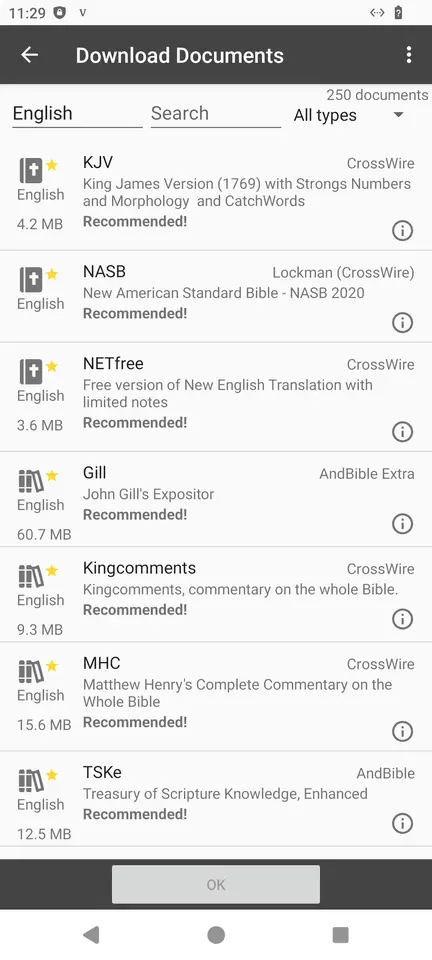
AndBible icon button on Android — Navigate up (highlighted)
AndBible · onboarding · label Navigate up
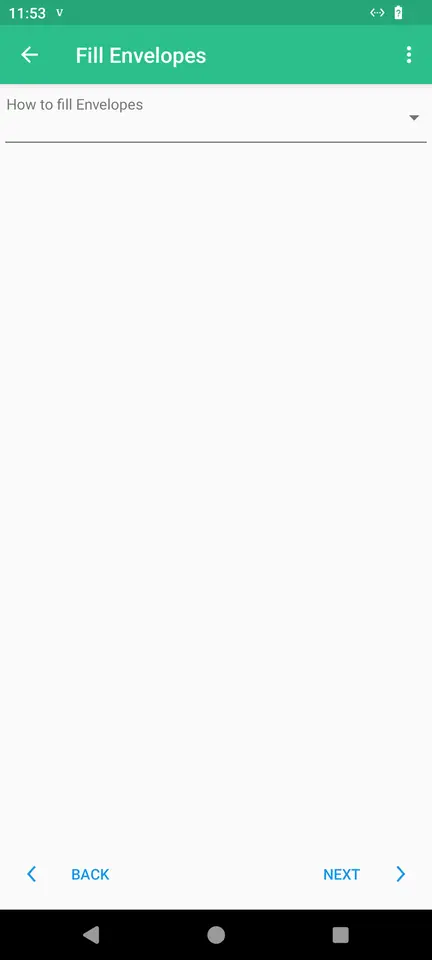
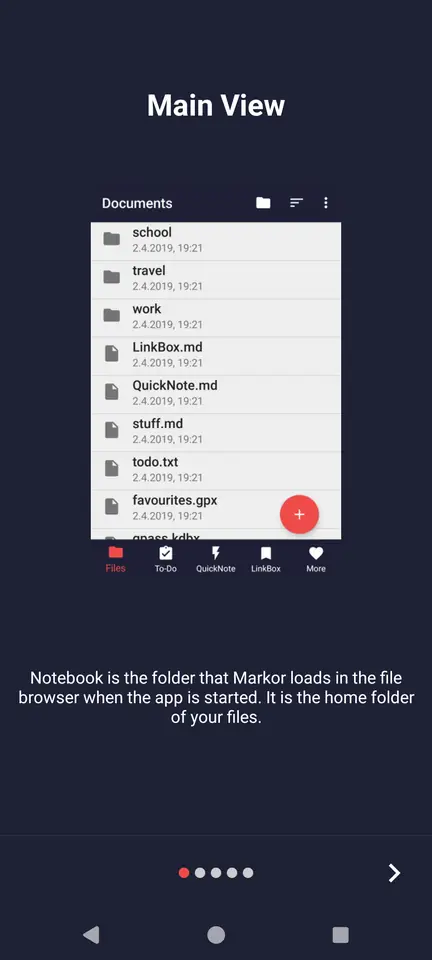
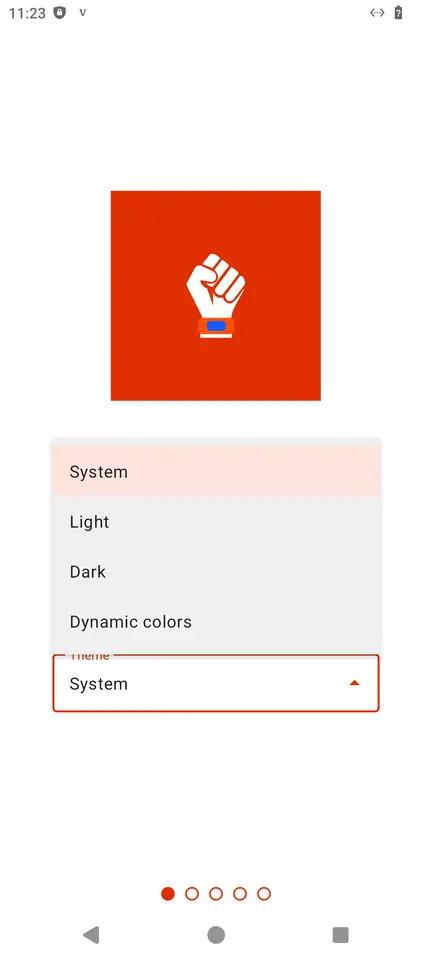
Markor icon button on Android — NEXT (highlighted)
Markor · onboarding · label NEXT
NewsBlur icon button on Android — Go back to previous list (highlighted)
NewsBlur · settings · label Go back to previous list
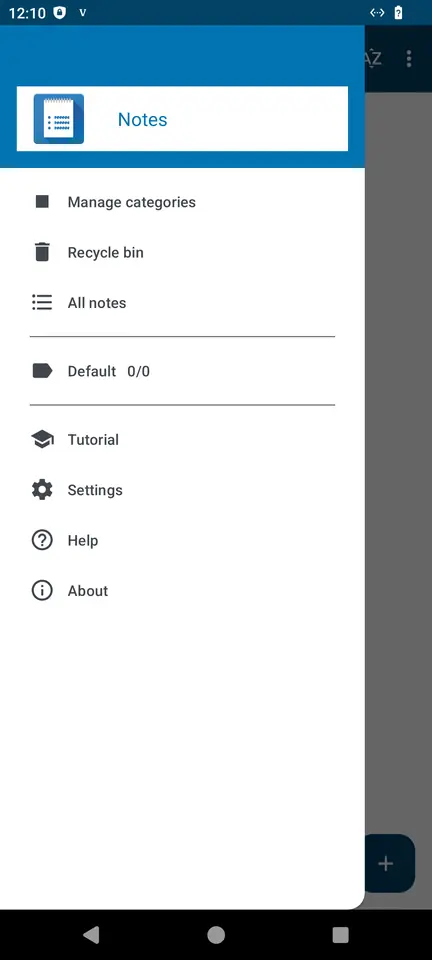
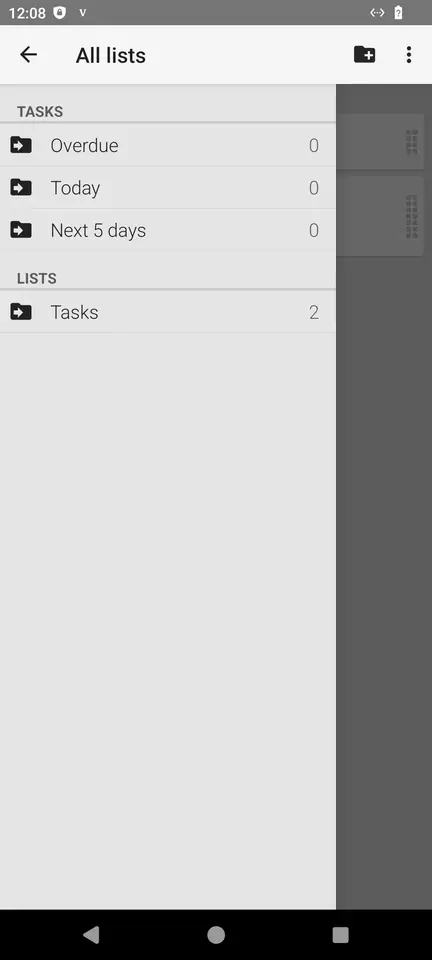
Privacy Friendly Notes icon button on Android — Close navigation drawer (highlighted)
Privacy Friendly Notes · label Close navigation drawer
Remember The Milk icon button on Android — Toggle filter column visibility (highlighted)
Remember The Milk · home & browsing · label Toggle filter column visibility
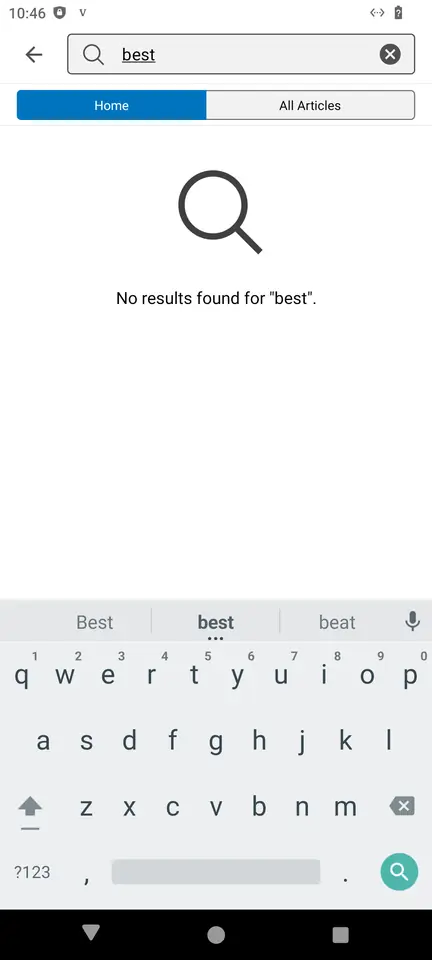
Instapaper icon button on Android — Clear text (highlighted)
Instapaper · home & browsing · label Clear text
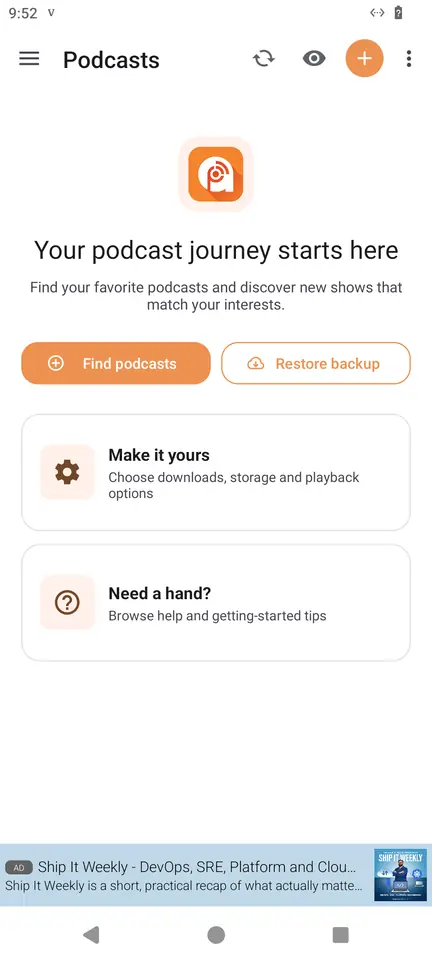
Podcast Addict icon button on Android — Open navigation sidebar (highlighted)
Podcast Addict · home & browsing · label Open navigation sidebar
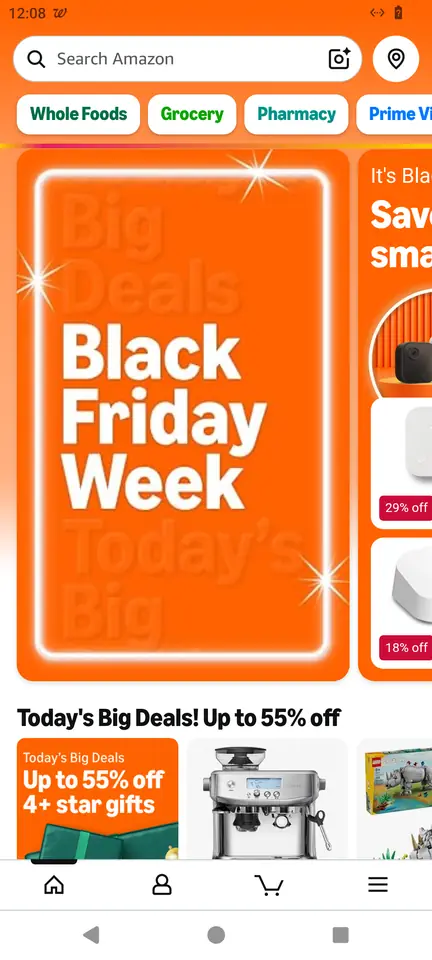
Amazon Shopping icon button on Android — Search (highlighted)
Amazon Shopping · onboarding · label Search
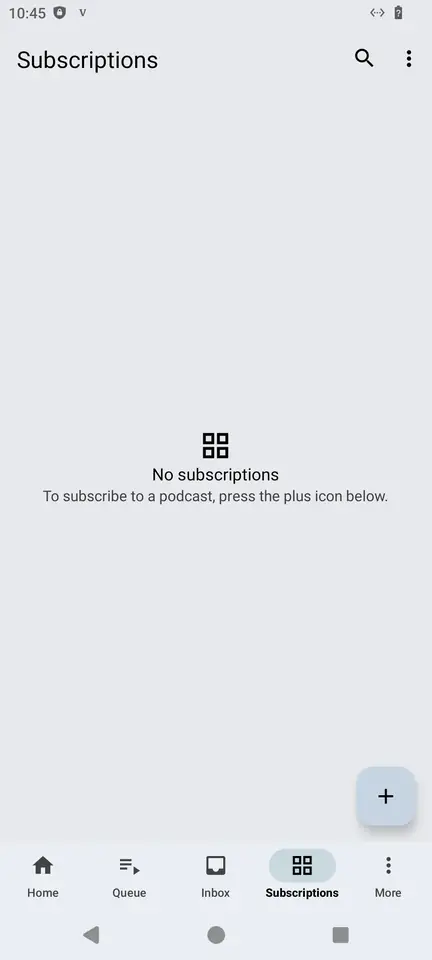
AntennaPod icon button on Android — Add podcast (highlighted)
AntennaPod · home & browsing · label Add podcast
Gadgetbridge icon button on Android — Show dropdown menu (highlighted)
Gadgetbridge · onboarding · label Show dropdown menu
NoNonsense Notes icon button on Android — Close navigation drawer (highlighted)
NoNonsense Notes · label Close navigation drawer
Pinterest icon button on Android — Clear text (highlighted)
Pinterest · onboarding · label Clear text
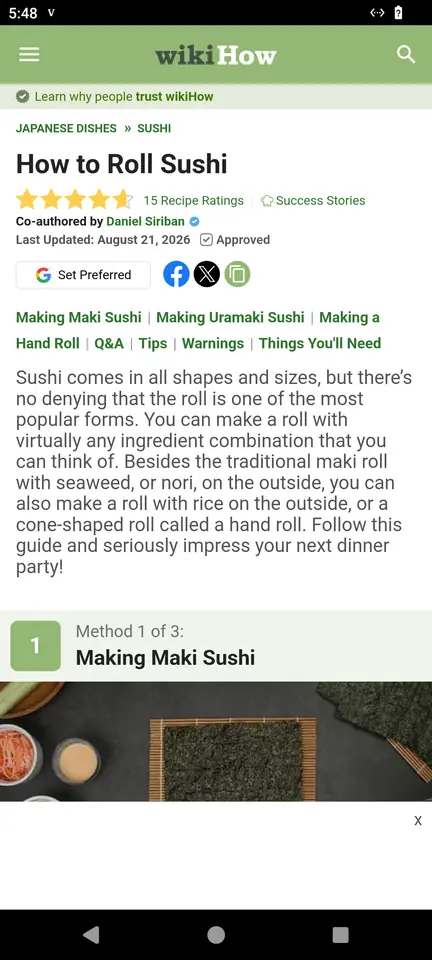
wikiHow icon button on Android — Open navigation drawer (highlighted)
wikiHow · home & browsing · label Open navigation drawer
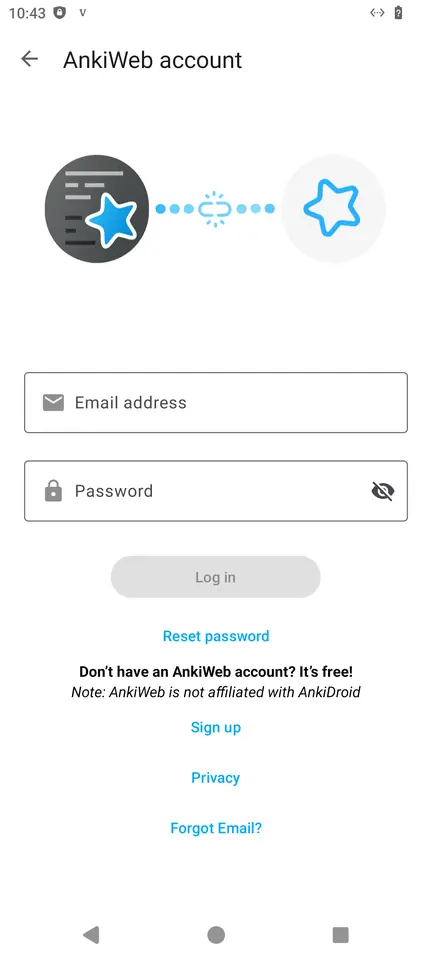
AnkiDroid icon button on Android — Show password (highlighted)
AnkiDroid · label Show password
LibreTube icon button on Android — Collapse (highlighted)
LibreTube · home & browsing · label Collapse
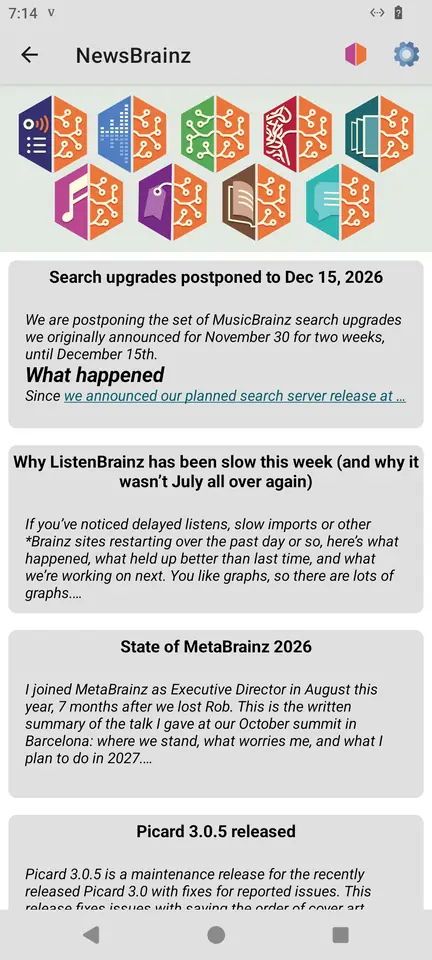
MetaBrainz icon button on Android — Navigate up (highlighted)
MetaBrainz · home & browsing · label Navigate up
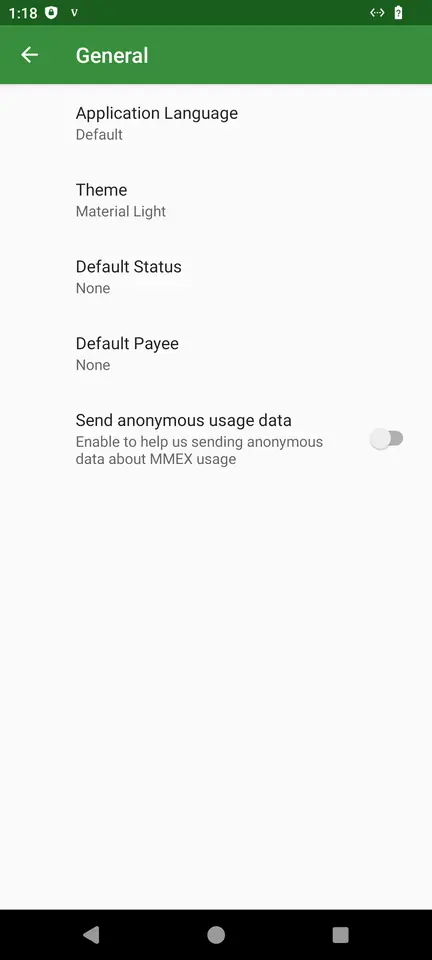
Money Manager Ex icon button on Android — Navigate up (highlighted)
Money Manager Ex · onboarding · label Navigate up
PipePipe icon button on Android — Navigate up (highlighted)
PipePipe · home & browsing · label Navigate up
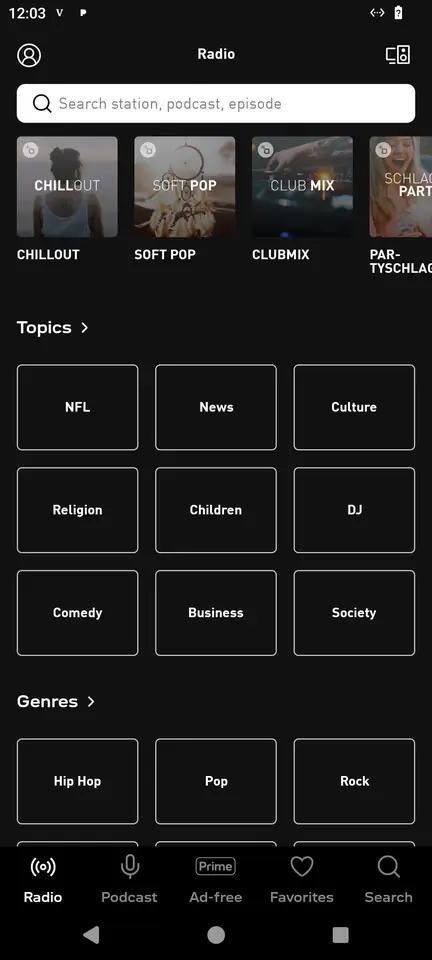
radio.net icon button on Android — Settings (highlighted)
radio.net · home & browsing · label Settings
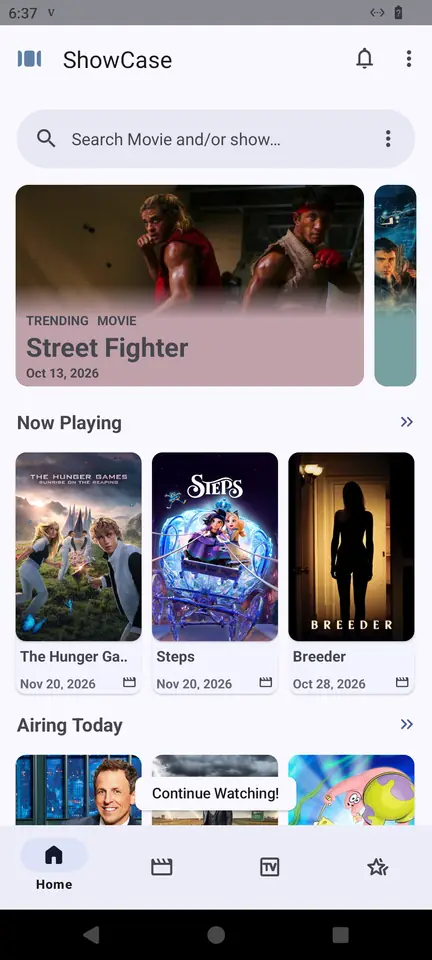
ShowCase icon button on Android — Navigate up (highlighted)
ShowCase · home & browsing · label Navigate up
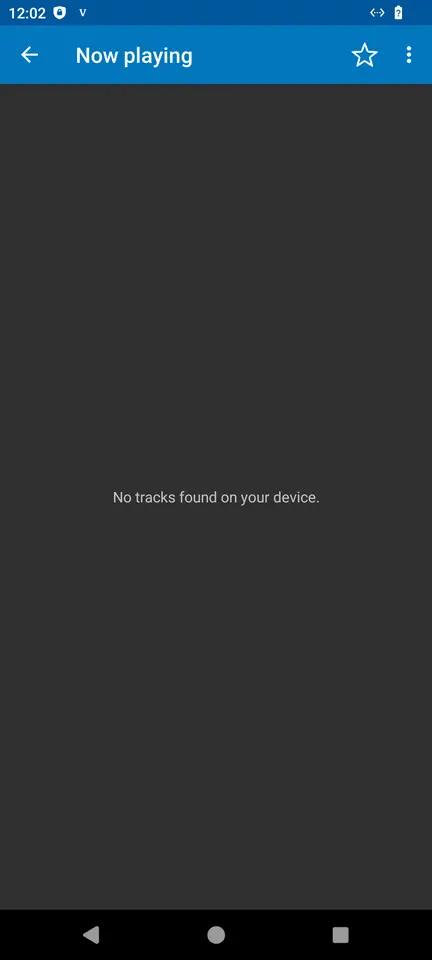
Vanilla Music icon button on Android — More options (highlighted)
Vanilla Music · onboarding · label More options
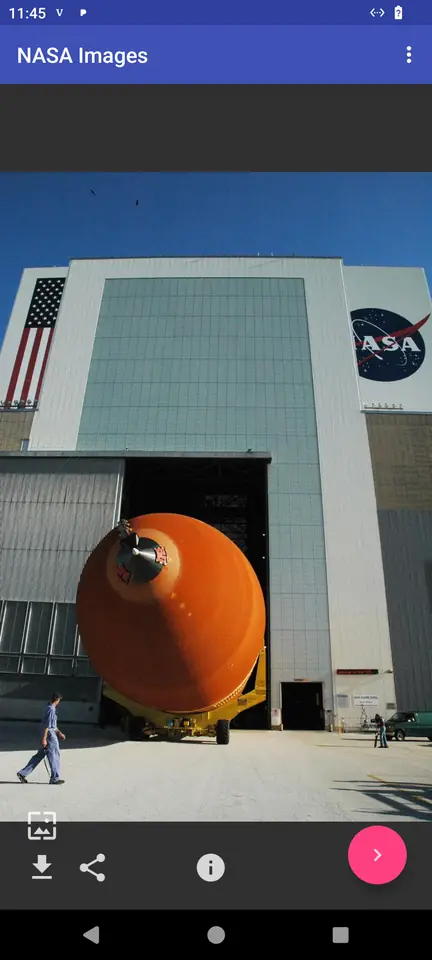
NASA Images icon button on Android — Set wallpaper (highlighted)
NASA Images · home & browsing · label Set wallpaper
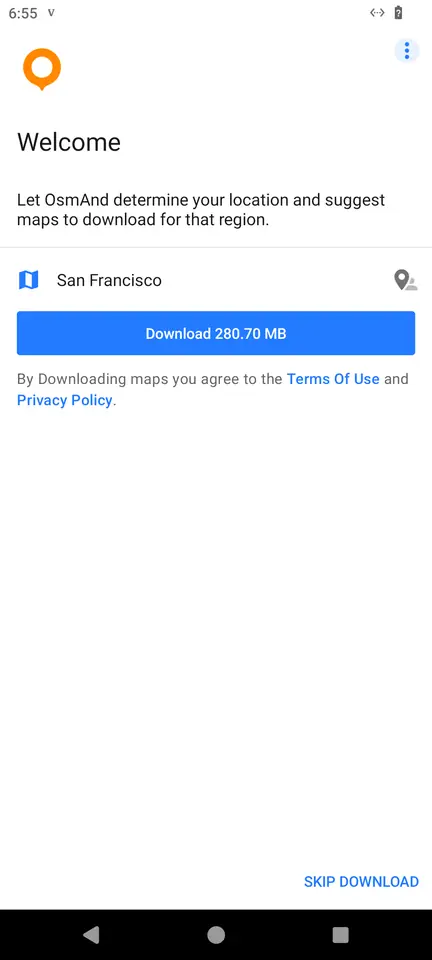
OsmAnd icon button on Android — Other (highlighted)
OsmAnd · label Other
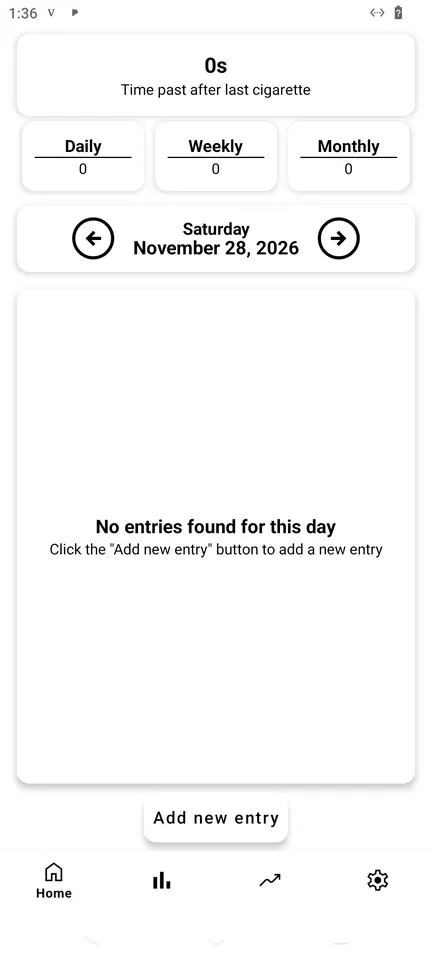
Smoking Tracker icon button on Android — Previous day (highlighted)
Smoking Tracker · home & browsing · label Previous day
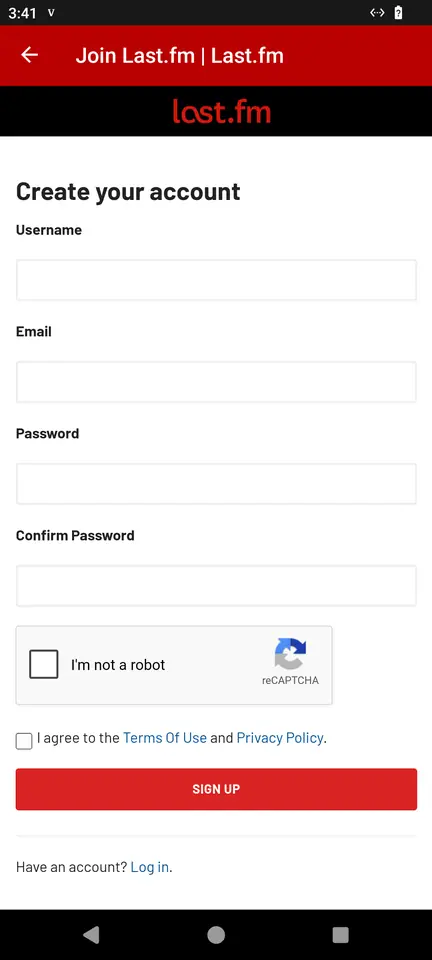
Last.fm icon button on Android — Navigate up (highlighted)
Last.fm · sign-in · label Navigate up
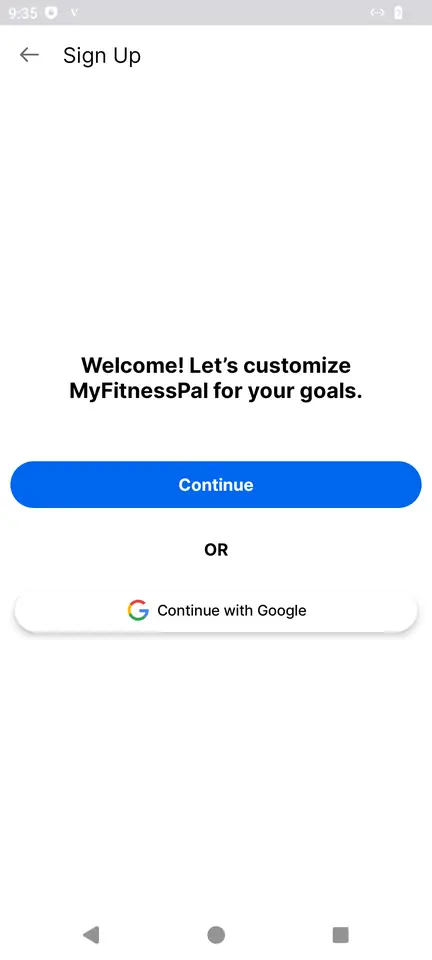
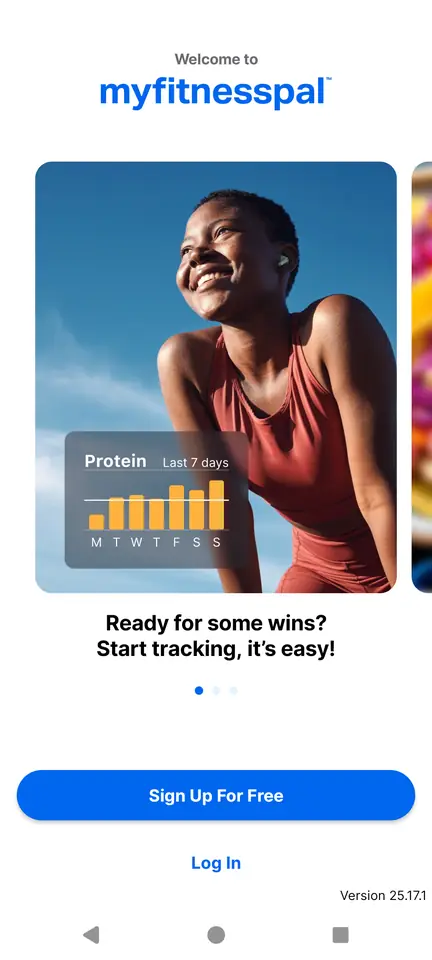
MyFitnessPal icon button on Android — LoginActivity (highlighted)
MyFitnessPal · onboarding
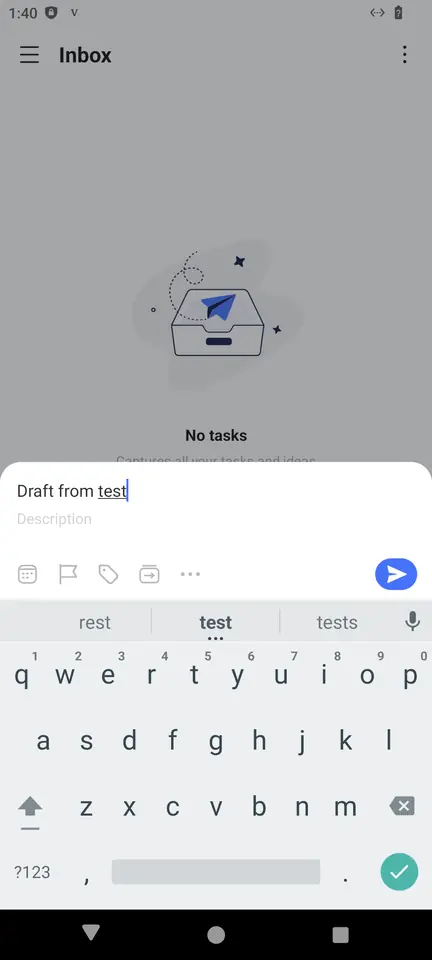
TickTick icon button on Android — No tasks (highlighted)
TickTick · home & browsing
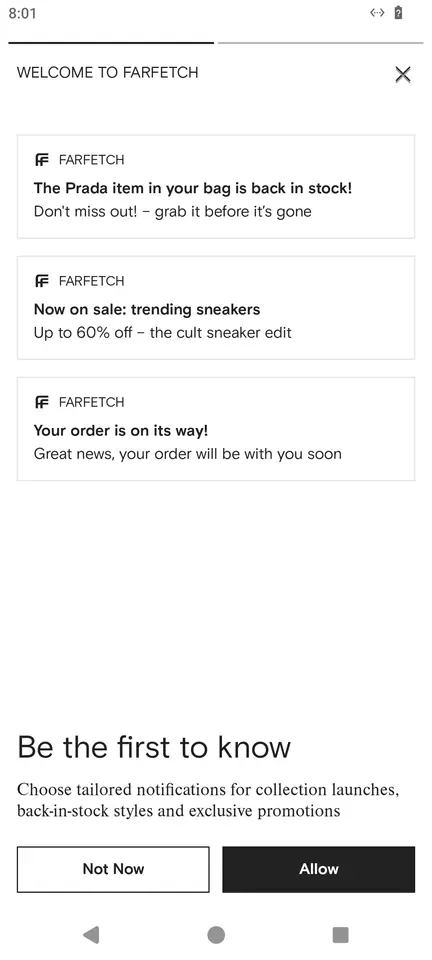
FARFETCH icon button on Android — FARFETCH (highlighted)
FARFETCH · onboarding
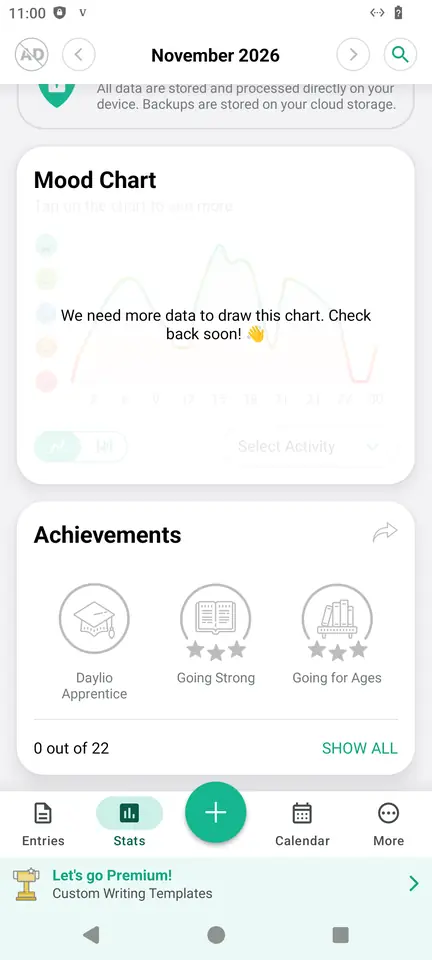
Daylio icon button on Android — November 2026 (highlighted)
Daylio
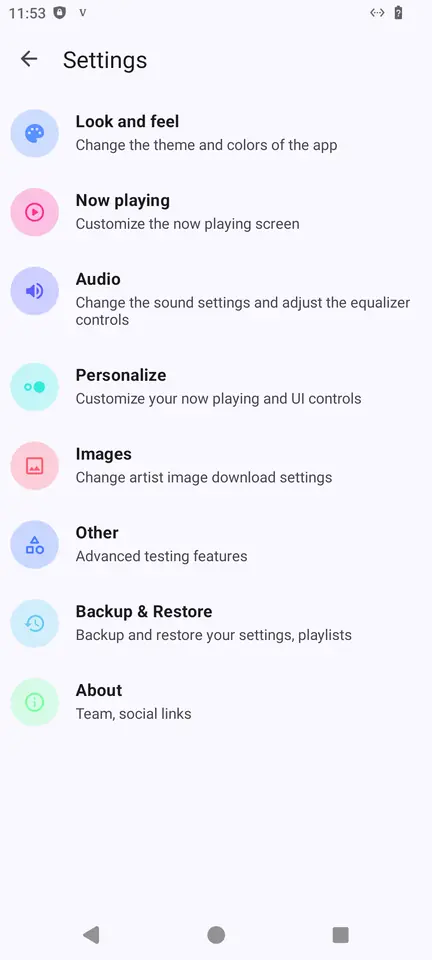
Retro Music Player icon button on Android — Settings (highlighted)
Retro Music Player
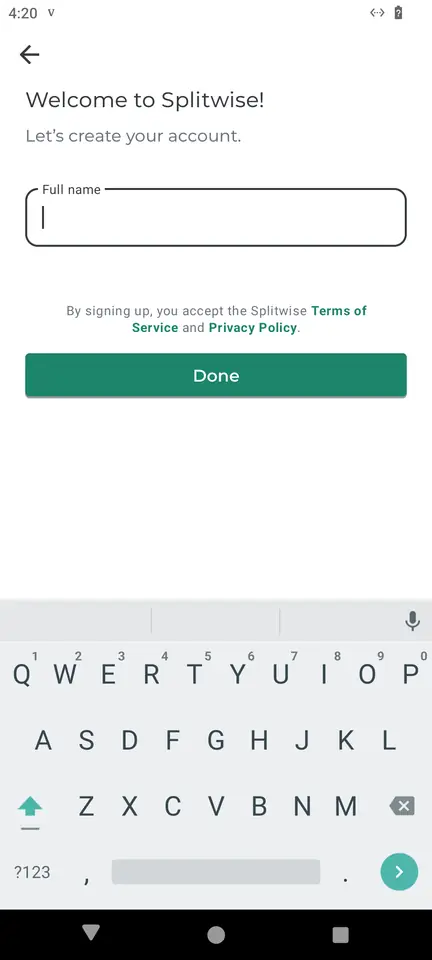
Splitwise icon button on Android — Welcome to Splitwise! (highlighted)
Splitwise
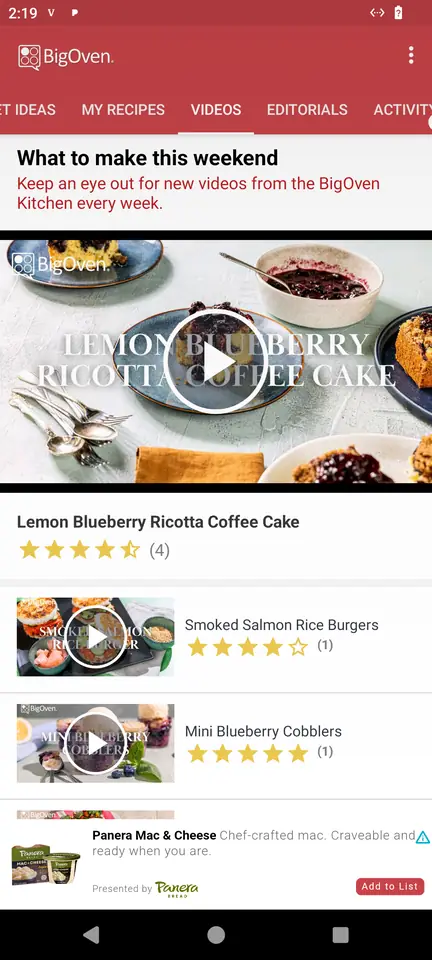
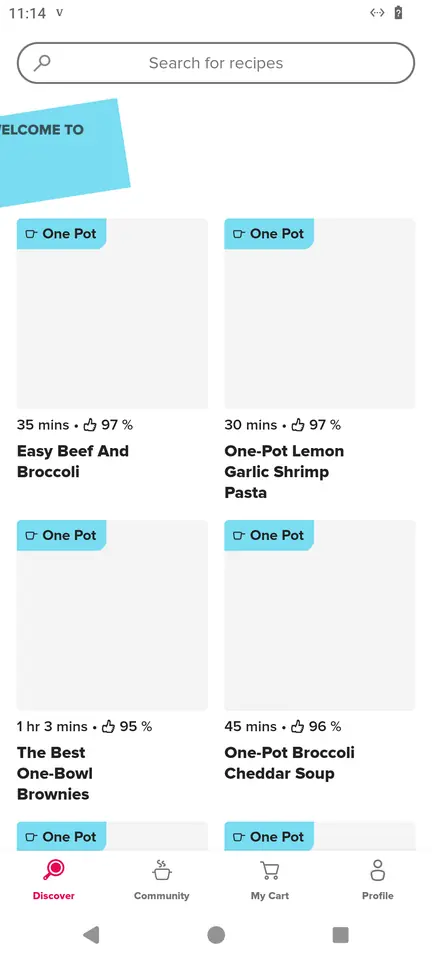
BigOven icon button on Android — Get Ideas (highlighted)
BigOven · home & browsing
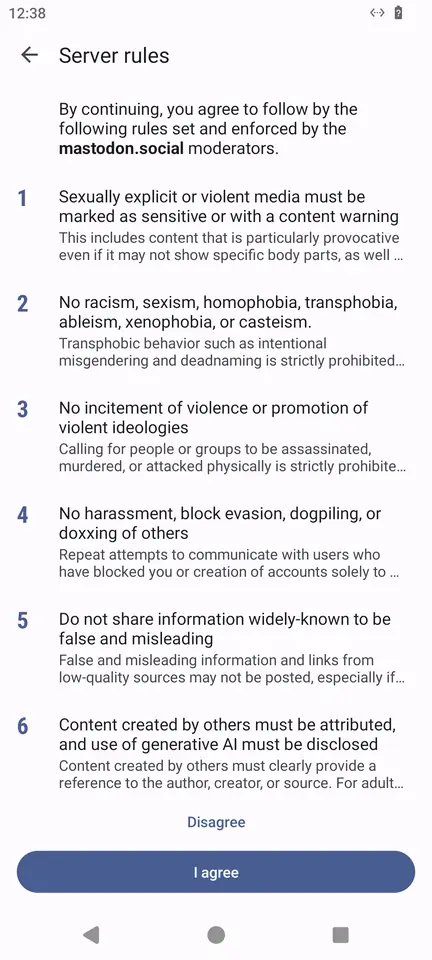
Mastodon icon button on Android — Server rules (highlighted)
Mastodon · onboarding
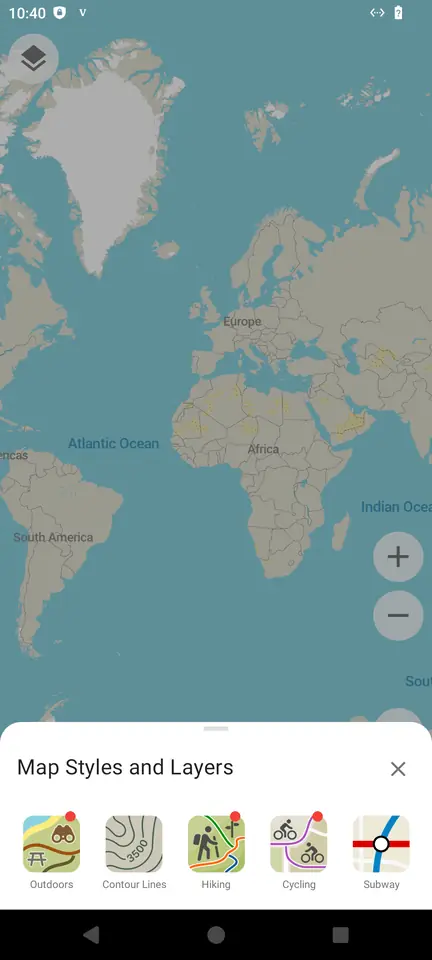
Organic Maps icon button on Android — Map Styles and Layers (highlighted)
Organic Maps
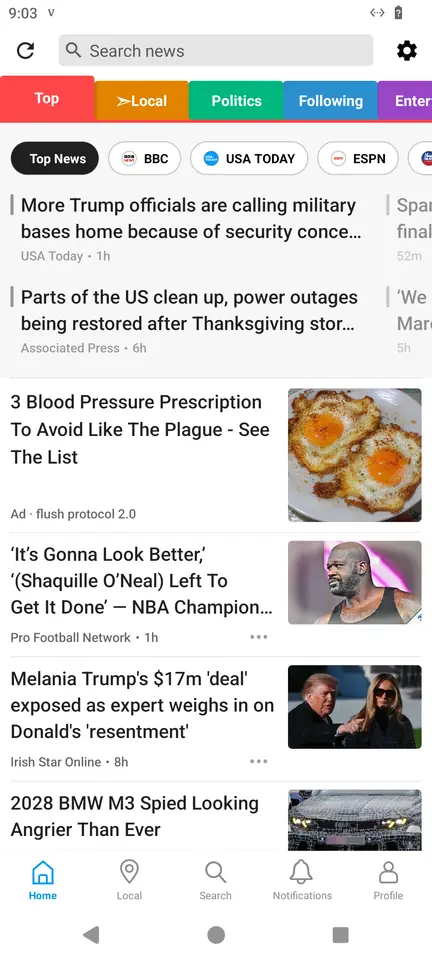
SmartNews icon button on Android — ➣Local (highlighted)
SmartNews · home & browsing
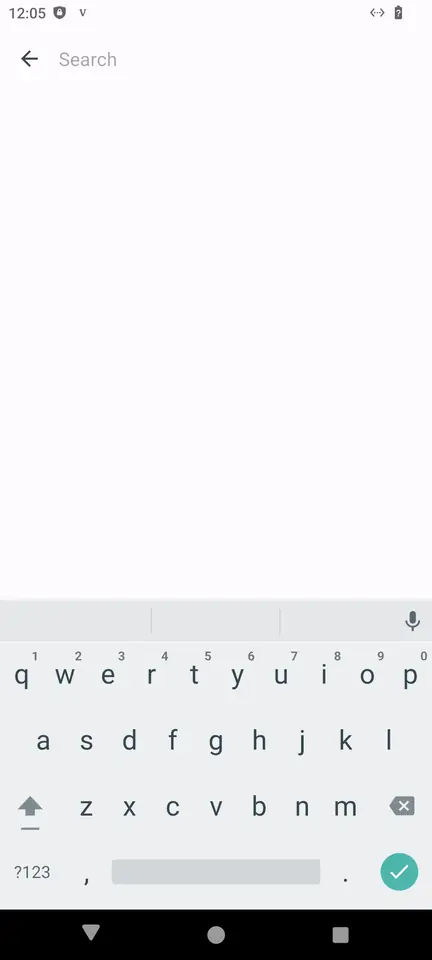
News (appreactor) icon button on Android — Search (highlighted)
News (appreactor) · home & browsing
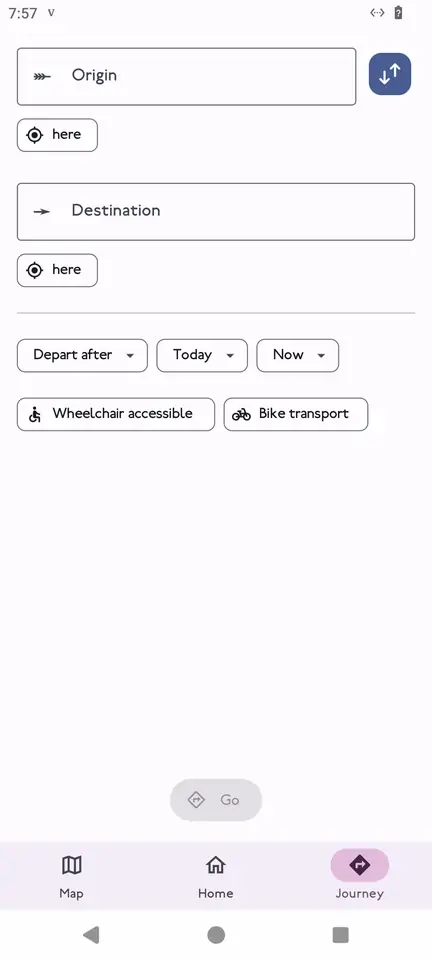
Bimba icon button on Android — Origin (highlighted)
Bimba · home & browsing

On Android

ImageButton / AppCompatImageButton in Views (often the toolbar's Navigate-up arrow); IconButton, FilledIconButton and IconToggleButton in Compose.

Best practices

  • Use icon-only buttons for actions people already recognise (back, close, share, search); add a text label for anything else.
  • Give every icon button a content description — it is the only name TalkBack can read out.
  • Keep the touch target at least 48 × 48 dp even when the icon itself is 24 dp.
  • Use the same icon for the same action everywhere in the app.

Where it shows up

Home & browsing209
Onboarding69
Settings51
Sign-in13
Consent1
Paywall1

Screens showing the component, by flow step type.

By app category

Productivity & tools16
Streaming & entertainment16
Education11
Books & reading9
Health & fitness9
Shopping & e-commerce7

Apps showing the component, by category · 82 of 246 apps in the library.

FAQ

What is an icon button?

An icon button is a button that shows only an icon — back arrow, close ×, share, settings gear, bookmark heart — with no visible text label. It saves space for frequent, well-known actions, usually in a toolbar or over an image.

What is an icon button called on Android?

ImageButton / AppCompatImageButton in Views (often the toolbar's Navigate-up arrow); IconButton, FilledIconButton and IconToggleButton in Compose. It is also known as image button, toolbar icon and action icon.

Which Android apps use an icon button?

In the Flowtape library, 82 of 246 Android apps show an icon button on the screens we captured, including Flo, BuzzFeed, Blinkist, Headway, IKEA and Todoist.

How do I design a good icon button?

Use icon-only buttons for actions people already recognise (back, close, share, search); add a text label for anything else. Give every icon button a content description — it is the only name TalkBack can read out. Keep the touch target at least 48 × 48 dp even when the icon itself is 24 dp.

Detected in the view hierarchy of screens captured on real Android devices · last updated 2026-11-14

Related UI terms

UI patterns that use it