Toolbar: definition and 107 real Android examples
A toolbar (top app bar) is the bar across the top of a screen that holds the screen title, a Back or menu button and a few actions such as search or share.
Also called: top app bar, app bar, action bar, header bar
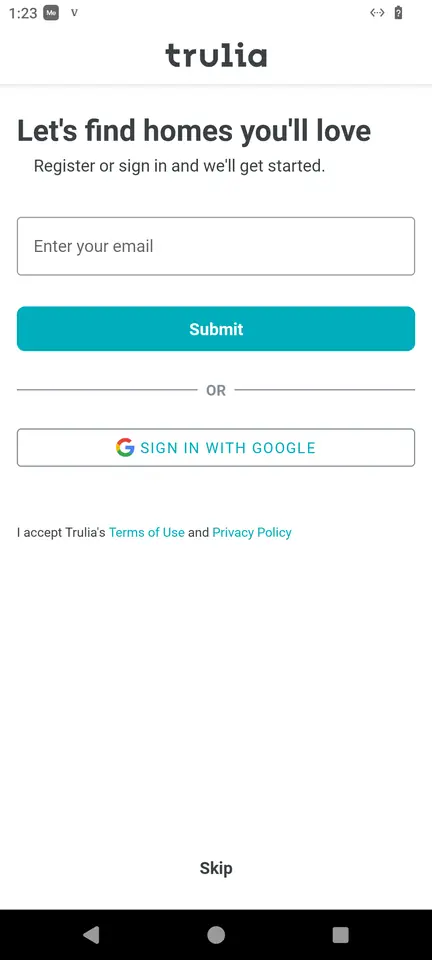
Toolbar examples, highlighted on 107 Android apps
The orange outline marks the toolbar on each real screen, located from the app's own Android view hierarchy.
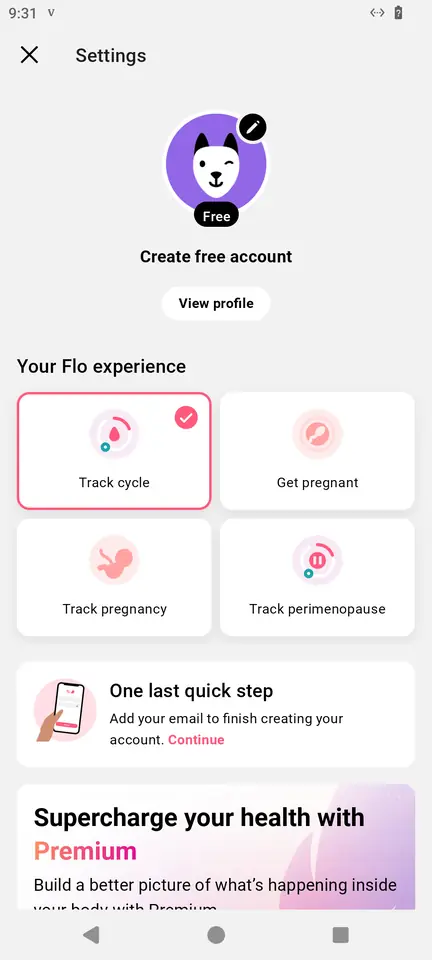
Navigate up
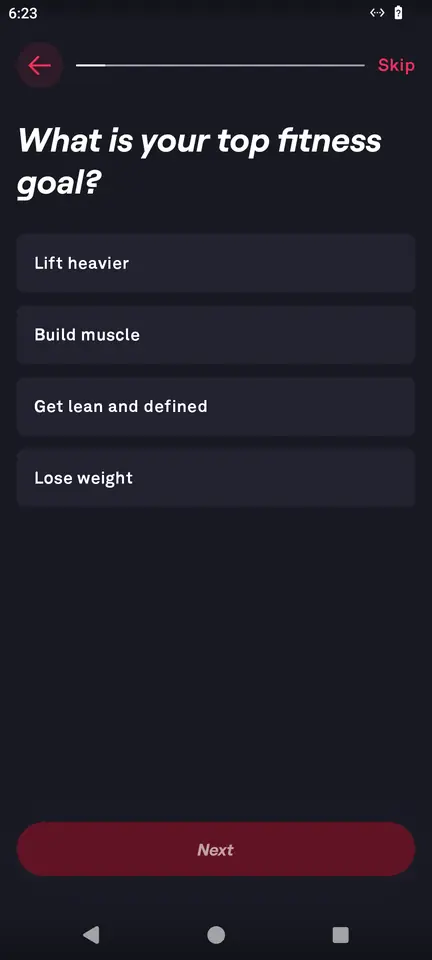
Back
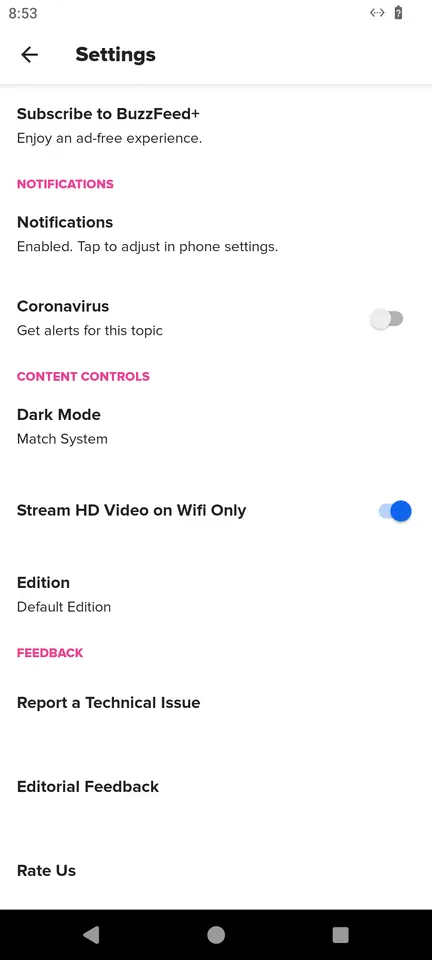
Navigate up
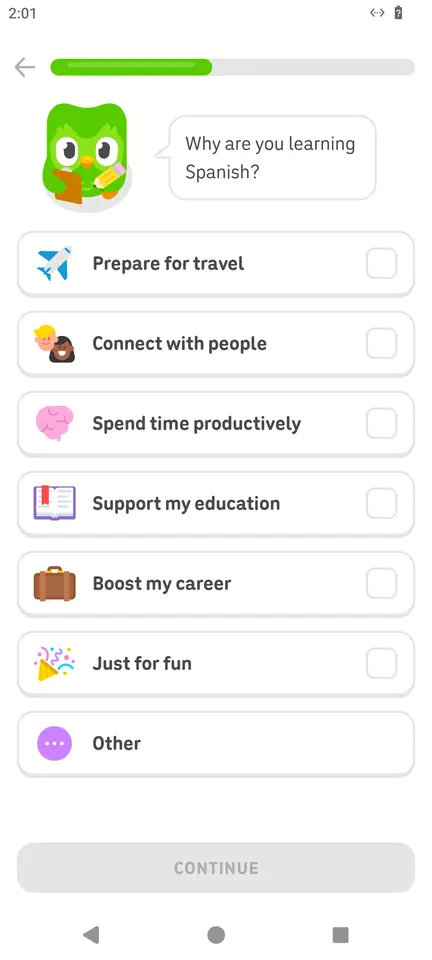
Back
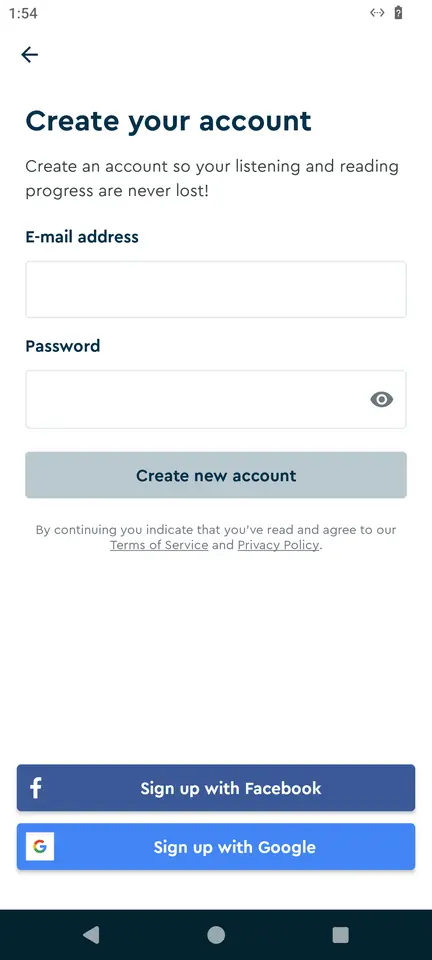
Navigate up
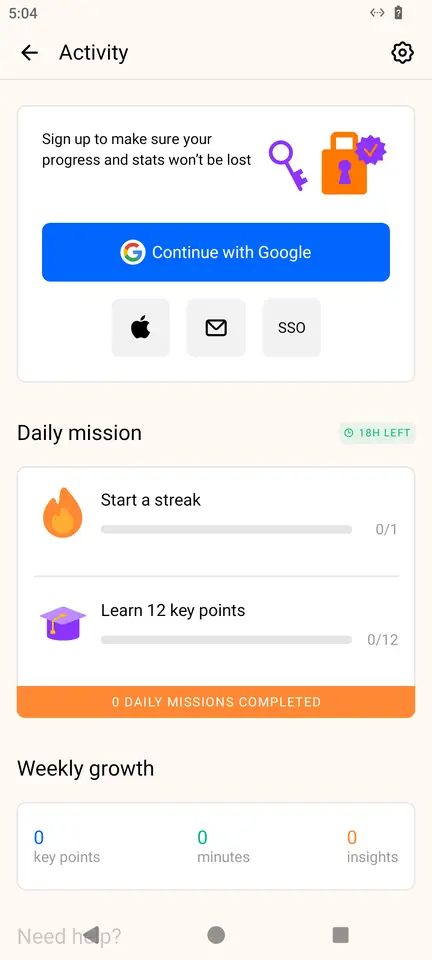
Activity
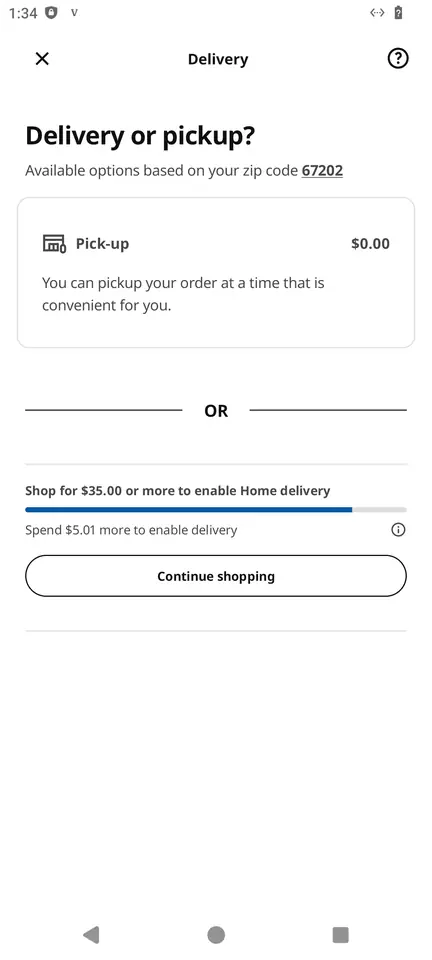
Close
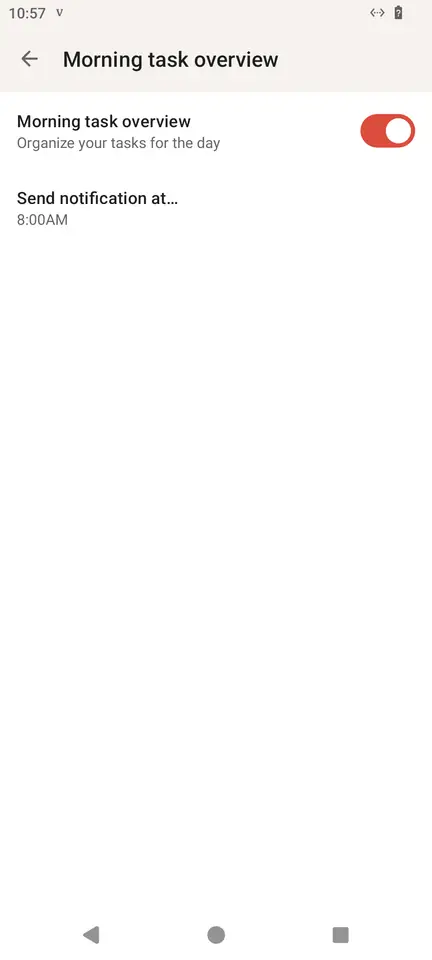
Navigate up
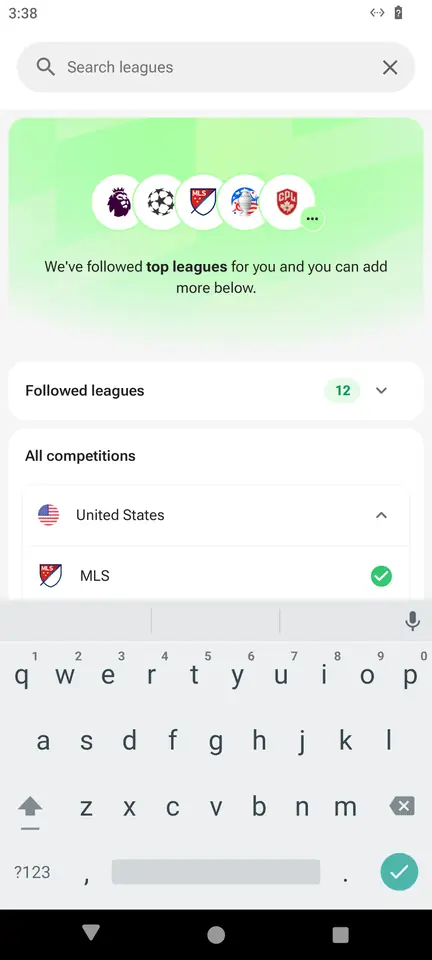
Search leagues
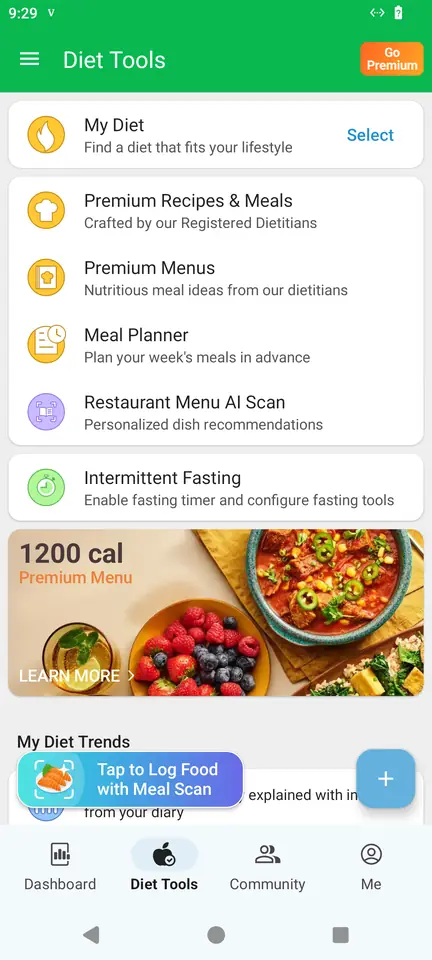
Navigate up
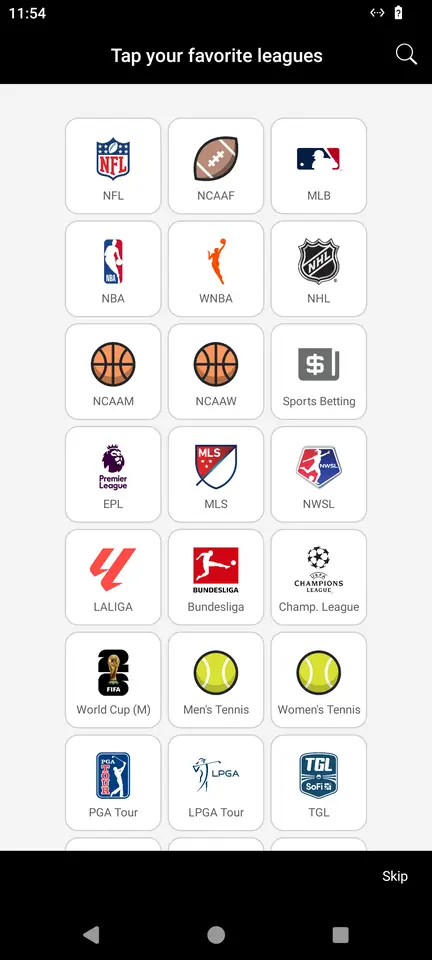
Tap your favorite leagues
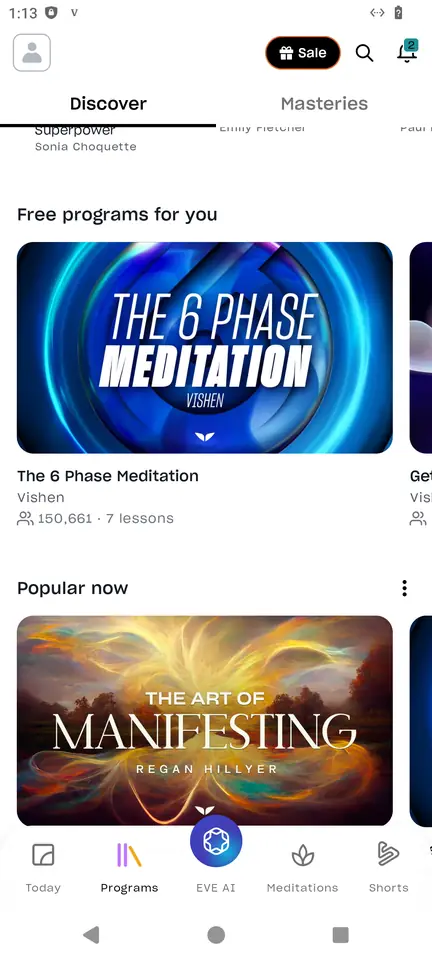
cd_cta_home_avatar
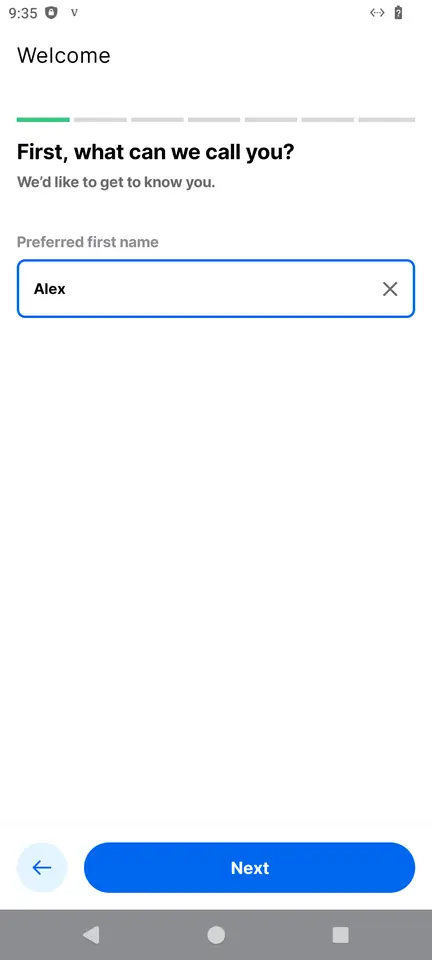
Welcome
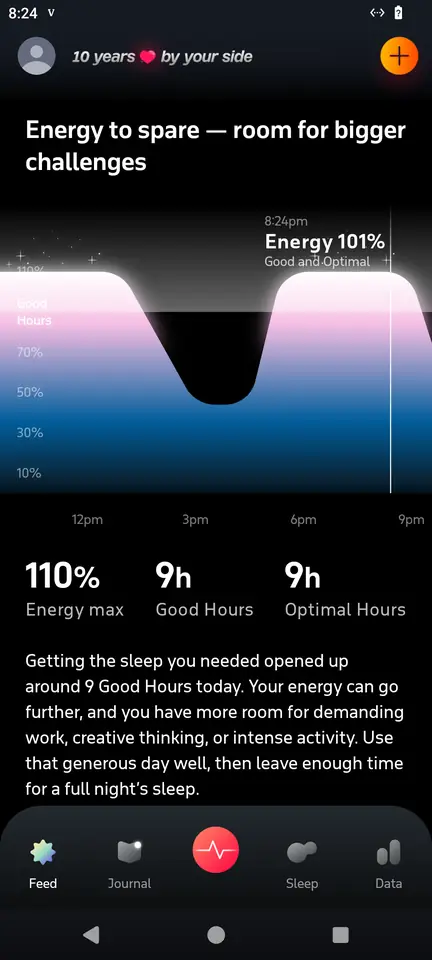
Icon
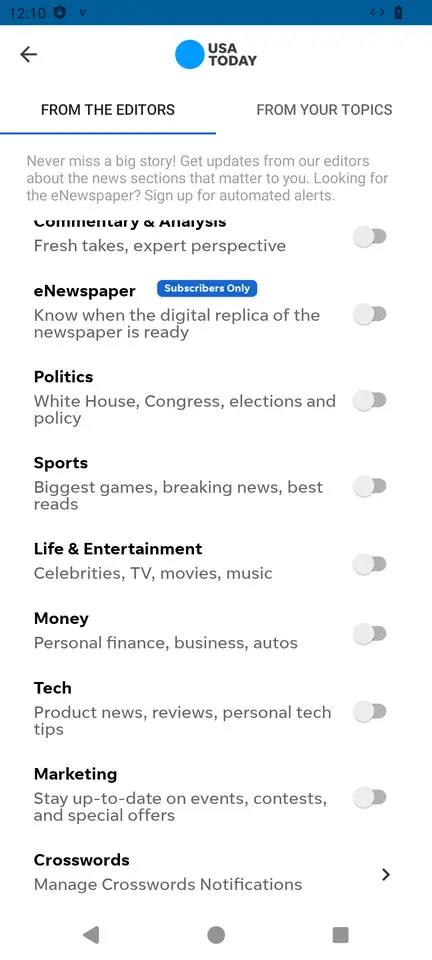
Navigate up
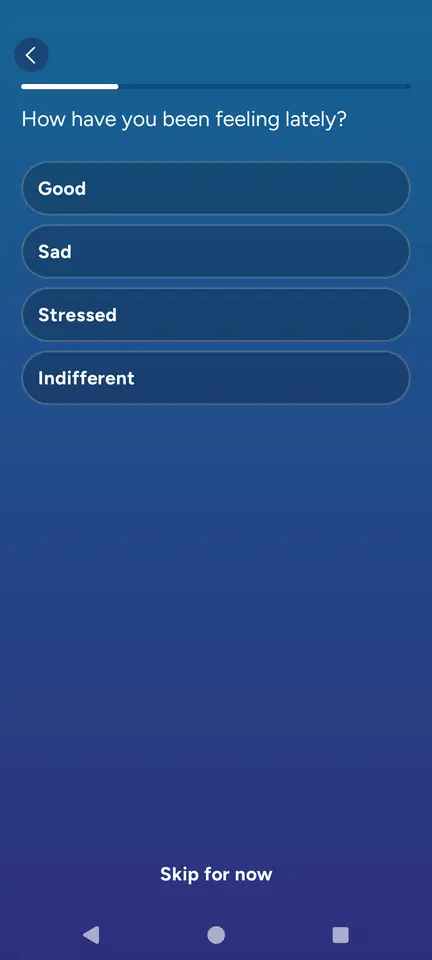
Back
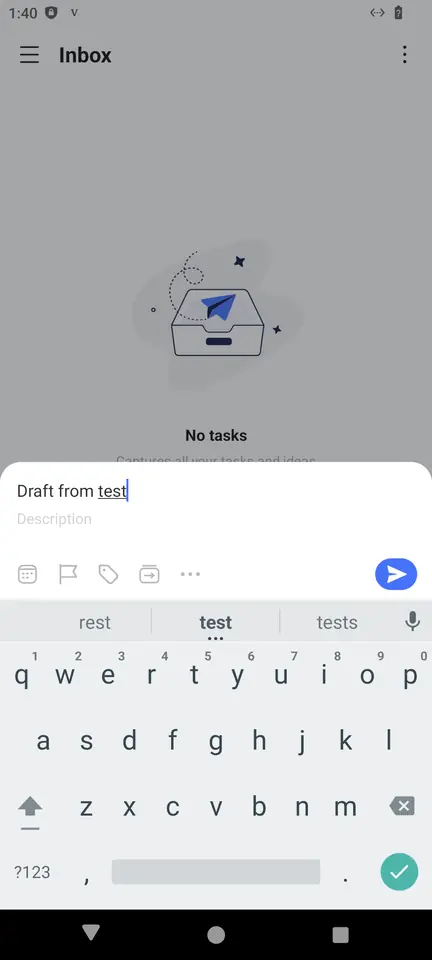
Inbox
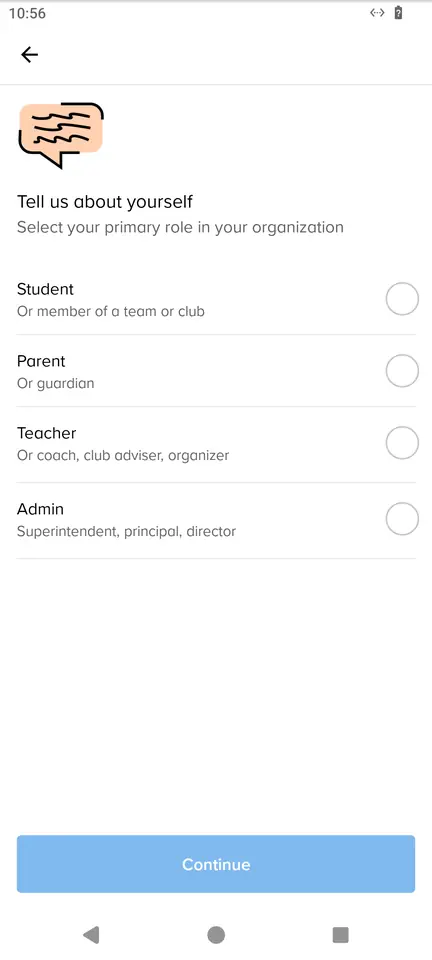
Navigate up
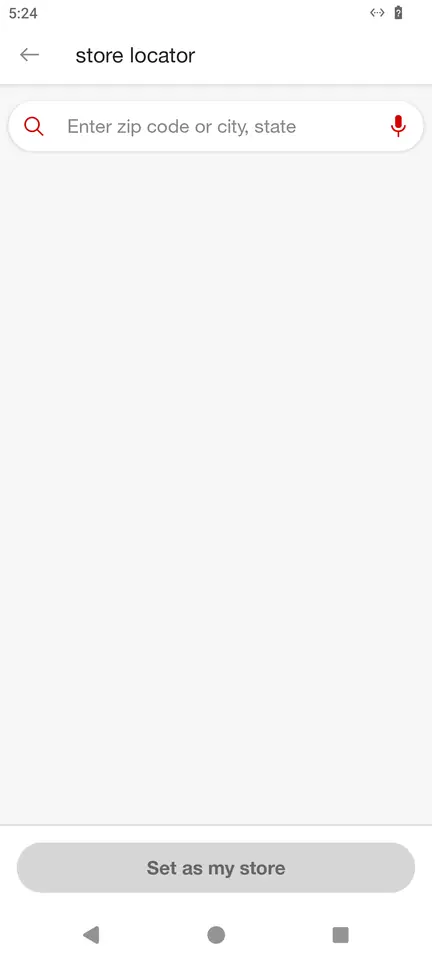
Navigate up
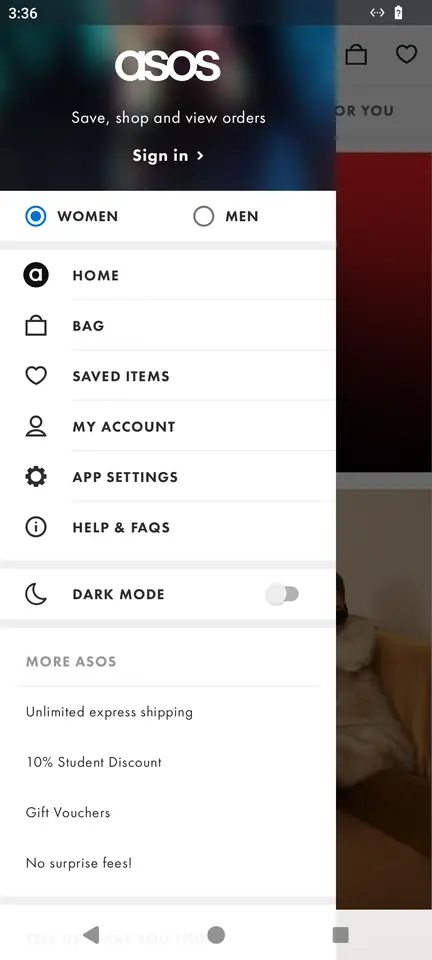
ASOS
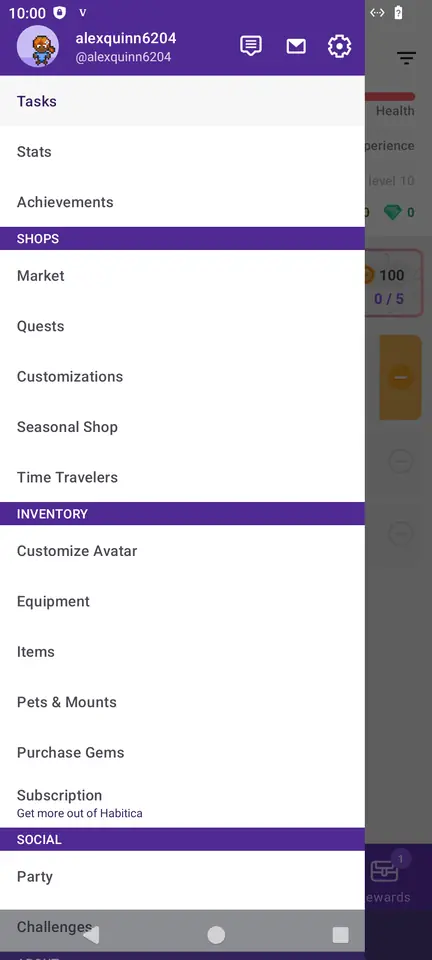
Close navigation drawer
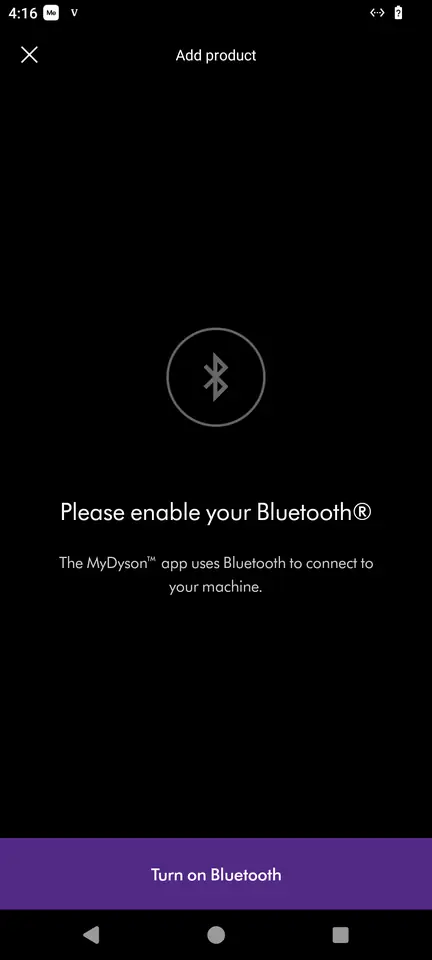
Navigate up
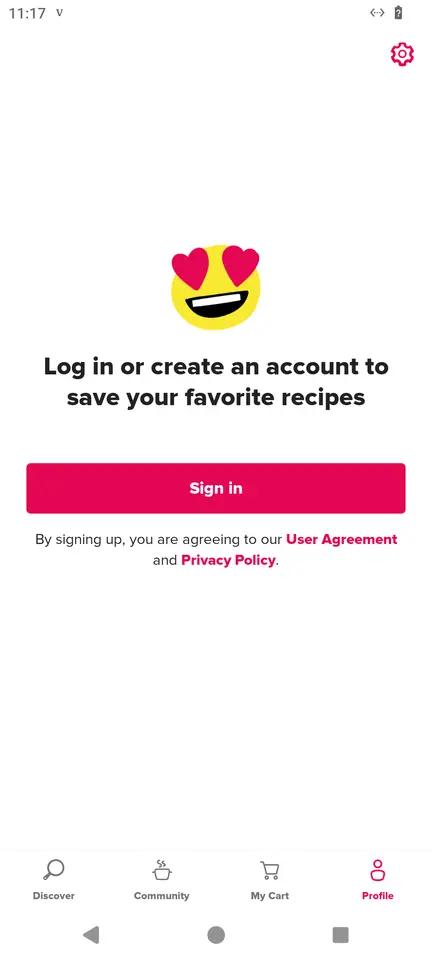
Settings
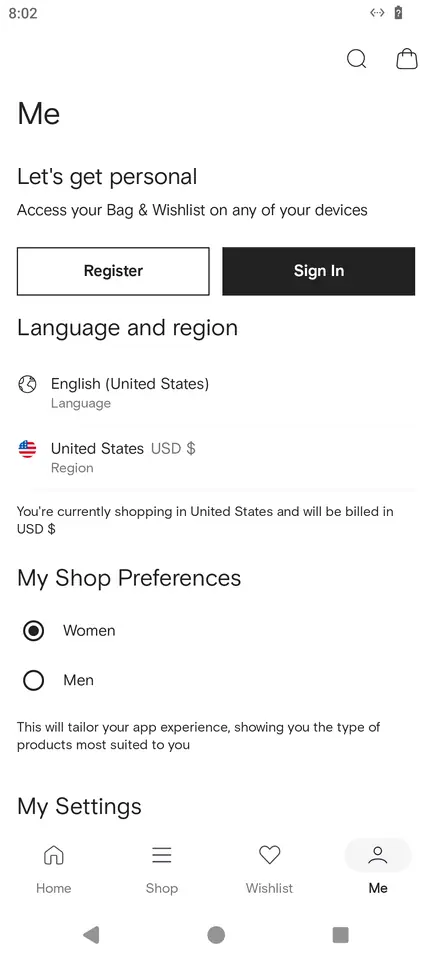
Me
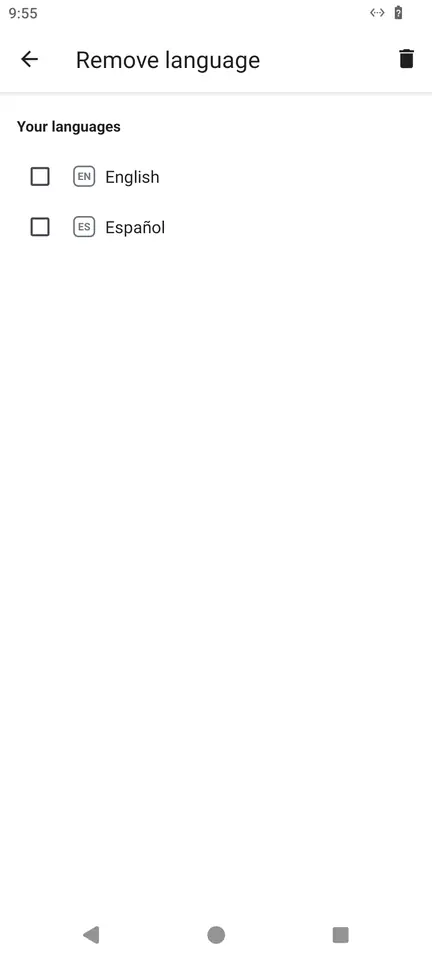
Navigate up
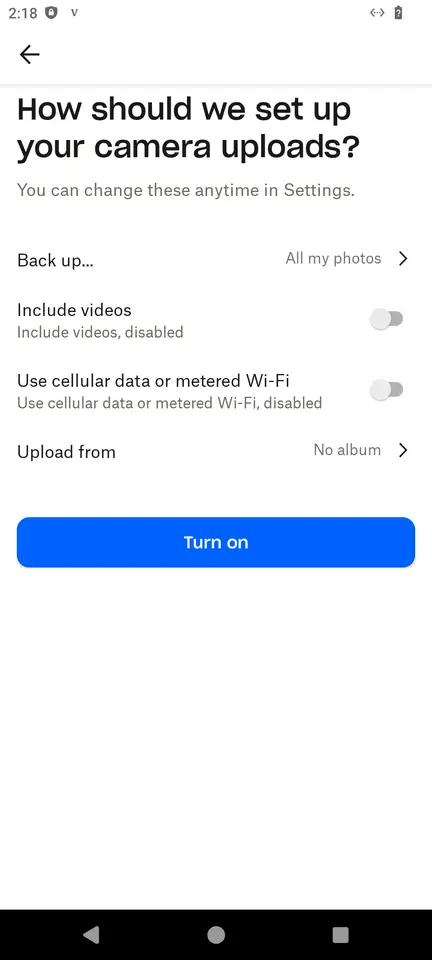
Back
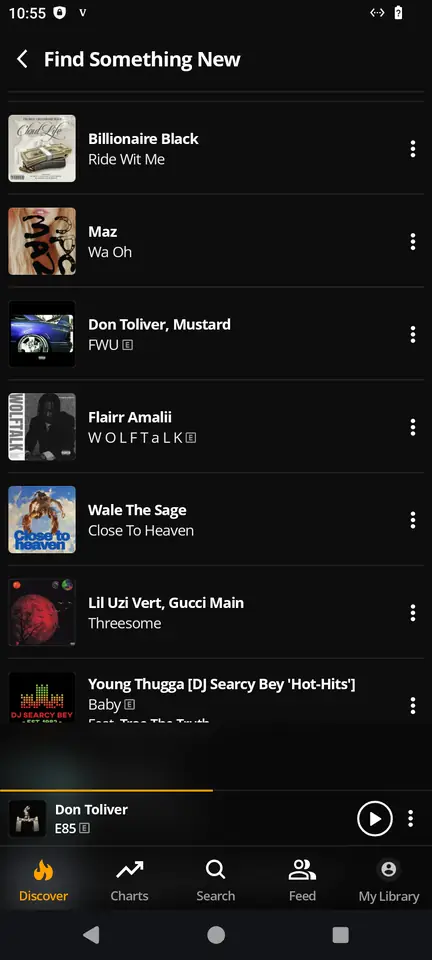
Find Something New
Navigate up

log in
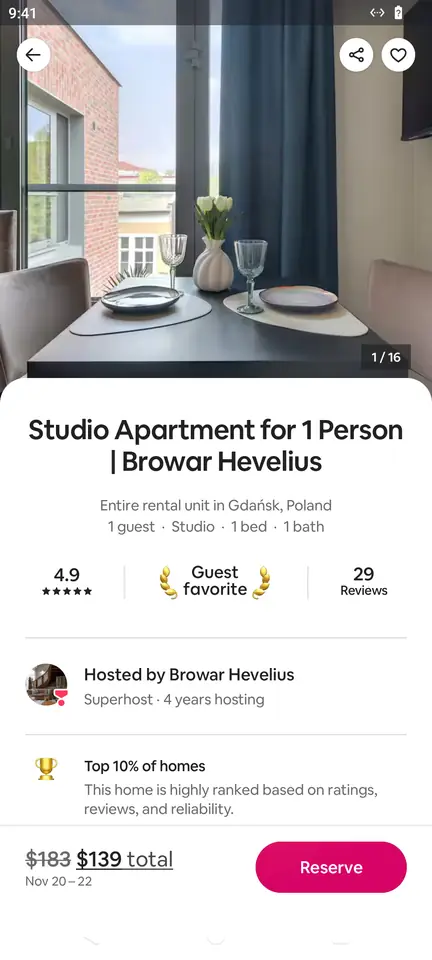
Navigate Up
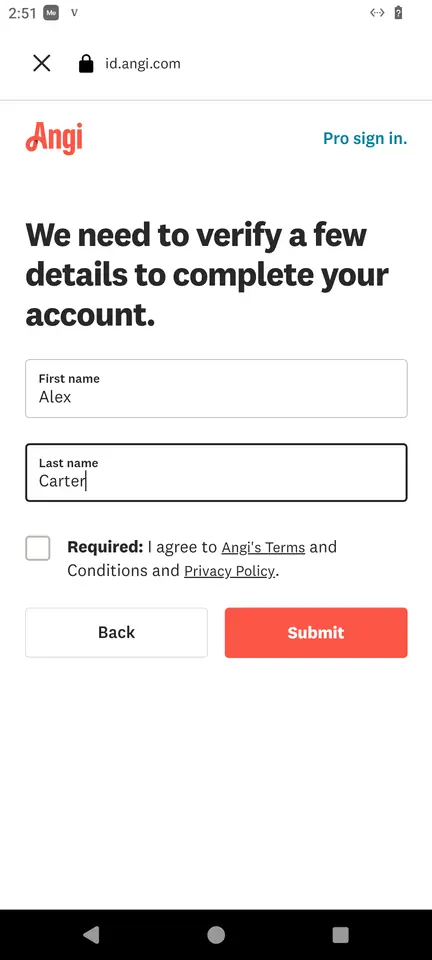
id.angi.com
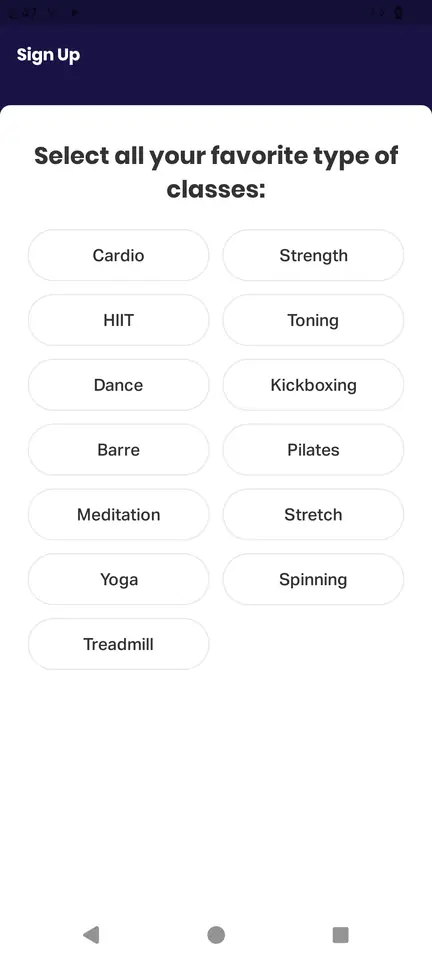
Sign Up
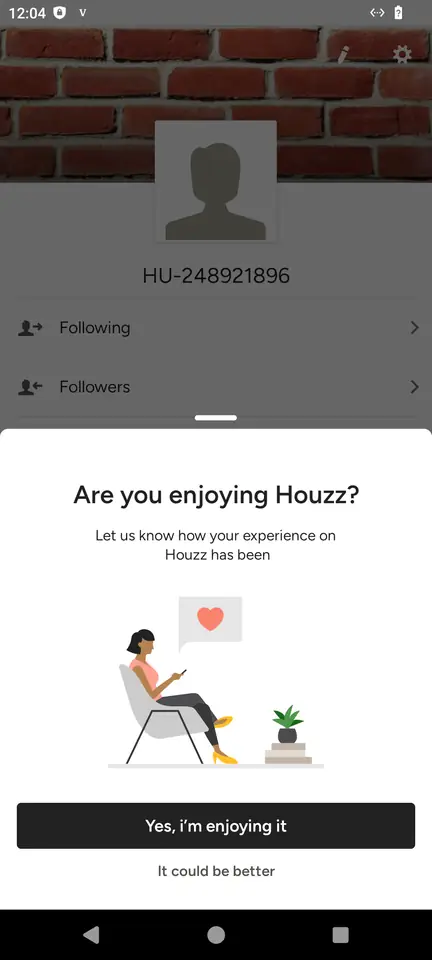
Edit
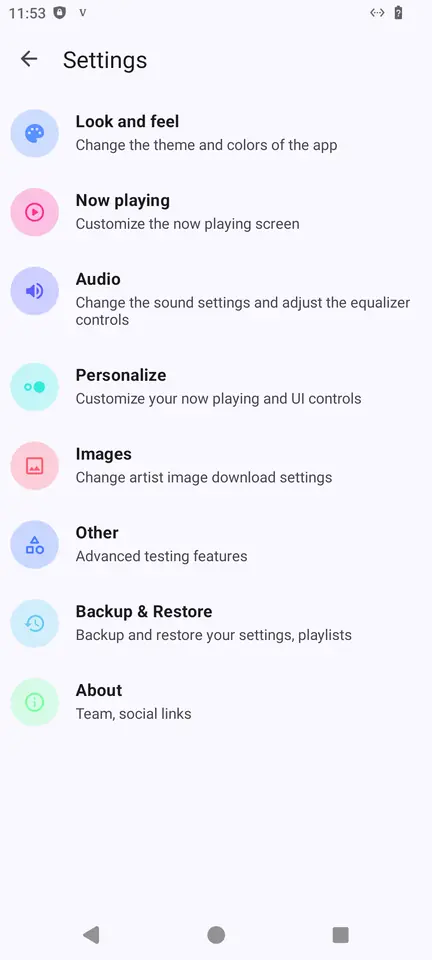
Settings
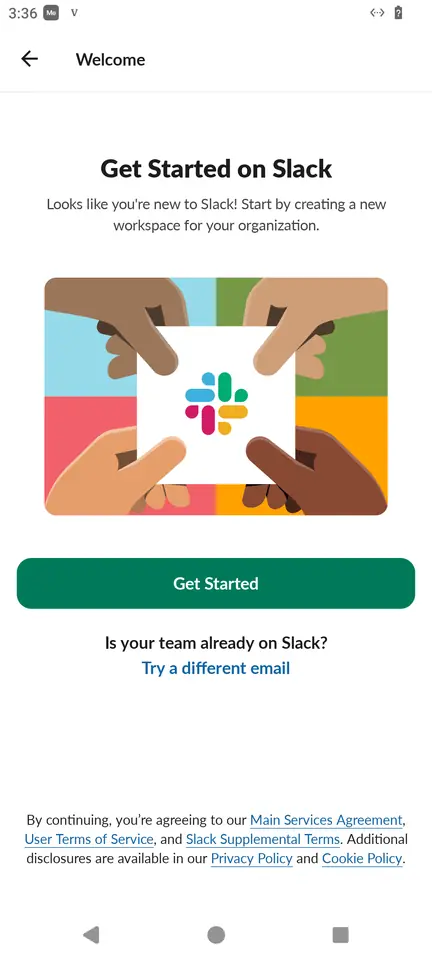
Back
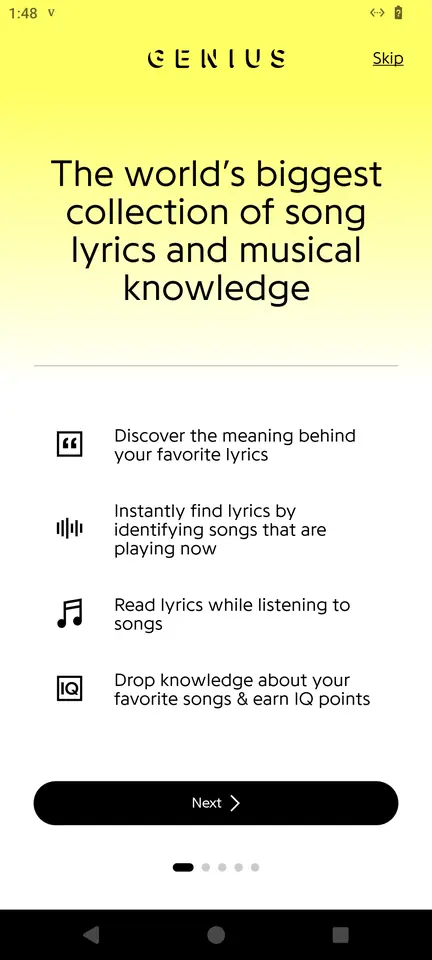
Genius onboarding
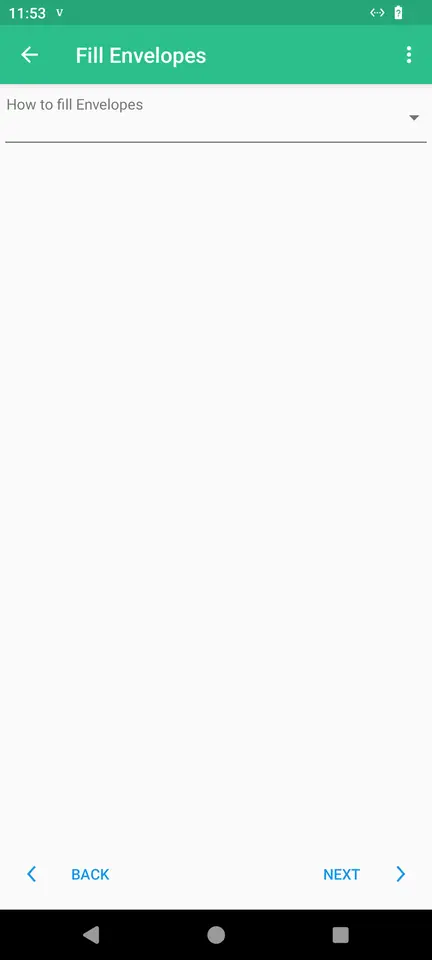
Navigate up
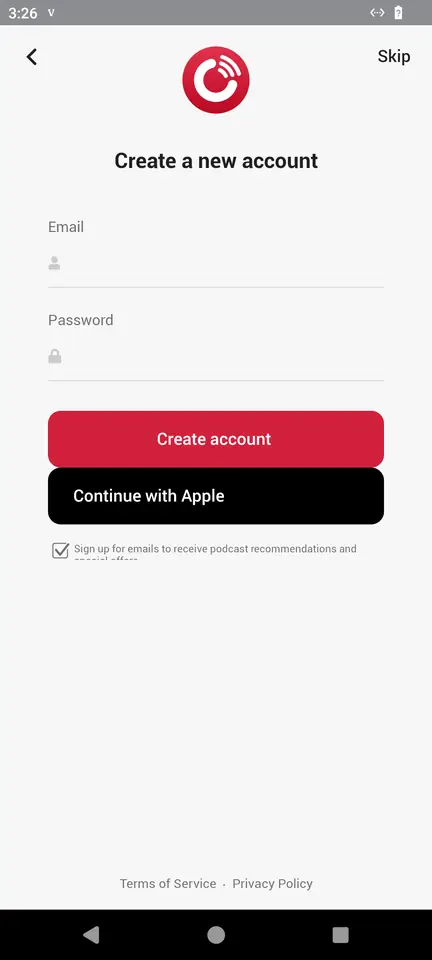
Create a new account
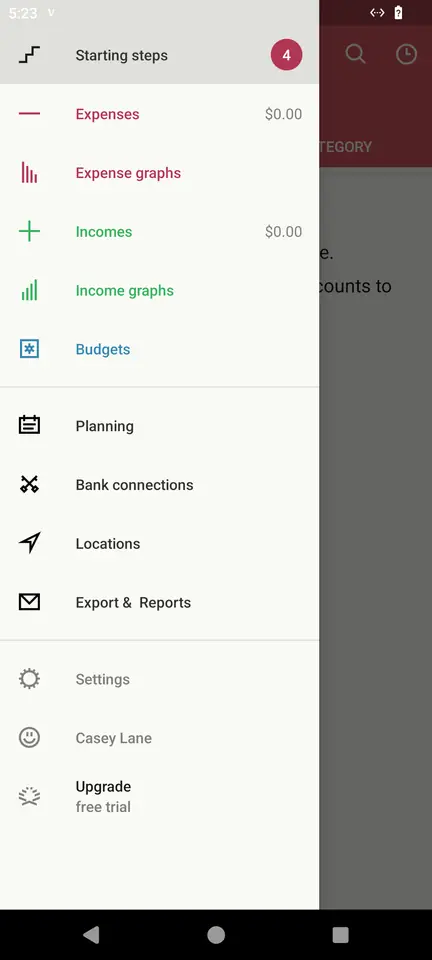
Starting steps
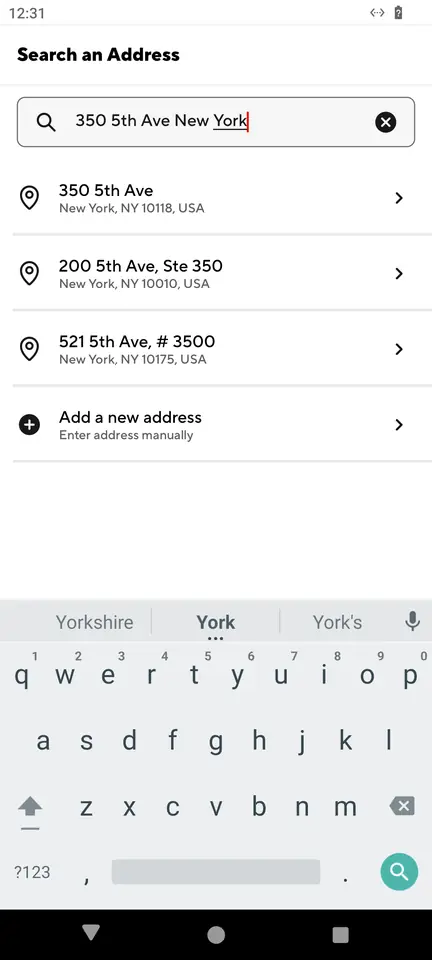
Search an Address
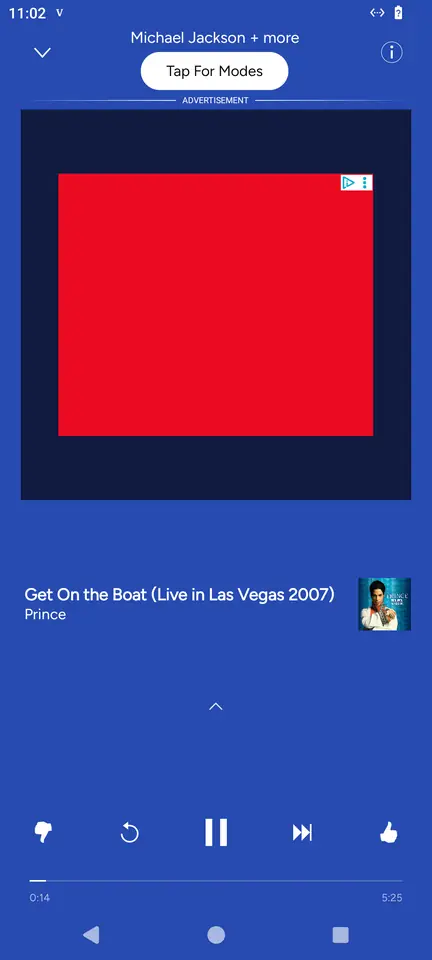
Navigate Up
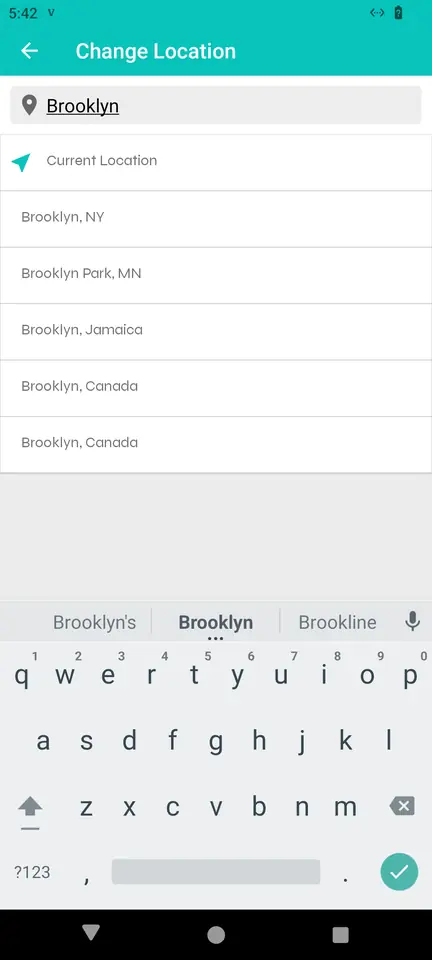
Navigate up

mighty ducks cast
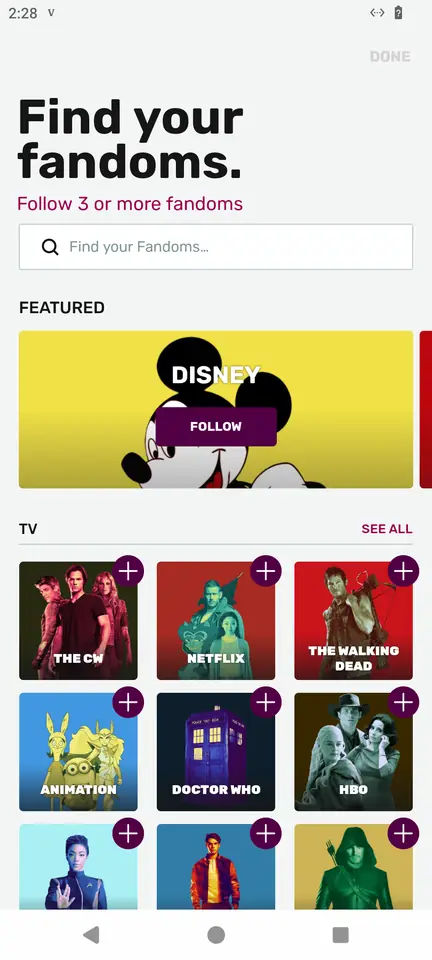
Follow 3 or more fandoms
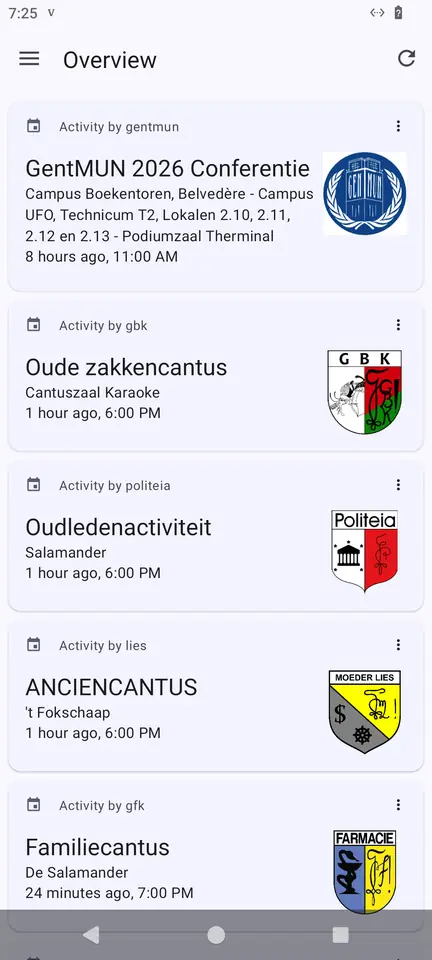
Open
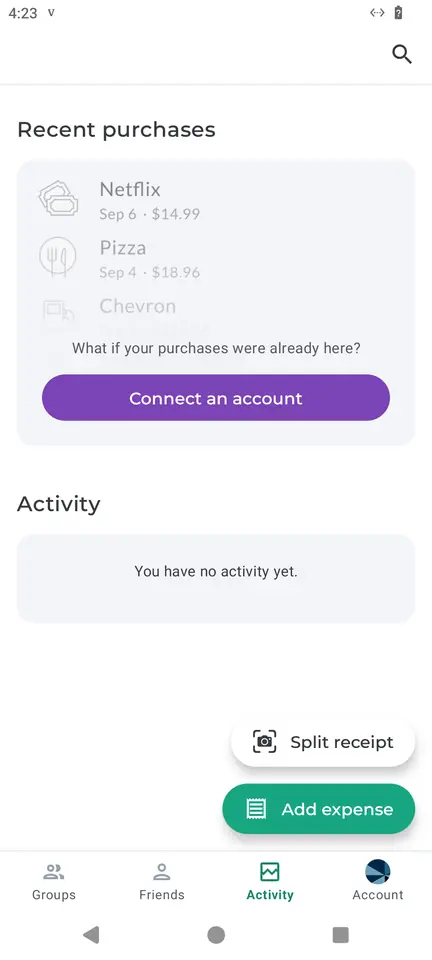
Search
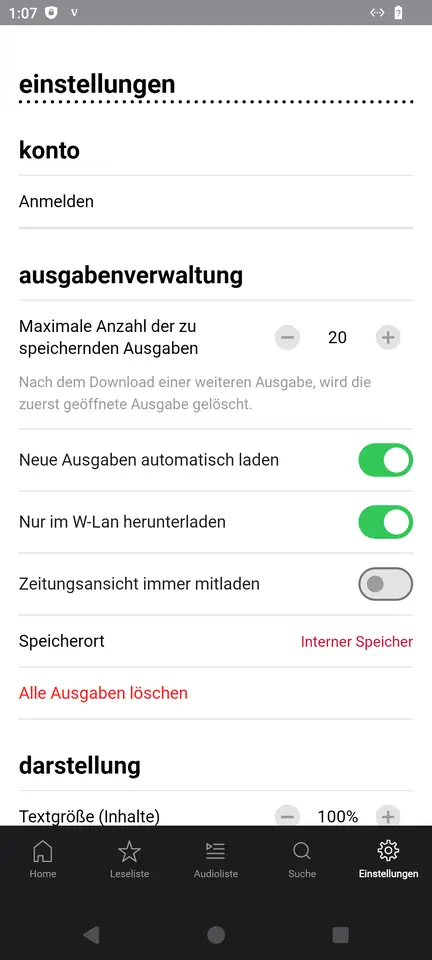
einstellungen
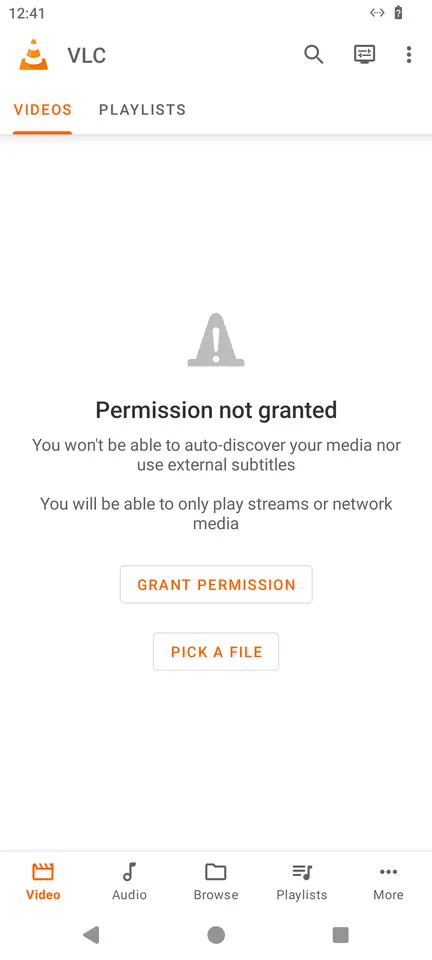
VLC
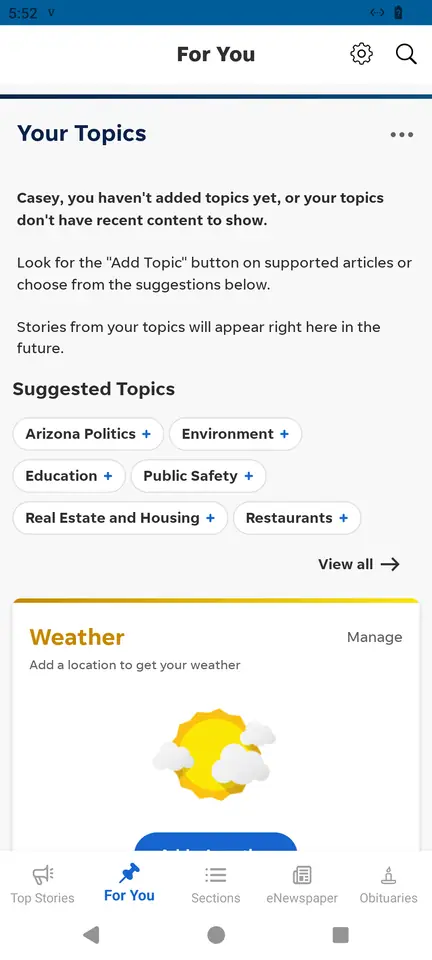
For You

More options
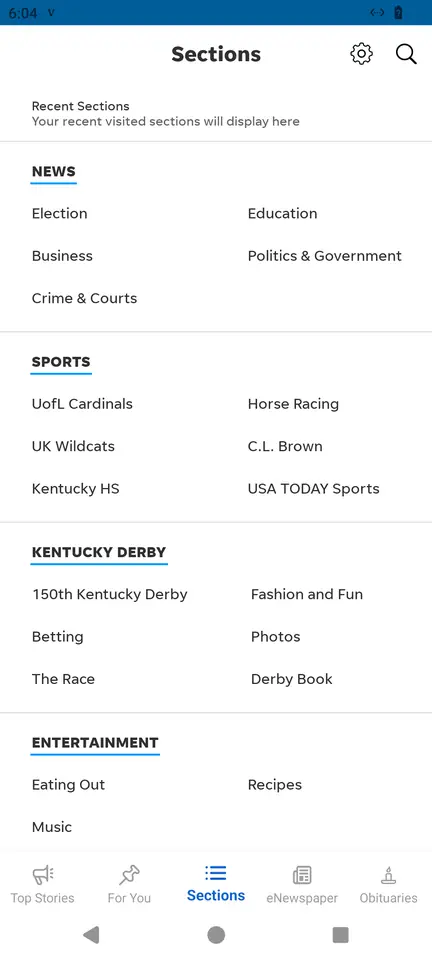
Sections

Back
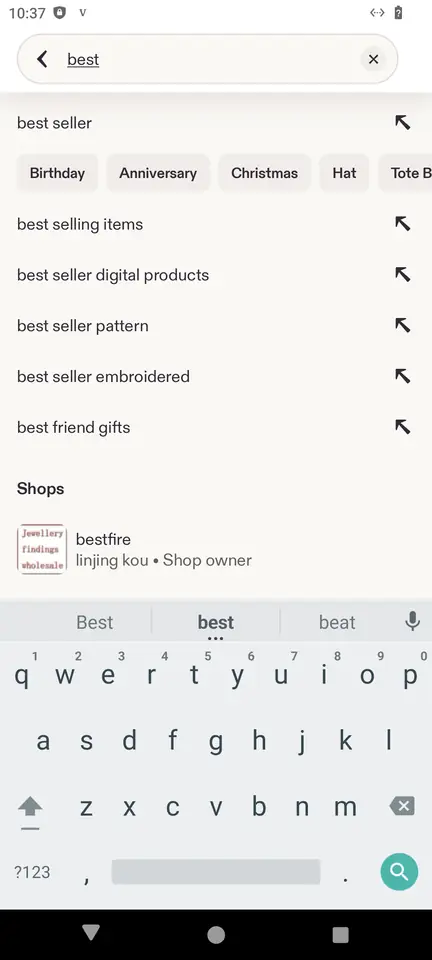
best
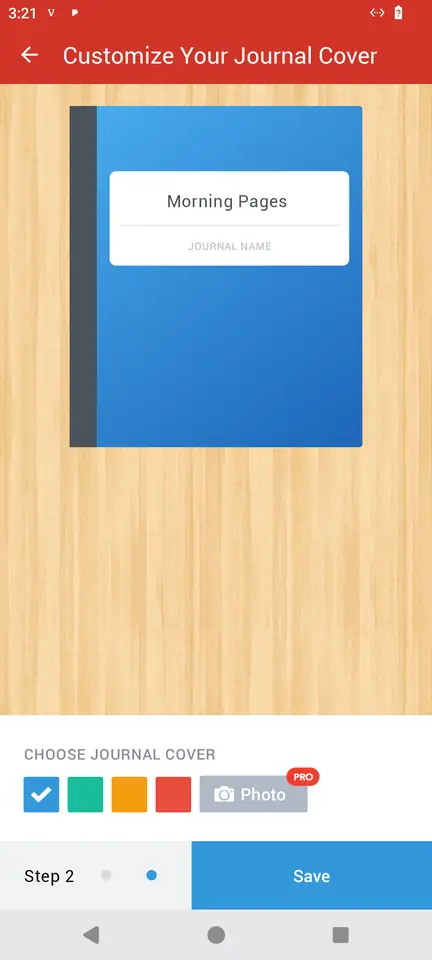
Navigate up
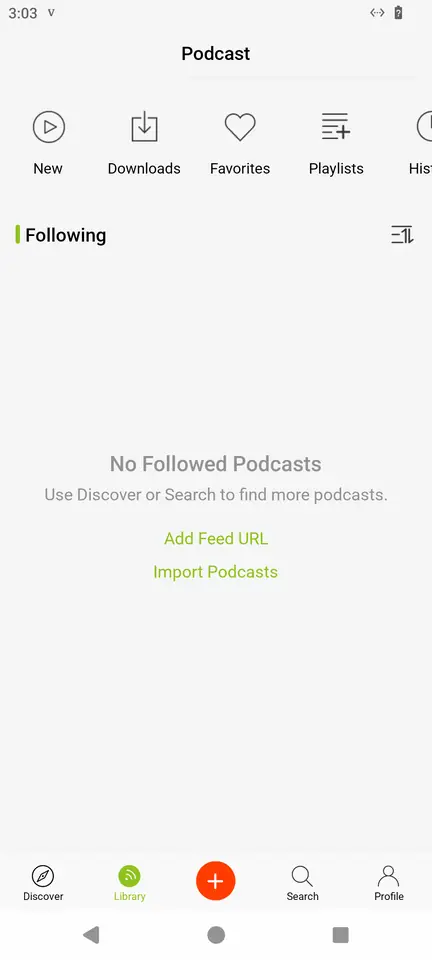
Back
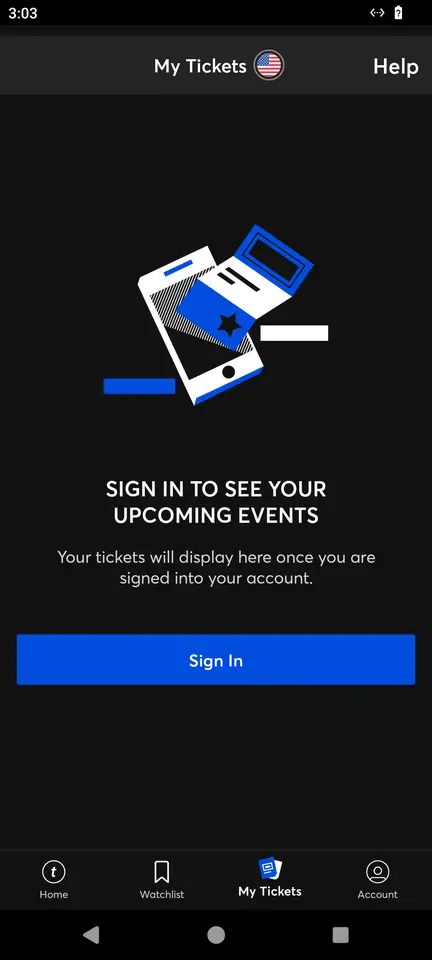
My Tickets
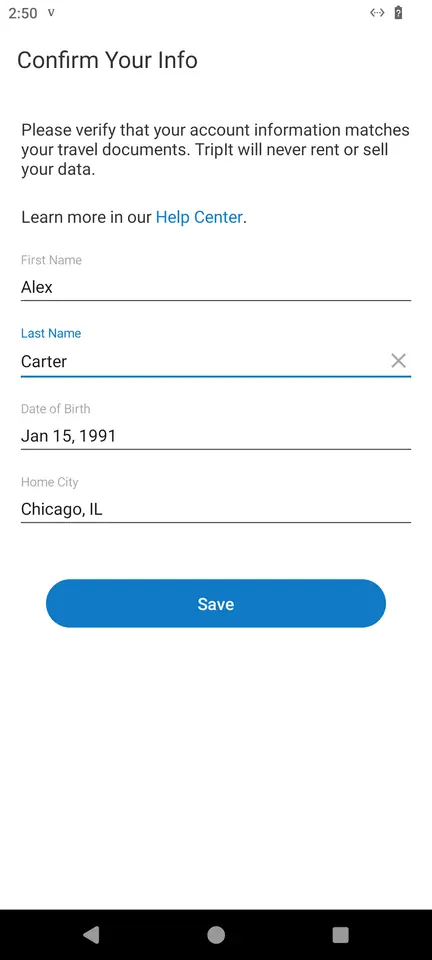
Confirm Your Info
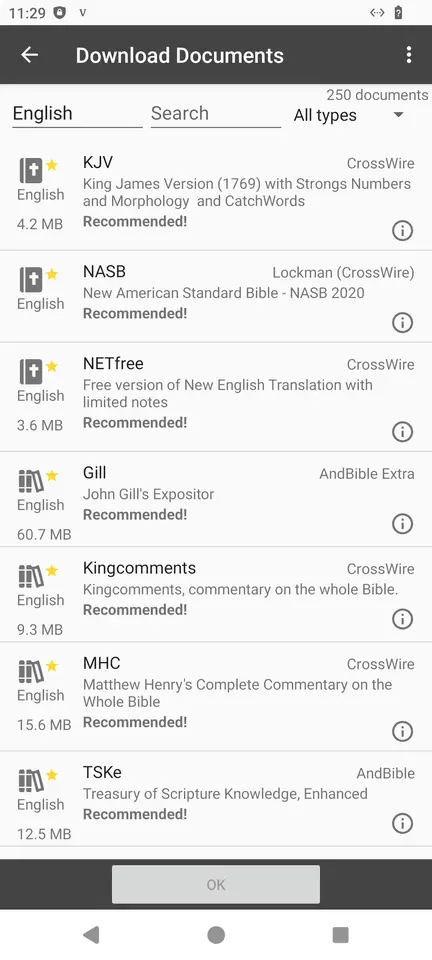
Navigate up
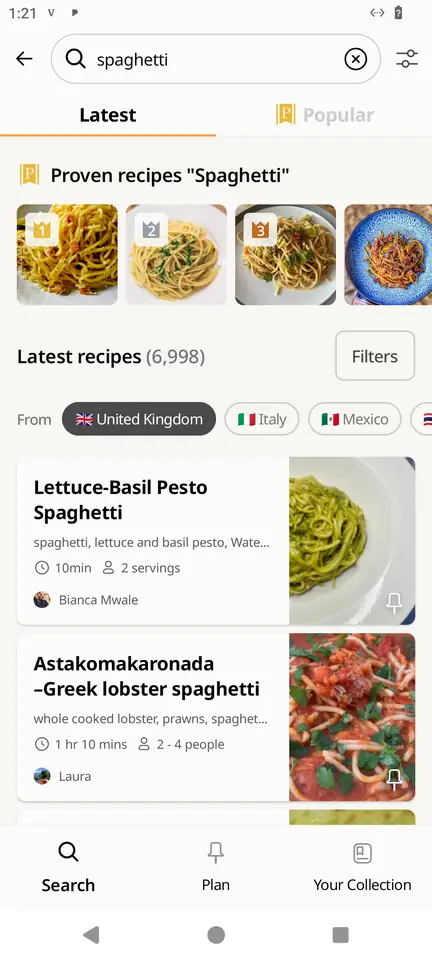
Back

DuckDuckGo: search engine selector
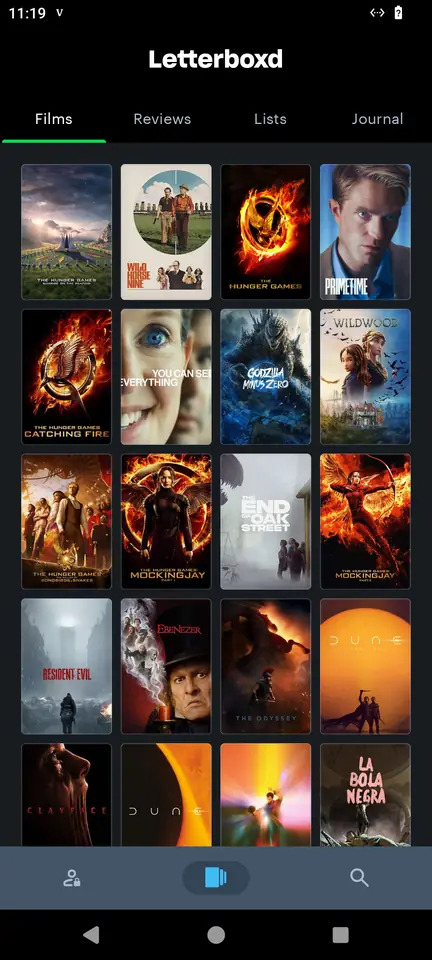
Letterboxd wordmark
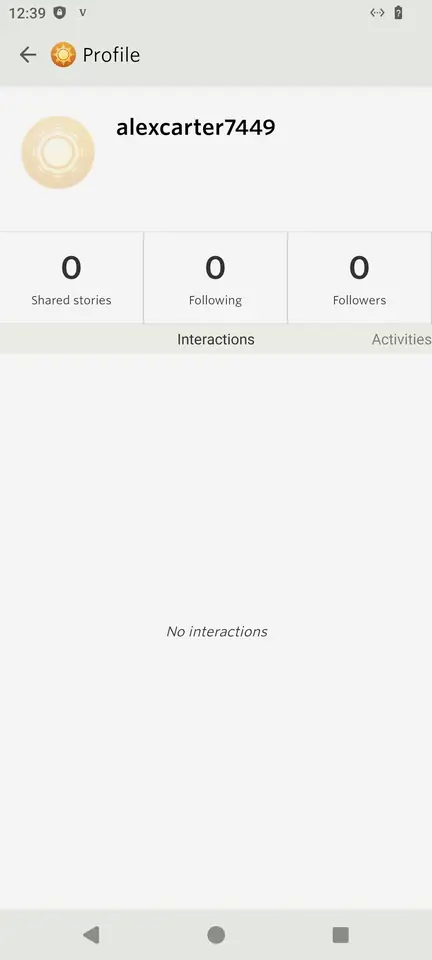
Go back to previous list
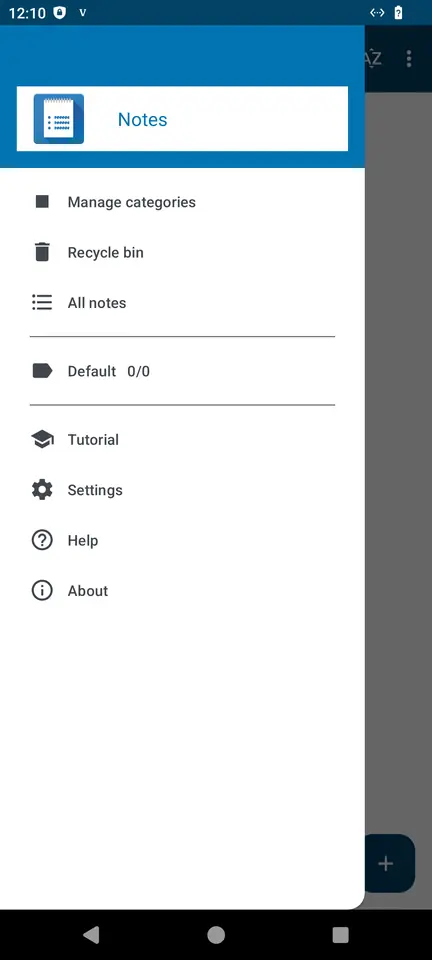
Close navigation drawer
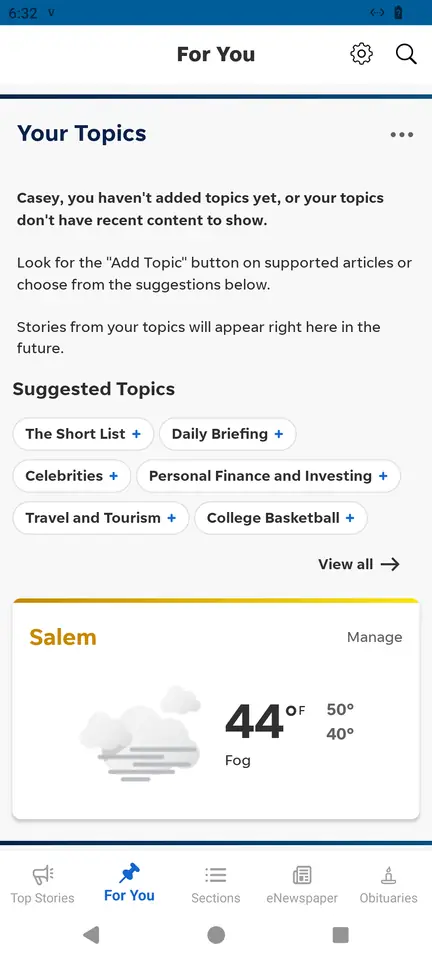
For You
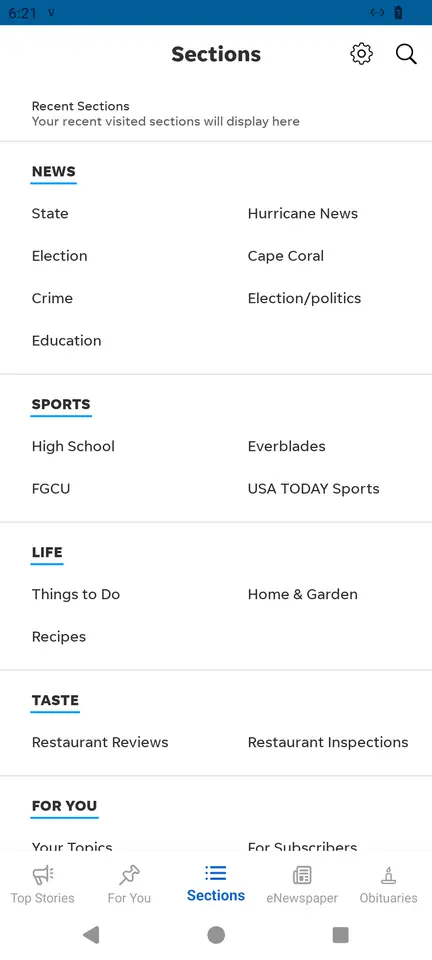
Sections
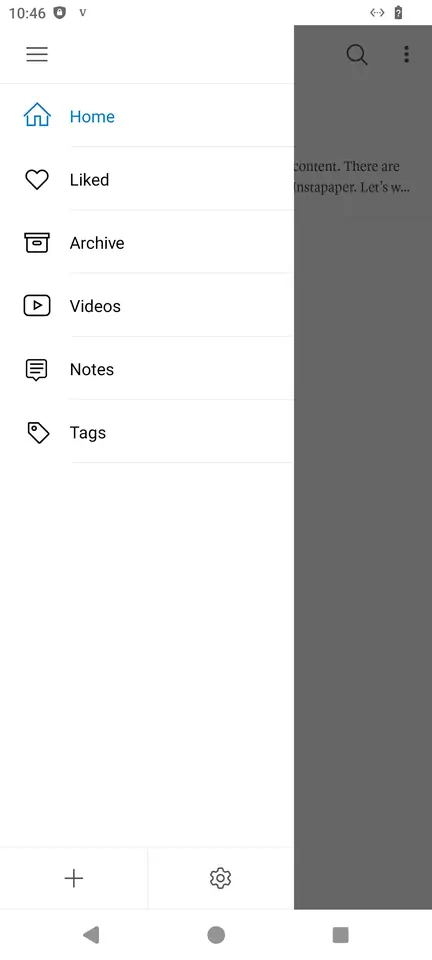
Search
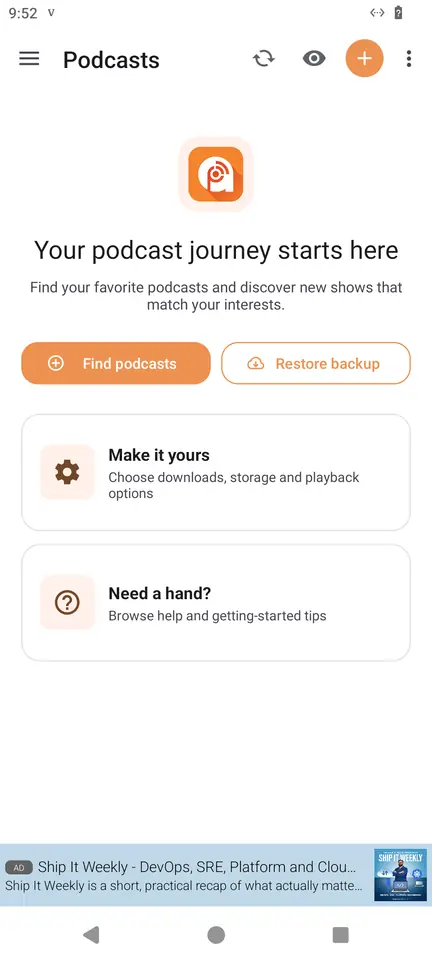
Open navigation sidebar
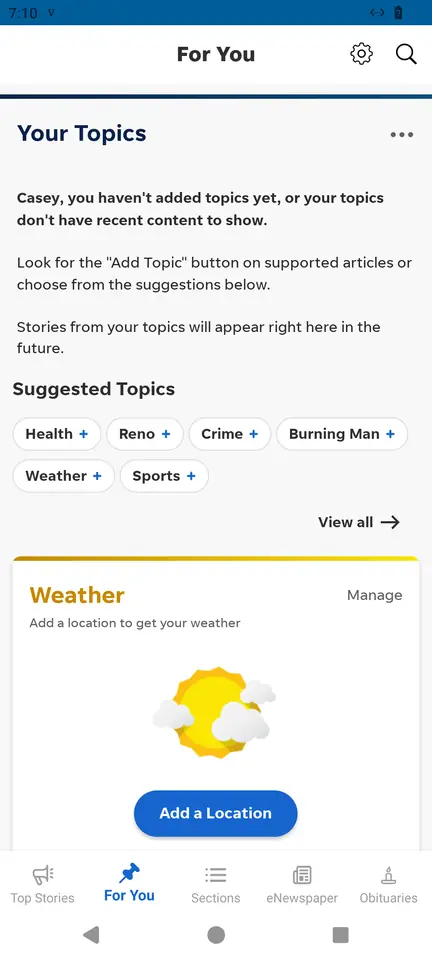
For You
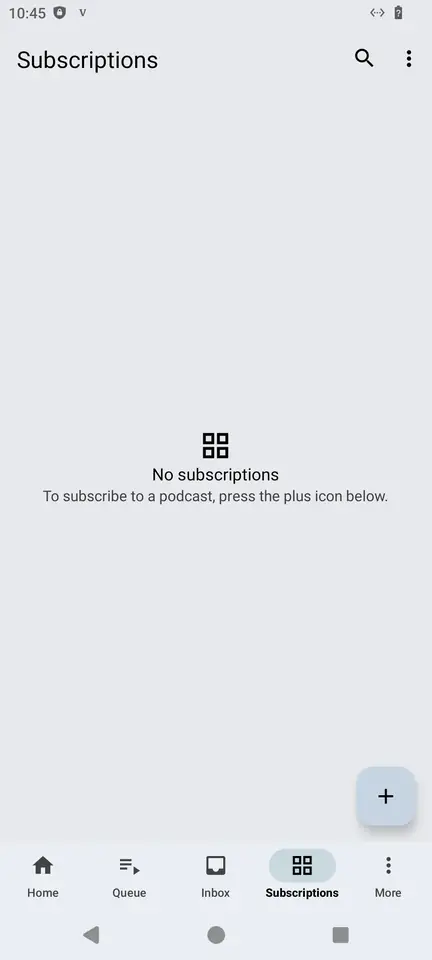
Subscriptions
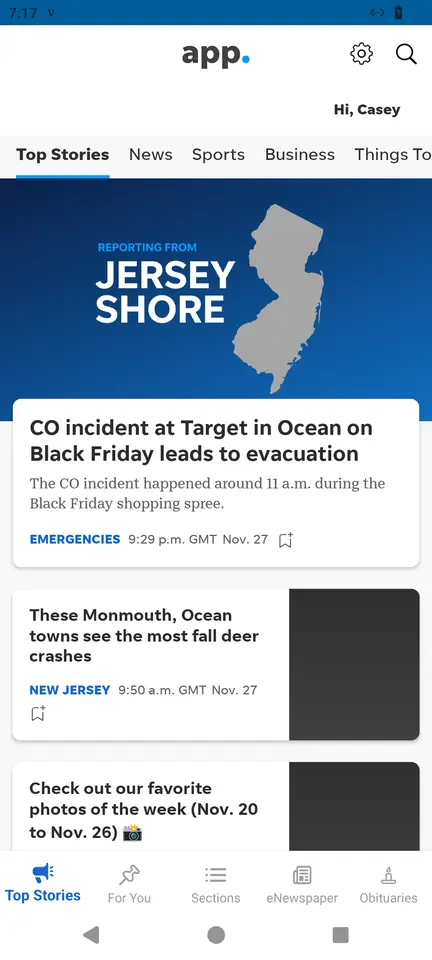
settings
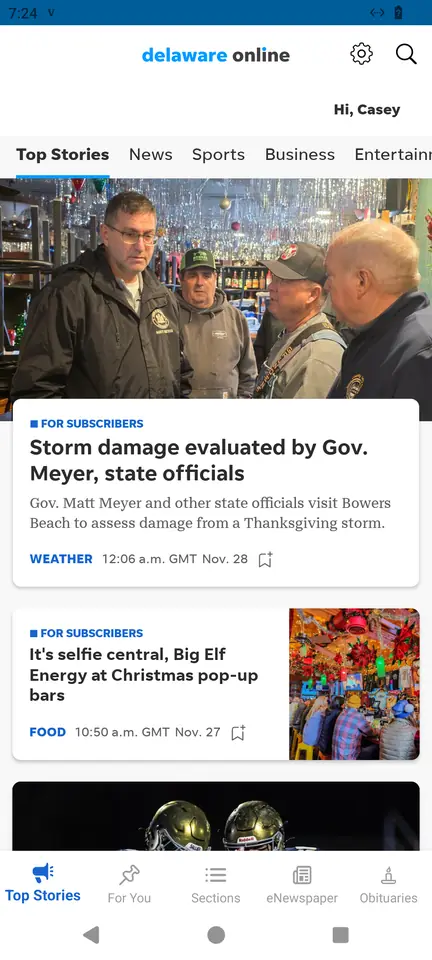
settings
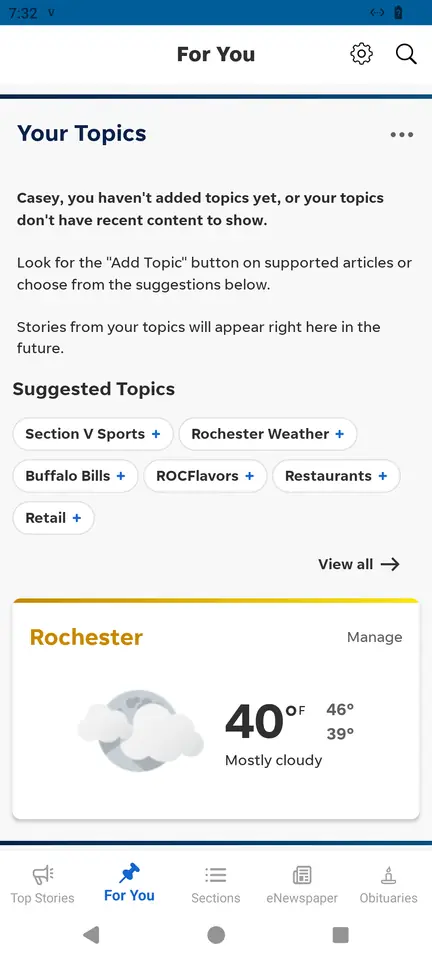
For You
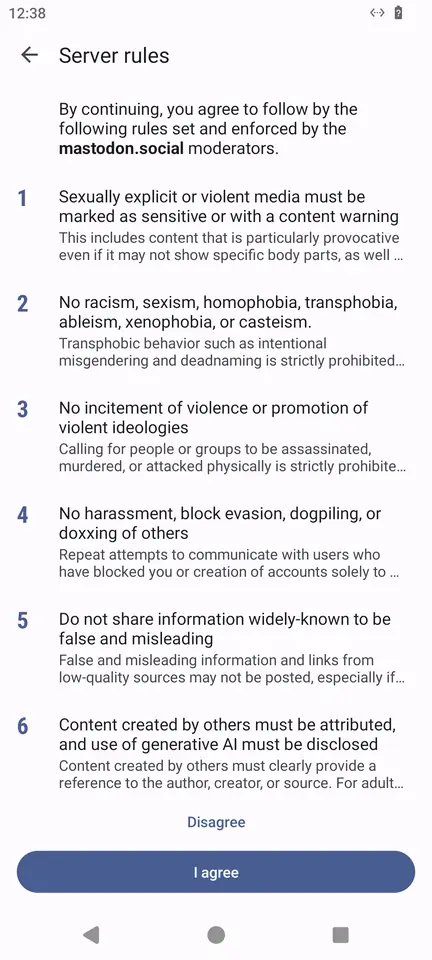
Server rules
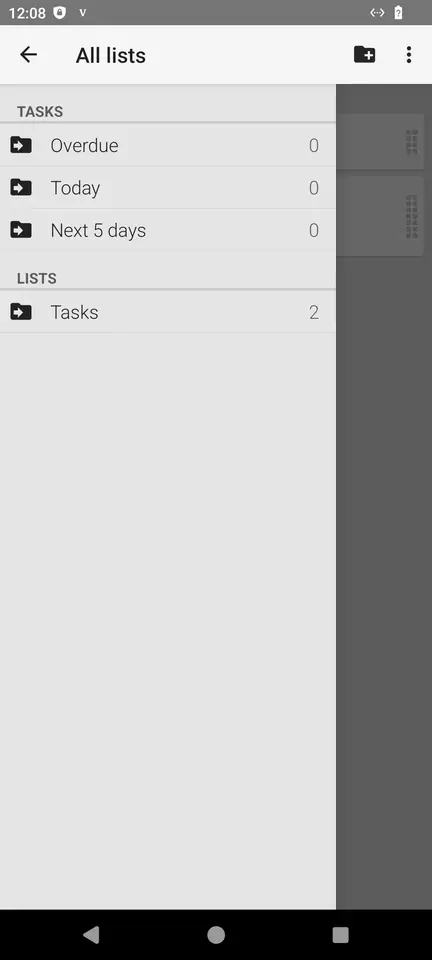
Close navigation drawer
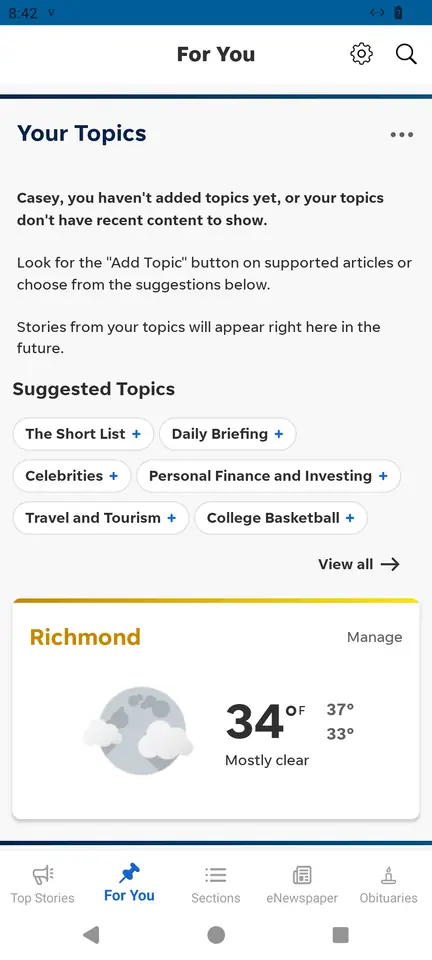
For You
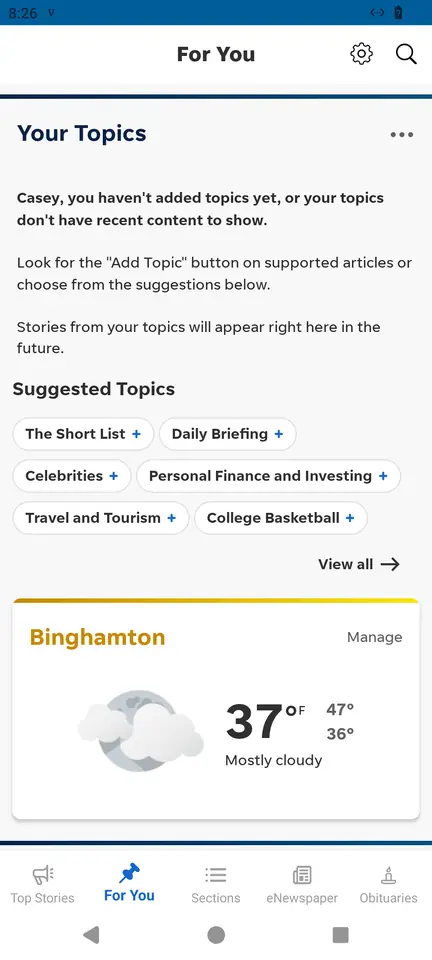
For You
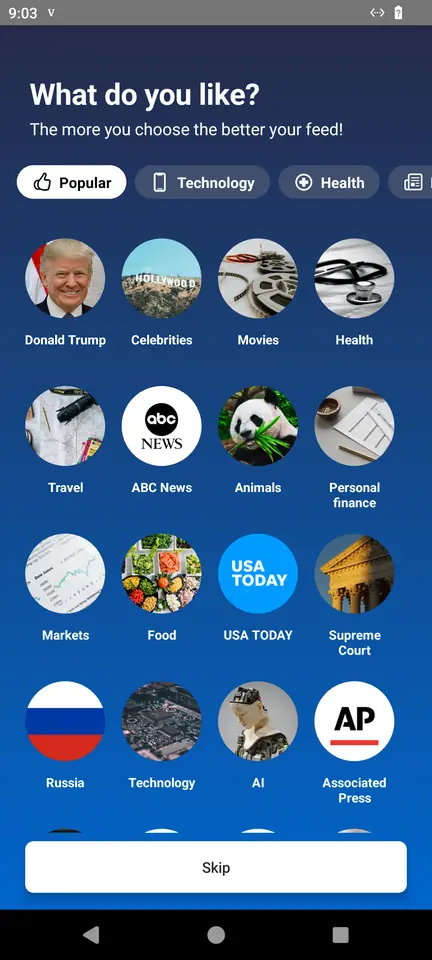
What do you like?

settings
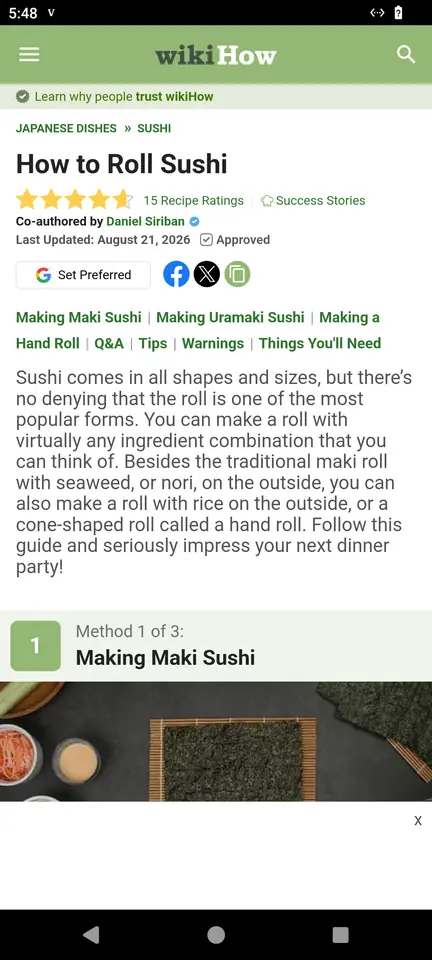
Open navigation drawer
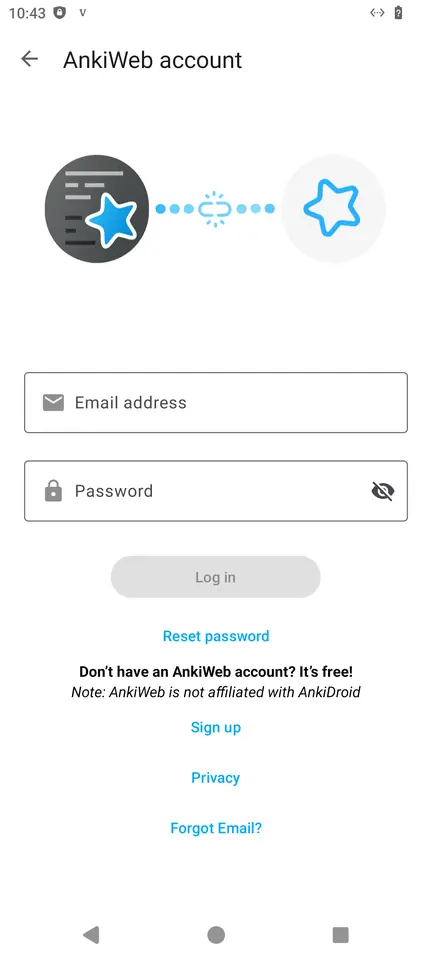
Navigate up

Collapse
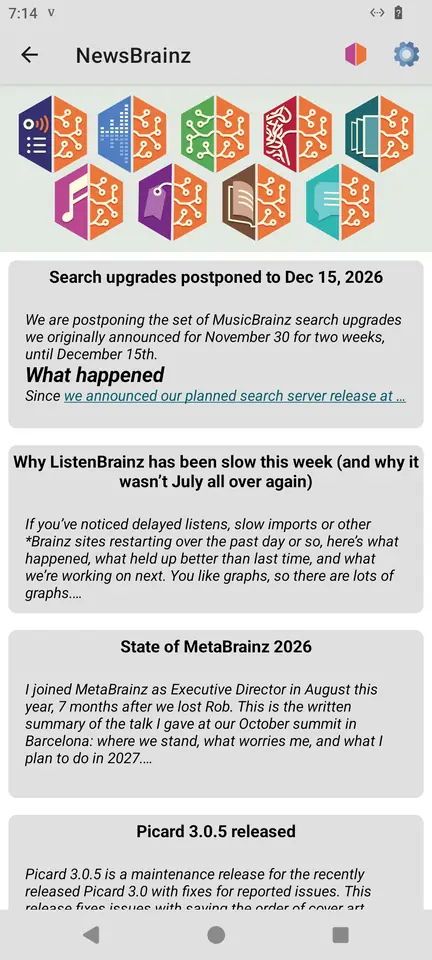
Navigate up
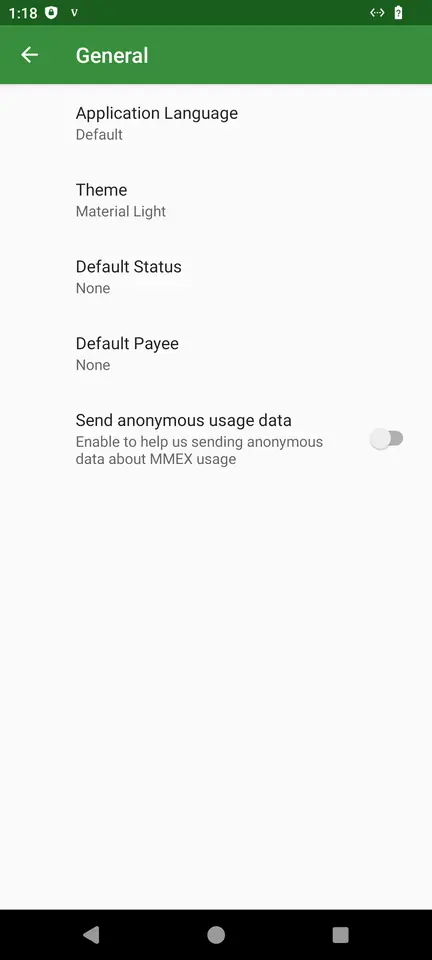
Navigate up
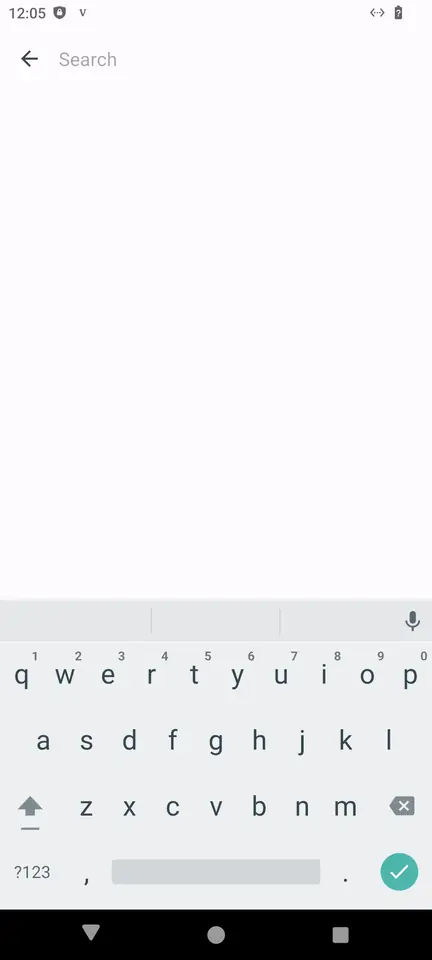
Search
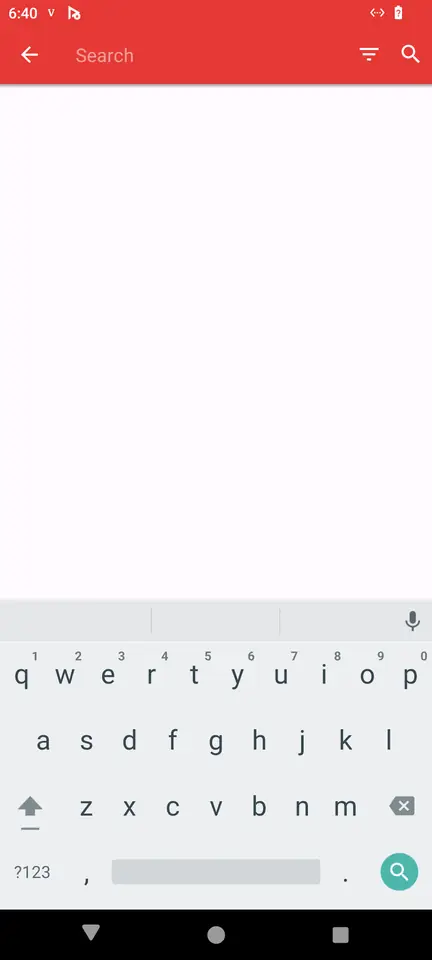
Navigate up
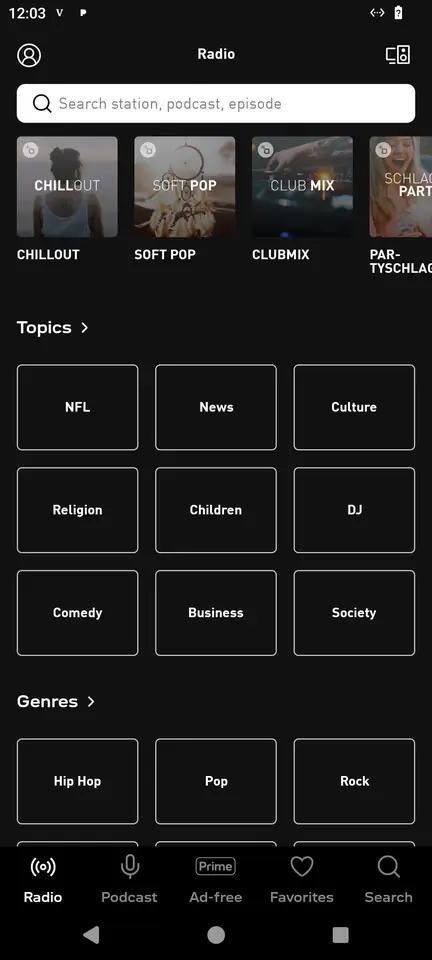
Settings
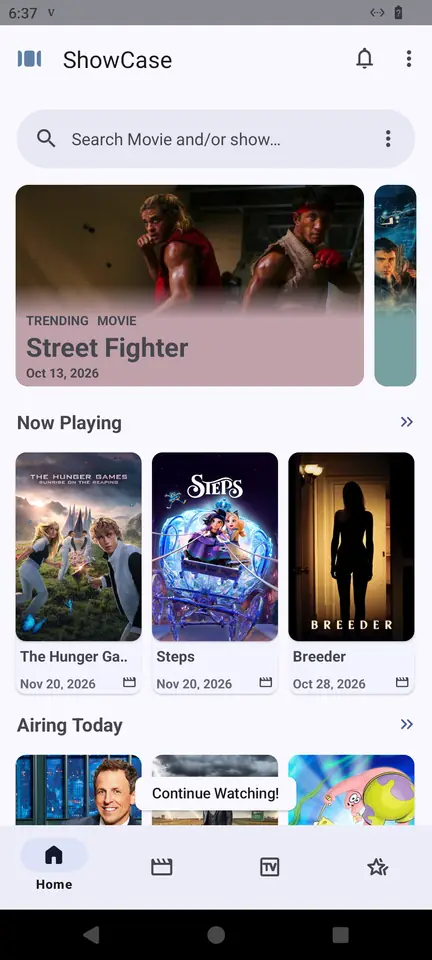
Navigate up
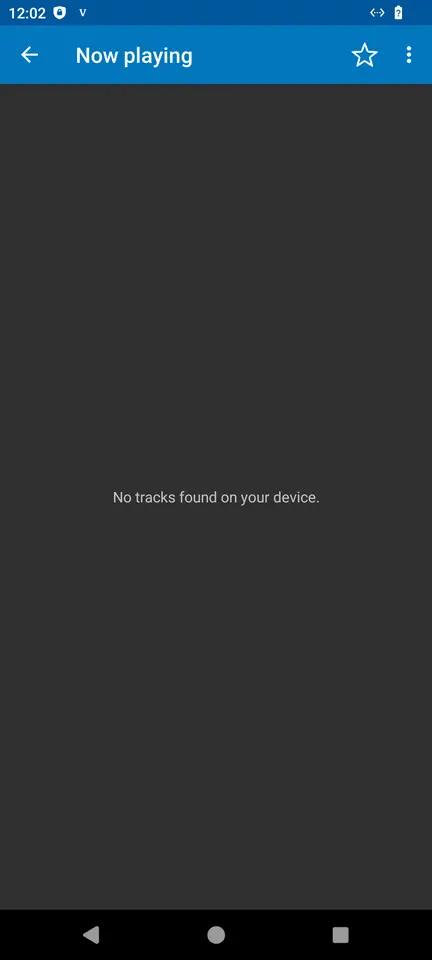
Navigate up
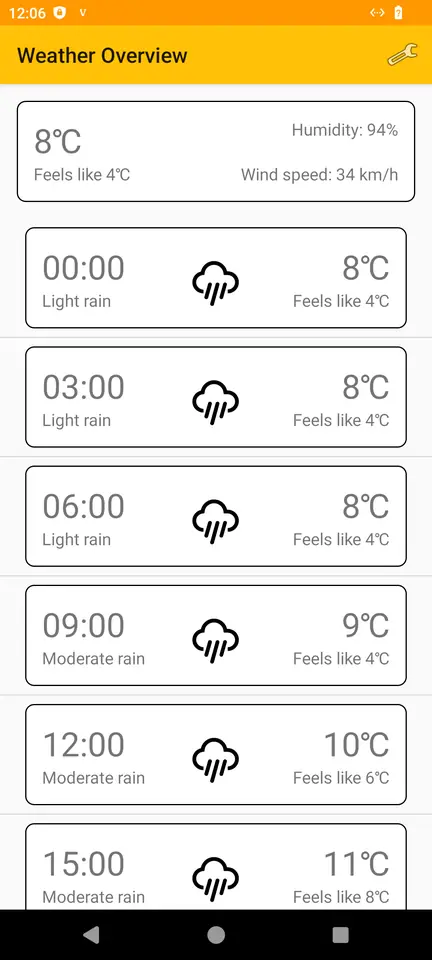
Weather Overview
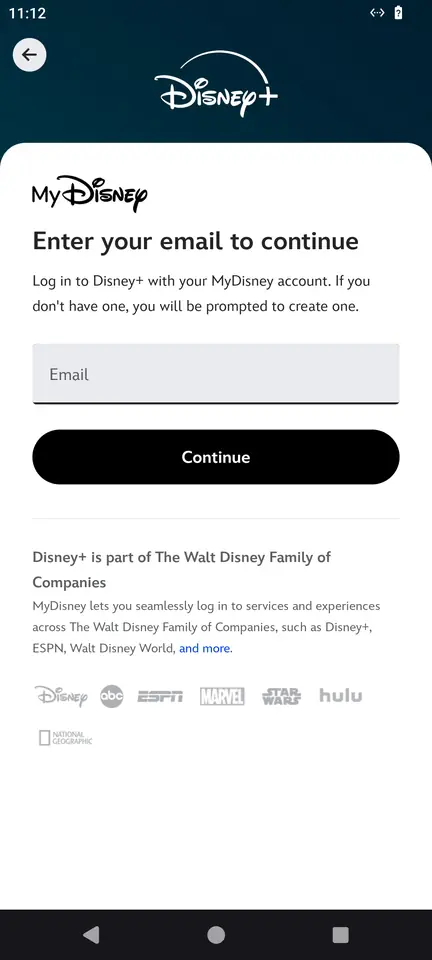
Back
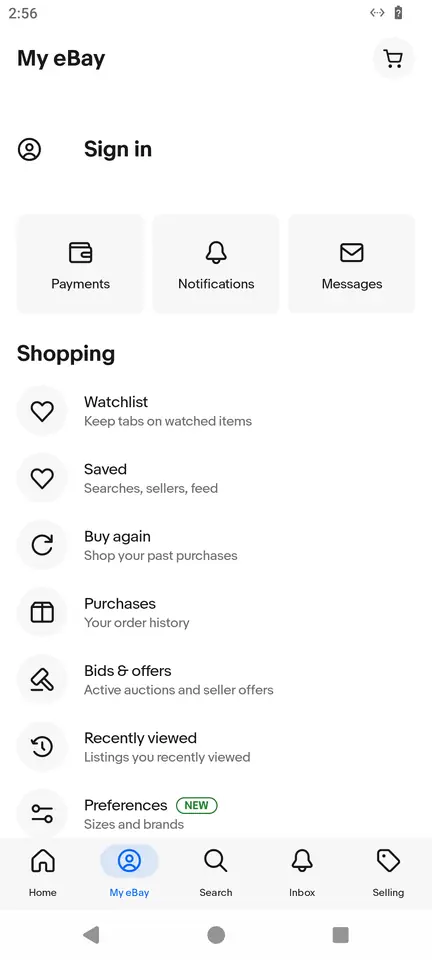
My eBay
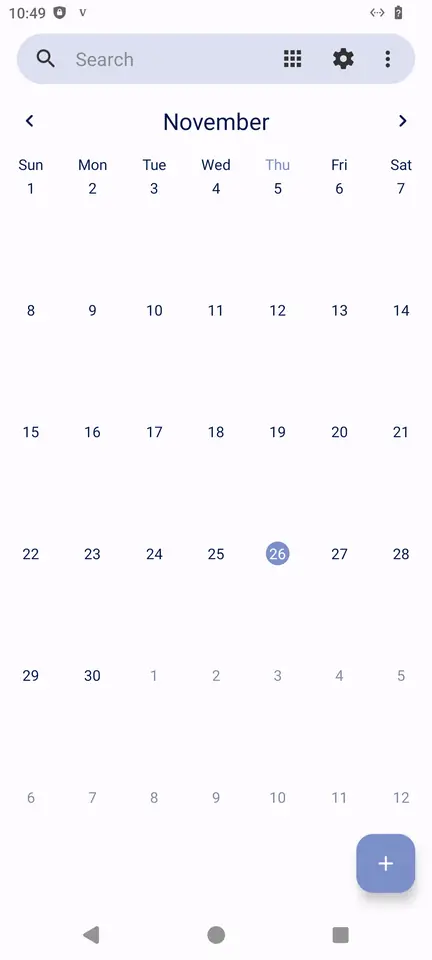
Search
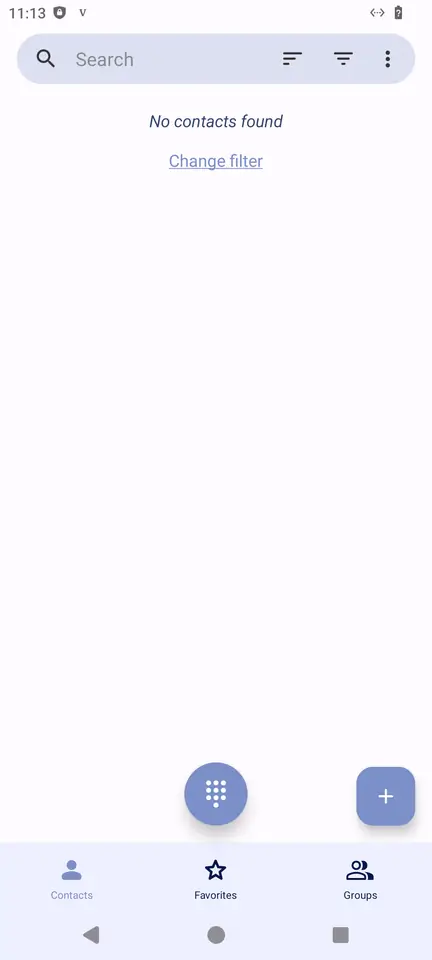
Search
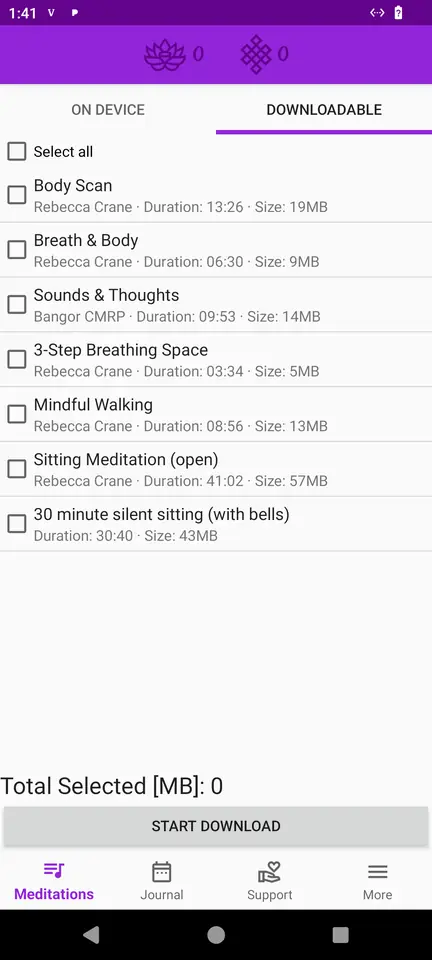
Streak icon
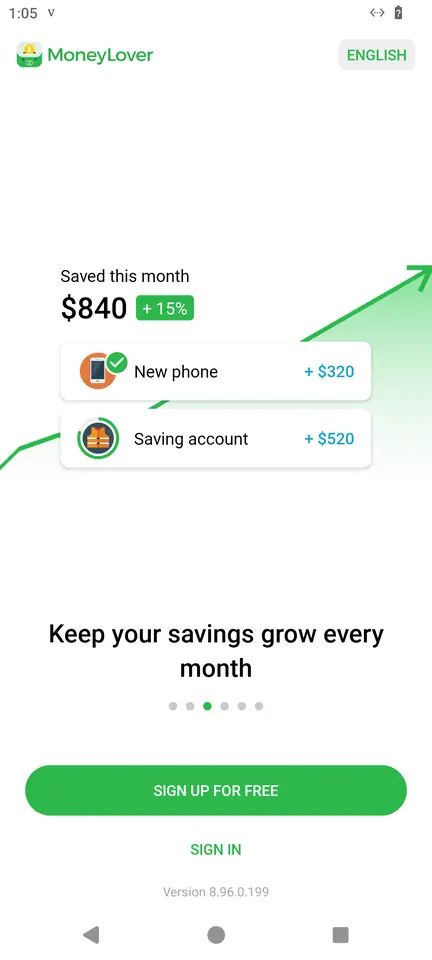
ENGLISH
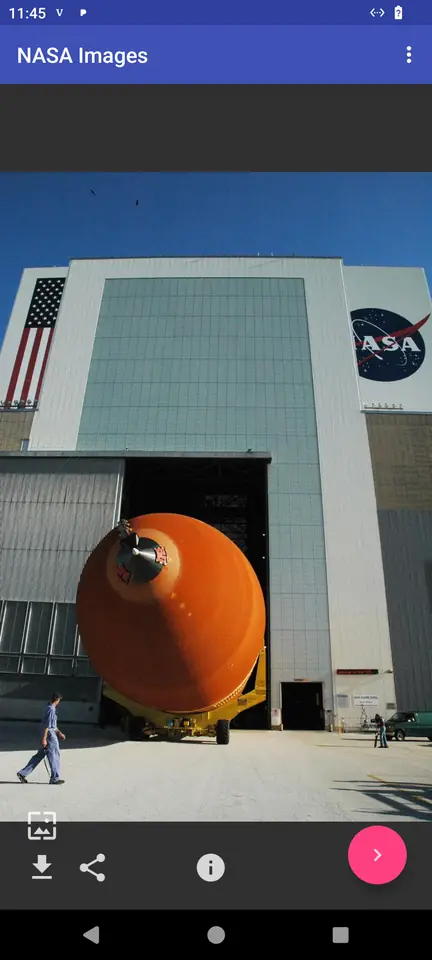
NASA Images
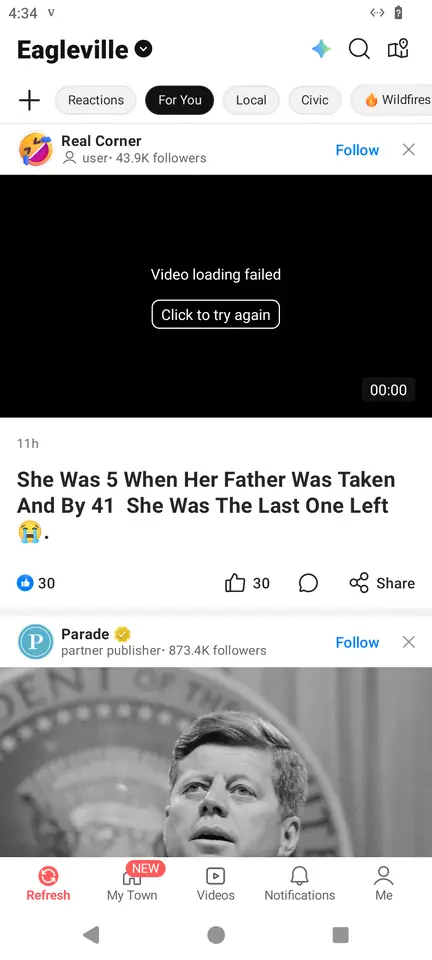
Eagleville
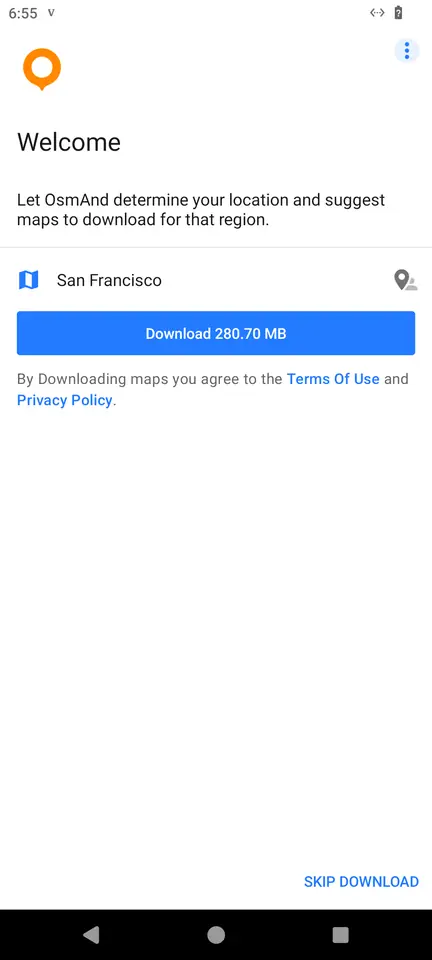
Other
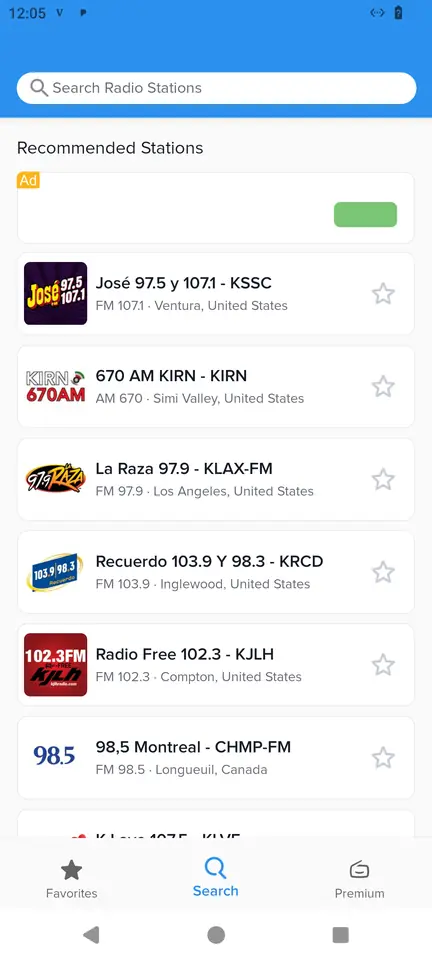
Search Radio Stations
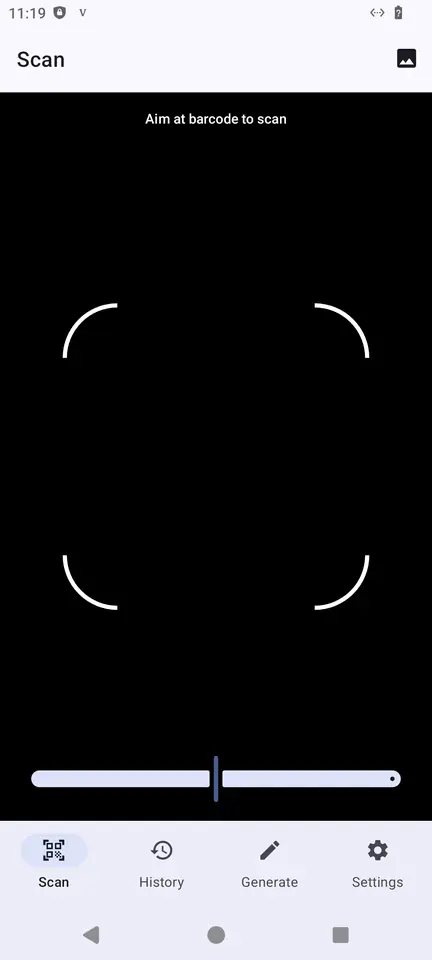
Scan
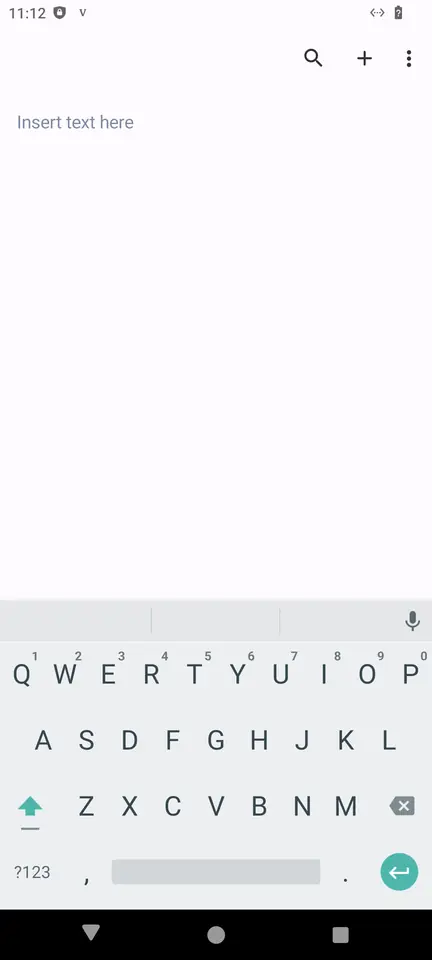
Search
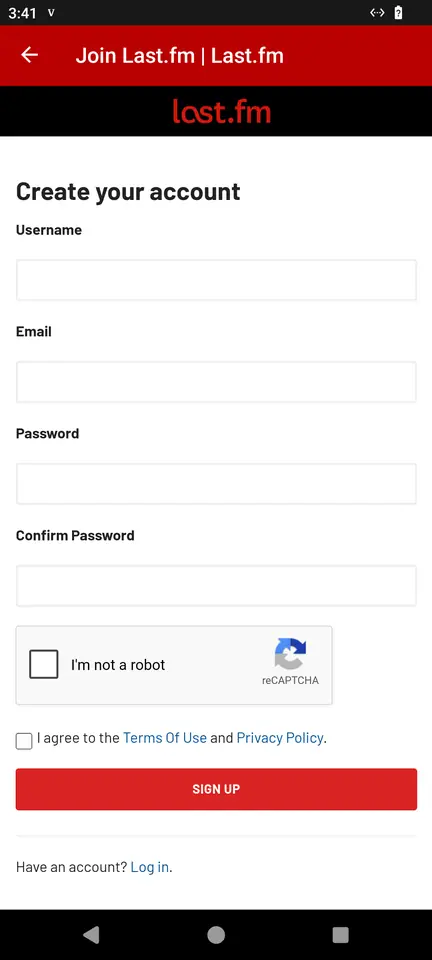
Navigate up

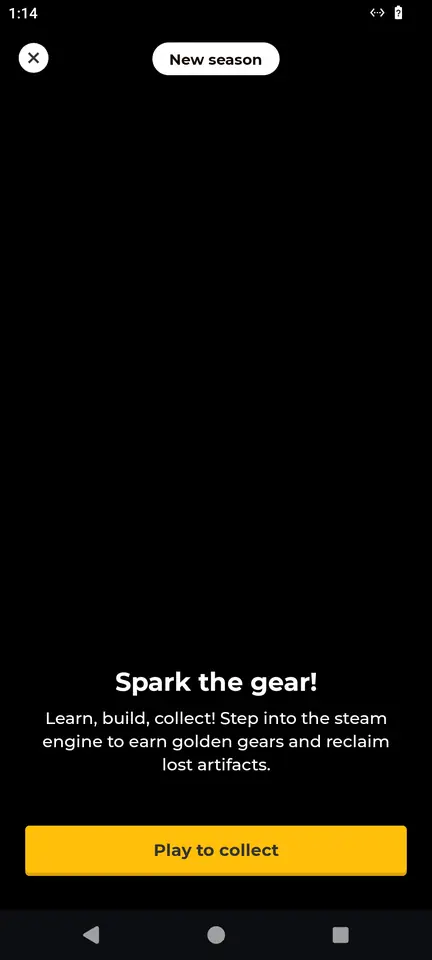


On Android
MaterialToolbar / Toolbar in Views, TopAppBar in Compose; the older ActionBar is the same idea.
Best practices
- Put the screen title on the left and at most 2–3 action icons on the right.
- Use Back (←) inside a flow and the menu or logo only on top-level screens.
- Collapse or elevate the bar on scroll so content gets the space.
- Overflow (⋮) the rarely used actions.
Where it shows up
Screens showing the component, by flow step type.
By app category
Apps showing the component, by category · 107 of 246 apps in the library.
Full flows with toolbars
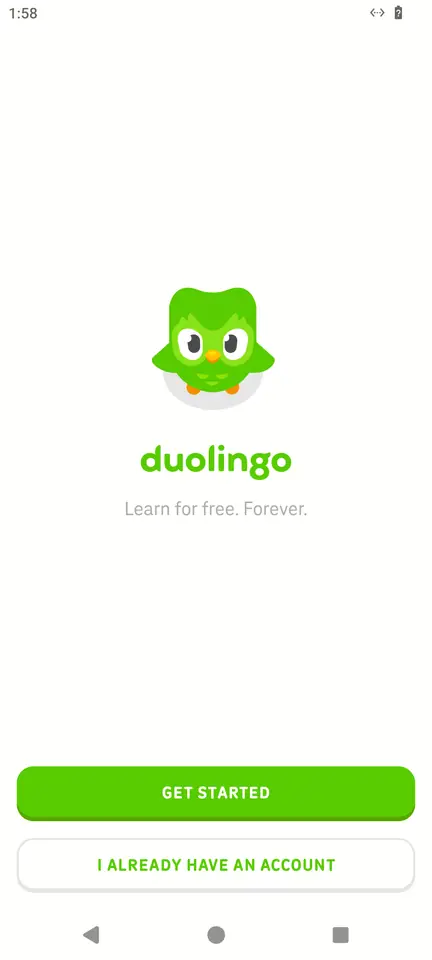
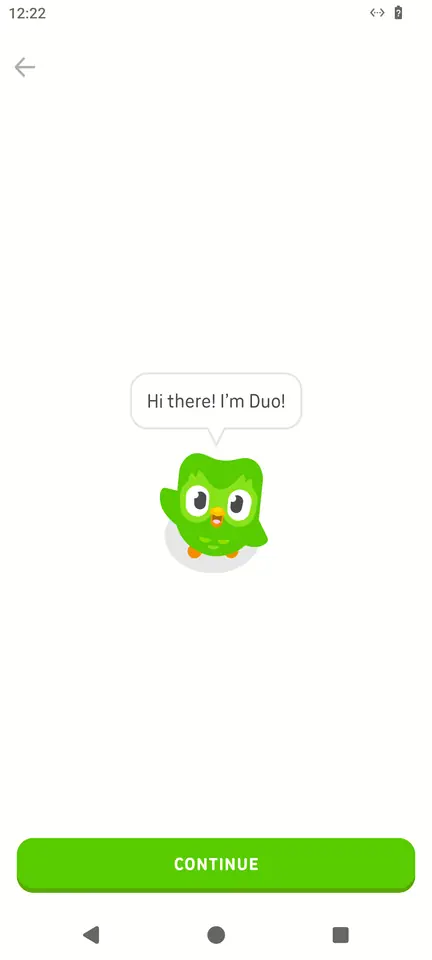
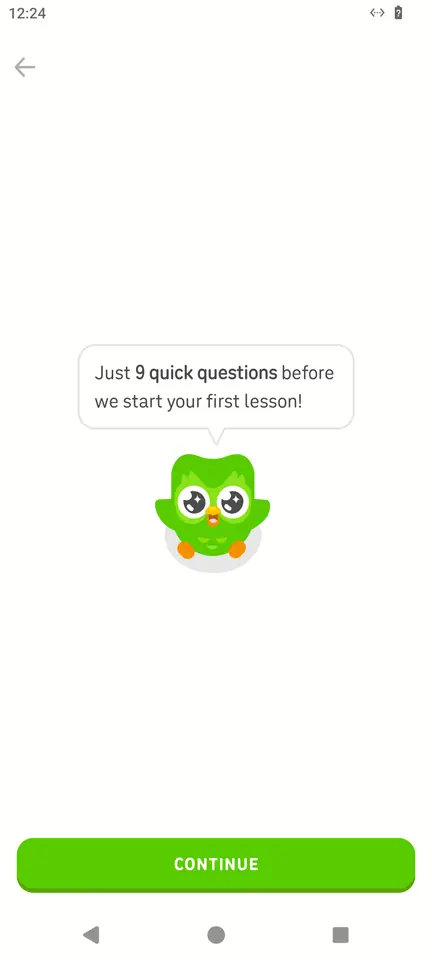
Duolingo · Onboarding
22 screens


Udemy · Home & browsing
22 screens
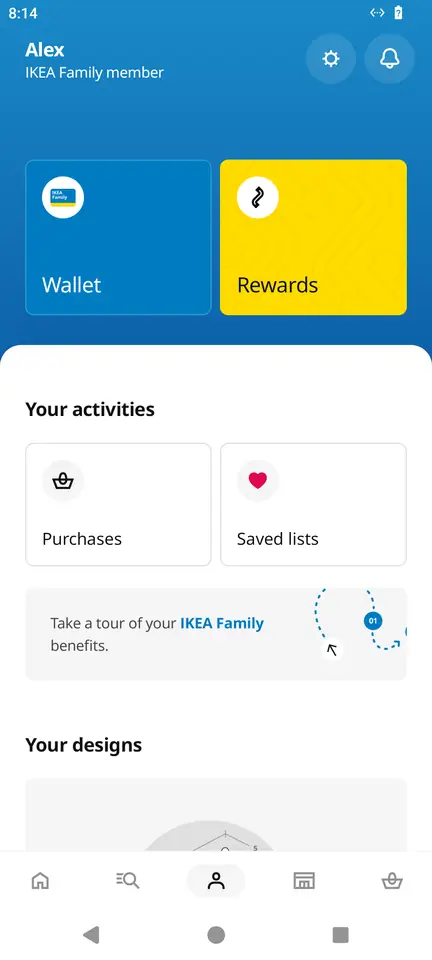
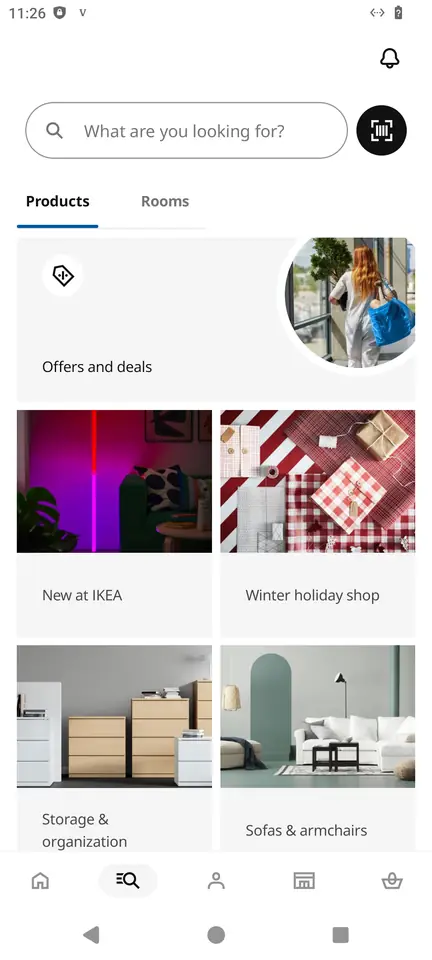
IKEA · Home & browsing
17 screens


Blinkist · Home & browsing
16 screens
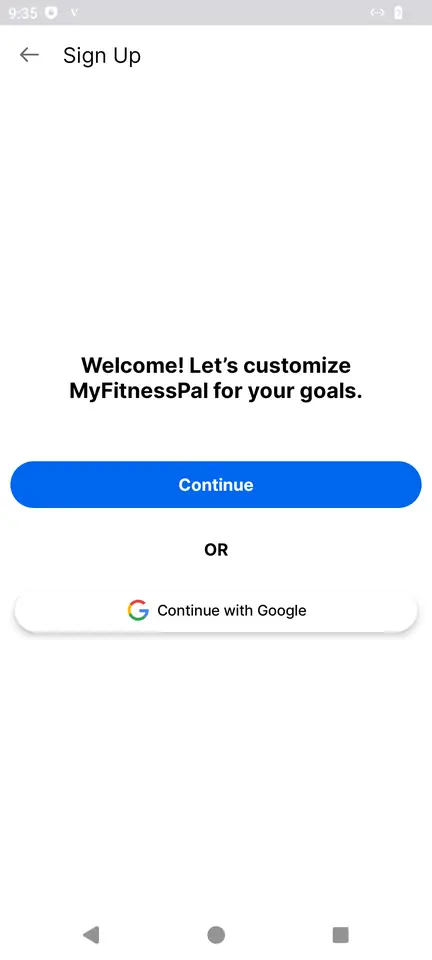
MyFitnessPal · Onboarding
15 screens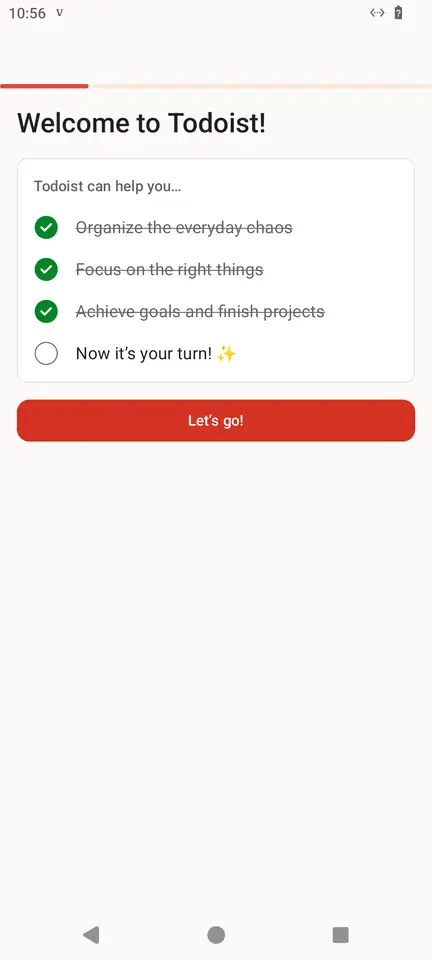
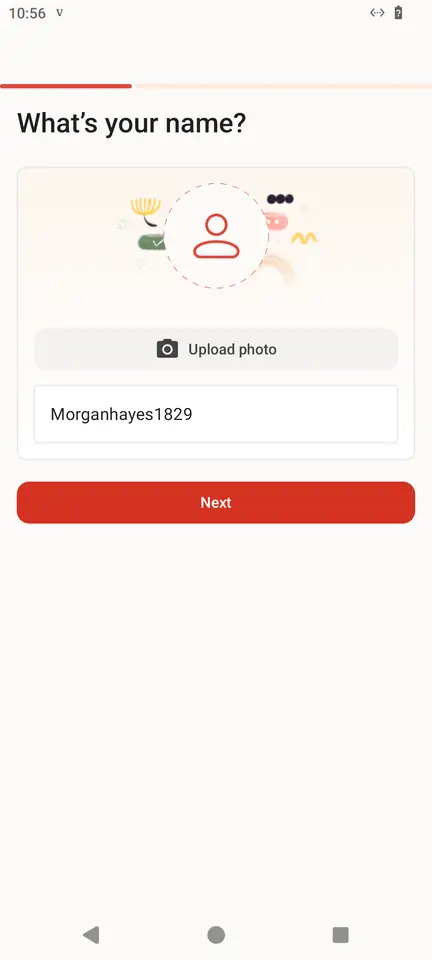
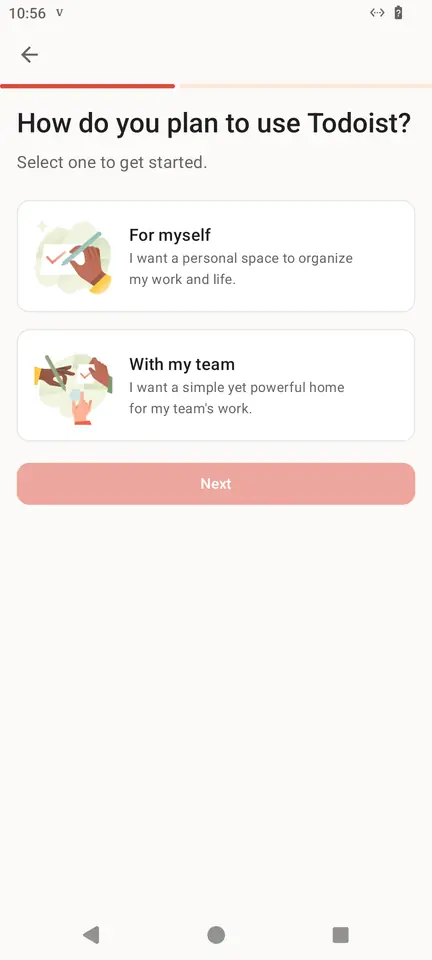
Todoist · Onboarding
15 screens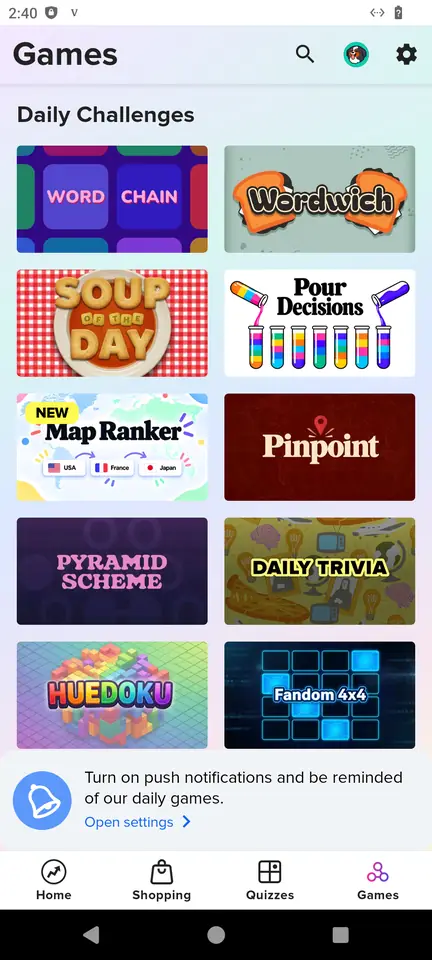

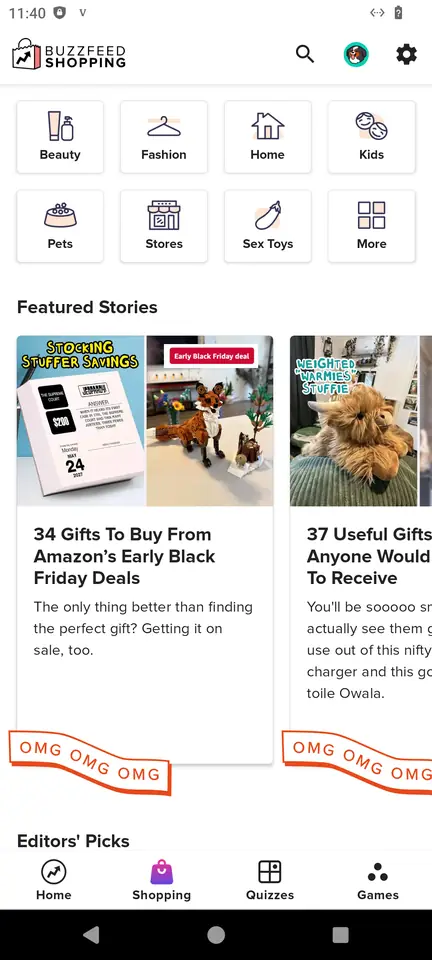
BuzzFeed · Home & browsing
13 screens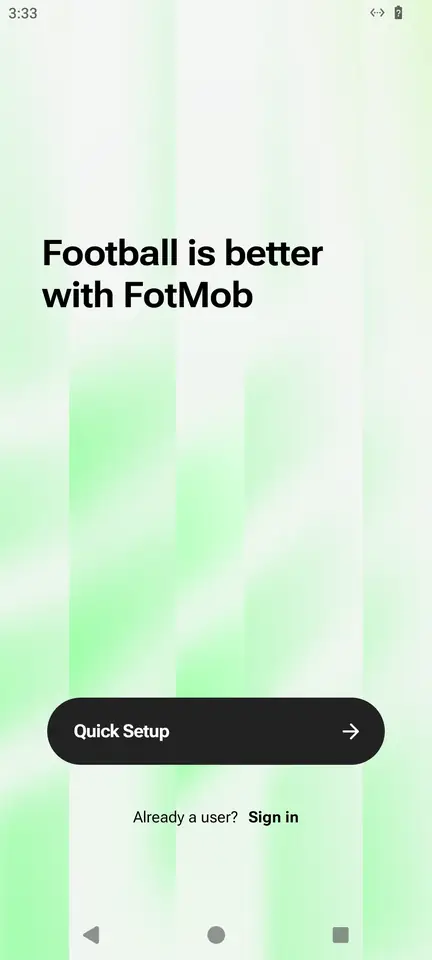
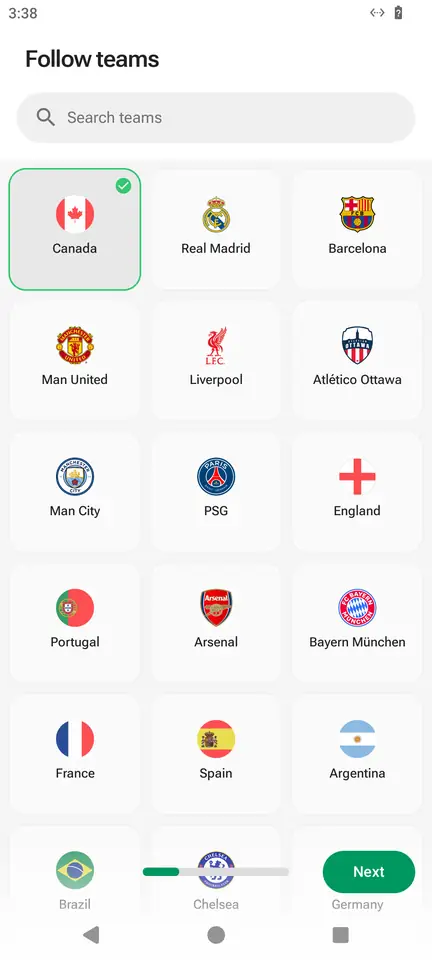
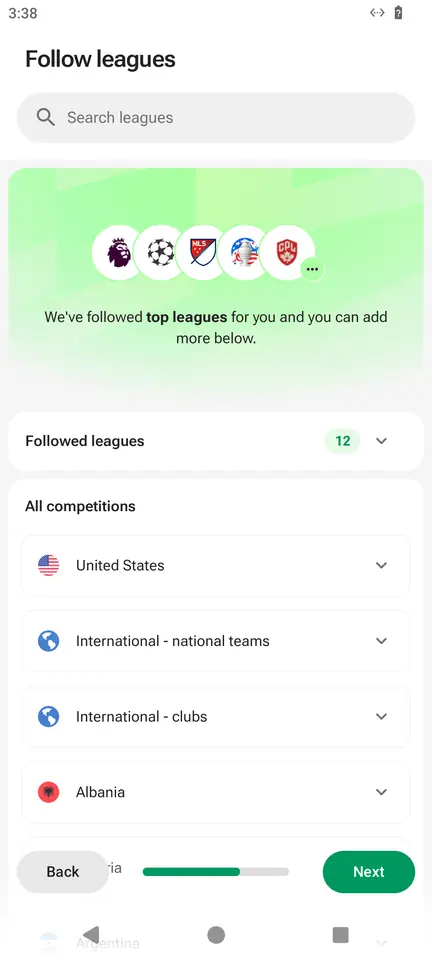
FotMob · Home & browsing
13 screens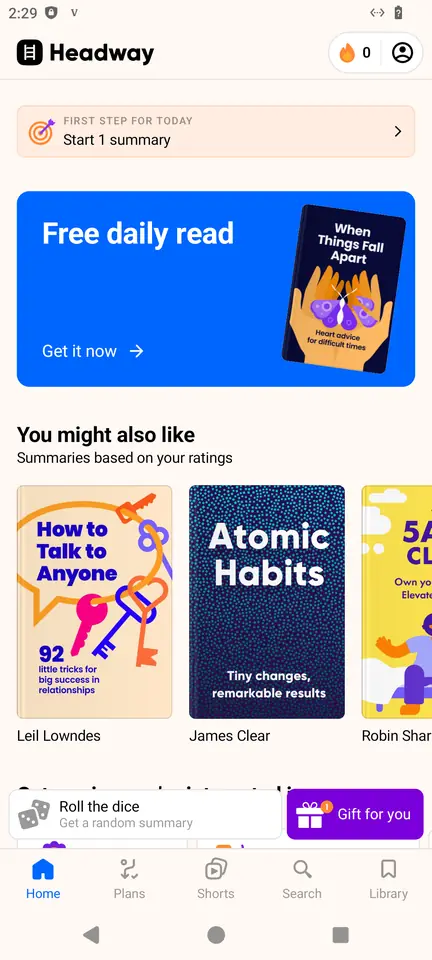
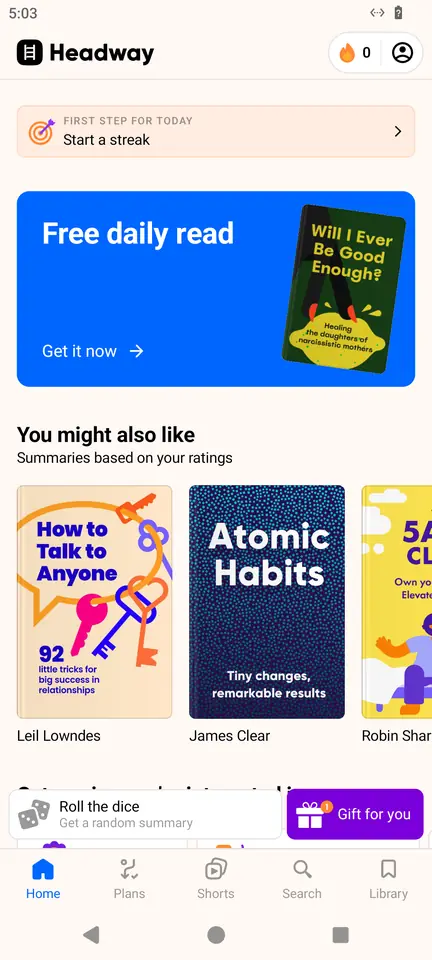
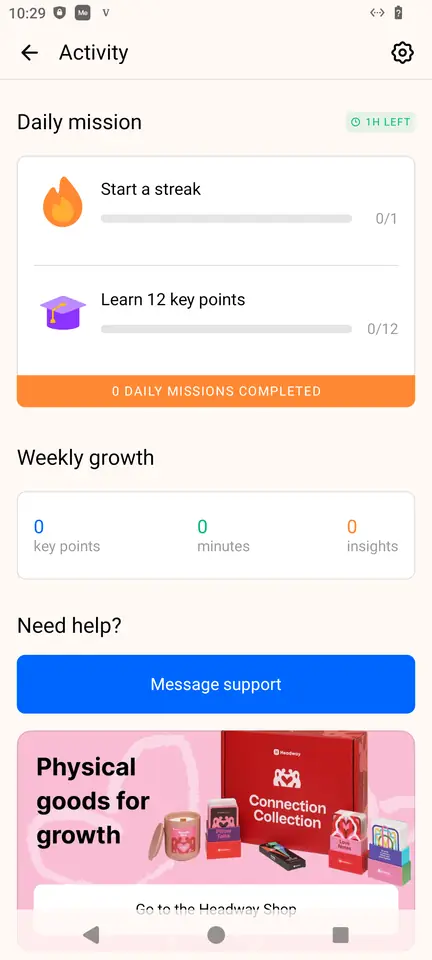
Headway · Home & browsing
13 screensFAQ
What is a toolbar?
A toolbar (top app bar) is the bar across the top of a screen that holds the screen title, a Back or menu button and a few actions such as search or share.
What is a toolbar called on Android?
MaterialToolbar / Toolbar in Views, TopAppBar in Compose; the older ActionBar is the same idea. It is also known as top app bar, app bar and action bar.
Which Android apps use a toolbar?
In the Flowtape library, 107 of 246 Android apps show a toolbar on the screens we captured, including Flo, Fitbod, BuzzFeed, Duolingo, Blinkist and Headway.
How do I design a good toolbar?
Put the screen title on the left and at most 2–3 action icons on the right. Use Back (←) inside a flow and the menu or logo only on top-level screens. Collapse or elevate the bar on scroll so content gets the space.
Detected in the view hierarchy of screens captured on real Android devices · last updated 2026-11-14