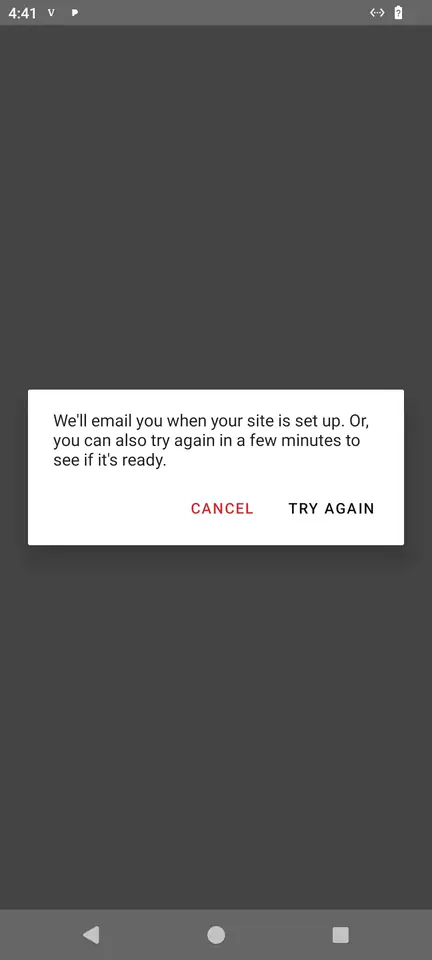
Home/Apps/Squarespace/TRY AGAIN
Screen · Home screen · Squarespace · Android

Squarespace home screen: “TRY AGAIN”

A home screen from Squarespace for Android, captured on a real device — step 3 of 3 in Squarespace's home & browsing screens. It uses 1 detected UI component, outlined on the screen below.

AndroidHome & browsingstep 3 of 31 componentfree & ungated
Squarespace Android screen 3 — home & browsing: CANCEL
Dialog
App
Squarespace · Productivity & tools
Screen type
Home & browsing
Flow
Squarespace home & browsing screens — step 3 of 3

UI text on this screen

  • CANCEL
  • TRY AGAIN

UI components

Located from the app's Android view hierarchy and outlined on the screen.

More Squarespace screens
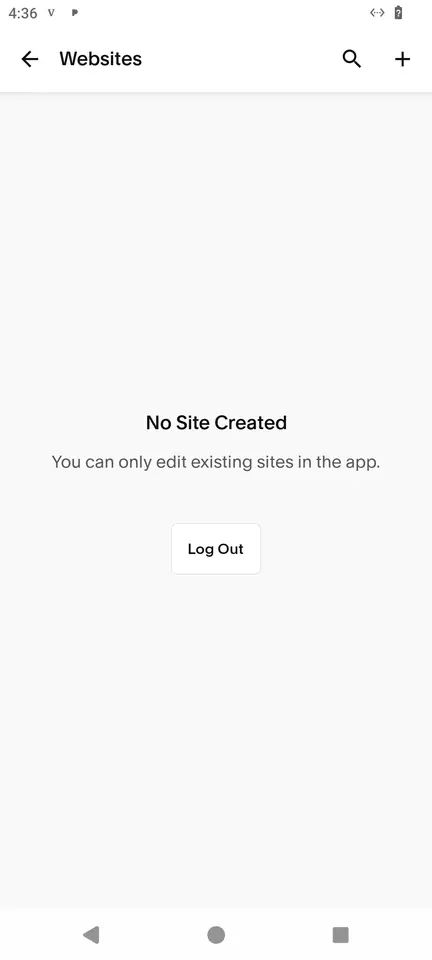
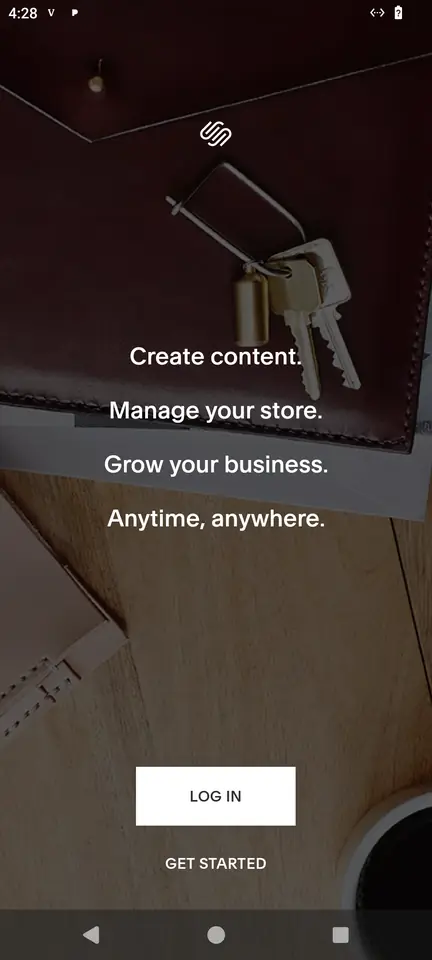
Squarespace Android screen 1 — home & browsing: No Site Created
Home & browsing · No Site Created
Squarespace Android screen 2 — home & browsing: Website Templates: Customizable Web Design Templates…
Home & browsing · Website Templates: Customizable Web…
Squarespace Android screen 4 — onboarding: Create content.
Onboarding · Create content.
Squarespace Android screen 5 — onboarding: Create content.
Onboarding · Create content.
Squarespace Android screen 6 — onboarding: Create content.
Onboarding · Create content.
Squarespace Android screen 7 — onboarding: Create content.
Onboarding · Create content.

Home screens from other apps

All home screens →
Day One Android screen 4 — home & browsing: My Prompts
Day One · My Prompts
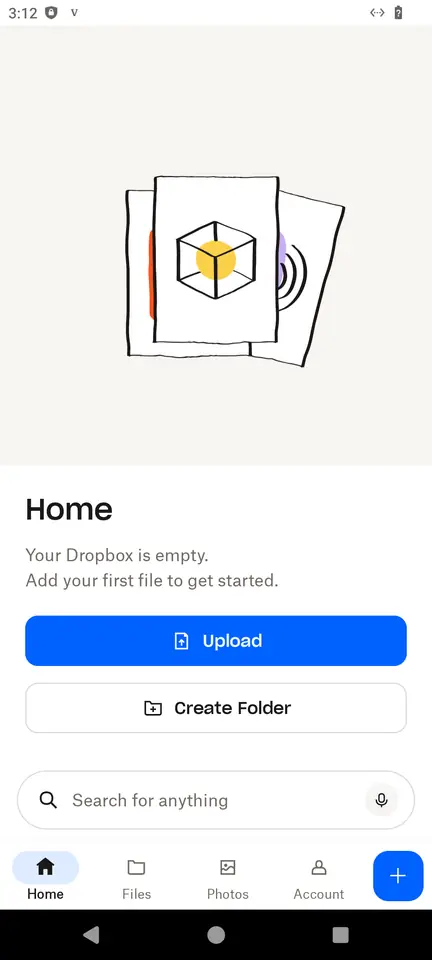
Dropbox Android screen 5 — home & browsing: Your Dropbox is empty. Add your first file to get started.
Dropbox · Your Dropbox is empty. Add your first…
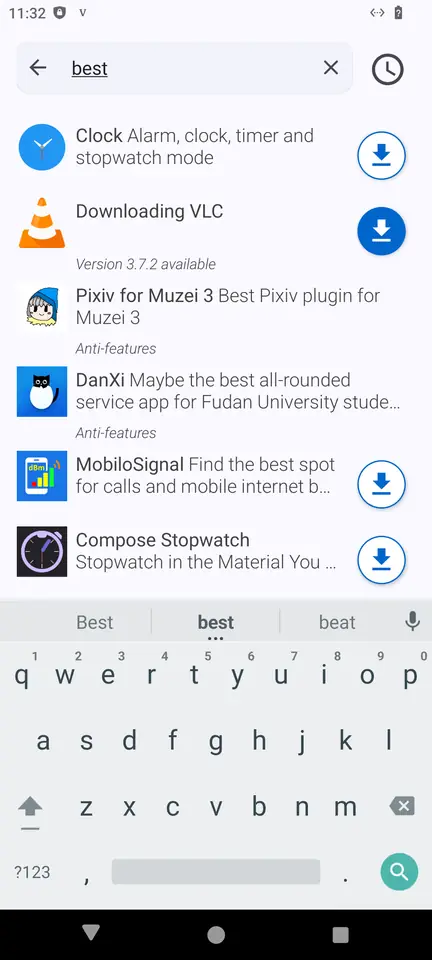
F-Droid Android screen 3 — home & browsing: Clear search
F-Droid · Clear search
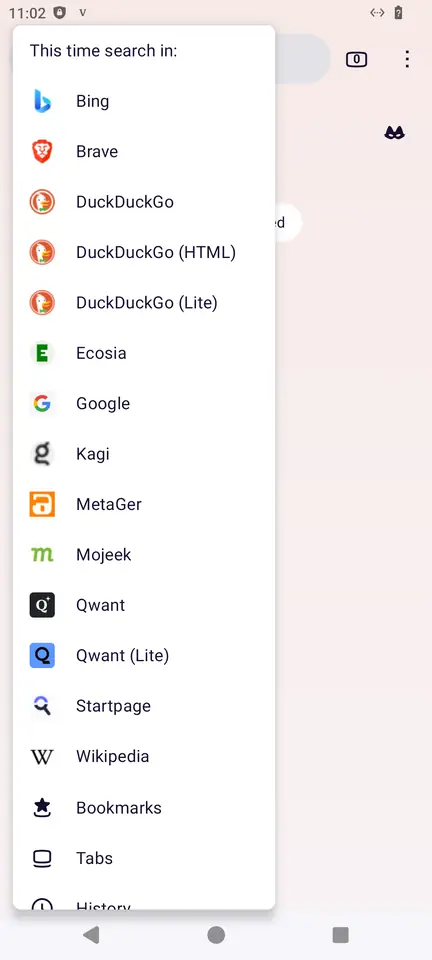
Fennec F-Droid Android screen 1 — home & browsing: This time search in:
Fennec F-Droid · This time search in:
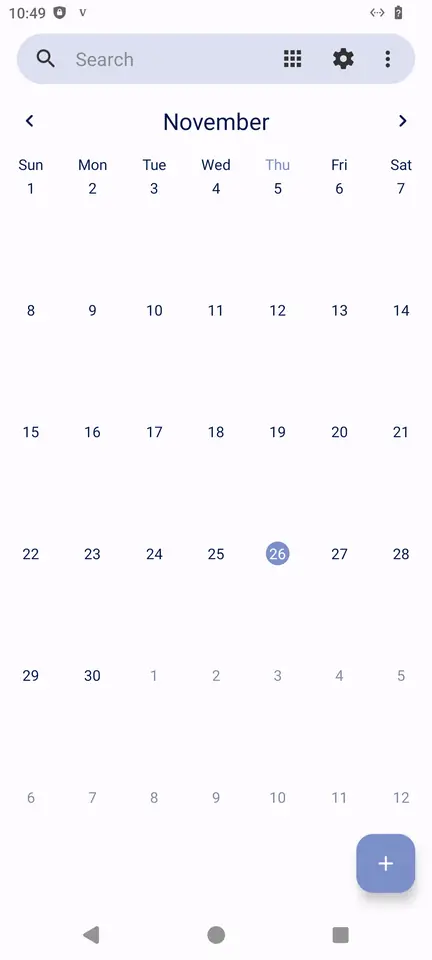
Fossify Calendar Android screen 1 — home & browsing: Search
Fossify Calendar · Search
Goodbudget Android screen 12 — home & browsing: ENVELOPES
Goodbudget · ENVELOPES

Captured on a real Android device · last updated 2026-11-14