Home/Apps/Squarespace/Create content.
Screen · Onboarding screen · Squarespace · Android

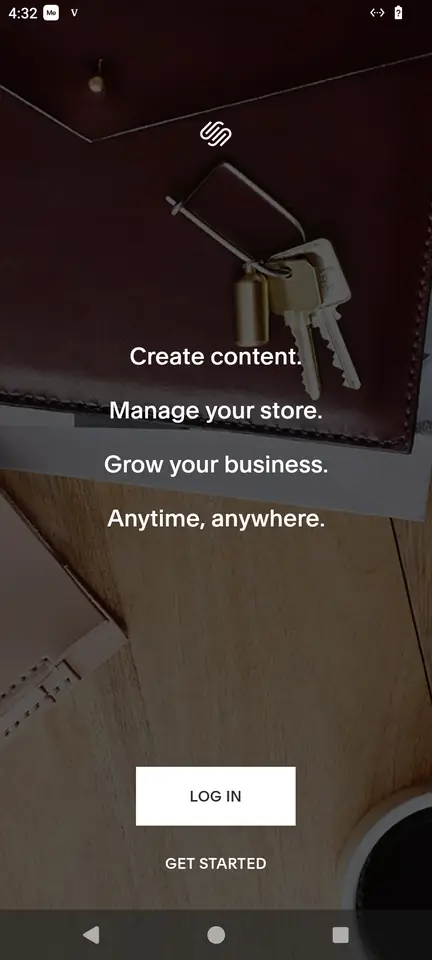
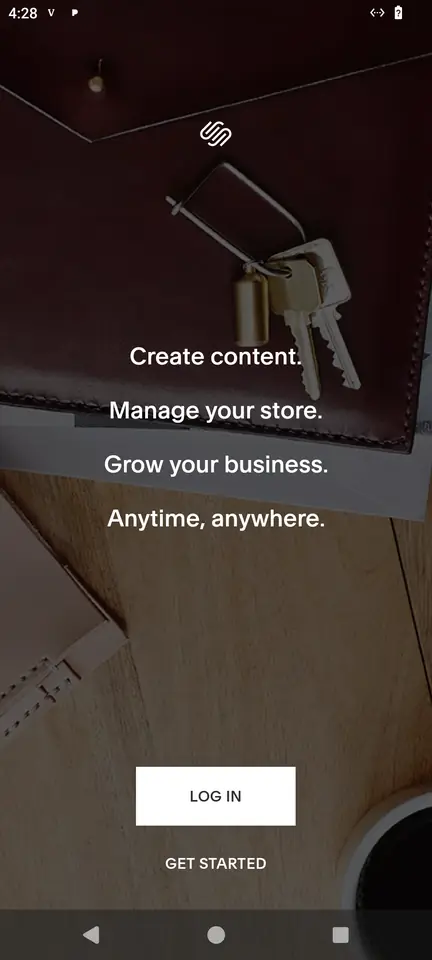
Squarespace onboarding screen: “Create content.” (2)

An onboarding screen from Squarespace for Android, captured on a real device — step 2 of 3 in Squarespace's onboarding flow.

AndroidOnboardingstep 2 of 3free & ungated
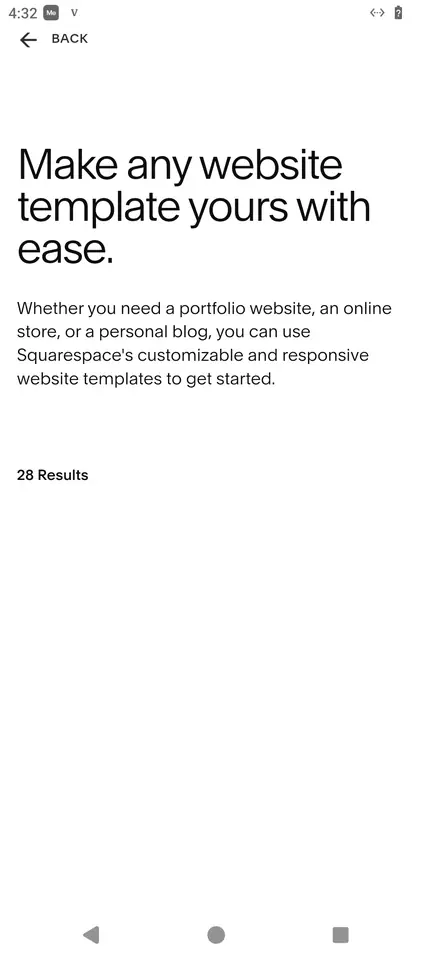
Squarespace Android screen 5 — onboarding: Create content.
App
Squarespace · Productivity & tools
Screen type
Onboarding
Flow
Squarespace onboarding flow — step 2 of 3

UI text on this screen

  • Create content.
  • Manage your store.
  • Grow your business.
  • Anytime, anywhere.
  • LOG IN
  • GET STARTED
  • Debug Button

UI patterns

More Squarespace screens
Squarespace Android screen 1 — home & browsing: No Site Created
Home & browsing · No Site Created
Squarespace Android screen 2 — home & browsing: Website Templates: Customizable Web Design Templates…
Home & browsing · Website Templates: Customizable Web…
Squarespace Android screen 3 — home & browsing: CANCEL
Home & browsing · CANCEL
Squarespace Android screen 4 — onboarding: Create content.
Onboarding · Create content.
Squarespace Android screen 6 — onboarding: Create content.
Onboarding · Create content.
Squarespace Android screen 7 — onboarding: Create content.
Onboarding · Create content.

Onboarding screens from other apps

All onboarding screens →
Asana Android screen 6 — onboarding: Sign in to your account
Asana · Sign in to your account
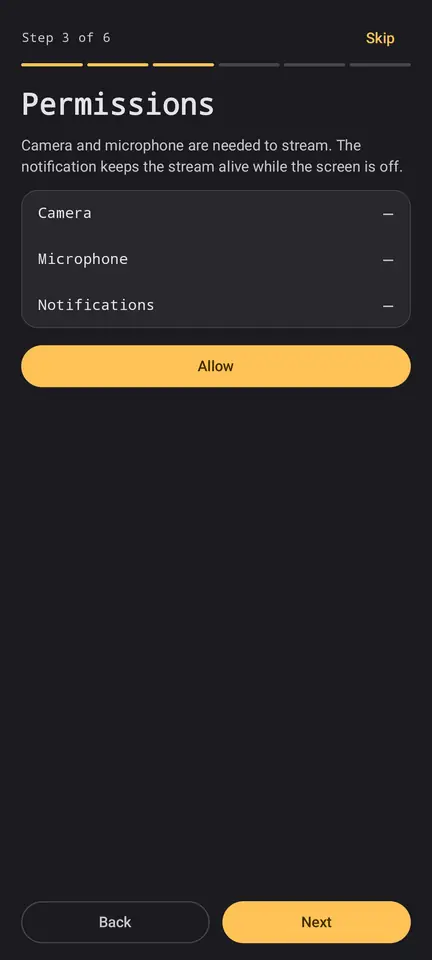
Brix Android screen 3 — onboarding: Permissions
Brix · Permissions
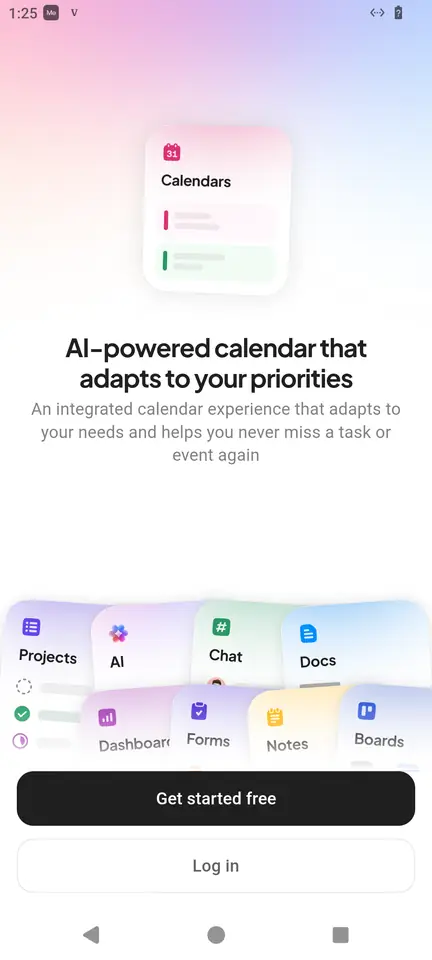
ClickUp Android screen 2 — onboarding: Projects
ClickUp · Projects
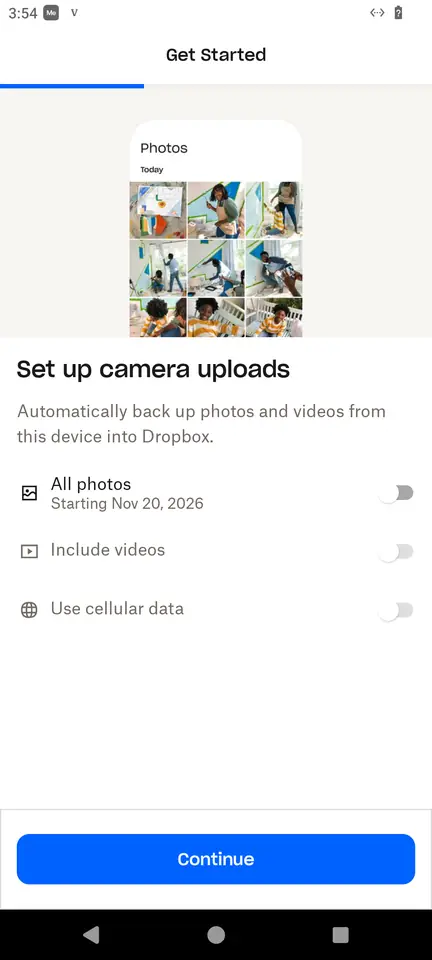
Dropbox Android screen 9 — onboarding: Photos tab with image uploaded
Dropbox · Photos tab with image uploaded
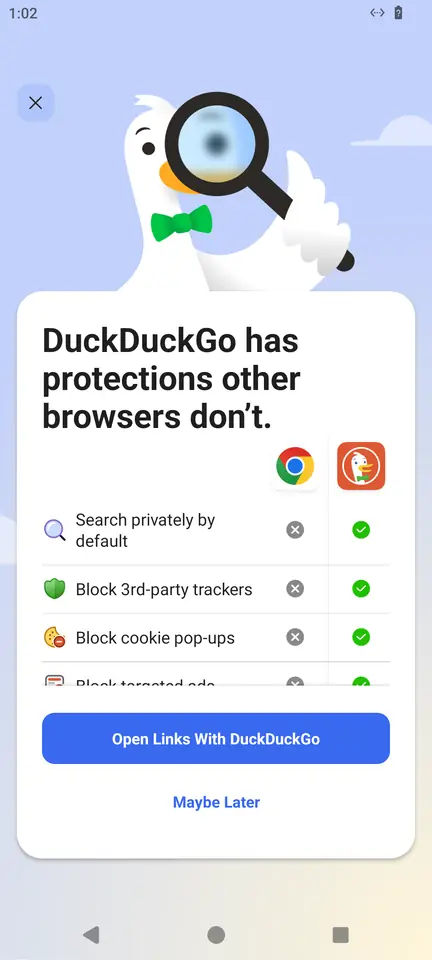
DuckDuckGo Android screen 2 — onboarding: DuckDuckGo has protections other browsers don’t.
DuckDuckGo · DuckDuckGo has protections other…
Evernote Android screen 1 — onboarding: WELCOME TO EVERNOTE!
Evernote · WELCOME TO EVERNOTE!

Captured on a real Android device · last updated 2026-11-14