Onboarding flow · StreetComplete · Android
StreetComplete onboarding flow
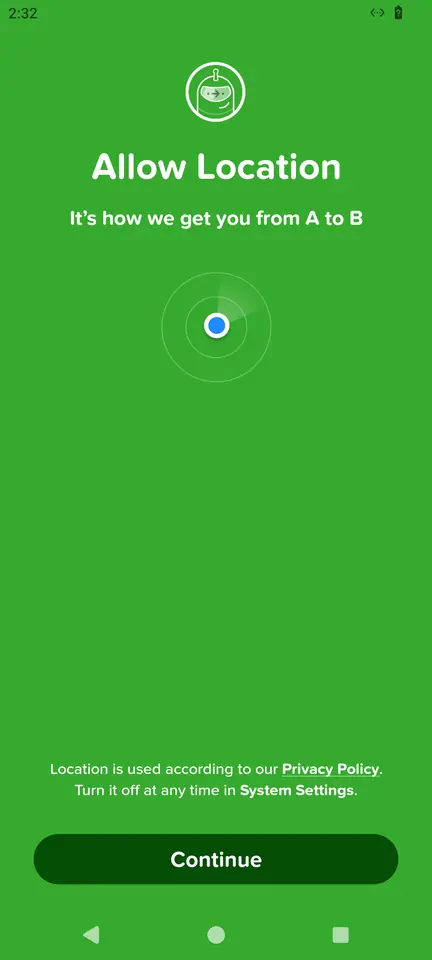
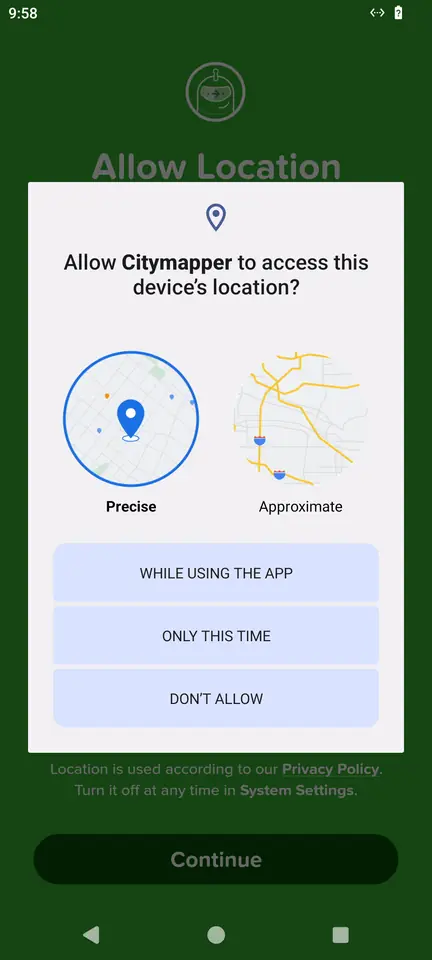
Every screen of StreetComplete's onboarding flow on Android, in order: 3 steps, recorded on a real device. StreetComplete's onboarding opens with 2 value-pitch screens (“Welcome to OpenStreetMap”) and requests a system permission at step 3. At 3 screens it is shorter than the library's median onboarding flow (4 screens across 152 apps).
UI components:
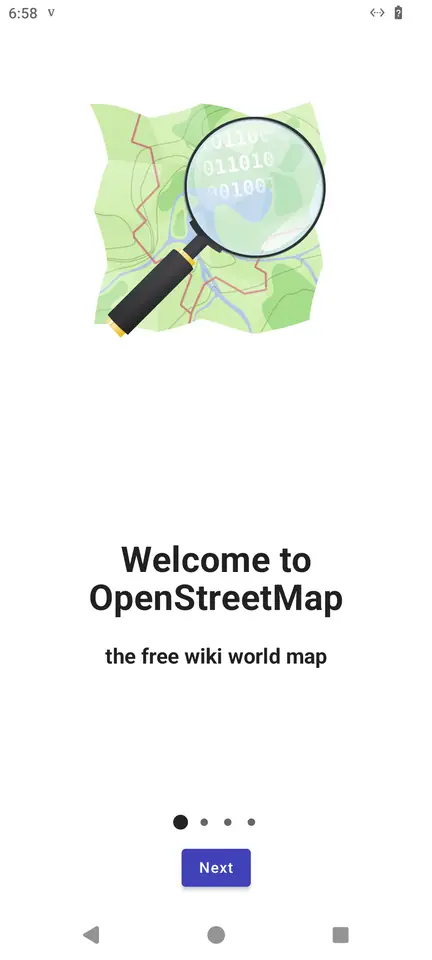 01 Onboarding
Welcome to OpenStreetMap — the free wiki world map
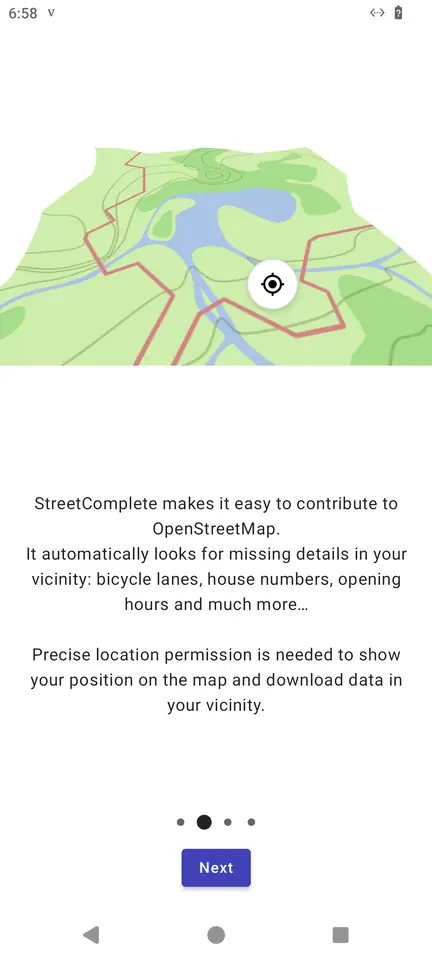 02 Onboarding
Follow me — Next
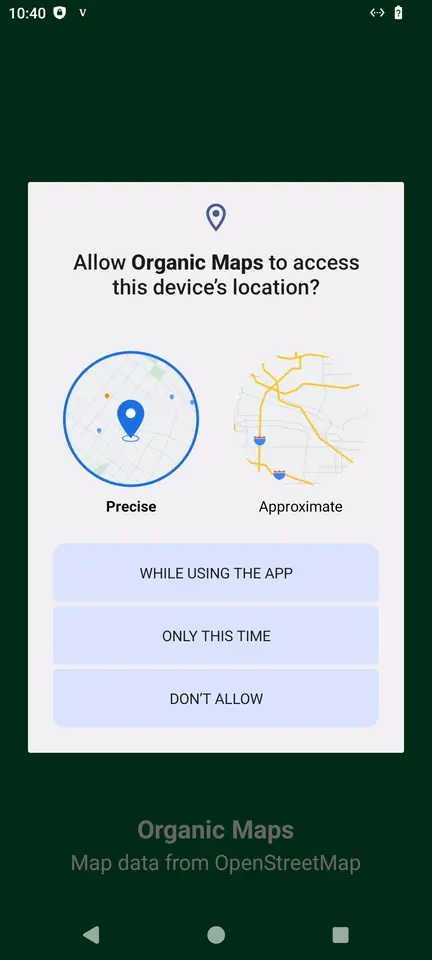
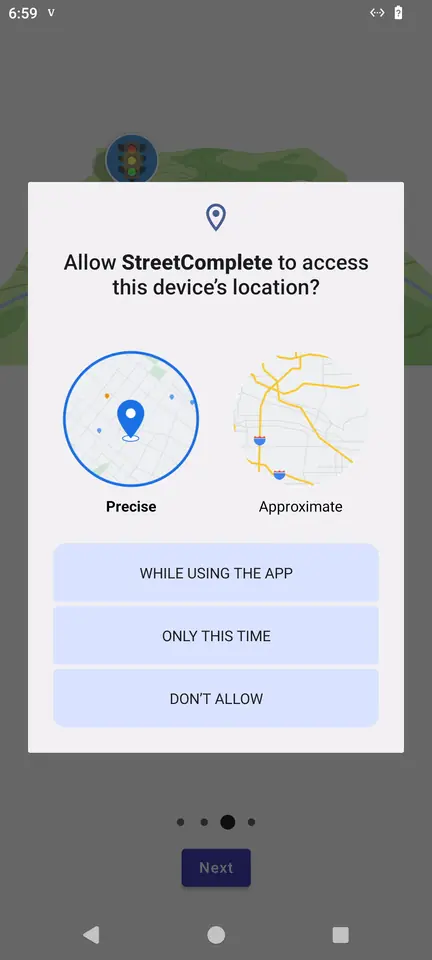 03 Permissions
Allow StreetComplete to access this device’s location? — Precise
What StreetComplete's onboarding flow does
- 3 screens in order, opening on “Welcome to OpenStreetMap” and ending at “Allow StreetComplete to access this device’s location?”.
- Includes a system permission prompt inside the flow.
Captured on a real Android device · last updated 2026-11-14