Welcome screen: 97 real Android examples
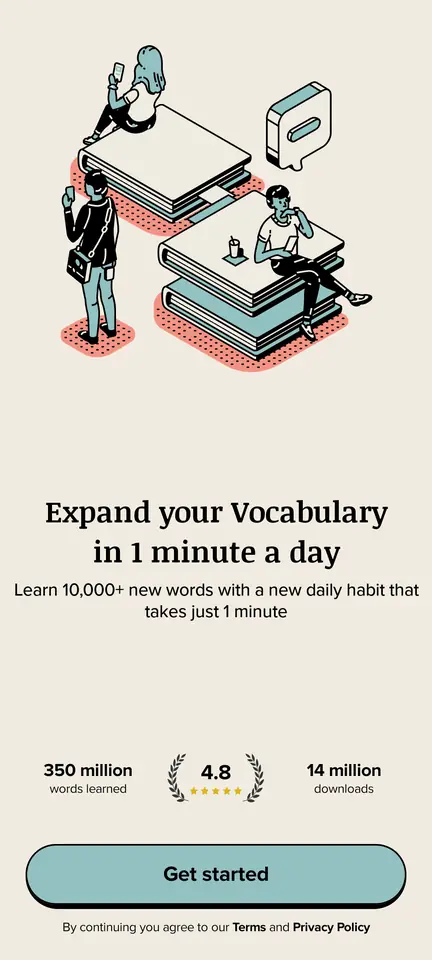
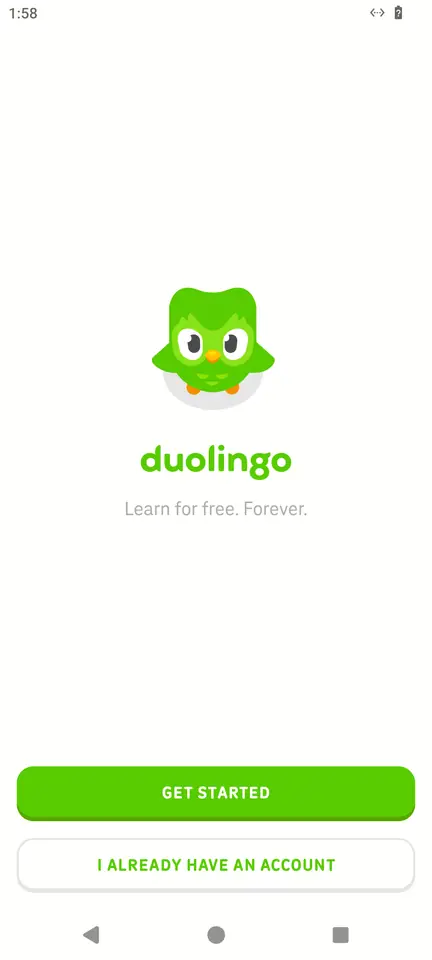
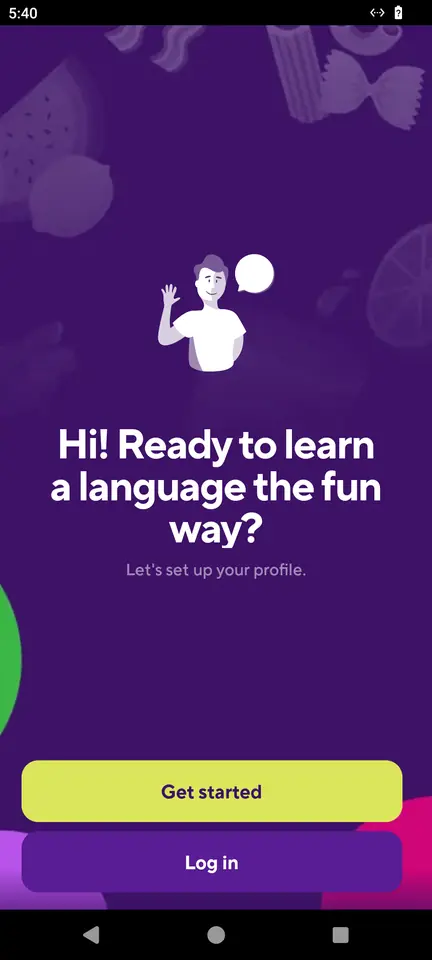
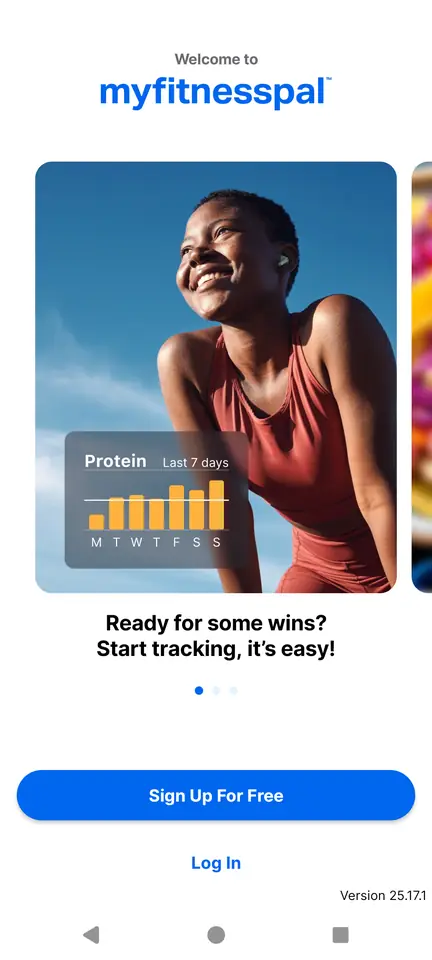
A welcome screen is the first screen a new user sees after launching an app: a short value proposition, the brand, and one primary action such as “Get started”. Its job is to explain what the app does in a sentence and move the user into setup or sign-up.
Welcome screen examples from 97 Android apps
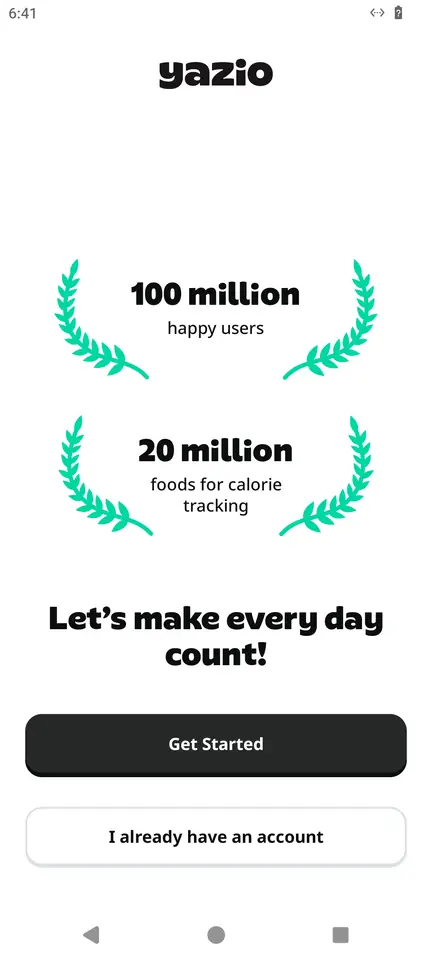
Get Started
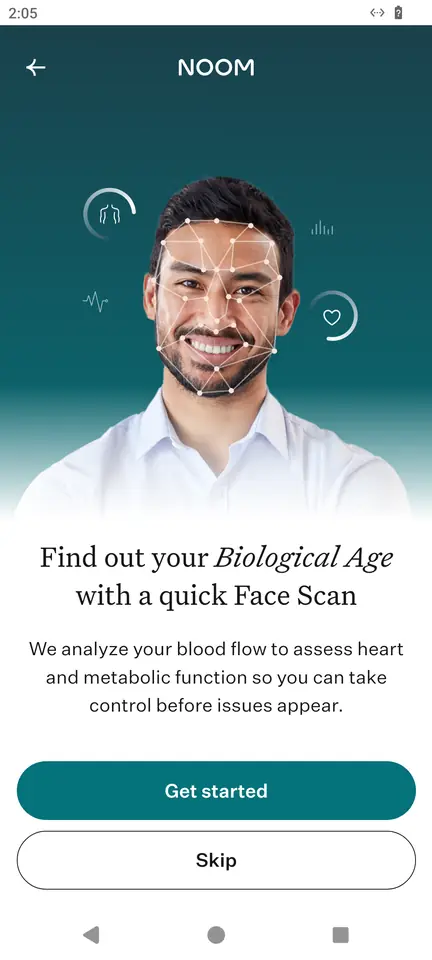
Get started
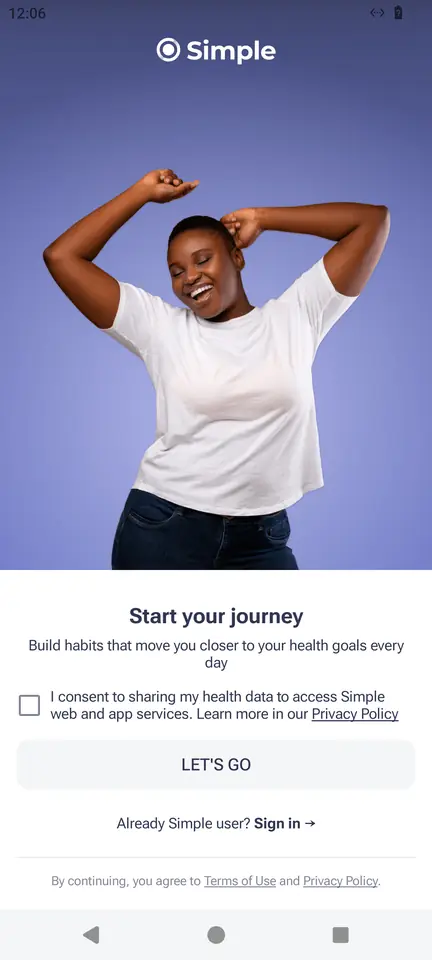
LET'S GO
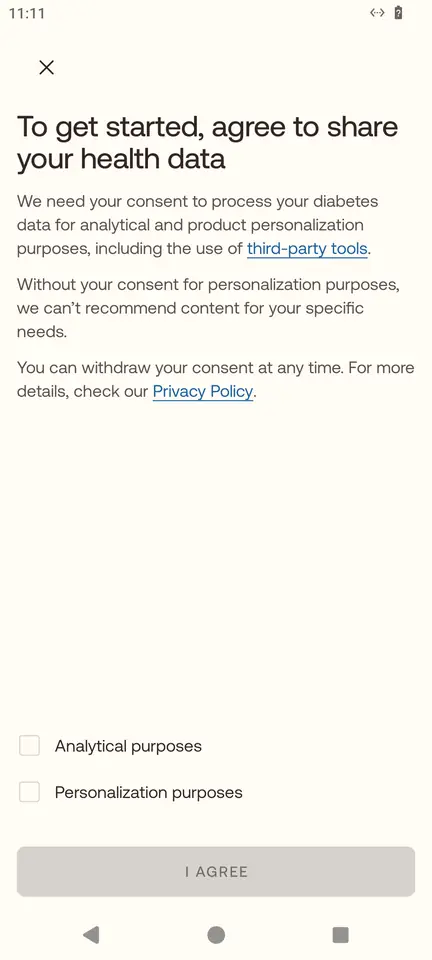
To get started, agree to share your health data
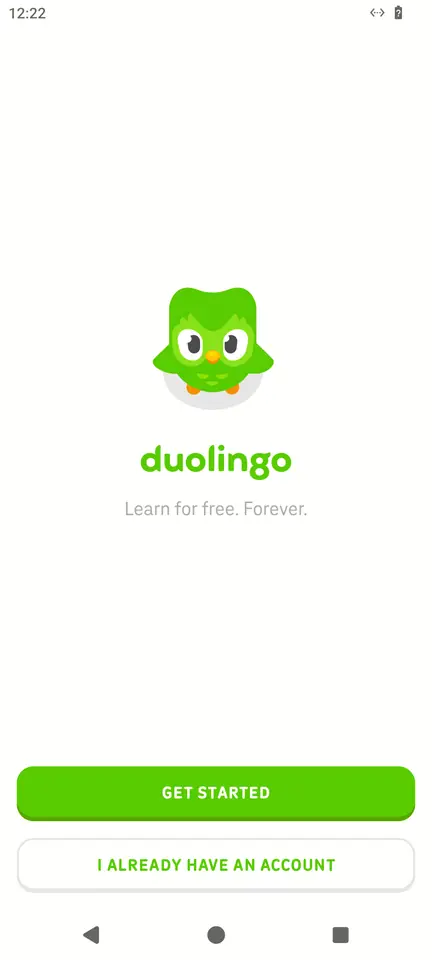
GET STARTED
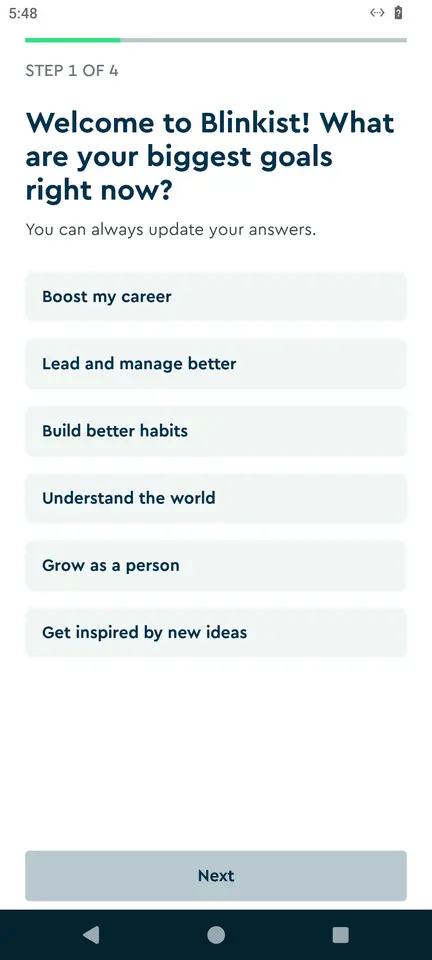
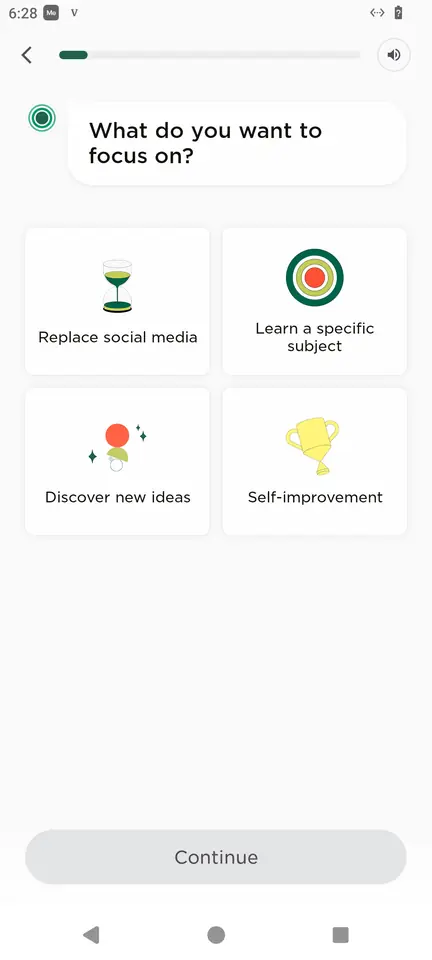
Welcome to Blinkist! What are your biggest goals right now?
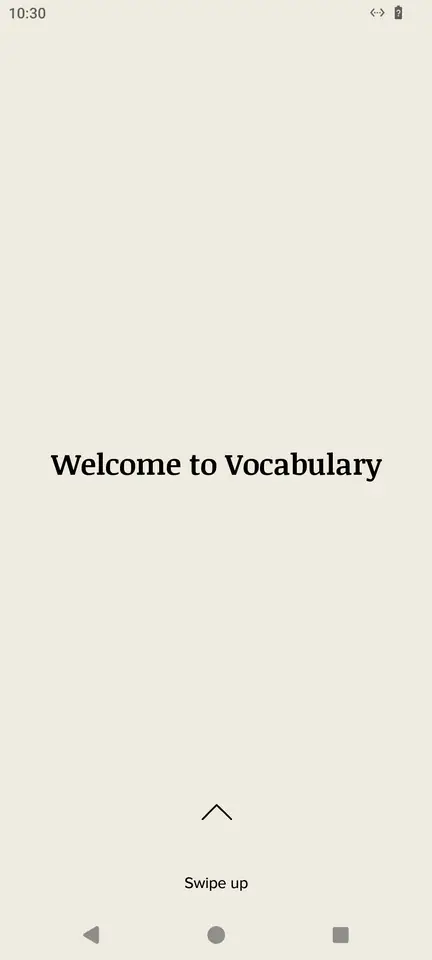
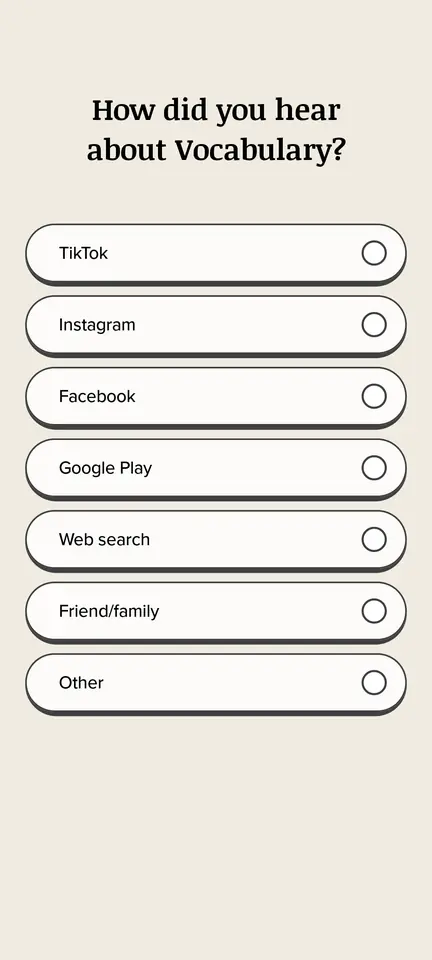
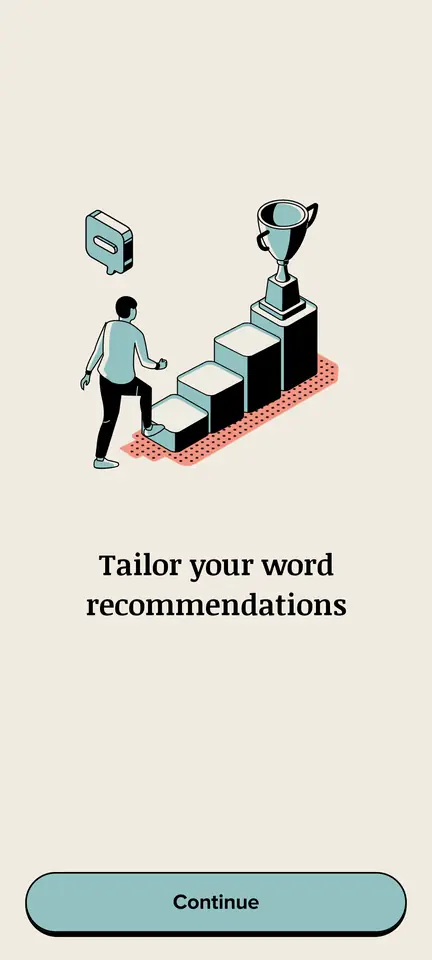
Welcome to Vocabulary
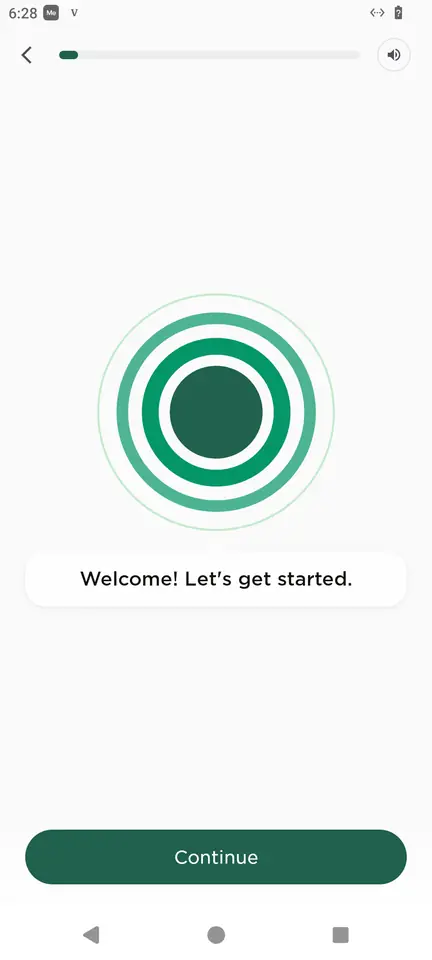
Welcome! Let's get started.
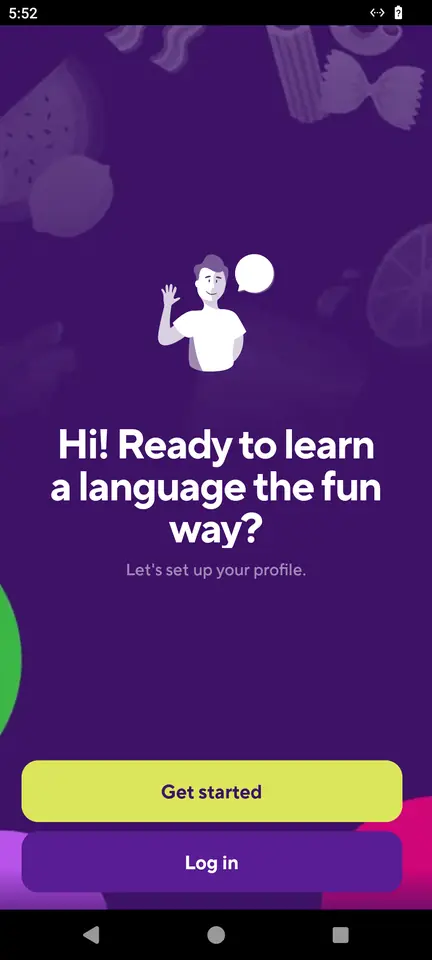
Get started
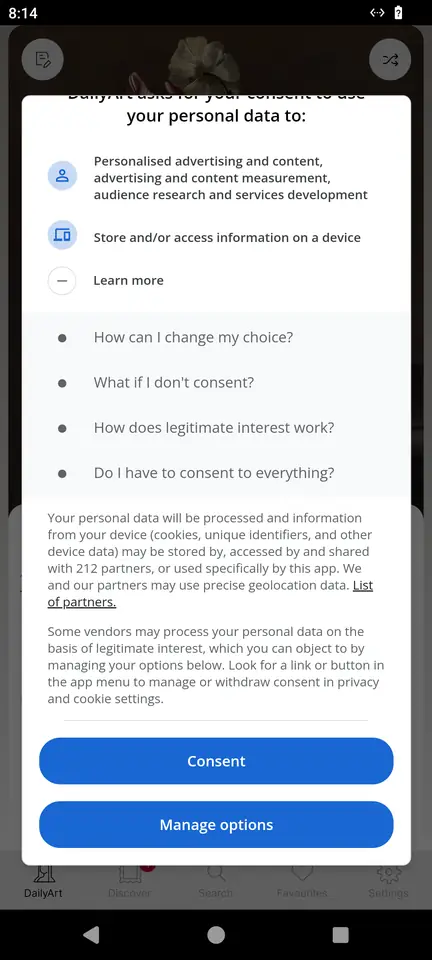
Welcome to DailyArt
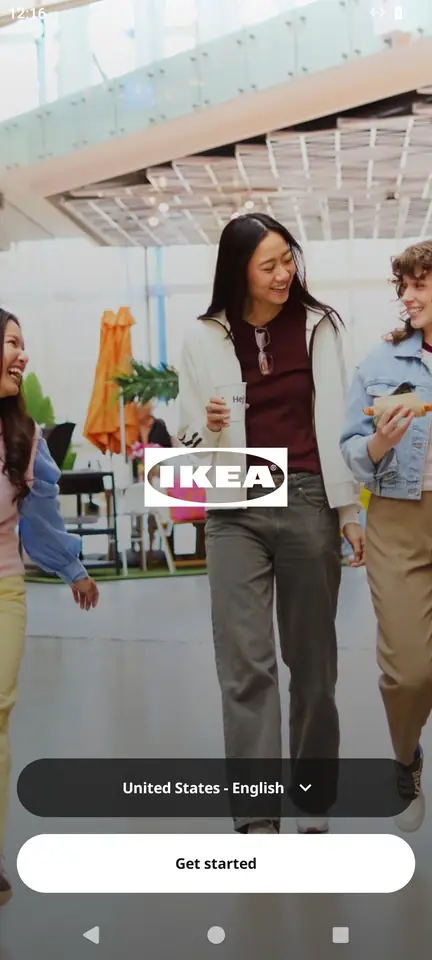
Get started
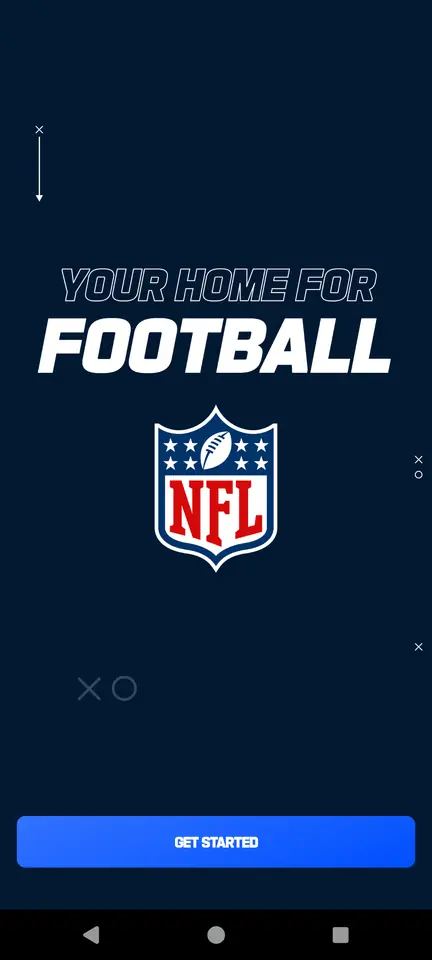
Welcome to the NFL App Video
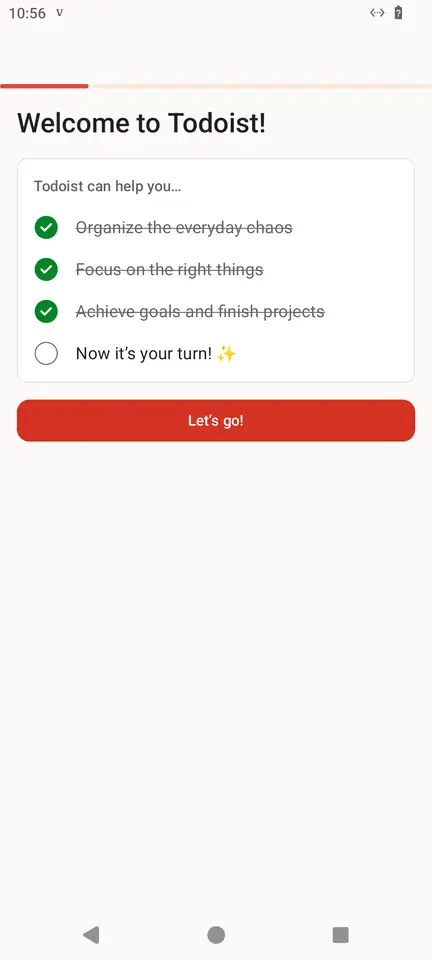
Welcome to Todoist!
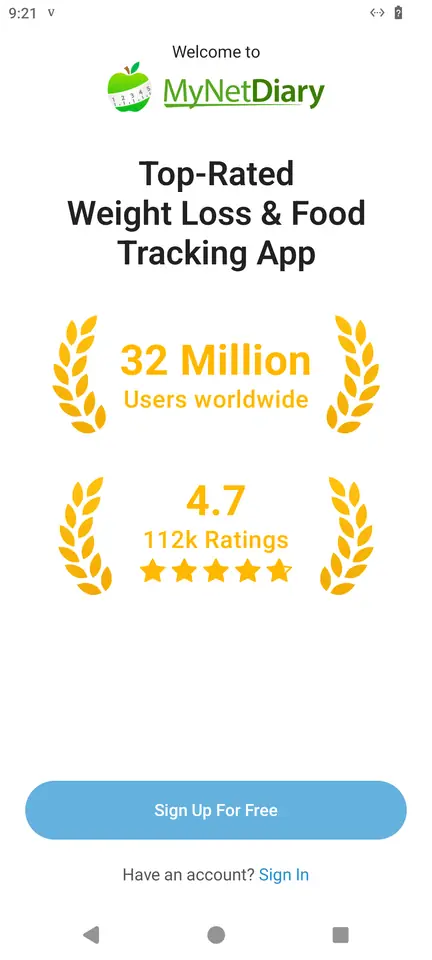
Welcome to
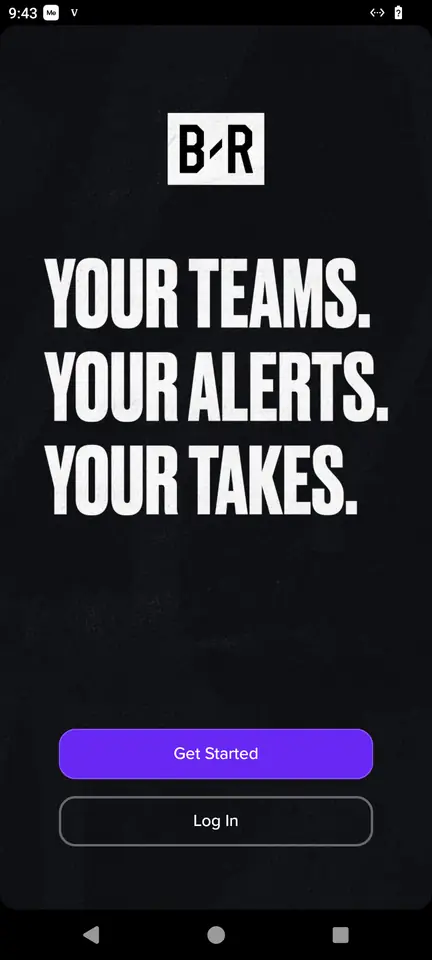
Get Started
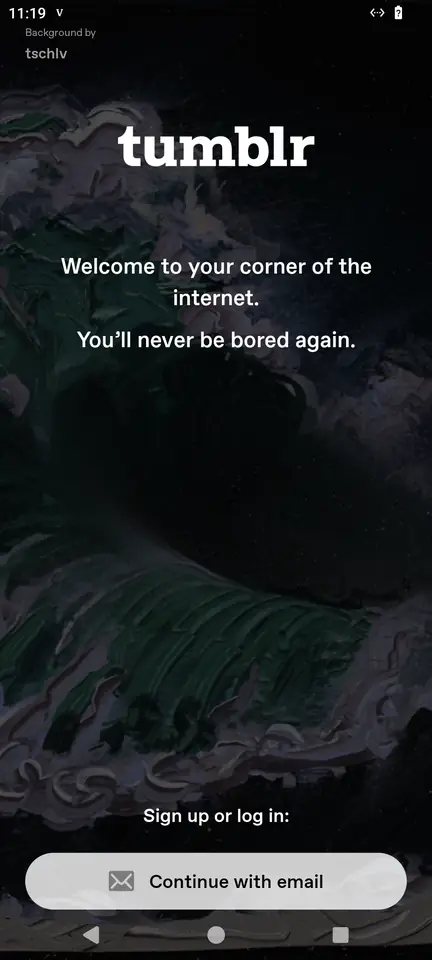
Welcome to your corner of the internet.
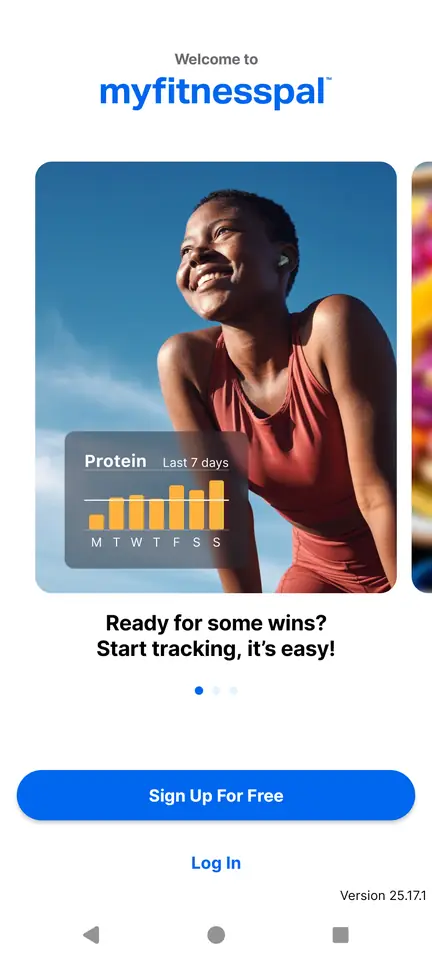
Welcome to
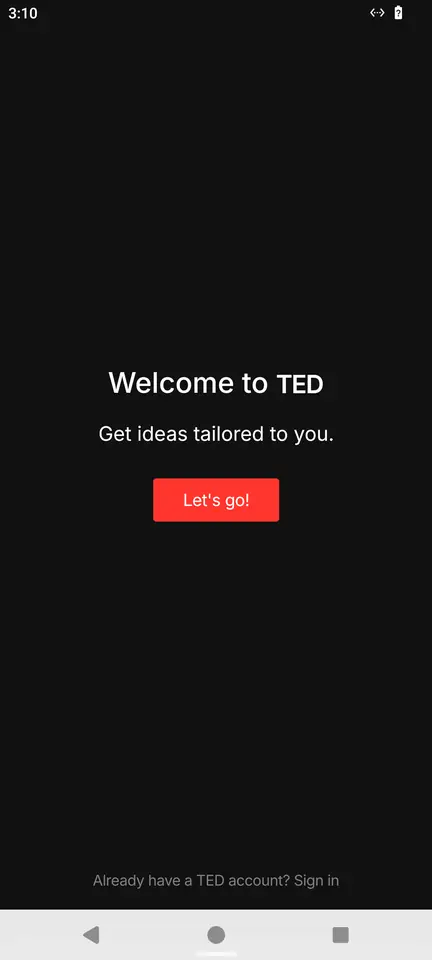
Welcome to TED
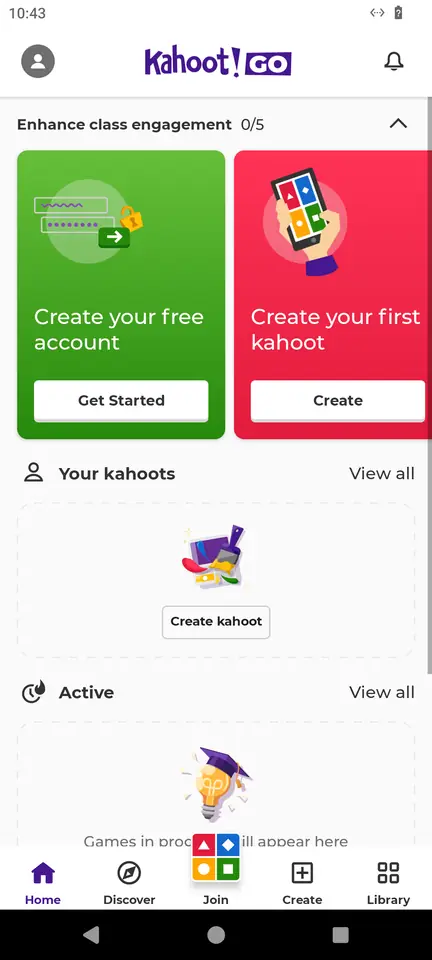
Get Started
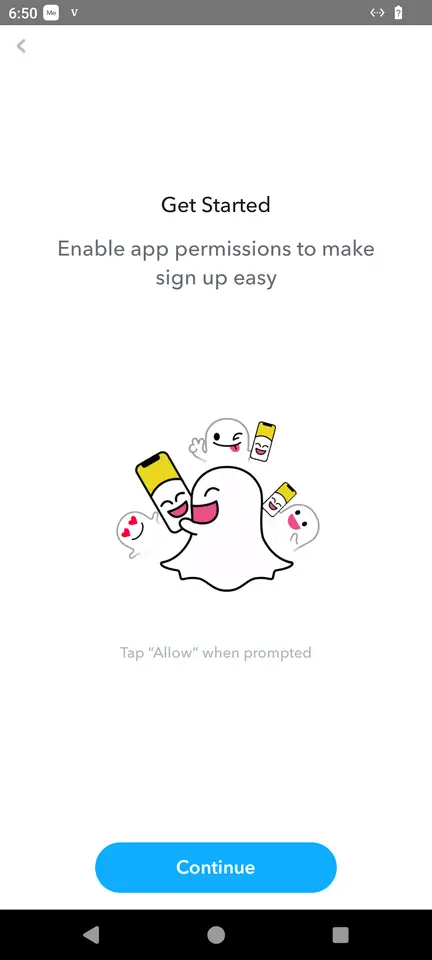
Get Started
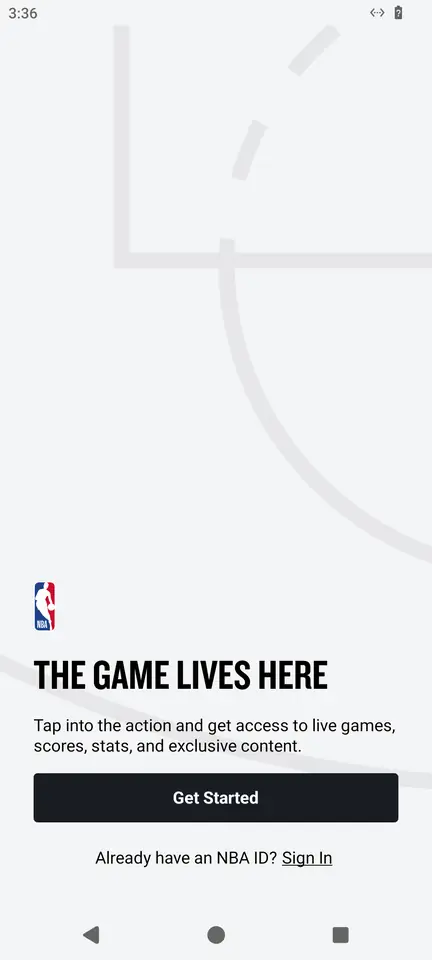
Get Started
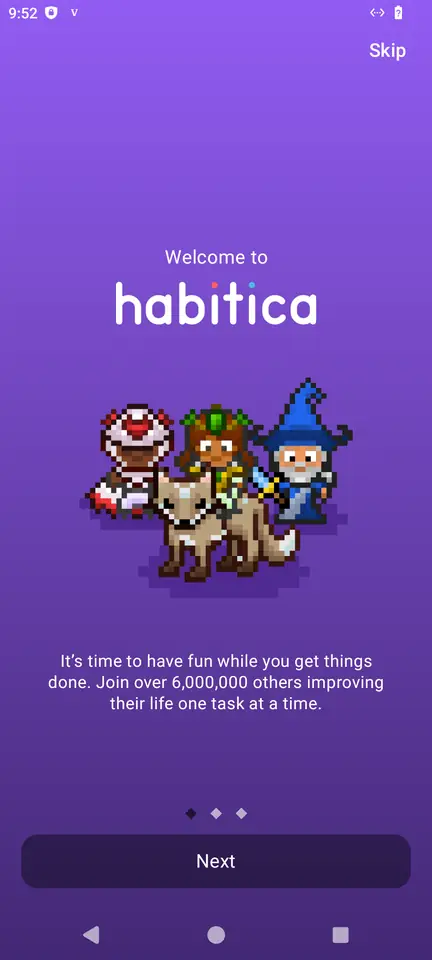
Welcome to
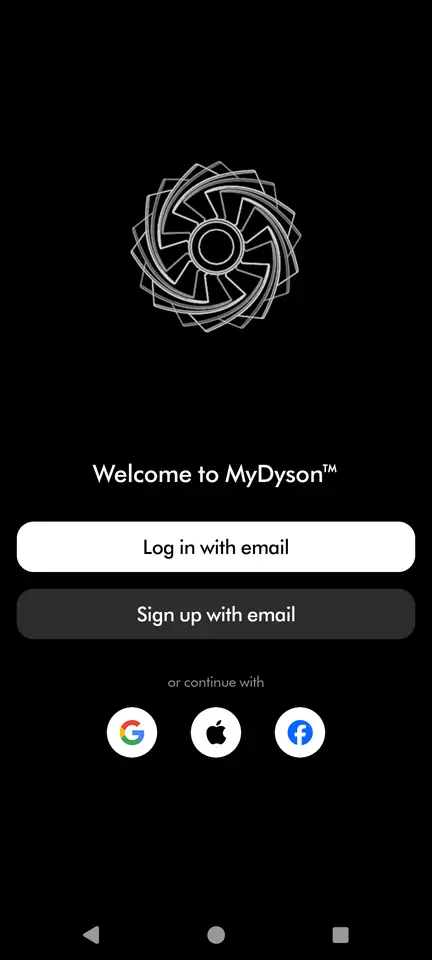
Welcome to MyDyson™
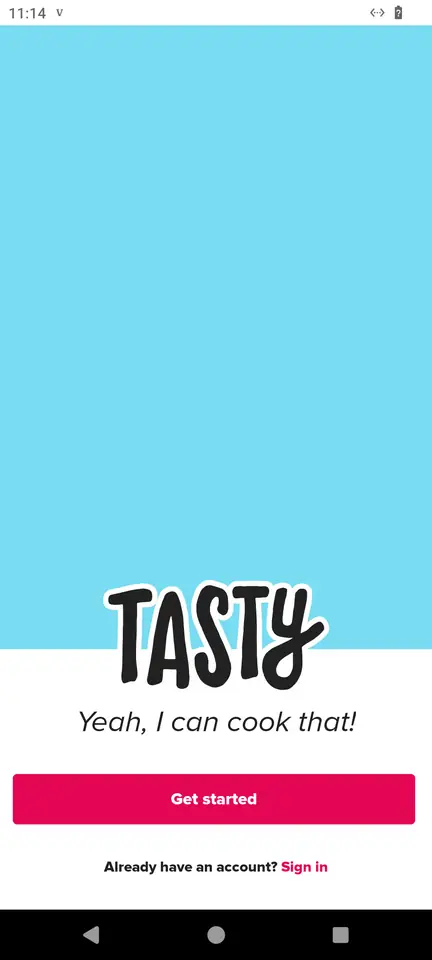
Get started
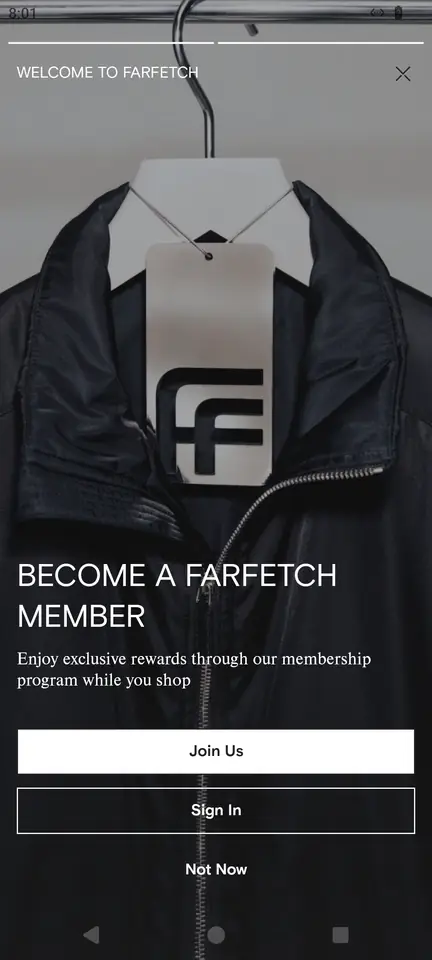
WELCOME TO FARFETCH
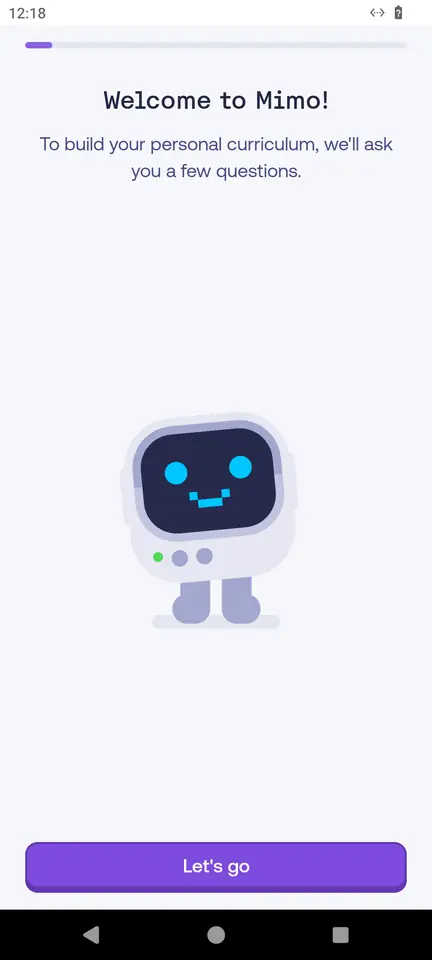
Welcome to Mimo!
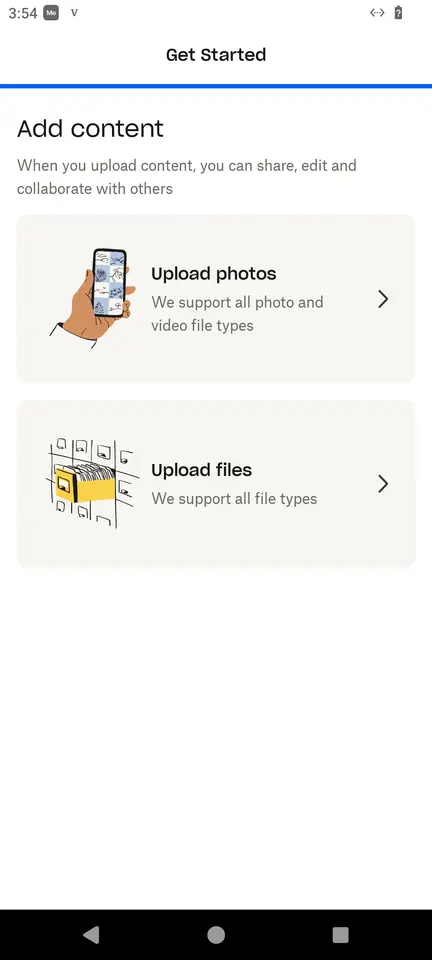
Get Started
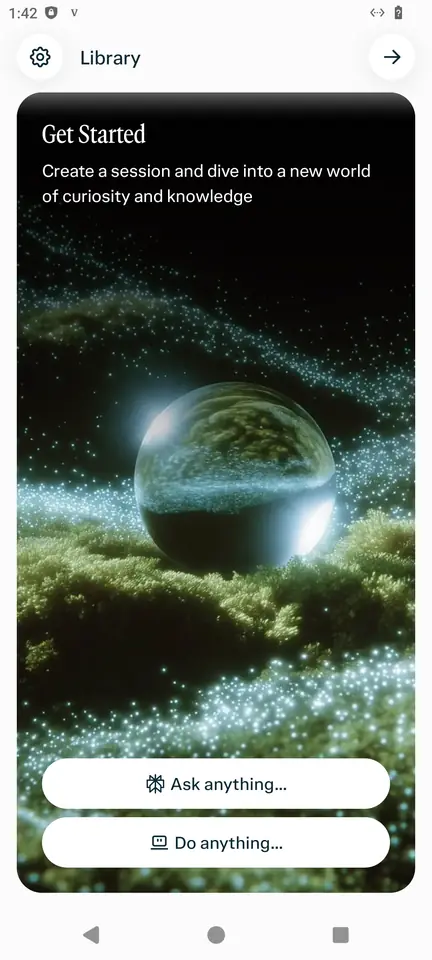
Get Started
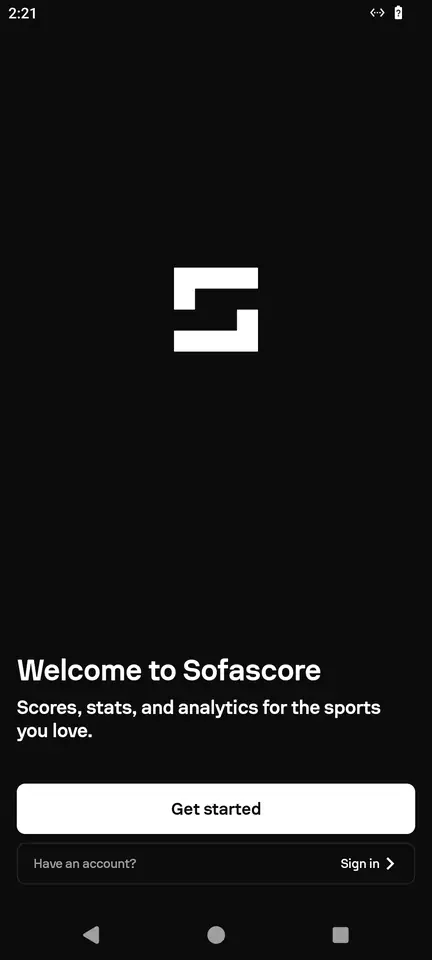
Welcome to Sofascore
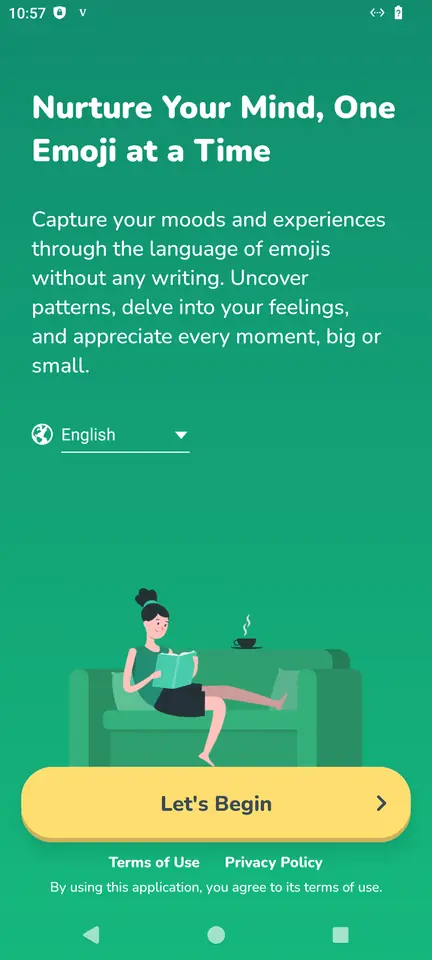
Let's Begin
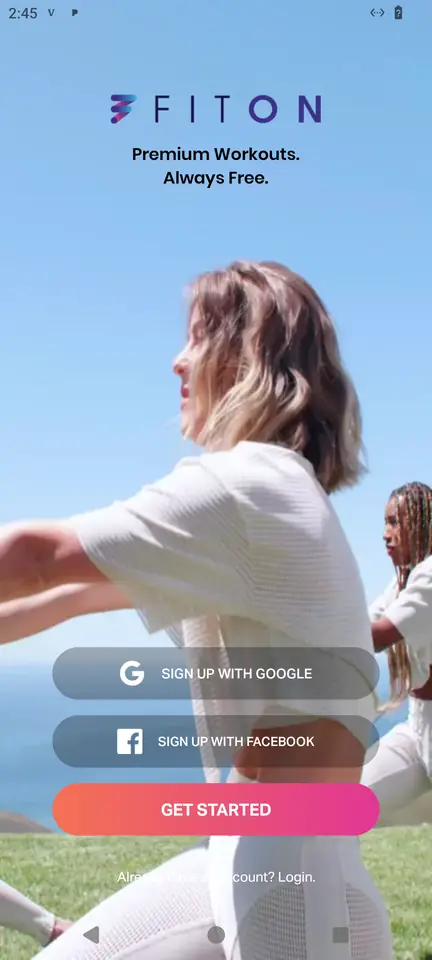
GET STARTED
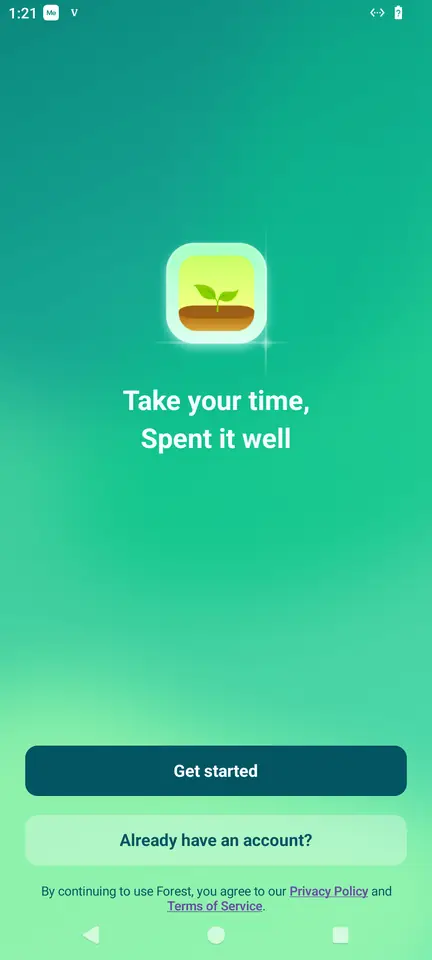
Get started
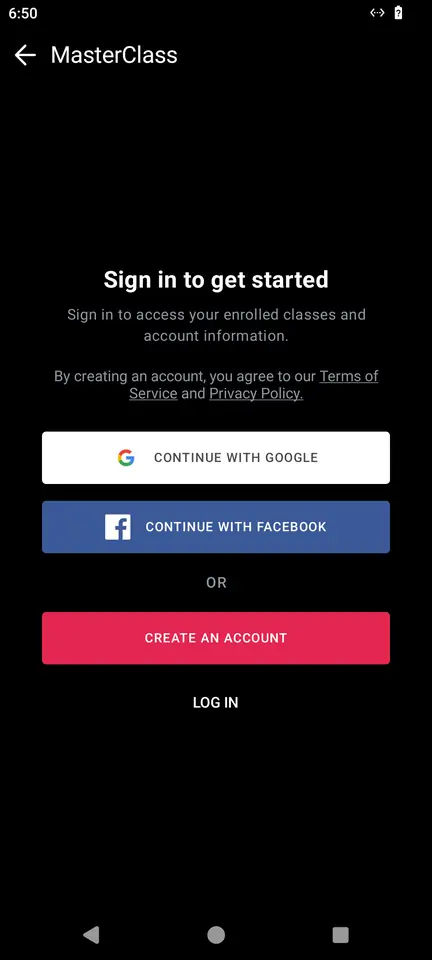
Sign in to get started
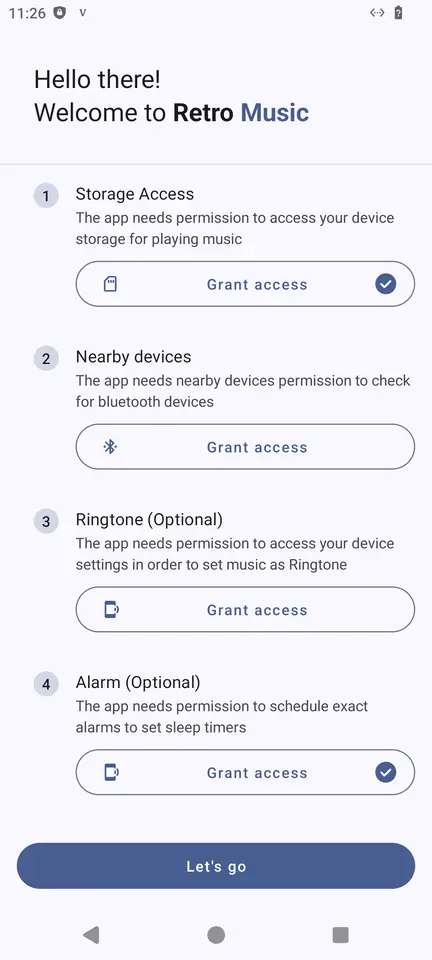
Hello there! Welcome to Retro Music
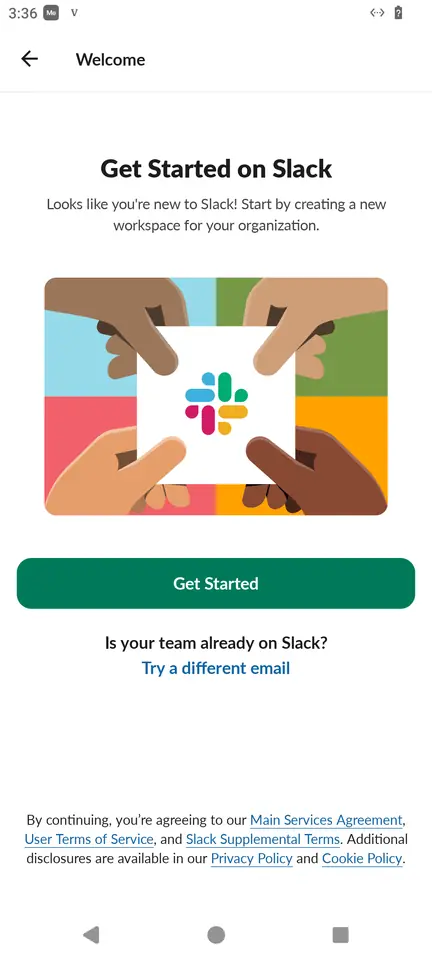
Get Started on Slack
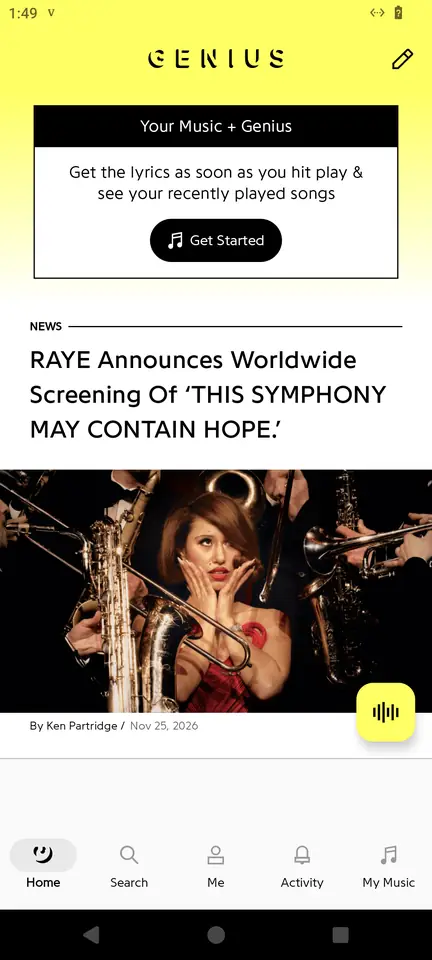
Get Started
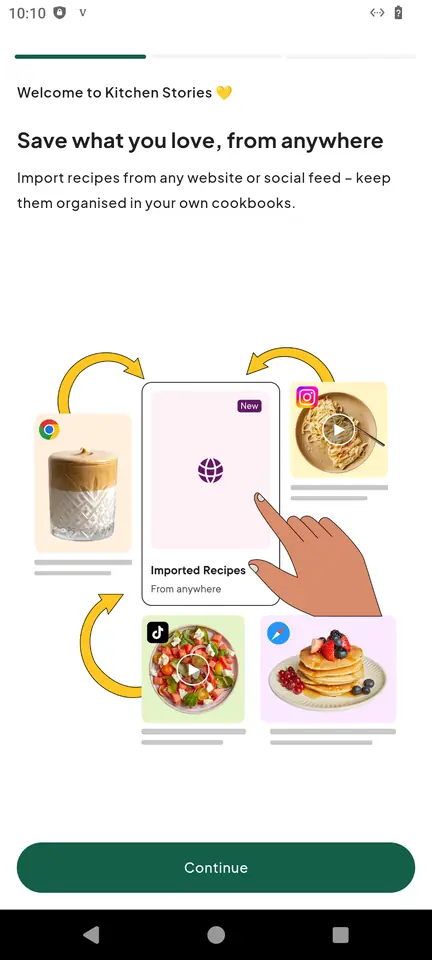
Welcome to Kitchen Stories 💛
Welcome to Toshl Finance
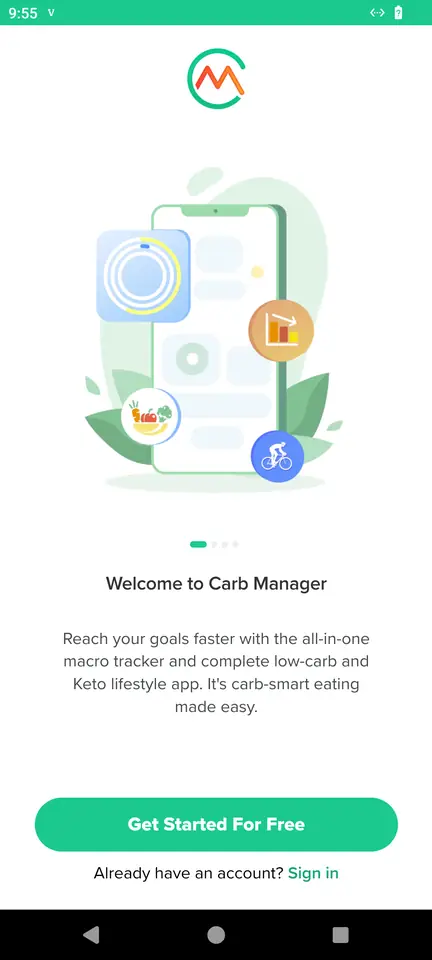
Welcome to Carb Manager
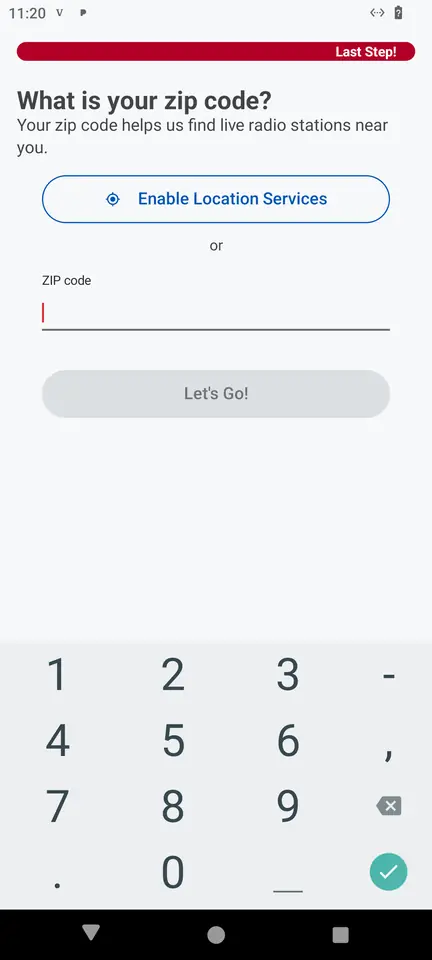
Let's Go!
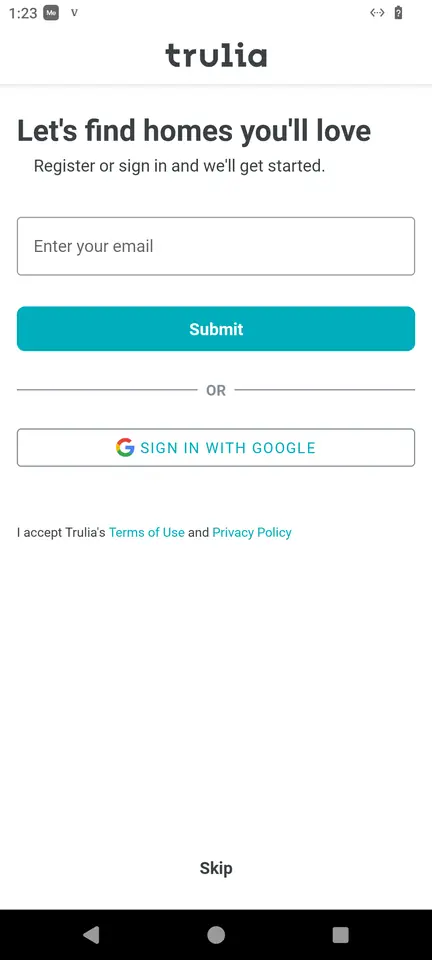
Register or sign in and we'll get started.
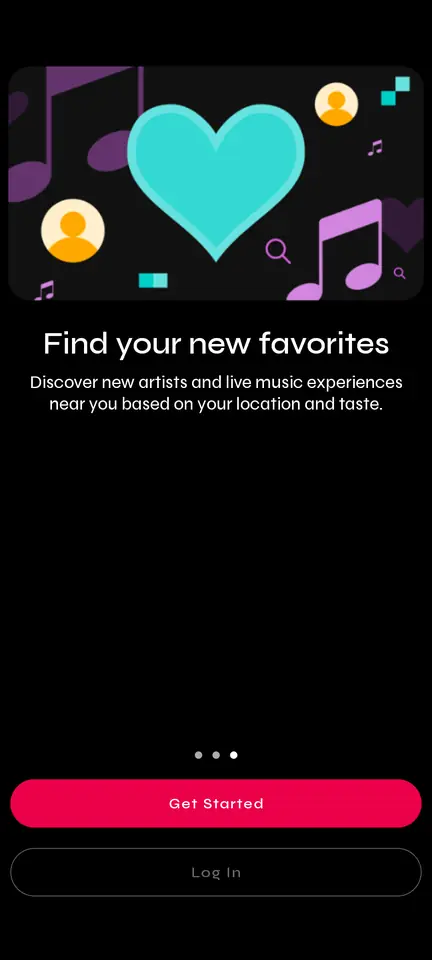
Get Started
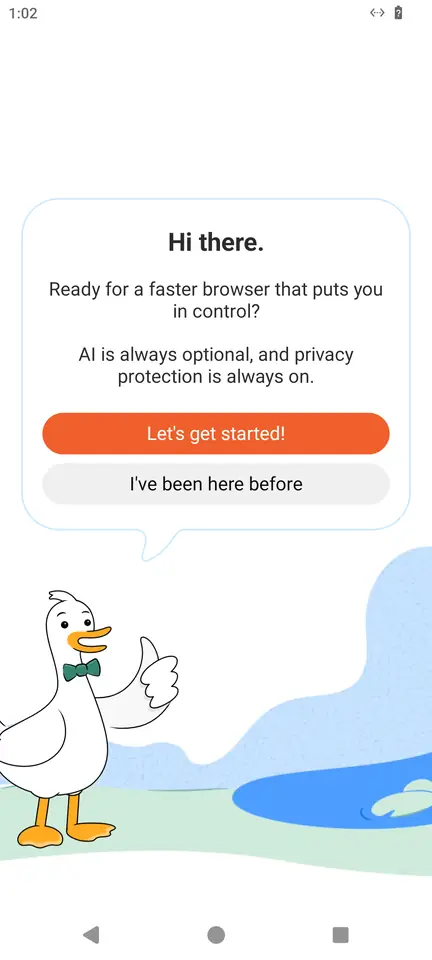
Let's get started!
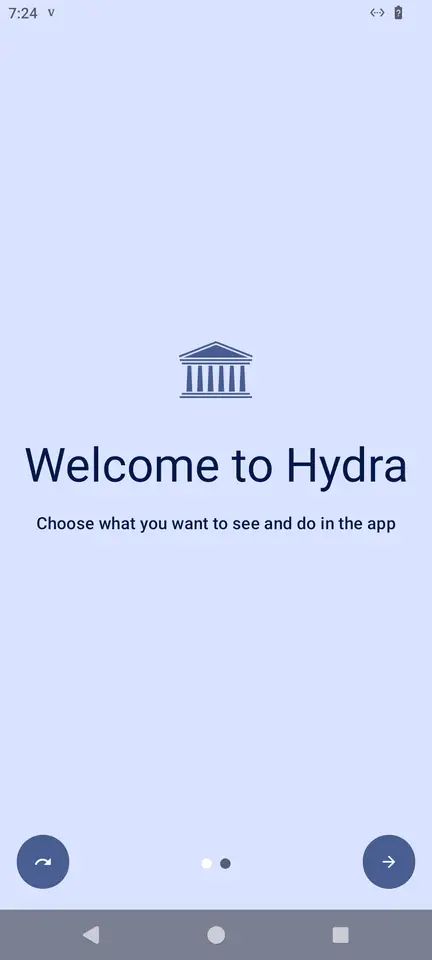
Welcome to Hydra
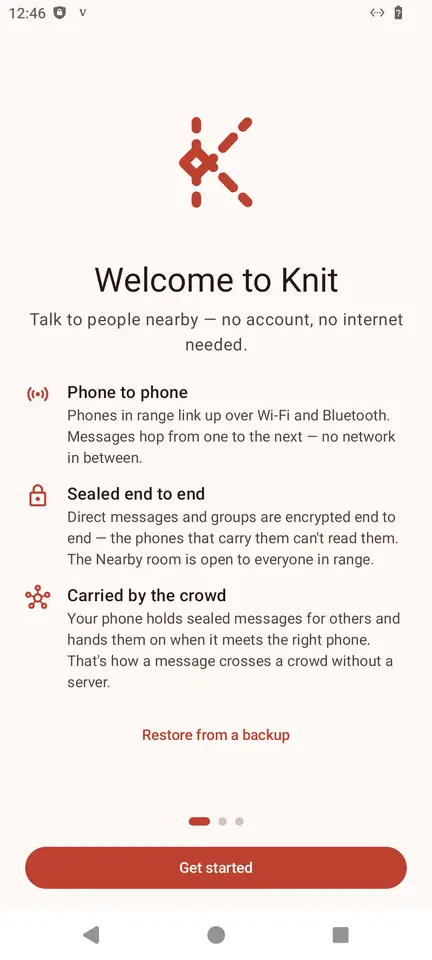
Welcome to Knit
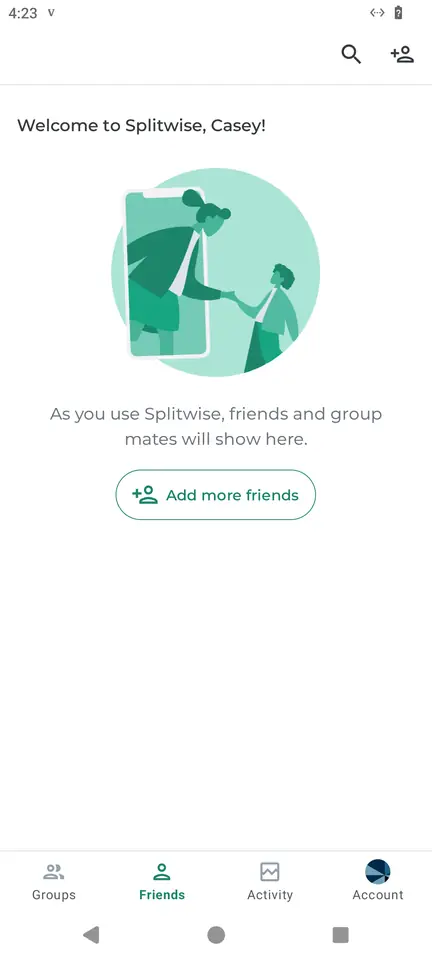
Welcome to Splitwise, Casey!
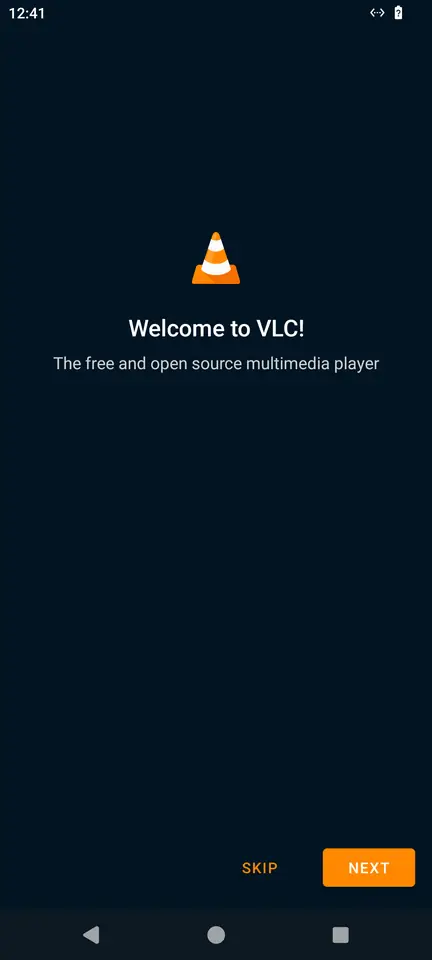
Welcome to VLC!
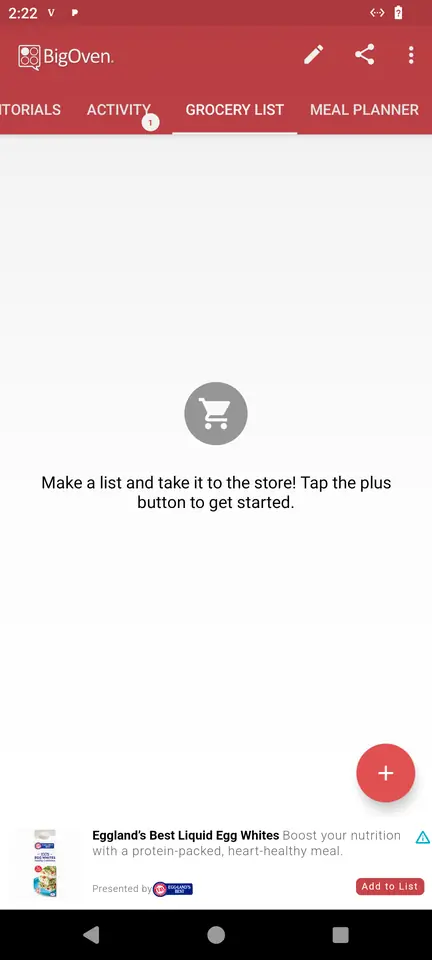
Make a list and take it to the store! Tap the plus button to get started.
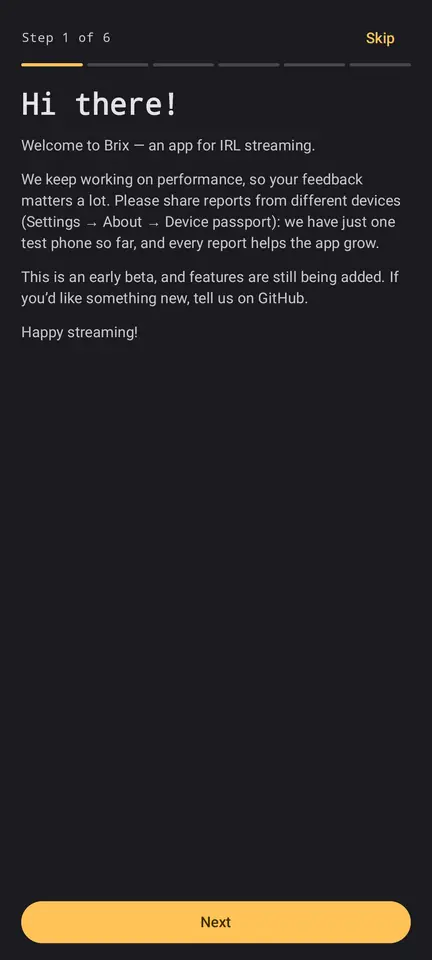
Welcome to Brix — an app for IRL streaming.
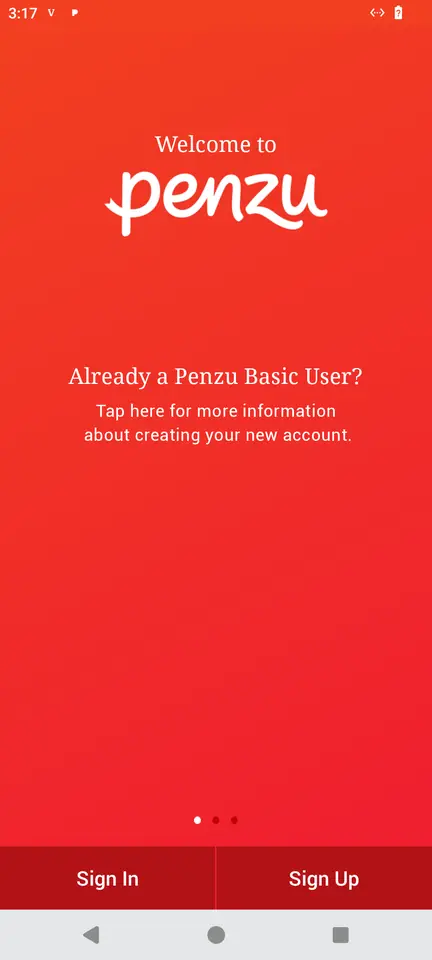
Welcome to
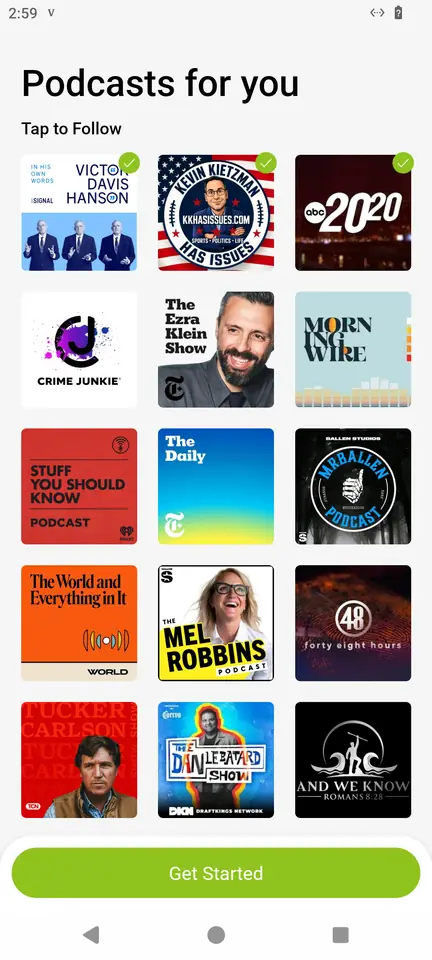
Get Started
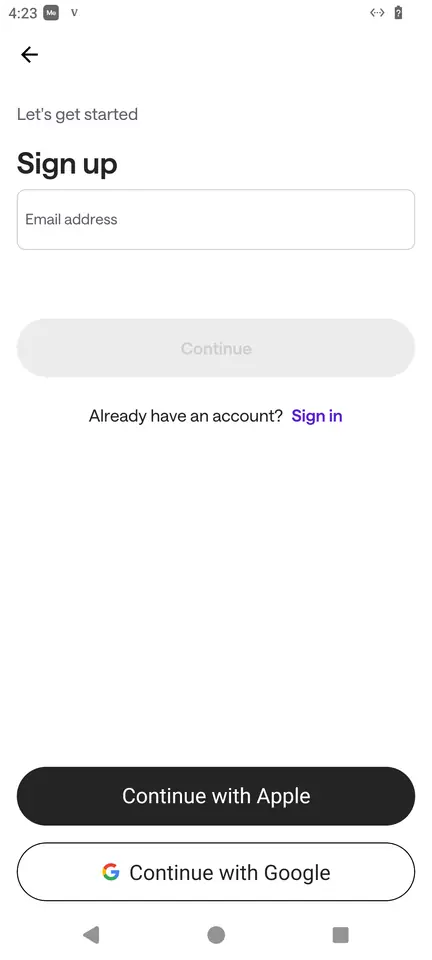
Let's get started
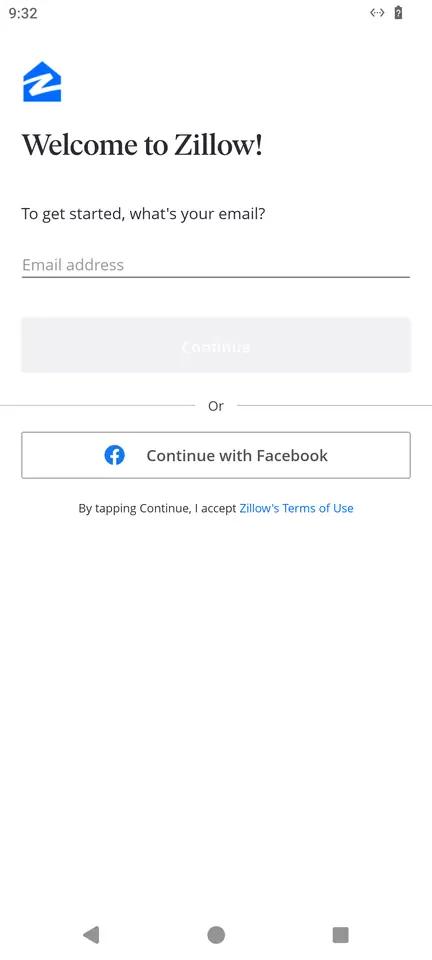
Welcome to Zillow!
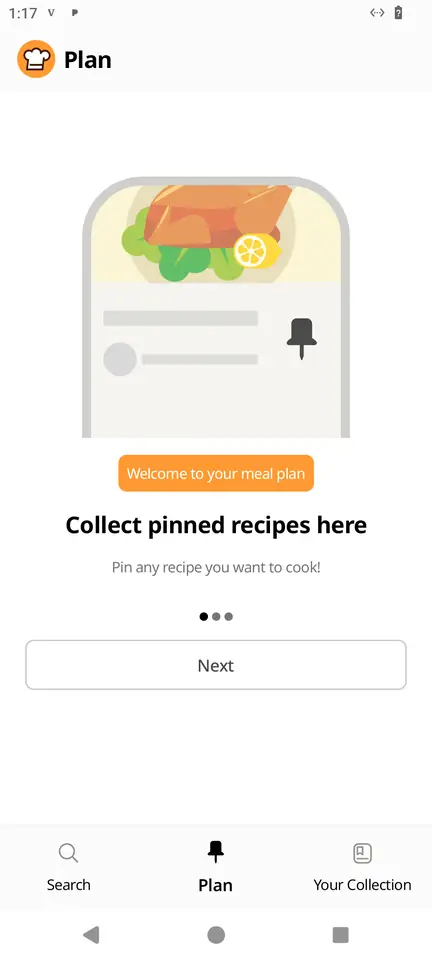
Welcome to your meal plan
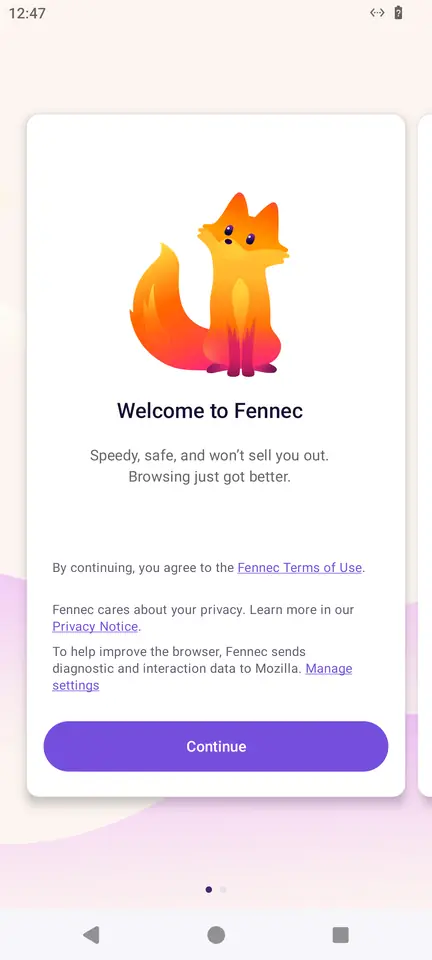
Welcome to Fennec
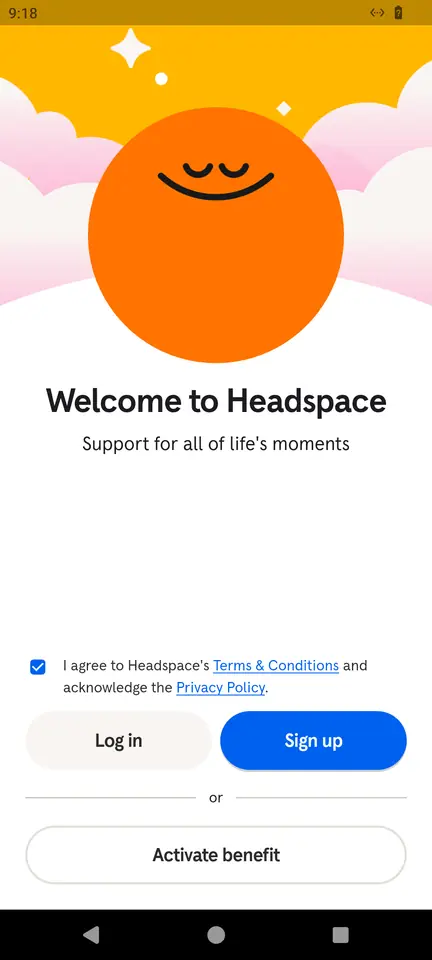
Welcome to Headspace
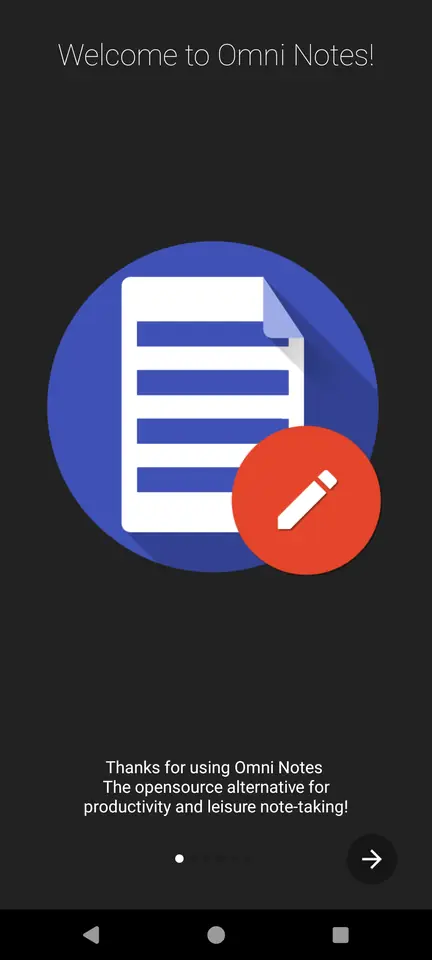
Welcome to Omni Notes!
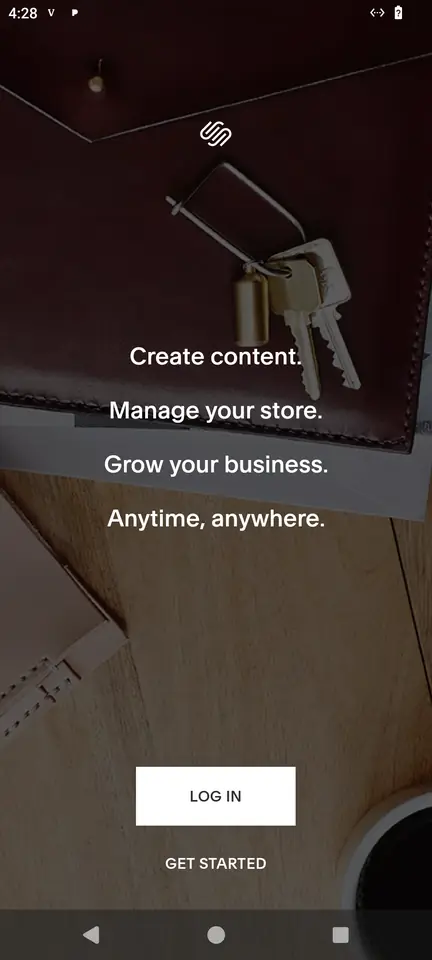
GET STARTED
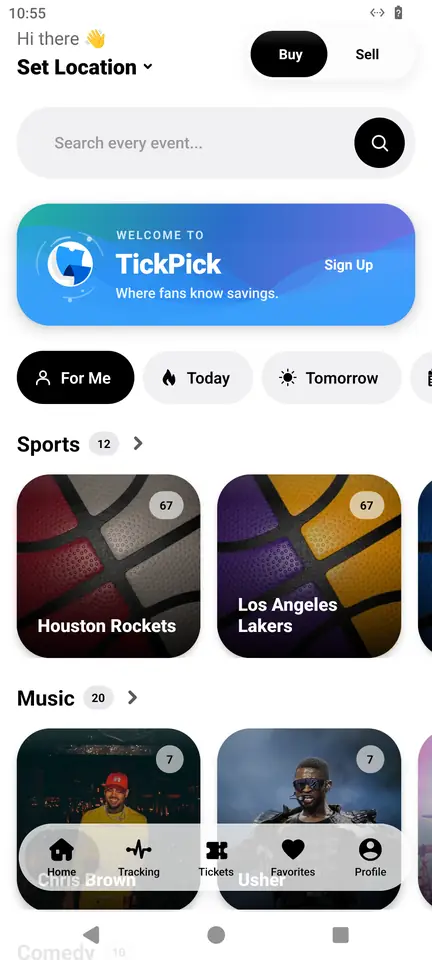
WELCOME TO, TickPick, Where fans know savings., Sign Up
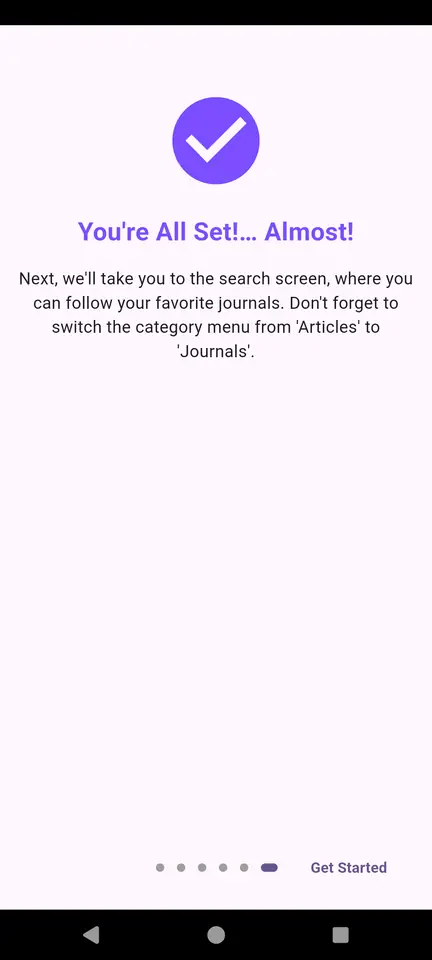
Get Started
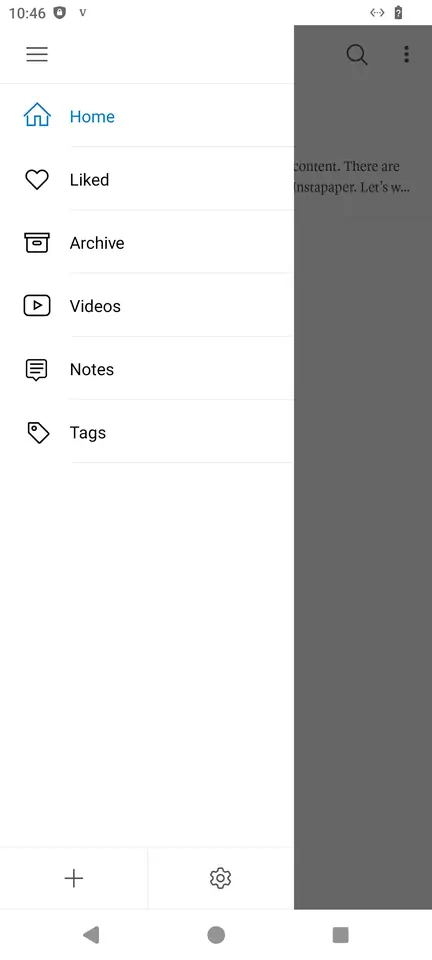
Welcome to Instapaper!
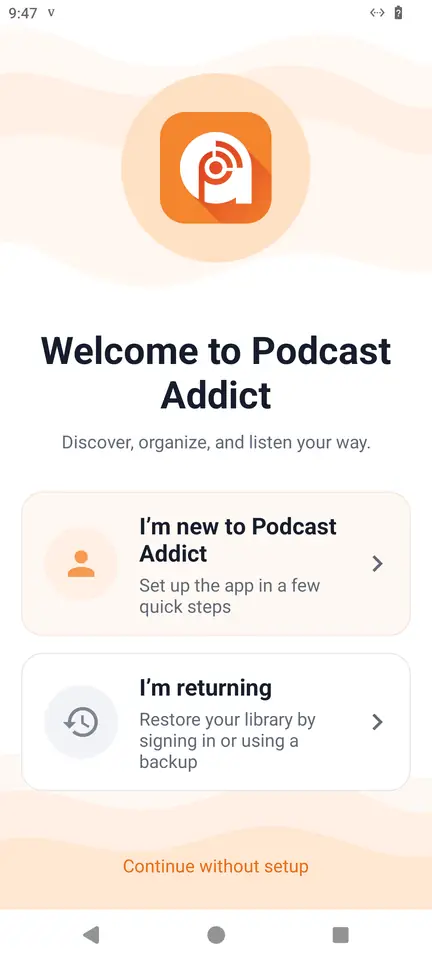
Welcome to Podcast Addict
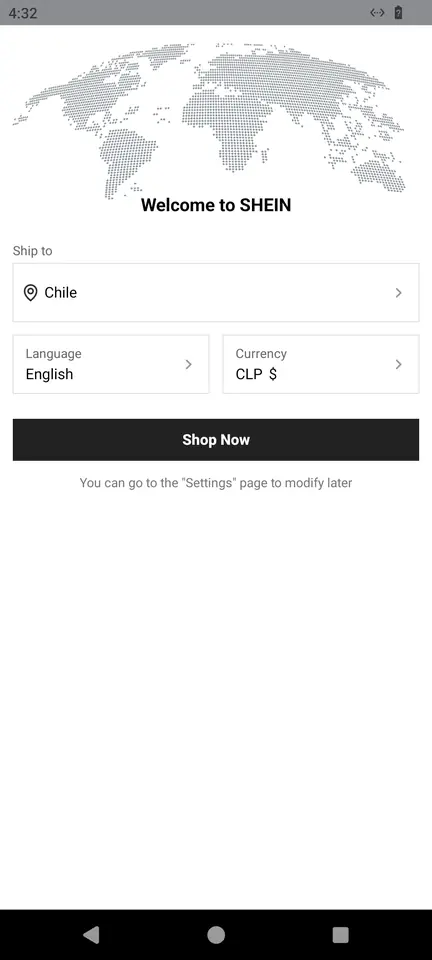
Welcome to SHEIN
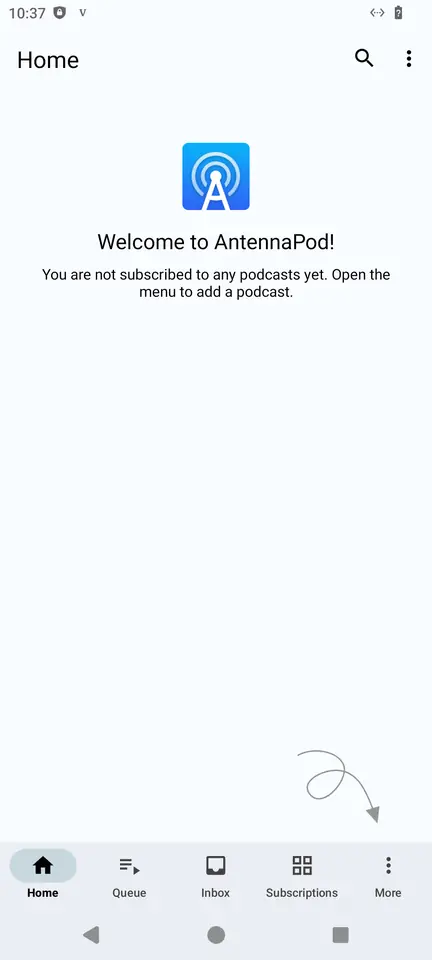
Welcome to AntennaPod!
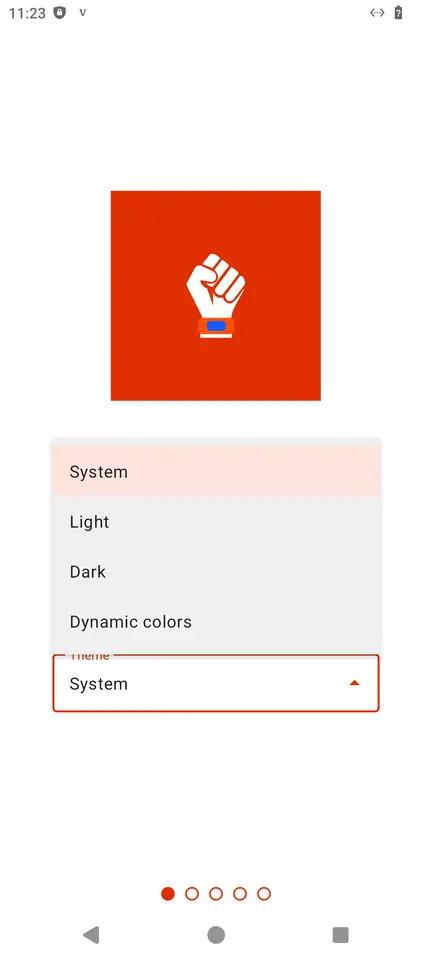
Welcome to
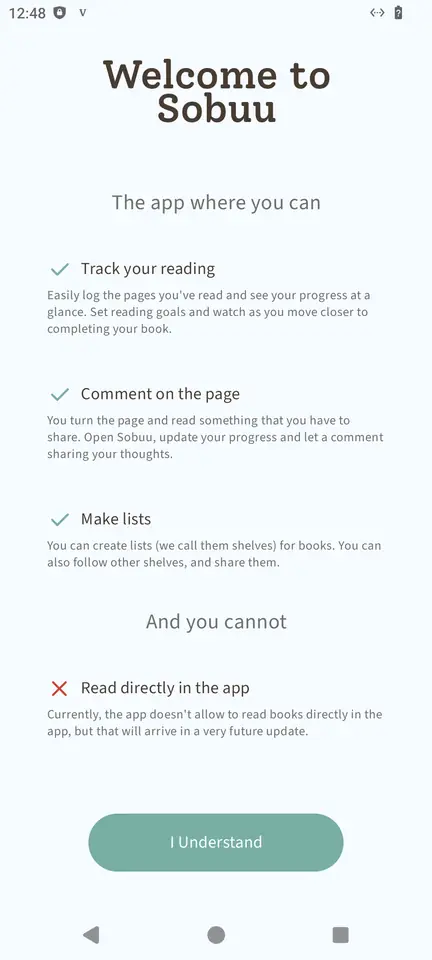
Welcome to Sobuu
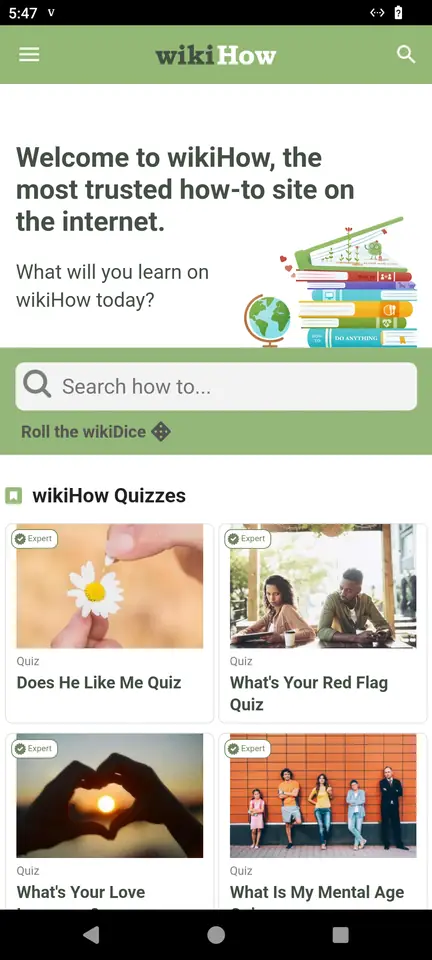
Welcome to wikiHow, the most trusted how-to site on the internet.
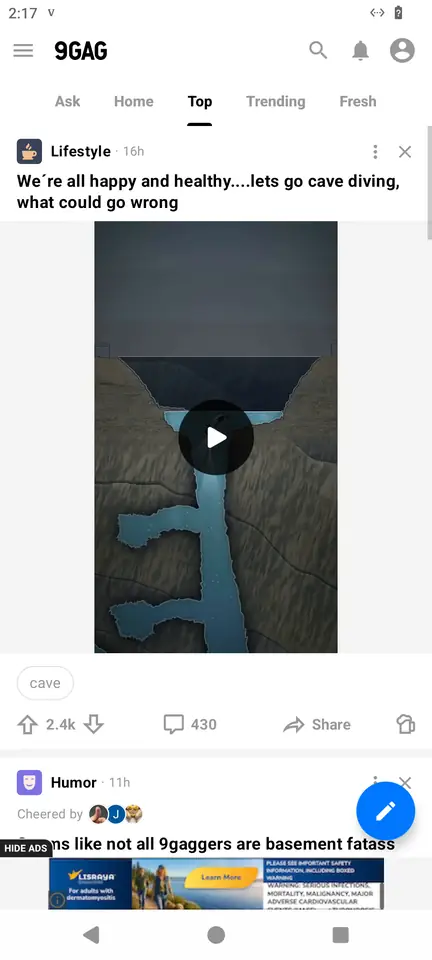
We´re all happy and healthy....lets go cave diving, what could go wrong
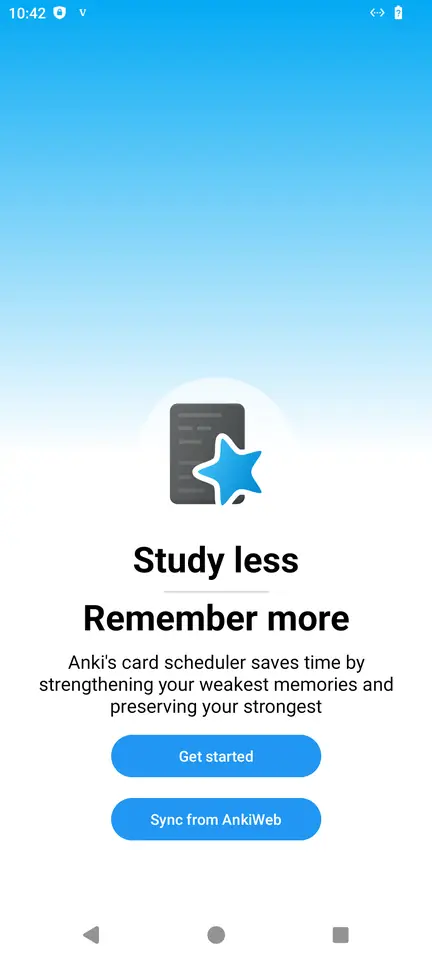
Get started
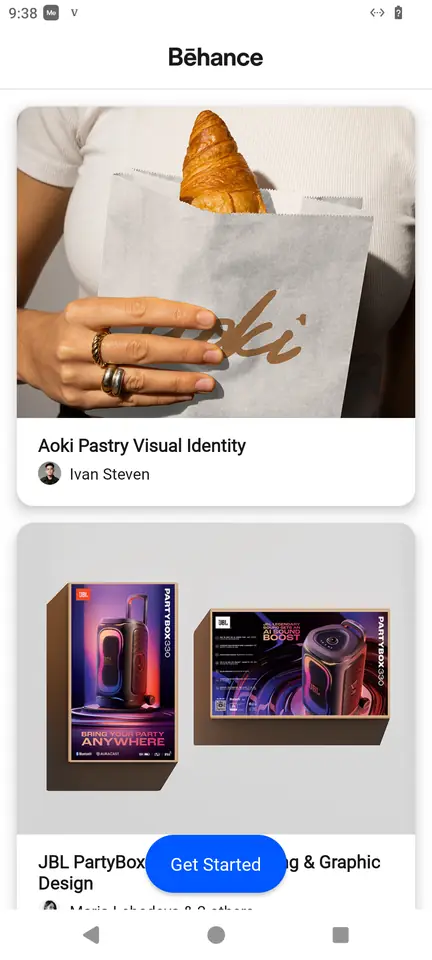
Get Started
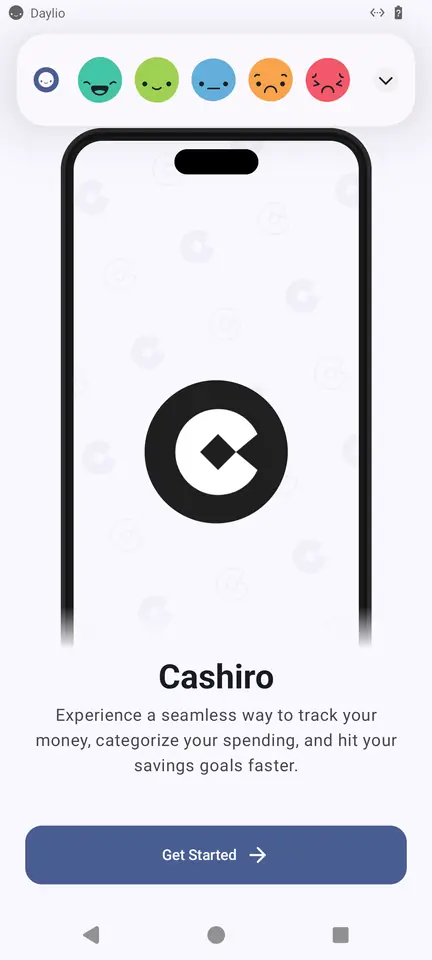
Get Started
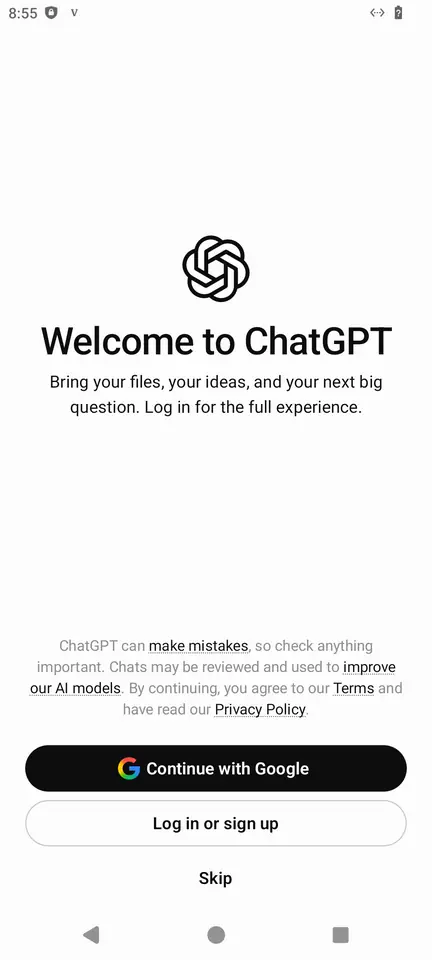
Welcome to ChatGPT
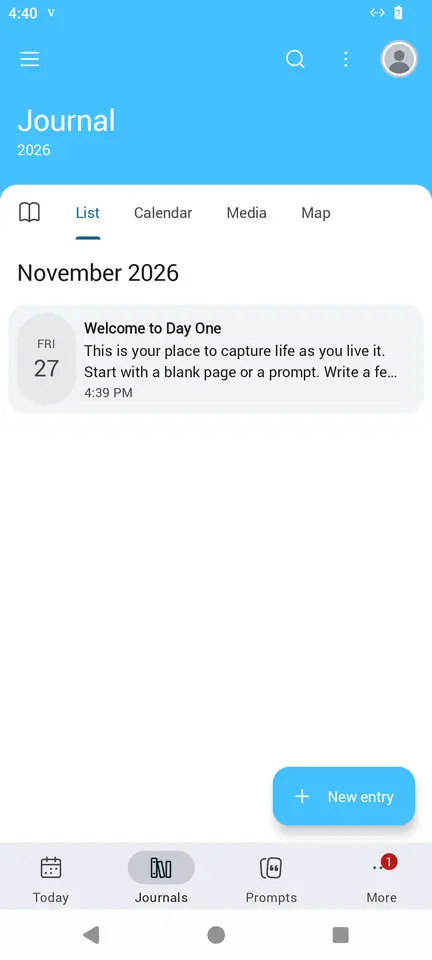
Welcome to Day One
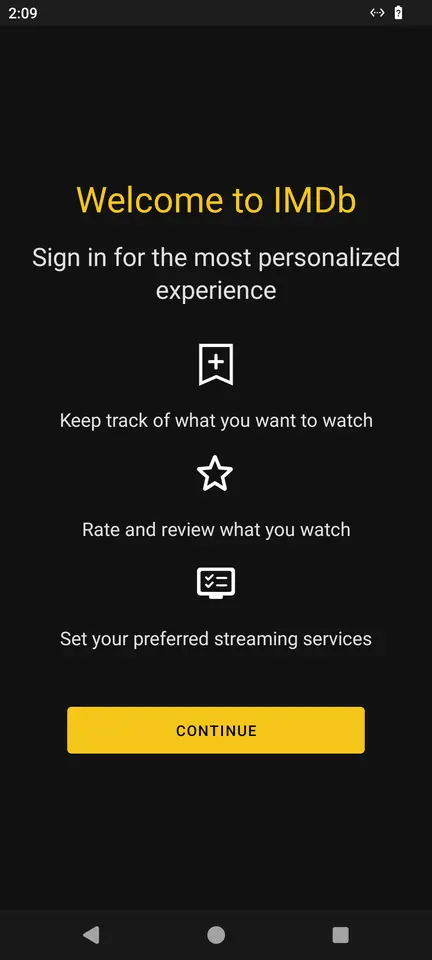
Welcome to IMDb
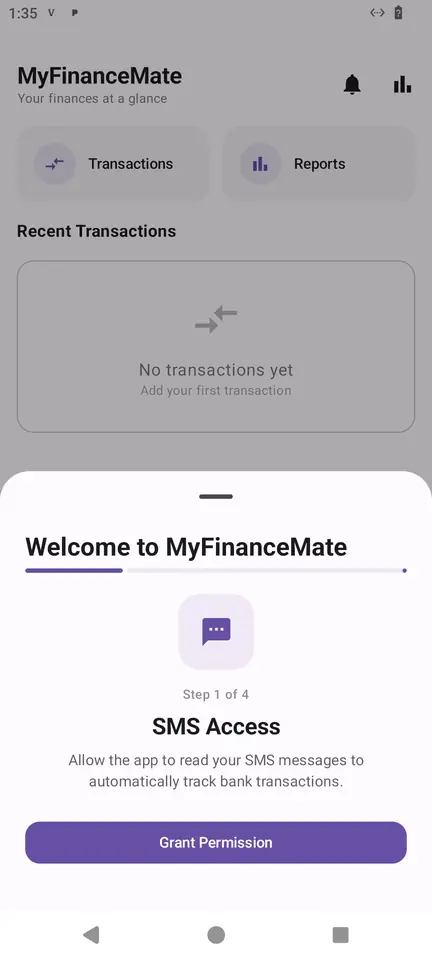
Welcome to MyFinanceMate
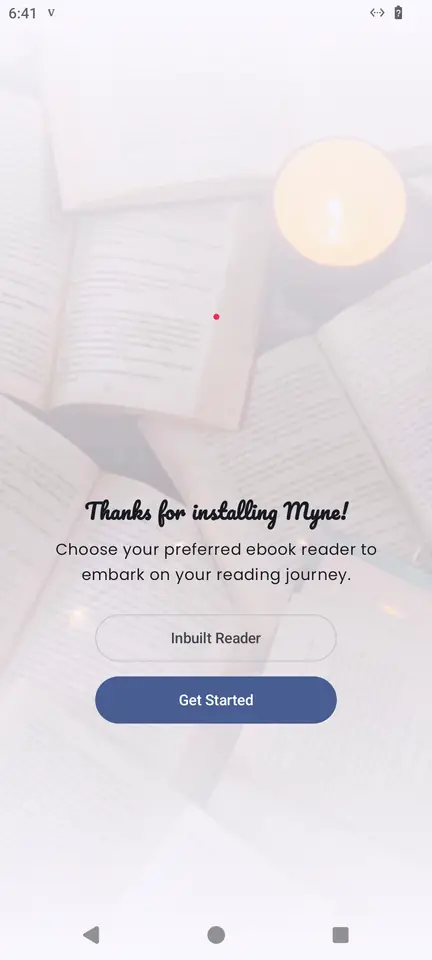
Get Started
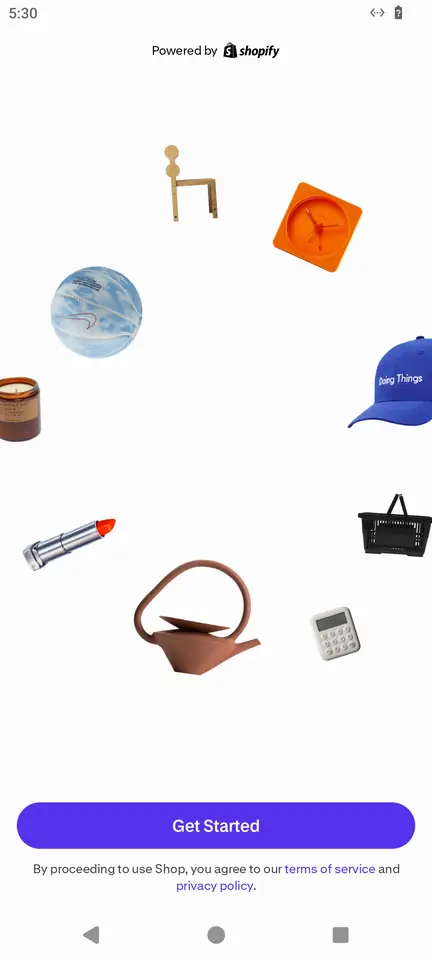
Get Started
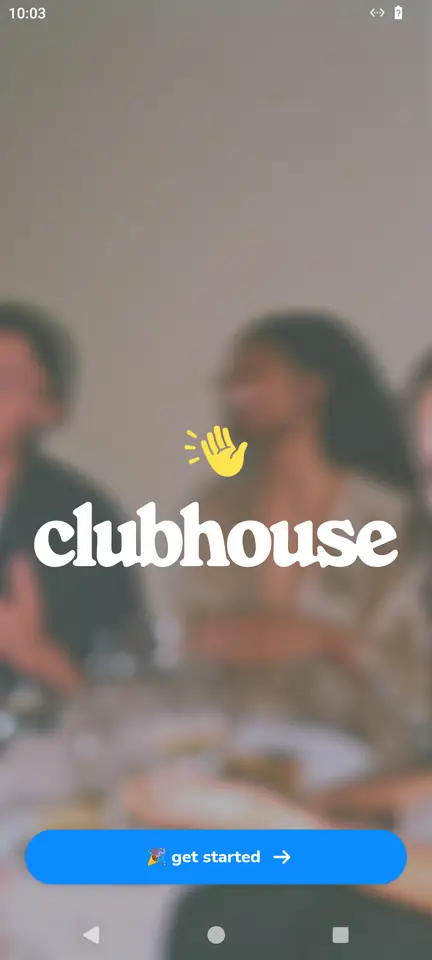
🎉 get started
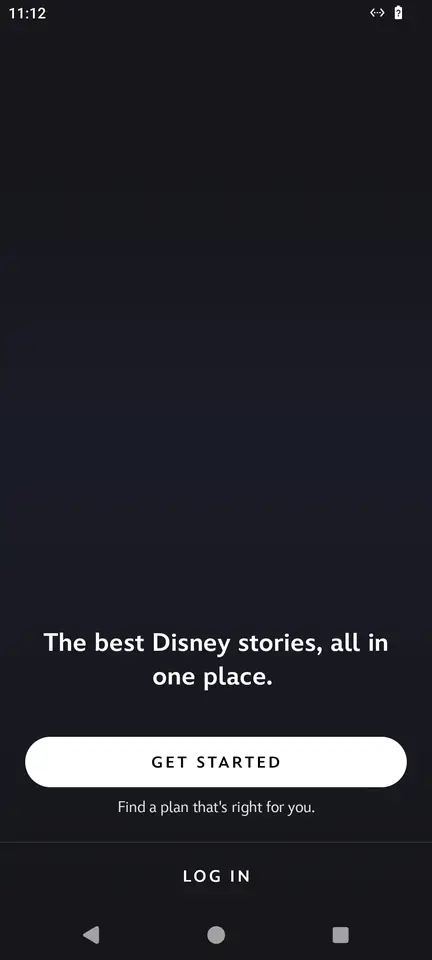
GET STARTED
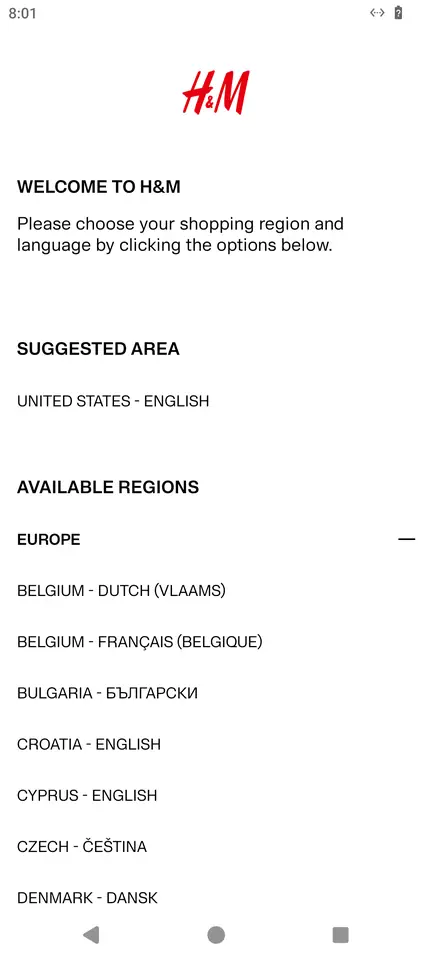
WELCOME TO H&M
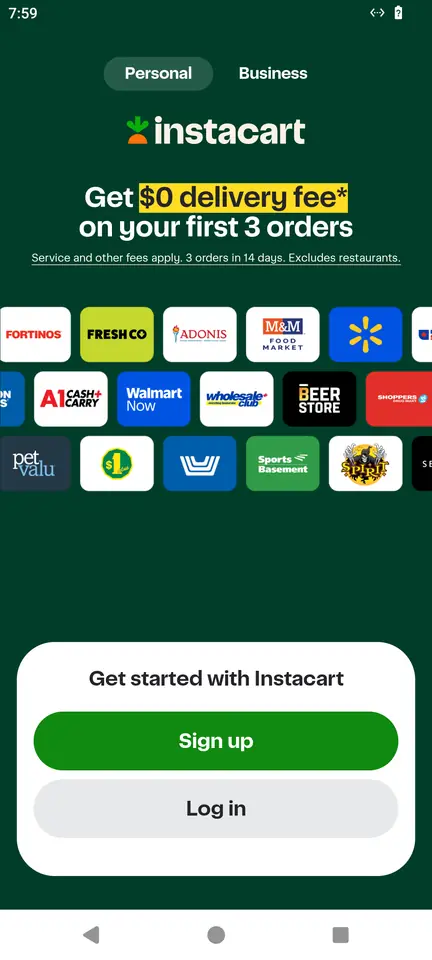
Get started with Instacart
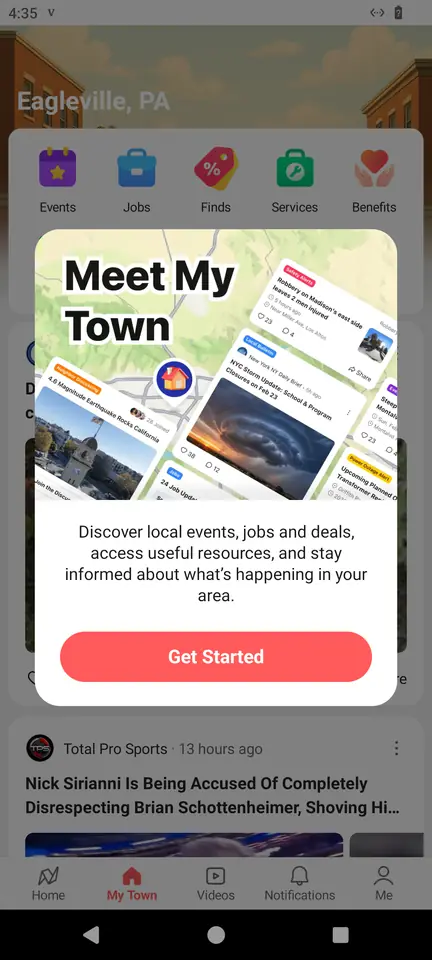
Get Started
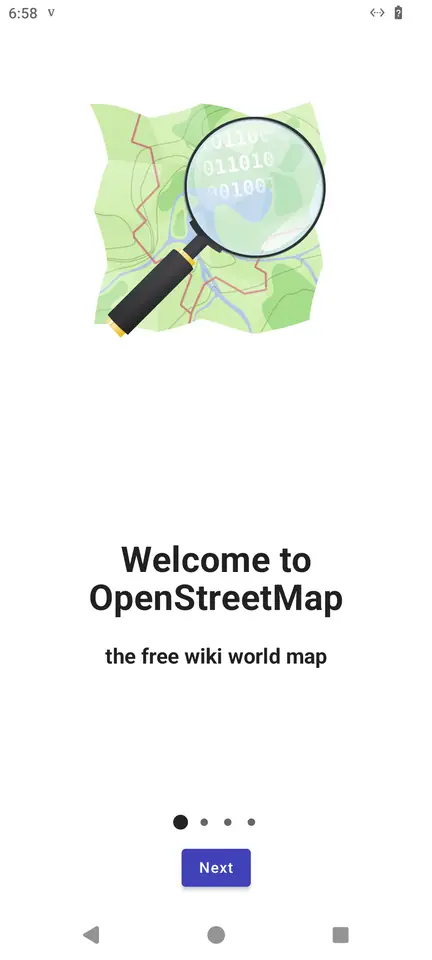
Welcome to OpenStreetMap
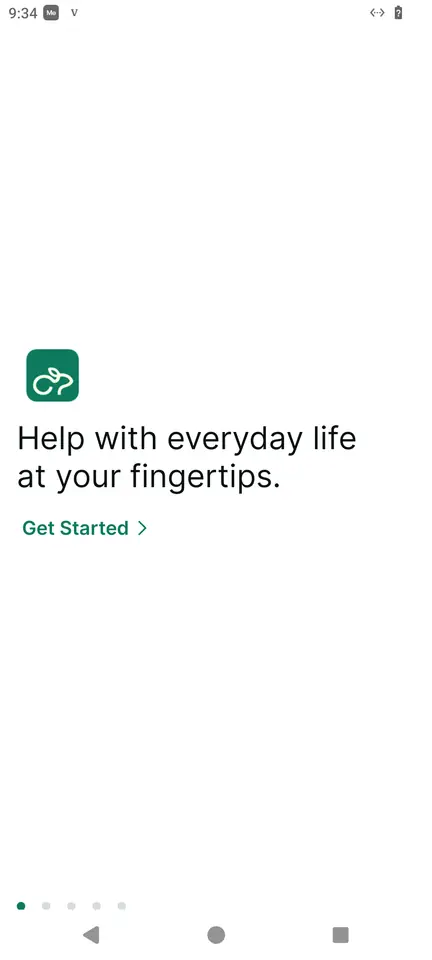
Get Started
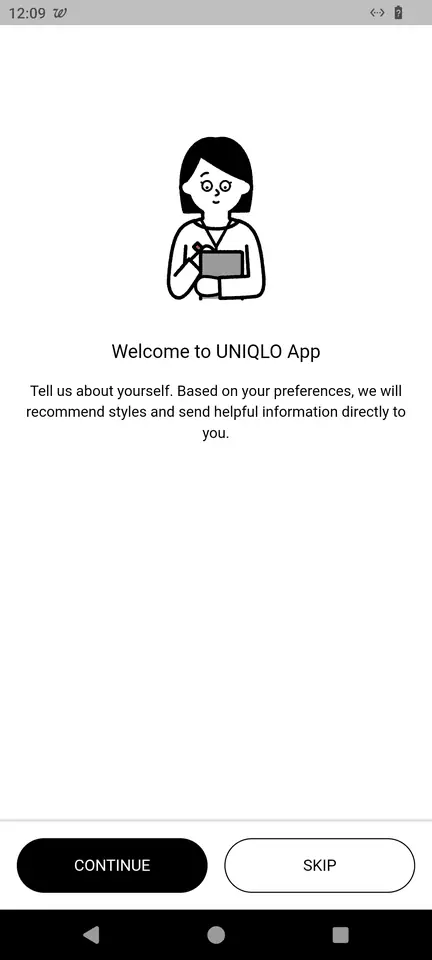
FRDisplay-tellUs-title Welcome to UNIQLO App
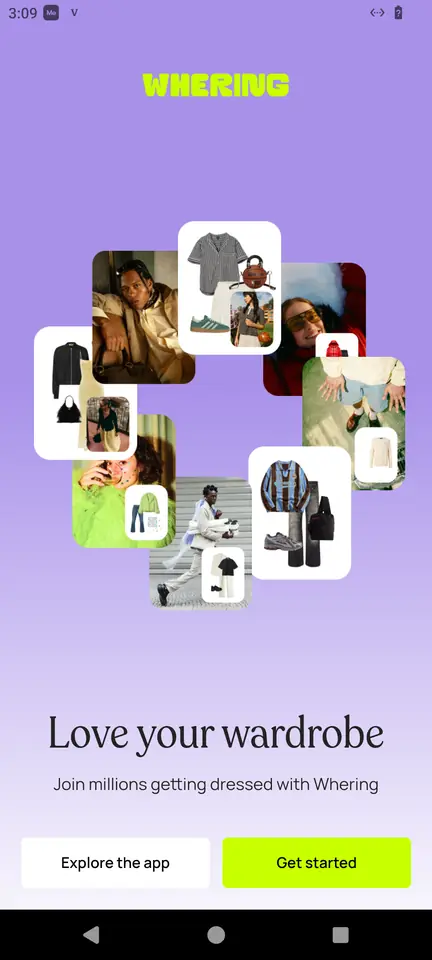
Get started
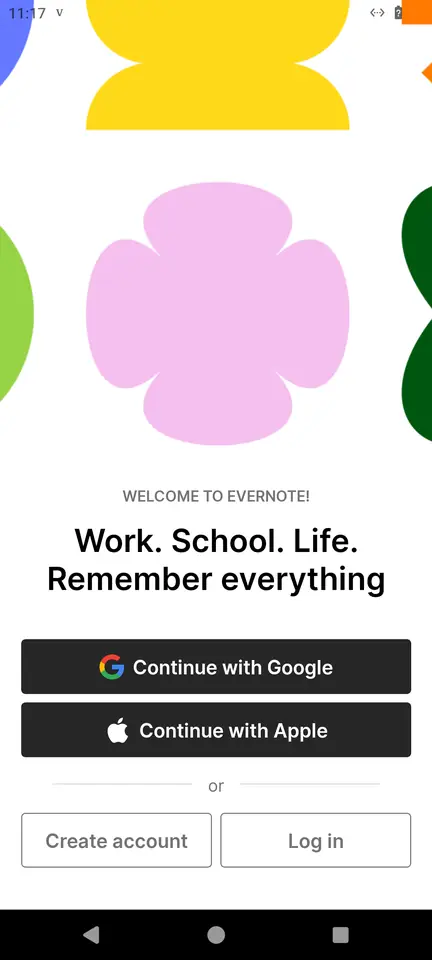
WELCOME TO EVERNOTE!
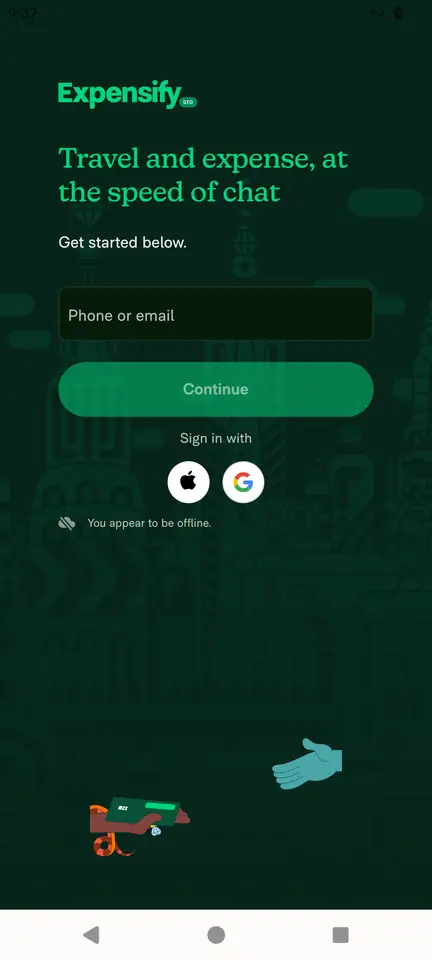
Get started below.
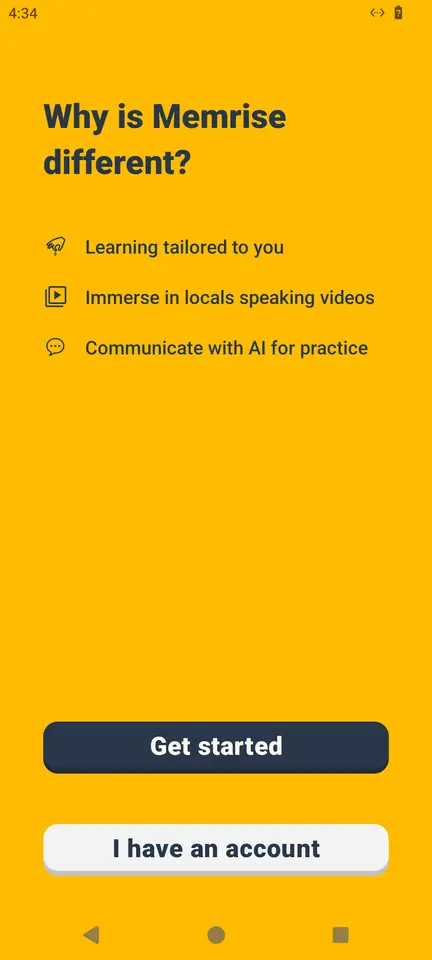
Get started
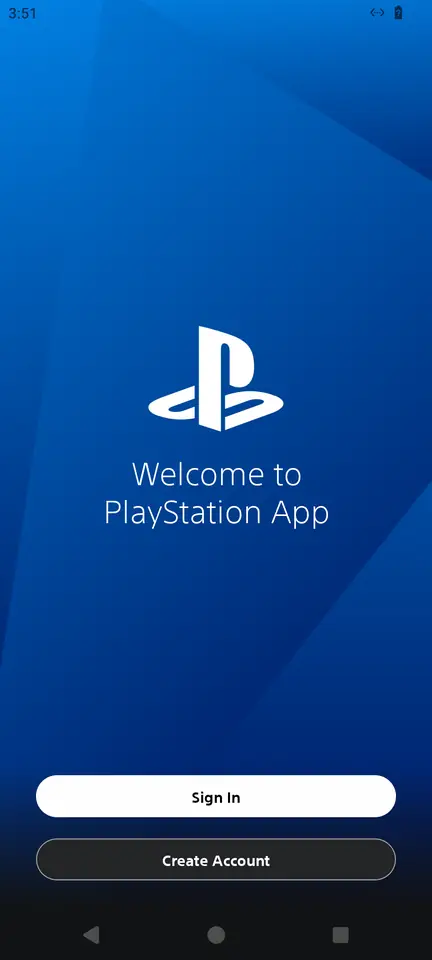
Welcome to PlayStation App
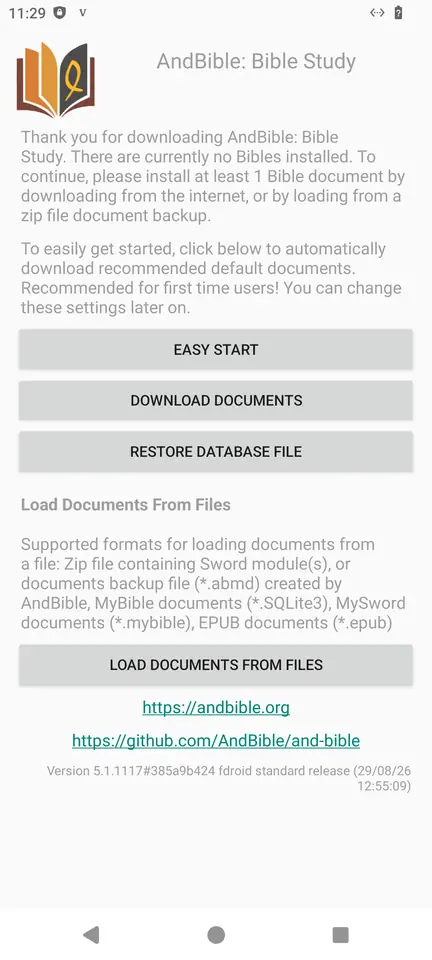
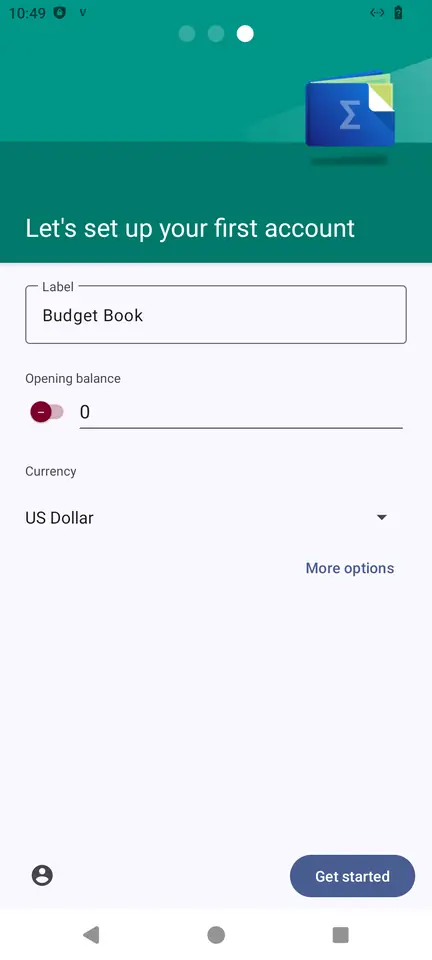
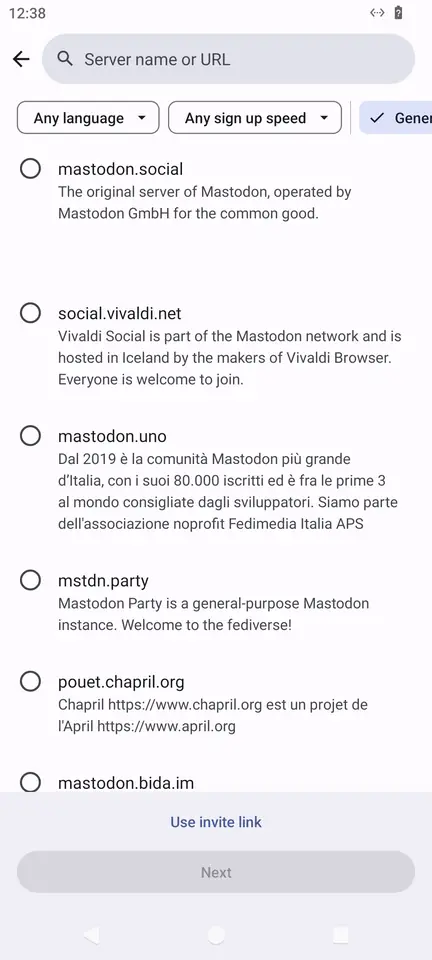
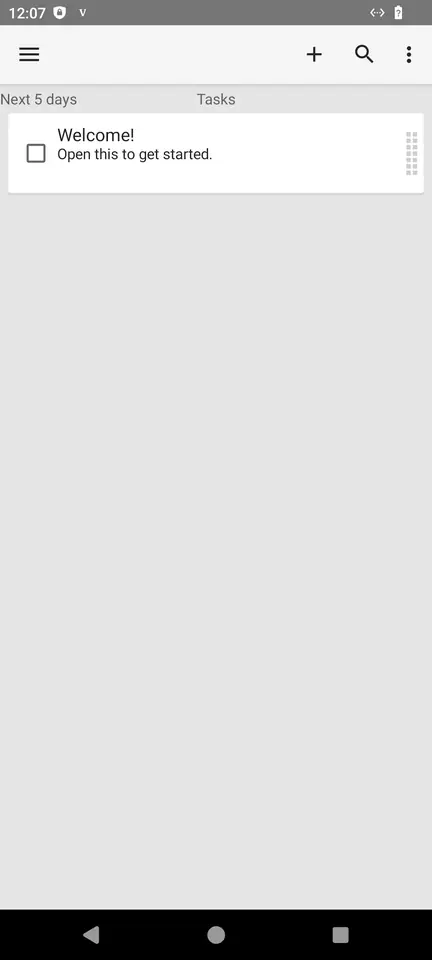
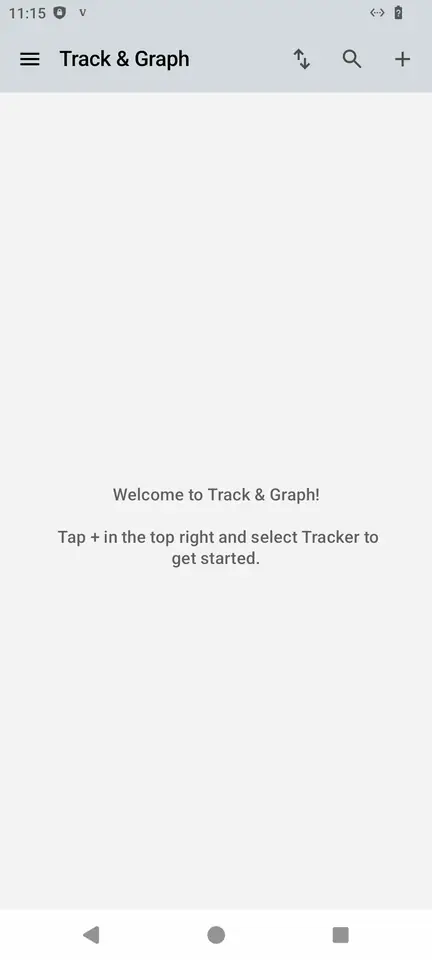
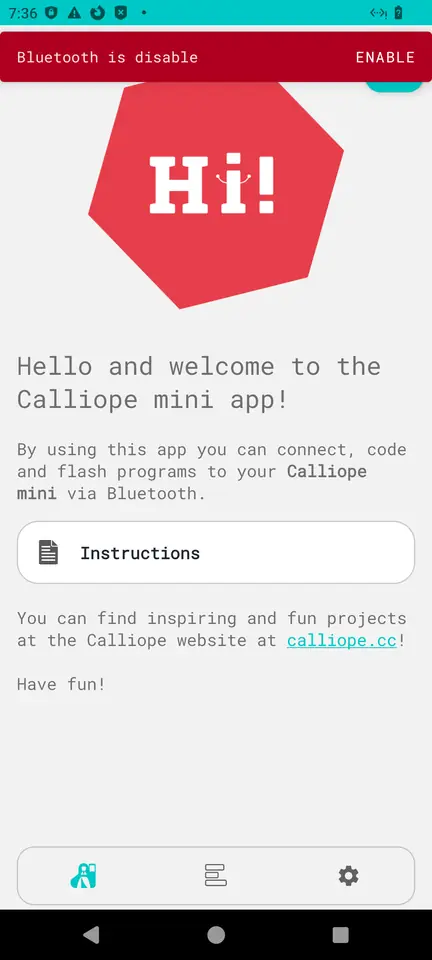
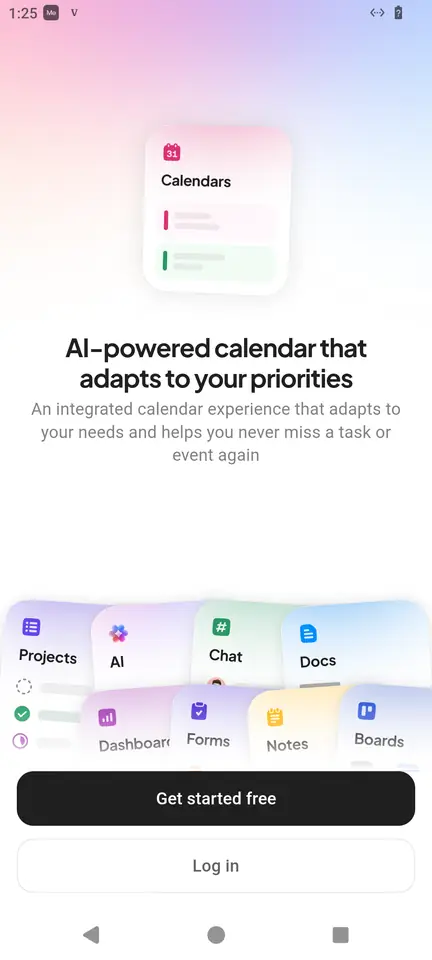
Why it works
- It sets expectations before you ask for anything (account, permissions, payment).
- A single, obvious primary action reduces drop-off on the very first screen.
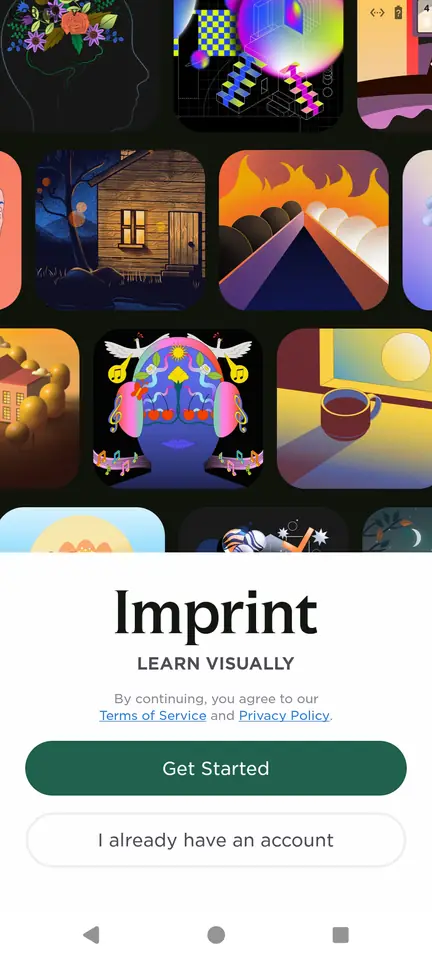
- It is the natural place to offer a secondary path for returning users (“I already have an account”).
Best practices
- Lead with the outcome the user gets, not a feature list.
- Keep one primary button; put “Log in” as a quieter secondary action.
- Avoid stacking legal text and permission prompts on top of the welcome screen.
- If you show a carousel, let users skip it.
How real apps word it
The exact UI copy, as it appears on screen in each app.
We´re all happy and healthy....lets go cave diving, what could go wrong
9GAGGet started
AnkiDroidWelcome to AntennaPod!
AntennaPodTo get started, agree to share your health data
BetterMeMake a list and take it to the store! Tap the plus button to get started.
BigOvenWelcome to Blinkist! What are your biggest goals right now?
BlinkistWelcome to Brix — an app for IRL streaming.
BrixGet Started For Free
Carb ManagerWelcome to Carb Manager
Carb ManagerEnter your primary account details to get started.
CashiroWelcome to ChatGPT
ChatGPT🎉 get started
ClubhouseWelcome to your meal plan
CookpadWelcome to DailyArt
DailyArt
Where it shows up
Screens showing the pattern, by flow step type.
By app category
Apps showing the pattern, by category · 97 of 246 apps in the library.
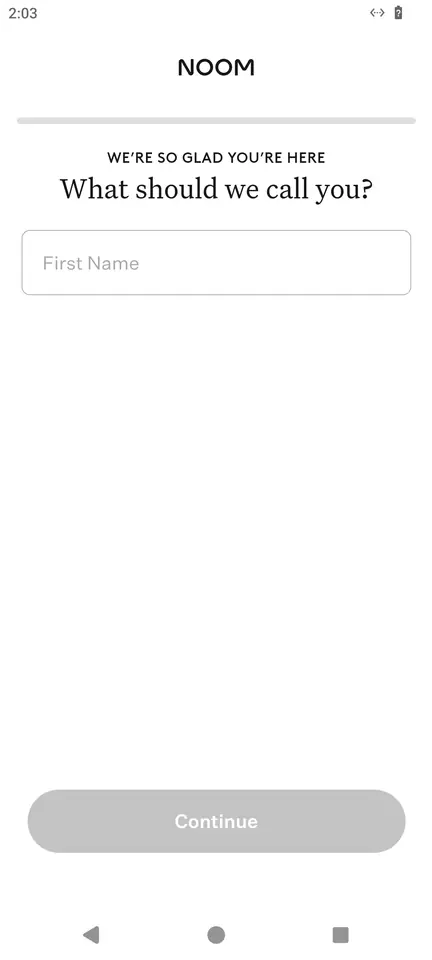
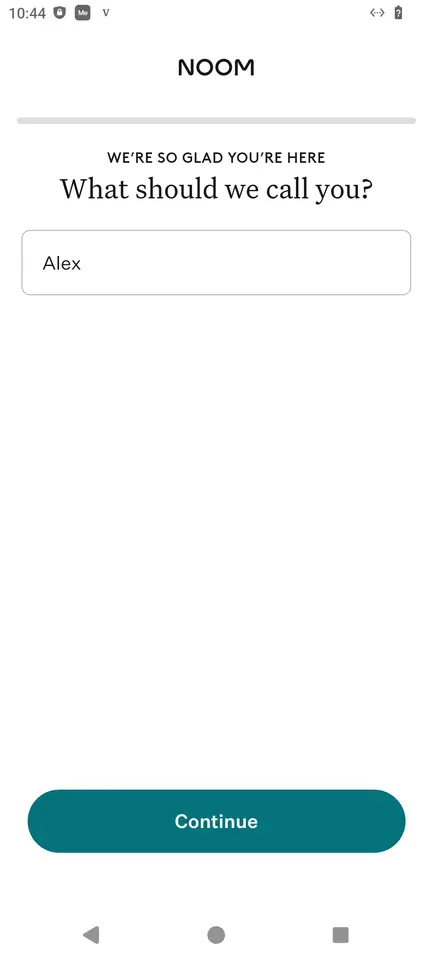
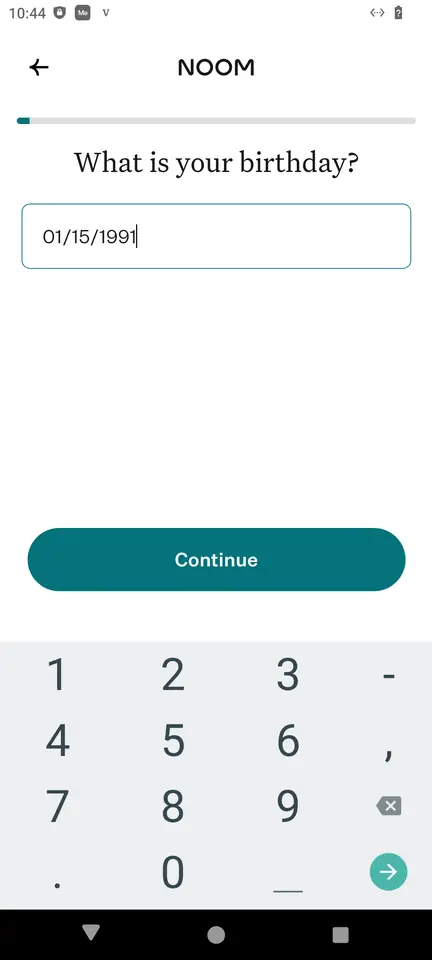
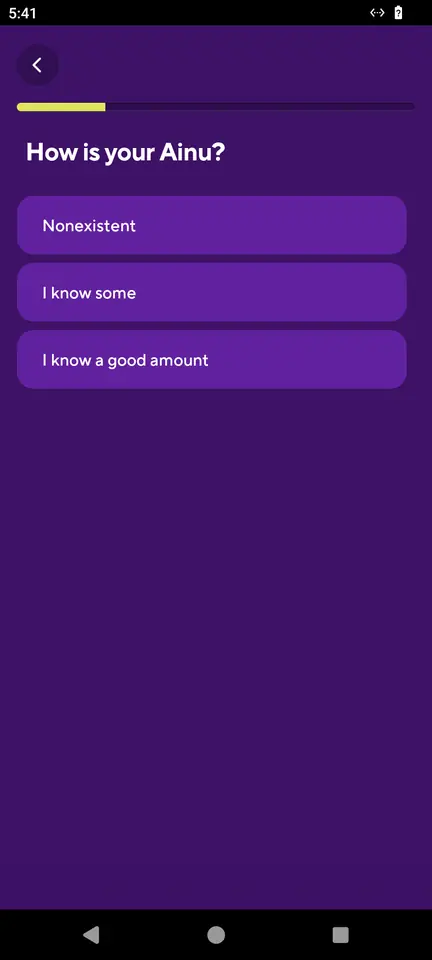
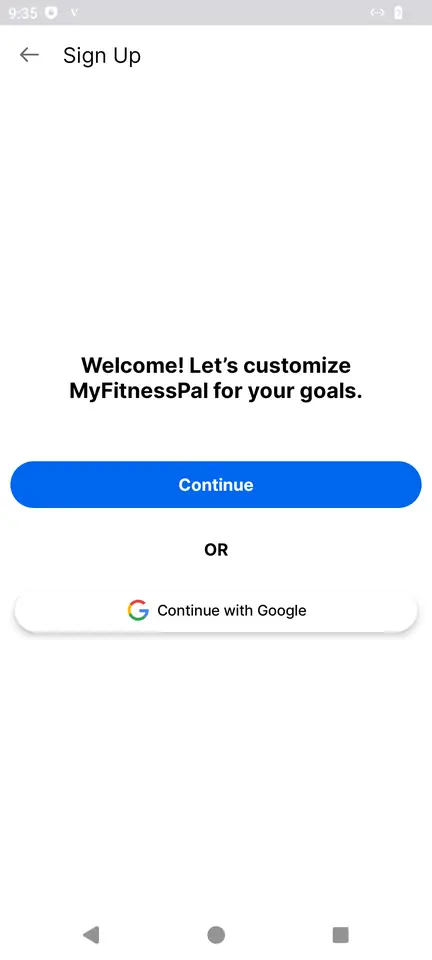
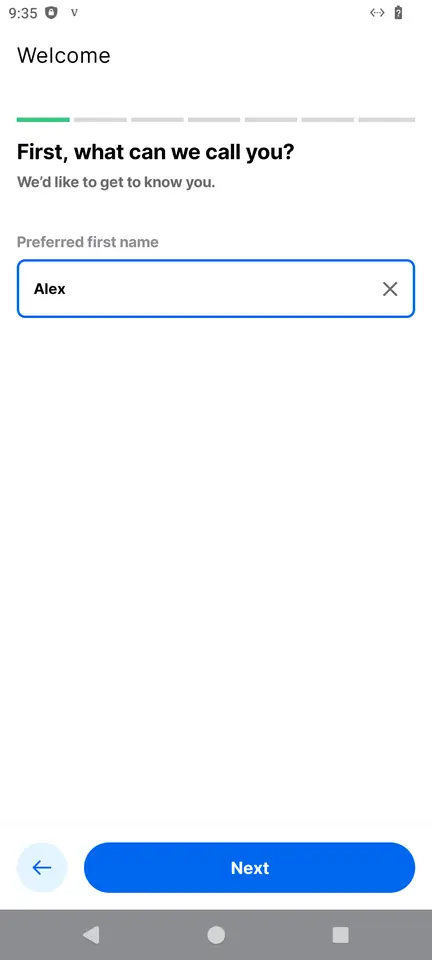
Full flows that include a welcome screen
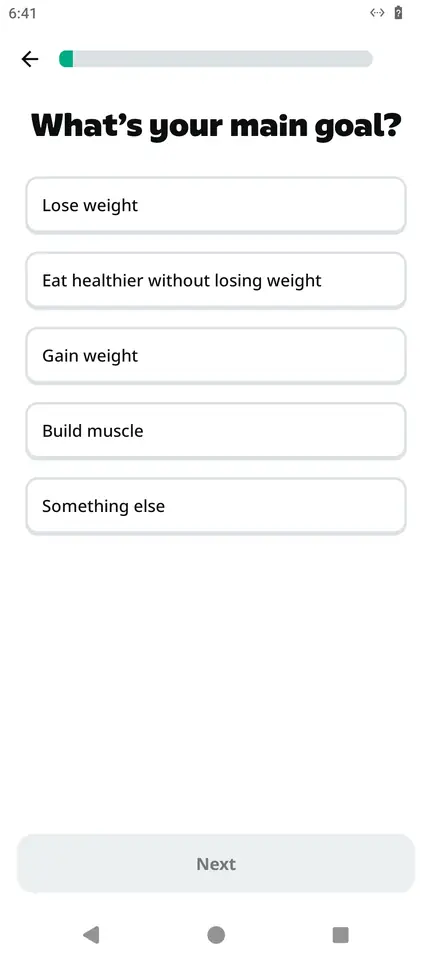
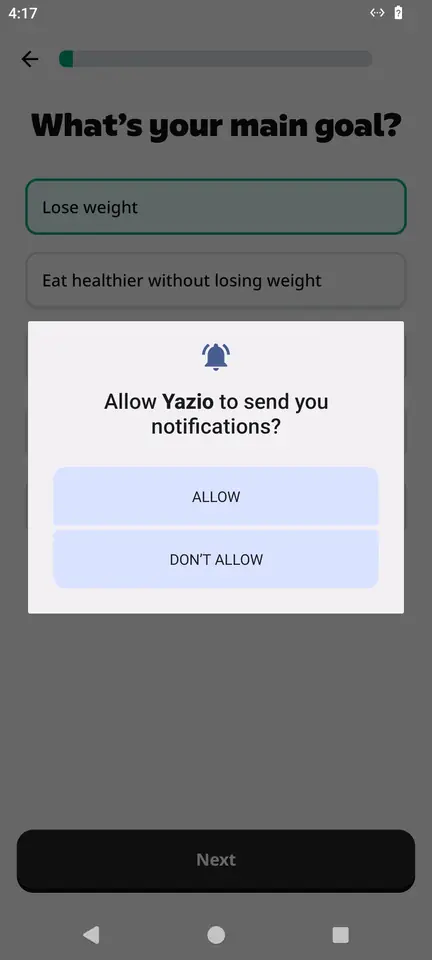
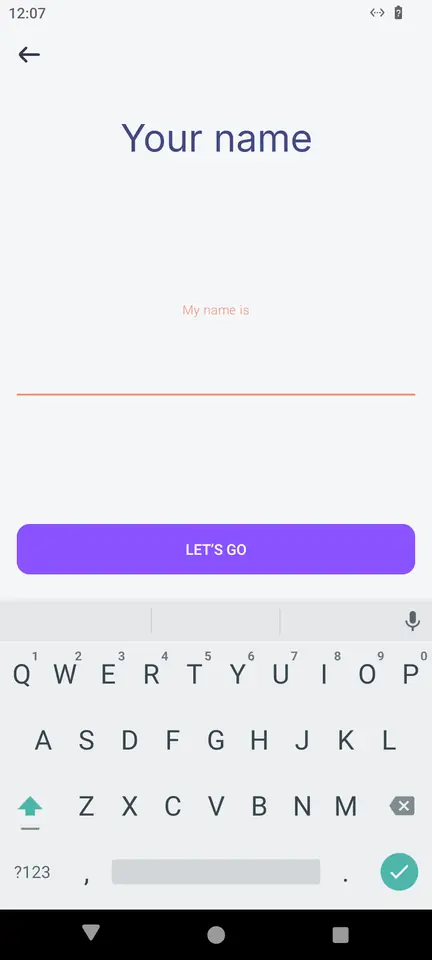
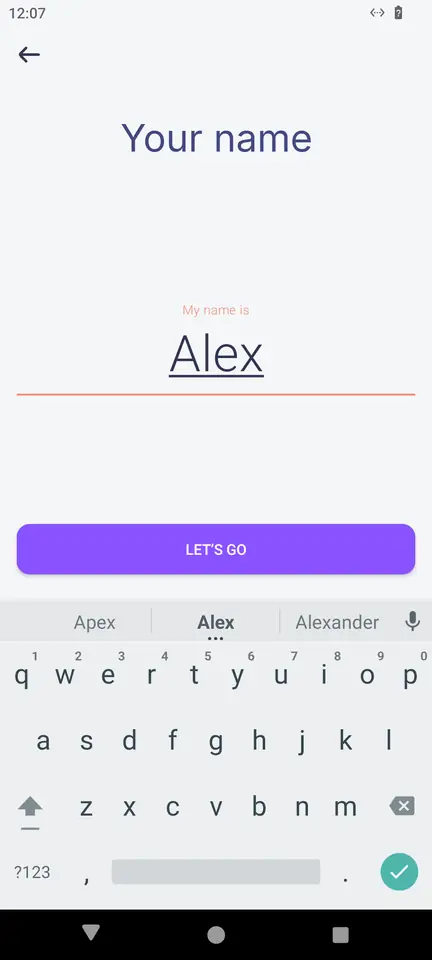
FAQ
What is a welcome screen?
A welcome screen is the first screen a new user sees after launching an app: a short value proposition, the brand, and one primary action such as “Get started”. Its job is to explain what the app does in a sentence and move the user into setup or sign-up.
Which Android apps use a welcome screen?
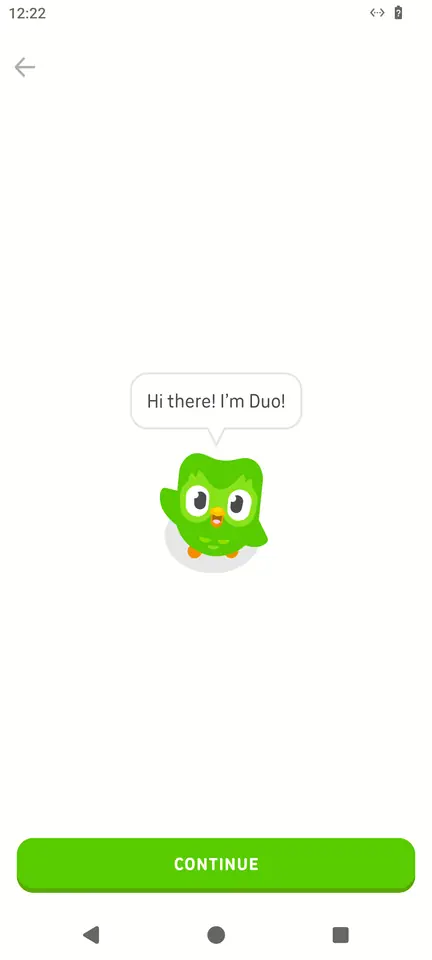
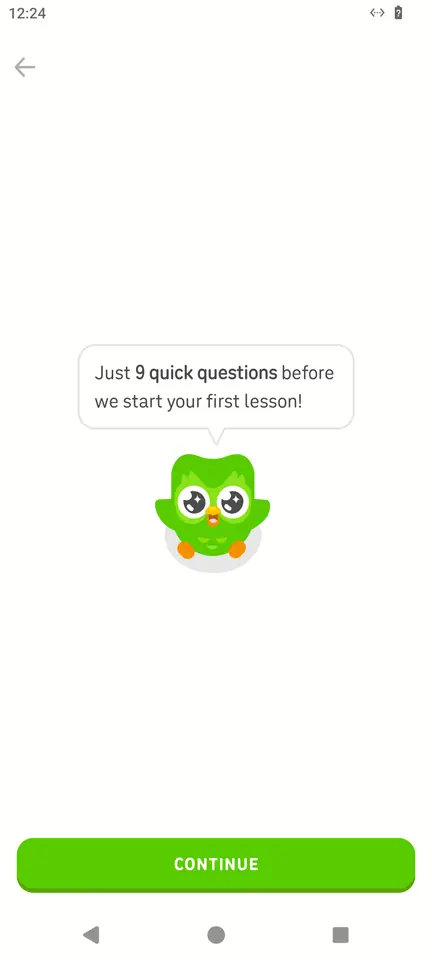
In the Flowtape library, 97 of 246 Android apps show this pattern, including Yazio, Noom, Simple, BetterMe, Duolingo and Blinkist. It is most common in productivity & tools apps.
How do I design a good welcome screen?
Lead with the outcome the user gets, not a feature list. Keep one primary button; put “Log in” as a quieter secondary action. Avoid stacking legal text and permission prompts on top of the welcome screen.
Detected on screens captured on real Android devices · last updated 2026-11-14