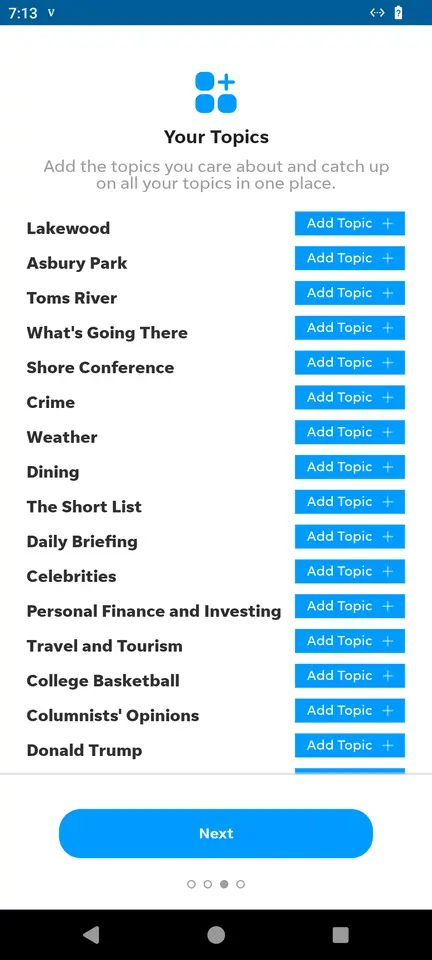
Screen · Onboarding screen · USA TODAY · Android
USA TODAY onboarding screen: “Alerts Icon” (2)
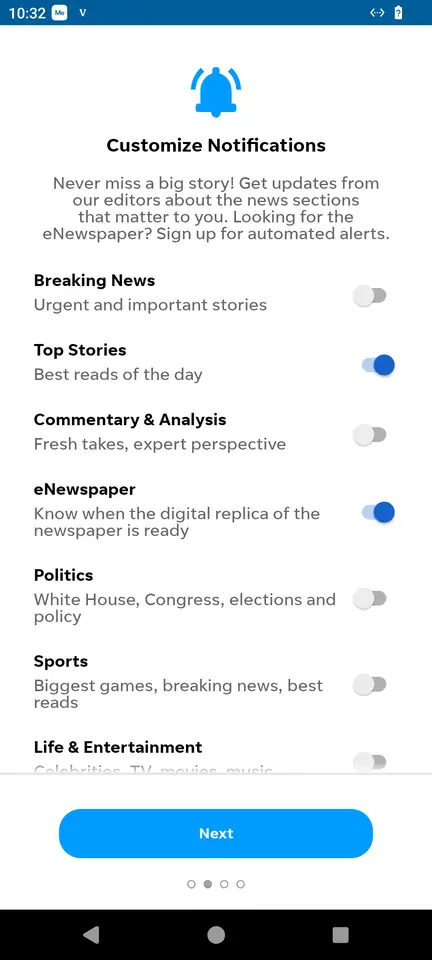
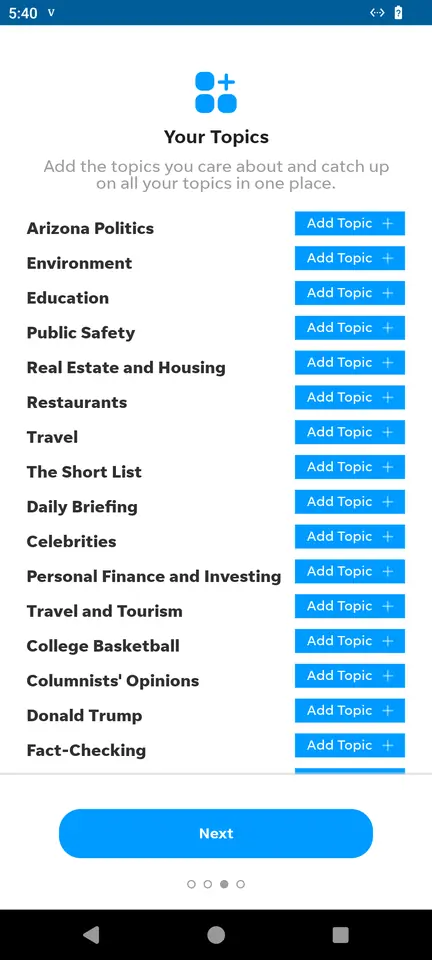
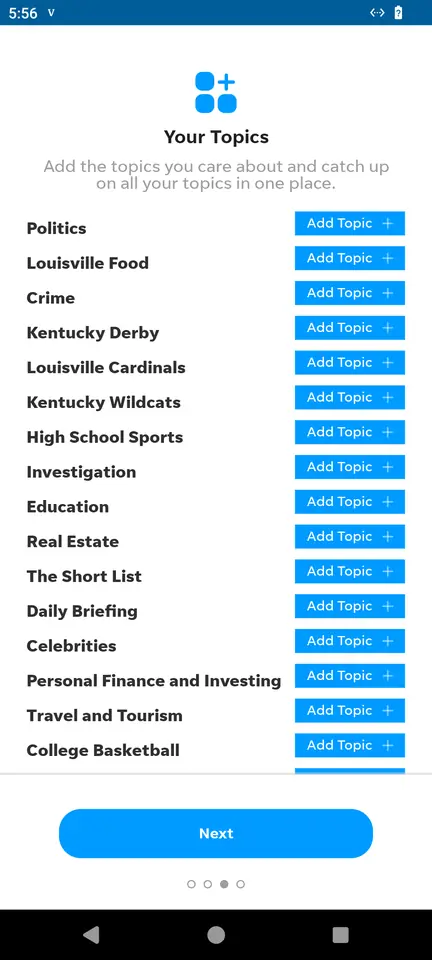
An onboarding screen from USA TODAY for Android, captured on a real device — step 3 of 4 in USA TODAY's onboarding flow. It uses 5 detected UI components, outlined on the screen below.
AndroidOnboardingstep 3 of 45 componentsfree & ungated
- App
- USA TODAY · Books & reading
- Screen type
- Onboarding
- Flow
- USA TODAY onboarding flow — step 3 of 4
- Tap
- “Next”
UI text on this screen
Welcome screen, use buttons at the bottom of the screen to change pages
Alerts Icon
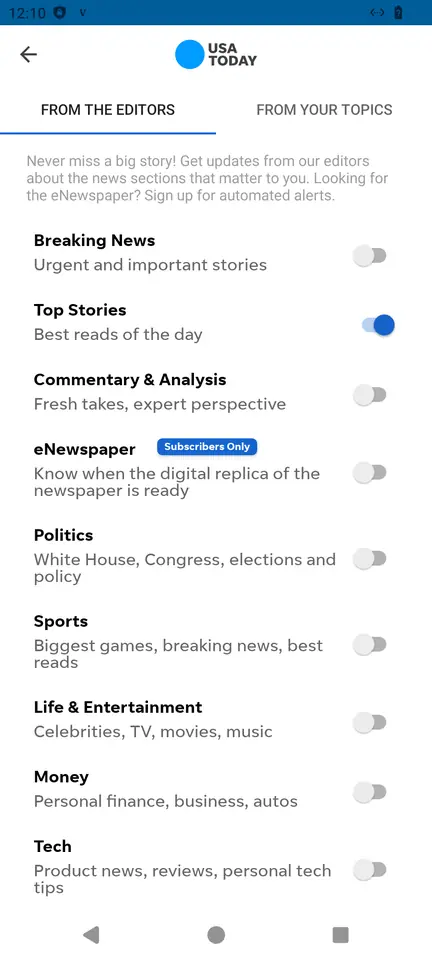
Customize Notifications
Breaking News
Urgent and important stories
Top Stories
Best reads of the day
Commentary & Analysis
UI components
Located from the app's Android view hierarchy and outlined on the screen.
UI patterns
More USA TODAY screens
Onboarding screens from other apps
All onboarding screens →
Captured on a real Android device · last updated 2026-11-14