Home/Glossary/List item
UI glossary · Containers · Android

List item: definition and 42 real Android examples

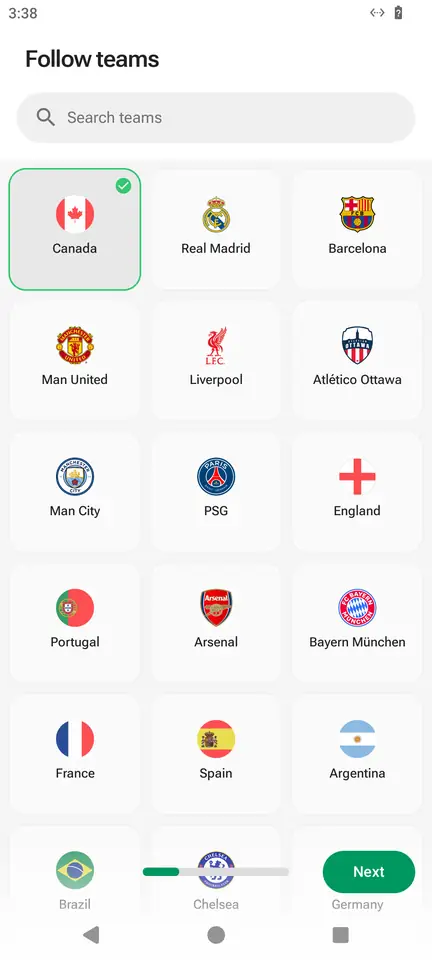
A list item is one row in a vertical list — a setting, a language, a vendor, a match — usually with a title, an optional supporting line, a leading icon or flag and a trailing control such as a chevron, switch or checkbox. The whole row is the tap target.

Also called: list row, list tile, table row, cell

Android42 apps131 screens47 flowsfree & ungated

List item examples, highlighted on 42 Android apps

The orange outline marks the list item on each real screen, located from the app's own Android view hierarchy.
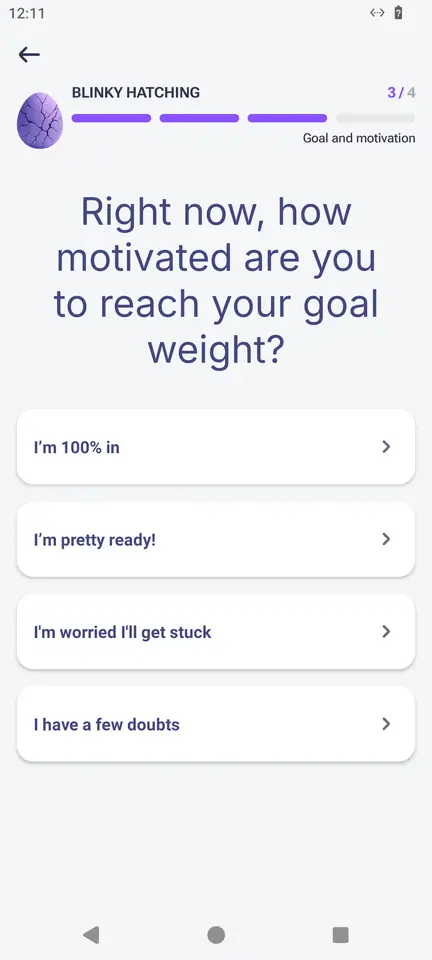
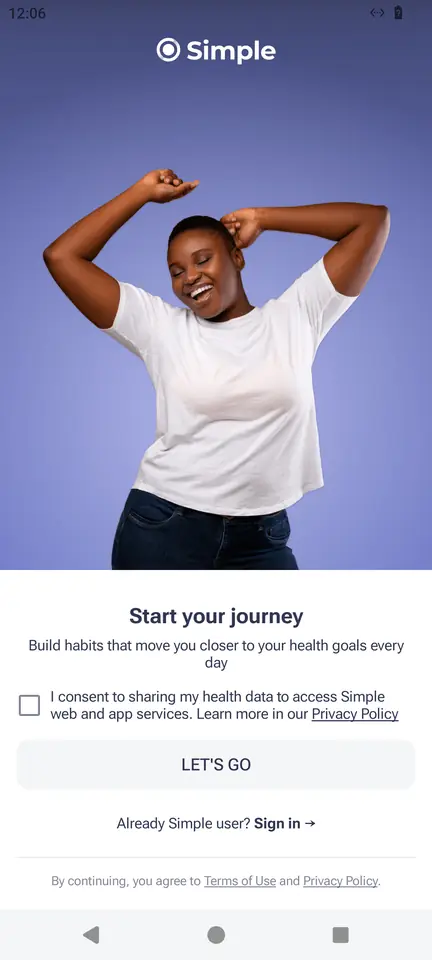
Simple list item on Android — I’m 100% in (highlighted)
Simple · onboardingI’m 100% in
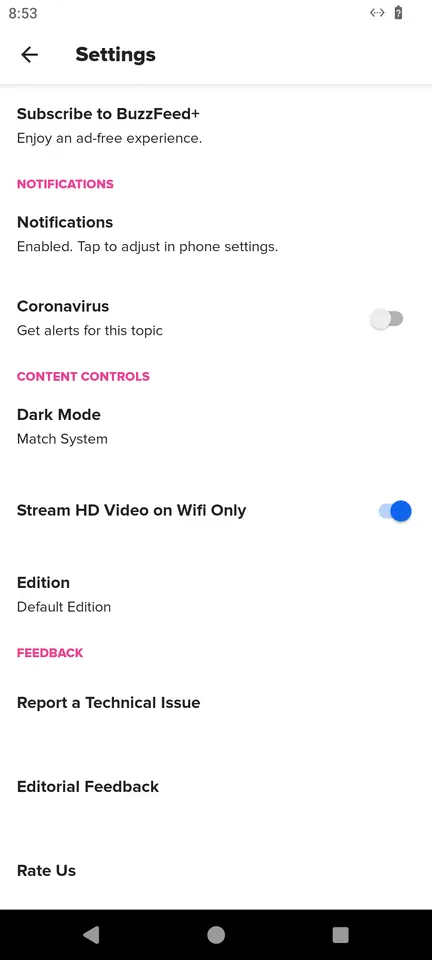
BuzzFeed list item on Android — Subscribe to BuzzFeed+ (highlighted)
BuzzFeedSubscribe to BuzzFeed+
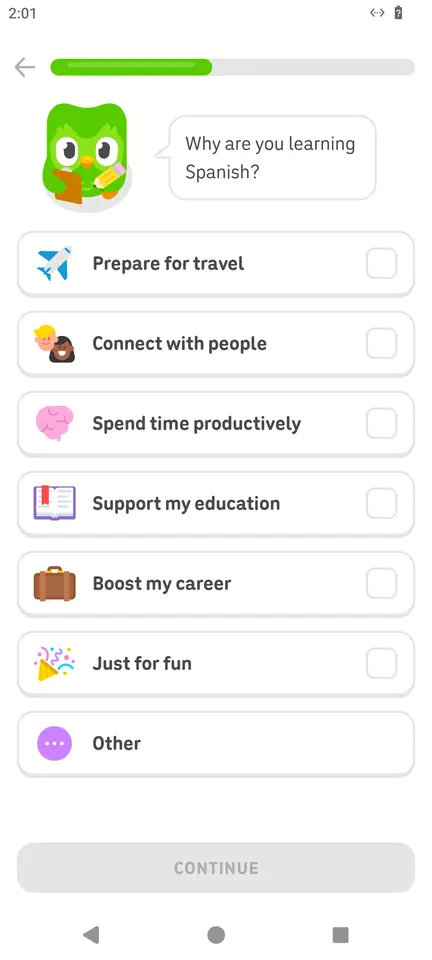
Duolingo list item on Android — travel (highlighted)
Duolingotravel
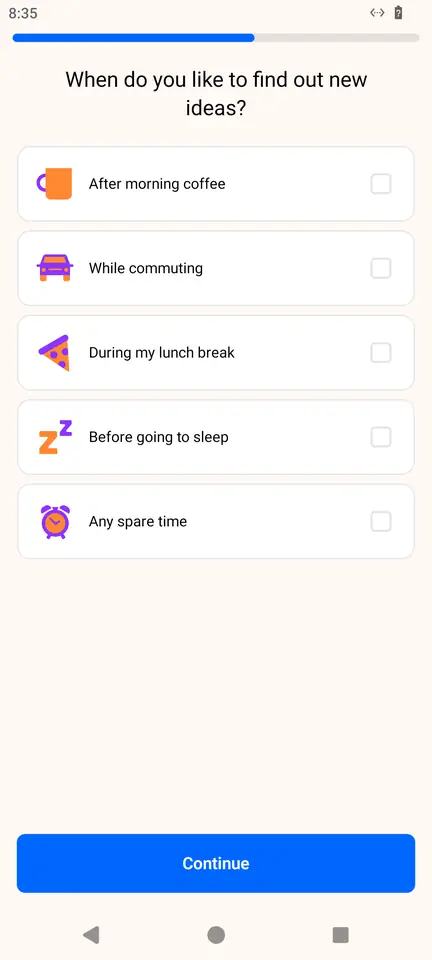
Headway list item on Android — After morning coffee (highlighted)
Headway · onboardingAfter morning coffee
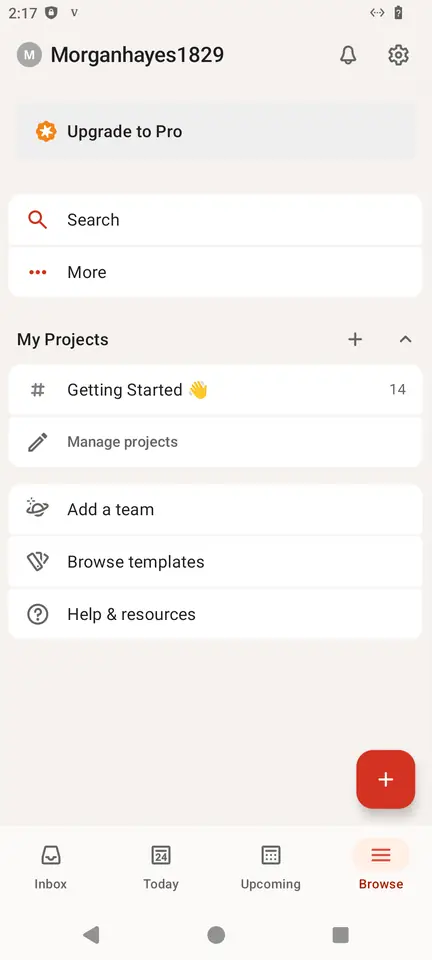
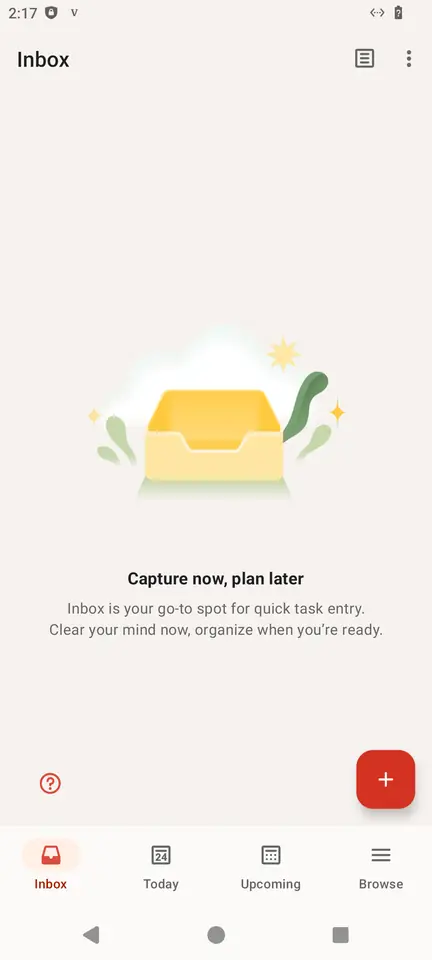
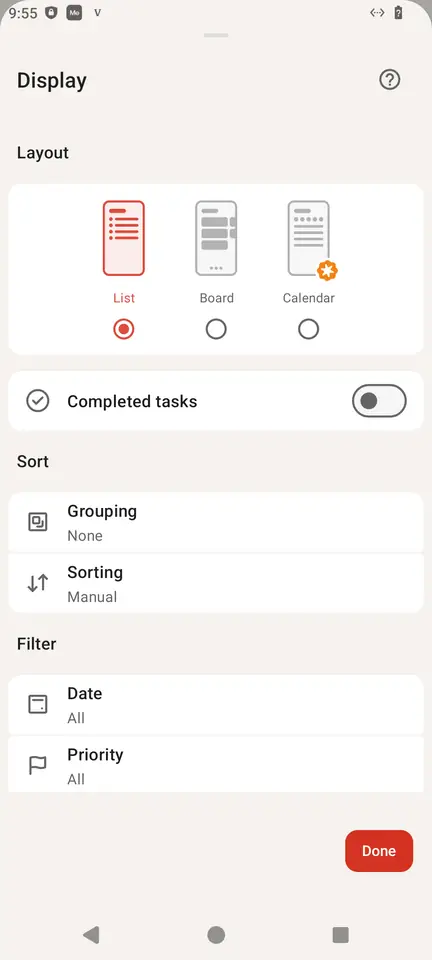
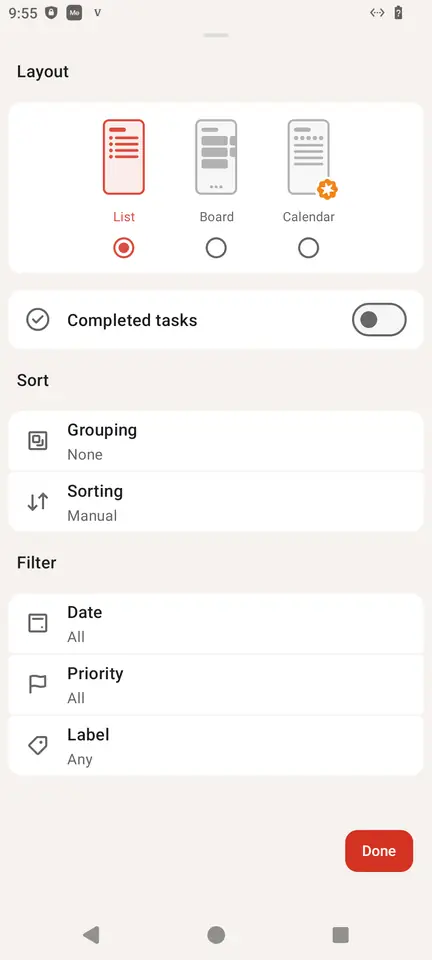
Todoist list item on Android — Search (highlighted)
Todoist · settingsSearch
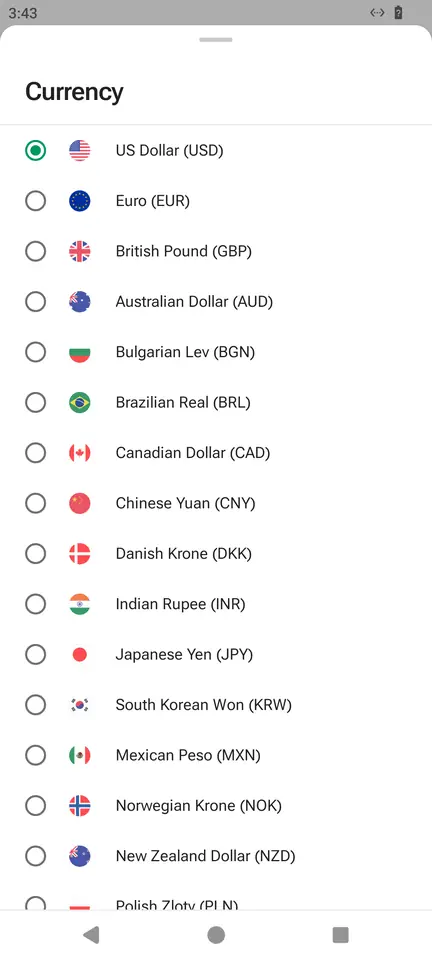
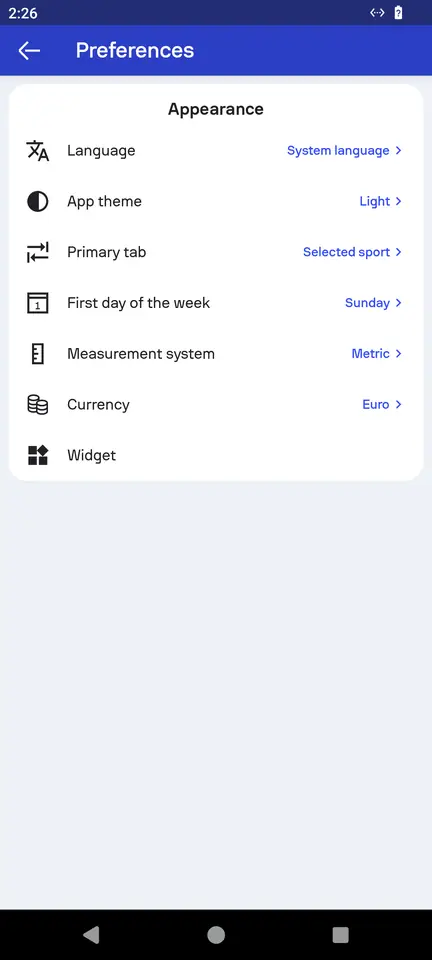
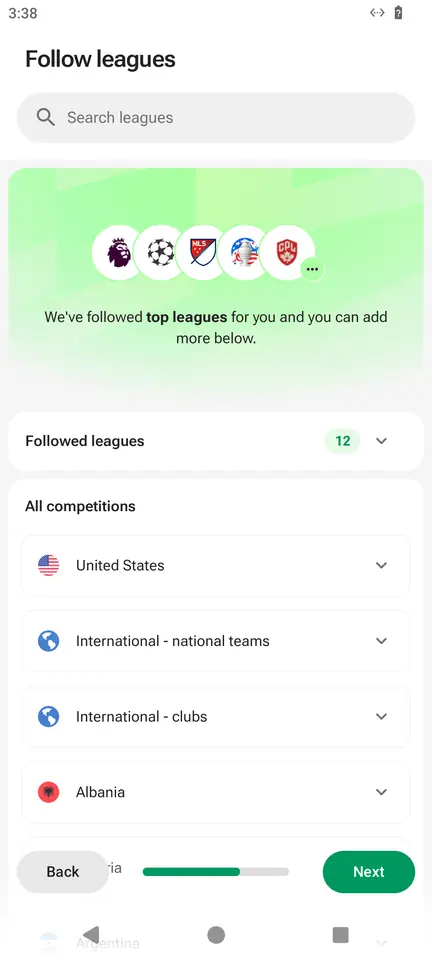
FotMob list item on Android — US Dollar (USD) (highlighted)
FotMob · home & browsingUS Dollar (USD)
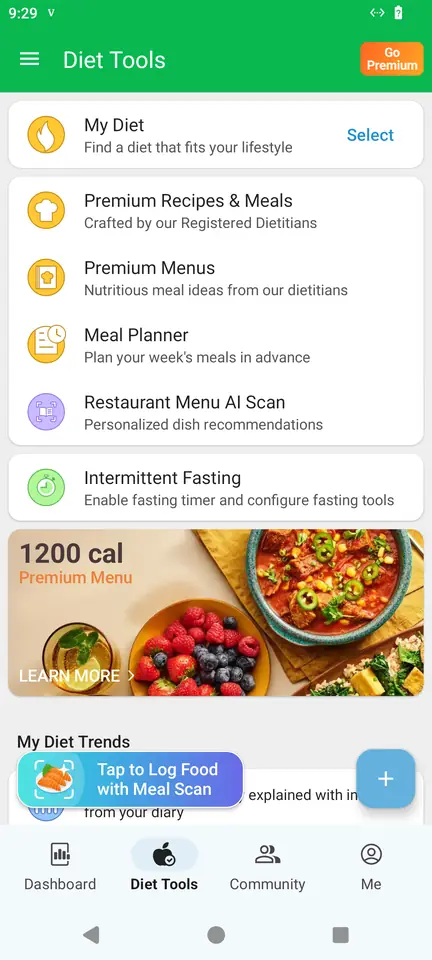
MyNetDiary list item on Android — My Diet (highlighted)
MyNetDiary · home & browsingMy Diet
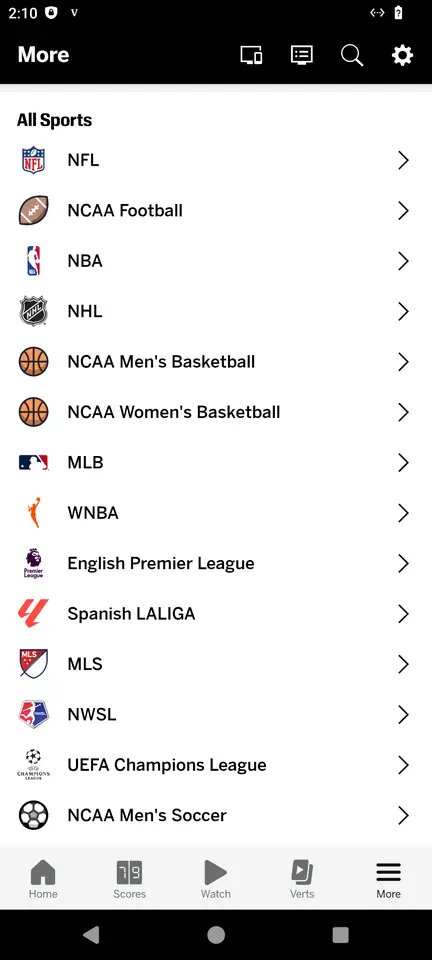
ESPN list item on Android — NFL (highlighted)
ESPN · home & browsingNFL
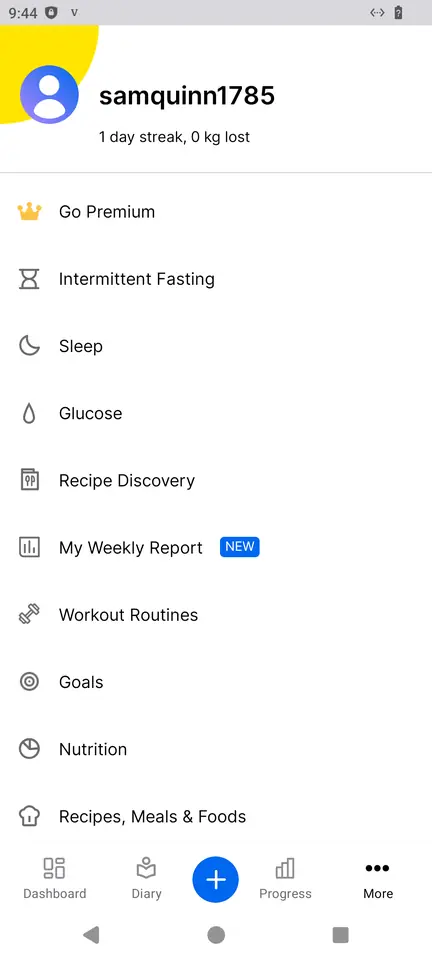
MyFitnessPal list item on Android — Go Premium (highlighted)
MyFitnessPal · settingsGo Premium
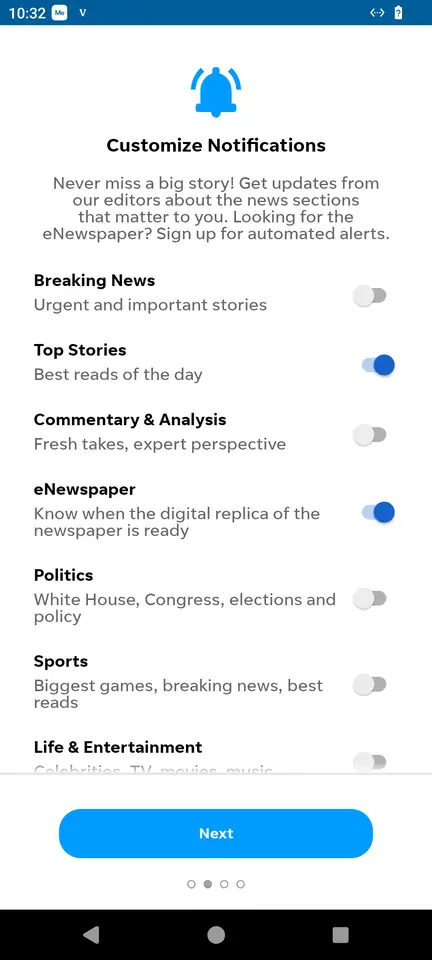
USA TODAY list item on Android — Breaking News (highlighted)
USA TODAY · onboardingBreaking News
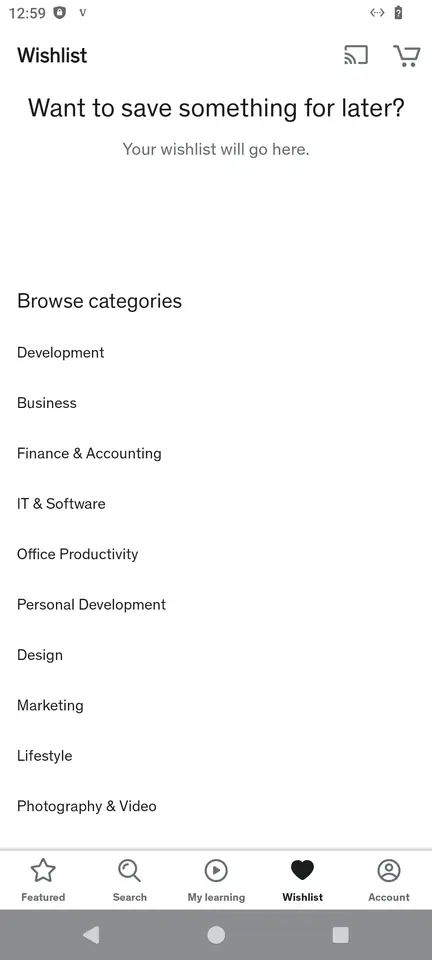
Udemy list item on Android — Development (highlighted)
Udemy · home & browsingDevelopment
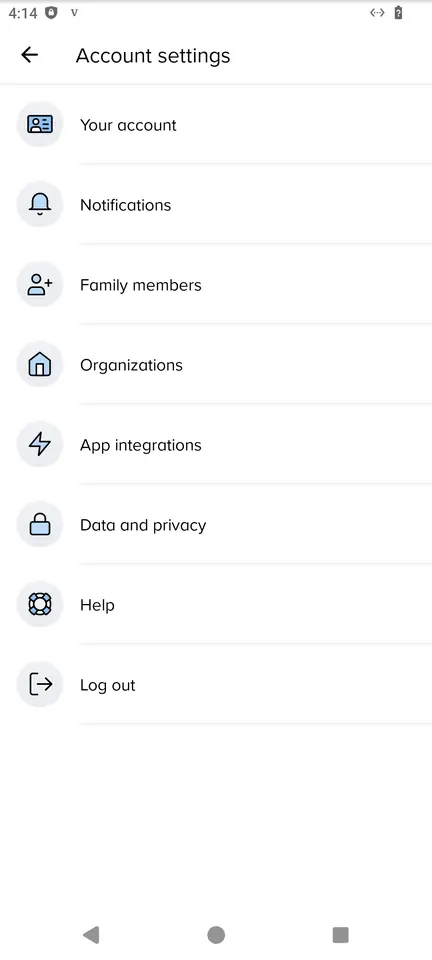
Remind list item on Android — Your account (highlighted)
Remind · settingsYour account
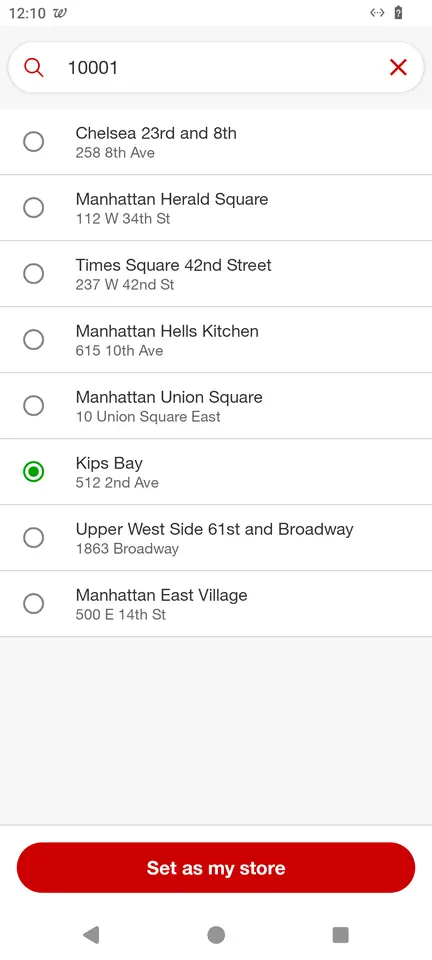
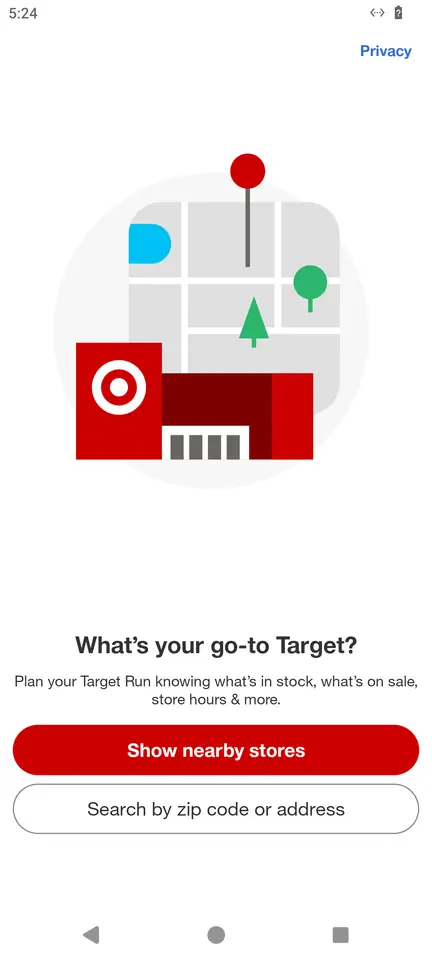
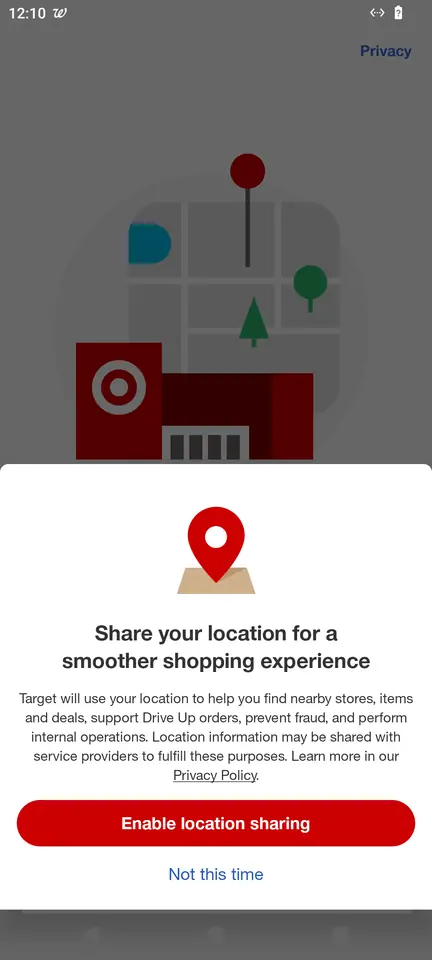
Target list item on Android — Chelsea 23rd and 8th (highlighted)
Target · onboardingChelsea 23rd and 8th
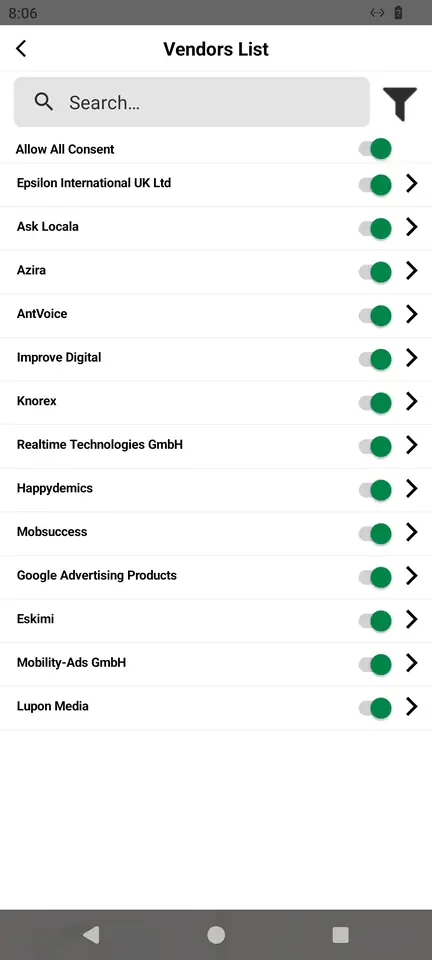
ASOS list item on Android — Epsilon International UK Ltd (highlighted)
ASOSEpsilon International UK Ltd
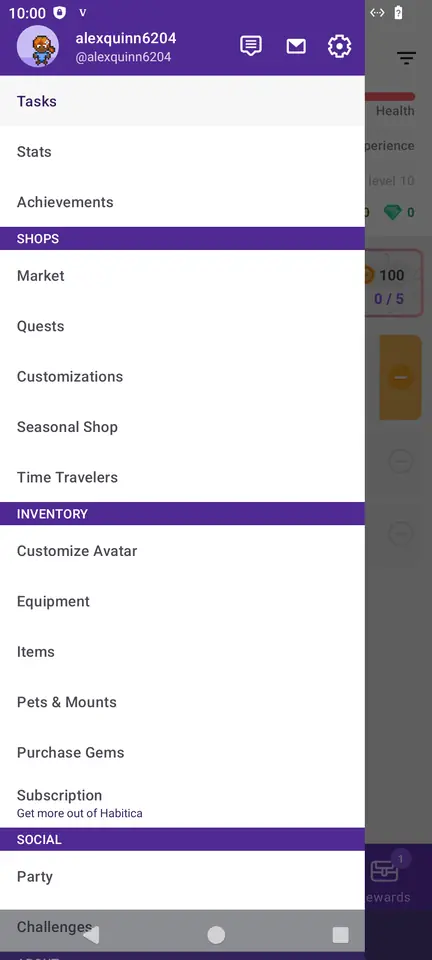
Habitica list item on Android — Habits (highlighted)
Habitica · settingsHabits
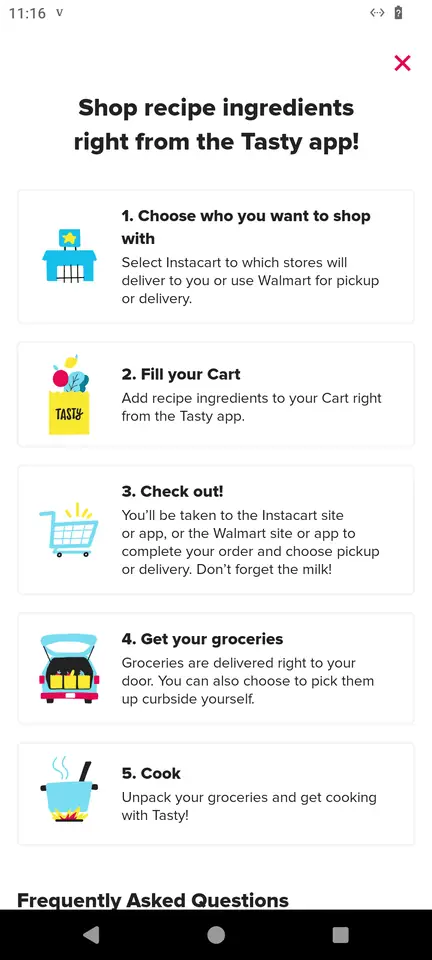
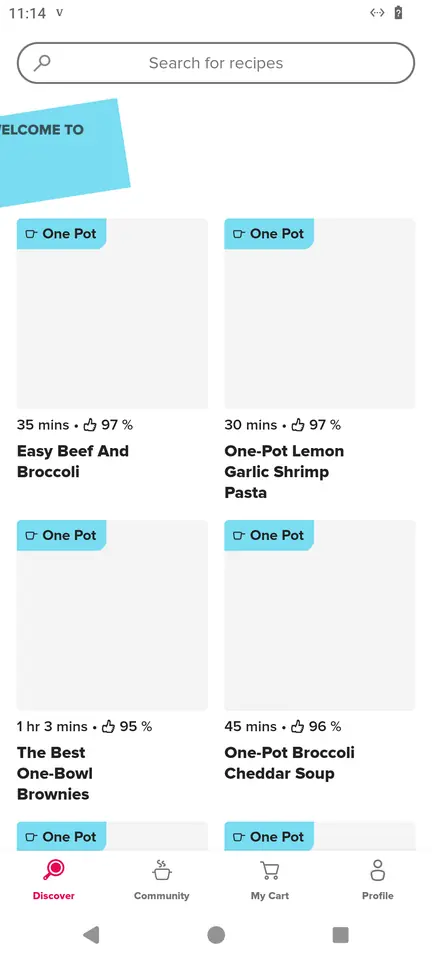
Tasty list item on Android — 2. Fill your Cart (highlighted)
Tasty · home & browsing2. Fill your Cart
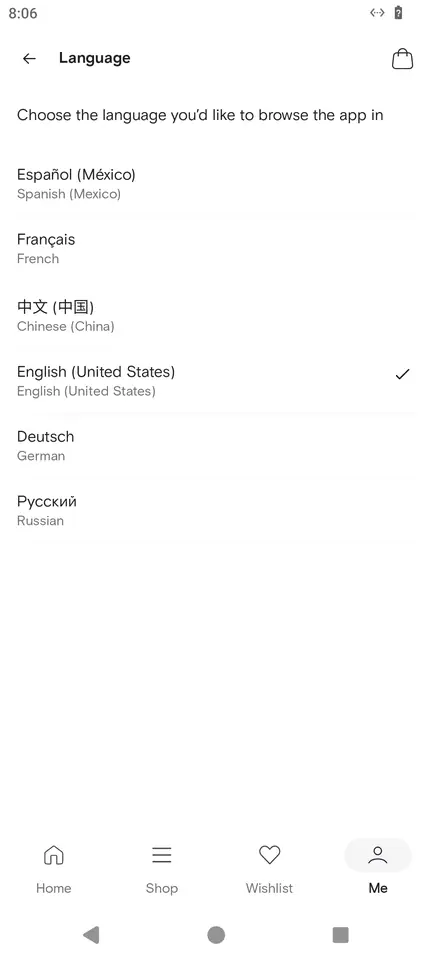
FARFETCH list item on Android — Español (México) (highlighted)
FARFETCH · home & browsingEspañol (México)
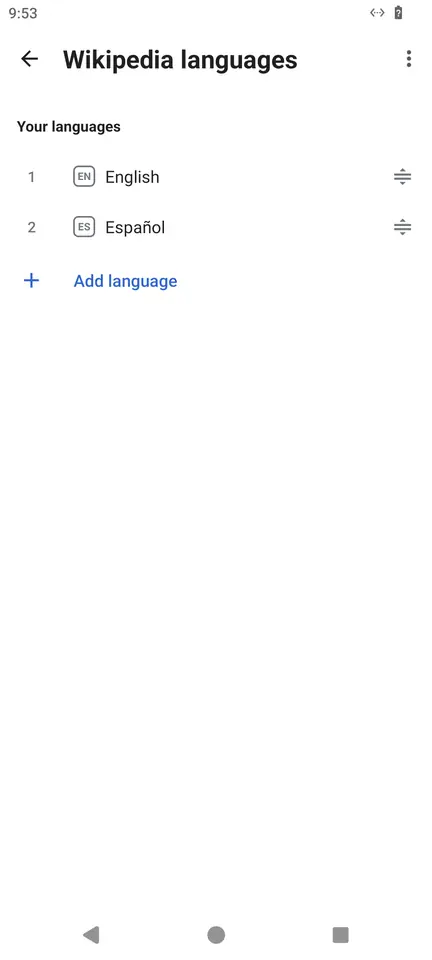
Wikipedia list item on Android — EN (highlighted)
Wikipedia · home & browsingEN
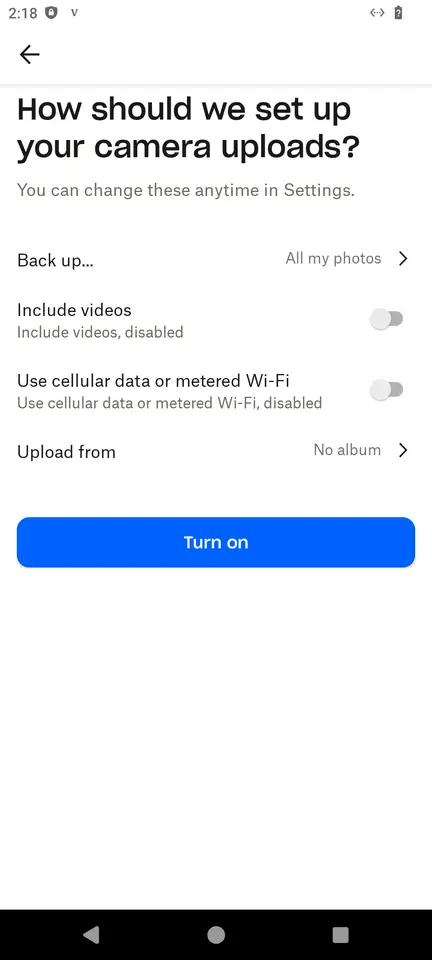
Dropbox list item on Android — Back up... (highlighted)
Dropbox · settingsBack up...
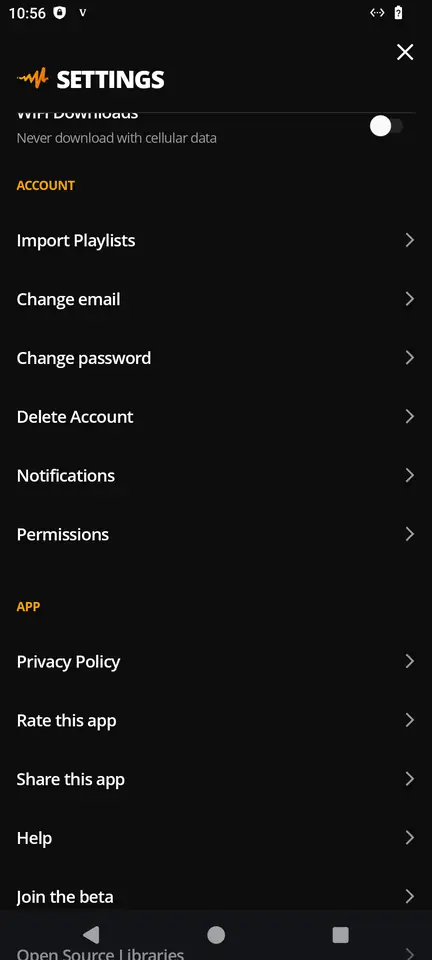
Audiomack list item on Android — Song artwork (highlighted)
Audiomack · settingsSong artwork
Sofascore list item on Android — Text-to-speech (highlighted)
Sofascore · settingsText-to-speech
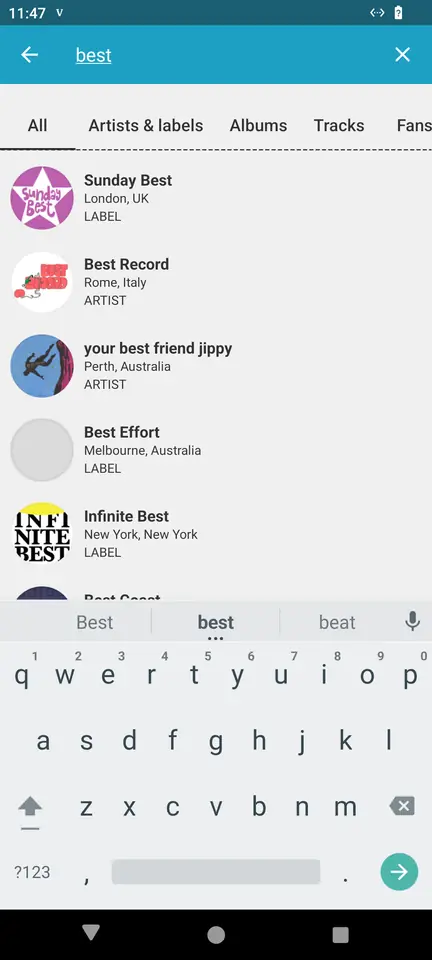
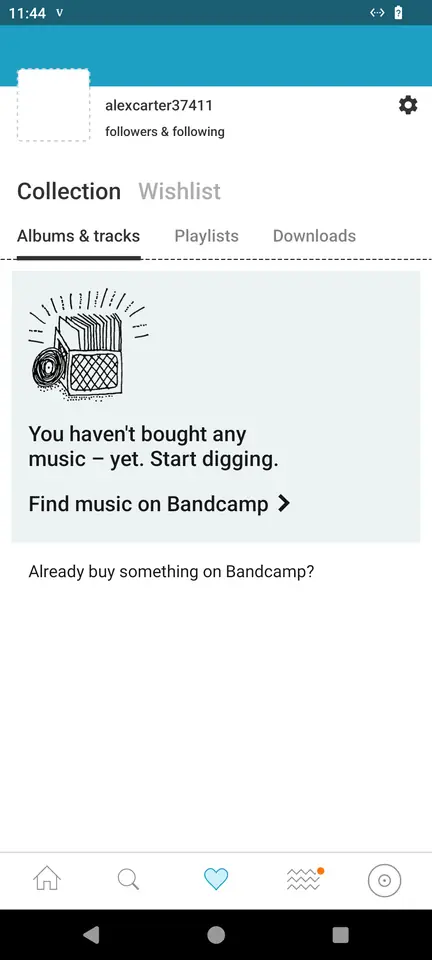
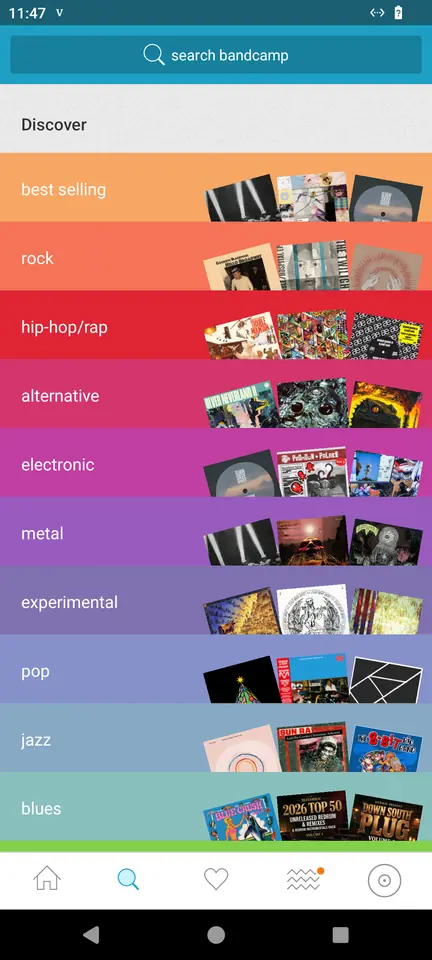
Bandcamp list item on Android — Profile image (highlighted)
Bandcamp · home & browsingProfile image
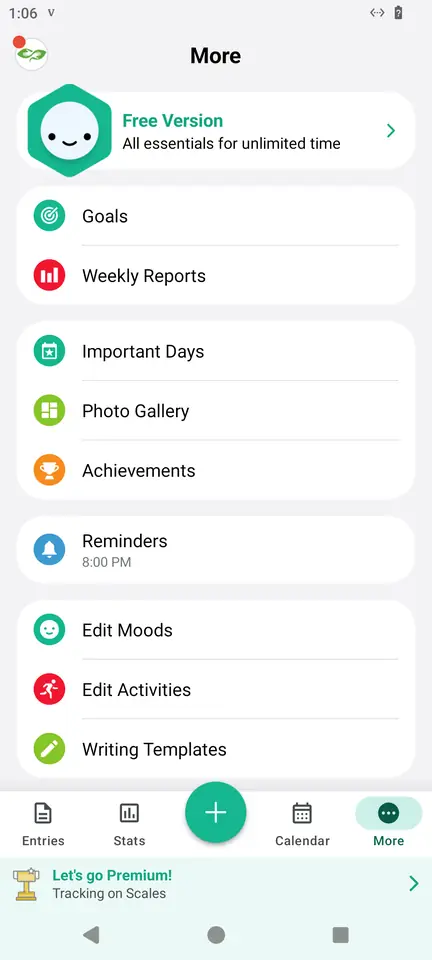
Daylio list item on Android — Free Version (highlighted)
Daylio · home & browsingFree Version
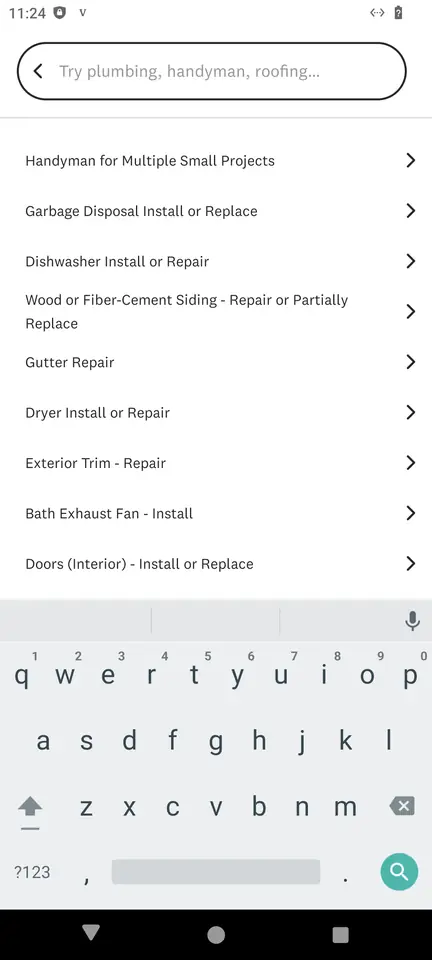
Angi list item on Android — Handyman for Multiple Small Projects (highlighted)
Angi · home & browsingHandyman for Multiple Small Projects
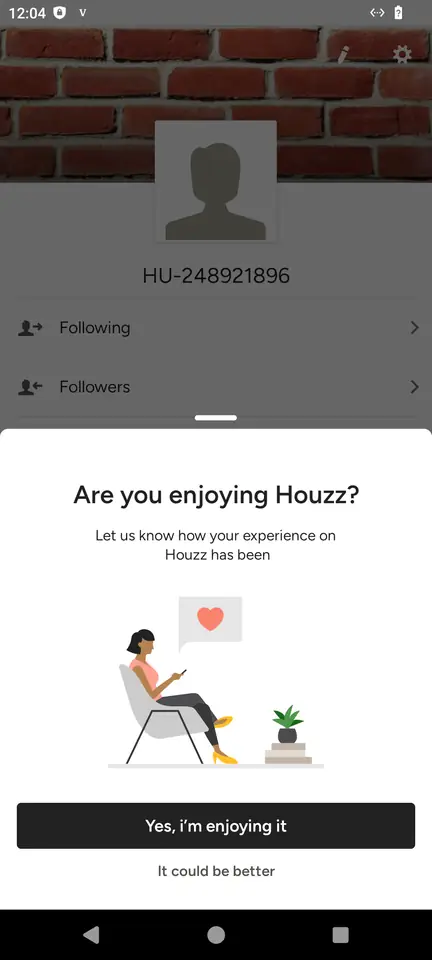
Houzz list item on Android — Following (highlighted)
HouzzFollowing
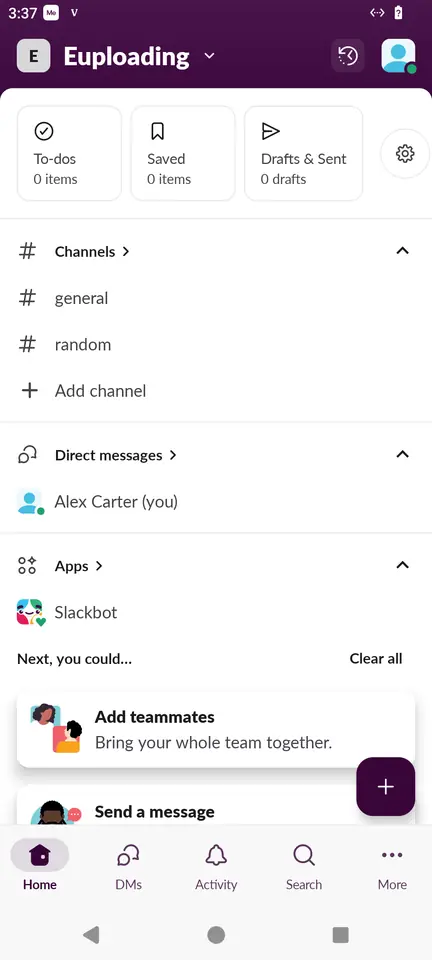
Slack list item on Android — Channels (highlighted)
SlackChannels
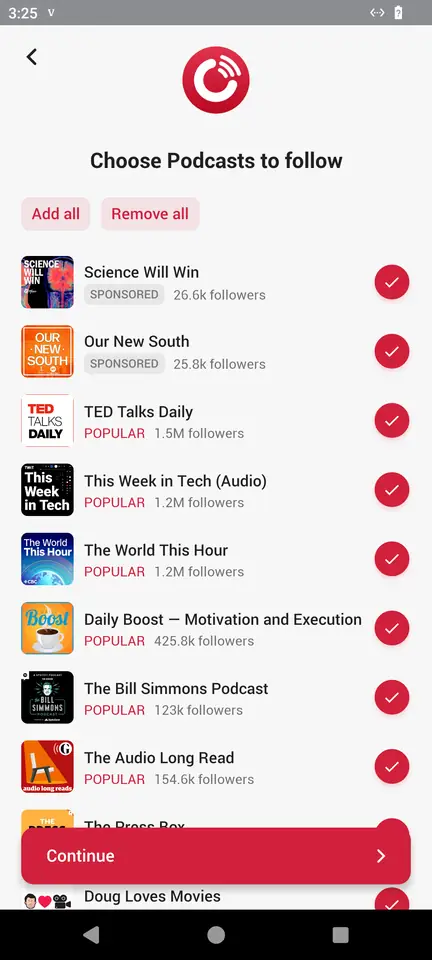
Player FM list item on Android — Science Will Win (highlighted)
Player FM · onboardingScience Will Win
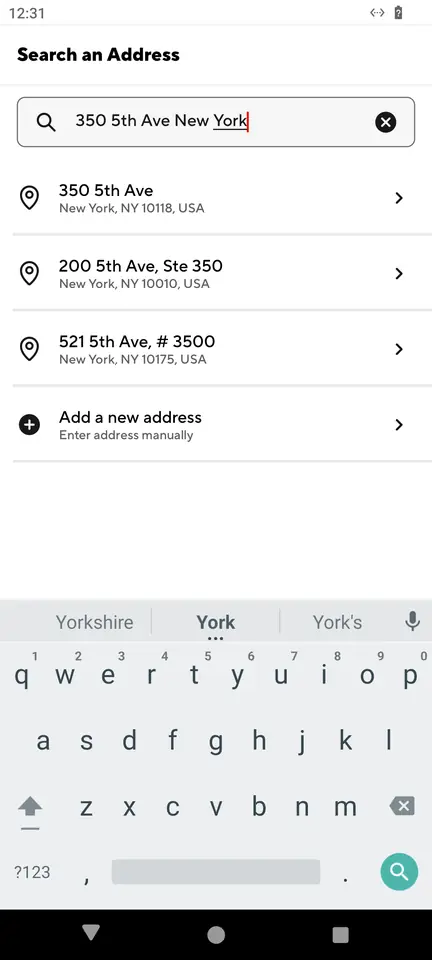
DoorDash list item on Android — 350 5th Ave (highlighted)
DoorDash · onboarding350 5th Ave
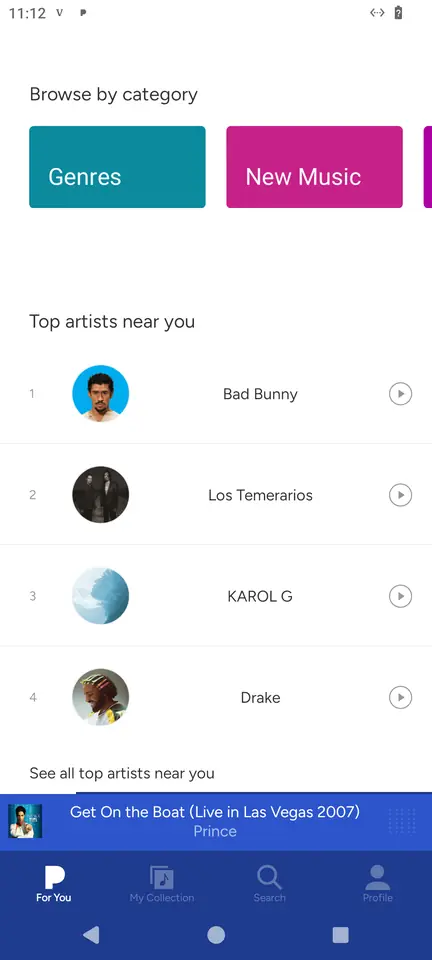
Pandora list item on Android — Bad Bunny (highlighted)
Pandora · home & browsingBad Bunny
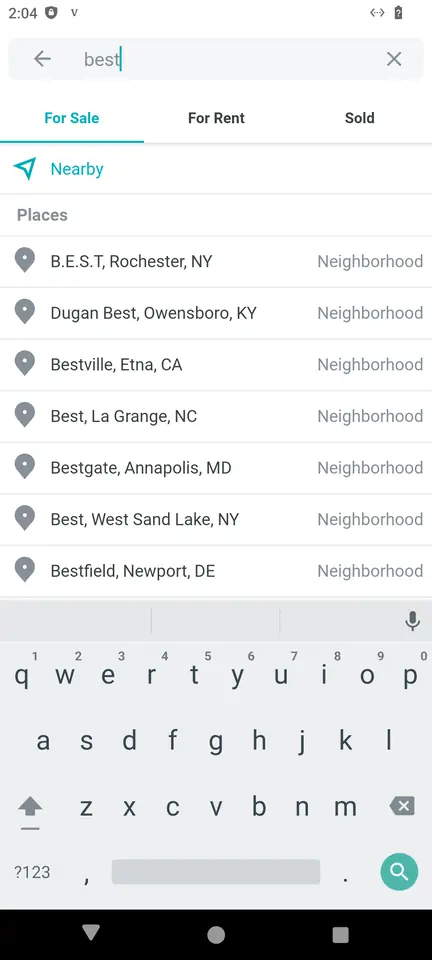
Trulia list item on Android — Nearby (highlighted)
Trulia · home & browsingNearby
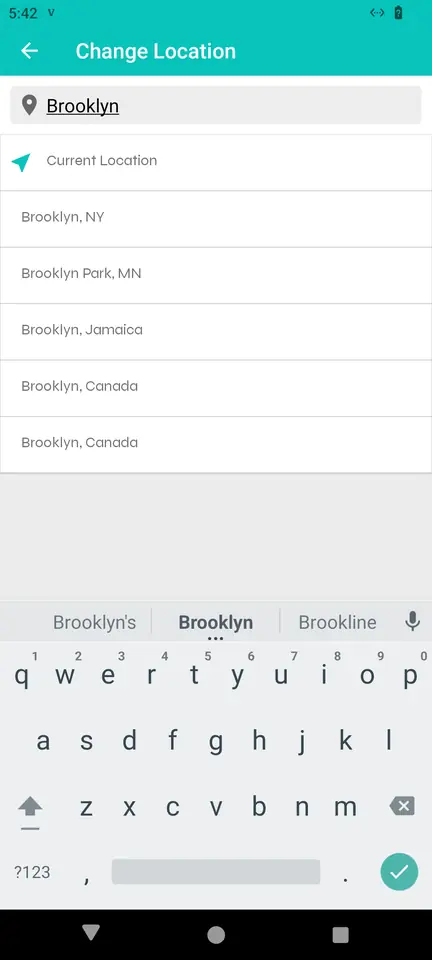
Bandsintown list item on Android — Current Location (highlighted)
Bandsintown · onboardingCurrent Location
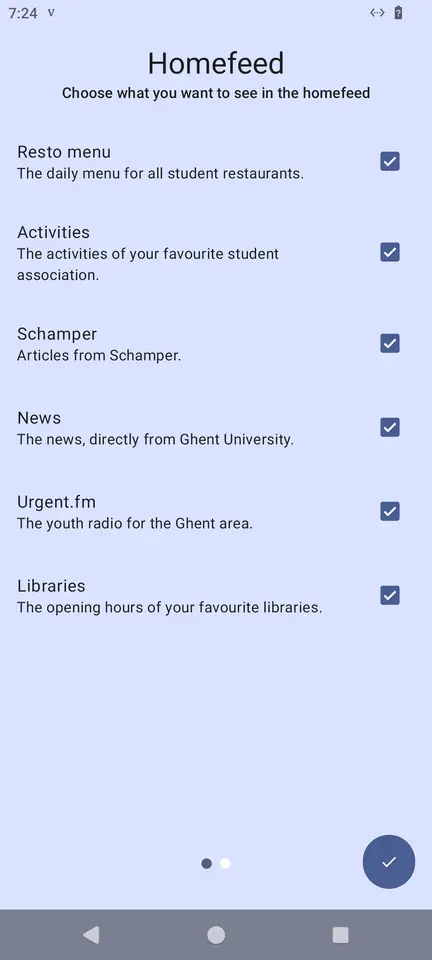
Hydra list item on Android — Resto menu (highlighted)
Hydra · onboardingResto menu
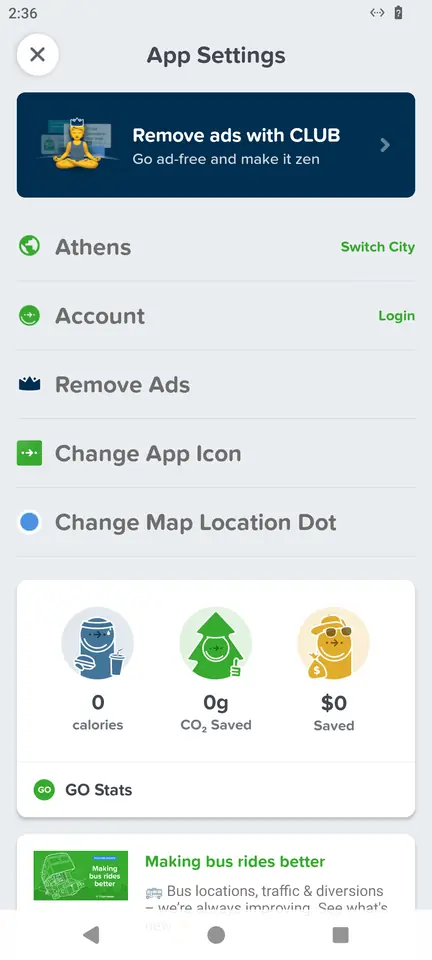
Citymapper list item on Android — Athens (highlighted)
Citymapper · settingsAthens
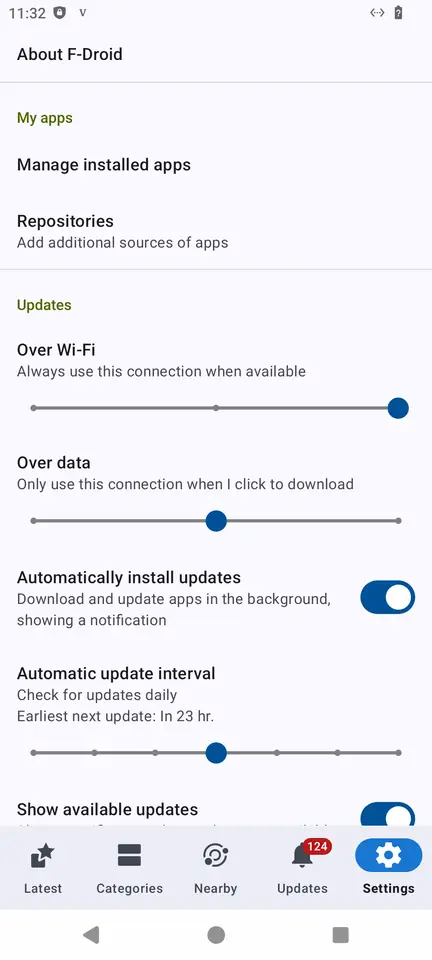
F-Droid list item on Android — About F-Droid (highlighted)
F-Droid · settingsAbout F-Droid
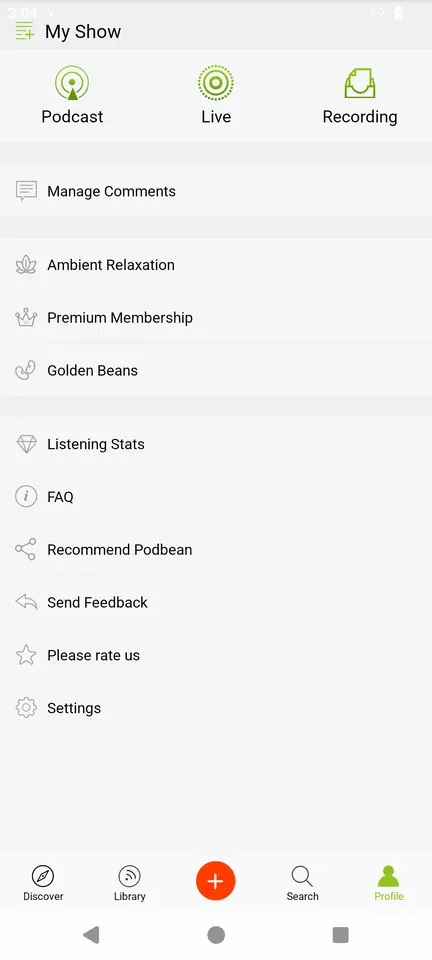
Podbean list item on Android — Manage Comments (highlighted)
Podbean · home & browsingManage Comments
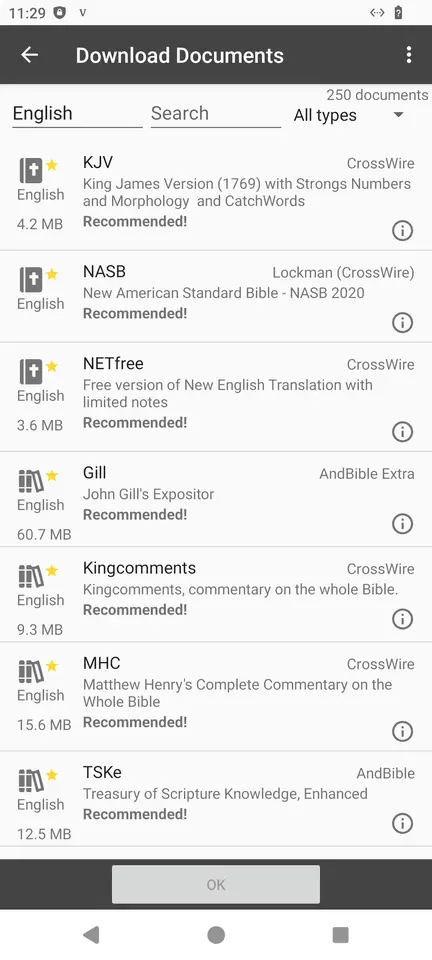
AndBible list item on Android — KJV (highlighted)
AndBible · onboardingKJV
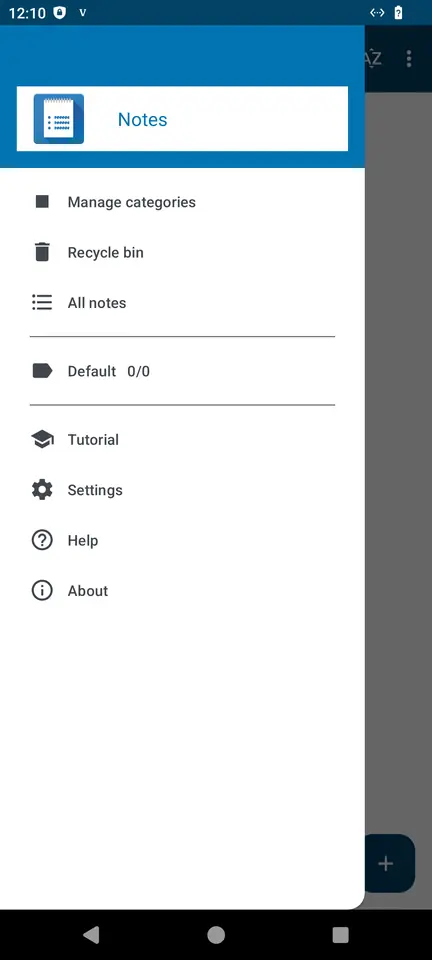
Privacy Friendly Notes list item on Android — Manage categories (highlighted)
Privacy Friendly NotesManage categories
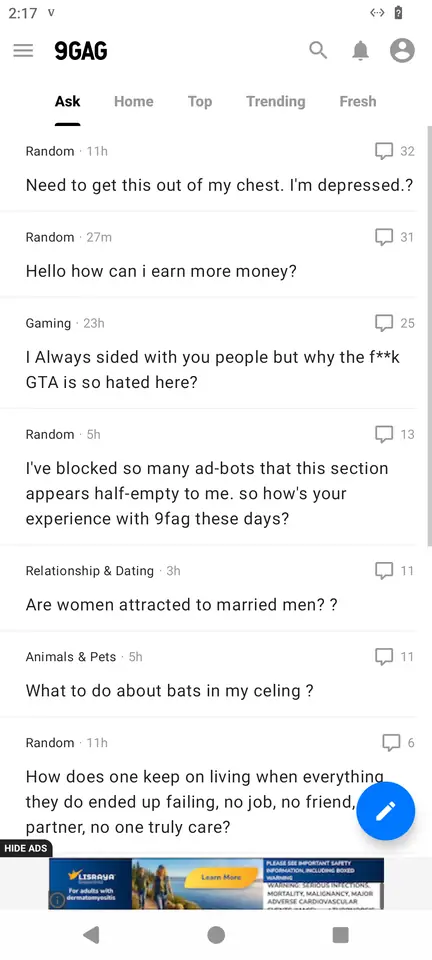
9GAG list item on Android — Random (highlighted)
9GAG · home & browsingRandom
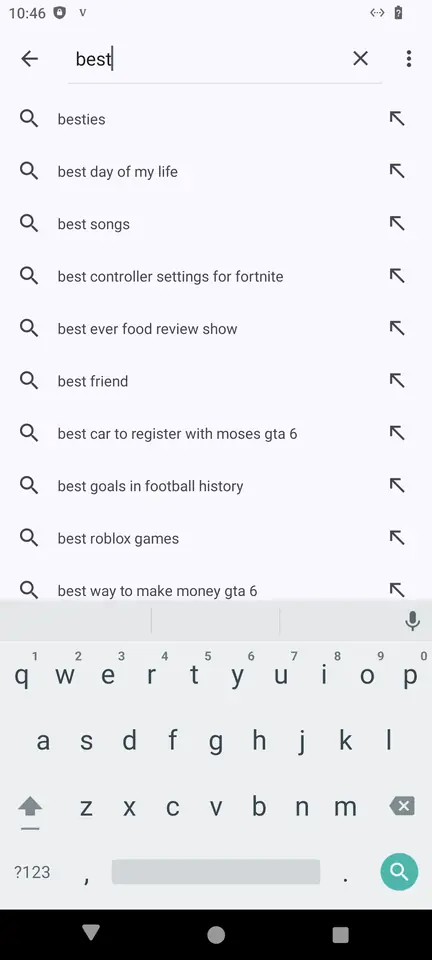
LibreTube list item on Android — besties (highlighted)
LibreTube · home & browsingbesties
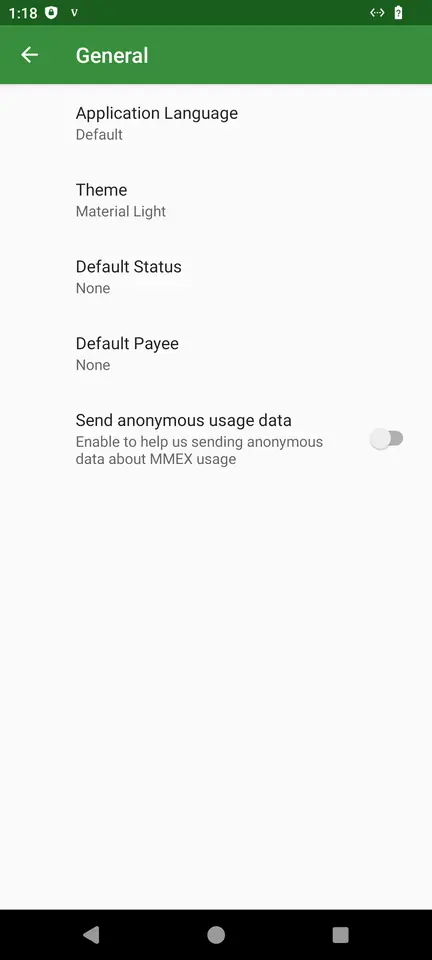
Money Manager Ex list item on Android — Application Language (highlighted)
Money Manager Ex · onboardingApplication Language
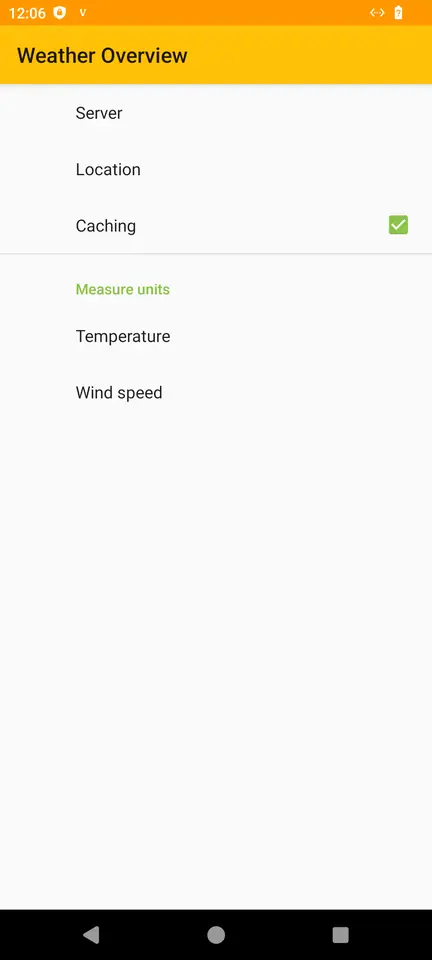
Weather Overview list item on Android — Server (highlighted)
Weather Overview · onboardingServer
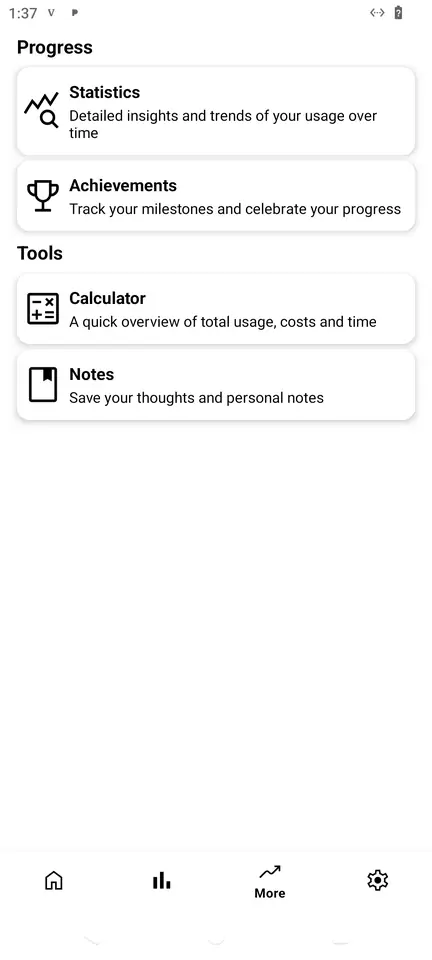
Smoking Tracker list item on Android — Statistics (highlighted)
Smoking Tracker · home & browsingStatistics

On Android

A row layout inside a RecyclerView (or the older ListView) in Views; ListItem inside a LazyColumn in Compose.

Best practices

  • Make the whole row tappable, not only its text or trailing icon.
  • Keep rows a consistent height (Material: 56 dp one-line, 72 dp two-line) so a list scans evenly.
  • Put the main label first and secondary detail on a lighter second line.
  • Use the trailing slot for one thing: a chevron (opens a screen), a switch (acts now) or a value.

Where it shows up

Onboarding57
Home & browsing44
Settings26
Consent4

Screens showing the component, by flow step type.

By app category

Streaming & entertainment9
Productivity & tools8
Health & fitness6
Education4
Shopping & e-commerce4
Books & reading3

Apps showing the component, by category · 42 of 256 apps in the library.

FAQ

What is a list item?

A list item is one row in a vertical list — a setting, a language, a vendor, a match — usually with a title, an optional supporting line, a leading icon or flag and a trailing control such as a chevron, switch or checkbox. The whole row is the tap target.

What is a list item called on Android?

A row layout inside a RecyclerView (or the older ListView) in Views; ListItem inside a LazyColumn in Compose. It is also known as list row, list tile and table row.

Which Android apps use a list item?

In the UI Lane library, 42 of 256 Android apps show a list item on the screens we captured, including Simple, BuzzFeed, Duolingo, Headway, Todoist and FotMob.

How do I design a good list item?

Make the whole row tappable, not only its text or trailing icon. Keep rows a consistent height (Material: 56 dp one-line, 72 dp two-line) so a list scans evenly. Put the main label first and secondary detail on a lighter second line.

Detected in the view hierarchy of screens captured on real Android devices · last updated 2026-11-14