Text field: definition and 102 real Android examples
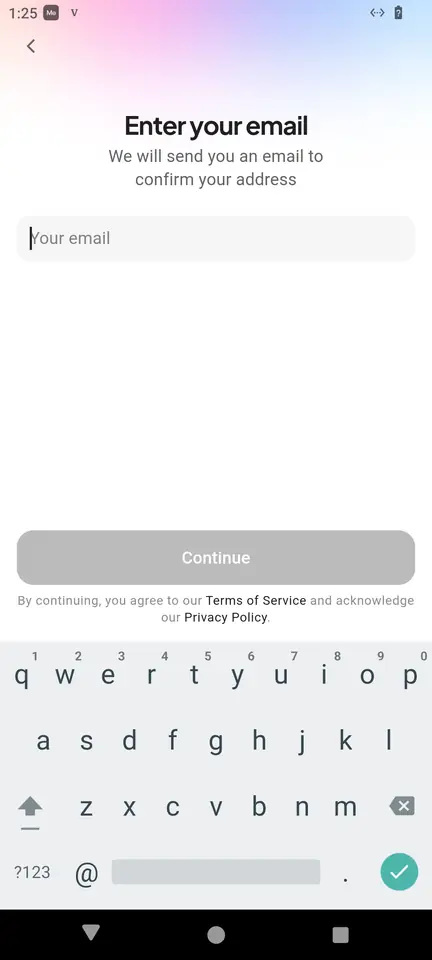
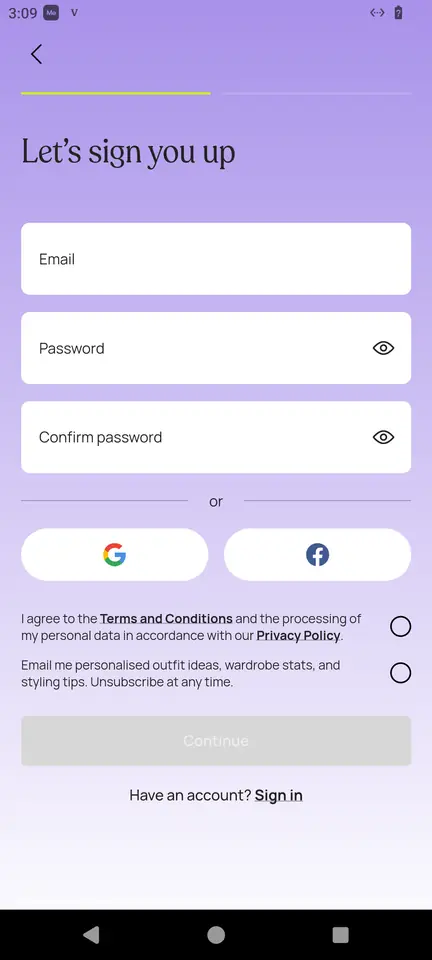
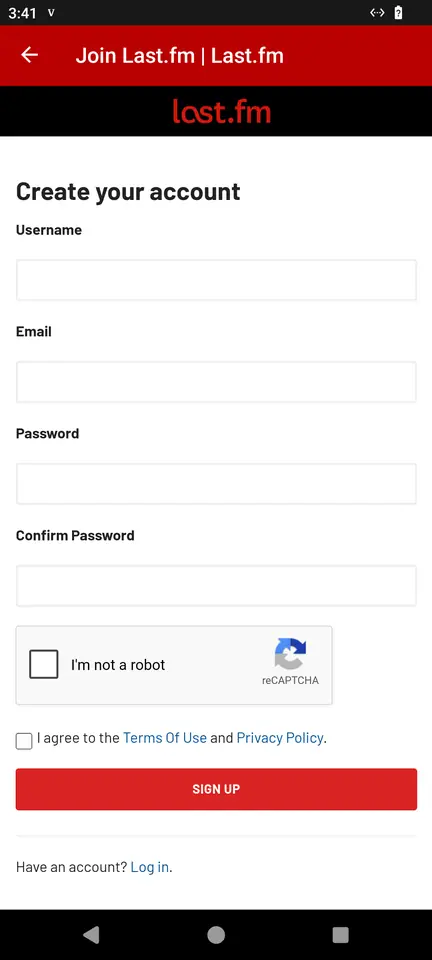
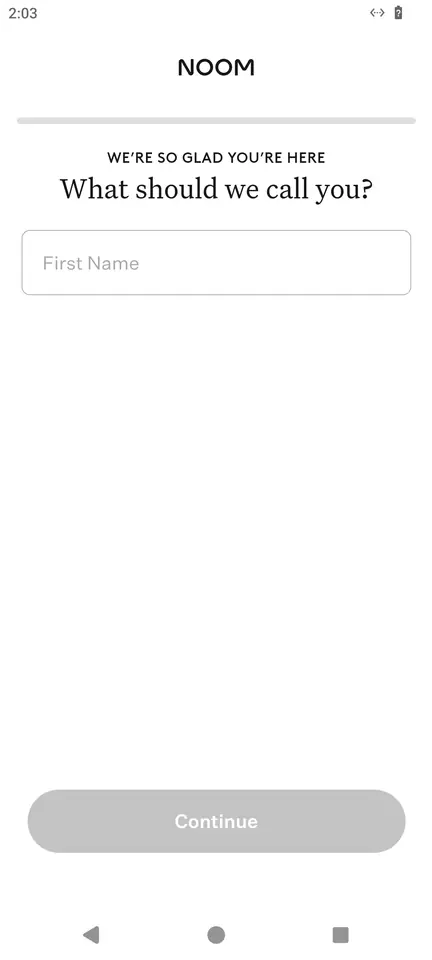
A text field lets users type information — an email address, a name, a code. It is a box or underline with a label that says what to enter and, after input, a place for validation messages.
Also called: text input, input field, form field
Text field examples, highlighted on 102 Android apps
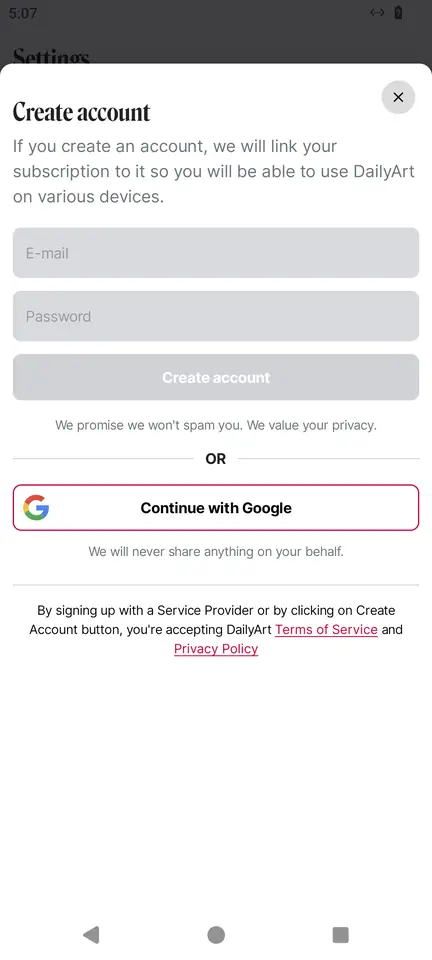
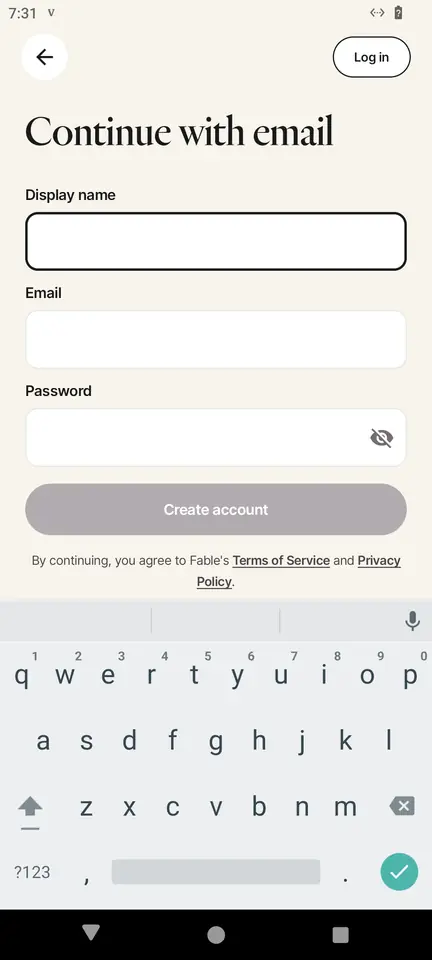
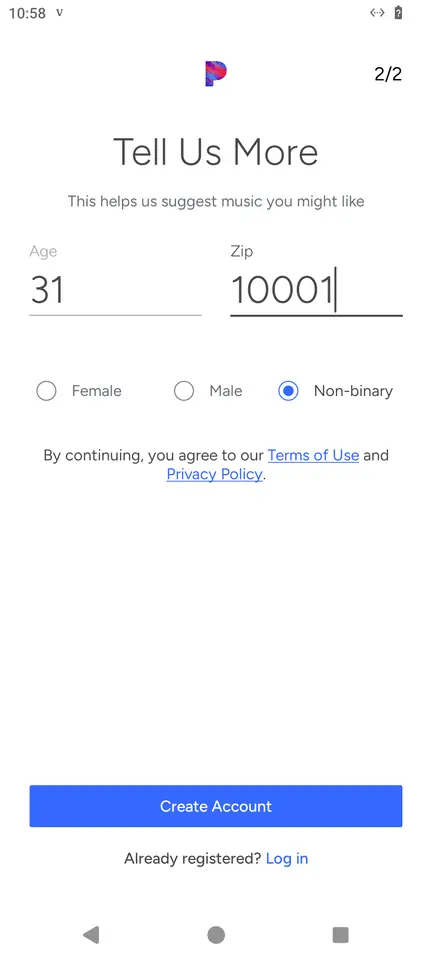
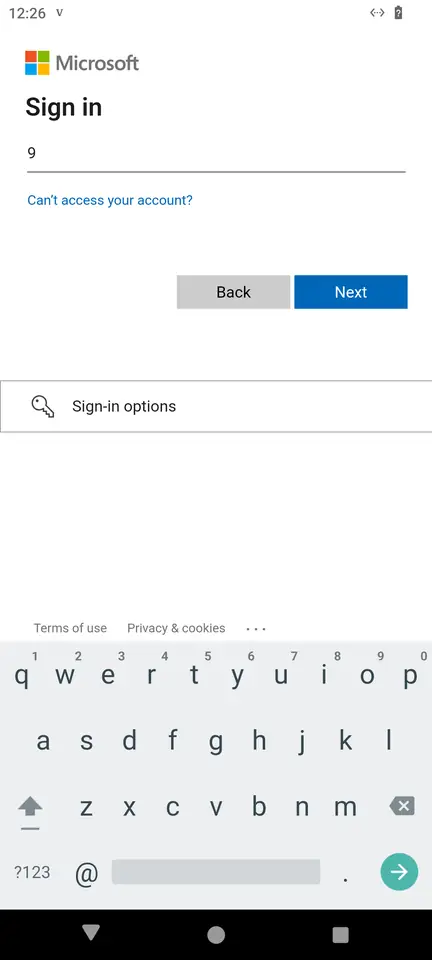
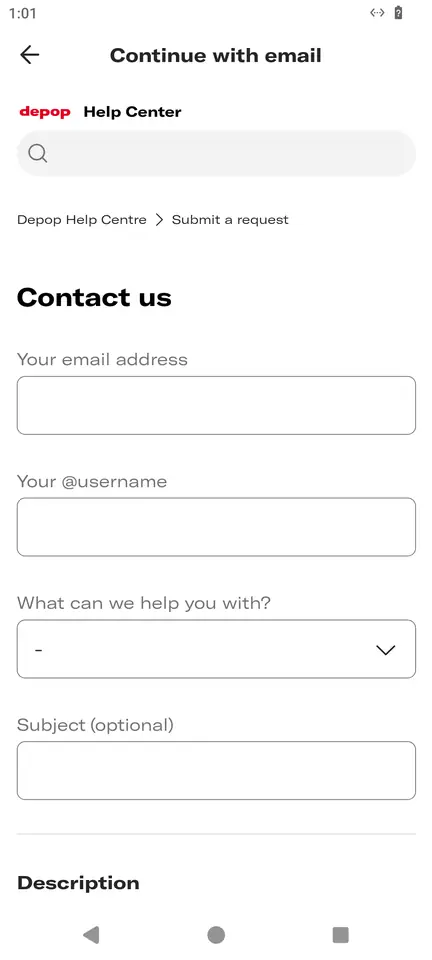
The orange outline marks the text field on each real screen, located from the app's own Android view hierarchy.

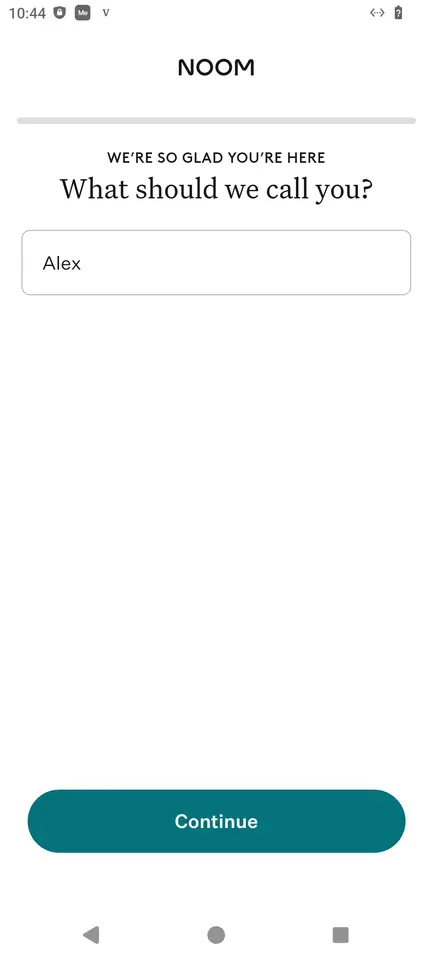
Alex
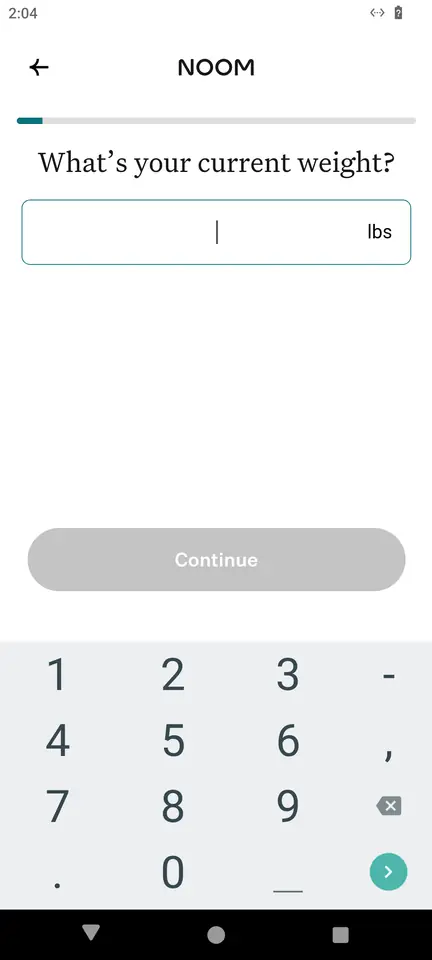
pounds

Gym Name, Address, Zip
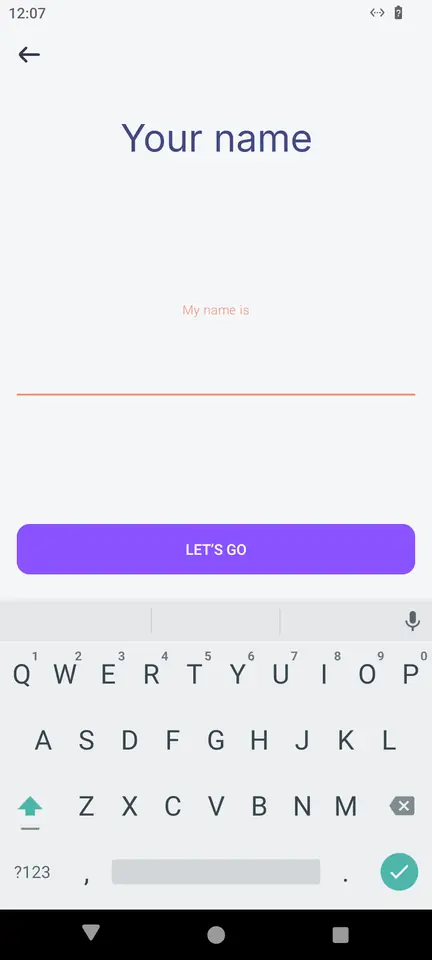
My name is

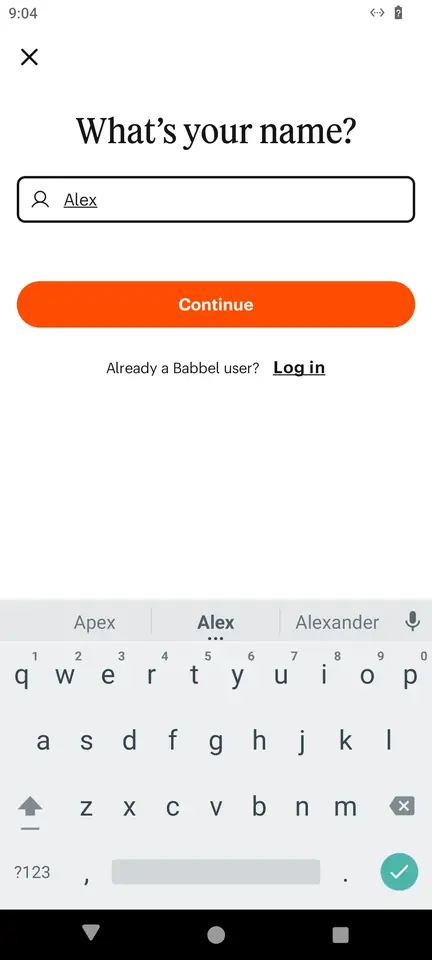
Alex
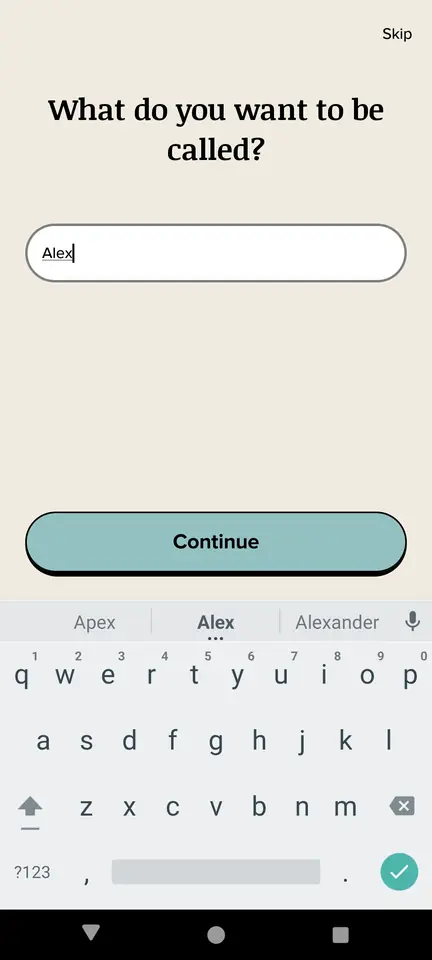
Alex

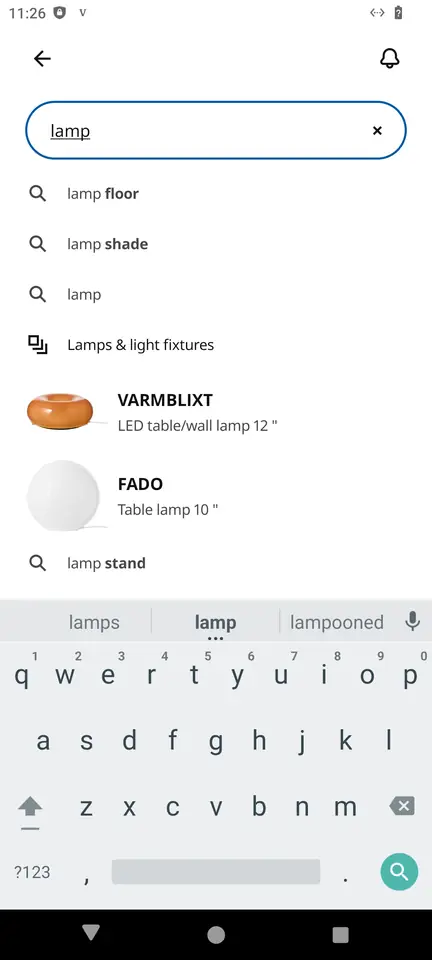
lamp

Morganhayes1829
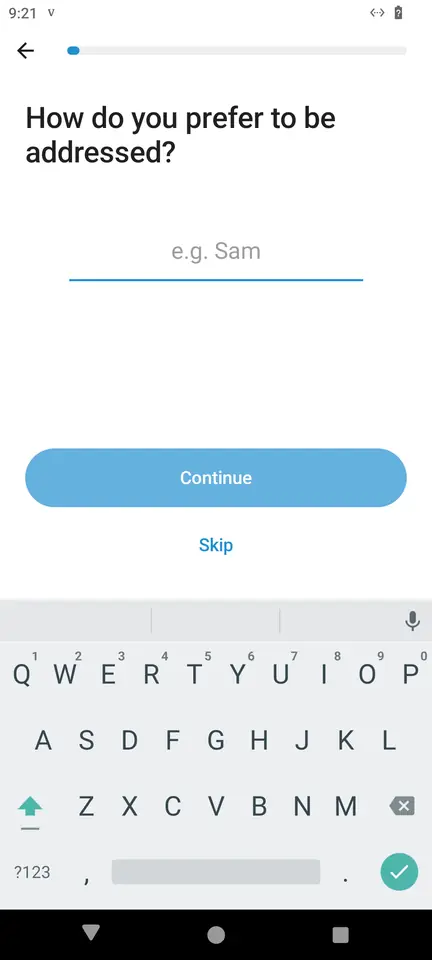
e.g. Sam

alexcarter4484

alexcarter14181

Name
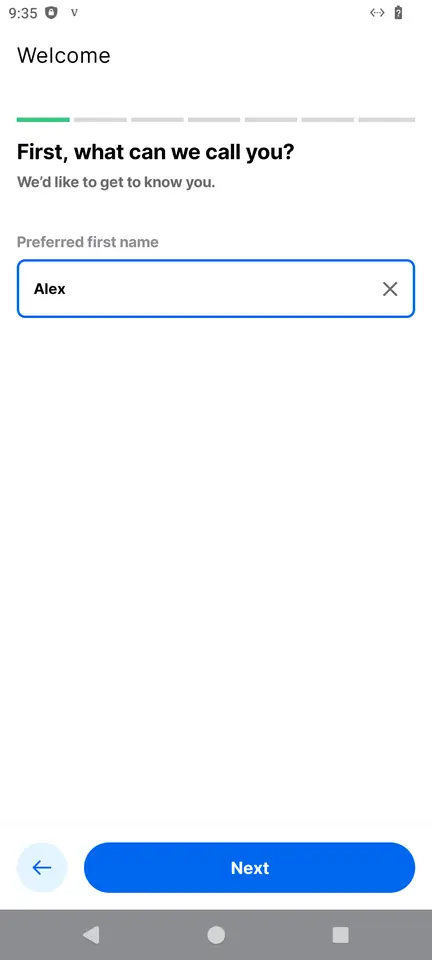
Alex
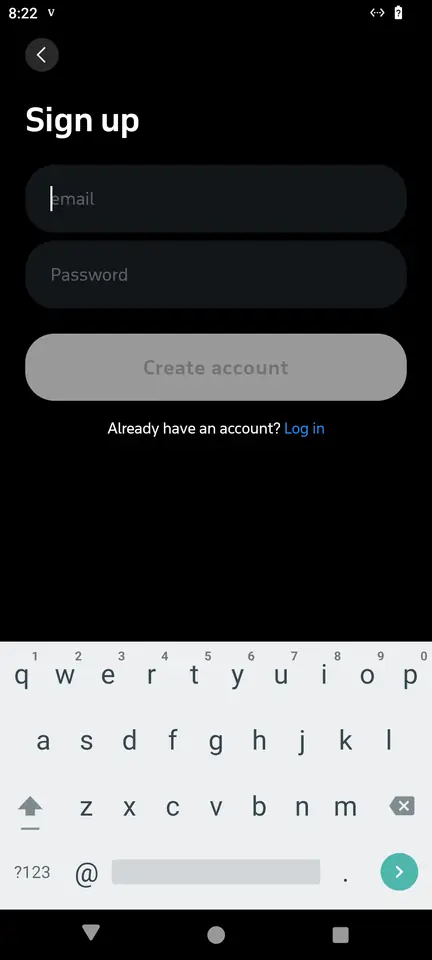

Draft from test
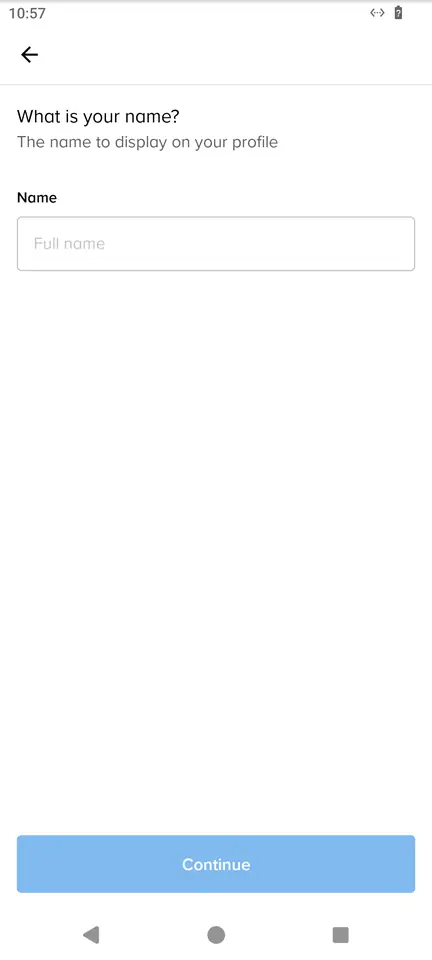
Full name
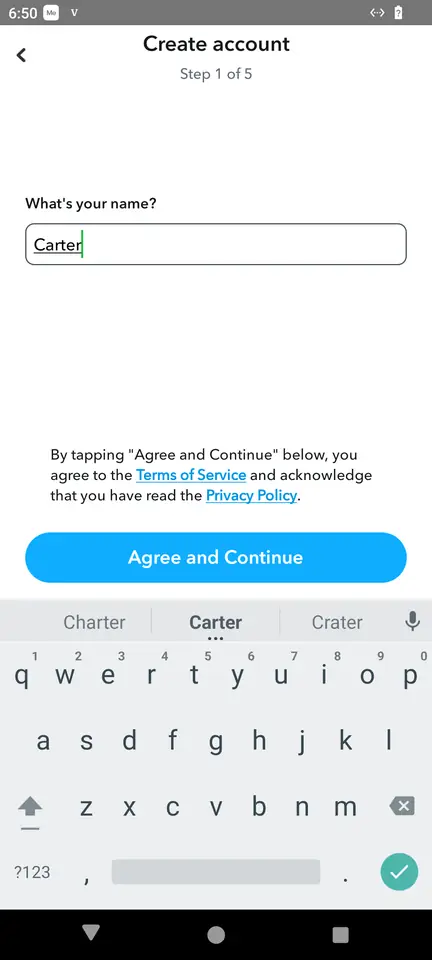
Carter


alexquinn6204

Continue with email

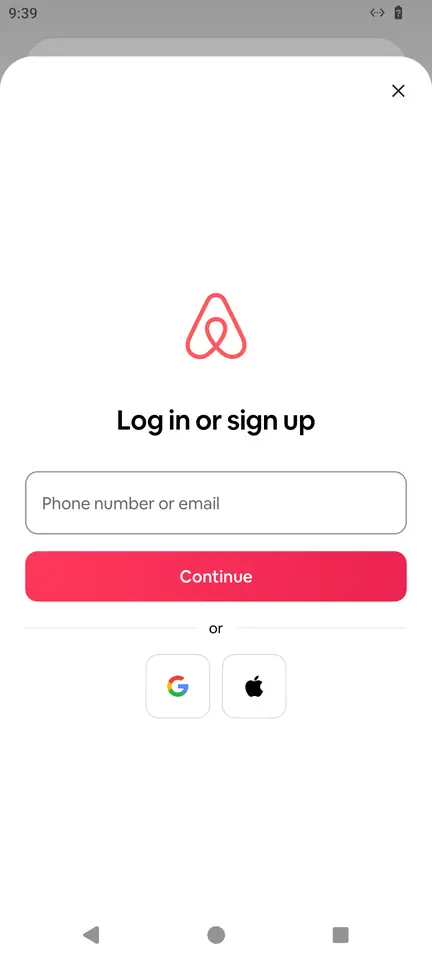
Phone number or email

Alex
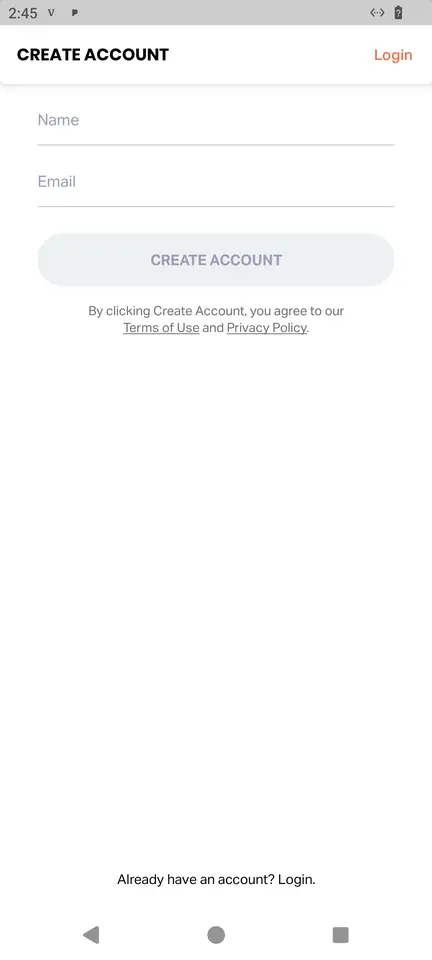
Name
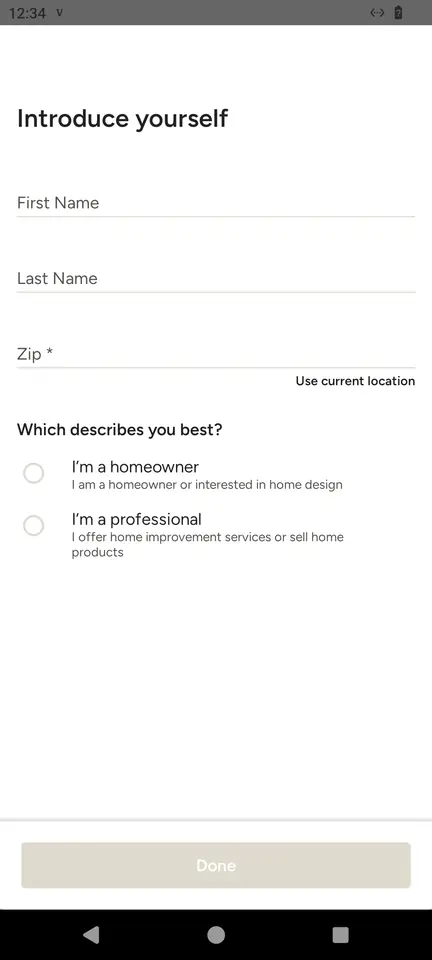
FirstName

E-mail, required

Euploading
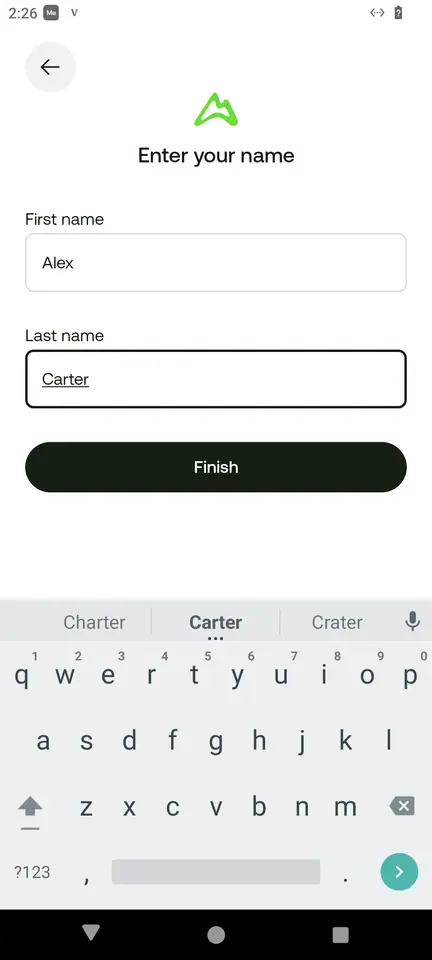
Alex
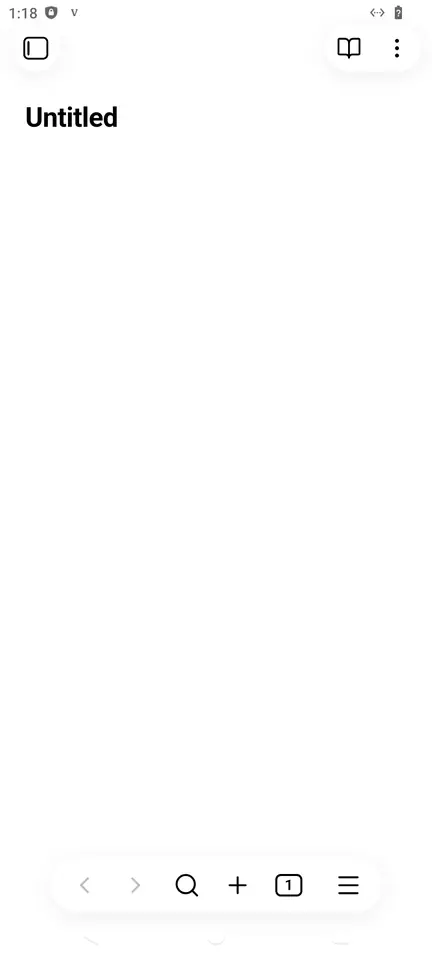
Untitled

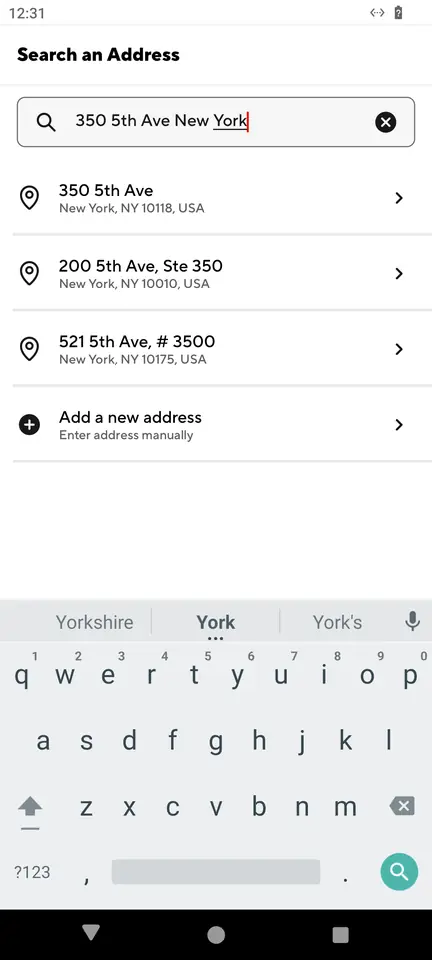
350 5th Ave New York
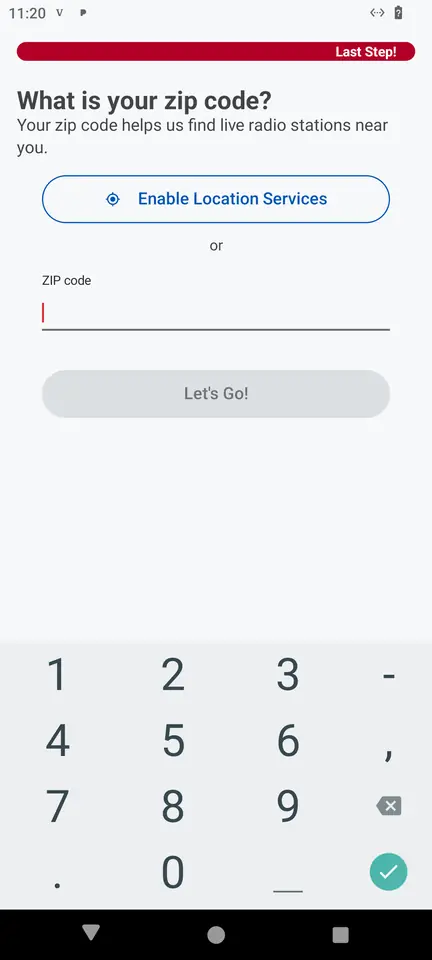
ZIP code

Please enter your email address

Enter your email

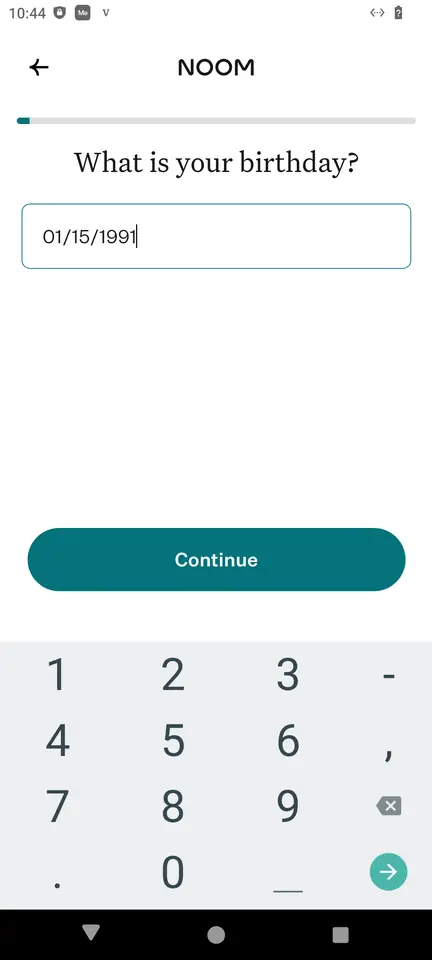
MM/DD/YYYY
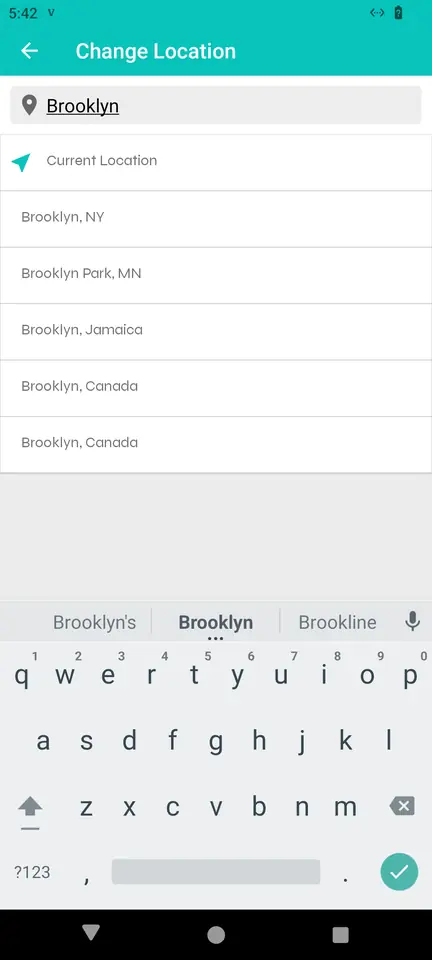
Brooklyn

mighty ducks cast
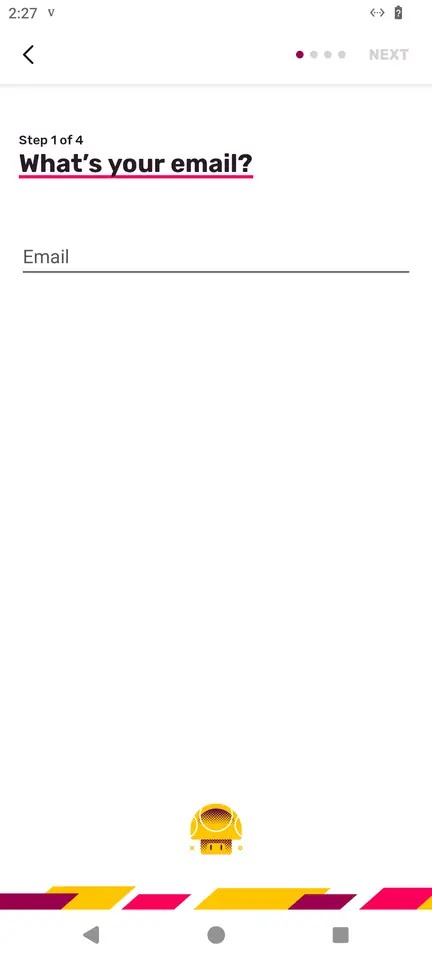

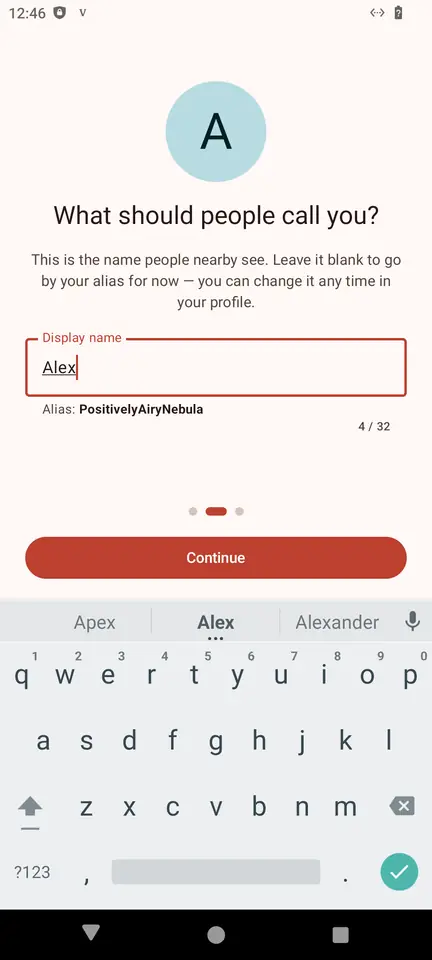
Alex
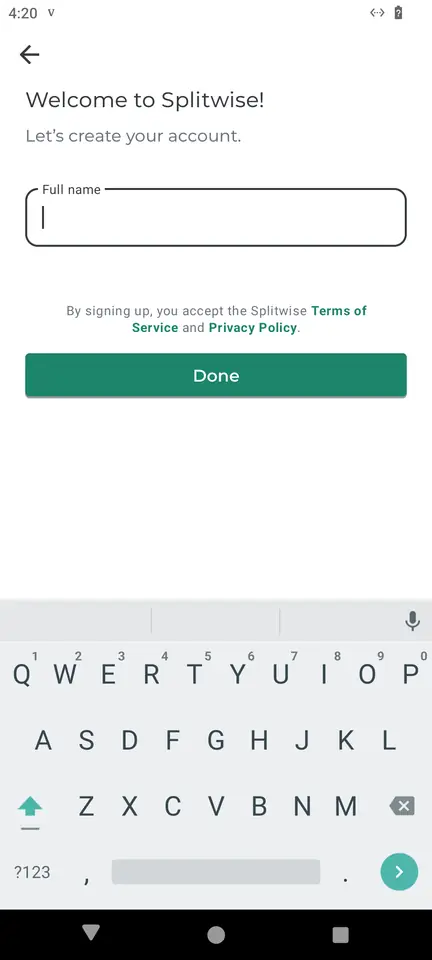
Full name

*Appointment location preference
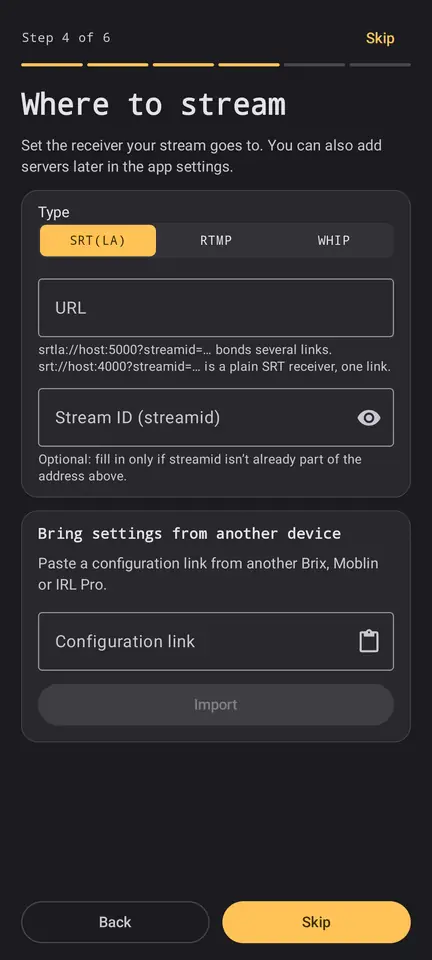
URL

Enter your email

Morning Pages
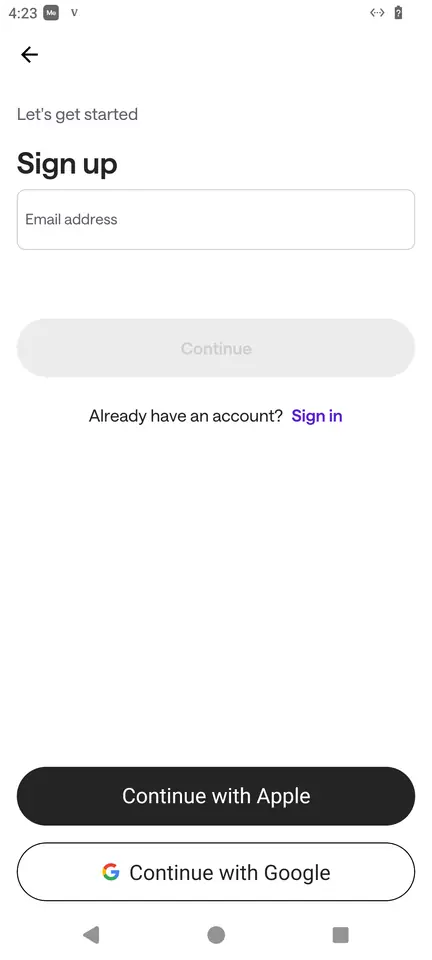
Email address
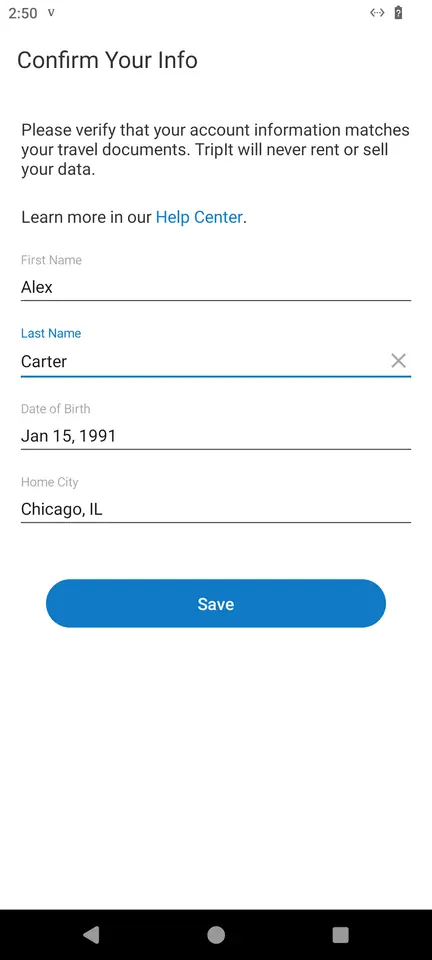
First Name
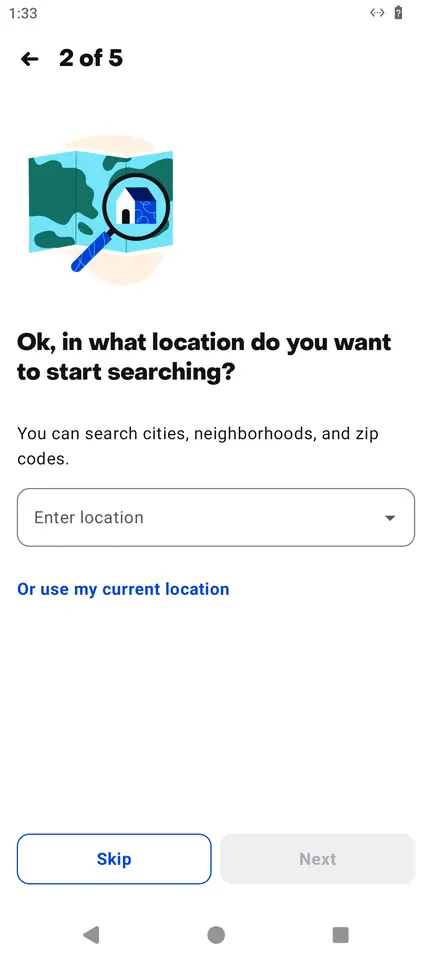
Enter location

Full Name (Required)

First name*, , Alex
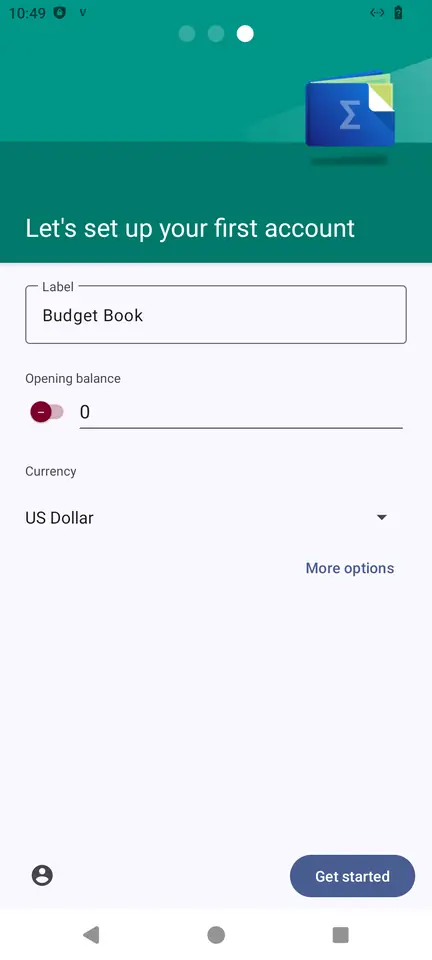
Budget Book

username or email

Email address

URL
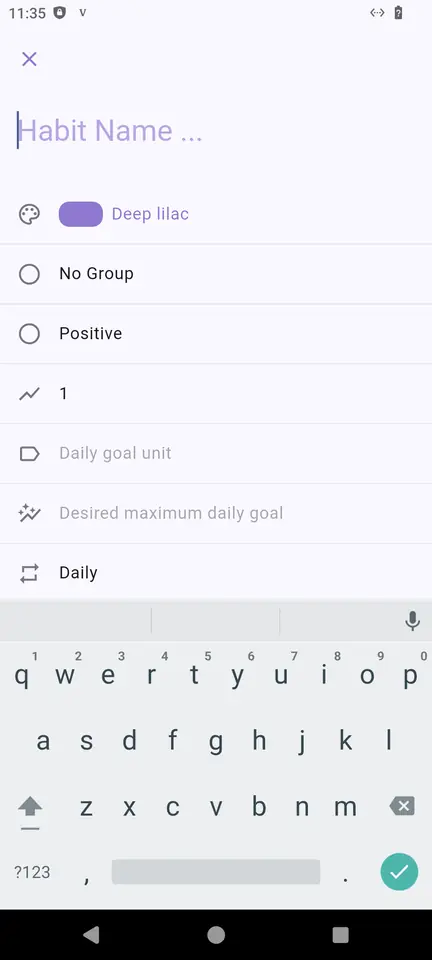
Close
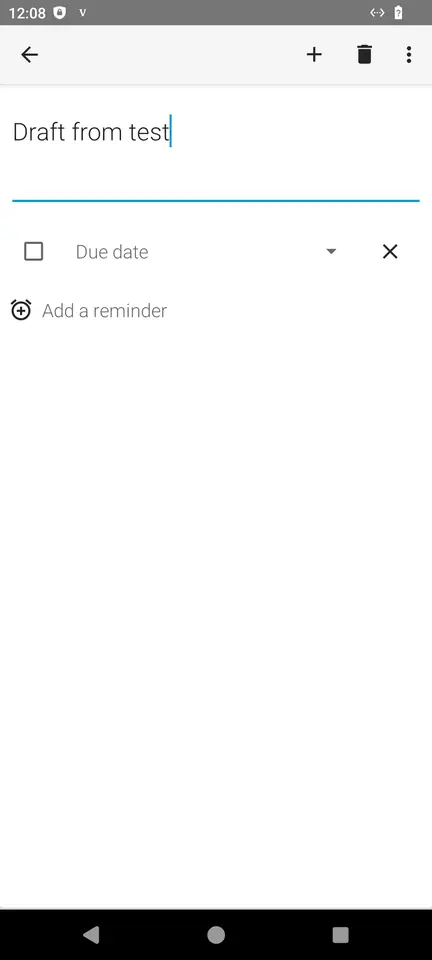
Draft from test
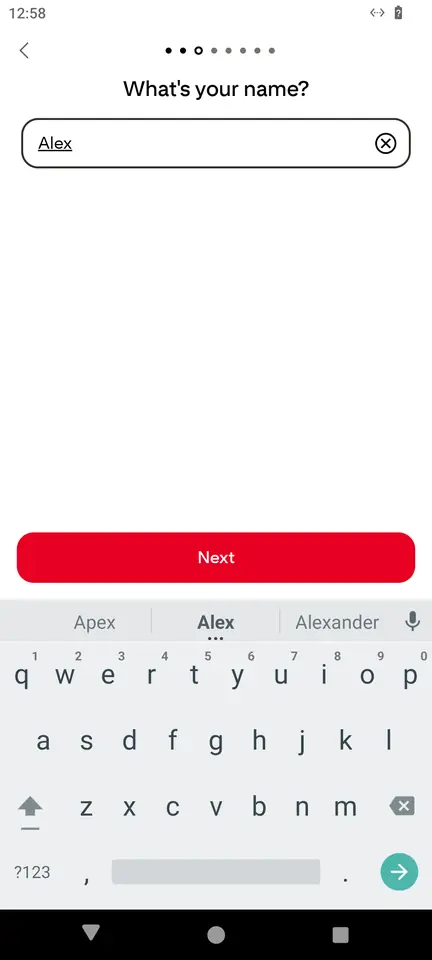
Alex
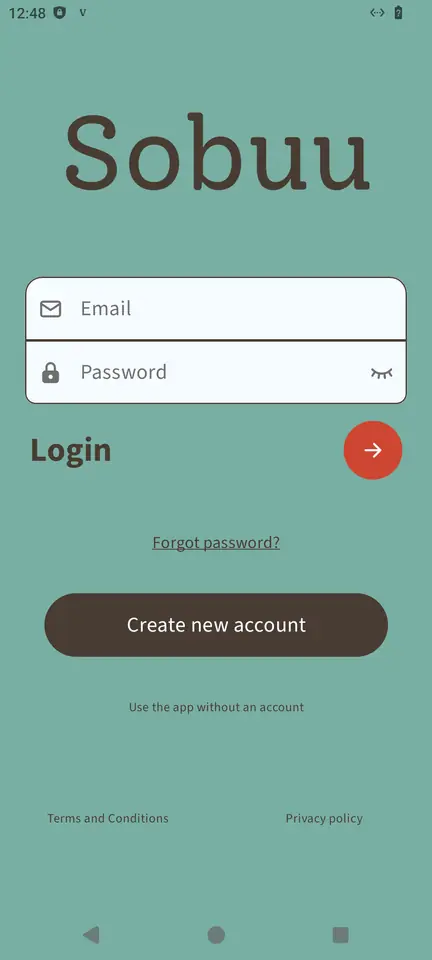

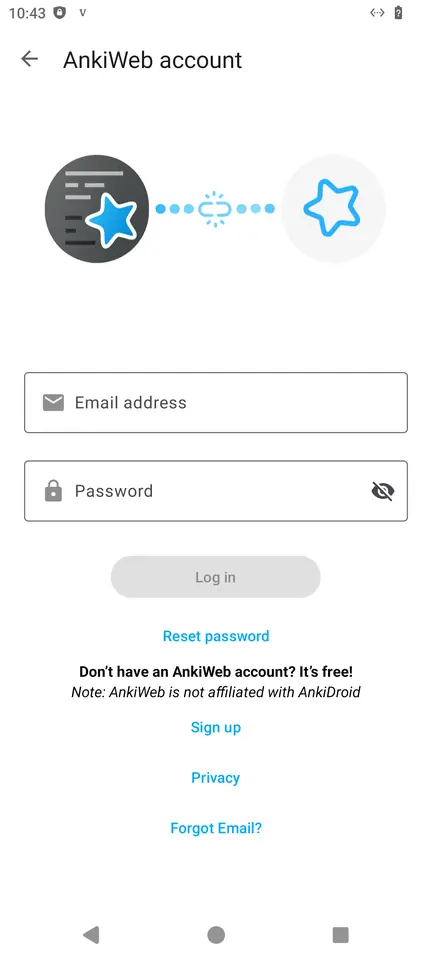
Email address
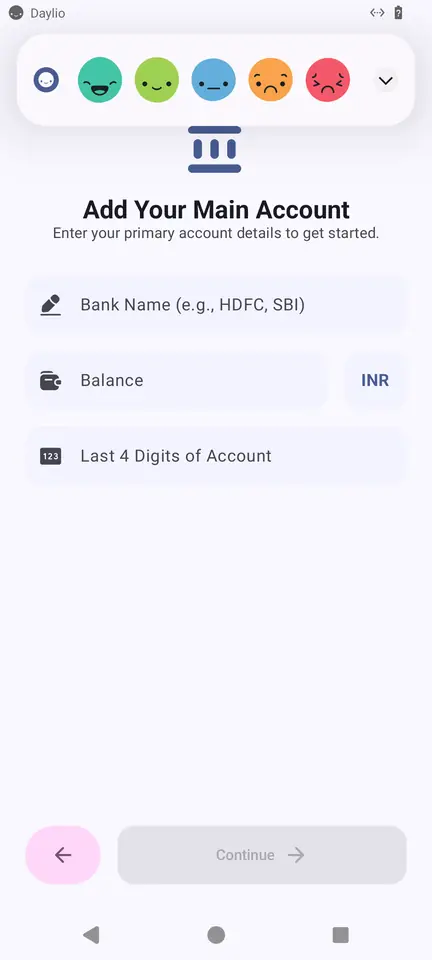
Bank Name (e.g., HDFC, SBI)

Ask ChatGPT

Weight*
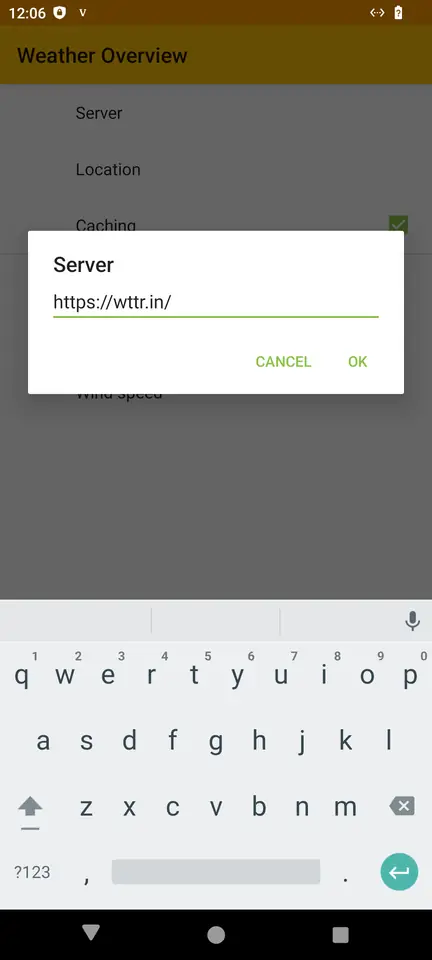
https://wttr.in/
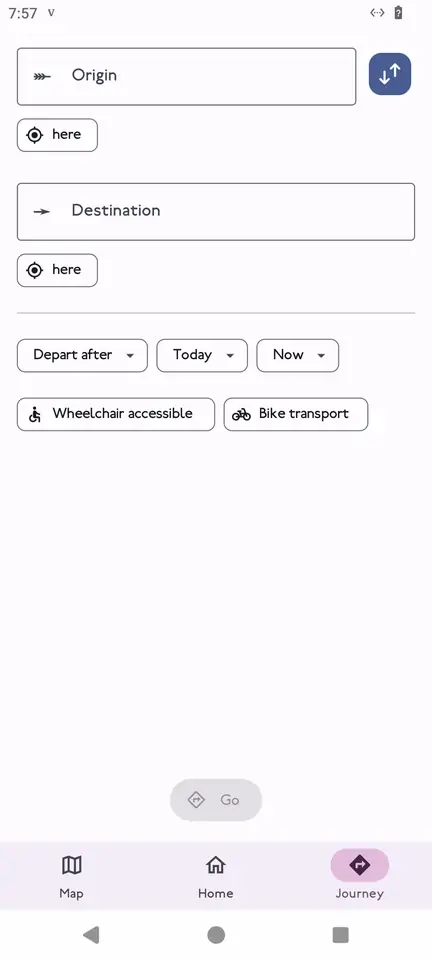
Origin
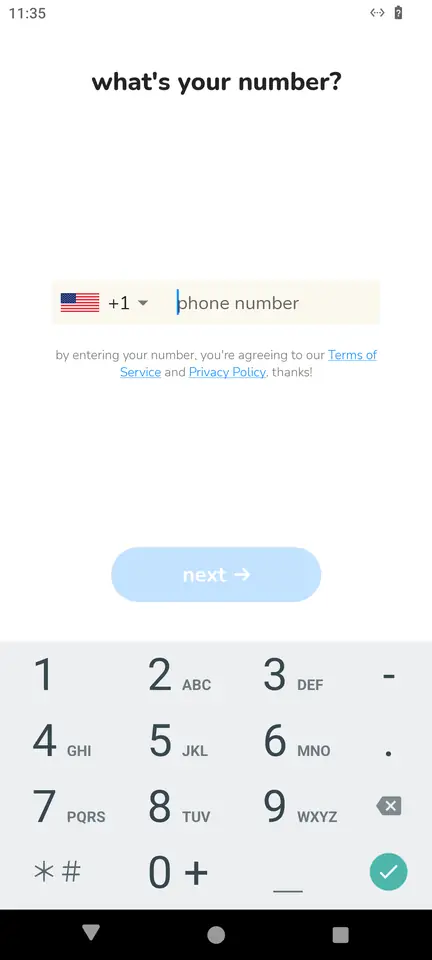
phone number

Enter your Disney Account email to log in.
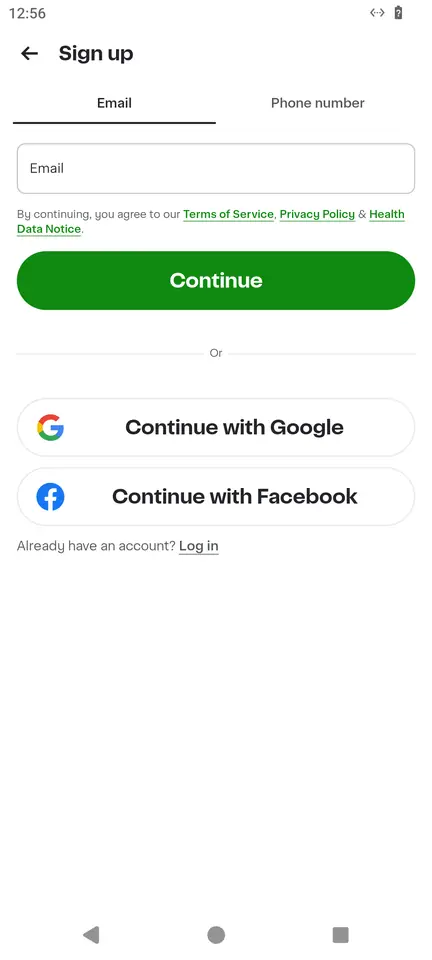

Date of birth

Insert text here
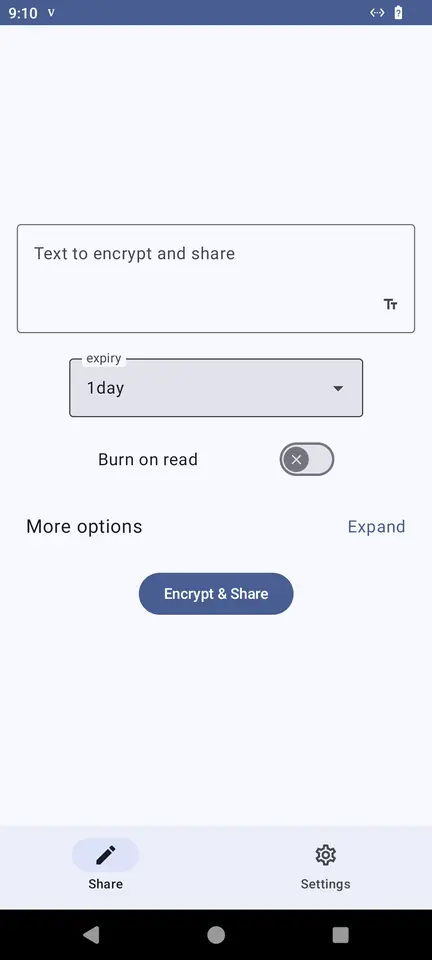
Text to encrypt and share

Email or username

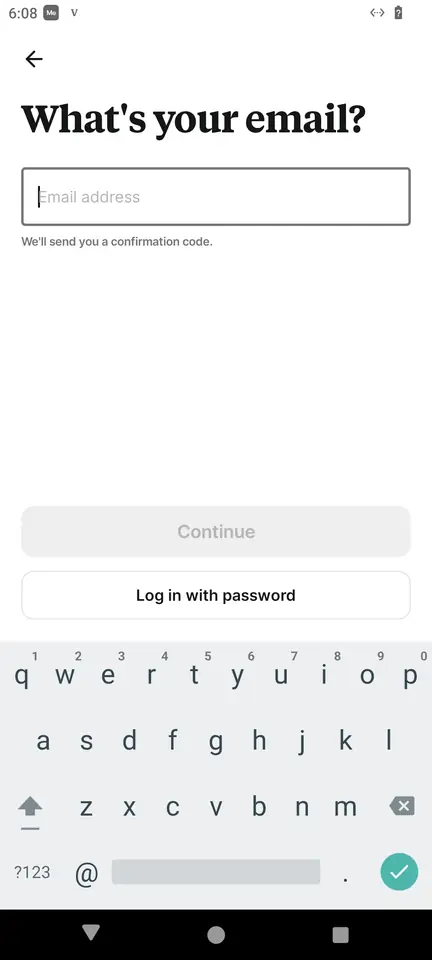
Email address
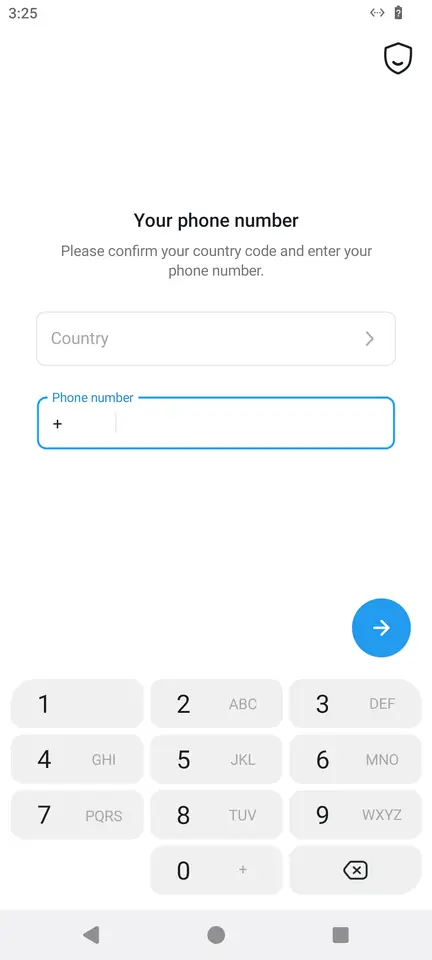
Country code

Phone or email

Mobile number


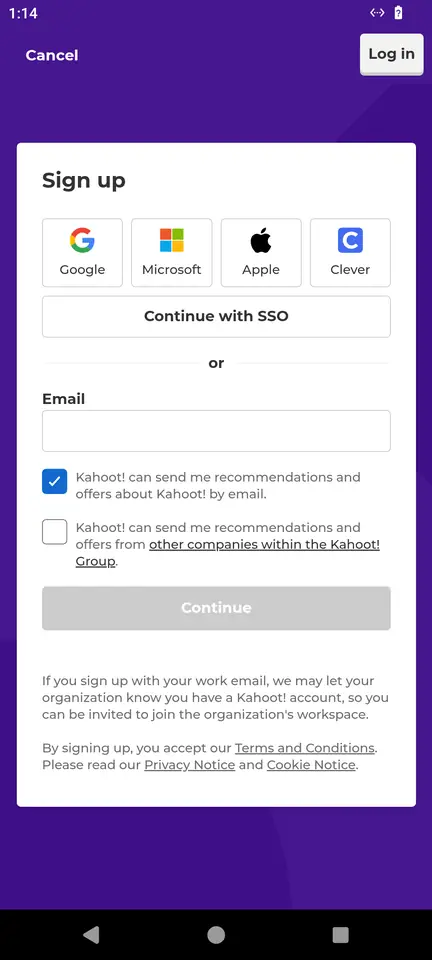


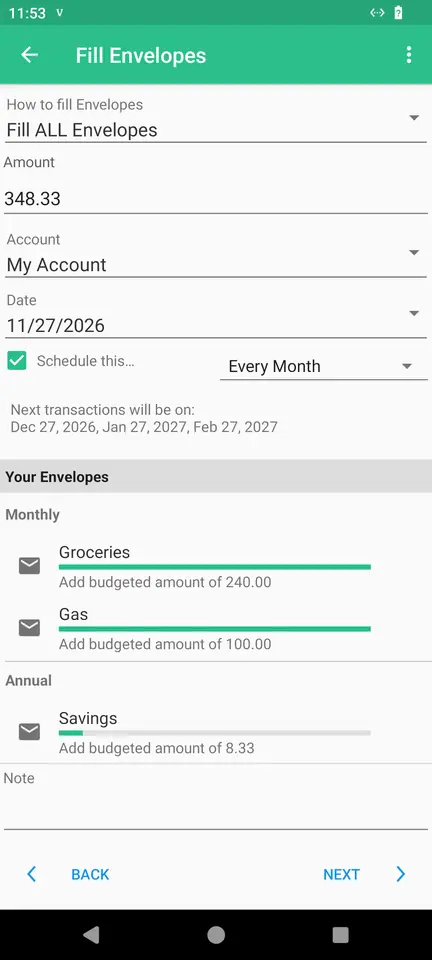
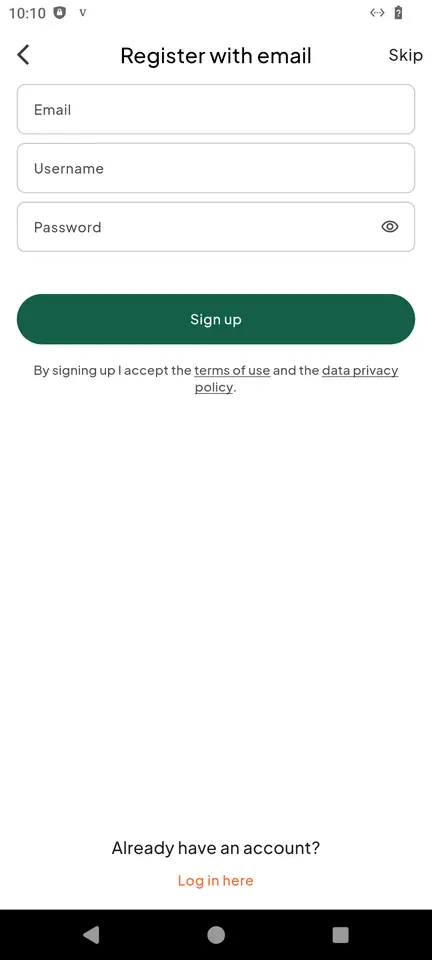

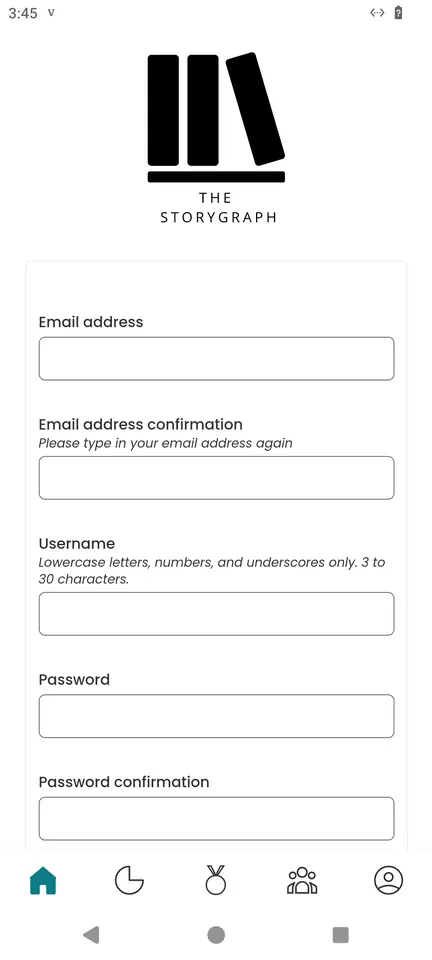
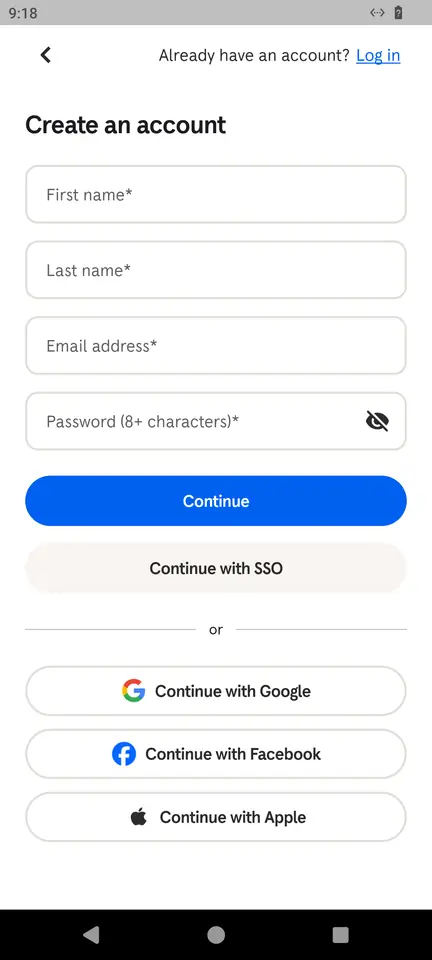
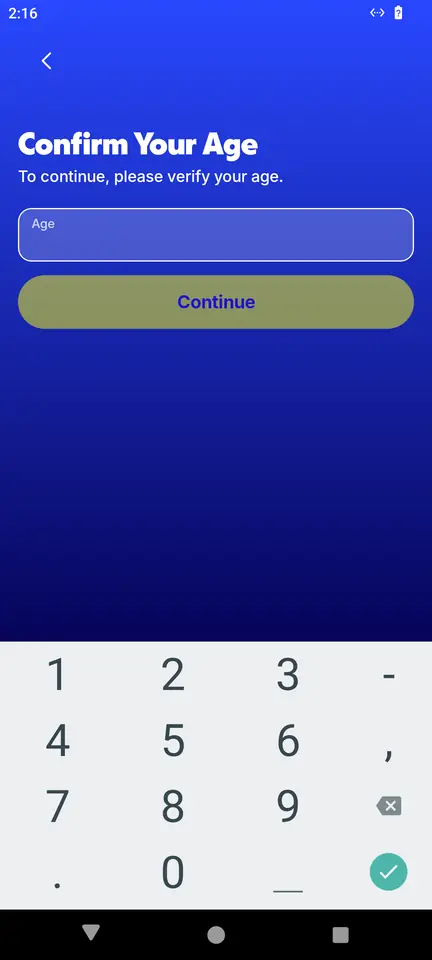

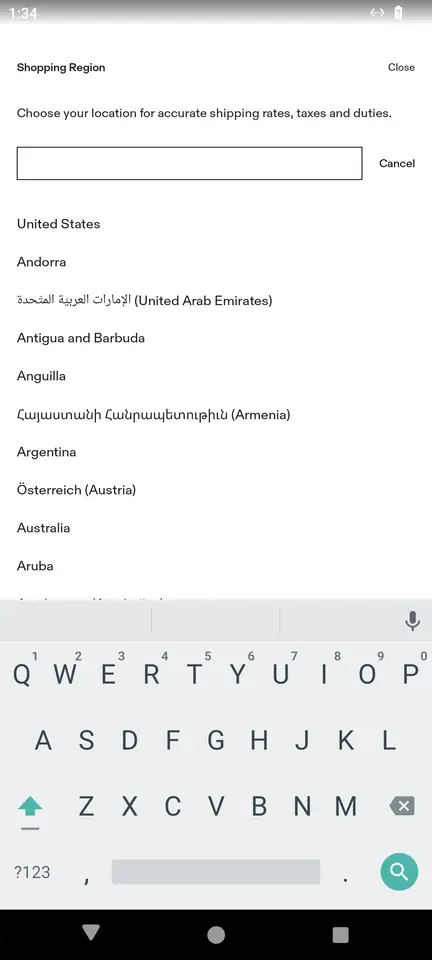
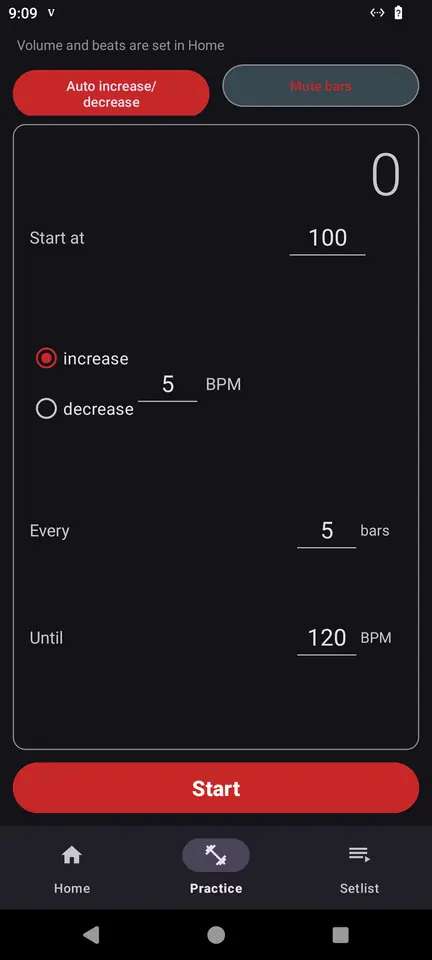

On Android
EditText inside a TextInputLayout (Material) in Views; TextField / OutlinedTextField in Compose.
Best practices
- Keep a visible label; placeholder text alone disappears as soon as users type.
- Set the right keyboard type (email, number, phone) for each field.
- Validate after the user leaves the field, and say how to fix the error.
- Ask for as few fields as you can — every extra one costs completions.
Where it shows up
Screens showing the component, by flow step type.
By app category
Apps showing the component, by category · 102 of 256 apps in the library.
Full flows with text fields




















FAQ
What is a text field?
A text field lets users type information — an email address, a name, a code. It is a box or underline with a label that says what to enter and, after input, a place for validation messages.
What is a text field called on Android?
EditText inside a TextInputLayout (Material) in Views; TextField / OutlinedTextField in Compose. It is also known as text input, input field and form field.
Which Android apps use a text field?
In the UI Lane library, 102 of 256 Android apps show a text field on the screens we captured, including Yazio, Noom, Fitbod, Simple, BetterMe and Babbel.
How do I design a good text field?
Keep a visible label; placeholder text alone disappears as soon as users type. Set the right keyboard type (email, number, phone) for each field. Validate after the user leaves the field, and say how to fix the error.
Detected in the view hierarchy of screens captured on real Android devices · last updated 2026-11-14