Home/Screens/Paywall screens
Screen type · Android

Paywall screen examples: 32 screens from 21 Android apps

A paywall screen asks the user to subscribe or buy before unlocking premium features or content. It usually lists the benefits, shows one or more plans with prices and trial terms, and has a single primary purchase button.

Android21 apps32 screens7 flowsfree & ungated

Want the numbers instead? See Android paywall UI: components & patterns.

Flo paywall screens

3 screens · Health & fitness
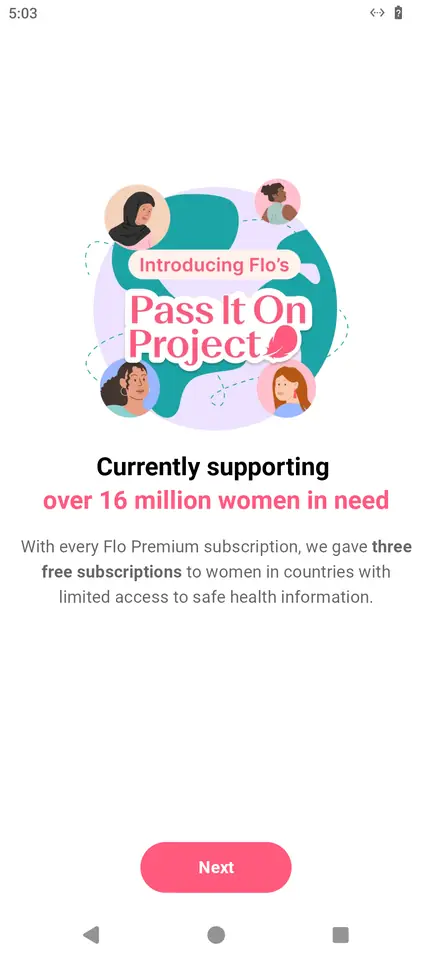
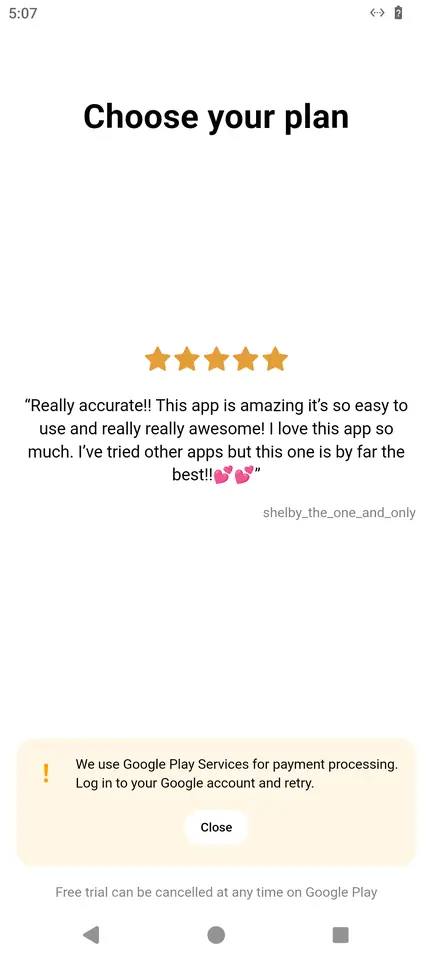
Flo Android screen 53 — paywall: Currently supporting over 16 million women in need
Currently supporting over 16 million…
Flo Android screen 104 — paywall: Promo Screen
Promo Screen
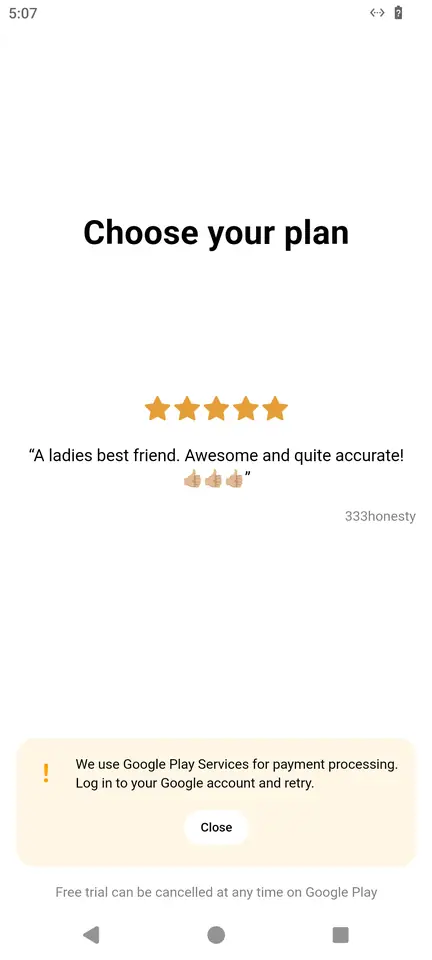
Flo Android screen 105 — paywall: Promo Screen
Promo Screen

MyNetDiary paywall screens

3 screens · Health & fitness
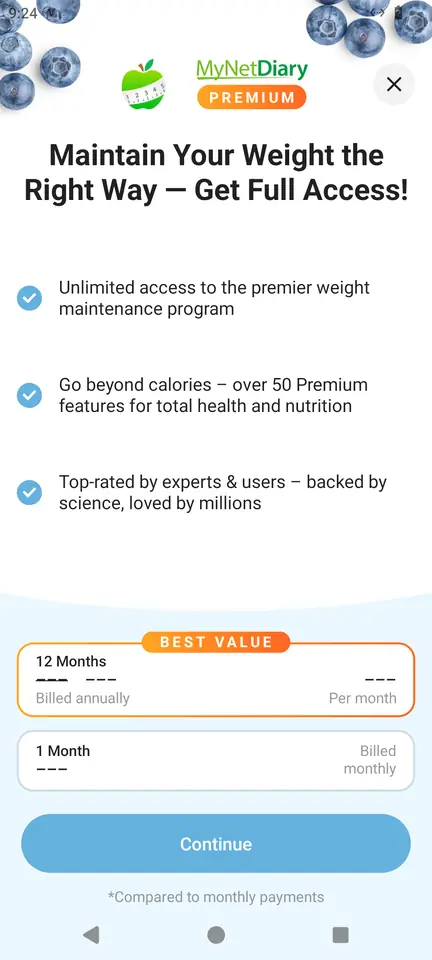
MyNetDiary Android screen 26 — paywall: PREMIUM
PREMIUM
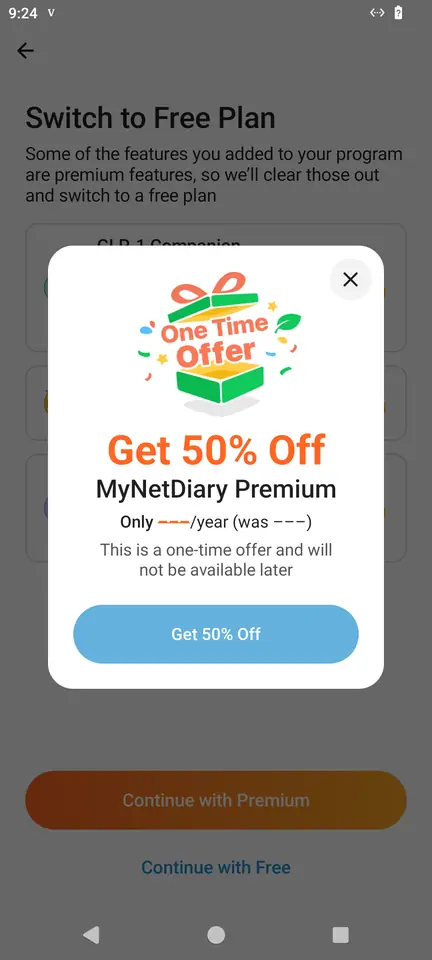
MyNetDiary Android screen 27 — paywall: Close Button
Close Button
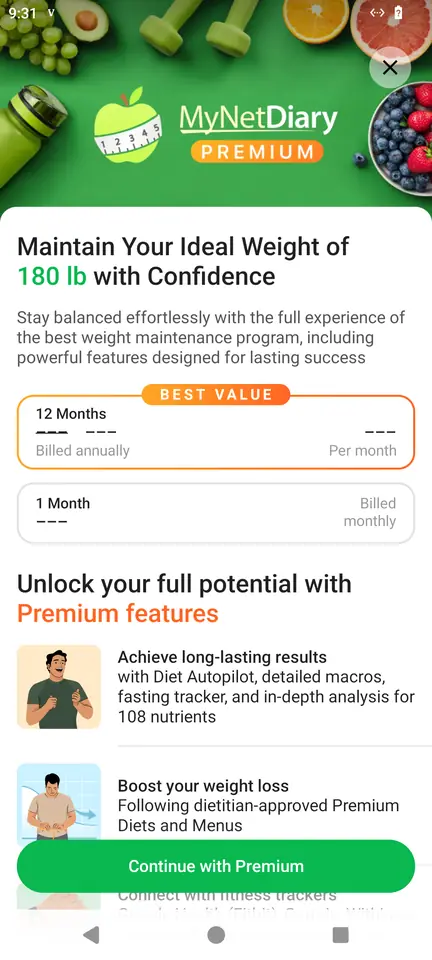
MyNetDiary Android screen 28 — paywall: Maintain Your Ideal Weight of 180 lb with Confidence
Maintain Your Ideal Weight of 180 lb…

Audible paywall screens

2 screens · Books & reading
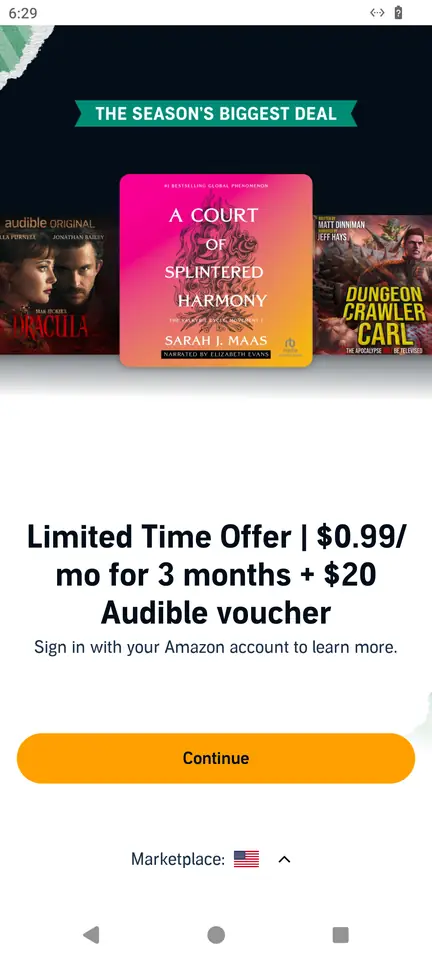
Audible Android screen 1 — paywall: Limited Time Offer | $0.99/mo for 3 months + $20 Audible…
Limited Time Offer | $0.99/mo for 3…
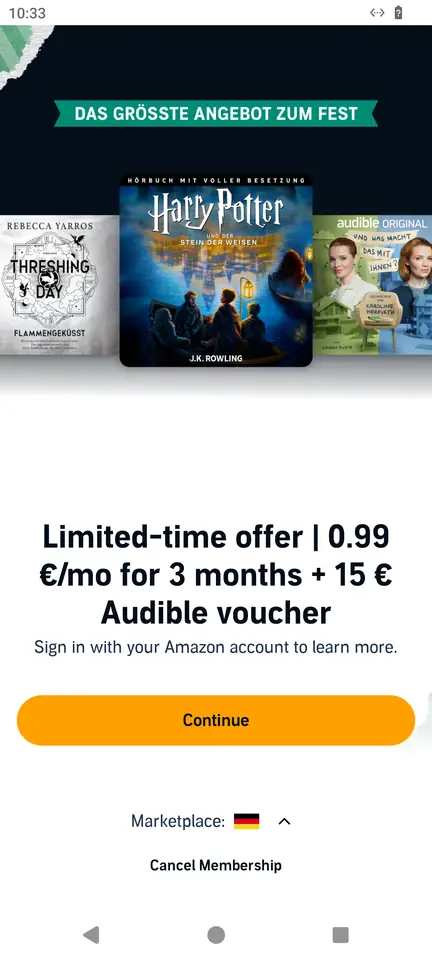
Audible Android screen 3 — paywall: Limited-time offer | 0.99 €/mo for 3 months + 15 € Audible…
Limited-time offer | 0.99 €/mo for 3…

BetterMe paywall screens

2 screens · Health & fitness
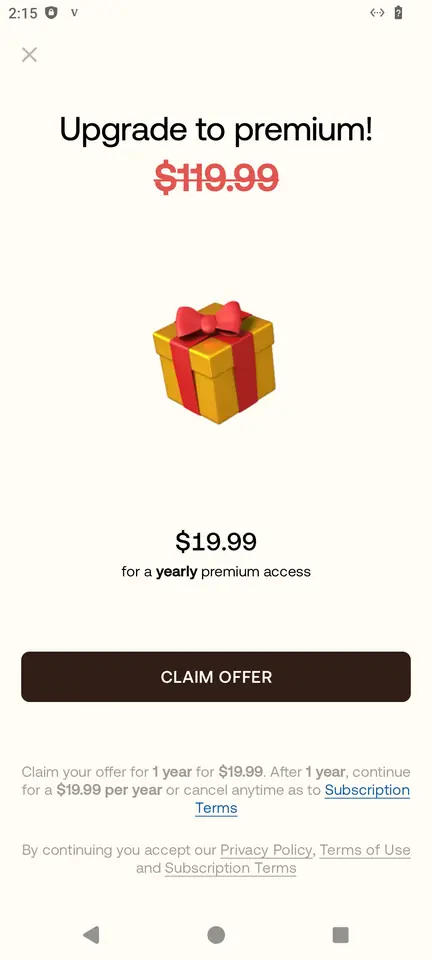
BetterMe Android screen 16 — paywall: Upgrade to premium!
Upgrade to premium!
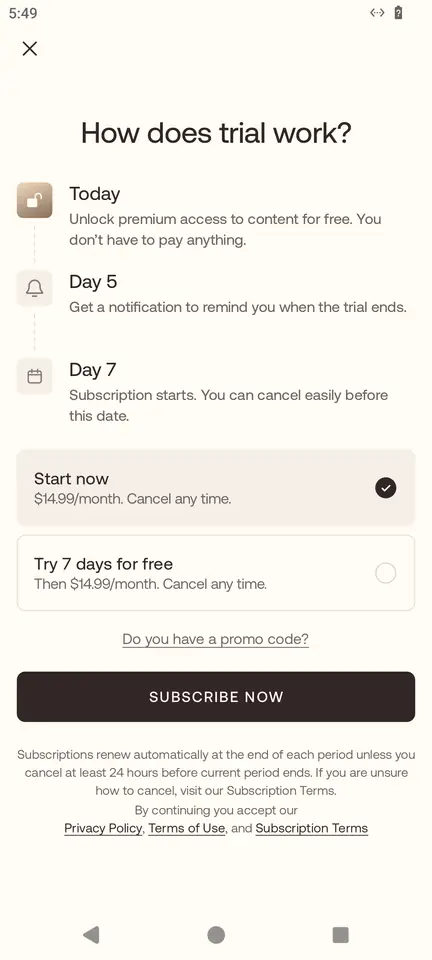
BetterMe Android screen 53 — paywall: How does trial work?
How does trial work?

Fitbod paywall screens

2 screens · Health & fitness
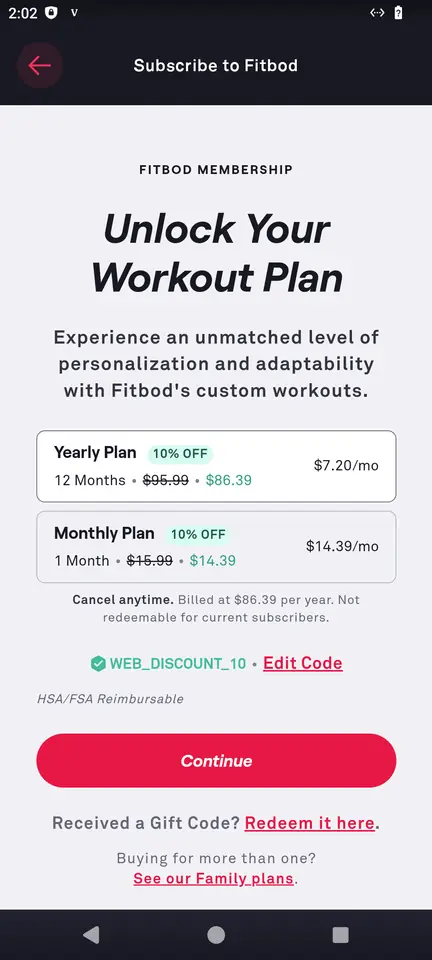
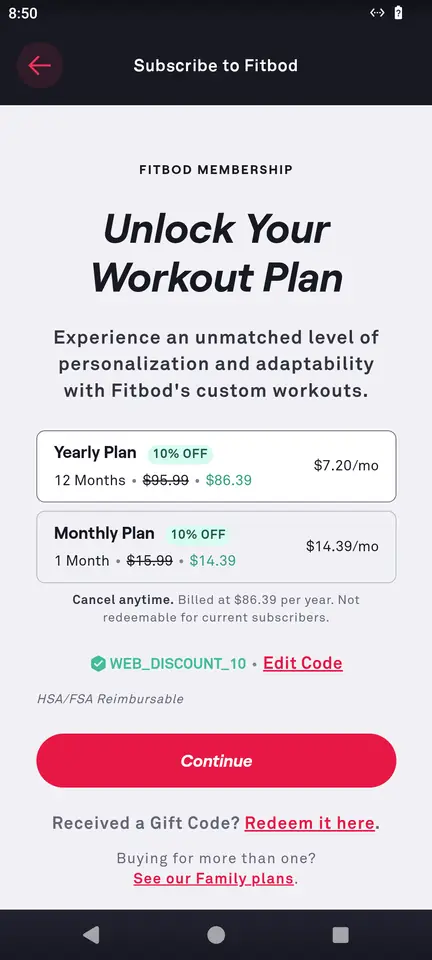
Fitbod Android screen 22 — paywall: Subscribe to Fitbod
Subscribe to Fitbod
Fitbod Android screen 39 — paywall: Subscribe to Fitbod
Subscribe to Fitbod

NFL paywall screens

2 screens · Sports
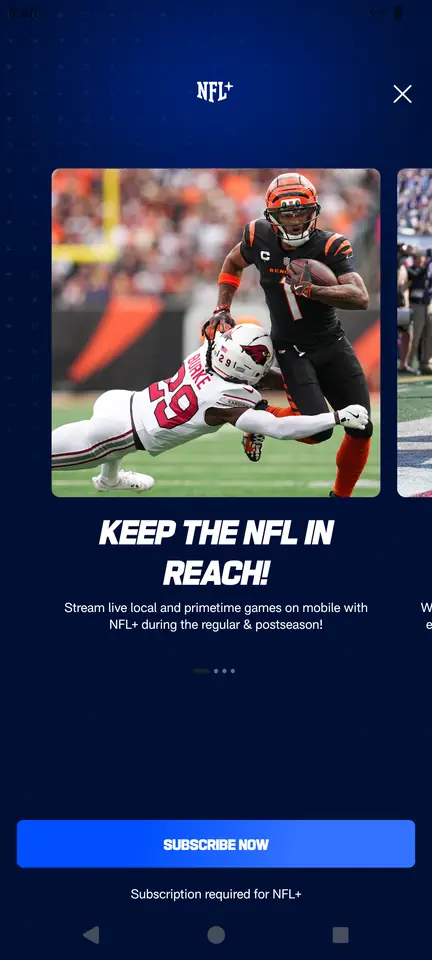
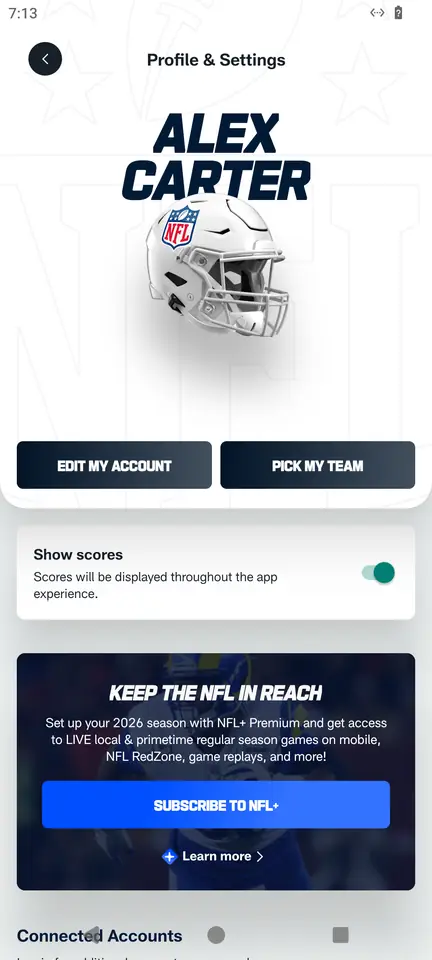
NFL Android screen 8 — paywall: KEEP THE NFL IN REACH!
KEEP THE NFL IN REACH!
NFL Android screen 28 — paywall: Scores toggle
Scores toggle

Noom paywall screens

2 screens · Health & fitness
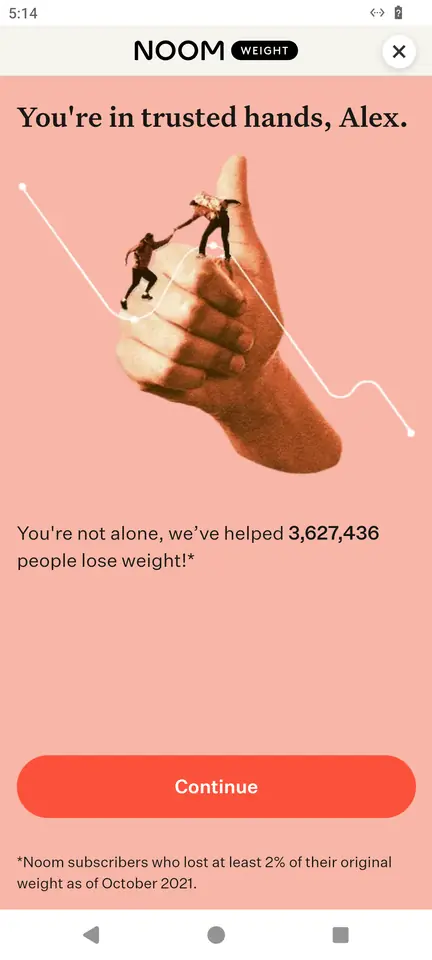
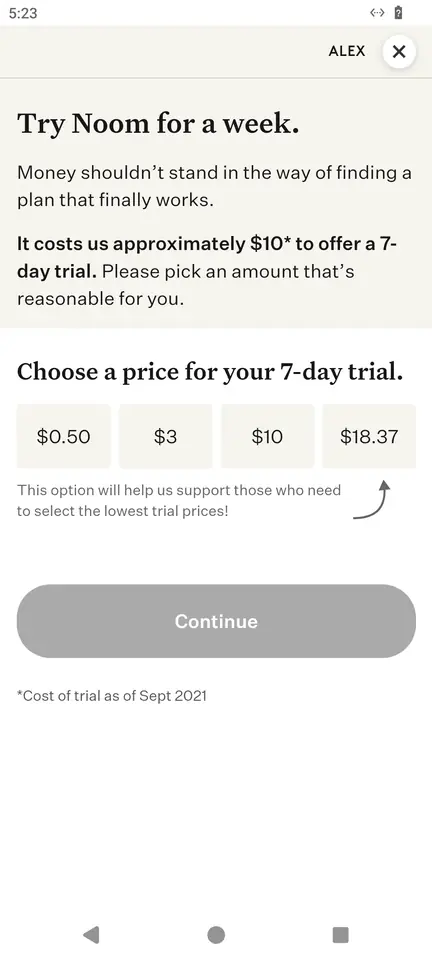
Noom Android screen 33 — paywall: Noom: Stop dieting. Get lifelong results.
Noom: Stop dieting. Get lifelong…
Noom Android screen 110 — paywall: Noom: Stop dieting. Get lifelong results.
Noom: Stop dieting. Get lifelong…

TickPick paywall screens

2 screens · Streaming & entertainment
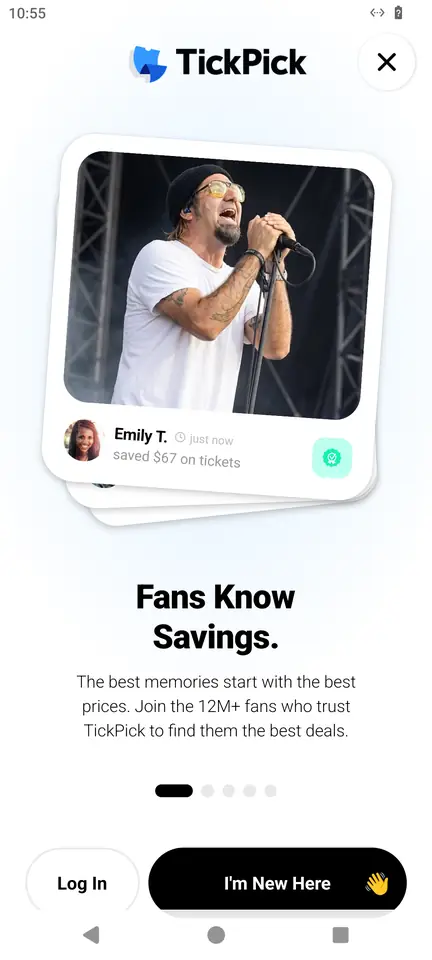
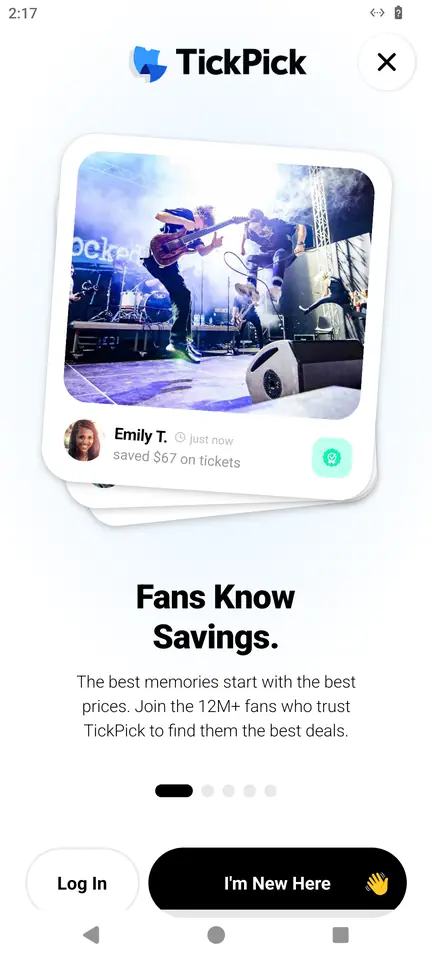
TickPick Android screen 2 — paywall: Close onboarding
Close onboarding
TickPick Android screen 4 — paywall: Close onboarding
Close onboarding

Whering paywall screens

2 screens · Shopping & e-commerce
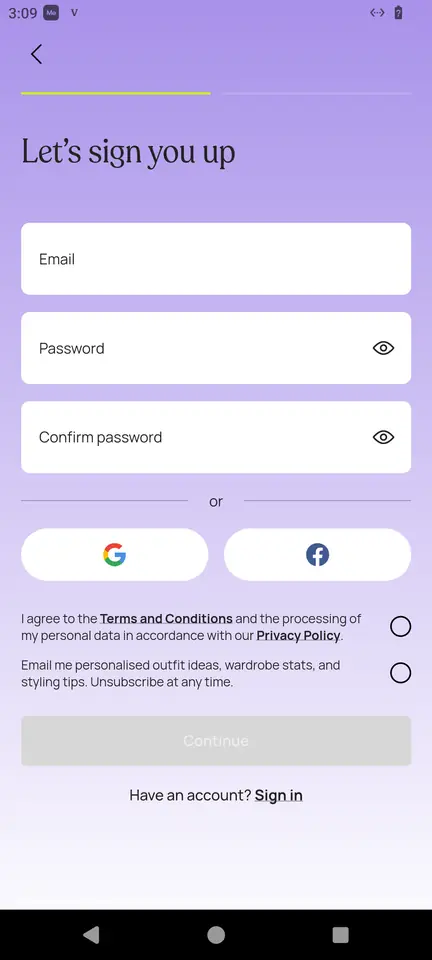
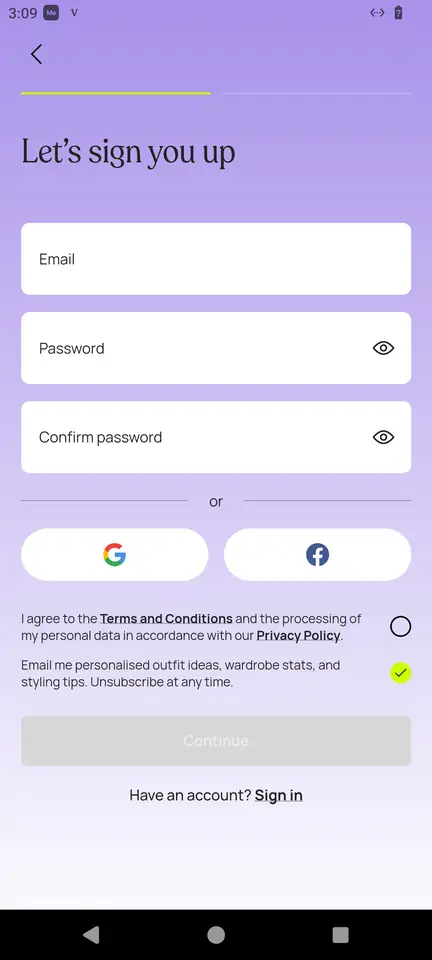
Whering Android screen 2 — paywall: Let’s sign you up
Let’s sign you up
Whering Android screen 3 — paywall: Let’s sign you up
Let’s sign you up

ASOS paywall screen

1 screen · Shopping & e-commerce

ASOS Android screen 12 — paywall: United States
United States

Audiomack paywall screen

1 screen · Streaming & entertainment
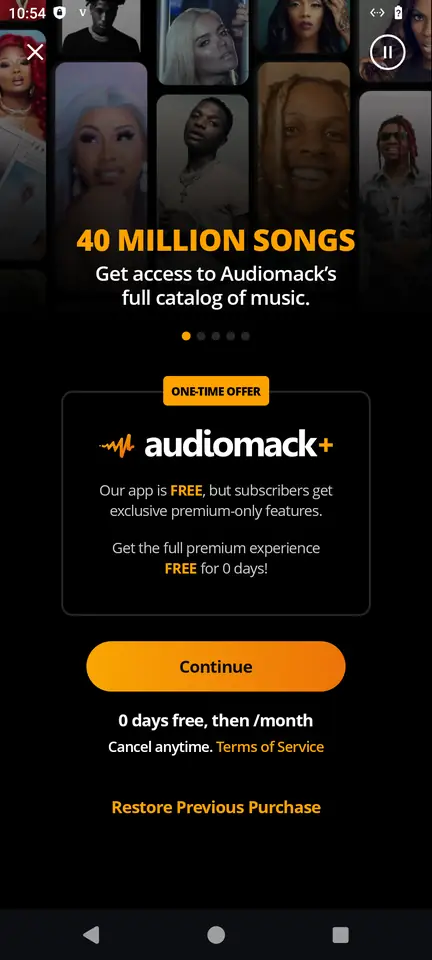
Audiomack Android screen 14 — paywall: 40 MILLION SONGS
40 MILLION SONGS

Calm paywall screen

1 screen · Health & fitness
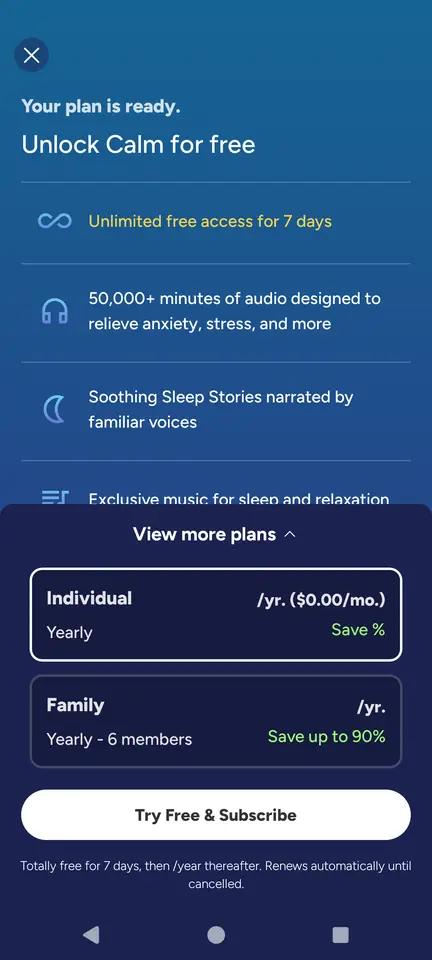
Calm Android screen 6 — paywall: Your plan is ready.
Your plan is ready.

DoorDash paywall screen

1 screen · Food & grocery delivery
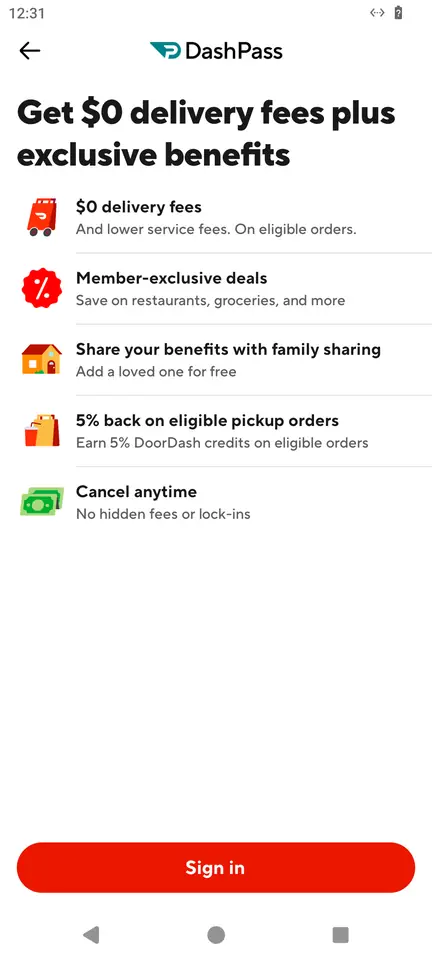
DoorDash Android screen 9 — paywall: Get $0 delivery fees plus exclusive benefits
Get $0 delivery fees plus exclusive…

Drops paywall screen

1 screen · Language learning
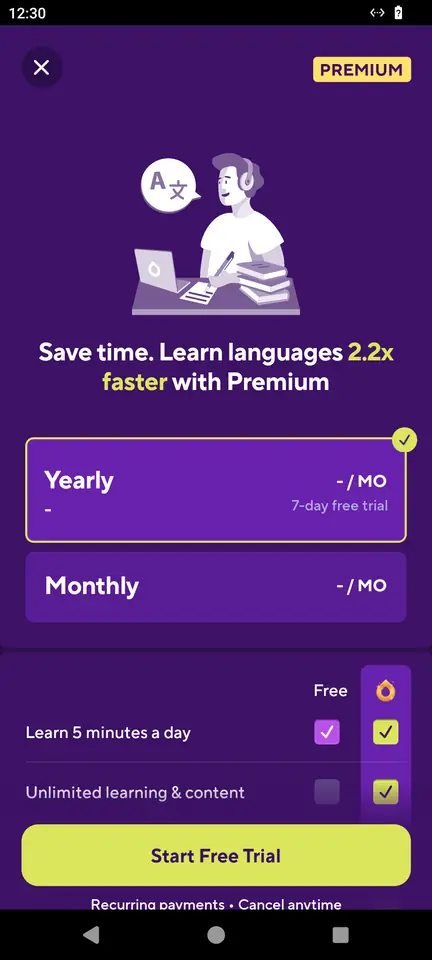
Drops Android screen 28 — paywall: PREMIUM
PREMIUM

Kahoot! paywall screen

1 screen · Education
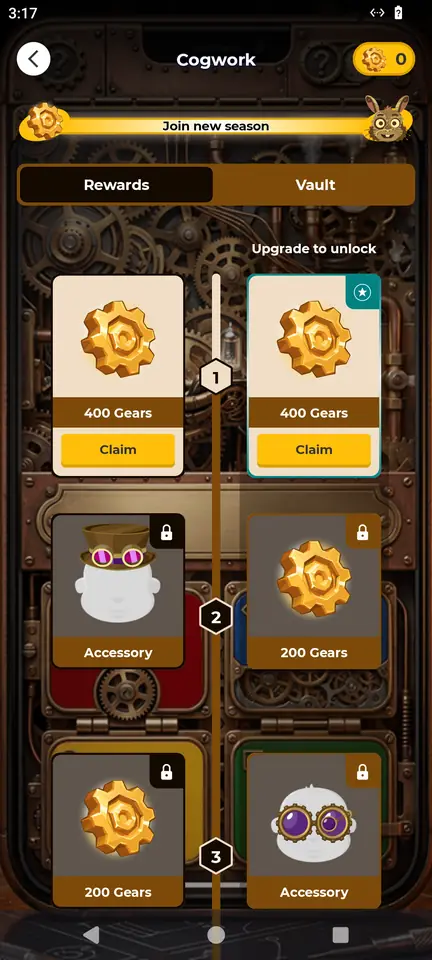
Kahoot! Android screen 5 — paywall: Cogwork
Cogwork

Temu paywall screen

1 screen · Shopping & e-commerce
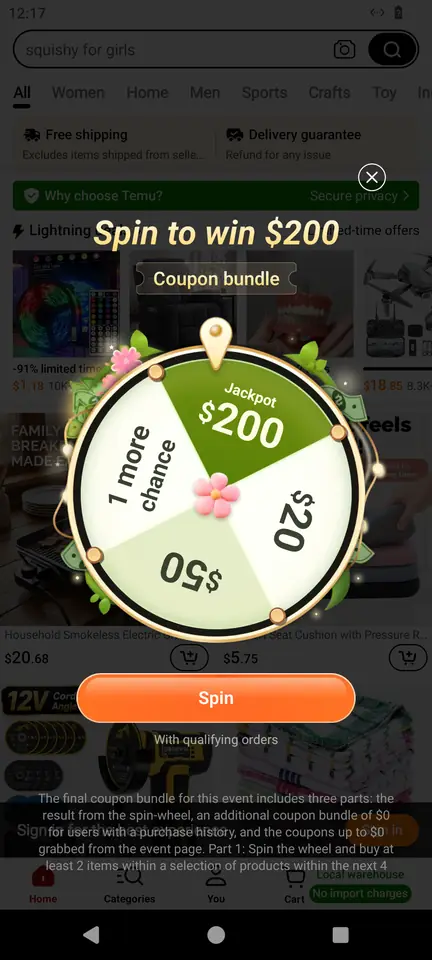
Temu Android screen 5 — paywall: Spin to win $200
Spin to win $200

TickTick paywall screen

1 screen · Productivity & tools
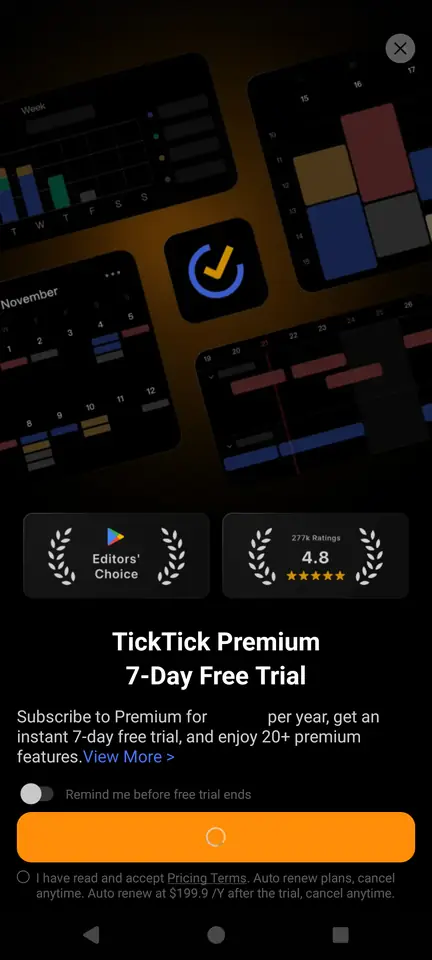
TickTick Android screen 19 — paywall: TickTick Premium
TickTick Premium

Transit paywall screen

1 screen · Travel, maps & local
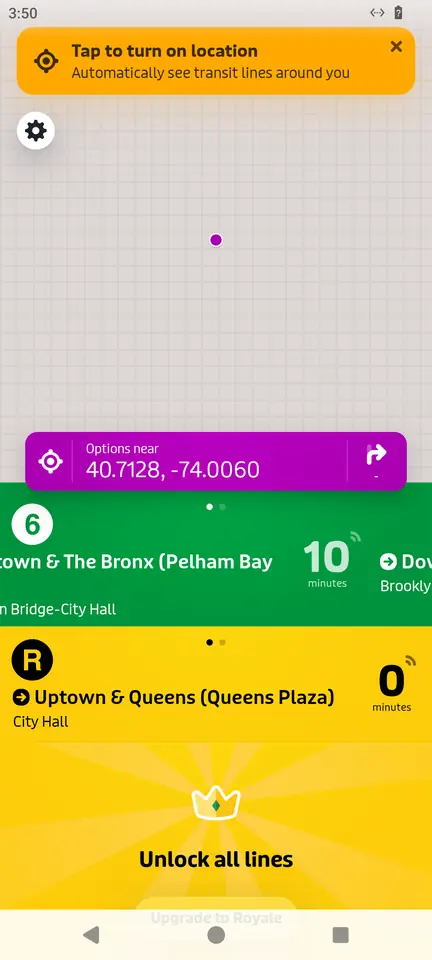
Transit Android screen 2 — paywall: Tap to turn on location
Tap to turn on location

USA TODAY paywall screen

1 screen · Books & reading
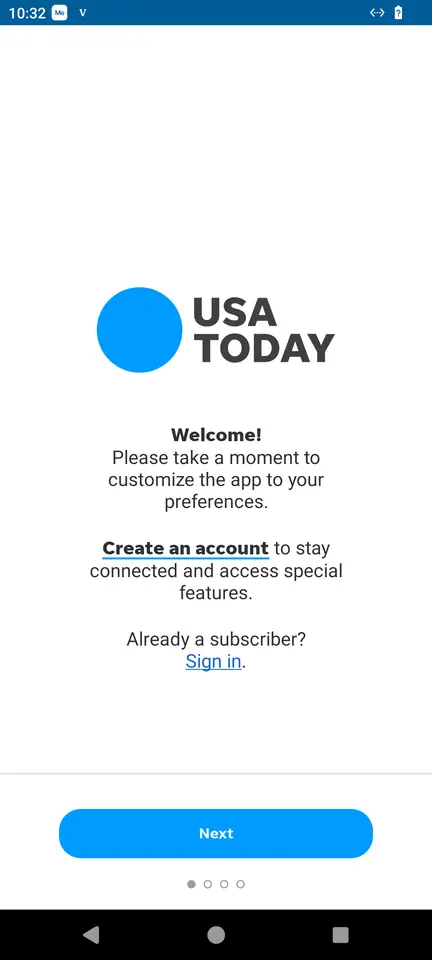
USA TODAY Android screen 16 — paywall: Welcome screen, use buttons at the bottom of the screen to…
Welcome screen, use buttons at the…

Vocabulary paywall screen

1 screen · Language learning
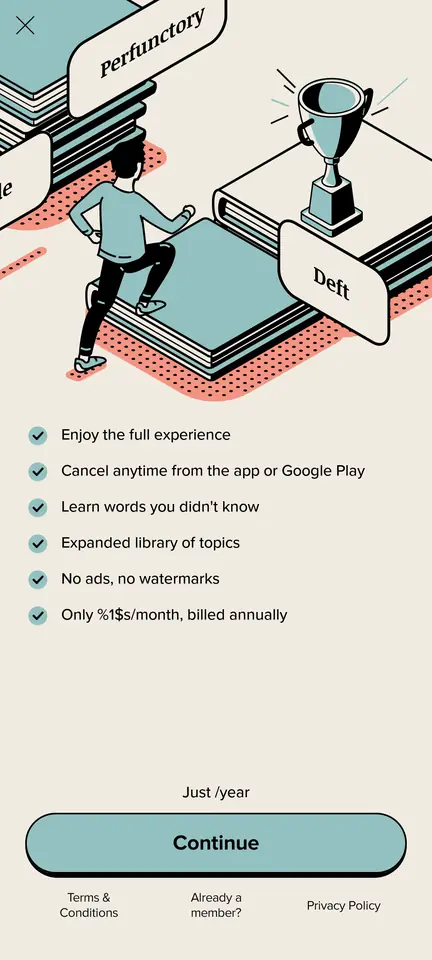
Vocabulary Android screen 18 — paywall: Enjoy the full experience
Enjoy the full experience

Yazio paywall screen

1 screen · Health & fitness
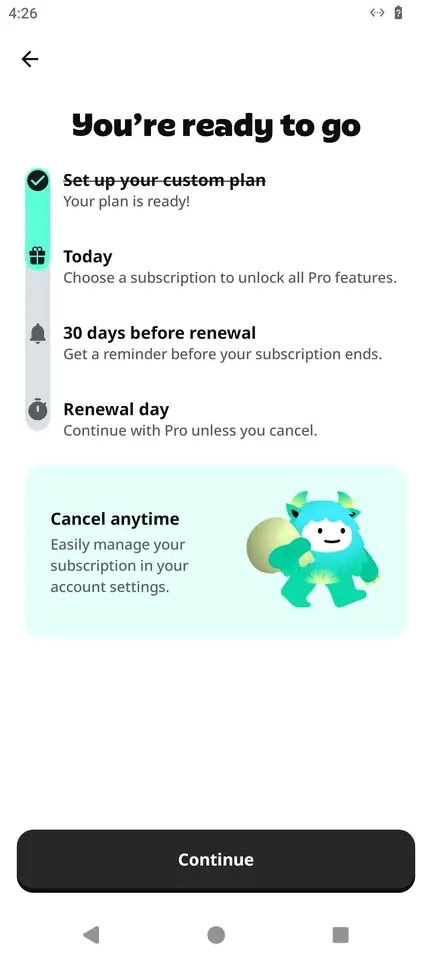
Yazio Android screen 101 — paywall: You’re ready to go
You’re ready to go

What paywall screens say

UI copy that appears on the paywall screens of two or more apps, with the number of apps using it.

  • Continue5 apps
  • Close3 apps
  • 12 Months2 apps
  • 7-Day Free Trial2 apps
  • Next2 apps
  • PREMIUM2 apps
  • Today2 apps

Best practices for paywall screens

  • Lead with the outcome the user gets, then the features.
  • Highlight one recommended plan and show the per-month price.
  • State the trial length and when billing starts in plain words.
  • Keep a clear close or “Not now” option.
  • Show social proof (ratings, user counts) near the button.
FAQ

What is a paywall screen?

A paywall screen asks the user to subscribe or buy before unlocking premium features or content. It usually lists the benefits, shows one or more plans with prices and trial terms, and has a single primary purchase button.

Which Android apps have paywall screens I can study?

The UI Lane library holds 32 paywall screens from 21 Android apps, including Flo, MyNetDiary, Audible, BetterMe, Fitbod and NFL. Every screen is free to browse.

How do I design a good paywall screen?

Lead with the outcome the user gets, then the features. Highlight one recommended plan and show the per-month price. State the trial length and when billing starts in plain words.

Captured on real Android devices · last updated 2026-11-14