TickTick app UI
TickTick for Android, captured on a real device: 21 screens across its onboarding and home & browsing flows. A productivity & tools app, shown step by step — free, no sign-up.
Every TickTick screen we captured
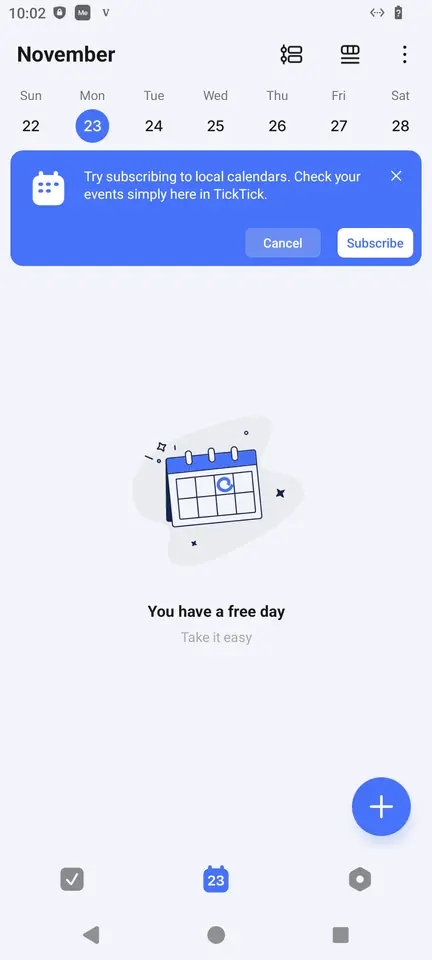
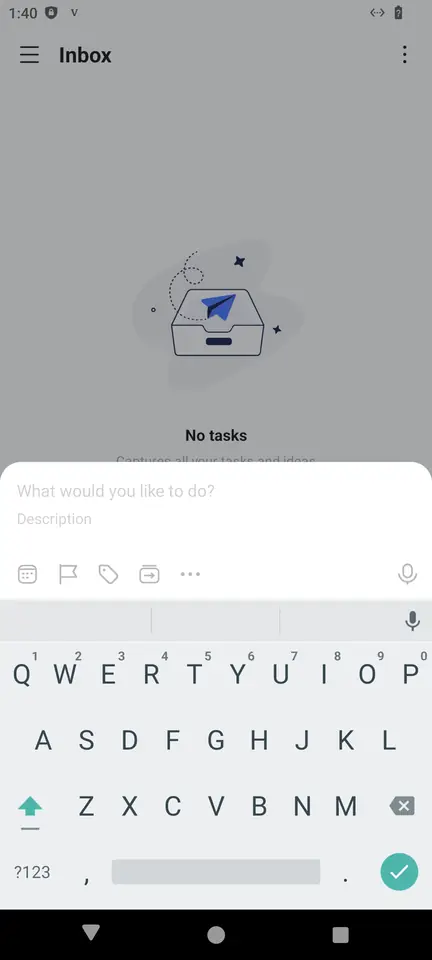
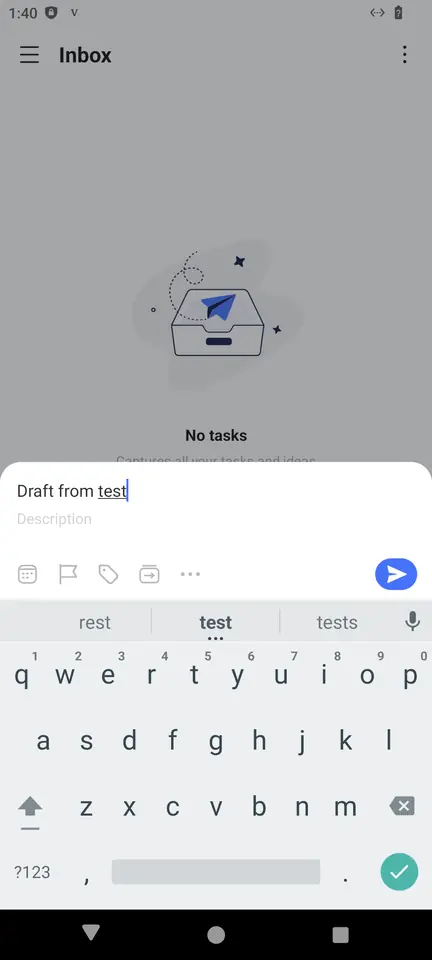
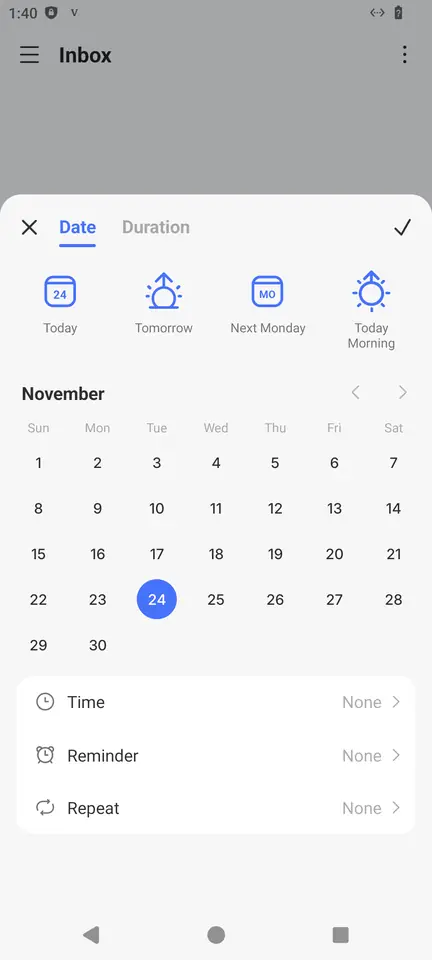
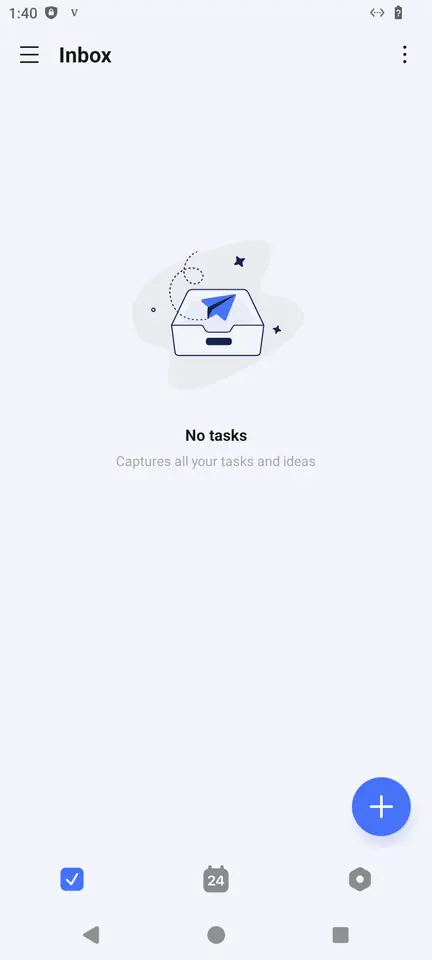
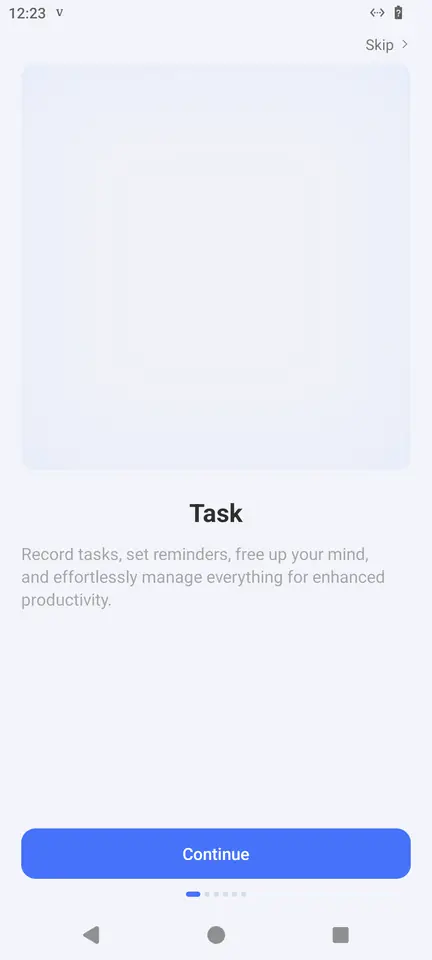
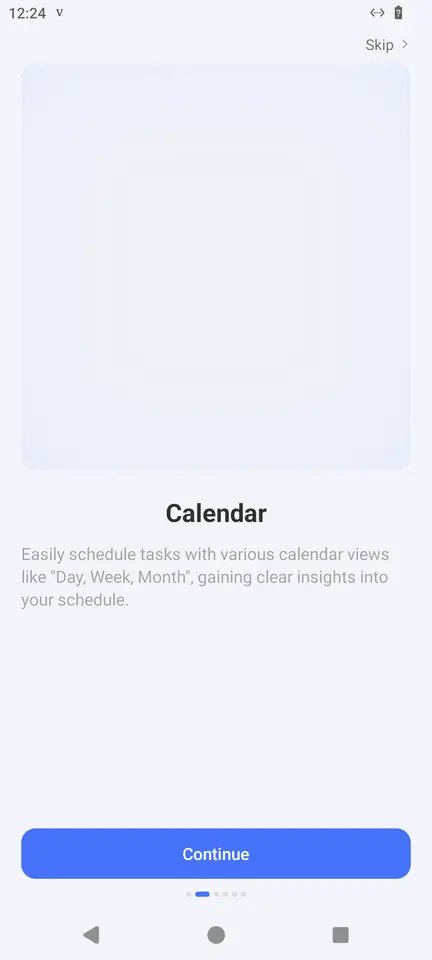
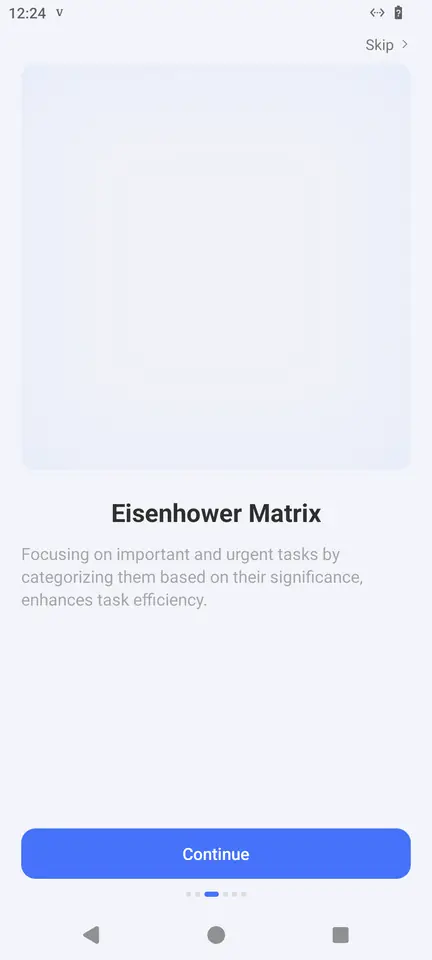
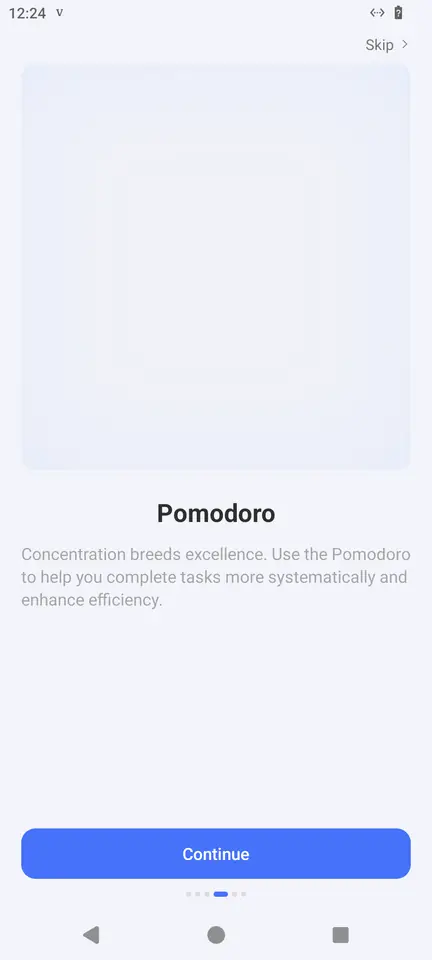
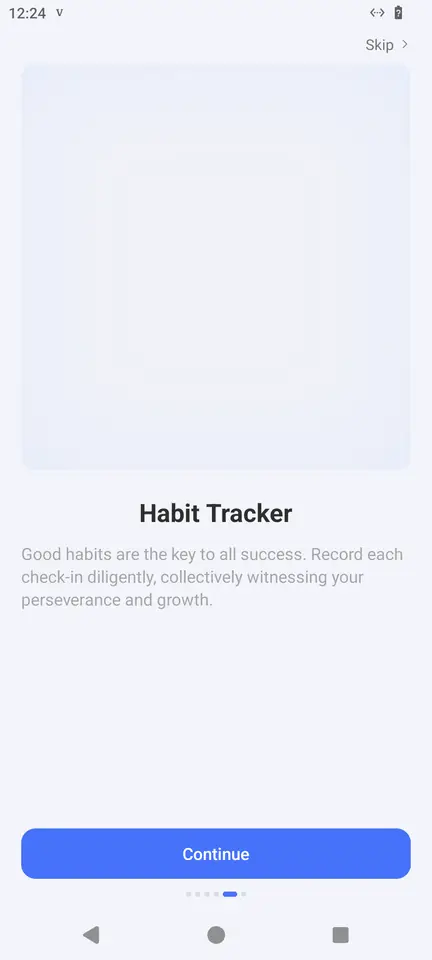
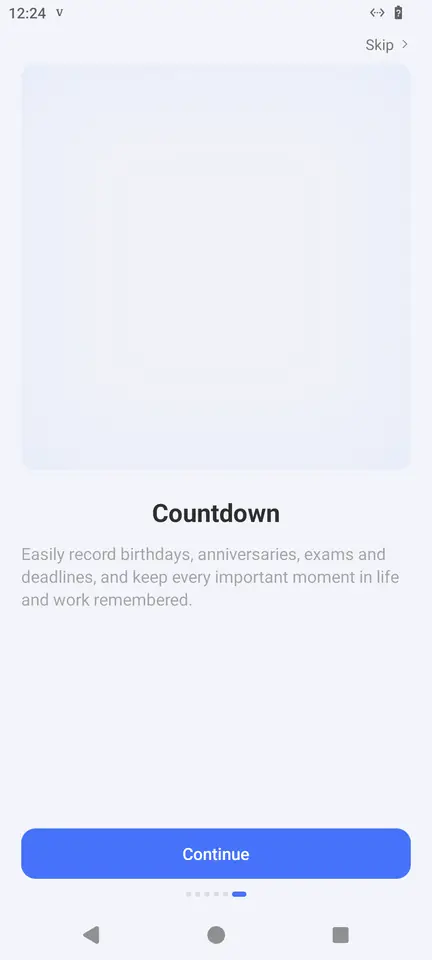
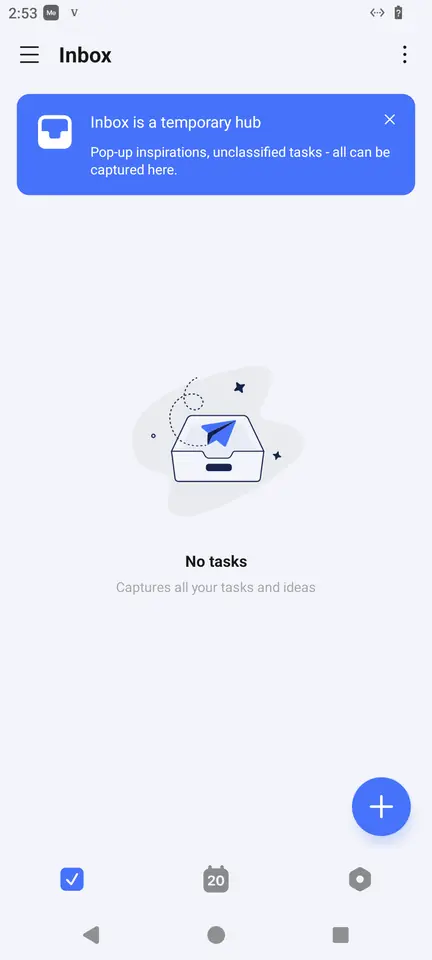
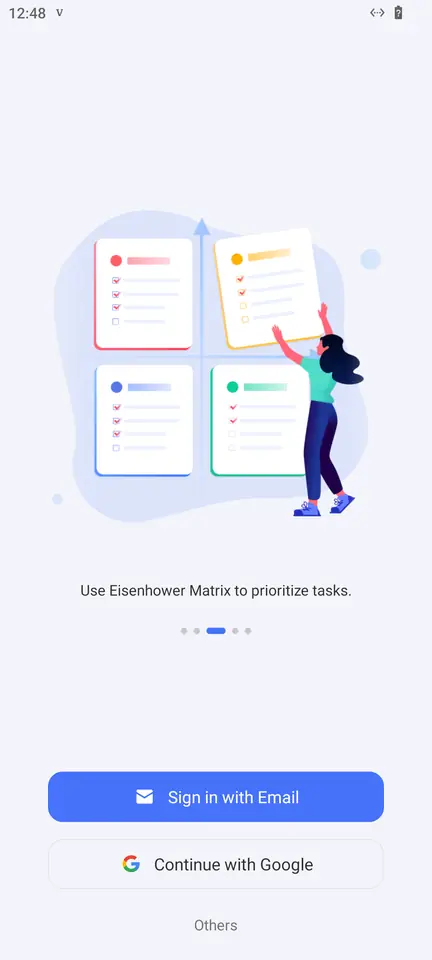
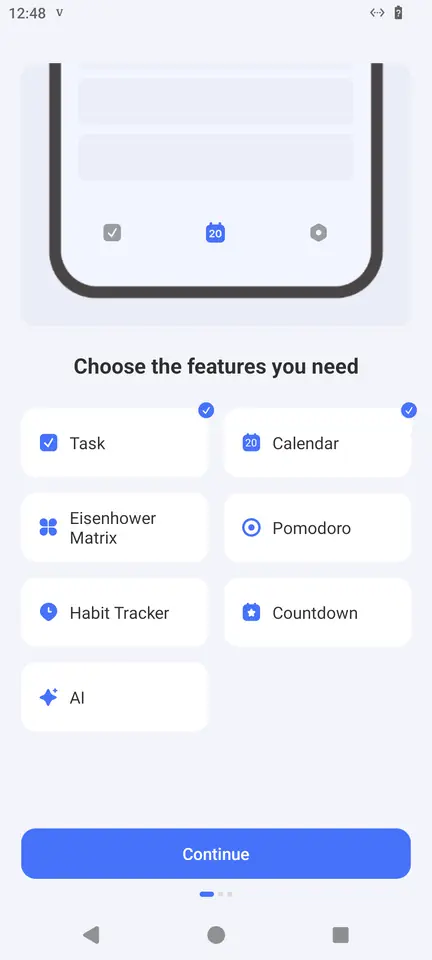
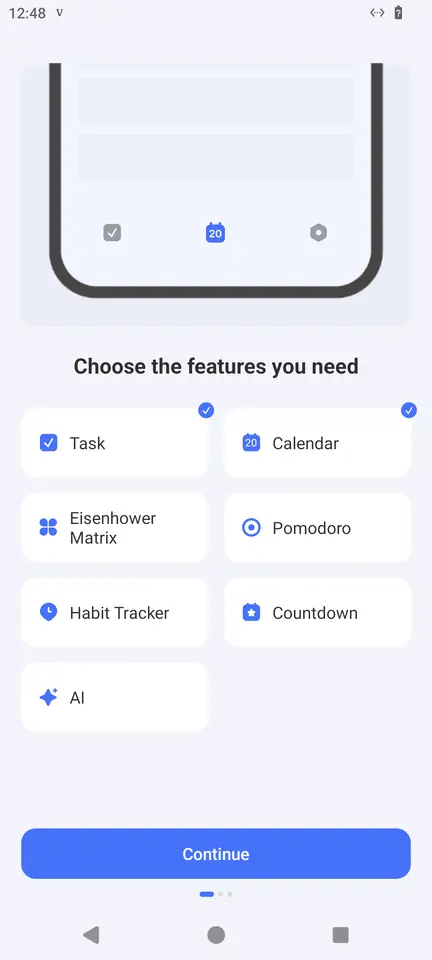
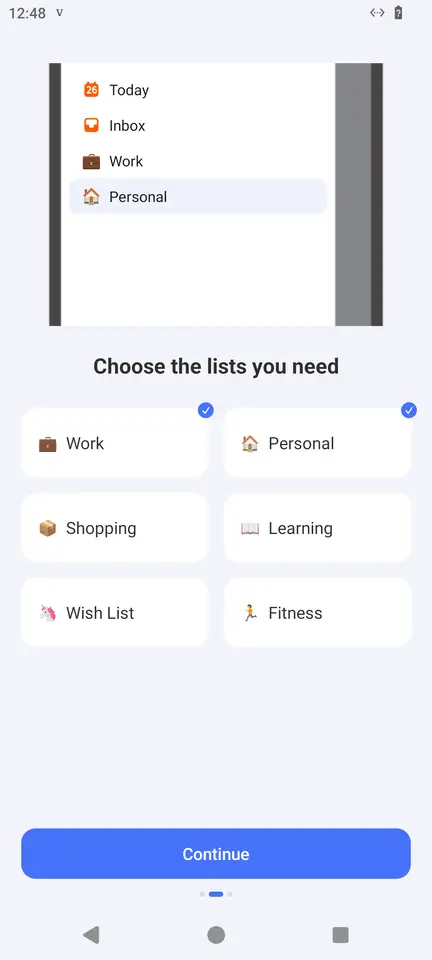
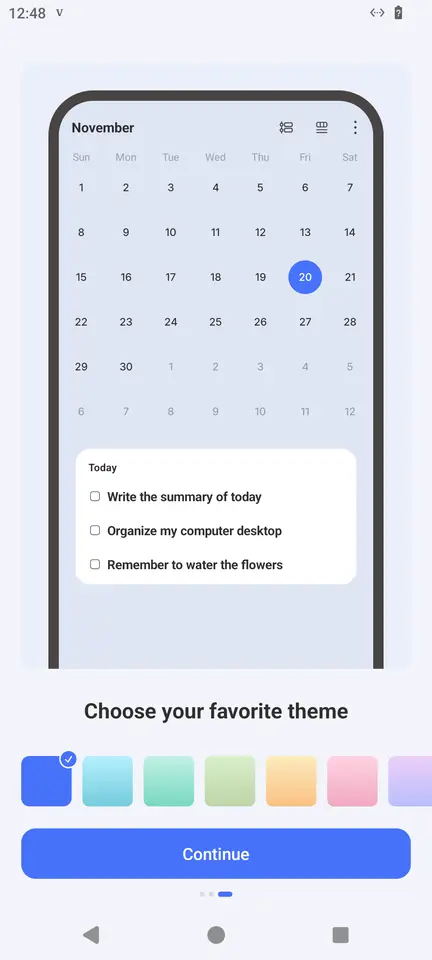
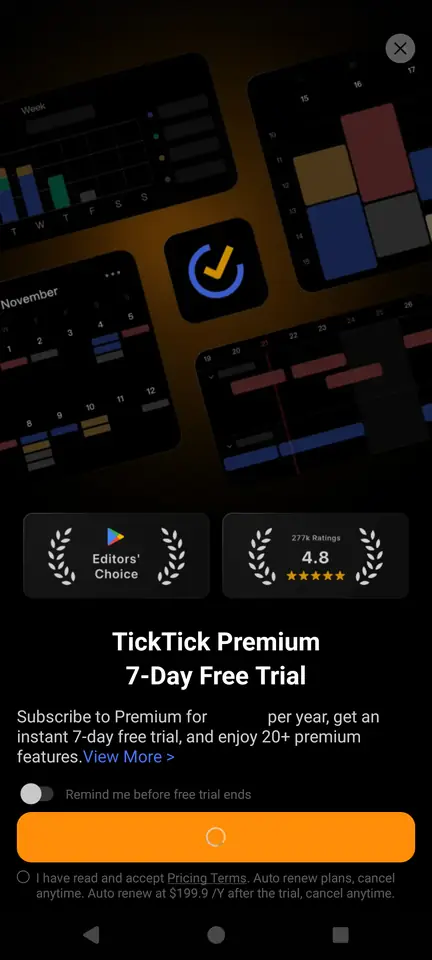
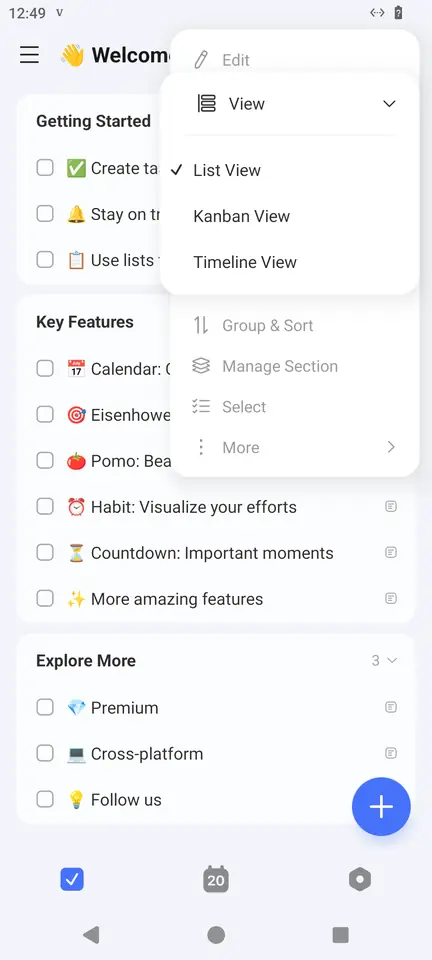
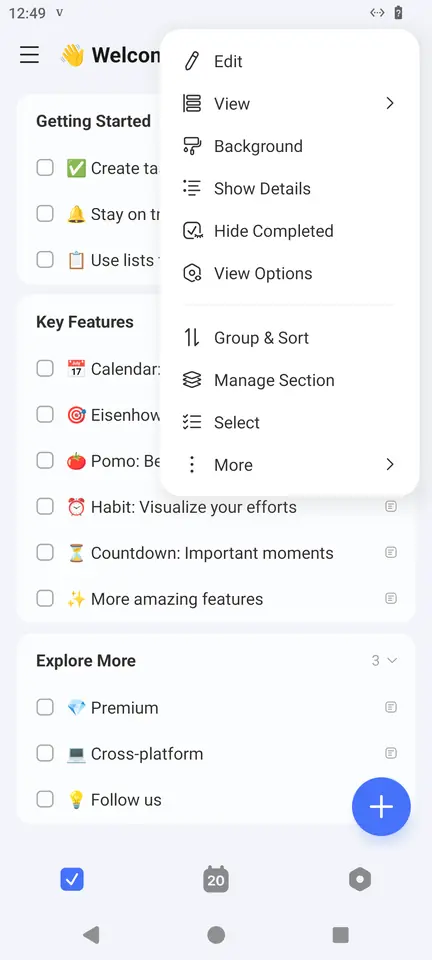
Captured on a real Android device · last updated 2026-11-14
TickTick app design: questions
What screens of the TickTick Android app can I see?
21 screens of TickTick for Android, captured on a real device: 13 onboarding, 6 home & browsing, 1 paywall and 1 sign-in. Every screen has its own page with the UI text it shows.
Which TickTick user flows are recorded step by step?
Onboarding (7 screens) and home & browsing (6 screens). Each flow page shows the screens in order and the tap that leads to the next one.
Which UX patterns appear in TickTick?
By number of screens: skip button (7 screens), pricing plans (2 screens), email sign-up form (1 screen) and social login buttons (1 screen).
What Android UI components does TickTick use?
Read from the screens' layout data, by number of screens: page indicator dots (12), button (11), chip (5), icon button (5) and toolbar (5).
What apps are similar to TickTick?
Other productivity & tools apps in the library: Todoist, Habitica, MyDyson, Dropbox, Perplexity and more.