Android paywall UI: what 21 real apps are built from
Across 32 paywall screens from 21 apps, the most common detected components are button (22% of screens), toolbar (9% of screens) and card (6% of screens). Measured from the Android view hierarchy of every paywall screen in the Flowtape library.
Every screen, as a gallery: Paywall screen examples.
What is a paywall screen?
A paywall screen asks the user to subscribe or buy before unlocking premium features or content. It usually lists the benefits, shows one or more plans with prices and trial terms, and has a single primary purchase button.
UI components on Android paywall screens
Share of the 32 paywall screens where each component is present in the view hierarchy and drawn on screen. The example shows it outlined.
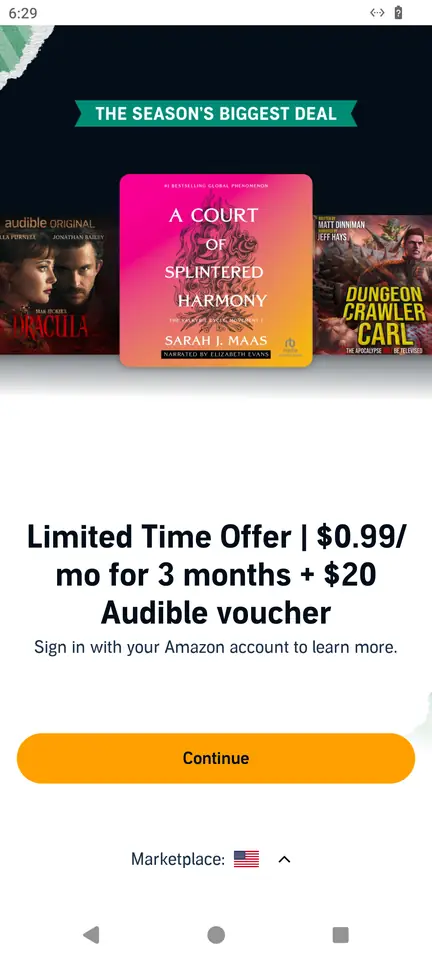
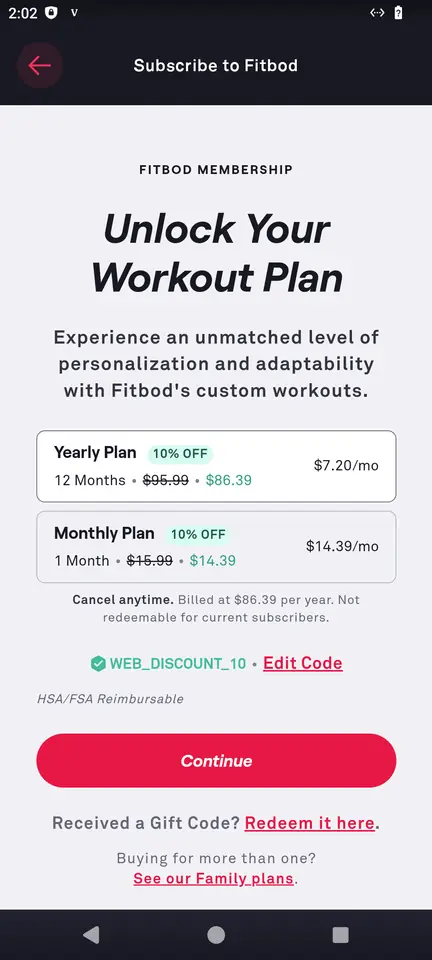
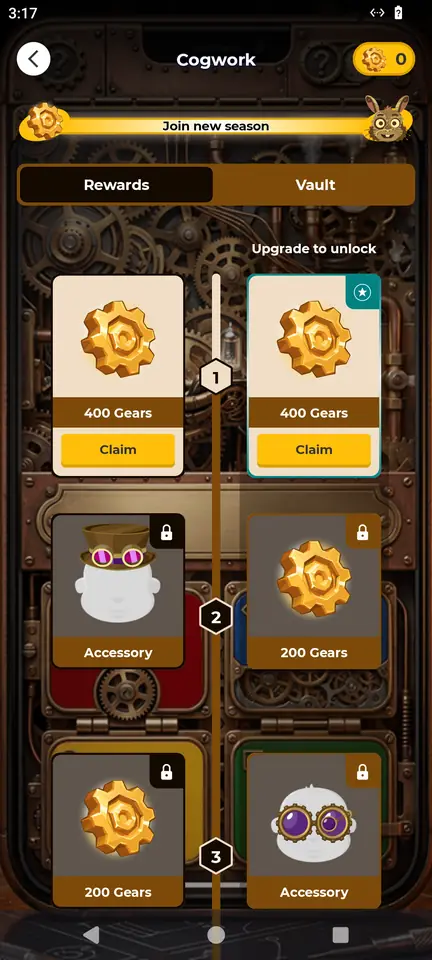
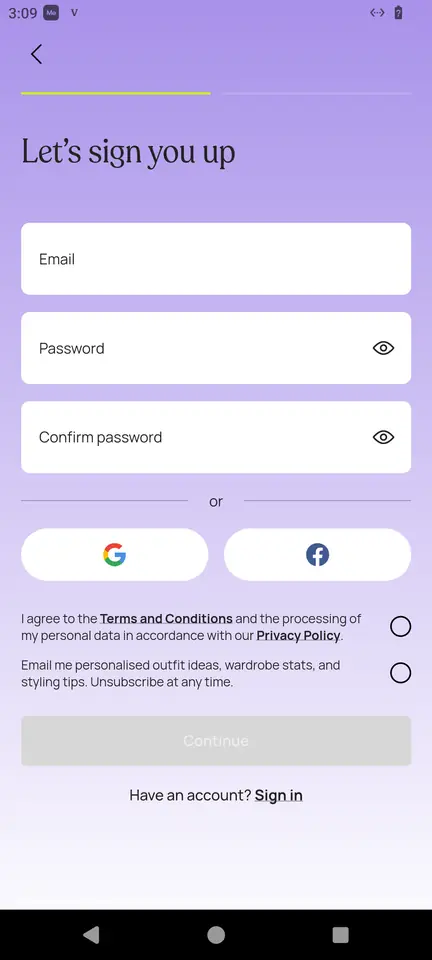
Password field
1 app · example: Whering
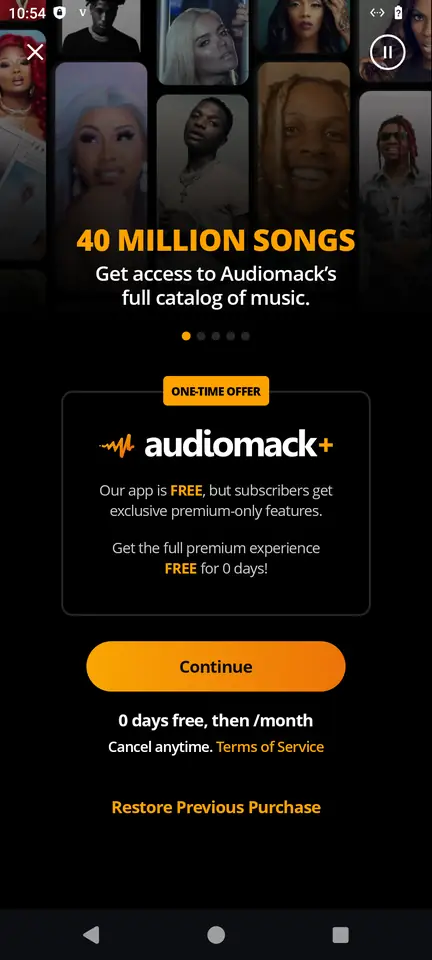
Text field
1 app · example: Whering
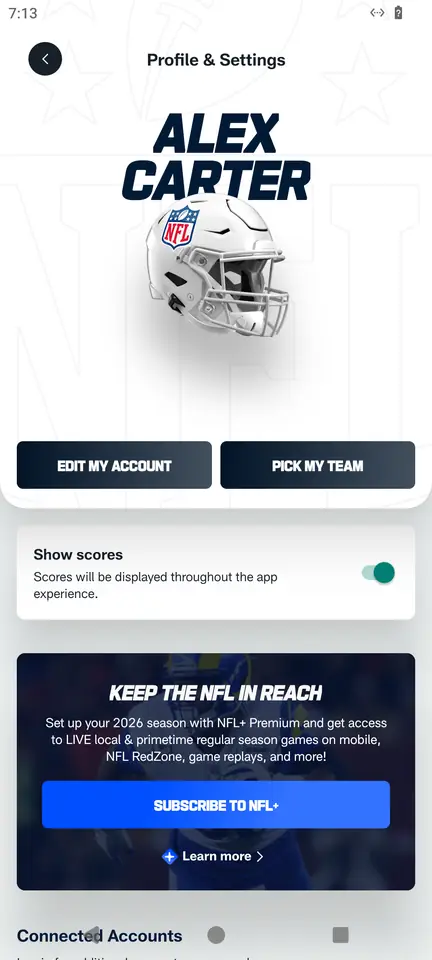
Toggle switch
2 apps · example: NFL
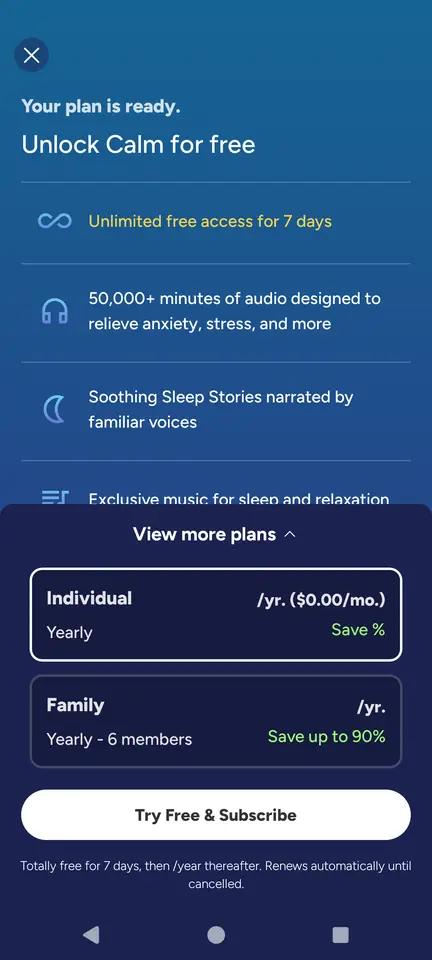
Icon button
1 app · example: Calm
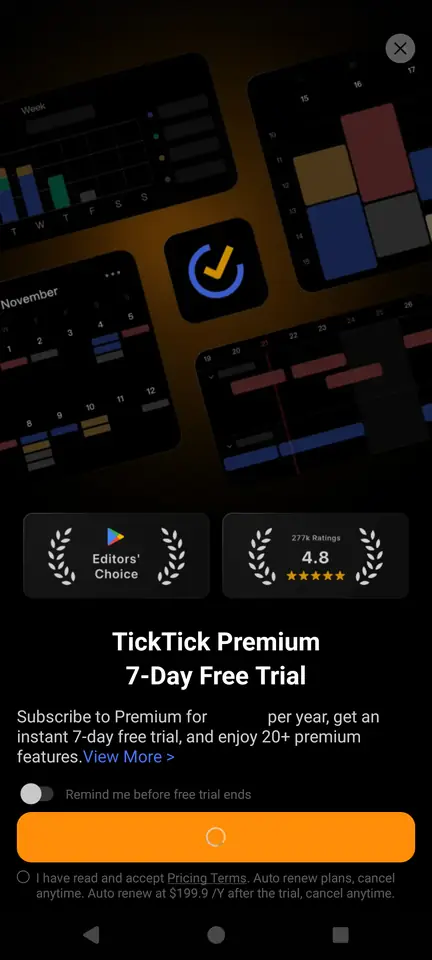
Loading spinner
1 app · example: TickTick
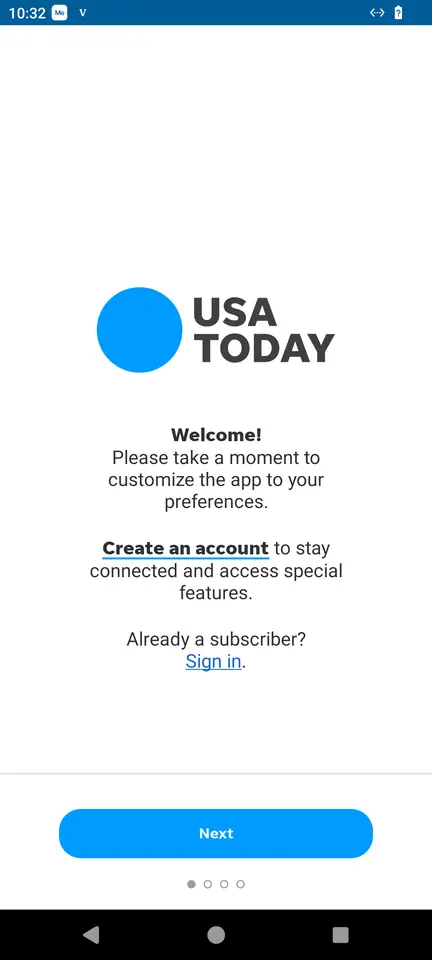
Page indicator dots
1 app · example: USA TODAY
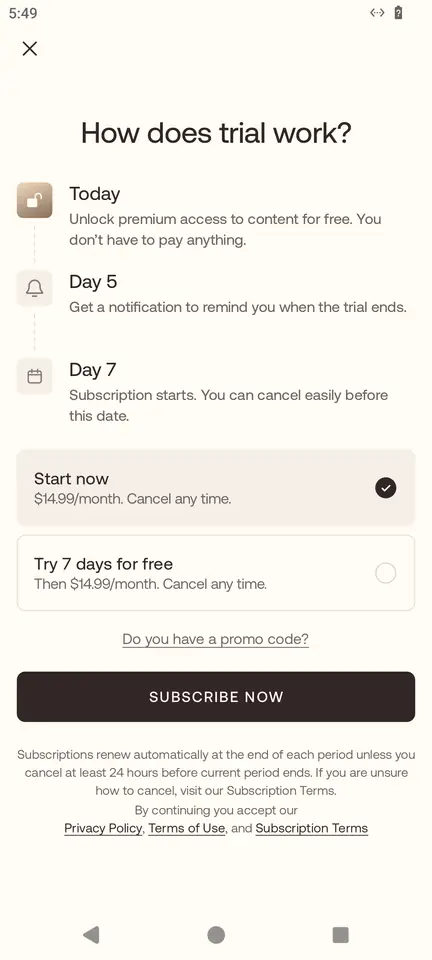
Radio button
1 app · example: BetterMe
UI patterns on Android paywall screens
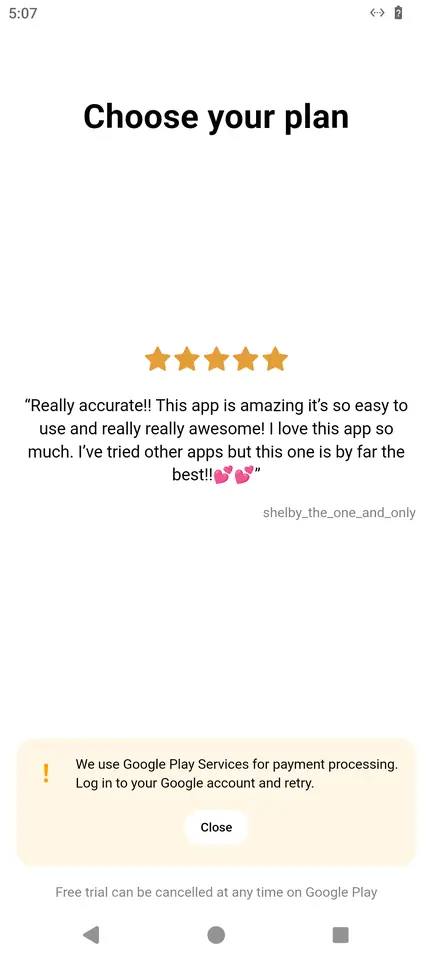
Pricing plans
example: Flo
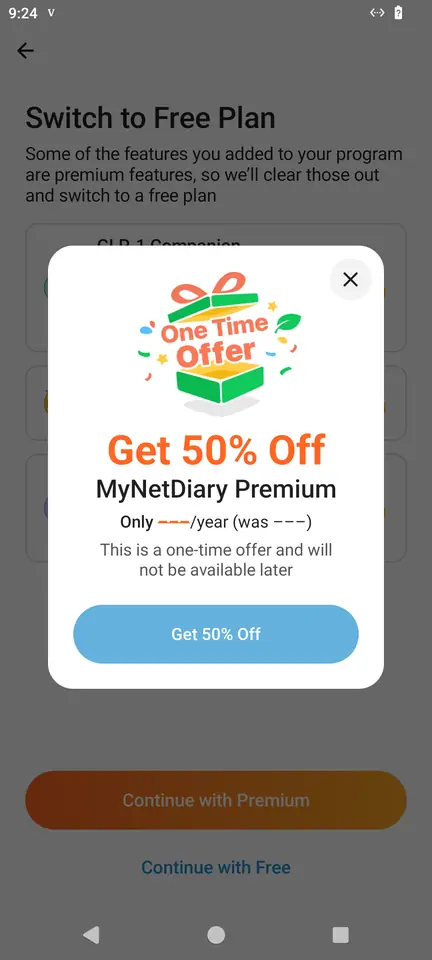
Promo banner
example: MyNetDiary
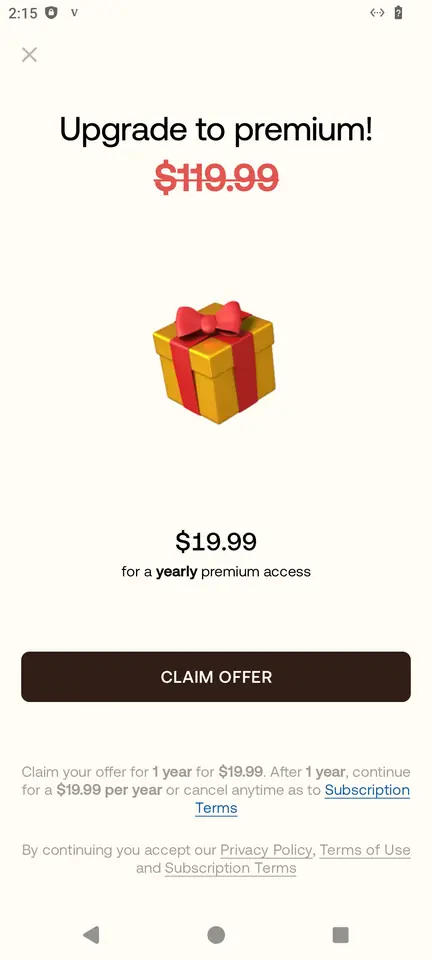
Terms and conditions agreement
example: BetterMe
Onboarding progress indicator
example: Flo
Registration wall
example: USA TODAY
Building it on Android
- On Android the purchase itself runs through Google Play Billing, which shows its own bottom sheet with the price and payment method after the user taps the paywall's button.
- Google Play policy requires the price, billing period and trial terms to be clear on the paywall before the purchase sheet.
- Offer a visible way to close the paywall or restore purchases.
By app category
Apps with paywall screens in the library, by category.
FAQ
What UI components do Android paywall screens use?
Across 32 paywall screens from 21 apps, the most common detected components are button (22% of screens), toolbar (9% of screens) and card (6% of screens).
How do you build a paywall screen on Android?
On Android the purchase itself runs through Google Play Billing, which shows its own bottom sheet with the price and payment method after the user taps the paywall's button. Google Play policy requires the price, billing period and trial terms to be clear on the paywall before the purchase sheet. Offer a visible way to close the paywall or restore purchases.
Which UI patterns are common on Android paywall screens?
On the 21 apps we captured, the most common are pricing plans (9 apps), promo banner (3 apps) and terms and conditions agreement (2 apps).
Measured on screens captured on real Android devices · last updated 2026-11-14