Home/Apps/Chubby Click - Metronome/Add new song
Screen · Home screen · Chubby Click - Metronome · Android

Chubby Click - Metronome home screen: “Add new song”

A home screen from Chubby Click - Metronome for Android, captured on a real device — step 3 of 3 in Chubby Click - Metronome's home & browsing screens. It uses 3 detected UI components, outlined on the screen below.

AndroidHome & browsingstep 3 of 33 componentsfree & ungated
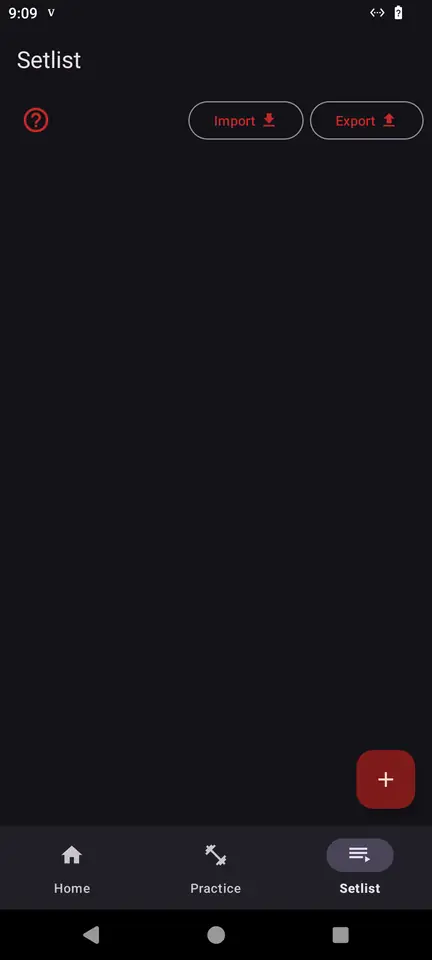
Chubby Click - Metronome Android screen 3 — home & browsing: Setlist
Tab barToolbarIcon button
App
Chubby Click - Metronome · Streaming & entertainment
Screen type
Home & browsing
Flow
Chubby Click - Metronome home & browsing screens — step 3 of 3

UI text on this screen

  • Setlist
  • help
  • Import
  • Export
  • Add new song
  • Home
  • Practice

UI components

Located from the app's Android view hierarchy and outlined on the screen.

More Chubby Click - Metronome screens
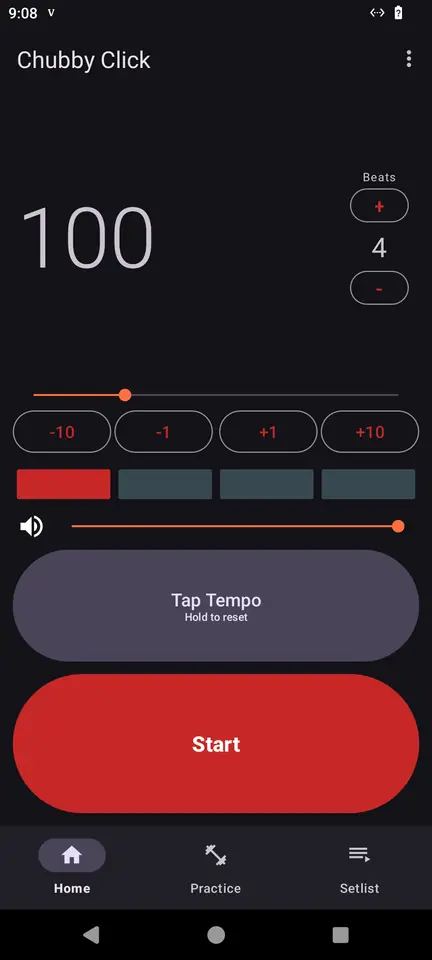
Chubby Click - Metronome Android screen 1 — home & browsing: Chubby Click
Home & browsing · Chubby Click
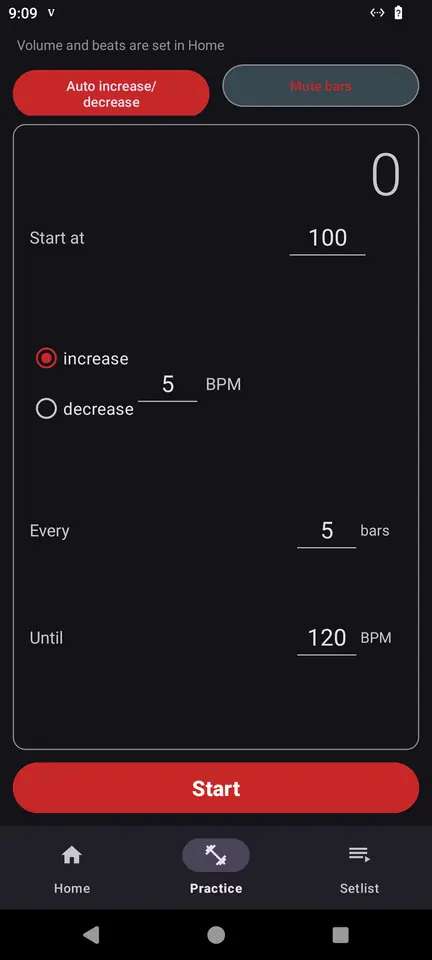
Chubby Click - Metronome Android screen 2 — home & browsing: Volume and beats are set in Home
Home & browsing · Volume and beats are set in Home

Home screens from other apps

All home screens →

9GAG Android screen 3 — home & browsing: Trending
9GAG · Trending
AniHyou Android screen 3 — home & browsing: poster
AniHyou · poster
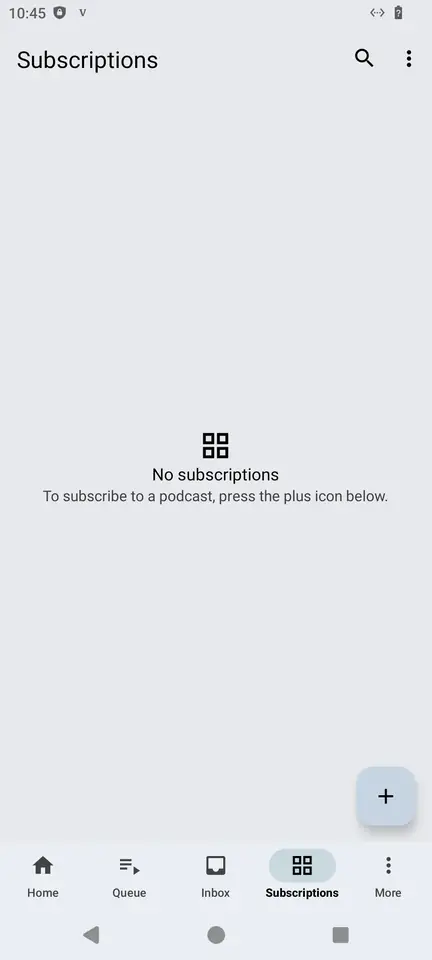
AntennaPod Android screen 4 — home & browsing: Subscriptions
AntennaPod · Subscriptions
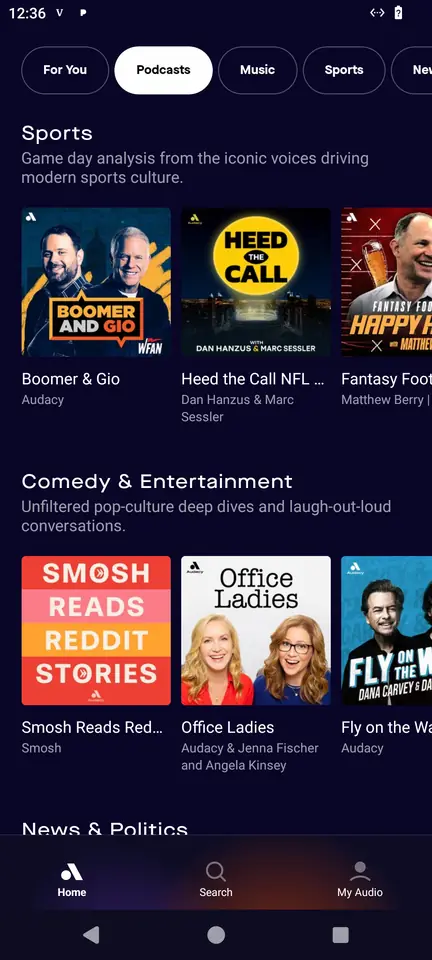
Audacy Android screen 2 — home & browsing: Sports
Audacy · Sports
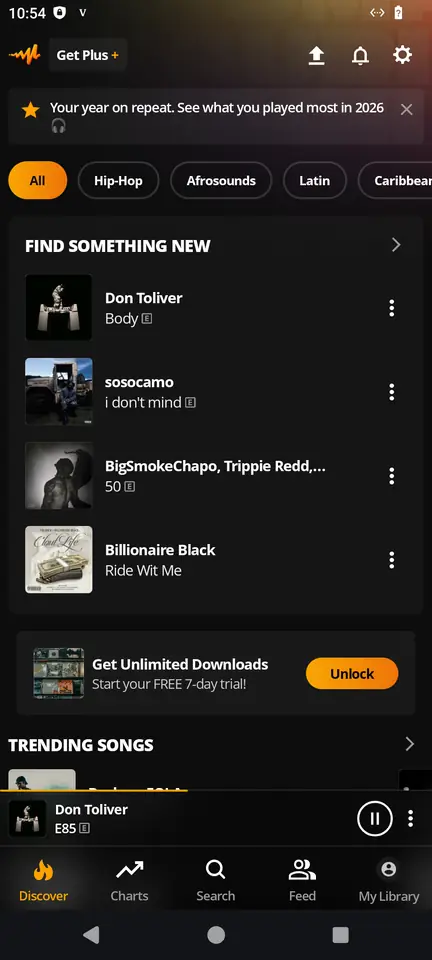
Audiomack Android screen 15 — home & browsing: Mini player scroll
Audiomack · Mini player scroll
Bandcamp Android screen 9 — home & browsing: followers & following
Bandcamp · followers & following

Captured on a real Android device · last updated 2026-11-14