Tab bar: definition and 51 real Android examples
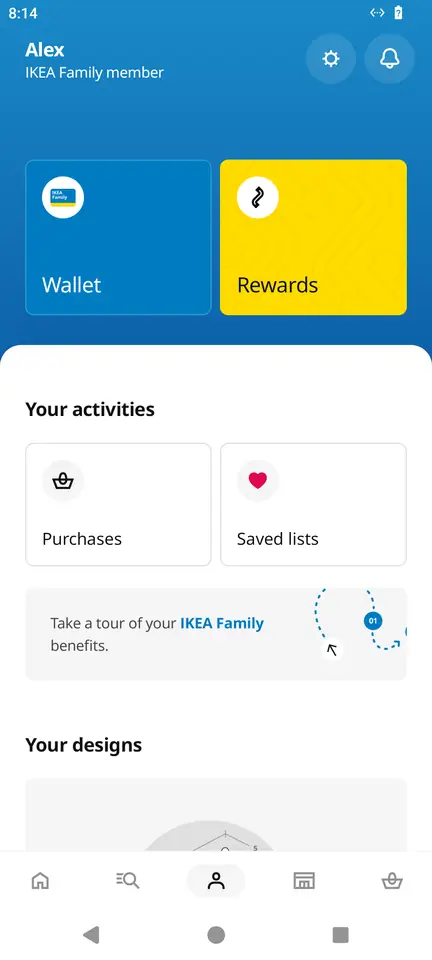
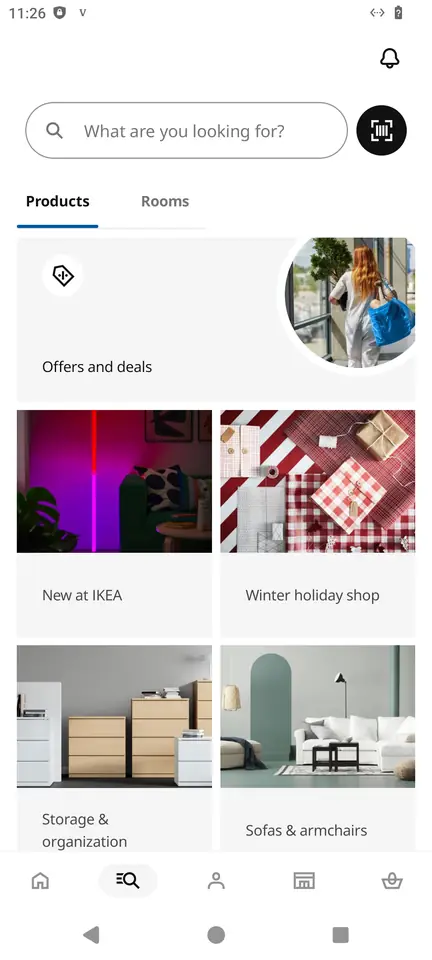
A tab bar is the row of 3–5 destinations pinned to the bottom of a mobile screen — Home, Search, Library, Profile — that lets users switch between an app's top-level sections with one tap. On Android it is called the bottom navigation bar.
Also called: bottom navigation bar, bottom nav, navigation bar
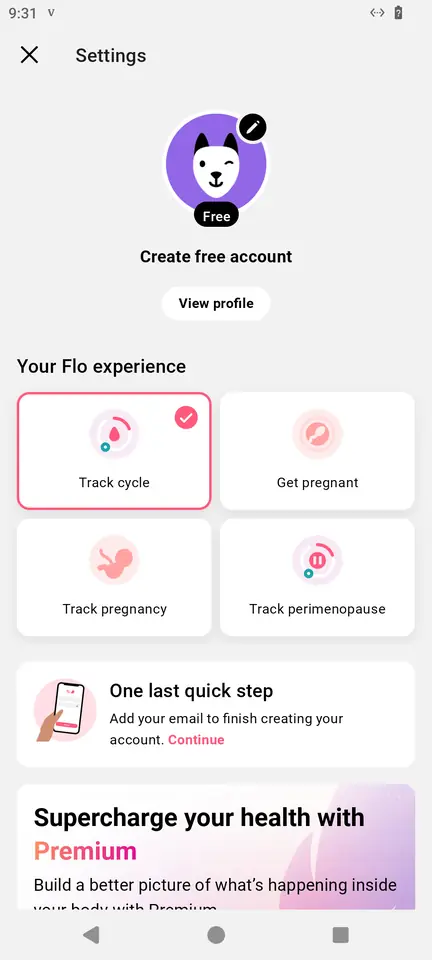
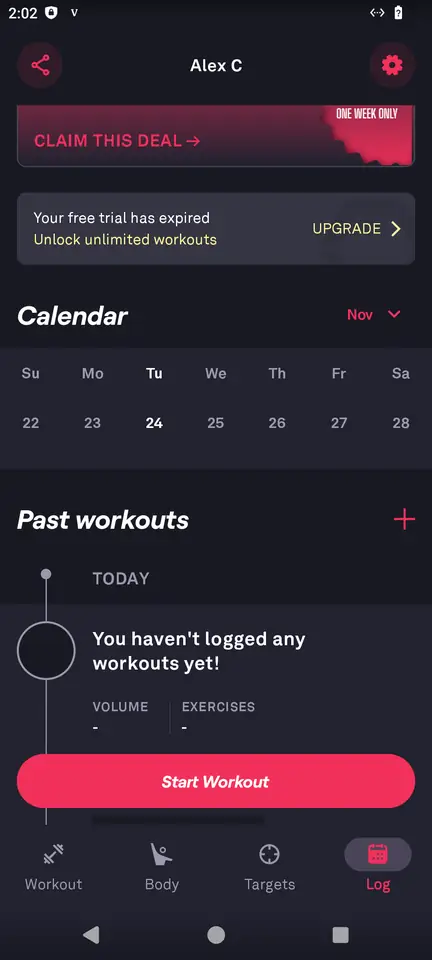
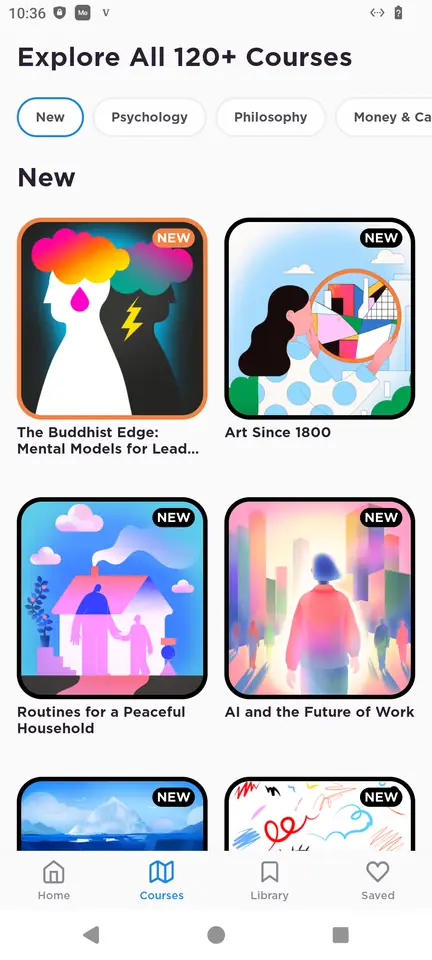
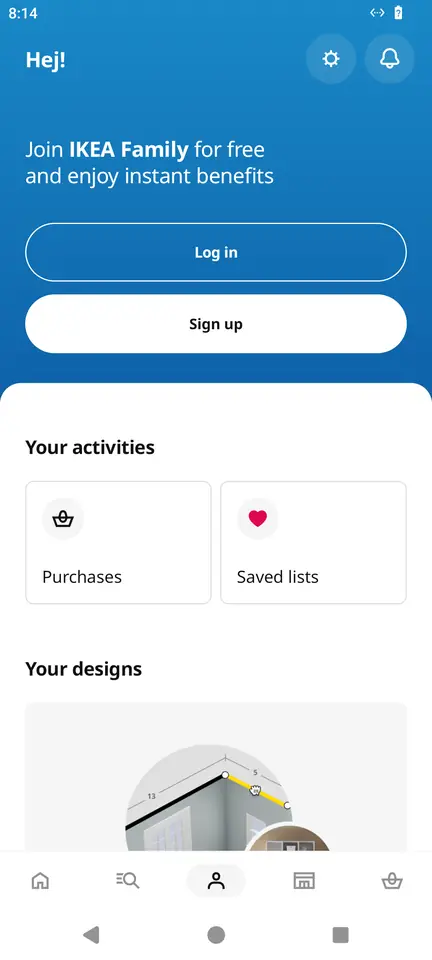
Tab bar examples, highlighted on 51 Android apps
The orange outline marks the tab bar on each real screen, located from the app's own Android view hierarchy.

170.0 lb
Get started
Workout

Home

For You
Home
Discover
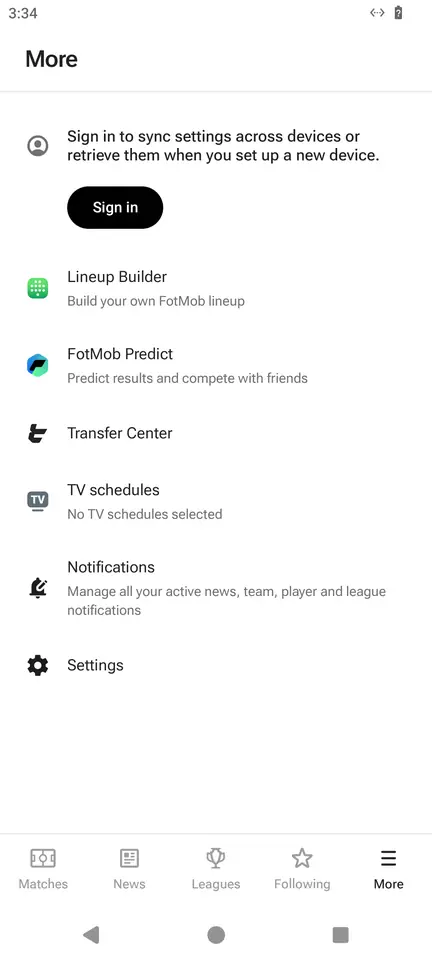
Matches

Dashboard
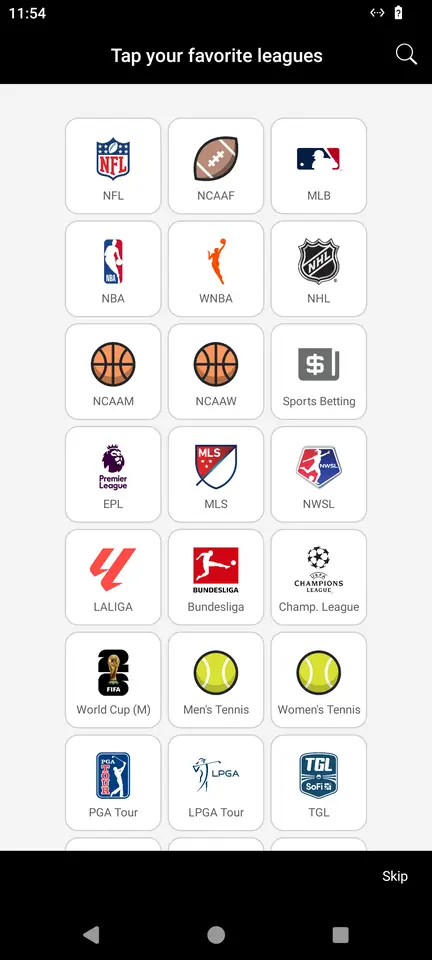
Skip

The Art of Manifesting
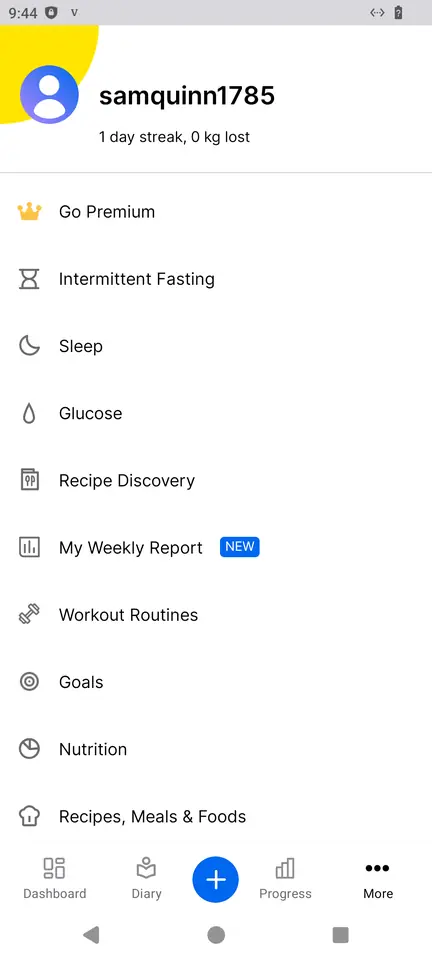
Dashboard

Home

Featured tab
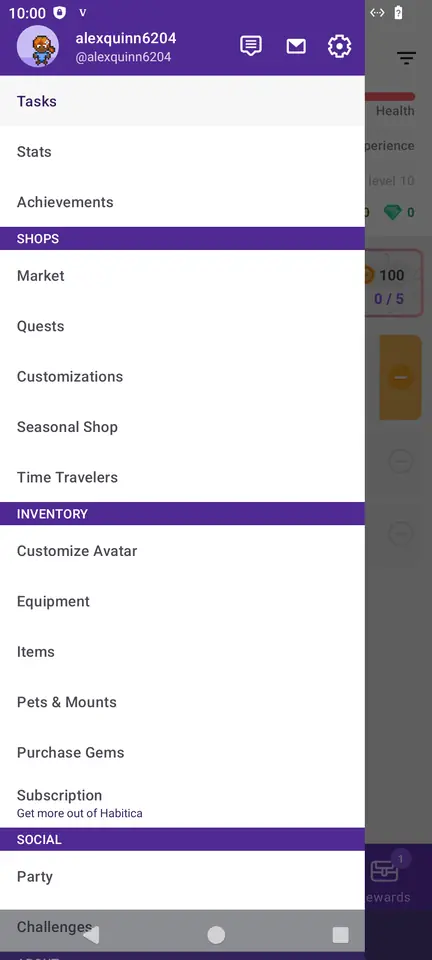
Habits

Discover
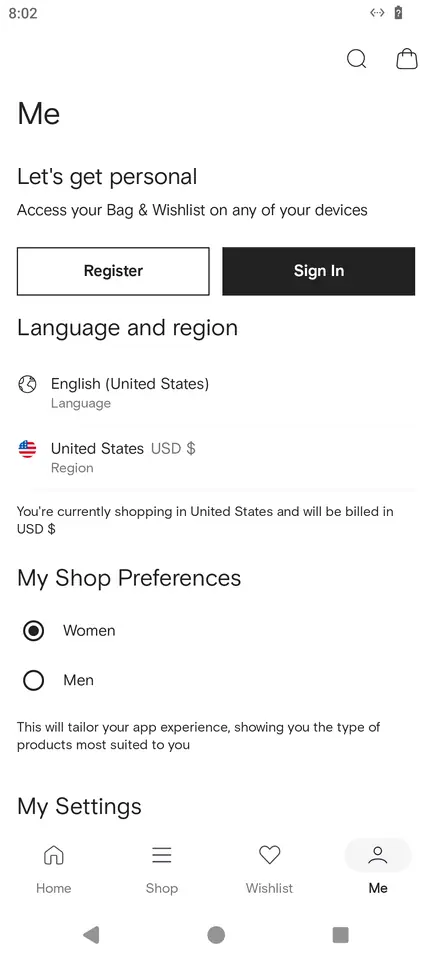
Home

Homepage
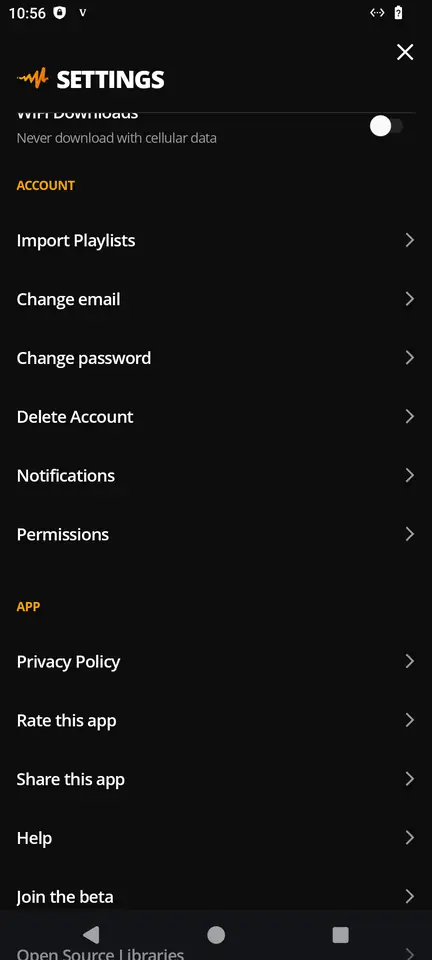
Discover
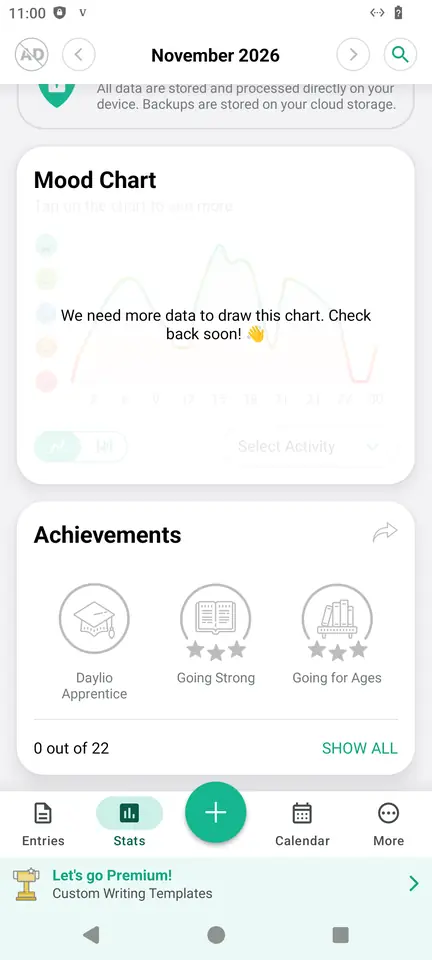
Entries

Home
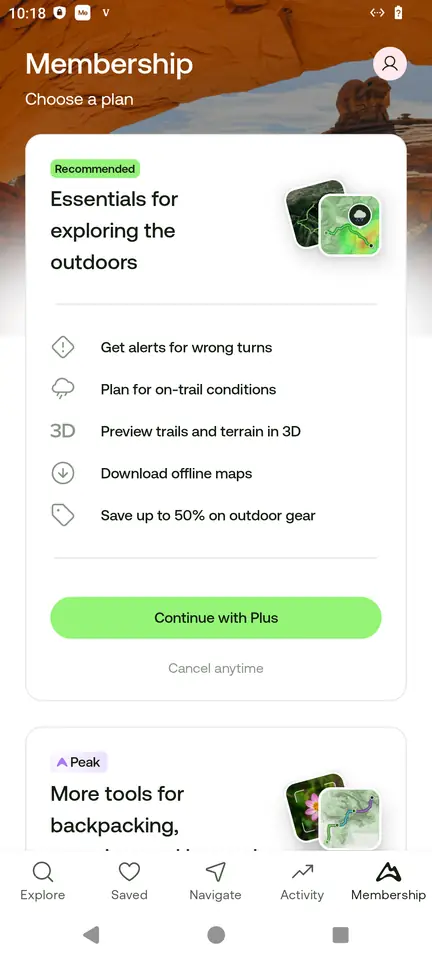
Build and customize trails in app
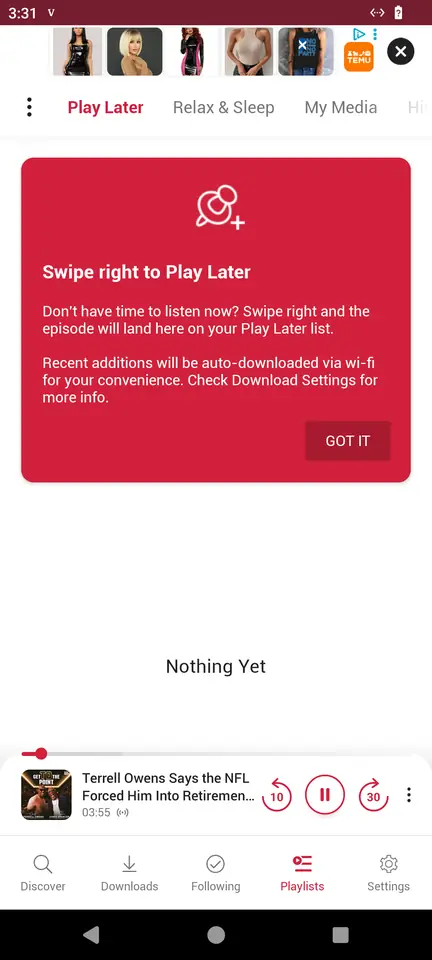
Discover

Home
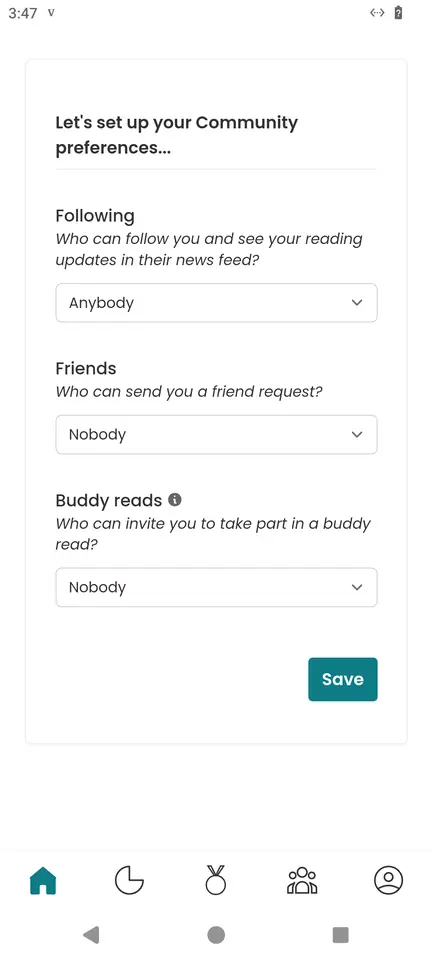
Home
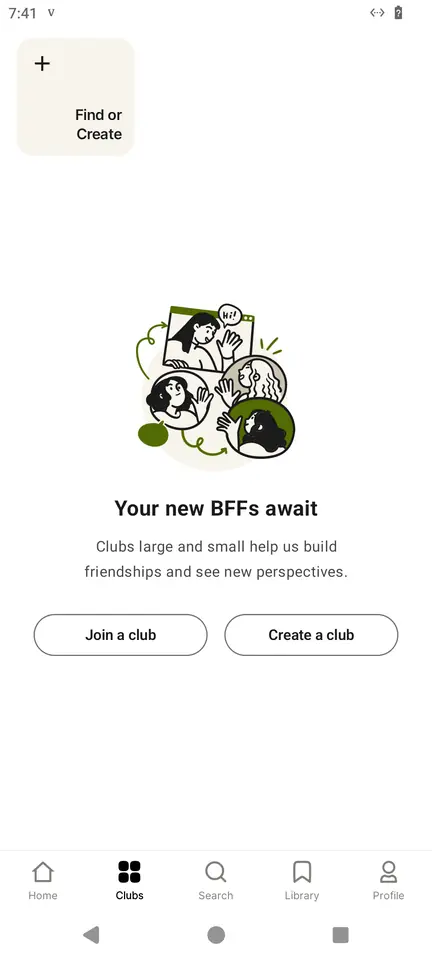
Home
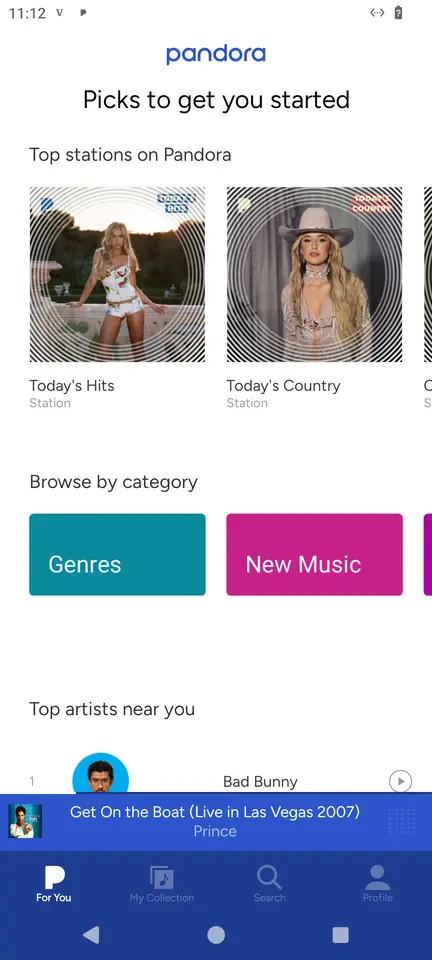
album art cover
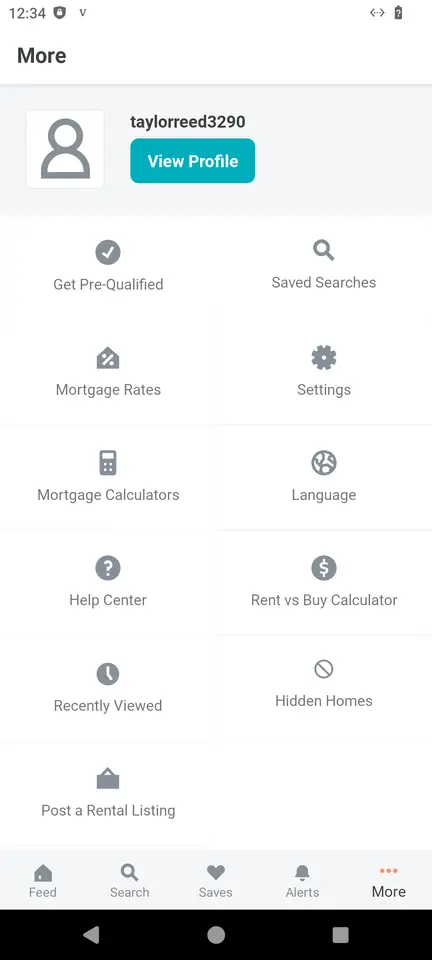
Feed

No description
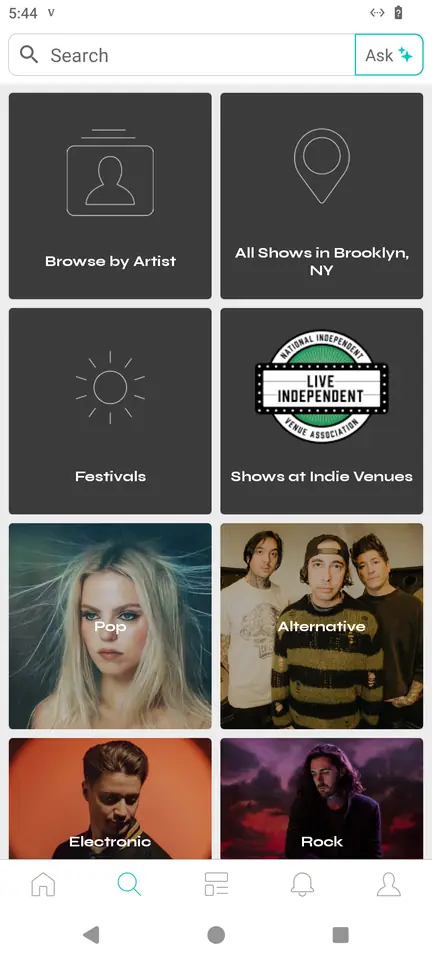
Discover
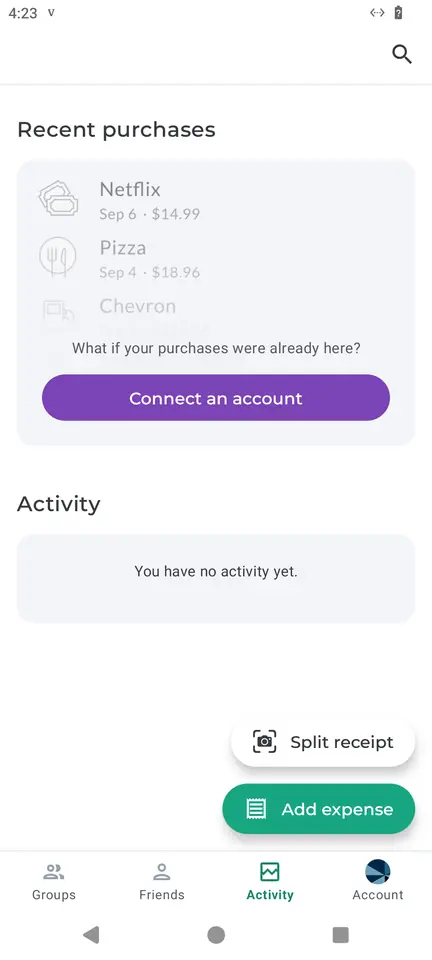
Groups

Home, 1 of 5
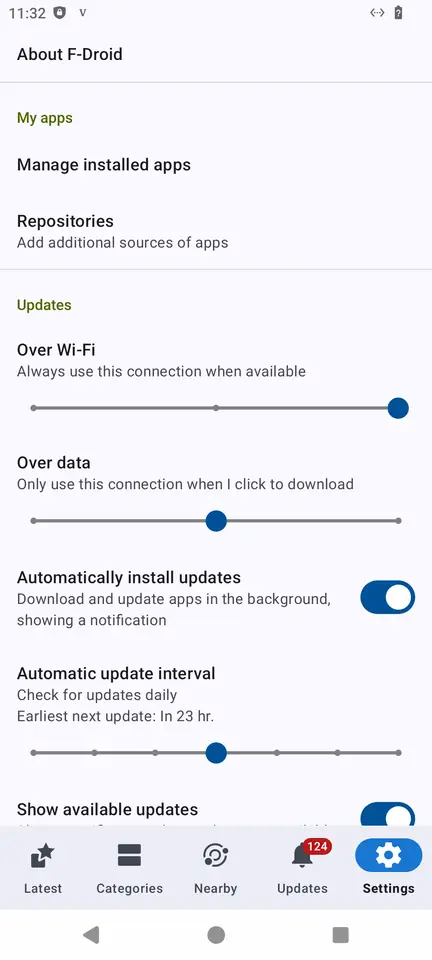
Latest
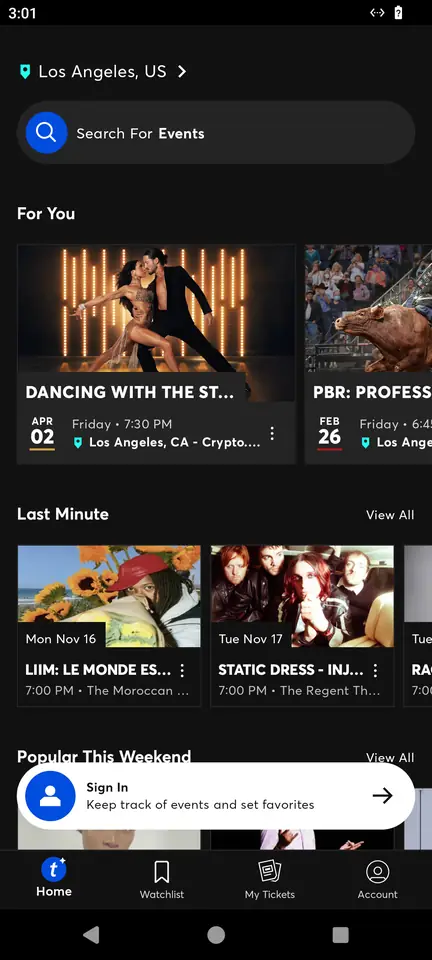
Home

Search

Welcome
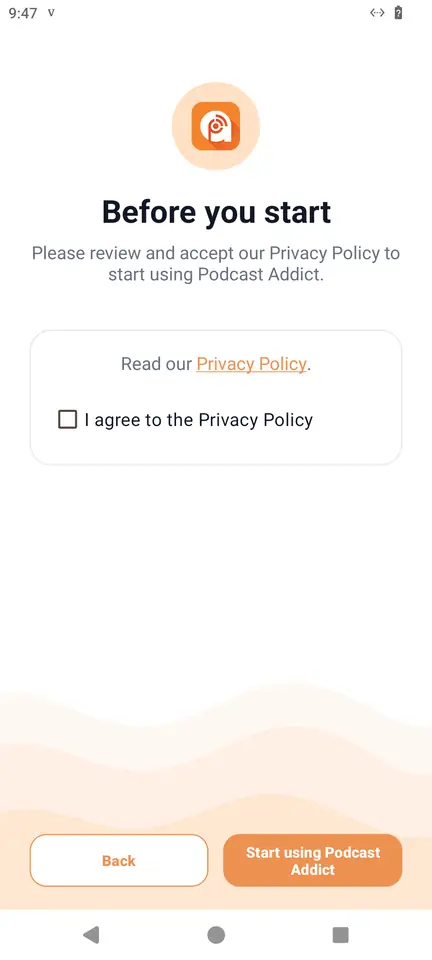
Back

17.7 Ounce
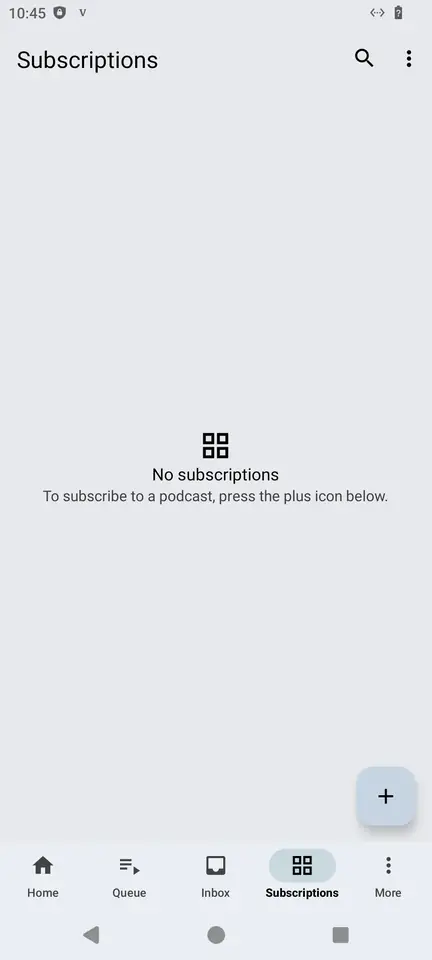
Home

Home
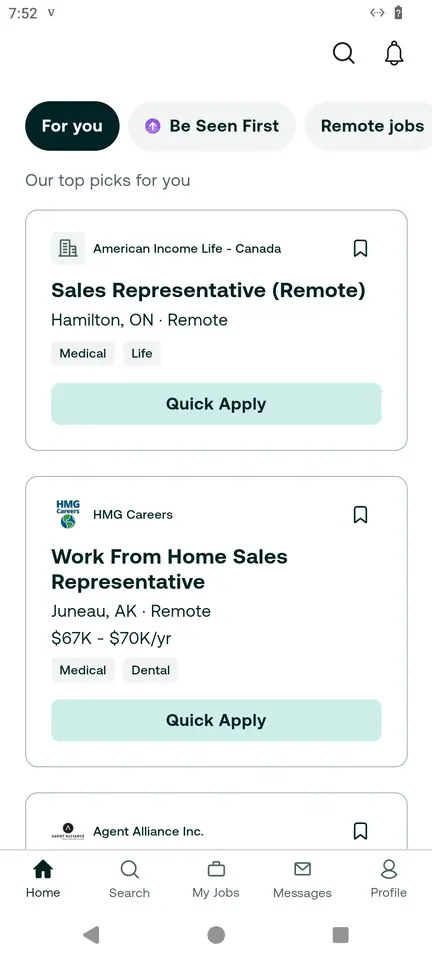
Home

Trending people

Home

News
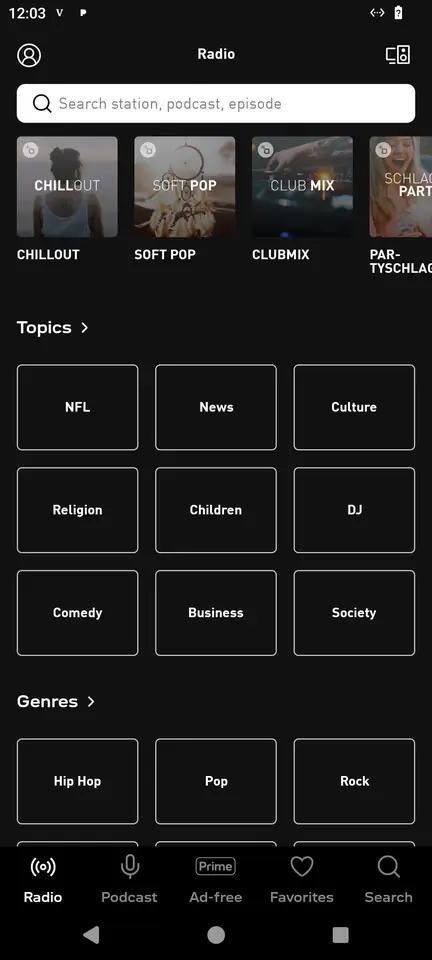
Radio
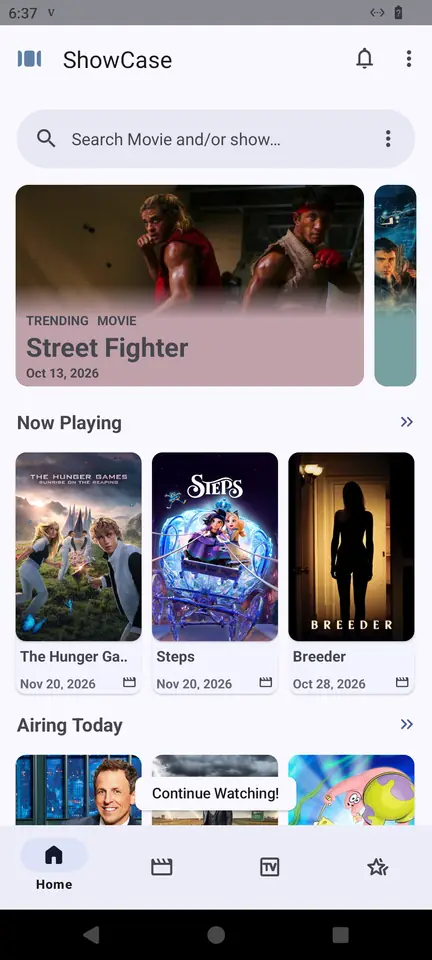
Home
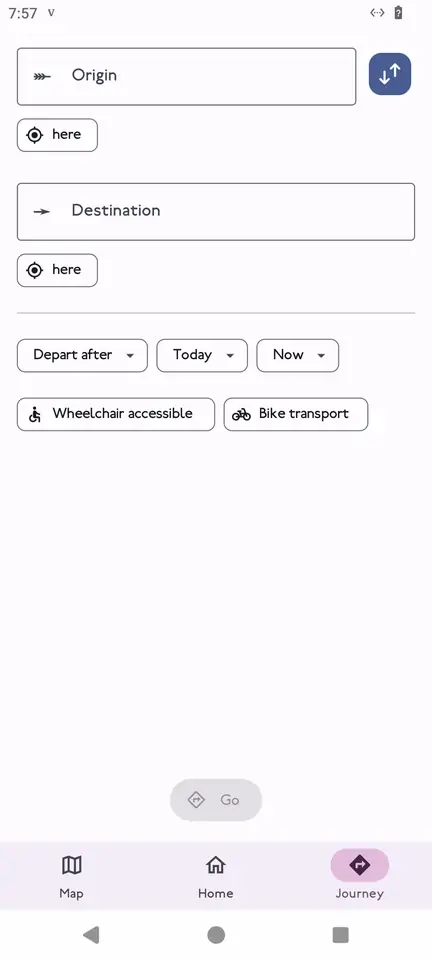
Map

Home

Privacy Policy
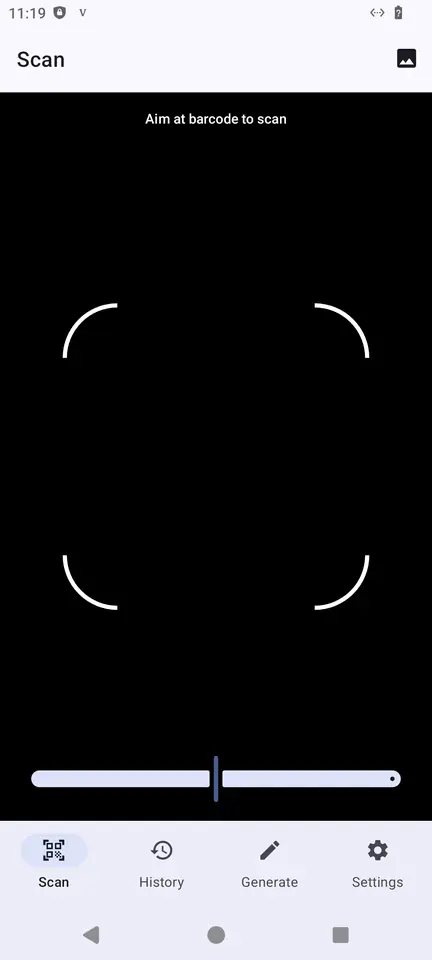
Scan
On Android
Material 3 calls it the navigation bar (BottomNavigationView / NavigationBar in Compose).
Best practices
- Use 3–5 destinations; move anything else into a Profile or More tab.
- Label every icon — icon-only tabs are guessed wrong.
- Keep the bar visible on top-level screens and hide it in focused flows such as checkout.
- Highlight the active tab with both colour and a filled icon or indicator pill.
Where it shows up
Screens showing the component, by flow step type.
By app category
Apps showing the component, by category · 51 of 246 apps in the library.
Full flows with tab bars



Udemy · Home & browsing
22 screens
IKEA · Home & browsing
17 screens


Blinkist · Home & browsing
16 screens


BuzzFeed · Home & browsing
13 screens


Mindvalley · Home & browsing
13 screens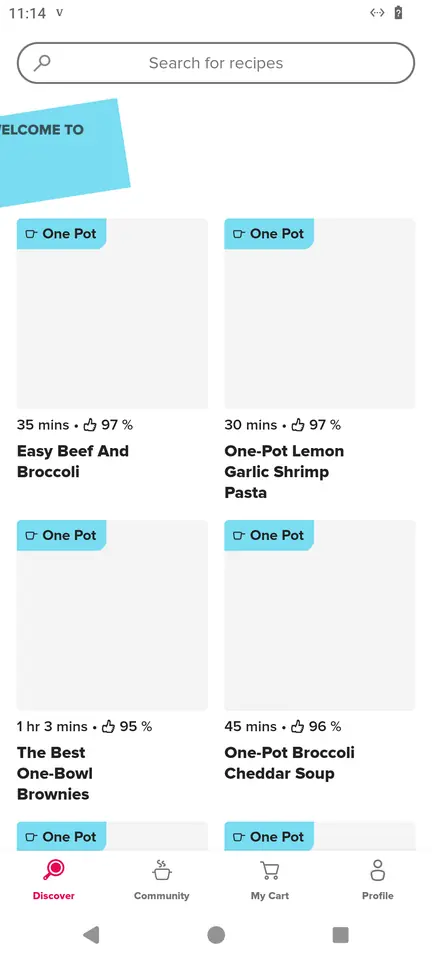
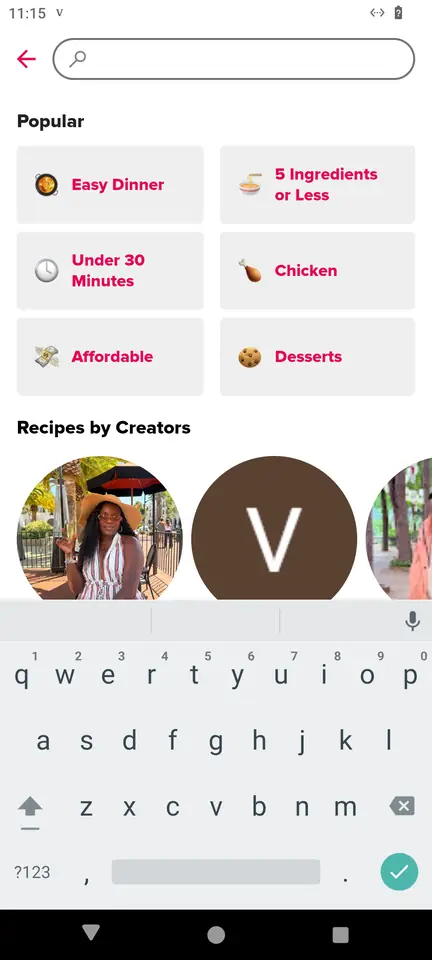
Tasty · Home & browsing
13 screens
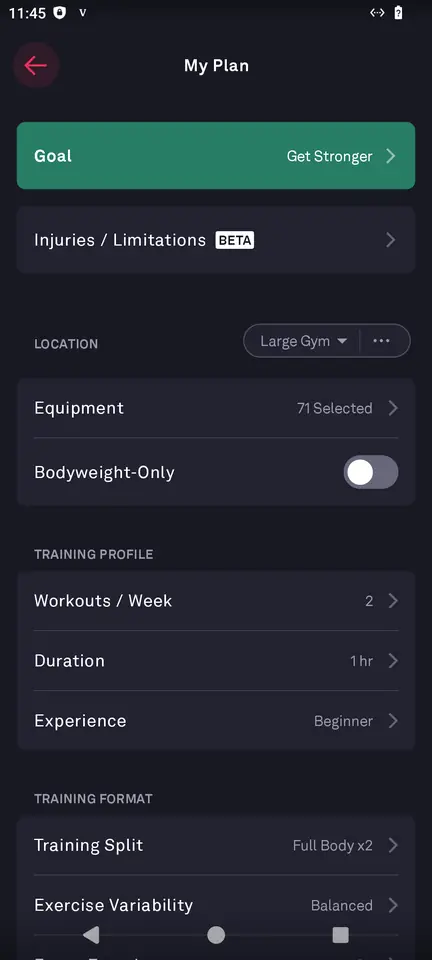

Fitbod · Home & browsing
10 screens
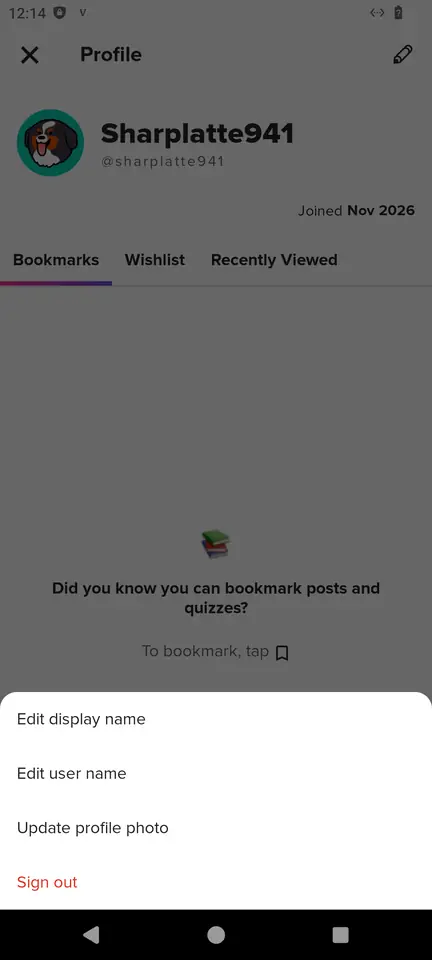
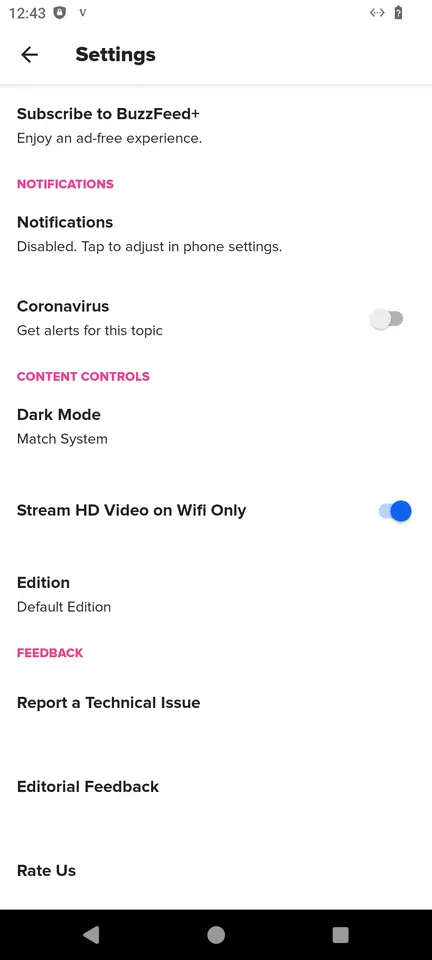
BuzzFeed · Settings
9 screens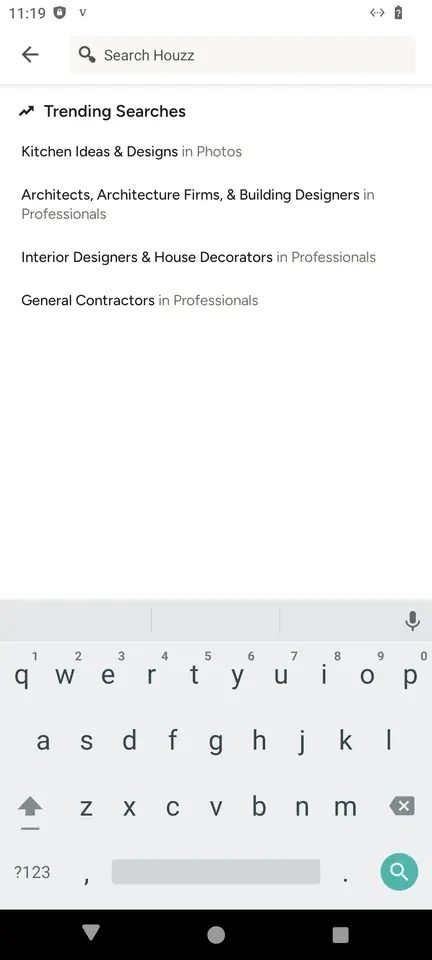
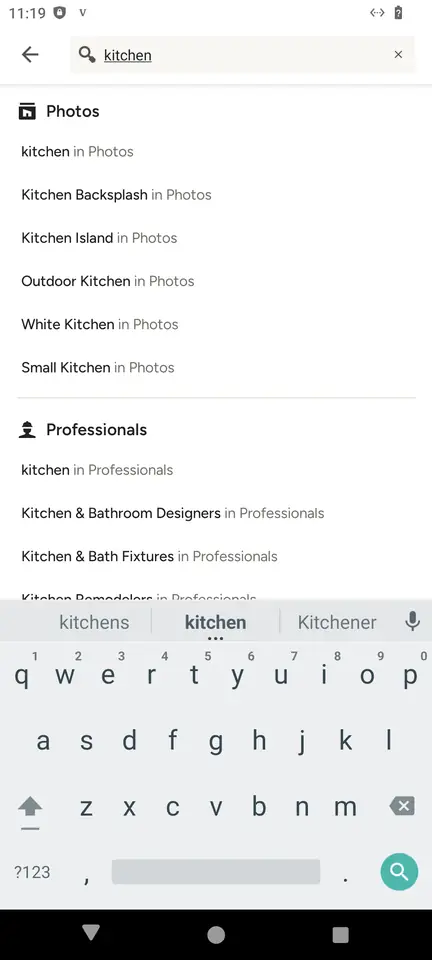
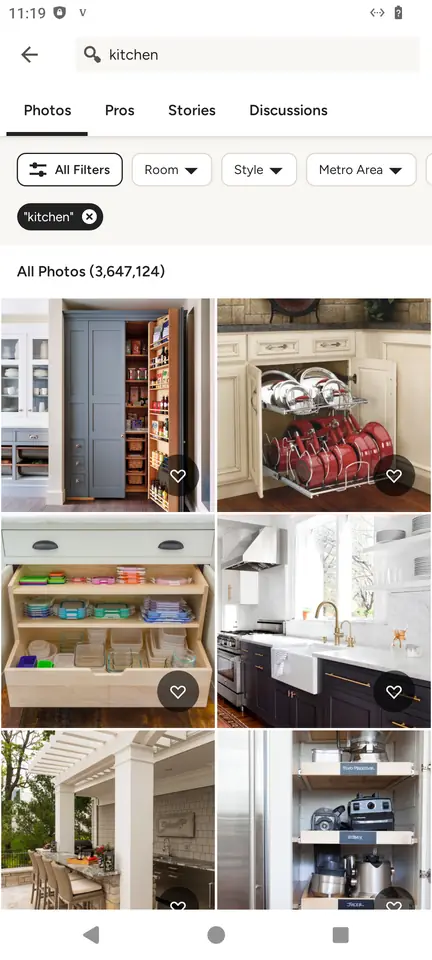
Houzz · Home & browsing
9 screensFAQ
What is a tab bar?
A tab bar is the row of 3–5 destinations pinned to the bottom of a mobile screen — Home, Search, Library, Profile — that lets users switch between an app's top-level sections with one tap. On Android it is called the bottom navigation bar.
What is a tab bar called on Android?
Material 3 calls it the navigation bar (BottomNavigationView / NavigationBar in Compose). It is also known as bottom navigation bar, bottom nav and navigation bar.
Which Android apps use a tab bar?
In the Flowtape library, 51 of 246 Android apps show a tab bar on the screens we captured, including Yazio, Flo, Fitbod, BuzzFeed, Blinkist and Lucid.
How do I design a good tab bar?
Use 3–5 destinations; move anything else into a Profile or More tab. Label every icon — icon-only tabs are guessed wrong. Keep the bar visible on top-level screens and hide it in focused flows such as checkout.
Detected in the view hierarchy of screens captured on real Android devices · last updated 2026-11-14