Home & browsing flow · InnerTune · Android
InnerTune home & browsing screens
Every screen of InnerTune's home & browsing screens on Android, in order: 4 steps, recorded on a real device. InnerTune's home & browsing flow walks through 4 screens, including “History”, “Sk8er Boi (Official Video)”, “Give It Up To Me (feat. Keyshia Cole)” and “Single Ladies (Put a Ring on It) (Video…”.
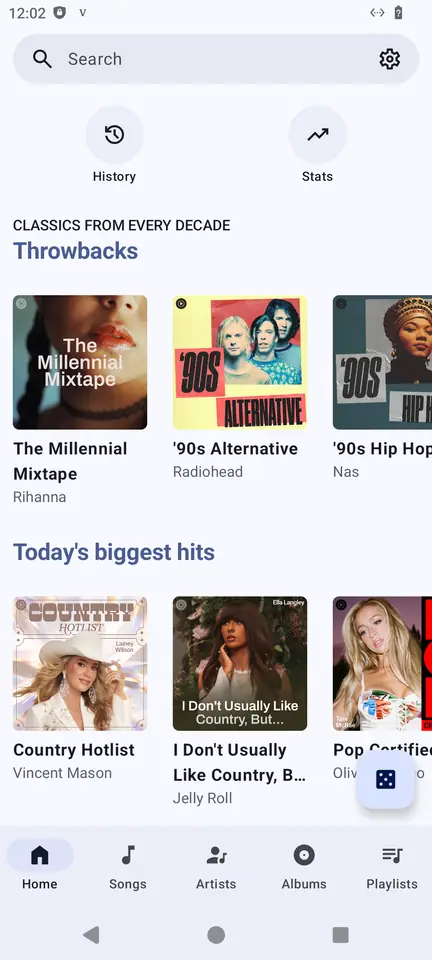 01 Home & browsing · tap “The Millennial Mixtape Rihanna”
History — Stats
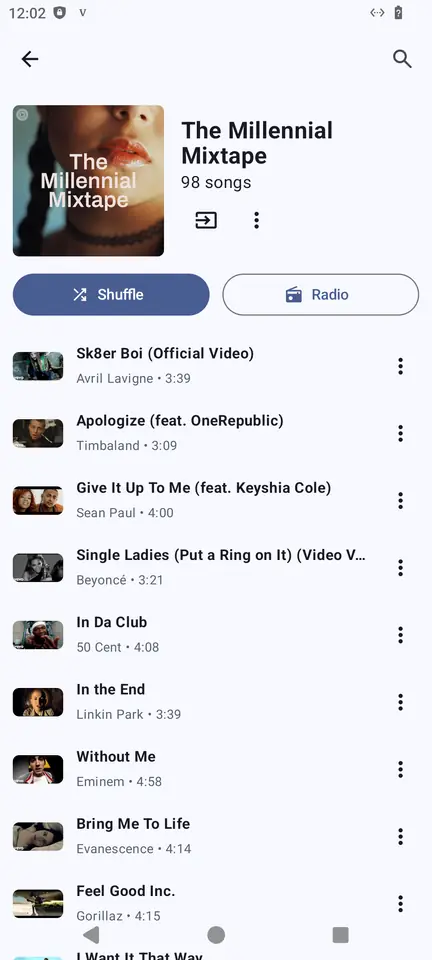 02 Home & browsing · tap “I Want It That Way”
The Millennial Mixtape — 98 songs
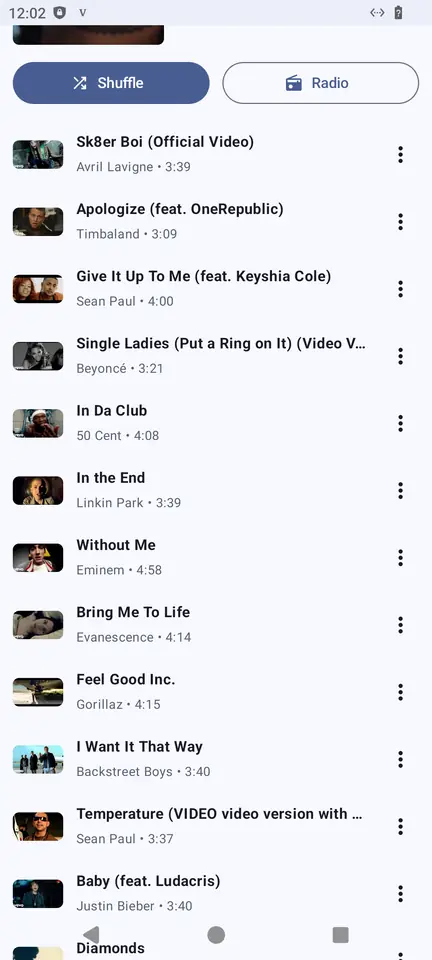 03 Home & browsing · tap “Diamonds”
Shuffle — Radio
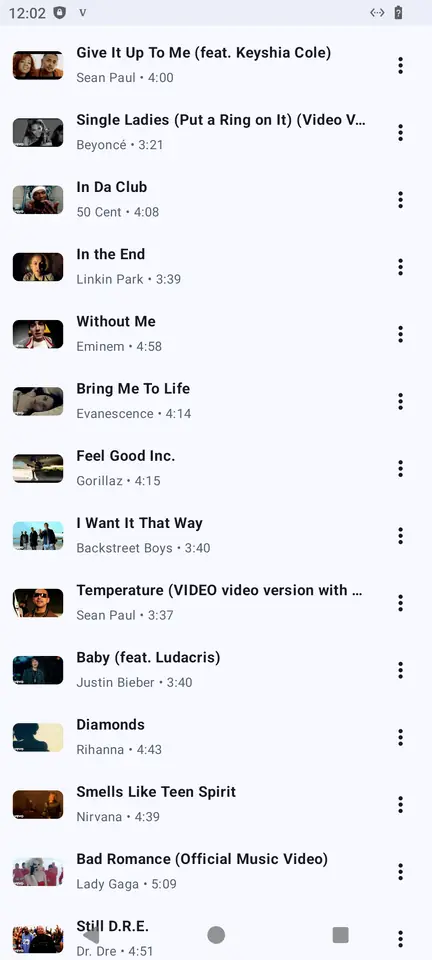 04 Home & browsing · tap “Still D.R.E. Dr. Dre • 4:51”
Give It Up To Me (feat. Keyshia Cole) — Sean Paul • 4:00
What InnerTune's home & browsing screens does
- 4 screens in order, opening on “History” and ending at “Give It Up To Me (feat. Keyshia Cole)”.
- Taps along the way: “The Millennial Mixtape Rihanna” → “I Want It That Way” → “Diamonds” → “Still D.R.E. Dr. Dre • 4:51”.
Captured on a real Android device · last updated 2026-11-14