Home & browsing flow · Genius · Android
Genius home & browsing screens
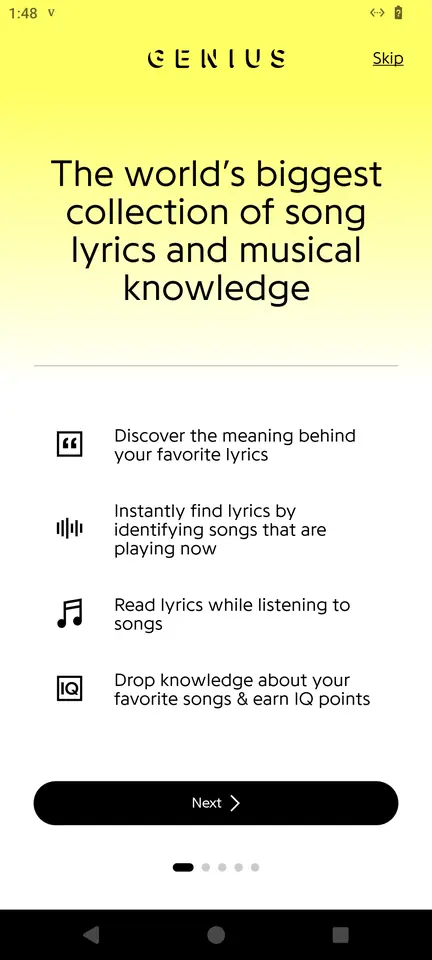
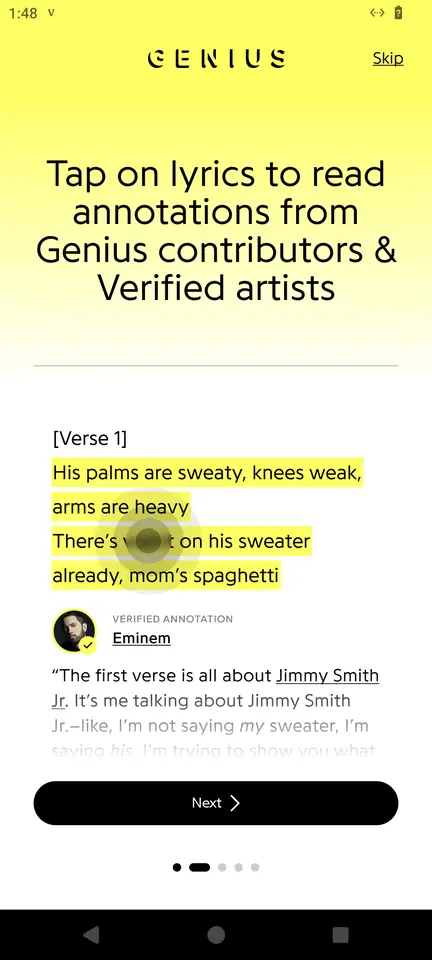
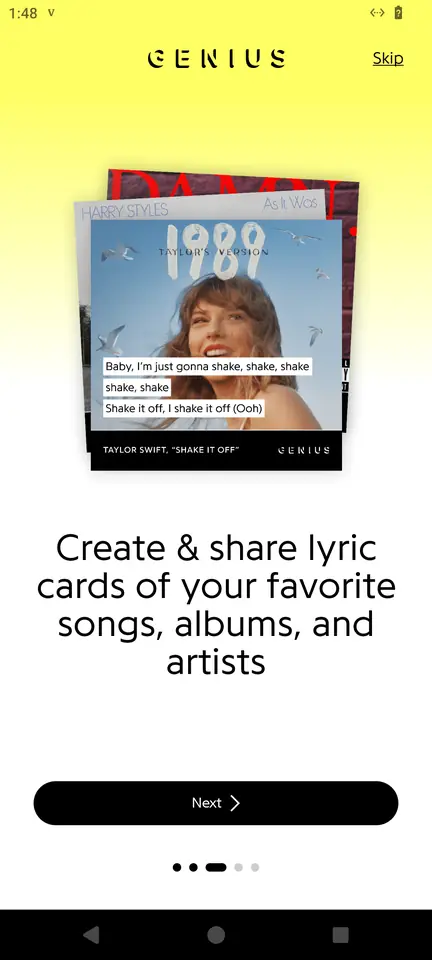
Every screen of Genius's home & browsing screens on Android, in order: 7 steps, recorded on a real device. Genius's home & browsing flow walks through 7 screens, including “Your Music + Genius”, “‘Grand Theft Auto VI: The Album’ Just…”, “By Genius /” and “No notifications.”.
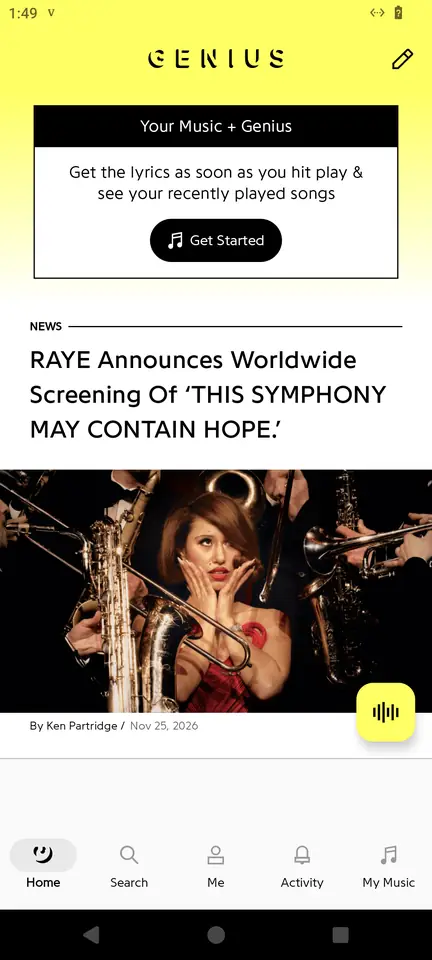 01 Home & browsing
Your Music + Genius — Get the lyrics as soon as you hit play & see your recently played songs
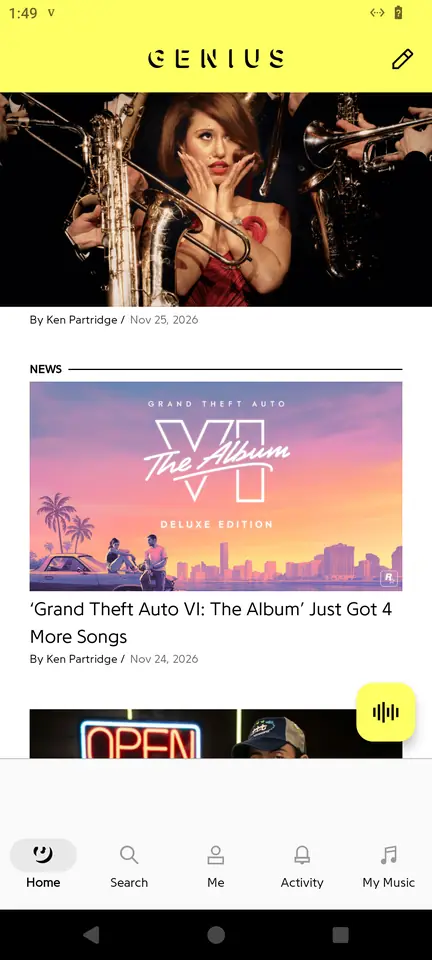 02 Home & browsing
RAYE Announces Worldwide Screening Of ‘THIS SYMPHONY MAY CONTAIN HOPE.’ — By Ken Partridge /
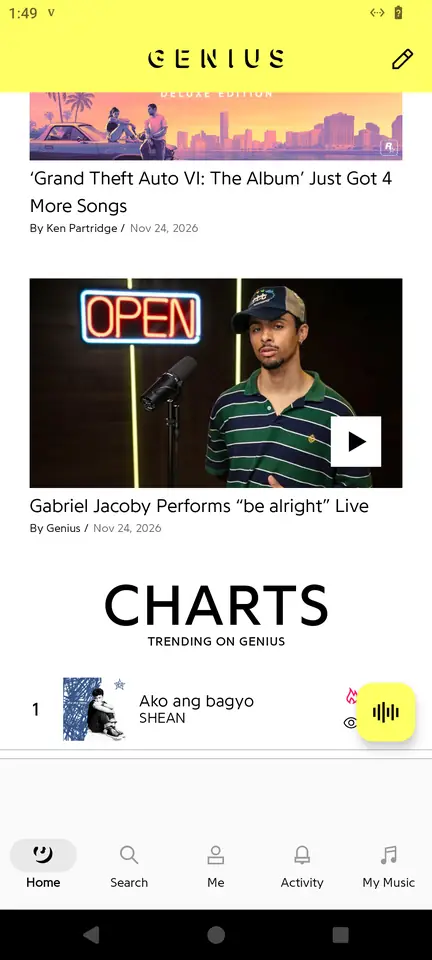 03 Home & browsing
‘Grand Theft Auto VI: The Album’ Just Got 4 More Songs — By Ken Partridge /
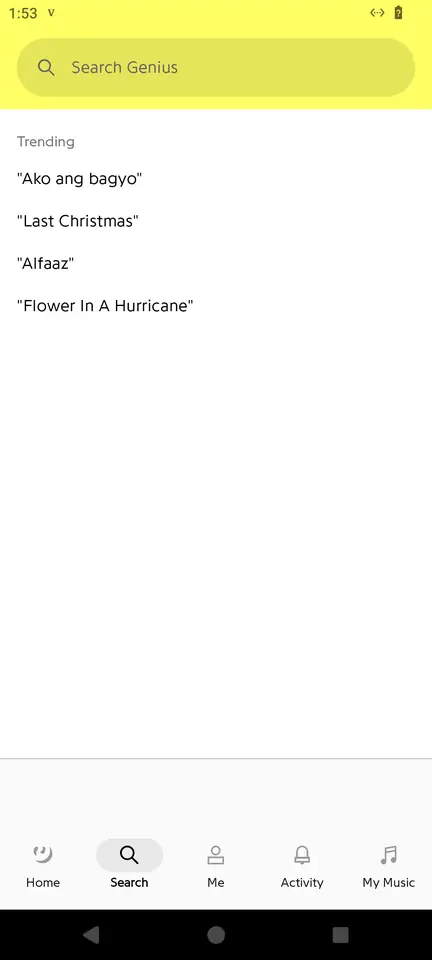 04 Home & browsing
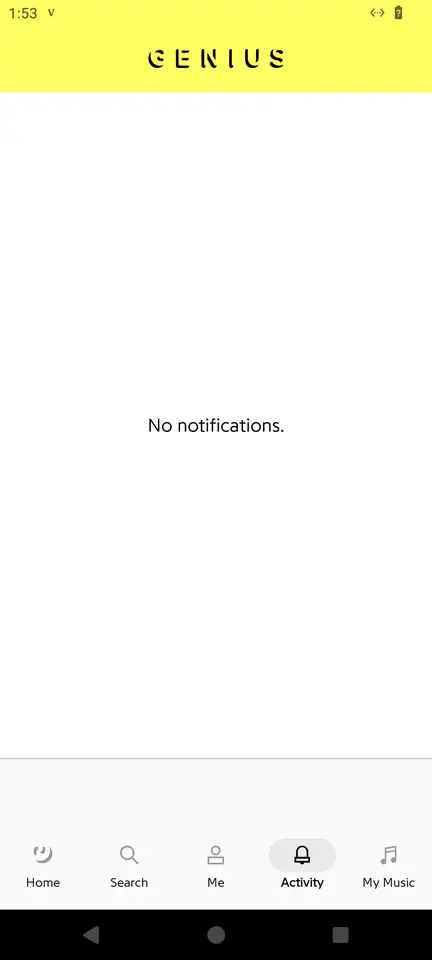 05 Home & browsing
No notifications. — Genius
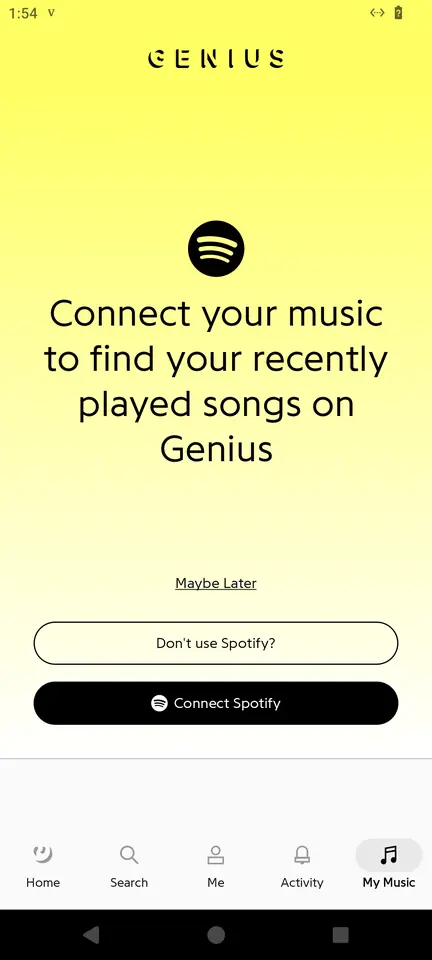 06 Home & browsing
Connect your music to find your recently played songs on Genius — Maybe Later
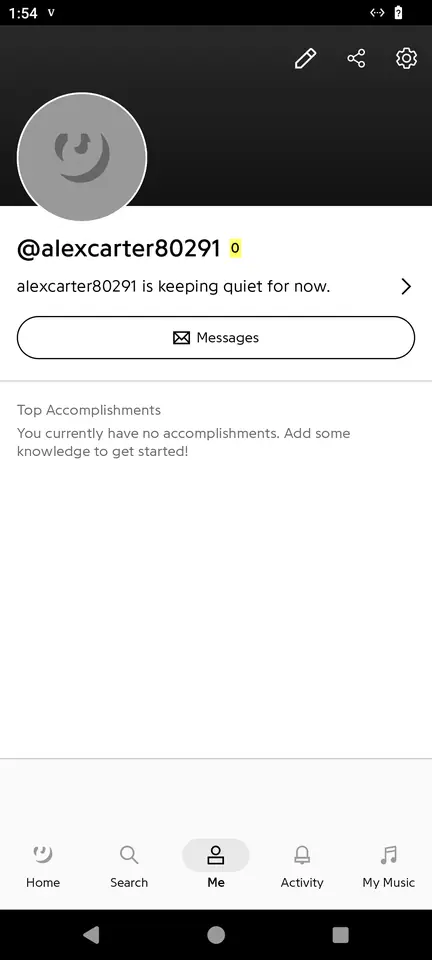 07 Home & browsing
Edit — Share
What Genius's home & browsing screens does
- 7 screens in order, opening on “Your Music + Genius” and ending at “Settings”.
- Gives users an exit: a “Maybe Later” option.
Captured on a real Android device · last updated 2026-11-14