Home & browsing flow · BuzzFeed · Android
BuzzFeed home & browsing screens
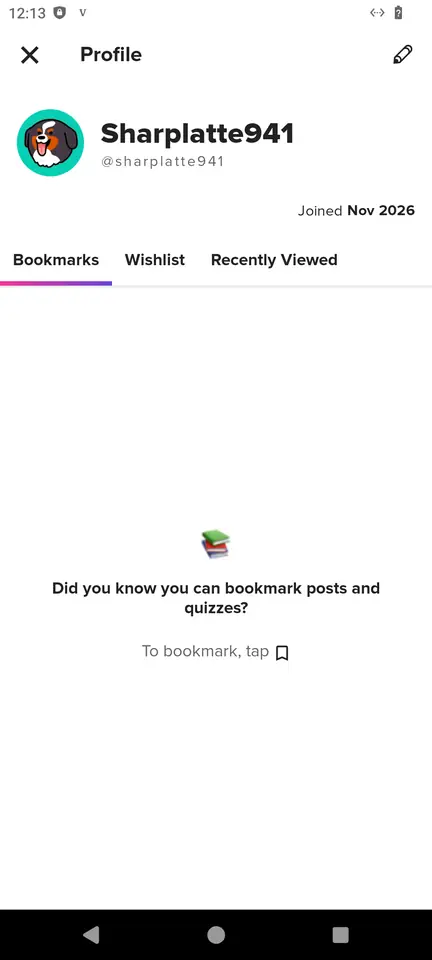
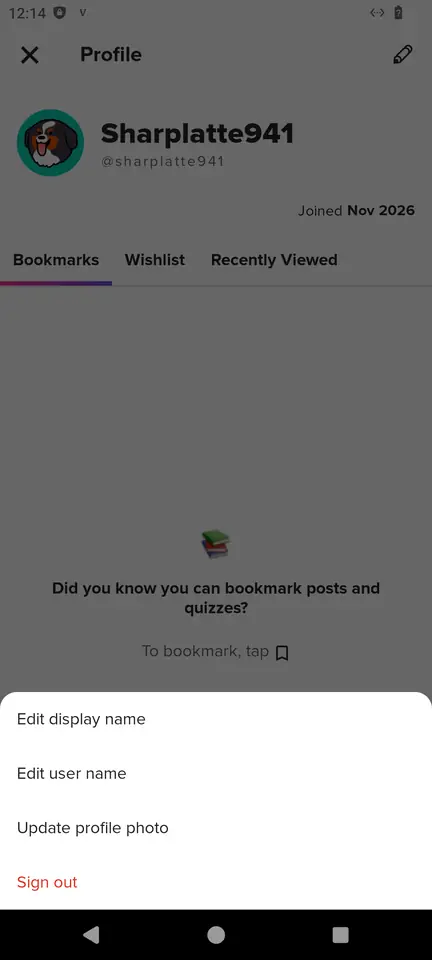
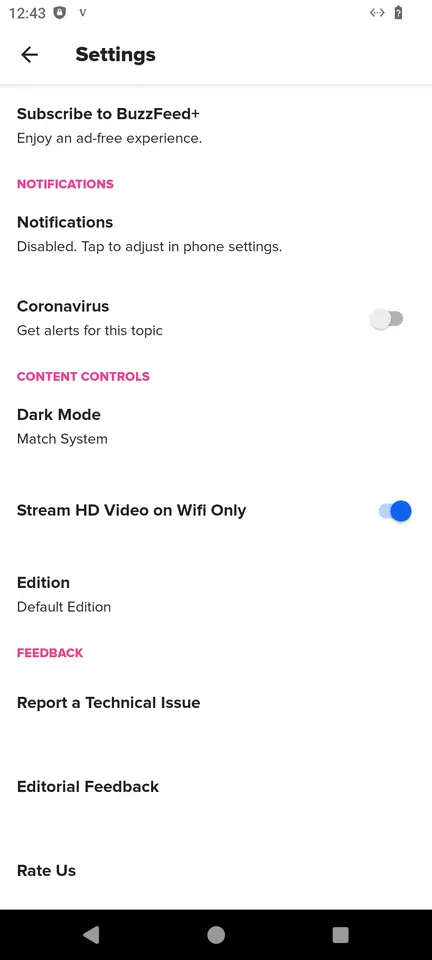
Every screen of BuzzFeed's home & browsing screens on Android, in order: 13 steps, recorded on a real device. BuzzFeed's home & browsing flow walks through 13 screens, including “Turn on push notifications and be…”, “Recently Viewed”, “Beauty” and “Stores”. Along the way it stops for an offer at step 6. The screens are built around tab bars (7 screens), cards (5 screens), tabs (4 screens) and a search bar.
 01 Home & browsing
Turn on push notifications and be reminded of our daily games. — Open settings
 02 Home & browsing
Search… — User Profile
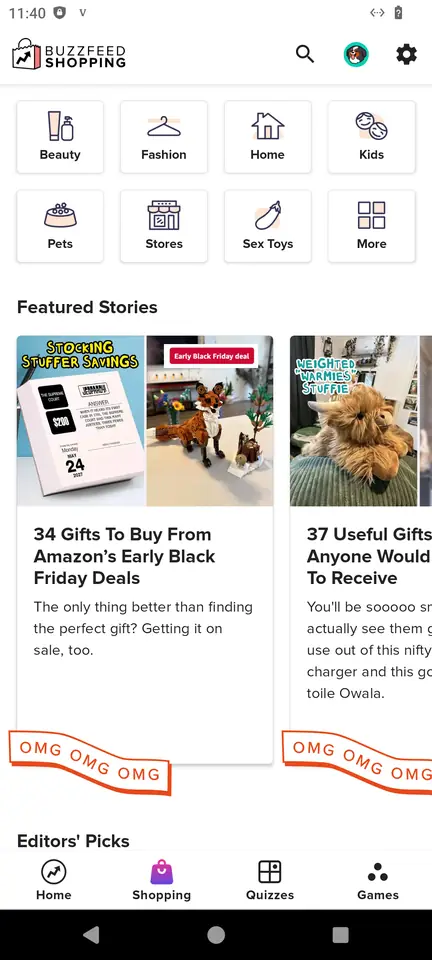 03 Home & browsing
Search… — User Profile
 04 Home & browsing
Pets — Stores
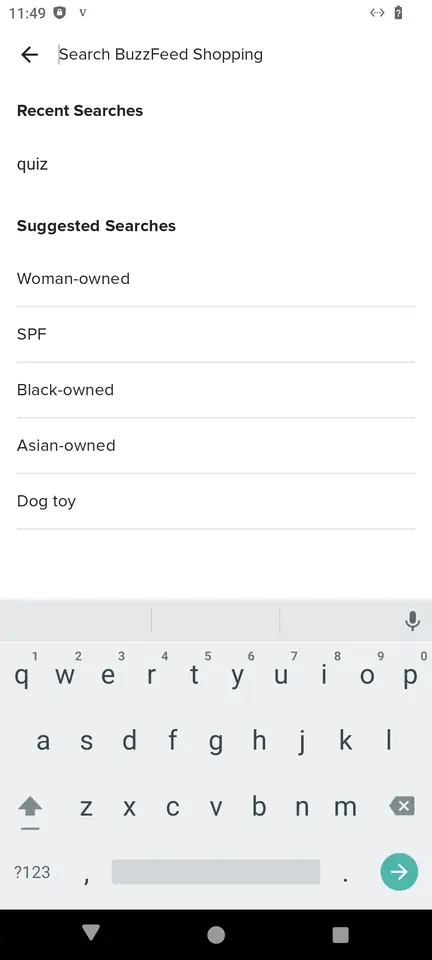 05 Home & browsing
Collapse — Search BuzzFeed Shopping
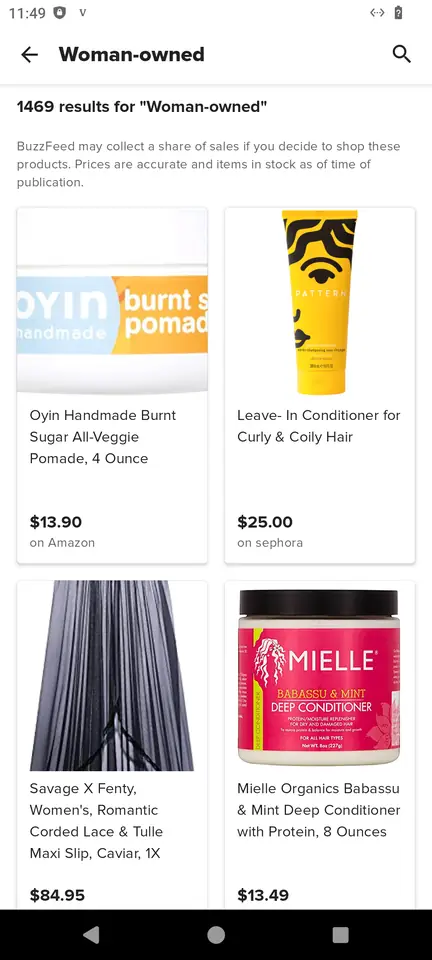 06 Home & browsing
Navigate up — Woman-owned
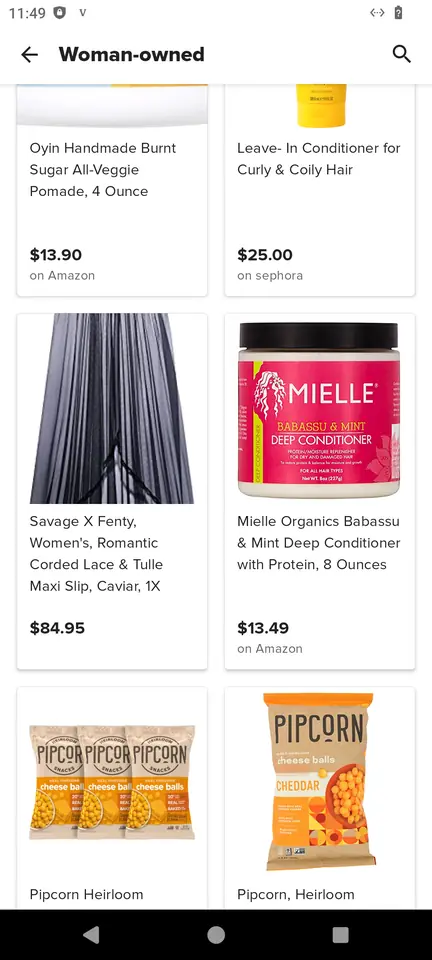 07 Home & browsing
Navigate up — Woman-owned
 08 Home & browsing
Quizzes — Search…
 09 Home & browsing
Quizzes — Trivia
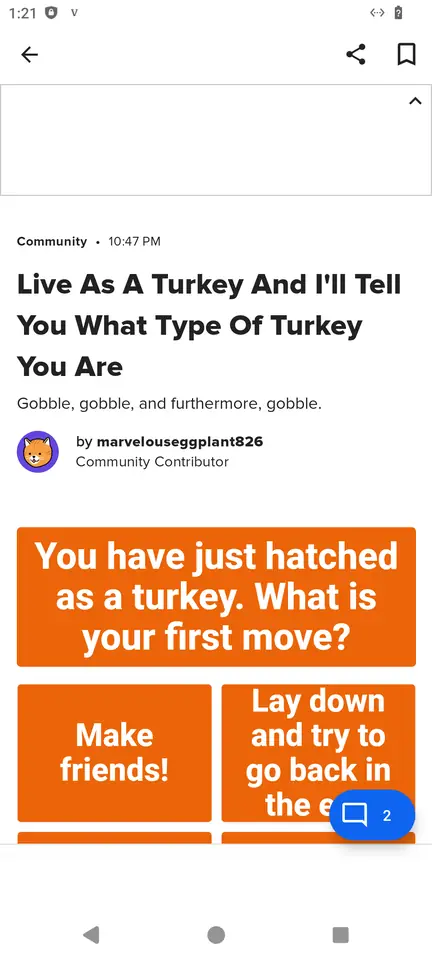 10 Home & browsing
Navigate up — Share
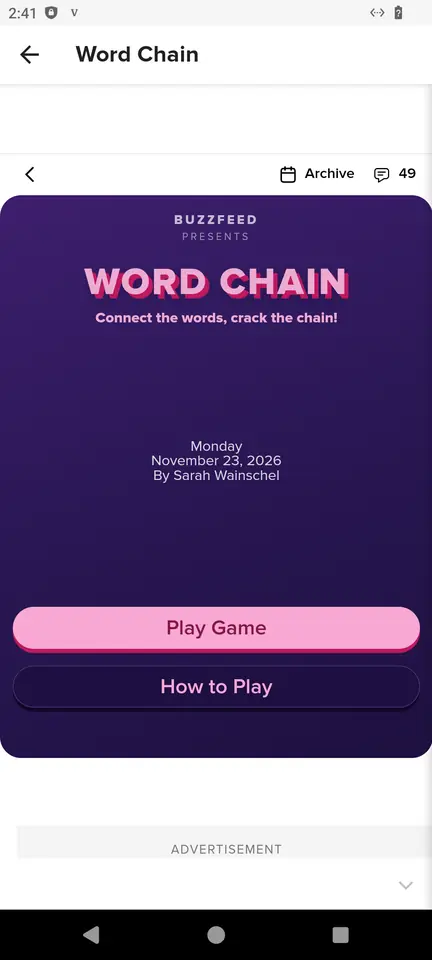 11 Home & browsing
Word Chain
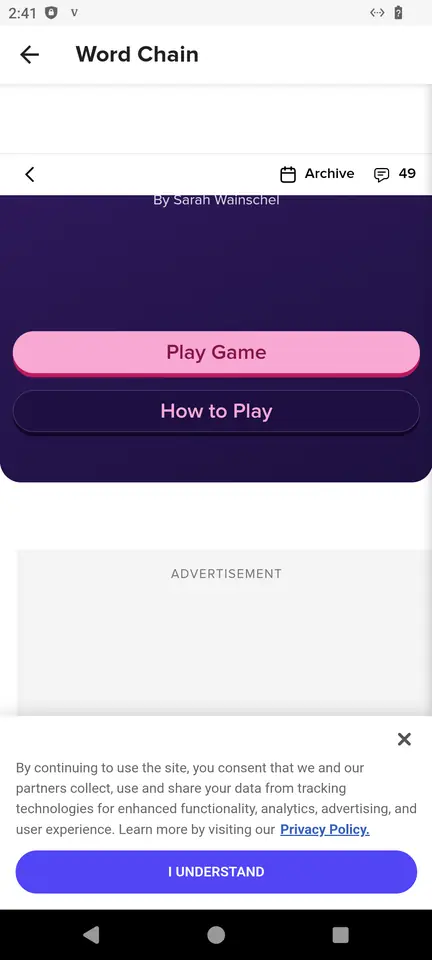 12 Home & browsing
Word Chain — Word Chain - Play BuzzFeed's Daily Word Game
 13 Home & browsing
Search… — User Profile
What BuzzFeed's home & browsing screens does
- 13 screens in order, opening on “Turn on push notifications and be reminded of our daily…” and ending at “Search…”.
- Shows pricing on screen: “$13.90”.
Read the step-by-step UX teardown of this flow →
Captured on a real Android device · last updated 2026-11-14