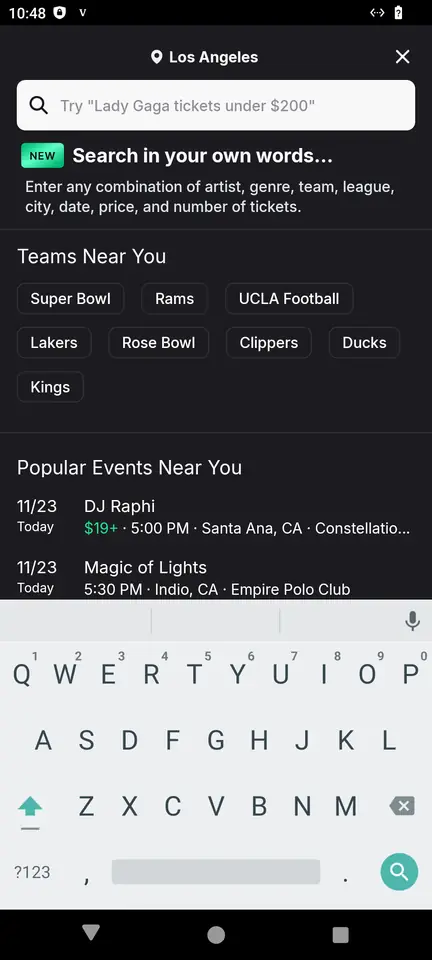
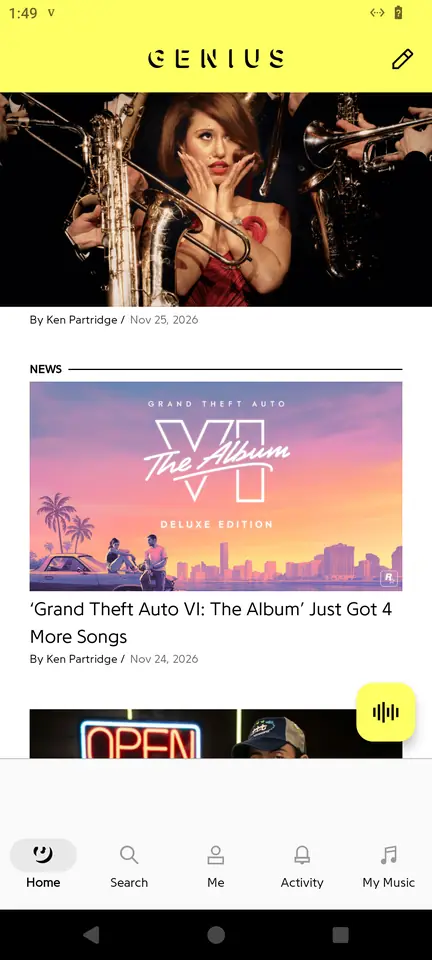
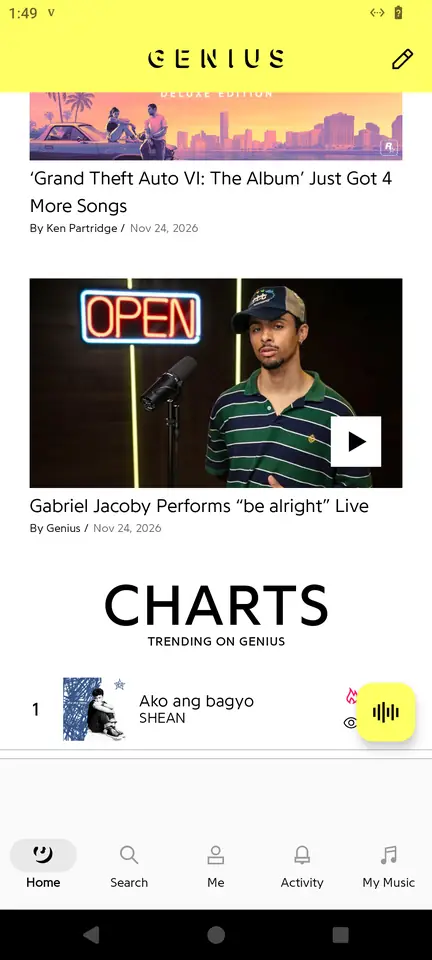
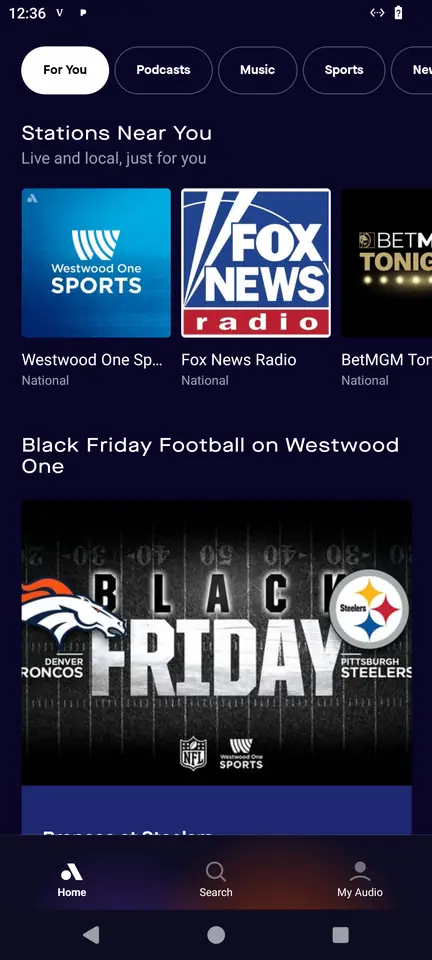
Home & browsing flow · Player FM · Android
Player FM home & browsing screens
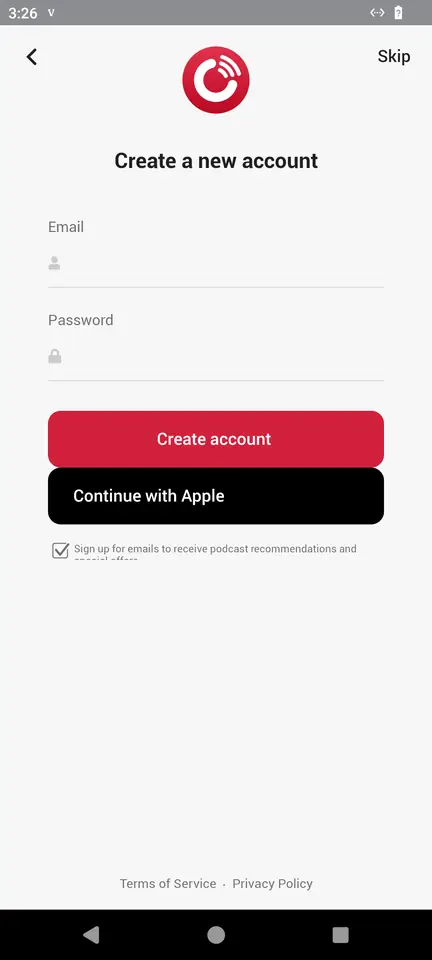
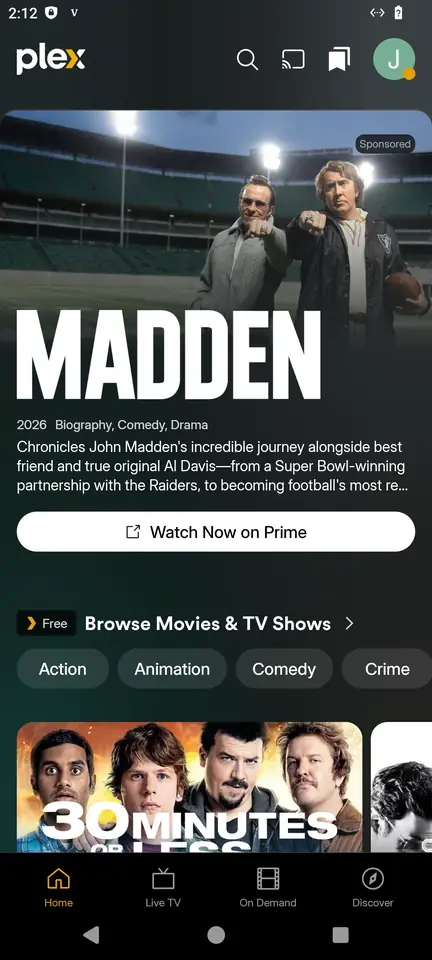
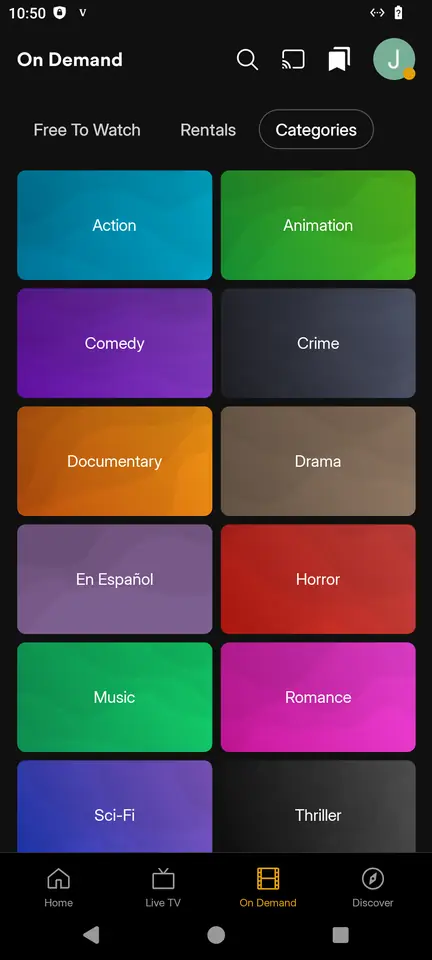
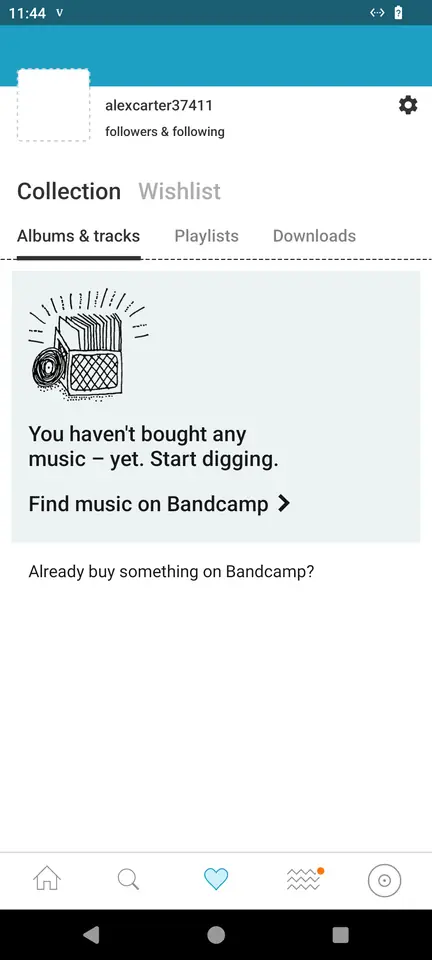
Every screen of Player FM's home & browsing screens on Android, in order: 7 steps, recorded on a real device. Player FM's home & browsing flow walks through 7 screens, including “Listen to this show while you explore…”, “Playback progress” and “Upgrade to Premium”. The screens are built around tab bars (6 screens) and tabs (4 screens).
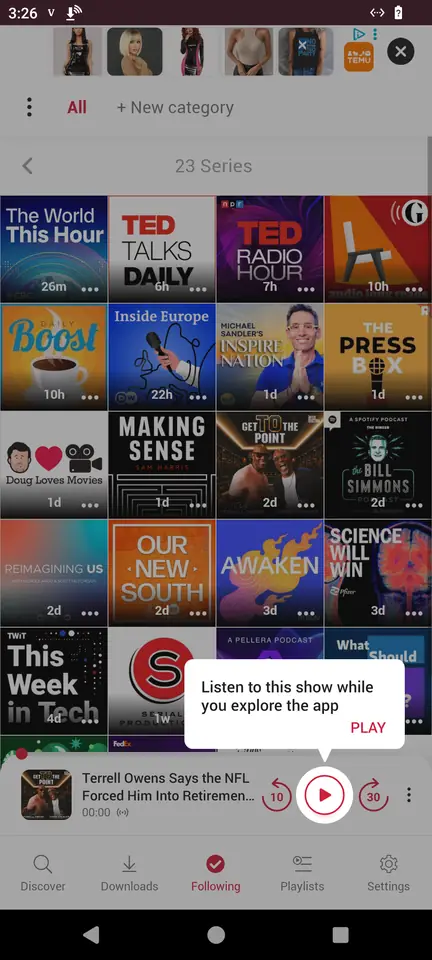 01 Home & browsing
Listen to this show while you explore the app — PLAY
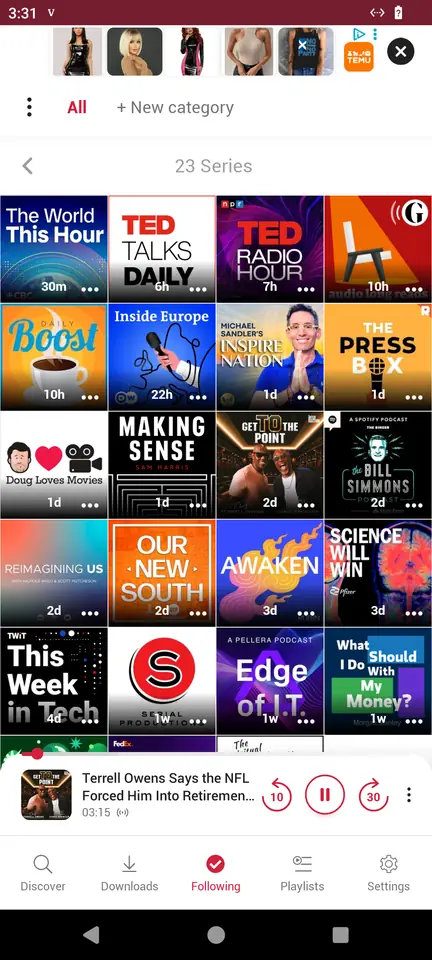 02 Home & browsing
Playback progress — Open fullscreen player
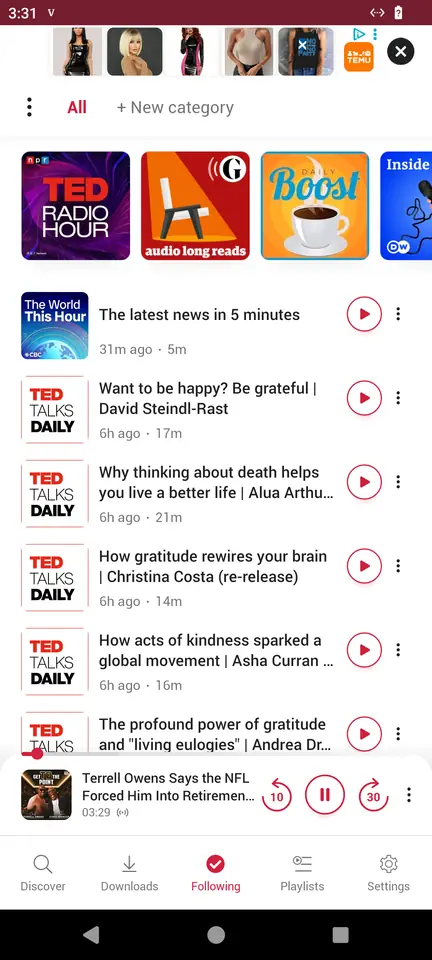 03 Home & browsing
Playback progress — Open fullscreen player
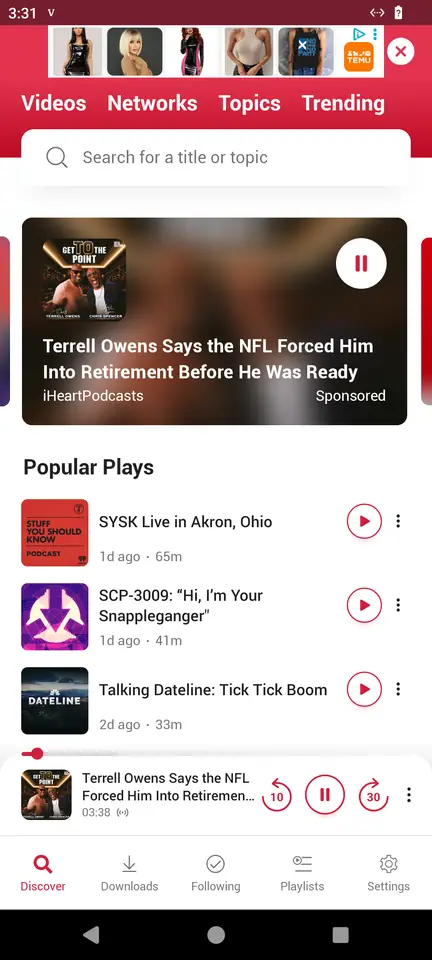 04 Home & browsing
Playback progress — Open fullscreen player
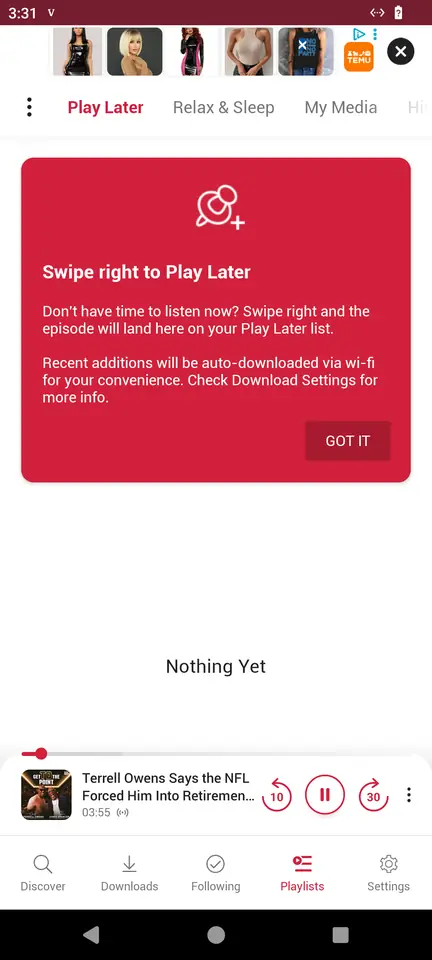 05 Home & browsing
Playback progress — Open fullscreen player
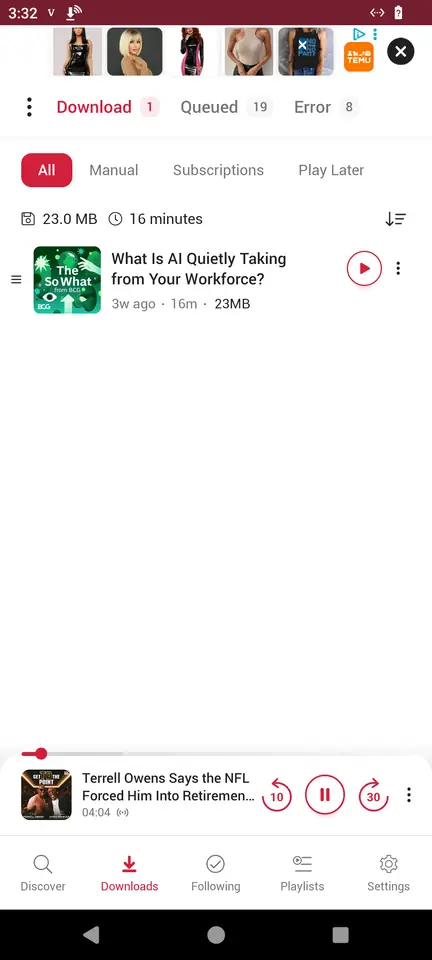 06 Home & browsing
Playback progress — Open fullscreen player
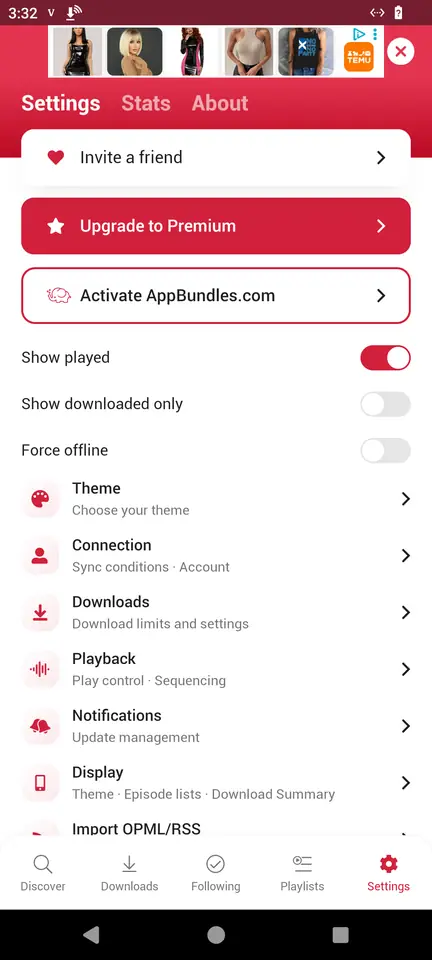 07 Home & browsing
Upgrade to Premium — Settings
What Player FM's home & browsing screens does
- 7 screens in order, opening on “Listen to this show while you explore the app” and ending at “Upgrade to Premium”.
Read the step-by-step UX teardown of this flow →
Captured on a real Android device · last updated 2026-11-14